# Luxor Documentation
> Full machine-readable corpus of the Luxor documentation. For the page index see https://docs.luxor.tech/llms.txt
# Hardware (https://docs.luxor.tech/hardware)
Luxor offers a full suite of Bitcoin mining hardware solutions that support miners through the entire equipment lifecycle—from sourcing and purchasing to negotiation and logistics. Through our global network and vertically integrated infrastructure, we simplify the hardware procurement process and enable miners to scale more efficiently.
Whether you're a small-scale buyer looking for ready-to-ship units or an institutional miner navigating large-volume deals, Luxor provides the tools, access, and expertise to optimize your hardware acquisition and distribution.
## Hardware Brokerage [#hardware-brokerage]
Luxor’s **Hardware Brokerage** service is designed for miners seeking trusted, high-volume transactions for new and used ASIC machines. With a global sourcing network and direct relationships with major manufacturers and distributors, Luxor brokers millions of dollars worth of hardware transactions monthly.
**Why Choose Luxor Brokerage:**
* **Global Reach:** Tap into a network of vetted buyers and sellers across North America, Latin America, Asia, and Europe.
* **Exclusive Inventory:** Access bulk orders and competitive pricing not listed in public marketplaces.
* **Verified Supply:** All sellers and machines undergo internal vetting to ensure quality and reliability.
* **Custom Solutions:** From turnkey operations to bespoke sourcing strategies, Luxor tailors each brokerage engagement to the client’s unique needs.
* **Secure Transactions:** Optional escrow services, payment protection, and hands-on deal support.
The brokerage desk specializes in fulfilling large orders and enabling miners to upgrade their fleets quickly and efficiently. Whether you're deploying a new site or selling used hardware, our team ensures a smooth and secure transaction process.
Contact the hardware brokerage team: [sales@luxor.tech](mailto:sales@luxor.tech)
## Hardware Shop [#hardware-shop]
The **Luxor Hardware Shop** provides miners with access to a regularly updated inventory of in-stock, ready-to-ship Bitcoin mining hardware. From new-generation models to lightly used units, the Shop is ideal for buyers looking for immediate availability and transparent pricing.
**Hardware Shop Highlights:**
* **Live Inventory:** Machines available directly from Luxor’s trusted inventory and partner suppliers.
* **Wide Selection:** Models from leading manufacturers including Bitmain, MicroBT, and more.
* **Transparent Listings:** Each product includes pricing, quantity, condition, power specs, and estimated shipping timelines.
* **Flexible Order Sizes:** Order minimums vary by machine type; purchase in small batches or full pallets.
* **Add-On Logistics:** Pair your hardware purchase with shipping, customs, and last-mile delivery coordination.
All listings are backed by Luxor’s quality assurance process, ensuring that machines arrive as advertised and in working condition. If you're a miner looking to buy ASICs without the hassle, the Hardware Shop offers a simple and secure path.
[Browse inventory](http://app.luxor.tech/hardware/)
## Logistics [#logistics]
Luxor offers **comprehensive logistics and freight forwarding services** for miners moving hardware domestically and internationally. Whether you're shipping a single pallet or multiple containers, Luxor’s logistics team can coordinate each step—reducing delays, minimizing costs, and avoiding customs pitfalls.
**Logistics Services Include:**
* **Freight Booking:** Secure cost-effective rates via air, sea, or land through Luxor’s global carrier network.
* **Customs Clearance:** Let Luxor manage complex import/export documentation and ensure hardware clears customs with ease.
* **Warehousing & Consolidation:** Temporary storage and bundling services available through trusted warehouse partners.
* **Door-to-Door Delivery:** End-to-end freight coordination from pickup to your mining site.
* **Real-Time Tracking:** Stay updated on your shipment’s location and estimated delivery date.
With thousands of ASICs shipped to destinations worldwide, Luxor has the experience to manage time-sensitive, high-value hardware shipments with precision.
[Get in touch](https://luxor.tech/hardware/freight)
# Luxor Documentation (https://docs.luxor.tech/)
## Welcome to Luxor Technology [#welcome-to-luxor-technology]
At Luxor Technology, we're not just building tools—we're crafting the future of Bitcoin mining for the next generation. Our mission is bold yet simple: to transform compute power into a vital global commodity and empower Bitcoin miners as its producers. Every product, every service we create is driven by this vision, redefining how the world sees and harnesses mining power.
## Who We Are [#who-we-are]
Luxor Technology emerged from the minds of four pioneering founders—each a trailblazer with a unique blend of expertise in software engineering and finance who saw a gap in the fast-evolving Bitcoin mining landscape—a need for smarter, more powerful tools to unlock the potential of hashrate. Since our inception in 2017, we've been on a relentless quest to build software and services that don't just keep up with the industry but propel it forward. We acknowledge that hashrate is an emerging digital commodity, and our mission is to construct robust software and services that support establishing hashrate as such.
## Our Vision [#our-vision]
We stand firmly behind the Nakamoto consensus—Proof-of-Work—as the only battle-tested mechanism to secure a truly decentralized network. We predict that the future of decentralized finance will necessitate responsible Bitcoin miners, capable of efficiently managing energy to maintain network security. As a result, Luxor's suite of products was designed under a unified vision: viewing, treating, and positioning hashrate as a critical commodity.
## What We Offer [#what-we-offer]
Since 2017, Luxor Mining has developed a wide array of solutions designed to streamline and scale Bitcoin mining infrastructure. The Luxor product suite encompasses:
### Luxor Platform [#luxor-platform]
The unified web application at [app.luxor.tech](https://app.luxor.tech) that brings together four products under a single account and permissions model:
* **[Mining Pool](/platform/mining/getting-started)** — Globally distributed FPPS Bitcoin mining pool with high-performance stratums and flexible payouts.
* **[Commander](/platform/commander/getting-started)** — Cloud-based fleet management for monitoring, bulk actions, automation, and site visualization across thousands of miners.
* **[Energy](/platform/energy/what-is-luxor-energy)** — Real-time energy market data and power utilization tracking for grid-aware mining.
* **[Derivatives](/platform/derivatives/the-basics)** — Hashprice contracts and hedging instruments for mining revenue risk management.
Platform-wide features and references:
* **[Workspaces](/platform/workspaces)** — Shared access control across all Platform products: roles, invitations, API key scoping.
* **[API Documentation](/platform/api/introduction)** — Unified REST API reference for Mining Pool, Commander, Energy, and Derivatives.
* **[Changelog](/platform/changelog)** — Chronological record of updates across all Platform products.
### Firmware [#firmware]
**LuxOS**, Luxor's custom Antminer firmware. Unlocks granular control over hashrate, voltage, thermal management, and grid-response capabilities — turning mining hardware from on/off machines into responsive rigs capable of active market participation.
* **[Introduction to Firmware](/firmware/introduction-to-firmware)** — What LuxOS is and why it matters.
* **[Getting Started with LuxOS](/firmware/getting-started)** — Installation and initial setup.
* **[Compatible Miners](/firmware/compatibility)** — Supported hardware models.
* **[API Documentation](/firmware/api/intro)** — On-device TCP/HTTP API for scripting and integration.
* **[Changelog](/firmware/changelog)** — Firmware release notes.
### Hashrate Index [#hashrate-index]
Bitcoin mining intelligence platform at [hashrateindex.com](https://hashrateindex.com). Market data, research, and analytics for miners and investors.
* **[Hashrate Index Premium](/hashrateindex/hashrateindexpremium)** — Paid tier with advanced data and research access.
* **[Hashprice](/hashrateindex/hashprice)** — The core metric for mining economics.
* **[Datasets](/hashrateindex/datasets)** — Historical and real-time data available.
* **[API Documentation](/hashrateindex/api)** — Programmatic access to Hashrate Index data.
* **[Changelog](/hashrateindex/changelog)** — Platform updates and release notes.
### Hardware [#hardware]
ASIC marketplace and hardware brokerage. Source mining machines, parts, and accessories through Luxor, with sales and brokerage support for buyers and sellers.
## Product Docs [#product-docs]
# Luxor Logos & Branding (https://docs.luxor.tech/logos-and-usage)
## Resources [#resources]
## Luxor Wordmark [#luxor-wordmark]
The Luxor Wordmark combines our pyramid symbol with the custom “Luxor” logotype to form the primary expression of our brand identity. It is designed for maximum clarity and recognition across digital and physical environments.
{[
{ bg: "#191919", Logo: LuxorMainLogo },
{ bg: "#000000", Logo: LuxorMainLogoWhite },
{ bg: "#FFFFFF", Logo: LuxorMainLogoBlack },
].map(({ bg, Logo, customClass }, i) => (
))}
## Luxor Logo [#luxor-logo]
The Luxor Logo consists solely of the pyramid symbol, our core visual icon. Minimal, geometric, and instantly recognizable, the symbol reflects strength, stability, and the foundational nature of Luxor’s infrastructure products.
{[
{ bg: "#191919", Logo: LuxorMainSymbol },
{ bg: "#000000", Logo: LuxorMainSymbolWhite },
{ bg: "#FFFFFF", Logo: LuxorMainSymbolBlack },
].map(({ bg, Logo, customClass }, i) => (
))}
## Luxor Colors [#luxor-colors]
Luxor’s color palette is built around bold, high-contrast tones that communicate clarity, strength, and precision. Together, these colors create a distinctive and modern visual identity that ensures consistency across digital and physical touchpoints.
{[
{
bg: "#FFC547",
title: "Golden Yellow",
titleColor: "text-black",
rbgValues: "RGB 255, 197, 71",
hexValue: "#FFC547",
descriptionColor: "text-black",
textColor: "black",
},
{
bg: "#000000",
title: "Black",
titleColor: "text-white",
rbgValues: "RGB 0, 0, 0",
hexValue: "#000000",
descriptionColor: "text-white",
textColor: "white",
},
{
bg: "#FFFFFF",
title: "White",
titleColor: "text-[#000000]",
rbgValues: "RGB 255, 255, 255",
hexValue: "#FFFFFF",
descriptionColor: "text-[#000000]",
textColor: "black",
},
].map(({ bg, title, rbgValues, hexValue, titleColor, descriptionColor, textColor }, i) => (
{title}
{rbgValues}
{hexValue}
))}
## Legal [#legal]
All graphics related to Luxor are proprietary and protected under intellectual property laws. Display these graphics in a way that implies a relationship, affiliation, or endorsement by Luxor of your product, service, or business. [Contact Us](mailto:product@luxor.tech) if you have questions or edge cases you wish to get clarity on.
# LuxOS Changelog (https://docs.luxor.tech/firmware/changelog)
## 2026-10-09 [#2026-10-09]
**Improvements**
* Added Z15 Pro autotuner.
* Added hashboard EEPROM integrity reporting and persistent backup, with a new eeprom API command.
* Improved Z15 Pro voltage regulator monitoring and 12V input brownout detection, with regulator details reported in [hashboardctrlget](./api/luxminer/hashboardctrlget).
**Fixes**
* Fixed Zcash pools that send a numeric session ID (e.g. ViaBTC) failing to connect.
* Fixed Antminer hashboards stalling when a pool re-broadcasts the same job.
* Fixed IP scanners that re-handshake on every reply flooding the log.
## 2026-09-30 [#2026-09-30]
**Improvements**
* Added support for the Antminer Z15 Pro.
* Added support for Whatsminer VH models (M50S and M60) with BT1968 hashboards.
* Improved the Whatsminer tuner.
* Sped up Bitmain no-SSH installation.
* Control board LEDs now initialize even when no hashboards are detected.
**Fixes**
* Fixed user pool groups sometimes starting on their backup pool.
* Fixed a powered-off board's frozen sensor readings driving the fans on S19a and S19a Pro; only boards that are still running now set the fan speed.
* Fixed boards without a usable temperature reading being included in the fan calculation.
* Fixed a latched fan panic clearing before the fans were seen rotating again.
## 2026-09-21 [#2026-09-21]
**Improvements**
* Added support for S21++ with A3HB70705 hashboards.
* Added support for S19 XP Hydro HHB56611 hashboards.
* Added installer support for Bitmain AML miners with Winbond W29N01HV NAND chips, and for 1Gib NAND control boards (S19 XP).
* Raised the S21+ default board temperature limits to 75 C hot / 80 C panic (was 65 / 70) to match stock; the S21++ uses 72 / 77.
* Updated S19 XP Hydro chip temperature limits to 90 C hot / 95 C panic to match stock.
* Updated the S21+ Hydro topology to match the physical hashboard layout.
* Added signing and verification of the over-the-air update index with Ed25519.
* Removed incremental (binary diff) updates; updates now always download a full package.
* Added kernel message logging during startup.
**Fixes**
* Fixed duplicate and bad nonces being attributed to chip 0 instead of the chip that reported them, which caused per-chip health and statistics — including [healthchipget](./api/luxminer/healthchipget) and the chip health view — to flag chip 0 spuriously.
* Fixed [metrics](./api/luxminer/metrics) dropping a curtailed board's still-valid temperatures on miners whose sensors keep reading with the hashboards powered down (Whatsminer board sensors, Antminer hydro water and board sensors, and other models with always-on sensors).
* Fixed applying a [profile](./api/luxminer/profileset) restarting tuning when the power target was unchanged.
* Fixed the power target ramp bouncing indefinitely at the minimum frequency step, and made it halve its frequency step on a direction reversal and wait for fresh hashboard data before each step.
* Fixed the NOPIC\_SHUTDOWN [event](./api/luxminer/events) firing even when nopic protection was disabled; the event has been removed.
* Fixed Whatsminer hashboards initializing after a power off.
* Fixed corrupt update downloads and stray archives being kept instead of discarded.
## 2026-08-11 [#2026-08-11]
**Fixes**
* Fixed BM1370 miners (S21 XP, S21 Pro, S21 Pro+, S21+) rebooting at startup when hashboards were left at their power-on frequency and never registered as hashing. Initialization now ramps chips up to a hashing frequency before the health check engages.
## 2026-07-31 [#2026-07-31]
**Improvements**
* Added configurable ramp speed, with new [rampget](./api/luxminer/rampget) and [rampset](./api/luxminer/rampset) API commands to read and change the frequency and voltage step sizes used when ramping.
* Improved hashboard recovery behavior, with a new 'recovery' configuration section and new [recoverctrl](./api/luxminer/recoverctrl) and [recoverctrlset](./api/luxminer/recoverctrlset) API commands.
* Added recovery-related [events](./api/luxminer/events).
* Made the power target ramp temperature-aware.
* Moved the recovery on/off flag from 'overtemp\_auto\_recovery' to 'recovery.enabled'; the deprecated 'overtemp\_auto\_recovery' alias is still accepted and mapped to the new field.
* Updated [powertargetset](./api/luxminer/powertargetset) with new parameters, including 'power\_min', which acts as ATM's floor.
* Added the POWER\_MINIMUM\_REACHED [event](./api/luxminer/events) and blocked further ATM frequency reductions when power targeting is already at minimum.
* Added support for early shutdown before reaching a dangerous temperature when the miner is already at minimum power.
* Improved tuner performance on miners with fewer than three hashboards.
* Increased the S21 Hydro hashrate ceiling.
* Added always-on diagnostics: a 5-minute diagnostics log line and a diagnostics API command reporting CPU, memory, threads, open file descriptors, load average, and bus backpressure.
* Increased the audit log size and added new hashboard and recovery entries.
* Improved the installer with dynamic installation rules, control board verification before install, version information, and clearer error handling.
* Replaced the Preset Profiles page with a new Performance page (UI).
* Renamed Temperature & ATM to Configure. Power target entry and profile selection now live on the Configure page (UI).
* Added GUI support for 18+ additional firmware event codes (e.g., BOARD\_DISABLED, CHIP\_OVERHEAT, FAN\_BROKEN, PSU\_OVERPOWER) plus MINER\_TUNING and MINER\_TUNED, with clearer titles and severity now read from the firmware (UI).
* Improved responsiveness and screen scaling for better display on smaller screens (UI).
**Fixes**
* Fixed installation on AML miners when mtd5 is missing.
* Fixed a panic during the frequency ramp when a hashboard reported zero live chips.
* Fixed health evaluation to skip chips reporting zero frequency, and to skip evaluation entirely — without log spam — when no non-zero frequencies were available.
* Fixed the power target Apply button spinning indefinitely after a successful apply (UI).
## 2026-07-03 [#2026-07-03]
**Improvements**
* Added support for S21 XP A3HB70502 hashboards.
**Fixes**
* Fixed the configuration partition not being recreated when missing.
* Fixed improper umount handling in the installer.
## 2026-06-02 [#2026-06-02]
**Improvements**
* Added support for S21 Pro+ with A3HB70606 hashboard.
* Added support for S21+ A3HB70703 and A3HB70702 hashboards.
* Added S21 Hydro and S19 XP Hydro to the power targeting autotuner.
* Raised the hydro maximum voltage to 22.0V.
* Updated default power consumption across all models to more closely match each model's nameplate power consumption.
* Improved the autotuner to repeat the cleanup frequency phase, adjusting voltage, until within the power target margin.
* Added the ability for unsupported miners to switch to a recovery or unstable update source via [updateset](./api/luxminer/updateset) and [updaterun](./api/luxminer/updaterun), even when hardware cannot be detected.
* Added Antminer PSU diagnostics, including calibration data, status, serial number, and temperature sensor readback via [psuget](./api/luxminer/psuget).
* Improved update process reliability with a dedicated thread supervisor and clearer error logging.
**Fixes**
* Fixed LED behavior in some corner cases.
* Fixed the autotuner getting stuck when making chip frequencies uniform.
* Fixed a silent skip in the update handler.
* Fixed Antminer PSU sensor count detection.
## 2026-05-12 [#2026-05-12]
**Improvements**
* Added support for S21+ Hydro H6HB70702 hashboard.
* Updated S21+ default power targets to more closely match nameplate power consumption.
## 2026-05-08 [#2026-05-08]
**Improvements**
* Improved power targeting autotuner hashrate/power/efficiency stability in its final stages.
**Fixes**
* Fixed a race condition in the temperature sensors that caused machines to stay idle.
* Fixed an autotuner bug that allowed for a repeated voltage decrease that caused hashrate to drop.
## 2026-05-01 [#2026-05-01]
**Improvements**
* Added support for Whatsminers: M50 (VK40), M50S (VK20 / VK30 / VK80), M50S+ (VK10 / VK20 / VK30), M50S++ (VK50).
* Added support for S21e Hydro.
* Added support for S19 XP+ Hydro HHB68701 hashboard.
* Added water inlet ATM support on power targeting and profile-based ramp.
* Added water inlet hot temperature and water inlet temperature buffer to [tempctrlset](./api/luxminer/tempctrlset).
* Added chip target temperature to [tempctrlset](./api/luxminer/tempctrlset).
* Added uniform frequency balancing before underclocking on temperature protection.
* Added all-time best & session best share difficulty tracking to [summary](./api/cgminer/summary).
* Improved Power Targeting autotuner to stay optimized in changing conditions.
* Improved [fan speed](./api/luxminer/fanset) algorithm to include chip die temperatures.
* Improved critical temperature sensor handling with hardware-specific logic.
**Fixes**
* Fixed stratum error count clearing to only occur after pool authorization.
* Fixed ATM to only adjust power when max profile actually changes and only force ramp-down when lowering max profile below current power target.
* Fixed hydro temperature sensor classification for S21 Hydro and S19 XP+ Hydro.
* Fixed malformed empty API parameter handling.
## 2026-04-03 [#2026-04-03]
**Improvements**
* Added support for S21+ Hydro H6HB70704 hashboard.
* Added support for APW11G0 Hydro PSU.
* Improved UI copy corrections, terminology normalization, and style consistency.
* Reorganized dashboard stat cards for better logical grouping.
**Fixes**
* Fixed power ramp skipping small upward target steps.
* Fixed UI chip topology grid text overflow.
## 2026-03-30 [#2026-03-30]
**Improvements**
* Added support for S21 Pro A3HB70603 hashboard.
* Added 'MinProfileStep' and 'MaxProfileStep' fields to the ATM output.
* Added warnings for unsupported [atmset](./api/luxminer/atmset) fields with automatic power limit adjustment when power targeting.
* Updated [profileset](./api/luxminer/profileset) to automatically adjust power target when ATM settings change.
* Enabled TCP keepalive on pool connections for improved connection stability.
* Improved ATM and power tuner decisions to include chip die temperatures.
* Added voltage view to the chip topology grid, showing DieVoltage per chip on supported miners.
* Added chip detail popover to the topology grid.
* Updated chip topology grid to be fully data-driven and generic across all miner models.
* Updated chip topology grid scrolling on smaller screens.
* Added Audit page to the Logs section showing system audit events with sortable columns.
* Added missing translations (Spanish & Mandarin).
* Added full internationalization coverage across the UI.
* Updated PSU fields in the UI to match an API-breaking change to [psuget](./api/luxminer/psuget) API structure.
**Fixes**
* Fixed [powertargetset](./api/luxminer/powertargetset) validation.
* Fixed pool input field to allow tilde (\~) character.
## 2026-03-03 - Commander 1.12.2 [#2026-03-03---commander-1122]
**Improvements**
* Added support for S21e Hydro H6HB70801.
* Added support for S19 XP+ BHB68707.
* Added support for S21 Pro A3HB70603.
## 2026-03-02 [#2026-03-02]
**Improvements**
* Added support for S21e Hydro H6HB70801.
* Added support for TLS-encrypted pool connections (stratum+tls\://).
* Added support for S19 XP+ BHB68707.
* Added 'IsPowerTargetSupported' field to [config](./api/cgminer/config) API command.
* Added translations (Spanish & Mandarin) into the advanced settings page.
* Added ability to set a custom branch for the update source from the UI.
* Reorganized the advanced settings page hierarchy and made other general UI improvements.
**Fixes**
* Fixed thresholds for S21 XP Hydro autotuner.
* Updated [powertargetset](./api/luxminer/powertargetset) to ignore if setting a target that is the same as the current value.
* Fixed issue with the S19j Pro power estimator returning zero when a temperature sensor was bad.
## 2026-02-11 [#2026-02-11]
**Improvements**
* Added option to [bypass](./api/luxminer/psuset) the PSU for custom builds.
* Added support for S19k Pro BHB56907.
* Added option to [continue hashing](./api/luxminer/pooloptsset) even when network or pools disconnect.
* Added option to start machine with quiet [fans](./api/luxminer/fanset).
* Added UI support for bypassing the PSU, hashing on disconnect, and more fan controls.
* Reduced [minimum fan speed](./api/luxminer/fanset) low threshold from 20 to 10.
**Fixes**
* Removed built-in profiles above +4.
## 2026-01-30 [#2026-01-30]
**Improvements**
* Added support for a new S21 XP hashboard (A3HB70503).
* Improved long term performance of the Power Targeting Autotuner.
* Lowered [LOW\_HASHRATE](./kb/eventstroubleshooting#low-hashrate) event threshold to 90% of nominal hashrate.
* Added S21 Pro 220T to the nameplate mapping.
* Improved performance of S19 XP machines at high power targets.
**Fixes**
* Fixed issue that caused some CVITEK miners to fail the install process.
* Updated [powertargetset](./api/luxminer/powertargetset) command to fail when used on an unsupported model.
* Fixed issue running Custom profiles with Power Targeting enabled.
## 2026-01-15 - Commander 1.12.0 [#2026-01-15---commander-1120]
**Improvements**
* Added support for S21 XP A3HB70503.
* Added Power Target and Power Limit columns.
## 2025-12-12 - Commander 1.11.0 [#2025-12-12---commander-1110]
**Improvements**
* Added ability to set a power target.
* Added support for S21 XP Hydro H6HB70501.
## 2025-12-12 [#2025-12-12]
**Improvements**
* Added Power Targeting autotuner allowing users to set precise wattage targets for predictable power consumption across all environmental
conditions.
* Added [powertargetset](./api/luxminer/powertargetset) API command to set precise wattage targets for the autotuner.
* Redesigned ATM to integrate directly with autotuner for intelligent temperature-based power management with gradual adjustments.
* Added Power Targeting support for S21 Series (Aircooled including T21), S21+ Hydro, S21 XP Hydro, U3S21EXPHydro, S19 XP, and S19j XP.
* Updated UI to display power target controls while maintaining profile selection for backward compatibility.
* Updated [profileset](./api/luxminer/profileset) to set power targets based on profile wattage estimates when Power Targeting is enabled.
**Fixes**
* Fixed issue with S19j Pros having one board's frequency saved incorrectly after autotuning.
* Fixed issue with dashboard chart displaying when the system time was incorrect.
## 2025-11-10 [#2025-11-10]
**Improvements**
* Added support for S21 XP Hydro H6HB70501.
**Fixes**
* Fixed EEPROM decoding failure on some S21 Pro units.
## 2025-10-17 - Commander 1.10.2 [#2025-10-17---commander-1102]
**Improvements**
* Improved UI logging and fault reporting.
* Added support for S21+ Hydro H6HB70701.
* Added support for S21 Pro A3HB70602.
* Added support for S19j BHB42701.
## 2025-10-15 [#2025-10-15]
**Improvements**
* Added support for S21+ Hydro H6HB70701.
* Added support for S21 Pro A3HB70602.
* Added support for S19j BHB42701.
* Improved the performance chart in the UI.
* Added [systemaudit](./api/luxminer/systemaudit) API command to track miner and board restarts.
* Improved log navigation by adding a 'jump-to-bottom' button.
* Enhanced the fan view in the UI.
* Improved Beaglebone control board performance by reducing CPU usage.
* Updated the default temperature buffer, used by ATM, from 5 to 8.
**Fixes**
* Fixed the incorrect system time often seen on Xilinx control boards (may require a fresh install).
* Fixed 'SerialNumber' field in [config](./api/cgminer/config) for models that returned the wrong value.
* Fixed an issue where S19j Pros would sometimes fail to initialize properly.
* Fixed a session management issue when selecting power modes from the UI.
* Updated 'NamplateTHS' field in [config](./api/cgminer/config) to show the exact nameplate hashrate for the miner.
## 2025-09-17 - Commander 1.9.0 [#2025-09-17---commander-190]
**Improvements**
* Added support for U3 S21e XP Hydro.
## 2025-09-17 [#2025-09-17]
**Improvements**
* Added support for U3 S21e XP Hydro.
* Added 'BadHashCount' and 'DoubleHashCount' fields to the [healthchipget](./api/luxminer/healthchipget) API command.
## 2025-09-09 - Commander 1.8.0 [#2025-09-09---commander-180]
**Improvements**
* Added support for S21 Hydro.
## 2025-09-08 [#2025-09-08]
**Improvements**
* Added support for S21 Hydro.
* Added [metrics](./api/luxminer/metrics) API endpoint for tracking past miner performance.
* Updated [voltageget](./api/luxminer/voltageget) API endpoint to return voltage as read by the board when the user requests on PIC miners.
* Improved ATM and Autotuner interaction by fixing the amount of voltage that moves on profile changes.
* Improved S21 Pro [profiles](./api/luxminer/profiles) wattage estimation to be more accurate.
**Fixes**
* Fixed issue where ramping would get stuck during a tuning cycle.
## 2025-08-15 - Commander 1.7.0 [#2025-08-15---commander-170]
**Improvements**
* Added support for xilinx, bbb, and cvi controls boards running latest Bitmain image.
* Added blink LED functionality to the General Settings page.
**Fixes**
* Fixed display issue when adding more than one pool.
## 2025-08-08 [#2025-08-08]
**Improvements**
* Added FREQUENCY\_READBACK\_WARNING [event](./api/luxminer/events).
* Added LOW\_HASHRATE and SIGNIFICANT\_LOW\_HASHRATE [events](./api/luxminer/events).
* Added CHIP\_TEMP\_IMBALANCE [event](./api/luxminer/events).
* Added CHIP\_OVERTEMP\_SHUTDOWN [event](./api/luxminer/events).
* Added 'min\_speed' and 'max\_speed' parameters to [fanset](./api/luxminer/fanset) command.
* Improved S19 jPro autotuner speed by saving/loading offsets and applying them on profile application.
* Added board frequency cap to the S21 autotuner.
* Improved the single board reset logic to not interfere with the autotuner.
* Improved ramp speed on mixed targets when all the chips need to change frequency.
* Added new rule to ATM to pause on a profile when the miner gets too hot during ramp.
* Improved the new voltage selection when applying a profile with autotuner on.
**Fixes**
* Fixed [resetminer](./api/luxminer/resetminer) bug that would rarely cause the API to not startup properly.
* Fixed default ATM startup and post-ramp times to match the UI (5 minutes).
* Stopped spamming the logs when a critical pic failure happens.
## 2025-07-10 [#2025-07-10]
**Improvements**
* Updated [`healthchipget`](./api/luxminer/healthchipget) API to display error counters for PLL-related errors.
**Fixes**
* Fixed "stuck ramp" bug that could occur at very low profiles.
* Fixed missing 'ConfigUpdated' message when setting a profile.
## 2025-06-26 [#2025-06-26]
**Improvements**
* Added new S21 tuner for enhanced tuning capabilities.
* Improved ramping logic for smarter and faster ramping when domains are at different frequencies.
* Upgraded endpoint [`healthchipget`](./api/luxminer/healthchipget) to always return chip frequencies.
* Added `PIC` field to the [`config`](./api/cgminer/config) command for better configuration visibility.
* Added support for Antproxy integration.
* Added `MINER_TUNING` and `MINER_TUNED` [events](./api/luxminer/events) for better miner state tracking.
* Added `BOARD_RECOVERY` [event](./api/luxminer/events) for S21 to log recovery attempts.
* Deprecated the `tuned` profiles flag.
* Updated the starting voltage for 21 series undeclocked profiles.
**Fixes**
* Corrected max voltage for cold initialization on 88 chip, 17v miners.
* Fixed possible reboot loop on a [BOARD\_ASIC\_INIT\_SHUTDOWN](./kb/eventstroubleshooting#board-asic-init-shutdown).
## 2025-06-18 - Commander 1.4.3 [#2025-06-18---commander-143]
**Improvements**
* Added the ability to select multiple miners (rows) with shift-click on the main page.
## 2025-05-17 [#2025-05-17]
**Fixes**
* Fixed an issue that sometimes caused luxminer to crash on Beaglebone control boards after a reboot.
## 2025-05-14 [#2025-05-14]
**Improvements**
* Added a new autotuner for the S19j Pro.
* Expanded ATM (Advanced Thermal Management) functionality to use chip temperatures where applicable.
* Updated the S19j Pro default target temperature to 45 °C for improved efficiency.
* Updated [`devdetails`](./api/cgminer/devdetails) to display board frequency as the per‑chip average, and refreshed the UI to consume this endpoint.
* Added a new BAD\_DOMAIN [event](./api/luxminer/events) to log failures when reading or writing a domain frequency.
**Fixes**
* Fixed an issue that prevented stock logs from being downloadable after uninstalling an S21+ (only affects fresh installs).
* Fixed a bug that caused hashboards to continue ramping longer than necessary.
* Fixed Xilinx fan mapping.
## 2025-04-24 - Commander 1.4.1 [#2025-04-24---commander-141]
**Fixes**
* Fixed issue where some column filters incorrectly used categories rather than min/max values.
## 2025-04-23 - Commander 1.4.0 [#2025-04-23---commander-140]
**Improvements**
* Added support for upgraded stock firmware control board detection.
* Improved column filtering and global search.
* Improved access to headers and horizontal scrolling by making them always visible.
**Fixes**
* Fixed column names in pool config table.
* Fixed column sort in main listview.
## 2025-04-08 [#2025-04-08]
**Improvements**
* Improved handling of dynamic profiles on S21+.
* Improved autotuner logic for the S19 XP.
* Enhanced power estimators for S19 XP and S19j Pro models.
**Fixes**
* Fixed issue where some S19a and S19a Pro models would not be recognized.
* Fixed issue where users would sometimes lose their configurations after miner lost power.
## 2025-04-04 - Commander 1.3.0 [#2025-04-04---commander-130]
**Improvements**
* Added Profile Step column.
* Added active hashboards column.
* Changed the hashrate column to display 1 minute hashrate rather than 30 minute hashrate.
* Added support for newest stock firmware versions.
**Fixes**
* Fixed bug in the hashrate selection menu when selecting multiple miners.
## 2025-03-06 [#2025-03-06]
**Improvements**
* Improved control board [LED functionality](./kb/ledindicatorguide).
* Added additional errors as well as documentation links to [events](./api/luxminer/events) api.
* Added support for S21+ A3HB70701.
* Added support for Hydro PSU APW111721d.
**Fixes**
* Fixed rare case of voltage ramping down before clockspeed.
* Fixed incorrect log message when frequencyset was called.
## 2025-02-21 - Commander 1.2.2 [#2025-02-21---commander-122]
**Improvements**
* Added support for miners that have incomplete hashboard information due to failures on stock firmware.
## 2025-02-17 [#2025-02-17]
**Improvements**
* Improved ATM integration with [profile setting](./api/luxminer/profileset). By default user initiated profile changes will override ATM max profile.
* Added [events](./api/luxminer/events) for real-time miner status and error reporting.
* Improved initialization logic by maintaining PSU power.
**Fixes**
* Fixed handling of PSU when miner starts with no pools.
* Fixed false temperature readings when S21 Pro and S21 XP hashboards are turned off.
* Removed continuous log reporting after a hashboard overtemps.
## 2025-02-17 - Commander 1.2.0 [#2025-02-17---commander-120]
**Improvements**
* Added support for Beaglebone and Xilinx control boards for S19 kPros.
## 2025-02-12 - Commander 1.1.0 [#2025-02-12---commander-110]
**Improvements**
* Added pool, profile, min fans, and immersion mode to pre-install config wizard.
* Improved language translation.
* Improved log parsing to support new T21 logs.
**Fixes**
* Fixed scan button when there are no selected networks.
* Fixed fan speed handling in config window.
* Fixed a language selection issue that may produce app not open properly on Windows.
## 2025-01-29 [#2025-01-29]
**Improvements**
* Added ability to read board temps even when the hashboards are turned off.
* Added ProfileStep to [config](./api/cgminer/config) and [profiles](./api/luxminer/profiles) API commands.
**Fixes**
* Removed fan logging on models that do not use fans.
## 2025-01-28 - Commander 0.23.0 [#2025-01-28---commander-0230]
**Improvements**
* Added ability to import a CSV file for a network range.
## 2024-01-13 [#2024-01-13]
**Improvements**
* Improved handling of board temp sensors.
## 2024-12-26 [#2024-12-26]
**Improvements**
* Added support for S21 XP A3HB70501.
* Added ability to overclock S19 XP Hydro.
* Improved fan algorithm to allow for lower fan speeds at very low temperatures.
* Added FeeStatus to [config](./api/cgminer/config) API command.
* Added UI Banner when Dev Fee is inactive.
## 2024-12-12 [#2024-12-12]
**Improvements**
* Improved the initialization process for miners in cold environments.
* Enabled Autotuner by default.
* Added Autotuner to the quick actions menu UI.
* Added Power Off Speed parameter into Advanced Settings UI.
* Improved the fan settings page UI.
**Fixes**
* Adjusted ticketmask based health checker to properly consider individual chip frequencies.
* Added current state to the quick action menu items UI.
* Fixed fan speed handling in the UI when switching from automatic to manual.
## 2024-11-21 - Commander 0.20.1 [#2024-11-21---commander-0201]
**Fixes**
* Fixed issue with erroring miners not being found by commander scan.
## 2024-11-20 [#2024-11-20]
**Improvements**
* Added support for hydro PSU APW111721b.
**Fixes**
* Fixed issue initializing S19J XPs.
## 2024-11-19 - Commander 0.20.0 [#2024-11-19---commander-0200]
**Improvements**
* Added support for S21 Pro A3HB70601.
* Simplified miner validation functions.
**Fixes**
* Fixed issue setting ParntnerID when no language was selected.
## 2024-11-13 [#2024-11-13]
**Improvements**
* Increased significantly the speed of healthchecker in S21 and T21.
* Improved healthchecker by increasing quality of data over time.
* Improved smart pool switch to validate before jumping back to a higher priority pool.
* Improved logs for config changes and api commands.
* Added logs for user initiated restart.
**Fixes**
* Fixed hashboard reboot loop when clearing pools after starting miner in curtailment mode.
* Fixed oscillating fans at startup.
* Fixed autotuner not activating after wakeup from curtailment.
* Fixed a case where the tuned profile was saved without an autotuner version.
## 2024-11-05 [#2024-11-05]
**Improvements**
* Reduced the log level of missing control board serial from error to warn.
* Improved EEPROM error logging.
* Reset error reboot counters on wakeup from curtailment.
* Added support for S19 XP Hydro HHB56601
**Fixes**
* Adjusted EEPROM decoding to avoid false S21 Pro/XP detections.
* Fixed a bug that caused a curtailed miner to attempt a pool connection on a user pool config update.
* Fixed potentially missing logs because of fast multi-thread logging.
* Removed PSUPanic log triggered by network issues.
## 2024-11-05 - Commander 0.19.0 [#2024-11-05---commander-0190]
**Improvements**
* Added support for S19j XP BHB56804 and S19 XP Hydro HHB56601 boards.
## 2024-10-29 - Commander 0.18.0 [#2024-10-29---commander-0180]
**Improvements**
* Added language preference settings.
* Added ability for users to select number of miners per page.
**Fixes**
* Fixed issue that did not allow users to set minimum fans through commander.
## 2024-10-22 [#2024-10-22]
**Improvements**
* Improved initial ramp by adding a cool-off period and reducing chip temperatures.
* Increased minimum fan speed to 20%.
* Added Serial Numbers to [devs](./api/cgminer/devs), [devdetails](./api/cgminer/devdetails), and [config](./api/cgminer/config) API commands.
**Fixes**
* Fixed issue that caused boards to incorrectly shutoff following a PSUPanic error.
* Fixed issue that was causing some machines to fail to initialize.
## 2024-10-02 [#2024-10-02]
**Improvements**
* Added support for S19j XP with BHB56804 hashboards.
* Added [updatecheck](./api/luxminer/updatecheck) API command.
**Fixes**
* Fixed issue that caused incorrect network time on miners with Beaglebone control boards. Fresh installs only.
* Fixed bug that did not allow for pool group removal if pools were disconnected.
## 2024-10-03 - Commander 0.16.2 [#2024-10-03---commander-0162]
**Fixes**
* Fixed issue that caused settings not to update properly.
* Fixed issue with screen zoom parameters.
## 2024-09-30 - Commander 0.16.1 [#2024-09-30---commander-0161]
**Fixes**
* Fixed issue where Profile, Max Profile, and Min Profile drop-down menus would not scroll.
## 2024-09-17 [#2024-09-17]
**Improvements**
* Added persistent logs that survive reboots and power loss when configured to INFO level or above.
* Added PSU watchdog that identifies when the PSU fails and raises an error message to the log.
* Added support for Stratum set\_extranonce extension.
* Added `ControlBoardType` field to [config](./api/cgminer/config) command.
* Added a rate-limit to out-of-work messages in the log.
* Added profile restore trigger when autotuner version changes.
**Fixes**
* Fixed incorrect log message when autotuner=off and atm=on.
## 2024-09-04 [#2024-09-04]
**Improvements**
* Improved fans error log messages.
**Fixes**
* Fixed smart pool switch url handling bug.
* Fixed a bug that kept an active pool connection while the miner is in curtail state.
## 2024-08-30 [#2024-08-30]
**Improvements**
* Implemented a new AutoTuning Algorithm that uses a new approach to optimize voltage and performs domain-based frequency tuning. The new algorithm is significantly better at keeping domains healthy and achieves even better efficiency compared to the previous version.
* Implemented a new start sequence to achieve higher health during the ramp-up phase in harsh environments.
* Added support for persistent install on B5 CVITEK control boards on top of the already supported C5 CVITEK control boards.
* Improved uninstaller to remove all LuxOS files and configurations.
**Fixes**
* Fixed corrupted configuration file preventing the miner from loading all settings.
* Fixed a status issue where boards showed as "ramping in progress" indefinitely.
## 2024-08-26 - Commander 0.16.0 [#2024-08-26---commander-0160]
**Improvements**
* Added the ability to configure miners while installing LuxOS. Commander configures ATM, Temperature Settings, Tuner, NoPic and OverTemp AutoRecovery features.
* Added option to uninstall other third-party firmware prior to installation of LuxOS.
* Added Partner ID input param for LuxOS installation.
* Added input CSV to configure multiple miners mining pool at once.
**Fixes**
* Fixed horizontal scroll bar on the main dashboard. Now it's easier to see and interact with.
* Fixed a bug that applied default profile when just enabling / disabling ATM.
* Fixed field validators in the pool config dialog.
## 2024-08-09 [#2024-08-09]
**Improvements**
* Added additional information of fan status on log file.
* Updated smart pool switching logs to INFO for easier debugging.
* Added support for S19 BHB42841 hashboards.
* Updated fans algorithm to use weighted temperature average for a smoother fan speed curve.
**Fixes**
* Fixed NoPIC protection mode now supersedes Over Temp Auto Recovery for a hashboard overtemp event.
## 2024-08-01 - Commander 0.15.1 [#2024-08-01---commander-0151]
**Fixes**
* Adjusted Twitter link to the latest service changes.
## 2024-07-29 - Commander 0.15.0 [#2024-07-29---commander-0150]
**Improvements**
* Added new PSU versions to the supported list.
* Add support for LuxOS CVITEK boards detection and listing.
* Added support for u-boot 2013.04-g9d02d89 for BBB installer.
**Fixes**
* Improved install process error handling.
* Improved installation progress and error log.
* Added a proper timeout to installation process steps.
## 2024-07-08 [#2024-07-08]
**Improvements**
* Updated the [resetconfig](./api/luxminer/resetconfig) reverts the toml to the default contents instead of just deleting it.
* Added ASIC chip temps and hashrate gh/s to [healthchipget](./api/luxminer/healthchipget) API command for supported miners.
* Updated the power estimator to account for active board count.
* UI: Improved the hashboard view to show the proper mapping of the physical board chip locations to the UI.
* UI: Updated profile naming convention to show expected Hashrate TH/s instead of MHz.
**Fixes**
* Fixed an issue with corrupted configuration files that caused the miner to loose pool configuration.
## 2024-06-18 [#2024-06-18]
**Improvements**
* Enabled ATM to act during initialization to prevent overtemps during the initial boot / ramp.
* Added new autotuner parameters per miner type for improved tuner performance. Additionally, improved the autotuner decision making to prevent scaling in voltage when a few outlier chips are unhealthy.
* Added `delta selectors` for [profileset](./api/luxminer/profileset) and [atmset](./api/luxminer/atmset) commands. This allows the user to send a +/- integer and LuxOS will resolve the target profile using Default as the base profile.
* Added new power estimators for jPro 88 chips and S19 Pro models,
* Updated built-in profiles step to be increments of 0.15v instead of 0.1v.
* Added ability to remote install LuxOS over OEM March 2024 and newer firmware images.
**Fixes**
* Fixed PSU max voltage for types 0xC1 and 0xC2.
* Fixed a bug that prevented curtailing a miner during the boards initialization phase.
* Modified default ticket mask for 21 series miners.
## 2024-06-05 - Commander 0.13.0 [#2024-06-05---commander-0130]
**Improvements**
* Added support to install S21 with BHB68606.
* Added support to install T21 with BHB68703.
## 2024-05-31 [#2024-05-31]
**Improvements**
* Overhauled LuxOS Tuner to improve stability and performance. The Tuner now uses a new algorithm to optimize voltage and introduces frequency optimization.
* Added support for S21 BHB68606 hashboards.
* Promoted i2c messages from DEBUG to INFO.
* Updated hardware error to return bad hashes instead of bad hashes and FIFO errors.
**Fixes**
* Fixed panic on initialization when the miner starts with less than 3 active boards.
* Fixed incorrect reporting of HealthChecker.
## 2024-05-31 - Commander 0.12.0 [#2024-05-31---commander-0120]
**Improvements**
* Added Zoom feature that allows users to easily increase or decrease the size of the Commander UI.
* Added clickable IPs on install page.
* Added button to reset all selected filters next to search bar.
## 2024-05-22 [#2024-05-22]
**Improvements**
* Added support for T21 BHB68703.
* Updated log file level to INFO, including several refactor to log messages for easier readability.
* Improved power estimator for S19 Vanilla, jPro, KPro and XP models. Now the power estimator returns much more accurate power consumption values on both the [profiles](./api/luxminer/profiles) and [power](./api/luxminer/power) commands.
* Updated ATM behavior when disabling ATM. Now the miner will stay at the current profile and not revert to the profile the miner was at before enabling ATM. Additionally, we added `prevent_oc` to the [atmset](./api/luxminer/atmset) command that reverts the miner to the default profile if the current profile is higher than default.
* Improved initialization to prevent LuxMiner from exiting early when there's a hardware failure and users cannot read logs. Now logs will be available through the User Interface for easier troubleshooting.
* Added delta selectors to the [profileset](./api/luxminer/profileset) command. This allows the user to send a +/- integer and LuxOS will resolve the target profile using Default as the base profile.
* Added `CanTune` field to [profileget](./api/luxminer/profileget) and `RedLed` field to the [config](./api/cgminer/config) command.
* Added `sort` parameter to the HTTP live logs endpoint to allow users to sort logs by timestamp asc or desc.
**Fixes**
* Fixed FAN4 and FAN2 swapped on AMLogic control board systems.
* Fixed a bug that caused the miner to reboot on Fan Panic. After a Fan Panic the miner now is stops and disables the PSU and does not attempt to reboot.
* Fixed a bug that caused smart pool switching to not return to primary pool. Additionally, improved logging for easier troubleshooting.
* Fixed a bug that caused voltage to stay at maximum PSU voltage during initialization when the miner has a bad temperature sensor.
## 2024-05-06 [#2024-05-06]
**Improvements**
* Updated ATM's profile switching logic to avoid increasing voltage when going down, or decreasing when going up, if autotuner is enabled.
* Updated profiles sorting. Profiles are now sorted by frequency and then by voltage. To avoid collisions with user-generated profiles.
* Updated [profilerestore](./api/luxminer/profilerestore) command to clear tuner-specific metadata.
* Improved the [curtail](./api/luxminer/curtail) command to persist curtailment status (sleep / active) on reboots.
* Improved cold start initialization sequence. LuxOS will increase voltage to 15v if the miner is below 30C on any temperature sensor. If the AutoTuner is disabled, once the miner reaches its target frequency the miner will ramp down to its desired voltage. If AutoTuner is engaged, the tuner will decrease voltage to the tuner desired setting. Additionally, LuxOS will override user target fan temperature to 60C.
* Added default speed params to [fans](./api/cgminer/fans) and [fanset](./api/luxminer/fanset) commands to allow setting a custom fan speed while the miner is curtailed.
* Updated default `bad_chip_health_threshold` to 0.7 for LuxOS Tuner.
* UI: Added Delete All and Restore All profiles function.
* UI: Increased page size for logs.
**Fixes**
* Fixed a bug that caused some Vanilla S19 boards to not initialize properly during ramp-up.
* UI: Fixed temperature settings component not auto-updating when a user applies new settings.
* UI: Fixed profiles `Restore` profile only when `CanRestore` flag is set to True.
* UI: Fixed profiles dropdown not auto-updating after deleting or restoring a profile.
## 2024-04-18 - Commander 0.11.2 [#2024-04-18---commander-0112]
**Improvements**
* Added support to install S19 A Pro with BHB28611.
* Added support to install S19K Pro with BHB56903.
## 2024-04-14 [#2024-04-14]
**Improvements**
* Added support for DHCP Option 50, LuxOS will request the same IP to the DHCP server.
* Updated target temperature for S21 / T21 miners to 60C.
**Fixes**
* UI: Fixed a bug that caused increased CPU usage when loading LuxOS UI on local browser.
## 2024-04-08 [#2024-04-08]
**Fixes**
* Reverted [pools](./api/cgminer/pools) state to Alive, Dead, Connecting and Disabled.
## 2024-04-04 [#2024-04-04]
**Improvements**
* Added accurate power measures for 21 series miners.
* Added support for S19K Pro BHB56903.
* Added support for S19a Pro BHB28501.
* Added `0x1FFFE000` version mask to support pools that use a different version mask than BIP 320.
* Changed [pools](./api/cgminer/pools) state to Disconnected, Connecting, Connected, Error, and Disabled.
* Adjusted smart pool switching to test availability of all priority pools and not just main primary pool.
* Improved start / stop logic for luxminer-init script.
**Fixes**
* Fixed a bug parsing i2c PSU checksum message.
## 2024-03-18 [#2024-03-18]
**Improvements**
* Added T21 support with BHB68701.
* Added support for 0xC1, 0xC2, and 0x6A PSUs.
* Added per chip temperature readings for S21 and T21 and temperature shutdown if any chip exceeds 100C.
* Added `NameplateTHS` field to the [config](./api/cgminer/config) command.
**Fixes**
* Fixed a bug on AML and BBB control boards that caused fan speeds to report outbounded values sporadically.
* Fixed a bug on jPro miners that caused reported hashrate to not exceed 120TH/s at high frequencies due to double hashes.
* Fixed IP Report features, LuxOS now works with both Bitmain's IP Report Tool and BTC Tools.
* Fixed a bug that prevented OTA updates to trigger on some machines.
## 2024-03-15 - Commander 0.11.0 [#2024-03-15---commander-0110]
**Improvements**
* Added [atm](./api/luxminer/atm), [tempctrl](./api/cgminer/tempctrl) and [autotunerget](./api/luxminer/autotunerget) fields to the main dashboard.
* Added T21 install support and KPro with BHB56903 on top of the already supported KPro BHB56902.
**Fixes**
* Fixed Avg. Voltage and Frequency columns.
* Fixed ATM default params when the user does not provide them. Startup time and post ramping time are now set to 1 minute by default. Additionally, when minimum profile is not provided, it will be set `Unbounded`.
## 2024-03-05 - Commander 0.10.1 [#2024-03-05---commander-0101]
**Improvements**
* Added username, workername, pool stratum, hashrate, frequency, temperatures and firmware version for stock miners.
## 2024-02-29 - Commander 0.10.0 [#2024-02-29---commander-0100]
**Improvements**
* Added [hashboardoptsset](./api/luxminer/hashboardoptsset) command support.
* Removed the "Apply Change" button in the quick-actions popup.
* Added [curtail](./api/luxminer/curtail) and [ledset](./api/luxminer/ledset) command to quick-actions popup.
* Removed the requirement to use License Keys to install LuxOS.
* Added select component with 3 options: select all page, select all rows and deselect all.
* Improved the algorithm to calculate more precisely the number of rows to display per page.
* Updated startup time, post ramping time and target temp default values.
* Updated the refresh data component with a simpler button for UI consistency.
**Fixes**
* Fixed circular progress bar on the configuration modal.
* Fixed curtailed miners not appearing in the dashboard.
* Fixed hashrate filter on the main dashboard page. Now users can select a minimum and maximum hashrate to filter units.
* Fixed Frequency and Voltage params unit rounding.
* Fixed a memory leak and server unnecessary running in the background taking resources.
## 2024-02-27 [#2024-02-27]
**Improvements**
* Added new T19 serial number "YN3B".
* Added automatic power off of PSU when a board fails on no-pic miners.
* Added user option to disable automatic hashboard recovery after an overtemp event.
* Added [hashboardopts](./api/luxminer/hashboardopts) and [hashboardoptsset](./api/luxminer/hashboardoptsset) commands to the API.
* Improved fan algorithm to reach target temperature more accurately. Additionally, updated the default target temperature to 55C on 19 and 21 series miners.
* The `profile` field was removed from the board-specific sections under "hashboard". This means that the profile setting is now "per-machine" instead of "per-board". This comes with updates to the [profileset](./api/luxminer/profileset) command.
* Alpha release of LuxOS Tuner. This feature is still in development, use with precaution. The Tuner will automatically optimize the voltage settings of a miner. LuxOS Tuner will automatically update profiles when Health requirements are met for the improved settings.
* Added [autotunerget](./api/luxminer/autotunerget) and [autotunerset](./api/luxminer/autotunerset) commands to the API.
* Added [profilerestore](./api/luxminer/profilerestore) command to restore a profile to its default values.
* UI: Added hashboardopts and hashboardoptsset to the UI.
* UI: Profiles page updates to support the new profile format.
* UI: Improved logs scrolling logic.
* UI: Renamed rejected card to `Rejected Total` in the main dashboard.
* UI: Dynamically update fans label depending on current fan mode (automatic or manual).
**Fixes**
* Adjusted S19K Pro default profile to not follow EEPROM HEM.
* Adjusted fan speeds to 20% when PSU is off due to a complete power off.
* Fixed PSU voltage limits to be based on PSU type and related voltage calculation.
* Fixed `updateset` error messages when invalid field values are used.
* UI: Fixed pool username width for better display on mobile devices.
## 2024-02-14 - Commander 0.9.2 [#2024-02-14---commander-092]
**Improvements**
* Added S21 installation support. Note that S21 Firmware is in Beta.
* Improved the performance on the miners table component.
* Added a configurable param for the user to manage batch LuxOS installs.
* Implemented a workerpool in the backend to handle multiple connections to different machines that results in significantly faster scanning performance.
**Fixes**
* Fixed typos in machine actions modal.
* Fixed issue sending commands to old LuxOS versions.
* Fixed a bug that caused the install progress bar not updating correctly.
* Fixed bugs with react and atom zedux on the miners actions modal that could cause incorrect actions to be applied.
## 2024-02-02 [#2024-02-02]
**Improvements**
* Changed ticket mask to increase hash sample rate for health checker. This makes the auto-tuner significantly faster and collect more data for improved accuracy.
* Changed level of "update" messages from DEBUG to INFO.
**Fixes**
* Fixed a bug in fan algorithm on BBB and AML control boards that caused reported fan speeds to be unbounded.
* Fixed a bug in the math for the HealthChecker that showed unhealthy chips for Vanilla S19 Pro and S21 models.
* Fixed cores per chip to match idealized hashrate displayed by the manufacturer in their GUI.
* Fixed green LED regression, LED will be solid on when Luxminer is running.
## 2024-01-24 - Commander 0.9.0 [#2024-01-24---commander-090]
**Improvements**
* Added a new column in the miners table to show a popup menu with quick access to execute `setprofile` and `rebootdevice` commands for LuxOS miners.
* Added the ability for users to execute `resetminer`, `rebootdevice`, `uninstallluxos`, `profileset`, `curtail`, `tempctrlset`, `immersionswitch`, `atmset`, `addpool`, `removepool`, `updateset` and `updaterun` commands in configurable batches with batch size and customized waits between iterations.
* Improved the installation server initialization. The server will now start when the user presses install and will be automatically turned off if the installation fails or the user stops the installation.
* Added new status to button that shows when the server is stopping
* Added message warning dialog to notify the user the server is going to be stopped if closes the commander while installing.
**Fixes**
* Fixed compatibility checker, in some cases could lead to showing miners as not compatible.
## 2024-01-19 [#2024-01-19]
**Improvements**
* Adjusted HealthChecker to only use valid shares.
* Removed unnecessary 5 second delay in hashrate estimation.
**Fixes**
* Fixed S21 double hashes at high frequencies.
## 2024-01-15 [#2024-01-15]
**Improvements**
* Significantly improved chip health checker speed; initial results require only a few minutes, and subsequent refreshes happen in a matter of seconds.
* Added support for SBI, Braiins, Antpool, and other pools.
**Fixes**
* Fixed undesired ATM activation when fan requirements were not met.
## 2023-12-20 [#2023-12-20]
**Improvements**
* UI: Added Advanced Settings page with multiple configuration options.
* UI: New logging via http endpoint, now LuxOS shows more logs through the interface.
* Added support for Bitmain S19A.
* Added support for 0x77 Type PSU (APW121215d).
* Improved hashrate estimator.
* Updated broken fans check.
* Improved check for broken temperature sensors excluding them in the fan algorithm and ATM settings which results in the miner to operate in a more optimal temperature window.
**Fixes**
* Fixed 5s hashrate returning 2/3 of the actual hashrate sporadically.
* Fixed `SystemShutdown` bus message to handle it correctly.
## 2023-12-08 - Commander 0.8.0 [#2023-12-08---commander-080]
**Improvements**
* Reduced verbose logging on Commander install failures. Making it easier to debug.
* Added **Search** functionality. Allowing users to search by IP (Hostname), MAC Address, Username and Worker. Including smart fuzzy search algorithm to filter values, for example the value `202x0x223` can be filtered with `xx223`.
* Added **Filters** to all columns. Each column can now be filtered by an unique list of values. Additionally, each column filters allows the user to search within the column.
* Refactored some actions to be more user-friendly. For example, Clear and Export CSV got relocated towards the right-edge of the table. Also moved the Auto-Sync button to the settings popup.
* Added Auto-sync button to store in the local storage the current configuration. This allows users to keep their configuration even after a page refresh.
* Updated algorithm to order IPs, now instead of alphabetical order the new algorithm separates each octate and then compares those values with other numbers in the same position.

## 2023-12-07 [#2023-12-07]
**Improvements**
* Added a check to consider the ipscanner button "broken" after 30s of continuous press.
* Updated the logic for the resetbutton, now we require a 3s press plus a 2s release to trigger the reset button.
* Added `mode` parameter to [curtail](./api/luxminer/curtail) endpoint for `wakeup` command. Additionally, the default behavior mimics the initialization sequence as users were not using the provided params for safer ramps.
* Added `FrequencyStep` and `VoltageStep` to the curtail output.
* Adjusted level and text of many log messages to reduce debug log size and show users more relevant information.
* Added caching to 5s hashrate and reverted returning Nominal Hashrate.
* Added check to disconnect / reconnect Stratum pool connection faster on unstable networks.
* UI: Updated required fields in network configuration.
* UI: Improved dashboard mobile responsiveness on most pages.
* UI: Updated graph Highest Temperature data-source to temps.
* UI: Added PSU Label on main dashboard page.
**Fixes**
* Fixed a bug that caused for pools to not be saved when all the pools and pool group was deleted due to an index mismatch.
* UI: Fixed hashrate split component that prevented the users from saving the configuration.
* UI: Fixed negative temperature displays.
* UI: Fixed `NaN` temperature in the main dashboard graph.
## 2023-12-01 - Commander 0.7.8 [#2023-12-01---commander-078]
**Improvements**
* Added new Commander Icons for MacOS and Windows.
* Added Auto-Refresh for data, letting users customize the refresh interval (default every 5 minutes). Manual refreshes can be triggered at any time.
* Added `ControlBoard`, `Hashboard` and `PSU Type` fields for LuxOS miners.
* Added the ability to name IP ranges, edit (no needed to delete and re-add) and check for duplicate IP ranges prompting the user and not letting them save the configuration.
* Added automated sorting for IP ranges.
* Improved the IP validation algorithm.
**Fixes**
* Fixed a bug that caused the IP panel to overflow when there were too many IP ranges. Scroll is now enabled.
## 2023-11-30 [#2023-11-30]
**Improvements**
* Improved handling of out-of-bound profiles for ATM. We no longer go to the lowest Default profile, instead to the lowest ATM profile.
* Added `PSU` and `HardwareVersion` data type to the [config](./api/cgminer/config) API command.
* Added a check that prevents the machine to be rebooted during curtailment.
**Fixes**
* Fixed bug on power supply check for S9.
* Fixed a bug that caused some Vanilla S19 hashboards to not ramp properly by filerting out unrequested command responses.
* Fixed a bug on curtailment `wakeup`. There were edge cases where the miner would not wake up after curtailment due to the PSU not being initialized completely.
## 2023-11-17 [#2023-11-17]
**Improvements**
* Added beta support for S21 models with BHB68603 hashboards.
* Added initial support for `0xc1` power supply support.
* Added resetbutton command to reset the miner configuration to defaults.
* Updated max temperature range for S19 models to 75C.
* Updated the "5s" hashrate fields to use nominal hashrate instead.
* Added support to create mixed frequency profiles on [profilenew](./api/luxminer/profilenew).
* Hide the init banner when curtailment happens during system initialization.
**Fixes**
* Fixed a rare bug that caused the miner to hang on wakeup after a curtailment event triggered during initialization.
## 2023-11-08 [#2023-11-08]
**Improvements**
* Added additional unit testing on initialization function.
* Added v1 for cold boot when temperature sensors read negative temperatures. Additionally, altered the initialization sequence for cold start.
* Updated fan tuple to a proper struct and added fan `connector` field to API.
**Fixes**
* Avoid draining unexpected command in `read_pll_register`. The main loop is responsible for it.
* Fixed drain command input buffer on unexpected command bytes.
* Refactored pin number functions out of CPUinfo.
* Don't fatally exit when PSU protocol comes back as `0xF5`.
## 2023-11-01 [#2023-11-01]
**Improvements**
* Added multi-platform support for lux-update.
* Added [resetconfig](./api/luxminer/resetconfig) command, to clear the luxminer and network configuration.
* Added optional parameters (voltage\_step & frequency\_step) to [curtail](./api/luxminer/curtail) wakeup for custom curtailment sequence.
* Added automatic reboot of hashboards after 5 consecutive failed hashboard restarts or other stage 2 failures like hashboard overtemp. Second stage reboots are applied using 5m, 10m, 30m, 60m and 120m intervals.
* UI: Updated profile select component, now contains 3 tabs to segregate default and user-generated profiles.
* UI: Updated startup banner to use `SystemStatus` instead of a fixed amount of time for T19, vanilla S19 and S19 Pro models.
* UI: Added export button for current logs and add IP to file name.
**Fixes**
* Fixed PIC delay waiting for bootloader to initialize.
* Fixed "Failed to start hashboard 5 times in a row" showed even when no such error occurred.
* Fixed a bug that wrongly cleared the "non-hashing" timer.
* UI: Fixed incorrect delete button display, now we only show delete button on user-generated profiles.
* UI: Fixed Power Mode to LED label.
* UI: Fixed scroll to top when navigating between pages.
* UI: Fixed automatic update toggle behavior.
## 2023-10-23 [#2023-10-23]
**Improvements**
* UI: Added network configuration page to allow users to configure their network settings (DHCP & Static IP).
* UI: Show fan speed setting when opting for manual fans.
* UI: Migrated out of NX to prefer using Vite frontend tooling.
* UI: Deprecated stitches.dev in favor of Tailwind + CVA for styling.
* UI: Optimised network calls to avoid unnecessary calls to the backend and reduce network traffic.
* Update automatic build to omit 8MB of unused binary from bbb-rootfs.tar.gz
**Fixes**
* Fixed a rare bug that caused jobs to be wasted when manually switching pool priority.
* Fixed null response on `5s_GHS` field on [summary](./api/cgminer/summary) endpoint.
## 2023-10-18 [#2023-10-18]
**Improvements**
* Improved voltage ramp, fixing an issue where the voltage ramp would fail occassionaly preventing the miner from reaching the target settings.
* Avoid using SD partitions that are too small for storing logs.
* Fixed a bug that caused to initialize the power supply during curtailment while checking if the pools were active.
## 2023-10-06 [#2023-10-06]
**Improvements**
* Added support for Bitmain Antminer T19 models.
* Improved [netset](./api/luxminer/netset) command to allow users to configure hostname. Additionally, added validation checks for IP address, netmask, gateway and DNS.
* Improved error handling on HTTP layer.
* Added `IsDynamic` field to [profiles](./api/luxminer/profiles) and [profileget](./api/luxminer/profileget) commands.
* Added `SystemStatus` field to [config](./api/cgminer/config) API command.
* Avoid not hashing reboots before system init.
**Fixes**
* Added an extra check to remove legacy built-in profiles wrongly marked as user-created.
* Fixed math of rejected/stale percent to use share difficulty instead of share counts.
* Demoted some logging from debug to trace to reduce log size at debug level.
* Added extra initialzation delay for Bitmain S19k Pro stability.
## 2023-09-28 [#2023-09-28]
**Improvements**
* Added support and initialization for S19k Pro: BHB56902.
* Introduced Smart Pool Switching. In case of primary pool disconnect, firmware will evaluate when it's safe to reconnect back to primary. Previously, LuxMiner would keep mining on secondary pool until LuxMiner was restarted.
* Added dynamic profiles support.
* Added [profileget](./api/luxminer/profileget) command.
* Added [poolopts](./api/luxminer/poolopts) and [pooloptsset](./api/luxminer/pooloptsset) commands.
* Clean up power supply detection and make more resilient to intermittent failures.
* Major rewrite of the PSU I2C code. All reads and writes have been wrapped in retry block. In some cases, as appropriate, sets of those blocks have been wrapped in retries.
**Fixes**
* Better handling of edge case when voltage ramp gets stuck.
* Added estimated `Watts` and `Hashrate` on [profiles](./api/luxminer/profiles) command.
* Improved per-chip frequency checks.
* Use `min_voltage` if the voltage step is out of bounds on dynamic profiles.
* Fix thread-unsafe bug on board restart.
* Fixed Stratum backoff delay math and send a `CleanJobs` after a pool disconnect.
## 2023-09-25 [#2023-09-25]
**Improvements**
* Added `IsUserShutdown` field to [devs](./api/cgminer/devs) command.
* Added `session_id` requirement to [tempctrlset](./api/luxminer/tempctrlset) command.
* Added [enableboard](./api/luxminer/enableboard) & [disableboard](./api/luxminer/disableboard) commands.
* Added specific reboot handling for asic init failure.
## 2023-09-14 [#2023-09-14]
**Improvements**
* Added support for power supply type 0x75.
* UI: Added Board Temp labels.
* UI: Added `Last Refresh`.
* UI: Added option to create/delete custom profiles.
* UI: Added option to turn on/off a hashboard.
* UI: Added IP address to page title.
* UI: Allow [ATM](./features/atmsettings) empty min-profile.
* UI: Added hover state to temp sensor graph legend.
**Fixes**
* Fixed misidentification of pro/vanilla serial numbers.
* UI: Fixed [ATM](./features/atmsettings) form when min-profile is empty.
* UI: Fixed ControlBoard brand display for amlogic.
* UI: Fixed profiles sorting by frequency.
* UI: Fixed issue with the first chip in the profile page showed incorrect values.
## 2023-08-29 [#2023-08-29]
**Improvements**
* Added Amlogic control board support to Luxminer and remote install capability.
* Added support for Bitmain Antminer S19j Pro+ miner with board type BHB42612.
* Added S19j Pro - like vanilla BHB42801 and BHB42831 with 14-17V PSU.
* Extended S19Vanilla/Pro S/N to add support for newer style S19s.
* Improved UBI attach process for Xilinx remote install.
* Improved Xilinx remote install to clear tmp/userland directory.
* Chips without a hashcount are now reported with zero score.
* UI: Added BHB board type.
* UI: Added new Hashrate values in the timeseries graph.
**Fixes**
* Add limit to the number of failed voltage reads and check voltage read based on miner limits.
* Discard first bogus reading after ramp.
* Return error on initialization if the enumeration returns no chips.
* UI: Fixed download file name.
## 2023-08-13 [#2023-08-13]
**Improvements**
* New and more networking script to handle DHCP and Static IP configurations.
* Added check for 0x78 and 0x76 PSUs.
* Added constraint to [ATM](./features/atmsettings) max\_profile, it cannot be unbounded.
* Updated minimum [ATM](./features/atmsettings) temperature to 1C.
* Added `restart` option to [netset](./api/luxminer/netset) command.
* Send a `PowerOff` when the initialization fails.
* UI: Added new chip color scheme for health checker.
* UI: Introduced [ATM](./features/atmsettings) user-interface.
* UI: Added sensor temps on dashboard timeseries graph.
* UI: Added refresh when new version is available.
**Fixes**
* Removed unneeded edge pin call on ipscan.
* Fixed [profileset](./api/luxminer/profileset) not being recognized on ATM.
# Compatible Miners (https://docs.luxor.tech/firmware/compatibility)
LuxOS supports select models from both Bitmain and MicroBT. Select your manufacturer below to view compatible models.
While Luxor will strive to provide support to as many machines as possible, the current makes and models supported are limited to the list below.
## Antminer 19 Series [#antminer-19-series]
| S19 Model | Control Board | Hashboard Model Number | Power Targeting | On-die Chip Temps |
| :------------ | :------------------------------------ | :--------------------------------------------------------------------------------------: | :-------------: | :---------------: |
| S19 | Xilinx | All | — | — |
| T19 | Xilinx | All | — | — |
| S19a | Xilinx | BHB28611 | — | — |
| S19a Pro | Xilinx | BHB28501 | — | — |
| S19j | Xilinx | BHB42701 | — | — |
| S19 Pro | Xilinx, BeagleBone, AMLogic | All | — | — |
| S19j Pro | Xilinx, BeagleBone, AMLogic, \*CVITEK | BHB42601, BHB42603, BHB42621, BHB42631, BHB42641, BHB42651, BHB42821, BHB42831, BHB42841 | — | — |
| S19j Pro+ | Xilinx, BeagleBone, AMLogic, \*CVITEK | BHB42612 | — | — |
| S19k Pro | Xilinx, BeagleBone, AMLogic, \*CVITEK | BHB56902, BHB56903, BHB56907 | — | — |
| S19 XP | Xilinx, BeagleBone, AMLogic, \*CVITEK | BHB56801, BHB56802 | ✓ | — |
| S19 XP+ | Xilinx, BeagleBone, AMLogic, \*CVITEK | BHB68707 | ✓ | ✓ |
| S19j XP | AMLogic, \*CVITEK | BHB56804 | ✓ | — |
| S19 XP Hydro | Xilinx | HHB56601, HHB56611 | ✓ | — |
| S19 XP+ Hydro | Xilinx | HHB68701 | ✓ | ✓ |
## Antminer 21 Series [#antminer-21-series]
| S21 Model | Control Board | Hashboard Model Number | Power Targeting | On-die Chip Temps |
| :--------------- | :---------------- | :-----------------------------: | :-------------: | :---------------: |
| S21 | AMLogic, \*CVITEK | BHB68601, BHB68603, BHB68606 | ✓ | ✓ |
| S21 Pro | AMLogic | A3HB70601, A3HB70602, A3HB70603 | ✓ | — |
| S21 Pro+ | AMLogic | A3HB70606 | ✓ | — |
| S21 XP | AMLogic | A3HB70501, A3HB70502, A3HB70503 | ✓ | — |
| S21+ | AMLogic | A3HB70701, A3HB70702, A3HB70703 | ✓ | — |
| S21++ | AMLogic | A3HB70705 | ✓ | — |
| T21 | AMLogic, \*CVITEK | BHB68701, BHB68703 | ✓ | ✓ |
| S21 Hydro | Xilinx | HHB68501 | ✓ | ✓ |
| S21e Hydro | Xilinx | H6HB70801 | — | — |
| S21 XP Hydro | Xilinx | H6HB70501 | ✓ | — |
| S21+ Hydro | Xilinx | H6HB70701, H6HB70702, H6HB70704 | ✓ | — |
| U3 S21e XP Hydro | Xilinx | H1HB70602 | ✓ | — |
## Antminer Equihash (Zcash) [#antminer-equihash-zcash]
| Model | Control Board | Hashboard Model Number | Power Targeting | On-die Chip Temps |
| :------ | :------------ | :--------------------: | :-------------: | :---------------: |
| Z15 Pro | Xilinx | BEZ36501 | — | ✓ |
Remote Install is required for:
* Machines with CVITEK control boards
* Any machine with Bitmain Firmware dated March 2024 or newer
Please schedule a remote install by [contacting us](https://luxor.tech/contact). Visit our [Remote Install](./kb/remoteinstall) document to learn more about setting up a VPN for this case.
While Luxor will strive to provide support to as many machines as possible, the current makes and models supported are limited to the list below.
| Miner Type | Control Board | Power Targeting | On-die Chip Temps |
| :--------- | :-----------: | :-------------: | :---------------: |
| M50\_VK40 | H616 | ✓ | ✓ |
| Miner Type | Control Board | Power Targeting | On-die Chip Temps |
| :--------- | :-----------: | :-------------: | :---------------: |
| M50S\_VK20 | H616 | ✓ | ✓ |
| M50S\_VK30 | H616 | ✓ | ✓ |
| M50S\_VK80 | H616 | ✓ | ✓ |
| Miner Type | Control Board | Power Targeting | On-die Chip Temps |
| :---------- | :-----------: | :-------------: | :---------------: |
| M50S+\_VK10 | H616 | ✓ | ✓ |
| M50S+\_VK20 | H616 | ✓ | ✓ |
| M50S+\_VK30 | H616 | ✓ | ✓ |
| Miner Type | Control Board | Power Targeting | On-die Chip Temps |
| :----------- | :-----------: | :-------------: | :---------------: |
| M50S++\_VK50 | H616 | ✓ | ✓ |
| Miner Type | Control Board | Power Targeting | On-die Chip Temps |
| :--------- | :-----------: | :-------------: | :---------------: |
| M60\_VK20 | H616 | ✓ | ✓ |
| Miner Type | Control Board | Power Targeting | On-die Chip Temps |
| :--------- | :-----------: | :-------------: | :---------------: |
| M60S\_VK20 | H616 | ✓ | ✓ |
# Getting Started with LuxOS (https://docs.luxor.tech/firmware/getting-started)
LuxOS is deployed with [Luxor Commander](/platform/commander/getting-started), Luxor's fleet management platform. Commander runs in the [Luxor web app](https://app.luxor.tech/commander) and talks to your miners through a lightweight Agent installed at your site.
You only need the free **Commander Lite** plan to deploy LuxOS. Lite lets you install, update and uninstall LuxOS, and change pools, power, temperature and ATM settings in bulk. If you already run your fleet with another tool, such as Foreman or Braiins Manager, you can keep using it: Commander gets LuxOS onto your miners, and your existing tooling takes it from there.
* Miner optimization video (2 minutes): [Watch video](https://www.youtube.com/watch?v=qlZJG0BZKRY)
* Supported models: [Compatible Miners](./compatibility)
## Before You Start [#before-you-start]
* **Compatible miners:** check your models, control boards and hashboards against the [Compatible Miners](./compatibility) list. Miners must be running stock Bitmain or MicroBT firmware to install LuxOS.
* **A Luxor account:** [sign up](https://app.luxor.tech) if you don't have one yet.
* **A machine for the Agent:** a Linux or Windows computer, mini PC or VM on the same local network as your miners, with outbound internet access. See the [Agent system requirements](/platform/commander/setup/agents#system-requirements).
* **The EULA:** review the LuxOS [End User License Agreement](https://luxor.tech/firmware/eula) before installing.
Commander in the Luxor web app is the recommended way to deploy LuxOS. If you'd rather not create a Luxor account or
run an Agent, you can install LuxOS fully locally with desktop LuxOS Commander:
[Windows](https://storage.googleapis.com/luxor-commander-ota/LuxOS%20Commander%20Setup%201.12.3.exe), [macOS (Apple
Silicon)](https://storage.googleapis.com/luxor-commander-ota/LuxOS%20Commander-1.12.3-arm64.dmg), [macOS
(Intel)](https://storage.googleapis.com/luxor-commander-ota/LuxOS%20Commander-1.12.3.dmg) or
[Linux](https://storage.googleapis.com/luxor-commander-ota/LuxOS%20Commander-1.12.3.AppImage). We're working on a
lightweight local LuxOS installer that will replace it.
## Deploy LuxOS [#deploy-luxos]
### Create an Agent [#create-an-agent]
Open **Commander** from the left sidebar of the Luxor app and select **Start Now** (or **Settings → + Agent** if you already have one).

1. Choose a plan: **Commander Lite**, which is free, or **Commander Pro**, which starts with a 60-day free trial. You can change plans at any time.
2. Select the **Site** the Agent belongs to, or create a new one directly from this step.
3. Give the Agent a name and a secret, and under **Network Settings** add the network ranges where your miners live. Each range can be an **IP Range** (`192.168.0.0-192.168.1.255`), an **IP List** (`192.168.14.67`) or a **CIDR** block (`10.20.20.0/24`).
4. If your miners don't use factory default credentials, or run MicroBT stock firmware, add the miner username and password under **Advanced Settings**.
5. Click **Create New Agent**.
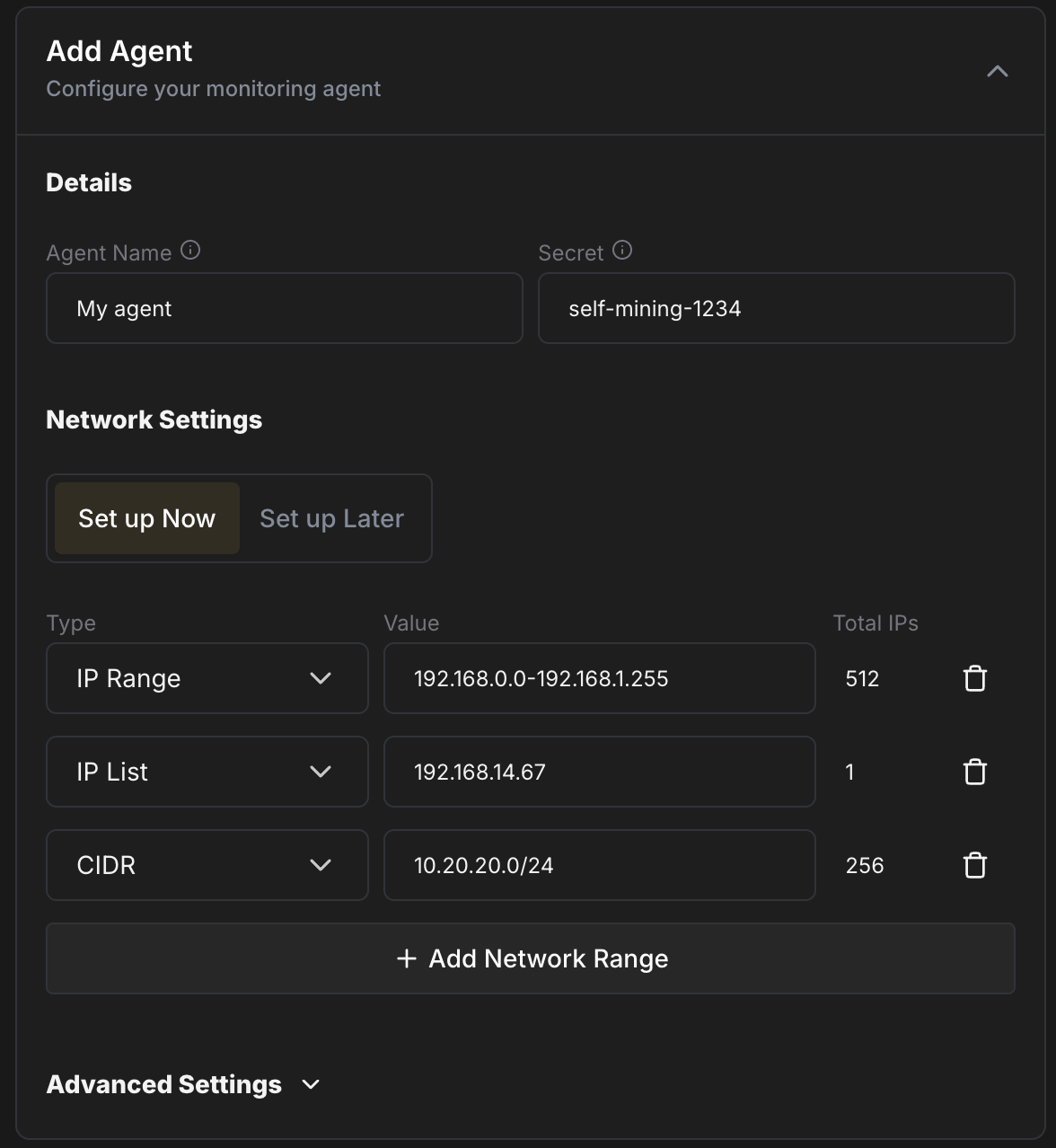 ### Install the Agent [#install-the-agent]
After you create the Agent, Commander shows the install options with your Agent ID and secret already filled in:
* **Linux:** copy the terminal command and run it on your Agent machine.
* **Windows:** run the PowerShell command as Administrator, or download the GUI installer and enter your Agent ID and secret.
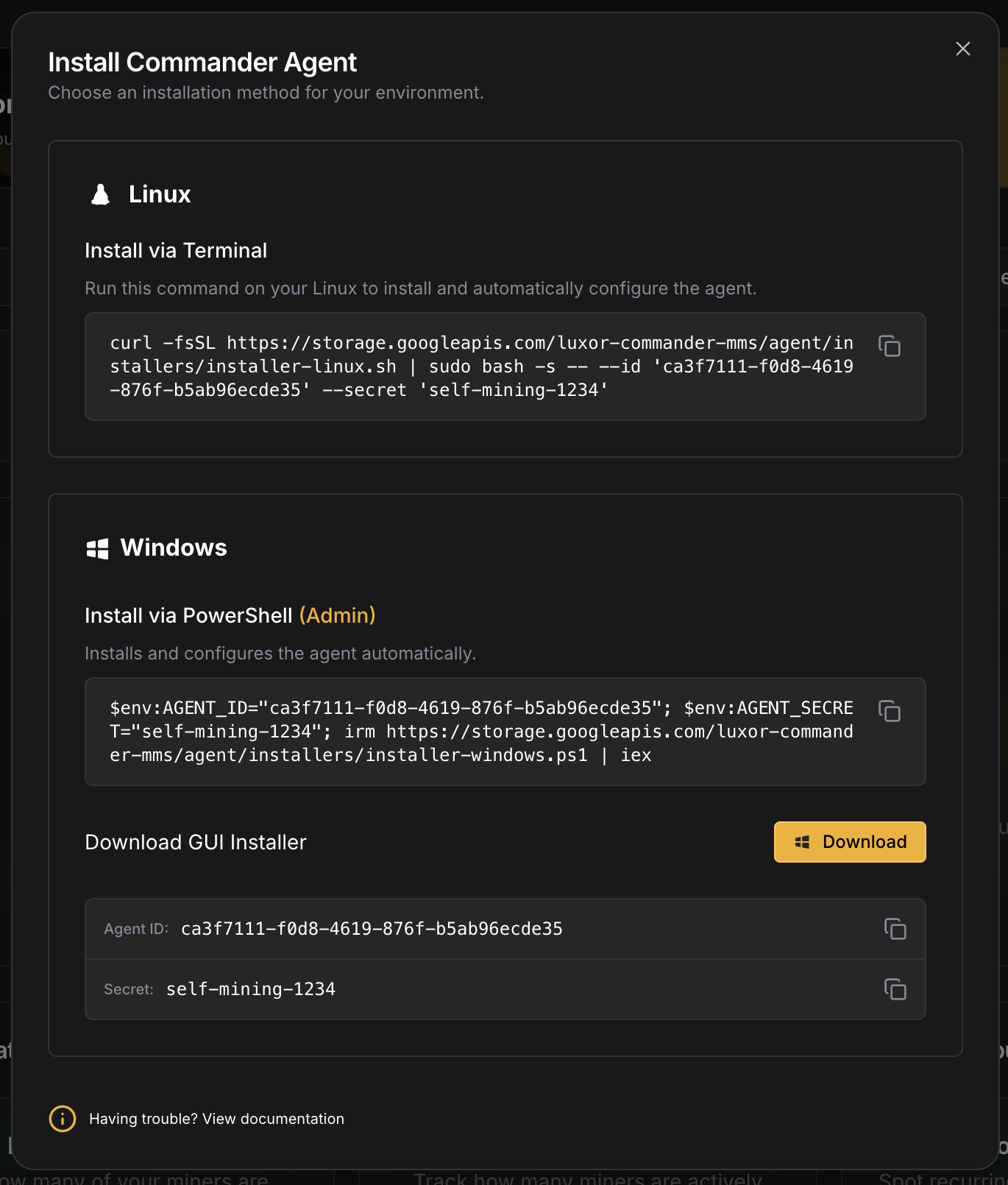 Once the Agent connects, it scans your IP ranges and your miners appear in the **Miners** tab within a few minutes. If they don't, see [Troubleshooting](/platform/commander/troubleshooting).
### Remove third-party firmware (if needed) [#remove-third-party-firmware-if-needed]
If any miners run another custom firmware, such as Braiins OS or Vnish, return them to stock first. Select them in the **Miners** tab, open **Bulk Actions** and run **Uninstall Custom Firmware**. The miners reboot into stock firmware, ready for LuxOS.
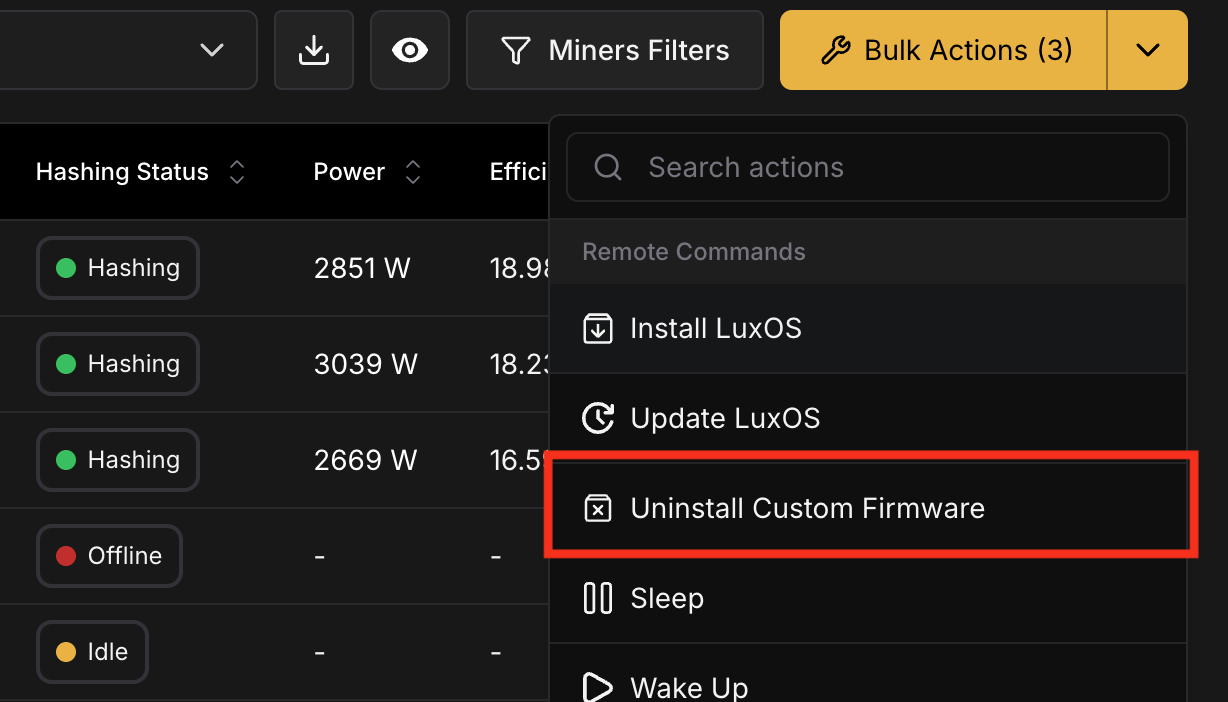 ### Install LuxOS [#install-luxos]
1. On the **Miners** page, use the [filters](/platform/commander/features/miners#toolbar) to narrow down by model and firmware, then select the miners to install. We recommend starting with a small batch.
2. Open **Bulk Actions** and add **Install LuxOS**.
3. In the preview, check the compatibility column, and set a **Batch Size** and **Delay** to limit how many miners reboot at once.
4. Run the action and follow the progress in the **Action Log**. Each miner's result is recorded individually, so you can retry only the ones that failed.
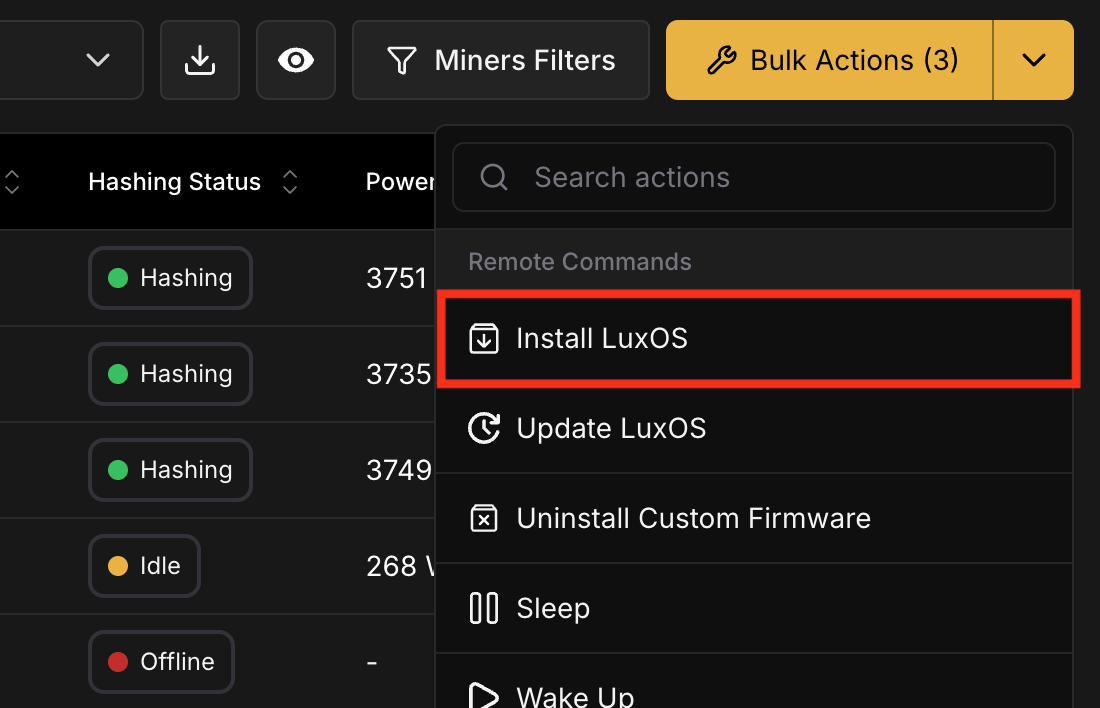 LuxOS keeps each miner's existing network and pool configuration during install. After a few minutes, the miners boot into LuxOS and start hashing.
## Configure Your Miners [#configure-your-miners]
Once LuxOS is running, use [Bulk Actions](/platform/commander/automation/bulk-actions) to apply settings across your fleet. All of these are included in Commander Lite:
| Action | What it does |
| ------------------------------ | ------------------------------------------------------------------------------------------------------------------- |
| **Change Pool Settings** | Set the stratum URL, worker name and password |
| **Change Power Settings** | Choose a [preset profile](./features/presetprofiles) or a [power target](./features/powertargeting) |
| **Change Temperature Control** | Set temperature targets and configure [Advanced Thermal Management](./features/atmsettings) |
| **Fault Recovery** | Control automatic hashboard recovery and its limits |
| **Run LuxOS Command** | Send any [LuxOS API](./api/available_commands) command, for example to enable the [AutoTuner](./features/autotuner) |
| **Sleep / Wake Up** | Curtail miners and bring them back |
| **Reboot** | Restart the selected miners |
For a safe starting point, see [Recommended Settings](./kb/recommended-settings). You can also change settings on a single miner from the LuxOS web interface, or programmatically through the [LuxOS API](./api/available_commands).
## Keep LuxOS Up to Date [#keep-luxos-up-to-date]
To upgrade, select your miners and run the **Update LuxOS** bulk action, choosing the **Stable** or **Preview** release channel. As with installs, upgrading in batches limits the number of miners rebooting at the same time. Release notes are in the [LuxOS Changelog](./changelog).
## Use LuxOS With Your Existing Fleet Manager [#use-luxos-with-your-existing-fleet-manager]
LuxOS exposes a CGMiner-compatible API on port `4028`, so third-party fleet management tools can monitor and control LuxOS miners after installation. See [Foreman](./tools_and_integrations/foreman) for an example integration, and the [LuxOS API reference](./api/available_commands) for the full list of commands.
## Frequently Asked Questions [#frequently-asked-questions]
**Do I need to pay for Commander to use LuxOS?**
No. Commander Lite is free and includes everything needed to install, update and configure LuxOS across your fleet.
**What does Commander Pro add?**
Pro adds automation rules, Intelligent Miner, Sitemap, user-managed miner details, Parts, Tickets, Reports and VIP support. See [Pricing](/platform/commander/pricing).
**My miner model or firmware isn't supported by Commander. What now?**
Some control boards and recent stock firmware versions require a remote install by the Luxor team. See [Remote Install](./kb/remoteinstall). For a fully local install without a Luxor account, see [Before You Start](#before-you-start). For scripted or offline installs, there is also the [LuxOS Installer](./tools_and_integrations/luxosinstaller) command-line tool.
**I'm a partner. How do I get credit for the installs I deploy?**
See the [Partner Referral ID](./features/partnerid) program.
If you have any questions, [submit a ticket](https://luxor.tech/contact) and our team will help.
# Introduction to Firmware (https://docs.luxor.tech/firmware/introduction-to-firmware)
# Introduction to Firmware [#introduction-to-firmware]
LuxOS is deployed across your fleet with Luxor Commander, available for free with the Commander Lite plan. See
[Getting Started with LuxOS](/firmware/getting-started) to install it on your miners.
Firmware stands as a pivotal tool in the arsenal of any Bitcoin miner, serving as the essential software required to achieve operational excellence. While OEM built-in firmware fulfills basic operational needs, such as powering the miner on/off, selecting power modes (low, normal, high), and establishing connections with mining pools, its capabilities often fall short of maximizing the full potential of the hardware. The OEM Hardware is well built, and so we are excited to build custom firmware to work with this hardware. LuxOS, is an innovative firmware solution, offering unparalleled adaptability, resilience, and improved profit margins for miners that want to take their operations to the next level.
LuxOS is the first and only Bitcoin ASIC firmware developed, owned, and maintained by a US-based company and the first-ever firmware to achieve SOC 2 Type 2 certification. We work with big 4 Auditors, and a number of other stakeholders to ensure smooth audits of the firmware and helping educate them on firmware with the direction of our clients.
## Curtailment [#curtailment]
One of the standout features of LuxOS is its customizable curtailment capabilities, that facilitates seamless integration with demand response programs across various grids like ERCOT, MISO, NYSO, among others.
LuxOS enables miners to participate in any sort of grid program by allowing them to tailor curtailment parameters to meet the specific requirements of each grid. Through demand & response programs miners are able to help with grid reliability but also maximize their earnings potential by optimizing curtailment strategies based on market conditions and energy demand.
LuxOS [curtailment](./api/luxminer/curtail) enables miners to:
* Drop power consumption to \~25W in under 5 seconds.
* Restore power consumption to normal levels in under 10 seconds.
* Customizable wakeup steps that allow the user to control power-up sequence of the miner to reduce strain on the hardware and manage thermal stress.
* Underclock a percentage of the fleet rather than turning off a subset of machines, improving overall efficiency.
## Dynamic Load Control [#dynamic-load-control]
Miners operating within the Oil and Gas (O\&G) and other energy sectors, face the unique challenge of managing fluctuating energy availability. O\&G mining operations often experience variable generation due to factors like pressure fluctuations, changes in gas output, and temperature variations, which mandates users to modulate their load to align with available energy. This challenge is also experienced by miners running on other energy sources.
Traditionally, miners approached this problem by curtailing individual mining units to manage load control, this method is rudimentary and overlooks potential efficiency gains achievable through a more nuanced strategy.
A more sophisticated approach involves the strategic underclocking of the entire mining fleet, rather than simply powering off select units. By uniformly reducing the clock speeds across all equipment, miners can achieve a proportional decrease in power consumption while minimizing the impact on hashrate loss. For instance, implementing a 10% underclocking across the fleet results in a corresponding 10% reduction in power consumption, yet the decrease in hashrate is significantly less pronounced. This approach optimizes energy utilization, enabling miners to efficiently adapt to fluctuating energy conditions while maintaining operational continuity and maximizing efficiency.
Furthermore, LuxOS allows miners to fine-tune their energy consumption with precision to single-digit percentage accuracy. Software that leverages real-time IoT data fro sources from the infrastructure can provide all the information needed to customize each individual machine. This granular level of control ensures that miners can maximize profitability while minimizing energy waste, ultimately enhancing their competitiveness and sustainability in the Bitcoin mining landscape.
## Temperature Management [#temperature-management]
Temperature management is paramount for Bitcoin miners, as excessive heat can degrade hardware performance and shorten its lifespan. LuxOS addresses this challenge with its robust temperature control mechanism, [Advanced Thermal Management (ATM)](./features/atmsettings), which enable miners to monitor and regulate the temperature of their mining hardware effectively. By maintaining optimal operating temperatures, LuxOS helps prevent overheating preventing equipment failures and operating safely in high-temperature environments.
In high-heat environments, infrastructure cooling and the built-in fans are not enough to cool down the machine and miners end up curtailing their machines or their equipment simply powers off due to reaching the shutdown temperature losing their entire hashrate production. When deployed correctly ATM leads to much higher uptime of machines.
ATM differentiates from Bitmain's Lower Power Mode as it provides a progressive underclock/overclock of the machine as needed throughout the day. For example, ATM might underclock a miner by 3% between 10 AM and 11 AM, then 5% until 12 PM, then 10% until 4 PM then 5% until 8 PM and overclock afterwards when temperatures cool down. In that situation the OEM Firmware LPM will result in a 25% underclock from start to end without the dynamic and smart scaling based on temperatures. Additionally, Bitmain's LPM might not be enough to prevent miners from overheating in certain scenarios and LuxOS ATM can underclock as much as needed to keep a miner hashing in high ambient temperatures. ATM does not require integrations, triggers, or human intervention to operate.
## Tuning & Optimization [#tuning--optimization]
LuxOS offers two autotuning approaches: Power Targeting and [Preset Profiles](./features/presetprofiles). Which one an operator chooses may depend on their hardware model and operational goals. Both operate through the LuxOS AutoTuner and work alongside Advanced Thermal Management (ATM) to maintain stable, efficient operation.
### Power Targeting [#power-targeting]
Power Targeting is a watt-anchored control loop built into the LuxOS AutoTuner. Rather than setting a frequency and allowing power consumption to follow, operators set a power target (in watts) and LuxOS continuously adjusts frequency and voltage to hold the miner at that target — regardless of temperature swings or environmental changes.
On Power Targeting-supported models, Preset Profiles are interpreted as predefined power targets rather than frequency presets. Operators can still select overclock and underclock profiles (+1, -2, etc.), but under the hood LuxOS is managing wattage directly. Operators can also set an explicit power target via the LuxOS UI, [Commander](/platform/commander/automation/bulk-actions), or the [powertargetset](/firmware/api/luxminer/powertargetset) API command.
Power Targeting comes with a new and improved [Advanced Thermal Management (ATM)](./features/atmsettings) system — the tuner continues to enforce thermal limits, stability thresholds, and safety rules while maintaining precise control over the miner's power consumption. Power Targeting is currently available on select models. See [Compatible Miners](./compatibility) for the full list of supported hardware.
### Preset Profiles [#preset-profiles]
For all LuxOS-compatible models not supported by power targeting, LuxOS offers profile based tuning. The operator selects a Preset Profile — each of which defines a preset voltage and frequency combination — and the LuxOS AutoTuner optimizes from there, finding the minimum voltage required to run the miner at that profile's frequency. This reduces power consumption without sacrificing hashrate.
For example, if an S19j Pro 104T runs from factory at 545 MHz with 13.4V, the AutoTuner will find the minimum voltage required to run stably at 545 MHz. Higher voltage than necessary is typically applied from the factory to ensure stability across all conditions — the AutoTuner reclaims that margin.
On Antminer Equihash ASIC miners, such as the Antminer Z15 Pro, Preset Profiles keep the PSU at 12.0 V and set the frequency, with each hashboard's voltage following from it; only the [voltageset](./api/luxminer/voltageset) API command moves the PSU, within a narrow 11.9–12.3 V window.
Every time a new profile is applied, the AutoTuner recalibrates for the new frequency target. It runs continuously, adjusting operating parameters as environmental conditions change to ensure stable operation. The AutoTuner also adjusts frequency per chain of chips to avoid imbalances in the system, and applies new settings at a minimum rate of every 3 minutes to give the miner enough time to stabilize.
### Optimizing For Profitability [#optimizing-for-profitability]
Miners are profit-driven above all else. Their focus should be on continually optimizing margins after factoring in power costs. In periods of declining Hashprice, miners can strategically adjust to more efficient operations, enhancing overall fleet profitability. Similarly, when Hashprice rises, miners can capitalize on this trend by foregoing efficiency and overclocking to maximize hashrate production. Whether using Power Targeting or Preset Profiles, operators have the flexibility to adjust in real-time to changes in Hashprice and maximize returns.

The above chart illustrates the potential profit margins of a S19j Pro 104T miner at a \$60/MWh Opex. The chart demonstrates the potential for miners to optimize their operations by adjusting their hashrate to maximize profitability at different Hashprice levels.
## Data and Security [#data-and-security]
We have expanded on the OEM data security and compliance. We have achieved our SOC2 audit highlighting our dedication to data security, availability, processing integrity, confidentiality, and privacy. We have taken steps to become the most institutional firmware that stakeholders can get comfortable with.
## Fees [#fees]
LuxOS firmware operates on a 2.8% fee structure. However, when using our mining pool, users benefit from free pool usage. Enjoy 0% pool fees when mining on Luxor Bitcoin Pool—plus exclusive volume discounts for large-scale miners; contact our team today to learn more.
# Profitability Calculator (https://docs.luxor.tech/hashrateindex/calculator)
# Bitcoin Mining Profitability Calculator [#bitcoin-mining-profitability-calculator]
You can use our Bitcoin mining profitability calculator to estimate the payback period on a Bitcoin mining operation. The calculator allows you to factor in all the variables miners need to consider, including ASIC prices, hashprice, difficulty adjustments, power costs/operational costs, and more.
Our Bitcoin mining profitability calculator has both simple and advanced versions. The simple bitcoin mining calculator is limited to 6 variables: hashrate, power consumption, machine cost, power cost, current hashprice, and monthly percentage change to hashprice.

The advanced bitcoin mining profitability calculator gives seasoned bitcoin miners more inputs to consider, and it produces a chart and data table to help you visualize your operation's vital stats.

You can find the Bitcoin Mining Profitability Calculator [here](https://hashrateindex.com/tools/calculator).
# Changelog (https://docs.luxor.tech/hashrateindex/changelog)
## 2025-03-26 [#2025-03-26]
**Improvements**
* Updated the ticker symbol for Core Scientific from CORZQ to CORZ and for Hive Blockchain from HIVE-CV to HIVE.
## 2025-02-26 [#2025-02-26]
**Improvements**
* Launched the new [Global Hashrate Heatmap](https://data.hashrateindex.com/network-data/global-hashrate-heatmap), which estimates the geographic distribution of Bitcoin mining activity worldwide.
* Released, in collaboration with [The Miner Mag](https://theminermag.com/), a new set of charts to provide a more accurate view of mining company data. These include the [Implied Cost to Mine a Bitcoin Chart](https://data.hashrateindex.com/mining-companies-data/implied-cost-to-mine-a-bitcoin), [Monthly Summary Chart](https://data.hashrateindex.com/mining-companies-data/monthly-summary), [Realized Hashrate Chart](https://data.hashrateindex.com/mining-companies-data/monthly-summary), and [Consolidated Cash Flow Activities Chart](https://data.hashrateindex.com/mining-companies-data/consolidated-cash-flow-activities).
* Reorganized stock-related pages, consolidating them under a new Mining Stocks section. You can now find the [Mining Stock Index](https://data.hashrateindex.com/mining-stock-index), [Stock Markets](https://data.hashrateindex.com/stocks) table, and [Market News](https://data.hashrateindex.com/market-news) all in one place, along with the mining company data charts.
## 2025-02-11 [#2025-02-11]
**Fixes**
* Released a patch to fix loading issues on charts with the `5Y` and `ALL` options.
## 2025-02-11 [#2025-02-11-1]
**Fixes**
* Released a patch to fix loading issues on charts with the `5Y` and `ALL` options.
## 2024-12-23 [#2024-12-23]
**Improvements**
* Launched the new [Energy Adjusted Hashprice chart](https://data.hashrateindex.com/asic-index-data/energy-denominated-revenue) which illustrates the revenue a Bitcoin miner earns per unit of electricity consumed.
## 2024-12-19 [#2024-12-19]
**Fixes**
* Fixed an issue with the Hashrate Index newsletter subscription process.
## 2024-12-16 [#2024-12-16]
**Fixes**
* Resolved the issue with the "ALL" option toggle option on the [ASIC Price Index](https://data.hashrateindex.com/asic-index-data/price-index) chart.
## 2024-11-25 [#2024-11-25]
**Improvements**
* Updated the [Hashrate Index Premium](https://hashrateindex.com/premium) page to feature our special offer on Silver Monthly Plan.
**Fixes**
* Fixed the initial state issue with the [Bitcoin Hashprice Inde](https://data.hashrateindex.com/network-data/bitcoin-hashprice-index).
* Updated the ticker carousel by adding Bit Digital (BTBT) and removing Iris and Cleanspark.
* Fixed a sorting functionality on the [ASIC Miner page](https://hashrateindex.com/rigs).
## 2024-11-18 [#2024-11-18]
**Improvements**
* Updated the [Hashrate Index Premium](https://hashrateindex.com/premium) page to feature the 3-month offer campaign for the annual subscription.
* Introduced a new standard description component on the miner page in our [ASIC Miners section](https://hashrateindex.com/rigs).
* Enhanced the KPI section on the [Bitcoin Hashprice Index](https://data.hashrateindex.com/network-data/bitcoin-hashprice-index) page by adding minimum (-75%) and maximum (300%) ranges to the `Est. Difficulty Adjustment` and `Previous Adjustment` cards.
**Fixes**
* Improved the [Hashrate Converter](https://hashrateindex.com/tools/hashrate-converter) by adding new machines to the `Bitcoin Network Hashrate is equivalent to` to section.
## 2024-11-12 [#2024-11-12]
**Fixes**
* Resolved a loading issue on our [Mining Stock Index](https://data.hashrateindex.com/mining-stock-index).
* Enhanced the responsiveness of the Chart component for mobile devices.
## 2024-10-18 [#2024-10-18]
**Fixes**
* Removed unused columns and updated the filter options on the [Market News](https://data.hashrateindex.com/market-news) page.
* Fixed a bug in the [ASIC Price Index](https://data.hashrateindex.com/asic-index-data/price-index) chart, ensuring it now displays the complete time range of available data with the correct buckets.
## 2024-10-07 [#2024-10-07]
**Improvements**
* Launched our new brackets for our [ASIC Price Index](https://data.hashrateindex.com/asic-index-data/price-index) chart.
**Fixes**
* Fixed the unit and the timestamp for the [Bitcoin Hashprice Index](https://data.hashrateindex.com/network-data/bitcoin-hashprice-index) .csv download.
## 2024-09-26 [#2024-09-26]
**Fixes**
* Updated the models displayed in the [Hashcost Chart](https://data.hashrateindex.com/network-data/hashcost).
* Fixed the mobile navigation overflow issue.
* Updated the color for the search command shortcut.
* Added a link to the [Hashcost Chart](https://data.hashrateindex.com/network-data/hashcost) API Endpoint for connection through the Access via API button.
* Reversed the sorting of [Hashcost Chart](https://data.hashrateindex.com/network-data/hashcost), showing the least efficient on the left and the most efficient on the right.
## 2024-09-23 [#2024-09-23]
**Improvements**
* Launched our new [Hashcost Chart](https://data.hashrateindex.com/network-data/hashcost)
* Launched our new [Luxor's Live Hashrate Forward Curve](https://data.hashrateindex.com/network-data/hashrate-forward-curve)
**Fixes**
* Fixed some data source issue on our [Stock Mart](https://data.hashrateindex.com/stocks), for the `Price` and `Price (30 Days)` columns.
* Fixed some irregularity on our [Bitcoin Hashprice Index](https://data.hashrateindex.com/network-data/bitcoin-hashprice-index) metric description.
## 2024-09-17 [#2024-09-17]
**Fixes**
* Resolved unit issue on our [Difficulty chart](https://data.hashrateindex.com/network-data/difficulty) for the Hashprice endpoint.
* Corrected the incorrect unit displayed on the [Hashprice Chart](https://data.hashrateindex.com/network-data/bitcoin-hashprice-index) when Bitcoin is selected.
* Fixed some bad links on the footer.
## 2024-09-13 [#2024-09-13]
**Improvements**
* Launched an updated version of our [Hashprice](https://data.hashrateindex.com/network-data/bitcoin-hashprice-index) .csv download, now accessible through the Share > Download .csv button.
**Fixes**
* Resolved a performance issue affecting the mobile menu.
* Corrected padding and responsiveness issues on the mobile version of the [ASIC Release History](https://data.hashrateindex.com/asic-index-data/release-history) page.
* Improved performance on the [Market News](https://data.hashrateindex.com/market-news) page.
* Added the missing unit for the Previous Adjustment value.
## 2024-09-10 [#2024-09-10]
**📣 New Major Version of Hashrate Index is live**

**Improvements**
* Integrated the latest Luxor Design Library components into the interface.
* Launched an enhanced navigation system, now organized by charts for more focused viewing.
* Added additional filtering and customization options for our charts.
* Added additional models to our ASIC Price Data charts.
* Introduced a new REST API for improved access to Hashrate Index data, accompanied by [enhanced documentation](https://api.hashrateindex.com/v1/hashrateindex/docs#/).
* Improved API integration, allowing users to quickly locate the right endpoint by clicking the "Access API" button directly on the different chart pages.
**Fixes**
* Fixed inconsistencies in the Tools dropdown navigation submenu.
* Removed broken links and applied the new design components the [Terms of Services page](https://hashrateindex.com/tos).
* Fixed some issues with [widget](https://hashrateindex.com/tools/widgets) insfrastructure.
## 2024-06-14 [#2024-06-14]
**Improvements**
* Improved the information hierarchie of the Home page
* Added a new youtube video dedicated to Bitcoin Mining Research on the [Premium](https://hashrateindex.com/premium) page
**Fixes**
* Removed unusued filters options table in rigs page
* Fixed inconsistencies in the Tools dropdown navigation submineu
* Removed broken links and applied the new design components the [Terms of Services page](https://hashrateindex.com/tos)
* Fixed some issues with [widget](https://hashrateindex.com/tools/widgets) insfrastructure
## 2024-05-31 [#2024-05-31]
**Fixes**
* Updated the metadata of Hashrate Index to be aligned with the new version.
* Added an additional decimal for the power cost on the [ASIC Miners page](https://hashrateindex.com/rigs) to enhance profitability calculations.
## 2024-05-28 [#2024-05-28]
**Improvements**
* Enhanced the Pie Chart component on the Pools page by enabling users to click on a legend item to highlight the corresponding section on the chart.
**Fixes**
* Adjusted the text size of the announcement banner.
* Enhanced the plan components on the Premium Page for desktop screens.
* Refined certain navigation elements on the platform for mobile users.
## 2024-05-23 [#2024-05-23]

**📣 New version of Hashrate Index landing page is live**
Today, we are revealing the result of many weeks of work redesigning Hashrate Index interface. Let's dive into what actually changed and how we've tried to make Hashrate Index more usable :
**Improvements**
* Implemented our new design library and components, and reviewed the color palette across all platform pages.
* Enhanced the application's responsiveness for mobile devices.
* Improved the [ASIC Miners page](https://hashrateindex.com/rigs) and added a "Most Profitable Machines" button, allowing users to filter and view the most profitable machines with a single click.
* Enhanced the [Pools page](https://hashrateindex.com/hashrate/pools) to improve the readability of our pie chart and the Top Bitcoin Mining Pools table.
* Added functionality to export data for all charts and tables on the Pools page.
**Fixes**
* Improved the search function on the [rigs page](https://hashrateindex.com/rigs).
* Enhanced the specifications table on the [rigs page](https://hashrateindex.com/rigs).
* Removed the coin filters from the [rigs page](https://hashrateindex.com/rigs).
* Updated the footer section and links.
## 2024-05-06 [#2024-05-06]
**Fixes**
* Fixed some typos on [`Bitcoin Transaction Fees as a % of Block Subsidy`](https://data.hashrateindex.com/chart/bitcoin-transaction-fees) title and description.
## 2024-04-18 [#2024-04-18]
**Fixes**
* Fixed a bug on [`Bitcoin Network Data`](https://data.hashrateindex.com/network-data/btc) Estimated Difficulty Adjustment numbers.
* Updated the number of companies featured on our [`Crypto Mining Stock`](https://data.hashrateindex.com/stock-index) index reducing it from 50 to 25 to better align with the current ecosystem.
## 2024-04-09 [#2024-04-09]
**Fixes**
* Reviewed the improper response formatting for the [`Get Hashprice`](https://docs.luxor.tech/hashrateindex/api/get-hashprice) query documentation.
* Removed unused hashrate bucket (Above 68 J/TH) from the [`ASIC Index Data`](https://data.hashrateindex.com/asic-index-data) Chart.
* Removed broken links from the footer.
* Removed outdated expert reviews from the ASIC pages.
## 2024-02-26 [#2024-02-26]
**Improvements**
* Migrated the [`Crypto Mining Stock`](https://data.hashrateindex.com/stock-index) page from Hashrate Index Main to Hashrate Index Data platform
* Removed the following pages on Hashrate Index Main :
* Glossary
* Research
* Blocks
* Reviewed the Hashrate Index Main navigation as we removed some pages and section.
* Removed the following pages on Hashrate Index Data platform :
* Ethereum OHCL USD
* Bitcoin OHCL USD
* Horizen OHCL USD
* Siacoin OHCL USD
* Litecoin OHCL USD
* Removed the dedicated stock company pages
* Merged all the `us-electricity-demand-by-region` and `us-electricity-demand-generation-forecast` into one single [`Energy Markets page`](https://data.hashrateindex.com/energy-markets).
**Fixes**
* Fixed the broken data feed on [`Market News`](https://data.hashrateindex.com/market-news)
* Fixed the broken data feed on [`Energy Markets`](https://data.hashrateindex.com/energy-markets)
* Fixed the broken data feed on currencies which feed the [`ASIC Index Data`](https://data.hashrateindex.com/asic-index-data)
* Fixed the broken data feed on [`Stocks Markets`](https://data.hashrateindex.com/stocks?tab=overview)
* Reviewed [`Blog`](https://hashrateindex.com/blog/) navigation link, it now open a new tab.
# Datasets (https://docs.luxor.tech/hashrateindex/datasets)
# Datasets [#datasets]
## Hashprice Index [#hashprice-index]
The value of hashrate is one of the most misunderstood concepts in mining. Hashrate itself has value and is traded OTC between miners and mining pools. We now track this value over time. Read more about Hashprice [here](/hashrateindex/hashprice).
## ASIC Price Index [#asic-price-index]
Hardware primary and secondary markets are opaque, making it hard to find the true value of ASIC machines. We've collected the data for SHA-256 bitcoin mining ASICs and built a tracker for it.
You can find the ASIC Price Index [here](https://data.hashrateindex.com/asic-index-data).
## Bitcoin Mining Stocks [#bitcoin-mining-stocks]
We aggregate [publicly listed Bitcoin mining companies](https://data.hashrateindex.com/stocks) to compare operating and financial performance. Using this data, investors can benchmark the expected value of mining operations.
## Bitcoin Mining Stocks Index [#bitcoin-mining-stocks-index]
We've compiled a comprehensive [index of Bitcoin mining-related stocks](https://data.hashrateindex.com/mining-stock-index) spanning public mining rig manufacturers, foundries, and miners on the market today as well as how they stack in value, performance, and volatility.
The Index uses a quantitative, rules-based methodology to identify and weight a portfolio of approximately 50 bitcoin mining equities, as described below:
The Universe - Construction of the Index begins with the universe of stocks that have a business line that generates revenue from cryptocurrency mining. The universe of stocks includes manufacturers that produce ASICs and GPUs (“Manufacturer” and “Manufacturers”), and companies that engage directly in mining cryptocurrency or hosting clients who engage in cryptocurrency mining (“Miner” and “Miners”).
Portfolio Construction - At the time of each reconstitution of the Index, each Index constituent is weighted using the below methodology. The Index is reconstituted quarterly in March, June, September, and December.
Diversified Weighting - The First stage of Index construction sorts eligible companies into two categories: pure-play mining companies (“Pure Play”) and diversified companies (“Diversified”) as determined by their top revenue generating business-line. Diversified companies are companies that do not have their primary business line related to cryptocurrency mining. These companies receive a 80% discount on their weighting. Thereafter, all businesses are further segmented into one of the following two categories: Manufacturer and Miner categories.
## Bitcoin Mining ASICs [#bitcoin-mining-asics]
A [database](https://hashrateindex.com/rigs) of all popular Bitcoin mining ASIC models, with specifications and calculators for daily revenue/profit.
## Hashrate Converter [#hashrate-converter]
Our [hashrate converter](https://hashrateindex.com/tools/hashrate-converter) makes it easy for Bitcoin miners, researchers, and whoever else to convert between hashrate measurements all up and down the scale. Seamlessly switch from terahashes (TH/s) to petahashes (PH/s) to exahashes (EH/s) and more.
# Hashprice (https://docs.luxor.tech/hashrateindex/hashprice)
# Hashprice [#hashprice]
## What is Hashprice? [#what-is-hashprice]
Hashprice – a term coined by Luxor in 2019 – quantifies how much a bitcoin miner can expect to earn from a specific quantity of hashrate. Hashrate is the speed at which a computer (i.e., ASIC, GPU, CPU) is completing a cryptographic computation as part of a cryptocurrency’s protocol. It is measured in hashes per second.
Common units of hashrate include:
* TeraHash per second (1 TH/s = 1 trillion hashes per second)
* PetaHash per second (1 PH/s = 1,000 TH/s)
* ExaHash per second (1 EH/s = 1,000 PH/s)
Luxor’s Bitcoin Hashprice Index quantifies the expected value of 1 PetaHash per second (PH/s) of hashrate per day on the Bitcoin Network. Hashprice is the true value a miner gets paid for the commodity they produce: hashrate.
Hashprice can be denominated in USD or BTC:
* BTC hashprice is a function of three inputs: block subsidy, transaction fees, and network difficulty.
* USD hashprice is a function of four inputs: block subsidy, transaction fees, network difficulty, and bitcoin price.
You can track live Hashprice [here](https://data.hashrateindex.com/network-data/btc).
## How is Hashprice calculated? [#how-is-hashprice-calculated]
Bitcoin’s hashprice changes with every new block added to the blockchain (i.e., block height). Luxor’s Bitcoin Hashprice Index uses a 144-block lagging simple moving average to account for transaction fees, and a simple average of the spot price for bitcoin on three US-based cryptocurrency exchanges to account for USD conversion. The BTC hashprice formula is used by a majority of mining pools to pay miners for their hashrate. USD-denominated hashprice is positively correlated with changes to Bitcoin’s spot price, block subsidy and transaction fees and negatively correlated with changes to Bitcoin’s network difficulty.
## Factors that impact Hashprice [#factors-that-impact-hashprice]
### Block Subsidy [#block-subsidy]
* The block subsidy is the amount of newly minted bitcoin generated in each additional block on the Bitcoin blockchain.
* The emission schedule sets out the block subsidy at each block and is determined by Bitcoin’s source code.
* Bitcoin’s subsidy started at 50 BTC per block and is halved every 210,000 blocks (roughly 4 years), until block 6,930,000 (projected in 2140) when the block subsidy becomes zero and mining revenue will come exclusively from transaction fees.
* The block subsidy is currently 3.125 BTC and the next “halving” is projected for April 2028.
### Transaction Fees [#transaction-fees]
* Transaction fees are the amount paid by bitcoin owners when they transfer funds to another address.
* They are collected by the miner or mining pool adding the block containing the corresponding transaction data to the Bitcoin blockchain.
* Transaction fees allow users to prioritize their transaction getting included in the Bitcoin blockchain.
* Bitcoin blocks can hold up to 1 MB of transaction data and miners have an economic incentive to include transactions with the highest associated fees.
* Transaction fees can vary depending on transaction volumes, network congestion, Bitcoin upgrades, layer 2’s, and transaction batching.
### Network Difficulty [#network-difficulty]
* Network difficulty is a quantitative measure of the probability of a miner or mining pool submitting a valid hash to the Bitcoin network’s cryptographic hash function (i.e., SHA-256).
* Higher network difficulty indicates a lower probability of a miner submitting a valid hash.
* Network difficulty is adjusted every 2,016 blocks (approximately every two weeks) to a level that targets an average block time of ten minutes.
* If network hashrate grows (declines) and blocks are found earlier (later) than 10 minutes on average over the previous period, the network difficulty will increase (decrease).
* Network hashrate / difficulty can vary depending on technological advancement, supply chain developments, geopolitical relations, and government regulation.
### Bitcoin Price [#bitcoin-price]
* Hashprice can be denominated in USD or BTC.
* If the block subsidy, transaction fees and network difficulty are stable, the bitcoin price is the main determinant of USD-denominated hashprice.
* The spot price of one bitcoin can vary depending on private sector adoption, speculative demand, government regulation, monetary policy, production costs, and supply issuance.
* The price of exchange-traded bitcoin futures can be evaluated for consensus views on future bitcoin prices.
# Hashrate Index Premium (https://docs.luxor.tech/hashrateindex/hashrateindexpremium)
# Hashrate Index Premium [#hashrate-index-premium]
We offer [premium research](https://hashrateindex.com/premium/) for monthly and annual subscriptions. These subscriptions come in three tiers and include a variety of different Bitcoin mining data, research, and models.
| Feature | Silver | Gold | Platinum |
| :------------------------------------------------------------------ | :-----------------------------: | :-----------------------------: | :--------------------------------: |
| Quarterly Reports | ✅ | ✅ | ✅ |
| [API Access](https://api.hashrateindex.com/v1/hashrateindex/docs#/) | ✅ | ✅ | ✅ |
| Quarterly Projections Hashprice, Difficuly & Hashrate | ❌ | ✅ | ✅ |
| Excel & CSV Model Outputs | ❌ | ✅ | ✅ |
| Weekly ASIC Clearing Prices | ❌ | ❌ | ✅ |
| 15s Hashprice NDF Settlement Rate | ❌ | ❌ | ✅ |
| Price | 52.50 USD/month OR 525 USD/year | 575 USD/month OR 5,750 USD/year | 3,000 USD/month OR 30,000 USD/year |
## Hashrate Index Silver [#hashrate-index-silver]
Includes a premium version [of our quarterly reports](https://hashrateindex.com/blog/tag/bitcoin-mining-reports/) and an API key for all of Hashrate Index's data sets, including hashprice, ASIC prices, energy consumption index, network data, and more.
## Hashrate Index Gold [#hashrate-index-gold]
Includes everything in the Silver tier and [quarterly projection reports for hashprice, difficulty, and hashrate,](https://hashrateindex.com/blog/hashrate-index-premium-forecasting-models/). These reports include the model outputs in Excel or .csv format.
## Hashrate Index Platinum [#hashrate-index-platinum]
Includes everything in the Silver and Gold tiers plus weekly [ASIC Price Index](https://data.hashrateindex.com/asic-index-data?ref=hashrateindex.com) clearing price data and an API key for the 15 second hashprice settlement rate Luxor's Derivatives Desk uses for its non-deliverable forward (NDF) contracts.
# Product Changelog (https://docs.luxor.tech/platform/changelog)
## 2026-10-15 [#2026-10-15]
**Improvements**
*
New **Miners** and **Miner Details** pages, which combine the previous Miners, Miner Details, Inventory and Asset
Details pages. One view covers every miner in your fleet, with both live telemetry and user-managed data,
drastically simplifying UX. Old Miners and Inventory links redirect to the new Miners page.
*
**Hosted clients.** Add a client to a site, give them a share of its energy and a login, and assign miners to them
in bulk (Miners → Bulk Actions → Assign to Hosted Client). A hosted client signs in to a trimmed-down Commander
that shows only their own miners. You choose per client whether you only track their usage or split and settle the
site's energy bill; Energy Billing then shows a **Charges by Hosted Client** table. Hosted clients can run remote
commands on their own miners, see and cancel the Remote Commands they started, and no longer see operator-only
Remote Command details. Manage them under Maintenance → Clients.
*
New top navigation: Dashboard, Miners, Sitemap and a **More** menu that groups the rest of Commander
by area. Menu items open the right tab directly, and only the pages you have access to are shown.
*
**Containers and PDUs.** Containers and Smart PDUs have their own pages under Infrastructure in the More menu.
Containers (Antspace HK3) show status, faults, total power, supply and return pressure, pumps and fans, and a
24-hour chart. Smart PDUs show per-outlet readings and can be linked to a Sitemap rack and its outlets mapped to
rack positions. Both are read-only: you can monitor them but not switch or control them from Commander.
*
**Suggested parts.** Parts compares your fleet's miner models against Luxor's parts catalog and suggests the
compatible spare parts you aren't tracking yet. A banner shows how many are missing, and Add Part → Add Missing
Parts adds the ones you pick in a few clicks. The Parts list has a **Source** column (Luxor's Catalog or Custom).
You set the site, stock levels and unit cost yourself; the catalog supplies the part names.
*
**CP Optimization** is now **Bill Optimization**. In CRR Max months (Oct–May) rankings, peak and distance cards, the
dispatch log and the chart follow the **system-load** peak (not estimated CP load); live Current CP Load / Current
WSL cards are hidden for those months.
## 2026-10-14 [#2026-10-14]
**Improvements**
*
Automation rules UI redesign: card list with inline status, sectioned detail, and a four-step builder (setup → filter →
condition/schedule → actions) that names missing fields; Upcoming Schedule is a week picker over one scrolling
agenda.
*
**Change Power Settings** can target a **hashrate** (TH/s) on Auradine (FluxOS) miners from bulk actions, Configure
and automation rules — pick Hashrate, Power or Power Mode (FluxOS defaults to Hashrate). Autotuner interval is
available in power configuration for those miners.
*
LuxOS installs support WhatsMiner **VH** boards.
*
Multiple disclaimer banners stack into one single banner carousel.
*
Billing cycle chart shows at most the 12 most recent cycles; picking an older cycle shifts the window so it stays
visible.
*
Hashrate Boost **Revenue (24h)** counts a deliverable contract only for the hours it has been live in the trailing
day, not a full day from the moment it starts.
## 2026-10-13 [#2026-10-13]
**Improvements**
*
Dashboard KPIs are customizable: use **Configure KPI section** to choose and reorder your cards, including new
Uptime (24h), Energy Used (24h), Energy Cost (24h), Est. Revenue (24h) and Est. Profit (24h) cards. The same five are
available as optional Miners table columns.
*
Dashboard Performance Metrics chart offers a **Breakdown** dropdown that splits the chart by Sites, Miner model,
Firmware, Client or Subaccount.
*
Added a new **Stratum URL** column (where the active pool points) to the Miners table: filterable, sortable, and in the CSV
export. Empty Routing “Hashrate by Target” shows the routing placeholder instead of a bare empty state.
## 2026-10-12 [#2026-10-12]
**Improvements**
*
Firmware install failures show a specific reason instead of "Unknown error".
*
More mobile polish: toolbars on Commander, workspace activity and members, and the Derivatives order book wrap with
the page, and Derivatives position pagination no longer hides behind the mobile menu.
## 2026-10-06 [#2026-10-06]
**Improvements**
*
Miners table has four new power columns: Power Target, Actual Power Target and Minimum Power for LuxOS miners, and
Power Mode (Low, Normal or High) for Bitmain, MicroBT and Auradine stock firmware.
**Fixes**
*
Intelligent Miner status no longer shows excluded miners as enabled.
*
Reports % Site Load matches the CSV export and the API.
*
Sitemap rejects a position IP that isn't a single address (for example a range) on that row only, flagged in the
rack editor and the locations CSV preview, instead of failing the whole save.
*
Billing tab usage and all-in cost KPIs cover the same intervals as the charges, so the numbers agree.
## 2026-10-05 [#2026-10-05]
**Improvements**
*
Tickets KPIs: Critical and Avg. Ticket Age count open tickets only, so they drop when the queue is cleared. New
**Time to Close** card shows the median time to close for tickets completed in the last 30 days, and "Open Tickets" is
now "Unstarted Tickets".
*
Historical Reports: the Algorithm dropdown also filters miner counts, newly discovered miners, errors, actions and tickets, not
only hashrate and efficiency.
**Fixes**
*
Lists and bulk-action previews no longer fail when a location, inventory or Intelligent Miner filter matches more
than 5,000 miners.
## 2026-10-01 [#2026-10-01]
**Improvements**
*
New **Fault Recovery** bulk action for LuxOS miners: turn automatic board recovery on or off, set recovery limits
(attempts per hour and per day, cooldown, max consecutive errors) and choose the no-PIC protection mode.
## 2026-09-30 [#2026-09-30]
**Improvements**
*
Energy → **CP Optimization** (renamed from 4CP Optimization) supports CRR Max outside June–September
(Central Time): status shows 4CP or CRR Max; KPI cards use Dispatch Intervals / Acc Dispatch Hours;
CRR Max months add Estimated CRR Credits and CRR Value per MW, a Maximize badge in rankings, and
Energy Price / CRR Credit columns in the dispatch log.
*
LuxOS installs support Antminer Z15 Pro (Zcash), S19 XP Hydro, and broader S21++ / A3 hashboards.
*
Pool reports “All history” starts at the earliest day in every timezone (no more UTC-offset shift).
**Fixes**
*
Accepting a workspace invite quickly no longer lands on an error page.
## 2026-09-29 [#2026-09-29]
**Improvements**
*
LuxOS installs support Antminer S21++ hashboards.
*
Introduced a new Algorithm dropdown (SHA-256 or Equihash) acrosss different Commander pages, to switch between algorithm/miners for which to compute the different aggregated metrics displayed.
**Fixes**
*
Daily Balances and related history views no longer fail when the range starts before pool history exists;
unsupported early ranges show empty instead of an error.
## 2026-09-28 [#2026-09-28]
**Improvements**
*
New **Customer Support Remote Access** capability. Can be enabled from the Workspace settings and disabled at any time.
*
Action log status filter accepts several statuses at once.
*
Warranty lookups cover BitDeer (Sealminer) miners.
*
Company Information has its own tab in workspace settings.
**Fixes**
*
LuxOS Equihash miners now show the right algorithm and hashrate.
*
Auradine board temperatures now read from the board sensors, so they're no longer inflated by chip readings.
## 2026-09-25 [#2026-09-25]
**Improvements**
*
Billing detail can wait up to 48 hours for an interval’s market price before it locks in.
## 2026-09-24 [#2026-09-24]
**Improvements**
*
Blink Miner LED bulk action: Start blinks the miner’s identification LED; Stop returns it to normal. Works on
LuxOS, Bitmain, MicroBT, Avalon, and MARA (other firmwares show as incompatible). Not available as an automation.
*
Routing follows the workspace site selection (multi-site KPIs, chart, and Proxies table) instead of a single-site
dropdown.
*
Reports CSV can break down action measures (bulk actions, triggers, Intelligent Miner) by Site.
*
Estimated Energy Charges chart shows cumulative cycle usage (MWh) as a line alongside the charge groups.
**Fixes**
*
Last Updated and Live times match your local clock outside UTC (no more hours-off timestamps).
*
Automation rules public API accepts structured filter and condition objects on create and update (those fields no
longer fail validation).
## 2026-09-21 [#2026-09-21]
**Improvements**
*
When a remote command is issued from the Miner details page, it is plotted as a vertical line in the time series chart, also the telemetry of the page is quickly auto-refreshed to reflect the impact of the command in the miner readings.
*
Hashboard table hides columns a firmware never reports (for example Voltage on Whatsminer, Antminer, Avalon, or
Bitdeer when every board would only show a dash).
**Fixes**
*
Billing Cycle bar chart shows full charge amounts above each bar instead of clipping labels.
*
Percentage tax lines on energy charges show the dollar tax base as quantity (amounts were already correct; the
quantity column no longer shows an inflated unit count).
*
Mining KPI and Reports chart use the same coin hashprice for LTC, DOGE, SC, and ZEC (no more stale KPI or USD
plotted under coin labels).
## 2026-09-17 [#2026-09-17]
**Improvements**
*
New **Reports** page under Commander → History → Reports. Pick one or more sites, a timeframe (Last 7 Days to Last
12 Months, or a custom range) and a granularity (Hourly, Daily, Weekly, Monthly) to get period-average Hashrate,
Power, Efficiency and Temperature KPIs, six trend charts (Performance, Load, Miners, Errors, Actions Executed,
Tickets), a bucket-by-bucket Detailed Breakdown table, and a two-step CSV builder that exports any combination of
Time, Site, Model, Firmware OS, Subaccount, Client ID and Miner ID breakdowns with the measures you choose, including
Energy (MWh). Reports only include complete UTC days, and Power matches billing (hashing miners without a power
reading count at nameplate). The KPI row is available on every plan; charts, the table and the CSV builder require
Commander Pro. See the [Reports docs](/platform/commander/features/reports).
## 2026-09-14 [#2026-09-14]
**Improvements**
*
Significantly improved loading times of Miners table.
*
Intelligent Miner: Curtailment Strike Price is an on/off control with separate curtail and resume prices in \$/MWh.
It applies in both working modes, saves with Max Capacity, and no longer caps at \$100k.
*
Miners table defaults to sorting by IP Address ascending (your chosen sort is still kept).
**Fixes**
*
Real Time Conditions: Revenue & Costs and Operations use the same local calendar day. Same-day 1D views no
longer fail, and a still-running day no longer shows a trailing zero-revenue / full-cost bucket.
*
Time axis from the time series chart from Miner details page correctly lines up with the one from the Dashboard page (each 5-minute bucket
labeled by its start).
## 2026-09-11 [#2026-09-11]
**Improvements**
*
Introduced LuxOS installs on Whatsminer M50/M60 models.
*
LuxOS log downloads now show up in plain text (no longer json) and with more history, so they are easier to read.
## 2026-09-10 [#2026-09-10]
**Improvements**
*
Intelligent Miner: Rapid Ramp Up toggle in Fleet Manager (Min/Max Profile). When on, ATM ceiling changes move
supported LuxOS miners straight to the target profile instead of stepping one level at a time. Off by default;
Intelligent Mining mode only.
*
Added a new PSU Type column on the miners table.
## 2026-09-09 [#2026-09-09]
**Improvements**
*
Expanded Orderbook with 2 new options: Upfront contracts and day-based periods (instead of monthly).
## 2026-09-08 [#2026-09-08]
**Fixes**
*
MicroBT miners that answer some status commands with an error code are now read successfully instead of dropping
out of collection.
## 2026-09-07 [#2026-09-07]
**Improvements**
*
Position links and the unresolved-events “+N” expander in the miners table use the primary gold colour.
**Fixes**
*
Payout edit keeps split-total and duplicate-address errors on screen until you fix them (they no longer flash once
and disappear). Changing an address re-checks those rules.
## 2026-09-04 [#2026-09-04]
**Fixes**
*
Fixed MicroBT agent reads that could crash the agent on oversized responses.
*
Bitmain miners that answer the cgminer API with an error status are now read successfully.
## 2026-09-03 [#2026-09-03]
**Improvements**
*
Introduced Hashboard Serial Numbers. These appear next to the miner’s serial in the miners table and on the miner detail Hashboards
table. Improved Bitmain warranty dates lookup process.
*
Payout addresses pasted with surrounding spaces or invisible characters are accepted. Clearer rejection messages
explain interior spaces, hidden characters, or the wrong currency. Saved payout changes show up in the subaccounts
table without a reload. Zcash shielded addresses (`zs1…`) are accepted; unified addresses (`u1…`) explain they are
unsupported rather than looking malformed.
**Fixes**
*
Miner OS is now detected when a miner's cgminer `version` command replies with an error status, so those miners no
longer stay unidentified.
## 2026-09-02 [#2026-09-02]
**Improvements**
*
Miner detail header stats: miners without temperature sensors no longer show 0 °C; hashrate, efficiency, and
status stay consistent so a stopped miner reads Curtailed right away.
*
Intelligent Miner: more reliable curtail and wakeup restore, with safer retries when a step does not take.
**Fixes**
*
Hashboard readings a firmware doesn't report now show as a dash, not `0`, so a healthy board no longer looks dead.
*
Devices left In-Repair by a ticket that no longer holds them are returned to service by an hourly sweep. Ticket
delete warns when some devices could not be returned.
*
Stopped false "Agent Offline" email spam: alerts require 10 minutes of silent heartbeat so a restart flap no longer
re-emails.
*
All-In Energy Price always shows in \$/MWh with thousands grouping.
## 2026-08-31 [#2026-08-31]
**Improvements**
*
Automation rules now evaluate altcoin miners. Hashrate gains a Sol/s option for Equihash beside TH/s (each matching
only its own algorithm); efficiency stays SHA-256 only; aggregate power and counts cover every algorithm.
*
Ticket Save applies every staged device and part change in one transactional call, so a mid-save failure no longer
leaves partial stock movements. Removing a device via Save also returns it to service.
*
Watcher link view uses the full available width (no longer a narrow centered column).
**Fixes**
*
Miner details hides fan cards using the agent-reported cooling type, so immersion/hydro miners without "hyd"/"imm"
in the name no longer show 0 RPM fans.
## 2026-08-28 [#2026-08-28]
**Improvements**
*
Relay management from Commander: the on-site agent now installs and runs the Luxor relay, promotes the latest relay
at boot, and reconciles its lifecycle and configuration from the server. The relay configuration is re-applied
every 5 minutes, so a relay left stopped while still enabled recovers on its own. New actions let you restart the
relay and force or reset its pool failover.
*
Relay telemetry: new proxy, pool, miner, pool-failover and share metrics, including session state, connect times
and relay version. Relay-reported miners with no MAC address are kept in a separate unresolved list instead of
being dropped.
*
Miner MAC addresses are learned from stats reads and kept in the agent's scanner miner list.
**Fixes**
*
Cleared configuration overrides no longer stick to their last value until the agent restarts — configuration pushes
are merged over the defaults rather than over the current config.
## 2026-08-27 [#2026-08-27]
**Improvements**
*
Aligned Pool Revenue figures across the REST API and all touchpoints inside the Reports page (64-bit on the wire, round to nearest satoshi at
display).
*
Aligned Hashrate, Power, Temperature and Efficiency figures across Dashboard, Miners list and per-miner CSV.
*
Energy Billing Charges breakdown shows Rate, Quantity, UoM and Total in separate columns, like in the invoice PDF (no more inline
`rate × quantity`).
**Fixes**
*
Moving an inventory asset between sites frees the old sitemap slot's reserved IP.
## 2026-08-26 [#2026-08-26]
**Improvements**
*
Discovery sync now auto-retires DEPLOYED miners the on-site agent has not reported in about three months, freeing
their sitemap slot. Retiring is reversible and never deletes. The miners list also refreshes on its own (a 5-minute
poll, plus an immediate refresh when a sync completes) instead of staying frozen until a manual reload.
*
The sitemap grid now resolves each slot by the placed machine instead of by IP address, so a slot follows its
machine across DHCP changes and keeps an offline machine visible. Deleting, retiring or consolidating an asset
frees the slot's IP reservation while keeping the placement, so a restore puts the machine back in its slot.
*
Expanded Avalon telemetry: chip temperature aggregates, fan 3/4 RPM and fan PWM percent, PSU output and input
readings, nameplate hashrate, and custom power level. The active pool now comes from the stratum active flag, and
miners with no active stratum session report `NO_ACTIVE_POOLS`.
**Fixes**
*
Fixed Avalon power reporting on pre-A15 firmware.
*
Avalon board temperature no longer reports the -273 sentinel value, and per-board 5s/5m/15m/30m hashrates are
derived proportionally so idle miners stop reporting stale board hashrate.
## 2026-08-25 [#2026-08-25]
**Improvements**
*
Temperature Control can now set the ATM-level temperature window. A Water Inlet window set on its own no longer
disappears from the Action Log.
*
Deleted miners whose devices are still hashing are now surfaced. When an archived miner keeps reporting to the
agent, a nudge on the inventory page routes to the Deleted Miners tab with the still-active rows badged, so
operators can restore it, or dismiss the nudge to leave it deleted (it re-surfaces if the device reappears).
**Fixes**
*
Fixed 500 errors on the worker list when a workspace had no recently deleted workers.
## 2026-08-24 [#2026-08-24]
**Improvements**
*
Worker list queries are much faster for large workspaces. Deleted-worker lookups are now cached per workspace
instead of per subaccount, and requests naming more than 500 subaccounts are split into sequential statements,
clearing the query timeouts that were failing the endpoint for the largest integrations.
## 2026-08-20 [#2026-08-20]
**Improvements**
*
Change Temperature Control and its automation-rule equivalent gained a Minimum Power field, the watt floor ATM will
not scale below. It accepts 500-8000 whole watts, or 0 to remove an existing floor.
*
Intelligent Miner Settings polish.
**Fixes**
*
Adding or editing an asset with a MAC that already exists now shows a "this MAC already exists" message instead of
a generic error.
*
Unlinking a device from a ticket, or deleting a ticket, now returns the device from In Repair to Deployed, like
closing already did. Devices another open ticket still holds are left under repair.
## 2026-08-19 [#2026-08-19]
**Improvements**
*
Bulk miner actions now resolve selections server-side. Firmware tabs, compatibility badges and batching counts read
selection aggregates instead of downloading every row, select-all counts match what can actually run, and
`?advancedFilter=` deep links keep filtering.
*
Creating a ticket from Miners or the Sitemap popover now prefills each device's hashrate, % of nameplate, last-seen
age and unresolved errors, and those devices lead the link-devices picker.
*
Users without agent-edit permission can now open an agent in a read-only dialog to review its network ranges, miner
credentials and scan configuration.
*
Daily Balances now pads every coin column to 8 decimals in both the table and the CSV export, so values like
`-0.00030000 BTC` line up consistently across rows.
**Fixes**
*
Fixed filtering miners by two or more hashing algorithms, which returned an error instead of results.
*
Fixed a 500 when an API key deletes a part holding a ticket reservation. These actions now record as System, and the
delete dialog states that reservations are released.
*
Intelligent Miner Configuration: the Custom Configurations and staged-CSV tables now align their headers with their
cells, the loading skeleton no longer forces a horizontal scrollbar that clipped every section, wide tables scroll
in place on narrow screens, and "Delete CSV" discards the staged upload instead of saving it.
## 2026-08-18 [#2026-08-18]
**Improvements**
*
Intelligent Miner: Added a Working Mode (Intelligent or Binary Mining) and a Strike Price threshold to the settings
dialog. Strike Price applies to Intelligent Mining.
**Fixes**
*
Bulk miner selections no longer survive a page reload. A selection now belongs to the tab and page load that made
it, so an operator returning to a reloaded tab cannot fire Reboot, Sleep or a firmware command at a fleet-wide
selection they never made. Selections still survive navigation within the app.
*
Hashrate Adder history table not being showed up under certain circumnstances.
## 2026-08-14 [#2026-08-14]
**Improvements**
*
Energy bill PDFs now show the base invoice number only (e.g. `1962250`), move customer and Luxor issuer details to
the bottom of the first page as separate rows, render Payments in the Summary of Charges as a green parenthesized
credit, and hide the bank remittance footer entirely when it is not configured.
*
Agent updates now return a clear invalid-argument error when a network range covers more than 65,536 addresses.
**Fixes**
*
Fixed the Linked Devices section staying editable on tickets in a Completed or Canceled lane. Reopening a ticket and
assigning a part in one save failed with a generic "Error assigning part" and silently discarded the status change.
*
Fixed changing a ticket's site still committing device and part changes staged against the old site, which reserved
the old site's stock onto a ticket that had moved.
*
Fixed worker list paging, sorting and CSV export timing out for subaccounts with many deleted workers.
## 2026-08-13 [#2026-08-13]
**Improvements**
*
Added human-readable descriptions, actions and severity for new LuxOS event codes in the event log (board
recovery scheduled, early shutdown pending/triggered, no PSU available, power minimum reached, recovery attempts
exhausted, recovery disabled).
**Fixes**
*
Pool hashrate stats are now returned even when the current Hashrate Index price is unavailable.
*
Inventory banners can now be dismissed durably and stay hidden across sessions, and pagination, search and sort no
longer trigger a full-page reload.
*
Intelligent Miner CSV IP resolution now returns a lookup-only response.
*
Pool payment-settings endpoints now require exactly one of `subaccount_names` or `site_id`; sending both returns a
400, and `site_id` is no longer ignored on the public route.
*
Large CSV order uploads (\~85+ orders) no longer fail their approval workflow — the order list is attached as a file
instead of overflowing the notification message.
## 2026-08-12 [#2026-08-12]
**Improvements**
*
Introducing 🎟️ **Tickets** feature: A repair record tied to the affected miners, the tech working on it, and the parts consumed. Commander auto-opens tickets from unresolved hardware errors flagged by agent telemetry, or your team files them manually. Close the ticket and the linked parts come straight out of stock. Manage everything on a Kanban board.
*
Introducing 🔧 **Parts**: A real spare-parts inventory. Track what you have, reserve parts to a ticket so no one double-books the last hashboard, and consume stock automatically when the repair closes. Set your own low-stock alerts — fixed quantities, or dynamic thresholds based on your actual fleet demand — and get warned before the bin runs empty.
## 2026-08-11 [#2026-08-11]
**Fixes**
*
The "+Agent" button is now shown to Lite plans, not just Pro.
*
Inventory CSV export, sync and add-asset are now scoped to the sites picked in the site selector instead of every
Commander site.
## 2026-08-10 [#2026-08-10]
**Improvements**
*
Change Power Settings now supports Auradine/FluxOS miners, via either a watt target or a Low/Normal/High preset.
**Fixes**
*
Subaccount names shorter than two characters are now rejected before reaching the database.
*
The 4CP load chart now computes its 1D/1W/1M window in Central Time, matching the axis, tooltip and CSV labels.
## 2026-08-07 [#2026-08-07]
**Improvements**
*
Agents now auto-discover PDUs over SNMP and keep a persisted device list, driving outlet metric and inventory
collection from the discovered devices.
*
PDU credentials are no longer configured per agent — SNMP reads use the standard public read community, and the
pdu\_credentials field has been removed from the agent, agent history, and update agent APIs.
**Fixes**
*
Agent bundle updates now preserve the archive's subfolder structure when unpacking and installing.
## 2026-08-05 [#2026-08-05]
**Fixes**
*
Miner update events raised while an agent is disconnected are now acknowledged and delivered on reconnect instead of
being dropped.
## 2026-08-03 [#2026-08-03]
**Improvements**
*
Added a Daily Balances table to Pool Reports, showing one row per day blending all selected subaccounts.
**Fixes**
*
The Inventory Miners tab now remembers column visibility and order per user and workspace.
*
Fixed responsive layout across the Mining Pool pages — KPI cards no longer clip at tablet widths, hashrate shows the correct unit per coin (Sol/s for Equihash coins like Zcash and Horizen, H/s otherwise), report filters and charts reflow instead of colliding or truncating, and the Subaccounts table scrolls instead of clipping.
*
Monthly pool statements now reconcile for deliverable-forward sellers, with a bounded "Other Items" safety net for small residuals.
*
Fixed the hashing status filter not distinguishing offline miners from N/A.
## 2026-07-31 [#2026-07-31]
**Improvements**
*
Deliverable-forward metrics (hashrate, revenue, etc) show up in the pool GUI blended with the mining metrics.
*
Security: creating an API key, invite, or membership now rejects references to any product, site, or subaccount outside the target workspace.
*
Intelligent Miner: Added a curtail-wakeup working mode with event-driven curtail and restore, plus a working\_mode field on the site-config and optimizations endpoints and new site-restore-state endpoints.
*
Worker KPI queries now require pagination (max 5,000 per page), and watcher windows are capped at 8 days with 5-minute granularity, keeping large full-fleet requests responsive.
**Fixes**
*
Fixed the billable-MW site usage breakdown failing to load due to a type mismatch.
*
A Locations CSV import no longer fails entirely when a rack conflicts with an agent — the conflicting row is skipped with a clear message and the rest of the import succeeds.
*
Retired the legacy Intelligent Miner excluded-miner endpoints (now return 410 Gone); manage exclusions through miner-configs.
## 2026-07-30 [#2026-07-30]
**Fixes**
*
Fixed Commander Pro billing charging 0 for hashing-but-unmeasured miners — they now bill their nameplate wattage (model value, or a 3,000 W default when the model is unknown).
## 2026-07-29 [#2026-07-29]
**Improvements**
*
Added a Change Temperature Control action type to the Commander automation rules public API (create and read via POST /v2/commander/actions).
**Fixes**
*
Creating an inventory asset with a duplicate MAC now returns a clear "already exists" error instead of a 500.
## 2026-07-28 [#2026-07-28]
**Improvements**
*
The Agents table loads faster, using server-side online miner counts per agent.
**Fixes**
*
Introduced a new page of the billing invoice PDF (Header, Bill Group Balance, Statement Balance, Summary of
Charges, and bank footer).
*
Fixed the miners bulk-action selection not resetting when the search or filter changes.
*
Fixed LuxOS miners running versions older than or equal to 2026.1.30 disappearing from metrics due to a PSU read failure.
*
Fixed the workspace activity "Action" filter dropping selections when toggled quickly.
## 2026-07-23 [#2026-07-23]
**Improvements**
*
Day-Ahead contracts now include a time with each date, so start and end define an exact UTC datetime range.
## 2026-07-21 [#2026-07-21]
**Improvements**
*
Introduced a new Temperature Control bulk action (ATM, chip, and water-inlet thresholds) for LuxOS miners, replacing the
standalone "Change ATM Settings" option.
*
Added Ramp-up Batching (batch size and delay) to the Intelligent Miner configuration.
*
Added a generic partner 4CP curtailment endpoint (POST /partners/4cp-alerts).
*
Renamed the "Daily P\&L" column to "Daily Gain / Loss" on the Balances & Payments history table.
**Fixes**
*
Fixed the 4CP load chart rendering blank on initial page load.
## 2026-07-20 [#2026-07-20]
**Improvements**
*
Replaced the 4CP aggressiveness preset selector with a continuous 200–2000 MW slider and numeric input.
*
Extended the Uninstall Custom Firmware action to support more OS versions.
## 2026-07-17 [#2026-07-17]
**Improvements**
*
Added a CPower AS-call push endpoint for partner integrations, with per-site event dedup and curtailment support.
*
Intelligent Miner: The optimizer no longer excludes miners from optimization based on health status.
## 2026-07-16 [#2026-07-16]
**Improvements**
*
Polished the 4CP Optimization tab's subscription funnel with clearer empty states and calls to action based on
onboarding, subscription, and site-enrollment status.
## 2026-07-15 [#2026-07-15]
**Fixes**
*
Adding an inventory asset with a duplicate MAC address and type now returns a clear validation error instead of a
generic server error.
## 2026-07-14 [#2026-07-14]
**Improvements**
*
Added a per-field visibility toggle for inventory custom fields — hide a field from the Miners and Inventory tables
(and Configure Columns menus) without archiving it. Hidden fields keep their data and stay editable on the asset
detail page and in bulk edit.
**Fixes**
*
Fixed the Miners table shuffling rows between refreshes when sorting by a low-variety column, which could make
checkbox and shift-range selections land on the wrong miners.
## 2026-07-13 [#2026-07-13]
**Improvements**
*
Intelligent Miner: Added per-miner Custom Configurations — set a min/max power profile, binary mode, and exclusion
for individual miners from one unified table. The Exclusion List is now part of this view.
*
Added a self-service subscription flow for 4CP Optimization — subscribe from Commander Pro and enable optimization
per site (requires ERCOT and Intelligent Miner).
**Fixes**
*
The Balances & Payments historical summary no longer includes the current, in-progress day — the newest row is now
the last complete UTC day, so balances and daily deltas are never shown with incomplete data.
*
Fixed pool KPI windows so future-dated rows can no longer skew hashrate and other metrics.
*
Fixed the Create API key and invite/edit member dialogs not scrolling on mobile, and stacked their fields vertically
so inputs are no longer cropped on narrow screens.
*
Accepted workspace invitations now stay active even if invite-expiry cleanup runs afterward.
## 2026-07-09 [#2026-07-09]
**Improvements**
*
Added an Uninstall Custom Firmware bulk action for LuxOS, Braiins, and Vnish miners.
**Fixes**
*
Fixed LuxOS event-trigger filters so event codes match correctly.
## 2026-07-07 [#2026-07-07]
**Fixes**
*
Fixed Transaction History on Pool Reports to include today's data when viewing the "Last 30 days" timeframe.
*
Fixed "Unknown" creator labels in the Commander Action Log by correctly resolving workspace member and identity
information.
## 2026-07-06 [#2026-07-06]
**Improvements**
*
Added a "Retrieve Firmware Logs" action for LuxOS and Bitmain miners — request and download the miner's log
archive (last 7 days) directly from the miner-details page. `"Retrieve Firmware Logs"` is now a possible value of
`action_type` on [GET /actions](/platform/api/commander/actions/get-commander-actions) responses.
## 2026-07-02 [#2026-07-02]
**Improvements**
*
Added guided onboarding for new Energy workspaces — a setup banner and wizard for adding your first site and
contract, empty-state guidance across Real-Time Conditions, Earnings & Programs, 4CP Optimization, and Contracts,
and KPI disclaimer tooltips. "Contact Us" now opens our contact page and "Schedule a Demo" opens our booking
calendar.
*
The 4CP Optimization page now auto-refreshes every 5 minutes, with a taller chart and a fixed fullscreen mode.
## 2026-07-01 [#2026-07-01]
**Improvements**
*
Intelligent Miner optimization results now report which miners were excluded due to unsupported OS type.
*
Intelligent Miner now excludes Braiins and Vnish miners from optimization, accounting for them as fixed load.
## 2026-06-30 [#2026-06-30]
**Improvements**
*
The "+ Agent" button now stays visible in Commander settings for users with write access, with a warning banner when
the workspace has no sites yet.
*
Fixed the transaction category filter for the transactions table sometimes failing to load.
**Fixes**
*
Fixed an issue that could return a 500 error on first login.
## 2026-06-29 [#2026-06-29]
**Improvements**
*
Improved ephemeral filters — removed duplicate filters, styled the filter buttons, and extended their retention from
24 hours to 7 days.
*
The miners list now preserves your scroll position and filters when you return from a miner's detail page; dashboard
pages scroll the window instead of an inner panel.
**Fixes**
*
Fixed the Agents table in Commander settings showing an infinite loading state when the workspace has no sites.
*
Fixed chart tooltip misalignment for non-BTC coins in Pool Reports.
## 2026-06-25 [#2026-06-25]
**Improvements**
*
Pool Reports hashprice UI: corrected the LTC\_DOGE column label, defaulted all report tables to date-descending sort,
and standardized unit notation (casing, `/s` suffix, SC magnitude) across all currency profiles.
*
When the active workspace becomes inaccessible (for example, after workspace membership is removed), the app now
redirects to an accessible workspace instead of showing the Not Found page.
**Fixes**
*
Preserve successful scheduled-trigger execution plans when Commander rejects another agent's plan creation in the
same dispatch.
## 2026-06-24 [#2026-06-24]
**Improvements**
*
Added public REST endpoints for Commander Inventory under `/v2/commander/inventory` (list, get, create, update,
delete, and bulk create/update/delete/restore).
*
Sitemap "needs attention" badge now counts hard errors only, excluding info and warning events.
*
Removed coloring on the estimated power source indicator.
*
Added power supply (PSU) metrics and configuration for miners.
*
Workspace viewer (read-access) members can now see the Statements tab and download statements.
**Fixes**
*
Fixed pool worker name expansion for Auradine miners.
*
Fixed Vnish-firmware miners reporting a profile when autotune is disabled; the profile now shows as empty.
*
Clamp future Pool report KPI dates to the current UTC day before querying, preventing empty forward-dated reports.
## 2026-06-23 [#2026-06-23]
**Improvements**
*
Added a failed-activity filter and consolidated workflow statuses on the Activity page.
*
Page index now resets when applying filters to the actions table.
*
Warranty lookups now fail fast on vendor rate limits and only re-query miners whose warranty can change, reducing
vendor calls.
*
Derivatives dates are now formatted as UTC across the contracts table, contract details, CSV exports, Balances &
Payments historical balance table, transactions table, and API responses. Date column headers are labeled `(UTC)`.
**Fixes**
*
Fixed the rejected-actions filter, Auradine miners being flagged Incompatible for supported bulk actions, IP range
validation in filter builders, and scheduled automations double-firing on re-enable.
*
Fixed the Hashprice report USD column showing Bitcoin's value for every altcoin; altcoins now use their own per-coin
USD hashprice.
## 2026-06-22 [#2026-06-22]
**Improvements**
*
Enabled custom worker names in bulk actions pool settings.
*
Hovering a sitemap rack "miners needing attention" badge now lists each affected miner by IP (or miner ID) with its
reasons (abnormal temperature/hashrate/power, failing health, unresolved errors). The count now also includes
actively-hashing, not-in-repair miners with any unresolved miner event.
*
Mobile UI improvements across Commander (onboarding, installer, Choose Plan, Agents/Third-Party Pools/Billing
tables, dashboard toolbar). Also fixed the mobile workspace drawer "Create new workspace" button.
*
Hashrate Adder current usage and billing history now read from a persisted daily snapshot table instead of
recomputing live. Subaccounts moved between sites mid-period are split per site by day, and the UI shows a "still
being calculated" indicator for partial periods (no silent zeros).
*
Orderbook UI now aligns each visible period's mid-market row onto a single shared screen line and equalizes card
heights. The spot-price highlight is replaced with a mid-market label. Contracts table removes the status column,
adds a trade date column, and highlights expired end dates.
*
Added the ERCOT Public REST API as a new data source for energy prices.
*
Added sorting to the list partners endpoint.
**Fixes**
*
Fixed the advanced filter "Invalid Input" error when entering an IP "In Comma-separated List" value (e.g.
`10.0.0.1,10.0.0.2`). Filter row validation errors now show a readable message.
*
Fixed empty groups being unselectable in the trigger Groups & Racks filter.
*
Energy charges auto-detect now advances past zero-load hours via a zero-value marker.
*
Energy payables are now surfaced as a Pool statement line item so pool statements reconcile correctly.
## 2026-06-18 [#2026-06-18]
**Improvements**
*
Commander Pro billing history (Stripe periods) now sources billable MW and total charged from the persisted billing
cycles instead of recomputing live. Closed periods reflect what Stripe was actually metered; the active row
continues to show live usage.
*
Removed the rack IP range from the Commander sitemap rack header. The IP range remains editable via the Add/Edit
Rack dialog and still drives auto-assign IP scanning.
*
Settings page "actions" column is now hidden for users without edit permission.
*
Added Braiins and Vnish to the OS Type enum for filtering miners by firmware.
*
Intelligent Miner: Added a miner-config API (list, get, upsert, replace, patch, delete) supporting per-miner
overrides — min/max bounds and binary\_mode (power-only on/off management).
*
Added Smart Meter Texas (SMT) as a load source provider.
**Fixes**
*
Handle missing or concurrently-created derivatives users on read paths without returning generic internal errors.
## 2026-06-17 [#2026-06-17]
**Improvements**
*
Introduced a new permissions to allow users changing Pool Settings for miners using custom values.
*
Added read-only monitoring support for Braiins OS miners (requires Braiins OS 23.03 or later).
*
Added read-only configuration retrieval for Vnish-firmware miners.
**Fixes**
*
Fixed miner event filters to include unresolved miner events before filtering.
## 2026-06-16 [#2026-06-16]
**Improvements**
*
Added a "Last Updated" column to the Inventory table showing when each asset was last edited (sortable and available
as a filter).
## 2026-06-16 [#2026-06-16-1]
**Improvements**
*
Increased the default PDU outlet metric collection interval from 30 seconds to 2 minutes to match the stats
collector.
**Fixes**
*
Fixed embedded SNMP profiles failing to load on Windows agents, which prevented PDU metric collection.
## 2026-06-15 [#2026-06-15]
**Improvements**
*
Added Custom Fields to the Inventory tab. You can now create new customized fields for your assets with the
datatypes Text, Number, Datetime, Boolean, Choice. You can access these fields from the Inventory and Miners pages,
Asset Details page, and Miner Filters dialogs.
*
Bulk Actions batching now allows to specify the number of batches instead of miners per batch, with a summary
showing miners per batch and total waiting time.
*
Renamed the 4CP "Site Status" indicator to "Site alert" (None/Curtail/Sustain) and greyed it out when 4CP is
disabled.
**Fixes**
*
Commander advanced filters now return a clear error for malformed filter expressions instead of silently skipping
validation.
*
Fixed a bug in the members edit dialog.
*
Aligned the Miners table columns with the inventory table and restored the missing "unresolvedErrors" column on the
error-code filter.
## 2026-06-12 [#2026-06-12]
**Improvements**
*
Added metrics collection for Vnish-firmware miners, including Boost firmware detection.
*
Added Power Distribution Unit (PDU) monitoring. You can now register PDUs and collect per-outlet metrics over SNMP.
**Fixes**
*
Fixed lost and skipped action plans caused by an execution-plan pagination error.
*
Fixed a crash in Bitmain metrics collection on sparse or empty chains during abnormal temperatures.
*
Fixed miner discovery crashing or over-allocating on invalid or non-IPv4 scan entries.
## 2026-06-11 [#2026-06-11]
**Improvements**
*
The 4CP dashboard now shows timestamps in Central Time, renames "Total Signals" to "Curtailment Intervals,"
highlights dispatch intervals on the chart with a legend toggle, and adds a Site Status indicator.
**Fixes**
*
Fixed swapped-in miners not appearing as hashing on the Sitemap after a miner swap; each slot now resolves its miner
by IP at read time, and rack and group totals dedupe miners.
## 2026-06-10 [#2026-06-10]
**Improvements**
*
Added all inventory columns to the Miners table, filtering miners by inventory data, and saved inventory filters.
*
Polished the Add Agent and Edit Agent dialogs into a single tab strip for all configuration sections.
*
{" "}
Added a Model column to the CSV export on the Actions Log detail page.
*
Energy real-time conditions now show a live "Energy Trading Revenue (24 hours)" KPI (formerly "Optimization
Revenue," previously \$0), matching the chart below.
**Fixes**
*
Fixed miner hashing status showing "Unspecified" instead of "N/A," and offline-agent miners no longer return stale
metrics.
*
Fixed statement PDF rendering — section headings no longer show "Unspecified," derivatives sections render
correctly, and empty Pool or Derivatives sections are omitted.
## 2026-06-09 [#2026-06-09]
**Improvements**
*
Redesigned the Sitemap group deletion modal with a scrollable tree of the racks and groups being removed, including
miner counts and a total of miners that will be unassigned.
*
The dashboard hashrate KPI, chart, table, and CSV now pick the display unit (KH/MH/GH/TH) from the data magnitude,
so sub-TH/s Equihash fleets no longer show 0.00 TH/s.
**Fixes**
*
Fixed several Commander billing reporting issues on Settings → Billing (current billing-period end date, History
total using the live estimate, largest-site ranking, and Hashrate Adder period display).
*
Fixed the Edit Rack modal showing an empty agent field for racks created before agents were required; agent is now a
per-row field.
*
{" "}
Fixed miners CSV export to honor the active saved filter instead of exporting every miner.
*
Fixed miner-detail fan animation so fans stop at 0 RPM and spin faster or slower with actual RPM.
*
Dashboard temperature and efficiency charts now show a flat line at 0 for idle buckets instead of a gap.
## 2026-06-08 [#2026-06-08]
**Improvements**
*
{" "}
Added needs-attention visual clues (badges, red delimiters) to Sitemap racks and group with miners with errors or metrics
above the expected thresholds.
*
Sitemap racks now default to collapsed with a new Expand/Collapse-All toggle, improving performance on large sites.
*
Added a "Change Lifecycle Status" bulk action to the Miners list (Deployed, Ready to Deploy, In Repair, In Storage,
Retired).
*
Improved the inventory and sitemap toolbars to stack cleanly on narrower screens.
*
Improved the Energy Billing chart with full billing-cycle date ranges on the X axis and solid fills for Estimated
Energy Charges.
**Fixes**
*
Fixed Commander sitemap and miner views failing to load due to a hashrate column type error.
*
{" "}
Fixed an inflated sitemap hashrate KPI caused by duplicate miner records.
*
Fixed miners not displaying when their agent was offline.
*
{" "}
Fixed Miner filters failing to apply when built from an empty filter state.
*
Fixed single-miner selection acting on the whole fleet when a saved filter was active.
*
{" "}
Billing history now shows the Hashrate Adder fee in the Total column.
*
Fixed the 4CP optimization 1-month chart to show the selected calendar month instead of a trailing 30-day window.
*
Fixed 4CP dispatch log timestamps and site load precision.
## 2026-06-05 [#2026-06-05]
**Improvements**
*
Hashrate now displays the correct unit per algorithm (Sol/s for Equihash, H/s for SHA-256) with proper scaling
across the miners list, miner details, and sitemap.
**Fixes**
*
Fixed sitemap import to always resolve to the most recently active miner at each IP after a hardware swap.
## 2026-06-04 [#2026-06-04]
**Fixes**
*
{" "}
Fixed the Model column on the action details miner table to populate correctly.
*
Fixed sitemap performance map column alignment.
*
Commander API auth failures on `/v2/commander/*` endpoints now return 403/401 instead of a generic 500 error.
## 2026-06-03 [#2026-06-03]
**Fixes**
*
Fixed agent status display to accurately reflect enabled, connecting, and disabled states; relabeled the
"Connecting" status as "Recently connected" for clarity.
*
Fixed Commander settings page to list the full workspace instead of the active site filter.
*
Fixed Commander dashboard data queries to use Commander-scoped site selections.
*
Fixed agent connection handling so a duplicate login no longer tears down the agent's active connection.
*
Fixed "delete all miners" to honor the active worker-name filter so only the workers shown in the list are removed;
also optimized deletion queries to handle large fleets without lag.
*
Fixed member removal to preserve deleted membership roles.
## 2026-06-02 [#2026-06-02]
**Improvements**
*
{" "}
Added a Model column to the per-miner table on the action details page.
*
Commander dashboard performance history chart now maps null data points to 0 instead of leaving gaps when data is
missing.
**Fixes**
*
Fixed dashboard chart displaying extreme raw H/s axis values instead of the default TH/s scale when all hashrate
data is zero.
## 2026-06-01 [#2026-06-01]
**Improvements**
*
Added Commander support for Bitdeer, Auradine, and other miner types — these miners now support credential
selection, bulk actions (Sleep, Wake, Reboot, Change Pool), and inventory asset code resolution.
*
Added Equihash support for Bitmain Z-series miners (e.g. Antminer Z15): a new algorithm filter entry, KH/s unit
display on charts, tables, and CSV exports, and dashboard KPIs that respect the algorithm filter.
*
{" "}
Added `agent_id` column to sitemap location CSV export and sample templates.
**Fixes**
*
Fixed Intelligent Miner settings save being blocked when a site's Max Capacity exceeded the 1 GW limit; the miner
exclusion list now correctly round-trips via CSV and retains miners that Commander cannot resolve.
*
Fixed sitemap miner cells drifting to offline status between background data refetches.
*
Fixed sitemap KPI aggregates over-counting unmapped miners in the unfiltered view.
*
Fixed Commander API returning HTTP 500 on `/v2/commander/*` endpoints for API-token principals due to an incorrect
permission check.
*
{" "}
Fixed 4CP optimization table tooltips to show the user's local timezone instead of UTC/Central Time.
*
Fixed Sites page blanking all rows to 0 kW / Off-Grid when a single site is missing from the energy service —
missing sites now show placeholders instead.
## 2026-05-29 [#2026-05-29]
**Fixes**
*
Improved Auradine miner support — removed unreliable per-chip health readings and made OS detection more accurate.
## 2026-05-28 [#2026-05-28]
**Improvements**
*
Added Auradine Teraflux miner support — stats, config, events, and SetConfig. Detection uses the FluxOS prefix on
the cgminer version response, power is read from `/summary.Wattage` for multi-PSU correctness, and all PSUs are
scanned for fault detection and version lookup.
*
Added SetConfig support for MaraFW miners, so MaraFW devices can be configured directly from Commander.
*
Agents now trigger an immediate stats collection cycle when the collector becomes enabled, so fresh data shows up
right after enable/restart instead of waiting up to a full interval.
*
On shutdown, agents now drain the in-memory snapshot store to the data collector, so miner reads taken between the
last send and a restart are no longer lost.
**Fixes**
*
Fixed Bitmain miners reporting incorrect state on post-July-2025 firmware: agent sleep-state handling has been
updated to match the newer firmware behavior.
*
Fixed miner events being dropped when the agent's data-collector connection failed; events are now retained across
transient connection errors.
*
Fixed Intelligent Miner grouped action lists showing an inflated miner count when a plan had multiple steps; the
list now deduplicates multi-step plans.
*
Fixed digest-authenticated miner reads (e.g. some Avalon endpoints) by using the request path as the digest-uri
instead of the query string.
## 2026-05-27 [#2026-05-27]
**Improvements**
*
Added REST API endpoints for Commander automation rules:
[list](/platform/api/commander/get-commander-automation-rules),
[get](/platform/api/commander/get-commander-automation-rule-details),
[create](/platform/api/commander/create-commander-automation-rule),
[update](/platform/api/commander/update-commander-automation-rule), and
[delete](/platform/api/commander/delete-commander-automation-rule) with filter, sort, and pagination.
*
Faster fleet discovery: agent scanner now uses separate read timeouts for known miners and unknown IPs, so cold-IP
scans no longer bottleneck reads against responsive miners.
**Fixes**
*
{" "}
Fixed automation triggers failing to load due to a missing required schedule types field in the API request.
*
Fixed agent offline alerts being suppressed when two workspaces share the same agent ID; alert records are now
scoped per workspace to prevent cross-tenant interference.
*
Fixed energy site settings form: re-editing a site no longer clears the settlement point, LSE validation errors now
surface in the UI, and deleting a site no longer orphans the linked energy record on non-Pro workspaces.
## 2026-05-26 [#2026-05-26]
**Improvements**
*
Sitemap adds a **Site Utilization** KPI showing online mapped miners versus total layout positions. Rack cells and
miner popovers now follow the heatmap status matrix — N/A, offline, idle, and hashing states use collapsed
good/poor/critical metric buckets, with a red-dot indicator for miners with failing health.
*
{" "}
Automations now support selecting third-party subaccounts as a target.
*
Agent configuration UI adds labeled fields for `miner_read_timeout_seconds` and `miner_read_retries` across all
collectors and the scanner, aligned with the updated agent schema.
*
Agent server-side config overrides for collectors, scanner, and execution plan handler are now applied at the
gateway-client mapper, so updates pushed from Commander Server take effect without restarting the agent. Scanner
miner-read tunables are also exposed for per-agent tuning.
**Fixes**
*
Fixed Commander dashboards returning unfiltered results when an `errorCode` or `clientId` filter resolved to a large
set of miners.
*
Fixed the Sitemap advanced filter button being silently disabled when no site was selected in the global site
selector.
## 2026-05-22 [#2026-05-22]
**Improvements**
*
Sitemap performance overhaul: top-level row bands are now virtualized so only a few are mounted while scrolling,
rack data loads lazily as bands enter the viewport, and rack-position/metric queries are scoped to visible groups.
*
Extended the Sitemap disable-position flow to offline and empty cells (hover menu and popover gain a disable
action). Disabling an occupied position now unassigns the miner instead of being rejected.
*
Intelligent Miner optimization logs: `decisions_only` queries now exclude cycles whose command dispatch failed, so
the timeline reflects only decisions that were actually applied.
*
Added support for manual billing charge types in energy invoicing: manual payment, estimation adjustment, custom
4CP, and custom meter installation entries can now be applied to a billing cycle.
**Fixes**
*
Fixed the Inventory CSV validate-on-drop step rejecting users with product- or site-scoped workspace memberships.
The Import Data button is now pinned in a sticky footer so it stays accessible on large CSVs.
## 2026-05-21 [#2026-05-21]
**Improvements**
*
Added the ability to disable and re-enable individual miner positions on the Sitemap. Disabled positions are skipped
by rack scans and rejected by single and bulk IP assignment, with an optional free-form note.
*
Action status badges on `/commander/actions` now read `Completed`, `Completed with 1 error`, `Completed with N
errors`, or `In Progress (X%)`.
**Fixes**
*
Fixed Commander dashboards, time series, and the Actions page returning empty results or 500s when a saved filter
referenced `activeHashboards`. The filter is now threaded through every ClickHouse builder; `activeHashboards != 3`
correctly excludes fully-offline miners.
*
Fixed Commander advanced filters cascading into 500 responses when a stale saved filter contained an invalid IPv4
literal (e.g. a stray non-ASCII byte). Affected saved filters self-heal on next page load.
*
Fixed Inventory CSV import returning HTTP 500 in production due to a Postgres 13 incompatibility in the `ON CONFLICT
… WHERE` clause used for MAC-address deduplication.
## 2026-05-20 [#2026-05-20]
**Improvements**
*
The Create Agent and Edit Agent dialogs now include a dynamic advanced settings form driven by a server-side schema.
Collectors, scanner, execution plan, and other per-agent options are organized into tabs with per-tab error and
modification indicators.
*
Added a batch endpoint [`POST /v2/commander/miners/details`](/platform/api/commander/get-miner-details-batch) that
returns detailed records for up to 500 miners in a single request, reducing round trips for integrations polling
large fleets.
*
Added a "Go to Asset Details" link on the Miner Details page when a matching inventory record exists, making it easy
to navigate between a miner and its inventory asset.
**Fixes**
*
Fixed column sorting for Hashboard Type and Control Board Type on the Miners table. Sort indicators on non-sortable
columns are now hidden.
*
Fixed the MAC Address advanced filter rejecting colon-formatted input (e.g. `02:`).
## 2026-05-19 [#2026-05-19]
**Improvements**
*
Added Hashing Algorithm as a column in the Miners table.
*
Commander Settings page is now splitted into tabs, to better separate each category of settings.
*
Sitemap performance map has a tighter layout with flush-left rack and group name labels, and a new fullscreen toggle
for fleet triage workflows.
*
Inventory Edits history now shows each consolidation as a single "Records merged: A → B" line instead of two
redundant entries.
*
Changes to Commander Dashboard: Removed five LuxOS-specific dashboard KPIs (nominal hashrate, hashrate uptime,
adjusted hashrate uptime, power utilization, and average chip health) and their secondary chart series. The Power
chart now scales dynamically between W, kW, and MW. **API change:**
[`/v2/commander/performance/summary`](/platform/api/commander/get-performance-summary) no longer returns
`nominal_hashrate`; [`/v2/commander/performance/history`](/platform/api/commander/get-performance-history) no longer
returns the `metric` discriminator field; requesting the removed metric names returns `400`.
**Fixes**
*
Fixed Inventory CSV import errors for CSV files of notable size.
*
Fixed the inventory CSV import preview showing three separate banners — these are now consolidated into one summary
with subsections. The audit log imported count now reflects only newly-created assets.
*
Fixed Commander dashboard advanced filters applying inconsistent staleness logic compared to the Miners list.
## 2026-05-15 [#2026-05-15]
**Improvements**
*
Sitemap renders significantly faster on large sites: per-rack aggregates replace full-position iteration, the site
layout no longer rebuilds on every data refresh, and expanding many racks no longer causes a multi-second stall.
*
Off-screen Sitemap groups and racks now skip browser layout and paint entirely until scrolled into view.
*
Sitemap performance map loads faster by running permission checks, agent data, and metrics queries concurrently.
Metrics results are cached for 60 seconds so concurrent viewers of the same site share the trip.
*
Inventory CSV imports now record audit history, and re-importing previously deleted assets restores them
automatically. Import preview shows three banners (overwrite, re-import, and new) to clarify what will change before
confirming.
**Fixes**
*
Fixed Sitemap layout CSV imports silently ignoring rack width and height changes for existing racks.
*
Closing the CSV import dialog mid-import no longer shows a failure toast — the import continues running in the
background.
*
Fixed the Sitemap KPI grid failing with an error on sites with tens of thousands of miners.
## 2026-05-14 [#2026-05-14]
**Improvements**
*
Sitemap row and column labels now use 0-based indexing end-to-end. The first row and column display as `R0`/`C0`,
matching the database, proto contract, and CSV import/export formats.
*
Added Merge vs Replace modes for the Sitemap layout CSV import (including Foreman layout). Replace removes groups
and racks not listed in the file before applying positions; miner assignments on removed racks are cleared via
cascade.
*
Raised the Inventory CSV import file size limit from 5 MB to 10 MB across the single-import and bulk-edit flows. The
100,000 row cap is unchanged.
*
Increased the MAC address validation limit for inventory to accept larger batches.
*
Added Bitdeer (Sealminer) miner integration to the Commander agent.
*
Added MaraFW miner integration to the Commander agent.
*
Expanded per-hashboard telemetry collection: hashboard serial numbers, default voltage and frequency, per-board PCB
temperatures, per-board 15-minute hashrate, fan target percent, and fan mode.
## 2026-05-13 [#2026-05-13]
**Improvements**
*
Redesigned the Sitemap miner tooltip with a heatmap legend that aligns to the rack color scale across temperature,
power, and hashrate. Nominal hashrate is preferred over catalog nameplate when available, and long fields (model,
serial, pool stratum/worker/subaccount) are truncated for readability.
*
Raised the Inventory CSV import row cap from 10,000 to 100,000 to support customers with 10k–20k+ miner fleets.
**Fixes**
*
Fixed overlapping badges in the Sitemap performance map group container.
*
Chunked large miner ID lists when resolving miners, preventing `max_query_size` failures on bulk actions across tens
of thousands of miners.
## 2026-05-12 [#2026-05-12]
**Improvements**
*
Added a Consolidate Miner workflow to merge duplicate inventory records for PCB swaps and site moves. A guided
dialog finds duplicate candidates by asset code, MAC, or serial, resolves conflicting fields, and confirms the
surviving record before merging. Asset activity logs show CONSOLIDATED entries on both records.
*
Aligned Inventory CSV column names and order across the new-asset template, bulk-edit template, and Download CSV.
New-asset import now accepts `lifecycle_status` and `client_id`, normalizes `READY_TO_DEPLOY` to `DEPLOYED`, and
uses the grouped per-row error UX familiar from Sitemap imports. `site` is now required on every new-asset row.
*
Added an active miner slots badge to the Sitemap performance map group container, aggregating total slots and active
miner counts from rack positions.
*
Sitemap IP assignment is now agent-scoped: `agent_id` is required when assigning or scanning IPs in racks. The
global unique-IP constraint is replaced with per-agent uniqueness. CSV import/export, dialogs, and the miner
assignment flow all reflect the new model.
**Fixes**
*
Fixed miner selection so deselecting individual miners works after selecting all.
*
Fixed Inventory CSV imports and auto-sync failing with "Maximum call stack size exceeded" on large sites by chunking
MAC lookups and batch INSERTs to 1,000 items.
## 2026-05-11 [#2026-05-11]
**Fixes**
*
Fixed a crash in the Action Log Details page, when expanding action result details containing null values.
*
Fixed payment settings update not saving changes.
## 2026-05-08 [#2026-05-08]
**Improvements**
*
Added Online Miners aggregate condition to Automation Rules.
*
Commander interface polish: filter dropdowns now search by substring, predefined rule cooldowns self-heal on save,
Intelligent Miner action results display formatted ATM JSON, and the Error Distribution tooltip shows miner counts.
**Fixes**
*
Fixed the Remote Commands page showing partial results when no date range was set — now defaults to the last 30
days.
*
Fixed the Unassigned location filter on large fleets (30k+ miners) to prevent query timeouts.
## 2026-05-06 [#2026-05-06]
**Improvements**
*
Added Hashing Miners aggregate condition to Automation Rules — evaluates the count of actively hashing miners across
the site within a 3-minute window.
*
Firmware installer errors now include field location and message detail for easier troubleshooting.
**Fixes**
*
Fixed sitemap CSV import incorrectly merging racks with the same name across different groups, causing re-imports to
fail on sites with duplicate rack names.
## 2026-05-05 [#2026-05-05]
**Improvements**
*
{" "}
Energy small UI tweaks (added contextual tooltips, updated icons and badges).
*
Users can now delete non empty Groups in the Sitemap.
## 2026-05-04 [#2026-05-04]
**Improvements**
*
Raised the maximum page size for the `GET /billing/charges` API endpoint to 10,000 records.
**Fixes**
*
Increased the query result limit for pool reports endpoints, preventing truncated results on large accounts.
## 2026-04-30 [#2026-04-30]
**Improvements**
*
Inventory bulk edit now supports a "different per asset" mode — set unique values per asset directly in the UI or
via CSV import.
*
Sitemap group names are now enforced to be unique per site — the group dialog validates names client-side and the
CSV importer applies the same uniqueness check for groups.
*
Added a sticky horizontal scrollbar to the sitemap performance map that stays pinned to the bottom of the viewport
when the native scrollbar is scrolled out of view.
**Fixes**
*
Fixed a race condition in the workspace approval workflow where approve/reject updates arriving before admin
discovery completed were incorrectly rejected.
## 2026-04-28 [#2026-04-28]
**Improvements**
*
Added condition type selector to automation rule conditions — choose "Individual Miner" (per-miner evaluation) or
"Aggregate" (evaluates Total Hashrate or Total Power summed across all matching miners).
*
Sitemap CSV import now supports Foreman-format files.
*
Added efficiency as a filter option in the miner filter builder.
*
{" "}
Serial numbers in the inventory are now auto-populated from live miner data.
*
{" "}
Workspace members with Read or Admin access now receive email notifications when a Commander agent goes offline.
*
Added "Unassigned" filter option for miners without a sitemap rack position; rack position is now also available as
a filter in automation rule conditions.
*
{" "}
Sitemap racks now support up to 1,000 slots (up from 100), enabling larger rack configurations.
*
Inventory bulk edit logs now track per-asset changes individually, with identical changes collapsed into a single
row in the Inventory Edits detail dialog.
*
Added REST API endpoints for agent management: [list](/platform/api/commander/get-commander-agents),
[create](/platform/api/commander/create-commander-agent), [update](/platform/api/commander/update-commander-agent),
and [delete](/platform/api/commander/delete-commander-agent) under `/v2/commander/agents`.
*
Added a `filter` query parameter to [`GET /v2/commander/miners`](/platform/api/commander/get-miners) for advanced
nested AND/OR filtering using the same fields and operators as the Commander filter builder.
**Fixes**
*
Fixed the Miners tab becoming unresponsive on large workspaces (30k+ miners); CSV export is now lazy-loaded and
shows an error toast when the result exceeds 100,000 rows.
*
{" "}
Fixed unresolved events being cut off due to a low response limit.
*
Fixed sitemap CSV import errors.
*
{" "}
Fixed sign-out navigating to a broken URL when the logout flow failed.
*
{" "}
Fixed language detection being broken by an invalid cookie value on subsequent page loads.
## 2026-04-23 [#2026-04-23]
**Improvements**
*
{" "}
Agent now collects serial numbers from LuxOS, MicroBT, Bitmain, and Avalon miners.
*
Added a Hashboards column to the miners table showing per-board health indicators (green = healthy, red = error).
*
Added hashrate and consumption badges to sitemap groups.
*
Added the ability to unassign miners from racks in the sitemap.
*
{" "}
Added "In Repair" status with a new icon and label for miners in the sitemap.
*
{" "}
Added Miner ID column to the inventory table, with filter support.
**Fixes**
*
{" "}
Fixed the Active Miners KPI card displaying an incorrect miner count.
*
{" "}
Fixed dashboard timeseries charts loading incorrect data due to a pagination offset issue.
*
{" "}
Fixed Firmware OS and Miner Model distribution charts counting archived and non deployed miners.
*
{" "}
Fixed date formatting on the activity page and corrected new workspaces defaulting to approvals enabled.
## 2026-04-21 [#2026-04-21]
**Improvements**
*
{" "}
Added Firmware OS Distribution and Miner Model Distribution pie charts to the Commander dashboard.
*
{" "}
Added Control Board Type and Hashboard Type columns to the miners table; Hashboard Type is also shown on the miner details
page.
*
{" "}
Improved sitemap location CSV import reliability by batching updates into a single transactional operation.
*
Added keyboard navigation: command palette (⌘K / Ctrl+K) to jump between products and tabs, go-to shortcuts (G +
product letter), tab shortcuts (Ctrl+1–9), workspace switcher (⌘. / Ctrl+.), and keyboard cheat sheet (?).
**Fixes**
*
{" "}
Fixed dashboard status KPI cards showing incorrect values when a filter is active.
*
{" "}
Fixed sitemap site ID not persisting in the URL, causing cross-tab overwrites on refresh.
*
{" "}
Fixed race conditions during workspace invitation acceptance that could cause errors when joining a new workspace.
## 2026-04-17 [#2026-04-17]
**Improvements**
*
{" "}
Added inventory lifecycle KPI cards showing miner counts by status (Deployed, In Storage, In Repair, Ready to Deploy,
Retired) at the top of the Inventory page.
*
{" "}
Assets with a status other than Deployed no longer appear in the Dashboard, Miners, or Sitemap tabs. Automation rules
also no longer apply to these miners.
*
Added comma-separated "in" operator to miner filters.
*
{" "}
Removed the Actions dropdown from the Commander header; action history is accessible via the Action Logs tab.
*
Billing timeseries is now displayed in the site's local timezone.
*
{" "}
Added error messages when attempting to accept an expired workspace invitation.
**Fixes**
*
{" "}
Fixed fan error highlight appearing on the wrong fan card on the miner details page.
*
{" "}
Fixed incorrect data in the hashrate efficiency history and uptime/active miners history charts.
## 2026-04-16 [#2026-04-16]
**Improvements**
*
{" "}
Added Groups & Racks dropdown & filters so KPIs and charts can be scoped by container, rack, row or column.
*
{" "}
Added a Client entity for sites that host third-party miners with advanced filter support.
*
{" "}
Improved Commander dashboard performance Error Status and Hashing Status KPI cards.
*
{" "}
Hashboards and fans with issues are now highlighted on the miner details page.
*
{" "}
Added the `hashboardoptsset` LuxOS command to the Run LuxOS Command bulk action, with `overtemp_auto_recovery` and `no_pic_protection_mode`
parameters.
*
{" "}
Added a bulk actions button to each container or rack in the sitemap for the user to perform localized actions.
*
{" "}
Intelligent Miner: Added a subtitle, docs link, and legend tooltips (Profit Optimization Curve, Max Load, Optimization
Point) to the Dispatch Curve.
*
{" "}
Agent: Added chip hot temp, chip panic temp, and water inlet panic temp metrics from the LuxOS tempctrl API.
*
Added pagination to the pool reports tables.
*
{" "}
Show the USD equivalent of each subaccount's balance underneath the crypto value on the Pool Subaccounts page.{" "}
**Fixes**
*
{" "}
Fixed sitemap layout CSV import that crashed with large sitemap uploads.
*
{" "}
Fixed the dashboard chart briefly showing the empty placeholder when older data was available.
*
{" "}
Fixed a bug that would let the user to continue if not editing all values when applying an ATM configuration.
*
Fixed duplicate rows in bulk action miner lookups.
*
Fixed a bug that showed the incorrect referral code fee.
## 2026-04-15 [#2026-04-15]
**Improvements**
*
{" "}
Agent: Added per-user authentication for Avalon miners via credential store.
*
Agent: Added PSU_BROWNOUT event support for LuxOS miners.
*
{" "}
Agent: Improved Avalon pool configuration reliability by persisting config through the HTTP endpoint and deferring reboots
to the end of execution plans.
*
{" "}
Agent: Improved Linux installer reliability with a Docker init process preflight check.
**Fixes**
*
{" "}
Agent: Fixed Avalon stats and pool config reporting by reading persisted config from flash storage.
*
{" "}
Agent: Fixed intermittent heartbeat connection errors caused by watchdog idle timeout.
## 2026-04-14 [#2026-04-14]
**Improvements**
*
{" "}
Added Groups & Racks location filters to the miners filter builder and page toolbar, allowing filtering miners by their
sitemap position.
*
{" "}
Improved Sitemap performance with lazy-rendered off-screen rack grids and shared dialog instances, reducing memory usage
on large sitemaps.
*
{" "}
Improved Dashboard performance with server-side aggregation for error KPIs.
*
{" "}
Removed the unique rack name constraint, allowing racks with duplicate names.
*
{" "}
Improved automation triggers with better data persistence between steps and fixed arrow key navigation.
*
{" "}
The app now remembers your last visited product and redirects there on return instead of always landing on Mining Pool.
**Fixes**
*
Fixed bulk actions form input issues.
*
{" "}
Fixed Intelligent Miner ATM settings dropdown not allowing selection of the "no changes" value.
*
Fixed duplicate payment setting updates.
*
Fixed All-In Energy Price KPI value calculation.
## 2026-04-13 [#2026-04-13]
**Improvements**
*
{" "}
Intelligent Miner: Added support for additional MicroBT models with improved version suffix normalization.
*
Intelligent Miner: Added Antminer S19a and T19 miner profiles.
*
Added exclude_empty filter to billing cycles API endpoint.
## 2026-04-10 [#2026-04-10]
**Improvements**
*
{" "}
New Active Hashboard column. Supports sorting, filtering, and CSV export.
*
{" "}
Renamed "Unresolved Errors" to "Unresolved Events" to include "Warning Events" into this field.
*
{" "}
Unresolved events for board and fan issues now display the source ID (e.g., "Board Not Detected (#1)", "Fan Failure (#2)").
*
{" "}
Added Unresolved Events column to miners table CSV export (previously missing).
*
{" "}
Updated the Error Code filter dropdown to group by Warning / Error types.
*
{" "}
Added Fan IDs in the miner detail page event logs table (e.g., "Fan Failure (fan #2)")
## 2026-04-09 [#2026-04-09]
**Improvements**
*
{" "}
Added a Dispatch Curve chart to the Intelligent Miner page, showing cumulative profit vs. cumulative power with CSV export.
*
{" "}
Added shift+click range selection to the miners table for selecting multiple rows at once.
*
{" "}
Added MAC address verification to inventory CSV import, reporting verified, unverified, and conflict counts in import
results.
*
{" "}
Improved action detail display by merging progress into the status column with human-readable parameter formatting and
tooltips.
*
{" "}
Replaced predefined miner filters and triggers with inline templates that appear alongside user-created items and are
only saved when applied or enabled.
*
{" "}
Intelligent Miner: Improved efficiency curve correction robustness for high-density data.
*
{" "}
Intelligent Miner: Optimized fleet expansion, penalty detection, configuration detection, and stats calculation performance.
*
{" "}
Fixed workspace admin users not seeing API Keys, Watcher Links, Referrals, and Statements tabs.
*
{" "}
Simplified the All-In Energy Price KPI tooltip and display \$0/MWh until usage data supports a calculated rate.
*
{" "}
Rounded maximum capacity and base load values to integers in the sites table and site configuration modal.
*
{" "}
Removed gradient fill from energy price lines on the Dashboard Operations chart for clearer visualization.
**Fixes**
*
{" "}
Fixed bulk actions silently dropping duplicate action types — multiple actions of the same type in a single operation
now all execute correctly.
*
{" "}
Fixed miners CSV download failing with permission errors for read-only users.
*
{" "}
Fixed billing chart displaying empty datapoints instead of stopping at the last available data.
*
Fixed billing chart time axis timezone display.
*
Improved billing page layout and interactions.
## 2026-04-08 [#2026-04-08]
**Improvements**
*
{" "}
Added energy billing settlement with weighted average rate calculation for auto-settlement conversions.
*
{" "}
Improved invoice validation to block generation when unresolved unmapped TDSP charges exist.
**Fixes**
*
{" "}
Fixed load factor and load report inflation caused by misaligned timestamps in billing calculations.
*
{" "}
Improved handling of incomplete exchange orders during auto-settlement.
## 2026-04-07 [#2026-04-07]
**Improvements**
*
{" "}
Added a new "Run LuxOS Command" bulk action that lets operators run predefined LuxOS API commands (e.g., fanset, tempctrlset,
ledset) directly on miners from Commander, with typed parameter fields and validation.
*
{" "}
Added Intelligent Miner optimization event overlays to the Dashboard timeseries chart. Sleep, Wake Up, and ATM profile
change decisions appear as markers, letting you correlate fleet performance with optimization actions.
*
{" "}
Added drag-and-drop support in the Sitemap to reposition racks and groups on the performance map, with visual feedback
and atomic position swaps.
*
{" "}
Added distinct activity log entries for agent restart, pause, and start operations.
**Fixes**
*
{" "}
Intelligent Miner: Fixed the min/max profile step fields in the configuration dialog to accept direct keyboard input,
not only arrow key navigation.
*
{" "}
Fixed the Dashboard timeseries chart Y-axis displaying mixed PH/s and TH/s labels when hashrate was below 1 PH/s.
*
{" "}
Fixed a read permission issue blocking interactions with racks, groups, empty cells, and miner cells in the Sitemap.
## 2026-04-02 [#2026-04-02]
**Improvements**
*
Revamped Sitemap modals with improved layouts for rack and group management, and performance map interactions.
**Fixes**
*
Fixed inventory edits asset history table not showing the latest entries immediately after making changes.
*
Fixed onboarding installer step not appearing correctly after completing the initial setup flow.
## 2026-04-01 [#2026-04-01]
Introducing **Luxor Commander** - the fleet management and optimization platform built for Bitcoin miners.
Commander combines powerful agent-based monitoring with [Intelligent Miner](/platform/commander/intelligent-miner) optimization to help you maximize uptime, hashrate, and profitability across your mining operations.
**Core Features**
* **Agent-based fleet monitoring** - Deploy agents to automatically discover and monitor miners across your sites, with real-time metrics tracking and health diagnostics.
* **Bulk actions** - Execute configuration changes, firmware updates, and pool settings across thousands of miners simultaneously.
* **Intelligent Miner** - Optimizer that automatically adjusts miner profiles based on real-time energy prices to maximize profit per megawatt-hour.
* **Automation triggers** - Set up rules to automatically respond to hashrate drops, temperature alerts, and curtailment events.
* **Sitemap** - Visual layout of your mining infrastructure with heatmap overlays for temperature, hashrate, and power consumption to identify spatial patterns.
* **Inventory management** - Track hardware assets, rack positions, and deployment status across multiple sites.
* **Energy integration** - View power utilization, real-time energy prices, and billing cycles alongside mining performance.
**Supported Manufacturers**
Commander supports miners from Bitmain, MicroBT, Canaan, and any LuxOS-compatible hardware.
## 2026-03-31 [#2026-03-31]
**Fixes**
*
Fixed a missing country field when creating or updating Energy sites.
## 2026-03-30 [#2026-03-30]
**Improvements**
*
Added support for P2WSH and Taproot (P2TR) Bitcoin address formats in payment address validation.
**Fixes**
*
Fixed subaccount creation failing when no site is selected.
*
Fixed payment settings activity log showing the "Day" row when payment frequency is set to Monthly.
## 2026-03-26 [#2026-03-26]
**Improvements**
* Added a 5,000 wallet address limit per workspace.
**Fixes**
*
Fixed payment address validation that was rejecting all wallet address updates.
## 2026-03-24 [#2026-03-24]
**Improvements**
*
Improved overall app performance with faster page loads through optimized bundle size and tree-shaking.
**Fixes**
*
Fixed hardware catalog image preview breaking when clicking the zoom button.
## 2026-03-20 [#2026-03-20]
**Improvements**
*
Improved API response times by streamlining internal authorization checks.
**Fixes**
*
Fixed contracts table edit and delete buttons not becoming active after permissions loaded. Users had to navigate
away and back for the buttons to appear.
## 2026-03-18 [#2026-03-18]
**Improvements**
*
Improved time series chart rendering performance with faster internal data transformation for large datasets.
*
Reduced redundant data fetching on page navigation for a snappier browsing experience.
**Fixes**
*
Fixed default sort order and sort direction indicators in time series chart table views — data now sorts
oldest-first by default, and sort arrows correctly reflect the active sort order.
*
Fixed duplicate unit labels appearing on Hashrate and Nominal Hashrate chart axes when dynamic unit formatting is
active.
*
Fixed PDF generation for revenue statements.
*
Specific backend error messages now surface for payment setting failures (invalid split configuration, duplicate
payout address, unknown wallet) instead of generic error toasts.
*
Fixed watcher tab incorrectly appearing in the navigation for non-owner admins — clicking it would redirect
immediately.
*
Fixed an issue that allowed non-owners to remove watcher links they did not own.
*
Site IDs are now displayed below the site name in the workspace Sites table.
*
Orderbook errors now display specific, localized descriptions instead of raw backend error messages.
## 2026-03-11 [#2026-03-11]
**Improvements**
*
Improved ZH and ES translations across the app.
*
Auto-scale hashrate units in tooltips of Time series charts.
* Improved ZH and ES translations across the app.
**Fixes**
*
Fix a bug that prevented creation of sites in the Site creation dialog (“Update” button disabled).
## 2026-03-10 [#2026-03-10]
**Improvements**
*
Improved ZH and ES translations across the app
## 2026-03-05 [#2026-03-05]
**Improvements**
*
Standardized dates formatting across the app with timezone information.
*
Updated KPI decimal precision: hashrate KPIs now use dynamic precision based on resolved unit (3 decimals for EH/s,
2 for PH/s and TH/s).
*
Balance and revenue figures now display 8 decimal places.
* Efficiency and uptime figures now display 2 decimal places.
**Fixes**
*
Charts no longer display empty gaps at the end of time series.
*
Minor styling improvements to the charts table view.
## 2026-03-03 [#2026-03-03]
**Fixes**
*
Fixed a bug which resulted in KPIs not loading in `Reports` tab for periods of 1 day length.
## 2026-02-26 [#2026-02-26]
**Fixes**
*
Fixed a small glitch from the Workers table in the Mining tab.
## 2026-02-20 [#2026-02-20]
**Fixes**
*
Adapted the CSV downloads from the Transaction History and Daily Revenue tables to Altcoins.
*
Fixed a bug in Position Overview page that resulted in the x-axis not being correctly set on the charts in the first
page load.
## 2026-02-10 [#2026-02-10]
**Improvements**
*
Added `hashrate_1h`, `hashrate_stale_1h` and `hashrate_stale_24h` to [get
summary](/platform/api/mining-pool/reporting/get-summary) API endpoint.
## 2026-02-03 [#2026-02-03]
**Improvements**
* Improved chinese translations across the app.
**Fixes**
*
Fixed an issue that was resulting in Derivatives user's seeing small discrepancies in daily expected payout vs
actual payout.
*
Fixed an issue that was making `site_id` parameter mandatory when creating subaccounts, now it is optional.
## 2026-01-22 [#2026-01-22]
**Improvements**
*
Added support to Approve/Reject actions directly from the Action details modal in the `Workspace Activity Log` page.
**Fixes**
*
Fixed an issue that was resulting in users getting 404 errors when trying to access pages they did not have access
to, like `API Keys`, `Referrals`, `Watcher Links` or `Statements`. Now they are redirected to the Workspace members
page instead.
## 2026-01-08 [#2026-01-08]
**Fixes**
*
Fixed a UTC end-of-day timestamp boundary error that was resulting in the `Real Time Conditions` dashboard not
loading any data
*
Adjusted some unit labels
## 2025-12-18 [#2025-12-18]
**Improvements**
*
Added a constrain in the `Download Report` feature of the `Reports` tab, so that a report can be generated for up to
500 subaccounts at a time, in order to prevent performance bottlenecks.
*
Invalid Workspace invitations now show user-friendly error pages instead of HTTP errors. Note: Invalid invitations
are invitations (i) whose invitation link is opened from an already existing and logged in Luxor account, and (ii)
whose associated recipient email does not match the logged in user's email.
**Fixes**
*
Fixed worker-level time series in the `Mining` tab, it was not plotting any data.
*
Fixed a bug that was preventing the `Breakeven Energy Price` and `Revenue` time series from being displayed in the
`Real Time Conditions` tab
## 2025-12-01 [#2025-12-01]
**Improvements**
*
Introduced a completely revamped permissions system, much more granular and flexible, as well as a new v2 REST API.
Rolled out to the entire customer base following a phased approach. All Workspace Owners will be receiving relevant
communications with more details.
## 2025-11-25 [#2025-11-25]
**Improvements**
*
Improved reliability of the Energy API by adding better error handling and response
## 2025-11-20 [#2025-11-20]
**Improvements**
*
Introduced a new `All History` timeframe option in the `Reports` tab.
*
Improved client-side validation of the Onboarding form
## 2025-11-14 [#2025-11-14]
**Improvements**
*
Improved performance of `Download Reports` feature in `Reports` tab, we added some batch processing to prevent high
memory usage and potential web server crashes.
## 2025-11-04 [#2025-11-04]
**Improvements**
*
Added contract adders (REP and T\&D) to the breakeven energy price calculation for more accurate cost insights.
*
Introduced a new Derivatives Onboarding flow that allows the user to submit their objectives, personal and company
information. This triggers a flow through which users are contacted by our Business Development team to reach a
commercial agreement and sign the relevant contracts.
**Fixes**
*
Fixed
`Next Payout At`
column in
`Payment Settings`
tab.
## 2025-10-30 [#2025-10-30]
**Fixes**
*
Fixed Download Report feature in `Reports` page, it was sometimes downloading an empty `dailystats_YYYY-MM-DD.csv`
file, also the file `transaction_YYYY-MM-DD.csv` was not considering pagination (only downloading the first page
displayed in the UI).
*
Fixed Hashrate & Efficiency time series in `Reports` page, it was not returning last date selected in the date
selector.
## 2025-10-23 [#2025-10-23]
**Improvements**
*
Selected Workspace now is persisted across user sessions.
*
`ZEN` currency has been removed from the UI - mining with this currency was already decomissioned back in July.
*
Updated API documentation including new endpoint summaries and descriptions for consistency and clarity
*
Disabled contract create/edit/delete buttons when the user lacks access
## 2025-10-21 [#2025-10-21]
**Improvements**
*
Added `load_kw` field to [site\_conditions](/platform/api/energy/site_conditions/list_site_conditions)
* Added a dollar sign to the Day-Ahead Price KPI.
**Fixes**
*
Stabilized the Hourly Earnings chart and improved the error boundary UI.
*
Hardened UI element selection with stricter regexes, preventing overmatches in the Contracts table.
## 2025-10-16 [#2025-10-16]
**Improvements**
*
Improved accuracy of displayed energy prices by reprocessing historical datasets with enhanced LMP (Locational
Marginal Price) data support.
*
Streamlined onboarding flow so customers can complete core setup end-to-end:
*
Added clearer, more informative empty states across Energy pages to improve user experience when no data is
available.
*
Introduced a new REST API endpoint [get-balances](/platform/api/derivatives/get-balances), for retrieving margin
balances and requirements
**Fixes**
*
Fixed an issue that prevented deletion of open-ended contracts (contracts without an end date).
*
Added small UI fixes in the Orderbook and Position Overview pages
*
Fixed format of CSV downloads for the Transactions table (Balances and Payments page)
## 2025-10-09 [#2025-10-09]
**Improvements**
*
REP service for miners - We supply electricity through structured contracts that fit the unique load profiles of
mining operations.
*
Centralized dashboard - Real time visibility into power markets, mining operations, and revenue streams, all in one
place.
*
Signal layer for smarter decisions - The Luxor Dispatch Signal gives miners the insight they need to make informed
curtailment and load shifting decisions in response to energy price volatility and participation in demand response
programs.
*
Introduced a new REST API endpoint [get-contract-details](/platform/api/derivatives/get-contract-details), for
pulling statistics of a specific Derivatives contract, like performance over time
**Fixes**
*
Fixed Y-axis of the "Forward Hashprice Positions" chart in Position Overview, it was working only for a subset of
the series displayed
## 2025-10-02 [#2025-10-02]
**Improvements**
*
Introduced three new REST API endpoints for Derivatives:
## 2025-09-31 [#2025-09-31]
**Fixes**
*
Fixed layout bug in KPI cards of Contract Details page
*
Fixed broken navigation bug between the Contracts and Contract Details pages
## 2025-09-25 [#2025-09-25]
**Improvements**
*
Allow users to return all pages at once in the Position Overview table
*
Highlight today's date in the Position Overview table
*
Allow users to sort the Position Overview table by any column
* Added NEW tag for increasing visibility of new Derivatives app
**Fixes**
*
Fixed bug that was causing approvals being requested for placing orders in the Orderbook
*
Fixed bug that was preventing users from selecting a future date in Position Overview page
## 2025-09-12 [#2025-09-12]
**Fixes**
*
Fixed 24h Revenue KPI in `Mining` page, it was returning zeroes.
*
Fixed [get-mining-summary](/platform/api/mining-pool/reporting/get-summary) endpoint, it was returning an error when
calling it for `LTC_DOGE` currency.
## 2025-09-11 [#2025-09-11]
**Improvements**
*
Persist selection of subaccounts and groups of subaccounts, across all pages where these can be selected using a
subaccounts dropdown.
**Fixes**
*
Improved reliability of the `Select all` and `Clear` options in the watcher link modal to ensure they always work as
expected.
*
Fix state of the Orders table in the Orderbook page, so that when an order is placed or deleted, the table reflects
the changes automatically, without having to reload the page.
## 2025-09-10 [#2025-09-10]
**Improvements**
*
REST API error handling: Internal error messages are no longer exposed. Instead, users receive a `traceId` that can
be shared with Customer Support for faster troubleshooting.
*
Performance improvements: Enhanced the internal query engine to support more concurrent queries, improving
responsiveness in both the UI and REST API.
*
Launched the new Derivatives app, fully integrated into our Full Stack Mining platform.
*
Revamped UI and improved information architecture with charts to support easier data interpretation and
storytelling.
*
Released [brand-new documentation](/platform/derivatives/the-basics) with richer explanations, updated resources,
and improved guidance.
## 2025-09-05 [#2025-09-05]
**Improvements**
*
Enhanced UI layout to better utilize larger screens, ensuring content expands seamlessly across available margins.
## 2025-08-26 [#2025-08-26]
**Improvements**
* Enabling the Approvals Flow is now tracked in the Activity Log.
**Fixes**
*
Fixed style issues.
## 2025-08-19 [#2025-08-19]
**Improvements**
*
New endpoint [get-pool-stats](/platform/api/mining-pool/reporting/get-pool-stats) endpoint, returns several stats
related to Luxor Pool like total hashrate, total workers, Pool hashprice and min withdrawal. Stats can be retrieved
for any supported currency specified via query parameter.
## 2025-08-07 [#2025-08-07]
**Improvements**
*
Improved X-axis behavior in chart of `Reports` page — Charts now always start and end at the exact dates selected
for the page’s time period, rather than being limited by the data’s availability. For example, if a user selects
2025-01-01 to 2025-03-01 but mining starts on 2025-02-01, the chart will still begin on 2025-01-01, filling earlier
dates with zeroes until mining begins.
## 2025-07-31 [#2025-07-31]
**Improvements**
*
Refactored way of computing list of active workers and count of active and inactive workers, in both the GUI and the
endpoints [get-active-workers](/platform/api/mining-pool/reporting/get-active-workers) and
[get-workers](/platform/api/mining-pool/reporting/get-workers).
## 2025-07-29 [#2025-07-29]
**Improvements**
*
Users can now go back in time up to 2023-01-01 instead of 2024-01-01, when calling the API endpoints
[get-hashrate-history](/platform/api/mining-pool/reporting/get-hashrate-history),
[get-revenue](/platform/api/mining-pool/reporting/get-revenue),
[get-uptime](/platform/api/mining-pool/reporting/get-uptime) and
[get-active-workers](/platform/api/mining-pool/reporting/get-active-workers).
**Fixes**
*
Fixed Uptime KPI calculation in Reports page, methodology used and therefore actual numbers obtained sensibly
deviated from the ones related to the history chart from that same page, correct and aligned methodology is defined
can be found in the [user docs](https://docs.luxor.tech/platform/mining/reporting#-uptime-definition).
*
Fixed `active_workers` parameter from [get-active-workers](/platform/api/mining-pool/reporting/get-active-workers)
endpoint when `tick_size` = `1d`, it was duplicating counts.
## 2025-07-24 [#2025-07-24]
**Fixes**
*
Fixed a bug in the Workers table that prevented users from deleting all dead workers at once, only dead workers from
the selected page were being deleted.
*
Fixed a Watcher Link permissions bug.
## 2025-07-23 [#2025-07-23]
**Improvements**
*
Improved data loading performance for `tick_size` = `1h`. Each 1-hour bucket is now generated 15 minutes past the
hour, reducing delays. This impacts both UI and API.
*
Separated uptime and active worker data into individual endpoints:
[get-active-workers](/platform/api/mining-pool/reporting/get-active-workers) and
[get-uptime](/platform/api/mining-pool/reporting/get-uptime).
**Fixes**
*
Fixed an issue that prevented users from splitting payments across multiple addresses when assigning 0% to one of
them — a use case some users relied on for workflow convenience.
*
Fixed a bug where certain percentage values used for splitting payments triggered a JavaScript floating-point error.
## 2025-07-08 [#2025-07-08]
**Improvements**
*
Improved loading times and performance of `Mining` and `Reports` pages when user has selected a high amount of
subaccounts.
*
Introduced a smoother, time-based 2FA authentication experience that keeps your account secure while reducing
unnecessary prompts.
*
If enabled, 2FA authentication is now requested also upon password changes.
## 2025-07-07 [#2025-07-07]
**Improvements**
*
Added [Endpoint](/platform/api/energy/sites/get_energy_data) to retrieve last hour of reported load.
## 2025-07-03 [#2025-07-03]
**Improvements**
*
Users can now leave a Workspace they were invited to.
*
Loading time of Payment Settings page was significantly improved.
**Fixes**
*
Fixed a bug in the Transactions History which was causing the table not to load in some Time Zones.
*
Fixed a pagination bug in the Subaccounts table in Workspaces Overview page.
## 2025-06-26 [#2025-06-26]
**Improvements**
*
New query parameter status added to [get-workers](/platform/api/mining-pool/reporting/get-workers) endpoint, to be
able to filter Active/Inactive workers.
**Fixes**
*
Fixed LTC/DOGE Pool hashrate in [get-pool-hashrate](/platform/api/mining-pool/reporting/get-pool-hashrate) endpoint.
## 2025-06-24 [#2025-06-24]
**Improvements**
*
Improved rate-limits, these are now both Workspace and API key based.
**Fixes**
*
Fixed a bug in Payments Settings page, LTC/DOGE wallets were not being displayed correctly, nor their associated
balances.
## 2025-06-19 [#2025-06-19]
**Improvements**
*
Changed Active Workers definition from 2 minutes to 3 minutes, this impacts Active Workers shown in `Mining` page
KPIs and Workers table.
*
Implemented a new endpoint for retrieving hashrate for the entire Luxor Pool for the last 5 min, 1 hour and 24
hours.
*
Improved loading time of Payment Settings page.
*
Hardware page is now accessible to logged out users, accessing other parts of Luxor Mining app can be done after
logging in.
**Fixes**
*
Fixed a bug in list of Workers downloaded through a CSV file (via the UI) or via the [public REST
API](/platform/api/mining-pool/reporting/get-workers), some workers showed up duplicated, as both Active and
Inactive.
## 2025-06-13 [#2025-06-13]
**Improvements**
*
Security update: upon changing the password, old password needs to be entered.
*
Hashrate & Efficiency charts both at subaccount and worker level, now shows one more recent 5-min tick, this means
that now this table shows data as recent as 5 min ago, instead of 10 min ago.
## 2025-06-10 [#2025-06-10]
**Improvements**
*
Added support for multiple images in Hardware page.
* "Schedule a call" button in Hardware page now is floating.
**Fixes**
*
Fixed issue with hashrate figures not loading in Watcher Links.
*
Fixed issue with Worker-level charts not loading in Watcher Links.
*
Fixed some style issues in Monthly Customer Statements PDF files.
## 2025-06-06 [#2025-06-06]
**Improvements**
*
Introduced Monthly Customer Statements, PDF reportes generated every month that summarize Pools and Derivatives
starting and ending balances, as well as inflows and outflows for different accounts. Rolling out iteratively to
customers in the coming days.
*
Added two new endpoints, for retrieving and deleting a specific watcher link specified by ID.
**Fixes**
*
Fixed issue that prevented to specify subaccount names or group names with hypens (-) in the public API.
## 2025-05-29 [#2025-05-29]
**Improvements**
*
Rolled out a new, modular and refactored, 2FA authentication system.
*
Added dynamic date range restrictions to
[get-workers-hashrate-history](/platform/api/mining-pool/reporting/get-workers-hashrate-history) endpoint, to
improve performance based on the amount of workers for which to retrieve data.
*
Added `next_payout_at` and `frozen_until` attributes to
[get-payment-settings](/platform/api/mining-pool/payments/get-payment-settings) endpoint.
**Fixes**
*
Fixed a bug in that prevented deleting API keys.
*
Fixed a bug in Devfee endpoint, we were not populating correctly pagination properties.
## 2025-05-27 [#2025-05-27]
**Improvements**
*
Updated email templates and Sign Up page to reflect new Luxor branding.
*
Updated API docs with clearer endpoint and parameter descriptions.
**Fixes**
*
Fixed a bug in Watcher Links searchbar
*
Fixed `revenue_24h` in [get-summary](/platform/api/mining-pool/reporting/get-summary), it was returning zeros
*
Fixed issues related to hashrate reporting in both API and UI:
*
Fixed a permissions bug in
`create-group`
*
Fixed different style issues
## 2025-05-22 [#2025-05-22]
**Improvements**
*
Search bar implemented in Watcher links tab, in Workspaces section
*
Search filter implemented in Subaccount group dropdowns in Workspaces section
*
Added `Schedule a Call` button in Hardware page, it can be used schedule a call with someone from Brokerage team
*
New endpoint [get-watcherlinks](/platform/api/workspaces/get-watcherlinks) for returning all Watcher links from a
Workspace
*
New endpoint [create-watcherlink](/platform/api/workspaces/create-watcherlink) for creating a Watcher link in a
Workspace
**Fixes**
*
Fixed precision of hashrate figures in Reports page, it was sometimes showing 1 decimal place only
*
Fixed hashrate reporting in CSV files downloaded by `Download Reports` feature in Reports page, we were including
unit in the values instead of the header, also unit was always TH/s instead being adjusted dinamically
*
Fixed bug in Reports page, which resulted in hashrate not showing up for short date ranges
*
Fixed bug in Transaction history CSV downloads, which resulted in Today's transactions not showing up there
## 2025-05-20 [#2025-05-20]
**Improvements**
*
Users can now enter referral codes during Sign Up
*
Workspace settings modal redesigned
*
[get-summary](/platform/api/mining-pool/reporting/get-summary) endpoint now returns all time revenue
*
[get-payment-settings](/platform/api/mining-pool/payments/get-payment-settings) endpoint now returns pool discount
rates, per subaccount
* Public API rate limits were increased
**Fixes**
*
Fixed Hashrate & Efficiency worker-level chart, which was not working properly for Altcoins
*
Fixed a bug that was not properly showing time until next payout in Payment Settings page
## 2025-05-16 [#2025-05-16]
**Improvements**
*
Users must now verify their identity via 2FA to disable it, adding an extra layer of security
*
Enabling 2FA now requires users to enter their password
*
Changing a user's password will now log out all other active sessions for that user
*
The Workspaces Overview interface has been optimized for mobile devices
*
When deleting a Workspace or group, a confirmation modal now shows all affected subaccounts and their balances to
help prevent accidental deletions
**Fixes**
*
Resolved an issue where 2FA setup would fail if the user session had been active for more than 5 minutes
*
Fixed some errors when querying share-related metrics (e.g., hashrate, efficiency) via the REST API
## 2025-05-08 [#2025-05-08]
**Improvements**
*
Added `BTC/USD` Price time series as an optional column in the daily stats CSV, available via the `Download Report`
feature
*
Added `subaccount` breakdown as an optional column in the daily stats CSV, available via the `Download Report`
feature
*
Introduced pagination to the endpoint
[get-payment-settings](/platform/api/mining-pool/payments/get-payment-settings)
**Fixes**
*
Fixed an issue in the Transactions History table where the `Date` column showed a 1-day offset
## 2025-05-06 [#2025-05-06]
**Improvements**
*
Added sorting of items in subaccount groups dropdown and made it scrollable, to make it easier to manage groups for
Workspaces that contain many of them
**Fixes**
*
Fixed bug in Transactions History table that prevented users from downloading the data into a CSV file, also ensured
the dates in the CSV downloaded are UTC based
*
Fixed bug in new Workspaces grid-based UI pagination system. Now editing items in a specific page does not result in
pagination resetting to first page
*
Fixed a bug that did not allow adding existing subaccounts to groups using the
[add-subaccount](/platform/api/mining-pool/subaccounts/create-subaccount) endpoint
## 2025-04-30 [#2025-04-30]
**Improvements**
*
Introduced a new grid-based UI for organizing Workspaces, also modals have been redesigned to make it easier to
change permissions at scale (e.g. edit multiple permissions for the same user in the same modal); a toggle in the
top-right corner lets users switch between both UI views
**Fixes**
*
Fixed high loading times of list of API keys in Workspaces UI
## 2025-04-29 [#2025-04-29]
**Improvements**
*
Significantly improved the loading time of the Workers table — it now loads instantly, regardless of fleet size
*
Updated the definition of a Worker across the app to reflect unique combinations of subaccount name, worker name,
and firmware. This affects how Active Workers and Uptime are calculated
*
Simplified the Transactions table by merging its two filters into a single, streamlined filter
*
Added support for up to 4 decimal places when setting revenue split percentages across multiple payout addresses
**Fixes**
*
Resolved inconsistencies in the visual status of 2FA configuration
*
Fixed navigation issues on the Workspaces page
*
Made the Subaccount group dropdown scrollable to accommodate a large number of groups
## 2025-04-24 [#2025-04-24]
**Improvements**
*
Migrated [Developer fees endpoint](/platform/api/mining-pool/reporting/get-dev-fee) to the new Mining app
*
Added Subaccount column to the Transactions History table
*
Standardized all app user communications so they are sent from [hello@luxor.tech](mailto:hello@luxor.tech)
**Fixes**
*
In the CSV downloads, now all hashrate values are reported using the same unit, specified in the header; there was a
bug and unit was not always consistent
*
Fixed refresh rate of Transactions History table, until now transactions for current date where not showing up in
the UI; also in the API, data for last date was not being returned
*
Fixed bug that was preventing users from receiving emails for reseting their passwords
*
Fixed bug with some modals not being dismissed
*
Fixed link in Workspace Approvals emails, it was pointing to an incorrect URL
*
Fixed uptime computation in Reports page when period is less than 7 days
## 2025-04-16 [#2025-04-16]
**Improvements**
*
You can now view hashrate and efficiency time series for each of your active workers. Just head to the Workers table
and click on any active worker to explore their performance.
*
The Transactions table now refreshes every hour (previously every 24 hours), giving you more up-to-date insights.
**Fixes**
*
Fixed a bug in the payments settings table that prevented sorting the data
## 2025-04-15 [#2025-04-15]
**Improvements**
*
The new Luxor Mining App has officially exited beta and is now live for 100% of our users! The legacy GraphQL API
will remain available until the end of May to give users time to update their integrations.
*
We've also introduced a brand new Hardware section within the app, where you can browse current gear opportunities
and connect directly with our sales team based on your specific needs.
**Fixes**
*
[UPDATE payment settings](/platform/api/mining-pool/payments/update-payment-settings) endpoint now enforces that the
% revenue split from different addresses mapping to the same subaccount add up to 100%
## 2025-04-10 [#2025-04-10]
**Improvements**
*
Welcome modal triggered in first session, includes a [video
presentation](https://www.youtube.com/watch?v=gCfL9D8MVxA) of the new app
*
Added one hour granularity to [GET
workers-hashrate-efficiency-history](/platform/api/mining-pool/reporting/get-workers-hashrate-history)
*
Changed `subaccount_id` for `subaccount_name` in [GET
subaccount](/platform/api/mining-pool/subaccounts/get-subaccount) and [DELETE
subaccount](/platform/api/mining-pool/subaccounts/delete-subaccount) endpoints
*
Style fixes in time series charts of
`Reports`
page
## 2025-04-03 [#2025-04-03]
**Improvements**
*
Drastically improved loading times of `Mining` and `Reports` pages, e.g. 1 year of data for \~20 EH/s takes \< 1
second to load
*
Added filters to Transactions table in the
`Reports`
page
* Several UI style improvements
**Fixes**
*
Improved responsiveness of User Settings page
*
Better message error when creating a subaccount with a name already taken
*
Fixed duplicated referral codes in the referral codes page
*
Fixed USD revenue column from Transactions table CSV download (was returning zeros)
## 2025-03-31 [#2025-03-31]
**Improvements**
*
Users can now download a merged CSV file with all daily stats directly from the `Reports` page
*
Fixed hashprice computation for LTC/DOGE
*
Fixed revenue chart for LTC/DOGE
*
Several fixes for API keys section (UI fixes, pagination, duplicated key constrains)
## 2025-03-28 [#2025-03-28]
**Improvements**
*
Make `group_id` parameter optional in the following API endpoints
**Fixes**
*
Fixed permissions bug when creating an API key with `Partial Access`
## 2025-03-25 [#2025-03-25]
**Improvements**
*
Workspace owners can now enforce 2FA to the members of the Workspace, in order for them to access the app using that
Workspace
*
Users can now upload an avatar from User settings
*
New user docs can be accessed from a shortcut located in the profile button dropdown
*
New [get-workers-hashrate-history](/platform/api/mining-pool/reporting/get-workers-hashrate-history) endpoint
**Fixes**
*
Link to API docs in API keys page has been fixed
*
Fixed some bugs that were preventing users from testing endpoints directly from the new API Docs
*
Fixed some UI style issues
## 2025-03-21 [#2025-03-21]
**Improvements**
*
For users with 2FA enabled, two-factor authentication is now required to update payment settings
## 2025-03-20 [#2025-03-20]
**Improvements**
*
Added a new page to create and manage API Keys.
*
API: Added new [get-action](/platform/api/workspaces/get-action) endpoint.
*
API: Updated query and path params for [get-summary](/platform/api/mining-pool/reporting/get-summary) and
[get-hashrate-history](/platform/api/mining-pool/reporting/get-hashrate-history) endpoints.
*
API: Added pagination to [get-hashrate-history](/platform/api/mining-pool/reporting/get-hashrate-history) endpoint.
*
Fixed a bug that showed user balance as 0 in the payments settings page.
## 2025-03-18 [#2025-03-18]
**Improvements**
*
Added payment address validation in the payment settings form.
*
Improved settings page user interface.
*
API: Added new endpoint to retrieve uptime and active workers information.
*
Fixed CSV download functionality in the watcher link page.
*
Improved display handling when users lack access to the watcher links management page.
*
Resolved an issue where API keys failed to load when a group in scope was deleted.
*
API: Implemented a safeguard preventing users from deleting the last group in a workspace.
## 2025-03-03 [#2025-03-03]
**Improvements**
*
Fixed bug when setting an address in payment settings.
## 2025-02-25 [#2025-02-25]
**Improvements**
*
Introduced a Monthly payout option. Now users can choose between Daily, Weekly, and Monthly payouts.
*
Balance and revenue figures have 8 decimal places.
*
Now only Workspace Owners can attempt to Disable approvals.
*
In Payment Settings, countdown with time until next payout shows once balance requirements are met.
## 2025-02-18 [#2025-02-18]
**Improvements**
*
Resolved a bug in the workspace settings modal where a save error appeared in cases where no changes were made.
*
Fixed bugs related to creating workspaces and editing workspace members.
## 2025-02-14 [#2025-02-14]
**Improvements**
*
New users invited to a Workspace will have automatic access to the 'Mining Pools Beta' mode when joining.
*
Updated the default payment frequency to "daily" under the 'Payment Settings' tab.
*
Added view count ability under the 'Watcher Links' tab.
*
Fixed watcher link performance related bugs.
## 2025-02-11 [#2025-02-11]
**Improvements**
*
Added a Luxor logo favicon for browser tabs.
*
Updated text in the 'API Keys' and 'Watcher Links' sections.
*
Updated text shown in emails related to 'Workspaces'.
*
Fixed a bug on the 'Workspaces' action dropdown.
*
Fixed a bug where the 'Subaccounts' section did not display in users' workspaces.
* Fixed date and amount formatting issues for CSV downloads.
**Fixes**
*
Fixed a performance issue affecting the loading speed of the Orderbook page.
## 2025-02-06 [#2025-02-06]
**Improvements**
*
Fixed wallet editing issues under the 'Payment Settings' tab.
*
Fixed a permissions issue on the 'Workspaces' page that occurred when users added subaccounts to a group.
## 2025-02-04 [#2025-02-04]
**Improvements**
*
UI: Made the new 'Watcher Links' section tab accessible to users outside of Luxor.
## 2025-01-23 [#2025-01-23]
**Improvements**
*
Adjusted row format and display on the workers table.
*
Fixed wallet mutations bug.
*
Fixed the ability to send workspace member invitations.
*
Fixed issue where watcher links would not load properly upon refresh.
## 2025-01-21 [#2025-01-21]
**Improvements**
*
UI: Updated workspace approval email text to display recipient's email name.
*
UI: Updated Pools activity table to show email name in the "initiated by" column.
*
Removed date from the status column on the activity table.
*
Fixed date on the CSV file.
*
Added address validation for multiple coins.
## 2025-01-14 [#2025-01-14]
**Improvements**
*
Updated the Workspace selection label for better navigation.
*
Removed the 'API Keys' tab from user account settings.
*
Updated the 'Workspaces' menu button to show full name.
*
Removed an unnecessary settings button from the 'Workers' table.
*
Made the 'Mining' tab the default screen shown at login.
*
Fixed incorrectly displayed values on the 'Efficiency' and 'Uptime' sections in the Reports tab.
## 2024-10-07 [#2024-10-07]
**Improvements**
*
Launched a new onboarding form to streamline and personalize the onboarding process.
## 2024-09-27 [#2024-09-27]
**Fixes**
*
Enhanced the performance of the Live Contract page.
*
Eliminated outdated variables from the Forward Settings page to align with the updates related to multiple Luxor
Pool subaccounts.
## 2024-09-13 [#2024-09-13]
**Fixes**
*
Resolved an issue that prevented the Mining & Revenue page from loading correctly when selecting a new coin.
*
Fixed the broken link on the sidebar menu Luxor Pool logo.
## 2024-08-30 [#2024-08-30]
**Improvements**
*
Released support for linking multiple Luxor Pool subaccounts to a single Derivatives account, expanding from a
single link to multiple possible connections.
**Fixes**
*
Adjusted the subaccount list in the forward settings to support the multi-subaccount link
*
Migrated all the Telegram Alert bots over to the new [Luxor Derivatives Telegram
Channel](https://t.me/luxormining/11947)
## 2024-08-21 [#2024-08-21]
**Improvements**
*
Added a restriction in the workers deletion process so that only dead workers can be deleted.
**Fixes**
*
Fixed a bug that prevented the user to batch delete all dead workers.
## 2024-07-31 [#2024-07-31]
**Fixes**
*
Enhanced our backend calculation service to handle an additional edge use-case.
## 2024-07-19 [#2024-07-19]
**Fixes**
*
Resolved a bug on the Orderbook Mid-Market feature.
## 2024-07-09 [#2024-07-09]
**Improvements**
*
Added `All`, `Debits`, and `Credits` filters to the Transactions Table. Filters persist across page reloads.
*
Updated referrals page structure to avoid duplicating data now available in the Transactions Table.
*
Removed unused query in Watcher Links for increased performance.
## 2024-06-27 [#2024-06-27]
**Improvements**
*
Released new Transactions Table that includes all Debits / Credits to an account balance for easier reconciliation.
## 2024-06-18 [#2024-06-18]
**Fixes**
*
Adjusted BTC values accross all the platform the be 8 decimals.
*
Updated the logic for the Active Unit of Hashprice, to fix a calculation issue.
## 2024-06-04 [#2024-06-04]
**Improvements**
*
Launched new badges for Derivatives: a set of metrics now visible on all pages, located at the top right of your
panel.
## 2024-05-31 [#2024-05-31]
**Improvements**
*
Released a new Profile & Settings component: you can now manage your profile, payment and company settings easily
from the top right of your window.
*
Added the Luxor Product Dropdown: you can now switch between applications seamlessly and access the entire Luxor
Portfolio.
*
Implemented Quick Actions for Derivatives: use `CMD+K` to navigate through the platform more efficiently, with more
actions coming soon!
**Fixes**
*
Enhanced the wallet settings mutation error message to facilitate better support.
*
Reviewed the sidebar navigation to suits better the new Profile and Settings top right component.
## 2024-05-28 [#2024-05-28]
**Improvements**
*
Introduced a new Worker table component, replacing the old state management system and enhancing the data source.
This upgrade improves loading times and overall performance for large sets of miners.
## 2024-05-16 [#2024-05-16]
**Improvements**
*
Enhanced the Audit Log feature with more detailed descriptions.
*
Improved the visibility and readability of available team roles modal and description.
*
Added additional security measures to prevent incorrect ownership transfers.
*
Updated the Team Transfer Ownership function, allowing the current owner to either stay in the team with a different
role or move to a new team.
**Fixes**
*
Removed the ability for admin role to change the owner role.
*
Added addtional control to block the owner from changing his role before transfering ownership first.
*
Resolved a responsiveness issue on revenue cards for LTC/DOGE mining revenue page.
*
Added rate limitation for
`update_wallet_interval`
mutation.
## 2024-05-08 [#2024-05-08]
**Fixes**
*
Fixed a timeout issue with our Derivatives Telegram Bot that was affecting the delivery of orderbook status
messages.
## 2024-04-22 [#2024-04-22]
**Improvements**
*
Reviewed the initial margin to 80% instead of 70%.
## 2024-04-12 [#2024-04-12]
**Improvements**
*
Introduced a rate limit for the email search function when sharing subaccount with external permissions function.
**Fixes**
*
Fix the issue with the missing payment settings button for LTC/DOGE.
*
Resoled a bug that prevented the entry of DOGE wallet addresses.
## 2024-04-04 [#2024-04-04]
**Fixes**
*
Expanded the maximum number of miners visible on the Mining page from 7000 to 10000.
*
Implemented a filter to exclude miners inactive for the past 30 days, preventing them from appearing on both the
interface and in extractions.
*
Resolved discrepancies in miner status to ensure consistency between status indicators and the corresponding table
data.
## 2024-04-03 [#2024-04-03]
**Improvements**
*
Reviewed the margin schedule and implemented adjustments, setting a flat 35% initial margin requirement for
USD-denominated contracts and 18% for BTC-denominated contracts.
*
Added rate limit when creating watcher links, so you can create up to 10 watcher-links every 30 minutes.
**Fixes**
*
Reviewed some interface component to improve usability and responsiveness.
*
Fixed an error thrown by redirect app router.
## 2024-03-21 [#2024-03-21]
**Improvements**
*
Introduced a revamped and highly responsive UI upgrade for our Contract Page, incorporating new functionalities such
as preview and download options for our charts.
*
Added a new filter option by date to the Contract Performance table, enhancing user flexibility and data management.
**Fixes**
*
Reviewed infrastructure logic on the contract page for improved efficiency and performance.
*
Conducted a thorough review of the contract information format to ensure optimal responsiveness and user experience
across different devices.
*
Added missing payment type informations on the title
## 2024-03-14 [#2024-03-14]
**Improvements**
*
Implemented an embedded support form to streamline the communication with derivatives support team.
**Fixes**
*
Updated Orderbook to handle `null` current and previous spotprice.
*
Updated Orderbook ladder as `Bid` column text size was inconsistent.
*
Fixed misplacement icon on the transaction table.
*
Disabled uneditable fields in settings
## 2024-03-07 [#2024-03-07]
**Improvements**
*
Implemented an enhanced navigation bar to streamline navigation and provide additional options, including the
capability to collapse the menu bar for a cleaner interface.
**Fixes**
*
Removed some misguiding
`Required Field`
in the Settings page.
## 2024-03-06 [#2024-03-06]
**Fixes**
*
Refactored relay-queries to reduce app renders and reduce loading times.
*
Refactored subaccounts page queries to avoid crashes and reduce loading times.
*
Fixed an issue that prevented users from creating non-BTC watcher links.
*
Fixed SVG title on breadcrumbs.
## 2024-03-01 [#2024-03-01]
**Improvements**
*
Deprecated the Operator Dashboard
## 2024-02-27 [#2024-02-27]
**Improvements**
*
Implemented a refreshed and more responsive UI update for our Position Overview, featuring expanded view and
enhanced filters.
*
Introduced a refreshed UI version for our Payment page featuring improved transaction table.
**Fixes**
*
Fixed layout issue on the Your Orders table options, making it more responsive.
*
Updated the Home page of Luxor Derivatives, transitioning it from Position Overview to Orderbook.
## 2024-02-23 [#2024-02-23]
**Improvements**
*
Improved the
`getWorkerDetails`
query by :
## 2024-02-20 [#2024-02-20]
**Improvements**
*
Introduced a refreshed UI version for our Orderbook, featuring display of new metrics, ladder filters, and options.
*
Implemented, for Orderbook, the capability to download pre-defined template for bulk order uploads.
*
Enhanced the calculation of Active Unit of Hashprice by implementing dynamic adjustments, ensuring exclusion of past
days from the calculation.
* Added 404 page.
**Fixes**
*
Fixed a bug related to Orderbook matching orders.
*
Fixed tooltip design for improved responsiveness.
*
Added error handling for invalid tokens in Watchers Link.
## 2024-02-06 [#2024-02-06]
**Improvements**
*
Implemented the forward contract section into the Revenue Tab. Miners who have established forward contracts and
linked their pool subaccount can now conveniently view and access their contract information directly from the Pools
UI.
*
The Watcher-links feature has been launched, enabling users to share contract information with non-Luxor derivatives
users.
*
Implemented a new design for the Contracts and Live Contracts pages.
**Fixes**
*
Updated column data reference to `contractNumber` to improve navigation.
*
Reviewed sidebar elements that were not displayed correctly.
## 2024-02-01 [#2024-02-01]
**Improvements**
*
Reviewing API rate limitation rules for `getWorkerDetails` and `getHashrateScoreHistory`.
*
Improved the computation of the reference rate to incorporate considerations for future halving events.
*
Implemented breadcrumbs to facilitate navigation within the application.
## 2024-01-24 [#2024-01-24]
**Improvements**
*
Implemented the Miner view in the Position Overview panel, showcasing daily mining rewards from your linked pool
subaccount, along with the delivery quota.
*
Improved the Margin Breakdown view within the Position Overview panel. Now includes Maintenance margin schedule,
Initial margin schedule, and Daily upfront PH bought information, in addition to the Requirement column.
**Fixes**
*
Fixed a bug related to upfront payment receipt and repayment balance calculation when USD currency is chosen.
## 2024-01-17 [#2024-01-17]
**Improvements**
*
UI: Added link to support for modal "Help" buttons to in modals.
*
Implemented USD KPIs support on the Payments page. You now have the ability to toggle between currencies to view
your payment metrics.
**Fixes**
*
Added a new query in `EditWalletAddressModal` to get the `currentOrg`.
## 2024-01-11 [#2024-01-11]
**Improvements**
*
Removed requirement to add subaccount name during first time login. This is now optional.
*
UI: Disabled coin select dropdown in the side menu for users with no current subaccounts.
**Fixes**
*
UI: Updated text for a disclaimer banner in the Watcher-Links section.
*
UI: Updated column title on Revenue Table.
## 2023-12-27 [#2023-12-27]
**Fixes**
*
Fixed some information missing in watcher links.
## 2023-12-22 [#2023-12-22]
**Improvements**
*
Examined the key performance indicators (KPIs) cards on the Payments page. We have enhanced the presentation of more
insightful data by adopting a table format.
*
Introduced a new section on the Settings page: Forward Settings. This addition allows you to easily access
information such as your potential Luxor Pool account link or your margin buffer.
## 2023-12-20 [#2023-12-20]
**Improvements**
* Improved worker search bar functionality.
**Fixes**
*
Fixed total hashrate chart responsiveness on mobile view.
*
Updated inconsistencies with button fonts with `New Wallet` and `Manage Payments`.
*
Fixed organization name during onboarding.
*
Fixed issue where admins don't see approbation notifications.
*
Fixed warning filters on workers to show correct number of workers on warning state.
## 2023-12-15 [#2023-12-15]
**Improvements**
*
UI: Adjusted component and text color on the wallet page for design consistency.
*
Focused on post-deployment fixes following the LMF v5.5 release (Dec. 6th).
**Fixes**
*
Fixed sidebar to show admin menu for users with admin role.
*
Fixed typo on the approbation modal.
*
Fixed filters on the workers table.
*
Fixed watcherlink deletion/creation capability and refresh issues.
*
Fixed the displayed date issue on the revenue table.
*
Fixed font issue on the watcher links page.
*
Fixed notification bug on mobile view.
*
Fixed edit LTC wallet modal.
*
Fixed worker table extended view display issues.
*
Fixed inconsistencies in API keys refresh capability.
*
Fixed team member deletion on backend.
*
Fixed hashrate history missing order on backend.
*
Fixed missing coin price data in hashrate score history on backend.
*
Created an account rate limit for `getWorkerDetails` and `getAllTransactionHistory`: 10 initial burst requests and
then only allow 4 requests every second.
## 2023-12-08 [#2023-12-08]
**Improvements**
*
Reviewed the logic for the margin requirement calendar to display value on the current day rather than the following
day.
**Fixes**
*
Improved column selections (checkboxes) for the position overview.
*
Added a scroll bar at the top to help with user experience.
## 2023-12-07 [#2023-12-07]
**Improvements**
*
Focused on post-deployment fixes following the LMF v5.5 release (Dec. 6th).
* Gave external users ability to delete their subaccount access.
**Fixes**
*
Fixed bugs related to revenue table.
*
Reverted workers table fix.
*
Temporarily removed pending balance and threshold.
*
Fixed bug in subaccount account creation section.
*
Updated border color of “Reports” section to match organization's brand color.
*
Fixed typo on approbation modal.
## 2023-12-06 [#2023-12-06]
**Improvements**
*
Released LMF v5.5 version of Pools with several new features and visual design changes.
*
UI: Redesigned modern interface for a more organized, user-friendly look and feel across the platform.
*
UI: Added a consolidated “Miners & Revenue” insights tab.
*
UI: Added a Subaccount Management feature section specifically for subaccount creation/deletion/sharing. Placed
“Watcher Links” and “Wallet” tabs under this section as well.
*
Updated payment management options for receiving BTC mining rewards:
*
UI: Created a “Team” dashboard feature and designated section with capabilities for member invitation, role
assignment, action approval, and audit log review.
## 2023-11-29 [#2023-11-29]
**Improvements**
* Improved the error message for .csv bulk Order Book imports.
**Fixes**
*
Fixed a bug with mobile responsiveness on the Order Book ladders.
*
Fixed a bug that prevented Bank Details not getting persisted properly in the database.
*
Removed misleading success toast message for unsuccessful Order Book uploads, now we accurately reflect the upload
status.
## 2023-11-07 [#2023-11-07]
**Improvements**
*
Released Orderbook (replacing the OTC Markets) that includes the following features :
**Fixes**
*
Improved the message in the Position Overview for users without positions.
*
Position Overview is the new per default page with a link added in the Luxor Derivatives logo.
*
Fixed the loading bug in the Position Overivew (which cause few reloads).
*
Fixed the table view for the Live Contracts.
## 2023-08-10 [#2023-08-10]
**Improvements**
*
Updated base image to use latest node.js version for security and performance improvements
*
Updated tailwind and radix dependencies.
## 2023-07-19 [#2023-07-19]
**Improvements**
*
Added banner to show that notifications are temporarily unavailable for switch.
* Improved mobile responsiveness for LTC & DOGE wallet pages.
**Fixes**
*
Fixed missing watcher link widgets.
*
Updated documentation links to new documentation hub (docs.luxor.tech).
*
Fixed bug where entering profile emails in uppercase prevents subaccount delegation.
*
Fixed banner for disabling switch notification.
## 2023-07-14 [#2023-07-14]
**Improvements**
*
Added maintenance page.
*
Updated delete subaccount warning message to "Any outstanding funds, all history and all subaccount referrals code
will be deleted."
*
Added second threshold option to manage DOGE payments.
*
New UI design and table for miners page.
*
Updated "Create New Wallet Address" text to "Add Wallet."
## 2023-07-10 [#2023-07-10]
**Improvements**
*
Position Manager got a brand new interface revamp that allows Hashprice Traders to visualize their overall position
in a single dashboard.
*
Introduction of daily settlement, the average of 15-second prints of the index determine that day’s Daily
Settlement.
*
Updated contract page with relevant metrics updates to account for daily settlement and dynamic margin.
*
Updated metrics card in payment page, now displaying: Payable, Available, Realized Balance and Unrealized Balance.
## 2023-05-17 [#2023-05-17]
**Improvements**
* Updated `Uptime` tooltip copy.
**Fixes**
*
Fixed wallet deletion when having read-only access to a subaccount.
*
Fixed API Keys not loading issue.
*
Added space between the icon and the word Catalyst.
*
Fixed Catalyst score table not displaying LTC earnings vs DOGE earnings.
## 2023-05-08 [#2023-05-08]
**Improvements**
*
Enabled Catalyst for LTC & DOGE.
## 2023-04-24 [#2023-04-24]
**Improvements**
*
Added new LTC/Doge Pool
*
Added LTC/Doge Stratum: `stratum+tcp://ltc.global.luxor.tech:700`.
*
Added ability to set up ya Litecoin wallet and/or Dogecoin wallet. This is for merged mining.
*
Added payment split for configuring/splitting LTC payments and DOGE payments on up to 5 wallets per coin.
* Added delete all dead workers at once capability.
**Fixes**
*
Fixed Update rights on subaccount.
*
Removed worker tags creation in watcher-links.
*
Improved our Wallet Address checker, some address type validation would fail.
## 2023-04-19 [#2023-04-19]
**Improvements**
*
Added icon to indicate percentage wallet split is valid for LTC & Doge.
* Disabled Tag creation available in watcher-links.
**Fixes**
*
Fixed error icon only appearing in one input instead of all of them when percentage is not 100%.
*
Fixed nameplate and uplift values that become 0 on Reports page.
## 2023-03-27 [#2023-03-27]
**Improvements**
*
Show units in BTC instead of Sats with 5 decimals places, update BTC values to 8 decimals for CSV download.
*
Add dynamic Hashprice in Buy / Sell trader form.
*
Update OTC-markets page to link to [Hashrate Index](https://hashrateindex.com/)
*
Update support image in OTC-markets page.
* Update LEI to Legal Entity Identifier in Settings Page.
**Fixes**
*
Ensure reference hashprice and settlement rate columns in the contract performance table use 2 decimal places.
*
Fixed expired contract table pulling wrong value for settlement rate column.
## 2023-02-13 [#2023-02-13]
**Improvements**
*
Fixed issue where the miner model search stops working.
* Fixed checkbox values that didn't persist on Reports page.
**Fixes**
*
Fixed reload issue on worker section when selecting miner-models.
*
Removed inactive workers from miner list CSV.
*
Fixed issue where user is not updated in miner model bulk upload when switching user.
## 2023-01-10 [#2023-01-10]
**Improvements**
*
Increased number of returned rows when obtaining list of miners for bulk miner model update.
**Fixes**
*
Fixed hashrate graph not showing on workers section in mobile.
## 2022-12-20 [#2022-12-20]
**Improvements**
*
Allowed enabling notifications for the first time with the least available threshold.
*
Added a new feature flag
`selectMinerModel`
.
*
Added tooltip to uptime column in the revenue history table.
*
Added miner model dropdown for selecting the miner models.
*
Add new Reports page/tab on Miners Dashboard.
*
Updated pagination mode from arrow buttons to numbered buttons at Operator Table
* Added `orderBy: ID_ASC` to miners query.
**Fixes**
*
Fixed toggle assign and unassign miner model of a worker (single worker item).
*
Fixed issue where inactive workers for more than 30 days are shown in worker details.
## 2022-11-21 [#2022-11-21]
**Improvements**
*
Changed Luxor logo if an operator is currently logged in.
*
Realigned remove button at Workers Summary table.
*
Improved UX of Operator Invite forms.
*
Updated the `Permission Access Overview` list to show the owner of the account first before other profiles.
**Fixes**
*
Fixed tooltips in operator KPI cards.
*
Fixed typo in subaccount deletion modal and added more translations.
*
Fixed sorting bug in the operator dashboard tables.
## 2022-10-06 [#2022-10-06]
**Improvements**
* Increased rows returned on hashrate score history table.
**Fixes**
*
Fixed CSS on account/subaccounts list. This was to solve overflowing of its parent, which was causing overlapping to
occur when when content was below it.
*
Fixed Delegate Modal loading spinner issue.
## 2022-09-07 [#2022-09-07]
**Improvements**
*
Added uptime column for
`getRevenueScoreHistory`
.
*
Added an `Update email` button to the Profile page to open a modal for transferring account ownership.
*
Added a confirmation modal to the Profile page, requiring users to fill out their password and/or 2FA before
transferring account ownership.
*
Added a subaccount delegation modal which can be accessed by clicking on a Delegation icon on the Subaccount page.
*
Added form to fill in the data about a profile a user decides to send the access to.
*
Removed Switch Account button from Subaccount page.
## 2022-08-05 [#2022-08-05]
**Improvements**
*
Enforced password policy requirements on registration, forgotten password, and update password. Credentials must be
between 8 and 64 characters, use at least one special character, be non-context specific and be non commonly used.
*
Improved Operator Dashboard translations.
*
Made the row of Worker Summary table clickable.
* Updated all monorepo dependencies and packages.
**Fixes**
*
Fixed operator client list revoke/reject modal never closing.
*
Fixed worker tag filter to no longer select all tags by default.
## 2022-07-18 [#2022-07-18]
**Improvements**
*
Added feature to allow users to delete subaccounts.
*
Added tag system feature for miners/workers.
*
Changed chart scale and sorted tooltip entries by hashrate for operator.
* Removed Luxor name from Equi Switch banner.
**Fixes**
*
Fixed modal positioning issue.
*
Resolved bug on coin switcher returning to previous coin when trying to change it.
*
Allowed a switch automatically to BTC wallet when being on Equihash Switch.
*
Removed redirect when changing selected Coin.
*
Fixed unhandled data in Hashrate overview chart on the operator dashboard.
## 2022-07-07 [#2022-07-07]
**Improvements**
*
Added
`last_share_time`
column in the operator workers table.
*
Added feature to enable operators invite users to join their client list.
*
Added feature to send emails to non-luxor users when an operator sends them an invite.
*
Updated mobile responsiveness for hashrate chart.
*
Updated feature on operator dashboard that allows clients grant access to operators.
**Fixes**
*
Fixed bug where the name of a client is undefined in the operator dashboard.
*
Fixed
`error 500`
upon selecting
`EQUI`
on operator accounts.
## 2022-06-20 [#2022-06-20]
**Improvements**
*
Made worker row is now clickable to expand in the Operator Miners Table.
* Updated tooltip formats for pps and uplift charts.
**Fixes**
*
Fixed USD uplift format to USD currency.
*
Fixed EQUI mined revenue displayed unit on mining overview from EQUI to BTC.
*
Fixed bug where profiles with read access to a subaccount show success notification when split percentage values are
updated.
*
Made switch UI fixes to fix revenue cards queries.
## 2022-06-06 [#2022-06-06]
**Improvements**
*
Added screen for when watcher link token is invalid.
* Enabled decimal numbers in Split Percentage input field.
**Fixes**
*
Fixed Wallet page loading issue. Moved wallet modal to separate query.
*
Fixed padding bug for mobile screens in the Notifications page.
*
Fixed typo in Spanish translation on Mining Overview page.
*
Fixed a bug that locks wallets when address name is updated.
*
Fixed sorting of hashrate in operator workers table `/operator/workers/btc`.
## 2022-05-23 [#2022-05-23]
**Improvements**
*
Released Operator dashboard v1.
*
Added disclaimer for wallet/payment freeze.
*
Updated button and notification texts in the Wallets page.
*
Changed spinner to always show in wallet split input component.
*
Implemented new success notification for wallet split update.
*
Made change to prevent users from deleting wallet addresses with split percentages greater than 0.
**Fixes**
*
Fixed a bug that locks wallets when address name is updated.
*
Fixed styles for scrollbar.
## 2022-05-11 [#2022-05-11]
**Improvements**
*
Added support for read only API keys.
*
Implemented payment splitting.
*
Implemented feature for creating, updating, deleting wallet addresses.
**Fixes**
*
Displayed wallet addresses only based on the coin selected.
*
Fixed a Miners List Loading Error (fix miner list loading with same key and filter).
*
Fixed adding watcher link not matching selected coin.
## 2022-03-09 [#2022-03-09]
**Improvements**
*
Added USD Price to Transactions Table / Endpoint.
*
Updated notifications labels.
* Changed notifications thresholds order from DESC to ASC.
**Fixes**
*
Fixed broken watcher links after search and page refresh.
*
Fixed long wallet address layout spacing.
## 2022-02-22 [#2022-02-22]
**Improvements**
*
Implemented Notification settings.
*
Added API documentation button.
*
Updated pagination limits for page account/subaccounts and `get_worker_details_summary` query.
**Fixes**
*
Fixed invalid ARRR address via custom address validator.
*
Fixed bug where changing subaccounts and coins through their dropdowns did not close their dropdowns.
*
Fixed 2FA-QR mismatch due to Relay caching.
# Getting Started (https://docs.luxor.tech/platform)
# Luxor Platform [#luxor-platform]
Luxor Platform is the unified web application at [app.luxor.tech](https://app.luxor.tech) that brings together Luxor's core products for Bitcoin miners under a single account, a single permissions model, and a single REST API.
## Products [#products]
* **[Mining Pool](/platform/mining/getting-started)** — Globally distributed FPPS Bitcoin mining pool with high-performance stratums, granular reporting, and flexible payout options.
* **[Commander](/platform/commander/getting-started)** — Cloud-based fleet management for Bitcoin mining operations. Monitor miner health, execute bulk actions across thousands of machines, automate responses to operational conditions, and visualize your physical site layout.
* **[Energy](/platform/energy/what-is-luxor-energy)** — Real-time energy market data, power utilization tracking, and integration with mining performance for grid-aware operations.
* **[Derivatives](/platform/derivatives/the-basics)** — Hashprice contracts and hedging instruments to manage mining revenue risk.
## Cross-platform features [#cross-platform-features]
* **[Workspaces](/platform/workspaces)** — Shared access control across all Luxor Platform products. Workspaces define who can see what, manage roles and invitations, and scope API keys to specific resources.
## Developer resources [#developer-resources]
* **[API Documentation](/platform/api/introduction)** — Unified REST API reference covering authentication, rate limits, and per-product endpoints for Mining Pool, Commander, Energy, and Derivatives.
* **[Product Changelog](/platform/changelog)** — Chronological record of updates, improvements, and fixes across all Luxor Platform products.
## Other Luxor products [#other-luxor-products]
These products are not part of Luxor Platform and have their own dedicated documentation sections:
* **[Firmware](/firmware/introduction-to-firmware)** — LuxOS, Luxor's custom Antminer firmware.
* **[Hardware](/hardware)** — ASIC marketplace and hardware brokerage.
* **[Hashrate Index](/hashrateindex/hashprice)** — Bitcoin mining intelligence and market data.
# Workspaces (https://docs.luxor.tech/platform/workspaces)
## Introduction to Workspaces [#introduction-to-workspaces]
A Workspace in Luxor is a dedicated environment that defines a user's scope of access and operations across all Luxor products. It acts as a contextual container that determines what data, settings, and resources are available at any given time.
When a user selects a Workspace, they only see and manage the resources associated with that specific Workspace, including:
* [Subaccounts](/platform/mining/revenue-payments#subaccounts): Financial accounts where your mining rewards are credited.
* [Sites](#sites): Logical representation of your physical facilities.
* [API Keys](#api-keys): Only API keys generated within the selected Workspace are accessible.
* Referral Codes: Referral codes specific to the Workspace are displayed.
* Watcher Links: Users can only view and manage watcher links related to the selected Workspace.
* Other product specific resources: Like Derivatives contracts and orders placed, Energy contracts and bills, etc.
Key features of Workspaces include:
* A role-based permissions system.
* Activity Logs to track all relevant actions.
* Two-party Approvals system for critical actions.
* Sites management, allowing organization of physically separated machines and locations.
## Creating and Managing Workspaces [#creating-and-managing-workspaces]
### Creating a Workspace [#creating-a-workspace]
By default you are assigned a new Workspace after signup, but you can belong to multiple Workspaces. You can create a new Workspace by following these steps:
* Navigate to the Workspace dropdown located at the top right of the Luxor app.
* Click on `Create a New Workspace`.
* Provide a name for your new Workspace and click on `Create Workspace`.
### Switching Workspaces [#switching-workspaces]
You can switch the active Workspace by selecting one from the Workspace dropdown located at the top right of the Luxor app. This will change the content and data you have access to.
### Workspace settings [#workspace-settings]
You can access the Workspace settings by visiting the Workspaces page and clicking on the Workspace settings button (⚙️ icon). Please make sure the right Workspace is selected in the Workspaces dropdown selector. Once in the Workspace settings page you can:
* Rename a Workspace: Specify a new name and click `Save`
* Delete a Workspace: Click on `Delete`, and accept the follow-up confirmation modal
* Enable/Disable Approvals: This will enable the Approvals flow. For disabling it, you will need an approval from an authorized Workspace member.
* Enable/Disable Workspace Visiblity: Hides the Workspace section for members which are not Owners or Workspace Admins.
* Enable/Disable 2FA requirement: This will enforce 2FA for all your Workspace members, otherwise they won't be able to use Luxor app with this Workspace.

## User Roles and Permissions [#user-roles-and-permissions]
Roles allow users to control access across the Luxor app. A user can be assigned different roles across different access levels.
You can consult which users have which permissions, as well as extend new ones or invite other users to the Workspace, from within the `Members` tab, inside the `Workspaces` section.

At a high level, the following roles are supported:
* `Admin`: Can perform mutations.
* `Viewer`: Read-only access.
However, the true power of the system lies in the granularity and flexibility of the access levels for which these roles can be granted.
For instance, any user can be invited to the Workspace with `Admin` / `Viewer` role for:
* The Entire Workspace.
* One or more products: Mining Pool, Derivatives, Energy, Hardware.
* Within a Product, one or more Sites, or some specific subaccounts under these.

Please find below a list of relevant actions that can be performed, together with the permissions required to performed these:
| Domain | Action name | Required permissions | Approvals |
| ----------- | -------------------------------------------------------- | ----------------------------- | --------- |
| Workspaces | Change Workspace name | `Owner` | - |
| Workspaces | Delete Workspace | `Owner` | - |
| Workspaces | Invite member | Any `Admin` (1) | ✅ |
| Workspaces | Edit member accesses | Any `Admin` (1) | ✅ |
| Workspaces | See Workpace Members, Activity Log and Sites | Any Workspace member (2) | - |
| Workspaces | Create Site | Workspace `Admin` | - |
| Workspaces | Edit/Delete Site | Workspace `Admin` | ✅ |
| Workspaces | Enable Approvals Flow | Workspace `Admin` | - |
| Workspaces | Disable Approvals Flow | Workspace `Admin` | ✅ |
| Workspaces | Enable/Disable 2FA Requirements | Workspace `Admin` | ✅ |
| Workspaces | Enable/Disable Workspace Visibility | Workspace `Admin` | ✅ |
| Workspaces | Edit Company Info | Workspace `Admin` | - |
| Workspaces | Download Monthly Statements | Workspace `Admin` | - |
| Workspaces | Create/Delete API Key | Workspace `Admin` | - |
| Workspaces | Create/Delete Referral Code | Workspace `Admin` | - |
| Workspaces | Create/Edit/Delete Watcher Link | Workspace `Admin` | - |
| Workspaces | Leave Workspace | Any Workspace member | - |
| Mining Pool | See Mining Performance, Subaccounts and Payment Settings | Subaccount `Viewer` or above | - |
| Mining Pool | Create subaccount | Subaccount `Admin` or above | - |
| Mining Pool | Delete subaccount | Subaccount `Admin` or above | ✅ |
| Mining Pool | Edit Site linked to a subaccount | Subaccount `Admin` or above | ✅ |
| Mining Pool | Change payment settings of a subaccount | Subaccount `Admin` or above | ✅ |
| Derivatives | See Contracts, Position Overview and Balances | Derivatives `Viewer` or above | - |
| Derivatives | Place Derivatives orders | Derivatives `Admin` or above | - |
| Energy | See Contracts, Operations and Earnings | Energy `Viewer` or above | - |
| Energy | Create/Edit Energy Contracts | Energy `Admin` or above | - |
| Hardware | See Hardware Catalog | Hardware `Viewer` or above | - |
| Hardware | Request Hardware Quote | Hardware `Viewer` or above | - |
* (1) Any Admin can invite other members to the Workspace, or edit permissions for existing members, but he can do with respect to the permissions for which he has an `Admin` role
* (2) What the user can see in these sections is limited by the permissions he has been granted (e.g. a user without Mining Pool permissions wont find Pool mutations in the Activity Log)
## Activity Log [#activity-log]
### Tracked Actions [#tracked-actions]
The Workspace Activity log tracks a comprehensive set of actions that take place within the Workspace. Please refer to the table in the User Roles and Permissions section for actions currently tracked in the Activity log.
### Viewing Activity Logs [#viewing-activity-logs]
* Access `Activity` under the `Workspace` section.
* Each action in the Activity log provides the following information:
* Action: Describes the action performed.
* Initiated By: Displays the user who initiated the action, together with a timestamp for when it was initiated.
* Status: Shows the action status, with five possible options:
* Completed: The action was performed
* Cancelled: An approval request was triggered, but the initiator cancelled the request before it was accepted/rejected by someone else
* Expired: An approval request was triggered, but the request expired before someone accepted/rejected it
* Rejected: An approval request was triggered, but someone rejected it
* Pending: The action has not terminated. This is because an approval request was triggered and someone needs to approve/reject it, or because it is a Workspace invite that a user is pending to accept.
* Approved By: Displays the name of the approver if applicable, together with the timestamp for when it was approved.
* You can click on each of these actions to open a modal that includes contextual information for the action.
* You can download a CSV file using the button located in the top right side of the page.
* You can filter the Activity log by Action, Status or Date, using the filter buttons located above the list of actions. These filters will also be applied to CSV downloads.


## Approvals [#approvals]
### What are Approvals? [#what-are-approvals]
* Certain critical actions require a two-party approvals flow for added security. The column `Approvals` in the table listing the permissions in the previous section, indicates which mutations are subject to Approvals.
* By default, the approval system is disabled and can be enabled in Workspace Settings.
* For an approval request to be triggered, the following conditions need to be met:
* A critical action is attempted
* The approvals system is enabled
* Within the [scope of the approval](#scope-of-an-approval), there is at least one `Admin` who can approve/deny the request
* After a Workspace member initiates an action that triggers an approval request, all other Workspace members eligible to approve/deny it are notified via email.
* An approval request expires after 24 hours if no authorized party has approved it. If this occurs and you want the action to be approved, try to perform it again to trigger another approval request.
### Scope of an Approval [#scope-of-an-approval]
The scope of an Approval depends on the action being performed. A couple of examples to illustrate this:
* A mutation attempted at the Workspace level (e.g. Creating a Site, Enable 2FA requirements, Disabling approvals) that triggers an approval request, can be approved only by another Workspace-level `Admin`.
* A Subaccount-level mutation (e.g. changing the payment settings), can be approved only by another `Admin` of that subaccount, whether by having `Admin` access over that subaccount directly, or by having Admin role for a superior level access, i.e. a Site that contains the subaccount, the entire Mining Pool product or the entire Workspace.
## Sites [#sites]
Sites are the way to model your physical locations in the Luxor Mining Ecosystem.
Currently the following products support Sites:
* Energy - Each Site has attached geographical metadata, which allows to pull real time energy prices.
* Mining Pool - Any subaccount can be linked to a Site. This allows to blend energy costs and revenue data points, to derive metrics like breakeven prices. Also, by linking multiple subaccounts to a Site, you can extend permissions in bulk for all subaccounts at once, by [extending permissions directly to the Site](#user-roles-and-permissions).
You can see the list of Sites under your Workspace, as well as create new ones, from the `Sites` tab inside the `Workspaces` section.


## API keys [#api-keys]
API keys to interact with Luxor via our [REST API](https://docs.luxor.tech/platform/api/introduction) are also managed at the Workspace level. From this section, Workspace owners can:
* Visualize all existing API keys
* Delete existing keys
* Create a new key

### Creating a new key [#creating-a-new-key]
At the time of creating a key, a user will have to specify:
* A name for the key (unique within the workspace)
* An expiration date (optional)
* What they key can access to - same level of granularity & flexibiltiy as the permissions granted to users

## Other Workspace features [#other-workspace-features]
The following features are tied to the Workspace, but only accessible to the Workspace owner or Workspace-level Admins:
* Watcher Links: Here users can find existing Watcher Links and create new ones. Watcher Links are view-only versions of the Mining page that you can share with third parties or technicians to monitor workers and hashrate. These can be created for one or multiple subaccounts.
* Referrals: Here users can find existing referral codes and create new ones.
* Statements: Here users can find a compilation of past Monthly Customer Statements, across different products.
## Command Palette and Keyboard Shortcuts [#command-palette-and-keyboard-shortcuts]
The Luxor web dashboard includes a keyboard-first navigation layer so you can move between products, tabs, and workspaces without reaching for the mouse. Shortcuts work on any page of the app and respect your current permissions (actions or destinations you cannot access are hidden from results).
Mac users should read `Cmd` below; Windows and Linux users should read `Ctrl`.
### Command Palette [#command-palette]
Press `Cmd` + `K` (or `Ctrl` + `K`) anywhere in the app to open the command palette. From the palette you can:
* Fuzzy-search across pages, products, and common actions.
* Jump directly to a destination by pressing `Enter` on a result.
* Navigate results with the arrow keys.
* Dismiss the palette with `Esc`.
Results are permission-aware and grouped by product (Pool, Commander, Energy, Derivatives, Hardware, Workspace), so you only see destinations you have access to in the currently selected Workspace.
### Jump to a product [#jump-to-a-product]
Press `G`, then one of the letters below within 1 second, to jump to the landing page of that product. If you wait longer than 1 second after pressing `G`, the prefix is cancelled and you can type normally again.
| Shortcut | Destination |
| ------------ | ----------- |
| `G` then `P` | Pool |
| `G` then `C` | Commander |
| `G` then `E` | Energy |
| `G` then `D` | Derivatives |
| `G` then `H` | Hardware |
| `G` then `W` | Workspace |
### Switch tabs within a product [#switch-tabs-within-a-product]
Once you are inside a product, press `Ctrl` + `1` through `Ctrl` + `9` to switch between the tabs shown in that product's top navigation, in the order they appear. For example, inside Mining Pool, `Ctrl` + `1` opens the first tab, `Ctrl` + `2` the second tab, and so on. Numbers beyond the number of available tabs are ignored.
### Switch Workspaces [#switch-workspaces]
Press `Cmd` + `.` (or `Ctrl` + `.`) to open the Workspace switcher, then use the arrow keys and `Enter` to change the active Workspace — equivalent to using the Workspace dropdown at the top right of the app.
### Open the shortcuts cheatsheet [#open-the-shortcuts-cheatsheet]
Press `Cmd` + `/` (or `Ctrl` + `/`), or `Shift` + `?`, to open an in-app cheatsheet that lists every shortcut described above. The cheatsheet is a handy reference while you are still learning the bindings.
# Available Commands (https://docs.luxor.tech/firmware/api/available_commands)
This is the full list of available commands on the LUXminer API:
| Command | Notes |
| ---------------------------------------------------------------------------------------- | ----------------------------------------------------------------------------- |
| [addgroup](./luxminer/addgroup) [\[1\]](#m01) | Adds a new group with a given name and quota. |
| [addpool](./cgminer/addpool) [\[1\]](#m01) [\[3\]](#m03) | Adds a new pool to the first group. |
| [asc](./cgminer/asc) | Shows the details of a single ASIC board. |
| [asccount](./cgminer/asccount) | Returns the number of ASIC boards. |
| [atm](./luxminer/atm) | Displays ATM configuration. |
| [atmset](./luxminer/atmset) [\[1\]](#m01) [\[2\]](#m02) | Changes ATM configuration. |
| [autotunerget](./luxminer/autotunerget) | Displays autotuner configuration. |
| [autotunerset](./luxminer/autotunerset) [\[1\]](#m01) [\[2\]](#m02) | Changes autotuner configuration. |
| [check](./cgminer/check) | Checks if a command exists and if it is available. |
| [coin](./cgminer/coin) | Reports the hashing algorithm (`sha256` or `equihash`). |
| [config](./cgminer/config) | Lists system configuration. |
| [curtail](./luxminer/curtail) [\[2\]](#m02) | Executes the curtailment action. |
| [devdetails](./cgminer/devdetails) [\[3\]](#m03) | Shows hardware information about the connected devices. |
| [devs](./cgminer/devs) | Provides a detailed report of the ASIC boards. |
| [disableboard](./luxminer/disableboard) [\[1\]](#m01) [\[2\]](#m02) | Disables a board. |
| [disablepool](./cgminer/disablepool) [\[1\]](#m01) | Disables a pool. |
| [edevs](./cgminer/edevs) | Same as `devs`. |
| [editpool](./luxminer/editpool) [\[1\]](#m01) [\[2\]](#m02) | Edits the URL, user, password or enabled state of an existing pool, in place. |
| [enableboard](./luxminer/enableboard) [\[1\]](#m01) [\[2\]](#m02) | Enables a board. |
| [events](./luxminer/events) | List relevant miner events |
| [enablepool](./cgminer/enablepool) [\[1\]](#m01) | Enables a pool. |
| [estats](./cgminer/estats) | Shows a variety of miner stats. |
| [fans](./cgminer/fans) | Displays fan statistics and params. |
| [fanset](./luxminer/fanset) [\[1\]](#m01) [\[2\]](#m02) | Sets the speed-related params of the fans. |
| [frequencyget](./luxminer/frequencyget) | Returns the frequency of one or all chips of a given board. |
| [frequencyset](./luxminer/frequencyset) [\[2\]](#m02) [\[4\]](#m04) | Sets a target frequency for one or more chips of a given board. |
| [frequencystop](./luxminer/frequencystop) [\[2\]](#m02) | Stops the frequency change of a `frequencyset` command. |
| [groupquota](./luxminer/groupquota) [\[1\]](#m01) | Sets the quota of a group to the specified value. |
| [hashboardctrlget](./luxminer/hashboardctrlget) | Returns each hashboard's voltages, regulator telemetry and regulator status. |
| [hashboardctrlset](./luxminer/hashboardctrlset) [\[2\]](#m02) | Sets a hashboard's voltage at runtime. |
| [hashboardopts](./luxminer/hashboardopts) | Returns the current hashboard options. |
| [hashboardoptsset](./luxminer/hashboardoptsset) [\[1\]](#m01) [\[2\]](#m02) | Changes the hashboard options. |
| [healthchipget](./luxminer/healthchipget) | Returns per chip health, topology, and temperature information. |
| [healthchipset](./luxminer/healthchipset) [\[1\]](#m01) [\[2\]](#m02) | Sets a chip as the next healthcheck target. |
| [healthctrl](./luxminer/healthctrl) | Returns the current health check configuration. |
| [healthctrlset](./luxminer/healthctrlset) [\[1\]](#m01) [\[2\]](#m02) | Changes the healthcheck configuration. |
| [kill](./luxminer/kill) | Kills the current active session and records this occurrence in the log file. |
| [ledset](./luxminer/ledset) | Sets the operation mode of the LED. |
| [logs](./luxminer/logs) | Retrieves LuxOS logs. |
| [lcd](./cgminer/lcd) | Always zeros; exists only for compatibility. |
| [limits](./luxminer/limits) | Returns miner parameter limits. |
| [logoff](./luxminer/logoff) [\[2\]](#m02) | If the session is active, drops it. |
| [logon](./luxminer/logon) | Creates a new session and returns its ID. |
| [logset](./luxminer/logset) [\[1\]](#m01) [\[2\]](#m02) | Updates logging options. |
| [metrics](./luxminer/metrics) | Diplay miner metrics. |
| [netset](./luxminer/netset) [\[2\]](#m02) | Updates network configuration. |
| [poolopts](./luxminer/poolopts) | Displays pool connection options. |
| [pooloptsset](./luxminer/pooloptsset) [\[1\]](#m01) [\[2\]](#m02) | Sets pool connection options. |
| [pools](./cgminer/pools) [\[3\]](#m03) | Lists all the pools, in order, and their statistics. |
| [power](./luxminer/power) | Returns the estimated power usage, in watts. |
| [powertargetget](./luxminer/powertargetget) | Reads the current power target, power limit, and power minimum. |
| [powertargetset](./luxminer/powertargetset) | Sets the power target, power limit, and/or power minimum. |
| [psuget](./luxminer/psuget) | Displays PSU configuration. |
| [psuset](./luxminer/psuset) [\[1\]](#m01) [\[2\]](#m02) | Changes PSU configuration. |
| [profileget](./luxminer/profileget) [\[2\]](#m02) | Returns detailed information about a profile. |
| [profilenew](./luxminer/profilenew) [\[2\]](#m02) | Creates a new profile. |
| [profilerem](./luxminer/profilerem) [\[2\]](#m02) | Removes an existing profile. |
| [profilerestore](./luxminer/profilerestore) | Restore a profile to its original configuration. |
| [profiles](./luxminer/profiles) | Lists the available profiles. |
| [profileset](./luxminer/profileset) [\[1\]](#m01) [\[2\]](#m02) [\[4\]](#m04) | Assigns a profile to a given board. |
| [rampget](./luxminer/rampget) | Returns the current ramp configuration values. |
| [rampset](./luxminer/rampset) [\[1\]](#m01) [\[2\]](#m02) | Sets ramp timing and step configuration values. |
| [reboot](./luxminer/reboot) [\[2\]](#m02) | Schedules a reboot for a given board. |
| [rebootdevice](./luxminer/rebootdevice) [\[2\]](#m02) | Reboots the mining rig. |
| [recoverctrl](./luxminer/recoverctrl) | Returns the current recovery configuration and attempt counters. |
| [recoverctrlset](./luxminer/recoverctrlset) [\[1\]](#m01) [\[2\]](#m02) | Changes the recovery configuration. |
| [removegroup](./luxminer/removegroup) | Removes a group, and all of its pools. |
| [resetconfig](./luxminer/resetconfig) [\[2\]](#m02) | Resets the miner and network configuration. |
| [resetminer](./luxminer/resetminer) [\[2\]](#m02) | Resets the miner application. |
| [removepool](./cgminer/removepool) [\[1\]](#m01) [\[3\]](#m03) | Removes a pool from the first group. |
| [session](./luxminer/session) | Returns the ID of the active session. |
| [systemaudit](./luxminer/systemaudit) | Returns a list of system audit events. |
| [stats](./cgminer/stats) | Shows a variety of miner stats. |
| [summary](./cgminer/summary) | Provides the summary of all miner statistics. |
| [switchpool](./cgminer/switchpool) [\[1\]](#m01) [\[3\]](#m03) | Switches a given pool to the top priority. |
| [tempctrl](./cgminer/tempctrl) | Displays temperature control. |
| [tempctrlset](./luxminer/tempctrlset) [\[1\]](#m01) [\[2\]](#m02) | Sets the temperature control values. |
| [temps](./cgminer/temps) | Shows temperature data. |
| [tempsensor](./luxminer/tempsensor) | Displays temperature sensor options. |
| [tempsensorset](./luxminer/tempsensorset) [\[1\]](#m01) [\[2\]](#m02) | Updates temperature sensor options. |
| [uninstallluxos](./luxminer/uninstallluxos) [\[2\]](#m02) | Uninstalls LuxOS from the miner and restores stock firmware. |
| [updatecheck](./luxminer/updatecheck) | Check the available updates and return a list of package versions. |
| [updaterun](./luxminer/updaterun) [\[2\]](#m02) | Manually runs the autoupdate. |
| [updateset](./luxminer/updateset) [\[1\]](#m01) [\[2\]](#m02) | Changes autoupdate configuration. |
| [version](./cgminer/version) | Prints the API and application version. |
| [voltageget](./luxminer/voltageget) | Returns the current voltage of a given board. |
| [voltageset](./luxminer/voltageset) [\[2\]](#m02) [\[4\]](#m04) | Sets the voltage of a given board. |
| | Category | Description |
| ------------------------------------------------- | -------- | --------------------------------------------------------------------------------------------------- |
| \[1] | autosave | This command triggers the autosave of the config file. |
| \[2] | session | This command requires a valid [session](./sessions). |
| \[3] | quirks | This command has extra fields or optional parameters on luxminer. See the command page for details. |
| \[4] | profile | This command triggers a profile change. |
# Getting Started (https://docs.luxor.tech/firmware/api/intro)
## Basics [#basics]
For easier integration with existing tools, LUXminer supports a rich API layer that can be used either for visualization (a custom or alternative dashboard, for example), as well as for scripting (controlling you miner settings remotely).
The API follows the same pattern as the [CGMiner API](https://github.com/ckolivas/cgminer/blob/master/API-README), that is, a raw TCP (**not HTTP**) connection which accepts commands in text or json format, and outputs the result accordingly, closing the connection immediately afterwards. This "strange" behavior might come as a surprise, but this pattern was created at the early days of mining and it stuck on the community.
Despite supporting both `text` and `json` formats, it is recommended to **always** use JSON, since the format is much less ambiguous and easy to parse in any modern language.
The format is selected depending on your input; if you send a JSON object, you will receive a JSON response; otherwise it will be parsed as text.
### Command input format [#command-input-format]
All commands are represented by a JSON object with two parameters: `"command"` and `"parameter"`. The `"command"` parameter is, as the name suggests, the command name, and `"parameter"` is normally a string with comma-separated values (or a [list](#sending-a-list-as-the-parameter), for values containing a comma), and can be omitted. You can also specify more than one command to be executed on a single request, separating them with `+`, as long as they all are parameterless.
Example of a single, parameterless command:
```json
{ "command": "version" }
```
Example of a command with one parameter:
```json
{ "command": "asc", "parameter": "0" }
```
Example of a command with three parameters. Note that the last parameter is required, but it is blank in this example, so
you still need the comma at the end.
```json
{ "command": "addpool", "parameter": "stratum+tcp://btc.global.luxor.tech:700,account.miner," }
```
Example of multiple commands in a single request. This will only work if all commands are parameterless:
```json
{ "command": "version+summary" }
```
#### Sending a list as the parameter [#sending-a-list-as-the-parameter]
Because `"parameter"` is split on commas, a value that itself contains a comma cannot be expressed as a string. For
those cases, JSON clients may send `"parameter"` as a **list**, whose items are taken verbatim and never split:
```json
{ "command": "editpool", "parameter": ["yJN2nlj1", "id=1", "password=a,b"] }
```
List items are coerced the same way a scalar is, so `["yJN2nlj1", 0]` is also valid — there is no need to stringify
numbers yourself.
The list form is currently accepted by [addpool](./cgminer/addpool) and [editpool](./luxminer/editpool). Every other
command still receives the parameters joined into a single string. The text protocol is unchanged, and a `"parameter"`
sent as a string behaves exactly as it always has.
### Command output format [#command-output-format]
All commands use the same pattern for output. Let us take a quick look at it:
```json
{
"": [
//
],
"STATUS": [
{
"Code": 72,
"Description": "",
"Msg": "",
"STATUS": "S",
"When": 1672770090
}
],
"id": 1
}
```
The `` is normally the name of the command, in upper case. For a given command, it is always the same, and it is always an array with elements in with `` shape, **except** in two cases:
1. On the [stats](./cgminer/stats), the first item in the array have a different format, for compatibility reasons.
2. Some commands do not have an output, like [addpool](./cgminer/addpool). In those cases, you will only get the `STATUS` part of the response.
The `STATUS` is always present and contains a `Code` for the response, `Description` and `Msg` fields (which vary depending on the command) and the Unix timestamp of when the command was executed on the `When` field. The most important, however, is the `STATUS` field, which can be either `S` for success or `E` for error, in which case the `Msg` will be used as an error message. Last, the `id` exists for compatibility reasons and is always `1`; it is virtually useless, since every command closes the TCP connection.
Always use the `STATUS = S` when checking wether a command was successful or not. Do not use the response `Code` for
that; this field can be changed between LUXminer versions due to compatibility reasons with existing tools.
For multiple commands in a single request, the format is very similar:
```json
// for {"command":"cmd1+cmd2"}
{
"cmd1": [
// NORMAL OUTPUT OF 'cmd1'
],
"cmd2": [
// NORMAL OUTPUT OF 'cmd2'
],
"id": 1
}
```
The "normal output" is everything that the command normally returns, *including* the `STATUS`, and the `id`. This means that is possible to have successful and failed commands in the same response, without one interfering with the other.
When possible, clump all the commands you need on a single multi-command request. Overall, doing this requires less
resources and time spent, since everything is done in a single connection.
### Convention used in the examples [#convention-used-in-the-examples]
For practical purposes, the examples in this documentation are all in the following format:
```sh
$ echo '{"command": "version", "parameter":"yJN2nlj1,1,8.9"}' | nc $MINER_IP 4028 | jq
(command output goes here)
```
A quick breakdown:
* `echo` just prints the string, which will be piped (`|`) to the next command.
* `nc` just grabs the output of the previous command and sends it to `$MINER_IP` at the default port. You should either set `$MINER_IP` to the IP of the miner or just replace it altogether.
* `jq` is completely optional; all it does is to nicely format the JSON output, so we can read it easily.
This is a neat convention because it allows to demonstrate the command and is easily copy-pasted for testing purposes, but feel free to adapt it to the available tools in your environment (e.g. `telnet` on Windows).
### Command list [#command-list]
See [Available commands](./available_commands).
## Configuration [#configuration]
The default miner configuration enables the API on port `4028` (the same number as CGMiner). This is defined on the configuration file, `luxminer.toml`:
```toml
# API configuration
#
# This is divided in two parts - the TCP and HTTP configuration.
#
# The TCP configuration has two fields:
# - enabled: Defaults to true; when set to false no API calls will be allowed.
# - port: Defaults to 4028; it is the listening port of the TCP API
#
# The HTTP configuration have:
# - enabled: Defaults to true; when set to false no API calls will be allowed.
# - port: Defaults to 8080; it is the listening port of the HTTP API
#
[app.api.tcp]
enabled = true
port = 4028
[app.api.http]
enabled = true
port = 8080
```
As you can see, this controls in which port the API will listen. To disable the API, set the `enabled` field to false.
## HTTP layer [#http-layer]
If you're paying attention, you might be wondering what is the `app.api.http` configuration key shown in the [Configuration](#configuration) section. This key controls the values to be used by the HTTP layer of the API.
The HTTP layer is a thin RPC-like API to allow for easier integration into the raw TCP API. The API has a single RPC enpoint, `/api` that accepts a JSON body via `POST`. If the body is a valid command (or a multi-command), it will be executed and the results will be returned in the HTTP response.
For example, this will show the miner version:
```bash
curl -X POST -d '{"command":"version"}' -H 'Content-Type: application/json' http://$MINER_IP:8080/api
```
When working with LUXminer, always favor the TCP API. It has the same functionality as the HTTP one, but is lighter
and thus, produces less network traffic.
If you disable the HTTP layer, the built-in LUXminer UI won't be able to communicate with the miner.
# Sessions (https://docs.luxor.tech/firmware/api/sessions)
LUXminer sessions are **not a security feature**! They are just a easy way for multiple processes to "exclusively"
coordinate changes of the miner configuration. It assumes all involved actors will behave in a reasonable fashion;
since "bad" actors can still ruin the party for everyone else, this feature should not be seen as a security measure.
Certain luxminer-specific commands require a *session* to be able to run. A session is nothing more than a system-generated identification that is used to "block" multiple people (or scripts!) from concurrently changing important configuration on the miner.
The general idea is that you should create a session only when you need it, do all the commands that you require, and then drop the session so the next actor can act.
Sessions are only ever required in commands that **write** or **change** miner configuration. If you are only ever
querying miner information (for example, to display a custom UI or collect mining statistics) you won't ever need to
run a command that requires a valid session.
## Creating a session [#creating-a-session]
To create a session, use the [logon](./luxminer/logon) command:
```sh
$ echo '{"command": "logon"}' | nc $MINER_IP 4028 | jq
{
"SESSION": [
{
"SessionID": "yJN2nlj1"
}
],
"STATUS": [
{
"Code": 316,
"Description": "LUXminer 0.1.0-15436f7140",
"Msg": "Session created",
"STATUS": "S",
"When": 1667917312
}
],
"id": 1
}
```
It returns a single value, `SessionID`, which you should pass as the first parameter for every command that requires a session ([frequencyset](./luxminer/frequencyset), [voltageset](./luxminer/voltageset), etc.). As long as the session is valid, you should reuse the `SessionID`.
Sessions **expire** automatically after one minute. This period is refreshed every time you use the session.
At max, only one session can exist at any given time, so you should **always** check the result of [logon](./luxminer/logon) to ensure you actually managed to get a valid session. If it fails, consider aborting your process or (even better) reporting the problem to the user and waiting a bit to try again.
## Discarding a session [#discarding-a-session]
When you're done with your session, you can discard it with the [logoff](./luxminer/logoff) command:
```sh
$ echo '{"command": "logoff", "parameter":"yJN2nlj1"}' | nc $MINER_IP 4028 | jq
{
"STATUS": [
{
"Code": 317,
"Description": "LUXminer 0.1.0-15436f7140",
"Msg": "Session dropped",
"STATUS": "S",
"When": 1667918555
}
],
"id": 1
}
```
The session is dropped cleanly, and a subsequent [logon](./luxminer/logon) call will return a new `SessionID`. Do note that [logoff](./luxminer/logoff) requires the session itself as the first parameter, so you don't accidentaly discard the session of a different user.
Another, more drastic alternative, is to use the [kill](./luxminer/kill) command:
```sh
$ echo '{"command": "kill"}' | nc $MINER_IP 4028 | jq
{
"SESSION": [
{
"SessionID": "VI2LCs8i"
}
],
"STATUS": [
{
"Code": 318,
"Description": "LUXminer 0.1.0-15436f7140",
"Msg": "Kill session",
"STATUS": "S",
"When": 1667918597
}
],
"id": 1
}
```
As you can see, the difference is that it *does not* require you to inform the session; it just kills whatever session is the currently active one and returns the `SessionID` that was killed. This is a way to *forcefully* terminate a session, and as such, it will generate a warning in the miner log.
As tempting as it looks, do not use the [kill](./luxminer/kill) command unless you have a very good reason to do so, and even then, ask for the user permission to do so, if applicable. Killing a session because it belongs to a buggy script that can cause harm to your units is a good reason, while killing just because *"my script is super important and I want to execute this right now, real quick"* is not.
The rationale is that if everyone just starts "killing" the current session according to its own needs no process or automated script would ever have a chance to complete successfully. As always, evaluate your scenario and make a judgement call based on your needs.
## Checking for an existing session [#checking-for-an-existing-session]
You can get the `SessionID` of the current active session, if any, by using the [session](./luxminer/session) command:
```sh
$ echo '{"command": "session"}' | nc $MINER_IP 4028 | jq
{
"SESSION": [
{
"SessionID": "VI2LCs8i"
}
],
"STATUS": [
{
"Code": 319,
"Description": "LUXminer 0.1.0-15436f7140",
"Msg": "Session information",
"STATUS": "S",
"When": 1667917088
}
],
"id": 1
}
```
This command will never fail, and will return either a valid identifier or a blank string (`""`) in the `SessionID` field. This is useful as a *soft* check before issuing a [logon](./luxminer/logon) and/or to show the existence of a running session to the user.
If using this command for checking purposes, **you still need to correctly handle the result of the [logon](./luxminer/logon) call**, since someone *could* have created a new session between the checking time and the [logon](./luxminer/logon) call.
Since this command returns the active `SessionID`, you could use that to run *your* commands or even discard other people's sessions. This is called **session stealing**.
Don't do that. As with the [kill](./luxminer/kill) command, if everyone just started misbehaving, no script will ever be able to properly work and integrate in a complex environment.
# Advanced Features (https://docs.luxor.tech/firmware/features/advancedfeatures)
The following settings can be found in LuxOS under Settings -> Advanced Settings
## Stratum Settings [#stratum-settings]
### Smart Switch [#smart-switch]
Enables Luxminer to automatically revert to the primary mining pool when it becomes available again. This helps ensure maximum mining efficiency.
* **True**: Enabled.
* **False**: Disabled.
### Smart Switch Seconds [#smart-switch-seconds]
Specifies how often (in seconds) Luxminer checks if the primary pool is available.
Default: `60`
### Timeout Seconds [#timeout-seconds]
Defines the timeout in seconds for each connection attempt to a mining pool.
Default: `5`
### Max Errors [#max-errors]
Sets the maximum number of errors allowed before switching pool priority.
Default: `5`
### Backoff On Error [#backoff-on-error]
Enables incremental backoff on subsequent connection errors, helping the miner avoid repeated failed connections when the network is unstable.
* **True**: Enabled.
* **False**: Disabled.
### Hash On Disconnect [#hash-on-disconnect]
Enables the miner to continue hashing with no pool or network connectivity.
* **True**: Enabled.
* **False**: Disabled (default).
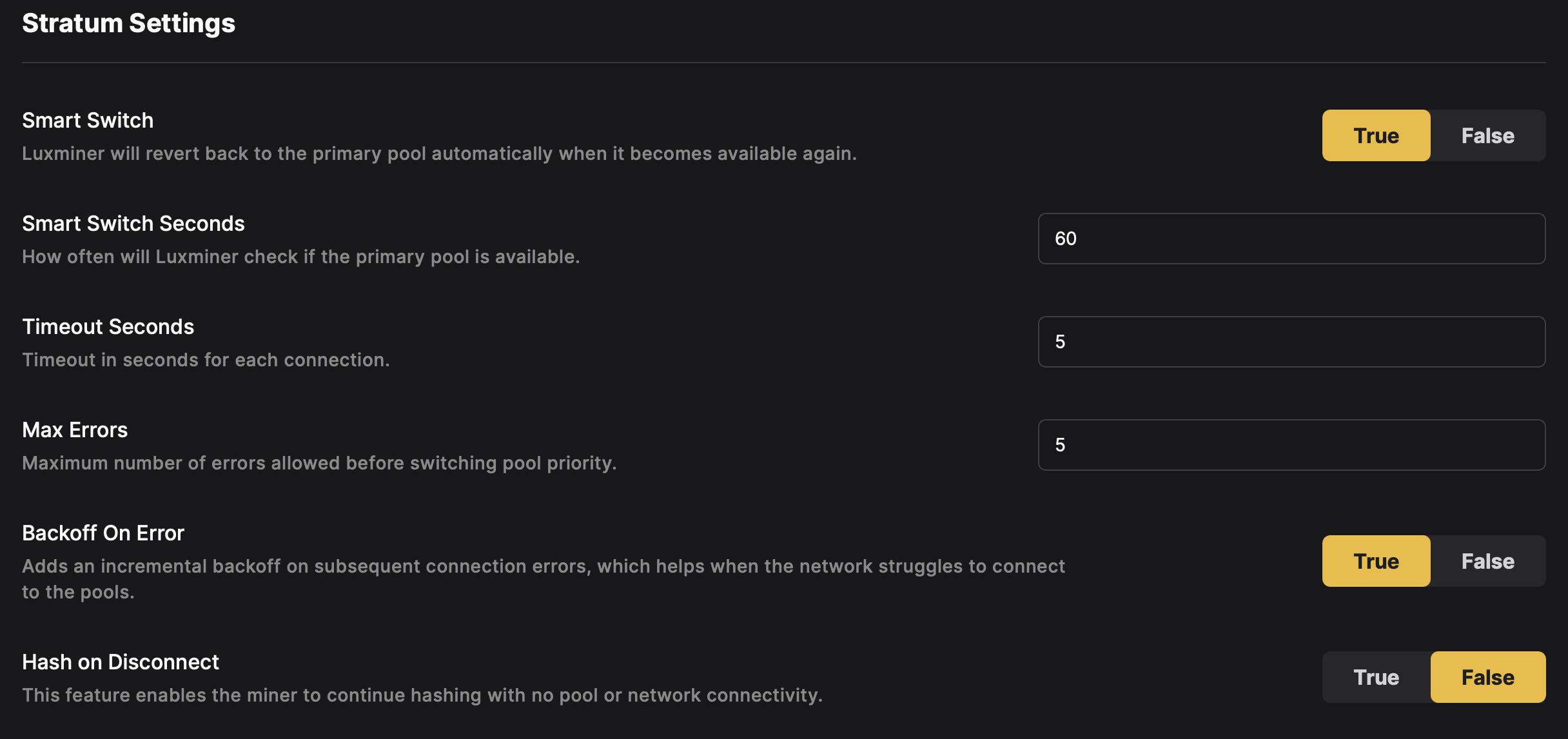
## Auto Updates [#auto-updates]
### Source [#source]
Selecting a firmware branch will impact both automatic updates and manual firmware updates.
Specifies the type of update LuxOS will download:
* **Stable**: Production-ready updates.
* **Preview**: Beta versions for early access.
* **Testing**: Experimental updates for advanced users.
* **Custom**: Luxor-provided URL for specialized builds.
### Timeout [#timeout]
Defines the interval (in minutes) for checking new updates.
Default: `60`
### On Timeout [#on-timeout]
Determines the action LuxOS takes when a Timeout interval occurs:
* **Off**: No action.
* **Download**: Downloads updates but does not apply them.
* **Apply**: Downloads and applies updates.
* **Full**: Downloads, applies updates, and restarts the miner.
### On Startup [#on-startup]
Determines the action LuxOS takes on miner startup:
* **Off**: No action.
* **Download**: Downloads updates but does not apply them.
* **Apply**: Downloads and applies updates.
* **Full**: Downloads, applies updates, and restarts the miner.
### On User [#on-user]
Determines the action triggered manually via the GUI or updaterun API:
* **Off**: No action.
* **Download**: Downloads updates but does not apply them.
* **Apply**: Downloads and applies updates.
* **Full**: Downloads, applies updates, and restarts the miner.
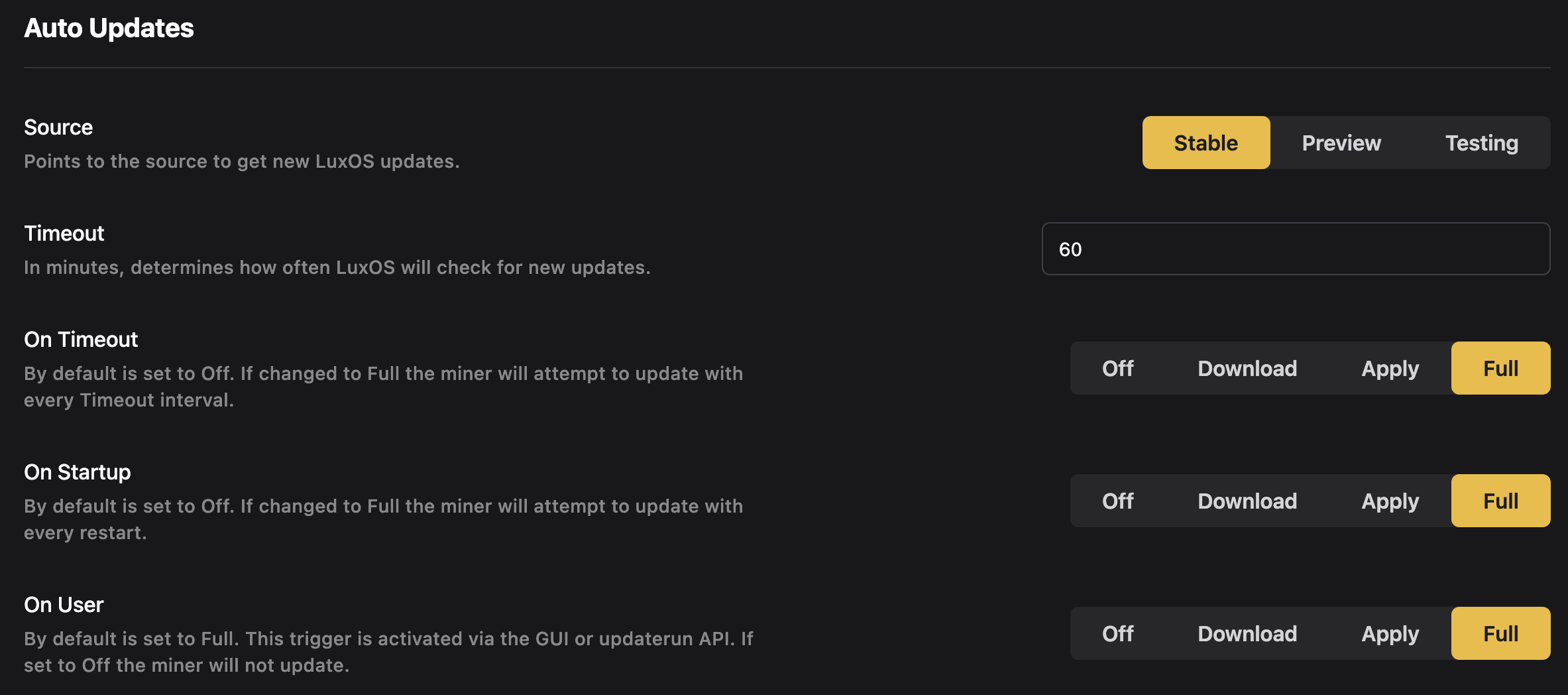
## Temperature Control [#temperature-control]
### Required Critical Temperature Sensors per Board [#required-critical-temperature-sensors-per-board]
Specifies the minimum number of functional critical temperature sensors required per hashboard. If this threshold is not met, the behavior is defined in [Critical Temperature Sensor Behavior](./criticaltempsensorbehavior) based on various factors of the hardware architecture.
**Options:**
**Antminer:** `0`, `1`, `2`, `3` (amount of critical temperature sensors per hashboard can vary based on model)
**Whatsminer:** `0`, `1`
### Max Bad Readings [#max-bad-readings]
Sets the maximum number of consecutive bad temperature readings before considering the sensor "broken."
Default: `10`
### Bad Avg Threshold [#bad-avg-threshold]
Determines the average temperature threshold above which readings are considered unreliable.
Default: `2`
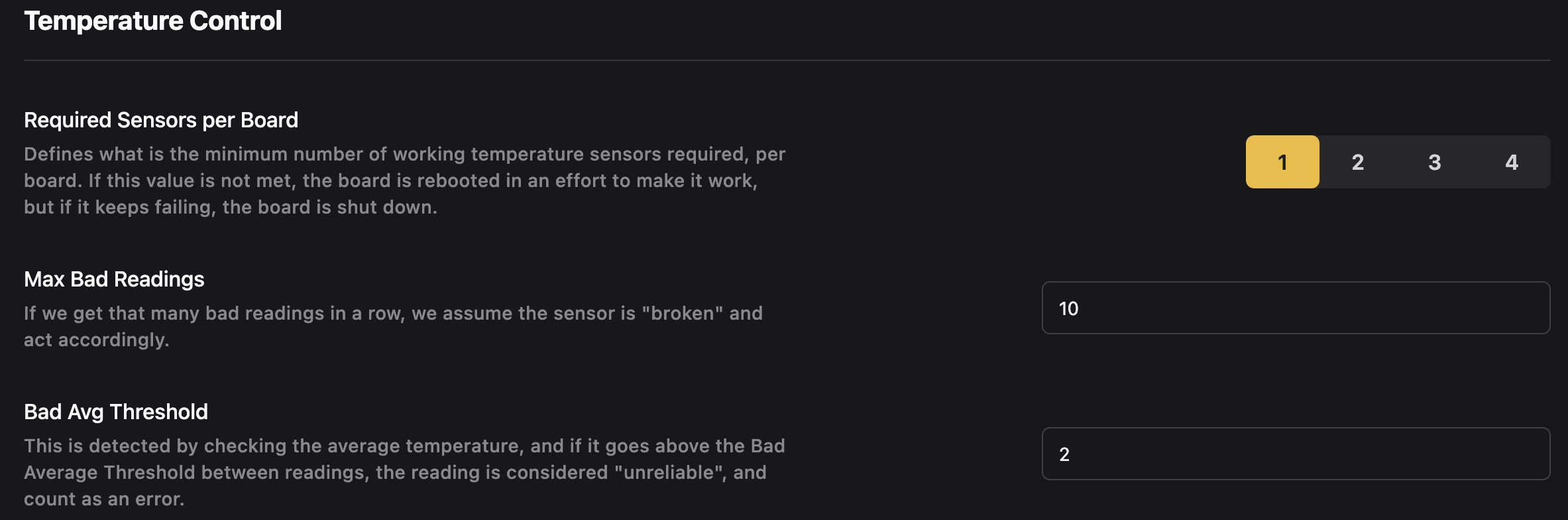
## Fan Control [#fan-control]
### Power Off Speed [#power-off-speed]
The fan power when the psu is powered off because of curtailment or a power-off event. Default: `20`
### Minimum Fan Speed [#minimum-fan-speed]
The minimum speed that the automatic fans can use. Default: `20`
### Maximum Fan Speed [#maximum-fan-speed]
The maximum speed that the automatic fans can use. Default: `100`
### Minimum Required Fans [#minimum-required-fans]
The minimum number of fans that must be operational for the system to run. Options:
**Antminer:** `1`, `2`, `3`, `4`
**Whatsminer:** `1`, `2`
### Quiet Fan Startup [#quiet-fan-startup]
Sets fan initialization speed to minimum fan speed.
* **True**: Enabled.
* **False**: Disabled (default).
### Immersion Mode [#immersion-mode]
Immersion mode disables all fans.
* **True**: Enabled.
* **False**: Disabled (default).
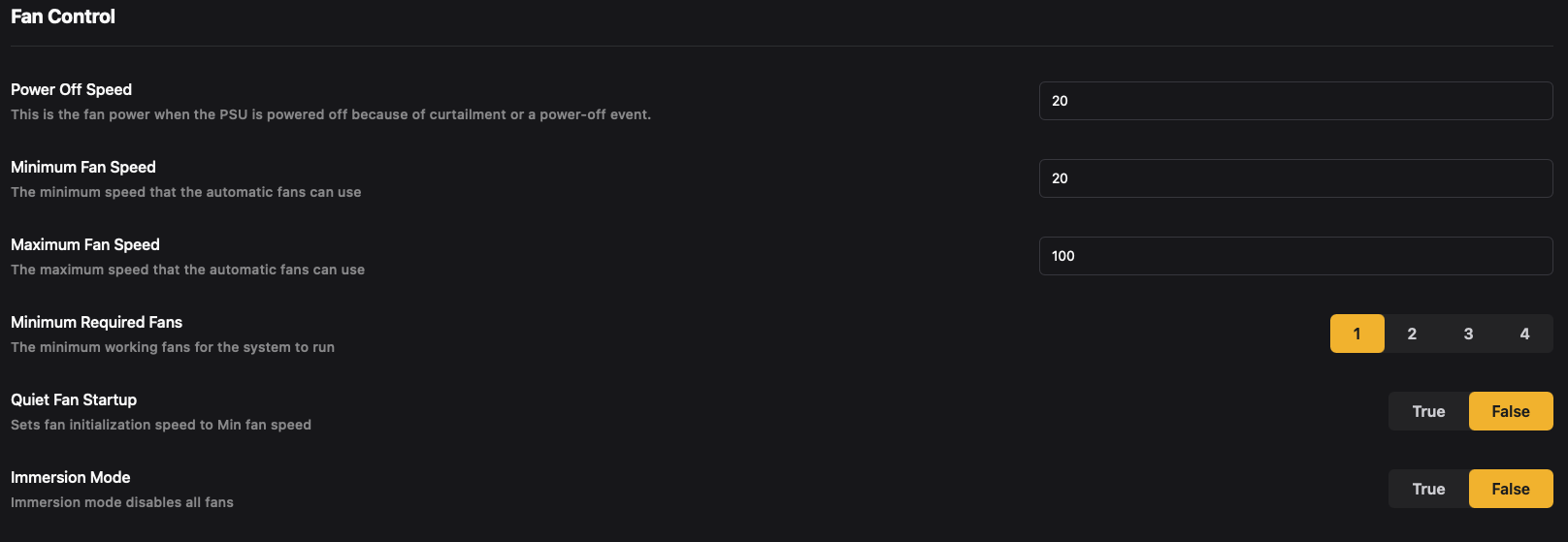
## Hashboard Settings [#hashboard-settings]
### NoPIC Shutdown [#nopic-shutdown]
LuxOS is able to run any miner (PIC & NoPIC) with a hashboard powered off. However, by default, LuxOS will power off NoPIC miners by powering off hashboards and disabling the PSU when a hashboard fails preventing from sending voltage to failing hashboards. This feature can be disabled by the user. To do so, go into `Settings`, click on the `Advanced Settings` section, then scroll down to disable the `NoPIC Hashboard Protection` setting. Alternatively, users can disable this functionality through the API by calling the [hashboardoptsset](/firmware/api/luxminer/hashboardoptsset) command or with the **Fault Recovery** bulk action in [Commander](/platform/commander/automation/bulk-actions).
* **True**: Enabled (default).
* **False**: Disabled.
### OverTempAutoRecovery [#overtempautorecovery]
As standard behavior, LuxOS will automatically attempt to recover a hashboard that was powered off after a failure, retrying within configurable rate limits (per hour and per day) and cooldown windows before giving up once the board hits the consecutive-error threshold. This behavior can be disabled by the user. To do so, go into `Settings`, click on the `Advanced Settings` section, and disable the\
`Over Temp Auto Recovery` setting. Alternatively, users can disable this functionality through the API by calling the [hashboardoptsset](/firmware/api/luxminer/hashboardoptsset) command or with the **Fault Recovery** bulk action in [Commander](/platform/commander/automation/bulk-actions). If this feature is disabled, a failed hashboard is powered off and left off, with no automatic recovery attempts. The recovery limits themselves can be inspected and tuned via the [recoverctrl](/firmware/api/luxminer/recoverctrl) and [recoverctrlset](/firmware/api/luxminer/recoverctrlset) commands.
* **True**: Enabled (default).
* **False**: Disabled.
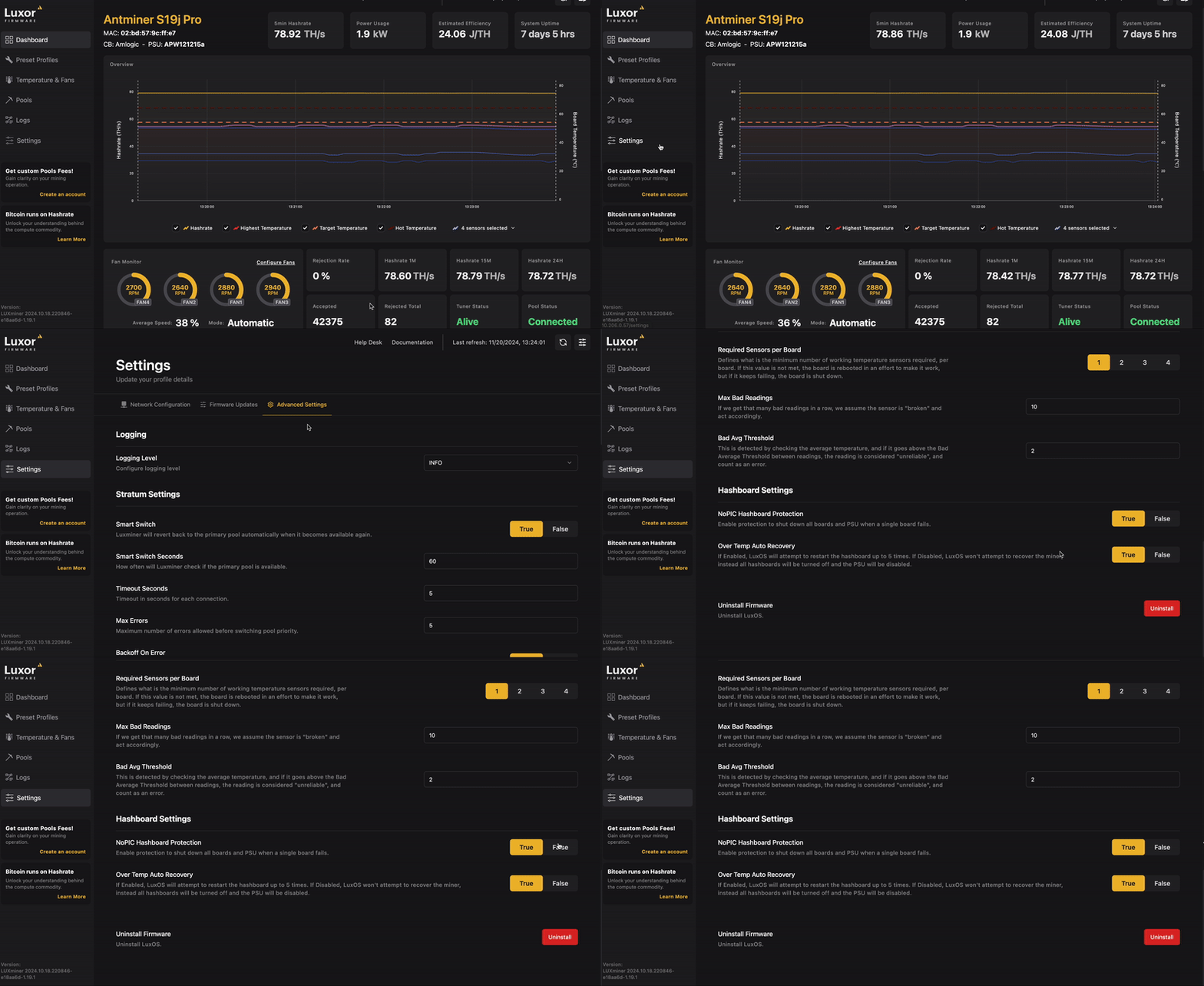
## PSU Control [#psu-control]
### PSU Bypass [#psu-bypass]
Gives the user the ability to hash with a psu that is unrecognized by LuxOS.
* **True**: Enabled.
* **False**: Disabled (default).
### Bypass Voltage [#bypass-voltage]
Available only when PSU Bypass enabled = **True**, allows the user to pass a static voltage value that LuxOS will use for power estimation calculations. Default: `12`
## Uninstall Firmware [#uninstall-firmware]
This option allows users to remove LuxOS from the miner.
To uninstall LuxOS:
1. Navigate to **Settings > Advanced Settings > Uninstall Firmware**, and select **Uninstall**.
2. Follow the on-screen instructions to complete the uninstall process.

# Advanced Thermal Management (https://docs.luxor.tech/firmware/features/atmsettings)
## Advanced Thermal Management Overview [#advanced-thermal-management-overview]
Advanced Thermal Management (ATM) is a system engineered to dynamically adjust a miner's operating parameters, such as frequency and voltage, based on environmental conditions and user-defined settings. This ensures optimal performance while preventing shutdowns due to overheating.
In high-temperature environments, ATM smoothly underclocks the miner as temperatures rise, preventing shutdowns. As the ambient temperature drops, especially during cooler evenings, ATM automatically restores the miner to its default settings, or even overclocks it if configured by the user. This entire process operates without the need for integrations, triggers, or manual intervention.
Additionally, ATM serves as a tool to extend the lifespan of mining equipment. By operating at lower temperatures, the equipment experiences fewer failures, translating to an increased operational lifetime.
### Compared to Bitmain's Lower Power Mode [#compared-to-bitmains-lower-power-mode]
ATM differentiates itself from Bitmain's Lower Power Mode (LPM) by offering progressive underclocking and overclocking throughout the day as needed.
For example, ATM might underclock a miner by 3% between 10 AM and 11 AM, then by 5% until 12 PM, 10% until 4 PM, reduce to 5% until 6 PM, and finally return to stock settings afterward. In contrast, Bitmain's LPM results in a constant 25% underclock from start to finish. Moreover, Bitmain's LPM may not sufficiently prevent overheating in certain scenarios, whereas LuxOS ATM can underclock as much as necessary to keep the miner operational.
## How to Enable ATM [#how-to-enable-atm]
There are three main ways to enable ATM: via the web UI, [Commander](/platform/commander/automation/bulk-actions), or our [API](../api/luxminer/atmset).
### LuxOS UI [#luxos-ui]
For individual miners, you can enable ATM from within the LuxOS web UI. Simply type in your miners' IP address into a web browser, navigate to `Temperature & Fans`, and then scroll down to `Advanced Thermal Management` and toggle that on. Don't forget to hit `Save` to confirm your settings.

### Commander [#commander]
If you want to enable ATM on one or more miners at a time, use [Commander](/platform/commander/automation/bulk-actions). Select your miners in the **Miners** tab, open **Bulk Actions** and add **Change Temperature Control**. From there you can turn ATM on and configure its settings. Check out our [Recommended Settings](../kb/recommended-settings) page for a good starting point.
### API [#api]
ATM can also be enabled though the [LuxOS API](../tools/luxos/intro) with the [atmset](../api/luxminer/atmset) command.
```sh
$ echo '{"command": "atmset", "parameter":"tjqw4aNI,enabled=true"}' | nc $MINER_IP 4028 | jq
```
## Temperature sources ATM uses [#temperature-sources-atm-uses]
ATM reads temperature from every sensor available on the miner and factors all of them into its decisions. The specific sources depend on hardware:
* **Hashboard temperature** is the core input on all supported miners. ATM uses the highest hashboard reading to decide whether to underclock or allow more power.
* **Chip temperature** is used alongside hashboard temperature on hardware that reports real on-die chip temps. On these miners, a hot reading from either the hashboard or a chip can trigger ATM to underclock. To ramp up — step up a preset profile or increase the power target — every available reading has to be cold (cold = hot temperature − temperature buffer). Chip temperature thresholds can be configured via the [tempctrlset](../api/luxminer/tempctrlset) API command.
* **Water inlet temperature** is used alongside hashboard (and chip, when available) on hydro-cooled miners. ATM treats the inlet reading as an additional input, not a replacement for the others. Water inlet temperature thresholds can be configured via the [tempctrlset](../api/luxminer/tempctrlset) API command.
{" "}
**Water inlet ATM is a system-wide lever.** Configuring water inlet ATM on only a portion of the miners in a shared cooling
system generally has little effect on system-wide temperatures. The machines that *are* configured will respond to inlet
temperature changes and end up underclocked more than necessary, while the rest of the fleet continues to run at full power.
For water inlet ATM to do its job, apply the same configuration across every miner on the cooling system.{" "}
## ATM settings [#atm-settings]
* **Minimum Profile:** The minimum profile sets the minimum boundary profile ATM can decrease to. By default the minimum profile is unbounded, meaning ATM will drop to the lowest profile available if required.
If a relatively high power consumption (voltage & frequency) profile is configured as the minimum boundary ATM might not be capable of preventing the machine from overheating in high heat scenarios. When the AutoTuner sits at the minimum while temperatures keep climbing, the firmware will eventually [shut the miner down](../kb/eventstroubleshooting#early-shutdown-triggered) to protect the hardware.
On models that support power targeting, the minimum profile acts as the power minimum (the floor the AutoTuner will not underclock below). Setting it adjusts `power_min`; clearing it unbounds the minimum. You can also set the floor directly in watts via [powertargetset](../api/luxminer/powertargetset).
* **Maximum Profile:** The maximum profile sets the top-end boundary profile ATM can increase to. By default, the EEPROM profile (stock settings) is used. Users can increase this setting but acknowledge that miners will draw more power.
The maximum profile can not be unbounded. A maximum profile needs to be selected for ATM to operate. ATM will increase up to the maximum boundary if the temperature allows it to.
On models that support power targeting, the maximum profile also acts as the power limit for the AutoTuner. Raising it gives the AutoTuner more headroom; lowering it brings the limit down, and pulls the current power target down with it if the target sits above the new limit. Setting a new power target replaces the limit — the wattage you enter becomes both the target and the new limit. ATM continues to underclock in response to heat either way.
* **Temperature Buffer:** Degrees below Hot Temperature at which ATM will allow a profile or power target increase.
* **Chip Temperature Buffer:** Degrees below Chip Hot Temperature at which ATM will allow a profile or power target increase.
For example, if the observed hashboard maximum temperature is 56C, the temperature buffer is 8C and the Hot Temperature is 65C then ATM will increase a profile within its boundaries. However, if the observed maximum temperature is 60C then ATM will not increase a profile as it risks overshooting temperature by reaching the Hot Temperature and having to come back down again. The default and [recommended](../kb/recommended-settings) value is 8C. Click [here](./tempsandfans) to learn more about Temperature and Fan settings.
* **Startup time:** This parameter specifies the duration before ATM becomes active following a miner's startup. We suggest a 1-minute delay, enabling ATM to commence temperature assessments as soon as heat generation starts.
* **Post Ramping time:** This parameter determines how frequently ATM reviews the temperature following any adjustment to the operational profile. To ensure the ATM receives accurate and timely temperature data after a profile change, we recommend setting this period at 1 minute.

# AutoTuner (https://docs.luxor.tech/firmware/features/autotuner)
LuxOS AutoTuner is a smart feature that automatically adjusts your system’s settings to reduce power usage without compromising performance. It works quietly in the background, continuously fine-tuning operating parameters, so that your hardware runs as efficiently as possible, while keeping your equipment healthy. This means you can enjoy lower energy consumption and stable performance effortlessly.
## Features [#features]
* Automatic Optimization: Continuously adjusts frequency and voltage to optimize efficiency and maintain stable operation.
* Quick Adjustment: Switching to a new [Preset Profile](./presetprofiles) or [Power Target](./powertargeting) takes effect immediately — the AutoTuner ramps the miner to the new settings without any restart or downtime.
* Performance Maintenance: Ensures chip health and stable hash rates are upheld.
* User-Friendly Controls: Simple enable/disable functionality via [Commander](/platform/commander/automation/bulk-actions) or [API](/firmware/api/luxminer/autotunerset).
## Enabling AutoTuner [#enabling-autotuner]
AutoTuner can be enabled across many miners at once in [Commander](/platform/commander/automation/bulk-actions): select your miners, open **Bulk Actions** and use **Run LuxOS Command** with the `autotunerset` command. It can also be activated programmatically via the [LuxOS API](/firmware/api/luxminer/autotunerset).
The time required for the AutoTuner to complete tuning depends on several factors:
* Temperature: Voltage and frequency calibrations are impacted by temperature. No machine will perform the exact same in different environments.
* Machine and Chip Health: A healthy machine will tune better than an unhealthy machine.
* Machine Model: Different models may have varying tuning durations.
* Estimated Time: Tuning happens while the machine hashes without any hashrate loss. As soon as the AutoTuner is enabled your miner will be optimized, achieving the ideal hashrate and power consumption within \~1 hour.
## Managing Power Targets [#managing-power-targets]
On supported models, if you decide you want to run at a different wattage, you can update the power target at any time. Send a new target from Commander, the web UI, or the API, and the miner will smoothly ramp from its current draw to the new value — no restart or profile reset required. You can adjust the target as often as you like; each new value replaces the last one.
## Managing Tuned Profiles [#managing-tuned-profiles]
If a tuned profile does not perform as expected, you can revert it to its original settings. To restore the profile, click the restore button next to the profile name under preset profiles to reset the voltage and frequency to their original values. You can also reset all profiles to their original state by using the 3 dot menu on the same page.

## Common Issues & Troubleshooting [#common-issues--troubleshooting]
* AutoTuner does not work on custom profiles. When you create a custom profile, you explicitly state what voltage and frequency combo you want, so AutoTuner will not adjust it.
* If the machine moves, or average temperatures change significantly, you may want to restore and retune your profiles to allow AutoTuner to readjust. Miners using power targeting will adjust automatically.
* Power targeting and profile-based tuning cannot run simultaneously. If your miner supports power targeting, the AutoTuner will use it automatically when enabled. Manual frequency and voltage commands are not available while power targeting is active.
# Critical Temperature Sensor Behavior (https://docs.luxor.tech/firmware/features/criticaltempsensorbehavior)
## Critical Temperature Sensor Behavior Overview [#critical-temperature-sensor-behavior-overview]
This page documents how LuxOS decides whether to keep hashing, reboot a board, or shut the miner down based on the working temperature sensors available on each hashboard. The behavior depends on the operator-configured [`min_per_board`](../api/luxminer/tempsensorset) floor, the miner's hardware (cooling type and ASIC die-temperature coverage), and which sensors are marked as critical.
## At a glance [#at-a-glance]
* **Hydro water-sensor failure always reboots the affected board**, regardless of `min_per_board` or die-temp coverage.
* **`min_per_board > 0`** enforces an operator-configured floor — a board drops below it ⇒ board reboot.
* **ASIC on-die temps and water sensors are fallback protections** — either one alone is enough to keep the miner hashing when critical board sensors are gone.
* **The miner only shuts itself down** when `min_per_board == 0` *and* no critical board sensors, no die-temp coverage, and no working water sensors remain anywhere.
## Decision Table Column definitions [#decision-table-column-definitions]
* **Water Temps (Hydro):** `N/A` (air-cooled), `OK` (≥1 working), `FAIL` (any failed). Water is only ever critical on hydro.
* **ASIC Die Temp Coverage:** on-die overheat coverage — `Yes` for `BM1368` / `BT1978` / `BM1746`, `No` otherwise. See [`HasDieTempOverheatCoverage`](../api/cgminer/config) in `config`.
* **Critical Board Temps:** working critical (hot-side, non-water) board sensors on *this* board; `min` = `min_per_board`. See `IsCritical` in [`temps`](../api/cgminer/temps).
* **`min_per_board`:** configured floor; `0` disables per-board minimum enforcement and enables the miner-level shutdown check.
* **Any critical board temps left miner-wide:** `≥1` if *any* board still has a working critical board sensor, die coverage, or working water sensor; `0` if none anywhere.
## Decision table [#decision-table]
| # | Water Temps (Hydro) | ASIC Die Temp Coverage | Critical Board Temps | `min_per_board` | Any critical board temps left miner-wide | Board action | Miner action |
| - | ------------------- | ---------------------- | --------------------------- | -------------------- | ---------------------------------------- | --------------------------- | ------------------ |
| 1 | FAIL | any | any | any | — | **Reboot board** | Running |
| 2 | any | any | `< min` | `> 0` | — | **Reboot board** | Running |
| 3 | N/A or OK | No | `0` (all hot-side failed) | any | — | **Reboot board** † | Running |
| 4 | N/A or OK | Yes | `0` (all hot-side failed) | `≥ min` (i.e. min=0) | — | Keep hashing (die coverage) | Running |
| 5 | N/A | No | `0` on every board | `0` | `0` | — | **Miner shutdown** |
| 6 | OK anywhere | No | `0` on every board | `0` | `≥ 1` (water OK somewhere) | Keep hashing | Running |
| 7 | any | Yes on any board | `0` on every board | `0` | `≥ 1` (die coverage) | Keep hashing | Running |
| 8 | N/A or OK | any | `≥ min` and ≥ 1 hot-side OK | any | — | Keep hashing | Running |
† Row 3 has a pre-existing exception for hashboards with a PIC (`has_pic_on_hashboard == true`): the PIC provides an independent on-chip overtemp backstop, so the critical-failure check tolerates "all hot-side failed" on those boards and the row-3 reboot does not fire. Affected classes: `S19j`, `S19jpro`, `S19k Pro`, older PIC S19 variants, `S19 Pro+ Hydro`, `S19 XP Hydro`, `S21 Hydro`.
## How each cooling type and ASIC chip combination maps to the Decision Table [#how-each-cooling-type-and-asic-chip-combination-maps-to-the-decision-table]
| Class | Example models | Water Temps (Hydro) | ASIC Die Temp Coverage | Reachable rows |
| ---------------------------------------- | -------------------------------------------------------------- | ------------------- | ---------------------- | --------------- |
| **Air, no chip die temp coverage** | `S19j`, `S19jpro`, `S19k Pro`, older `T19`/`S19` PIC boards | N/A | No | 2, 3 †, 5, 8 |
| **Air, die temp coverage (BM1368)** | `S19 XP+`, `S21`, `T21` | N/A | Yes | 2, 4, 7, 8 |
| **Air, no die temp coverage (BM1370)** | `S21 Pro`, `S21 XP`, `S21+` | N/A | No | 2, 3, 5, 8 |
| **Air, die temp coverage (BM1746)** | Antminer `Z15 Pro` | N/A | Yes | 2, 4, 7, 8 |
| **Air, die temp coverage (BT1978)** | Whatsminer `M50` / `M50S` / `M50S+` / `M60` / `M60s` | N/A | Yes | 2, 4, 7, 8 |
| **Hydro, die temp coverage (BM1368)** | `S19 XP+ Hydro`, `S21 Hydro` | OK/FAIL | Yes | 1, 2, 4, 7, 8 |
| **Hydro, no die temp coverage** | `S19 Pro+ Hydro`, `S19 XP Hydro` | OK/FAIL | No | 1, 2, 3 †, 6, 8 |
| **Hydro, no die temp coverage (BM1370)** | `S21+ Hydro`, `S21 XP Hydro`, `S21e Hydro`, `U3 S21e XP Hydro` | OK/FAIL | No | 1, 2, 3, 6, 8 |
## Key invariants [#key-invariants]
* **Row 1** fires before any other check on hydro: water-sensor loss always reboots the board, regardless of `min_per_board` or die coverage.
* **Row 2** is the only path that can reboot a board for "below the operator's configured minimum"; it is disabled when `min_per_board == 0`.
* **Row 5** is the only path that can shut the *miner* down from this subsystem; it requires `min_per_board == 0` **and** zero working critical board sensors miner-wide **and** no die coverage **and** no working water sensors anywhere.
* Rows 4, 6, 7 are the fallback protections: **ASIC die temps** and **water temps**, each of which individually keeps the miner hashing when critical board temps are gone.
## Related [#related]
* [`tempsensor`](../api/luxminer/tempsensor) and [`tempsensorset`](../api/luxminer/tempsensorset) — read and configure `min_per_board`.
* [`temps`](../api/cgminer/temps) — per-sensor metadata including `IsCritical`.
* [`config`](../api/cgminer/config) — `HasDieTempOverheatCoverage` for the running miner.
* [Advanced Features → Required Sensors per Board](./advancedfeatures#required-critical-temperature-sensors-per-board) — GUI control for `min_per_board`.
# Hashrate Splitting (https://docs.luxor.tech/firmware/features/hashratesplit)
A feature provided by LuxOS is hash rate splitting. It provides users the ability to allocate fractions of total hash rate generated by a machine to multiple pools. This feature may be useful for a wide variety of mining operators.
The math is simple enough to support payout configurations as simple or complex as needed. To set up hash rate splitting:
1. Configure all of the pools and workers that will receive hash rate.
2. Determine the allocations of hash rate per pool (for simplicity, use whole numbers that add to 100).
3. Enter these numbers into the quota box of each group.

Luxor Firmware's hashrate fractions are calculated dynamically. If a mining pool becomes unresponsive, the splitting feature automatically adjusts to distribute hash rate to the remaining mining pools accordingly.
**Example**
In Figure 1, the quotas all add up to 100, so the percent of hashrate contributed to all 4 mining pools matches the quotas.
Figure 1: All Pools Active

Figure 2 shows the updated percentages to account for the removal of Pool 2 as a recipient of hashrate.
Figure 2: Pool 2 Unresponsive

Once the problematic pool(s) reconnects, the hashrate division returns to the previously configured distribution percentages.
# LED Behavior (https://docs.luxor.tech/firmware/features/leds)
This guide explains the behavior of the Control Board LED indicators on your miner. These LEDs provide real-time feedback on the status of your device, helping you diagnose potential issues and track performance.
## Summary of LED States [#summary-of-led-states]
| Condition | Green LED | Red LED |
| -------------------------- | --------------- | --------------------------------------------- |
| Bootup | Solid ON | Solid ON |
| Shutdown | OFF | OFF |
| Curtailed | Solid ON | Solid ON |
| Active Hashing | Heartbeat Blink | OFF |
| Waking Up from Curtailment | Heartbeat Blink | OFF |
| No Pools Configured | OFF | Blinking |
| No Network Connection | OFF | Blinking |
| Critical Errors | OFF | Blinking |
| Locate Miner | Current State | Fast Blinking |
| IP Detect Pressed | Current State | Blinks Fast 5x, then Clears to Previous State |
## LED Behavior Overview [#led-behavior-overview]
### Startup & Shutdown [#startup--shutdown]
* **During Bootup**: Both Red and Green LEDs will remain **solid ON** for a couple of seconds. This serves as an LED self-test and indicates the miner is in an initial state with no errors.
* **During Shutdown**: Both LEDs will turn **OFF** when the miner fully shuts down or while it restarts.
### Normal Operation [#normal-operation]
* **Curtailed**: Both Red and Green LEDs are **solid ON when sleeping.**
* **Hashing**: The Green LED will display a **heartbeat blink** pattern, and the Red LED will be **OFF**.
* **Waking Up from Curtailment**: The miner transitions from curtailed to active hashing, and the Green LED heartbeat starts.
### Network & Pool Issues [#network--pool-issues]
* **No Pools Configured and/or No Network Connection**: The miner will blink the **Red LED**.
### Error States [#error-states]
* **Critical Errors** (e.g., fan failure shutdown, over-temperature shutdown, miner unexpectedly not hashing or unable to hash at all): The miner will blink the **Red LED.**
### Locate Miner Functionality [#locate-miner-functionality]
When activating the **Locate Miner** feature, the **Red LED blinks at Bitmain's standard rate, which is faster than the state when an Error is blinking.** The **Green LED remains in its current state**.
### IP Detect Feedback [#ip-detect-feedback]
When pressing the **IP Detect button**, the **Red LED blinks fast 5 times**, then **clears back to its previous state**. The **Green LED remains in its current state**.
This LED system ensures that users can quickly diagnose their miner's status and respond accordingly.
# Logging (https://docs.luxor.tech/firmware/features/logging)
## Logging Level [#logging-level]
Changing the logging level requires a Luxminer restart. You can restart Luxminer using the 3 line drop-down menu in
the top right corner of every page.
Defines the verbosity of the logs generated by LuxOS. The levels are:
* **TRACE**: Provides process level information, useful for enhanced debugging.
* **DEBUG**: Provides detailed information useful for debugging issues.
* **INFO**: Provides general information about system operation.
* **WARN**: Only logs items that can be issues, but do not need immediate user attention.
* **ERROR**: Only logs critical errors that require user attention.
* **FATAL**: Only logs items that are catastrophic to the miners operation.
To configure the logging level:
1. Navigate to **Settings > Advanced Settings > Logging**.
2. Select the desired logging level from the dropdown menu.

## Viewing Logs [#viewing-logs]
You can view your ASIC miner's logs from the dashboard. Click on 'Logs' to see the current log, which is also available for export.

You can also collect logs via `GET` or `CURL`. Review our [API docs](/firmware/api/luxminer/logs) for more information.
The logging level can be in the advanced section of LuxOS if more detailed logs are required. If you change the logging level, it will not take effect until you restart the luxminer process.

# Partner Referral ID (https://docs.luxor.tech/firmware/features/partnerid)
The LuxOS Partner Referral ID allows for an optional parameter during installation that partners can use to tag installs with their partner ID. By using this partner ID, this allows Luxor to compute hashrate coming from the miner and provide a commission to the partner ID owner. This is similar to our referral code program for our mining pool.
Partner IDs are only available to miners that have never had LuxOS installed previously.
Follow these steps to get started installing with your partner ID:
1. [Contact a Luxor associate](https://luxor.tech/contact) to agree upon the partner ID to be used. Partner IDs must be alphanumeric and lowercase, i.e. luxosref, avoiding spaces, capital lettering, as well as special characters and symbols.
2. The Luxor team will walk you through installing LuxOS with your partner ID on the miners you deploy.
3. After installation is complete, you can confirm the partner ID by going into your miner's logs and look for an entry that says: "Partner ID loaded: *yourpartneridhere*".
4. Your referral proceeds will begin to accrue, and will be sent to you each month based on the hashrate sent through LuxOS.
# Power Targeting (https://docs.luxor.tech/firmware/features/powertargeting)
With power targeting, you tell the miner exactly how much power to consume. LuxOS continuously adjusts frequency and voltage to hold the miner at your chosen wattage. Preset profiles ask you to pick a frequency and voltage, and the resulting wattage follows from that choice. Power targeting flips the relationship: you pick the wattage, and the AutoTuner picks the frequency and voltage that land on it.
## Supported Models [#supported-models]
Power targeting is available on select models. See the [compatibility page](../compatibility) for the current list of supported models.
On models that don't support power targeting, LuxOS continues to tune using [preset profiles](./presetprofiles) — same profiles, same workflows, no change in behavior. On supported models, preset profiles still work the way you expect at the surface (+1, -2, Default, etc.), but under the hood LuxOS interprets each profile as a predefined power target rather than a frequency preset.
## Benefits of Power Targeting [#benefits-of-power-targeting]
* **Stable & predictable power consumption:** By setting a power target, LuxOS will optimize the miner's voltage and frequency to reach and maintain that target, continuously fine-tuning to hold consumption at the value you set.
* **Protection against PSU shutdowns:** A fixed watt ceiling keeps the miner clear of over-power protection thresholds.
* **Mixed-fleet coordination:** A watt-based target normalizes consumption across models so any supported miner can be assigned the exact draw needed to hit a site-level load plan.
* **Curtailment without cold starts:** Idle machines at low wattages during curtailment windows, preserving internal heat and skipping cold-start penalties.
* **Power market participation:** Precise wattage control is the foundation for demand response, interval energy trading, and other energy load based Mining workflows.
* **Heat recycling and BTU planning:** BTU output is proportional to watt input — sites recycling hashrate heat can budget thermal output precisely.
## Using Power Targeting [#using-power-targeting]
* How to Use Power Targeting Video (4 minutes): [Watch Video](https://youtu.be/pM-WwF_d4ck?si=Cvlbg4q2H_3WUVK7)
### Setting a power target [#setting-a-power-target]
Power targeting can be configured from the web UI, [Commander](https://luxor.tech/commander), or the [API](../api/luxminer/powertargetset).
#### LuxOS UI [#luxos-ui]
Open the miner's IP address in a browser, navigate to the `Preset Profiles` tab, and enter your desired wattage in the `Power Target` field. Save to apply.
#### Commander [#commander]
Launch Commander, select the miner(s) you want to configure, and open the `Configure Miners` panel. In the `Power` tab, enter a value in the `Power Target` field and click `Review` to apply.
#### API [#api]
Use the [powertargetset](../api/luxminer/powertargetset) command:
```sh
$ echo '{"command":"powertargetset","parameter":","}' | nc $MINER_IP 4028 | jq
```
### Updating a power target [#updating-a-power-target]
If you decide you want to run at a different wattage, you can update the power target at any time. Send a new target from Commander, the web UI, or the API, and the miner will smoothly ramp from its current draw to the new value — no restart or profile reset required. You can adjust the target as often as you like; each new value replaces the last one.
### Power target, power limit, and power minimum [#power-target-power-limit-and-power-minimum]
Three terms worth knowing:
* **Power target** — the wattage the AutoTuner actively maintains on the miner.
* **Power limit** — the ceiling the AutoTuner will not exceed.
* **Power minimum** — the floor the ATM will not underclock below. Useful when you want to keep a baseline of power consumption even under thermal pressure, at the cost of allowing the miner to reach an early shutdown if the temperatures keep climbing.
All three can be inspected or changed via [powertargetget](../api/luxminer/powertargetget) and [powertargetset](../api/luxminer/powertargetset).
## How Power Targeting Works with ATM [#how-power-targeting-works-with-atm]
When ATM is enabled, power targeting and ATM run alongside each other. ATM continues to monitor temperature just as it does during preset-profile operation. If thermal conditions rise and push the miner past [ATM's](./atmsettings) configured [temperature settings](./tempsandfans), the miner begins underclocking to cool down. Once temperatures stabilize, a new power target is set at the current power consumption, and this becomes the active target. The original power limit stays intact throughout — so if conditions improve, the miner can ramp back up as high as the original limit.
If the ATM reaches the configured power minimum while temperatures are still rising, the firmware emits a [`POWER_MINIMUM_REACHED`](../kb/eventstroubleshooting#power-minimum-reached) event and stops underclocking further. If the heat keeps climbing past the early-shutdown threshold while sitting at the minimum, the firmware arms a staggered shutdown timer ([`EARLY_SHUTDOWN_PENDING`](../kb/eventstroubleshooting#early-shutdown-pending)) and, if conditions don't improve, eventually shuts the miner down ([`EARLY_SHUTDOWN_TRIGGERED`](../kb/eventstroubleshooting#early-shutdown-triggered)).
## Important Interactions [#important-interactions]
* Targets outside your model's supported range are rejected.
* Setting a new power target overwrites the current power limit.
* Changing your ATM max profile also overwrites the power limit, but only while ATM is enabled. If ATM is off, max profile changes have no effect on the limit. Whichever change — a new power target or a max profile update with ATM on — happened most recently is what the limit reflects.
* Setting a new profile via [profileset](../api/luxminer/profileset) with `update_atm` enabled (the default) clears the power minimum, in addition to updating the power limit.
While power targeting is active, manual frequency and voltage changes are rejected. The `frequencyset` and
`voltageset` API commands return a `PowerBasedRampEnabled` error. To return to preset-profile control, disable power
targeting first.
# Preset Profiles (https://docs.luxor.tech/firmware/features/presetprofiles)
On models that support [Power Targeting](./powertargeting), LuxOS interprets each preset profile as a predefined power
target rather than a frequency preset. Choosing a profile sets the corresponding wattage, and the AutoTuner adjusts
frequency and voltage to hold that target. See the [Power Targeting](./powertargeting) page for details.
LuxOS comes with built-in profiles that are linear steps of 25MHz and 0.15v both upwards and downwards from the OEM's EEPROM reading (miner nameplate settings). These profiles incorporate board voltage and chip frequencies settings and include options for standard, under-clocking, and over-clocking configurations. We strongly suggest to be careful with overclocking. Heavy overclocking especially in high temperatures and with certain hardware models can increase the likelihood of machine failures and damage.
For example, most jPro's 104T come with default voltage of 13.4v and 545MHz. Therefore, the built-in profiles will be as follows:
* 13.10v, 495 MHz
* 13.25v, 520 MHz
* 13.40v, 545 MHz (DEFAULT)
* 13.55v, 570 MHz
* 13.70v, 595 MHz
Not every jPro 104T comes with the same nameplate voltage (13.40v). It's very likely you'll find 104T miners that use 13.2, 13.6, 13.8 or even 14.05v as default voltage. Therefore, the built-in profiles might be different for each miner, even when it's the same model.
LuxOS auto-generates 16 steps of underclocking profiles and 4 steps of overclocking profiles following the linear steps previously described. Including the default profile, there are 21 built-in profiles in total for each miner. The Default profile represents the factory hashrate output and power consumption for that miner.
Frequency is the parameter that determines the output hashrate of a machine. For example, an S19 jPro at 545MHz will output 104TH/s, but at 525MHz it will output 100TH/s and 505MHz will output 96TH/s. A miner will need a minimum voltage to operate at different frequencies, as a rule of thumb the higher the frequency the more voltage will need to be supplied to a hashboard for a stable operation. The environmental conditions (temperature, humidity, etc), miner chip quality and age, PSU quality, etc, will influence the minimum required voltage to operate at the desired frequency.

### Antminer Equihash ASIC miners [#antminer-equihash-asic-miners]
On Antminer Equihash ASIC miners the built-in profiles keep the PSU at 12.0 V and step both the **frequency** (in 25 MHz
steps) and the **hashboard voltage**. Only the [voltageset](../api/luxminer/voltageset) API command moves the PSU,
within a narrow 11.9–12.3 V window. Each hashboard's voltage is derived from the profile's frequency: the higher the
frequency, the higher the hashboard voltage.
To adjust a hashboard's voltage at runtime, use the [hashboardctrlset](../api/luxminer/hashboardctrlset) API command.
### How to change profiles [#how-to-change-profiles]
Preset profiles can be selected from the LuxOS web UI or the **Change Power Settings** bulk action in [Commander](/platform/commander/automation/bulk-actions). Additionally, they can be set programmatically via the [LuxOS API](/firmware/api/luxminer/profileset). Immediately after the new profile selection, you'll see the miner ramping to the new desired state and the chip HealthChecker will re-evaluate the status of the miner with the new settings.
**Web UI:**
1. Go to the **Configure** page.
2. Under **Profiles**, select your desired profile from the dropdown.
As a rule of thumb, each profile step represents a change in hashrate of \~5 TH/s. This is an approximation and depends on each miner type chip and quantity of chips per board.
# Temperature & Fans (https://docs.luxor.tech/firmware/features/tempsandfans)
LuxOS provides three user-customizable temperatures that drive different actions in the miner.
**The temperatures shown by default in LuxOS are hashboard temperatures and should not be confused with chip temperatures.** These are two different measurements: hashboard temperature comes from dedicated sensors on the board itself, while chip temperature refers to the temperature of the individual ASIC chips. On most S19-series Antminers, stock firmware and other aftermarket firmwares display chip temperatures that are estimated by adding \~15°C to the hashboard sensor reading. Because these are estimates rather than direct measurements, LuxOS does not surface them — it shows only the hashboard temperatures that are actually measured. Some hardware does report real, per-chip temperatures from on-die sensors. On MicroBT Whatsminers and on certain Antminer models that include on-die chip sensors, LuxOS surfaces those real readings (not estimates) — in the chip topology view in the GUI and through the [healthchipget API](../api/luxminer/healthchipget) command.
Sensor counts vary by vendor and model. Bitmain Antminers typically have 4 temperature sensors per hashboard, though some models ship with 2. MicroBT Whatsminers have 1 temperature sensor per hashboard. Antminer Equihash ASIC miners, such as the Antminer Z15 Pro, have one sensor per chip (six per hashboard), each reporting both a hashboard temperature and the chip's on-die temperature; only the hashboard readings on the exhaust side are critical (see [temps](../api/cgminer/temps#antminer-z15-pro)). Regardless of how many sensors are present, LuxOS makes decisions based on the highest reading across all hashboard temperature sensors on each board.
The following temperature settings can be configured via [Commander](https://luxor.tech/commander), the miner's web
UI, or the [tempctrlset](../api/luxminer/tempctrlset) API command.
* **Target Temperature:** Used for the fan algorithm. Once the maximum temperature reading reaches the Target Temperature threshold fan speeds will be set to 100% unless the LuxOS fan algorithm is overridden with Manual fans settings.
* **Hot Temperature:** Used by [ATM (Advanced Thermal Management)](./atmsettings) to drive steps up and steps down in profiles or power target based on board sensor temperature.
* **Dangerous Temperature:** When any of the board sensor temperatures reaches this temperature the hashboard will be shutdown to prevent damage.
* **Chip Target Temperature:** The chip die temperature equivalent of Target Temperature, for miners that report chip-level temps. Uses the same fan curve but evaluated independently — whichever demands higher fan speed wins. Only applies to models with chip die temperature sensors.
* **Chip Hot Temperature:** Used by ATM to drive steps up and steps down in profiles or power target based on chip temperature.
* **Chip Dangerous Temperature:** When any ASIC chip on a hashboard reaches this temperature the hashboard will be shutdown to prevent damage.
* **Water Inlet Startup Temperature:** When the water inlet temperature is below this threshold the miner will not start hashing, preventing operation when the cooling loop is too cold.
* **Water Inlet Hot Temperature:** Used by ATM to drive steps up and steps down in profiles or power target based on water inlet temperature.
* **Water Inlet Dangerous Temperature:** When the water inlet temperature reaches this threshold the miner will shutdown all hashboards to prevent damage from insufficient cooling.
**Bitmain Antminer**
| Temperature Setting | Default | Fiber Glass Hashboards | Aluminium Hashboards |
| :-------------------- | :-----: | :------------------------------------------------------------------------------------------------------------------------------------------------------------ | :------------------------------------------------------------------------------------------------------------------------------------------------------------ |
| Target Temperature | 55C | 55C | 55C |
| Hot Temperature | 65C | For units with ATM enabled and if the user wants to experience less underclocking then increase this setting. | To preserve the lifespan of the miner we don't recommend increasing the hot temperature for sustained periods of time. |
| Dangerous Temperature | 70C | Maximum of 75C, ideally a 8C buffer from your Hot Temperature for ATM to have enough room to cool-down a miner before it shuts down due to high temperatures. | Maximum of 72C, ideally a 8C buffer from your Hot Temperature for ATM to have enough room to cool-down a miner before it shuts down due to high temperatures. |
**Antminer Z15 Pro**
| Target | Hot | Dangerous | Chip Target | Chip Hot | Chip Dangerous |
| :----: | :--: | :-------: | :---------: | :------: | :------------: |
| 70°C | 75°C | 80°C | 70°C | 90°C | 95°C |
These defaults match the stock firmware. By default the Z15 Pro also requires every fan to be running; you can lower the minimum number of fans with `min_fans` in [fanset](../api/luxminer/fanset).
**MicroBT Whatsminer**
| Miner Type | Target | Hot | Dangerous | Chip Hot | Chip Panic |
| :--------- | :----: | :--: | :-------: | :------: | :--------: |
| M50\_VK40 | 80°C | 83°C | 93°C | 115°C | 120°C |
| Miner Type | Target | Hot | Dangerous | Chip Hot | Chip Panic |
| :--------- | :----: | :--: | :-------: | :------: | :--------: |
| M50S\_VK20 | 80°C | 83°C | 93°C | 115°C | 120°C |
| M50S\_VK30 | 80°C | 83°C | 93°C | 115°C | 120°C |
| M50S\_VK80 | 80°C | 83°C | 93°C | 115°C | 120°C |
| Miner Type | Target | Hot | Dangerous | Chip Hot | Chip Panic |
| :---------- | :----: | :--: | :-------: | :------: | :--------: |
| M50S+\_VK10 | 80°C | 83°C | 93°C | 115°C | 120°C |
| M50S+\_VK20 | 74°C | 83°C | 93°C | 115°C | 120°C |
| M50S+\_VK30 | 80°C | 83°C | 93°C | 115°C | 120°C |
| Miner Type | Target | Hot | Dangerous | Chip Hot | Chip Panic |
| :----------- | :----: | :--: | :-------: | :------: | :--------: |
| M50S++\_VK50 | 80°C | 83°C | 93°C | 115°C | 120°C |
| Miner Type | Target | Hot | Dangerous | Chip Hot | Chip Panic |
| :--------- | :----: | :--: | :-------: | :------: | :--------: |
| M60\_VK20 | 80°C | 83°C | 93°C | 115°C | 120°C |
| Miner Type | Target | Hot | Dangerous | Chip Hot | Chip Panic |
| :--------- | :----: | :--: | :-------: | :------: | :--------: |
| M60S\_VK20 | 80°C | 83°C | 93°C | 115°C | 120°C |
### Automatic Fan Control [#automatic-fan-control]
LuxOS provides a fan algorithm that automatically adjusts fan speeds based on the temperature of the miner. The fan algorithm is designed to keep the miner at the target temperature set by the user. LuxOS reads temperatures from the temperatures sensors once every seconds and adjusts fan speeds accordingly.
The following scenarios have a different fan behavior:
1. If temperatures can't be read from any temperature sensor, the PSU is enabled and at least one hashboard is detected (regardless if it's enabled or disabled), fans will be set to 100% for safety reasons.
2. If temperatures can't be read from any temperature sensor, the PSU is disabled or no hashboard is detected, fans will be set to 20%.
3. If the miner is curtailed, fans will be set to 20%.
### Manual Fan Control [#manual-fan-control]
If users wish to override the automatic fan control, they can set the fans to a specific percentage. In this scenario, LuxOS won't adjust the fan speed dynamically based on temperature. We suggest keeping the fans set to Automatic mode for the best performance and longevity of the miner. If immersion mode is enabled, all fans will be disabled entirely.
### Cold Start [#cold-start]
Warming up miners correctly is crucial for a reliable start up, and for improved LuxOS Autotuner performance in cold environments. Miners that are excessively cold and don't warm up properly won't hash or tune as well as properly warmed-up miners.
To tackle warming up miners, LuxOS will first attempt to bring all hashboards to a similar temperature. This is accomplished by first running the fans at 100% for a period of time to equalize the temperature across all boards. Once this has been completed, if the environmental temperature is cold enough, then profile voltage will be ramped up to bring chips and boards up to temperature evenly. This will ensure a more consistent and efficient ramp for the miner.
# Foreman (https://docs.luxor.tech/firmware/tools_and_integrations/foreman)
# LuxOS integration with Foreman [#luxos-integration-with-foreman]
Have an issue installing LuxOS with Foreman? Reach out to Foreman Support [here](https://support.foreman.mn/hc/en-us).
We’re thrilled to announce our latest partnership: **LuxOS** is now **fully integrated with Foreman**, the industry-leading mine management software.
[Foreman](https://foreman.mn/?ref=hashrateindex.com) is the industry leading Bitcoin operational management and curtailment software that enables mining operations of all sizes to manage their sites from anywhere. With a focus on simplicity, reliability, and performance, Foreman is helping miners worldwide optimize their operations and maximize their profits.
[LuxOS](https://luxor.tech/firmware?ref=hashrateindex.com) is the first ASIC Firmware to achieve SOC 2 Type 2 certification, and the only Antminer Firmware developed, owned, and maintained by a US-based company.
This integration brings together the power of our ASIC miner firmware and Foreman’s comprehensive mine management software, allowing you to control and optimize your ASIC fleet like never before.
## What Does This Integration Mean for You? [#what-does-this-integration-mean-for-you]
With this integration, Foreman has better LuxOS support than any other third-party firmware as users can now access all advanced LuxOS features directly from the Foreman dashboard. If you're a Foreman user and utilize aftermarket firmware, this integration means you will have the best experience while using LuxOS on Foreman.
## Key Benefits of the LuxOS + Foreman Integration [#key-benefits-of-the-luxos--foreman-integration]
### Direct LuxOS Installation in Foreman [#direct-luxos-installation-in-foreman]
Running stock firmware or looking for more optimization than your current aftermarket firmware allows on Foreman? You can now directly install LuxOS from the Foreman platform. No need to leave your dashboard — just a few clicks, and you’re ready to supercharge your hashrate.

### Enhanced User Experience [#enhanced-user-experience]
Foreman users running LuxOS now have the best experience compared to other aftermarket firmware solutions. Our integration delivers an intuitive, streamlined interface for a significant improvement in user experience. It’s never been easier to configure, manage, monitor, and optimize your ASIC miners all in one system.
### Advanced Features Now Available in Foreman [#advanced-features-now-available-in-foreman]
With this integration, you can unlock advanced LuxOS capabilities, including:
* Advanced Data Analytics through Foreman’s dashboard leveraging Luxor Firmware’s improved miner operational analytics
* Advanced Thermal Management (ATM): Keep your miners running smoothly by adjusting settings based on environmental conditions. Prevent overheating and extend the life of your hardware.
* AutoTuner: Optimize performance and efficiency in real-time by automatically tuning your miners for the best results.
* Set Custom Profiles & Threshold Hashprice: Manually or automatically adjust your miners’ operational profiles to react to changes in hashprice and power conditions, helping you maximize profitability as the market moves (coming soon).
* Demand Response: Enroll your LuxOS fleet in Demand Response programs to minimize energy costs, maximize revenue, and become a valuable partner to the power grid.

### Why LuxOS + Foreman is the Best Firmware Solution [#why-luxos--foreman-is-the-best-firmware-solution]
While there are other third-party firmware options available, LuxOS offers deeper, more integrated support in Foreman. Foreman users running LuxOS can also access virtually all the advanced features that our dedicated tool - [Luxor Commander](https://www.youtube.com/watch?v=Qevedm0udyk) - provides. From automation to advanced thermal control, no other firmware gives you this level of functionality within Foreman.
With LuxOS and Foreman working together, you can command your mining operations with a comprehensive, full-spectrum control system to achieve peak performance, minimal downtime, and enhanced profitability.
Mine smarter — take control of your fleet with the powerful combination of LuxOS and Foreman today.
## Ready to Get Started? [#ready-to-get-started]
If you’re already using Foreman, it’s time to level up your fleet by installing LuxOS. Simply log in to your Foreman dashboard, install LuxOS with ease, and start enjoying all the advanced features our firmware has to offer.
Not using Foreman? Get started [here](https://foreman.mn/?ref=hashrateindex.com).
# LuxOS Installer (https://docs.luxor.tech/firmware/tools_and_integrations/luxosinstaller)
# LuxOS Installer [#luxos-installer]
The LuxOS Installer is a robust solution designed to streamline the installation and management of LuxOS firmware on mining devices.
Distributed as a CLI executable, it allows running an API server to manage remote installations via a REST API. It also offers direct bash commands for single device installations, bulk installations using a CSV.
This flexibility makes it ideal for various integration scenarios, from simple scripts to complex automated workflows.
## Installation [#installation]
Downloading the LuxOS Installer CLI is the only step required to start using the API. It does not require any additional dependencies or setup.
From the next link you can download the latest version of LuxOS Installer:
[LuxOS Installer](https://storage.googleapis.com/luxor-firmware/tools/luxos-installer/luxos-installer-link.html)
# Hashboard recognized in logs as BHB42XXX (https://docs.luxor.tech/firmware/kb/bhbxxx)
## Problem [#problem]
In Bitmain or LuxOS logs, various models of hashboards are displayed as "BHB 42XXX" or something similar. Why are my hashboards not recognized correctly?
An example of this may appear similar to the following.
```
Antminer BHB42XXX/Tue Mar 29 14:31:43 CST 2022
```
## Solution [#solution]
This is an issue within the Bitmain firmware, but it is also picked up by LuxOS as it pulls some basic information from the underlying Bitmain configuration. No action is required, this issue can be ignored.
# Error Reading Update File (https://docs.luxor.tech/firmware/kb/blacklist)
## Problem [#problem]
During an update of LuxOS, the update fails with the following error seen in the miner logs.
```
INFO Checking for updates... (https://storage.googleapis.com/luxor-firmware/stable)
ERROR Error downloading updates: error reading update file
Caused by: external command failure
```
## Solution [#solution]
This issue can arise from several factors, primarily related to network connectivity or firewall configurations. The most common cause is the downloading source, in this case, the update bucket ([https://storage.googleapis.com/luxor-firmware/stable](https://storage.googleapis.com/luxor-firmware/stable)), being blocked by the local network's firewall. To troubleshoot this problem, the initial step should involve inspecting the firewall logs and settings to identify any obstacles that might prevent access to the update file. Checking for any specific rules or filters that could block the download process is recommended as part of this review.
# Events Code Troubleshooting (https://docs.luxor.tech/firmware/kb/eventstroubleshooting)
In this document, we break down the Events codes that you may see while running LuxOS, or by using the [events API](../api/luxminer/events) call.
## Bad domain [#bad-domain]
**Event Code**: `BAD_DOMAIN`\
**Description**: Board has one or more bad domains.\
**Recommended Action**: Try a board reboot. If the problem persists, it is likely that physical repairs are necessary.
## Board ASIC Enumeration Failure [#board-asic-enumeration-failure]
**Event Code**: `BOARD_ASIC_ENUMERATION_FAILURE`\
**Description**: Board failure due to ASIC enumeration failure.\
**Recommended Action**: Inspect the board. It is likely that physical repairs are necessary.\
Note: If all boards are getting this error, it is likely that the PSU is experiencing issues.
## Board ASIC Init Failure [#board-asic-init-failure]
**Event Code**: `BOARD_ASIC_INIT_FAILURE`\
**Description**: Board failure due to ASIC initialization failure.\
**Recommended Action**: Try to reboot the board. If unsuccessful, there is a high likelyhood of hardware damage. As an extra step, try reverting back to stock firmware to confirm hardware damage. If reverting to stock firmware results in a healthy miner, reach out to our team to get support.
## Board ASIC Init Shutdown [#board-asic-init-shutdown]
**Event Code**: `BOARD_ASIC_INIT_SHUTDOWN`\
**Description**: Board is off due to multiple initialization failures.\
**Recommended Action**: Try to reboot the board. If unsuccessful, there is a high likelyhood of hardware damage. As an extra step, try reverting back to stock firmware to confirm hardware damage. If reverting to stock firmware results in a healthy miner, reach out to our team to get support.
## Board Critical PIC Failure [#board-critical-pic-failure]
**Event Code**: `BOARD_CRITICAL_PIC_FAILURE`\
**Description**: Board failure due to critical PIC failure\
**Recommended Action**: Inspect the board. It is likely that there is physical damage to the board's PIC.
## Board Critical Sensor Failure [#board-critical-sensor-failure]
**Event Code**: `BOARD_CRITICAL_SENSOR_FAILURE`\
**Description**: Board failure due to a critical sensor failure.\
**Recommended Action**: Inspect the board's temperature sensors. The hashboard will not run if all temperature sensors on the hot side are faulty.
## Board High Temperature [#board-high-temperature]
**Event Code**: `BOARD_HIGH_TEMPERATURE`\
**Description**: Board temperature is above user-defined Hot Temperature. Consider activating ATM.\
**Recommended Action**: Check airflow to the miner and consider the use of ATM. ATM will automatically lower the clockspeed of the miner to maintain safe temperatures.
## Board Not Detected [#board-not-detected]
**Event Code**: `BOARD_NOT_DETECTED`\
**Description**: Board was removed or connection to control board is faulty.\
**Recommended Action**: The board is not being detected. If there is a board present in the miner, check that it is properly connected to the control board.
## Board Not Enough Sensors Failure [#board-not-enough-sensors-failure]
**Event Code**: `BOARD_NOT_ENOUGH_SENSORS_FAILURE`\
**Description**: Board failure due to not enough working sensors.\
**Recommended Action**: Inspect the board's temperature sensors. You may also be able to reduce the minumum number of [temperature sensors required](/firmware/api/luxminer/tempsensorset).
## Board Overtemp Shutdown [#board-overtemp-shutdown]
**Event Code**: `BOARD_OVERTEMP_SHUTDOWN`\
**Description**: Board failure due to high temperature.\
**Recommended Action**: The board reached the dangerous temp. Check airflow and consider using ATM with a higher [buffer](/firmware/api/luxminer/atmset) (temp\_window).
## Board Chip Overtemp Shutdown [#board-chip-overtemp-shutdown]
**Event Code**: `BOARD_CHIP_OVERTEMP_SHUTDOWN`\
**Description**: Board failure due to high chip temperature.\
**Recommended Action**: One or more chips reached a dangerous temperature. Check airflow and consider using ATM with a higher [buffer](/firmware/api/luxminer/atmset) (chip\_temp\_window). Also consider decreasing the Target Temp or setting a lower Max Profile. It is possible that the overheated chips would benefit from reapplying thermal paste.
## Board WaterInlet Overtemp Shutdown [#board-waterinlet-overtemp-shutdown]
**Event Code**: `BOARD_WATERINLET_OVERTEMP_SHUTDOWN`\
**Description**: Board failure due to high water inlet temperature.\
**Recommended Action**: The water inlet reached the dangerous temp.
## Board Recovery [#board-recovery]
**Event Code**: `BOARD_RECOVERY`\
**Description**: Board is recovering from a healthcheck failure.\
**Recommended Action**: Just wait for it to recover.
## Board Recovery Scheduled [#board-recovery-scheduled]
**Event Code**: `BOARD_RECOVERY_SCHEDULED`\
**Description**: Board recovery is scheduled; the board will restart after the cooldown.\
**Recommended Action**: No action required. The board will automatically restart once the cooldown period elapses.
## Can't read PSU protocol [#cant-read-psu-protocol]
**Event Code**: `CANT_READ_PSU_PROTOCOL`\
**Description**: Unable to read PSU protocol.\
**Recommended Action**: It is not possible to read the power supply unit protocol. The PSU may be damaged.
## Can't read PSU type [#cant-read-psu-type]
**Event Code**: `CANT_READ_PSU_TYPE`\
**Description**: Unable to read PSU type.\
**Recommended Action**: It is not possible to read the power supply unit type. The PSU may be damaged.
## Chip temperature imbalance [#chip-temperature-imbalance]
**Event Code**: `CHIP_TEMP_IMBALANCE`\
**Description**: One or more chips are much hotter than the others.\
**Recommended Action**: This may indicate that the temperature sensor of the chip is damaged.
## General detection error [#general-detection-error]
**Event Code**: `DETECTION_ERROR`\
**Description**: Internal error during the detection process.\
**Recommended Action**: If reverting to stock firmware results in a healthy miner, reach out to our team to get support.
## Early Shutdown Pending [#early-shutdown-pending]
**Event Code**: `EARLY_SHUTDOWN_PENDING`\
**Description**: Miner is at the power minimum with rising temperatures; the staggered shutdown timer is running. If conditions don't improve before the timer elapses, the miner will shut down.\
**Recommended Action**: Investigate the thermal situation: check airflow, ambient temperature, and water inlet (on hydro miners). If you want the miner to ride out hotter conditions before shutting down, raise the temperature thresholds or lower the configured power minimum via [powertargetset](/firmware/api/luxminer/powertargetset).
## Early Shutdown Triggered [#early-shutdown-triggered]
**Event Code**: `EARLY_SHUTDOWN_TRIGGERED`\
**Description**: Miner is shutting down: it has been sitting at the power minimum and temperatures stayed above the early-shutdown threshold for the required time.\
**Recommended Action**: The miner protected itself from sustained overtemperature. Resolve the thermal issue (airflow, ambient, water inlet) before restarting. Adjust the power minimum or temperature thresholds if the early-shutdown behavior is too aggressive for your environment.
## External detection error [#external-detection-error]
**Event Code**: `EXTERNAL_ERROR`\
**Description**: Failed to run an external command during the detection process.\
**Recommended Action**: If reverting to stock firmware results in a healthy miner, reach out to our team to get support.
## Fan Failure [#fan-failure]
**Event Code**: `FAN_FAILURE`\
**Description**: Fan failure.\
**Recommended Action**: Check the fan. Check the connection of the fan to the control board. The fan may need to be replaced.
## Fan Panic [#fan-panic]
**Event Code**: `FAN_PANIC`\
**Description**: Fan panic.\
**Recommended Action**: There are not enough working fans to run this miner. Replace or repair fans or reduce the [minimum fans required](/firmware/api/luxminer/fanset) for the miner to run.
## Frequency Readback Warning [#frequency-readback-warning]
**Event Code**: `FREQUENCY_READBACK_WARNING`\
**Description**: Frequency readback failed in one or more chips.\
**Recommended Action**: One or more chips failed on the frequency readback. This may indicate hardware issues, connection problems, or chip malfunctions that need attention.
## I2C Error [#i2c-error]
**Event Code**: `I2C_ERROR`\
**Description**: Failed to execute I2C command.\
**Recommended Action**: Try doing a hard power cycle and double-checking the hardware connections.
## Idle [#idle]
**Event Code**: `IDLE`\
**Description**: Miner is in Idle mode.\
**Recommended Action**: The hashboards are off, but the psu is running. [Wakeup](/firmware/api/luxminer/curtail) the miner.
## Incompatible PIC [#incompatible-pic]
**Event Code**: `INCOMPATIBLE_PIC`\
**Description**: Multiple boards with incompatible PIC configuration detected.\
**Recommended Action**: Avoid mixing PIC and NoPIC boards; all boards need to be either from one type or the other.
## Invalid miner model [#invalid-miner-model]
**Event Code**: `INVALID_MINER_MODEL`\
**Description**: Miner model is not valid.\
**Recommended Action**: Try reaching to our team to get more information on when this model will be supported.
## Low Hashrate [#low-hashrate]
**Event Code**: `LOW_HASHRATE`\
**Description**: Board is not hashing at the expected rate.\
**Recommended Action**: Board hashrate is lower than expected. This may indicate aging hardware.
## Miner tuned [#miner-tuned]
**Event Code**: `MINER_TUNED`\
**Description**: Miner has completed tuning and is maintaining current performance.\
**Recommended Action**: Nothing. Just enjoy you miner hashing at optimal settings.
## Miner tuning [#miner-tuning]
**Event Code**: `MINER_TUNING`\
**Description**: Miner is determining optimal settings. Performance will vary during this phase.\
**Recommended Action**: Nothing. Just wait for it to find and maintain the optimal settings.
## No Active Pools [#no-active-pools]
**Event Code**: `NO_ACTIVE_POOLS`\
**Description**: No active pools available.\
**Recommended Action**: Make sure pools are added and configured correctly.
## NoPIC Protection [#nopic-protection]
**Event Code**: `NOPIC_PROTECTION`\
**Description**: Miner shutdown due to NOPIC protection.\
**Recommended Action**: After one or more board failed, the remaining boards were shutdown because there is no PIC to regulate voltage in this model. You may [disable](/firmware/api/luxminer/hashboardoptsset) this protection and reboot the miner to run the board.
## No Boards [#no-boards]
**Event Code**: `NO_BOARDS`\
**Description**: No available boards.\
**Recommended Action**: Check the physical connections; it is very likely that the boards were not properly connected.
## No I2C Addresses [#no-i2c-addresses]
**Event Code**: `NO_I2C_ADDR`\
**Description**: No i2c addresses available.\
**Recommended Action**: Check the physical connections; it is very likely that the boards were not properly connected.
## No PSU Available [#no-psu-available]
**Event Code**: `NO_PSU_AVAILABLE`\
**Description**: PSU is not available.\
**Recommended Action**: Check the PSU connections and ensure the PSU is properly powered on. The PSU may be damaged or disconnected.
## Overtemp Protection [#overtemp-protection]
**Event Code**: `OVERTEMP_PROTECTION`\
**Description**: Board overtemp protection triggered.\
**Recommended Action**: The board reached the dangerous temp. Check airflow and consider using ATM with a higher [buffer](/firmware/api/luxminer/atmset) (temp\_window).
## Power Minimum Reached [#power-minimum-reached]
**Event Code**: `POWER_MINIMUM_REACHED`\
**Description**: The miner is sitting at the configured power minimum; no further underclocking will occur. While this event is active, ATM-driven power target reductions are blocked — if the miner is still hot, the firmware logs that the reduction was skipped due to the minimum power limit.
**Recommended Action**: If you want the miner to be able to underclock further, lower the `power_min` via [powertargetset](/firmware/api/luxminer/powertargetset). Otherwise this is informational, indicating the floor you configured is being respected.
## PSU Panic [#psu-panic]
**Event Code**: `PSU_PANIC`\
**Description**: PSU panic.\
**Recommended Action**: Inspect the PSU for damage. Consider replacing the PSU.
On the Antminer Z15 Pro, a brownout or loss of the 12 V input raises this event instead of per-board temperature sensor
failures, and the event carries its cause. The description reads, for example,
`PSU panic: 12V input brownout/loss on board 0 (3.04 V), board 2 (3.01 V).`, naming each affected board with the 12 V
input its PIC last read, and `Details` holds the same as JSON:
```json
{
"cause": "12V input brownout/loss",
"message": "12V input brownout/loss on board 0 (3.04 V), board 2 (3.01 V)",
"boards": [
{ "board": 0, "volts": 3.04 },
{ "board": 2, "volts": 3.01 }
]
}
```
Check the PSU's output and the 12 V cabling to the boards named. The log records every board's last voltage regulator
readings at the moment the brownout was first seen, which tells you whether the sag was miner-wide or on one board.
## Reboot Not Hashing [#reboot-not-hashing]
**Event Code**: `REBOOT_NOT_HASHING`\
**Description**: Board reboot due to it not hashing.\
**Recommended Action**: The board was turned off because it was not successfully hashing. Inspect the board and the PSU. It's possible the PSU shutdown due to an overtemp.
## Reboot Sysinit [#reboot-sysinit]
**Event Code**: `REBOOT_SYSINIT`\
**Description**: Board reboot due to system initialization. This can take up to 5 minutes, depending on the model.\
**Recommended Action**: There is no action needed. Some models require a longer initialization sequence.
## Reboot User [#reboot-user]
**Event Code**: `REBOOT_USER`\
**Description**: Board reboot due to user request.\
**Recommended Action**: There is no action needed. A user requested this board to reboot.
## Recovery attempts exhausted [#recovery-attempts-exhausted]
**Event Code**: `RECOVERY_ATTEMPTS_EXHAUSTED`\
**Description**: Board recovery paused due to many startup attempts within the rate-limit window. Recovery resumes automatically once the window clears.\
**Recommended Action**: No immediate action is required; the firmware will try to recover the board automatically once the rate-limit window clears.
## Recovery disabled [#recovery-disabled]
**Event Code**: `RECOVERY_DISABLED`\
**Description**: Board recovery disabled after too many consecutive failures. Manual intervention is required.\
**Recommended Action**: The board reached the limit of consecutive errors and is treated as irrecoverable. Manual intervention is required.
## Shutdown User [#shutdown-user]
**Event Code**: `SHUTDOWN_USER`\
**Description**: Board shutdown due to user request.\
**Recommended Action**: A user requested this board be shutdown. You can turn the board back on to resume hashing.
## Significant Low Hashrate [#significant-low-hashrate]
**Event Code**: `SIGNIFICANT_LOW_HASHRATE`\
**Description**: Board hashrate is far below the expected value.\
**Recommended Action**: This hashrate is really low for this board. This may indicate harware or configuration problems.
## Sleep [#sleep]
**Event Code**: `SLEEP`\
**Description**: Miner is in Sleep mode.\
**Recommended Action**: This miner was set to sleep mode. [Wakeup](/firmware/api/luxminer/curtail) the miner to resume hashing.
## Too many board types [#too-many-board-types]
**Event Code**: `TOO_MANY_BOARD_TYPES`\
**Description**: More than one incompatible board type detected.\
**Recommended Action**: Consider swapping boards.
## Unknown miner model [#unknown-miner-model]
**Event Code**: `UNKNOWN_MINER_MODEL`\
**Description**: Could not recognize the miner model.\
**Recommended Action**: Try reaching to our team to get more information on when this model will be supported.
## Unknown miner type [#unknown-miner-type]
**Event Code**: `UNKNOWN_MINER_TYPE`\
**Description**: Could not recognize the miner type.\
**Recommended Action**: Try reaching to our team to get more information on when this model will be supported.
## Unsupported CPU [#unsupported-cpu]
**Event Code**: `UNSUPPORTED_CPU`\
**Description**: CPU not supported.\
**Recommended Action**: Try reaching to our team to get more information on when this model will be supported.
## Unsupported EEPROM [#unsupported-eeprom]
**Event Code**: `UNSUPPORTED_EEPROM`\
**Description**: EEPROM not supported.\
**Recommended Action**: Try reaching to our team to get more information on when this model will be supported.
## Unsupported PSU model [#unsupported-psu-model]
**Event Code**: `UNSUPPORTED_PSU_MODEL`\
**Description**: Detected PSU model is not supported.\
**Recommended Action**: Try reaching to our team to get more information on when this model will be supported.
## Unsupported PSU protocol [#unsupported-psu-protocol]
**Event Code**: `UNSUPPORTED_PSU_PROTOCOL`\
**Description**: Detected PSU protocol is not supported.\
**Recommended Action**: Try reaching to our team to get more information on when this model will be supported.
# Miner Initialization Failure (https://docs.luxor.tech/firmware/kb/failedtoinit)
## Problem [#problem]
The miner will boot, but the hashboards never start mining. The hashboards are listed as dead in the UI.
## Solution [#solution]
There are several reasons why LuxOS is not able to initialize a hashboard(s). Examine the logs for entries similar to the following:
### Ticket Mask [#ticket-mask]
A hashboard does enumerate as expected but the chips do not respond with a ticket mask. In this scenario LuxOS will not run that board.
```
ERROR ThreadId(28) luxminer::asics19: Initialization of hashboard failed hashboard_controller_id=1 err=Fewer ticket mask responses than expected.
DEBUG ThreadId(10) luxminer::watcher::bus: RebootBoard: hashboard_id=1 reason=AsicInitFailure
WARN ThreadId(19) luxminer::asic::reboot: Rebooting board; automatic start scheduled [long_reboot, 2/5 - asic initialization failure] hashboard_id=1
```
### Ramping Issues [#ramping-issues]
Failed at detecting PSU / Hashboards:
```
Error: No I2C addresses found; startup will be aborted.
```
Failed at setting and reading back desired frequency:
```
ERROR ThreadId(13) luxminer::boardrt::ramp: Too many frequency read errors; the entire ramping step will be aborted.
```
Failed at setting and reading back desired voltage:
```
RROR ThreadId(11) luxminer::boardrt::ramp: Too many voltage read misses; the entire ramp process will be aborted for this board.
```
### Power Loss [#power-loss]
If the miner experiences a power loss, LuxOS will power off the hashboards with a `Board Not Hashing Error`.
### Fan Loss [#fan-loss]
If the minimum required fans exceeds the count of working fans LuxOS will attempt to restart the miner to solve it.
```
2024-05-08T20:13:25.984000-0300 ERROR ThreadId(17) luxminer::fan: FanPanic triggered working_fans=3 min_fans=4
```
### High Temperature (S19 and S21) [#high-temperature-s19-and-s21]
```
ERROR ThreadId(10) luxminer::fan: sent poweroff signal to hashboard due to high temperature! hashboard_id=2 temperature=73.0 limit=73.0
DEBUG ThreadId(07) luxminer::watcher::bus: RebootBoard: hashboard_id=2, reason=HighTemperature
WARN ThreadId(12) luxminer::asic::reboot: Rebooting board; automatic start scheduled [stage2, 1/5 - temperature too high] hashboard_id=2
DEBUG ThreadId(07) luxminer::watcher::bus: PowerOff: hashboard_id=2
```
### S21 Chip OverTemp [#s21-chip-overtemp]
```
WARN ThreadId(16) luxminer::fan: Chip die temp exceeds 100C! board=1, chip=27, temperature=100.56916999999999C
```
### EEPROM Issues [#eeprom-issues]
If LuxOS doesn't identify / support the hashboards it will show a message similar to the following:
```
Error: Multiple board types detected at once (2); startup will be aborted.
```
Each issue presents its own troubleshooting steps, however most issues are related to:
* Hardware issues (hashboard, cable, PSU, Fan, etc)
* Temperature issues
The recommended action in most cases is to examine the hardware for any physical issues. If no physical issues are identified, feel free to submit a [Support Ticket](https://luxor.tech/contact).
# Fewer Chips Than Expected (https://docs.luxor.tech/firmware/kb/fewerchips)
## Problem [#problem]
A miner fails to ramp up to the appropriate hashrate and never recovers. The following log entries are observed on an S19 platform running LuxOS.
`2024-03-11T22:35:26.636495Z ERROR ThreadId(27) luxminer::asics19: Initialization of hashboard failed hashboard_controller_id=0 err=Fewer chips than expected`
`2024-03-11T22:35:26.640345Z INFO ThreadId(29) luxminer::asics19::asics19_initialize: ASIC Enumeration, Chip count (initialization) hashboard_id=2 count=9`
`2024-03-11T22:35:26.640481Z WARN ThreadId(20) luxminer::asic::reboot: Rebooting board; automatic start scheduled [stage1, 1/5 - asic enumeration failure] hashboard_id=0`
## Solution [#solution]
This error indicates that one or more hashboards are not reporting the correct number of chips. The recommended action is to shutdown the miner and inspect the hashboards for any physical damage.
To determine which hashboard should be inspected, see the [Hashboard Identification KB](/firmware/kb/identifyhashboard).
LuxOS will not allow hashboards that are not reporting the correct number of chips to fully initialize. You can bypass this behavior by changing the NoPic protection settings, which is found under advanced settings, to false.
## Documentation [#documentation]
[Hashboard AutoRecovery and NoPIC Shutdown](/firmware/features/advancefeatures)
# How to identify a Hashboard (https://docs.luxor.tech/firmware/kb/identifyhashboard)
## Problem [#problem]
During troubleshooting or anytime a specific hashboard needs to be identified, a user needs to correlate the hashboard ID from the logs to the physical hashboards.
## Solution [#solution]
The miner logs will show various entries related to hashboard and their identification. You can identify which log entry corresponds to which physical hashboard by the id number.
In this example, we can see that hashboard ID is id 1 in the GUI log.

We can see the same information in the downloaded text log.
`2024-03-12T18:55:13.266817Z DEBUG ThreadId(10) luxminer::watcher::bus: TempReading: hashboard_id=1, reading=S19generic { top_left: 49, top_right: 26, bottom_right: 27, bottom_left: 50 }`
You can also see the LuxOS GUI version of the hashboard ID denoted as a J#.

To match a hashboard ID with the physical hashboards, use the following matrix.
| Hashboard ID (log) | Hashboard Physical ID (on the board) | Dashboard (in the GUI) |
| ------------------ | ------------------------------------ | ---------------------- |
| hashboard\_id=0 | CH0 | J1 |
| hashboard\_id=1 | CH1 | J2 |
| hashboard\_id=2 | CH2 | J3 |
# Pool Config During Install (https://docs.luxor.tech/firmware/kb/keeppool)
## Problem [#problem]
I want to test or install LuxOS on my miner that already has a pool and network configuration. Will the install delete or change these configurations?
## Solution [#solution]
Installing LuxOS on your miner preserves the current network and pool configurations. If you decide to uninstall LuxOS at a later time, your miner's pool and network settings will remain unchanged.
Note: If you modify the pool configuration while LuxOS is installed and then revert to the factory firmware, the pool
configuration will reset to what was originally set in the firmware version prior to installing LuxOS.
# Kernal Space Clean Work Failed (https://docs.luxor.tech/firmware/kb/kernalspacepsu)
## Problem [#problem]
Under various conditions, a miner running Bitmain firmware (stock) will go through a partial boot process and then spam the logs with an error similar to the following.
```
2024-04-24 15:43:08 notice kernel space clean work failed.
```
## Solution [#solution]
This is a Bitmain log error, but also something we have seen in the field.
If you look prior to the messages stating "kernel space clean work failed", closer to the beginning of the boot process, you may see a PSU error.
```
2000-01-01 00:00:16 ==========================capability end============================
2000-01-01 00:00:16 chain num = 3
2000-01-01 00:00:16 skip loading levels for now
2000-01-01 00:00:16 load chain 0 eeprom data
2024-04-24 14:58:51 load chain 1 eeprom data
2024-04-24 14:58:52 load chain 2 eeprom data
2024-04-24 14:58:52 i2c_sim_init start
2024-04-24 14:58:52 i2c_sim_init end
2024-04-24 14:58:56 get power version failed
2024-04-24 14:58:56 check power version failed, use v2 protocal to try it again
2024-04-24 14:58:56 IIC_CheckAck:281 ack error
2024-04-24 14:58:56 IIC_CheckAck:281 ack error
2024-04-24 14:58:56 IIC_CheckAck:281 ack error
2024-04-24 14:58:56 IIC_CheckAck:281 ack error
2024-04-24 14:58:56 IIC_SendData checkack 3 times,send data checkack error
```
This error indicates an issue with the PSU. Standard Bitmain support sites state that a PSU replacement is likely the fix, however we have seen this happen due to a miner bring plugged into a metering device at the source of power. Once the metering device was removed from the power path, the issue disappeared and allowed the machine to boot and hash.
# Miner LED Indicator Guide (https://docs.luxor.tech/firmware/kb/ledindicatorguide)
This guide explains the behavior of the Control Board LED indicators on your miner. These LEDs provide real-time feedback on the status of your device, helping you diagnose potential issues and track performance.
## Summary of LED States [#summary-of-led-states]
| Condition | Green LED | Red LED |
| -------------------------- | --------------- | --------------------------------------------- |
| Bootup | Solid ON | Solid ON |
| Shutdown | OFF | OFF |
| Curtailed | Solid ON | Solid ON |
| Active Hashing | Heartbeat Blink | OFF |
| Waking Up from Curtailment | Heartbeat Blink | OFF |
| No Pools Configured | OFF | Blinking |
| No Network Connection | OFF | Blinking |
| Critical Errors | OFF | Blinking |
| Locate Miner | Current State | Fast Blinking |
| IP Detect Pressed | Current State | Blinks Fast 5x, then Clears to Previous State |
## LED Behavior Overview [#led-behavior-overview]
### Startup & Shutdown [#startup--shutdown]
* **During Bootup**: Both Red and Green LEDs will remain **solid ON** for a couple of seconds. This serves as an LED self-test and indicates the miner is in an initial state with no errors.
* **During Shutdown**: Both LEDs will turn **OFF** when the miner fully shuts down or while it restarts.
### Normal Operation [#normal-operation]
* **Curtailed**: Both Red and Green LEDs are **solid ON when sleeping.**
* **Hashing**: The Green LED will display a **heartbeat blink** pattern, and the Red LED will be **OFF**.
* **Waking Up from Curtailment**: The miner transitions from curtailed to active hashing, and the Green LED heartbeat starts.
### Network & Pool Issues [#network--pool-issues]
* **No Pools Configured and/or No Network Connection**: The miner will blink the **Red LED**.
### Error States [#error-states]
* **Critical Errors** (e.g., fan failure shutdown, over-temperature shutdown, miner unexpectedly not hashing or unable to hash at all): The miner will blink the **Red LED.**
### Locate Miner Functionality [#locate-miner-functionality]
When activating the **Locate Miner** feature, the **Red LED blinks at Bitmain's standard rate, which is faster than the state when an Error is blinking.** The **Green LED remains in its current state**.
### IP Detect Feedback [#ip-detect-feedback]
When pressing the **IP Detect button**, the **Red LED blinks fast 5 times**, then **clears back to its previous state**. The **Green LED remains in its current state**.
This LED system ensures that users can quickly diagnose their miner's status and respond accordingly.
# LuxOS Branches Explained (https://docs.luxor.tech/firmware/kb/luxosbranches)
## Problem [#problem]
What is the difference between the two available LuxOS branches? Which branch should I use for normal upgrade procedures?
## Solution [#solution]
### Stable [#stable]
The stable branch is the firmware codeline that has been tested internally and is recommended for production use. This branch is the default selection when going through standard LuxOS upgrade procedures.
### Preview [#preview]
The preview branch is the branch currently undergoing testing and may contain pre-production features or enhancements. This branch is recommended for testing on select units.
Changing branches is completed through Commander or through the local miner's `advanced settings`--`Auto Updates
section`.
# Mixed Hashboard Models (https://docs.luxor.tech/firmware/kb/mixedbhb)
## Problem [#problem]
Does LuxOS support mixing different hashboard model numbers within the same miner?
## Solution [#solution]
LuxOS supports mixing BHB model numbers as long as they belong to the same model (e.g., jpro, kpro) and they are either all PIC or all NOPIC.
# Failed to Detach mtd6 (https://docs.luxor.tech/firmware/kb/mtd6)
## Problem [#problem]
When attempting to update LuxOS via Commander, the process might not complete successfully. The logs from the miner may display an error similar to:
```
WARN [0m failed to detach mtd6 {"error": "failed to run command: Process exited with status 255"}
```
## Solution [#solution]
This problem typically occurs if the file system of the target miner is in a condition that prevents the detachment of mtd6. To resolve this, the recommended approach is to reboot the impacted miner and repeat the installation process.
# LuxOS Network Troubleshooting Guide (https://docs.luxor.tech/firmware/kb/networktroubleshooting)
## Problem [#problem]
LuxOS miners may experience network connectivity issues due to various reasons. This guide aims to assist in identifying the root cause using common network diagnostic tools.
## Solution [#solution]
If a miner equipped with LuxOS firmware is suspected of experiencing network issues, consider the following steps using network diagnostic commands and tools:
These steps should be completed before rebooting the miner in question.
### Ping [#ping]
#### Step 1: Test Connectivity to the Local Network [#step-1-test-connectivity-to-the-local-network]
Use `ping` to verify connectivity to other devices on the same local network:
```
ping 192.168.1.1
```
Expected output should show successful responses. Example:
```
PING 192.168.1.1 (192.168.1.1) 56(84) bytes of data.
64 bytes from 192.168.1.1: icmp_seq=1 ttl=64 time=0.045 ms
```
#### Step 2: Test Connectivity to External Resources [#step-2-test-connectivity-to-external-resources]
Ping a public DNS server like Google (8.8.8.8) to verify external connectivity:
```
ping 8.8.8.8
```
Expected output should also show successful responses.
If the local network test succeeds but the external test fails, this may indicate a problem with the network's gateway
or firewall configuration.
### Traceroute [#traceroute]
#### Step 1: Trace the Path to the Local Network Gateway [#step-1-trace-the-path-to-the-local-network-gateway]
Use `traceroute` to trace the path to the local gateway:
```
traceroute 192.168.1.1
```
The output should show the series of hops to reach the gateway.
#### Step 2: Trace the Path to External Resources [#step-2-trace-the-path-to-external-resources]
Use `traceroute` to trace the path to a public server like Google:
```
traceroute 8.8.8.8
```
This output will show the hops between the miner and Google's DNS server.
If traceroute indicates packet loss or excessive delays at any hop, this may identify where network connectivity is
being disrupted.
### Nslookup [#nslookup]
#### Step 1: Verify DNS Resolution [#step-1-verify-dns-resolution]
Use `nslookup` to verify DNS resolution for an external domain:
```
nslookup google.com
```
Expected output should include the IP addresses of Google's servers.
#### Step 2: Specify a Different DNS Server [#step-2-specify-a-different-dns-server]
To confirm whether the issue lies with a specific DNS server, specify an alternative server like Google's (8.8.8.8):
```
nslookup google.com 8.8.8.8
```
If successful, the DNS server specified in the miner's configuration may be causing resolution issues.
### Network Monitoring via Wireshark [#network-monitoring-via-wireshark]
#### Step 1: Capture Network Traffic [#step-1-capture-network-traffic]
1. **Install Wireshark**: Download and install Wireshark from the official [Wireshark website](https://www.wireshark.org/download.html) on the computer that is on the same network as your miner.
2. **Identify the Network Interface**:
* Open Wireshark.
* You will see a list of network interfaces available on your computer.
* Select the network interface that is connected to the same network as the miner. This is usually an Ethernet connection if the miner and the computer are connected to the same router or switch.
3. **Start Capturing Packets**:
* Click on the chosen network interface to start capturing packets.
* To reduce the amount of data and focus on the miner, you can use a capture filter.
4. **Apply a Capture Filter** (Optional):
* Before starting the capture, set a filter to only capture traffic to and from the miner's IP address.
* In the capture filter bar at the top of the Wireshark window, type: `ip.addr == [Miner's IP Address]` and hit Enter. Replace `[Miner's IP Address]` with the actual IP address of your miner.
5. **Analyze the Traffic**:
* Let Wireshark run for a sufficient amount of time to capture the interactions of your miner.
* You will see packets flowing in and out if the miner is actively communicating on the network.
* Look for any anomalies, such as repeated connection attempts or unusual volumes of traffic, which might indicate issues.
6. **Stop the Capture**:
* Once you have captured enough data, click on the stop button in Wireshark (red square icon) to halt packet capturing.
7. **Save or Export the Capture** (Optional):
* You can save the capture by going to File -> Save As to analyze it later or to share it with someone else for further analysis.
## Documentation [#documentation]
[Wireshark User Guide](https://www.wireshark.org/docs/wsug_html_chunked/)
# Overtemperature Log Identification (https://docs.luxor.tech/firmware/kb/overtemp)
## Problem Description [#problem-description]
LuxOS has ceased hashing operations, potentially due to excessive temperatures. This guide aims to assist in identifying relevant log entries for troubleshooting.
## Solution [#solution]
If a miner equipped with LuxOS firmware is suspected of overheating, consider the following steps using the LuxOS logs for a thorough investigation:
Note: These steps need to be completed before the miner in question is rebooted.
### S21 Chip Overheating [#s21-chip-overheating]
#### Step 1: Identify Power Off Events [#step-1-identify-power-off-events]
Search for "PowerOff" within the LuxOS log files. The presence of this log entry indicates why the hashboards were shut down. This step is crucial, even if the initial cause appears unrelated to overheating.
```
2024-04-18T20:02:24.561941Z DEBUG ThreadId(10) luxminer::watcher::bus: PowerOff: hashboard_id=1
2024-04-18T20:02:24.561996Z DEBUG ThreadId(10) luxminer::watcher::bus: NoAutoReboot: hashboard_id=1
2024-04-18T20:02:24.562001Z WARN ThreadId(19) luxminer::asic::reboot: System completely powered off
2024-04-18T20:02:24.562018Z DEBUG ThreadId(10) luxminer::watcher::bus: PowerOff: hashboard_id=2
2024-04-18T20:02:24.562037Z DEBUG ThreadId(10) luxminer::watcher::bus: NoAutoReboot: hashboard_id=2
2024-04-18T20:02:24.562057Z DEBUG ThreadId(10) luxminer::watcher::bus: PowerOff: hashboard_id=0
```
#### Step 2: Check for High Temperature Warnings [#step-2-check-for-high-temperature-warnings]
Immediately preceding the power-off logs, look for messages indicating high chip die temperatures:
```
2024-04-18T20:02:24.537009Z WARN ThreadId(16) luxminer::fan: Chip die temp exceeds 100C! board=1, chip=27, temperature=100.56916999999999C
```
This warning suggests either a malfunctioning chip reporting incorrect temperatures or an actual overheating event.
### S19 Overheating [#s19-overheating]
#### Step 1: Identify Power Off Events [#step-1-identify-power-off-events-1]
Search for "poweroff" within the LuxOS log files. The presence of this log entry indicates why the hashboards were shut down. This step is crucial, even if the initial cause appears unrelated to overheating.
```
2024-04-19T20:26:46.700004Z ERROR ThreadId(10) luxminer::fan: sent poweroff signal to hashboard due to high temperature! hashboard_id=2 temperature=73.0 limit=73.0
2024-04-19T20:26:46.700448Z DEBUG ThreadId(07) luxminer::watcher::bus: RebootBoard: hashboard_id=2, reason=HighTemperature
2024-04-19T20:26:46.780706Z WARN ThreadId(12) luxminer::asic::reboot: Rebooting board; automatic start scheduled [stage2, 1/5 - temperature too high] hashboard_id=2
2024-04-19T20:26:46.781006Z DEBUG ThreadId(07) luxminer::watcher::bus: PowerOff: hashboard_id=2
```
In this example from a S19, we can see that hashboard 2 is shutting down due to reaching the dangerous board temperature limit of 73C. This indicates actual heat or air flow issues with the miner itself.
Note: These are not the only indicators of overheating issues in the logs. If additional assistance is required,
please contact Luxor Firmware Support.
## Documentation [#documentation]
* [Advanced Thermal Management](/firmware/features/atmsettings)
* [Hashboard Identification](/firmware/kb/identifyhashboard)
# Ports and Protocols (https://docs.luxor.tech/firmware/kb/portsandprotocols)
LuxOS requires specific network configurations to ensure efficient and secure communication with external resources. This guide provides detailed information about the necessary ports and their respective protocols that need to be open on your network firewall.
### DNS (Domain Name System) [#dns-domain-name-system]
* **Port Number**: 53
* **Protocol**: UDP (primarily) and TCP
* **Direction**: Outbound
* **Purpose**: DNS is crucial for the resolution of domain names into IP addresses which LuxOS uses to access pools and firmware update servers.
* **Security Note**: While DNS primarily uses UDP, TCP is also required for larger query responses or zone transfers (mostly in larger or more complex network settings).
#### Configuring Firewall Rules for DNS [#configuring-firewall-rules-for-dns]
```
Allow outbound UDP and TCP traffic on port 53 to DNS servers configured in the LuxOS network settings.
```
### Mining Pool Connection [#mining-pool-connection]
* **Port Number**: 700
* **Protocol**: TCP
* **Direction**: Outbound
* **Purpose**: This port is used for the connection between the miner and the mining pool, facilitating the transmission of shares.
* **Connection Example**: `stratum+tcp://btc.global.luxor.tech:700`
#### Configuring Firewall Rules for Mining Pool Connectivity [#configuring-firewall-rules-for-mining-pool-connectivity]
```
Allow outbound TCP traffic on port 700 to btc.global.luxor.tech.
```
### Best Practices for Network Configuration [#best-practices-for-network-configuration]
1. **Validation**: Regularly validate that the correct ports are open and accessible, using tools like `telnet` or `nc` (netcat) to test connectivity.
2. **Security Monitoring**: Employ continuous monitoring of network traffic on these ports to detect and respond to potential security threats promptly.
3. **Update and Patch Management**: Keep the firewall and network infrastructure up to date with the latest security patches and updates.
4. **Access Controls**: Implement strict access controls and rules on the firewall to limit connections only to known IPs or address ranges where possible.
# Recommended Settings (https://docs.luxor.tech/firmware/kb/recommended-settings)
The following settings for Air-cooled and immersion-cooled setups are recommended for a safe operation. Your specific environment and cooling solution may require different settings. Reach out to our support team if you need assistance with your specific setup.
## Air Cooled Miners [#air-cooled-miners]
| System | Setting | Value |
| :------------------------------------------------------------------------------ | --------------------- | ------------------------------ |
| [ATM](/firmware/features/atmsettings) | Max Profile | Up to 2 profiles above default |
| [ATM](/firmware/features/atmsettings) | Min Profile | Unbounded |
| [ATM](/firmware/features/atmsettings) | Temperature Buffer | 5-8C |
| [ATM](/firmware/features/atmsettings) | Startup Time | 1 Minute |
| [ATM](/firmware/features/atmsettings) | Post Ramping Time | 5-10 Minute |
| [Temp & Fans](/firmware/features/tempsandfans) | Target Temperature | Default 55C or lower |
| [Temp & Fans](/firmware/features/tempsandfans) | Hot Temperature | Default 65C |
| [Temp & Fans](/firmware/features/tempsandfans) | Dangerous Temperature | Default 70C |
| [OverTempAutoRecovery](/firmware/features/advancefeatures#overtempautorecovery) | Enabled | True |
| AutoTuner | Enabled | True |
Antminer Equihash ASIC miners, such as the Antminer Z15 Pro, ship with different temperature defaults (Target 70C, Hot
75C, Dangerous 80C); keep those rather than the values above. See [Temperature &
Fans](/firmware/features/tempsandfans).
## Hydro Cooled Miners [#hydro-cooled-miners]
| System | Setting | Value |
| :------------------------------------------------------------------------------ | ------------------ | ------------------------------ |
| [ATM](/firmware/features/atmsettings) | Max Profile | Up to 2 profiles above default |
| [ATM](/firmware/features/atmsettings) | Min Profile | Unbounded |
| [ATM](/firmware/features/atmsettings) | Temperature Buffer | 5-8C |
| [ATM](/firmware/features/atmsettings) | Startup Time | 1 Minute |
| [ATM](/firmware/features/atmsettings) | Post Ramping Time | 5-10 Minute |
| [OverTempAutoRecovery](/firmware/features/advancefeatures#overtempautorecovery) | Enabled | False |
| AutoTuner | Enabled | True |
### Hydro Temperature Settings by Model [#hydro-temperature-settings-by-model]
| Model | Hot Temperature | Dangerous Temperature |
| :--------------- | :-------------: | :-------------------: |
| S19 XP Hydro | 75°C | 80°C |
| S21 Hydro | 75°C | 80°C |
| S21e Hydro | 80°C | 85°C |
| S21+ Hydro | 80°C | 85°C |
| S21 XP Hydro | 80°C | 85°C |
| U3 S21e XP Hydro | 80°C | 85°C |
## Immersion Cooled Miners [#immersion-cooled-miners]
| System | Setting | Value |
| :------------------------------------------------------------------------------ | --------------------- | ------------------------------ |
| [ATM](/firmware/features/atmsettings) | Max Profile | Up to 2 profiles above default |
| [ATM](/firmware/features/atmsettings) | Min Profile | Unbounded |
| [ATM](/firmware/features/atmsettings) | Temperature Buffer | 5-8C |
| [ATM](/firmware/features/atmsettings) | Startup Time | 1 Minute |
| [ATM](/firmware/features/atmsettings) | Post Ramping Time | 5-10 Minute |
| [Temp & Fans](/firmware/features/tempsandfans) | Hot Temperature | Default 65C |
| [Temp & Fans](/firmware/features/tempsandfans) | Dangerous Temperature | Default 70C |
| [OverTempAutoRecovery](/firmware/features/advancefeatures#overtempautorecovery) | Enabled | False |
| AutoTuner | Enabled | True |
We highly advise that immersion setups disable `OverTempAutoRecovery` to prevent miners from self-recovering in an
scenario were there's a failure in the immersion tank and the fluid cannot cool down the miner. Manual recovery is
advised for immersion setups.
# LuxOS Remote Install Via VPN (https://docs.luxor.tech/firmware/kb/remoteinstall)
## Why Request A Remote Install? [#why-request-a-remote-install]
A remote install may be required if [Commander](/firmware/getting-started) does not support your miner's control board and/or stock firmware. You can visit our [Miner Compatibility](../compatibility) page to get information on currently supported miner models.
## What Hardware Are Remote Installs Required For? [#what-hardware-are-remote-installs-required-for]
Remote installs are currently required for the following cases:
* All CVITEK Control Boards. Must have Bitmain Stock Firmware dated **before April 2024**.
* AMLogic, Xilinx, and BeagleBone Control Boards with Bitmain Stock Firmware dated from **March 2024 or newer**.
## How Do I Configure My Network For Remote Install? [#how-do-i-configure-my-network-for-remote-install]
A Virtual Private Network (VPN) connection, on the network where your miners reside, is required for a remote install. We need the ability to directly ping the miner's IP address straight from our computers at Luxor. This is done through a VPN application, such as **Tailscale**, **OpenVPN**, **ZeroTier**, or any other similar service.
We have found [Tailscale](https://tailscale.com/kb/1151/what-is-tailscale) to be the quickest and easiest method for setting up a VPN, especially for those who are not comfortable with networking.
You can follow Tailscale's [Quickstart](https://tailscale.com/kb/1017/install) and [Subnet Router](https://tailscale.com/kb/1406/quick-guide-subnets) guides to install, set up and configure your Tailnet so that your miners can be pinged through Tailscale.
## How Do I Request a Remote Install? [#how-do-i-request-a-remote-install]
You can request a remote install by sending us a message via our [Contact Form](https://luxor.tech/contact).
# Single Miner LuxOS Upgrade (https://docs.luxor.tech/firmware/kb/singleminerupgrade)
## Problem [#problem]
I need to upgrade a single miner. How do I do that through the miner UI?
## Solution [#solution]
This can be completed in Commander, however in some instances it needs to be completed in the GUI of the miner itself.
1. Navigate the miner IP address in the browser.
2. In the miner UI, select the `settings` section in the left hand navigation menu.
3. Select the `Firmware` tab in the settings menu.
4. Note the current firmware version and once stored, click the `Check and Install last Update` button.
This will check for any updates on the stable branch (if no previous configuration changed the branch to the preview branch) and start the upgrade if a later release is available. No user interaction is required. The miner will upgrade in the background and reboot when it is complete.
## Documentation [#documentation]
For fleet wide upgrades, see [Upgrading LuxOS with Commander](/firmware/getting-started#keep-luxos-up-to-date)
# Cannot Close Commander (https://docs.luxor.tech/firmware/kb/windowscommander)
## Problem [#problem]
When using Commander on a Windows system to install LuxOS on a miner, Commander will not close after the install is complete. Clicking the "X" in Windows explorer presents users with a warning message:
```
A system installation is currently in progress. Exiting now will terminate the installation and may leave incomplete files on your device. Do you want to exit and stop the installation?
```

## Solution [#solution]
Confirm that the installation of LuxOS on the target machine is complete by visiting the UI for that miner. Once the miner begins to hash, it is safe to state that the installation process is complete. If so, it is safe to click the "Exit and Stop Installation" button.
# Get Miner Mag Bitcoin Mining Companies Cash Flow (https://docs.luxor.tech/hashrateindex/api/get-miner-mag-bitcoin-mining-companies-cash-flow)
**GET** `/miner-mag/bitcoin-mining-companies-cash-flow`
> **/miner-mag/bitcoin-mining-companies-cash-flow** has rate limitation:
>
> Initially, the API allows for a burst of **20 requests**, and afterward, it gradually restores **1 request every 15 seconds until reaching the maximum allowable limit of 20**.
> This limitation is imposed to manage and control the rate at which requests can be made to the API, preventing potential misuse or excessive use of resources.
## Parameters
| Name | In | Type | Required | Description |
|------|-----|------|----------|-------------|
| ref_id | query | string | No | Get the specific data by reference id (uuid) type. If this is empty the current month date is the default query |
| historic_date | query | string | No | Historical Date of data. This is ignored if the ref_id is not empty default: current month date |
## Response 200
OK
Content-Type: `application/json`
- **$schema** (string, uri) — A URL to the JSON Schema for this object.
- **data** (array) (required)
Items:
- **chart_name** (string) (required)
- **company** (string) (required)
- **created_at** (string, date-time) (required)
- **data_points** (string) (required)
- **description** (string) (required)
- **list_order** (integer, int64) (required)
- **max_tabs** (integer, int64) (required)
- **ref_id** (string) (required)
- **slug** (string) (required)
- **sort_by_value** (boolean) (required)
- **source** (string) (required)
- **subtitle** (string) (required)
## Response 404
Not Found
Content-Type: `application/problem+json`
- **$schema** (string, uri) — A URL to the JSON Schema for this object.
- **detail** (string) — A human-readable explanation specific to this occurrence of the problem.
- **errors** (array) — Optional list of individual error details
Items:
- **location** (string) — Where the error occurred, e.g. 'body.items[3].tags' or 'path.thing-id'
- **message** (string) — Error message text
- **value** () — The value at the given location
- **instance** (string, uri) — A URI reference that identifies the specific occurrence of the problem.
- **status** (integer, int64) — HTTP status code
- **title** (string) — A short, human-readable summary of the problem type. This value should not change between occurrences of the error.
- **type** (string, uri) — A URI reference to human-readable documentation for the error.
## Response 422
Unprocessable Entity
Content-Type: `application/problem+json`
- **$schema** (string, uri) — A URL to the JSON Schema for this object.
- **detail** (string) — A human-readable explanation specific to this occurrence of the problem.
- **errors** (array) — Optional list of individual error details
Items:
- **location** (string) — Where the error occurred, e.g. 'body.items[3].tags' or 'path.thing-id'
- **message** (string) — Error message text
- **value** () — The value at the given location
- **instance** (string, uri) — A URI reference that identifies the specific occurrence of the problem.
- **status** (integer, int64) — HTTP status code
- **title** (string) — A short, human-readable summary of the problem type. This value should not change between occurrences of the error.
- **type** (string, uri) — A URI reference to human-readable documentation for the error.
## Response 500
Internal Server Error
Content-Type: `application/problem+json`
- **$schema** (string, uri) — A URL to the JSON Schema for this object.
- **detail** (string) — A human-readable explanation specific to this occurrence of the problem.
- **errors** (array) — Optional list of individual error details
Items:
- **location** (string) — Where the error occurred, e.g. 'body.items[3].tags' or 'path.thing-id'
- **message** (string) — Error message text
- **value** () — The value at the given location
- **instance** (string, uri) — A URI reference that identifies the specific occurrence of the problem.
- **status** (integer, int64) — HTTP status code
- **title** (string) — A short, human-readable summary of the problem type. This value should not change between occurrences of the error.
- **type** (string, uri) — A URI reference to human-readable documentation for the error.
# Get Miner Mag Bitcoin Mining Company Month Recap (https://docs.luxor.tech/hashrateindex/api/get-miner-mag-bitcoin-mining-company-month-recap)
**GET** `/miner-mag/bitcoin-mining-company-month-recap`
> **/miner-mag/bitcoin-mining-company-month-recap** has rate limitation:
>
> Initially, the API allows for a burst of **20 requests**, and afterward, it gradually restores **1 request every 15 seconds until reaching the maximum allowable limit of 20**.
> This limitation is imposed to manage and control the rate at which requests can be made to the API, preventing potential misuse or excessive use of resources.
## Parameters
| Name | In | Type | Required | Description |
|------|-----|------|----------|-------------|
| ref_id | query | string | No | Get the specific data by reference id (uuid) type. If this is empty the current month date is the default query |
| historic_date | query | string | No | Historical Date of data. This is ignored if the ref_id is not empty default: current month date |
## Response 200
OK
Content-Type: `application/json`
- **$schema** (string, uri) — A URL to the JSON Schema for this object.
- **data** (array) (required)
Items:
- **chart_name** (string) (required)
- **company** (string) (required)
- **created_at** (string, date-time) (required)
- **data_points** (string) (required)
- **description** (string) (required)
- **list_order** (integer, int64) (required)
- **max_tabs** (integer, int64) (required)
- **ref_id** (string) (required)
- **slug** (string) (required)
- **sort_by_value** (boolean) (required)
- **source** (string) (required)
- **subtitle** (string) (required)
## Response 404
Not Found
Content-Type: `application/problem+json`
- **$schema** (string, uri) — A URL to the JSON Schema for this object.
- **detail** (string) — A human-readable explanation specific to this occurrence of the problem.
- **errors** (array) — Optional list of individual error details
Items:
- **location** (string) — Where the error occurred, e.g. 'body.items[3].tags' or 'path.thing-id'
- **message** (string) — Error message text
- **value** () — The value at the given location
- **instance** (string, uri) — A URI reference that identifies the specific occurrence of the problem.
- **status** (integer, int64) — HTTP status code
- **title** (string) — A short, human-readable summary of the problem type. This value should not change between occurrences of the error.
- **type** (string, uri) — A URI reference to human-readable documentation for the error.
## Response 422
Unprocessable Entity
Content-Type: `application/problem+json`
- **$schema** (string, uri) — A URL to the JSON Schema for this object.
- **detail** (string) — A human-readable explanation specific to this occurrence of the problem.
- **errors** (array) — Optional list of individual error details
Items:
- **location** (string) — Where the error occurred, e.g. 'body.items[3].tags' or 'path.thing-id'
- **message** (string) — Error message text
- **value** () — The value at the given location
- **instance** (string, uri) — A URI reference that identifies the specific occurrence of the problem.
- **status** (integer, int64) — HTTP status code
- **title** (string) — A short, human-readable summary of the problem type. This value should not change between occurrences of the error.
- **type** (string, uri) — A URI reference to human-readable documentation for the error.
## Response 500
Internal Server Error
Content-Type: `application/problem+json`
- **$schema** (string, uri) — A URL to the JSON Schema for this object.
- **detail** (string) — A human-readable explanation specific to this occurrence of the problem.
- **errors** (array) — Optional list of individual error details
Items:
- **location** (string) — Where the error occurred, e.g. 'body.items[3].tags' or 'path.thing-id'
- **message** (string) — Error message text
- **value** () — The value at the given location
- **instance** (string, uri) — A URI reference that identifies the specific occurrence of the problem.
- **status** (integer, int64) — HTTP status code
- **title** (string) — A short, human-readable summary of the problem type. This value should not change between occurrences of the error.
- **type** (string, uri) — A URI reference to human-readable documentation for the error.
# Get Miner Mag Bitcoin Production Cost Estimate By Stock and Quarter (https://docs.luxor.tech/hashrateindex/api/get-miner-mag-bitcoin-production-cost-estimate-by-stock-quarter)
**GET** `/miner-mag/bitcoin-production-cost-estimate-by-stock-quarter`
> **/miner-mag/bitcoin-production-cost-estimate-by-stock-quarter** has rate limitation:
>
> Initially, the API allows for a burst of **20 requests**, and afterward, it gradually restores **1 request every 15 seconds until reaching the maximum allowable limit of 20**.
> This limitation is imposed to manage and control the rate at which requests can be made to the API, preventing potential misuse or excessive use of resources.
## Parameters
| Name | In | Type | Required | Description |
|------|-----|------|----------|-------------|
| stock | query | string | Yes | Stock refer to [Get Miner Mag Bitcoin Production Cost Estimate Stock Overview](/hashrateindex/api/get-miner-mag-bitcoin-production-cost-estimate-stock-overview) to get the list of stocks |
| quarter | query | string | Yes | Quarter overview |
| ref_id | query | string | No | Get the specific data by reference id (uuid) type. If this is empty the current month date is the default query |
| historic_date | query | string | No | Historical Date of data. This is ignored if the ref_id is not empty default: current month date |
## Response 200
OK
Content-Type: `application/json`
- **$schema** (string, uri) — A URL to the JSON Schema for this object.
- **data** (object) (required)
- **value** (string) (required) — Value of Cost Estimate by 'stock' and 'quarter' available in parameter
## Response 404
Not Found
Content-Type: `application/problem+json`
- **$schema** (string, uri) — A URL to the JSON Schema for this object.
- **detail** (string) — A human-readable explanation specific to this occurrence of the problem.
- **errors** (array) — Optional list of individual error details
Items:
- **location** (string) — Where the error occurred, e.g. 'body.items[3].tags' or 'path.thing-id'
- **message** (string) — Error message text
- **value** () — The value at the given location
- **instance** (string, uri) — A URI reference that identifies the specific occurrence of the problem.
- **status** (integer, int64) — HTTP status code
- **title** (string) — A short, human-readable summary of the problem type. This value should not change between occurrences of the error.
- **type** (string, uri) — A URI reference to human-readable documentation for the error.
## Response 422
Unprocessable Entity
Content-Type: `application/problem+json`
- **$schema** (string, uri) — A URL to the JSON Schema for this object.
- **detail** (string) — A human-readable explanation specific to this occurrence of the problem.
- **errors** (array) — Optional list of individual error details
Items:
- **location** (string) — Where the error occurred, e.g. 'body.items[3].tags' or 'path.thing-id'
- **message** (string) — Error message text
- **value** () — The value at the given location
- **instance** (string, uri) — A URI reference that identifies the specific occurrence of the problem.
- **status** (integer, int64) — HTTP status code
- **title** (string) — A short, human-readable summary of the problem type. This value should not change between occurrences of the error.
- **type** (string, uri) — A URI reference to human-readable documentation for the error.
## Response 500
Internal Server Error
Content-Type: `application/problem+json`
- **$schema** (string, uri) — A URL to the JSON Schema for this object.
- **detail** (string) — A human-readable explanation specific to this occurrence of the problem.
- **errors** (array) — Optional list of individual error details
Items:
- **location** (string) — Where the error occurred, e.g. 'body.items[3].tags' or 'path.thing-id'
- **message** (string) — Error message text
- **value** () — The value at the given location
- **instance** (string, uri) — A URI reference that identifies the specific occurrence of the problem.
- **status** (integer, int64) — HTTP status code
- **title** (string) — A short, human-readable summary of the problem type. This value should not change between occurrences of the error.
- **type** (string, uri) — A URI reference to human-readable documentation for the error.
# Get Miner Mag Bitcoin Production Cost Estimate Stock Overview (https://docs.luxor.tech/hashrateindex/api/get-miner-mag-bitcoin-production-cost-estimate-stock-overview)
**GET** `/miner-mag/bitcoin-production-cost-estimate-stock-overview`
> **/miner-mag/bitcoin-production-cost-estimate-stock-overview** has rate limitation:
>
> Initially, the API allows for a burst of **20 requests**, and afterward, it gradually restores **1 request every 15 seconds until reaching the maximum allowable limit of 20**.
> This limitation is imposed to manage and control the rate at which requests can be made to the API, preventing potential misuse or excessive use of resources.
## Parameters
| Name | In | Type | Required | Description |
|------|-----|------|----------|-------------|
| ref_id | query | string | No | Get the specific data by reference id (uuid) type. If this is empty the current month date is the default query |
| historic_date | query | string | No | Historical Date of data. This is ignored if the ref_id is not empty default: current month date |
## Response 200
OK
Content-Type: `application/json`
- **$schema** (string, uri) — A URL to the JSON Schema for this object.
- **data** (array) (required)
Items: string
## Response 404
Not Found
Content-Type: `application/problem+json`
- **$schema** (string, uri) — A URL to the JSON Schema for this object.
- **detail** (string) — A human-readable explanation specific to this occurrence of the problem.
- **errors** (array) — Optional list of individual error details
Items:
- **location** (string) — Where the error occurred, e.g. 'body.items[3].tags' or 'path.thing-id'
- **message** (string) — Error message text
- **value** () — The value at the given location
- **instance** (string, uri) — A URI reference that identifies the specific occurrence of the problem.
- **status** (integer, int64) — HTTP status code
- **title** (string) — A short, human-readable summary of the problem type. This value should not change between occurrences of the error.
- **type** (string, uri) — A URI reference to human-readable documentation for the error.
## Response 422
Unprocessable Entity
Content-Type: `application/problem+json`
- **$schema** (string, uri) — A URL to the JSON Schema for this object.
- **detail** (string) — A human-readable explanation specific to this occurrence of the problem.
- **errors** (array) — Optional list of individual error details
Items:
- **location** (string) — Where the error occurred, e.g. 'body.items[3].tags' or 'path.thing-id'
- **message** (string) — Error message text
- **value** () — The value at the given location
- **instance** (string, uri) — A URI reference that identifies the specific occurrence of the problem.
- **status** (integer, int64) — HTTP status code
- **title** (string) — A short, human-readable summary of the problem type. This value should not change between occurrences of the error.
- **type** (string, uri) — A URI reference to human-readable documentation for the error.
## Response 500
Internal Server Error
Content-Type: `application/problem+json`
- **$schema** (string, uri) — A URL to the JSON Schema for this object.
- **detail** (string) — A human-readable explanation specific to this occurrence of the problem.
- **errors** (array) — Optional list of individual error details
Items:
- **location** (string) — Where the error occurred, e.g. 'body.items[3].tags' or 'path.thing-id'
- **message** (string) — Error message text
- **value** () — The value at the given location
- **instance** (string, uri) — A URI reference that identifies the specific occurrence of the problem.
- **status** (integer, int64) — HTTP status code
- **title** (string) — A short, human-readable summary of the problem type. This value should not change between occurrences of the error.
- **type** (string, uri) — A URI reference to human-readable documentation for the error.
# Get Miner Mag Bitcoin Production Cost Estimate (https://docs.luxor.tech/hashrateindex/api/get-miner-mag-bitcoin-production-cost-estimate)
**GET** `/miner-mag/bitcoin-production-cost-estimate`
> **/miner-mag/bitcoin-production-cost-estimate** has rate limitation:
>
> Initially, the API allows for a burst of **20 requests**, and afterward, it gradually restores **1 request every 15 seconds until reaching the maximum allowable limit of 20**.
> This limitation is imposed to manage and control the rate at which requests can be made to the API, preventing potential misuse or excessive use of resources.
## Parameters
| Name | In | Type | Required | Description |
|------|-----|------|----------|-------------|
| ref_id | query | string | No | Get the specific data by reference id (uuid) type. If this is empty the current month date is the default query |
| historic_date | query | string | No | Historical Date of data. This is ignored if the ref_id is not empty default: current month date |
## Response 200
OK
Content-Type: `application/json`
- **$schema** (string, uri) — A URL to the JSON Schema for this object.
- **data** (array) (required)
Items:
- **chart_name** (string) (required)
- **company** (string) (required)
- **created_at** (string, date-time) (required)
- **data_points** (string) (required)
- **description** (string) (required)
- **list_order** (integer, int64) (required)
- **max_tabs** (integer, int64) (required)
- **ref_id** (string) (required)
- **slug** (string) (required)
- **sort_by_value** (boolean) (required)
- **source** (string) (required)
- **subtitle** (string) (required)
## Response 404
Not Found
Content-Type: `application/problem+json`
- **$schema** (string, uri) — A URL to the JSON Schema for this object.
- **detail** (string) — A human-readable explanation specific to this occurrence of the problem.
- **errors** (array) — Optional list of individual error details
Items:
- **location** (string) — Where the error occurred, e.g. 'body.items[3].tags' or 'path.thing-id'
- **message** (string) — Error message text
- **value** () — The value at the given location
- **instance** (string, uri) — A URI reference that identifies the specific occurrence of the problem.
- **status** (integer, int64) — HTTP status code
- **title** (string) — A short, human-readable summary of the problem type. This value should not change between occurrences of the error.
- **type** (string, uri) — A URI reference to human-readable documentation for the error.
## Response 422
Unprocessable Entity
Content-Type: `application/problem+json`
- **$schema** (string, uri) — A URL to the JSON Schema for this object.
- **detail** (string) — A human-readable explanation specific to this occurrence of the problem.
- **errors** (array) — Optional list of individual error details
Items:
- **location** (string) — Where the error occurred, e.g. 'body.items[3].tags' or 'path.thing-id'
- **message** (string) — Error message text
- **value** () — The value at the given location
- **instance** (string, uri) — A URI reference that identifies the specific occurrence of the problem.
- **status** (integer, int64) — HTTP status code
- **title** (string) — A short, human-readable summary of the problem type. This value should not change between occurrences of the error.
- **type** (string, uri) — A URI reference to human-readable documentation for the error.
## Response 500
Internal Server Error
Content-Type: `application/problem+json`
- **$schema** (string, uri) — A URL to the JSON Schema for this object.
- **detail** (string) — A human-readable explanation specific to this occurrence of the problem.
- **errors** (array) — Optional list of individual error details
Items:
- **location** (string) — Where the error occurred, e.g. 'body.items[3].tags' or 'path.thing-id'
- **message** (string) — Error message text
- **value** () — The value at the given location
- **instance** (string, uri) — A URI reference that identifies the specific occurrence of the problem.
- **status** (integer, int64) — HTTP status code
- **title** (string) — A short, human-readable summary of the problem type. This value should not change between occurrences of the error.
- **type** (string, uri) — A URI reference to human-readable documentation for the error.
# Get Miner Mag Bitcoin Hashrate Public Mining By Hashrate and Date Year (https://docs.luxor.tech/hashrateindex/api/get-miner-mag-bitcoin-realized-hashrate-public-mining-by-hashrate-date)
**GET** `/miner-mag/bitcoin-realized-hashrate-public-mining-by-hashrate-date`
> **/miner-mag/bitcoin-realized-hashrate-public-mining-by-hashrate-date** has rate limitation:
>
> Initially, the API allows for a burst of **20 requests**, and afterward, it gradually restores **1 request every 15 seconds until reaching the maximum allowable limit of 20**.
> This limitation is imposed to manage and control the rate at which requests can be made to the API, preventing potential misuse or excessive use of resources.
## Parameters
| Name | In | Type | Required | Description |
|------|-----|------|----------|-------------|
| hashrate | query | string | Yes | Hashrate refer to [Get Miner Mag Bitcoin Hashrate Public Mining Hashrate Overview](/hashrateindex/api/get-miner-mag-bitcoin-realized-hashrate-public-mining-hashrate-overview) to get the list of stocks |
| date | query | string | Yes | Date overview |
| ref_id | query | string | No | Get the specific data by reference id (uuid) type. If this is empty the current month date is the default query |
| historic_date | query | string | No | Historical Date of data. This is ignored if the ref_id is not empty default: current month date |
## Response 200
OK
Content-Type: `application/json`
- **$schema** (string, uri) — A URL to the JSON Schema for this object.
- **data** (object) (required)
- **value** (string) (required) — Value of Hashrate Public Mining by 'hashrate' and 'date' available in parameter
## Response 404
Not Found
Content-Type: `application/problem+json`
- **$schema** (string, uri) — A URL to the JSON Schema for this object.
- **detail** (string) — A human-readable explanation specific to this occurrence of the problem.
- **errors** (array) — Optional list of individual error details
Items:
- **location** (string) — Where the error occurred, e.g. 'body.items[3].tags' or 'path.thing-id'
- **message** (string) — Error message text
- **value** () — The value at the given location
- **instance** (string, uri) — A URI reference that identifies the specific occurrence of the problem.
- **status** (integer, int64) — HTTP status code
- **title** (string) — A short, human-readable summary of the problem type. This value should not change between occurrences of the error.
- **type** (string, uri) — A URI reference to human-readable documentation for the error.
## Response 422
Unprocessable Entity
Content-Type: `application/problem+json`
- **$schema** (string, uri) — A URL to the JSON Schema for this object.
- **detail** (string) — A human-readable explanation specific to this occurrence of the problem.
- **errors** (array) — Optional list of individual error details
Items:
- **location** (string) — Where the error occurred, e.g. 'body.items[3].tags' or 'path.thing-id'
- **message** (string) — Error message text
- **value** () — The value at the given location
- **instance** (string, uri) — A URI reference that identifies the specific occurrence of the problem.
- **status** (integer, int64) — HTTP status code
- **title** (string) — A short, human-readable summary of the problem type. This value should not change between occurrences of the error.
- **type** (string, uri) — A URI reference to human-readable documentation for the error.
## Response 500
Internal Server Error
Content-Type: `application/problem+json`
- **$schema** (string, uri) — A URL to the JSON Schema for this object.
- **detail** (string) — A human-readable explanation specific to this occurrence of the problem.
- **errors** (array) — Optional list of individual error details
Items:
- **location** (string) — Where the error occurred, e.g. 'body.items[3].tags' or 'path.thing-id'
- **message** (string) — Error message text
- **value** () — The value at the given location
- **instance** (string, uri) — A URI reference that identifies the specific occurrence of the problem.
- **status** (integer, int64) — HTTP status code
- **title** (string) — A short, human-readable summary of the problem type. This value should not change between occurrences of the error.
- **type** (string, uri) — A URI reference to human-readable documentation for the error.
# Get Miner Mag Bitcoin Hashrate Public Mining Hashrate Overview (https://docs.luxor.tech/hashrateindex/api/get-miner-mag-bitcoin-realized-hashrate-public-mining-hashrate-overview)
**GET** `/miner-mag/bitcoin-realized-hashrate-public-mining-hashrate-overview`
> **/miner-mag/bitcoin-realized-hashrate-public-mining-hashrate-overview** has rate limitation:
>
> Initially, the API allows for a burst of **20 requests**, and afterward, it gradually restores **1 request every 15 seconds until reaching the maximum allowable limit of 20**.
> This limitation is imposed to manage and control the rate at which requests can be made to the API, preventing potential misuse or excessive use of resources.
## Parameters
| Name | In | Type | Required | Description |
|------|-----|------|----------|-------------|
| ref_id | query | string | No | Get the specific data by reference id (uuid) type. If this is empty the current month date is the default query |
| historic_date | query | string | No | Historical Date of data. This is ignored if the ref_id is not empty default: current month date |
## Response 200
OK
Content-Type: `application/json`
- **$schema** (string, uri) — A URL to the JSON Schema for this object.
- **data** (array) (required)
Items: string
## Response 404
Not Found
Content-Type: `application/problem+json`
- **$schema** (string, uri) — A URL to the JSON Schema for this object.
- **detail** (string) — A human-readable explanation specific to this occurrence of the problem.
- **errors** (array) — Optional list of individual error details
Items:
- **location** (string) — Where the error occurred, e.g. 'body.items[3].tags' or 'path.thing-id'
- **message** (string) — Error message text
- **value** () — The value at the given location
- **instance** (string, uri) — A URI reference that identifies the specific occurrence of the problem.
- **status** (integer, int64) — HTTP status code
- **title** (string) — A short, human-readable summary of the problem type. This value should not change between occurrences of the error.
- **type** (string, uri) — A URI reference to human-readable documentation for the error.
## Response 422
Unprocessable Entity
Content-Type: `application/problem+json`
- **$schema** (string, uri) — A URL to the JSON Schema for this object.
- **detail** (string) — A human-readable explanation specific to this occurrence of the problem.
- **errors** (array) — Optional list of individual error details
Items:
- **location** (string) — Where the error occurred, e.g. 'body.items[3].tags' or 'path.thing-id'
- **message** (string) — Error message text
- **value** () — The value at the given location
- **instance** (string, uri) — A URI reference that identifies the specific occurrence of the problem.
- **status** (integer, int64) — HTTP status code
- **title** (string) — A short, human-readable summary of the problem type. This value should not change between occurrences of the error.
- **type** (string, uri) — A URI reference to human-readable documentation for the error.
## Response 500
Internal Server Error
Content-Type: `application/problem+json`
- **$schema** (string, uri) — A URL to the JSON Schema for this object.
- **detail** (string) — A human-readable explanation specific to this occurrence of the problem.
- **errors** (array) — Optional list of individual error details
Items:
- **location** (string) — Where the error occurred, e.g. 'body.items[3].tags' or 'path.thing-id'
- **message** (string) — Error message text
- **value** () — The value at the given location
- **instance** (string, uri) — A URI reference that identifies the specific occurrence of the problem.
- **status** (integer, int64) — HTTP status code
- **title** (string) — A short, human-readable summary of the problem type. This value should not change between occurrences of the error.
- **type** (string, uri) — A URI reference to human-readable documentation for the error.
# Get Miner Mag Bitcoin Hashrate Public Mining (https://docs.luxor.tech/hashrateindex/api/get-miner-mag-bitcoin-realized-hashrate-public-mining)
**GET** `/miner-mag/bitcoin-realized-hashrate-public-mining`
> **/miner-mag/bitcoin-realized-hashrate-public-mining** has rate limitation:
>
> Initially, the API allows for a burst of **20 requests**, and afterward, it gradually restores **1 request every 15 seconds until reaching the maximum allowable limit of 20**.
> This limitation is imposed to manage and control the rate at which requests can be made to the API, preventing potential misuse or excessive use of resources.
## Parameters
| Name | In | Type | Required | Description |
|------|-----|------|----------|-------------|
| ref_id | query | string | No | Get the specific data by reference id (uuid) type. If this is empty the current month date is the default query |
| historic_date | query | string | No | Historical Date of data. This is ignored if the ref_id is not empty default: current month date |
## Response 200
OK
Content-Type: `application/json`
- **$schema** (string, uri) — A URL to the JSON Schema for this object.
- **data** (array) (required)
Items:
- **chart_name** (string) (required)
- **company** (string) (required)
- **created_at** (string, date-time) (required)
- **data_points** (string) (required)
- **description** (string) (required)
- **list_order** (integer, int64) (required)
- **max_tabs** (integer, int64) (required)
- **ref_id** (string) (required)
- **slug** (string) (required)
- **sort_by_value** (boolean) (required)
- **source** (string) (required)
- **subtitle** (string) (required)
## Response 404
Not Found
Content-Type: `application/problem+json`
- **$schema** (string, uri) — A URL to the JSON Schema for this object.
- **detail** (string) — A human-readable explanation specific to this occurrence of the problem.
- **errors** (array) — Optional list of individual error details
Items:
- **location** (string) — Where the error occurred, e.g. 'body.items[3].tags' or 'path.thing-id'
- **message** (string) — Error message text
- **value** () — The value at the given location
- **instance** (string, uri) — A URI reference that identifies the specific occurrence of the problem.
- **status** (integer, int64) — HTTP status code
- **title** (string) — A short, human-readable summary of the problem type. This value should not change between occurrences of the error.
- **type** (string, uri) — A URI reference to human-readable documentation for the error.
## Response 422
Unprocessable Entity
Content-Type: `application/problem+json`
- **$schema** (string, uri) — A URL to the JSON Schema for this object.
- **detail** (string) — A human-readable explanation specific to this occurrence of the problem.
- **errors** (array) — Optional list of individual error details
Items:
- **location** (string) — Where the error occurred, e.g. 'body.items[3].tags' or 'path.thing-id'
- **message** (string) — Error message text
- **value** () — The value at the given location
- **instance** (string, uri) — A URI reference that identifies the specific occurrence of the problem.
- **status** (integer, int64) — HTTP status code
- **title** (string) — A short, human-readable summary of the problem type. This value should not change between occurrences of the error.
- **type** (string, uri) — A URI reference to human-readable documentation for the error.
## Response 500
Internal Server Error
Content-Type: `application/problem+json`
- **$schema** (string, uri) — A URL to the JSON Schema for this object.
- **detail** (string) — A human-readable explanation specific to this occurrence of the problem.
- **errors** (array) — Optional list of individual error details
Items:
- **location** (string) — Where the error occurred, e.g. 'body.items[3].tags' or 'path.thing-id'
- **message** (string) — Error message text
- **value** () — The value at the given location
- **instance** (string, uri) — A URI reference that identifies the specific occurrence of the problem.
- **status** (integer, int64) — HTTP status code
- **title** (string) — A short, human-readable summary of the problem type. This value should not change between occurrences of the error.
- **type** (string, uri) — A URI reference to human-readable documentation for the error.
# API Introduction (https://docs.luxor.tech/platform/api/introduction)
This page covers the REST APIs for Luxor Platform. Product-specific endpoint references live under [Mining Pool API](/platform/api/mining-pool), [Commander API](/platform/api/commander), [Energy API](/platform/api/energy), and [Derivatives API](/platform/api/derivatives).
## Authentication [#authentication]
All API requests require authentication using API keys. API keys are associated to Workspaces, these can be created and deleted from the API Keys tab in the Workspace section. Find a step by step guide on how to create keys for a given Workspace [here](/platform/workspaces#api-keys).
**Important**: API keys are sensitive credentials. Never share them publicly or commit them to version control.
### Using API Keys [#using-api-keys]
Include your API key in the `Authorization` header of your requests:
```bash
curl -X GET "https://app.luxor.tech/api/v2/workspace" \
-H "authorization: "
```
## Rate Limits [#rate-limits]
To ensure fair usage and system stability, we implement a token bucket rate limiting system. Currently the rate limiting system considers two limits, one at the **Workspace** level and another at the **API key** level.
If you exceed any of the limits, the API will return a 429 Too Many Requests error.
## Base URL [#base-url]
All API endpoints are relative to the base URL:
```
https://app.luxor.tech/api/v2/
```
## URL Length Limits [#url-length-limits]
Some API endpoints may accept query parameters for filtering or pagination. Keep in mind that Node.js and common HTTP infrastructure (load balancers, proxies, CDNs) enforce practical limits on URL and header sizes.
If a request URL becomes too long, the server may reject it with an error such as:
* `431 Request Header Fields Too Large`
This can happen when sending very large query strings or excessive header data.
## Error Handling [#error-handling]
The API uses standard HTTP status codes to indicate the success or failure of requests:
* `200 OK`: Request succeeded
* `400 Bad Request`: Invalid request parameters
* `401 Unauthorized`: Invalid or missing API key
* `403 Forbidden`: Insufficient permissions
* `429 Too Many Requests`: Rate limit exceeded
* `500 Internal Server Error`: Server-side error
Error responses include a detailed message:
```json
{
"error": {
"code": "invalid_request",
"message": "Invalid parameters provided"
}
}
```
## Best Practices [#best-practices]
1. **Implement Retry Logic**: Use exponential backoff for failed requests
2. **Cache Responses**: Cache data that doesn't change frequently
3. **Monitor Rate Limits**: Track your API usage to avoid hitting limits
4. **Use HTTPS**: Always make requests over HTTPS
5. **Keep API Keys Secure**: Rotate keys regularly and use environment variables
## API Versioning [#api-versioning]
We maintain backward compatibility within major versions. The current version is v2, and all endpoints are prefixed with `/v2/`. When we release breaking changes, we'll increment the version number and provide migration guides.
# Getting Started with Commander (https://docs.luxor.tech/platform/commander/getting-started)
Welcome to Luxor Commander. This section will help you understand the basics of how to set up and use Commander to monitor, manage, and automate your Bitcoin mining fleet.
## What is Luxor Commander? [#what-is-luxor-commander]
Luxor Commander is Luxor's cloud-based Miner Management Software (MMS) for Bitcoin mining operations. It provides a centralized interface to monitor miner health and performance, review historical trends with [Reports](/platform/commander/features/reports), execute [Bulk Actions](/platform/commander/automation/bulk-actions) across your fleet, put your fleet on auto-pilot by always using the most profitable settings via [Intelligent Miner](/platform/commander/intelligent-miner), automate responses to operational conditions via [Automation Rules](/platform/commander/automation/automation) and visualize your physical site layout with [Sitemap](/platform/commander/features/sitemap).
Commander is accessible from within the [Luxor web application](https://app.luxor.tech/commander) and supports miners running LuxOS, stock Bitmain, and MicroBT firmware. The agent has protocol handlers for both Bitmain (Antminer), MicroBT (Whatsminer) and Canaan (Avalon) - LuxOS is not required, though some advanced features (such as Intelligent Miner profile optimization and ATM configuration) are LuxOS-specific.
Commander is how LuxOS is installed and updated, and the free Commander Lite plan covers it. If you only need to get
LuxOS onto your fleet, follow [Getting Started with LuxOS](/firmware/getting-started).
## Prerequisites [#prerequisites]
Before getting started with Commander, ensure the following:
* You have a Luxor account and an active [Workspace](/platform/workspaces).
* You have one or more [Sites](/platform/workspaces#sites) configured under your Workspace.
* You have a computer (Linux or Windows) or virtual machine to install the Commander Agent on to.
* Your mining machines are reachable on a local network that can be scanned by a Commander Agent.
## Quick Start [#quick-start]
### Step 1: Access Commander [#step-1-access-commander]

Navigate to the Commander section in the left sidebar of the Luxor app. Commander is available under the same Workspace context as other Luxor products - the data and resources visible in Commander are scoped to your currently selected Workspace.
### Step 2: Set up an Agent [#step-2-set-up-an-agent]
A Commander Agent is a lightweight service that runs at your mining site and serves as the bridge between your local miner network and the Commander cloud platform. The Agent scans your local network for miners, collects real-time telemetry data (hashrate, temperature, power consumption, health status, errors), relays that data to Commander for visualization and analysis, and executes commands sent from Commander (bulk actions, trigger responses) on your local miners.
You will need a dedicated server or mini PC at your mining site with network access to your miners. For full server and network requirements, see the [Agents](/platform/commander/setup/agents#system-requirements) page.
#### Create an Agent in Commander [#create-an-agent-in-commander]
1. If this is your first time creating an Agent, you will see a message to begin the Setup process. Select Start Now to begin creating your first agent.

If you have already created an agent, and would like to create another, you can do so from the **Settings** menu, by selecting the **+ Agent** button.
2. Choose a Plan:
* **Commander Lite**: A free plan that includes the dashboard and miners table, installing and updating LuxOS, and bulk actions to change pool, power and temperature settings, sleep, wake up and reboot your miners.
* **Commander Pro**: A paid plan that includes everything Commander offers - Automation Rules, Sitemap, user-managed miner details, Intelligent Miner, Parts, Tickets, Reports, and more.
3. Select a Site:
* **Site**: Select the Site this Agent will be associated with. You can select an existing site, or create a new one.
4. Configure **Network Settings**:
* **Agent Name**: Provide a descriptive name (e.g., `agent-001`).
* **Secret**: Enter a secret key for authentication between the Agent and Commander.
* **Set up Now** or **Set up Later**: Choose whether to configure the Agent's network scan range immediately or defer it.
* **Type**: Select the network type - typically **IP Range**.
* **IP Address**: Enter the IP address range that the Agent should scan. Supported formats include:
* Single IP: `10.206.0.1`
* IP Range: `10.206.0.1-100`
* CIDR: `10.206.0.0/24`
* **Total IPs**: Displays the total number of IPs in the configured range.
* You can add multiple IP address ranges by clicking **+ IP Address**.

5. Click **Create New Agent**. Once created, you will be provided with options to install the agent.
#### Install and run the Agent software [#install-and-run-the-agent-software]
After creating the Agent in the Commander UI, install and run the Agent software on a machine at your mining site. You can use the pre-configured commands to install in one go. The Agent connects to Commander using the credentials (Agent ID, Secret) you configured during creation.
Once the Agent is running and connected, it will begin scanning your network and reporting miner data to Commander. The Agent's status will appear as **Enabled** in the Agents table on the Dashboard.
### Step 3: View Your Fleet [#step-3-view-your-fleet]
After the Agent discovers your miners, navigate to the **Dashboard** tab for an overview of fleet-wide performance metrics. Navigate to the **Miners** tab to see a table of all detected machines. Use the **Sitemap** tab to set up a visual representation of your physical infrastructure.
## Navigation [#navigation]
Commander is organized into the following sections, accessible from the top navigation bar:

| Section | Purpose |
| --------------------- | ------------------------------------------------------------------------------------------------------------------------------------------------------------------------ |
| **Dashboard** | Fleet-wide KPIs, performance charts, health and error status, agents, and recent actions |
| **Reports** | Historical performance over days, weeks and months: period KPIs, trend charts, a detailed breakdown table and a CSV export by site, model, firmware, subaccount or miner |
| **Miners** | Every miner you own, with live telemetry, user-managed details (deployment status, purchase, warranty, client), filtering, sorting, and bulk actions |
| **Automation** | Automated rules (Triggers) that execute actions when specified conditions are met |
| **Sitemap** | Visual map of your physical infrastructure organized by groups and racks |
| **Intelligent Miner** | Intelligent fleet optimization that automatically adjusts mining profiles to maximize profit based on real-time market conditions |
| **Parts** | Spare-parts catalog: stock per site, fleet demand, and the parts consumed by repairs |
| **Tickets** | Repair-ticket management: open, assign, and track repairs (manually or auto-created from miner errors), reserve and consume spare parts, and close the loop on every fix |
| **Action Logs** | A history of all actions taken upon miners. Select a specific action to view detailed information |
## Common Workflows [#common-workflows]
Commander's features are designed to work together. Here are a few scenarios that show how different parts of the platform connect in day-to-day operations.
### Responding to a Heat Event [#responding-to-a-heat-event]
A [Trigger Rule](/platform/commander/automation/automation) detects miners exceeding your temperature threshold and automatically reboots them and sends an email alert. You check the [Actions Log](/platform/commander/automation/bulk-actions) to see which miners were affected, then open the [Sitemap](/platform/commander/features/sitemap) heatmap to determine whether it's a facility-wide airflow issue or isolated to specific racks. If it's localized, you inspect the affected machines on the [Miners](/platform/commander/features/miners) page to review their error history and decide on next steps.
### Daily Power Curtailment [#daily-power-curtailment]
A [Schedule Rule](/platform/commander/automation/automation) reduces miner power targets every evening during peak electricity pricing. For sites with energy contracts configured, [Intelligent Miner](/platform/commander/intelligent-miner) goes further by optimizing individual miner profiles to maximize revenue within the reduced power envelope - keeping efficient machines hashing while idling those that would mine at a loss.
### Tracking Hardware Through a Site Migration [#tracking-hardware-through-a-site-migration]
Commander [tracks each physical miner](/platform/commander/features/miners/miner-lifecycle) by a stable Asset code that persists across moves, board swaps, and IP changes. When miners are relocated to a new site, you update their deployment status to reflect the transition. Once they come back online and an Agent scans them at the new location, each miner's record links to the newly reported miner automatically - no spreadsheet reconciliation required.
### Fleet-Wide Firmware Rollout [#fleet-wide-firmware-rollout]
From the [Miners](/platform/commander/features/miners) page, filter by model and current firmware version to isolate the machines you want to update. Select them and use [Bulk Actions](/platform/commander/automation/bulk-actions) to queue a LuxOS install or update. Monitor the rollout in the Actions Log, where each miner's result (success, failure, incompatible) is recorded individually. If any fail, drill into the Action Details page to see the specific error and retry on just the failed subset.
## Permissions [#permissions]
Commander uses role-based access control managed at the Workspace level. Navigate to **Workspace → Members**, edit an existing member, or select the "+Member" button to invite someone new, and use the **Product** column to assign roles.
| Role | Capabilities |
| ------------- | ------------------------------------------------------------------------------------------------------------------- |
| **Viewer** | View-only: see the dashboard, miners, actions log, and sitemaps, but cannot execute bulk actions or modify settings |
| **Admin** | Full access: view all data, execute bulk actions, manage triggers, configure settings and agents |
| **No Access** | No access allowed, the user will not have permissions to view or edit |
| **Custom** | Choose Viewer/Admin/No Access permissions based on each Site |
## Sites Filter [#sites-filter]
Throughout Commander, a **Sites** dropdown allows you to filter data by a specific Site or view data across all Sites. This is useful for operators managing multiple physical locations within a single Workspace.

# Intelligent Miner (https://docs.luxor.tech/platform/commander/intelligent-miner)
Intelligent Miner is available exclusively on the Commander Pro plan. See [Pricing](/platform/commander/pricing) for
details.
## Overview [#overview]
Intelligent Miner is Commander's intelligent fleet optimization engine. It continuously analyzes market conditions - hashprice and power prices - alongside your site's operational constraints (including those from Ancillary Services participation) and fleet composition, and then determines the optimal mining profile for every machine in your fleet to maximize total profit.
Traditional mining firmware offers a binary choice: miners are either active at nameplate settings or sleep. With LuxOS, each miner can operate across multiple performance profiles, ranging from underclocked (more efficient) to overclocked (more hashrate). Intelligent Miner leverages this flexibility to dynamically adjust each miner's profile so your fleet is always operating at its most profitable configuration.
## Why Intelligent Mining Matters [#why-intelligent-mining-matters]
Mining profitability depends on two constantly changing variables: hashprice (the revenue per unit of compute) and power price (the cost of electricity). When hashprice drops or power prices spike, running every miner at full power may be unprofitable. Conversely, when conditions are favorable, leaving miners underclocked means leaving money on the table.
Rather than making binary on/off decisions, Intelligent Miner modulates each miner's production power target to find the sweet spot where fleet profit is maximized. An underclock that reduces hashrate also significantly improves efficiency, which can keep a miner profitable in conditions where it would otherwise need to be shut down entirely. Intelligent Miner automates this decision across your entire fleet, every optimization cycle.
## How It Works [#how-it-works]
Intelligent Miner uses an optimization algorithm that evaluates every possible miner-profile combination across your fleet and selects the combination that maximizes total fleet profit while respecting your site's power constraints and operational stability penalties.
The process runs on a recurring cycle and follows these steps:
1. **Gather market conditions**: Intelligent Miner retrieves the current hashprice and spot power price for each site, along with any applicable cost adders (such as transmission and distribution charges, REP adders, etc). It also reads the site's minimum and maximum power load constraints.
2. **Evaluate fleet composition**: Intelligent Miner identifies every miner at the site along with its available LuxOS profiles (typically ranging from -6 to +2 relative to nameplate). Each profile has a known hashrate and power consumption.
3. **Compute profit per profile**: For every miner-profile combination, Intelligent Miner calculates the hourly profit: revenue (based on hashrate and hashprice) minus cost (based on power consumption and power price).
4. **Optimize fleet-wide**: Using all miner-profile profit calculations, the site's power constraints, and stability penalties (transition, overclock, and power-cycle costs), the optimizer selects exactly one profile per miner such that total fleet profit is maximized and total power consumption stays within the site's min/max load boundaries.
5. **Apply decisions**: The selected profiles are dispatched to the fleet via Commander Agents.
The algorithm finds a globally optimal solution — no other combination of profile assignments can achieve higher profit while satisfying the constraints and accounting for transition costs.
### Using the Controls [#using-the-controls]
The chart includes a download button to export the data and a fullscreen toggle for detailed analysis. Hovering over the curve shows the profit and power values at any point.
## Intelligent Miner Page Layout [#intelligent-miner-page-layout]

At the top of the Intelligent Miner page, four summary cards display the current market conditions and site parameters:
| Card | Description |
| -------------------- | --------------------------------------------------------------------------------------------------------- |
| **Managed Miners** | The number of miners enrolled in Intelligent Miner out of the total available at the site (e.g., 120/200) |
| **Hashprice** | The current hashprice in BTC/PH/day |
| **Spot Power Price** | The current spot electricity price in \$/MWh |
| **Max Load** | The site's maximum power load constraint in MW |
### Site Selector and Controls [#site-selector-and-controls]
Below the summary cards, a **Site** dropdown lets you select which site to view and manage. Next to it, an **Enabled/Disabled** toggle controls whether Intelligent Miner is actively optimizing the selected site. The **Advanced Settings** button opens configuration options for fine-tuning the optimizer's behavior.
### Optimization History Table [#optimization-history-table]

The main table on the Intelligent Miner page shows a log of optimization decisions, with the following columns:
| Column | Description |
| ---------------------- | ------------------------------------------------------------------------------------------------------------------------------ |
| **Time** | The user who initiated the optimization cycle and the timestamp |
| **Site Condition** | The market inputs at the time of the decision: hashprice, power price, and power constraints (min–max load) |
| **Decision** | A summary of what the algorithm decided - how many miners were assigned to each profile change, and how many were put to sleep |
| **Hourly Est. Profit** | The estimated hourly profit resulting from this configuration |
### Dispatch Curve [#dispatch-curve]
The Dispatch Curve is the core visualization on the Intelligent Miner page. It shows, for the currently selected site, how fleet profit scales with power consumption under current market conditions — giving you a complete picture of the economics of your mining fleet.

### What the curve represents [#what-the-curve-represents]
The curve is built from **marginal tranches** — incremental power and profit steps between consecutive miner profile levels. Each tranche represents the additional profit gained (or lost) from adding a small increment of load. Moving from left to right along the X axis, tranches are ordered from the most economic to the least: the highest marginal profit per kW comes first.
Because the most profitable tranches are dispatched first, the slope of the curve (rise over run) generally decreases as you move right. Early tranches add significant profit per kW; later tranches add progressively less. When market conditions make some miner-profile steps unprofitable, the curve forms a decay region — a declining portion where adding more load reduces total profit.
The **Optimization Point** marks where Intelligent Miner has decided to operate the fleet. The portion of the curve to the right of the Optimization Point shows what would happen if more load were added. In most market conditions this means diminishing or negative returns, though when the site is power-constrained the curve may continue rising — indicating additional profit that could be captured if the power ceiling were raised.
#### Key elements [#key-elements]
| Element | Description |
| ----------------------------- | ------------------------------------------------------------------------------------------------------------------------------------------------------------------------------------------------------------------------------------ |
| **Profit Optimization Curve** | The yellow line. Plots cumulative fleet profit against cumulative fleet load, with marginal tranches ordered from most to least economic. |
| **Optimization Point** | The yellow diamond. Marks the fleet configuration selected by the optimizer to maximize profit under current market conditions, site constraints, and transition costs. This is the state Intelligent Miner dispatched to the fleet. |
| **Max Load** | The red vertical line. Represents the site's hard power ceiling, sourced from site settings and Energy contracts. Intelligent Miner will never dispatch a configuration that crosses this line. |
Hovering over any point on the curve reveals the cumulative load and cumulative profit at that position. You can download the curve data using the button in the top-right of the chart, or enter fullscreen mode for closer inspection.
#### Reading the curve [#reading-the-curve]
The shape of the curve tells you how Intelligent Miner is responding to current conditions:
* **Unconstrained optimum**: When the Optimization Point sits to the **left** of the Max Load line, the site has more power headroom than it economically needs. Intelligent Miner dispatches below Max Load because adding more load would not improve profit after accounting for market economics and operational costs. This is common when hashprice is low or power prices are elevated.
* **Constrained optimum**: When the Optimization Point sits **at** the Max Load line, the site is power-limited — Intelligent Miner would dispatch more load if the site allowed it. The curve beyond the Max Load line shows the profit that could be captured if the power ceiling were raised.
* **Curtailment regime**: When the curve peaks early and declines steeply, market conditions are unfavorable and the optimum load is well below the site's maximum. Intelligent Miner will curtail underperforming miners and run only the most efficient profiles — or, in extreme cases, put the fleet to sleep entirely.
#### How the Optimization Point is determined [#how-the-optimization-point-is-determined]
The Optimization Point is determined by the optimization algorithm, which considers factors beyond the raw economics shown in the curve:
* **Power constraints**: min/max load limits
* **Transition penalties**: a cost applied to changing a miner's current profile, discouraging unnecessary state changes
* **Overclock penalties**: a cost for running miners above their default profile step
* **Power-cycle penalties**: a cost for turning miners on/off, preventing excessive cycling
Because of these penalties, the Optimization Point may sit slightly before or after the curve's peak. When penalties are low, the Optimization Point tends to align with the peak. When penalties are significant, the optimizer may keep miners active past the peak (to avoid cycling costs) or stop short of the peak (to avoid transition costs). The curve shows the raw economics; the Optimization Point reflects the optimizer's real decision including all operational costs.
#### Why the slope decreases [#why-the-slope-decreases]
Intelligent Miner orders tranches by **marginal profit per kW** across the entire fleet, not by miner or by profile. That means the first tranche dispatched is always the single most profitable increment available — typically the first step of the most efficient miner model. Each subsequent tranche adds less marginal value.
This ordering produces the characteristic curve shape: steep rise at low load (high-margin tranches) and gradual flattening (diminishing returns). When energy prices are high enough to make some tranches unprofitable, the curve develops a decay region — a declining portion beyond the peak. With a mixed fleet of different miner models, you may see distinct tiers in the curve — for example, a steep section for efficient next-gen miners followed by a flatter section for less efficient older models.
This merit-order principle is what enables **Constrained Optimal Dispatch**. When a site must stay below a power ceiling (e.g., a transformer limit, a contracted demand cap, or an Ancillary Services commitment), the optimizer selects the best feasible configuration within that boundary — capturing the most profitable tranches first and leaving the least profitable ones undispatched.
The same logic applies in reverse: when a site has a **minimum load obligation** (for example, a contractual commitment to consume a certain amount of power), the optimizer selects the configuration that satisfies the minimum while losing as little profit as possible. Constrained Optimal Dispatch can mean maximizing profit *or* minimizing loss, depending on the site's constraints.
### Advanced Settings [#advanced-settings]

The **Advanced Settings** panel lets you fine-tune the optimizer's behavior, including penalty weights for transitions, overclocks, and power cycling. These settings control how aggressively Intelligent Miner responds to market changes.
### Stability and Penalties [#stability-and-penalties]
Intelligent Miner includes a built-in penalty system designed to promote operational stability. Rather than reacting to every minor market fluctuation, the system applies small economic penalties to profile changes, which creates a threshold that must be exceeded before a transition is worthwhile.
There are three types of penalties:
* **Transition penalty**: Applied to any profile that differs from the miner's current profile. This discourages unnecessary changes unless the economic benefit clearly justifies the switch.
* **Overclock penalty**: Applied cumulatively to overclock profiles (steps above nameplate). Higher overclock levels carry larger penalties, modeling the increased wear and reduced reliability at higher performance levels.
* **Power cycle penalty**: Applied when a miner transitions between offline and active states, discouraging rapid on/off cycling.
These penalties work together to ensure that only significant market movements trigger profile changes, while minor fluctuations are absorbed. The result is a fleet that responds to meaningful opportunities without the operational chaos of constant reconfiguration.
The Dispatch Curve shows raw economics (profit without penalties). The Optimization Point reflects the optimizer's
actual decision including penalty costs. This is why the Optimization Point may not always sit at the peak of the
curve — the optimizer accounts for transition costs that the curve does not display.
## Prerequisites [#prerequisites]
To use Intelligent Miner, the following conditions must be met:
* Although Intelligent Miner supports any firmware OS that Luxor Commander supports, it is recommended that Miners run **LuxOS firmware**, as it supports a vast array of power configurations that Intelligent Miner can use to achieve a much higher profitability than with other traditional firmware OS.
* The site should have **power constraints** configured for best results. Power constraints available are those related to the **Site** (users can edit them from the `Sites` tab in the Workspaces section) like Baseload Capacity and Max Capacity, and also those from the **Energy Contracts** (created from the `Contracts` tab in the [Energy](/platform/energy/getting-started) section).
# Pricing (https://docs.luxor.tech/platform/commander/pricing)
## Plans [#plans]
Commander is available in two tiers, both supporting LuxOS, Bitmain, MicroBT and Canaan firmware.
### Commander Lite (Free) [#commander-lite-free]
Commander Lite provides core fleet visibility and basic firmware management at no cost. It includes:
* **Dashboard** with fleet-wide KPIs, performance charts, and health/error distributions
* **Reports summary** - period-average Hashrate, Power, Efficiency and Temperature KPIs on the Reports page
* **Miners table** with search, filtering, sorting, and CSV export
* **LuxOS firmware management** - install, update and uninstall LuxOS across your fleet, and remove third-party firmware such as Braiins OS or Vnish
* **Bulk actions** - Change Pool Settings, Change Power Settings, Change Temperature Control (including ATM), Fault Recovery, Run LuxOS Command, Sleep, Wake Up, and Reboot across your fleet
* **Agent deployment** and automatic miner discovery
Commander Lite is a good fit for operators who want to deploy and configure LuxOS, including those who use another fleet management tool day to day, or who want to evaluate Commander before committing to a paid plan.
### Commander Pro [#commander-pro]
Commander Pro unlocks the full platform - automation, optimization, and asset management tools designed for operators who want to reduce manual intervention and maximize fleet profitability. It includes everything in Lite, plus:
* **Reports** - historical trend charts, a bucket-by-bucket breakdown table and a CSV builder that slices your fleet's history by site, model, firmware, subaccount, client or individual miner
* **Automation Rules** - Trigger Rules that respond to real-time conditions (overheating, hashrate drops, error events) and Schedule Rules that execute at set times (daily curtailment, weekly reboots)
* **Sitemap** - visual facility layout with temperature, hashrate, and power heatmaps for identifying spatial issues that tabular data can't surface
* **User-managed details** - track the lifecycle of every physical miner from procurement through retirement, with stable Asset codes that persist across board swaps and site moves
* **Intelligent Miner** - continuous fleet optimization that adjusts every miner's power profile based on real-time hashprice and electricity costs, keeping efficient machines hashing and idling those that would mine at a loss
* **Hashrate Routing** - a site-level proxy that aggregates miners into a few pool connections, reducing upstream bandwidth, improving share efficiency and splitting hashrate across pools with automatic failover
* **Ancillary services participation** - coordinate with energy programs through integrated power response capabilities
* **VIP customer support**
## Payment Options [#payment-options]
Commander Pro offers two payment methods - choose whichever fits your billing preferences:
| Option | How it works |
| ------------------------- | ----------------------------------------------------------------------------------------------------- |
| **\$100 / MW / Month** | Flat monthly rate based on your site's power capacity, paid via Stripe |
| **+0.25% Hashrate Adder** | Added to your Luxor mining pool rate - no separate invoice, deducted automatically from pool earnings |
You can switch between payment methods at any time from **Settings > Commander Plan and Billing Mode**.
## Free Trial [#free-trial]
New Commander Pro subscriptions include a free trial period. You can view your trial status and remaining days from the Settings page. If you choose not to continue after the trial, your account automatically downgrades to Commander Lite with no interruption to monitoring.
## Managing Your Plan [#managing-your-plan]
To view or change your plan, navigate to **Settings** (wrench icon in the Commander navigation bar) and scroll to the **Commander Plan and Billing Mode** section. From there you can upgrade, change payment method, or cancel your Pro subscription.
# Troubleshooting (https://docs.luxor.tech/platform/commander/troubleshooting)
This page covers common issues encountered when using Commander and how to resolve them. If you continue to experience problems after following these steps, contact Luxor support.
## Agent Connection Issues [#agent-connection-issues]
**Symptom:** Agent shows "Disabled" or disconnected in the Agents table on the Dashboard.
1. SSH into the agent machine and confirm the agent process is running.
2. Check if the systemd service (Linux) or Windows Service is active and that the watchdog/restart mechanism is functioning - it should auto-restart the agent if it crashes.
3. Test outbound connectivity on **port 9001** from the agent machine:
```bash
nc -zv agent-gateway.commander.luxor.tech 9001
nc -zv data-collector.commander.luxor.tech 9001
```
Both should report a successful connection. If either fails, outbound TCP on port 9001 is blocked - this is the most common cause of connection failures. Work with your network team to allow traffic to these endpoints. Site firewalls, content filtering policies, and NAT configurations can all block this port.
4. Check agent logs for connection errors:
* **Linux**: `sudo journalctl -u commander-agent -f`
* **Windows**: Event Viewer > Windows Logs > Application, filter by source `CommanderAgent`
5. If the agent was previously working and has stopped: try reinstalling the agent binary with the same Agent ID and Secret.
6. If firewall changes were recently made at the site: the agent may need a restart after rules are updated.
If basic network and firewall checks pass and the agent still won't connect, escalate to the Luxor Systems team with the following information: Agent ID, agent machine OS and architecture, network topology details, and agent logs.
## Agent Secret Lost or Needs Reset [#agent-secret-lost-or-needs-reset]
**Symptom:** You need to re-deploy or reconfigure the agent but no longer have the secret key.
You do not need to delete and recreate the agent. Navigate to **Settings**, click the edit icon on the agent row, enter a new value in the **Secret** field, and click **Update**. Then update the agent configuration on your on-site machine with the new secret and restart the agent service. The Agent ID and all configuration (network ranges, site assignment) are preserved.
## Agent Stuck on Old Version [#agent-stuck-on-old-version]
**Symptom:** The Agent Version column shows an outdated version despite agents generally auto-updating.
Re-download the agent binary and install it over the existing installation. The new version will replace the old one while preserving your configuration. If the agent download link is only accessible during the initial setup flow, create a temporary agent to get the download, install the binary on your existing agent machine, then delete the temporary agent from Settings.
## Miner Discovery Issues [#miner-discovery-issues]
**Symptom:** Miners not appearing on the Miners page after the agent is connected and enabled.
1. Verify the IP ranges configured in the agent match the actual IP addresses of your miners. Use the tightest possible range matching your DHCP pools.
2. Confirm the agent machine is on the same LAN or subnet as the miners. For multi-container or multi-VLAN sites, ensure routing exists between the agent and miner subnets.
3. Wait for a full scan cycle - this can take a few minutes for large IP ranges.
4. If using multiple network segments, consider deploying [multiple agents](/platform/commander/setup/agents#multiple-agents), each scanning a different IP range.
## Error Status Misreporting [#error-status-misreporting]
**Symptom:** Miners show "Failing" when they are actually operational.
Known causes include miners in a ramp-up phase being reported as Failing until they are fully operational - this has been addressed in recent agent versions. Ensure your agent is running the latest version by checking the **Agent Version** column in the Agents table.
## Bulk Action Failures [#bulk-action-failures]
**Symptom:** A bulk action fails or partially completes.
1. Check the action detail page in the [Actions Log](/platform/commander/automation/bulk-actions#actions-log) for per-miner execution logs - this will show which miners succeeded and which failed, along with error details.
2. If the agent disconnected mid-action, re-execute the action for the remaining miners after confirming the agent is back online.
3. "Escalate privileges" errors indicate firmware-level permission issues on the miner itself - check the miner's local admin credentials.
4. Review the **Compatibility** column in the [Bulk Preview](/platform/commander/automation/bulk-actions#compatibility-check) before executing to ensure all selected miners support the intended action.
**Recommended batch sizes:** For large-scale operations, consider using the Batch Size setting in Bulk Preview rather than the default "All at once." Firmware installs and updates are more resource-intensive and benefit from smaller batches (e.g., 50-100 miners per batch with a short delay). Pool changes, power adjustments, and reboots are lighter and can be run in larger batches or all at once.
## Sitemap Not Rendering [#sitemap-not-rendering]
**Symptom:** Sitemap page shows empty racks or missing data.
1. Verify the CSV used for rack/position mapping was uploaded correctly and that the IP or MAC addresses in the CSV match the miners discovered by the agent.
2. Empty KPI values in the sitemap indicate that the mapped miners are not yet reporting telemetry data - confirm they appear on the Miners page first.
3. Check that the correct Site is selected in the Site dropdown at the top of the Sitemap page.
## Triggers Not Firing [#triggers-not-firing]
**Symptom:** A trigger is enabled but has not executed when expected.
1. Confirm the trigger's **Status** toggle is set to Enabled.
2. Review the trigger's conditions - use the Miners page with the same filters to verify that miners currently match the trigger's criteria.
3. Check the **Stop Condition** settings. If Max Attempts has been reached within the Attempts Interval, the trigger will not fire again until the interval resets.
4. Verify the trigger is scoped to the correct Site(s).
5. Cross-reference the [Actions Log](/platform/commander/automation/bulk-actions#actions-log) to see if the trigger has fired recently - it may have executed but the resulting action failed.
# Resources (https://docs.luxor.tech/platform/derivatives/resources)
## Hashrate Derivatives Market Commentary [#hashrate-derivatives-market-commentary]
Please visit Hashrate Index: [https://hashrateindex.com/blog/tag/hashrate-derivatives/](https://hashrateindex.com/blog/tag/hashrate-derivatives/)
## Acquiring a Legal Entity Identifier (LEI) [#acquiring-a-legal-entity-identifier-lei]
If you do not have an LEI you can easily acquire one [here](https://lei.bloomberg.com/users/signup).
## Eligible Contract Participant (ECP) Requirements [#eligible-contract-participant-ecp-requirements]
In order to participate in Luxor’s Hashprice markets, counterparties must fullfill the following requirements:
An entity that is classified by the Commodity Exchange Act (CEA) based on its regulated status or amount of assets. The definition of "Eligible Contract Participant" (ECP) is found in Section 1a(18) of the CEA (7 U.S.C. § 1a(18)). ECP classification permits these persons to engage in transactions (such as trading on a derivatives transaction execution facility) not generally available to non-eligible contract participants such as retail customers. These entities include, among others:
* Corporations, partnerships, proprietorships, organizations, trusts, or other entities with more than \$10 million in assets, or any entity guaranteed by such entity.
* Entities with a net worth of at least \$1 million that are hedging commercial risk.
## General Disclosure Statement for Transactions [#general-disclosure-statement-for-transactions]
Please find our general disclosure documents [here](https://luxor.tech/platform/derivatives/disclosure).
# The Basics (https://docs.luxor.tech/platform/derivatives/the-basics)
## How are bitcoin miners using Luxor Derivatives? [#how-are-bitcoin-miners-using-luxor-derivatives]
* Financing bitcoin mining operations with Luxor’s Upfront Pool Payouts
* Reducing bitcoin mining revenue risk with Luxor’s Fixed Pool Payouts
* Boosting your hashrate and bitcoin mining rewards at Luxor Pool
## How are financial institutions using Luxor Derivatives? [#how-are-financial-institutions-using-luxor-derivatives]
* Trading bitcoin mining exposure with Luxor’s Non-Deliverable Forwards
* Earning a bitcoin-denominated yield with Luxor’s Deliverable Forwards
# 4CP Optimization (https://docs.luxor.tech/platform/energy/4cp-optimization)
In ERCOT, a large share of your transmission bill is set by the **four highest grid peaks** each summer (June through September). If your site keeps hashing through one of those peaks, you pay more for transmission all next year.
4CP Optimization watches ERCOT load in real time and **curtails your site before a new monthly peak locks in**—so you trade a short amount of downtime for a much lower transmission bill.
Available on **Energy → 4CP Optimization**, for **ERCOT sites only**.
## What you get [#what-you-get]
* **Automatic curtailment** when the grid is close to setting a new peak you can't afford to contribute to.
* **Live visibility** into how close ERCOT is to a peak, what the engine is doing, and what it already did.
* **A clear audit trail** so ops can explain every curtailment after the fact.
Automatic curtailment only fires when **Intelligent Miner** is enabled. Without it, the engine can monitor and signal,
but it can't act on your miners for you.
You don't need to stare at ERCOT dashboards all summer. Turn the engine on, pick how conservative you want to be, and let it work.
## Before you start [#before-you-start]
1. Your site must be on **ERCOT** (other ISOs don't use this 4CP mechanism).
2. Open **Settings**, enable the **4CP Optimization Engine**, and save.
Until the engine is enabled, the page is read-only monitoring at best—no signals go out.
## Using the page day to day [#using-the-page-day-to-day]
Pick your **site** and **month** at the top. Everything on the page follows those two filters.
### Status indicators [#status-indicators]
**4CP Status** — Is the engine on or off for this site?
**Site alert** — What the engine wants right now:
* **None** — All clear. No peak risk worth acting on.
* **Curtail** — Peak season (Jun–Sep). The engine is telling the site to drop load.
* **Sustain** — Off-season (Oct–May). Different dispatch mode; still driven by the engine, not your manual ops call.
These reflect **what the engine is signaling**, not whether every miner has already responded. Check your site if alert and actual load don't match.
### KPIs [#kpis]
During peak season, keep an eye on:
* **Month Peak** — The highest ERCOT coincident peak so far this month. Every new interval that beats this number is bad for next year's transmission bill.
* **Current CP Load** and **Distance to Peak** — How close the grid is to beating that peak *right now*. When distance gets small, curtailments become likely.
* **Curtailment Intervals** and **Acc Downtime** — What the engine already cost you this month, in intervals and hours. Use this to judge whether your aggressiveness setting is right.
Historical months are for review. The live row of "current" KPIs only matters for the month you're in.
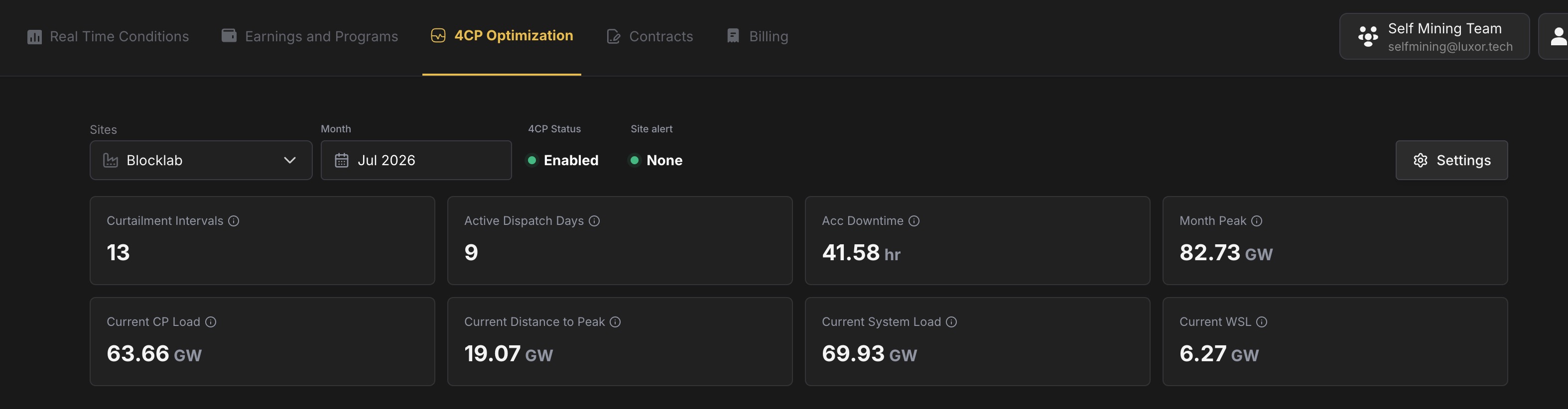
### Load chart [#load-chart]
This is the main "what's happening on the grid" view. You're comparing:
* **Estimated CP Load** — The number ERCOT actually uses for 4CP (grid load minus battery charging). **This is the line that matters for your bill.**
* **Month Peak** — The high-water mark you're trying not to break.
* **Alert Threshold** — Where the engine starts getting nervous, based on your settings.
Red shaded bands on the chart are intervals where your site was curtailed. Use **1D / 1W / 1M** and the date controls to zoom into the period you care about; export CSV if you need to share data with your team.
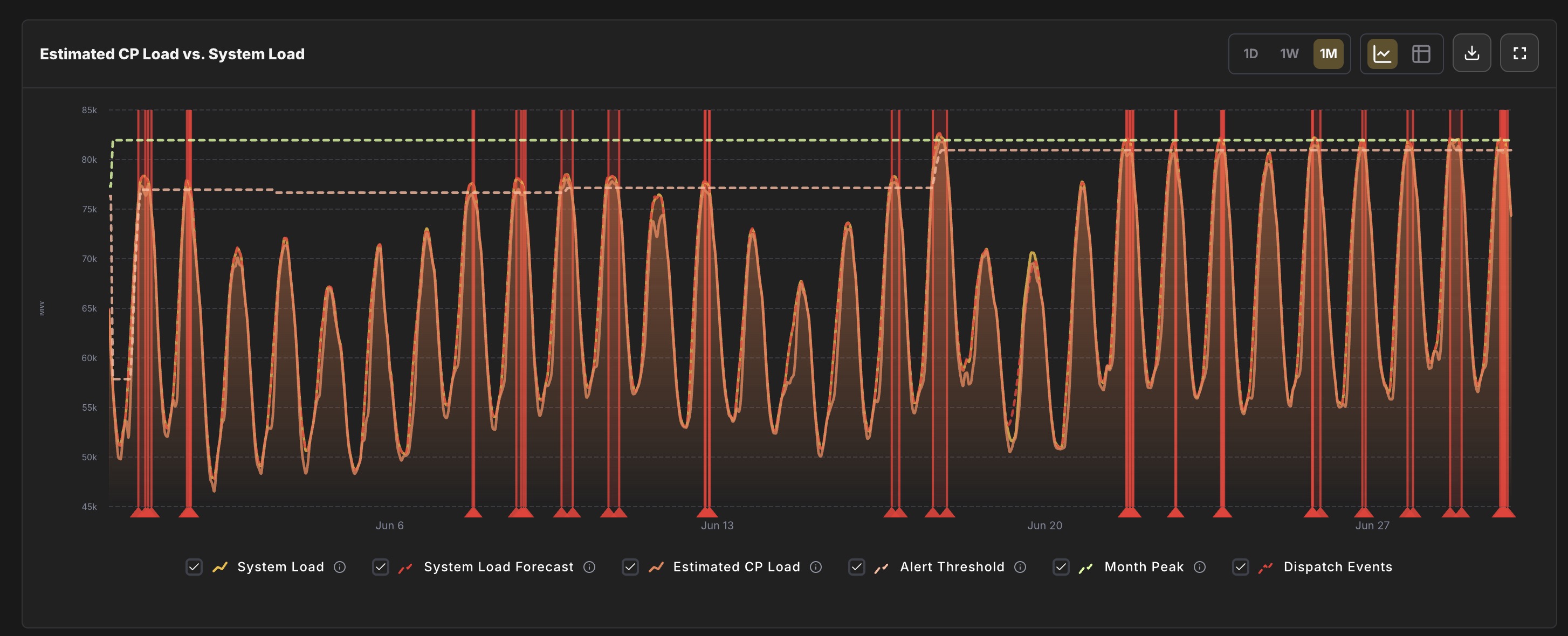
### Monthly CP Rankings [#monthly-cp-rankings]
Each month, ERCOT ranks every 15-minute interval by Estimated CP Load. **The top few rows are the intervals most likely to become the peaks that set next year's transmission charges.**
If you see your site still hashing during a top-ranked interval, you're taking peak risk the engine was trying to avoid—worth a conversation with ops.
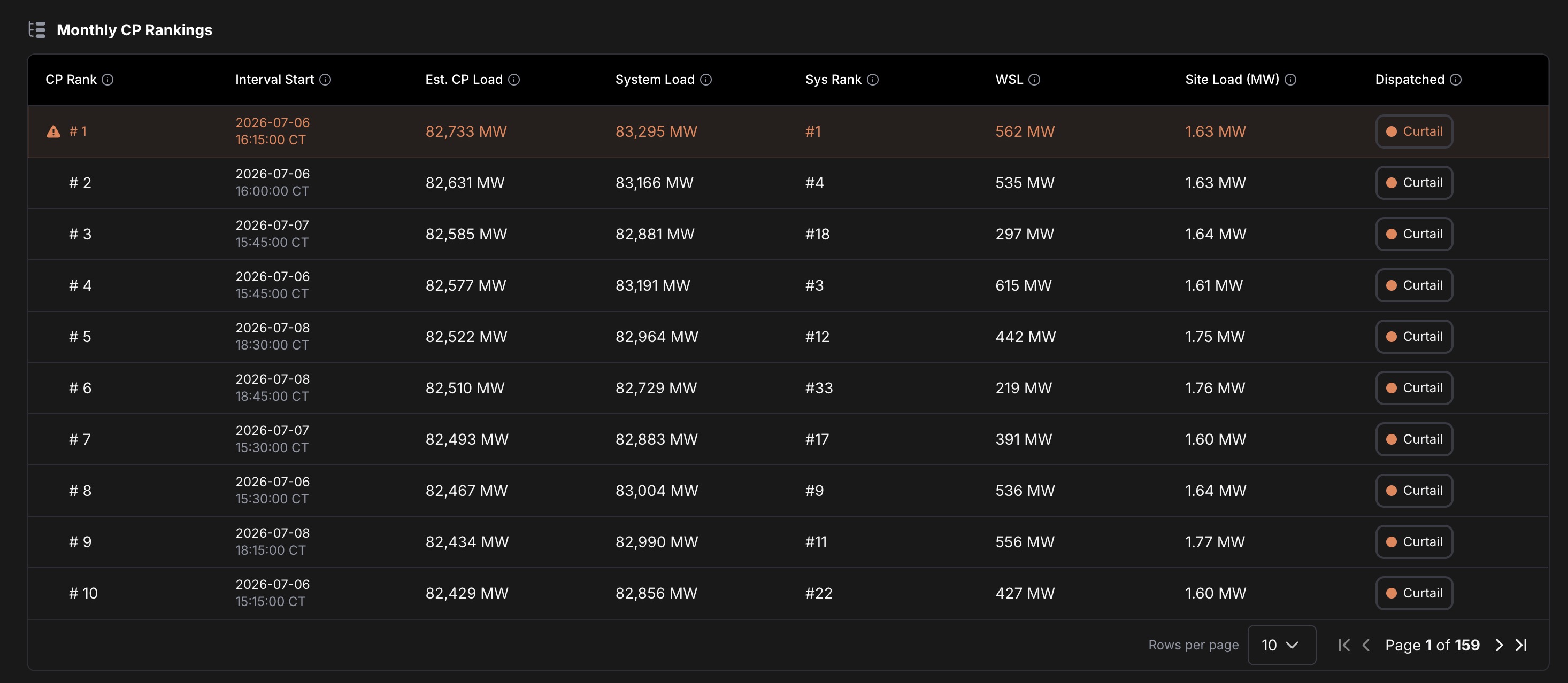
### Dispatch Decision Log [#dispatch-decision-log]
Every signal the engine sent: when, whether it said **Curtail** or **Sustain**, and **why** (buffer threshold, system load override, etc.).
Use this after a hot afternoon to answer "why did we curtail at 4:15?" without digging through logs.
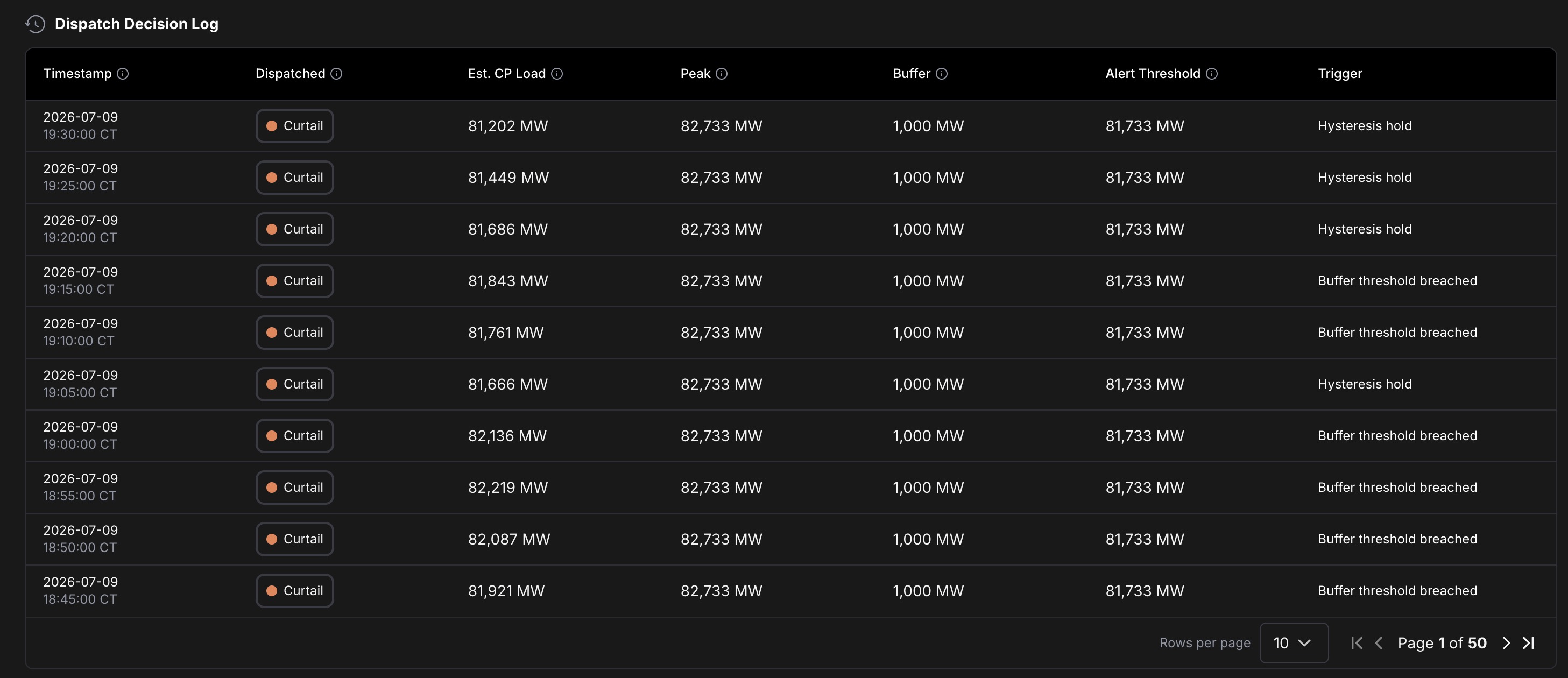
## Settings that actually matter [#settings-that-actually-matter]
Open **Settings** from the page header.
### Turn it on [#turn-it-on]
**4CP Optimization Engine** — Off means no monitoring and no signals. On means the engine runs for this site.
### Aggressiveness [#aggressiveness]
How early the engine pulls the trigger:
* **Conservative (1,500 MW buffer)** — Curtails sooner. More downtime, lowest chance of missing a peak.
* **Normal (1,000 MW buffer)** — Good starting point for most sites.
* **Aggressive (500 MW buffer)** — Waits longer. Less downtime, higher chance you eat a peak anyway.
The engine curtails when Estimated CP Load gets within your buffer of the current **Month Peak**. Smaller buffer = closer to the peak before it acts.
### System Load Threshold (optional) [#system-load-threshold-optional]
A hard ceiling on total ERCOT system load. If the grid crosses this number, the engine curtails **regardless** of aggressiveness. Useful as a backstop on extreme demand days. Leave blank if you only want buffer-based logic.
## Picking the right setup [#picking-the-right-setup]
| If you… | Start with… |
| ------------------------------------------------------------ | -------------------------------------------------------------- |
| Can't afford to miss peaks (transmission is a big line item) | **Conservative** |
| Want a balance of uptime and protection | **Normal** |
| Have very flexible load and can tolerate peak risk | **Aggressive** |
| See curtailments but still hit ranked peaks | Move **more conservative**, or add a **System Load Threshold** |
Review **Acc Downtime** and the **Dispatch Decision Log** at the end of each peak month. If downtime was high but you still set peaks, tighten settings. If you barely curtailed and stayed off the rankings, you might loosen up next season.
## A quick glossary [#a-quick-glossary]
* **4CP** — Four Coincident Peaks. ERCOT's method for allocating transmission costs; your share depends on how much you consumed during the grid's highest peaks.
* **Estimated CP Load** — ERCOT-wide load excluding battery charging. The input to 4CP rankings—not the same as raw system load.
* **Month Peak** — Highest Estimated CP Load recorded this calendar month so far. The bar a new interval has to clear to hurt you.
* **CT** — Central Time. All timestamps on this page use ERCOT's timezone.
# Auto-settlement (https://docs.luxor.tech/platform/energy/auto-settlement)
Luxor Energy automatically settles your electricity costs against your Luxor Mining Pool earnings each day, so you don't need to manage separate fiat payments for power. This page explains how that daily settlement process works.

Each day's settlement appears in your **Transaction History** as an `Energy Payable` entry against the mining subaccount the charges were deducted from. The row shows the date, the BTC amount debited, and the USD equivalent at the time of settlement. Use the filter to narrow the list to specific categories or subaccounts, and **Download CSV** to export the full ledger for accounting.
## How Settlement Works [#how-settlement-works]
Luxor Energy settles your electricity costs daily by deducting them from your mining earnings. Here's the process:
1. **Daily energy charges are calculated** — Based on your interval consumption data and applicable rates (market prices, contract terms, delivery charges, taxes).
2. **Credits are applied** — Any demand response earnings, optimization revenue, or contract adjustments are credited against your charges.
3. **Net charges are converted to BTC** — The net USD amount owed is converted to BTC using that day's BTC/USD market rate.
4. **BTC is deducted from your mining balance** — The converted amount is deducted from your Luxor Mining Pool subaccount balance.
5. **Closing balance is recorded** — Your remaining BTC balance after settlement is recorded as the closing balance for the day and becomes the next day's opening balance.
If your mining earnings for a given day are insufficient to cover the full energy charge, the unpaid amount carries forward as an outstanding balance.
This settlement model means your energy costs are effectively paid from your revenue in BTC, simplifying cash flow management — you don't need to make separate fiat payments for electricity.
# Billing (https://docs.luxor.tech/platform/energy/billing)
The **Billing** tab in the Luxor Energy dashboard gives you full visibility into your electricity costs and how they are settled against your mining earnings. From high-level monthly totals to granular daily line items, everything you need to reconcile your energy expenses lives here.
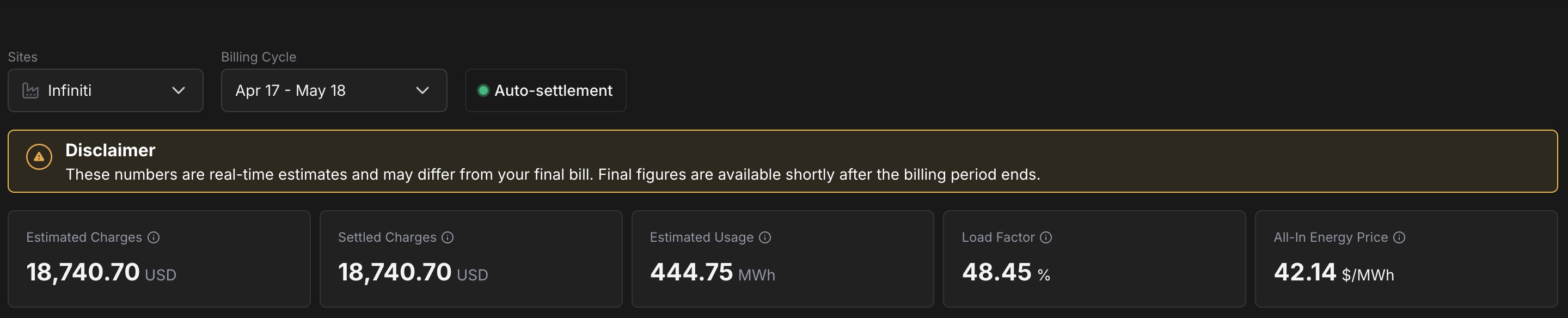
## Billing Overview [#billing-overview]
When you open the Billing tab, you'll see a top-level summary for the selected site and billing cycle:
* **Site selector** — Choose which mining site to view. If you operate multiple sites, each has its own billing data.
* **Billing cycle selector** — Pick the billing period you want to review. Billing cycles follow your local utility meter read schedule, so the exact dates vary by site and provider.
* **Auto-settlement status** — A pill next to the cycle selector that indicates whether [Auto-settlement](/platform/energy/auto-settlement) is active for the site. When the dot is green, daily energy charges are being deducted from your Luxor Mining Pool balance automatically.
A disclaimer banner below the selectors reminds you that the figures shown are real-time estimates and may differ from your final bill — final figures are available shortly after the billing period ends.
Below the disclaimer, five summary cards show the key figures for the active period:
* **Estimated Charges** — The total estimated electricity cost (in USD) for the billing cycle, based on the latest available settlement data.
* **Settled Charges** — The portion of the estimated charges that has already been settled against your mining balance via auto-settlement. While a cycle is in progress this trails Estimated Charges; once the cycle is closed and all settlements complete, the two values converge.
* **Estimated Usage** — Total energy consumed (in MWh) during the period.
* **Load Factor** — The ratio of your average load to your peak load, expressed as a percentage. A higher load factor means more consistent power consumption, which generally results in lower per-kWh costs.
* **All-In Energy Price** — Your blended per-unit cost (in \$/MWh) for the cycle, covering supply, delivery, and tax charges. Use it to compare periods or sites on a single normalized rate.
## Billing Cycle Chart [#billing-cycle-chart]
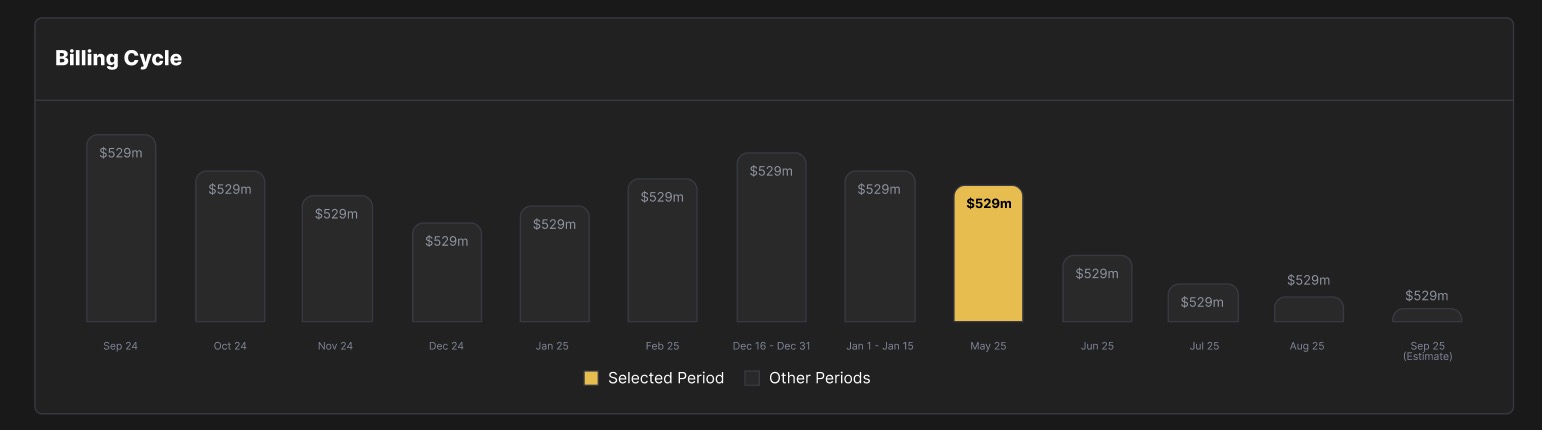
The **Billing Cycle** chart shows your total estimated charges month over month. The currently selected period is highlighted, while past and future (estimated) periods are shown for comparison. This gives you a quick sense of whether your energy costs are trending up, down, or holding steady across billing cycles.
## Estimated Energy Charges [#estimated-energy-charges]
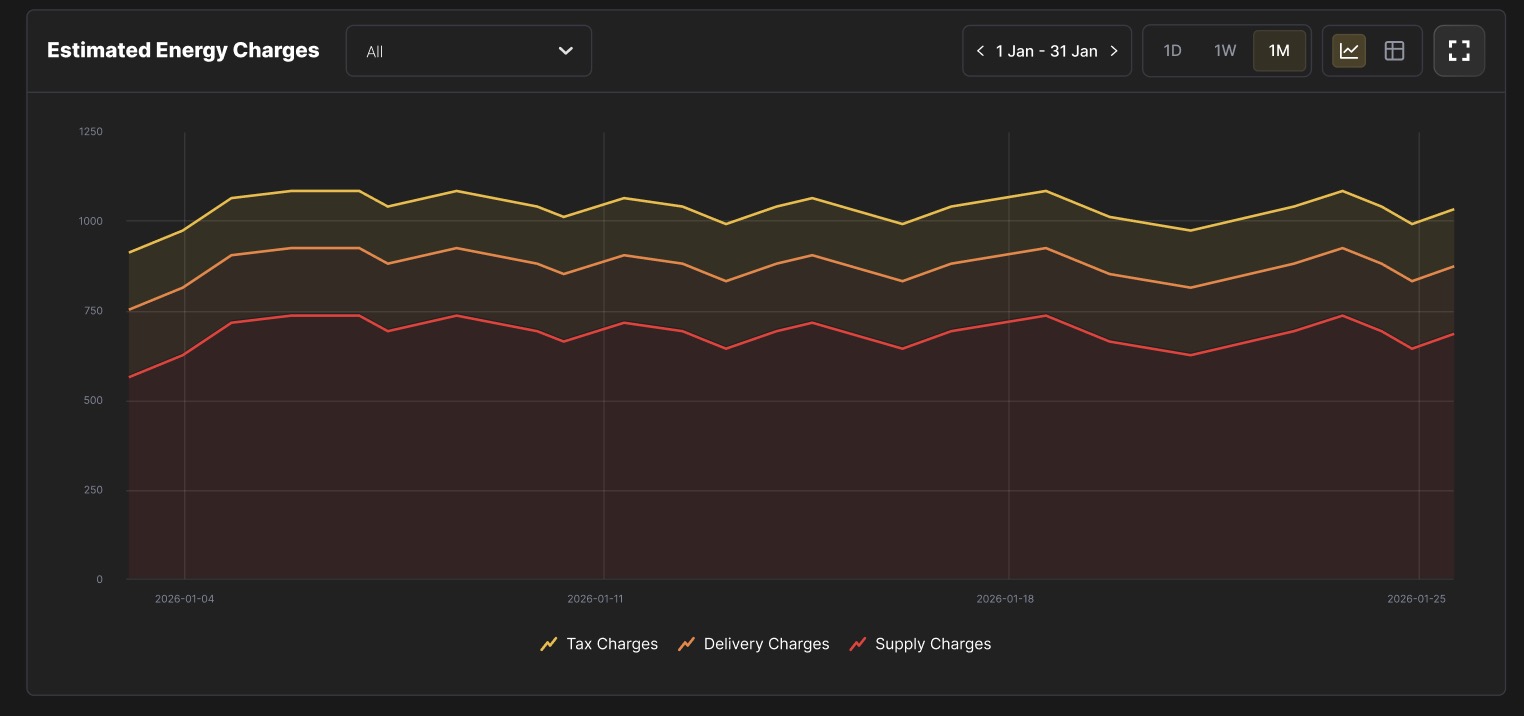
The **Estimated Energy Charges** section provides a detailed daily view of your electricity costs, broken down into three charge categories:
* **Supply Charges** — The cost of the electricity itself (energy, ancillary services, and related market charges).
* **Delivery Charges** — Fees from your local Transmission and Distribution Utility (TDU) for physically delivering power to your site.
* **Tax Charges** — Applicable state and local taxes on your energy consumption.
You can toggle between **1D** (daily), **1W** (weekly), and **1M** (monthly) views, and navigate forward or backward through time using the date selector. A chart view and a table view are both available, and you can expand the chart to full screen for closer inspection.
## Estimated Charges Breakdown [#estimated-charges-breakdown]
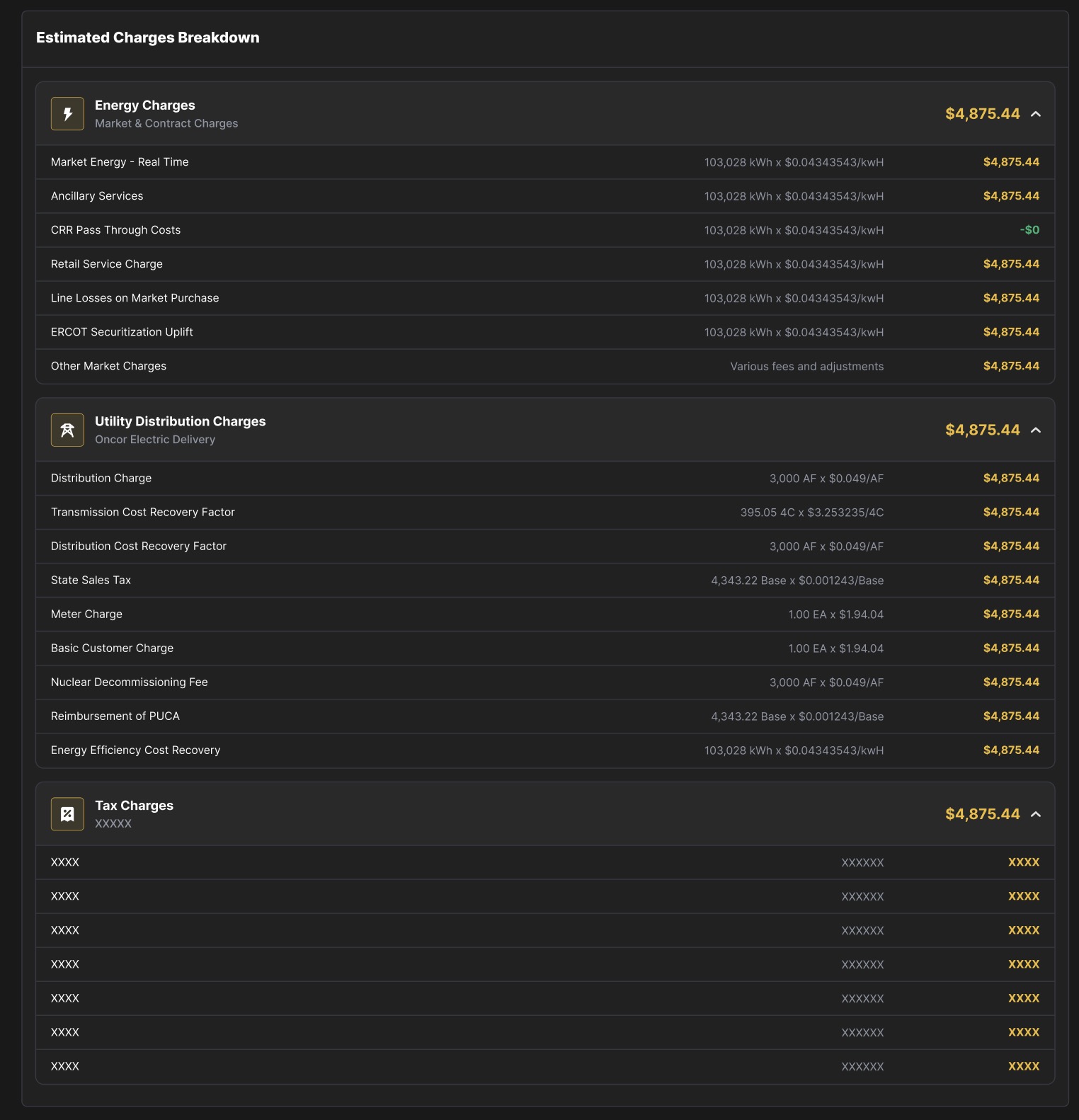
Clicking into the charges breakdown reveals the full line-item detail behind each of the three charge categories. Every billing cycle includes these three sections:
### Energy Charges (Supply) [#energy-charges-supply]
These are the market and contract-based costs for the electricity you consumed. Line items typically include:
* **Market Energy — Real Time** — The cost of energy purchased at real-time (spot) market prices, calculated as your consumption (kWh) multiplied by the real-time price at your settlement point.
* **Ancillary Services** — Charges for grid reliability services (frequency regulation, reserves, etc.) allocated to your load.
* **CRR Pass Through Costs** — Congestion Revenue Right costs passed through from your Retail Electric Provider (REP).
* **Retail Service Charge** — Your REP's service fee for managing your retail electricity.
* **Line Losses on Market Purchase** — Adjustments for energy lost during transmission between the generation source and your meter.
* **ERCOT Securitization Uplift** — A charge mandated by ERCOT to recover costs from securitized grid events (e.g., Winter Storm Uri).
* **Other Market Charges** — Miscellaneous fees and adjustments from the wholesale market.
### Delivery Charges [#delivery-charges]
These are the fees your local TDU charges for delivering electricity over transmission and distribution infrastructure. Line items typically include:
* **Distribution Charge** — A per-unit fee based on your metered demand for use of the local distribution network.
* **Transmission Cost Recovery Factor** — Recovers the TDU's cost of building and maintaining high-voltage transmission lines. Calculated based on your 4-Coincident Peak (4CP) demand.
* **Distribution Cost Recovery Factor** — Similar to the distribution charge, covering infrastructure maintenance and upgrades.
* **State Sales Tax** — State-level sales tax applicable to energy charges.
* **Meter Charge** — A flat monthly fee for your utility meter.
* **Basic Customer Charge** — A flat monthly service fee charged by the TDU regardless of consumption.
* **Nuclear Decommissioning Fee** — A per-unit charge funding the future decommissioning of nuclear power plants in the service territory.
* **Reimbursement of PUCA** — Public Utility Commission of Texas Assessment, a small regulatory fee.
* **Energy Efficiency Cost Recovery** — A per-kWh charge funding utility energy efficiency programs.
### Tax Charges [#tax-charges]
This section lists all applicable taxes on your electricity consumption, including state sales tax, local taxes, and any other government-imposed surcharges. The specific line items vary depending on your site's jurisdiction.
## How Billing Works [#how-billing-works]
Luxor Energy's billing process follows your utility's meter read schedule. Here's how a typical billing cycle flows:
1. **Meter reads** — Your utility reads your meter at the start and end of each billing cycle. The cycle aligns with your utility provider's schedule (e.g., the 15th of each month to the 15th of the next).
2. **Usage data flows in** — Interval-level consumption data (typically in 15-minute increments) is collected throughout the billing period.
3. **Charges are estimated** — As usage data becomes available, Luxor calculates estimated charges by applying your contract terms, real-time market prices, TDU tariff rates, and applicable taxes. These estimates update daily and are visible in the Billing tab.
4. **Cycle closes** — Once the billing period ends and all market settlements are finalized, the estimated charges become final.
5. **Invoice is generated** — A downloadable invoice is available for each completed billing cycle.
Because market settlement data typically lags by one to two days (T-1 to T-2), charges for the most recent days in an active billing cycle are estimates and may adjust slightly as final settlement data arrives.
# Energy Dashboard (https://docs.luxor.tech/platform/energy/energy-dashboard)
The dashboard is divided into three components:
* **Real Time conditions** - Monitor load, pricing, obligation, and profitability as they happen.
* **Earnings & Programs** - Track daily and cumulative earnings from mining and demand response.
* **Contracts** - Manage your energy contracts and integrate them into revenue and cost calculations.
## Real Time Conditions [#real-time-conditions]
The **Real Time Conditions** dashboard provides live operational insights across any or all of your mining sites. Key metrics include:
* Current and 24h average mining load (MW)
* 5-minute spot and day-ahead power prices
* 24h average power price
* Ancillary Service (AS) obligations
* Optimization revenue
* Dispatch events over the last 24h

### Visualizations [#visualizations]
Two customizable views allow you to see both operations and profitability.
#### **Operations View** [#operations-view]
* Mining load vs. energy price over selectable time periods (last day, last week, or custom).
* Orange line = energy price, yellow line = mining load, white line = breakeven energy price.
* Table format available with MW usage and energy price by interval.

#### **Revenue & Costs View** [#revenue--costs-view]
* Tracks compute revenue, energy trading, power cost, and net profit in real time.
* Compute revenue pulls directly from your Luxor Mining Pool subaccounts.
* Energy trading revenue reflects DR and optimization programs.
* Full table export available.

## Earnings and Programs [#earnings-and-programs]
The **Earnings & Programs** dashboard gives a higher-level view of both mining and energy market performance.

Key Metrics
* Total revenue
* Average daily revenue
* Total DR program revenue
* Average revenue MW (over last 30 days or custom period)
### Visualizations [#visualizations-1]
* Average Hourly Earnings: Mining + AS revenue, broken down by site and DR program participation (exportable as CSV).


* Earnings by Day: Daily + cumulative earnings across the selected time period (exportable as CSV).

### Dispatch Events [#dispatch-events]
A table of all dispatch events tied to your DR program participation, helping you reconcile earnings against obligations.
## Contracts [#contracts]
The **Contracts** tab allows you to input and manage energy related agreements.


All contracts are fully customizable. Once entered, contract terms are automatically incorporated into:
* Real-time power cost calculations
* Net profit calculations
* Energy-Adjusted Hashprice metrics
* Historical earnings and forecasting views
Our currently supported contract types include:
***
### Day Ahead [#day-ahead]
A **Day Ahead contract** reflects energy purchased in the day-ahead market, where power prices are locked in 24 hours before delivery.
**How it feeds into calculations:**
* The committed volume is priced at the day-ahead rate.
* Any over- or under-consumption is settled against real-time prices.
* These values are reflected in the **Power Cost** line of the Revenue & Costs view.
***
### Options [#options]
An **Energy Option** is a financial contract that gives the holder the right — but not the obligation — to transact power at a predetermined strike price.
Options can be structured in two ways:
* **Long Option** – You pay a premium for the right to buy (or sell) power at a strike price.
* **Short Option** – You collect a premium in exchange for giving another party the right to transact power at a strike price.
| Position | Call | Put |
| --------- | ------------------------------------------------------------------------------------- | ------------------------------------------------------------------------------------ |
| **Long** | The user pays a premium for the right to buy power at a given strike price. | The user pays a premium for the right to sell power at a given strike price. |
| **Short** | The user collects a premium for the obligation to sell power at a given strike price. | The user collects a premium for the obligation to buy power at a given strike price. |
In practice, **miners are typically long optionality**. A miner can monetize this by selling a call option.
**How it works for miners (Short Option):**
* The miner collects a premium upfront.
* If real-time prices rise above the strike price, the miner cannot sell power above that strike.
* The miner effectively caps upside exposure in exchange for guaranteed premium income.
**How it feeds into calculations:**
* Collected premiums are included as revenue.
* If the option is exercised, realized power pricing is capped at the strike price.
Options are typically used by miners to monetize volatility and generate additional yield on flexible load.
***
### PPA (Power Purchase Agreement) [#ppa-power-purchase-agreement]
A **Power Purchase Agreement (PPA)** is a longer-term agreement to procure electricity at defined pricing terms. Luxor Energy supports both **Block PPAs** and **Fixed PPAs**, which differ materially in how they interact with real-time markets.
#### Block PPA [#block-ppa]
A **Block PPA** is a fixed-volume contract that delivers a defined amount of power (MW) to your settlement point at a fixed price.
**How it works:**
* You contract a fixed MW block at a fixed price.
* You are financially settled at the real-time market price for that volume.
* If real-time prices exceed your fixed price, you receive the difference.
* If real-time prices fall below your fixed price, you pay the difference.
This structure allows miners to effectively “sell” power back into the market when not consuming it.
Block PPAs are similar to Day-Ahead positions, but:
* They apply over longer-term horizons.
* They typically apply across all hours of the contract period.
**How it feeds into calculations:**
* The fixed contract price is modeled as your energy cost.
* Real-time price deviations are settled against that fixed rate.
* Net exposure is reflected in Power Cost and Revenue & Costs views.
Block PPAs provide structured exposure to real-time volatility while maintaining long-term price certainty.
#### Fixed PPA [#fixed-ppa]
A **Fixed PPA** locks in a flat price for power consumption with no linkage to real-time market prices.
**How it works:**
* You consume power at the fixed contract rate.
* There is no settlement against real-time pricing.
* If market prices spike or fall, your cost remains unchanged.
**How it feeds into calculations:**
* The fixed rate becomes your energy price input.
* Power Cost is stable and predictable across the contract duration.
Fixed PPAs provide maximum cost certainty but eliminate participation in real-time market upside.
***
### Retail (REP) Adders [#retail-rep-adders]
**REP Adders** represent the service fee charged by a Retail Electric Provider on top of wholesale energy pricing.
**How it feeds into calculations:**
* REP adders are layered on top of the underlying energy price (day-ahead, real-time, or PPA).
* They are included in the total **Power Cost** calculation.
* This ensures your dashboard reflects true delivered energy cost, not just wholesale price.
***
### Transmission & Distribution (T\&D) Adders [#transmission--distribution-td-adders]
**T\&D Adders** represent charges associated with delivering electricity through transmission and local distribution infrastructure.
**How it feeds into calculations:**
* T\&D charges are added to your total energy cost per MWh.
* They apply regardless of energy procurement method (day-ahead, PPA, etc.).
* Many T\&D charges are billed on peak demand (not MWh). These calculations are reflected for REP customers only.
## How Contracts Impact Profitability Metrics [#how-contracts-impact-profitability-metrics]
All contracts entered in the Contracts tab automatically influence:
* **Power Cost** (Revenue & Costs view)
* **Net Profit** (Compute + Energy Trading – Total Power Cost)
* **Breakeven Energy Price** (Operations view white line)
* **Energy-Adjusted Hashprice**
* Historical and forward-looking profitability analysis
By modeling contracts directly inside the platform, Luxor Energy gives miners a complete view of how procurement strategy impacts mining revenue and overall operational margins.
# Getting Started with Luxor Energy (https://docs.luxor.tech/platform/energy/getting-started)
Welcome to Luxor’s Signal Engine guide! This section will help you understand the basics of how to get started with monitoring your energy operations using Luxor’s Signal Engine.
Our Signal Engine automates economic dispatch and high-value ancillary market participation — optimizing your energy assets right from the same Luxor dashboard you use for Pool, Firmware, and Derivatives.
## How to Get Started in 5 Steps: [#how-to-get-started-in-5-steps]
### Sign up for a Luxor profile [#sign-up-for-a-luxor-profile]
To get started you will first need to create a [Luxor profile](https://sso.luxor.tech/registration?return_to=https://app.luxor.tech/), if you haven't already.
### Set up a Site in your Workspace [#set-up-a-site-in-your-workspace]
Log in to your Luxor profile to register your energy assets in the system. Click on **Workspaces**:

Click on the **Sites** tab and click on the create new site icon:


Enter all of your site information and click create site.
### Configure your Commercial Arrangements [#configure-your-commercial-arrangements]
From the Energy page, add your energy contracts to compute all-in costs and track revenue streams. Retail Adders and Transmission & Distribution chargers (T\&D) are key inputs for accurate decision making. This may include PPAs, Options, and Day-Ahead trades.
On the Energy page, click on the contracts tab. Click on the create new contract icon and enter all relevant contract details:


To automate the creation, update, and retrieval of contracts Luxor provides API endpoints that can be accessed via programmatic script or workflow. Our API documentation is located [here](/platform/api/energy/contracts/create_contract).
### Start Reporting Operational Data [#start-reporting-operational-data]
Begin sending real-time operational data to track performance and enable market participation. This step requires the use of our API, documentation can be found [here](/platform/api/energy/sites/report_site_energy).
If your site has existing hardware that records load, such as a recloser, or if you are a Luxor Energy customer for Retail Power or Demand Response, Luxor Energy will assist in posting load automatically to your site. This may involve the installation of non intrusive hardware at your facility. To learn more, please reach out to the Luxor Energy Team [here](https://luxor.tech/contact).
### Process Site Conditions [#process-site-conditions]
Energy facility conditions including all-in energy costs and machine profitability can be viewed through the Luxor Energy Dashboard. However, site conditions can also be pulled programmatically via [API](/platform/api/energy/site_conditions/list_site_conditions).
For Luxor Energy customers, our Dispatch Signal can enable optimized mining based on market prices, while staying in compliance with demand response programs and obligations. These customers will get the most benefit out of our dispatch signals.
If you are not enrolled in an Incentive Program through Luxor Energy you can still benefit from our dispatch signal, which includes all the market pricing needed to fully optimize your real-time operations, however our system will be unaware of any operating constraints or dispatch calls received for your facility. [Contact a Luxor Energy team member](https://luxor.tech/contact) today to learn more.
# Luxor Energy Knowledge Base (https://docs.luxor.tech/platform/energy/knowledge-base)
## What is a Site? [#what-is-a-site]
A Site represents a physical location — typically a mining facility — with its own power meter, network connection, and set of ASICs. It’s the foundation for tracking load, energy costs, and profitability in Luxor Energy. Sites are distinct from subaccounts, which can include multiple physical locations or operations.
## What energy markets do you serve/does this product work for? [#what-energy-markets-do-you-servedoes-this-product-work-for]
Currently, Luxor Energy operates as a Retail Electric Provider (REP) within ERCOT, the Texas electricity market. All dashboards, APIs, and contracts are optimized for ERCOT pricing and program structures. Expansion into additional ISOs is planned for 2026 and beyond, allowing Luxor Energy to support miners in other U.S. wholesale power markets.
## Why does breakeven energy price fluctuate? [#why-does-breakeven-energy-price-fluctuate]
Breakeven energy price reflects the maximum \$/MWh miners can pay before operations become unprofitable. It moves dynamically with both market conditions and site performance.
As seen in the Luxor Energy chart, breakeven energy price tends to rise when load decreases.

This happens because iMiner typically sheds the least efficient machines first, improving the overall efficiency of the remaining fleet. As your operation becomes more efficient, the breakeven threshold increases, meaning you can tolerate higher energy prices before becoming unprofitable.
## Do I need to be a Luxor Energy Customer to use these products? [#do-i-need-to-be-a-luxor-energy-customer-to-use-these-products]
No, anyone can use the Luxor Energy platform to view market data, monitor profitability, and understand the dispatch signals. However, Luxor REP customers unlock the full experience including:
* Automated load reporting and data ingestion
* Integration of real contract terms and adders
* Participation in demand response programs
* Full access to the Luxor Dispatch Signal for real time curtailment optimization
Non REP customers can still benefit from visibility and modeling, but won’t have access to the automated or financial features tied to REP services and incentive programs.
## How do I see my facility load? [#how-do-i-see-my-facility-load]
Facility load can be viewed directly on the Real Time Conditions dashboard under the Operations view. You’ll see your live and 24-hour average load (in MW) alongside market energy prices and breakeven power price.
If your facility’s metering hardware is already connected, load data will stream automatically. Otherwise, load can be posted via the [API](/platform/api/energy/sites/report_site_energy) or through hardware integration supported by Luxor Energy. For Luxor Energy REP customers, load posting is handled automatically as part of your service setup.
## Do the economic calculations include my energy contracts? [#do-the-economic-calculations-include-my-energy-contracts]
Yes. Once you add your energy contracts, Luxor Energy automatically incorporates those terms into your cost and profitability calculations. This ensures your breakeven and revenue metrics reflect realized energy costs, not just wholesale market prices. Contracts can be entered manually through the dashboard or programmatically via [API](/platform/api/energy/contracts/create_contract).
## Do I need to be hedged? [#do-i-need-to-be-hedged]
No, but it’s recommended. Luxor Energy works with both hedged and unhedged positions. Hedging helps stabilize costs and reduce exposure to price volatility. Additionally, certain ancillary service programs in ERCOT require an amount of hedging in order to qualify for those contracts. Contact a Luxor Energy team member today to learn more.
# The Basics (https://docs.luxor.tech/platform/energy/the-basics)
## ISOs (Independent System Operators) [#isos-independent-system-operators]
ISOs manage electricity grids across regions. They coordinate energy pricing, dispatch, and balancing markets. For miners, ISOs define day-ahead and real-time prices which are critical inputs for profitability. Currently, ERCOT is the only ISO that Luxor Energy can provide services in. Throughout 2026, we hope to expand into several other ISOs.
## Energy Supplier (Retail Electric Provider) [#energy-supplier-retail-electric-provider]
An energy supplier acts as an intermediary between load and generation. In ERCOT, an energy supplier is known as a REP (Retail Electric Provider), and can source electricity for miners at wholesale or contracted rates.
## Demand Response (DR) [#demand-response-dr]
DR programs reward miners for curtailing load during periods of high grid stress. By integrating with Luxor Energy, you can directly compare DR revenue alongside compute revenue from the Luxor Mining Pool.
## Energy-Adjusted Hashprice [#energy-adjusted-hashprice]
Energy Adjusted Hashprice expresses [Hashprice](/hashrateindex/hashprice) (from [Luxor’s Hashrate Index](https://hashrateindex.com/)) in terms of revenue per megawatt of power consumed. Instead of looking only at revenue per unit of hashrate, this metric normalizes earnings against energy usage, giving miners a more accurate picture of operational profitability. By framing returns in \$/MW, miners can directly compare their earnings with their power costs and evaluate the true efficiency of their operations.
## Breakeven Energy Price [#breakeven-energy-price]
The maximum \$/MWh miners can pay before operations become unprofitable. This threshold depends on ASIC efficiency, hashrate, and Hashprice. The Luxor Energy Dashboard visualizes it as a white line in the Operations chart.
# What is Luxor Energy? (https://docs.luxor.tech/platform/energy/what-is-luxor-energy)
#
Luxor Energy is our all in one platform for helping bitcoin miners navigate electricity markets and optimize profitability. At its core, Luxor Energy combines our role as a Retail Electric Provider (REP) with a powerful suite of tools to monitor, analyze, and act on energy market dynamics. Our offerings include:
* **REP service for miners** - We supply electricity through structured contracts that fit the unique load profiles of mining operations.
* **Centralized dashboard** - Real time visibility into power markets, mining operations, and revenue streams, all in one place.
* **Signal layer for smarter decisions** - The Luxor Dispatch Signal gives miners the insight they need to make informed curtailment and load shifting decisions in response to energy price volatility and dispatch events.
Luxor Energy is designed for industrial-scale bitcoin miners who want to reduce power costs, maximize uptime, and unlock new revenue streams. It’s particularly valuable for decision makers seeking unified visibility across both mining and energy operations.
The platform is not intended for small, residential, or hobbyist miners, who typically lack REP access and demand response opportunities. It is also not intended for non-mining energy consumers, since Luxor Energy is purpose-built around the economics of hashrate and large scale mining fleets.
# Getting Started with Luxor Mining Pool (https://docs.luxor.tech/platform/mining/getting-started)
Welcome to Luxor's Mining Pool mining guide! This section will help you understand the basics of how to get started mining on Luxor.
## Create a Luxor Profile and Subaccount [#create-a-luxor-profile-and-subaccount]
To get started mining with Luxor, you will first need to create a [Luxor profile](https://sso.luxor.tech/registration?return_to=https://app.luxor.tech/pool/mining), as well as [create your first Subaccount](/platform/mining/revenue-payments#how-to-create-a-subaccount).
It is important to create your Subaccount first before sending any hashrate towards it, to ensure every thing works
correctly.
## Mining Pool Setup [#mining-pool-setup]
To connect your ASIC miner to the Luxor Mining Pool, navigate to the mining pool settings page on your ASIC miner's interface. Fill in the fields as follows:
* URL: `stratum+tcp://btc.global.luxor.tech:700` (choose the correct one from the list below)
* Worker: `LuxorSubaccount.WorkerName`
* Avoid using symbols or special characters as they may be invalid
* `LuxorSubaccount` needs to map to an existing subaccount. Please make sure you [create a Subaccount](/platform/mining/revenue-payments#how-to-create-a-subaccount) before configuring your ASICs and pointing any hashrate at it
* `WorkerName` is the unique identifier for each of your ASICs, and how they will show up in the UI
* Password: 123 (avoid using symbols or special characters as they may be invalid)
Once you configure these settings, and begin hashing with them, you should see your workers appear in the Mining Pool UI under the Workers table within roughly 5 minutes.
Below is an example of what your mining pool settings could look like from within LuxOS.

## Stratums [#stratums]
Experience robust and resilient service with our Global Stratums at Luxor Mining Pool, providing you with uninterrupted, high-performance mining.
Our mining pool global endpoints automatically proxy your miner's TCP connection to the nearest available region, eliminating the need for regional settings or port numbers. In case of temporary downtimes in your region, our system seamlessly redirects your ASIC miner, to the closest available region, preventing any loss in hashing.
Find the list below for Stratum addresses and their respective discounts to FPPS:
| Coin | Stratum | Discount |
| -------- | ----------------------------------------- | ------------- |
| Bitcoin | `stratum+tcp://btc.global.luxor.tech:700` | 2.50% |
| LTC/Doge | `stratum+tcp://ltc.global.luxor.tech:700` | 3.00% / 4.00% |
| Sia | `stratum+tcp://sc.global.luxor.tech:700` | 2.00% |
| ZCash | `stratum+tcp://zec.global.luxor.tech:700` | 3.00% |
# Referrals (https://docs.luxor.tech/platform/mining/referrals)
## How Mining Pool Referrals Work [#how-mining-pool-referrals-work]
The Luxor Mining Pool Referrals system involves two key parties:
* **Referrer**: A user who generates a referral code. When new users (referees) sign up using this code, the referrer earns a percentage of the pool discount rate that would have otherwise been collected by Luxor. These earnings are credited to a designated subaccount.
* **Referee**: A new miner who enters a referral code during signup. Instead of Luxor collecting the full pool discount rate, a portion (10% by default) is redirected to the referrer.
## Managing Referral Codes [#managing-referral-codes]

Referral codes are created and managed at the workspace level. You can view all the referral codes associated with a workspace by navigating to the workspace page and then going to the referrals tab. From the referrals tab, you can:
* View a list of all active referral codes, along with details for each code:
* Percentage of the referee's pool discount rate earned by the referrer as referral rewards
* Expiration date (1 year from creation)
* Usage count
* Total revenue earned
* Destination subaccount for earnings
* Create new referral codes, specifying the code and the associated subaccount

* Delete referral codes that are no longer needed
* Track referral earnings
## Entering Referral Codes [#entering-referral-codes]
When signing up for a [New Luxor Account](https://sso.luxor.tech/registration?return_to=https://app.luxor.tech/pool/mining), new users have the option to enter a referral code. When a valid referral code is provided, the revenue-sharing mechanism is activated for that user.

## Custom Referral Agreements [#custom-referral-agreements]
For referrers who plan on bringing sizable amounts of users or hashrate to the pool, custom referral agreements can be made. Please [contact us](https://luxor.tech/contact) for more information.
# Reporting (https://docs.luxor.tech/platform/mining/reporting)
Luxor Mining Pool provides advanced reporting tools that give miners insights into their operational performance, earnings, and worker activity. The core reporting functionalities are designed to help users monitor and optimize their mining strategies. Users can access insights regarding their mining operations through two main pages: Mining and Reports.
## Mining [#mining]
The Mining page displays live performance data, including:
* A set of KPIs providing a quick summary of several aspects of the mining business:
* Avg Hashrate for the last complete 5 minutes and 24 hours
* Avg [% Shares Efficiency](#shares-efficiency-definition) for the last complete 5 minutes
* Active Miner count in the last complete 5 minutes
* Accumulated balance
* Revenue generated in the last 24 hours
* Real-time hashprice
* Avg [% Uptime](#uptime-definition) for the last complete 24 hours
* A dynamic time series chart for tracking hashrate and share efficiency. This chart offers two views: one with 5-minute granularity (looking back up to 7 days) and another with 1-hour granularity (looking back up to 4 weeks).
* A list of [Active](#active-workers-definition) and Inactive workers, with real-time activity status. All measures in this table are computed averages across a 15-min window.
All data can be recalculated for any subaccounts the user has access to and any supported currency by using the controllers at the top of the page. Additionally, all displayed data is localized to the user's timezone.

### Active Workers definition [#active-workers-definition]
* Active Workers are workers for which the Pool has recived shares in the **last 3 complete minutes**.
* Inactive workers are workers for which the Pool has not received shares in the last 3 complete minutes and also these have not been manually deleted by the user via the User Interface.
Once an Inactive worker is deleted, it will no longer show up in the list of workers, unless the Pool receives again shares assigned to it.
### % Uptime definition [#-uptime-definition]
Uptime is calculated as follows:
* For each worker, every day, we compute how many minutes the miner has been active. Dividing that by the total minutes contained in a day delivers the Uptime of that worker for that given day (1440).
* For subaccounts containing multiple workers, we add up separately both the numerator and the denominator for all workers, then we compute the ratio.
Consequently, % Uptime is a metric which can be expressed in periods which are multiple of 24 hours. For instance:
* In the Mining page, we display the % Uptime for the last complete 24 hours
* In the Reports page, we display the % Uptime for a set of entire dates specified in the date ranges selector
* Also in Reports page, we display a daily time series of % Uptime (each tick is a date)
### % Shares Efficiency definition [#-shares-efficiency-definition]
It can be thought of as the inverse of the % Shares Rejection rate. A high rejection rate can be caused by a number of reasons:
* **Firmware Issues**: If you installed custom firmware make sure to check on the reject rate, also some firmware may get corrupted or needs to be updated. If you are having trouble contact the firmware developer or the ASIC manufacturer.
* **Machine Quality**: Some ASICs have higher rejects than others due to the nature of the build. Even within the same manufacturer and same model ASICs are slightly different. So there is no standard across the industry and some machines are known for being a bit faulty.
* **Latency**: There is a fair amount of data transmission during the mining process so your connection to our mining pool server has an impact on the rejection rate. Run a ping test to our Stratum server like stratum+tcp\://btc.global.luxor.tech:700.
* **ASIC Temperature**: The higher the temperature above the specified level, the more likely of rejected shares. Make sure to try to operate your ASICs in the operating band provided by the manufacturers.
## Reports [#reports]
The Reports page provides historical data focused on longer-term trends. It displays the following information (calculated based on the subaccounts, time period, and currency specified in the controllers at the top of the page):
* A set of KPIs including hashrate, revenue, shares efficiency, and uptime
* Time series charts for hashrate, revenue, hashprice, uptime, and active worker count. These charts provide 1-day granularity and allow users to view data back to the beginning of 2023.
* A list of all debits and credits affecting the selected subaccounts
The data on this page is presented in UTC timezone.

## CSV Downloads [#csv-downloads]
All tables and charts from the Mining and Reports pages can be downloaded as CSV files. All downloaded data is presented in UTC.
## Watcher Links [#watcher-links]
Users can generate and share public Watcher Links, which allow external parties to access a view-only page featuring the same charts, components, and data found on the Mining page. This enables users and external parties to monitor mining performance without requiring access to the main account.

# Revenue & Payments (https://docs.luxor.tech/platform/mining/revenue-payments)
## What is FPPS (Full Pay-Per-Share)? [#what-is-fpps-full-pay-per-share]
### Understanding FPPS in Bitcoin Mining [#understanding-fpps-in-bitcoin-mining]
Full Pay-Per-Share (FPPS) is a mining pool payment model that ensures miners receive consistent and predictable earnings based on their contributed hash rate. It is an enhanced version of the traditional Pay-Per-Share (PPS) model, incorporating both block rewards and transaction fees into miner payouts.
### How Does FPPS Work? [#how-does-fpps-work]
* Miners are rewarded based on the number of valid shares they submit to the pool, independent of whether the pool finds a block.
* The payout rate is calculated using expected block rewards and recent transaction fee revenue.
* Pools using FPPS take on the variance risk, ensuring miners receive stable daily payouts.
### Key Benefits of FPPS [#key-benefits-of-fpps]
* Guaranteed Earnings: Miners receive a fixed payout per share, reducing reliance on block discovery luck.
* Includes Transaction Fees: Unlike basic PPS, FPPS accounts for transaction fees, increasing miner revenue.
* Stable and Predictable Income: FPPS eliminates earnings fluctuations caused by Bitcoin's block luck.
Luxor is a purchaser of hashrate. FPPS pools purchase hashrate from miners at an agreed rate. In the case of Luxor, we purchase hashrate from you at a discount to spot FPPS (discount to spot is commonly known as pool fees).
Learn more about Hashprice [here](/hashrateindex/hashprice).
## Luxor FPPS Formula [#luxor-fpps-formula]
Luxor uses the following formula for our Bitcoin pool to calculate the Full-Pay-Per Share ("FPPS") rate for each block height:
```math
{FPPS}_h = \frac{1}{d_h} \cdot \left( b_h + \frac{1}{|L|} \sum_{i \in L} t_{h-i} \right)
```
### Formula Variables [#formula-variables]
* **h** = Latest block height
* **d** = Network difficulty at block height h
* **b** = Block subsidy at block height h (currently 3.125 BTC)
* **t** = Transaction fees for a specific block
* **n** = Lookback period (number of blocks) = 144 blocks
* **L** = Set of blocks filtered by excluding ≤p5 and ≥p95 based on the fees distribution for the 144-block lookback period
### How the Calculation Works [#how-the-calculation-works]
**Block Subsidy Component**: The formula starts with the current block subsidy (b\_h), which is the fixed reward miners receive for each block (3.125 BTC after the 2024 halving).
**Transaction Fee Component**: To account for transaction fees, the formula uses a 144-block lookback period. This smooths out the volatility in transaction fees by:
1. Taking the last 144 blocks of transaction fee data
2. Filtering out extreme outliers by excluding fees below the 5th percentile (≤p5) and above the 95th percentile (≥p95)
3. Calculating the average of the remaining transaction fee values
**Network Difficulty Adjustment**: The total reward (block subsidy + average transaction fees) is divided by the current network difficulty to determine the FPPS rate per unit of hashrate.
The 144-block lookback period represents approximately one day of Bitcoin blocks (144 blocks × 10 minutes ≈ 24 hours), providing a recent but stable view of transaction fee revenue that miners can expect to earn.
Luxor reserves the right to change the FPPS Formula at any time, changes can be found in the
[changelog](/platform/changelog).
## Subaccounts [#subaccounts]
### Understanding Subaccounts [#understanding-subaccounts]
A subaccount is an independent Financial account that allows miners to organize, manage, and monitor their mining operations more effectively. In essence, it is where you are credited your mining rewards and where your mining statistics are recorded. Subaccounts are particularly useful for miners operating multiple mining farms, managing different mining clients, or separating mining activities by region, hardware type, or profitability strategy.
* Each subaccount has its own:
* Mining Rewards balance
* Hashrate and mining statistics
* Worker monitoring and performance tracking
* Unique payout settings (wallet addresses, minimum payout thresholds)
* Miners can create multiple subaccounts within a single Luxor Workspace to manage different mining setups efficiently.
* Each subaccount has a unique username used for connecting mining devices to the pool.
* Permissions to access subaccounts can be granted to other Luxor profiles from the [Workspace section](/platform/workspaces#user-roles-and-permissions).
### How to create a Subaccount [#how-to-create-a-subaccount]
* Access the `Subaccounts` tab, inside the `Mining Pool` section
* Click on the `+ Subaccount` button
* Specify a name for your subaccount and click `Add`
* Optionally, link a Site to it


## Managing your payment settings [#managing-your-payment-settings]
### Payment Options [#payment-options]
Luxor offers three payout frequency options:
* Daily Payouts: Payments are processed every day.
* Weekly Payouts: Payments are processed once per week, users are able to define the day of the week.
* Monthly Payouts: Payments are processed the first day of every month.
In all cases, the system requires that a subaccount must hold a balance exceeding the minimum withdrawal threshold plus associated withdrawal fees to be eligible for payment. For instance, with BTC these are 0.001 and 0.000075 respectively, which means that for a subaccount to be paid, its balance needs to be greater than 0.001075 when the next scheduled payment cycle occurs.
Below is a list of minimum withdrawal thresholds and withdrawal fees for all supported currencies:
| Pool | Min threshold | Withdrawal fee |
| ------- | ------------- | -------------- |
| Bitcoin | 0.001 | 0.000075 |
| LTC | 0.1 | 0.001 |
| DOGE | 100 | 0.01 |
| Sia | 100 | 0.000001 |
| ZCash | 0.1 | 0.005 |
In all cases, payments are processed shortly after 04:00 UTC, assuming balance requirements are met.
### Editing your payment settings [#editing-your-payment-settings]
Payment settings are defined at the subaccount-currency level.
These can be found in the `Subaccounts` page, which provides a comprehensive view of all subaccounts and their associated payout configurations, including:
* Current balance
* Next payout schedule
* Payout frequency
* Associated cryptocurrency addresses
To edit the Payment Settings of a subaccount, click the Edit button located in the top-right corner of each subaccount row. Within the Payment Settings modal, you can update:
* Payment frequency (Daily/Weekly/Monthly)
* Associated payout addresses and their identifiers
* Revenue split percentage, if multiple payout addresses are specified

If 2FA authentication is enabled, you must complete verification before making changes to payment settings.
If Workspace Approvals are enabled, an authorized user must approve the request before the changes take effect.
Once the payment settings are successfully updated, subaccount funds will be temporarily frozen for 24 hours as a security measure.
### Wallet Splits [#wallet-splits]
Wallet Splits allow you to send one subaccount's mining payouts to more than one wallet address. You can add each payout address in the subaccount's payment settings and give it a percentage of revenue. At each payout, Luxor divides the balance between the addresses using those percentages.
This is useful for hosting arrangements, revenue-sharing agreements with partners, or keeping operating and treasury funds apart, all without moving funds by hand after each payout. Withdrawal fees are split proportionally between each wallet split.
When using a wallet split, the smallest percentage split must reach a minimum value before the entire payment can be processed.
| Pool | Wallet Split Minimum Value |
| ------- | -------------------------- |
| Bitcoin | 0.0002 |
| LTC | 0.02 |
| DOGE | 20 |
| Sia | 20 |
| ZCash | 0.02 |
## Withdrawal Fees [#withdrawal-fees]
Withdrawal fees (also known as network fees) are used to execute your payment on the blockchain and are required for every transaction. Transaction fees can vary significantly depending on several market factors. At Luxor, we have set this fee to a flat 0.000075 BTC for our Bitcoin users. This ensures consistent and predictable payments for our pool users, regardless of current market conditions.
# addpool (https://docs.luxor.tech/firmware/api/cgminer/addpool)
# addpool [#addpool]
## Description [#description]
Adds a new pool to a group. By default, the pool is added in the current group, at the bottom of the list.
You can change this behavior with the optional `group_id` parameter.
**Note:** If autosave is disabled, the changes will be lost after a reboot.
To change an existing pool instead of adding one, use [editpool](../luxminer/editpool). `addpool` always appends to the
end of the group, so removing and re-adding a pool in order to change it loses its position in the priority order.
If your password contains a comma, send `parameter` as a JSON list rather than a comma-separated string — otherwise
the password is split and the remainder is read as the `group_id`. See
[Sending a list as the parameter](../intro#sending-a-list-as-the-parameter).
```json
{ "command": "addpool", "parameter": ["stratum+tcp://btc.global.luxor.tech:700", "account.worker", "a,b", "0"] }
```
## Command [#command]
```sh
$ echo '{"command": "addpool", "parameter": "stratum+tcp://btc.global.luxor.tech:700,account.worker,"}' | nc $MINER_IP 4028 | jq
```
## Examples [#examples]
```sh
$ echo '{"command": "addpool", "parameter": "stratum+tcp://btc.global.luxor.tech:700,account.worker,"}' | nc $MINER_IP 4028 | jq
{
"STATUS": [
{
"Code": 55,
"Description": "LUXminer 2024.2.19.131822-ef17c0c4",
"Msg": "Added pool 2: 'btc.global.luxor.tech:700'",
"STATUS": "S",
"When": 1672770090
}
],
"id": 1
}
```
## Parameters [#parameters]
| Parameter | Notes |
| ---------- | ------------------------------------------------------------------------------------------------------------------------------------------------------------- |
| `url` | URL of the stratum server. |
| `user` | User for the stratum connection. |
| `password` | Password for the stratum connection. Since this parameter is required, you still need to provide the comma (`,`) separator even if you don't have a password. |
| `group_id` | *Optional.* The ID of the group, as shown in the [groups](../luxminer/groups) command. |
# asc (https://docs.luxor.tech/firmware/api/cgminer/asc)
# asc [#asc]
## Description [#description]
Shows the details of a single ASIC board. This command requires the `board` ID as a parameter (starts at zero).
## Command [#command]
```sh
$ echo '{"command": "asc", "parameter": "0"}' | nc $MINER_IP 4028 | jq
```
## Examples [#examples]
```sh
$ echo '{"command": "asc", "parameter": "0"}' | nc $MINER_IP 4028 | jq
{
"ASC": [
{
"ASC": 0,
"Accepted": 63,
"Board": "S9Generic",
"Connector": "J6",
"ControllerIPVersionHex": "0x0",
"ControllerIPVersionStr": "N/A",
"Device Elapsed": 2312,
"Device Hardware%": 0,
"Device Rejected%": 0,
"Diff1 Work": 2064384,
"Difficulty Accepted": 2064384,
"Difficulty Rejected": 0,
"Enabled": "Y",
"Hardware Error MHS 15m": 0,
"Hardware Errors": 0,
"ID": 0,
"IsRamping": false,
"IsUserShutdown": false,
"Last Share Difficulty": 32768,
"Last Share Pool": 1,
"Last Share Time": 1672770053,
"Last Valid Work": 1672770053,
"MHS 15m": 4565123.138341468,
"MHS 1m": 5034846.995524266,
"MHS 30m": 4565123.138341468,
"MHS 5m": 4527239.127367679,
"MHS 5s": 4398046.511104,
"MHS 60m": 4565123.138341468,
"MHS av": 4540766.995326547,
"Name": "",
"Nominal MHS": 4668300.0,
"Profile": "default",
"Rejected": 0,
"SerialNumber": "YNAHYNSBBJDBG13YW",
"Status": "Alive",
"Temperature": 76.0,
"Total MH": 4540766.995326547,
"Utility": 0
}
],
"STATUS": [
{
"Code": 106,
"Description": "LUXminer 2024.2.19.131822-ef17c0c4",
"Msg": "ASC0",
"STATUS": "S",
"When": 1672770089
}
],
"id": 1
}
```
## Field details [#field-details]
On Antminer Equihash ASIC miners (Zcash), hashrate is measured in solutions per second. The field names are kept for
compatibility, and the unit follows the coin: the `MHS` fields, `Nominal MHS` and `Total MH` are in Sol/s.
| Field | Notes |
| ------------------------ | ------------------------------------------------------------------------ |
| `ASC` | Board number, starting from zero. |
| `Accepted` | Number of accepted shares. |
| `Board` | Model of the hashboard. |
| `Connector` | Name of the connector. |
| `ControllerIPVersionHex` | ASIC Controller IP, as hex. |
| `ControllerIPVersionStr` | ASIC Controller IP, as string. |
| `Device Elapsed` | Elapsed seconds since the board is started. |
| `Device Hardware%` | Always zero. |
| `Device Rejected%` | Always zero. |
| `Diff1 Work` | Sum of accepted diff and rejected diff. |
| `Difficulty Accepted` | Sum of difficulty of accepted shares. |
| `Difficulty Rejected` | Sum of difficulty of rejected shares. |
| `Enabled` | `Y` if the board is enabled, `N` if not. |
| `Hardware Error MHS 15m` | Always zero. |
| `Hardware Errors` | Total number of CRC/Hash errors. |
| `ID` | Same as `ASC`. |
| `IsRamping` | `true` if this board is ramping. |
| `IsUserShutdown` | `true` when the board was shutdown due to user action. |
| `Last Share Difficulty` | Difficulty of the last accepted share. |
| `Last Share Pool` | ID of the pool of the last accepted share. |
| `Last Share Time` | Unix time of the last accepted share. |
| `Last Valid Work` | Same as `Last Share Time`. |
| `MHS 60m` | Hashrate, in MH/s, for the last 60 minutes. |
| `MHS 30m` | Hashrate, in MH/s, for the last 30 minutes. |
| `MHS 15m` | Hashrate, in MH/s, for the last 15 minutes. |
| `MHS 1m` | Hashrate, in MH/s, for the last minute. |
| `MHS 5m` | Hashrate, in MH/s, for the last 5 minutes. |
| `MHS 5s` | Hashrate, in MH/s, for the last 5 seconds. |
| `MHS av` | Average board hashrate. |
| `Name` | Always blank. |
| `Nominal MHS` | Nominal hashrate, in MH/s. |
| `Profile` | Current board profile. See [profiles](../luxminer/profiles) for details. |
| `Rejected` | Number of rejected shares. |
| `SerialNumber` | Hashboard serial number. |
| `Status` | Either `"Alive"` or `"Dead"`. |
| `IsRamping` | `true` if the board is ramping. |
| `Temperature` | Board temperature (in celsius) |
| `Total MH` | Same as `MHS av`. |
| `Utility` | Always zero. |
# acscount (https://docs.luxor.tech/firmware/api/cgminer/asccount)
# asccount [#asccount]
## Description [#description]
Returns the number of ASIC boards. The count *does not* consider disabled boards or inactive boards.
## Command [#command]
```sh
$ echo '{"command": "asccount"}' | nc $MINER_IP 4028 | jq
```
## Examples [#examples]
```sh
$ echo '{"command": "asccount"}' | nc $MINER_IP 4028 | jq
{
"ASCS": [
{
"Count": 3
}
],
"STATUS": [
{
"Code": 104,
"Description": "LUXminer 2024.2.19.131822-ef17c0c4",
"Msg": "ASC count",
"STATUS": "S",
"When": 1672770089
}
],
"id": 1
}
```
## Field details [#field-details]
| Field | Notes |
| ------- | --------------------- |
| `Count` | The number of boards. |
# check (https://docs.luxor.tech/firmware/api/cgminer/check)
# check [#check]
## Description [#description]
Checks if a command exists and if it is available.
On luxminer there is no way to block or blacklist specific commands; if it exists, it will be considered available.
Note that you might not be able to *execute* the command, due to [session restrictions](../sessions).
## Command [#command]
```sh
$ echo '{"command": "check", "parameter": "some_command_name"}' | nc $MINER_IP 4028 | jq
```
## Examples [#examples]
```sh
$ echo '{"command": "check", "parameter": "some_command_name"}' | nc $MINER_IP 4028 | jq
{
"CHECK": [
{
"Access": "N",
"Exists": "N"
}
],
"STATUS": [
{
"Code": 72,
"Description": "LUXminer 2024.2.19.131822-ef17c0c4",
"Msg": "Check command",
"STATUS": "S",
"When": 1672770090
}
],
"id": 1
}
```
## Field details [#field-details]
| Field | Notes |
| -------- | ------------------------------------------- |
| `Access` | Same as `Exists`. |
| `Exists` | `"Y"` if a command exists; `"N"` otherwise. |
# coin (https://docs.luxor.tech/firmware/api/cgminer/coin)
# coin [#coin]
## Description [#description]
Reports the hashing algorithm of the miner in `Hash Method`: `equihash` on Antminer Equihash ASIC miners (Zcash) and `sha256` on every other model. The other fields have fixed values (see below); they exist only for compatibility with existing tools.
## Command [#command]
```sh
$ echo '{"command": "coin"}' | nc $MINER_IP 4028 | jq
```
## Examples [#examples]
```sh
$ echo '{"command": "coin"}' | nc $MINER_IP 4028 | jq
{
"COIN": [
{
"Current Block Hash": "",
"Current Block Time": 0.0,
"Hash Method": "sha256",
"LP": true,
"Network Difficulty": 0.0
}
],
"STATUS": [
{
"Code": 78,
"Description": "LUXminer 2026.9.28.204000-ecdf06e",
"Msg": "LUXminer coin",
"STATUS": "S",
"When": 1790628000
}
],
"id": 1
}
```
## Field details [#field-details]
| Field | Notes |
| -------------------- | --------------------------------------------------------------------------------------- |
| `Current Block Hash` | Always `""`. |
| `Current Block Time` | Always zero. |
| `Hash Method` | The hashing algorithm: `equihash` on Antminer Equihash ASIC miners, `sha256` otherwise. |
| `LP` | Always `true`. |
| `Network Difficulty` | Always zero. |
# config (https://docs.luxor.tech/firmware/api/cgminer/config)
# config [#config]
## Description [#description]
Lists basic runtime configuration information.
This command exists mostly for CGMiner compatibility; if you are interested in changing the runtime configuration, it is better to look into [luxminer-specific commands](../../api/available_commands).
## Command [#command]
```sh
$ echo '{"command": "config"}' | nc $MINER_IP 4028 | jq
```
## Examples [#examples]
```sh
$ echo '{"command": "config"}' | nc $MINER_IP 4028 | jq
{
"CONFIG": [
{
"ASC Count": 3,
"ActualPowerTarget": 2308,
"BcastAddr": "192.168.255.255",
"ControlBoardType": "xilinx",
"Cooling": "Hydro",
"CurtailMode": "Sleep",
"DHCP": true,
"DNS Servers": "",
"Device Code": "",
"FPGABuildIdHex": "0x22111417",
"FPGABuildIdStr": "2022-11-14 17:00",
"FeeStatus": "Ok",
"Gateway": "192.168.0.1",
"GreenLed": "auto",
"HasDieTempOverheatCoverage": false,
"Hash Method": "sha256",
"Hostname": "LuxOS",
"Hotplug": "None",
"IPAddr": "192.168.121.52",
"IdealPowerTarget": 3462,
"ImmersionMode": false,
"IsAtmEnabled": false,
"IsPowerSupplyOn": false,
"IsPowerTargetEnabled": true,
"IsPowerTargetSupported": true,
"IsSingleVoltage": true,
"IsTuning": true,
"Log Interval": 0,
"LogFileLevel": "info",
"MACAddr": "d4:33:b2:5d:e0:56",
"Model": "Antminer S19 XP Hydro",
"NameplateTHS": 259.8,
"Netmask": "255.255.0.0",
"OS": "LuxOS",
"PGA Count": 0,
"PIC": "PIC",
"PSUHwVersion": "65",
"PSULabel": "APW111721c",
"Pool Count": 1,
"PowerLimit": 3462,
"Profile": "250MHz",
"ProfileStep": "-5",
"RampMode": "PowerTarget",
"RedLed": "auto",
"SerialNumber": "HKYWSHFKSB76K900DG",
"Strategy": "Failover",
"SystemStatus": "Normal",
"UpdateOnStartup": "off",
"UpdateOnTimeout": "off",
"UpdateOnUser": "full",
"UpdateSource": "https://storage.googleapis.com/luxor-firmware/stable",
"UpdateTimeout": 60
}
],
"STATUS": [
{
"Code": 33,
"Description": "LUXminer 2026.9.28.204000-ecdf06e",
"Msg": "LUXminer config",
"STATUS": "S",
"When": 1790628000
}
],
"id": 1
}
```
## Field details [#field-details]
| Field | Notes |
| ---------------------------- | ---------------------------------------------------------------------------------------------------------------------------------------------------------------------------------- |
| `ASC Count` | Number of boards, as defined in `luxminer.toml`. |
| `ActualPowerTarget` | Actual power target that is being chased (only if using power targeting). |
| `BcastAddr` | Miner broadcast address. |
| `ControlBoardType` | Returns control board model, i.e. `beaglebone`, `amlogic`, `xilinx` or `cvitek` |
| `Cooling` | Returns the machines cooling architecture `Air`, `Hydro` or `Immersion` |
| `CurtailMode` | Either `None`, `Sleep` or `WakeUp`. |
| `DHCP` | `true` if the miner is using a dynamic IP address. |
| `DNS Servers` | Comma-separated list of DNS servers. |
| `Device Code` | Always `""`. |
| `FPGABuildIdHex` | FPGA build ID, in hex. |
| `FPGABuildIdStr` | FPGA build ID, as string. |
| `FeeStatus` | Fee connection status, either `Ok` or `Failure` |
| `Gateway` | Network gateway. |
| `Hash Method` | The hashing algorithm: `equihash` on Antminer Equihash ASIC miners, `sha256` otherwise. Same value as [coin](./coin). |
| `HasDieTempOverheatCoverage` | `true` if the miner has ASIC chips with on die-temperature sensors that can be used for overheat protection |
| `Hostname` | Machine host name. |
| `Hotplug` | Always `"None"`. |
| `IPAddr` | Miner IP address. |
| `IdealPowerTarget` | Ideal power target to be chased, when the miner is fully functional (only if using power targeting) |
| `ImmersionMode` | `true` if immersion mode is enabled. |
| `IsAtmEnabled` | `true` if ATM is enabled. |
| `IsPowerSupplyOn` | `true` if the power supply is on. |
| `IsPowerTargetEnabled` | `true` if power targeting is being used. |
| `IsPowerTargetSupported` | `true` if the connected miner hardware supports power targeting. |
| `IsSingleVoltage` | `true` if the machine supports only a single voltage value. |
| `IsTuning` | `true` if the autotuner is running. |
| `Log Interval` | Always zero. |
| `LogFileLevel` | Log level to be used for the log files |
| `MACAddr` | Miner MAC address. |
| `Model` | Miner model. |
| `NameplateTHS` | The nameplate hashrate, in TH/s, assuming 3 boards in the default configuration. On Antminer Equihash ASIC miners the value is in MSol/s (the key name is kept for compatibility). |
| `Netmask` | Network mask. |
| `OS` | Always `"LuxOS"`. |
| `PGA Count` | Always zero. |
| `PIC` | Either `PIC` for miners with PIC or `NoPIC` if the miner has no PIC. May return `Unknown` if the hardware detection fails. |
| `PSUHwVersion` | Hardware version of the PSU. |
| `PSULabel` | Label of the PSU. Can be classified as `Unknown`, even if the PSU is supported. |
| `Pool Count` | Number of pools, as defined on `luxminer.toml`. |
| `PowerLimit` | Maximum allowed power target. |
| `SerialNumber` | Control board serial number. Might be empty. |
| `Profile` | Name of the current profile. |
| `ProfileStep` | The relative position of this profile, considering 'default' as zero. For user-created profiles, the value is always empty. |
| `RampMode` | The ramping strategy the miner is actively using: `Standard`, `PowerTarget`, or `Bist`. When `PowerTarget` or `Bist`, `IsPowerTargetEnabled` will be `true`. |
| `RedLed` | The red front panel LED, can be either "off", "on", "blink" or "auto". |
| `GreenLed` | The green front panel LED, can be either "off", "on", "blink" or "auto". |
| `Strategy` | Always `"Failover"`. |
| `SystemStatus` | Either `Normal` or `Initializing`. |
| `UpdateOnStartup` | Either `off`, `download`, `apply` or `full`. |
| `UpdateOnTimeout` | Either `off`, `download`, `apply` or `full`. |
| `UpdateOnUser` | Either `off`, `download`, `apply` or `full`. |
| `UpdateSource` | The source location of the updates. |
| `UpdateTimeout` | The timeout to trigger auto updates. Used only if `UpdateOnTimeout` is not `off`. |
# devdetails (https://docs.luxor.tech/firmware/api/cgminer/devdetails)
# devdetails [#devdetails]
## Description [#description]
Displays hardware information of connected boards. As a quirk, it also shows the board profile.
## Command [#command]
```sh
$ echo '{"command": "devdetails"}' | nc $MINER_IP 4028 | jq
```
## Examples [#examples]
```sh
$ echo '{"command": "devdetails"}' | nc $MINER_IP 4028 | jq
{
"DEVDETAILS": [
{
"Board": "S9Generic",
"Chips": 63,
"Cores": 7182,
"DEVDETAILS": 0,
"Device Path": "",
"Driver": "",
"Frequency": 650,
"ID": 0,
"Kernel": "",
"Model": "Antminer S9i",
"Name": "Hash Chain 6",
"Profile": "default",
"SerialNumber": "YNAHYNSBBJDBG13YW",
"Voltage": 8.892086318355503
},
{
"Board": "S9Generic",
"Chips": 63,
"Cores": 7182,
"DEVDETAILS": 1,
"Device Path": "",
"Driver": "",
"Frequency": 650,
"ID": 1,
"Kernel": "",
"Model": "Antminer S9i",
"Name": "Hash Chain 7",
"Profile": "default",
"SerialNumber": "YNAHYNSBBJDBG13YW",
"Voltage": 8.892086318355503
},
{
"Board": "S9Generic",
"Chips": 63,
"Cores": 7182,
"DEVDETAILS": 2,
"Device Path": "",
"Driver": "",
"Frequency": 650,
"ID": 2,
"Kernel": "",
"Model": "Antminer S9i",
"Name": "Hash Chain 8",
"Profile": "default",
"SerialNumber": "YNAHYNSBBJDBG13YW",
"Voltage": 8.892086318355503
}
],
"STATUS": [
{
"Code": 69,
"Description": "LUXminer 2024.2.19.131822-ef17c0c4",
"Msg": "Device Details",
"STATUS": "S",
"When": 1672770089
}
],
"id": 1
}
```
## Field details [#field-details]
| Field | Notes |
| -------------- | ---------------------------------------------------------------------------------------------------------------------------- |
| `Board` | Model of the hashboard. |
| `Chips` | Number of chips on the board. |
| `Cores` | Total number of cores on the board. `0` when the core count of the board's ASIC chip model is unknown, such as the `BM1746`. |
| `DEVDETAILS` | Board ID (starts at zero). |
| `Device Path` | Always `""`. |
| `Driver` | Always `""`. |
| `Frequency` | The average frequency value on this board. |
| `ID` | Same as `DEVDETAILS`. |
| `Kernel` | Always `""`. |
| `Model` | Factory name of the miner. |
| `Name` | Name of the hashchain. Starts at 6. |
| `Profile` | The [profile](../../configuration/boards#profiles) being used by this board. |
| `SerialNumber` | Hashboard serial number. |
| `Voltage` | Current board voltage. |
# devs (https://docs.luxor.tech/firmware/api/cgminer/devs)
# devs [#devs]
## Description [#description]
Provides a detailed report of the ASIC boards.
On luxminer, this command is the same output of [asc](./asc#field-details), but show all boards at once.
On Antminer Equihash ASIC miners (Zcash), hashrate is measured in solutions per second. The field names are kept for
compatibility, and the unit follows the coin: the `MHS` fields, `Nominal MHS` and `Total MH` are in Sol/s.
## Command [#command]
```sh
$ echo '{"command": "devs"}' | nc $MINER_IP 4028 | jq
```
## Examples [#examples]
```sh
$ echo '{"command": "devs"}' | nc $MINER_IP 4028 | jq
{
"DEVS": [
{
"ASC": 0,
"Accepted": 63,
"Board": "S9Generic",
"Connector": "J6",
"ControllerIPVersionHex": "0x0",
"ControllerIPVersionStr": "N/A",
"Device Elapsed": 2312,
"Device Hardware%": 0,
"Device Rejected%": 0,
"Diff1 Work": 2064384,
"Difficulty Accepted": 2064384,
"Difficulty Rejected": 0,
"Enabled": "Y",
"Hardware Error MHS 15m": 0,
"Hardware Errors": 0,
"ID": 0,
"IsRamping": false,
"IsUserShutdown": false,
"Last Share Difficulty": 32768,
"Last Share Pool": 1,
"Last Share Time": 1672770053,
"Last Valid Work": 1672770053,
"MHS 15m": 4565123.138341468,
"MHS 30m": 4565123.138341468,
"MHS 1m": 5034846.995524266,
"MHS 5m": 4527239.127367679,
"MHS 5s": 4398046.511104,
"MHS 60m": 4565123.138341468,
"MHS av": 4540766.995326547,
"Name": "",
"Nominal MHS": 4668300.0,
"Profile": "default",
"Rejected": 0,
"SerialNumber": "YNAHYNSBBJDBG13YW",
"Status": "Alive",
"Temperature": 76.0,
"Total MH": 4540766.995326547,
"Utility": 0
},
{
"ASC": 1,
"Accepted": 57,
"Board": "S9Generic",
"Connector": "J7",
"ControllerIPVersionHex": "0x0",
"ControllerIPVersionStr": "N/A",
"Device Elapsed": 2306,
"Device Hardware%": 0,
"Device Rejected%": 0,
"Diff1 Work": 1867776,
"Difficulty Accepted": 1867776,
"Difficulty Rejected": 0,
"Enabled": "Y",
"Hardware Error MHS 15m": 0,
"Hardware Errors": 0,
"ID": 1,
"IsRamping": false,
"IsUserShutdown": false,
"Last Share Difficulty": 32768,
"Last Share Pool": 1,
"Last Share Time": 1672770032,
"Last Valid Work": 1672770032,
"MHS 15m": 4492115.83925817,
"MHS 1m": 4636274.030455466,
"MHS 30m": 4492115.83925817,
"MHS 5m": 4574884.6312379725,
"MHS 5s": 3628388.3716607997,
"MHS 60m": 4492115.83925817,
"MHS av": 4535763.213545507,
"Name": "",
"Nominal MHS": 4668300.0,
"Profile": "default",
"Rejected": 0,
"SerialNumber": "YNAHYNSBBJDBG13YW",
"Status": "Alive",
"IsRamping": false,
"Temperature": 77.0,
"Total MH": 4535763.213545507,
"Utility": 0
},
{
"ASC": 2,
"Accepted": 65,
"Board": "S9Generic",
"Connector": "J8",
"ControllerIPVersionHex": "0x0",
"ControllerIPVersionStr": "N/A",
"Device Elapsed": 2301,
"Device Hardware%": 0,
"Device Rejected%": 0,
"Diff1 Work": 2359296,
"Difficulty Accepted": 2359296,
"Difficulty Rejected": 0,
"Enabled": "Y",
"Hardware Error MHS 15m": 0,
"Hardware Errors": 0,
"ID": 2,
"IsRamping": false,
"IsUserShutdown": false,
"Last Share Difficulty": 32768,
"Last Share Pool": 0,
"Last Share Time": 1672770087,
"Last Valid Work": 1672770087,
"MHS 15m": 4656737.163527963,
"MHS 1m": 4558391.956821334,
"MHS 30m": 4656737.163527963,
"MHS 5m": 4627111.433557333,
"MHS 5s": 5057753.4877696,
"MHS 60m": 4656737.163527963,
"MHS av": 4625218.86217635,
"Name": "",
"Nominal MHS": 4668300.0,
"Profile": "default",
"Rejected": 0,
"SerialNumber": "YNAHYNSBBJDBG13YW",
"Status": "Alive",
"IsRamping": false,
"Temperature": 82.0,
"Total MH": 4625218.86217635,
"Utility": 0
}
],
"STATUS": [
{
"Code": 9,
"Description": "LUXminer 2024.2.19.131822-ef17c0c4",
"Msg": "3 ASC(s)",
"STATUS": "S",
"When": 1672770089
}
],
"id": 1
}
```
## Field details [#field-details]
Same fields as [asc](./asc#field-details).
# disablepool (https://docs.luxor.tech/firmware/api/cgminer/disablepool)
# disablepool [#disablepool]
## Description [#description]
Disables a specific pool. If the pool is already disabled, the command returns an error (code `49`, `Pool :'' already disabled`) and nothing changes. Note that LUXminer uses code `49` for both the already-enabled and the already-disabled case, whereas stock CGMiner uses `50` for already-disabled; check the `STATUS` field, not the code. To set the enabled state without that error, use [editpool](../luxminer/editpool) with `enabled=false`.
If the disabled pool is the currently active within the group, the connection will be closed and the next pool will be used.
**Note:** If autosave is disabled, the changes will be lost after a reboot.
## Command [#command]
```sh
$ echo '{"command": "disablepool", "parameter": "1"}' | nc $MINER_IP 4028 | jq
```
## Examples [#examples]
```sh
$ echo '{"command": "disablepool", "parameter": "1"}' | nc $MINER_IP 4028 | jq
{
"STATUS": [
{
"Code": 48,
"Description": "LUXminer 2024.2.19.131822-ef17c0c4",
"Msg": "Disabling pool 1: 'btc.global.luxor.tech:700'",
"STATUS": "S",
"When": 1672770090
}
],
"id": 1
}
```
## Parameters [#parameters]
| Parameter | Notes |
| --------- | ------------------------------------------------------------------------------------------------------------------------------------- |
| `pool_id` | Positional index of the pool, shown as `POOL` in [pools](./pools) (not `PoolId`). See [`POOL` and `PoolId`](./pools#pool-and-poolid). |
# edevs (https://docs.luxor.tech/firmware/api/cgminer/edevs)
# edevs [#edevs]
## Description [#description]
Provides a detailed report of the ASIC boards.
On luxminer, this command is just an alias for [devs](./devs).
## Command [#command]
```sh
$ echo '{"command": "edevs"}' | nc $MINER_IP 4028 | jq
```
## Examples [#examples]
Since it is just an alias, see [devs](./devs) for a comprehensive example.
## Field details [#field-details]
Like [devs](./devs), it has the same fields as [asc](./asc#field-details).
# enablepool (https://docs.luxor.tech/firmware/api/cgminer/enablepool)
# enablepool [#enablepool]
## Description [#description]
Enables a specific pool. If the pool is already enabled, the command returns an error (code `49`, `Pool :'' already enabled`) and nothing changes. To set the enabled state without that error, use [editpool](../luxminer/editpool) with `enabled=true`.
If the enabled pool has a higher priority within the group (i. e. it is "on top" of the currently active pool), the current pool connection will be closed and a connection attempt will be made to this pool.
**Note:** If autosave is disabled, the changes will be lost after a reboot.
## Command [#command]
```sh
$ echo '{"command": "enablepool", "parameter": "1"}' | nc $MINER_IP 4028 | jq
```
## Examples [#examples]
```sh
$ echo '{"command": "enablepool", "parameter": "1"}' | nc $MINER_IP 4028 | jq
{
"STATUS": [
{
"Code": 47,
"Description": "LUXminer 2024.2.19.131822-ef17c0c4",
"Msg": "Enabling pool 1: 'btc.global.luxor.tech:700'",
"STATUS": "S",
"When": 1672770090
}
],
"id": 1
}
```
## Parameters [#parameters]
| Parameter | Notes |
| --------- | ------------------------------------------------------------------------------------------------------------------------------------- |
| `pool_id` | Positional index of the pool, shown as `POOL` in [pools](./pools) (not `PoolId`). See [`POOL` and `PoolId`](./pools#pool-and-poolid). |
# estats (https://docs.luxor.tech/firmware/api/cgminer/estats)
# estats [#estats]
## Description [#description]
Shows a variety of statistics about the system. On LUXminer, it is just an alias for [stats](./stats).
## Command [#command]
```sh
$ echo '{"command": "estats"}' | nc $MINER_IP 4028 | jq
```
## Examples [#examples]
See [stats](./stats) for details.
## Field details [#field-details]
Not applicable; this command is just an alias for [stats](./stats).
# fans (https://docs.luxor.tech/firmware/api/cgminer/fans)
# fans [#fans]
## Description [#description]
Displays data about the fans and related control parameters. The "FANS" section is *Optional* and will not be present for Hydro and Immersion machines.
## Command [#command]
```sh
$ echo '{"command": "fans"}' | nc $MINER_IP 4028 | jq
```
## Examples [#examples]
```sh
$ echo '{"command": "fans"}' | nc $MINER_IP 4028 | jq
{
"FANCTRL": [
{
"FanMaxSpeed": 100,
"FanMinSpeed": 20,
"MinFans": 1,
"PowerOffSpeed": 20
"QuietFanStartup": false
}
],
"FANS": [
{
"FAN": "J12 | J14",
"ID": 0,
"RPM": 3900,
"Speed": 49
},
{
"FAN": "J13 | J12",
"ID": 1,
"RPM": 3900,
"Speed": 49
},
{
"FAN": "J15 | J15",
"ID": 2,
"RPM": 3840,
"Speed": 49
},
{
"FAN": "J14 | J13",
"ID": 3,
"RPM": 3780,
"Speed": 49
}
],
"STATUS": [
{
"Code": 202,
"Description": "LUXminer 2026.2.5.211358-b8d2f0b",
"Msg": "4 Fan(s)",
"STATUS": "S",
"When": 1770338270
}
],
"id": 1
}
```
## Field details [#field-details]
For the `FANCTRL` section:
| Field | Notes |
| ----------------- | ------------------------------------------------------------------------------------------ |
| `FanMaxSpeed` | Maximum speed of automatic fans. |
| `FanMinSpeed` | Minimum speed of automatic fans. |
| `MinFans` | Minimum number of working fans to keep hashing. |
| `PowerOffSpeed` | Fan power when miner is powered off |
| `QuietFanStartup` | Either `true` or `false` to maintain quietest fan speed possible during startup conditions |
For the `FANS` section:
| Field | Notes |
| ------- | ----------------------------------------------------------------------------------------------------- |
| `FAN` | *Optional.* ID of the fan. Starts at zero. |
| `ID` | *Optional.* Same as `FAN`. |
| `RPM` | *Optional.* The currently measured fan speed (RPM) |
| `Speed` | *Optional.* The currently set fan power, in percentage. More power translates to a higher speed (RPM) |
# lcd (https://docs.luxor.tech/firmware/api/cgminer/lcd)
# lcd [#lcd]
## Description [#description]
Always zeros. This command exists only for compatibility purposes with existing tools.
## Command [#command]
```sh
$ echo '{"command": "lcd"}' | nc $MINER_IP 4028 | jq
```
## Examples [#examples]
```sh
$ echo '{"command": "lcd"}' | nc $MINER_IP 4028 | jq
{
"LCD": [
{
"Best Share": 0,
"Current Pool": "",
"Elapsed": 0,
"Found Blocks": 0,
"GHS 5m": 0.0,
"GHS 5s": 0.0,
"GHS av": 0.0,
"Last Share Difficulty": 0.0,
"Last Share Time": 0,
"Last Valid Work": 0,
"Temperature": 0.0,
"User": ""
}
],
"STATUS": [
{
"Code": 125,
"Description": "LUXminer 2024.2.19.131822-ef17c0c4",
"Msg": "LCD",
"STATUS": "S",
"When": 1672770090
}
],
"id": 1
}
```
## Field details [#field-details]
Not applicable; this command is a no-op and exists only for compatibility with existing tools.
# pools (https://docs.luxor.tech/firmware/api/cgminer/pools)
# pools [#pools]
## Description [#description]
Lists all the pools, in order, and their statistics.
On luxminer, this command outputs four extra fields: `GROUP`, to indicate the pool group, and `PoolId`, `Enabled` and
`HasPassword`, which exist to support [editpool](../luxminer/editpool).
## Command [#command]
```sh
$ echo '{"command": "pools"}' | nc $MINER_IP 4028 | jq
```
## Examples [#examples]
```sh
$ echo '{"command": "pools"}' | nc $MINER_IP 4028 | jq
{
"POOLS": [
{
"Accepted": 179,
"AsicBoost": true,
"Bad Work": 0,
"Best Share": 262144,
"Current Block Height": 0,
"Current Block Version": 536870912,
"Diff": "32K",
"Diff1 Shares": 6094848,
"Difficulty Accepted": 6094848,
"Difficulty Rejected": 0,
"Difficulty Stale": 0,
"Discarded": 0,
"Enabled": true,
"GROUP": 0,
"Get Failures": 0,
"Getworks": 148,
"Has GBT": false,
"Has Stratum": true,
"Has Vmask": true,
"HasPassword": false,
"Last Share Difficulty": 32768,
"Last Share Time": "00:00:16",
"Long Pool": "N",
"POOL": 0,
"PoolId": 1,
"Pool Rejected%": 0.0,
"Pool Stale%": 0.0,
"Priority": 0,
"Proxy": "",
"Proxy Type": "",
"Quota": 1.0,
"Rejected": 0,
"Remote Failures": 0,
"Stale": 0,
"Status": "Alive",
"Stratum Active": true,
"Stratum Difficulty": 32768,
"Stratum URL": "btc.global.luxor.tech:700",
"URL": "stratum+tcp://btc.global.luxor.tech:700",
"User": "worker",
"Work Difficulty": 32768,
"Works": 0
},
],
"STATUS": [
{
"Code": 7,
"Description": "LUXminer 2024.2.19.131822-ef17c0c4",
"Msg": "1 Pool(s)",
"STATUS": "S",
"When": 1672770089
}
],
"id": 1
}
```
## Field details [#field-details]
| Field | Notes |
| ----------------------- | ---------------------------------------------------------------------------------- |
| `Accepted` | Number of accepted shares. |
| `AsicBoost` | Always `true`. |
| `Bad Work` | Always zero. |
| `Best Share` | Highest difficulty accepted. |
| `Current Block Height` | Always zero. |
| `Current Block Version` | Current version, according to pool. |
| `Diff1 Shares` | Total difficulty of accepted, rejected and stale shares. |
| `Diff` | A formatted string of the last share difficulty (rounded). |
| `Difficulty Accepted` | Total difficulty of accepted shares. |
| `Difficulty Rejected` | Total difficulty of rejected, non-stale shares. |
| `Difficulty Stale` | Total difficulty of stale shares. |
| `Discarded` | Always zero. |
| `Enabled` | Whether the pool is enabled. See [editpool](../luxminer/editpool). |
| `GROUP` | Group ID. |
| `Get Failures` | Always zero. |
| `Getworks` | Number of received jobs from the server. |
| `Has GBT` | Always `false`. |
| `Has Stratum` | Always `true`. |
| `Has Vmask` | Always `true` |
| `HasPassword` | Whether a password is stored for this pool. The password itself is never returned. |
| `Last Share Difficulty` | Difficulty of the last accepted share. |
| `Last Share Time` | A formatted string with the time elapsed since the last accepted share. |
| `Long Pool` | Always `"N"`. |
| `POOL` | Positional index of the pool. See the note below. |
| `PoolId` | Identifier of the pool. See the note below. |
| `Pool Rejected%` | Percentage of rejected, non-stale shares. |
| `Pool Stale%` | Percentage of stale shares. |
| `Priority` | Same as `POOL`. |
| `Proxy` | Always `""`. |
| `Proxy Type` | Always `""`. |
| `Quota` | Quota of the group that this pool belongs. |
| `Rejected` | Number of rejected, non-stale shares. |
| `Remote Failures` | Always zero. |
| `Stale` | Number of stale shares. |
| `Status` | Status of the pool connection. Can be `Dead`, `Connecting`, `Alive` or `Disabled`. |
| `Stratum Active` | `true` when the pool is in `Alive` state, otherwise `false`. |
| `Stratum Difficulty` | Difficulty of the pool. |
| `Stratum URL` | URL of the pool. |
| `URL` | Same as `Stratum URL`, but with the protocol prefix. |
| `User` | Stratum user. |
| `Work Difficulty` | Same as `Last Share Difficulty`. |
| `Works` | Always zero. |
## `POOL` and `PoolId` [#pool-and-poolid]
`POOL` is the pool's **position** in the list, and it is what [removepool](./removepool), [enablepool](./enablepool),
[disablepool](./disablepool) and [switchpool](./switchpool) take. It is recomputed on every call, so if a pool is added
or removed between your `pools` call and your next command, position `n` no longer refers to the same pool.
`PoolId` is the pool's **identity**. A pool keeps its `PoolId` when another pool is added or removed, which is why
[editpool](../luxminer/editpool) accepts it as `id=` — use that form to avoid the race above.
`PoolId` is stable only while the pool exists in the current LUXminer session, not forever:
* A LUXminer restart re-enumerates the pools from the configuration and reassigns their IDs.
* IDs are **recycled**: once a pool is removed, a later [addpool](./addpool) can hand its ID to the new pool. A command
sent with that ID then acts on the new pool. [editpool](../luxminer/editpool) only guards the short window between
resolving the ID and applying the edit; it cannot tell that the ID in your cache is stale.
Do not cache a `PoolId` across a restart, a reconnect or a [removepool](./removepool); re-read `pools` and use the
fresh value.
# removepool (https://docs.luxor.tech/firmware/api/cgminer/removepool)
# removepool [#removepool]
## Description [#description]
Removes a pool from a given group.
On luxminer, this command can target any pool.
**Note:** If autosave is disabled, the changes will be lost after a reboot.
## Command [#command]
```sh
$ echo '{"command": "removepool", "parameter": "2"}' | nc $MINER_IP 4028 | jq
```
## Examples [#examples]
```sh
$ echo '{"command": "removepool", "parameter": "2"}' | nc $MINER_IP 4028 | jq
{
"STATUS": [
{
"Code": 68,
"Description": "LUXminer 2024.2.19.131822-ef17c0c4",
"Msg": "Removed pool 2:'btc.global.luxor.tech:700'",
"STATUS": "S",
"When": 1672770090
}
],
"id": 1
}
```
## Parameters [#parameters]
| Parameter | Notes |
| --------- | ------------------------------------------------------------------------------------------------------------------------------------- |
| `pool_id` | Positional index of the pool, shown as `POOL` in [pools](./pools) (not `PoolId`). See [`POOL` and `PoolId`](./pools#pool-and-poolid). |
# stats (https://docs.luxor.tech/firmware/api/cgminer/stats)
# stats [#stats]
## Description [#description]
Shows a variety of statistics from the mining rig. By summarizing a lot of information, this command is generally used by external tools to show an overview of the mining status.
Due to that, this command has a rather odd output when compared with the others, since it must be designed to work seamlessly with as many external tools as possible. It also has *different* output depending on the miner model.
## Command [#command]
```sh
$ echo '{"command": "stats"}' | nc $MINER_IP 4028 | jq
```
## Quirks and examples [#quirks-and-examples]
### First "block" of information [#first-block-of-information]
The first baffling thing about this command output is the act that it has elements with different shapes on the same output. The first element is *always* a "header" with the same information as the [version](./version) command, **except** the `API` and `LUXminer` fields. If you are not interested in this information, just skip the first element and carry on.
For the second element onwards, we have **different fields** depending on the miner model; one for S9 and another for S19 models. The next sections will show both an example and a field breakdown for both S9 and S19.
### Examples (S9) [#examples-s9]
```sh
$ echo '{"command": "stats"}' | nc $MINER_IP 4028 | jq
{
"STATS": [
{
"BMMiner": "1.0.0",
"CompileTime": "Tue Jan 3 17:39:40 UTC 2023",
"Miner": "uart_trans.1.3",
"Type": "Antminer S9i"
},
{
"Calls": 0,
"chain_acn1": 0,
"chain_acn2": 0,
"chain_acn3": 0,
"chain_acn4": 0,
"chain_acn5": 0,
"chain_acn6": 63,
"chain_acn7": 63,
"chain_acn8": 63,
"chain_acn9": 0,
"chain_acn10": 0,
"chain_acn11": 0,
"chain_acn12": 0,
"chain_acn13": 0,
"chain_acn14": 0,
"chain_acn15": 0,
"chain_acn16": 0,
"chain_acs1": "",
"chain_acs2": "",
"chain_acs3": "",
"chain_acs4": "",
"chain_acs5": "",
"chain_acs6": " oooooooo oooooooo oooooooo oooooooo oooooooo oooooooo oooooooo ooooooo",
"chain_acs7": " oooooooo oooooooo oooooooo oooooooo oooooooo oooooooo oooooooo ooooooo",
"chain_acs8": " oooooooo oooooooo oooooooo oooooooo oooooooo oooooooo oooooooo ooooooo",
"chain_acs9": "",
"chain_acs10": "",
"chain_acs11": "",
"chain_acs12": "",
"chain_acs13": "",
"chain_acs14": "",
"chain_acs15": "",
"chain_acs16": "",
"chain_hw1": 0,
"chain_hw2": 0,
"chain_hw3": 0,
"chain_hw4": 0,
"chain_hw5": 0,
"chain_hw6": 0,
"chain_hw7": 0,
"chain_hw8": 0,
"chain_hw9": 0,
"chain_hw10": 0,
"chain_hw11": 0,
"chain_hw12": 0,
"chain_hw13": 0,
"chain_hw14": 0,
"chain_hw15": 0,
"chain_hw16": 0,
"chain_offside_6": "0",
"chain_offside_7": "0",
"chain_offside_8": "0",
"chain_opencore_6": "0",
"chain_opencore_7": "0",
"chain_opencore_8": "0",
"chain_rate1": "0",
"chain_rate2": "0",
"chain_rate3": "0",
"chain_rate4": "0",
"chain_rate5": "0",
"chain_rate6": "4540.76",
"chain_rate7": "4535.76",
"chain_rate8": "4625.14",
"chain_rate9": "0",
"chain_rate10": "0",
"chain_rate11": "0",
"chain_rate12": "0",
"chain_rate13": "0",
"chain_rate14": "0",
"chain_rate15": "0",
"chain_rate16": "0",
"chain_rateideal1": 0.0,
"chain_rateideal2": 0.0,
"chain_rateideal3": 0.0,
"chain_rateideal4": 0.0,
"chain_rateideal5": 0.0,
"chain_rateideal6": 4668.3,
"chain_rateideal7": 4668.3,
"chain_rateideal8": 4668.3,
"chain_rateideal9": 0.0,
"chain_rateideal10": 0.0,
"chain_rateideal11": 0.0,
"chain_rateideal12": 0.0,
"chain_rateideal13": 0.0,
"chain_rateideal14": 0.0,
"chain_rateideal15": 0.0,
"chain_rateideal16": 0.0,
"chain_xtime6": "{}",
"chain_xtime7": "{}",
"chain_xtime8": "{}",
"Device Hardware%": 0.0,
"Elapsed": 2330,
"fan1": 0,
"fan2": 0,
"fan3": 0,
"fan4": 0,
"fan5": 4200,
"fan6": 5700,
"fan7": 0,
"fan8": 0,
"fan_num": 2,
"freq_avg1": 0.0,
"freq_avg2": 0.0,
"freq_avg3": 0.0,
"freq_avg4": 0.0,
"freq_avg5": 0.0,
"freq_avg6": 650.0,
"freq_avg7": 650.0,
"freq_avg8": 650.0,
"freq_avg9": 0.0,
"freq_avg10": 0.0,
"freq_avg11": 0.0,
"freq_avg12": 0.0,
"freq_avg13": 0.0,
"freq_avg14": 0.0,
"freq_avg15": 0.0,
"freq_avg16": 0.0,
"frequency": "650",
"GHS 5s": "12204.57",
"GHS av": 13701.67,
"ID": "BC50",
"Max": 0.0,
"Min": 99999999.0,
"miner_count": 3,
"miner_id": "08f32a758192",
"miner_version": "2024.2.19.131822",
"no_matching_work": 0,
"STATS": 0,
"temp1": 0,
"temp2": 0,
"temp2_1": 0,
"temp2_2": 0,
"temp2_3": 0,
"temp2_4": 0,
"temp2_5": 0,
"temp2_6": 76,
"temp2_7": 77,
"temp2_8": 82,
"temp2_9": 0,
"temp2_10": 0,
"temp2_11": 0,
"temp2_12": 0,
"temp2_13": 0,
"temp2_14": 0,
"temp2_15": 0,
"temp2_16": 0,
"temp3": 0,
"temp3_1": 0,
"temp3_2": 0,
"temp3_3": 0,
"temp3_4": 0,
"temp3_5": 0,
"temp3_6": 0,
"temp3_7": 0,
"temp3_8": 0,
"temp3_9": 0,
"temp3_10": 0,
"temp3_11": 0,
"temp3_12": 0,
"temp3_13": 0,
"temp3_14": 0,
"temp3_15": 0,
"temp3_16": 0,
"temp4": 0,
"temp5": 0,
"temp6": 61,
"temp7": 58,
"temp8": 62,
"temp9": 0,
"temp10": 0,
"temp11": 0,
"temp12": 0,
"temp13": 0,
"temp14": 0,
"temp15": 0,
"temp16": 0,
"temp_max": 62,
"temp_num": 3,
"total_acn": 189,
"total_freqavg": 650.0,
"total_rate": 13701.66,
"total_rateideal": 14004.9
"Wait": 0.0,
}
],
"STATUS": [
{
"Code": 70,
"Description": "LUXminer 2024.2.19.131822-ef17c0c4",
"Msg": "LUXminer stats",
"STATUS": "S",
"When": 1672770089
}
],
"id": 1
}
```
| Field | Notes |
| ------------------ | --------------------------------------------------------------------------------- |
| `Calls` | Fixed value (`0`). |
| `chain_acnX` | Chip count of the `Xth` hashchain (1-16). First board is chain 6. |
| `chain_acsX` | Chip health of the `Xth` hashchain (1-16). First board is chain 6. |
| `chain_hwX` | Hardware error count of the `Xth` hashchain (1-16). Always zero. |
| `chain_offside_X` | Always zero (X = 6-8). |
| `chain_opencore_X` | Always zero (X = 6-8). |
| `chain_rateX` | Real hashrate, in GH/s, of the `Xth` hashchain (1-16). First board is chain 6. |
| `chain_rateidealX` | Nominal hashrate, in GH/s, of the `Xth` hashchain (1-16). First board is chain 6. |
| `chain_xtime6` | Always `{}`. |
| `chain_xtime7` | Always `{}`. |
| `chain_xtime8` | Always `{}`. |
| `Device Hardware%` | Always `0`. |
| `Elapsed` | Elapsed time since miner startup, in seconds. |
| `fanX` | RPM of the `Xth` fan (1-8). First fan in on number 5. |
| `fan_num` | Number of available fans. |
| `freq_avgX` | Average chip frequency of the `Xth` hashchain (1-16). First board is chain 6. |
| `frequency` | Highest chip frequency across all boards. |
| `GHS 5s` | Total hashrate, in GH/s, of the last 5 seconds. |
| `GHS av` | Average hashrate, in GH/s. |
| `ID` | Fixed value `BC50`. |
| `Max` | Fixed value `99999999.0`. |
| `Min` | Fixed value `0.0`. |
| `miner_count` | Number of boards. |
| `miner_id` | System-generated miner identifier. |
| `miner_version` | Same value as the `Miner` field on [version](./version) command. |
| `no_matching_work` | Fixed value `0`. |
| `STATS` | Fixed value `0`. |
| `tempX` | Local temperature of the `Xth` hashchain (1-16). First board is chain 6. |
| `temp2_X` | Remote temperature of the `Xth` hashchain (1-16). First board is chain 6. |
| `temp3_X` | Always `0` (`X` is 1-16). |
| `temp_max` | Maximum temperature value. |
| `temp_num` | Number of boards with temperature readings. |
| `total_acn` | Total number of chips across all boards. |
| `total_freqavg` | Average chip frequency across all boards. |
| `total_rate` | Sum of real hashrate across all boards, in GH/s. |
| `total_rateideal` | Sum of nominal hashrate across all boards, in GH/s. |
| `Wait` | Fixed value `0.0`. |
### Examples (S19) [#examples-s19]
The Antminer Z15 Pro uses this layout too.
On Antminer Equihash ASIC miners (Zcash), hashrate is measured in solutions per second. The field names are kept for
compatibility, and the unit follows the coin: `rate_unit` is `KSol`, and every hashrate field in this layout (`GHS
5s`, `GHS av`, `chain_rateX`, `chain_rateidealX`, `total_rate`, `total_rateideal`) is in KSol/s.
```sh
$ echo '{"command": "stats"}' | nc $MINER_IP 4028 | jq
{
"STATS": [
{
"BMMiner": "1.0.0",
"CompileTime": "Tue Jan 3 17:39:40 UTC 2023",
"Miner": "uart_trans.1.3",
"Type": "Antminer S9i"
},
{
"STATS": 0,
"ID": "BTM_SOC0",
"Elapsed": 889,
"Calls": 0,
"Wait": 0,
"Max": 0,
"Min": 99999999,
"GHS 5s": 104673.51,
"GHS av": 105608.83,
"rate_30m": 105554.15,
"Mode": 2,
"miner_count": 3,
"frequency": 545,
"fan_num": 4,
"fan1": 5550,
"fan2": 5550,
"fan3": 5580,
"fan4": 5580,
"temp_num": 3,
"temp1": 63,
"temp2_1": 68,
"temp2": 65,
"temp2_2": 70,
"temp3": 66,
"temp2_3": 71,
"temp_pcb1": "55-55-63-63",
"temp_pcb2": "56-56-65-65",
"temp_pcb3": "56-56-66-66",
"temp_pcb4": "0-0-0-0",
"temp_chip1": "60-60-68-68",
"temp_chip2": "61-61-70-70",
"temp_chip3": "61-61-71-71",
"temp_chip4": "0-0-0-0",
"temp_pic1": "45-45-53-53",
"temp_pic2": "46-46-55-55",
"temp_pic3": "46-46-56-56",
"temp_pic4": "0-0-0-0",
"total_rateideal": 104000.0,
"rate_unit": "GH",
"total_freqavg": 545,
"total_acn": 378,
"total rate": 105608.83,
"temp_max": 0,
"no_matching_work": 0,
"chain_acn1": 126,
"chain_acn2": 126,
"chain_acn3": 126,
"chain_acn4": 0,
"chain_acs1": " ooo ooo ooo ooo ooo ooo ooo ooo ooo ooo ooo ooo ooo ooo ooo ooo ooo ooo ooo ooo ooo ooo ooo ooo ooo ooo ooo ooo ooo ooo ooo ooo ooo ooo ooo ooo ooo ooo ooo ooo ooo ooo",
"chain_acs2": " ooo ooo ooo ooo ooo ooo ooo ooo ooo ooo ooo ooo ooo ooo ooo ooo ooo ooo ooo ooo ooo ooo ooo ooo ooo ooo ooo ooo ooo ooo ooo ooo ooo ooo ooo ooo ooo ooo ooo ooo ooo ooo",
"chain_acs3": " ooo ooo ooo ooo ooo ooo ooo ooo ooo ooo ooo ooo ooo ooo ooo ooo ooo ooo ooo ooo ooo ooo ooo ooo ooo ooo ooo ooo ooo ooo ooo ooo ooo ooo ooo ooo ooo ooo ooo ooo ooo ooo",
"chain_acs4": "",
"chain_hw1": 0,
"chain_hw2": 0,
"chain_hw3": 0,
"chain_hw4": 0,
"chain_rate1": "36679.71",
"chain_rate2": "33755.01",
"chain_rate3": "34238.79",
"chain_rate4": "",
"freq1": 545,
"freq2": 545,
"freq3": 545,
"freq4": 0,
"miner_version": "2024.2.19.131822",
"miner_id": "no miner id now"
}
],
"STATUS": [
{
"Code": 70,
"Description": "LUXminer 2024.2.19.131822-ef17c0c4",
"Msg": "LUXminer stats",
"STATUS": "S",
"When": 1672770089
}
],
"id": 1
}
```
| Field | Notes |
| ------------------ | ----------------------------------------------------------------------------- |
| `STATS` | Fixed value `0`. |
| `ID` | Fixed value `BTM_SOC0`. |
| `Elapsed` | Elapsed time since miner startup, in seconds. |
| `Calls` | Fixed value `0`. |
| `Wait` | Fixed value `0`. |
| `Max` | Fixed value `0`. |
| `Min` | Fixed value `99999999`. |
| `GHS 5s` | Total hashrate, in GH/s, of the last 5 seconds. |
| `GHS av` | Average hashrate, in GH/s. |
| `rate_30m` | Average hashrate, in GH/s, of the last 30m. |
| `Mode` | Fixed value `2`. |
| `miner_count` | Number of boards alive. |
| `frequency` | Maximum chip frequency across all boards. |
| `fan_num` | Number of fans. |
| `fanX` | Fan RPM of the `Xth` fan (1-4). |
| `temp_num` | Fixed value `3`. |
| `temp1` | Max temperature value of board 0. |
| `temp2_1` | Max temperature value of board 0. |
| `temp2` | Max temperature value of board 1. |
| `temp2_2` | Max temperature value of board 1. |
| `temp3` | Max temperature value of board 2. |
| `temp2_3` | Max temperature value of board 2. |
| `temp_pcb1` | Top left, top right, bottom right and bottom left temperatures of board 0. |
| `temp_pcb2` | Top left, top right, bottom right and bottom left temperatures of board 1. |
| `temp_pcb3` | Top left, top right, bottom right and bottom left temperatures of board 2. |
| `temp_pcb4` | Top left, top right, bottom right and bottom left temperatures of board 3. |
| `temp_chip1` | Top left, top right, bottom right and bottom left temperatures of board 0. |
| `temp_chip2` | Top left, top right, bottom right and bottom left temperatures of board 1. |
| `temp_chip3` | Top left, top right, bottom right and bottom left temperatures of board 2. |
| `temp_chip4` | Top left, top right, bottom right and bottom left temperatures of board 3. |
| `temp_pic1` | Top left, top right, bottom right and bottom left temperatures of board 0. |
| `temp_pic2` | Top left, top right, bottom right and bottom left temperatures of board 1. |
| `temp_pic3` | Top left, top right, bottom right and bottom left temperatures of board 2. |
| `temp_pic4` | Top left, top right, bottom right and bottom left temperatures of board 3. |
| `total_rateideal` | Sum of nominal hashrate across all boards, in GH/s. |
| `rate_unit` | `GH`, or `KSol` on Antminer Equihash ASIC miners. |
| `total_freqavg` | Average chip frequency across all boards. |
| `total_acn` | Total number of chips across all boards. |
| `total_rate` | Sum of real hashrate across all boards, in GH/s. |
| `temp_max` | Maximum temperature value. |
| `no_matching_work` | Fixed value `0`. |
| `chain_acnX` | Chip count of the `Xth` hashchain (1-4). First board is chain 1. |
| `chain_acsX` | Chip health of the `Xth` hashchain (1-4). First board is chain 1. |
| `chain_hwX` | Hardware error count of the `Xth` hashchain (1-4). Always zero. |
| `chain_rateX` | Real hashrate, in GH/s, of the `Xth` hashchain (1-4). First board is chain 1. |
| `freqX` | Average chip frequency of the `Xth` hashchain (1-4). First board is chain 1. |
| `miner_id` | System-generated miner identifier. |
| `miner_version` | Same value as the `Miner` field on [version](./version) command. |
# summary (https://docs.luxor.tech/firmware/api/cgminer/summary)
# summary [#summary]
## Description [#description]
Provides the summary of all miner statistics.
On Antminer Equihash ASIC miners (Zcash), hashrate is measured in solutions per second. The field names are kept for
compatibility, and the unit follows the coin: the `GHS` fields are in KSol/s and `Total MH` is in Sol/s.
## Command [#command]
```sh
$ echo '{"command": "summary"}' | nc $MINER_IP 4028 | jq
```
## Examples [#examples]
```sh
$ echo '{"command": "summary"}' | nc $MINER_IP 4028 | jq
{
"STATUS": [
{
"Code": 11,
"Description": "LUXminer 2024.2.19.131822-ef17c0c4",
"Msg": "Summary",
"STATUS": "S",
"When": 1672770089
}
],
"SUMMARY": [
{
"Accepted": 179,
"Best Session Share": 735633,
"Best Share": 735633,
"Device Hardware%": 0.0,
"Device Rejected%": 0.0,
"Difficulty Accepted": 6094848,
"Difficulty Rejected": 0,
"Difficulty Stale": 0,
"Discarded": 0,
"Elapsed": 2330,
"Found Blocks": 0,
"GHS 30m": 13713.97,
"GHS 5s": 13084.18,
"GHS av": 13701.74,
"Get Failures": 0,
"Getworks": 148,
"Hardware Errors": 19,
"Last getwork": 1672770079,
"Local Work": 0,
"Network Blocks": 0,
"Pool Rejected%": 0.0,
"Pool Stale%": 0.0,
"Rejected": 0,
"Remote Failures": 0,
"Stale": 0,
"Total MH": 13701749.071048405,
"Utility": 17.35,
"Work Utility": 21.87
}
],
"id": 1
}
```
## Field details [#field-details]
| Field | Notes |
| --------------------- | ------------------------------------------------------------------------------------------------------------- |
| `Accepted` | Total number of accepted shares. |
| `Best Session Share` | Highest accepted share difficulty since the miner last started. Resets on every restart, unlike `Best Share`. |
| `Best Share` | All-time highest accepted share difficulty. Persisted across restarts. |
| `Device Hardware%` | Always zero. |
| `Device Rejected%` | Always zero. |
| `Difficulty Accepted` | Total difficulty of accepted shares. |
| `Difficulty Rejected` | Total difficulty of rejected, non-stale shares. |
| `Difficulty Stale` | Total difficulty of stale shares. |
| `Discarded` | Always zero. |
| `Elapsed` | Number of seconds since the miner started. |
| `Found Blocks` | Always zero. |
| `Get Failures` | Always zero. |
| `Getworks` | Total number of jobs received. |
| `Hardware Errors` | Total number of CRC/Hash errors. |
| `Last getwork` | Unix time of the last received job. |
| `Local Work` | Always zero. |
| `GHS 30m` | Hashrate, in GH/s, of the last 30 minutes. |
| `GHS 5s` | Hashrate, in GH/s, of the last 5 seconds. |
| `GHS av` | Average hashrate in GH/s. |
| `Network Blocks` | Always zero. |
| `Pool Rejected%` | Percentage of rejected, non-stale shares. |
| `Pool Stale%` | Percentage of stale shares. |
| `Rejected` | Number of rejected, non-stale shares. |
| `Remote Failures` | Always zero. |
| `Stale` | Number of stale shares. |
| `Total MH` | Same as `GHS av`, but in MH/s. |
| `Utility` | Number of submitted shares per minute. |
| `Work Utility` | Number of received jobs per minute. |
# switchpool (https://docs.luxor.tech/firmware/api/cgminer/switchpool)
# switchpool [#switchpool]
## Description [#description]
Switches a pool to be the top of it's group. This makes that pool the "first choice" of the group, and will trigger a disconnect if it is not the first pool already.
As a quirk, LUXminer allows this command to target any pool.
**Note:** If autosave is disabled, the changes will be lost after a reboot.
## Command [#command]
```sh
$ echo '{"command": "switchpool", "parameter": "1"}' | nc $MINER_IP 4028 | jq
```
## Examples [#examples]
```sh
$ echo '{"command": "switchpool", "parameter": "1"}' | nc $MINER_IP 4028 | jq
{
"STATUS": [
{
"Code": 27,
"Description": "LUXminer 2024.2.19.131822-ef17c0c4",
"Msg": "Switching to pool 1: 'btc.global.luxor.tech:700'",
"STATUS": "S",
"When": 1672770090
}
],
"id": 1
}
```
## Parameters [#parameters]
| Parameter | Notes |
| --------- | ------------------------------------------------------------------------------------------------------------------------------------- |
| `pool_id` | Positional index of the pool, shown as `POOL` in [pools](./pools) (not `PoolId`). See [`POOL` and `PoolId`](./pools#pool-and-poolid). |
# tempctrl (https://docs.luxor.tech/firmware/api/cgminer/tempctrl)
# tempctrl [#tempctrl]
## Description [#description]
Displays temperature control parameters.
## Command [#command]
```sh
$ echo '{"command": "tempctrl"}' | nc $MINER_IP 4028 | jq
```
## Examples [#examples]
```sh
$ echo '{"command": "tempctrl"}' | nc $MINER_IP 4028 | jq
{
"STATUS": [
{
"Code": 200,
"Description": "LUXminer 2024.2.19.131822-ef17c0c4",
"Msg": "Temperature control",
"STATUS": "S",
"When": 1672770090
}
],
"TEMPCTRL": [
{
"ChipDangerous": 100.0,
"ChipHot": 93.0,
"ChipTarget": 83.0,
"Dangerous": 70.0,
"Hot": 65.0,
"Mode": "Automatic",
"Target": 45.0,
"WaterInletDangerous": 50.0,
"WaterInletHot": 40.0,
"WaterInletStartup": 15.0
}
],
"id": 1
}
```
## Field details [#field-details]
| Field | Notes |
| --------------------- | ----------------------------------------------------------------------------------------------------------------------- |
| `ChipDangerous` | The threshold on chip temperature in which luxminer will shutdown to prevent hardware damage due to high temperatures. |
| `ChipHot` | The threshold on chip temperature where the miner is considered hot. |
| `ChipTarget` | The target chip die temperature. The default is machine-dependent (see [`limits`](../luxminer/limits)). |
| `Dangerous` | The threshold on board temperature in which luxminer will shutdown to prevent hardware damage due to high temperatures. |
| `Hot` | The threshold on board temperature where the miner is considered hot. |
| `Mode` | Either `Automatic` (luxminer will adjust the fan speed by itself) or `Manual` (user-provided value). |
| `Target` | The threshold in which luxminer will set fans to 100% to reduce the temperature. |
| `WaterInletDangerous` | The threshold water temperature in which luxminer will shutdown to prevent hardware damage due to high temperatures. |
| `WaterInletHot` | The threshold water temperature above which the inlet is considered hot, used by ATM water inlet protection. |
| `WaterInletStartup` | The minimum water inlet temperature required for the system to start up. |
# temps (https://docs.luxor.tech/firmware/api/cgminer/temps)
# temps [#temps]
## Description [#description]
Shows per-board temperature data with associated metadata.
## Command [#command]
```sh
$ echo '{"command": "temps"}' | nc $MINER_IP 4028 | jq
```
## Examples [#examples]
The output fields *change depending on the miner model*. The example below shows the fields available on a Hydro model; please check the [Field Details](#field-details) section to see the full list of available fields.
```sh
$ echo '{"command": "temps"}' | nc $MINER_IP 4028 | jq
{
"METADATA": [
{
"BottomLeft": {
"IsCritical": true,
"Label": "Board Outlet",
"Position": [
0,
0
]
},
"BottomRight": {
"IsCritical": true,
"Label": "Water Inlet",
"Position": [
1,
1
]
},
"TopLeft": {
"IsCritical": false,
"Label": "Board Inlet",
"Position": [
0,
1
]
},
"TopRight": {
"IsCritical": true,
"Label": "Water Outlet",
"Position": [
1,
0
]
}
}
],
"STATUS": [
{
"Code": 201,
"Description": "LUXminer 2024.10.3.150831-2f8692f0",
"Msg": "3 Temp(s)",
"STATUS": "S",
"When": 1728398031
}
],
"TEMPS": [
{
"BottomLeft": 58,
"BottomRight": 42,
"ID": 1,
"TEMP": 1,
"TopLeft": 56,
"TopRight": 48
},
{
"BottomLeft": 58,
"BottomRight": 42,
"ID": 2,
"TEMP": 2,
"TopLeft": 55,
"TopRight": 48
},
{
"BottomLeft": 59,
"BottomRight": 43,
"ID": 0,
"TEMP": 0,
"TopLeft": 56,
"TopRight": 48
}
],
"id": 1
}
```
## Field details [#field-details]
For the `METADATA` section:
Alongside `TEMPS`, the response includes a `METADATA` object keyed by sensor field name (e.g. `TopLeft`, `BoardCh0`). `METADATA` lists the sensors the LuxOS GUI lays out on the temperature card; a `TEMPS` key with no `METADATA` entry (such as `Regulator`) is reported over the API only. Each entry has:
| Field | Notes |
| ------------ | --------------------------------------------------------------------------------------------------- |
| `Label` | Human-readable name for UI display (e.g. `"Board Exhaust (top)"`, `"Chip (Max)"`, `"Water Inlet"`). |
| `Position` | `[x, y]` grid coordinates for UI layout. |
| `IsCritical` | `true` if this sensor participates in overtemp/shutdown decisions; `false` if it is display-only. |
For the `TEMPS` section:
All temperatures are in °C. The set of fields present in each `TEMPS` entry depends on the miner's hardware — clients should iterate the entry's keys rather than assume a fixed schema.
| Field | Notes |
| ----------------------- | ---------------------------------------------------------------------------------------------------------------------------------------------------------------------------------------------------------------------------------------------------- |
| `ID` | Board ID. Starts at zero. |
| `TEMP` | Same as `ID`. |
| `Board` | Board temperature. (Whatsminer) |
| `Chip` | Maximum chip on-die temperature for the hashboard. (Whatsminer) |
| `TopLeft` | "Top left" board sensor. (S19, some S21 models, S19a) |
| `TopRight` | "Top right" board sensor. (S19, some S21 models, S19a) |
| `BottomLeft` | "Bottom left" board sensor. (S19, some S21 models, S19a) |
| `BottomRight` | "Bottom right" board sensor. (S19, some S21 models, S19a) |
| `TopLeftChip` | Top-left chip temperature. (S19a) |
| `TopRightChip` | Top-right chip temperature. (S19a) |
| `BottomLeftChip` | Bottom-left chip temperature. (S19a) |
| `BottomRightChip` | Bottom-right chip temperature. (S19a) |
| `BoardInlet` | Board inlet sensor. (some Hydro models) |
| `BoardOutlet` | Board outlet sensor. (some Hydro models) |
| `WaterInlet` | Water inlet temperature. (some Hydro models) |
| `WaterOutlet` | Water outlet temperature. (some Hydro models) |
| `BoardTopLeft` | Top-left board sensor. (I2C-mux models, e.g. S21 Pro, S21 XP, some Hydro models) |
| `BoardMiddleLeft` | Middle-left board sensor. (I2C-mux models) |
| `BoardBottomLeft` | Bottom-left board sensor. (I2C-mux models) |
| `BoardTopRight` | Top-right board sensor. (I2C-mux models) |
| `ChipTopLeft` | Top-left chip temperature. (I2C-mux models) |
| `ChipMiddleLeft` | Middle-left chip temperature. (I2C-mux models) |
| `ChipBottomLeft` | Bottom-left chip temperature. (I2C-mux models) |
| `ChipTopRight` | Top-right chip temperature. (I2C-mux models) |
| `BoardCh0` … `BoardCh4` | Board sensor on channels 0–4. (I2C-mux hydro, e.g. U3 S21e XP Hydro) |
| `ChipCh0` … `ChipCh4` | Chip on-die temperature on channels 0–4. (I2C-mux hydro) |
| `Board0` … `Board5` | Board sensor next to chips 0–5; used for fan control and overtemp protection. (Z15 Pro, see [below](#antminer-z15-pro)) |
| `Chip0` … `Chip5` | On-die temperature of chips 0–5; display only. (Z15 Pro) |
| `Regulator` | Hashboard voltage regulator temperature; API only, no `METADATA` entry. Present once the first reading arrives, absent while the board is off. Same reading as `RegulatorTemperature` in [hashboardctrlget](../luxminer/hashboardctrlget). (Z15 Pro) |
### Antminer Z15 Pro [#antminer-z15-pro]
Each Z15 Pro hashboard has one sensor per chip, and each sensor reports two values: the board (PCB) temperature next
to the chip, as `Board0` to `Board5`, and the chip's on-die temperature, as `Chip0` to `Chip5`. Only the `Board` values
feed fan control and overtemp protection, and only those on the exhaust side are critical. `TEMPS` also carries a
`Regulator` key for each board once its voltage regulator has reported; it has no `METADATA` entry.
The board `ID` values are the connector IDs `0` to `3`: the miner has three boards on any three of its four
connectors, so the IDs are not always `0`, `1` and `2`.
| Key | `Label` | `Position` | `IsCritical` |
| -------- | ------------------- | ---------- | ------------ |
| `Board0` | `Board 0 (exhaust)` | `[0, 0]` | `true` |
| `Chip0` | `Chip 0 (exhaust)` | `[0, 1]` | `false` |
| `Board1` | `Board 1 (intake)` | `[0, 2]` | `false` |
| `Chip1` | `Chip 1 (intake)` | `[0, 3]` | `false` |
| `Board3` | `Board 3 (exhaust)` | `[1, 0]` | `true` |
| `Chip3` | `Chip 3 (exhaust)` | `[1, 1]` | `false` |
| `Board2` | `Board 2 (intake)` | `[1, 2]` | `false` |
| `Chip2` | `Chip 2 (intake)` | `[1, 3]` | `false` |
| `Board4` | `Board 4 (exhaust)` | `[2, 0]` | `true` |
| `Chip4` | `Chip 4 (exhaust)` | `[2, 1]` | `false` |
| `Board5` | `Board 5 (intake)` | `[2, 2]` | `false` |
| `Chip5` | `Chip 5 (intake)` | `[2, 3]` | `false` |
This is a complete reply from an Antminer Z15 Pro with boards on connectors `0`, `2` and `3`. Each `TEMPS` entry carries
twelve values from its six per-chip sensors, since each sensor reports both a `Board` and a `Chip` value, plus
`Regulator`, which has no `METADATA` entry:
```sh
$ echo '{"command": "temps"}' | nc $MINER_IP 4028 | jq
{
"METADATA": [
{
"Board0": {
"IsCritical": true,
"Label": "Board 0 (exhaust)",
"Position": [
0,
0
]
},
"Board1": {
"IsCritical": false,
"Label": "Board 1 (intake)",
"Position": [
0,
2
]
},
"Board2": {
"IsCritical": false,
"Label": "Board 2 (intake)",
"Position": [
1,
2
]
},
"Board3": {
"IsCritical": true,
"Label": "Board 3 (exhaust)",
"Position": [
1,
0
]
},
"Board4": {
"IsCritical": true,
"Label": "Board 4 (exhaust)",
"Position": [
2,
0
]
},
"Board5": {
"IsCritical": false,
"Label": "Board 5 (intake)",
"Position": [
2,
2
]
},
"Chip0": {
"IsCritical": false,
"Label": "Chip 0 (exhaust)",
"Position": [
0,
1
]
},
"Chip1": {
"IsCritical": false,
"Label": "Chip 1 (intake)",
"Position": [
0,
3
]
},
"Chip2": {
"IsCritical": false,
"Label": "Chip 2 (intake)",
"Position": [
1,
3
]
},
"Chip3": {
"IsCritical": false,
"Label": "Chip 3 (exhaust)",
"Position": [
1,
1
]
},
"Chip4": {
"IsCritical": false,
"Label": "Chip 4 (exhaust)",
"Position": [
2,
1
]
},
"Chip5": {
"IsCritical": false,
"Label": "Chip 5 (intake)",
"Position": [
2,
3
]
}
}
],
"STATUS": [
{
"Code": 201,
"Description": "LUXminer 2026.9.28.204000-ecdf06e",
"Msg": "3 Temp(s)",
"STATUS": "S",
"When": 1790635349
}
],
"TEMPS": [
{
"Board0": 65,
"Board1": 49,
"Board2": 49,
"Board3": 67,
"Board4": 67,
"Board5": 54,
"Chip0": 79.5,
"Chip1": 74.98,
"Chip2": 76.99,
"Chip3": 84.67,
"Chip4": 84.95,
"Chip5": 78.99,
"ID": 3,
"Regulator": 87,
"TEMP": 3
},
{
"Board0": 62,
"Board1": 49,
"Board2": 51,
"Board3": 65,
"Board4": 67,
"Board5": 55,
"Chip0": 80.53,
"Chip1": 74.98,
"Chip2": 78.98,
"Chip3": 82.57,
"Chip4": 84.95,
"Chip5": 79.99,
"ID": 2,
"Regulator": 91,
"TEMP": 2
},
{
"Board0": 65,
"Board1": 51,
"Board2": 50,
"Board3": 66,
"Board4": 69,
"Board5": 56,
"Chip0": 83.08,
"Chip1": 76.99,
"Chip2": 77,
"Chip3": 82.78,
"Chip4": 84.99,
"Chip5": 78.13,
"ID": 0,
"Regulator": 87,
"TEMP": 0
}
],
"id": 1
}
```
# version (https://docs.luxor.tech/firmware/api/cgminer/version)
# version [#version]
## Description [#description]
Returns the version information. To make integration with existing tools more straightforward, LUXminer *spoof* some of these fields so that if an existing tool does not have explicit LUXminer support, you can still use it "as if" it was a different firmware product (for example, stock Bitmain firmware).
## Command [#command]
```sh
$ echo '{"command": "version"}' | nc $MINER_IP 4028 | jq
```
## Examples [#examples]
```sh
$ echo '{"command": "version"}' | nc $MINER_IP 4028 | jq
{
"STATUS": [
{
"Code": 22,
"Description": "LUXminer 2024.2.19.131822-ef17c0c4",
"Msg": "LUXminer versions",
"STATUS": "S",
"When": 1672770089
}
],
"VERSION": [
{
"API": "3.7",
"CompileTime": "Mon Feb 19 13:19:55 UTC 2024",
"LUXminer": "2024.2.19.131822-ef17c0c4",
"Miner": "2024.2.19.131822",
"Type": "Antminer S9"
}
],
"id": 1
}
```
## Field details [#field-details]
| Field | Notes |
| ------------- | ----------------------------------------------------------------------------------------------------------- |
| `API` | Always `"3.7"`. This is the same number as the Github published CGMiner API, and is used for compatibility. |
| `BMMiner` | Always `"1.0.0"`. Used to *spoof* BMMiner for compatibility reasons. |
| `Miner` | Always `"uart_trans.1.3"`. Used to *spoof* stock Bitmain firmware. |
| `CompileTime` | Actual timestamp of when this version was compiled. |
| `LUXminer` | The actual LUXminer version. |
| `Type` | Display name of the miner model. |
# addgroup (https://docs.luxor.tech/firmware/api/luxminer/addgroup)
# addgroup [#addgroup]
## Description [#description]
Adds a new group. Groups separate lists of pools and define hashrate splitting.
**Note:** If autosave is disabled, the changes will be lost after a reboot.
## Command [#command]
```sh
$ echo '{"command": "addgroup", "parameter":"gx,2"}' | nc $MINER_IP 4028 | jq
```
## Examples [#examples]
```sh
$ echo '{"command": "addgroup", "parameter":"gx,2"}' | nc $MINER_IP 4028 | jq
{
"STATUS": [
{
"Code": 325,
"Description": "LUXminer 0.1.0-15436f7140",
"Msg": "Add group",
"STATUS": "S",
"When": 1667918380
}
],
"id": 1
}
```
## Parameters [#parameters]
| Parameter | Notes |
| --------- | ----------------------------------------- |
| `name` | Name of the new group. |
| `quota` | Group quota, should be greater than zero. |
# atm (https://docs.luxor.tech/firmware/api/luxminer/atm)
# atm [#atm]
## Description [#description]
Displays the current values of the ATM configuration. Use [atmset](./atmset) to change those values.
When power targeting is used, a different, built-in version of ATM is used. Only the `Enabled`, `TempWindow`,
`ChipTempWindow`, and `WaterInletTempWindow` values from the profile-based config apply on this mode. The response
also exposes the active `PowerLimit`, `PowerMin`, and `PowerTarget` values. See [powertargetset](./powertargetset) for
details.
## Command [#command]
```sh
$ echo '{"command": "atm"}' | nc $MINER_IP 4028 | jq
```
## Examples [#examples]
```sh
$ echo '{"command": "atm"}' | nc $MINER_IP 4028 | jq
{
"ATM": [
{
"ChipTempWindow": 8.0,
"Enabled": false,
"MaxProfile": "default",
"MaxProfileStep": "0",
"MinProfile": "",
"PostRampMinutes": 15,
"StartupMinutes": 15,
"TempWindow": 5.0,
"WaterInletTempWindow": 7.0
}
],
"STATUS": [
{
"Code": 339,
"Description": "LUXminer 2026.3.17.214510-ec0d952a9",
"Msg": "ATM configuration values",
"STATUS": "S",
"When": 1773855642
}
],
"id": 1
}
```
On models running in a power-targeting mode, the response also includes the power-target values (`PowerLimit`, `PowerMin`, `PowerTarget`):
```sh
$ echo '{"command": "atm"}' | nc $MINER_IP 4028 | jq
{
"ATM": [
{
"ChipTempWindow": 8.0,
"Enabled": false,
"MaxProfile": "default",
"MaxProfileStep": "0",
"MinProfile": "",
"MinProfileStep": "",
"PostRampMinutes": 5,
"PowerLimit": 3500,
"PowerMin": 2800,
"PowerTarget": 3320,
"StartupMinutes": 5,
"TempWindow": 8.0,
"WaterInletTempWindow": 3.0
}
],
"STATUS": [
{
"Code": 339,
"Description": "LUXminer 2026.5.22.201758-9e148a7ea",
"Msg": "ATM configuration values",
"STATUS": "S",
"When": 1779709270
}
],
"id": 1
}
```
## Field details [#field-details]
| Field | Notes |
| ---------------------- | ---------------------------------------------------------------------------------------------------------------- |
| `Enabled` | Either `true` or `false` to enable or disable ATM. |
| `MaxProfile` | Highest profile to be used when "going up". If empty, there is no limit. |
| `MinProfile` | Lowest profile to be used when "going down". If empty, there is no limit. |
| `PostRampMinutes` | Time, in minutes, before ATM starts working after ramping. |
| `StartupMinutes` | Time, in minutes, before ATM starts working at system startup. |
| `TempWindow` | Temperature window, before "Hot" in which ATM will trigger a profile change. |
| `ChipTempWindow` | Temperature window before "ChipHot". Used only if the miner has chip temps. |
| `WaterInletTempWindow` | Temperature window (in °C) for water inlet temperature recovery. Used only on hydro models with power-based ATM. |
| `PowerLimit` | *Power targeting only.* The ceiling the AutoTuner will not exceed, in watts. |
| `PowerMin` | *Power targeting only.* The floor the AutoTuner will not underclock below, in watts. `0` means unbounded. |
| `PowerTarget` | *Power targeting only.* The wattage the AutoTuner is ramping to or actively maintaining. |
# atmset (https://docs.luxor.tech/firmware/api/luxminer/atmset)
# atmset [#atmset]
## Description [#description]
Sets the ATM configuration. The parameters are the `session_id`, followed by a comma-separated list of key-value pairs, in the format `key=value`. The available keys are:
* **enabled:** either `true` or `false` to enable or disable ATM.
* **startup\_minutes:** the minimum amount of time, in minutes, before ATM starts working at system startup.
* **post\_ramp\_minutes:** the minimum amount of time, in minutes, before ATM starts working after ramping.
* **temp\_window:** temperature window, before "Hot" in which ATM will trigger a profile change.
* **chip\_temp\_window:** chip temperature window, before "ChipHot" in which ATM will trigger a profile change. Used only if the miner suppots per-chip temperatures.
* **min\_profile:** lowest profile to be used (can be empty).
* **max\_profile:** highest profile to be used (can be empty).
* **water\_inlet\_temp\_window:** temperature window for water inlet temperature to trigger overtemp.
* **prevent\_oc:** when turning off ATM, revert to the default profile if the miner is in a higher profile. This value is not persistent (it defaults to `false`) and is ignored unless the command is turning ATM off.
Providing an invalid value is an error, except `min_profile`, where you can set an empty value to leave it "unbounded". You can specify only the keys you want to change, and it can be done in any order. It is also safe to change ATM configuration while it is running; there is no need to reboot or turn it off and on again.
It is also possible to use the relative position of the profiles (e. g. "+1", "-2") for `min_profile` and/or `max_profile`, like in the [profileset](./profileset) command.
The current ATM configuration can be seen on the [atm](../luxminer/atm) command.
**Note:** If autosave is disabled, the changes will be lost after a reboot.
When power targeting is active, ATM parameters behave differently:
* **`enabled`, `temp_window`, `chip_temp_window`, `water_inlet_temp_window`** are fully supported.
* **`max_profile`** — accepted and adjusts the power target/limit based on the profile's estimated power (only when ATM is enabled or being set to enabled):
* If the estimated power is **greater than** the current power limit → the limit is raised, but the power target stays unchanged.
* If the estimated power is **less than** the current power limit → both the target and the limit are lowered, and a ramp is triggered.
* **`min_profile`** — accepted and adjusts the power minimum based on the profile's estimated power. Setting `min_profile` to an empty value unbounds the minimum, mirroring how an empty `max_profile` unbounds the limit. This replaces the previous warning-only behavior.
* **`startup_minutes`, `post_ramp_minutes`, `prevent_oc`** — the command succeeds, but the response includes a `WARNINGS` block for each field, indicating that it has no effect under power targeting.
See [powertargetset](./powertargetset) to set the underlying power values directly, and [atm](./atm) to read the resulting `PowerLimit`, `PowerMin`, and `PowerTarget`.
## Command [#command]
```sh
$ echo '{"command": "atmset", "parameter":"tjqw4aNI,enabled=true"}' | nc $MINER_IP 4028 | jq
```
## Examples [#examples]
In this example, we enable ATM. This change will be persistent. To disable, just change the value to `false`:
```sh
$ echo '{"command": "atmset", "parameter":"tjqw4aNI,enabled=true"}' | nc $MINER_IP 4028 | jq
{
"STATUS": [
{
"Code": 340,
"Description": "LUXminer 2023.7.7.220938-027e312",
"Msg": "Advanced Thermal Management configuration updated",
"STATUS": "S",
"When": 1688824420
}
],
"id": 1
}
```
In the example below, we set all parameters at once:
```sh
$ echo '{"command": "atmset", "parameter":"tjqw4aNI,enabled=true,startup_minutes=99,post_ramp_minutes=1440,temp_window=7,chip_temp_window=9,water_inlet_temp_window=7,min_profile=efficiency,max_profile=performance"}' | nc $MINER_IP 4028 | jq
{
"STATUS": [
{
"Code": 340,
"Description": "LUXminer 2023.7.7.220938-027e312",
"Msg": "Advanced Thermal Management configuration updated",
"STATUS": "S",
"When": 1688824585
}
],
"id": 1
}
```
If you added a limit to the minimum profile, but want to leave it unbounded just set it to a blank value:
```sh
$ echo '{"command": "atmset", "parameter":"tjqw4aNI,min_profile="}' | nc $MINER_IP 4028 | jq
{
"STATUS": [
{
"Code": 340,
"Description": "LUXminer 2023.7.7.220938-027e312",
"Msg": "Advanced Thermal Management configuration updated",
"STATUS": "S",
"When": 1688824420
}
],
"id": 1
}
```
As pointed earlier, you can set the profile values by their relative position in regards to the `default` profile:
```sh
$ echo '{"command": "atmset", "parameter":"tjqw4aNI,min_profile=-3,max_profile=+2"}' | nc $MINER_IP 4028 | jq
{
"STATUS": [
{
"Code": 340,
"Description": "LUXminer 2023.7.7.220938-027e312",
"Msg": "Advanced Thermal Management configuration updated",
"STATUS": "S",
"When": 1688824420
}
],
"id": 1
}
```
In the example below, we turn off ATM and use the `prevent_oc` option to ensure we go down to the default profile in case of overclocking:
```sh
$ echo '{"command": "atmset", "parameter":"tjqw4aNI,enabled=false,prevent_oc=true"}' | nc $MINER_IP 4028 | jq
{
"STATUS": [
{
"Code": 340,
"Description": "LUXminer 2024.5.7.211643-8dc7e72b",
"Msg": "Advanced Thermal Management configuration updated",
"STATUS": "S",
"When": 1520600022
}
],
"id": 1
}
```
When power targeting is active and unsupported fields are set, the command still succeeds but returns a `WARNINGS` block for each ignored field. In this example, we set all parameters — including unsupported ones — while the machine is on a power-based ramp mode. Note that `min_profile` and `max_profile` are accepted here and translate into adjustments to the power minimum and power limit, respectively:
```sh
$ echo '{"command": "atmset", "parameter":"IOURctBM,enabled=true,startup_minutes=10,post_ramp_minutes=10,min_profile=-1,max_profile=+1,prevent_oc=true"}' | nc $MINER_IP 4028 | jq
{
"STATUS": [
{
"Code": 340,
"Description": "LUXminer 2026.3.19.162337-938103dbe",
"Msg": "Advanced Thermal Management configuration updated",
"STATUS": "S",
"When": 1773940386
}
],
"WARNINGS": [
{
"Field": "prevent_oc",
"Msg": "Field has no effect when power targeting is enabled"
},
{
"Field": "startup_minutes",
"Msg": "Field has no effect when power targeting is enabled"
},
{
"Field": "post_ramp_minutes",
"Msg": "Field has no effect when power targeting is enabled"
}
],
"id": 1
}
```
## Parameters [#parameters]
| Parameter | Notes |
| ------------ | ---------------------------------------------------------------------- |
| `session_id` | A valid session ID. See [Session Management](../sessions) for details. |
| `params` | List of key-value parameters to change. |
# autotunerget (https://docs.luxor.tech/firmware/api/luxminer/autotunerget)
# autotunerget [#autotunerget]
## Description [#description]
Displays the current values of the autotuner configuration. Use [autotuserset](./autotunerset) to change those values.
## Command [#command]
```sh
$ echo '{"command": "autotunerget"}' | nc $MINER_IP 4028 | jq
```
## Examples [#examples]
```sh
$ echo '{"command": "autotunerget"}' | nc $MINER_IP 4028 | jq
{
"AUTOTUNER": [
{
"BadChipHealthThreshold": 0.9,
"Enabled": false,
"NumReadingsScale": 2.0
}
],
"STATUS": [
{
"Code": 351,
"Description": "LUXminer 2024.1.23.170004-442e3be1",
"Msg": "Autotuner configuration values",
"STATUS": "S",
"When": 1706037236
}
],
"id": 1
}
```
## Field details [#field-details]
| Field | Notes |
| ------------------------ | ---------------------------------------------------------------------------------------------------------- |
| `BadChipHealthThreshold` | The performance threshold to consider a chip bad for tuning purposes. |
| `Enabled` | Either `true` or `false` to enable or disable autotuner. |
| `NumReadingsScale` | The scale or number of readings, relative to the health configuration, to use in the autotuner evaluation. |
# autotunerset (https://docs.luxor.tech/firmware/api/luxminer/autotunerset)
# autotunerset [#autotunerset]
## Description [#description]
Sets the autotuner configuration. The parameters are the `session_id`, followed by a comma-separated list of key-value pairs, in the format `key=value`. The available keys are:
* **enabled:** either `true` or `false` to enable or disable autotuner.
* **num\_readings\_scale:** the scaling factor to the number of health readings for tuning evaluation. This is multiplied directly to the number of readings on [healthctrlset](./healthctrlset), and cannot be lower than 1.0.
* **bad\_chip\_health\_threshold:** the performance threshold to evaluate if a chip is good or bad, for tuning reasons. For tuning purposes, a more strict value the normal one used in the healthchecker is recommended.
You can specify only the keys you want to change, and it can be done in any order. It is also safe to change autotuner configuration while it is running; there is no need to reboot or turn it off and on again.
The current autotuner configuration can be seen on the [autotunerget](../luxminer/autotunerget) command.
**Note:** If autosave is disabled, the changes will be lost after a reboot.
## Command [#command]
```sh
$ echo '{"command": "autotunerset", "parameter":"8iPe6JTy,enabled=true"}' | nc $MINER_IP 4028 | jq
```
## Examples [#examples]
In this example, we enable autotuner and set all parameters. This change will be persistent. To disable, just change the value to `false`:
```sh
$ echo '{"command": "autotunerset", "parameter":"8iPe6JTy,enabled=true,num_readings_scale=3,bad_chip_health_threshold=0.8"}' | nc $MINER_IP 4028 | jq
{
"AUTOTUNER": [
{
"BadChipHealthThreshold": 0.8,
"Enabled": true,
"NumReadingsScale": 3.0
}
],
"STATUS": [
{
"Code": 352,
"Description": "LUXminer 2024.1.23.170004-442e3be1",
"Msg": "Autotuner configuration set",
"STATUS": "S",
"When": 1706037806
}
],
"id": 1
}
```
## Parameters [#parameters]
| Parameter | Notes |
| ------------ | ---------------------------------------------------------------------- |
| `session_id` | A valid session ID. See [Session Management](../sessions) for details. |
| `params` | List of key-value parameters to change. |
## Field details [#field-details]
| Field | Notes |
| ------------------------ | ---------------------------------------------------------------------------------------------------------- |
| `BadChipHealthThreshold` | The performance threshold to consider a chip bad for tuning purposes. |
| `Enabled` | Either `true` or `false` to enable or disable autotuner. |
| `NumReadingsScale` | The scale or number of readings, relative to the health configuration, to use in the autotuner evaluation. |
# curtail (https://docs.luxor.tech/firmware/api/luxminer/curtail)
# curtail [#curtail]
## Description [#description]
Executes one of the two curtailment actions:
* **sleep**: Puts the miner in *sleep mode*, turning off the hashboards and the power supply.
* **wakeup**: Wakes up the miner from sleep mode, turning the power supply on and setting the boards to the target frequency/voltage.
The `wakeup` turns the boards on and ramp them, similar to what happens on a reboot or profile change. If a faster operation is needed, you can customize the steps using the `voltage_step` and/or `frequency_step` parameters, and for maximum speed, you can specify `mode=unsafe` to set frequency and voltage in a single step automatically. Note that a `sleep` rig can only be started again by `wakeup`, as the curtailment state will persist if you restart the machine. Please also note that if you restart the miner while it is in curtail mode, the unsafe mode will not be available for the very first wakeup action after reboot.
It is important to note that speed and safety are tradeoffs; the faster you go, the more likely it is to cause extra
stress and reduce the device lifetime. It is also more common for individual chips to lose performance and even end up
as unhealthy, so please take that into consideration when using this feature.
The frequency and voltage steps limits can be queried using the [limits](./limits) command.
## Command [#command]
```sh
$ echo '{"command": "curtail", "parameter":"yJN2nlj1,sleep"}' | nc $MINER_IP 4028 | jq
```
## Examples [#examples]
The example below puts the rig in sleep mode.
```sh
$ echo '{"command": "curtail", "parameter":"yJN2nlj1,sleep"}' | nc $MINER_IP 4028 | jq
{
"CURTAIL": [
{
"Action": "sleep mode"
}
],
"STATUS": [
{
"Code": 335,
"Description": "LUXminer 0.1.0-15436f7140",
"Msg": "Curtailment command sent",
"STATUS": "S",
"When": 1681332079
}
],
"id": 1
}
```
The example below wakes up the miner, with the same ramping speed as a reboot:
```sh
$ echo '{"command": "curtail", "parameter":"yJN2nlj1,wakeup"}' | nc $MINER_IP 4028 | jq
{
"CURTAIL": [
{
"Action": "wake up",
"FrequencyStep": 5,
"VoltageStep": 0.05
}
],
"STATUS": [
{
"Code": 335,
"Description": "LUXminer 0.1.0-15436f7140",
"Msg": "Curtailment command sent",
"STATUS": "S",
"When": 1681332139
}
],
"id": 1
}
```
The example below wakes up the miner, with a specific step size. Compared to the usual behavior, this is already faster:
```sh
$ echo '{"command": "curtail", "parameter":"yJN2nlj1,wakeup,voltage_step=0.1,frequency_step=50"}' | nc $MINER_IP 4028 | jq
{
"CURTAIL": [
{
"Action": "wake up",
"FrequencyStep": 50,
"VoltageStep": 0.1
}
],
"STATUS": [
{
"Code": 335,
"Description": "LUXminer 0.1.0-15436f7140",
"Msg": "Curtailment command sent",
"STATUS": "S",
"When": 1681332139
}
],
"id": 1
}
```
The example below uses the `mode` parameter with the `unsafe` value to force it to be as fast as possible. Beware of device stress and potential damage:
```sh
$ echo '{"command": "curtail", "parameter":"yJN2nlj1,wakeup,mode=unsafe"}' | nc $MINER_IP 4028 | jq
{
"CURTAIL": [
{
"Action": "wake up"
}
],
"STATUS": [
{
"Code": 335,
"Description": "LUXminer 2023.12.4.203808-395574e",
"Msg": "Curtailment command sent",
"STATUS": "S",
"When": 1701878900
}
],
"id": 1
}
```
If you use `mode`, it overrides the previous values. In this example, the `mode=safe` overrides the specific frequency value and use the normal ramping speed instead:
```sh
$ echo '{"command": "curtail", "parameter":"yJN2nlj1,wakeup,frequency_step=100,mode=safe"}' | nc $MINER_IP 4028 | jq
{
"CURTAIL": [
{
"Action": "wake up",
"FrequencyStep": 5,
"VoltageStep": 0.05
}
],
"STATUS": [
{
"Code": 335,
"Description": "LUXminer 2023.12.4.203808-395574e",
"Msg": "Curtailment command sent",
"STATUS": "S",
"When": 1701878766
}
],
"id": 1
}
```
## Parameters [#parameters]
| Parameter | Notes |
| ---------------- | ------------------------------------------------------------------------------------------------------------------- |
| `session_id` | A valid session ID. See [Session Management](../sessions) for details. |
| `action` | Either `sleep` or `wakeup`. |
| `voltage_step` | *Optional*. The step size of voltage ramping; only valid on wake up. |
| `frequency_step` | *Optional*. The step size of frequency ramping; only valid on wake up. |
| `mode` | *Optional*. Either `safe` for the normal safe ramp, or `unsafe` to ramp as fast as possible; only valid on wake up. |
## Field details [#field-details]
| Field | Notes |
| --------------- | ----------------------------------------------------------------- |
| `Action` | Either `sleep mode` or `wake up`. |
| `FrequencyStep` | The step for the frequency ramp. May be omitted on `unsafe` mode. |
| `VoltageStep` | The step for the voltage ramp. May be omitted on `unsafe` mode. |
# disableboard (https://docs.luxor.tech/firmware/api/luxminer/disableboard)
# disableboard [#disableboard]
## Description [#description]
Disables a specific board. This has no effect if the board is already disabled, and *it does not turn the board off automatically*.
By default, all boards are enabled; a disabled board just ensures that it is not automatically started after a boot.
Note that you are allowed to refer to a board that were not detected/connected in this command.
You can enable a board with [enableboard](./enableboard).
**Note:** If autosave is disabled, the changes will be lost after a reboot.
## Command [#command]
```sh
$ echo '{"command": "disableboard", "parameter": "yJN2nlj1,1"}' | nc $MINER_IP 4028 | jq
```
## Examples [#examples]
```sh
$ echo '{"command": "disableboard", "parameter": "yJN2nlj1,1"}' | nc $MINER_IP 4028 | jq
{
"DISABLEBOARD": [
{
"Board": 1,
"Enabled": false
}
],
"STATUS": [
{
"Code": 342,
"Description": "LUXminer 2023.8.15.175048-974682a",
"Msg": "Board disabled",
"STATUS": "S",
"When": 1692195596
}
],
"id": 1
}
```
## Parameters [#parameters]
| Parameter | Notes |
| ------------ | ---------------------------------------------------------------------- |
| `session_id` | A valid session ID. See [Session Management](../sessions) for details. |
| `board_id` | Numeric ID of the board. This can refer to a non-detected board. |
## Field details [#field-details]
| Field | Notes |
| --------- | --------------------------------- |
| `Board` | The board ID, starting from zero. |
| `Enabled` | Always `false`. |
# editpool (https://docs.luxor.tech/firmware/api/luxminer/editpool)
# editpool [#editpool]
## Description [#description]
Changes the URL, user, password or enabled state of an existing pool, **in place**. The pool keeps its position in
its group, so you no longer need to remove and re-add a pool in order to change its settings — [addpool](../cgminer/addpool)
always appends to the end of the group, which loses the original priority ordering.
The parameters are the `session_id`, followed by the pool to edit, followed by a comma-separated list of key-value
pairs in the format `key=value`. The available keys are:
* **url**: URL of the stratum server. Validated the same way [addpool](../cgminer/addpool) validates it.
* **user**: User for the stratum connection. Cannot be empty.
* **password**: Password for the stratum connection. An empty value (`password=`) clears the stored password.
* **enabled**: Either `true` or `false`, to enable or disable the pool. This goes through the same path as
[enablepool](../cgminer/enablepool) and [disablepool](../cgminer/disablepool), including failover.
**Only the keys you send are changed; any key you omit is left untouched.** This means you never have to re-send a
password just to change a URL. At least one key-value pair is required.
The pool itself can be addressed in two ways:
* **`id=`** — the `PoolId` reported by [pools](../cgminer/pools). Prefer this form: a pool keeps its `PoolId` when
another pool is added or removed, so the edit cannot land on a neighbouring pool. A removed pool's ID can, however,
be reused by a later [addpool](../cgminer/addpool), and LUXminer resolves `id=` to whichever pool holds that ID
when the command arrives. It only guards the short window after that: it snapshots the resolved pool's `URL` and
`User`, and if a concurrent remove and add hand the ID to a different pool before the edit is applied, the edit is
refused with code `107` and nothing is changed. A stale ID in your own cache is not detected — re-read `pools` right
before editing if the pool list may have changed since you last read it.
* **``** — the positional index (`POOL` in [pools](../cgminer/pools)), the same value that
[removepool](../cgminer/removepool), [enablepool](../cgminer/enablepool), [disablepool](../cgminer/disablepool) and
[switchpool](../cgminer/switchpool) take. This index is recomputed on every call, so it can point at a different pool
if the pool list changes between your [pools](../cgminer/pools) call and your edit.
One `editpool` call edits one pool. Every value is validated before anything is applied, so a validation error changes
nothing, and an accepted call applies all of its fields together. The one exception is code `443`: the edit was applied
to the running miner but could not be written to the pool configuration, so it is live now but will not survive a
restart. See [Errors](#errors).
**Note:** If autosave is disabled, the changes will be lost after a reboot.
Keys are case-sensitive. Only the lowercase `url`, `user`, `password` and `enabled` keys are accepted; anything else
is rejected as an unknown field.
## Command [#command]
```sh
$ echo '{"command": "editpool", "parameter":"tjqw4aNI,id=1,url=stratum+tcp://btc.global.luxor.tech:700,user=account.worker"}' | nc $MINER_IP 4028 | jq
```
## Examples [#examples]
In this example, we change the URL and the worker name of pool `1`, addressed by its `PoolId`. The stored password is
not sent, so it is preserved.
```sh
$ echo '{"command": "editpool", "parameter":"tjqw4aNI,id=1,url=stratum+tcp://btc.global.luxor.tech:700,user=account.worker"}' | nc $MINER_IP 4028 | jq
{
"EDITPOOL": [
{
"PoolId": 1,
"URL": "stratum+tcp://btc.global.luxor.tech:700",
"User": "account.worker"
}
],
"STATUS": [
{
"Code": 392,
"Description": "LUXminer 2026.9.18.104512-e2b1262",
"Msg": "Edited pool 1: 'stratum+tcp://btc.global.luxor.tech:700'",
"STATUS": "S",
"When": 1758196800
}
],
"id": 1
}
```
The `URL` and `User` in the `EDITPOOL` section reflect the values **after** the edit, so you can reconcile straight
from the reply.
This example disables the pool at position `2`, without touching anything else:
```sh
$ echo '{"command": "editpool", "parameter":"tjqw4aNI,2,enabled=false"}' | nc $MINER_IP 4028 | jq
```
And this one clears the stored password of pool `1`:
```sh
$ echo '{"command": "editpool", "parameter":"tjqw4aNI,id=1,password="}' | nc $MINER_IP 4028 | jq
```
If the value you need to send contains a comma — a password, most commonly — send `parameter` as a JSON list instead of
a comma-separated string. See [Sending a list as the parameter](../intro#sending-a-list-as-the-parameter).
```sh
$ echo '{"command": "editpool", "parameter":["tjqw4aNI", "id=1", "password=a,b"]}' | nc $MINER_IP 4028 | jq
```
## Parameters [#parameters]
| Parameter | Notes |
| ------------ | ---------------------------------------------------------------------------------------------------------- |
| `session_id` | A valid session ID. See [Session Management](../sessions) for details. |
| `pool` | The pool to edit, either as `id=` or as the positional index shown as `POOL` in `pools`. |
| `params` | One or more `key=value` pairs to change. Keys that are not sent are left untouched; at least one required. |
## Behavior [#behavior]
* Editing a pool that is not currently mining does not interrupt mining.
* The reply is sent only after the pool list has been updated, so a [pools](../cgminer/pools) or `editpool` call issued
as soon as the reply arrives already sees the edited values. You can chain edits without polling in between.
* Editing the **active** pool's `url`, `user` or `password` drops the stratum session and reconnects with the new
values. The reconnect only fires on an actual change — re-sending values the pool already has is a no-op and does not
interrupt mining.
* Re-asserting the enabled state a pool already has (for example `enabled=true` on an already-enabled pool) succeeds as
a no-op. This differs from [enablepool](../cgminer/enablepool) and [disablepool](../cgminer/disablepool), which
reject the same request with an error (code `49`).
* Changes are applied at runtime and written to the pool configuration. If autosave is enabled they survive a
restart; if it is disabled they are lost after a reboot.
* Passwords are write-only. [pools](../cgminer/pools) reports `HasPassword` but never the value itself, so there is no
way to read a password back in order to re-send it — which is why omitting the key preserves it.
## Errors [#errors]
As always, check the `STATUS` field rather than the `Code` to decide whether a command succeeded. The most common
error codes are listed below. All of them except `443` mean the edit was rejected and nothing changed.
| Code | Reason |
| ----- | -------------------------------------------------------------------------------------------------------------------------------------------------------------------------------------------------------------------------------------------------------------------------------- |
| `400` | Missing `session_id`, missing the pool, or no `key=value` pairs were sent. |
| `401` | Invalid `session_id`, or a bad value for the pool, `url`, `user` or `enabled`. |
| `406` | A parameter had no `=` in it. Usually a comma inside a value that was sent as a joined string. |
| `408` | Unknown key. Only `url`, `user`, `password` and `enabled` are accepted. |
| `107` | The pool ID or position does not exist, or a concurrent remove and add handed the ID to a different pool while the edit was in flight. The message names the valid range; re-read `pools` and retry. |
| `443` | **Partial outcome.** The edit was applied to the running miner but not written to the pool configuration, because the pool list changed while it was in flight. The new values are live until the next restart, then revert. Re-read `pools` and re-send the edit to persist it. |
# enableboard (https://docs.luxor.tech/firmware/api/luxminer/enableboard)
# enableboard [#enableboard]
## Description [#description]
Enables a specific board. This has no effect if the board is already enabled, and *it does not turn the board on automatically*.
By default, all boards are enabled; a disabled board just ensures that it is not automatically started after a boot.
Note that you are allowed to refer to a board that were not detected/connected in this command.
You can disable a board with [disableboard](./disableboard).
**Note:** If autosave is disabled, the changes will be lost after a reboot.
## Command [#command]
```sh
$ echo '{"command": "enableboard", "parameter": "yJN2nlj1,1"}' | nc $MINER_IP 4028 | jq
```
## Examples [#examples]
```sh
$ echo '{"command": "enableboard", "parameter": "yJN2nlj1,1"}' | nc $MINER_IP 4028 | jq
{
"ENABLEBOARD": [
{
"Board": 1,
"Enabled": true
}
],
"STATUS": [
{
"Code": 342,
"Description": "LUXminer 2023.8.15.175048-974682a",
"Msg": "Board enabled",
"STATUS": "S",
"When": 1692195596
}
],
"id": 1
}
```
## Parameters [#parameters]
| Parameter | Notes |
| ------------ | ---------------------------------------------------------------------- |
| `session_id` | A valid session ID. See [Session Management](../sessions) for details. |
| `board_id` | Numeric ID of the board. This can refer to a non-detected board. |
## Field details [#field-details]
| Field | Notes |
| --------- | --------------------------------- |
| `Board` | The board ID, starting from zero. |
| `Enabled` | Always `true`. |
# events (https://docs.luxor.tech/firmware/api/luxminer/events)
# events [#events]
## Description [#description]
List the relevant miner events currently happening. This command may return one or more events (see details below), which most often than not represent an abnormal occurrence on the miner or one of its components.
More than one event can happen for a single component, but if the same event happens more than once, the timestamp is from the first occurrence. Once the underlying cause of the event is solved, the event disappears from the list.
## Command [#command]
```sh
$ echo '{"command": "events"}' | nc $MINER_IP 4028 | jq
```
Currently, the following events are available:
| Event code | Description |
| ---------------------------------------------------------------------------------------------------------- | ---------------------------------------------------------------------------------------------------------------------------------------- |
| [BAD\_DOMAIN](../../kb/eventstroubleshooting#bad-domain) | Board has one or more bad domains. |
| [BOARD\_ASIC\_ENUMERATION\_FAILURE](../../kb/eventstroubleshooting#board-asic-enumeration-failure) | Board failure due to ASIC enumeration failure. |
| [BOARD\_ASIC\_INIT\_FAILURE](../../kb/eventstroubleshooting#board-asic-init-failure) | Board failure due to ASIC initialization failure. |
| [BOARD\_ASIC\_INIT\_SHUTDOWN](../../kb/eventstroubleshooting#board-asic-init-shutdown) | Board is off due to multiple initialization failures. |
| [BOARD\_CRITICAL\_PIC\_FAILURE](../../kb/eventstroubleshooting#board-critical-pic-failure) | Board failure due to critical PIC failure. |
| [BOARD\_CRITICAL\_SENSOR\_FAILURE](../../kb/eventstroubleshooting#board-critical-sensor-failure) | Board failure due to a critical sensor failure. |
| [BOARD\_HIGH\_TEMPERATURE](../../kb/eventstroubleshooting#board-high-temperature) | Board temperature is above user-defined Hot Temperature. Consider activating ATM. |
| [BOARD\_NOT\_DETECTED](../../kb/eventstroubleshooting#board-not-detected) | Board was removed or connection to control board is faulty. |
| [BOARD\_NOT\_ENOUGH\_SENSORS\_FAILURE](../../kb/eventstroubleshooting#board-not-enough-sensors-failure) | Board failure due to not enough working sensors. |
| [BOARD\_OVERTEMP\_SHUTDOWN](../../kb/eventstroubleshooting#board-overtemp-shutdown) | Board failure due to high temperature. |
| [BOARD\_CHIP\_OVERTEMP\_SHUTDOWN](../../kb/eventstroubleshooting#board-chip-overtemp-shutdown) | Board failure due to high chip temperature. |
| [BOARD\_WATERINLET\_OVERTEMP\_SHUTDOWN](../../kb/eventstroubleshooting#board-waterinlet-overtemp-shutdown) | Board failure due to high water inlet temperature. |
| [BOARD\_RECOVERY](../../kb/eventstroubleshooting#board-recovery) | Board is recovering from a healthcheck failure. |
| [BOARD\_RECOVERY\_SCHEDULED](../../kb/eventstroubleshooting#board-recovery-scheduled) | Board recovery is scheduled; the board will restart after the cooldown. |
| [CANT\_READ\_PSU\_PROTOCOL](../../kb/eventstroubleshooting#cant-read-psu-protocol) | Unable to read PSU protocol. |
| [CANT\_READ\_PSU\_TYPE](../../kb/eventstroubleshooting#cant-read-psu-type) | Unable to read the PSU type. |
| [CHIP\_TEMP\_IMBALANCE](../../kb/eventstroubleshooting#chip-temperature-imbalance) | One or more chips are much hotter than the others. |
| [DETECTION\_ERROR](../../kb/eventstroubleshooting#detection-error) | Internal error during the detection process. |
| [EARLY\_SHUTDOWN\_PENDING](../../kb/eventstroubleshooting#early-shutdown-pending) | Miner is at the power minimum with rising temperatures; staggered shutdown timer running. |
| [EARLY\_SHUTDOWN\_TRIGGERED](../../kb/eventstroubleshooting#early-shutdown-triggered) | Miner is shutting down: at the power minimum, temperatures stayed above the early-shutdown threshold for the required time. |
| [EXTERNAL\_ERROR](../../kb/eventstroubleshooting#external-error) | Failed to run external command. |
| [FAN\_FAILURE](../../kb/eventstroubleshooting#fan-failure) | Fan failure. |
| [FAN\_PANIC](../../kb/eventstroubleshooting#fan-panic) | Fan panic. |
| [FREQUENCY\_READBACK\_WARNING](../../kb/eventstroubleshooting#frequency-readback-warning) | Frequency readback failed in one or more chips. |
| [HASH\_ON\_DISCONNECT](../../kb/eventstroubleshooting#hash-on-disconnect) | Hashing on disconnect due to network or pool loss. |
| [I2C\_ERROR](../../kb/eventstroubleshooting#i2c-error) | Failed to execute i2c command. |
| [IDLE](../../kb/eventstroubleshooting#idle) | Miner is in Idle mode. |
| [INCOMPATIBLE\_PIC](../../kb/eventstroubleshooting#incompatible-pic) | Multiple boards with incompatible PIC configuration detected. |
| [INVALID\_MINER\_MODEL](../../kb/eventstroubleshooting#invalid-miner-model) | Miner model is not valid. |
| [LOW\_HASHRATE](../../kb/eventstroubleshooting#low-hashrate) | Board is not hashing at the expected rate. |
| [MINER\_TUNED](../../kb/eventstroubleshooting#miner-tuned) | Miner has completed tuning and is maintaining current performance. |
| [MINER\_TUNING](../../kb/eventstroubleshooting#miner-tuning) | Miner is determining optimal settings. Performance will vary during this phase. |
| [NOPIC\_PROTECTION](../../kb/eventstroubleshooting#nopic-protection) | Miner shutdown due to NOPIC protection. |
| [NO\_ACTIVE\_POOLS](../../kb/eventstroubleshooting#no-active-pools) | No active pools available. |
| [NO\_BOARDS](../../kb/eventstroubleshooting#no-boards) | No available boards. |
| [NO\_I2C\_ADDR](../../kb/eventstroubleshooting#no-i2c-addr) | No i2c addresses available. |
| [NO\_PSU\_AVAILABLE](../../kb/eventstroubleshooting#no-psu-available) | PSU is not available. |
| [OVERTEMP\_PROTECTION](../../kb/eventstroubleshooting#overtemp-protection) | Board overtemp protection triggered. |
| [POWER\_MINIMUM\_REACHED](../../kb/eventstroubleshooting#power-minimum-reached) | Tuner sitting at the configured power minimum; no further underclocking will occur. |
| [PSU\_PANIC](../../kb/eventstroubleshooting#psu-panic) | PSU panic. On the Antminer Z15 Pro the description and `Details` name the cause, such as a 12 V input brownout, and the affected boards. |
| [REBOOT\_NOT\_HASHING](../../kb/eventstroubleshooting#reboot-not-hashing) | Board reboot due to it not hashing. |
| [REBOOT\_SYSINIT](../../kb/eventstroubleshooting#reboot-sysinit) | Board reboot due to system initialization. This can take up to 5 minutes, depending on the model. |
| [REBOOT\_USER](../../kb/eventstroubleshooting#reboot-user) | Board reboot due to user request. |
| [RECOVERY\_ATTEMPTS\_EXHAUSTED](../../kb/eventstroubleshooting#recovery-attempts-exhausted) | Board recovery paused: too many startup attempts within the rate-limit window. |
| [RECOVERY\_DISABLED](../../kb/eventstroubleshooting#recovery-disabled) | Board recovery disabled after too many consecutive failures. Manual intervention is required. |
| [SHUTDOWN\_USER](../../kb/eventstroubleshooting#shutdown-user) | Board shutdown due to user request. |
| [SIGNIFICANT\_LOW\_HASHRATE](../../kb/eventstroubleshooting#significant-low-hashrate) | Board hashrate is far below the expected value. |
| [SLEEP](../../kb/eventstroubleshooting#sleep) | Miner is in Sleep mode. |
| [TOO\_MANY\_BOARD\_TYPES](../../kb/eventstroubleshooting#too-many-board-types) | More than one incompatible board type detcted. |
| [UNKNOWN\_MINER\_MODEL](../../kb/eventstroubleshooting#unknown-miner-model) | Could not recognize the miner model. |
| [UNKNOWN\_MINER\_TYPE](../../kb/eventstroubleshooting#unknown-miner-type) | Could not recognize the miner type. |
| [UNSUPPORTED\_CPU](../../kb/eventstroubleshooting#unsupported-cpu) | CPU not supported. |
| [UNSUPPORTED\_EEPROM](../../kb/eventstroubleshooting#unsupported-eeprom) | EEPROM not supported. |
| [UNSUPPORTED\_PSU\_MODEL](../../kb/eventstroubleshooting#unsupported-psu-model) | Detected PSU model is not supported. |
| [UNSUPPORTED\_PSU\_PROTOCOL](../../kb/eventstroubleshooting#unsupported-psu-protocol) | Detected PSU protocol is not supported. |
## Example [#example]
```sh
$ echo '{"command": "events"}' | nc $MINER_IP 4028 | jq
{
"EVENTS": [
{
"Code": "SHUTDOWN_USER",
"CreatedAt": "2018-03-09T12:51:53+00:00",
"Description": "Board shutdown due to user request.",
"DocUrl": "https://docs.luxor.tech/firmware/introduction-to-firmware",
"ID": 2,
"Severity": "Info",
"Target": "BOARD"
}
],
"STATUS": [
{
"Code": 357,
"Description": "LUXminer 2025.2.17.181707-ac0bd418",
"Msg": "Miner Events",
"STATUS": "S",
"When": 1520599918
}
],
"id": 1
}
```
Note that the meaning of the `ID` field depends on the value of the `Target` field. In the example above, this means that the shutdown event is happening to the third board (board 2).
Currently, the targets `BOARD`, `FAN` and `MINER` can be returned; of those, only the `MINER` target does not have an `ID` because it is used to signal machine-wide occurrences.
## Field details [#field-details]
| Field | Notes |
| ----------------- | ----------------------------------------------------------------------------------------------------------------------------- |
| AffectedChipCount | *Optional*. Number of chips that are affected this event. |
| AffectedChips | *Optional*. List of chips that are affected or triggered this event. |
| Code | The code that identifies the event. |
| CreatedAt | When the event first happened. |
| Description | A brief description of the event. |
| Details | If present, contains a message with more technical details about the event. |
| DocUrl | *Optional*. A url pointing to official docummentation with more details about that specific event. |
| ID | If present, the unique identifier of the component that triggered the event. |
| Severity | The severity level of the event. Can be `Info`, `Warning` or `Critical`. |
| Target | Can be `MINER`, `BOARD` or `FAN`. Together with the `ID`, this helps to identify the exact component that is having problems. |
# fanset (https://docs.luxor.tech/firmware/api/luxminer/fanset)
# fanset [#fanset]
## Description [#description]
Updates the fan control options. The parameters are the `session_id`, followed by a comma-separated list of key-value pairs, in the format `key=value`. The available keys are:
* **speed:** set the power sent to the fans; 0-100 integer value for a fixed speed, or -1 to let luxminer control the fan speed automatically.
* **min\_fans:** a zero or positive value indicating the minimum required number of fans.
* **power\_off\_speed:** is the fan power when the PSU is powered off because of curtailment or a power-off event.
* **min\_speed:** is the minimum speed that the automatic fans can use (can't go lower than 10). Using `-1` will set it to the default value.
* **max\_speed:** is the maximum speed that the automatic fans can use (can't go lower than 50). Using `-1` will set it to the default value.
* **quiet\_fan\_startup:** either `true` or `false` to maintain quietest fan speed possible during startup conditions.
**Notes:**
* If autosave is disabled, the changes will be lost after a reboot.
* This command will return an error for machines that do not natively have fans (i.e. Hydro and Immersion models).
* The command will fail if `min_speed` is greater than `max_speed`. Please use the [limits](./limits) command to check the valid values.
Manual fan speed can cause overtemp shutdown / risk to hardware if not propery adjusted.
Quiet fan startup is generally a feature for home mining where reduced noise is desirable. Recommend not enabling it
for typical mining applications.
## Command [#command]
```sh
$ echo '{"command": "fanset", "parameter":"yJN2nlj1,power_off_speed=20"}' | nc $MINER_IP 4028 | jq
```
Note: In previous luxminer versions, this command required speed and min fans as sequential unnamed parameters.
However, for compatibility reasons, if the second parameter can be interpreted as a number, the command will be handled as the old approach so this way we are fully backward-compatible.
Most of the examples on this page use the new format.
## Examples [#examples]
In this example, we set the parameters using the **legacy** format, which allows setting only the speed and the minimum number of fans.
```sh
$ echo '{"command": "fanset", "parameter":"yJN2nlj1,-1,1"}' | nc $MINER_IP 4028 | jq
{
"STATUS": [
{
"Code": 300,
"Description": "LUXminer 0.1.0-15436f7140",
"Msg": "Fan Speed Set",
"STATUS": "S",
"When": 1667917473
}
],
"id": 1
}
```
In this example, we use the new format to change the bounds of the automatic fans:
```sh
$ echo '{"command": "fanset", "parameter":"PgpbeOVr,min_speed=30,max_speed=95"}' | nc $MINER_IP 4028 | jq
{
"STATUS": [
{
"Code": 300,
"Description": "LUXminer 2025.7.4.132455-443ed81e",
"Msg": "Fan Speed Set",
"STATUS": "S",
"When": 1751635903
}
],
"id": 1
}
```
## Parameters [#parameters]
| Parameter | Notes |
| ------------------- | --------------------------------------------------------------------------------------------- |
| `session_id` | A valid session ID. See [Session Management](../sessions) for details. |
| `speed` | *Optional.* A `0-100` value for a fixed speed, or `-1` to let luxminer control the fan speed. |
| `min_fans` | *Optional.* A zero or positive value indicating the minimum required number of fans. |
| `power_off_speed` | *Optional.* A `0-100` value that defines the fan speed when miner goes in power-off. |
| `min_speed` | The minimum speed to be used by automatic fans. Setting to `-1` will use the default limit. |
| `max_speed` | The maximum speed to be used by automatic fans. Setting to `-1` will use the default limit. |
| `quiet_fan_startup` | Either `true` or `false` to maintain quietest fan speed possible during startup conditions. |
# frequencyget (https://docs.luxor.tech/firmware/api/luxminer/frequencyget)
# frequencyget [#frequencyget]
## Description [#description]
Returns a per-chip frequency value from a given board. If no chips are specified, you will get all chips; otherwise, only the specified chip value will be returned.
## Command [#command]
```sh
$ echo '{"command": "frequencyget", "parameter": "0,10"}' | nc $MINER_IP 4028 | jq
```
## Examples [#examples]
For a **single chip value**:
```sh
$ echo '{"command": "frequencyget", "parameter": "0,10"}' | nc $MINER_IP 4028 | jq
{
"FREQS": [
{
"Count": 1,
"Freqs": [
650
]
}
],
"STATUS": [
{
"Code": 301,
"Description": "LUXminer 0.1.0-15436f7140",
"Msg": "1 freqs",
"STATUS": "S",
"When": 1667917088
}
],
"id": 1
}
```
To get **all chips at once**:
```sh
$ echo '{"command": "frequencyget", "parameter": "0"}' | nc $MINER_IP 4028 | jq
{
"FREQS": [
{
"Count": 63,
"Freqs": [
650,
650,
650,
650,
650,
650,
650,
650,
650,
650,
650,
650,
650,
650,
650,
650,
650,
650,
650,
650,
650,
650,
650,
650,
650,
650,
650,
650,
650,
650,
650,
650,
650,
650,
650,
650,
650,
650,
650,
650,
650,
650,
650,
650,
650,
650,
650,
650,
650,
650,
650,
650,
650,
650,
650,
650,
650,
650,
650,
650,
650,
650,
650
]
}
],
"STATUS": [
{
"Code": 301,
"Description": "LUXminer 0.1.0-15436f7140",
"Msg": "63 freqs",
"STATUS": "S",
"When": 1667917088
}
],
"id": 1
}
```
## Parameters [#parameters]
| Parameter | Notes |
| ---------- | ------------------------------------------------ |
| `board_id` | Board ID, starting at zero. |
| `chip_id` | *Optional.* The chip number, starting from zero. |
## Field details [#field-details]
| Field | Notes |
| ------- | -------------------------------------- |
| `Count` | Number of readings returned. |
| `Freqs` | Array of one or more frequency values. |
# frequencyset (https://docs.luxor.tech/firmware/api/luxminer/frequencyset)
# frequencyset [#frequencyset]
## Description [#description]
Sets a target frequency for one or more chips of a given board.
This command returns immediately, but internally the frequency is slowly changed, either up or down, to reach the target value. This is done to avoid hardware damage or board failures when the difference between the "current" and the "new" frequency is too big.
While frequencies can be set per chip, for miner safety they should be set per board.
If you are setting the frequency for scripting purposes, it is recommended to use this command and then check the frequencies every 1-2s (with [frequencyget](./frequencyget)) until the target is reached before continuing with the script. Alternatively, you can also check for the `IsRamping` flag on [devs](../cgminer/devs) command for that specific board.
**Notes:**
* This command will always fails if the curtailment mode is `sleep`. See the [curtail](./curtail) command for details.
* This command will always fails if the curtailment mode is `idle` or `sleep`. See the [curtail](./curtail) command for details.
### S9 limitations [#s9-limitations]
On S9 machines, frequency change has a set of fixed points, instead of supporting all arbitrary values. In this case, the returned `Frequency` field in the output will be the *closest* of the allowed frequencies acceptable for S9 machines. If your script requires precision frequency values, *always* double check the returned `Frequency` field.
## Command [#command]
```sh
$ echo '{"command": "frequencyset", "parameter":"yJN2nlj1,1,650"}' | nc $MINER_IP 4028 | jq
```
## Examples [#examples]
Setting all chips to the same frequency.
```sh
$ echo '{"command": "frequencyset", "parameter":"yJN2nlj1,1,650"}' | nc $MINER_IP 4028 | jq
{
"RAMP": [
{
"Board": 1,
"Frequency": 650,
"FrequencyStep": 5,
"TargetChip": "all"
}
],
"STATUS": [
{
"Code": 302,
"Description": "LUXminer 0.1.0-15436f7140",
"Msg": "Set Frequency",
"STATUS": "S",
"When": 1667917531
}
],
"id": 1
}
```
Sets a specific chip:
```sh
$ echo '{"command": "frequencyset", "parameter":"yJN2nlj1,1,650,10"}' | nc $MINER_IP 4028 | jq
{
"RAMP": [
{
"Board": 1,
"Frequency": 650,
"FrequencyStep": 5,
"TargetChip": "10"
}
],
"STATUS": [
{
"Code": 302,
"Description": "LUXminer 0.1.0-15436f7140",
"Msg": "Set Frequency",
"STATUS": "S",
"When": 1667917538
}
],
"id": 1
}
```
You can also set the step size of the frequency ramping. This can be used to speed up the ramping process dramatically, at the cost of miner health, and can be used in critical scenarios, when you need speed over safety.
Do not use this option unless you know what you're doing; this can cause permanent damage to the chip and/or board, as well as a decrease in hashrate over time.
Use at your own risk.
The example below will set all chips to 650MHz, but will use step sizes of 25Mhz in each iteration:
```sh
# Note the use of '*' to specify all chips; you could, of course, use
# a specific chip number instead
$ echo '{"command": "frequencyset", "parameter":"yJN2nlj1,1,650,*,25"}' | nc $MINER_IP 4028 | jq
{
"RAMP": [
{
"Board": 1,
"Frequency": 650,
"FrequencyStep": 25,
"TargetChip": "all"
}
],
"STATUS": [
{
"Code": 302,
"Description": "LUXminer 0.1.0-15436f7140",
"Msg": "Set Frequency",
"STATUS": "S",
"When": 1667917531
}
],
"id": 1
}
```
## Parameters [#parameters]
| Parameter | Notes |
| ------------ | -------------------------------------------------------------------------------------- |
| `session_id` | A valid session ID. See [Session Management](../sessions) for details. |
| `board_id` | Board ID, starting from zero. |
| `frequency` | The frequency value to set. |
| `chip_id` | *Optional.* The chip number, starting from zero. |
| `step` | *Optional.* The step size of the ramping. The default value is 5, and the max is 1000. |
## Field details [#field-details]
| Field | Notes |
| --------------- | ------------------------------------------------------------------------------------------- |
| `Board` | Board ID, starting from zero. |
| `Frequency` | The new frequency value. This is the real target frequency, already adjusted for S9 miners. |
| `FrequencyStep` | The step of the frequency ramp. |
| `TargetChip` | The target chip, or `"all"` for all chips. |
# frequencystop (https://docs.luxor.tech/firmware/api/luxminer/frequencystop)
# frequencystop [#frequencystop]
## Description [#description]
Stops a running frequency/voltage set. If the frequency is being changed due to a [frequencyset](./frequencyset), [voltageset](./voltageset) or [profileset](./profileset) call, this instructs luxminer to stop this process immediately.
The final frequency/voltage will be the one the board had when this command was issued **not** the previous one, before the ramping call.
**Note:** This command will always fails if the curtailment mode is `sleep`. See the [curtail](./curtail) command for details.
## Command [#command]
```sh
$ echo '{"command": "frequencystop", "parameter":"yJN2nlj1,0"}' | nc $MINER_IP 4028 | jq
```
## Examples [#examples]
```sh
$ echo '{"command": "frequencystop", "parameter":"yJN2nlj1,0"}' | nc $MINER_IP 4028 | jq
{
"STATUS": [
{
"Code": 303,
"Description": "LUXminer 0.1.0-15436f7140",
"Msg": "Stopped frequency ramp on board 0",
"STATUS": "S",
"When": 1667917605
}
],
"id": 1
}
```
## Parameters [#parameters]
| Parameter | Notes |
| ------------ | ---------------------------------------------------------------------- |
| `session_id` | A valid session ID. See [Session Management](../sessions) for details. |
| `board_id` | Board ID, starting from zero. |
# groupquota (https://docs.luxor.tech/firmware/api/luxminer/groupquota)
# groupquota [#groupquota]
## Description [#description]
Sets the quota for a group. It takes effect immediately.
**Note:** If autosave is disabled, the changes will be lost after a reboot.
## Command [#command]
```sh
$ echo '{"command": "groupquota", "parameter":"2,1"}' | nc 192.168.0.33 4028 | jq
```
## Examples [#examples]
```sh
$ echo '{"command": "groupquota", "parameter":"2,1"}' | nc 192.168.0.33 4028 | jq
{
"STATUS": [
{
"Code": 327,
"Description": "LUXminer 0.1.0-15436f7140",
"Msg": "Group quota set",
"STATUS": "S",
"When": 1667918441
}
],
"id": 1
}
```
## Parameters [#parameters]
| Parameter | Notes |
| ---------- | ------------------------------------------------------------ |
| `group_id` | ID of the group, as shown in the [groups](./groups) command. |
| `quota` | New quota value. |
# groups (https://docs.luxor.tech/firmware/api/luxminer/groups)
# groups [#groups]
## Description [#description]
Lists the pool groups.
## Command [#command]
```sh
$ echo '{"command": "groups"}' | nc $MINER_IP 4028 | jq
```
## Examples [#examples]
```sh
$ echo '{"command": "groups"}' | nc $MINER_IP 4028 | jq
{
"GROUPS": [
{
"GROUP": 0,
"Name": "default",
"Quota": 1.0
},
{
"GROUP": 1,
"Name": "G2",
"Quota": 1.0
}
],
"STATUS": [
{
"Code": 324,
"Description": "LUXminer 0.1.0-15436f7140",
"Msg": "List groups",
"STATUS": "S",
"When": 1667917088
}
],
"id": 1
}
```
## Field details [#field-details]
| Field | Notes |
| ------- | ---------------------------------------------------------------------------- |
| `GROUP` | The group ID, starting from zero. |
| `Name` | The group name, as defined in the `toml` file or via [addgroup](./addgroup). |
| `Quota` | The quota for this group. |
# hashboardctrlget (https://docs.luxor.tech/firmware/api/luxminer/hashboardctrlget)
# hashboardctrlget [#hashboardctrlget]
## Description [#description]
Returns each hashboard's voltage settings and the telemetry of its voltage regulator, on miners that have a voltage
regulator on each hashboard. Today that is the **Antminer Z15 Pro**; on every other model the command returns error
`438`. Use [hashboardctrlset](./hashboardctrlset) to change a board's voltage.
With no parameter (or an empty one), every detected board is listed, in ascending ID order. Pass a board ID to list
only that board. On the Z15 Pro the board IDs are the connector IDs `0` to `3`, so they are not always `0`, `1` and
`2`.
For each board, the reply separates three voltages: the one the regulator was last set to (`HashboardVoltage`), the
one the current profile specifies (`ProfileHashboardVoltage`) and the factory value from the board's EEPROM
(`EepromHashboardVoltage`). When a [hashboardctrlset](./hashboardctrlset) is in effect, `HashboardVoltage` differs
from `ProfileHashboardVoltage`.
The measured fields (`MeasuredHashboardVoltage`, `MeasuredHashboardCurrent`, `MeasuredHashboardPower` and
`RegulatorTemperature`) are **optional**. They are absent until the first regulator reading for that board arrives,
and absent again after the board is powered off. The boards are read in turn, so a newly started board can take tens
of seconds to report.
The regulator also reports its **input side**, what the board draws from the 12 V PSU: `RegulatorInputVoltage`,
`RegulatorInputCurrent` and `RegulatorInputPower`. The PSU does not report its own load, so these are the only view of
what it delivers. `InputVoltage` is a different reading of the same 12 V input, taken by the board's PIC. The input
side is read once a minute per board, so it can be up to a minute older than the output fields. The three fields are
optional: absent until the board's first input reading, absent again once the last reading is more than two minutes
old, and absent after a power-off.
The `TOTAL` section sums the measured power and current over the boards listed, carries the hottest regulator
temperature and counts the boards whose regulator reports a fault, so you don't have to add the boards up yourself.
It also sums the regulator input power and current, and reports `RegulatorEfficiency`, the regulators' output power
over their input power in percent. Each input reading is paired with the output power read on the same beat, and the
efficiency is computed from those pairs, so it never mixes readings of different ages; it can therefore differ
slightly from `MeasuredHashboardPower` divided by `RegulatorInputPower`. The input totals cover only the boards with a
recent input reading, which right after a start can be fewer than `BoardsReporting`. When no listed board is reporting
(for example when the miner is curtailed), `TOTAL` holds only `BoardsReporting: 0`.
### Regulator status [#regulator-status]
Each hashboard's regulator keeps its own fault record, and the reply reports it in two layers next to the telemetry.
The **raw layer** shows what the regulator's status registers contain: `RegulatorStatusWord` is the PMBus `STATUS_WORD`
as a 16-character binary string with bit 15 first, `RegulatorStatusBits` names each set bit with its 0-indexed position
(bit 13 is the third character from the left), and `RegulatorStatusDetail` names everything the status sub-registers
hold, with the register each entry sits in. Names ending in `_WARNING` crossed a warning threshold; names ending in
`_FAULT` are trips the regulator acted on. The **fault layer**, `RegulatorFaults`, is the subset that means a power
event happened: the output being off, power not good, or any entry of the input, output, current, temperature and
manufacturer-specific sub-registers. Only `STATUS_CML`, the regulator's communication and memory housekeeping, is left
out. `RegulatorPowerGood` is the regulator's own power-good flag.
The record is a history, not a live state. The regulator latches every bit other than `PGOOD` until it loses power, so
an entry means the event happened at some point since the board was last powered, not that it is happening now. `PGOOD`
and `RegulatorPowerGood` are live. A healthy board is not empty: on the Z15 Pro every regulator comes up with the
`INPUT`, `PGOOD` and `CML` bits set and nothing behind them, which is its normal power-on state, so
`RegulatorStatusBits` lists those three while `RegulatorStatusDetail` and `RegulatorFaults` are empty. Act on
`RegulatorFaults`; read the raw layer when you need to know exactly what the part recorded. These fields are optional
like the measured ones: absent until the first reading and after a power-off.
## Command [#command]
```sh
$ echo '{"command": "hashboardctrlget"}' | nc $MINER_IP 4028 | jq
```
## Examples [#examples]
In this example, we list every board on an Antminer Z15 Pro with boards on connectors `0`, `2` and `3`, all running the
`default` profile. Every regulator shows its normal power-on status and no fault:
```sh
$ echo '{"command": "hashboardctrlget"}' | nc $MINER_IP 4028 | jq
{
"HASHBOARDCTRL": [
{
"Board": 0,
"EepromHashboardVoltage": 2.43,
"HashboardVoltage": 2.47,
"InputVoltage": 12.148,
"MeasuredHashboardCurrent": 377,
"MeasuredHashboardPower": 931.19,
"MeasuredHashboardVoltage": 2.47,
"Profile": "default",
"ProfileHashboardVoltage": 2.47,
"RegulatorFaults": {},
"RegulatorInputCurrent": 84.6,
"RegulatorInputPower": 1023.6,
"RegulatorInputVoltage": 12.11,
"RegulatorPowerGood": true,
"RegulatorStatusBits": {
"CML": 1,
"INPUT": 13,
"PGOOD": 11
},
"RegulatorStatusDetail": {},
"RegulatorStatusWord": "0010100000000010",
"RegulatorTemperature": 69
},
{
"Board": 2,
"EepromHashboardVoltage": 2.43,
"HashboardVoltage": 2.47,
"InputVoltage": 12.148,
"MeasuredHashboardCurrent": 375,
"MeasuredHashboardPower": 926.25,
"MeasuredHashboardVoltage": 2.47,
"Profile": "default",
"ProfileHashboardVoltage": 2.47,
"RegulatorFaults": {},
"RegulatorInputCurrent": 84.1,
"RegulatorInputPower": 1017.9,
"RegulatorInputVoltage": 12.1,
"RegulatorPowerGood": true,
"RegulatorStatusBits": {
"CML": 1,
"INPUT": 13,
"PGOOD": 11
},
"RegulatorStatusDetail": {},
"RegulatorStatusWord": "0010100000000010",
"RegulatorTemperature": 73
},
{
"Board": 3,
"EepromHashboardVoltage": 2.43,
"HashboardVoltage": 2.47,
"InputVoltage": 12.148,
"MeasuredHashboardCurrent": 373,
"MeasuredHashboardPower": 921.31,
"MeasuredHashboardVoltage": 2.47,
"Profile": "default",
"ProfileHashboardVoltage": 2.47,
"RegulatorFaults": {},
"RegulatorInputCurrent": 83.6,
"RegulatorInputPower": 1012.4,
"RegulatorInputVoltage": 12.12,
"RegulatorPowerGood": true,
"RegulatorStatusBits": {
"CML": 1,
"INPUT": 13,
"PGOOD": 11
},
"RegulatorStatusDetail": {},
"RegulatorStatusWord": "0010100000000010",
"RegulatorTemperature": 67
}
],
"STATUS": [
{
"Code": 386,
"Description": "LUXminer 2026.10.1.183958-667319678",
"Msg": "Hashboard Control",
"STATUS": "S",
"When": 1790880660
}
],
"TOTAL": [
{
"BoardsReporting": 3,
"MeasuredHashboardCurrent": 1125,
"MeasuredHashboardPower": 2778.75,
"RegulatorEfficiency": 91.02,
"RegulatorFaultBoards": 0,
"RegulatorInputCurrent": 252.3,
"RegulatorInputPower": 3053.9,
"RegulatorTemperatureMax": 73
}
],
"id": 1
}
```
To list a single board, pass its ID, for example `"parameter":"2"`.
For contrast, this is what a board whose 12 V input sagged below the regulator's warning threshold, and whose rail
the regulator then cut on over-current, would report (theoretical scenario):
```json
{
"Board": 2,
"RegulatorFaults": {
"IOUT_OC_FAULT": "STATUS_IOUT",
"OFF": "STATUS_WORD",
"POWER_NOT_GOOD": "STATUS_WORD",
"VIN_UV_WARNING": "STATUS_INPUT"
},
"RegulatorPowerGood": false,
"RegulatorStatusBits": {
"CML": 1,
"INPUT": 13,
"IOUT_OC": 4,
"IOUT_POUT": 14,
"OFF": 6
},
"RegulatorStatusDetail": {
"IOUT_OC_FAULT": "STATUS_IOUT",
"VIN_UV_WARNING": "STATUS_INPUT"
},
"RegulatorStatusWord": "0110000001010010"
}
```
## Parameters [#parameters]
| Parameter | Notes |
| ---------- | ------------------------------------------------------------------ |
| `board_id` | *Optional.* ID of a detected board. If omitted, lists every board. |
## Field details [#field-details]
### `HASHBOARDCTRL` [#hashboardctrl]
| Field | Notes |
| -------------------------- | ----------------------------------------------------------------------------------------------------------------------------------------------------------------------------------------------------------------------------------------------------------------------------------------------------------------------------------------- |
| `Board` | Board ID. |
| `EepromHashboardVoltage` | Factory voltage for this board, derived from its EEPROM, in volts. |
| `HashboardVoltage` | Voltage the regulator was last set to, in volts. This is the setpoint, not a measurement. `0` until the board has started, and after it is powered off. |
| `InputVoltage` | Measured voltage at the board's 12 V input, in volts. `0` when unavailable or powered off. |
| `MeasuredHashboardCurrent` | *Optional.* Current measured by the regulator, in amps. |
| `MeasuredHashboardPower` | *Optional.* `MeasuredHashboardVoltage` × `MeasuredHashboardCurrent`, in watts, rounded to 0.01 W. |
| `MeasuredHashboardVoltage` | *Optional.* Voltage measured by the regulator, in volts, to 1 mV. |
| `Profile` | Name of the current profile. |
| `ProfileHashboardVoltage` | Voltage the current profile specifies for this board, in volts. `0` if the profile specifies none. |
| `RegulatorFaults` | *Optional.* The regulator's recorded power events, as an object of name to the status register it sits in: `OFF` and `POWER_NOT_GOOD` from `STATUS_WORD`, and every entry of `STATUS_VOUT`, `STATUS_IOUT`, `STATUS_INPUT`, `STATUS_TEMPERATURE` and `STATUS_MFR_SPECIFIC`. `STATUS_CML` entries are not faults. Empty on a healthy board. |
| `RegulatorInputCurrent` | *Optional.* Current the regulator draws from the 12 V input, as measured by the regulator, in amps, rounded to 0.01 A. Read once a minute; absent until the first reading and once the last one is older than two minutes. |
| `RegulatorInputPower` | *Optional.* Power the regulator draws from the 12 V input, as measured by the regulator, in watts, rounded to 0.01 W. Same age rule as `RegulatorInputCurrent`. |
| `RegulatorInputVoltage` | *Optional.* Voltage at the regulator's 12 V input, as measured by the regulator, in volts, rounded to 0.01 V. Same age rule as `RegulatorInputCurrent`. `InputVoltage` is the PIC's reading of the same input. |
| `RegulatorPowerGood` | *Optional.* The regulator's power-good flag. `true` while it considers its output good. |
| `RegulatorStatusBits` | *Optional.* Every set bit of `RegulatorStatusWord`, as an object of PMBus bit name to 0-indexed position. A healthy Z15 Pro regulator shows `INPUT` (13), `PGOOD` (11) and `CML` (1). |
| `RegulatorStatusDetail` | *Optional.* Every named entry of the regulator's status sub-registers, as an object of PMBus name to register (`STATUS_VOUT`, `STATUS_IOUT`, `STATUS_INPUT`, `STATUS_TEMPERATURE`, `STATUS_CML`, `STATUS_MFR_SPECIFIC`). Includes entries that are not faults, such as communication errors in `STATUS_CML`. |
| `RegulatorStatusWord` | *Optional.* The regulator's PMBus `STATUS_WORD` as a 16-character binary string, bit 15 first. |
| `RegulatorTemperature` | *Optional.* Temperature of the board's voltage regulator, in °C. |
### `TOTAL` [#total]
| Field | Notes |
| -------------------------- | ----------------------------------------------------------------------------------------------------------------------------------------------------------------------------------------------------------------------------------------- |
| `BoardsReporting` | Number of listed boards that have regulator telemetry. |
| `MeasuredHashboardCurrent` | *Optional.* Sum of `MeasuredHashboardCurrent` over the reporting boards, in amps, rounded to 0.01 A. |
| `MeasuredHashboardPower` | *Optional.* Sum of the measured power over the reporting boards, in watts, rounded to 0.01 W. |
| `RegulatorEfficiency` | *Optional.* Conversion efficiency of the regulators, in percent, rounded to 0.01: the output power paired with each input reading, summed over the boards with a recent input reading, divided by the sum of their `RegulatorInputPower`. |
| `RegulatorFaultBoards` | *Optional.* Number of reporting boards whose `RegulatorFaults` is not empty. |
| `RegulatorInputCurrent` | *Optional.* Sum of `RegulatorInputCurrent` over the boards with a recent input reading, in amps, rounded to 0.01 A. |
| `RegulatorInputPower` | *Optional.* Sum of `RegulatorInputPower` over the boards with a recent input reading, in watts, rounded to 0.01 W. |
| `RegulatorTemperatureMax` | *Optional.* The highest `RegulatorTemperature` among the reporting boards, in °C. |
The optional `TOTAL` fields are present only when `BoardsReporting` is greater than `0`. The three regulator input
fields follow their own count: they are present only when at least one listed board has an input reading less than two
minutes old, which right after a start can lag the output fields by up to a minute.
## Errors [#errors]
| Code | Reason |
| ----- | -------------------------------------------------------- |
| `401` | The `board_id` is not a number, or no such board exists. |
| `438` | This miner has no voltage regulator on each hashboard. |
# hashboardctrlset (https://docs.luxor.tech/firmware/api/luxminer/hashboardctrlset)
# hashboardctrlset [#hashboardctrlset]
## Description [#description]
Sets the controls of a single hashboard at runtime, on miners that have a voltage regulator on each hashboard. Today
that is the **Antminer Z15 Pro**; on every other model the command returns error `438`.
The parameters are the `session_id`, followed by the `board_id`, followed by a comma-separated list of key-value pairs
in the format `key=value`. The available keys are:
* **voltage**: the hashboard's core voltage, in volts. It must be within the `HashboardVoltageMin` and
`HashboardVoltageMax` values reported by [limits](./limits) (`2.00` to `2.75` on the Z15 Pro, inclusive).
The voltage is rounded **down** to the regulator's 10 mV step, so `2.459` is applied as `2.45`. The reply carries the
value actually requested of the regulator; use [hashboardctrlget](./hashboardctrlget) to see it once it has been
applied.
The board must be detected and running. On the Z15 Pro the board IDs are the connector IDs `0` to `3`: the miner has
three boards on any three of its four connectors, so the IDs are not always `0`, `1` and `2`. Use
[hashboardctrlget](./hashboardctrlget) or [devs](../cgminer/devs) to list them.
The change is **live only**. It is not written to the profile or the configuration, and autosave does not apply. The
board goes back to its profile voltage on a profile change (including one made by ATM), on a board restart and on a
reboot. A [frequencyset](./frequencyset) keeps the voltage you set.
On Antminer Equihash ASIC miners [voltageset](./voltageset) only moves the PSU's 12 V output inside a narrow window; this command is how
you change a hashboard's own voltage on those models.
## Command [#command]
```sh
$ echo '{"command": "hashboardctrlset", "parameter":"yJN2nlj1,1,voltage=2.53"}' | nc $MINER_IP 4028 | jq
```
## Examples [#examples]
In this example, we set the voltage of board `1` to 2.53 V:
```sh
$ echo '{"command": "hashboardctrlset", "parameter":"yJN2nlj1,1,voltage=2.53"}' | nc $MINER_IP 4028 | jq
{
"HASHBOARDCTRL": [
{
"Board": 1,
"HashboardVoltage": 2.53
}
],
"STATUS": [
{
"Code": 385,
"Description": "LUXminer 2026.9.28.204000-ecdf06e",
"Msg": "Hashboard Control Set",
"STATUS": "S",
"When": 1790628000
}
],
"id": 1
}
```
## Parameters [#parameters]
| Parameter | Notes |
| ------------ | -------------------------------------------------------------------------------- |
| `session_id` | A valid session ID. See [Session Management](../sessions) for details. |
| `board_id` | ID of a detected, running board. |
| `voltage` | Hashboard voltage in volts, within `HashboardVoltageMin`..`HashboardVoltageMax`. |
## Field details [#field-details]
| Field | Notes |
| ------------------ | ---------------------------------------------------------------------------------------- |
| `Board` | ID of the board that was changed. |
| `HashboardVoltage` | The voltage requested of the regulator, in volts, after rounding down to the 10 mV step. |
## Errors [#errors]
As always, check the `STATUS` field rather than the `Code` to decide whether a command succeeded. The most common
reasons a `hashboardctrlset` call is rejected are:
| Code | Reason |
| ----- | ---------------------------------------------------------------------------------------------------------------------------------------- |
| `400` | Missing `board_id`, or no `voltage` was sent. |
| `401` | Invalid `session_id`; a `board_id` that does not exist or is not running; or a bad `voltage`, either not a number or outside the limits. |
| `406` | A parameter after `board_id` had no `=` in it. |
| `408` | Unknown key. Only `voltage` is accepted, and keys are case-sensitive. |
| `410` | The miner is curtailed to idle or sleep. |
| `416` | ATM is running. |
| `438` | This miner has no voltage regulator on each hashboard. |
# hashboardopts (https://docs.luxor.tech/firmware/api/luxminer/hashboardopts)
# hashboardopts [#hashboardopts]
## Description [#description]
Returns the options defined for hashboards control. Use [hashboardoptsset](./hashboardoptsset) to change those values.
**Note:** `OvertempAutoRecovery` is a deprecated alias for the recovery `Enabled` field (see [recoverctrl](./recoverctrl)). It is kept for backward compatibility and always reflects the same value; prefer [recoverctrl](./recoverctrl) / [recoverctrlset](./recoverctrlset) to read or change it.
## Command [#command]
```sh
$ echo '{"command": "hashboardopts"}' | nc $MINER_IP 4028 | jq
```
## Examples [#examples]
```sh
$ echo '{"command": "hashboardopts"}' | nc $MINER_IP 4028 | jq
{
"STATUS": [
{
"Code": 347,
"Description": "LUXminer 2023.12.13.205218-54b9ac9b",
"Msg": "Hashboard",
"STATUS": "S",
"When": 1702591891
}
],
"HASHBOARDOPTS": [
{
"NoPicProtectionMode": "shutdown_failing_board",
"OvertempAutoRecovery": false
}
],
"id": 1
}
```
## Field details [#field-details]
| Field | Notes |
| ---------------------- | ------------------------------------------------------------------------------------------------------------------------- |
| `NoPicProtectionMode` | Either `shutdown_all_boards` (default) or `shutdown_failing_board`. |
| `OvertempAutoRecovery` | Deprecated alias for the recovery `Enabled` field (see [recoverctrl](./recoverctrl)). Either `true` (default) or `false`. |
# hashboardoptsset (https://docs.luxor.tech/firmware/api/luxminer/hashboardoptsset)
# hashboardoptsset [#hashboardoptsset]
## Description [#description]
Updates the hashboards control options. The parameters are the `session_id`, followed by a comma-separated list of key-value pairs, in the format `key=value`. The available keys are:
* **overtemp\_auto\_recovery**: Deprecated alias for the recovery `enabled` setting (see [recoverctrlset](./recoverctrlset)); it is kept for backward compatibility and writing it updates the same value. This is the master on/off switch for automatic board recovery. When set to `true` or empty, the firmware automatically attempts to bring a failed board back online. When set to `false`, a failed board is powered off and left off, with no recovery attempts.
* **no\_pic\_protection\_mode**: Defines the way the system will react when detecting a failing board in miners with no physical protection. When set to `shutdown_all_boards` or empty, the system will shut down all boards and turn off PSU in order to protect miner. When set to `shutdown_failing_board`, the system will only shut down the failing board.
Providing an invalid value is an error. You can see the current values with the [hashboardopts](./hashboardopts) command.
**Note:** If autosave is disabled, the changes will be lost after a reboot.
**Note:** `overtemp_auto_recovery` is a deprecated alias for the recovery `enabled` setting; prefer [recoverctrlset](./recoverctrlset) to change it. The recovery attempt limits (rate limits, cooldown, consecutive-error threshold) are configured separately via [recoverctrlset](./recoverctrlset).
## Command [#command]
```sh
$ echo '{"command": "hashboardoptsset", "parameter":"a8Y8K3lt,overtemp_auto_recovery=true,no_pic_protection_mode=shutdown_all_boards"}' | nc $MINER_IP 4028 | jq
```
## Examples [#examples]
In this example, we are adjusting:
* The automatic board recovery to keep bringing a failed board back online (which is the default behavior) by setting overtemp\_auto\_recovery=true.
* The hashboard protection mode for miners without physical protection to shutdown all boards when detecting a failing board (which is the default behavior) by setting no\_pic\_protection\_mode=shutdown\_all\_boards.
```sh
$ echo '{"command": "hashboardoptsset", "parameter":"a8Y8K3lt,overtemp_auto_recovery=true,no_pic_protection_mode=shutdown_all_boards"}' | nc $MINER_IP 4028 | jq
{
"STATUS": [
{
"Code": 348,
"Description": "LUXminer 2023.12.13.205218-54b9ac9b",
"Msg": "Hashboard options updated",
"STATUS": "S",
"When": 1702591990
}
],
"id": 1
}
```
## Parameters [#parameters]
| Parameter | Notes |
| ------------ | ---------------------------------------------------------------------- |
| `session_id` | A valid session ID. See [Session Management](../sessions) for details. |
| `params` | List of key-value parameters to change. |
# healthchipget (https://docs.luxor.tech/firmware/api/luxminer/healthchipget)
# healthchipget [#healthchipget]
## Description [#description]
Gets the health status of one or all chips for a selected hashboard. To get the information for a single chip, use the optional `chip_id` parameter. When health is in an "Unknown" state, the related fields will be omitted and are listed as *Optional.* in the table below.
Returns the topology information for all chips. This information includes the physical row/column location and electrical domain assignment for each ASIC chip on the hashboard. The row and column index of (0,0) always corresponds to the upper-left top-view of the hashboard closest to the power and hashboard connections.
Returns the chip temperature for models such as S21 and T21 that support this feature.
On the **Antminer Z15 Pro**, each chip also carries `RepeatedIndexCount` and `SolutionCount`. A repeated index is a
degenerate Equihash solution the chip returns: it passes the chip's own filter, so no ticket mask removes it, and its
share of the chip's returned solutions climbs two to three voltage steps before the chip's hashrate moves, which makes
it the earliest per-chip failure signal. `SolutionCount` is the denominator of that fraction. Both are totals for the
board's current session, reset to zero when the board halts, so difference them over any window that does not span a
halt (a drop marks one). Around 7–8% repeated indices is healthy; 12% and above means the chip is failing. Both fields
are absent on other models, and on a Z15 Pro board until its first health summary.
## Command [#command]
```sh
$ echo '{"command": "healthchipget", "parameter": "0,20"}' | nc $MINER_IP 4028 | jq
```
## Examples [#examples]
For a single chip:
```sh
$ echo '{"command": "healthchipget", "parameter": "0,20"}' | nc $MINER_IP 4028 | jq
{
"CHIPS": [
{
"BadHashCount": 0,
"Board": 0,
"Chip": 20,
"Column": 6,
"Domain": 2,
"DoubleHashCount": 0,
"Frequency": 290,
"GHS 15m": 154.68,
"GHS 1m": 268.92,
"GHS 5m": 216.56,
"HashCount": 476,
"HashExpected": 452,
"HashMin": 91,
"Healthy": "Y",
"IsChecking": false,
"ReadErrors": 0,
"ReadTimeouts": 0,
"Row": 2,
"Score": 105.3,
"When": 1719418678445,
"WriteErrors": 0
}
],
"STATUS": [
{
"Code": 314,
"Description": "LUXminer 0.1.0-15436f7140",
"Msg": "Health Chip Get",
"STATUS": "S",
"When": 1719418680
}
],
"id": 1
}
```
To get all chips at once:
```sh
$ echo '{"command": "healthchipget", "parameter": "0"}' | nc $MINER_IP 4028 | jq
{
"CHIPS": [
{
"BadHashCount": 0,
"Board": 0,
"Chip": 0,
"ChipTemp": 54.84,
"Column": 0,
"Domain": 0,
"DoubleHashCount": 0,
"Frequency": 400,
"GHS 15m": 180.23,
"GHS 1m": 280.97,
"GHS 5m": 255.42,
"HashCount": 41,
"HashExpected": 39,
"HashMin": 8,
"Healthy": "Y",
"IsChecking": false,
"ReadErrors": 0,
"ReadTimeouts": 0,
"Row": 0,
"Score": 105.13,
"When": 1667913887267,
"WriteErrors": 0
},
{
"BadHashCount": 0,
"Board": 0,
"Chip": 1,
"ChipTemp": 56.84,
"Column": 1,
"Domain": 0,
"DoubleHashCount": 0,
"Frequency": 400,
"GHS 15m": 187.27,
"GHS 1m": 291.41,
"GHS 5m": 260.18,
"HashCount": 3,
"HashExpected": 39,
"HashMin": 8,
"Healthy": "N",
"IsChecking": false,
"ReadErrors": 0,
"ReadTimeouts": 0,
"Row": 0,
"Score": 7.69,
"When": 1667914007313,
"WriteErrors": 0
},
{
"BadHashCount": 0,
"Board": 0,
"Chip": 2,
"ChipTemp": 57.22,
"Column": 2,
"Domain": 0,
"DoubleHashCount": 0,
"Healthy": "Unknown",
"IsChecking": true,
"ReadErrors": 0,
"ReadTimeouts": 0,
"Row": 0,
"WriteErrors": 0
}
/* and so on, for all chips */
],
"STATUS": [
{
"Code": 314,
"Description": "LUXminer 0.1.0-15436f7140",
"Msg": "Health Chip Get",
"STATUS": "S",
"When": 1667917088
}
],
"id": 1
}
```
## Parameters [#parameters]
| Parameter | Notes |
| ---------- | ------------------------------------------------ |
| `board_id` | Board ID, starting from zero. |
| `chip_id` | *Optional.* The chip number, starting from zero. |
## Field details [#field-details]
| Field | Notes |
| -------------------- | --------------------------------------------------------------------------------------------------------------------------------------------------------------------------------------------------- |
| `BadHashCount` | Number of "bad hashes" generated by this chip. |
| `Board` | Board ID, starting from zero. |
| `Chip` | Chip number, starting from zero. |
| `ChipTemp` | *Optional.* Chip on-die temperature |
| `Column` | Board topology chip column location, starting from zero. |
| `Domain` | Board topology chip domain assignment, starting from zero. |
| `DoubleHashCount` | Number of "double hashes" generated by this chip. |
| `Frequency` | *Optional.* Chip frequency |
| `GHS 15m` | *Optional.* Estimated per chip hashrate based on 15m average & most recent `"HashCount"` |
| `GHS 1m` | *Optional.* Estimated per chip hashrate based on 1m average & most recent `"HashCount"` |
| `GHS 5m` | *Optional.* Estimated per chip hashrate based on 5m average & most recent `"HashCount"` |
| `HashCount` | *Optional.* Number of hashes during the test. |
| `HashExpected` | *Optional.* Number of expected hashes for a perfect score. |
| `HashMin` | *Optional.* Minimum number of hashes to be considered "healthy". |
| `Healthy` | Either `"Y"` or `"N"` depending if the chip is healthy, or `"Unknown"` if the chip wasn't evaluated yet. |
| `IsChecking` | In the current health checker, this is always `false`. |
| `ReadErrors` | Counter of how many read error happened when reading the chip frequency. |
| `ReadTimeouts` | Counter of how many times a chip read timed-out. |
| `RepeatedIndexCount` | *Optional.* Antminer Z15 Pro only. Number of returned solutions that repeated an index since the board started; see the description. |
| `Row` | Board topology chip row location, starting from zero. |
| `Score` | *Optional.* Health score, defined as `HashCount / HashExpected * 100`. |
| `SolutionCount` | *Optional.* Antminer Z15 Pro only. Number of verified solutions the chip returned since the board started, the denominator of the repeated-index fraction. A different population from `HashCount`. |
| `When` | *Optional.* Unix timestamp of the check. |
| `WriteErrors` | Counter of how many "write" errors happened when changing the frequency. |
# healthchipset (https://docs.luxor.tech/firmware/api/luxminer/healthchipset)
# healthchipset [#healthchipset]
## Description [#description]
Sets a chip as the next one to have its health checked. This is a **legacy command** that always returns success and exists only for compatibility reasons.
The current health checker does a single pass on all chips, which makes this command meaningless.
## Command [#command]
```sh
$ echo '{"command": "healthchipset", "parameter":"yJN2nlj1,1,10"}' | nc $MINER_IP 4028 | jq
```
## Examples [#examples]
```sh
$ echo '{"command": "healthchipset", "parameter":"yJN2nlj1,1,10"}' | nc $MINER_IP 4028 | jq
{
"STATUS": [
{
"Code": 315,
"Description": "LUXminer 0.1.0-15436f7140",
"Msg": "Health chip set",
"STATUS": "S",
"When": 1667917985
}
],
"id": 1
}
```
## Parameters [#parameters]
| Parameter | Notes |
| ------------ | ---------------------------------------------------------------------- |
| `session_id` | A valid session ID. See [Session Management](../sessions) for details. |
| `board_id` | Board ID, starting from zero. |
| `chip_id` | *Optional.* The chip number, starting from zero. |
# healthctrl (https://docs.luxor.tech/firmware/api/luxminer/healthctrl)
# healthctrl [#healthctrl]
## Description [#description]
Returns the current healthcheck configuration. This is a mirror of the healthcheck configuration on `luxminer.toml`.
## Command [#command]
```sh
$ echo '{"command": "healthctrl"}' | nc $MINER_IP 4028 | jq
```
## Examples [#examples]
```sh
$ echo '{"command": "healthctrl"}' | nc $MINER_IP 4028 | jq
{
"HEALTH": [
{
"NumReadings": 120,
"BadChipHealthThreshold": 0.2
}
],
"STATUS": [
{
"Code": 312,
"Description": "LUXminer 0.1.0-15436f7140",
"Msg": "Health config",
"STATUS": "S",
"When": 1667917088
}
],
"id": 1
}
```
## Field details [#field-details]
| Field | Notes |
| ------------------------ | ------------------------------------------------------------------- |
| `NumReadings` | Number of readings before evaluating chip health, scaled to 100MHz. |
| `BadChipHealthThreshold` | Threshold on the hashcount to consider the chip healthy. |
# healthctrlset (https://docs.luxor.tech/firmware/api/luxminer/healthctrlset)
# healthctrlset [#healthctrlset]
## Description [#description]
Changes the healthcheck configuration. This will reset the current health status of all chips.
**Note:** If autosave is disabled, the changes will be lost after a reboot.
## Command [#command]
```sh
$ echo '{"command": "healthctrlset", "parameter":"yJN2nlj1,3,0.1"}' | nc $MINER_IP 4028 | jq
```
## Examples [#examples]
```sh
$ echo '{"command": "healthctrlset", "parameter":"yJN2nlj1,3,0.1"}' | nc $MINER_IP 4028 | jq
{
"STATUS": [
{
"Code": 313,
"Description": "LUXminer 0.1.0-15436f7140",
"Msg": "Health config set",
"STATUS": "S",
"When": 1667917911
}
],
"id": 1
}
```
## Parameters [#parameters]
| Parameter | Notes |
| --------------------------- | ---------------------------------------------------------------------- |
| `session_id` | A valid session ID. See [Session Management](../sessions) for details. |
| `num_readings` | Minimum number of readings for evaluation. |
| `bad_chip_health_threshold` | Performance threshold to consider when a chip is bad. |
# immersionswitch (https://docs.luxor.tech/firmware/api/luxminer/immersionswitch)
# immersionswitch [#immersionswitch]
## Description [#description]
Enables or disables *immersion mode*. When enabled, this mode sets fan speed and the minimum number of fans to zero.
You cannot enable or disable immersion mode when the autotuner is enabled.
**Note:** If autosave is disabled, the changes will be lost after a reboot.
**Note:** This command will return an error for machines that do not natively have fans (i.e. Hydro and Immersion models).
## Command [#command]
```sh
$ echo '{"command": "immersionswitch", "parameter":"yJN2nlj1,on"}' | nc $MINER_IP 4028 | jq
```
## Examples [#examples]
```sh
$ echo '{"command": "immersionswitch", "parameter":"yJN2nlj1,on"}' | nc $MINER_IP 4028 | jq
{
"IMMERSION": [
{
"Enabled": true
}
],
"STATUS": [
{
"Code": 332,
"Description": "LUXminer 2023.3.1-u0-ad7ee15164",
"Msg": "Immersion mode switch",
"STATUS": "S",
"When": 1677761602
}
],
"id": 1
}
```
## Parameters [#parameters]
| Parameter | Notes |
| ---------------- | ---------------------------------------------------------------------- |
| `session_id` | A valid session ID. See [Session Management](../sessions) for details. |
| `immersion_mode` | Either `on` or `off` to enabled/disable this mode. |
# kill (https://docs.luxor.tech/firmware/api/luxminer/kill)
# kill [#kill]
## Description [#description]
Kills the active session. This has the same practical effect as [logoff](./logoff), but it is a *forced* drop on the session and should not be used unless you have a good reason to do so. Also note that when this command is executed, a line is generated on the miner log.
## Command [#command]
```sh
$ echo '{"command": "kill"}' | nc $MINER_IP 4028 | jq
```
## Examples [#examples]
```sh
$ echo '{"command": "kill"}' | nc $MINER_IP 4028 | jq
{
"SESSION": [
{
"SessionID": "VI2LCs8i"
}
],
"STATUS": [
{
"Code": 318,
"Description": "LUXminer 0.1.0-15436f7140",
"Msg": "Kill session",
"STATUS": "S",
"When": 1667918597
}
],
"id": 1
}
```
# ledset (https://docs.luxor.tech/firmware/api/luxminer/ledset)
# ledset [#ledset]
## Description [#description]
Sets the LED operational mode. This allows the user to manually override the LED pattern to, for example, locate a physical machine more easily.
The first parameter is the *LED light* you want to set:
| Value | Description |
| ------- | ---------------------- |
| `red` | Changes the red LED. |
| `green` | Changes the green LED. |
The second parameter is the *mode* which defines how the led should be handled:
| Value | Description |
| ------- | -------------------------------------------------------------------------------------------- |
| `auto` | Automatic mode (the default). In this mode, LUXminer will decide what to do with the led. |
| `on` | The led is kept on until the user changes to a different mode. |
| `off` | The led is kept off until the user changes to a different mode. |
| `blink` | The led will blink until the user changes to a different mode, often used to locate a miner. |
The LED lights are used by LUXminer to communicate if the machine is working properly or if an abnormal situation is present. This helps operators quickly spot affected machine(s) for troubleshooting.
Because of this, it is advisable to keep the leds on the `auto` mode (the default) as much as possible. If you decide to change that via scripting for any reason, please be sure to communicate that to users and to "clean up" on exit by setting the default `auto` value when possible.
## Command [#command]
```sh
$ echo '{"command": "ledset", "parameter":"yJN2nlj1,red,blink"}' | nc $MINER_IP 4028 | jq
```
## Examples [#examples]
The example below sets the red led to a continuous blink, overriding the system handling of the lights, often used to physically locate the miner.
```sh
$ echo '{"command": "ledset", "parameter":"yJN2nlj1,red,blink"}' | nc $MINER_IP 4028 | jq
{
"STATUS": [
{
"Code": 320,
"Description": "LUXminer 2025.2.21.171219-8a15ce44",
"Msg": "LED mode set",
"STATUS": "S",
"When": 1667918080
}
],
"id": 1
}
```
This sets the led mode to `auto`. In this mode LUXminer will handle how the led should react.
```sh
$ echo '{"command": "ledset", "parameter":"yJN2nlj1,red,auto"}' | nc $MINER_IP 4028 | jq
{
"STATUS": [
{
"Code": 320,
"Description": "LUXminer 2025.2.21.171219-8a15ce44",
"Msg": "LED state set",
"STATUS": "S",
"When": 1667918090
}
],
"id": 1
}
```
## Parameters [#parameters]
| Parameter | Notes |
| ------------ | ---------------------------------------------------------------------- |
| `session_id` | A valid session ID. See [Session Management](../sessions) for details. |
| `led` | Which LED to set: `"red"` or `"green"`. |
| `mode` | The desired mode. Can be `on`, `off`, `blink` or `auto` (the default). |
# limits (https://docs.luxor.tech/firmware/api/luxminer/limits)
# limits [#limits]
## Description [#description]
Displays miner parameter limits. The `*Min` and `*Max` values represent allowed ranges, while the `*Default` are the recommended values for the parameter. The frequency and voltage "default" values are the values defined by the manufacturer (if available) or know safe operation values. This is **not** the same thing as the default frequency and voltage values from the profiles.
The same thing happens with the temperature values - they are the *recommended* values, not the *actual* limits defined (to view the current temperature limits, check [tempctrl](../cgminer/tempctrl)). Please note that for the chip die temperature, a *different* range of values is used (look for the `TemperatureChip*` fields).
Those values are tied to the running hardware, and don't change at runtime, so consider caching this call on the client-side.
On miners with a voltage regulator on each hashboard, such as the Antminer Z15 Pro, each hashboard's voltage is set individually with [hashboardctrlset](./hashboardctrlset), within `HashboardVoltageMin` and `HashboardVoltageMax` (2.00–2.75 V on the Z15 Pro). On every other model both fields are `0.0`, meaning per-hashboard voltage control is not available. On the Z15 series `VoltageMin`, `VoltageMax` and `VoltageDefault` describe the PSU instead: the 11.9–12.3 V window that [voltageset](./voltageset) may move it in, and the 12.0 V it starts at and that profiles keep.
## Command [#command]
```sh
$ echo '{"command": "limits"}' | nc $MINER_IP 4028 | jq
```
## Examples [#examples]
```sh
$ echo '{"command": "limits"}' | nc $MINER_IP 4028 | jq
{
"LIMITS": [
{
"AtmMaxMinutes": 1440,
"AtmMaxTemp": 10,
"AtmMinMinutes": 1,
"AtmMinTemp": 5,
"AtmPostRampDefault": 15,
"AtmStartupDefault": 15,
"AtmTempWindowDefault": 5.0,
"AutotunerHealthBadChipThresholdDefault": 0.9,
"AutotunerHealthBadChipThresholdMax": 1.0,
"AutotunerHealthBadChipThresholdMin": 0.1,
"AutotunerHealthNumReadingsScaleDefault": 0.0,
"AutotunerHealthNumReadingsScaleMax": 10.0,
"AutotunerHealthNumReadingsScaleMin": 1.0,
"BypassVoltageDefault": 12.0,
"BypassVoltageMax": 15.5,
"BypassVoltageMin": 11.5,
"FanMaxSpeedDefault": 100,
"FanMaxSpeedMax": 100,
"FanMaxSpeedMin": 50,
"FanMinSpeedDefault": 20,
"FanMinSpeedMax": 100,
"FanMinSpeedMin": 20,
"FanSpeedDefault": -1,
"FanSpeedMax": 100,
"FanSpeedMin": -1,
"FrequencyDefault": 650,
"FrequencyMax": 1175,
"FrequencyMin": 100,
"FrequencyStepMax": 25,
"FrequencyStepMin": 5,
"HashboardVoltageMax": 0.0,
"HashboardVoltageMin": 0.0,
"HealthAmpFactorDefault": 0.2,
"HealthAmpFactorMax": 1.0,
"HealthAmpFactorMin": 0.1,
"HealthNumReadingsDefault": 120,
"HealthNumReadingsMax": 500,
"HealthNumReadingsMin": 1,
"MinFansDefault": 1,
"MinFansMax": 4,
"MinFansMin": 0,
"PoolOptsMaxErrorsDefault": 5,
"PoolOptsMaxErrorsMax": 999,
"PoolOptsMaxErrorsMin": 0,
"PoolOptsSmartSwitchSecsDefault": 60,
"PoolOptsSmartSwitchSecsMax": 86400,
"PoolOptsSmartSwitchSecsMin": 30,
"PoolOptsTimeoutSecsDefault": 5,
"PoolOptsTimeoutSecsMax": 30,
"PoolOptsTimeoutSecsMin": 1,
"PowerTargetMin": 1000,
"PowerTargetMax": 4000,
"QuietFanStartupDefault": false,
"RecoverCooldownMinutesDefault": 5,
"RecoverCooldownMinutesMax": 1440,
"RecoverCooldownMinutesMin": 1,
"RecoverMaxConsecutiveErrorsDefault": 10,
"RecoverMaxConsecutiveErrorsMax": 99,
"RecoverMaxConsecutiveErrorsMin": 1,
"RecoverMaxPerDayDefault": 5,
"RecoverMaxPerDayMax": 99,
"RecoverMaxPerDayMin": 0,
"RecoverMaxPerHourDefault": 1,
"RecoverMaxPerHourMax": 99,
"RecoverMaxPerHourMin": 0,
"TempSensorBadAverageThresholdDefault": 2,
"TempSensorBadAverageThresholdMax": 5,
"TempSensorBadAverageThresholdMin": 1,
"TempSensorMaxBadReadingsDefault": 10,
"TempSensorMaxBadReadingsMax": 20,
"TempSensorMaxBadReadingsMin": 0,
"TempSensorMinPerBoardDefault": 1,
"TempSensorMinPerBoardMax": 4,
"TempSensorMinPerBoardMin": 0,
"TemperatureChipHot": 93.0,
"TemperatureChipMax": 105.0,
"TemperatureChipMin": 0.0,
"TemperatureChipPanic": 100.0,
"TemperatureChipTarget": 83.0,
"TemperatureHot": 85,
"TemperatureMax": 75,
"TemperatureMin": 0,
"TemperaturePanic": 70.0,
"TemperatureTarget": 45.0,
"UpdateTimeoutDefault": 60,
"UpdateTimeoutMax": 10080,
"UpdateTimeoutMin": 1,
"VoltageDefault": 8.89,
"VoltageMax": 9.5,
"VoltageMin": 8,
"VoltageStepMax": 10.0,
"VoltageStepMin": 0.05,
"AtmWaterInletTempWindowDefault": 3.0,
"WaterInletHot": 49.0,
"WaterInletPanic": 50.0,
"WaterInletStartupTempDefault": 15.0,
"WaterInletStartupTempMax": 20.0,
"WaterInletStartupTempMin": 5.0,
"WaterInletTempMax": 55.0,
"WaterInletTempMin": 5.0
}
],
"STATUS": [
{
"Code": 331,
"Description": "LUXminer 2026.9.28.204000-ecdf06e",
"Msg": "Config parameter limits",
"STATUS": "S",
"When": 1790628000
}
],
"id": 1
}
```
## Parameters [#parameters]
| Parameter | Notes |
| ---------------------------------------- | ----------------------------------------------------------------------------------------------------------------------------------------------------------------------------------------------------------- |
| `AtmMaxMinutes` | Maximum number of minutes for ATM parameter. |
| `AtmMaxTemp` | Maximum temperature value for ATM parameter. |
| `AtmMinMinutes` | Minimum number of minutes for ATM parameter. |
| `AtmMinTemp` | Minimum temperature value for ATM parameter. |
| `AtmPostRampDefault` | Default value for the ATM post-ramp timeout. |
| `AtmStartupDefault` | Default value for the ATM startup timeout. |
| `AtmTempWindowDefault` | Default value for the ATM temperature window. |
| `AutotunerHealthBadChipThresholdDefault` | Default value for the autotuner performance threshold. |
| `AutotunerHealthBadChipThresholdMax` | Maximum value for the autotuner performance threshold. |
| `AutotunerHealthBadChipThresholdMin` | Minimum value for the autotuner performance threshold. |
| `AutotunerHealthNumReadingsScaleDefault` | Default value for scaling the number of health readings of the autotuner. |
| `AutotunerHealthNumReadingsScaleMax` | Maximum value for scaling the number of health readings of the autotuner. |
| `AutotunerHealthNumReadingsScaleMin` | Minimum value for scaling the number of health readings of the autotuner. |
| `BypassVoltageDefault` | Default bypass voltage value. |
| `BypassVoltageMax` | Maximum bypass voltage value. |
| `BypassVoltageMin` | Minimum bypass voltage value. |
| `FanMaxSpeedDefault` | Default value for the maximum automatic fan speed. |
| `FanMaxSpeedMax` | Maximum value for the maximum automatic fan speed. |
| `FanMaxSpeedMin` | Minimum value for the maximum automatic fan speed. |
| `FanMinSpeedDefault` | Default value for the minimum automatic fan speed. |
| `FanMinSpeedMax` | Maximum value for the minimum automatic fan speed. |
| `FanMinSpeedMin` | Minimum value for the minimum automatic fan speed. |
| `FanSpeedDefault` | Recommended fan speed. |
| `FanSpeedMax` | Maximum allowed fan speed. |
| `FanSpeedMin` | Minimum defined fan speed. |
| `FrequencyDefault` | Recommended frequency for this model. |
| `FrequencyMax` | Maximum frequency value. |
| `FrequencyMin` | Minimum frequency value. |
| `FrequencyStepMax` | Maximum frequency step value. |
| `FrequencyStepMin` | Minimum frequency step value. |
| `HashboardVoltageMax` | Maximum per-hashboard voltage, in volts, for [hashboardctrlset](./hashboardctrlset). `0.0` if the model has no per-hashboard voltage control. |
| `HashboardVoltageMin` | Minimum per-hashboard voltage, in volts, for [hashboardctrlset](./hashboardctrlset). `0.0` if the model has no per-hashboard voltage control. |
| `HealthAmpFactorDefault` | Default amplification factor for health checking. |
| `HealthAmpFactorMax` | Maximum amplification factor threshold for health checking. |
| `HealthAmpFactorMin` | Minimum amplification factor threshold for health checking. |
| `HealthNumReadingsDefault` | Recommended number of reading for health checking. |
| `HealthNumReadingsMax` | Maximum number of reading for health checking. |
| `HealthNumReadingsMin` | Minimum number of reading for health checking. |
| `MinFansDefault` | Recommended number of active fans, at minimum. Model-specific; on the Antminer Z15 Pro it is the number of fan slots, so by default every fan is required (lower it with `min_fans` in [fanset](./fanset)). |
| `MinFansMax` | Maximum range for the minimum number of active fans. |
| `MinFansMin` | Minimum range for the minimum number of active fans. |
| `PoolOptsMaxErrorsDefault` | Default value for the maximum number of pool connection errors. |
| `PoolOptsMaxErrorsMax` | Maximum value for the maximum number of pool connection errors. |
| `PoolOptsMaxErrorsMin` | Minimum value for the maximum number of pool connection errors. |
| `PoolOptsSmartSwitchSecsDefault` | Default value for the smart switch check timeout. |
| `PoolOptsSmartSwitchSecsMax` | Maximum value for the smart switch check timeout. |
| `PoolOptsSmartSwitchSecsMin` | Minimum value for the smart switch check timeout. |
| `PoolOptsTimeoutSecsDefault` | Default value for pool connection timeout. |
| `PoolOptsTimeoutSecsMax` | Maximum value for pool connection timeout. |
| `PoolOptsTimeoutSecsMin` | Minimum value for pool connection timeout. |
| `PowerTargetMax` | Maximum value for power targeting. |
| `PowerTargetMin` | Minimum value for power targeting. |
| `RecoverCooldownMinutesDefault` | Default value for the recovery cooldown window, in minutes. |
| `RecoverCooldownMinutesMax` | Maximum value for the recovery cooldown window, in minutes. |
| `RecoverCooldownMinutesMin` | Minimum value for the recovery cooldown window, in minutes. |
| `RecoverMaxConsecutiveErrorsDefault` | Default value for the consecutive errors before a board is irrecoverable. |
| `RecoverMaxConsecutiveErrorsMax` | Maximum value for the consecutive errors before a board is irrecoverable. |
| `RecoverMaxConsecutiveErrorsMin` | Minimum value for the consecutive errors before a board is irrecoverable. |
| `RecoverMaxPerDayDefault` | Default value for the maximum recovery attempts per board per 24 hours. |
| `RecoverMaxPerDayMax` | Maximum value for the maximum recovery attempts per board per 24 hours. |
| `RecoverMaxPerDayMin` | Minimum value for the maximum recovery attempts per board per 24 hours. |
| `RecoverMaxPerHourDefault` | Default value for the maximum recovery attempts per board per hour. |
| `RecoverMaxPerHourMax` | Maximum value for the maximum recovery attempts per board per hour. |
| `RecoverMaxPerHourMin` | Minimum value for the maximum recovery attempts per board per hour. |
| `TempSensorBadAverageThresholdDefault` | Default value for bad average threshold for temperature sensors |
| `TempSensorBadAverageThresholdMax` | Maximum value for bad average threshold for temperature sensors |
| `TempSensorBadAverageThresholdMin` | Minimum value for bad average threshold for temperature sensors |
| `TempSensorMaxBadReadingsDefault` | Default value for max bad readings limit for temperature sensors |
| `TempSensorMaxBadReadingsMax` | Maximum value for max bad readings limit for temperature sensors |
| `TempSensorMaxBadReadingsMin` | Minimum value for max bad readings limit for temperature sensors |
| `TempSensorMinPerBoardDefault` | Default value for minimum allowed functional critical temperature sensors per board |
| `TempSensorMinPerBoardMax` | Maximum value for minimum allowed functional critical temperature sensors per board |
| `TempSensorMinPerBoardMin` | Minimum value for minimum allowed functional critical temperature sensors per board |
| `TemperatureChipHot` | Recommended "hot" temperature for chip dies. [\[1\]](#m01) |
| `TemperatureChipMax` | Maximum range of temperature values for chip checking. [\[1\]](#m01) |
| `TemperatureChipMin` | Minimum range of temperature values for chip checking. [\[1\]](#m01) |
| `TemperatureChipPanic` | Recommended "panic" temperature for chip dies. [\[1\]](#m01) |
| `TemperatureChipTarget` | Default chip die target temperature. [\[1\]](#m01) |
| `TemperatureHot` | Recommended "hot" temperature limit. |
| `TemperatureMax` | Maximum range of temperature values. |
| `TemperatureMin` | Minimum range of temperature values. |
| `TemperaturePanic` | Recommended "panic" temperature limit. |
| `TemperatureTarget` | Recommended target temperature. |
| `UpdateTimeoutDefault` | Default number for the timeout between automatic updates. |
| `UpdateTimeoutMax` | Maximum number for the timeout between automatic updates. |
| `UpdateTimeoutMin` | Minimum number for the timeout between automatic updates. |
| `VoltageDefault` | Recommended voltage value. On the Z15 series, the 12.0 V the PSU starts at. |
| `VoltageMax` | Maximum voltage value. On the Z15 series, the top of the PSU window for [voltageset](./voltageset), 12.3 V. |
| `VoltageMin` | Minimum voltage value. On the Z15 series, the bottom of the PSU window for [voltageset](./voltageset), 11.9 V. |
| `VoltageStepMax` | Maximum voltage step value. |
| `VoltageStepMin` | Minimum voltage step value. |
| `AtmWaterInletTempWindowDefault` | Default value for the ATM water inlet temperature window. |
| `WaterInletHot` | Recommended "hot" temperature for the water inlet. [\[2\]](#m02) |
| `WaterInletPanic` | Recommended "panic" temperature for the water inlet. [\[2\]](#m02) |
| `QuietFanStartupDefault` | Default value for the quiet fan startup mode. |
| `WaterInletStartupTempDefault` | Default water inlet temperature required to start mining. [\[2\]](#m02) |
| `WaterInletStartupTempMax` | Maximum value for the water inlet startup temperature. [\[2\]](#m02) |
| `WaterInletStartupTempMin` | Minimum value for the water inlet startup temperature. [\[2\]](#m02) |
| `WaterInletTempMax` | Maximum range of water inlet temperature values. [\[2\]](#m02) |
| `WaterInletTempMin` | Minimum range of water inlet temperature values. [\[2\]](#m02) |
**Notes:**
*
\[1]
: Only used if the miner supports chip die temperature reading.
*
\[2]
: Only used on hydro models.
# logoff (https://docs.luxor.tech/firmware/api/luxminer/logoff)
# logoff [#logoff]
## Description [#description]
Discards the session with a given ID. Use this to wipe out your session when you don't need it anymore.
## Command [#command]
```sh
$ echo '{"command": "logoff", "parameter":"yJN2nlj1"}' | nc $MINER_IP 4028 | jq
```
## Examples [#examples]
```sh
$ echo '{"command": "logoff", "parameter":"yJN2nlj1"}' | nc $MINER_IP 4028 | jq
{
"STATUS": [
{
"Code": 317,
"Description": "LUXminer 0.1.0-15436f7140",
"Msg": "Session dropped",
"STATUS": "S",
"When": 1667918555
}
],
"id": 1
}
```
## Parameters [#parameters]
| Parameter | Notes |
| ------------ | ---------------------------------------------------------------------- |
| `session_id` | A valid session ID. See [Session Management](../sessions) for details. |
# logon (https://docs.luxor.tech/firmware/api/luxminer/logon)
# logon [#logon]
## Description [#description]
Creates a new session and returns its ID, if there is no other session active.
See [Session Management](../sessions) for details.
## Command [#command]
```sh
$ echo '{"command": "logon"}' | nc $MINER_IP 4028 | jq
```
## Examples [#examples]
```sh
$ echo '{"command": "logon"}' | nc $MINER_IP 4028 | jq
{
"SESSION": [
{
"SessionID": "yJN2nlj1"
}
],
"STATUS": [
{
"Code": 316,
"Description": "LUXminer 0.1.0-15436f7140",
"Msg": "Session created",
"STATUS": "S",
"When": 1667917312
}
],
"id": 1
}
```
## Field details [#field-details]
| Field | Notes |
| ----------- | ----------------- |
| `SessionID` | ID of the session |
# logs (https://docs.luxor.tech/firmware/api/luxminer/logs)
# Logs [#logs]
## Description [#description]
The /logs/live endpoint was changed from WebSocket to a "regular" HTTP endpoint.
This endpoint now returns a paginated list of log lines, up to the most recent 1000 entries, on INFO level (includes INFO, WARN and ERROR). The page size, and the page can be specified by page\_size and page, respectively.
## Command [#command]
```
GET $MINER_IP/log/live
```
## Examples [#examples]
```
Default: First page, with a page size of 20.
GET http://192.168.0.33:8080/log/live
```
```
First page, with pages of size 5.
GET http://192.168.0.33:8080/log/live?page=0&page_size=5
```
```
Third page, with a page size of 10.
GET http://192.168.0.33:8080/log/live?page=2&page_size=10
```
This example grabs the 6th page, and each page has 3 items.
```
$ curl --silent "http://192.168.0.33:8080/log/live?page=6&page_size=3" | jq
{
"data": [
{
"fields": {
"hashboard_id": 2,
"message": "Board runtime sync done, healthcheck will continue"
},
"level": "INFO",
"target": "luxminer::health",
"threadId": "ThreadId(16)",
"timestamp": "2023-12-14T14:26:16.103421Z"
},
{
"fields": {
"hashboard_id": 0,
"message": "Board runtime sync done, healthcheck will continue"
},
"level": "INFO",
"target": "luxminer::health",
"threadId": "ThreadId(16)",
"timestamp": "2023-12-14T14:26:22.511751Z"
},
{
"fields": {
"hashboard_id": 1,
"message": "Board runtime sync done, healthcheck will continue"
},
"level": "INFO",
"target": "luxminer::health",
"threadId": "ThreadId(16)",
"timestamp": "2023-12-14T14:26:25.515773Z"
}
],
"paging": {
"params": {
"page": 6,
"page_size": 3
},
"total_entries": 21
}
}
```
## Parameters [#parameters]
| Parameter | Notes |
| ----------- | ----------------------------------------------------------------------------------- |
| `page_size` | The requested page size; should be the same value you specified in the query string |
| `page` | The page number you want to request |
| `sort` | Sort the data |
| | - `asc`: sorted entries, divided into pages from the start (Default) |
| | - `desc`: same as `asc`, but backwards |
| | - `pagedesc`: the order is unchanged, but the page split is backwards |
# logset (https://docs.luxor.tech/firmware/api/luxminer/logset)
# logset [#logset]
## Description [#description]
Updates logging options. The parameters are the `session_id`, followed by a comma-separated list of key-value pairs, in the format `key=value`. The available keys are:
* **file\_level:** define the log level to be used for the log files. Valid values are: `fatal`, `error`, `warn`, `info`, `debug`, and `trace`.
The current logging configuration can be seen on the [config](../cgminer/config) command.
**Notes:**
* This commands requires a luxminer restart for the logging settings to be applied.
* If autosave is disabled, the changes will be lost after a reboot.
## Command [#command]
```sh
$ echo '{"command": "logset", "parameter":"7Gycftno,file_level=warn"}' | nc $MINER_IP 4028 | jq
```
## Examples [#examples]
In this example, we are changing file log level to `warn`. This change will be persistent.
```sh
$ echo '{"command": "logset", "parameter":"7Gycftno,file_level=warn"}' | nc $MINER_IP 4028 | jq
{
"STATUS": [
{
"Code": 349,
"Description": "LUXminer 2023.12.13.205218-54b9ac9b",
"Msg": "Log configuration updated; restart luxminer to apply changes",
"STATUS": "S",
"When": 1702592304
}
],
"id": 1
}
```
## Parameters [#parameters]
| Parameter | Notes |
| ------------ | ---------------------------------------------------------------------- |
| `session_id` | A valid session ID. See [Session Management](../sessions) for details. |
| `params` | List of key-value parameters to change. |
# metrics (https://docs.luxor.tech/firmware/api/luxminer/metrics)
# metrics [#metrics]
## Description [#description]
Displays hashrate, power and temperature metrics of the miner, in discrete buckets, aligned to clock.
When querying, you **need** to select one of the available buckets, using the `bucket` parameter:
| Bucket | Period | Max Retention |
| ------ | ------------- | ------------- |
| `1m` | One minute. | Six hours. |
| `5m` | Five minutes. | One week. |
| `1h` | One hour. | Thirty days. |
| `1d` | One day. | Ninety days. |
Specifying just the bucket is enough, but it will return *only the latest* (most recent) value from that bucket. This means that querying for a "bigger" bucket, before the minimum time elapsed (e. g. `1h` bucket, before at least one hour of runtime) will return nothing, while on "smaller" buckets you will get slightly outdated data (e. g. the hashrate from the previous `5m` instead of "now"). You can force this command to return the *partial* data of the bucket (if available) by also passing the `partial` parameter with the `true` value. Note that doing this will return the timestamp of the request, to indicate that the metric entry is partial.
Last, but not least, you can return multiple results for a given bucket by using the `window` parameter, with a value representing the size of the timespan that you want to query, like `1m`, `2h`, etc. The valid suffixes for this parameter are:
| Suffix | Description | Examples |
| -------- | -------------------------------------------------- | ------------------ |
| `m` | Value, in minutes. | `10m`, `7m`, `30m` |
| `h` | Value, in hours. | `1h`, `10h` |
| `d` | Value, in days. | `2d`, `5d`, `20d` |
| `w` | Value, in weeks. | `1w`, `4w` |
| `latest` | Default value. Returns only the most recent entry. | `latest` |
| `now` | Alias for `latest`. | `now` |
You can query a period bigger than the retention, but you will get *at most* the data on the retention period. You can also use `window` and `partial` at the same time; the mechanics of each option remain the same.
## Examples [#examples]
### Single value [#single-value]
The simplest possible example is querying a single bucket, in this case, the last minute:
```sh
echo '{"command": "metrics", "parameter":"bucket=1m"}' | nc $MINER_IP 4028 | jq
{
"METRICS": [
{
"HashrateMHS": 13809453.01,
"Power": 631,
"Temperature": 26.5,
"Timestamp": "2025-08-19T13:13:00+00:00"
}
],
"METRICS_REQUEST": [
{
"Bucket": "1m",
"Partial": false,
"Window": "latest"
}
],
"STATUS": [
{
"Code": 358,
"Description": "LUXminer 2025.8.15.155001-ecd6097f5",
"Msg": "Miner Metrics",
"STATUS": "S",
"When": 1755609199
}
],
"id": 1
}
```
As said earlier, querying a "big" bucket may return no results, if you have no data for that period:
```sh
$ echo '{"command": "metrics", "parameter":"bucket=5m"}' | nc $MINER_IP 4028 | jq
{
"METRICS": [],
"METRICS_REQUEST": [
{
"Bucket": "5m",
"Partial": false,
"Window": "latest"
}
],
"STATUS": [
{
"Code": 358,
"Description": "LUXminer 2025.8.15.155001-ecd6097f5",
"Msg": "Miner Metrics",
"STATUS": "S",
"When": 1755609277
}
],
"id": 1
}
```
### Partial data [#partial-data]
We can force the bucket to return the "partial" data collected so far, by using the `partial` parameter:
```sh
$ echo '{"command": "metrics", "parameter":"bucket=5m,partial=true"}' | nc $MINER_IP 4028 | jq
{
"METRICS": [
{
"HashrateMHS": 41077324.94,
"Power": 1319,
"Temperature": 34.0,
"Timestamp": "2025-08-19T13:14:58+00:00"
}
],
"METRICS_REQUEST": [
{
"Bucket": "5m",
"Partial": true,
"Window": "latest"
}
],
"STATUS": [
{
"Code": 358,
"Description": "LUXminer 2025.8.15.155001-ecd6097f5",
"Msg": "Miner Metrics",
"STATUS": "S",
"When": 1755609298
}
],
"id": 1
}
```
### Specific window [#specific-window]
Multiple entries can be returned, depending on how large the window is, and the amount of collected data:
```sh
$ echo '{"command": "metrics", "parameter":"bucket=1m,window=1h"}' | nc $MINER_IP 4028 | jq
{
"METRICS": [
{
"HashrateMHS": 4301595.85,
"Power": 250,
"Temperature": 12.3,
"Timestamp": "2025-08-19T13:11:00+00:00"
},
{
"HashrateMHS": 9759560.82,
"Power": 546,
"Temperature": 24.3,
"Timestamp": "2025-08-19T13:12:00+00:00"
},
{
"HashrateMHS": 13809453.01,
"Power": 631,
"Temperature": 26.5,
"Timestamp": "2025-08-19T13:13:00+00:00"
},
{
"HashrateMHS": 27278143.89,
"Power": 957,
"Temperature": 29.3,
"Timestamp": "2025-08-19T13:14:00+00:00"
},
{
"HashrateMHS": 41077324.94,
"Power": 1319,
"Temperature": 34.0,
"Timestamp": "2025-08-19T13:15:00+00:00"
},
{
"HashrateMHS": 55466487.76,
"Power": 1674,
"Temperature": 39.4,
"Timestamp": "2025-08-19T13:16:00+00:00"
},
{
"HashrateMHS": 68791183.05,
"Power": 1941,
"Temperature": 41.9,
"Timestamp": "2025-08-19T13:17:00+00:00"
},
{
"HashrateMHS": 79838071.01,
"Power": 2154,
"Temperature": 42.1,
"Timestamp": "2025-08-19T13:18:00+00:00"
}
],
"METRICS_REQUEST": [
{
"Bucket": "1m",
"Partial": false,
"Window": "1h"
}
],
"STATUS": [
{
"Code": 358,
"Description": "LUXminer 2025.8.15.155001-ecd6097f5",
"Msg": "Miner Metrics",
"STATUS": "S",
"When": 1755609499
}
],
"id": 1
}
```
## Parameters [#parameters]
| Parameter | Notes |
| --------- | ------------------------------------------------------------------------------------------------------------- |
| `bucket` | The bucket to query. See [description](#description) for details. |
| `window` | *Optional*. The time window to query. Defaults to `latest`. |
| `partial` | *Optional*. When `true`, creates a "virtual" entry with the partial data collected so far for the next entry. |
## Field details [#field-details]
### For the `METRICS` block: [#for-the-metrics-block]
| Field | Notes |
| ------------- | ---------------------------- |
| `HashrateMHS` | Hashrate, in MH/s. |
| `Power` | Power consumption, in watts. |
| `Temperature` | Highest temperature. |
| `Timestamp` | UTC timestamp of this entry. |
### For the `METRICS_REQUEST` block: [#for-the-metrics_request-block]
| Field | Notes |
| --------- | --------------------------------------- |
| `Bucket` | The bucket requested. |
| `Partial` | If the partial data is included or not. |
| `Window` | The time window of the query. |
# netset (https://docs.luxor.tech/firmware/api/luxminer/netset)
# netset [#netset]
## Description [#description]
Changes the miner network configuration. By default, the miner starts with an automatic setup (DHCP), but you can change it to static IPs using this command.
The configuration values are provided using the following key-value pairs:
* **dhcp**: If `true`, uses DHCP configuration.
* **hostname**: The miner hostname.
* **ipaddress**: The (static) IP address.
* **netmask**: The network mask, when using static configuration.
* **gateway**: The gateway for static configuration.
* **dnsservers**: A list of DNS servers, separated by `;`.
If you set an invalid configuration (for example, `dhcp=false` without an static IP), the network will revert back to DHCP after a few moments. Please note that when the configuration is updated, you will get the usual API result and **the network stack will restart in \~5s after the command is executed**. Keep this mind when automating network changes.
## Command [#command]
```sh
$ echo '{"command": "netset", "parameter":"MBqfyUMo,dhcp=false,hostname=myminer,ipaddress=192.168.0.50,netmask=255.255.255.0,gateway=192.168.0.1,dnsservers=9.9.9.9;6.6.6.6"}' | nc $MINER_IP 4028 | jq
```
## Examples [#examples]
The example below sets the network to a static IP address:
```sh
$ echo '{"command": "netset", "parameter":"MBqfyUMo,dhcp=false,hostname=myminer,ipaddress=192.168.0.50,netmask=255.255.255.0,gateway=192.168.0.1,dnsservers=9.9.9.9;6.6.6.6"}' | nc $MINER_IP 4028 | jq
{
"STATUS": [
{
"Code": 336,
"Description": "LUXminer 2023.9.17.171857-78293fd",
"Msg": "Network change scheduled",
"STATUS": "S",
"When": 1695156080
}
],
"id": 1
}
```
The example below changes the network stack to use DHCP:
```sh
$ echo '{"command": "netset", "parameter":"MBqfyUMo,dhcp=true"}' | nc $MINER_IP 4028 | jq
{
"STATUS": [
{
"Code": 336,
"Description": "LUXminer 0.1.0-15436f7140",
"Msg": "Network change scheduled",
"STATUS": "S",
"When": 1667917312
}
],
"id": 1
}
```
To force a restart of the network without changing the configuration, you can just use `restart`:
```sh
$ echo '{"command": "netset", "parameter":"6EnwsDg2,restart"}' | nc $MINER_IP 4028 | jq
{
"STATUS": [
{
"Code": 336,
"Description": "LUXminer 2023.8.24.185352-5cd922b",
"Msg": "Network restart scheduled",
"STATUS": "S",
"When": 1692904315
}
],
"id": 1
}
```
## Parameters [#parameters]
| Parameter | Notes |
| ------------ | ---------------------------------------------------------------------- |
| `session_id` | A valid session ID. See [Session Management](../sessions) for details. |
| `params` | List of key-value parameters to change. |
# poolopts (https://docs.luxor.tech/firmware/api/luxminer/poolopts)
# poolopts [#poolopts]
## Description [#description]
Displays the advanced connection options to be applied in pool connections. Use [pooloptsset](./pooloptsset) to change those values.
## Command [#command]
```sh
$ echo '{"command": "poolopts"}' | nc $MINER_IP 4028 | jq
```
## Examples [#examples]
```sh
$ echo '{"command": "poolopts"}' | nc $MINER_IP 4028 | jq
{
"POOLOPTS": [
{
"BackoffOnError": true,
"HashOnDisconnect": false,
"MaxErrors": 5,
"SmartSwitch": true,
"SmartSwitchSecs": 60,
"TimeoutSecs": 5
}
],
"STATUS": [
{
"Code": 344,
"Description": "LUXminer 2026.2.5.211358-b8d2f0b",
"Msg": "Pool Options",
"STATUS": "S",
"When": 1770337816
}
],
"id": 1
}
```
## Field details [#field-details]
| Field | Notes |
| ------------------ | ----------------------------------------------------------------------------------------------- |
| `BackoffOnError` | Either `true` or `false` to enable or disable the backoff time on pool connection failures. |
| `HashOnDisconnect` | Either `true` or `false` to enable or disable continuous hashing on pool or network disconnect. |
| `MaxErrors` | Maximum number of connection errors before switching to the next pool. |
| `SmartSwitch` | Either `true` or `false` to enable or disable pool smart switching. |
| `SmartSwitchSecs` | Time, in seconds, before each smart switch check. |
| `TimeoutSecs` | Time, in seconds, for pool connection timeout. |
# pooloptsset (https://docs.luxor.tech/firmware/api/luxminer/pooloptsset)
# pooloptsset [#pooloptsset]
## Description [#description]
Sets the options and limits used to manage pool connections. The parameters are the `session_id`, followed by a comma-separated list of key-value pairs, in the format `key=value`. The available keys are:
* **smart\_switch:** either `true` or `false` to enable or disable smart pool switching.
* **smart\_switch\_secs:** the amount of time, in seconds, between each smart switch check.
* **timeout\_secs:** the amount of time, in seconds, for pool connection timeout.
* **max\_errors:** maximum number of errors to trigger a pool switch.
* **backoff\_on\_error:** either `true` or `false`, to add an extra "backoff delay" between connection attempts.
* **hash\_on\_disconnect:** either `true` or `false`, to enable or disable continuous hashing on pool or network disconnect.
Providing an invalid value is an error, and the limits can be checked by using the [limits](./limits) command. It is also safe to change this configuration at any time, but be aware that some of the values will only be applied on the next pool disconnect of a given group. You can see the current values with the [poolopts](./poolopts) command.
**Note:** If autosave is disabled, the changes will be lost after a reboot.
## Command [#command]
```sh
$ echo '{"command": "pooloptsset", "parameter":"tjqw4aNI,smart_switch=false,timeout_secs=10,max_errors=10"}' | nc $MINER_IP 4028 | jq
```
## Examples [#examples]
In this example, we disable smart switch, but increase the number of tries and the timeout of new connections. This change will be persistent.
```sh
$ echo '{"command": "pooloptsset", "parameter":"tjqw4aNI,smart_switch=false,timeout_secs=10,max_errors=10"}' | nc $MINER_IP 4028 | jq
{
"STATUS": [
{
"Code": 342,
"Description": "LUXminer 2023.8.2.172357-c4963c8",
"Msg": "Pool options updated",
"STATUS": "S",
"When": 1691001723
}
],
"id": 1
}
```
## Parameters [#parameters]
| Parameter | Notes |
| ------------ | ---------------------------------------------------------------------- |
| `session_id` | A valid session ID. See [Session Management](../sessions) for details. |
| `params` | List of key-value parameters to change. |
# power (https://docs.luxor.tech/firmware/api/luxminer/power)
# power [#power]
## Description [#description]
For older generation PSUs (i.e. APW12), this field returns an estimated power usage, in watts.
For newer generation PSUs (i.e. APW17, APW11 3-phase), this field returns a highly accurate power usage reported by the PSU, in watts.
## Command [#command]
```sh
$ echo '{"command": "power"}' | nc $MINER_IP 4028 | jq
```
## Examples [#examples]
```sh
$ echo '{"command": "power"}' | nc $MINER_IP 4028 | jq
{
"POWER": [
{
"PSU": True,
"Watts": 1302
}
],
"STATUS": [
{
"Code": 311,
"Description": "LUXminer 0.1.0-15436f7140",
"Msg": "Power usage",
"STATUS": "S",
"When": 1667917088
}
],
"id": 1
}
```
## Field details [#field-details]
| Field | Notes |
| ------- | ---------------------------------------------------------------------------------------------------------------- |
| `PSU` | If `True`, the miner is reporting actual power consumption from the PSU; if `False`, the value is an estimation. |
| `Watts` | The estimated or PSU reported power consumption, in watts. |
# powertargetget (https://docs.luxor.tech/firmware/api/luxminer/powertargetget)
# powertargetget [#powertargetget]
## Description [#description]
Reads the current power-targeting configuration: the active power target, the power limit (ceiling), and the power minimum (floor). All values are returned in watts.
Use [powertargetset](./powertargetset) to change these values.
## Command [#command]
```sh
$ echo '{"command": "powertargetget"}' | nc $MINER_IP 4028 | jq
```
## Examples [#examples]
```sh
$ echo '{"command": "powertargetget"}' | nc $MINER_IP 4028 | jq
{
"POWER": [
{
"Limit": 3500,
"Min": 2800,
"Target": 3320
}
],
"STATUS": [
{
"Code": 363,
"Description": "LUXminer 2026.5.22.201758-9e148a7ea",
"Msg": "Power target configuration values",
"STATUS": "S",
"When": 1779708462
}
],
"id": 1
}
```
## Field details [#field-details]
| Field | Notes |
| -------- | ------------------------------------------------------------------------------- |
| `Limit` | The active power limit (ceiling), in watts. The AutoTuner will not exceed it. |
| `Min` | The active power minimum (floor), in watts. `0` means the minimum is unbounded. |
| `Target` | The wattage the AutoTuner is ramping to or actively maintaining. |
# powertargetset (https://docs.luxor.tech/firmware/api/luxminer/powertargetset)
# powertargetset [#powertargetset]
## Description [#description]
Sets the power-targeting values tracked by the miner. When power targeting is active, the AutoTuner figures out the best voltage and frequency combination to land on the configured target, within the configured limit and minimum.
The parameters are the `session_id`, followed by a comma-separated list of key-value pairs, in the format `key=value`. The available keys are:
* **power\_target:** the wattage the AutoTuner ramps to and actively maintains.
* **power\_limit:** the ceiling the AutoTuner will not exceed, in watts.
* **power\_min:** the floor the AutoTuner will not underclock below, in watts.
* **power:** Legacy syntax sugar that sets both `power_target` and `power_limit` to the same value. Preserved for backwards compatibility.
You can mix and match these fields in a single call — for example, to set the target without touching the limit or minimum. Setting `power_min=0` "unbounds" the minimum (no floor enforced). Setting `power_min=default` restores the firmware default minimum for the current hardware.
This command will fail if you try to set a value outside the hardware-supported bounds (see [limits](./limits)) or if your miner hardware does not support power targeting.
The current values can be read with [powertargetget](./powertargetget).
## Command [#command]
```sh
$ echo '{"command": "powertargetset", "parameter":"izbuwYn4,power_target=3320,power_limit=3500,power_min=2800"}' | nc $MINER_IP 4028 | jq
```
## Examples [#examples]
### Setting all three fields at once [#setting-all-three-fields-at-once]
```sh
$ echo '{"command": "powertargetset", "parameter":"em766Ujf,power_target=3320,power_limit=3500,power_min=2800"}' | nc $MINER_IP 4028 | jq
{
"POWER": [
{
"Limit": 3500,
"Min": 2800,
"Target": 3320
}
],
"STATUS": [
{
"Code": 360,
"Description": "LUXminer 2026.5.22.201758-9e148a7",
"Msg": "Power target set.",
"STATUS": "S",
"When": 1779705652
}
],
"id": 1
}
```
### Using the legacy `power` field [#using-the-legacy-power-field]
The legacy `power` field is still supported and sets both `power_target` and `power_limit` to the same value:
```sh
$ echo '{"command": "powertargetset", "parameter":"em766Ujf,power=3500"}' | nc $MINER_IP 4028 | jq
{
"POWER": [
{
"Limit": 3500,
"Min": 0,
"Target": 3500
}
],
"STATUS": [
{
"Code": 360,
"Description": "LUXminer 2026.5.22.201758-9e148a7",
"Msg": "Power target set.",
"STATUS": "S",
"When": 1779705608
}
],
"id": 1
}
```
### Unbounding the minimum [#unbounding-the-minimum]
Setting `power_min=0` removes the lower bound — the AutoTuner can underclock all the way down:
```sh
$ echo '{"command": "powertargetset", "parameter":"hNZCujHj,power_min=0"}' | nc $MINER_IP 4028 | jq
```
### Restoring the default minimum [#restoring-the-default-minimum]
To go back to the firmware default minimum for the current hardware, pass `default`:
```sh
$ echo '{"command": "powertargetset", "parameter":"hNZCujHj,power_min=default"}' | nc $MINER_IP 4028 | jq
{
"POWER": [
{
"Limit": 3500,
"Min": 1658,
"Target": 3320
}
],
"STATUS": [
{
"Code": 360,
"Description": "LUXminer 2026.5.27.171141-2a1eb85a9",
"Msg": "Power target set.",
"STATUS": "S",
"When": 1779991356
}
],
"id": 1
}
```
## Parameters [#parameters]
| Parameter | Notes |
| ------------ | ---------------------------------------------------------------------- |
| `session_id` | A valid session ID. See [Session Management](../sessions) for details. |
| `params` | List of key-value parameters to change. |
## Field details [#field-details]
The response includes a `POWER` block with the resulting values:
| Field | Notes |
| -------- | ------------------------------------------------------------------------------- |
| `Limit` | The active power limit (ceiling), in watts. |
| `Min` | The active power minimum (floor), in watts. `0` means the minimum is unbounded. |
| `Target` | The active power target the AutoTuner is ramping to or maintaining, in watts. |
# profileget (https://docs.luxor.tech/firmware/api/luxminer/profileget)
# profileget [#profileget]
## Description [#description]
Returns the details of a given profile, showing the default values in the `PROFILE` section, and the board-specific overrides in the `BOARD` section.
On Antminer Equihash ASIC miners, `Voltage` is always `12.0` (profiles keep the PSU at 12.0 V; only
[voltageset](./voltageset) moves it, within its 11.9–12.3 V window), `Hashrate` is in KSol/s, and `HashboardVoltage`
reports the hashboard voltage the profile uses.
## Command [#command]
```sh
$ echo '{"command": "profileget", "parameter":"default"}' | nc $MINER_IP 4028 | jq
```
## Examples [#examples]
```sh
$ echo '{"command": "profileget", "parameter":"default"}' | nc $MINER_IP 4028 | jq
{
"BOARD": [
{
"Frequency": 300,
"ID": 2,
"Voltage": 8.692583312030031
},
{
"Frequency": 350,
"ID": 1,
"Voltage": 8.692583312030031
}
],
"PROFILE": [
{
"CanRestore": false,
"CanTune": false,
"Frequency": 650,
"Hashrate": 9.3,
"IsDynamic": true,
"IsTuned": false,
"Profile Name": "default",
"Step": "0",
"Voltage": 8.9,
"Watts": 898
}
],
"STATUS": [
{
"Code": 343,
"Description": "LUXminer 2023.9.18.160152-40cdf0a",
"Msg": "Profile details",
"STATUS": "S",
"When": 1695058376
}
],
"id": 1
}
```
## Field details [#field-details]
On the `PROFILE` section:
| Field | Notes |
| ------------------ | -------------------------------------------------------------------------------------------------------------------------------------------------------------------------- |
| `CanRestore` | `true` if the profile was tuned and can be restored. |
| `CanTune` | `true` if the profile can be tuned. |
| `Frequency` | Profile default frequency. |
| `HashboardVoltage` | *Optional*. Highest per-board hashboard voltage in the profile, in volts. Only present on models with a voltage regulator on each hashboard, such as the Antminer Z15 Pro. |
| `Hashrate` | Estimated hashrate, in TH/s (KSol/s on Antminer Equihash ASIC miners). |
| `IsDynamic` | Returns `true` if the profile is dynamic. |
| `IsTuned` | *Deprecated*. Always returns false; see the tuner events on [events](./events). |
| `Profile Name` | Profile name. |
| `Step` | The relative position of this profile, considering 'default' as zero. For user-created profiles, the value is always empty. |
| `Voltage` | Default profile voltage. |
| `Watts` | Estimated power usage, in watts. |
On the `BOARD` section:
| Field | Notes |
| ------------------ | -------------------------------------------------------------------------------------------------------------------------------------------------------- |
| `Frequency` | Frequency to be used for a particular board. |
| `HashboardVoltage` | *Optional*. Hashboard voltage for this board, in volts. Only present on models with a voltage regulator on each hashboard, such as the Antminer Z15 Pro. |
| `ID` | ID of the board. |
| `Voltage` | Voltage to be used for a particular board. |
# profilenew (https://docs.luxor.tech/firmware/api/luxminer/profilenew)
# profilenew [#profilenew]
## Description [#description]
Creates a new custom profile, with your desired frequency and voltage values, applicable to all boards. It is also possible to override the frequency of any board, in order, by appending more values at the end of the parameter list, or using `*` to skip a board (see examples below).
On Antminer Equihash ASIC miners profiles keep the PSU at 12.0 V, so `voltage` is optional and any value sent is
ignored, even one inside the [voltageset](./voltageset) window. Each board's hashboard voltage is derived from that
board's frequency. If you add frequency overrides, still
send a numeric placeholder for `voltage` so the overrides keep their positions — for example
`yJN2nlj1,myprofile,825,12,850,*,800`. A non-numeric placeholder is rejected with `401 Invalid voltage value`.
Profile names must contain only ascii alphanumeric characters, plus a subset of special characters: `_` (underscore), `-` (minus), `+` (plus), `' '` (space) and `.` (dot). Note that the name cannot start or end with any of the special characters.
## Command [#command]
```sh
$ echo '{"command": "profilenew", "parameter":"yJN2nlj1,myprofile,500,8.9"}' | nc $MINER_IP 4028 | jq
```
## Examples [#examples]
In this example, the profile `myprofile` will apply voltage of 8.9V and frequency of 500MHz on all boards.
```sh
$ echo '{"command": "profilenew", "parameter":"yJN2nlj1,myprofile,500,8.9"}' | nc $MINER_IP 4028 | jq
{
"STATUS": [
{
"Code": 337,
"Description": "LUXminer 2023.5.26.175704-7b81bde",
"Msg": "Profile 'myprofile' created",
"STATUS": "S",
"When": 1685457474
}
],
"id": 1
}
```
The following example creates a profile that defaults to 8.9V and 650MHz, but *overrides* the frequency to 500MHz for board 0 and 550MHz for board 2. Note how `*` was used to `skip` board 1, which will use the default value of the profile (650MHz, in this example).
```sh
$ echo '{"command": "profilenew", "parameter":"ieFPuel8,myprofile,650,8.9,500,*,550"}' | nc $MINER_IP 4028 | jq
{
"STATUS": [
{
"Code": 337,
"Description": "LUXminer 2023.11.14.160913-341fb20",
"Msg": "Profile 'myprofile' created",
"STATUS": "S",
"When": 1700058603
}
],
"id": 1
}
```
## Parameters [#parameters]
| Parameter | Notes |
| -------------- | ---------------------------------------------------------------------------------------------------------------------------------------------------- |
| `session_id` | A valid session ID. See [Session Management](../sessions) for details. |
| `profile_name` | The name to be used for the new profile. |
| `frequency` | Frequency of the new profile. |
| `voltage` | Voltage of the new profile. *Optional* and ignored on Antminer Equihash ASIC miners (see above). |
| `overrides` | *Optional*. For each value provided, a frequency override will be added for the boards, in order. The value `*` can be used to skip a specific board |
# profilerem (https://docs.luxor.tech/firmware/api/luxminer/profilerem)
# profilerem [#profilerem]
## Description [#description]
Removes an existing profile. It is only possible to remove a profile that is not in use, and that is not dynamic.
## Command [#command]
```sh
$ echo '{"command": "profilerem", "parameter":"yJN2nlj1,myprofile"}' | nc $MINER_IP 4028 | jq
```
## Examples [#examples]
```sh
$ echo '{"command": "profilerem", "parameter":"yJN2nlj1,myprofile"}' | nc $MINER_IP 4028 | jq
{
"STATUS": [
{
"Code": 338,
"Description": "LUXminer 2023.5.26.175704-7b81bde",
"Msg": "Profile 'myprofile' removed",
"STATUS": "S",
"When": 1685457676
}
],
"id": 1
}
```
## Parameters [#parameters]
| Parameter | Notes |
| -------------- | ---------------------------------------------------------------------- |
| `session_id` | A valid session ID. See [Session Management](../sessions) for details. |
| `profile_name` | The name of the profile to be removed. |
# profilerestore (https://docs.luxor.tech/firmware/api/luxminer/profilerestore)
# profilerestore [#profilerestore]
## Description [#description]
Restore a profile to its original value. This can only be done on profiles with the `CanRestore` field equals to `true` (check [profileget](./profileget) or [profiles](./profiles) to get this value), and if ATM is off.
If you restore the current profile, it will be reapplied automatically.
## Command [#command]
```sh
$ echo '{"command": "profilerestore", "parameter":"DXtNqTKy,default"}' | nc $MINER_IP 4028 | jq
```
## Examples [#examples]
```sh
$ echo '{"command": "profilerestore", "parameter":"DXtNqTKy,default"}' | nc $MINER_IP 4028 | jq
{
"PROFILE": [
{
"Profile": "default"
}
],
"STATUS": [
{
"Code": 353,
"Description": "LUXminer 2024.2.8.154330-596105ba",
"Msg": "Profile restored",
"STATUS": "S",
"When": 1707412029
}
],
"id": 1
}
```
## Parameters [#parameters]
| Parameter | Notes |
| -------------- | ---------------------------------------------------------------------- |
| `session_id` | A valid session ID. See [Session Management](../sessions) for details. |
| `profile_name` | The name of the profile to be removed. |
# profiles (https://docs.luxor.tech/firmware/api/luxminer/profiles)
# profiles [#profiles]
## Description [#description]
Lists the available profiles for this machine. Note that dynamic profiles are system generated and cannot be removed.
On Antminer Equihash ASIC miners, `Voltage` is always `12.0` (profiles keep the PSU at 12.0 V; only
[voltageset](./voltageset) can move it), `Hashrate` is in KSol/s, and `HashboardVoltage` reports the hashboard
voltage the profile uses.
## Command [#command]
```sh
$ echo '{"command": "profiles"}' | nc $MINER_IP 4028 | jq
```
## Examples [#examples]
```sh
$ echo '{"command": "profiles"}' | nc $MINER_IP 4028 | jq
{
"PROFILES": [
{
"CanRestore": false,
"Frequency": 450,
"HasOverrides": false,
"Hashrate": 9.3,
"IsDynamic": true,
"IsTuned": false,
"Profile Name": "450MHz",
"Step": "-1",
"Voltage": 8.89,
"Watts": 1022
},
{
"CanRestore": false,
"Frequency": 500,
"HasOverrides": false,
"Hashrate": 9.6,
"IsDynamic": true,
"IsTuned": false,
"Profile Name": "default",
"Step": "0",
"Voltage": 8.89,
"Watts": 1305
},
{
"CanRestore": false,
"Frequency": 750,
"HasOverrides": false,
"Hashrate": 16.1,
"IsDynamic": true,
"IsTuned": false,
"Profile Name": "750MHz",
"Step": "1",
"Voltage": 9.2,
"Watts": 1535
}
],
"STATUS": [
{
"Code": 323,
"Description": "LUXminer 0.1.0-15436f7140",
"Msg": "List profiles",
"STATUS": "S",
"When": 1667917088
}
],
"id": 1
}
```
## Field details [#field-details]
| Field | Notes |
| ------------------ | -------------------------------------------------------------------------------------------------------------------------------------------------------------------------- |
| `CanRestore` | `true` if the profile was tuned and can be restored. |
| `Frequency` | Profile default frequency. |
| `HashboardVoltage` | *Optional*. Highest per-board hashboard voltage in the profile, in volts. Only present on models with a voltage regulator on each hashboard, such as the Antminer Z15 Pro. |
| `HasOverrides` | If true, the profile frequency may be different depending on the board. Use [profileget](./profileget) to get more info on the profile. |
| `Hashrate` | Estimated hashrate, in TH/s (KSol/s on Antminer Equihash ASIC miners). |
| `IsDynamic` | Returns `true` if the profile is dynamic. |
| `IsTuned` | *Deprecated*. Always returns false; see the tuner events on [events](./events). |
| `Profile Name` | Profile name. |
| `Step` | The relative position of this profile, considering 'default' as zero. For user-created profiles, the value is always empty. |
| `Voltage` | Default profile voltage. |
| `Watts` | Estimated power usage, in watts. |
# profileset (https://docs.luxor.tech/firmware/api/luxminer/profileset)
# profileset [#profileset]
## Description [#description]
Sets the current profile for the system. It is also possible to specify the frequency and voltage steps of the profile application, as well as updating the profile bounds of ATM (see below).
**Note:** If autosave is disabled, the changes will be lost after a reboot.
In previous luxminer versions, it wasn't possible to change profiles while ATM was running. Since Feb/2025, this
behavior is controlled by the `update_atm` flag (which defaults to `true`). Please see [Using with
ATM](#using-with-atm) for more details.
## Command [#command]
```sh
$ echo '{"command": "profileset", "parameter":"yJN2nlj1,default"}' | nc $MINER_IP 4028 | jq
```
Note: In previous luxminer versions, this command required a `board_id` parameter, to apply the profile to a single board. Profiles are now on a per-machine basis, and you should omit this parameter on new code.
However, for compatibility reasons, if the second parameter can be interpreted as a number between 0 and 3 it will be seen as the `board_id` parameter instead of the profile name, to avoid breaking existing code. This does not change the behavior - the profile is still applied to all boards - but allows legacy calls to keep working.
All of the examples on this page use the new format.
## Examples [#examples]
### Set profile by name [#set-profile-by-name]
To set the profile just specify the profile name:
```sh
$ echo '{"command": "profileset", "parameter":"yJN2nlj1,default"}' | nc $MINER_IP 4028 | jq
{
"PROFILE": [
{
"Board": 0,
"FrequencyStep": 5,
"Profile": "default",
"VoltageStep": 0.05
}
],
"STATUS": [
{
"Code": 321,
"Description": "LUXminer 2024.1.26.143259-2d8448bf",
"Msg": "Profile Set",
"STATUS": "S",
"When": 1706294726
}
],
"id": 1
}
```
### Set profile by selector [#set-profile-by-selector]
It is also possible to set the profile by selecting it by estimated hashrate or estimated power usage, as well as by its relative position, by using a set of special suffixes(power, hashrate) or prefixes(relative position) when specifying a profile name:
* **THs (suffix)**: Search the profile by hashrate, in TH/s, up to 1 decimal place.
* **kW (suffix)**: Search the profile by power, in kilowatts, up to 2 decimal places.
* **W (suffix)**: Search the profile by power, in watts.
* **+ and - (prefix)**: Go "up" or "down" a certain number of positions, starting at `default` profile.
For example, if we have the following profiles (from the [profiles](./profiles)) command:
```json
// note: showing only relevant fields
{
"Hashrate": 10.2,
"Profile Name": "475MHz",
"Watts": 903
},
{
"Hashrate": 10.7,
"Profile Name": "500MHz",
"Watts": 960
},
{
"Hashrate": 11.0,
"Profile Name": "default",
"Watts": 1080
},
{
"Hashrate": 12.9,
"Profile Name": "600MHz",
"Watts": 1190
},
```
We can select the `600MHz` profile by its hashrate:
```sh
$ echo '{"command": "profileset", "parameter":"yJN2nlj1,12.9THs"}' | nc $MINER_IP 4028 | jq
{
"PROFILE": [
{
"Board": 0,
"FrequencyStep": 5,
"Profile": "600MHz",
"VoltageStep": 0.05
}
],
"STATUS": [
{
"Code": 321,
"Description": "LUXminer 2024.1.29.204832-45f9624f",
"Msg": "Profile Set",
"STATUS": "S",
"When": 1706621661
}
],
"id": 1
}
```
We can select the `475MHz` profile by its estimated power consumption, in kilowatts:
```sh
$ echo '{"command": "profileset", "parameter":"yJN2nlj1,0.9kW"}' | nc $MINER_IP 4028 | jq
{
"PROFILE": [
{
"Board": 0,
"FrequencyStep": 5,
"Profile": "475MHz",
"VoltageStep": 0.05
}
],
"STATUS": [
{
"Code": 321,
"Description": "LUXminer 2024.1.29.204832-45f9624f",
"Msg": "Profile Set",
"STATUS": "S",
"When": 1706621607
}
],
"id": 1
}
```
We can select the `500MHz` profile by its estimated power consumption, in watts:
```sh
$ echo '{"command": "profileset", "parameter":"yJN2nlj1,960W"}' | nc $MINER_IP 4028 | jq
{
"PROFILE": [
{
"Board": 0,
"FrequencyStep": 5,
"Profile": "500MHz",
"VoltageStep": 0.05
}
],
"STATUS": [
{
"Code": 321,
"Description": "LUXminer 2024.1.29.204832-45f9624f",
"Msg": "Profile Set",
"STATUS": "S",
"When": 1706621553
}
],
"id": 1
}
```
We can go "up" one step from `default` and reach the `600MHz` profile:
```sh
$ echo '{"command": "profileset", "parameter":"yJN2nlj1,+1"}' | nc $MINER_IP 4028 | jq
{
"PROFILE": [
{
"Board": 0,
"FrequencyStep": 5,
"Profile": "600MHz",
"VoltageStep": 0.05
}
],
"STATUS": [
{
"Code": 321,
"Description": "LUXminer 2024.5.6.204951-60f342c2",
"Msg": "Profile Set",
"STATUS": "S",
"When": 1520599939
}
],
"id": 1
}
```
We can also go two steps down from `default` and reach the `475MHz`:
```sh
$ echo '{"command": "profileset", "parameter":"yJN2nlj1,-2"}' | nc $MINER_IP 4028 | jq
{
"PROFILE": [
{
"Board": 0,
"FrequencyStep": 5,
"Profile": "475MHz",
"VoltageStep": 0.05
}
],
"STATUS": [
{
"Code": 321,
"Description": "LUXminer 2024.5.6.204951-60f342c2",
"Msg": "Profile Set",
"STATUS": "S",
"When": 1520599939
}
],
"id": 1
}
```
You can use any number to "move" on the profile list, as long as it starts with either plus (`+`) or minus (`-`), otherwise it will be interpreted as the `board_id` (for compatibility) or a profile name. If you try to move before the first profile or after the last one, the command will fail.
You should also note that *the profile name always have priority over other selectors*. This means that if you create a profile that is called, for example `960W` it won't be possible to select `500MHz` by power in the example above. The command will also fail if your selector does not match any profile or if it matches more than one.
### Customize ramping [#customize-ramping]
To customize the ramping speed, you can provide the values for the optional parameters `frequency_step` and `voltage_step`:
```sh
$ echo '{"command": "profileset", "parameter":"yJN2nlj1,default,25,1.0"}' | nc $MINER_IP 4028 | jq
{
"PROFILE": [
{
"Board": 0,
"FrequencyStep": 25,
"Profile": "default",
"VoltageStep": 0.05
}
],
"STATUS": [
{
"Code": 321,
"Description": "LUXminer 2024.1.26.143259-2d8448bf",
"Msg": "Profile Set",
"STATUS": "S",
"When": 1667918305
}
],
"id": 1
}
```
Changing the default ramping steps is considered a **dangerous** feature, intended only for advanced users. It can cause permanent damage to the chips and/or board, as well as a decrease in hashrate over time.
Use at your own risk.
### Using with ATM [#using-with-atm]
When ATM is on, and the `update_atm` is set to `true` (the default), the miner will:
1. Set the `max_profile` of ATM to the specified profile.
2. Set the `min_profile` of ATM to be unbounded.
3. Ramp to the specified profile *immediately*.
For example, to ramp to a specific profile and also update ATM you could use:
```sh
$ echo '{"command": "profileset", "parameter":"yJN2nlj1,170MHz,*,*,true"}' | nc $MINER_IP 4028 4028 | jq
{
"PROFILE": [
{
"Board": 0,
"FrequencyStep": 5,
"Profile": "170MHz",
"UpdateATM": true,
"VoltageStep": 0.05
}
],
"STATUS": [
{
"Code": 321,
"Description": "LUXminer 2025.1.29.152859-1b5de37f",
"Msg": "Profile Set",
"STATUS": "S",
"When": 1520600500
}
],
"id": 1
}
```
Note the usage of `*` to "skip" the need to put values in the frequency and voltage steps. You can, of course, also put values there but the `*` is useful when you're just interested in setting the `update_atm` flag.
The ATM changes made by this command happen only when the `update_atm` flag is set, *and if ATM is on*. Using this parameter when ATM is off has no effect.
### Effects when using power targeting [#effects-when-using-power-targeting]
If the machine supports power targeting and ATM is on, changing the profile (with `update_atm` set to `true`) adjusts the power target and limit based on the profile's estimated power consumption — following the same logic as setting `max_profile` via `atmset`:
* If the estimated power is **greater than** the current power limit → the limit is raised, but the power target stays unchanged.
* If the estimated power is **less than** the current power limit → both the target and the limit are lowered, and a ramp is triggered.
For consistency with the `min_profile` being cleared, the **power minimum is also cleared** in this case: the AutoTuner becomes unbounded on the low end until a new `power_min` (or `min_profile`) is set.
If ATM is off, or `update_atm` is `false`, this behavior does not apply.
## Parameters [#parameters]
| Parameter | Notes |
| ---------------- | ------------------------------------------------------------------------------------------------------------------------ |
| `session_id` | A valid session ID. See [Session Management](../sessions) for details. |
| `board_id` | *Deprecated.* Board ID, starting from zero. Only for compatibility reasons; ignore this parameter when writing new code. |
| `profile` | The profile name, as shown in the [profiles](./profiles) command. |
| `frequency_step` | *Optional.* The step size of the frequency ramping. The default value is 5, and the max is 1000. |
| `voltage_step` | *Optional.* The step size of the voltage ramping. The default value is 0.05, and the max is 10.0. |
| `update_atm` | *Optional.* If `true`, this command can be executed while ATM is on, and will automatically change ATM configuration. |
## Field details [#field-details]
| Field | Notes |
| --------------- | ---------------------------------------------------------------------------- |
| `Board` | Either the provided board ID or zero. Only exists for compatibility reasons. |
| `FrequencyStep` | The step of the frequency ramp. |
| `Profile` | The new profile. |
| `UpdateATM` | The value of the `update_atm` field. |
| `VoltageStep` | The step of the voltage ramp. |
# psuget (https://docs.luxor.tech/firmware/api/luxminer/psuget)
# psuget [#psuget]
## Description [#description]
Displays the current PSU (Power Supply Unit) configuration and live telemetry. The response includes multiple sections:
* **PSUBYPASS** — Bypass configuration (see [psuset](./psuset) to change these values).
* **PSUINFORMATION** — Static PSU identity and manufacturer ratings, read once at boot.
* **PSUMONITORING** — Live voltage, current, power, temperature, and fan speed readings.
* **PSUFLAGS** — PMBus status flags indicating active faults and warnings.
* **PSUFAN** — Fan configuration and state.
* **PSUCONFIGLIMITS** — Protection threshold values currently programmed in the PSU. These can be changed with [psuset](./psuset).
Fields will show `"N/A"` when the PSU does not support that register or when monitoring data is not yet available.
## Command [#command]
```sh
$ echo '{"command": "psuget"}' | nc $MINER_IP 4028 | jq
```
## Examples [#examples]
```sh
$ echo '{"command": "psuget"}' | nc $MINER_IP 4028 | jq
{
"PSUBYPASS": [
{
"BypassEnabled": false,
"BypassVoltage": 12.0
}
],
"PSUCONFIGLIMITS": [
{
"IinOvercurrentWarning": "N/A",
"IoutOvercurrentFault": "N/A",
"IoutOvercurrentWarning": "310.0",
"OvertemperatureFault": "N/A",
"OvertemperatureWarning": "61.0",
"PinOverpowerWarning": "N/A",
"VinOvervoltageWarning": "N/A",
"VinUndervoltageWarning": "N/A",
"VoutUndervoltageFault": "N/A",
"VoutUndervoltageWarning": "N/A"
}
],
"PSUFAN": [
{
"Enabled": "true",
"Fan1Installed": "true",
"Fan1Mode": "Duty Cycle",
"Fan1TachPulses": "2",
"Fan2Installed": "false",
"SpeedRPM": "6400"
}
],
"PSUFLAGS": [
{
"FanFault": "false",
"FanWarning": "false",
"InputCurrentWarning": "false",
"InputPowerWarning": "false",
"InputVoltageOvervoltageFault": "false",
"InputVoltageOvervoltageWarning": "false",
"InputVoltageUndervoltageFault": "false",
"InputVoltageUndervoltageWarning": "false",
"OutputCurrentFault": "false",
"OutputCurrentWarning": "false",
"OutputVoltageOvervoltageFault": "false",
"OutputVoltageOvervoltageWarning": "false",
"OutputVoltageUndervoltageFault": "false",
"OutputVoltageUndervoltageWarning": "false",
"Powered": "true",
"TemperatureFault": "false",
"TemperatureWarning": "false"
}
],
"PSUINFORMATION": [
{
"Date": "221125",
"Location": "CHINA",
"Manufacturer": "GOSPOWER",
"MfrIinMax": "16",
"MfrIoutMax": "350",
"MfrPinMax": "3600",
"MfrPoutMax": "3300",
"MfrTambMax": "50",
"MfrTambMin": "-20",
"MfrVinMax": "305",
"MfrVinMin": "176",
"MfrVoutMax": "15.50",
"MfrVoutMin": "12.00",
"Model": "P221B",
"PMbusRevision": "1.1/1.1",
"Revision": "D.1",
"SWVersion1": "17",
"SWVersion2": "01",
"SerialNumber": "GP22N110009208"
}
],
"PSUMONITORING": [
{
"FanRPM": "6400",
"InputCurrent": "5.1",
"InputPower": "1186",
"InputVoltage": "241.2",
"OutputCurrent": "80.4",
"OutputPower": "1124",
"OutputVoltage": "13.97",
"Temperature0": "21.8",
"Temperature1": "29.5",
"Temperature2": "43.2"
}
],
"STATUS": [
{
"Code": 361,
"Description": "LUXminer 2026.2.2.200326-61240a682",
"Msg": "PSU configuration values",
"STATUS": "S",
"When": 1770063400
}
],
"id": 1
}
```
## Field Details [#field-details]
### PSUBYPASS [#psubypass]
| Field | Notes |
| --------------- | ------------------------------------------------------------------------------ |
| `BypassEnabled` | Whether the PSU bypass mode is enabled (`true`) or disabled (`false`). |
| `BypassVoltage` | The configured bypass voltage value. See [limits](./limits) for allowed range. |
### PSUINFORMATION [#psuinformation]
| Field | Notes |
| --------------- | ---------------------------------------------------- |
| `Manufacturer` | PSU manufacturer name (e.g. `"GOSPOWER"`). |
| `Model` | PSU model label (e.g. `"P221B"`). |
| `SerialNumber` | PSU serial number. |
| `Revision` | Hardware revision. |
| `Date` | Manufacture date. |
| `Location` | Manufacturing location. |
| `PMbusRevision` | PMBus protocol revision supported by the PSU. |
| `SWVersion1` | PSU firmware version (primary). |
| `SWVersion2` | PSU firmware version (secondary). |
| `MfrVinMin` | Manufacturer-rated minimum input voltage (V). |
| `MfrVinMax` | Manufacturer-rated maximum input voltage (V). |
| `MfrIinMax` | Manufacturer-rated maximum input current (A). |
| `MfrPinMax` | Manufacturer-rated maximum input power (W). |
| `MfrVoutMin` | Manufacturer-rated minimum output voltage (V). |
| `MfrVoutMax` | Manufacturer-rated maximum output voltage (V). |
| `MfrIoutMax` | Manufacturer-rated maximum output current (A). |
| `MfrPoutMax` | Manufacturer-rated maximum output power (W). |
| `MfrTambMax` | Manufacturer-rated maximum ambient temperature (°C). |
| `MfrTambMin` | Manufacturer-rated minimum ambient temperature (°C). |
### PSUMONITORING [#psumonitoring]
| Field | Notes |
| --------------- | ------------------------------ |
| `InputVoltage` | AC input voltage (V). |
| `InputCurrent` | AC input current (A). |
| `InputPower` | AC input power (W). |
| `OutputVoltage` | DC output voltage (V). |
| `OutputCurrent` | DC output current (A). |
| `OutputPower` | DC output power (W). |
| `Temperature0` | PSU temperature sensor 0 (°C). |
| `Temperature1` | PSU temperature sensor 1 (°C). |
| `Temperature2` | PSU temperature sensor 2 (°C). |
| `FanRPM` | Fan speed (RPM). |
### PSUFLAGS [#psuflags]
| Field | Notes |
| ---------------------------------- | --------------------------------------------------- |
| `Powered` | `"true"` if the PSU output is on, `"false"` if off. |
| `OutputVoltageOvervoltageFault` | Output voltage overvoltage fault active. |
| `OutputVoltageOvervoltageWarning` | Output voltage overvoltage warning active. |
| `OutputVoltageUndervoltageWarning` | Output voltage undervoltage warning active. |
| `OutputVoltageUndervoltageFault` | Output voltage undervoltage fault active. |
| `OutputCurrentFault` | Output overcurrent fault active. |
| `OutputCurrentWarning` | Output overcurrent warning active. |
| `InputVoltageOvervoltageFault` | Input voltage overvoltage fault active. |
| `InputVoltageOvervoltageWarning` | Input voltage overvoltage warning active. |
| `InputVoltageUndervoltageWarning` | Input voltage undervoltage warning active. |
| `InputVoltageUndervoltageFault` | Input voltage undervoltage fault active. |
| `InputPowerWarning` | Input overpower warning active. |
| `InputCurrentWarning` | Input overcurrent warning active. |
| `TemperatureFault` | Overtemperature fault active. |
| `TemperatureWarning` | Overtemperature warning active. |
| `FanFault` | Fan fault active. |
| `FanWarning` | Fan warning active. |
### PSUFAN [#psufan]
| Field | Notes |
| ---------------- | -------------------------------------------- |
| `Fan1Installed` | Whether fan 1 is installed. |
| `Fan1Mode` | Fan control mode: `"RPM"` or `"Duty Cycle"`. |
| `Fan1TachPulses` | Number of tachometer pulses per revolution. |
| `Fan2Installed` | Whether fan 2 is installed. |
| `Enabled` | Whether the fan is currently enabled. |
| `SpeedRPM` | Current fan speed (RPM). |
### PSUCONFIGLIMITS [#psuconfiglimits]
These are the protection threshold values currently programmed in the PSU. Use [psuset](./psuset) to change them. A value of `"N/A"` means the PSU firmware does not implement that threshold.
| Field | Notes |
| ------------------------- | -------------------------------------------------- |
| `VoutUndervoltageWarning` | Output voltage undervoltage warning threshold (V). |
| `VoutUndervoltageFault` | Output voltage undervoltage fault threshold (V). |
| `IoutOvercurrentFault` | Output overcurrent fault threshold (A). |
| `IoutOvercurrentWarning` | Output overcurrent warning threshold (A). |
| `OvertemperatureFault` | Overtemperature fault threshold (°C). |
| `OvertemperatureWarning` | Overtemperature warning threshold (°C). |
| `VinOvervoltageWarning` | Input voltage overvoltage warning threshold (V). |
| `VinUndervoltageWarning` | Input voltage undervoltage warning threshold (V). |
| `IinOvercurrentWarning` | Input overcurrent warning threshold (A). |
| `PinOverpowerWarning` | Input overpower warning threshold (W). |
# psuset (https://docs.luxor.tech/firmware/api/luxminer/psuset)
# psuset [#psuset]
## Description [#description]
Sets the PSU (Power Supply Unit) configuration. The parameters are the `session_id`, followed by a comma-separated list of key-value pairs, in the format `key=value`. The available keys are:
### Bypass Configuration [#bypass-configuration]
* **bypass\_enabled:** either `true` or `false` to enable or disable PSU bypass mode.
* **bypass\_voltage:** the bypass voltage value. See [limits](./limits) for the allowed range (`BypassVoltageMin` to `BypassVoltageMax`).
### Fan Control [#fan-control]
* **fan\_enabled:** either `true` or `false` to enable or disable the PSU fan.
* **fan\_duty\_cycle:** the fan duty cycle percentage (0-100). Also accepts the alias `fan_speed`.
### Fault Management [#fault-management]
* **clear\_faults:** clears all PSU fault flags. No value is required (e.g. `clear_faults=1`).
### Protection Thresholds [#protection-thresholds]
These parameters set PMBus protection thresholds directly on the PSU hardware. Not all PSUs support all thresholds — if a threshold is not supported by the PSU firmware, the command will return error code 434. The current threshold values can be seen in the `PSUCONFIGLIMITS` section of the [psuget](./psuget) response.
Each threshold has a short name and a long alias:
| Short Name | Alias | Description |
| --------------- | ----------------------------------------------- | ----------------------------------- |
| `vout_uv_warn` | `output_voltage_undervoltage_warning_threshold` | Output voltage undervoltage warning |
| `vout_uv_fault` | `output_voltage_undervoltage_fault_threshold` | Output voltage undervoltage fault |
| `iout_oc_fault` | `output_current_fault_threshold` | Output current overcurrent fault |
| `iout_oc_warn` | `output_current_warning_threshold` | Output current overcurrent warning |
| `ot_fault` | `temperature_fault_threshold_c` | Overtemperature fault (°C) |
| `ot_warn` | `temperature_warning_threshold_c` | Overtemperature warning (°C) |
| `vin_ov_warn` | `input_voltage_overvoltage_warning_threshold` | Input voltage overvoltage warning |
| `vin_uv_warn` | `input_voltage_undervoltage_warning_threshold` | Input voltage undervoltage warning |
| `iin_oc_warn` | `input_current_warning_threshold` | Input current overcurrent warning |
| `pin_op_warn` | `input_power_warning_threshold` | Input power overpower warning |
You can specify only the keys you want to change, and it can be done in any order.
The current PSU configuration can be seen on the [psuget](./psuget) command.
**Note:** Bypass configuration changes (`bypass_enabled`, `bypass_voltage`) are persisted to the miner config. After changing `bypass_enabled`, the setting will only be applied after a system reboot. If autosave is disabled, the changes will be lost after a reboot.
**Note:** Fan control and protection threshold changes are written directly to the PSU hardware and are **not** persisted to the miner config. They may be reset if the PSU is power-cycled.
## Command [#command]
```sh
$ echo '{"command": "psuset", "parameter":",=[,=...]"}' | nc $MINER_IP 4028 | jq
```
## Examples [#examples]
### Setting bypass configuration [#setting-bypass-configuration]
In this example, we enable bypass mode and set a bypass voltage of 13.5:
```sh
$ echo '{"command": "psuset", "parameter":"jKk8ljbU,bypass_enabled=true,bypass_voltage=13.5"}' | nc $MINER_IP 4028 | jq
{
"STATUS": [
{
"Code": 362,
"Description": "LUXminer 2026.2.2.200326-61240a682",
"Msg": "PSU configuration updated",
"STATUS": "S",
"When": 1770063511
}
],
"id": 1
}
```
### Setting a protection threshold [#setting-a-protection-threshold]
In this example, we set the overtemperature warning threshold to 55°C:
```sh
$ echo '{"command": "psuset", "parameter":"jKk8ljbU,ot_warn=55"}' | nc $MINER_IP 4028 | jq
{
"STATUS": [
{
"Code": 362,
"Description": "LUXminer 2026.2.2.200326-61240a682",
"Msg": "PSU configuration updated",
"STATUS": "S",
"When": 1770063511
}
],
"id": 1
}
```
### Unsupported threshold error [#unsupported-threshold-error]
If the PSU firmware does not support a given threshold, an error is returned:
```sh
$ echo '{"command": "psuset", "parameter":"jKk8ljbU,vout_uv_warn=10"}' | nc $MINER_IP 4028 | jq
{
"STATUS": [
{
"Code": 434,
"Description": "LUXminer 2026.2.2.200326-61240a682",
"Msg": "vout_uv_warn is not supported on this PSU",
"STATUS": "E",
"When": 1770063511
}
],
"id": 1
}
```
### Setting fan duty cycle [#setting-fan-duty-cycle]
```sh
$ echo '{"command": "psuset", "parameter":"jKk8ljbU,fan_duty_cycle=80"}' | nc $MINER_IP 4028 | jq
{
"STATUS": [
{
"Code": 362,
"Description": "LUXminer 2026.2.2.200326-61240a682",
"Msg": "PSU configuration updated",
"STATUS": "S",
"When": 1770063511
}
],
"id": 1
}
```
## Parameters [#parameters]
| Parameter | Notes |
| ------------ | ---------------------------------------------------------------------- |
| `session_id` | A valid session ID. See [Session Management](../sessions) for details. |
| `params` | List of key-value parameters to change. |
# rampget (https://docs.luxor.tech/firmware/api/luxminer/rampget)
# rampget [#rampget]
## Description [#description]
Displays the current ramp configuration values. Use [rampset](./rampset) to change those values.
## Command [#command]
```sh
$ echo '{"command": "rampget"}' | nc $MINER_IP 4028 | jq
```
## Examples [#examples]
```sh
$ echo '{"command": "rampget"}' | nc $MINER_IP 4028 | jq
{
"RAMP": [
{
"FrequencyStep": 5,
"VoltageStep": 0.05
}
],
"STATUS": [
{
"Code": 363,
"Description": "LUXminer 2026.4.22.140500-0722ab345",
"Msg": "Ramp configuration values",
"STATUS": "S",
"When": 1776867338
}
],
"id": 1
}
```
## Field details [#field-details]
| Field | Notes |
| --------------- | -------------------------------------------------------- |
| `FrequencyStep` | Default frequency step size used during ramping, in MHz. |
| `VoltageStep` | Default voltage step size used during ramping, in volts. |
# rampset (https://docs.luxor.tech/firmware/api/luxminer/rampset)
# rampset [#rampset]
## Description [#description]
Sets the ramp configuration values. The parameters are the `session_id`, followed by a comma-separated list of key-value pairs, in the format `key=value`. The available keys are:
* **frequency\_step:** frequency step size used during ramping, in MHz. Must be within the `FrequencyStepMin` and `FrequencyStepMax` bounds from [limits](./limits).
* **voltage\_step:** voltage step size used during ramping, in volts. Must be within the `VoltageStepMin` and `VoltageStepMax` bounds from [limits](./limits).
You can specify only the keys you want to change, in any order. There is no need for reboot but note that the configuration will take effect on the next ramp. Also, some subsystems (such as the autotuner) use fixed steps and are not affected by this configuration.
The current ramp configuration can be seen with the [rampget](./rampget) command.
**Note:** If autosave is disabled, the changes will be lost after a reboot.
## Command [#command]
```sh
$ echo '{"command": "rampset", "parameter":",frequency_step=25,voltage_step=0.1"}' | nc $MINER_IP 4028 | jq
```
## Examples [#examples]
In this example, we set both step sizes:
```sh
$ echo '{"command": "rampset", "parameter":"tjqw4aNI,frequency_step=25,voltage_step=0.1"}' | nc $MINER_IP 4028 | jq
{
"STATUS": [
{
"Code": 364,
"Description": "LUXminer 2026.4.22.140500-0722ab345",
"Msg": "Ramp configuration updated",
"STATUS": "S",
"When": 1776867616
}
],
"id": 1
}
```
In this example, we change only the frequency step:
```sh
$ echo '{"command": "rampset", "parameter":"tjqw4aNI,frequency_step=10"}' | nc $MINER_IP 4028 | jq
{
"STATUS": [
{
"Code": 364,
"Description": "LUXminer 2026.4.22.140500-0722ab345",
"Msg": "Ramp configuration updated",
"STATUS": "S",
"When": 1776867700
}
],
"id": 1
}
```
## Parameters [#parameters]
| Parameter | Notes |
| ------------ | ---------------------------------------------------------------------- |
| `session_id` | A valid session ID. See [Session Management](../sessions) for details. |
| `params` | List of key-value parameters to change. |
# reboot (https://docs.luxor.tech/firmware/api/luxminer/reboot)
# reboot [#reboot]
## Description [#description]
Reboots or shutdown a board. The command returns immediately, and the board goes offline.
What happens next depends on the value of the optional parameter, `delay_secs`:
* If is not provided, the board will be started again after five seconds (five seconds is when the board *starts* the initialization, meaning that it might take a few seconds more to actually start hashing).
* If the value is provided, and it is positive, the board reboot, starting again after the specified number of seconds.
* If the value is provided, and it is zero or negative, the board will remain offline.
The output will return the affected board and whether the shutdown is permanent or not.
**Note:** This command will always fails if the curtailment mode is `sleep`. See the [curtail](./curtail) command for details.
## Command [#command]
```sh
$ echo '{"command": "reboot", "parameter":"3BCCmZ6b,1"}' | nc $MINER_IP 4028 | jq
```
## Examples [#examples]
```sh
$ echo '{"command": "reboot", "parameter":"3BCCmZ6b,1"}' | nc $MINER_IP 4028 | jq
{
"REBOOT": [
{
"Board": 1,
"IsShutdown": false,
}
],
"STATUS": [
{
"Code": 305,
"Description": "LUXminer 0.1.0-e7a2d8acd0",
"Msg": "Reboot Scheduled",
"STATUS": "S",
"When": 1668111832
}
],
"id": 1
}
```
## Parameters [#parameters]
| Parameter | Notes |
| ------------ | -------------------------------------------------------------------------------------------------------- |
| `session_id` | A valid session ID. See [Session Management](../sessions) for details. |
| `board_id` | Board ID, starting from zero. |
| `delay_secs` | *Optional*. Delay, in seconds, to start the board again. If zero or negative, the board remains offline. |
## Field details [#field-details]
| Field | Notes |
| ------------ | ----------------------------------------------- |
| `Board` | Board ID, starting from zero. |
| `IsShutdown` | If `true`, the board will not come back online. |
# rebootdevice (https://docs.luxor.tech/firmware/api/luxminer/rebootdevice)
# rebootdevice [#rebootdevice]
## Description [#description]
Reboots the mining rig. The command returns immediately, and the reboot is executed in a few seconds.
Be aware that your session and the UI will be unavailable while the machine is rebooting.
## Command [#command]
```sh
$ echo '{"command": "rebootdevice", "parameter":"3BCCmZ6b"}' | nc $MINER_IP 4028 | jq
```
## Examples [#examples]
```sh
$ echo '{"command": "rebootdevice", "parameter":"3BCCmZ6b"}' | nc $MINER_IP 4028 | jq
{
"STATUS": [
{
"Code": 328,
"Description": "LUXminer 0.1.0-0e31c23fd7",
"Msg": "Rebooting device",
"STATUS": "S",
"When": 1669665499
}
],
"id": 1
}
```
## Parameters [#parameters]
| Parameter | Notes |
| ------------ | ---------------------------------------------------------------------- |
| `session_id` | A valid session ID. See [Session Management](../sessions) for details. |
# recoverctrl (https://docs.luxor.tech/firmware/api/luxminer/recoverctrl)
# recoverctrl [#recoverctrl]
## Description [#description]
Returns the current recovery configuration along with the per-board recovery attempt counters. The `Enabled` field is the master on/off switch for automatic board recovery: when it is off, a failed board is powered off and left off, with no consecutive-error accounting, rate-limit windows, or scheduled retries. When it is on, the remaining fields control how often the firmware will automatically try to bring a failed board back online before giving up.
## Command [#command]
```sh
$ echo '{"command": "recoverctrl"}' | nc $MINER_IP 4028 | jq
```
## Examples [#examples]
```sh
$ echo '{"command": "recoverctrl"}' | nc $MINER_IP 4028 | jq
{
"RECOVER": [
{
"CooldownMinutes": 5,
"Enabled": true,
"MaxConsecutiveErrors": 10,
"MaxPerDay": 5,
"MaxPerHour": 1
}
],
"RECOVERATTEMPTS": [
{
"AttemptsLastDay": 1,
"AttemptsLastHour": 1,
"BoardID": 1,
"ConsecutiveErrors": 0
},
{
"AttemptsLastDay": 1,
"AttemptsLastHour": 1,
"BoardID": 2,
"ConsecutiveErrors": 0
},
{
"AttemptsLastDay": 1,
"AttemptsLastHour": 1,
"BoardID": 0,
"ConsecutiveErrors": 0
}
],
"STATUS": [
{
"Code": 364,
"Description": "LUXminer 2026.6.1.194014-8dd68647e",
"Msg": "Recovery control configuration values",
"STATUS": "S",
"When": 1780403805
}
],
"id": 1
}
```
## Field details [#field-details]
The `RECOVER` array holds the current recovery configuration:
| Field | Notes |
| ---------------------- | -------------------------------------------------------------------------------------------------------------------------------------------------------------------- |
| `CooldownMinutes` | Minutes to wait before allowing another recovery attempt for a board. |
| `Enabled` | Master on/off switch for automatic board recovery. `true` (default) or `false`. When `false`, a failed board is powered off and left off, with no recovery attempts. |
| `MaxConsecutiveErrors` | All-time consecutive errors before a board is considered irrecoverable. |
| `MaxPerDay` | Maximum recovery attempts for a given board within a rolling 24-hour window. |
| `MaxPerHour` | Maximum recovery attempts for a given board within a rolling one-hour window. |
The `RECOVERATTEMPTS` array holds the live recovery counters, one entry per board:
| Field | Notes |
| ------------------- | ------------------------------------------------------------------------ |
| `BoardID` | The board these counters refer to. |
| `AttemptsLastHour` | Recovery attempts for this board within the last hour. |
| `AttemptsLastDay` | Recovery attempts for this board within the last 24 hours. |
| `ConsecutiveErrors` | Consecutive errors for this board; resets to zero once the board hashes. |
# recoverctrlset (https://docs.luxor.tech/firmware/api/luxminer/recoverctrlset)
# recoverctrlset [#recoverctrlset]
## Description [#description]
Changes the recovery configuration. Parameters are passed as a session id followed by `key=value` pairs; any parameter you omit keeps its current value.
**Note:** If autosave is disabled, the changes will be lost after a reboot.
## Command [#command]
```sh
$ echo '{"command": "recoverctrlset", "parameter":"yJN2nlj1,enabled=true,max_per_hour=3,max_per_day=20,max_consecutive_errors=15,cooldown_minutes=3"}' | nc $MINER_IP 4028 | jq
```
## Examples [#examples]
```sh
$ echo '{"command": "recoverctrlset", "parameter":"yJN2nlj1,enabled=true,max_per_hour=3,max_per_day=20,max_consecutive_errors=15,cooldown_minutes=3"}' | nc $MINER_IP 4028 | jq
{
"STATUS": [
{
"Code": 365,
"Description": "LUXminer 2026.6.1.194014-8dd68647e",
"Msg": "Recovery control configuration updated",
"STATUS": "S",
"When": 1780403947
}
],
"id": 1
}
```
## Parameters [#parameters]
| Parameter | Notes |
| ------------------------ | ---------------------------------------------------------------------------------------------------------------------------------------------------------- |
| `session_id` | A valid session ID. See [Session Management](../sessions) for details. |
| `enabled` | Master on/off switch for automatic board recovery. `true` or `false`. When `false`, a failed board is powered off and left off, with no recovery attempts. |
| `max_per_hour` | Maximum recovery attempts per board within a rolling one-hour window. |
| `max_per_day` | Maximum recovery attempts per board within a rolling 24-hour window. |
| `cooldown_minutes` | Minutes to wait before allowing another recovery attempt. |
| `max_consecutive_errors` | All-time consecutive errors before a board is considered irrecoverable. |
# removegroup (https://docs.luxor.tech/firmware/api/luxminer/removegroup)
# removegroup [#removegroup]
## Description [#description]
Removes a group, and all of its pools.
## Command [#command]
```sh
$ echo '{"command": "removegroup", "parameter":"2"}' | nc $MINER_IP 4028 | jq
```
## Examples [#examples]
```sh
$ echo '{"command": "removegroup", "parameter":"2"}' | nc $MINER_IP 4028 | jq
{
"STATUS": [
{
"Code": 326,
"Description": "LUXminer 0.1.0-15436f7140",
"Msg": "Group 3 removed",
"STATUS": "S",
"When": 1667918487
}
],
"id": 1
}
```
## Parameters [#parameters]
| Parameter | Notes |
| ---------- | --------------------------------------------------------- |
| `group_id` | The group ID, as shown in the [groups](./groups) command. |
# resetconfig (https://docs.luxor.tech/firmware/api/luxminer/resetconfig)
# resetconfig [#resetconfig]
## Description [#description]
Removes all luxminer and network configuration present on the machine, and then reboots. The end result is a luxminer instance with "stock" configuration; existing applied updates and log files are still present.
Since this clears network configuration, the machine will restart in DHCP, so be aware of this if you run a network on static IPs only.
## Command [#command]
```sh
$ echo '{"command": "resetconfig", "parameter":"3BCCmZ6b"}' | nc $MINER_IP 4028 | jq
```
## Examples [#examples]
```sh
$ echo '{"command": "resetconfig", "parameter":"3BCCmZ6b"}' | nc $MINER_IP 4028 | jq
{
"STATUS": [
{
"Code": 346,
"Description": "LUXminer 2023.10.23.171340-d375718",
"Msg": "Configuration reset scheduled",
"STATUS": "S",
"When": 1698153440
}
],
"id": 1
}
```
## Parameters [#parameters]
| Parameter | Notes |
| ------------ | ---------------------------------------------------------------------- |
| `session_id` | A valid session ID. See [Session Management](../sessions) for details. |
# resetminer (https://docs.luxor.tech/firmware/api/luxminer/resetminer)
# resetminer [#resetminer]
## Description [#description]
Restarts `luxminer`. The command returns immediately, and the machine restart is executed in a few seconds.
Be aware that your connection and session will be dropped, due to the application restart.
## Command [#command]
```sh
$ echo '{"command": "resetminer", "parameter":"3BCCmZ6b"}' | nc $MINER_IP 4028 | jq
```
## Examples [#examples]
```sh
$ echo '{"command": "resetminer", "parameter":"3BCCmZ6b"}' | nc $MINER_IP 4028 | jq
{
"STATUS": [
{
"Code": 329,
"Description": "LUXminer 0.1.0-0e31c23fd7",
"Msg": "Restarting miner",
"STATUS": "S",
"When": 1669664742
}
],
"id": 1
}
```
## Parameters [#parameters]
| Parameter | Notes |
| ------------ | ---------------------------------------------------------------------- |
| `session_id` | A valid session ID. See [Session Management](../sessions) for details. |
# session (https://docs.luxor.tech/firmware/api/luxminer/session)
# session [#session]
## Description [#description]
Returns the ID of the active session, or a blank value if there is no active session.
## Command [#command]
```sh
$ echo '{"command": "session"}' | nc $MINER_IP 4028 | jq
```
## Examples [#examples]
```sh
$ echo '{"command": "session"}' | nc $MINER_IP 4028 | jq
{
"SESSION": [
{
"SessionID": ""
}
],
"STATUS": [
{
"Code": 319,
"Description": "LUXminer 0.1.0-15436f7140",
"Msg": "Session information",
"STATUS": "S",
"When": 1667917088
}
],
"id": 1
}
```
## Field details [#field-details]
| Field | Notes |
| ----------- | ---------------------------------------------------------------- |
| `SessionID` | ID of the active session, or `""` if there is no active session. |
# systemaudit (https://docs.luxor.tech/firmware/api/luxminer/systemaudit)
# systemaudit [#systemaudit]
## Description [#description]
Returns a list of relevant system audit events that happened in the last 24 hours.
While the normal [events](./events) come and go depending on the current status of the miner, the audit events is more akin to a "log" of important events that happened to the machine in the last 24 hours. This is useful to proactively detect subtle failures or excessive restarts.
The exact content depends on the type of the event.
## Command [#command]
```sh
$ echo '{"command": "systemaudit"}' | nc $MINER_IP 4028 | jq
```
## Example [#example]
```sh
$ echo '{"command": "systemaudit"}' | nc $MINER_IP 4028 | jq
{
"STATUS": [
{
"Code": 359,
"Description": "LUXminer 2025.9.19.133613-fbdde07e8",
"Msg": "System Audit",
"STATUS": "S",
"When": 1759330960
}
],
"SYSTEMAUDIT": [
{
"BoardID": 2,
"Description": "user requested (reboot - 5s)",
"Timestamp": "2025-10-01T14:57:43+00:00",
"Type": "BOARD_REBOOT",
"WillAutostart": true
},
{
"CleanShutdown": true,
"Description": "System shutdown happened",
"Timestamp": "2025-10-01T14:58:28+00:00",
"Type": "SYSTEM_SHUTDOWN"
},
{
"Description": "System entered HALT state",
"IsHalted": true,
"Timestamp": "2025-10-01T15:00:28+00:00",
"Type": "SYSTEM_HALT"
},
{
"Description": "System exited HALT state",
"IsHalted": false,
"Timestamp": "2025-10-01T15:00:51+00:00",
"Type": "SYSTEM_HALT"
},
{
"CleanShutdown": false,
"Description": "System shutdown happened",
"Timestamp": "2025-10-01T15:02:25+00:00",
"Type": "SYSTEM_SHUTDOWN"
}
],
"id": 1
}
```
## Field details [#field-details]
| Field | Notes |
| --------------- | --------------------------------------------------------------------------------------- |
| `Type` | Present on all events; indicates what fields are returned. |
| `Timestamp` | Present on all events; indicates when the event happened. |
| `Description` | Present on all events; a simple textual description of the event. |
| `BoardID` | ID of the affected board. (only on `BOARD_REBOOT` type) |
| `WillAutostart` | If `true`, the board will be started again automatically. (only on `BOARD_REBOOT` type) |
| `CleanShutdown` | If `true`, this was a clean shutdown. (only on `SYSTEM_SHUTDOWN` type) |
| `IsHalted` | If `true`, the system entered the halt state. (only on `SYSTEM_HALT` type) |
# tempctrlset (https://docs.luxor.tech/firmware/api/luxminer/tempctrlset)
# tempctrlset [#tempctrlset]
## Description [#description]
Sets the temperature control values. The order must be `target`, `hot` and `dangerous`, and a later value cannot be lower than an earlier one, and they are all related to the board temperature.
To be able to set chip temperatures, you need to use a comma-separated list of key-value pairs, in the format `key=value`. Using his format, the following keys are available:
* **target\_temp:** The target board temperature.
* **hot\_temp:** The "hot" temperature for the boards.
* **dangerous\_temp**: The "dangerous" board temperature; reaching it will trigger overtemp.
* **chip\_target\_temp:** The target chip die temperature.
* **chip\_hot\_temp:** The "hot" temperature for the chips.
* **chip\_dangerous\_temp**: The "dangerous" chip temperature; reaching it will trigger overtemp.
* **water\_inlet\_dangerous\_temp:** The "dangerous" temperature for the inlet water; reaching it will trigger overtemp.
* **water\_inlet\_startup\_temp:** The startup temperature for the inlet water.
* **water\_inlet\_hot\_temp:** The "hot" temperature for the inlet water.
**Note:** If autosave is disabled, the changes will be lost after a reboot.
## Example (key-value format) [#example-key-value-format]
```sh
$ echo '{"command": "tempctrlset", "parameter":""yJN2nlj1,target_temp=65,hot_temp=70,dangerous_temp=75,chip_hot_temp=80,chip_dangerous_temp=85,water_inlet_dangerous_temp=55,water_inlet_startup_temp=5,water_inlet_hot_temp=40"}' | nc $MINER_IP 4028 | jq
{
"STATUS": [
{
"Code": 330,
"Description": "LUXminer 2023.9.28.220144-66be080",
"Msg": "Set temperature control",
"STATUS": "S",
"When": 1667917473
}
],
"TEMPCTRL": [
{
"ChipDangerous": 85,
"ChipHot": 80,
"ChipTarget": 87,
"Dangerous": 75,
"Hot": 70,
"Target": 65,
"WaterInletDangerous": 55,
"WaterInletHot": 40.0,
"WaterInletStartup": 5
}
],
"id": 1
}
```
## Example (legacy format) [#example-legacy-format]
```sh
$ echo '{"command": "tempctrlset", "parameter":""yJN2nlj1,65,70,75"}' | nc $MINER_IP 4028 | jq
{
"STATUS": [
{
"Code": 330,
"Description": "LUXminer 2023.9.28.220144-66be080",
"Msg": "Set temperature control",
"STATUS": "S",
"When": 1667917473
}
],
"TEMPCTRL": [
{
"Dangerous": 75,
"Hot": 70,
"Target": 65
}
],
"id": 1
}
```
## Parameters [#parameters]
| Parameter | Notes |
| ---------------------------- | ---------------------------------------------------------------------------------------------------------------------- |
| `session_id` | A valid session ID. See [Session Management](../sessions) for details. |
| `target_temp` | The target temperature that the automatic control strives to reach. |
| `hot_temp` | The board temperature considered "hot", when the system turns the fans to 100% in an attempt to cool it down. |
| `dangerous_temp` | The board temperature considered "dangerous"; if reached, voltage of the boards is cut and the application shuts down. |
| `chip_hot_temp` | The chip temperature considered "hot"; can only be set in the key-value format. |
| `chip_dangerous_temp` | The chip temperature considered "dangerous"; can only be set in the key-value format. |
| `water_inlet_dangerous_temp` | The chip temperature considered "dangerous"; if reached, voltage of the boards is cut and the application shuts down. |
| `water_inlet_startup_temp` | The minimum water inlet temperature required for the system to start up. Only set in key-value format. |
| `water_inlet_hot_temp` | The water inlet temperature considered "hot"; can only be set in the key-value format. |
| `chip_target_temp` | The target chip die temperature; can only be set in the key-value format. |
# tempsensor (https://docs.luxor.tech/firmware/api/luxminer/tempsensor)
# tempsensor [#tempsensor]
## Description [#description]
Displays the options defined for temperature sensors control. Use [tempsensorset](./tempsensorset) to change those values.
## Command [#command]
```sh
$ echo '{"command": "tempsensor"}' | nc $MINER_IP 4028 | jq
```
## Examples [#examples]
```sh
$ echo '{"command": "tempsensor"}' | nc $MINER_IP 4028 | jq
{
"STATUS": [
{
"Code": 347,
"Description": "LUXminer 2023.12.13.205218-54b9ac9b",
"Msg": "Temperature sensor",
"STATUS": "S",
"When": 1702591891
}
],
"TEMPSENSOR": [
{
"BadAverageThreshold": 2,
"MaxBadReadings": 10,
"MinPerBoard": 1
}
],
"id": 1
}
```
## Field details [#field-details]
| Field | Notes |
| --------------------- | -------------------------------------------------------------------------------------- |
| `BadAverageThreshold` | Avg temp threshold to consider the temp reading as valid or not |
| `MaxBadReadings` | Maximum number of consecutive reading errors until considering the sensor as broken. |
| `MinPerBoard` | Defines what is the minimum number of working temperature sensors required, per board. |
# tempsensorset (https://docs.luxor.tech/firmware/api/luxminer/tempsensorset)
# tempsensorset [#tempsensorset]
## Description [#description]
Updates the options for defining temperature sensors control behavior. The parameters are the `session_id`, followed by a comma-separated list of key-value pairs, in the format `key=value`. The available keys are:
* **bad\_average\_threshold**: avg temp threshold to consider any temperature reading as valid or not.
* **max\_bad\_readings**: maximum number of consecutive reading errors until considering any temperature sensor as broken.
* **min\_per\_board**: defines what is the minimum number of working critical temperature sensors required, per board.
Providing an invalid value is an error, and the limits can be checked by using the [limits](./limits) command. You can see the current values with the [tempsensor](./tempsensor) command.
**Note:** If autosave is disabled, the changes will be lost after a reboot.
## Command [#command]
```sh
$ echo '{"command": "tempsensorset", "parameter":"a8Y8K3lt,min_per_board=2"}' | nc $MINER_IP 4028 | jq
```
## Examples [#examples]
In this example, we are adjusting the minimum required working critical temperature sensors per board to 2. This change will be persistent.
```sh
$ echo '{"command": "tempsensorset", "parameter":"a8Y8K3lt,min_per_board=2"}' | nc $MINER_IP 4028 | jq
{
"STATUS": [
{
"Code": 348,
"Description": "LUXminer 2023.12.13.205218-54b9ac9b",
"Msg": "Temperature sensor updated",
"STATUS": "S",
"When": 1702591990
}
],
"id": 1
}
```
## Parameters [#parameters]
| Parameter | Notes |
| ------------ | ---------------------------------------------------------------------- |
| `session_id` | A valid session ID. See [Session Management](../sessions) for details. |
| `params` | List of key-value parameters to change. |
# uninstallluxos (https://docs.luxor.tech/firmware/api/luxminer/uninstallluxos)
# uninstallluxOS [#uninstallluxos]
## Description [#description]
Uninstalls LuxOS from the miner and restores stock firmware. The command returns immediately, while the uninstall process continues in the background.
## Command [#command]
```sh
$ echo '{"command": "uninstallluxos", "parameter":"3BCCmZ6b"}' | nc $MINER_IP 4028 | jq
```
## Examples [#examples]
```sh
$ echo '{"command": "uninstallluxos", "parameter":"3BCCmZ6b"}' | nc $MINER_IP 4028 | jq
{
"STATUS": [
{
"Code": 350,
"Description": "LUXminer 2023.12.14.130734-ce8abf25",
"Msg": "Uninstalling LuxOS",
"STATUS": "S",
"When": 1702655030
}
],
"id": 1
}
```
## Parameters [#parameters]
| Parameter | Notes |
| ------------ | ---------------------------------------------------------------------- |
| `session_id` | A valid session ID. See [Session Management](../sessions) for details. |
# updatecheck (https://docs.luxor.tech/firmware/api/luxminer/updatecheck)
# updatecheck [#updatecheck]
## Description [#description]
Check the update source and the local package registry to retrieve a list of packages and their respective versions. For each package, the current installed version, as well as the one available on the update site are returned. Comparing the `Available` with the `Installed` fields show if a given package is on the latest version or not, but keep in mind that they can be empty if the package is not present on the server anymore (in case of `Available`) or is not currently installed (in case of `Installed`).
**Note:** This command *always* hits the remote source to always show the most updated information.
## Command [#command]
```sh
$ echo '{"command": "updatecheck"}' | nc $MINER_IP 4028 | jq
```
## Examples [#examples]
In this example, we can see that the `luxminer` package is slightly outdated, while all the others are in their latest versions.
```sh
$ echo '{"command": "updatecheck"}' | nc $MINER_IP 4028 | jq
{
"STATUS": [
{
"Code": 356,
"Description": "LUXminer 2024.9.27.082624-9aad3f57",
"Msg": "Update Check",
"STATUS": "S",
"When": 1727426704
}
],
"UPDATES": [
{
"Available": "20240926.41622.35",
"Installed": "20240926.41622.35",
"Package": "luxupdate"
},
{
"Available": "20240926.41622.35",
"Installed": "20240926.41622.35",
"Package": "luxminer"
}
],
"id": 1
}
```
## Field details [#field-details]
| Field | Notes |
| ----------- | --------------------------------------------------------------------------------------------------------------------------- |
| `Available` | The latest available version of this package. An empty value means the package is not available in the server anymore. |
| `Installed` | The currently installed version of this package. An empty value means a fresh install or that the package is not installed. |
| `Package` | The name of the package. |
# updaterun (https://docs.luxor.tech/firmware/api/luxminer/updaterun)
# updaterun [#updaterun]
## Description [#description]
Triggers the `on_user` action defined in the autoupdate configuration. By default, this does a full update.
Returns an error if the signal could not be sent to luxupdate (e.g. luxupdate is not running or its PID file is missing).
The current autoupdate configuration can be seen on the [config](../cgminer/config) command.
## Command [#command]
```sh
$ echo '{"command": "updaterun", "parameter":"yJN2nlj1"}' | nc $MINER_IP 4028 | jq
```
## Examples [#examples]
```sh
$ echo '{"command": "updaterun", "parameter":"yJN2nlj1"}' | nc $MINER_IP 4028 | jq
{
"STATUS": [
{
"Code": 333,
"Description": "LUXminer 2023.3.9-u0-38ac0913ca",
"Msg": "Update check triggered",
"STATUS": "S",
"When": 1667918173
}
],
"id": 1
}
```
Error case (luxupdate process not found):
```sh
$ echo '{"command": "updaterun", "parameter":"sS1mA523"}' | nc $MINER_IP 4028 | jq
{
"STATUS": [
{
"Code": 334,
"Description": "LUXminer 2026.3.31.164710-89ce49f",
"Msg": "Unable to locate luxupdate process",
"STATUS": "E",
"When": 1775143509
}
],
"id": 1
}
```
## Parameters [#parameters]
| Parameter | Notes |
| ------------ | ---------------------------------------------------------------------- |
| `session_id` | A valid session ID. See [Session Management](../sessions) for details. |
# updateset (https://docs.luxor.tech/firmware/api/luxminer/updateset)
# updateset [#updateset]
## Description [#description]
Sets the autoupdate configuration. The parameters are the `session_id`, followed by a comma-separated list of key-value pairs, in the format `key=value`. The available keys are:
* **source:** url used to fetch updates.
* **timeout:** number of minutes to trigger the `on_timeout` action.
* **on\_startup:** the action to execute on startup.
* **on\_timeout:** the action to take on timeout.
* **on\_user:** the action to trigger for manual user intervention.
The "action", in all cases, must either be `off` (do nothing), `download` (only download updates), `apply` (only apply previously-downloaded updates) or `full` (download and apply; this is the default).
Providing an invalid key is an error, but an invalid action value will be interpreted as `full`, which is the default. You can specify only the keys you want to change, and it can be done in any order.
The current autoupdate configuration can be seen on the [config](../cgminer/config) command.
**Note:** If autosave is disabled, this command will always fail.
**Note:** If notifying luxupdate via signal fails (e.g. luxupdate is not running or its PID file is missing), the config change is still applied but the response will include a `WARNINGS` field with details.
## Command [#command]
```sh
$ echo '{"command": "updateset", "parameter":"yJN2nlj1,on_startup=off,on_timeout=off,on_user=off"}' | nc $MINER_IP 4028 | jq
```
## Examples [#examples]
In the example below, all triggers are set to `off`, essentially disabling auto update:
```sh
$ echo '{"command": "updateset", "parameter":"yJN2nlj1,on_startup=off,on_timeout=off,on_user=off"}' | nc $MINER_IP 4028 | jq
{
"STATUS": [
{
"Code": 333,
"Description": "LUXminer 2023.3.9-u0-38ac0913ca",
"Msg": "Autoupdate configuration changed",
"STATUS": "S",
"When": 1667918173
}
],
"id": 1
}
```
Warning case (luxupdate process not found — config is still changed):
```sh
$ echo '{"command": "updateset", "parameter":"sS1mA523,on_user=full,source=https://storage.googleapis.com/luxor-firmware/stable"}' | nc $MINER_IP 4028 | jq
{
"STATUS": [
{
"Code": 333,
"Description": "LUXminer 2026.3.31.164710-89ce49f",
"Msg": "Autoupdate configuration changed",
"STATUS": "S",
"When": 1775143496
}
],
"WARNINGS": [
{
"Msg": "Unable to locate luxupdate process"
}
],
"id": 1
}
```
## Parameters [#parameters]
| Parameter | Notes |
| ------------ | ---------------------------------------------------------------------- |
| `session_id` | A valid session ID. See [Session Management](../sessions) for details. |
| `params` | List of key-value parameters to change. |
# voltageget (https://docs.luxor.tech/firmware/api/luxminer/voltageget)
# voltageget [#voltageget]
## Description [#description]
Returns the current voltage of a board. This can be either the PSU voltage or the "on-board voltage" for PIC miners.
## Command [#command]
```sh
$ echo '{"command": "voltageget", "parameter": "0"}' | nc $MINER_IP 4028 | jq
```
## Reading the PSU voltage [#reading-the-psu-voltage]
To get the real voltage, according to the PSU, simply ask for it:
```sh
$ echo '{"command": "voltageget", "parameter": "0"}' | nc $MINER_IP 4028 | jq
{
"STATUS": [
{
"Code": 307,
"Description": "LUXminer 0.1.0-15436f7140",
"Msg": "Get Voltage",
"STATUS": "S",
"When": 1667917088
}
],
"VOLTAGE": [
{
"Board": 0,
"IsOnBoard": false,
"Voltage": 8.90
}
],
"id": 1
}
```
## Reading the On-board voltage [#reading-the-on-board-voltage]
To get the on-board voltage, according to the PIC, you need to specify the second (optional) parameter as `true`.
Please note that this value will be zero if the miner has no support for on-board voltage reading.
```sh
$ echo '{"command": "voltageget", "parameter": "0,true"}' | nc $MINER_IP 4028 | jq
{
"STATUS": [
{
"Code": 307,
"Description": "LUXminer 0.1.0-15436f7140",
"Msg": "Get Voltage",
"STATUS": "S",
"When": 1667917088
}
],
"VOLTAGE": [
{
"Board": 0,
"IsOnBoard": false,
"Voltage": 8.912
}
],
"id": 1
}
```
## Parameters [#parameters]
| Parameter | Notes |
| ---------- | ------------------------------------------------------------------- |
| `board_id` | Board ID, starting from zero. |
| `on_board` | *Optional*. If true, returns the PIC voltage reading, if available. |
## Field details [#field-details]
| Field | Notes |
| ----------- | -------------------------------------------------------- |
| `Board` | The `board_id`, same as the input parameter. |
| `IsOnBoard` | `true` in case the reading is from the on-board voltage. |
| `Voltage` | The voltage value of that board. |
# voltageset (https://docs.luxor.tech/firmware/api/luxminer/voltageset)
# voltageset [#voltageset]
## Description [#description]
Sets the current voltage of the system.
**Note:** This command will always fails if the curtailment mode is `sleep`. See the [curtail](./curtail) command for details.
On Antminer Equihash ASIC miners (the Z15 series) this command moves the PSU, not the hashboards. The PSU starts at
12.0 V and profiles keep it there; `voltageset` may move it inside a narrow window, 11.9 V to 12.3 V (`VoltageMin` and
`VoltageMax` in [limits](./limits)), and a value outside it is rejected with `401 Invalid voltage value` before
anything changes. The PSU can only produce voltages on a 12.7 mV grid, so an accepted request is snapped **up** to the
next grid point and `Voltage` in the reply echoes that value, truncated to the hundredth. The reply is therefore never
below what you asked for and at most one hundredth above it: asking for `11.9` sets and returns `11.91`, while `12.0`,
`12.15` and `12.3` come back as themselves. The window check runs on your request; the PSU itself may land up to one
grid step above it (`12.3` is realised as about 12.305 V), but the echoed, truncated `Voltage` stays inside the
window. Each hashboard's own voltage is set with [hashboardctrlset](./hashboardctrlset) instead.
## Command [#command]
```sh
$ echo '{"command": "voltageset", "parameter":"yJN2nlj1,1,8.9"}' | nc $MINER_IP 4028 | jq
```
Note: In previous luxminer versions, this command required a `board_id` parameter, to apply the voltage change to a single board. This is not allowed anymore, and you should omit this parameter on new code.
However, for compatibility reasons, if the second parameter can be interpreted as a number between 0 and 3 it will be seen as the `board_id` parameter instead of the voltage value, to avoid breaking existing code. This does not change the behavior - the voltage is still applied to all boards - but allows legacy calls to keep working.
All of the examples on this page use the new format.
## Examples [#examples]
```sh
$ echo '{"command": "voltageset", "parameter":"yJN2nlj1,8.9"}' | nc $MINER_IP 4028 | jq
{
"STATUS": [
{
"Code": 306,
"Description": "LUXminer 0.1.0-15436f7140",
"Msg": "Set Voltage",
"STATUS": "S",
"When": 1667917794
}
],
"VOLTAGE": [
{
"Board": 0,
"Voltage": 8.899999618530273,
"VoltageStep": 0.05
}
],
"id": 1
```
If the optional `step` parameter is provided, the value will be used instead of the normal ramping step. This can be used to quickly apply a configuration change, throwing safety over the window.
Do not use this option unless you know what you're doing; this can cause permanent damage to the rig/board, as well as a decrease in hashrate over time.
Use at your own risk.
In the example below, we change the step to 0.5 volts:
```sh
$ echo '{"command": "voltageset", "parameter":"yJN2nlj1,8.9,0.5"}' | nc $MINER_IP 4028 | jq
{
"STATUS": [
{
"Code": 306,
"Description": "LUXminer 0.1.0-15436f7140",
"Msg": "Set Voltage",
"STATUS": "S",
"When": 1667917794
}
],
"VOLTAGE": [
{
"Board": 1,
"Voltage": 8.899999618530273,
"VoltageStep": 0.5
}
],
"id": 1
```
## Parameters [#parameters]
| Parameter | Notes |
| ------------ | ------------------------------------------------------------------------------------------------------------------------ |
| `session_id` | A valid session ID. See [Session Management](../sessions) for details. |
| `board_id` | *Deprecated.* Board ID, starting from zero. Only for compatibility reasons; ignore this parameter when writing new code. |
| `voltage` | The desired voltage value. |
| `step` | *Optional.* The step size of the ramping. The default value is 0.05, and the max is 10.0. |
## Field details [#field-details]
| Field | Notes |
| ------------- | ----------------------------------------------------------------------------- |
| `Board` | Either the provided board ID, or zero. Only exists for compatibility reasons. |
| `Voltage` | The new voltage value. |
| `VoltageStep` | The step of the voltage ramp. |
# Install (https://docs.luxor.tech/firmware/tools_and_integrations/luxos/installation)
If you're familiar with the python ecosystem and [venv](https://docs.python.org/3/library/venv.html), you can safely skip the rest of this document.
All you need is:
```bash
$> pip install luxos
# to upgrade it
$> pip install --upgrade luxos
# to verify the current version
$> python -c "import luxos; print(luxos.__version__, luxos.__hash__)"
0.0.7 27e53c7b37ac1bbb88112f3c931b9cd8f1a74a3a
```
These are the end2end instructions to install luxos package, starting from scratch,
feel free to skip steps not relevant to your particular case.
## Install the system python interpreter [#install-the-system-python-interpreter]
Here there are many choices, depending on the platform.
Head to [python](https://www.python.org/downloads) and download the
most recent installer following the on-screen instructions.
[Brew](https://brew.sh) is a very popular tool to install packages, including python. Once brew is setup
(please follow the instructions on their website), it should be possible to install python just typing:
```bash
brew install python
```
You can use the distro package manager to install your python interpreter, something like:
```bash
yum install python
(or)
zypper install python
(or)
apt install python
```
***
Once you have your system-wide python installed, you can work on creating a virtual environment.
No matter how you installed your main python interpreter,
just make sure you're installing python3.x and not python2.x, this command should show something
reasonable:
```bash
$> python3 --version
Python 3.12.3
```
## Creating and using a virtual environment [#creating-and-using-a-virtual-environment]
Python can maintain multiple *environments* side-by-side, with one environment set to run tests,
one to create documentation, another with another package set for a different project, and so on.
The steps to follow once the main *system python interpreter* is installed, are simple:
1. create a new environment in a directory
2. "activate" the newly created environment
3. install the packages
### Creating a new environment [#creating-a-new-environment]
This will create a new *environment* under **venv** under the current directory
```bash
$> python3 -m venv $(pwd)/venv
```
```cmd
$> python3 -m venv %CD%\venv
```
### Activating the environment [#activating-the-environment]
Each time you need to use an environment, you can source the **activate** script that sets for you the **PATH**
and other variables.
```bash
$> source $(pwd)/venv/bin/activate
```
```cmd
$> %CD%\venv\Scripts\activate.bat
```
### Using the newly created environment [#using-the-newly-created-environment]
From an activated environment, you can use `pip` to install python packages:
```bash
(venv) $> pip install luxos
or
(venv) $> python3 -m pip install luxos
```
# Introduction (https://docs.luxor.tech/firmware/tools_and_integrations/luxos/intro)
# Welcome to Luxos tooling [#welcome-to-luxos-tooling]
The [luxos](https://pypi.org/project/luxos) python package provides:
1. A cli script `luxos`, allowing to run a single command on miners
2. A script `luxos-run` to run scriptlets on miners in parallel (using asyncio)
3. A consistent API to access miners functionality through the the `luxos` python package
For simple to follow example on how to use the API, click [here](/firmware/api/intro).
## Install [#install]
Detailed instruction on how to install it are provided 👉 [here](installation), to install the latest released code:
```bash
# to install it
$> pip install luxos
# to upgrade it
$> pip install --upgrade luxos
# to verify the current version
$> python -c "import luxos; print(luxos.__version__, luxos.__hash__)"
0.0.7 27e53c7b37ac1bbb88112f3c931b9cd8f1a74a3a
```
## `luxos` command line tool [#luxos-command-line-tool]
The [luxos](https://pypi.org/project/luxos) python package comes with a command line script
called `luxos`: it can issue a command (with parameters) to a list of miners' ips
in a csv file.
This will launch the version command on a miner, returning the json output:
```shell
luxos --range 127.0.0.1 --quiet --json --cmd version
```
The `--range` flag can take:
* a single ip address, eg: `--range 127.0.0.1`
* a range like: `--range 127.0.0.1-127.0.0.5`
* or addresses from a file: `--range @miners.csv`.
Other examples:
```shell
# set/unset ATM
luxos --range 127.0.0.1 --quiet --json --cmd atmset --params "enabled=true"
# add a new profile
luxos --range 127.0.0.1 --quiet --json --cmd profilenew --params "myprofile,700,14.8"
```
> **NOTE**
>
> 1. `--ipfile` is an alternative way to load miners from a csv file, it's the same as `--range` flag: it can
> take addresses like `127.0.0.1`, ranges as `127.0.0.1-127.0.0.5` or filenames
> as `@miners.csv`.
> 2. you can use the `--json` to save the results in json format (to stdout).
## `luxos-run` command line tool [#luxos-run-command-line-tool]
The `luxos-run` is an alternative to `luxos` command line script,
allowing to run as **scriptlet** (a small python script) targeting miners:
a scriptlet usually can contain some logic and or longer commands sequences.
**hello-world.py** scriplet:
```python
from luxos import asyncops
async def main(host: str, port: int):
# async sending to the miner the version command
res = await asyncops.rexec(host, port, "version")
# validate will check the message is correct and return the result
version = asyncops.validate(res, "VERSION", 1, 1)
return {"address": f"{host}:{port}", "miner": version["LUXminer"]}
```
Running the `luxos-run` will execute the scriptlet aggregating the results in
a dictionary with key set to the miner address:
```bash
luxos-run --range @miners.csv --quiet --json hello-world.py
{
"127.0.0.1:4028": {
"address": "127.0.0.1:4028",
"version": "2021.1.12.202305-nnnn"
}
}
```
## The python api [#the-python-api]
[luxos](https://pypi.org/project/luxos) python package comes with an API to support
miners operations. The main fuctions are stored in the [](luxos.utils) module for
convenience and they are:
* [luxos.util.load\_ips\_from\_csv](https://luxorlabs.github.io/luxos-tooling/api/luxos.ips.html#luxos.ips.load_ips_from_csv) -
utility to load miners addresses from a CSV file
* [luxos.util.rexec](https://luxorlabs.github.io/luxos-tooling/api/luxos.asyncops.html#luxos.asyncops.rexec) -
an async function to launch commands on a miner
* [luxos.util.execute\_command](https://luxorlabs.github.io/luxos-tooling/index.html#luxos.syncops.execute_command) -
the syncronous `rexec` version
* [luxos.util.validate](https://luxorlabs.github.io/luxos-tooling/api/luxos.asyncops.html#luxos.asyncops.validate) -
validate a message from a miner
* [luxos.util.launch](https://luxorlabs.github.io/luxos-tooling/api/luxos.utils.html#luxos.utils.launch) -
run a command on multiple miners
#### the rexec function [#the-rexec-function]
The [rexec](https://luxorlabs.github.io/luxos-tooling/api/luxos.asyncops.html#luxos.asyncops.rexec) function allows to send a command to a miner and return the response:
```python
from luxos import utils
res = utils.asyncio.run(utils.rexec("127.0.0.1", 4028, "version"))
# this is the validate helper
print(utils.validate(res, "VERSION", 1, 1))
```
The full signature for `rexec` takes care of formatting the parameters, the full signature is:
```python
rexec(
host="127.0.0.1", port=4028,
cmd="version", parameters="",
timeout=2., retry=1, retry_delay=3.)
```
`parameters` can be a string, a list of any type (it will be converted into a str)
or a dictionary (same conversion to string will apply).
`timeout` is the timeout for a call `retry` is the number of try
before giving up `retry_delay` controls the delay between retry.
> **NOTE** `rexec` is an async function,
> but there's a sync version under `luxos.syncops.rexec`.
#### launch [#launch]
The `luxos.utils.lauch` allows to rexec commands to a list of miners stored in a csv file.
This all-in-one function, allows batched operations on a set of miners, taking care of all details.
```python
import asyncio
from luxos import utils
# load miners addresses from miners.csv
addresses = utils.load_ips_from_csv("miners.csv")
# define a task with (host, port) signature, acting on a miner
async def task(host: str, port: int):
return await utils.rexec(host, port, "version")
# execute task across all miners, batch will limit execution rate to 4
asyncio.run(utils.launch(addresses, task, batch=4))
# a one liner
asyncio.run(utils.launch(addresses, lambda h, p: utils.rexec(h, p, "version"), batch=None))
```
# Get ASIC Rig Break-Even Cost (https://docs.luxor.tech/hashrateindex/api/asic/get-asic-break-even-cost)
**GET** `/asic/break-even-cost`
> **/asic/break-even-cost** has rate limitation:
>
> Initially, the API allows for a burst of **20 requests**, and afterward, it gradually restores **1 request every 15 seconds until reaching the maximum allowable limit of 20**.
> This limitation is imposed to manage and control the rate at which requests can be made to the API, preventing potential misuse or excessive use of resources.
## ASIC Rig Break-Even Cost
This endpoint returns the break-even cost for select rig models: S19, S21, M30, M20 and, M60.
## Parameters
| Name | In | Type | Required | Description |
|------|-----|------|----------|-------------|
| span | query | "1D" \| "7D" \| "1M" \| "3M" \| "1Y" \| "5Y" \| "ALL" | No | Time span |
## Response 200
OK
Content-Type: `application/json`
- **$schema** (string, uri) — A URL to the JSON Schema for this object.
- **data** (array) (required)
Items:
- **cost** (number, double) (required) — Cost in USD/kWh
- **modelName** (string) (required) — Model name
- **timestamp** (string, date-time) (required)
## Response 404
Not Found
Content-Type: `application/problem+json`
- **$schema** (string, uri) — A URL to the JSON Schema for this object.
- **detail** (string) — A human-readable explanation specific to this occurrence of the problem.
- **errors** (array) — Optional list of individual error details
Items:
- **location** (string) — Where the error occurred, e.g. 'body.items[3].tags' or 'path.thing-id'
- **message** (string) — Error message text
- **value** () — The value at the given location
- **instance** (string, uri) — A URI reference that identifies the specific occurrence of the problem.
- **status** (integer, int64) — HTTP status code
- **title** (string) — A short, human-readable summary of the problem type. This value should not change between occurrences of the error.
- **type** (string, uri) — A URI reference to human-readable documentation for the error.
## Response 422
Unprocessable Entity
Content-Type: `application/problem+json`
- **$schema** (string, uri) — A URL to the JSON Schema for this object.
- **detail** (string) — A human-readable explanation specific to this occurrence of the problem.
- **errors** (array) — Optional list of individual error details
Items:
- **location** (string) — Where the error occurred, e.g. 'body.items[3].tags' or 'path.thing-id'
- **message** (string) — Error message text
- **value** () — The value at the given location
- **instance** (string, uri) — A URI reference that identifies the specific occurrence of the problem.
- **status** (integer, int64) — HTTP status code
- **title** (string) — A short, human-readable summary of the problem type. This value should not change between occurrences of the error.
- **type** (string, uri) — A URI reference to human-readable documentation for the error.
## Response 500
Internal Server Error
Content-Type: `application/problem+json`
- **$schema** (string, uri) — A URL to the JSON Schema for this object.
- **detail** (string) — A human-readable explanation specific to this occurrence of the problem.
- **errors** (array) — Optional list of individual error details
Items:
- **location** (string) — Where the error occurred, e.g. 'body.items[3].tags' or 'path.thing-id'
- **message** (string) — Error message text
- **value** () — The value at the given location
- **instance** (string, uri) — A URI reference that identifies the specific occurrence of the problem.
- **status** (integer, int64) — HTTP status code
- **title** (string) — A short, human-readable summary of the problem type. This value should not change between occurrences of the error.
- **type** (string, uri) — A URI reference to human-readable documentation for the error.
# Get ASIC Efficiency Breakeven Point (https://docs.luxor.tech/hashrateindex/api/asic/get-asic-efficiency-breakeven-point)
**GET** `/asic/efficiency-breakeven-point`
> **/asic/efficiency-breakeven-point** has rate limitation:
>
> Initially, the API allows for a burst of **20 requests**, and afterward, it gradually restores **1 request every 15 seconds until reaching the maximum allowable limit of 20**.
> This limitation is imposed to manage and control the rate at which requests can be made to the API, preventing potential misuse or excessive use of resources.
## ASIC Efficiency Breakeven Point
This endpoint calculates the breakeven point for ASIC miners based on their efficiency and current electricity prices. It helps miners understand at what price level mining becomes profitable.
## Parameters
| Name | In | Type | Required | Description |
|------|-----|------|----------|-------------|
| span | query | "1M" \| "1Y" \| "ALL" | Yes | Time span |
| electricityPrice | query | number | Yes | Electricity price in USD/kWh |
## Response 200
OK
Content-Type: `application/json`
- **$schema** (string, uri) — A URL to the JSON Schema for this object.
- **data** (array) (required)
Items:
- **breakEvenThreshold** (number, double) (required) — Breakeven threshold
- **timestamp** (string, date) (required)
## Response 404
Not Found
Content-Type: `application/problem+json`
- **$schema** (string, uri) — A URL to the JSON Schema for this object.
- **detail** (string) — A human-readable explanation specific to this occurrence of the problem.
- **errors** (array) — Optional list of individual error details
Items:
- **location** (string) — Where the error occurred, e.g. 'body.items[3].tags' or 'path.thing-id'
- **message** (string) — Error message text
- **value** () — The value at the given location
- **instance** (string, uri) — A URI reference that identifies the specific occurrence of the problem.
- **status** (integer, int64) — HTTP status code
- **title** (string) — A short, human-readable summary of the problem type. This value should not change between occurrences of the error.
- **type** (string, uri) — A URI reference to human-readable documentation for the error.
## Response 422
Unprocessable Entity
Content-Type: `application/problem+json`
- **$schema** (string, uri) — A URL to the JSON Schema for this object.
- **detail** (string) — A human-readable explanation specific to this occurrence of the problem.
- **errors** (array) — Optional list of individual error details
Items:
- **location** (string) — Where the error occurred, e.g. 'body.items[3].tags' or 'path.thing-id'
- **message** (string) — Error message text
- **value** () — The value at the given location
- **instance** (string, uri) — A URI reference that identifies the specific occurrence of the problem.
- **status** (integer, int64) — HTTP status code
- **title** (string) — A short, human-readable summary of the problem type. This value should not change between occurrences of the error.
- **type** (string, uri) — A URI reference to human-readable documentation for the error.
## Response 500
Internal Server Error
Content-Type: `application/problem+json`
- **$schema** (string, uri) — A URL to the JSON Schema for this object.
- **detail** (string) — A human-readable explanation specific to this occurrence of the problem.
- **errors** (array) — Optional list of individual error details
Items:
- **location** (string) — Where the error occurred, e.g. 'body.items[3].tags' or 'path.thing-id'
- **message** (string) — Error message text
- **value** () — The value at the given location
- **instance** (string, uri) — A URI reference that identifies the specific occurrence of the problem.
- **status** (integer, int64) — HTTP status code
- **title** (string) — A short, human-readable summary of the problem type. This value should not change between occurrences of the error.
- **type** (string, uri) — A URI reference to human-readable documentation for the error.
# Get ASIC Energy Calc (https://docs.luxor.tech/hashrateindex/api/asic/get-asic-energy-calc)
**GET** `/asic/energy-calc`
> **/asic/energy-calc** has rate limitation:
>
> Initially, the API allows for a burst of **20 requests**, and afterward, it gradually restores **1 request every 15 seconds until reaching the maximum allowable limit of 20**.
> This limitation is imposed to manage and control the rate at which requests can be made to the API, preventing potential misuse or excessive use of resources.
## ASIC Energy Calculation
This endpoint provides detailed calculations on the energy consumption and potential profitability of ASIC mining operations. It factors in the number of ASICs per megawatt, daily revenue, and capital expenditure.
## Response 200
OK
Content-Type: `application/json`
- **$schema** (string, uri) — A URL to the JSON Schema for this object.
- **data** (array) (required)
Items:
- **asicCountPerMW** (integer, int32) — Number of ASICs that can fit in 1 megawatt power supply
- **capExPerMW** (number, double) — Capital Expenditure per megawatt of ASICs (USD)
- **dailyBTCPerMW** (number, double) — Daily revenue per megawatt (BTC)
- **dailyUSDPerMW** (number, double) — Daily revenue per megawatt (USD)
- **model** (string) (required) — ASIC manufacturer + brand + model
- **paybackDays** (integer, int32) — Payback days
- **slug** (string) (required) — Slug
- **totalHashrate** (number, double) — Total combined hashrate in TH/s
## Response 404
Not Found
Content-Type: `application/problem+json`
- **$schema** (string, uri) — A URL to the JSON Schema for this object.
- **detail** (string) — A human-readable explanation specific to this occurrence of the problem.
- **errors** (array) — Optional list of individual error details
Items:
- **location** (string) — Where the error occurred, e.g. 'body.items[3].tags' or 'path.thing-id'
- **message** (string) — Error message text
- **value** () — The value at the given location
- **instance** (string, uri) — A URI reference that identifies the specific occurrence of the problem.
- **status** (integer, int64) — HTTP status code
- **title** (string) — A short, human-readable summary of the problem type. This value should not change between occurrences of the error.
- **type** (string, uri) — A URI reference to human-readable documentation for the error.
## Response 422
Unprocessable Entity
Content-Type: `application/problem+json`
- **$schema** (string, uri) — A URL to the JSON Schema for this object.
- **detail** (string) — A human-readable explanation specific to this occurrence of the problem.
- **errors** (array) — Optional list of individual error details
Items:
- **location** (string) — Where the error occurred, e.g. 'body.items[3].tags' or 'path.thing-id'
- **message** (string) — Error message text
- **value** () — The value at the given location
- **instance** (string, uri) — A URI reference that identifies the specific occurrence of the problem.
- **status** (integer, int64) — HTTP status code
- **title** (string) — A short, human-readable summary of the problem type. This value should not change between occurrences of the error.
- **type** (string, uri) — A URI reference to human-readable documentation for the error.
## Response 500
Internal Server Error
Content-Type: `application/problem+json`
- **$schema** (string, uri) — A URL to the JSON Schema for this object.
- **detail** (string) — A human-readable explanation specific to this occurrence of the problem.
- **errors** (array) — Optional list of individual error details
Items:
- **location** (string) — Where the error occurred, e.g. 'body.items[3].tags' or 'path.thing-id'
- **message** (string) — Error message text
- **value** () — The value at the given location
- **instance** (string, uri) — A URI reference that identifies the specific occurrence of the problem.
- **status** (integer, int64) — HTTP status code
- **title** (string) — A short, human-readable summary of the problem type. This value should not change between occurrences of the error.
- **type** (string, uri) — A URI reference to human-readable documentation for the error.
# Get Energy Denominated Revenue (https://docs.luxor.tech/hashrateindex/api/asic/get-asic-energy-denominated-revenue)
**GET** `/asic/energy-denominated-revenue`
> **/asic/energy-denominated-revenue** has rate limitation:
>
> Initially, the API allows for a burst of **20 requests**, and afterward, it gradually restores **1 request every 15 seconds until reaching the maximum allowable limit of 20**.
> This limitation is imposed to manage and control the rate at which requests can be made to the API, preventing potential misuse or excessive use of resources.
## Energy Denominated Revenue
This endpoint retrieves daily price ratios between different categories of mining rig prices and the average USD hash price over the past 3 months. For each day, it returns the normalized rig price across five categories (under19, 19to25, 25to38, 38to68, above68) by dividing the rig price index by the average daily USD hash price.
## Parameters
| Name | In | Type | Required | Description |
|------|-----|------|----------|-------------|
| span | query | "3M" \| "6M" \| "1Y" \| "ALL" | No | Time span |
## Response 200
OK
Content-Type: `application/json`
- **$schema** (string, uri) — A URL to the JSON Schema for this object.
- **data** (array) (required)
Items:
- **19to25** (number,null, double) (required) — Price index for ASICs between 19 joules/TH and 25 joules/TH
- **25to38** (number,null, double) (required) — Price index for ASICs between 25 joules/TH and 38 joules/TH
- **38to68** (number,null, double) (required) — Price index for ASICs between 38 joules/TH and 68 joules/TH
- **above68** (number,null, double) (required) — Price index for ASICs above 68 joules/TH
- **timestamp** (string, date-time) (required)
- **under19** (number,null, double) (required) — Price index for ASICs under 19 joules/TH
## Response 404
Not Found
Content-Type: `application/problem+json`
- **$schema** (string, uri) — A URL to the JSON Schema for this object.
- **detail** (string) — A human-readable explanation specific to this occurrence of the problem.
- **errors** (array) — Optional list of individual error details
Items:
- **location** (string) — Where the error occurred, e.g. 'body.items[3].tags' or 'path.thing-id'
- **message** (string) — Error message text
- **value** () — The value at the given location
- **instance** (string, uri) — A URI reference that identifies the specific occurrence of the problem.
- **status** (integer, int64) — HTTP status code
- **title** (string) — A short, human-readable summary of the problem type. This value should not change between occurrences of the error.
- **type** (string, uri) — A URI reference to human-readable documentation for the error.
## Response 422
Unprocessable Entity
Content-Type: `application/problem+json`
- **$schema** (string, uri) — A URL to the JSON Schema for this object.
- **detail** (string) — A human-readable explanation specific to this occurrence of the problem.
- **errors** (array) — Optional list of individual error details
Items:
- **location** (string) — Where the error occurred, e.g. 'body.items[3].tags' or 'path.thing-id'
- **message** (string) — Error message text
- **value** () — The value at the given location
- **instance** (string, uri) — A URI reference that identifies the specific occurrence of the problem.
- **status** (integer, int64) — HTTP status code
- **title** (string) — A short, human-readable summary of the problem type. This value should not change between occurrences of the error.
- **type** (string, uri) — A URI reference to human-readable documentation for the error.
## Response 500
Internal Server Error
Content-Type: `application/problem+json`
- **$schema** (string, uri) — A URL to the JSON Schema for this object.
- **detail** (string) — A human-readable explanation specific to this occurrence of the problem.
- **errors** (array) — Optional list of individual error details
Items:
- **location** (string) — Where the error occurred, e.g. 'body.items[3].tags' or 'path.thing-id'
- **message** (string) — Error message text
- **value** () — The value at the given location
- **instance** (string, uri) — A URI reference that identifies the specific occurrence of the problem.
- **status** (integer, int64) — HTTP status code
- **title** (string) — A short, human-readable summary of the problem type. This value should not change between occurrences of the error.
- **type** (string, uri) — A URI reference to human-readable documentation for the error.
# Get ASIC Fleet Device Count (https://docs.luxor.tech/hashrateindex/api/asic/get-asic-fleet-device-count)
**GET** `/asic/fleet/device-count`
> **/asic/fleet/device-count** has rate limitation:
>
> Initially, the API allows for a burst of **20 requests**, and afterward, it gradually restores **1 request every 15 seconds until reaching the maximum allowable limit of 20**.
> This limitation is imposed to manage and control the rate at which requests can be made to the API, preventing potential misuse or excessive use of resources.
## ASIC Device Count
This endpoint offers insights into the distribution and count of ASIC devices across mining fleets. It details the number of specific ASIC models deployed, providing data essential for inventory management, scaling decisions, and financial planning. Understanding device distribution helps in strategic planning and the optimization of mining operations.
## Parameters
| Name | In | Type | Required | Description |
|------|-----|------|----------|-------------|
| span | query | "1D" \| "7D" \| "1M" \| "3M" \| "1Y" \| "5Y" \| "ALL" | No | Time span |
## Response 200
OK
Content-Type: `application/json`
- **$schema** (string, uri) — A URL to the JSON Schema for this object.
- **data** (array) (required)
Items:
- **fleetDeviceCount** (array) (required) — Fleet device count
Items:
- **count** (integer, int64) (required) — Number of devices.
- **slug** (string) (required) — ASIC Slug. Refer to [Get ASIC models](/hashrateindex/api/asic/get-asic-models) for the list of possible slugs
- **hashrate** (number, double) (required) — Network Hashrate in EH/s
- **price** (number,null, double) (required) — Price in USD
- **timestamp** (string, date-time) (required)
## Response 404
Not Found
Content-Type: `application/problem+json`
- **$schema** (string, uri) — A URL to the JSON Schema for this object.
- **detail** (string) — A human-readable explanation specific to this occurrence of the problem.
- **errors** (array) — Optional list of individual error details
Items:
- **location** (string) — Where the error occurred, e.g. 'body.items[3].tags' or 'path.thing-id'
- **message** (string) — Error message text
- **value** () — The value at the given location
- **instance** (string, uri) — A URI reference that identifies the specific occurrence of the problem.
- **status** (integer, int64) — HTTP status code
- **title** (string) — A short, human-readable summary of the problem type. This value should not change between occurrences of the error.
- **type** (string, uri) — A URI reference to human-readable documentation for the error.
## Response 422
Unprocessable Entity
Content-Type: `application/problem+json`
- **$schema** (string, uri) — A URL to the JSON Schema for this object.
- **detail** (string) — A human-readable explanation specific to this occurrence of the problem.
- **errors** (array) — Optional list of individual error details
Items:
- **location** (string) — Where the error occurred, e.g. 'body.items[3].tags' or 'path.thing-id'
- **message** (string) — Error message text
- **value** () — The value at the given location
- **instance** (string, uri) — A URI reference that identifies the specific occurrence of the problem.
- **status** (integer, int64) — HTTP status code
- **title** (string) — A short, human-readable summary of the problem type. This value should not change between occurrences of the error.
- **type** (string, uri) — A URI reference to human-readable documentation for the error.
## Response 500
Internal Server Error
Content-Type: `application/problem+json`
- **$schema** (string, uri) — A URL to the JSON Schema for this object.
- **detail** (string) — A human-readable explanation specific to this occurrence of the problem.
- **errors** (array) — Optional list of individual error details
Items:
- **location** (string) — Where the error occurred, e.g. 'body.items[3].tags' or 'path.thing-id'
- **message** (string) — Error message text
- **value** () — The value at the given location
- **instance** (string, uri) — A URI reference that identifies the specific occurrence of the problem.
- **status** (integer, int64) — HTTP status code
- **title** (string) — A short, human-readable summary of the problem type. This value should not change between occurrences of the error.
- **type** (string, uri) — A URI reference to human-readable documentation for the error.
# Get ASIC Fleet Power Consumption (https://docs.luxor.tech/hashrateindex/api/asic/get-asic-fleet-power-consumption)
**GET** `/asic/fleet/power-consumption`
> **/asic/fleet/power-consumption** has rate limitation:
>
> Initially, the API allows for a burst of **20 requests**, and afterward, it gradually restores **1 request every 15 seconds until reaching the maximum allowable limit of 20**.
> This limitation is imposed to manage and control the rate at which requests can be made to the API, preventing potential misuse or excessive use of resources.
## ASIC Power Consumption
This endpoint provides a detailed analysis of the power consumption across a fleet of ASIC miners. Users can retrieve data on total power usage, aiding in the evaluation of energy efficiency and operational costs. This information is crucial for optimizing energy consumption and understanding the environmental impact of mining operations.
## Parameters
| Name | In | Type | Required | Description |
|------|-----|------|----------|-------------|
| span | query | "1D" \| "7D" \| "1M" \| "3M" \| "1Y" \| "5Y" \| "ALL" | No | Time span |
## Response 200
OK
Content-Type: `application/json`
- **$schema** (string, uri) — A URL to the JSON Schema for this object.
- **data** (array) (required)
Items:
- **fleetConsumption** (array) (required) — Fleet power consumption (Watts).
Items:
- **power** (number, double) (required) — Power in Gigawatts.
- **slug** (string) (required) — ASIC Slug. Refer to [Get ASIC models](/hashrateindex/api/asic/get-asic-models) for the list of possible slugs.
- **hashrate** (number, double) (required) — Network Hashrate in EH/s
- **price** (number,null, double) (required) — Price in USD
- **timestamp** (string, date-time) (required)
## Response 404
Not Found
Content-Type: `application/problem+json`
- **$schema** (string, uri) — A URL to the JSON Schema for this object.
- **detail** (string) — A human-readable explanation specific to this occurrence of the problem.
- **errors** (array) — Optional list of individual error details
Items:
- **location** (string) — Where the error occurred, e.g. 'body.items[3].tags' or 'path.thing-id'
- **message** (string) — Error message text
- **value** () — The value at the given location
- **instance** (string, uri) — A URI reference that identifies the specific occurrence of the problem.
- **status** (integer, int64) — HTTP status code
- **title** (string) — A short, human-readable summary of the problem type. This value should not change between occurrences of the error.
- **type** (string, uri) — A URI reference to human-readable documentation for the error.
## Response 422
Unprocessable Entity
Content-Type: `application/problem+json`
- **$schema** (string, uri) — A URL to the JSON Schema for this object.
- **detail** (string) — A human-readable explanation specific to this occurrence of the problem.
- **errors** (array) — Optional list of individual error details
Items:
- **location** (string) — Where the error occurred, e.g. 'body.items[3].tags' or 'path.thing-id'
- **message** (string) — Error message text
- **value** () — The value at the given location
- **instance** (string, uri) — A URI reference that identifies the specific occurrence of the problem.
- **status** (integer, int64) — HTTP status code
- **title** (string) — A short, human-readable summary of the problem type. This value should not change between occurrences of the error.
- **type** (string, uri) — A URI reference to human-readable documentation for the error.
## Response 500
Internal Server Error
Content-Type: `application/problem+json`
- **$schema** (string, uri) — A URL to the JSON Schema for this object.
- **detail** (string) — A human-readable explanation specific to this occurrence of the problem.
- **errors** (array) — Optional list of individual error details
Items:
- **location** (string) — Where the error occurred, e.g. 'body.items[3].tags' or 'path.thing-id'
- **message** (string) — Error message text
- **value** () — The value at the given location
- **instance** (string, uri) — A URI reference that identifies the specific occurrence of the problem.
- **status** (integer, int64) — HTTP status code
- **title** (string) — A short, human-readable summary of the problem type. This value should not change between occurrences of the error.
- **type** (string, uri) — A URI reference to human-readable documentation for the error.
# Get Hashcost Per Mining Rig (https://docs.luxor.tech/hashrateindex/api/asic/get-asic-hashrate-costs)
**GET** `/asic/hashrate-costs`
> **/asic/hashrate-costs** has rate limitation:
>
> Initially, the API allows for a burst of **20 requests**, and afterward, it gradually restores **1 request every 15 seconds until reaching the maximum allowable limit of 20**.
> This limitation is imposed to manage and control the rate at which requests can be made to the API, preventing potential misuse or excessive use of resources.
## ASIC Hashcost
This endpoint provides ASIC miner list and their hashrate cost. It is vital for miners and investors to assess profitability over the investment horizon.
## Response 200
OK
Content-Type: `application/json`
- **$schema** (string, uri) — A URL to the JSON Schema for this object.
- **data** (array) (required)
Items:
- **costUsdPhDay** (number, double) — Hashrate cost in $/PH/s/Day
- **energySector** (string) (required) — Energy price sector
- **hashrate** (number, double) — ASIC model hashrate in TH/s
- **model** (string) (required) — ASIC model name
## Response 404
Not Found
Content-Type: `application/problem+json`
- **$schema** (string, uri) — A URL to the JSON Schema for this object.
- **detail** (string) — A human-readable explanation specific to this occurrence of the problem.
- **errors** (array) — Optional list of individual error details
Items:
- **location** (string) — Where the error occurred, e.g. 'body.items[3].tags' or 'path.thing-id'
- **message** (string) — Error message text
- **value** () — The value at the given location
- **instance** (string, uri) — A URI reference that identifies the specific occurrence of the problem.
- **status** (integer, int64) — HTTP status code
- **title** (string) — A short, human-readable summary of the problem type. This value should not change between occurrences of the error.
- **type** (string, uri) — A URI reference to human-readable documentation for the error.
## Response 422
Unprocessable Entity
Content-Type: `application/problem+json`
- **$schema** (string, uri) — A URL to the JSON Schema for this object.
- **detail** (string) — A human-readable explanation specific to this occurrence of the problem.
- **errors** (array) — Optional list of individual error details
Items:
- **location** (string) — Where the error occurred, e.g. 'body.items[3].tags' or 'path.thing-id'
- **message** (string) — Error message text
- **value** () — The value at the given location
- **instance** (string, uri) — A URI reference that identifies the specific occurrence of the problem.
- **status** (integer, int64) — HTTP status code
- **title** (string) — A short, human-readable summary of the problem type. This value should not change between occurrences of the error.
- **type** (string, uri) — A URI reference to human-readable documentation for the error.
## Response 500
Internal Server Error
Content-Type: `application/problem+json`
- **$schema** (string, uri) — A URL to the JSON Schema for this object.
- **detail** (string) — A human-readable explanation specific to this occurrence of the problem.
- **errors** (array) — Optional list of individual error details
Items:
- **location** (string) — Where the error occurred, e.g. 'body.items[3].tags' or 'path.thing-id'
- **message** (string) — Error message text
- **value** () — The value at the given location
- **instance** (string, uri) — A URI reference that identifies the specific occurrence of the problem.
- **status** (integer, int64) — HTTP status code
- **title** (string) — A short, human-readable summary of the problem type. This value should not change between occurrences of the error.
- **type** (string, uri) — A URI reference to human-readable documentation for the error.
# Get ASIC Manufacturers (https://docs.luxor.tech/hashrateindex/api/asic/get-asic-manufacturers)
**GET** `/asic/manufacturers`
> **/asic/manufacturers** has rate limitation:
>
> Initially, the API allows for a burst of **20 requests**, and afterward, it gradually restores **1 request every 15 seconds until reaching the maximum allowable limit of 20**.
> This limitation is imposed to manage and control the rate at which requests can be made to the API, preventing potential misuse or excessive use of resources.
## ASIC Manufacturers
This endpoint lists all major ASIC manufacturers, providing details like name, headquarters, and website. This is essential for potential buyers to identify and compare different manufacturers.
## Response 200
OK
Content-Type: `application/json`
- **$schema** (string, uri) — A URL to the JSON Schema for this object.
- **data** (array) (required)
Items:
- **headquarters** (string) — Headquarters
- **name** (string) (required) — Name
- **slug** (string) (required) — Slug
- **website** (string) — Website
## Response 404
Not Found
Content-Type: `application/problem+json`
- **$schema** (string, uri) — A URL to the JSON Schema for this object.
- **detail** (string) — A human-readable explanation specific to this occurrence of the problem.
- **errors** (array) — Optional list of individual error details
Items:
- **location** (string) — Where the error occurred, e.g. 'body.items[3].tags' or 'path.thing-id'
- **message** (string) — Error message text
- **value** () — The value at the given location
- **instance** (string, uri) — A URI reference that identifies the specific occurrence of the problem.
- **status** (integer, int64) — HTTP status code
- **title** (string) — A short, human-readable summary of the problem type. This value should not change between occurrences of the error.
- **type** (string, uri) — A URI reference to human-readable documentation for the error.
## Response 422
Unprocessable Entity
Content-Type: `application/problem+json`
- **$schema** (string, uri) — A URL to the JSON Schema for this object.
- **detail** (string) — A human-readable explanation specific to this occurrence of the problem.
- **errors** (array) — Optional list of individual error details
Items:
- **location** (string) — Where the error occurred, e.g. 'body.items[3].tags' or 'path.thing-id'
- **message** (string) — Error message text
- **value** () — The value at the given location
- **instance** (string, uri) — A URI reference that identifies the specific occurrence of the problem.
- **status** (integer, int64) — HTTP status code
- **title** (string) — A short, human-readable summary of the problem type. This value should not change between occurrences of the error.
- **type** (string, uri) — A URI reference to human-readable documentation for the error.
## Response 500
Internal Server Error
Content-Type: `application/problem+json`
- **$schema** (string, uri) — A URL to the JSON Schema for this object.
- **detail** (string) — A human-readable explanation specific to this occurrence of the problem.
- **errors** (array) — Optional list of individual error details
Items:
- **location** (string) — Where the error occurred, e.g. 'body.items[3].tags' or 'path.thing-id'
- **message** (string) — Error message text
- **value** () — The value at the given location
- **instance** (string, uri) — A URI reference that identifies the specific occurrence of the problem.
- **status** (integer, int64) — HTTP status code
- **title** (string) — A short, human-readable summary of the problem type. This value should not change between occurrences of the error.
- **type** (string, uri) — A URI reference to human-readable documentation for the error.
# Get Maximum ASIC Daily Profit (https://docs.luxor.tech/hashrateindex/api/asic/get-asic-max-asic-daily-profit)
**GET** `/asic/max-asic-daily-profit`
> **/asic/max-asic-daily-profit** has rate limitation:
>
> Initially, the API allows for a burst of **20 requests**, and afterward, it gradually restores **1 request every 15 seconds until reaching the maximum allowable limit of 20**.
> This limitation is imposed to manage and control the rate at which requests can be made to the API, preventing potential misuse or excessive use of resources.
## Maximum ASIC Daily Profit
This endpoint returns an estimate for the USD denominated profit earned per rig day for a Bitmain Antminer S19 XP ASIC rig (140 Th) under various all-in-sustaining-cost (AISC) assumptions ($/kWh).
## Parameters
| Name | In | Type | Required | Description |
|------|-----|------|----------|-------------|
| span | query | "1D" \| "7D" \| "1M" \| "3M" \| "1Y" \| "5Y" \| "ALL" | No | Time span |
## Response 200
OK
Content-Type: `application/json`
- **$schema** (string, uri) — A URL to the JSON Schema for this object.
- **data** (array) (required)
Items:
- **allInSustainingCost** (number, double) (required) — All-in-sustaining-cost ($/kWh)
- **dailyProfit** (number, double) (required) — Daily Profit
- **operatingCost** (number, double) (required) — Operating Cost
- **revenue** (number, double) (required) — Revenue
- **timestamp** (string, date-time) (required)
## Response 404
Not Found
Content-Type: `application/problem+json`
- **$schema** (string, uri) — A URL to the JSON Schema for this object.
- **detail** (string) — A human-readable explanation specific to this occurrence of the problem.
- **errors** (array) — Optional list of individual error details
Items:
- **location** (string) — Where the error occurred, e.g. 'body.items[3].tags' or 'path.thing-id'
- **message** (string) — Error message text
- **value** () — The value at the given location
- **instance** (string, uri) — A URI reference that identifies the specific occurrence of the problem.
- **status** (integer, int64) — HTTP status code
- **title** (string) — A short, human-readable summary of the problem type. This value should not change between occurrences of the error.
- **type** (string, uri) — A URI reference to human-readable documentation for the error.
## Response 422
Unprocessable Entity
Content-Type: `application/problem+json`
- **$schema** (string, uri) — A URL to the JSON Schema for this object.
- **detail** (string) — A human-readable explanation specific to this occurrence of the problem.
- **errors** (array) — Optional list of individual error details
Items:
- **location** (string) — Where the error occurred, e.g. 'body.items[3].tags' or 'path.thing-id'
- **message** (string) — Error message text
- **value** () — The value at the given location
- **instance** (string, uri) — A URI reference that identifies the specific occurrence of the problem.
- **status** (integer, int64) — HTTP status code
- **title** (string) — A short, human-readable summary of the problem type. This value should not change between occurrences of the error.
- **type** (string, uri) — A URI reference to human-readable documentation for the error.
## Response 500
Internal Server Error
Content-Type: `application/problem+json`
- **$schema** (string, uri) — A URL to the JSON Schema for this object.
- **detail** (string) — A human-readable explanation specific to this occurrence of the problem.
- **errors** (array) — Optional list of individual error details
Items:
- **location** (string) — Where the error occurred, e.g. 'body.items[3].tags' or 'path.thing-id'
- **message** (string) — Error message text
- **value** () — The value at the given location
- **instance** (string, uri) — A URI reference that identifies the specific occurrence of the problem.
- **status** (integer, int64) — HTTP status code
- **title** (string) — A short, human-readable summary of the problem type. This value should not change between occurrences of the error.
- **type** (string, uri) — A URI reference to human-readable documentation for the error.
# Get ASIC Max Daily Profit (https://docs.luxor.tech/hashrateindex/api/asic/get-asic-max-daily-profit)
**GET** `/asic/max-daily-profit`
> **/asic/max-daily-profit** has rate limitation:
>
> Initially, the API allows for a burst of **20 requests**, and afterward, it gradually restores **1 request every 15 seconds until reaching the maximum allowable limit of 20**.
> This limitation is imposed to manage and control the rate at which requests can be made to the API, preventing potential misuse or excessive use of resources.
## ASIC Max Daily Profit
This endpoint estimates the maximum daily profit for a specific ASIC model, considering current market conditions and energy costs. It aids miners in financial planning and strategy development.
## Parameters
| Name | In | Type | Required | Description |
|------|-----|------|----------|-------------|
| modelSlug | query | string | Yes | ASIC model slug. Refer to [Get ASIC models](/hashrateindex/api/asic/get-asic-models) to get the list of allowed slugs |
## Response 200
OK
Content-Type: `application/json`
- **$schema** (string, uri) — A URL to the JSON Schema for this object.
- **data** (array) (required)
Items:
- **electricityCost** (number, double) (required) — Total daily electricity cost in USD
- **electricityPrice** (number, double) (required) — Electricity price in USD/kWh
- **maxDailyProfit** (number, double) (required) — Maximum daily profit
- **revenue** (number, double) (required) — Daily revenue
- **timestamp** (string, date-time) (required)
## Response 404
Not Found
Content-Type: `application/problem+json`
- **$schema** (string, uri) — A URL to the JSON Schema for this object.
- **detail** (string) — A human-readable explanation specific to this occurrence of the problem.
- **errors** (array) — Optional list of individual error details
Items:
- **location** (string) — Where the error occurred, e.g. 'body.items[3].tags' or 'path.thing-id'
- **message** (string) — Error message text
- **value** () — The value at the given location
- **instance** (string, uri) — A URI reference that identifies the specific occurrence of the problem.
- **status** (integer, int64) — HTTP status code
- **title** (string) — A short, human-readable summary of the problem type. This value should not change between occurrences of the error.
- **type** (string, uri) — A URI reference to human-readable documentation for the error.
## Response 422
Unprocessable Entity
Content-Type: `application/problem+json`
- **$schema** (string, uri) — A URL to the JSON Schema for this object.
- **detail** (string) — A human-readable explanation specific to this occurrence of the problem.
- **errors** (array) — Optional list of individual error details
Items:
- **location** (string) — Where the error occurred, e.g. 'body.items[3].tags' or 'path.thing-id'
- **message** (string) — Error message text
- **value** () — The value at the given location
- **instance** (string, uri) — A URI reference that identifies the specific occurrence of the problem.
- **status** (integer, int64) — HTTP status code
- **title** (string) — A short, human-readable summary of the problem type. This value should not change between occurrences of the error.
- **type** (string, uri) — A URI reference to human-readable documentation for the error.
## Response 500
Internal Server Error
Content-Type: `application/problem+json`
- **$schema** (string, uri) — A URL to the JSON Schema for this object.
- **detail** (string) — A human-readable explanation specific to this occurrence of the problem.
- **errors** (array) — Optional list of individual error details
Items:
- **location** (string) — Where the error occurred, e.g. 'body.items[3].tags' or 'path.thing-id'
- **message** (string) — Error message text
- **value** () — The value at the given location
- **instance** (string, uri) — A URI reference that identifies the specific occurrence of the problem.
- **status** (integer, int64) — HTTP status code
- **title** (string) — A short, human-readable summary of the problem type. This value should not change between occurrences of the error.
- **type** (string, uri) — A URI reference to human-readable documentation for the error.
# Get ASIC Models (https://docs.luxor.tech/hashrateindex/api/asic/get-asic-models)
**GET** `/asic/models`
> **/asic/models** has rate limitation:
>
> Initially, the API allows for a burst of **20 requests**, and afterward, it gradually restores **1 request every 15 seconds until reaching the maximum allowable limit of 20**.
> This limitation is imposed to manage and control the rate at which requests can be made to the API, preventing potential misuse or excessive use of resources.
## ASIC Model Information
This endpoint lists all ASIC (Application-Specific Integrated Circuit) models used in cryptocurrency mining. It provides detailed information including the manufacturer, model, and specifications like hashrate, power efficiency, and dimensions, which are crucial for evaluating mining hardware options.
## Response 200
OK
Content-Type: `application/json`
- **$schema** (string, uri) — A URL to the JSON Schema for this object.
- **data** (array) (required)
Items:
- **algorithm** (string) — Algorithm
- **brand** (string,null) (required) — ASIC brand name
- **depth** (number, double) — Depth in mm
- **hashrate** (number, double) — Hashrate in TH/s
- **height** (number, double) — Height in mm
- **manufacturer** (string) (required) — ASIC manufacturer name
- **model** (string,null) (required) — ASIC model name
- **power** (integer, int32) — Power consumption in watts
- **releaseDate** (string, date-time) — Release date
- **slug** (string) (required) — Slug
- **voltage** (number,null, double) — Voltage in volts
- **weight** (number, double) — Weight in grams
- **width** (number, double) — Width in mm
## Response 404
Not Found
Content-Type: `application/problem+json`
- **$schema** (string, uri) — A URL to the JSON Schema for this object.
- **detail** (string) — A human-readable explanation specific to this occurrence of the problem.
- **errors** (array) — Optional list of individual error details
Items:
- **location** (string) — Where the error occurred, e.g. 'body.items[3].tags' or 'path.thing-id'
- **message** (string) — Error message text
- **value** () — The value at the given location
- **instance** (string, uri) — A URI reference that identifies the specific occurrence of the problem.
- **status** (integer, int64) — HTTP status code
- **title** (string) — A short, human-readable summary of the problem type. This value should not change between occurrences of the error.
- **type** (string, uri) — A URI reference to human-readable documentation for the error.
## Response 422
Unprocessable Entity
Content-Type: `application/problem+json`
- **$schema** (string, uri) — A URL to the JSON Schema for this object.
- **detail** (string) — A human-readable explanation specific to this occurrence of the problem.
- **errors** (array) — Optional list of individual error details
Items:
- **location** (string) — Where the error occurred, e.g. 'body.items[3].tags' or 'path.thing-id'
- **message** (string) — Error message text
- **value** () — The value at the given location
- **instance** (string, uri) — A URI reference that identifies the specific occurrence of the problem.
- **status** (integer, int64) — HTTP status code
- **title** (string) — A short, human-readable summary of the problem type. This value should not change between occurrences of the error.
- **type** (string, uri) — A URI reference to human-readable documentation for the error.
## Response 500
Internal Server Error
Content-Type: `application/problem+json`
- **$schema** (string, uri) — A URL to the JSON Schema for this object.
- **detail** (string) — A human-readable explanation specific to this occurrence of the problem.
- **errors** (array) — Optional list of individual error details
Items:
- **location** (string) — Where the error occurred, e.g. 'body.items[3].tags' or 'path.thing-id'
- **message** (string) — Error message text
- **value** () — The value at the given location
- **instance** (string, uri) — A URI reference that identifies the specific occurrence of the problem.
- **status** (integer, int64) — HTTP status code
- **title** (string) — A short, human-readable summary of the problem type. This value should not change between occurrences of the error.
- **type** (string, uri) — A URI reference to human-readable documentation for the error.
# Get ASIC Historical Price (https://docs.luxor.tech/hashrateindex/api/asic/get-asic-price-history)
**GET** `/asic/price-history`
> **/asic/price-history** has rate limitation:
>
> Initially, the API allows for a burst of **20 requests**, and afterward, it gradually restores **1 request every 15 seconds until reaching the maximum allowable limit of 20**.
> This limitation is imposed to manage and control the rate at which requests can be made to the API, preventing potential misuse or excessive use of resources.
## ASIC Price History
This endpoint tracks the price history of various ASIC models, providing insights into pricing trends and market movements over time. This information is crucial for timing purchases and investment decisions.
## Parameters
| Name | In | Type | Required | Description |
|------|-----|------|----------|-------------|
| modelSlug | query | string | Yes | ASIC model slug. Refer to the [Get ASIC models](/hashrateindex/api/asic/get-asic-models) to get the list of allowed slugs |
| bucket | query | "1D" \| "7D" \| "1M" | No | Bucket |
## Response 200
OK
Content-Type: `application/json`
- **$schema** (string, uri) — A URL to the JSON Schema for this object.
- **data** (array) (required)
Items:
- **price** (number, double) (required)
- **timestamp** (string, date-time) (required)
## Response 404
Not Found
Content-Type: `application/problem+json`
- **$schema** (string, uri) — A URL to the JSON Schema for this object.
- **detail** (string) — A human-readable explanation specific to this occurrence of the problem.
- **errors** (array) — Optional list of individual error details
Items:
- **location** (string) — Where the error occurred, e.g. 'body.items[3].tags' or 'path.thing-id'
- **message** (string) — Error message text
- **value** () — The value at the given location
- **instance** (string, uri) — A URI reference that identifies the specific occurrence of the problem.
- **status** (integer, int64) — HTTP status code
- **title** (string) — A short, human-readable summary of the problem type. This value should not change between occurrences of the error.
- **type** (string, uri) — A URI reference to human-readable documentation for the error.
## Response 422
Unprocessable Entity
Content-Type: `application/problem+json`
- **$schema** (string, uri) — A URL to the JSON Schema for this object.
- **detail** (string) — A human-readable explanation specific to this occurrence of the problem.
- **errors** (array) — Optional list of individual error details
Items:
- **location** (string) — Where the error occurred, e.g. 'body.items[3].tags' or 'path.thing-id'
- **message** (string) — Error message text
- **value** () — The value at the given location
- **instance** (string, uri) — A URI reference that identifies the specific occurrence of the problem.
- **status** (integer, int64) — HTTP status code
- **title** (string) — A short, human-readable summary of the problem type. This value should not change between occurrences of the error.
- **type** (string, uri) — A URI reference to human-readable documentation for the error.
## Response 500
Internal Server Error
Content-Type: `application/problem+json`
- **$schema** (string, uri) — A URL to the JSON Schema for this object.
- **detail** (string) — A human-readable explanation specific to this occurrence of the problem.
- **errors** (array) — Optional list of individual error details
Items:
- **location** (string) — Where the error occurred, e.g. 'body.items[3].tags' or 'path.thing-id'
- **message** (string) — Error message text
- **value** () — The value at the given location
- **instance** (string, uri) — A URI reference that identifies the specific occurrence of the problem.
- **status** (integer, int64) — HTTP status code
- **title** (string) — A short, human-readable summary of the problem type. This value should not change between occurrences of the error.
- **type** (string, uri) — A URI reference to human-readable documentation for the error.
# Get ASIC Price Index (https://docs.luxor.tech/hashrateindex/api/asic/get-asic-price-index)
**GET** `/asic/price-index`
> **/asic/price-index** has rate limitation:
>
> Initially, the API allows for a burst of **20 requests**, and afterward, it gradually restores **1 request every 15 seconds until reaching the maximum allowable limit of 20**.
> This limitation is imposed to manage and control the rate at which requests can be made to the API, preventing potential misuse or excessive use of resources.
## ASIC Price Index
This endpoint offers an index of ASIC prices segmented by efficiency ranges. It helps investors and miners gauge the market sentiment and price trends for efficient mining hardware.
## Parameters
| Name | In | Type | Required | Description |
|------|-----|------|----------|-------------|
| span | query | "3M" \| "6M" \| "1Y" \| "ALL" | No | Time span |
| currency | query | "USD" \| "BTC" | Yes | Currency |
## Response 200
OK
Content-Type: `application/json`
- **$schema** (string, uri) — A URL to the JSON Schema for this object.
- **data** (array) (required)
Items:
- **19to25** (number,null, double) (required) — Price index for ASICs between 19 joules/TH and 25 joules/TH
- **25to38** (number,null, double) (required) — Price index for ASICs between 25 joules/TH and 38 joules/TH
- **38to68** (number,null, double) (required) — Price index for ASICs between 38 joules/TH and 68 joules/TH
- **above68** (number,null, double) (required) — Price index for ASICs above 68 joules/TH
- **close** (number, double) (required) — BTC closing price
- **timestamp** (string, date-time) (required)
- **under19** (number,null, double) (required) — Price index for ASICs under 19 joules/TH
## Response 404
Not Found
Content-Type: `application/problem+json`
- **$schema** (string, uri) — A URL to the JSON Schema for this object.
- **detail** (string) — A human-readable explanation specific to this occurrence of the problem.
- **errors** (array) — Optional list of individual error details
Items:
- **location** (string) — Where the error occurred, e.g. 'body.items[3].tags' or 'path.thing-id'
- **message** (string) — Error message text
- **value** () — The value at the given location
- **instance** (string, uri) — A URI reference that identifies the specific occurrence of the problem.
- **status** (integer, int64) — HTTP status code
- **title** (string) — A short, human-readable summary of the problem type. This value should not change between occurrences of the error.
- **type** (string, uri) — A URI reference to human-readable documentation for the error.
## Response 422
Unprocessable Entity
Content-Type: `application/problem+json`
- **$schema** (string, uri) — A URL to the JSON Schema for this object.
- **detail** (string) — A human-readable explanation specific to this occurrence of the problem.
- **errors** (array) — Optional list of individual error details
Items:
- **location** (string) — Where the error occurred, e.g. 'body.items[3].tags' or 'path.thing-id'
- **message** (string) — Error message text
- **value** () — The value at the given location
- **instance** (string, uri) — A URI reference that identifies the specific occurrence of the problem.
- **status** (integer, int64) — HTTP status code
- **title** (string) — A short, human-readable summary of the problem type. This value should not change between occurrences of the error.
- **type** (string, uri) — A URI reference to human-readable documentation for the error.
## Response 500
Internal Server Error
Content-Type: `application/problem+json`
- **$schema** (string, uri) — A URL to the JSON Schema for this object.
- **detail** (string) — A human-readable explanation specific to this occurrence of the problem.
- **errors** (array) — Optional list of individual error details
Items:
- **location** (string) — Where the error occurred, e.g. 'body.items[3].tags' or 'path.thing-id'
- **message** (string) — Error message text
- **value** () — The value at the given location
- **instance** (string, uri) — A URI reference that identifies the specific occurrence of the problem.
- **status** (integer, int64) — HTTP status code
- **title** (string) — A short, human-readable summary of the problem type. This value should not change between occurrences of the error.
- **type** (string, uri) — A URI reference to human-readable documentation for the error.
# Get ASIC Price Per Model (https://docs.luxor.tech/hashrateindex/api/asic/get-asic-price-per-model)
**GET** `/asic/price-per-model`
> **/asic/price-per-model** has rate limitation:
>
> Initially, the API allows for a burst of **20 requests**, and afterward, it gradually restores **1 request every 15 seconds until reaching the maximum allowable limit of 20**.
> This limitation is imposed to manage and control the rate at which requests can be made to the API, preventing potential misuse or excessive use of resources.
## ASIC Price Per Model
This endpoint provides current prices for various ASIC models from different manufacturers. This allows buyers to compare prices across different suppliers and choose the most cost-effective option.
## Parameters
| Name | In | Type | Required | Description |
|------|-----|------|----------|-------------|
| manufacturerSlug | query | string | No | ASIC manufacturer slug. Refer to the [Get ASIC manufacturers](/hashrateindex/api/asic/get-asic-manufacturers) to get the list of allowed slugs |
## Response 200
OK
Content-Type: `application/json`
- **$schema** (string, uri) — A URL to the JSON Schema for this object.
- **data** (array) (required)
Items:
- **manufacturer** (string) (required)
- **model** (string) (required)
- **price** (number, double) (required)
- **timestamp** (string, date-time) (required)
## Response 404
Not Found
Content-Type: `application/problem+json`
- **$schema** (string, uri) — A URL to the JSON Schema for this object.
- **detail** (string) — A human-readable explanation specific to this occurrence of the problem.
- **errors** (array) — Optional list of individual error details
Items:
- **location** (string) — Where the error occurred, e.g. 'body.items[3].tags' or 'path.thing-id'
- **message** (string) — Error message text
- **value** () — The value at the given location
- **instance** (string, uri) — A URI reference that identifies the specific occurrence of the problem.
- **status** (integer, int64) — HTTP status code
- **title** (string) — A short, human-readable summary of the problem type. This value should not change between occurrences of the error.
- **type** (string, uri) — A URI reference to human-readable documentation for the error.
## Response 422
Unprocessable Entity
Content-Type: `application/problem+json`
- **$schema** (string, uri) — A URL to the JSON Schema for this object.
- **detail** (string) — A human-readable explanation specific to this occurrence of the problem.
- **errors** (array) — Optional list of individual error details
Items:
- **location** (string) — Where the error occurred, e.g. 'body.items[3].tags' or 'path.thing-id'
- **message** (string) — Error message text
- **value** () — The value at the given location
- **instance** (string, uri) — A URI reference that identifies the specific occurrence of the problem.
- **status** (integer, int64) — HTTP status code
- **title** (string) — A short, human-readable summary of the problem type. This value should not change between occurrences of the error.
- **type** (string, uri) — A URI reference to human-readable documentation for the error.
## Response 500
Internal Server Error
Content-Type: `application/problem+json`
- **$schema** (string, uri) — A URL to the JSON Schema for this object.
- **detail** (string) — A human-readable explanation specific to this occurrence of the problem.
- **errors** (array) — Optional list of individual error details
Items:
- **location** (string) — Where the error occurred, e.g. 'body.items[3].tags' or 'path.thing-id'
- **message** (string) — Error message text
- **value** () — The value at the given location
- **instance** (string, uri) — A URI reference that identifies the specific occurrence of the problem.
- **status** (integer, int64) — HTTP status code
- **title** (string) — A short, human-readable summary of the problem type. This value should not change between occurrences of the error.
- **type** (string, uri) — A URI reference to human-readable documentation for the error.
# Get ASIC Price VS OPEX (https://docs.luxor.tech/hashrateindex/api/asic/get-asic-price-vs-opex)
**GET** `/asic/price-vs-opex`
> **/asic/price-vs-opex** has rate limitation:
>
> Initially, the API allows for a burst of **20 requests**, and afterward, it gradually restores **1 request every 15 seconds until reaching the maximum allowable limit of 20**.
> This limitation is imposed to manage and control the rate at which requests can be made to the API, preventing potential misuse or excessive use of resources.
## ASIC Price VS OPEX
This endpoint compares the upfront cost (CapEx) and operating expenses (OpEx) of ASIC miners. It's crucial for evaluating the total cost of ownership and operational viability of different ASIC models.
## Response 200
OK
Content-Type: `application/json`
- **$schema** (string, uri) — A URL to the JSON Schema for this object.
- **data** (array) (required)
Items:
- **capEx** (number, double) (required) — Capital expenditure in USD/TH
- **hardwareType** (string) (required)
- **opEx** (number, double) (required) — Operating expenses in USD/TH
## Response 404
Not Found
Content-Type: `application/problem+json`
- **$schema** (string, uri) — A URL to the JSON Schema for this object.
- **detail** (string) — A human-readable explanation specific to this occurrence of the problem.
- **errors** (array) — Optional list of individual error details
Items:
- **location** (string) — Where the error occurred, e.g. 'body.items[3].tags' or 'path.thing-id'
- **message** (string) — Error message text
- **value** () — The value at the given location
- **instance** (string, uri) — A URI reference that identifies the specific occurrence of the problem.
- **status** (integer, int64) — HTTP status code
- **title** (string) — A short, human-readable summary of the problem type. This value should not change between occurrences of the error.
- **type** (string, uri) — A URI reference to human-readable documentation for the error.
## Response 422
Unprocessable Entity
Content-Type: `application/problem+json`
- **$schema** (string, uri) — A URL to the JSON Schema for this object.
- **detail** (string) — A human-readable explanation specific to this occurrence of the problem.
- **errors** (array) — Optional list of individual error details
Items:
- **location** (string) — Where the error occurred, e.g. 'body.items[3].tags' or 'path.thing-id'
- **message** (string) — Error message text
- **value** () — The value at the given location
- **instance** (string, uri) — A URI reference that identifies the specific occurrence of the problem.
- **status** (integer, int64) — HTTP status code
- **title** (string) — A short, human-readable summary of the problem type. This value should not change between occurrences of the error.
- **type** (string, uri) — A URI reference to human-readable documentation for the error.
## Response 500
Internal Server Error
Content-Type: `application/problem+json`
- **$schema** (string, uri) — A URL to the JSON Schema for this object.
- **detail** (string) — A human-readable explanation specific to this occurrence of the problem.
- **errors** (array) — Optional list of individual error details
Items:
- **location** (string) — Where the error occurred, e.g. 'body.items[3].tags' or 'path.thing-id'
- **message** (string) — Error message text
- **value** () — The value at the given location
- **instance** (string, uri) — A URI reference that identifies the specific occurrence of the problem.
- **status** (integer, int64) — HTTP status code
- **title** (string) — A short, human-readable summary of the problem type. This value should not change between occurrences of the error.
- **type** (string, uri) — A URI reference to human-readable documentation for the error.
# Get ASIC Historical Releases (https://docs.luxor.tech/hashrateindex/api/asic/get-asic-release-history)
**GET** `/asic/release-history`
> **/asic/release-history** has rate limitation:
>
> Initially, the API allows for a burst of **20 requests**, and afterward, it gradually restores **1 request every 15 seconds until reaching the maximum allowable limit of 20**.
> This limitation is imposed to manage and control the rate at which requests can be made to the API, preventing potential misuse or excessive use of resources.
## ASIC Release History
This endpoint provides a historical overview of ASIC model releases by various manufacturers. It helps track technological advancements and the evolution of mining hardware over time.
## Parameters
| Name | In | Type | Required | Description |
|------|-----|------|----------|-------------|
| manufacturerSlug | query | string | No | ASIC manufacturer slug. Refer to the [Get ASIC manufacturers](/hashrateindex/api/asic/get-asic-manufacturers) to get the list of allowed slugs |
| modelSlug | query | string | No | ASIC model slug. Refer to the [Get ASIC models](/hashrateindex/api/asic/get-asic-models) to get the list of allowed slugs |
| releaseDate | query | string | No | Starting Release date |
## Response 200
OK
Content-Type: `application/json`
- **$schema** (string, uri) — A URL to the JSON Schema for this object.
- **data** (array) (required)
Items:
- **algorithm** (string) (required)
- **efficiency** (integer, int64) (required)
- **hashrate** (number, double) (required)
- **manufacturer** (string) (required)
- **modelName** (string) (required)
- **releaseDate** (string, date-time) (required)
- **watts** (integer, int64) (required)
## Response 404
Not Found
Content-Type: `application/problem+json`
- **$schema** (string, uri) — A URL to the JSON Schema for this object.
- **detail** (string) — A human-readable explanation specific to this occurrence of the problem.
- **errors** (array) — Optional list of individual error details
Items:
- **location** (string) — Where the error occurred, e.g. 'body.items[3].tags' or 'path.thing-id'
- **message** (string) — Error message text
- **value** () — The value at the given location
- **instance** (string, uri) — A URI reference that identifies the specific occurrence of the problem.
- **status** (integer, int64) — HTTP status code
- **title** (string) — A short, human-readable summary of the problem type. This value should not change between occurrences of the error.
- **type** (string, uri) — A URI reference to human-readable documentation for the error.
## Response 422
Unprocessable Entity
Content-Type: `application/problem+json`
- **$schema** (string, uri) — A URL to the JSON Schema for this object.
- **detail** (string) — A human-readable explanation specific to this occurrence of the problem.
- **errors** (array) — Optional list of individual error details
Items:
- **location** (string) — Where the error occurred, e.g. 'body.items[3].tags' or 'path.thing-id'
- **message** (string) — Error message text
- **value** () — The value at the given location
- **instance** (string, uri) — A URI reference that identifies the specific occurrence of the problem.
- **status** (integer, int64) — HTTP status code
- **title** (string) — A short, human-readable summary of the problem type. This value should not change between occurrences of the error.
- **type** (string, uri) — A URI reference to human-readable documentation for the error.
## Response 500
Internal Server Error
Content-Type: `application/problem+json`
- **$schema** (string, uri) — A URL to the JSON Schema for this object.
- **detail** (string) — A human-readable explanation specific to this occurrence of the problem.
- **errors** (array) — Optional list of individual error details
Items:
- **location** (string) — Where the error occurred, e.g. 'body.items[3].tags' or 'path.thing-id'
- **message** (string) — Error message text
- **value** () — The value at the given location
- **instance** (string, uri) — A URI reference that identifies the specific occurrence of the problem.
- **status** (integer, int64) — HTTP status code
- **title** (string) — A short, human-readable summary of the problem type. This value should not change between occurrences of the error.
- **type** (string, uri) — A URI reference to human-readable documentation for the error.
# Get ASIC ROIs (https://docs.luxor.tech/hashrateindex/api/asic/get-asic-roi)
**GET** `/asic/roi`
> **/asic/roi** has rate limitation:
>
> Initially, the API allows for a burst of **20 requests**, and afterward, it gradually restores **1 request every 15 seconds until reaching the maximum allowable limit of 20**.
> This limitation is imposed to manage and control the rate at which requests can be made to the API, preventing potential misuse or excessive use of resources.
## ASIC ROI
This endpoint calculates the return on investment for ASIC miners, considering their efficiency, cost, and current market conditions. It is vital for miners and investors to assess profitability over the investment horizon.
## Parameters
| Name | In | Type | Required | Description |
|------|-----|------|----------|-------------|
| currency | query | "USD" \| "BTC" | Yes | Currency |
## Response 200
OK
Content-Type: `application/json`
- **$schema** (string, uri) — A URL to the JSON Schema for this object.
- **data** (array) (required)
Items:
- **capexPerTH** (number, double) (required) — Capital expenditure per TH
- **efficiency** (number, double) (required) — Efficiency
- **hashrate** (number, double) (required) — Hashrate in TH/s
- **manufacturer** (string) (required) — Manufacturer name
- **model** (string) (required) — ASIC model name
- **monthsToROI** (number, double) (required) — Monthly profit
- **opEx** (number, double) (required) — Monthly operating expense
- **profit** (number, double) (required) — Monthly profit
- **revenue** (number, double) (required) — Monthly revenue
- **slug** (string) (required) — ASIC model slug
## Response 404
Not Found
Content-Type: `application/problem+json`
- **$schema** (string, uri) — A URL to the JSON Schema for this object.
- **detail** (string) — A human-readable explanation specific to this occurrence of the problem.
- **errors** (array) — Optional list of individual error details
Items:
- **location** (string) — Where the error occurred, e.g. 'body.items[3].tags' or 'path.thing-id'
- **message** (string) — Error message text
- **value** () — The value at the given location
- **instance** (string, uri) — A URI reference that identifies the specific occurrence of the problem.
- **status** (integer, int64) — HTTP status code
- **title** (string) — A short, human-readable summary of the problem type. This value should not change between occurrences of the error.
- **type** (string, uri) — A URI reference to human-readable documentation for the error.
## Response 422
Unprocessable Entity
Content-Type: `application/problem+json`
- **$schema** (string, uri) — A URL to the JSON Schema for this object.
- **detail** (string) — A human-readable explanation specific to this occurrence of the problem.
- **errors** (array) — Optional list of individual error details
Items:
- **location** (string) — Where the error occurred, e.g. 'body.items[3].tags' or 'path.thing-id'
- **message** (string) — Error message text
- **value** () — The value at the given location
- **instance** (string, uri) — A URI reference that identifies the specific occurrence of the problem.
- **status** (integer, int64) — HTTP status code
- **title** (string) — A short, human-readable summary of the problem type. This value should not change between occurrences of the error.
- **type** (string, uri) — A URI reference to human-readable documentation for the error.
## Response 500
Internal Server Error
Content-Type: `application/problem+json`
- **$schema** (string, uri) — A URL to the JSON Schema for this object.
- **detail** (string) — A human-readable explanation specific to this occurrence of the problem.
- **errors** (array) — Optional list of individual error details
Items:
- **location** (string) — Where the error occurred, e.g. 'body.items[3].tags' or 'path.thing-id'
- **message** (string) — Error message text
- **value** () — The value at the given location
- **instance** (string, uri) — A URI reference that identifies the specific occurrence of the problem.
- **status** (integer, int64) — HTTP status code
- **title** (string) — A short, human-readable summary of the problem type. This value should not change between occurrences of the error.
- **type** (string, uri) — A URI reference to human-readable documentation for the error.
# Get Bitcoin Prices (https://docs.luxor.tech/hashrateindex/api/coin/get-coin-bitcoin-price)
**GET** `/coin/bitcoin/price`
> **/coin/bitcoin/price** has rate limitation:
>
> Initially, the API allows for a burst of **20 requests**, and afterward, it gradually restores **1 request every 15 seconds until reaching the maximum allowable limit of 20**.
> This limitation is imposed to manage and control the rate at which requests can be made to the API, preventing potential misuse or excessive use of resources.
## Bitcoin Price Information
This endpoint offers real-time and historical price data for Bitcoin, the leading cryptocurrency. It provides open, high, low, and close prices for various time spans, helping investors and analysts track price trends and market behavior effectively.
## Parameters
| Name | In | Type | Required | Description |
|------|-----|------|----------|-------------|
| span | query | "1D" \| "7D" \| "1M" \| "3M" \| "1Y" \| "5Y" \| "ALL" | No | Time span |
## Response 200
OK
Content-Type: `application/json`
- **$schema** (string, uri) — A URL to the JSON Schema for this object.
- **data** (array) (required)
Items:
- **closePrice** (number, double) (required)
- **closeTime** (string, date-time) (required)
- **highPrice** (number, double) (required)
- **lowPrice** (number, double) (required)
- **openPrice** (number, double) (required)
- **openTime** (string, date-time) (required)
- **volume** (number, double) (required)
## Response 404
Not Found
Content-Type: `application/problem+json`
- **$schema** (string, uri) — A URL to the JSON Schema for this object.
- **detail** (string) — A human-readable explanation specific to this occurrence of the problem.
- **errors** (array) — Optional list of individual error details
Items:
- **location** (string) — Where the error occurred, e.g. 'body.items[3].tags' or 'path.thing-id'
- **message** (string) — Error message text
- **value** () — The value at the given location
- **instance** (string, uri) — A URI reference that identifies the specific occurrence of the problem.
- **status** (integer, int64) — HTTP status code
- **title** (string) — A short, human-readable summary of the problem type. This value should not change between occurrences of the error.
- **type** (string, uri) — A URI reference to human-readable documentation for the error.
## Response 422
Unprocessable Entity
Content-Type: `application/problem+json`
- **$schema** (string, uri) — A URL to the JSON Schema for this object.
- **detail** (string) — A human-readable explanation specific to this occurrence of the problem.
- **errors** (array) — Optional list of individual error details
Items:
- **location** (string) — Where the error occurred, e.g. 'body.items[3].tags' or 'path.thing-id'
- **message** (string) — Error message text
- **value** () — The value at the given location
- **instance** (string, uri) — A URI reference that identifies the specific occurrence of the problem.
- **status** (integer, int64) — HTTP status code
- **title** (string) — A short, human-readable summary of the problem type. This value should not change between occurrences of the error.
- **type** (string, uri) — A URI reference to human-readable documentation for the error.
## Response 500
Internal Server Error
Content-Type: `application/problem+json`
- **$schema** (string, uri) — A URL to the JSON Schema for this object.
- **detail** (string) — A human-readable explanation specific to this occurrence of the problem.
- **errors** (array) — Optional list of individual error details
Items:
- **location** (string) — Where the error occurred, e.g. 'body.items[3].tags' or 'path.thing-id'
- **message** (string) — Error message text
- **value** () — The value at the given location
- **instance** (string, uri) — A URI reference that identifies the specific occurrence of the problem.
- **status** (integer, int64) — HTTP status code
- **title** (string) — A short, human-readable summary of the problem type. This value should not change between occurrences of the error.
- **type** (string, uri) — A URI reference to human-readable documentation for the error.
# Get Live Hashrate Forward (https://docs.luxor.tech/hashrateindex/api/derivatives/get-derivatives-live-hashrate-forward)
**GET** `/derivatives/live-hashrate-forward`
> **/derivatives/live-hashrate-forward** has rate limitation:
>
> Initially, the API allows for a burst of **20 requests**, and afterward, it gradually restores **1 request every 15 seconds until reaching the maximum allowable limit of 20**.
> This limitation is imposed to manage and control the rate at which requests can be made to the API, preventing potential misuse or excessive use of resources.
## Live Hashrate Forward
This endpoint provides details for the average hashprice of orders(average of the highest bid and lowest ask) for different contract dates. These details can be used to build a Live Hashrate Forward Curve with a given spot hashprice.
## Response 200
OK
Content-Type: `application/json`
- **$schema** (string, uri) — A URL to the JSON Schema for this object.
- **data** (array) (required)
Items:
- **avgHashprice** (number, double) (required) — Average Hashprice(average of highest bid and lowest ask) for the corresponding Contract Date
- **contract** (string) (required) — Contract Date in MMYY format
- **unit** (string) (required) — Contract unit: BTC_PH_DAY | USD_PH_DAY
## Response 404
Not Found
Content-Type: `application/problem+json`
- **$schema** (string, uri) — A URL to the JSON Schema for this object.
- **detail** (string) — A human-readable explanation specific to this occurrence of the problem.
- **errors** (array) — Optional list of individual error details
Items:
- **location** (string) — Where the error occurred, e.g. 'body.items[3].tags' or 'path.thing-id'
- **message** (string) — Error message text
- **value** () — The value at the given location
- **instance** (string, uri) — A URI reference that identifies the specific occurrence of the problem.
- **status** (integer, int64) — HTTP status code
- **title** (string) — A short, human-readable summary of the problem type. This value should not change between occurrences of the error.
- **type** (string, uri) — A URI reference to human-readable documentation for the error.
## Response 422
Unprocessable Entity
Content-Type: `application/problem+json`
- **$schema** (string, uri) — A URL to the JSON Schema for this object.
- **detail** (string) — A human-readable explanation specific to this occurrence of the problem.
- **errors** (array) — Optional list of individual error details
Items:
- **location** (string) — Where the error occurred, e.g. 'body.items[3].tags' or 'path.thing-id'
- **message** (string) — Error message text
- **value** () — The value at the given location
- **instance** (string, uri) — A URI reference that identifies the specific occurrence of the problem.
- **status** (integer, int64) — HTTP status code
- **title** (string) — A short, human-readable summary of the problem type. This value should not change between occurrences of the error.
- **type** (string, uri) — A URI reference to human-readable documentation for the error.
## Response 500
Internal Server Error
Content-Type: `application/problem+json`
- **$schema** (string, uri) — A URL to the JSON Schema for this object.
- **detail** (string) — A human-readable explanation specific to this occurrence of the problem.
- **errors** (array) — Optional list of individual error details
Items:
- **location** (string) — Where the error occurred, e.g. 'body.items[3].tags' or 'path.thing-id'
- **message** (string) — Error message text
- **value** () — The value at the given location
- **instance** (string, uri) — A URI reference that identifies the specific occurrence of the problem.
- **status** (integer, int64) — HTTP status code
- **title** (string) — A short, human-readable summary of the problem type. This value should not change between occurrences of the error.
- **type** (string, uri) — A URI reference to human-readable documentation for the error.
# Get Energy Consumption Index (https://docs.luxor.tech/hashrateindex/api/energy/get-energy-consumption-index)
**GET** `/energy/consumption-index`
> **/energy/consumption-index** has rate limitation:
>
> Initially, the API allows for a burst of **20 requests**, and afterward, it gradually restores **1 request every 15 seconds until reaching the maximum allowable limit of 20**.
> This limitation is imposed to manage and control the rate at which requests can be made to the API, preventing potential misuse or excessive use of resources.
## Energy Consumption Index
This endpoint tracks the total energy consumption by the Bitcoin network or other entities. It provides an index value that helps in assessing the environmental impact and the efficiency improvements over time in energy usage.
## Response 200
OK
Content-Type: `application/json`
- **$schema** (string, uri) — A URL to the JSON Schema for this object.
- **data** (array) (required)
Items:
- **lowerBound** (number, double) (required) — Theoretical lowerbound consumption in MW
- **networkEstimate** (number, double) (required) — Network estimate consumption in MW
- **timestamp** (string, date-time) (required)
- **upperBound** (number, double) (required) — Theoretical upperbound consumption in MW
## Response 404
Not Found
Content-Type: `application/problem+json`
- **$schema** (string, uri) — A URL to the JSON Schema for this object.
- **detail** (string) — A human-readable explanation specific to this occurrence of the problem.
- **errors** (array) — Optional list of individual error details
Items:
- **location** (string) — Where the error occurred, e.g. 'body.items[3].tags' or 'path.thing-id'
- **message** (string) — Error message text
- **value** () — The value at the given location
- **instance** (string, uri) — A URI reference that identifies the specific occurrence of the problem.
- **status** (integer, int64) — HTTP status code
- **title** (string) — A short, human-readable summary of the problem type. This value should not change between occurrences of the error.
- **type** (string, uri) — A URI reference to human-readable documentation for the error.
## Response 422
Unprocessable Entity
Content-Type: `application/problem+json`
- **$schema** (string, uri) — A URL to the JSON Schema for this object.
- **detail** (string) — A human-readable explanation specific to this occurrence of the problem.
- **errors** (array) — Optional list of individual error details
Items:
- **location** (string) — Where the error occurred, e.g. 'body.items[3].tags' or 'path.thing-id'
- **message** (string) — Error message text
- **value** () — The value at the given location
- **instance** (string, uri) — A URI reference that identifies the specific occurrence of the problem.
- **status** (integer, int64) — HTTP status code
- **title** (string) — A short, human-readable summary of the problem type. This value should not change between occurrences of the error.
- **type** (string, uri) — A URI reference to human-readable documentation for the error.
## Response 500
Internal Server Error
Content-Type: `application/problem+json`
- **$schema** (string, uri) — A URL to the JSON Schema for this object.
- **detail** (string) — A human-readable explanation specific to this occurrence of the problem.
- **errors** (array) — Optional list of individual error details
Items:
- **location** (string) — Where the error occurred, e.g. 'body.items[3].tags' or 'path.thing-id'
- **message** (string) — Error message text
- **value** () — The value at the given location
- **instance** (string, uri) — A URI reference that identifies the specific occurrence of the problem.
- **status** (integer, int64) — HTTP status code
- **title** (string) — A short, human-readable summary of the problem type. This value should not change between occurrences of the error.
- **type** (string, uri) — A URI reference to human-readable documentation for the error.
# Get Electricity Demand By Region (https://docs.luxor.tech/hashrateindex/api/energy/get-energy-electricity-demand-by-region)
**GET** `/energy/electricity-demand-by-region`
> **/energy/electricity-demand-by-region** has rate limitation:
>
> Initially, the API allows for a burst of **20 requests**, and afterward, it gradually restores **1 request every 15 seconds until reaching the maximum allowable limit of 20**.
> This limitation is imposed to manage and control the rate at which requests can be made to the API, preventing potential misuse or excessive use of resources.
## Electricity Demand by Region
This endpoint provides insights into the electricity demand by different regions, which is essential for energy planning and management. It covers various time spans to show trends and seasonal variations in electricity usage.
## Parameters
| Name | In | Type | Required | Description |
|------|-----|------|----------|-------------|
| span | query | "7D" \| "1M" \| "1Y" \| "5Y" | No | Time span |
## Response 200
OK
Content-Type: `application/json`
- **$schema** (string, uri) — A URL to the JSON Schema for this object.
- **data** (array) (required)
Items:
- **demand** (number, double) (required)
- **region** (string) (required)
- **timestamp** (string, date-time) (required)
## Response 404
Not Found
Content-Type: `application/problem+json`
- **$schema** (string, uri) — A URL to the JSON Schema for this object.
- **detail** (string) — A human-readable explanation specific to this occurrence of the problem.
- **errors** (array) — Optional list of individual error details
Items:
- **location** (string) — Where the error occurred, e.g. 'body.items[3].tags' or 'path.thing-id'
- **message** (string) — Error message text
- **value** () — The value at the given location
- **instance** (string, uri) — A URI reference that identifies the specific occurrence of the problem.
- **status** (integer, int64) — HTTP status code
- **title** (string) — A short, human-readable summary of the problem type. This value should not change between occurrences of the error.
- **type** (string, uri) — A URI reference to human-readable documentation for the error.
## Response 422
Unprocessable Entity
Content-Type: `application/problem+json`
- **$schema** (string, uri) — A URL to the JSON Schema for this object.
- **detail** (string) — A human-readable explanation specific to this occurrence of the problem.
- **errors** (array) — Optional list of individual error details
Items:
- **location** (string) — Where the error occurred, e.g. 'body.items[3].tags' or 'path.thing-id'
- **message** (string) — Error message text
- **value** () — The value at the given location
- **instance** (string, uri) — A URI reference that identifies the specific occurrence of the problem.
- **status** (integer, int64) — HTTP status code
- **title** (string) — A short, human-readable summary of the problem type. This value should not change between occurrences of the error.
- **type** (string, uri) — A URI reference to human-readable documentation for the error.
## Response 500
Internal Server Error
Content-Type: `application/problem+json`
- **$schema** (string, uri) — A URL to the JSON Schema for this object.
- **detail** (string) — A human-readable explanation specific to this occurrence of the problem.
- **errors** (array) — Optional list of individual error details
Items:
- **location** (string) — Where the error occurred, e.g. 'body.items[3].tags' or 'path.thing-id'
- **message** (string) — Error message text
- **value** () — The value at the given location
- **instance** (string, uri) — A URI reference that identifies the specific occurrence of the problem.
- **status** (integer, int64) — HTTP status code
- **title** (string) — A short, human-readable summary of the problem type. This value should not change between occurrences of the error.
- **type** (string, uri) — A URI reference to human-readable documentation for the error.
# Get Electricity Generation By Region (https://docs.luxor.tech/hashrateindex/api/energy/get-energy-electricity-generation-by-region)
**GET** `/energy/electricity-generation-by-region`
> **/energy/electricity-generation-by-region** has rate limitation:
>
> Initially, the API allows for a burst of **20 requests**, and afterward, it gradually restores **1 request every 15 seconds until reaching the maximum allowable limit of 20**.
> This limitation is imposed to manage and control the rate at which requests can be made to the API, preventing potential misuse or excessive use of resources.
## Electricity Generation by Region
This endpoint provides detailed data on electricity generation by region, allowing users to analyze the energy production across different geographic areas. This data is critical for understanding regional energy supply dynamics and planning for energy distribution.
## Parameters
| Name | In | Type | Required | Description |
|------|-----|------|----------|-------------|
| span | query | "7D" \| "1M" \| "1Y" \| "5Y" | No | Time span |
| region | query | "CAL" \| "CAR" \| "CENT" \| "FLA" \| "MIDA" \| "MIDW" \| "NE" \| "NW" \| "NY" \| "SE" \| "SW" \| "TEN" \| "TEX" \| "ALL" | No | Region |
## Response 200
OK
Content-Type: `application/json`
- **$schema** (string, uri) — A URL to the JSON Schema for this object.
- **data** (array) (required)
Items:
- **region** (string) (required)
- **source** (string) (required)
- **timestamp** (string, date-time) (required)
- **value** (number, double) (required)
## Response 404
Not Found
Content-Type: `application/problem+json`
- **$schema** (string, uri) — A URL to the JSON Schema for this object.
- **detail** (string) — A human-readable explanation specific to this occurrence of the problem.
- **errors** (array) — Optional list of individual error details
Items:
- **location** (string) — Where the error occurred, e.g. 'body.items[3].tags' or 'path.thing-id'
- **message** (string) — Error message text
- **value** () — The value at the given location
- **instance** (string, uri) — A URI reference that identifies the specific occurrence of the problem.
- **status** (integer, int64) — HTTP status code
- **title** (string) — A short, human-readable summary of the problem type. This value should not change between occurrences of the error.
- **type** (string, uri) — A URI reference to human-readable documentation for the error.
## Response 422
Unprocessable Entity
Content-Type: `application/problem+json`
- **$schema** (string, uri) — A URL to the JSON Schema for this object.
- **detail** (string) — A human-readable explanation specific to this occurrence of the problem.
- **errors** (array) — Optional list of individual error details
Items:
- **location** (string) — Where the error occurred, e.g. 'body.items[3].tags' or 'path.thing-id'
- **message** (string) — Error message text
- **value** () — The value at the given location
- **instance** (string, uri) — A URI reference that identifies the specific occurrence of the problem.
- **status** (integer, int64) — HTTP status code
- **title** (string) — A short, human-readable summary of the problem type. This value should not change between occurrences of the error.
- **type** (string, uri) — A URI reference to human-readable documentation for the error.
## Response 500
Internal Server Error
Content-Type: `application/problem+json`
- **$schema** (string, uri) — A URL to the JSON Schema for this object.
- **detail** (string) — A human-readable explanation specific to this occurrence of the problem.
- **errors** (array) — Optional list of individual error details
Items:
- **location** (string) — Where the error occurred, e.g. 'body.items[3].tags' or 'path.thing-id'
- **message** (string) — Error message text
- **value** () — The value at the given location
- **instance** (string, uri) — A URI reference that identifies the specific occurrence of the problem.
- **status** (integer, int64) — HTTP status code
- **title** (string) — A short, human-readable summary of the problem type. This value should not change between occurrences of the error.
- **type** (string, uri) — A URI reference to human-readable documentation for the error.
# Get Electricity Generation By Source (https://docs.luxor.tech/hashrateindex/api/energy/get-energy-electricity-generation-by-source)
**GET** `/energy/electricity-generation-by-source`
> **/energy/electricity-generation-by-source** has rate limitation:
>
> Initially, the API allows for a burst of **20 requests**, and afterward, it gradually restores **1 request every 15 seconds until reaching the maximum allowable limit of 20**.
> This limitation is imposed to manage and control the rate at which requests can be made to the API, preventing potential misuse or excessive use of resources.
## Electricity Generation by Source
This endpoint provides insights into how much electricity is generated from different energy sources like solar, wind, hydro, and fossil fuels in various regions. It's essential for tracking the shift towards renewable energy and the sustainability of energy sources.
## Parameters
| Name | In | Type | Required | Description |
|------|-----|------|----------|-------------|
| span | query | "7D" \| "1M" \| "1Y" \| "5Y" | No | Time span |
## Response 200
OK
Content-Type: `application/json`
- **$schema** (string, uri) — A URL to the JSON Schema for this object.
- **data** (array) (required)
Items:
- **source** (string) (required)
- **timestamp** (string, date-time) (required)
- **value** (number, double) (required)
## Response 404
Not Found
Content-Type: `application/problem+json`
- **$schema** (string, uri) — A URL to the JSON Schema for this object.
- **detail** (string) — A human-readable explanation specific to this occurrence of the problem.
- **errors** (array) — Optional list of individual error details
Items:
- **location** (string) — Where the error occurred, e.g. 'body.items[3].tags' or 'path.thing-id'
- **message** (string) — Error message text
- **value** () — The value at the given location
- **instance** (string, uri) — A URI reference that identifies the specific occurrence of the problem.
- **status** (integer, int64) — HTTP status code
- **title** (string) — A short, human-readable summary of the problem type. This value should not change between occurrences of the error.
- **type** (string, uri) — A URI reference to human-readable documentation for the error.
## Response 422
Unprocessable Entity
Content-Type: `application/problem+json`
- **$schema** (string, uri) — A URL to the JSON Schema for this object.
- **detail** (string) — A human-readable explanation specific to this occurrence of the problem.
- **errors** (array) — Optional list of individual error details
Items:
- **location** (string) — Where the error occurred, e.g. 'body.items[3].tags' or 'path.thing-id'
- **message** (string) — Error message text
- **value** () — The value at the given location
- **instance** (string, uri) — A URI reference that identifies the specific occurrence of the problem.
- **status** (integer, int64) — HTTP status code
- **title** (string) — A short, human-readable summary of the problem type. This value should not change between occurrences of the error.
- **type** (string, uri) — A URI reference to human-readable documentation for the error.
## Response 500
Internal Server Error
Content-Type: `application/problem+json`
- **$schema** (string, uri) — A URL to the JSON Schema for this object.
- **detail** (string) — A human-readable explanation specific to this occurrence of the problem.
- **errors** (array) — Optional list of individual error details
Items:
- **location** (string) — Where the error occurred, e.g. 'body.items[3].tags' or 'path.thing-id'
- **message** (string) — Error message text
- **value** () — The value at the given location
- **instance** (string, uri) — A URI reference that identifies the specific occurrence of the problem.
- **status** (integer, int64) — HTTP status code
- **title** (string) — A short, human-readable summary of the problem type. This value should not change between occurrences of the error.
- **type** (string, uri) — A URI reference to human-readable documentation for the error.
# Get Electricity Overview (https://docs.luxor.tech/hashrateindex/api/energy/get-energy-electricity-overview)
**GET** `/energy/electricity-overview`
> **/energy/electricity-overview** has rate limitation:
>
> Initially, the API allows for a burst of **20 requests**, and afterward, it gradually restores **1 request every 15 seconds until reaching the maximum allowable limit of 20**.
> This limitation is imposed to manage and control the rate at which requests can be made to the API, preventing potential misuse or excessive use of resources.
## Electricity Overview
This endpoint offers a comprehensive look at electricity metrics, including demand, generation, and net generation. This overview is crucial for energy sector analysis, providing a snapshot of the current state of electricity supply and demand.
## Parameters
| Name | In | Type | Required | Description |
|------|-----|------|----------|-------------|
| span | query | "7D" \| "1M" \| "1Y" \| "5Y" | No | Time span |
## Response 200
OK
Content-Type: `application/json`
- **$schema** (string, uri) — A URL to the JSON Schema for this object.
- **data** (array) (required)
Items:
- **demand** (number,null, double) (required)
- **demandForecast** (number,null, double) (required)
- **netGeneration** (number,null, double) (required)
- **timestamp** (string, date-time) (required)
## Response 404
Not Found
Content-Type: `application/problem+json`
- **$schema** (string, uri) — A URL to the JSON Schema for this object.
- **detail** (string) — A human-readable explanation specific to this occurrence of the problem.
- **errors** (array) — Optional list of individual error details
Items:
- **location** (string) — Where the error occurred, e.g. 'body.items[3].tags' or 'path.thing-id'
- **message** (string) — Error message text
- **value** () — The value at the given location
- **instance** (string, uri) — A URI reference that identifies the specific occurrence of the problem.
- **status** (integer, int64) — HTTP status code
- **title** (string) — A short, human-readable summary of the problem type. This value should not change between occurrences of the error.
- **type** (string, uri) — A URI reference to human-readable documentation for the error.
## Response 422
Unprocessable Entity
Content-Type: `application/problem+json`
- **$schema** (string, uri) — A URL to the JSON Schema for this object.
- **detail** (string) — A human-readable explanation specific to this occurrence of the problem.
- **errors** (array) — Optional list of individual error details
Items:
- **location** (string) — Where the error occurred, e.g. 'body.items[3].tags' or 'path.thing-id'
- **message** (string) — Error message text
- **value** () — The value at the given location
- **instance** (string, uri) — A URI reference that identifies the specific occurrence of the problem.
- **status** (integer, int64) — HTTP status code
- **title** (string) — A short, human-readable summary of the problem type. This value should not change between occurrences of the error.
- **type** (string, uri) — A URI reference to human-readable documentation for the error.
## Response 500
Internal Server Error
Content-Type: `application/problem+json`
- **$schema** (string, uri) — A URL to the JSON Schema for this object.
- **detail** (string) — A human-readable explanation specific to this occurrence of the problem.
- **errors** (array) — Optional list of individual error details
Items:
- **location** (string) — Where the error occurred, e.g. 'body.items[3].tags' or 'path.thing-id'
- **message** (string) — Error message text
- **value** () — The value at the given location
- **instance** (string, uri) — A URI reference that identifies the specific occurrence of the problem.
- **status** (integer, int64) — HTTP status code
- **title** (string) — A short, human-readable summary of the problem type. This value should not change between occurrences of the error.
- **type** (string, uri) — A URI reference to human-readable documentation for the error.
# Get Electricity Price Per Sector (https://docs.luxor.tech/hashrateindex/api/energy/get-energy-electricity-price-per-sector)
**GET** `/energy/electricity-price-per-sector`
> **/energy/electricity-price-per-sector** has rate limitation:
>
> Initially, the API allows for a burst of **20 requests**, and afterward, it gradually restores **1 request every 15 seconds until reaching the maximum allowable limit of 20**.
> This limitation is imposed to manage and control the rate at which requests can be made to the API, preventing potential misuse or excessive use of resources.
## Electricity Price Per Sector
This endpoint provides detailed electricity pricing data per sector (residential, commercial, industrial) across different regions. It allows analysts and energy managers to track energy cost trends and forecast future changes. Prices are provided for specified time spans, reflecting both current and historical rates.
## Parameters
| Name | In | Type | Required | Description |
|------|-----|------|----------|-------------|
| span | query | "5Y" \| "ALL" | No | Time span |
## Response 200
OK
Content-Type: `application/json`
- **$schema** (string, uri) — A URL to the JSON Schema for this object.
- **data** (array) (required)
Items:
- **commercial** (number, double) (required) — Commercial electricity price in USD/MWh
- **date** (string, date-time) (required)
- **industrial** (number, double) (required) — Industrial electricity price in USD/MWh
- **residential** (number, double) (required) — Residential electricity price in USD/MWh
## Response 404
Not Found
Content-Type: `application/problem+json`
- **$schema** (string, uri) — A URL to the JSON Schema for this object.
- **detail** (string) — A human-readable explanation specific to this occurrence of the problem.
- **errors** (array) — Optional list of individual error details
Items:
- **location** (string) — Where the error occurred, e.g. 'body.items[3].tags' or 'path.thing-id'
- **message** (string) — Error message text
- **value** () — The value at the given location
- **instance** (string, uri) — A URI reference that identifies the specific occurrence of the problem.
- **status** (integer, int64) — HTTP status code
- **title** (string) — A short, human-readable summary of the problem type. This value should not change between occurrences of the error.
- **type** (string, uri) — A URI reference to human-readable documentation for the error.
## Response 422
Unprocessable Entity
Content-Type: `application/problem+json`
- **$schema** (string, uri) — A URL to the JSON Schema for this object.
- **detail** (string) — A human-readable explanation specific to this occurrence of the problem.
- **errors** (array) — Optional list of individual error details
Items:
- **location** (string) — Where the error occurred, e.g. 'body.items[3].tags' or 'path.thing-id'
- **message** (string) — Error message text
- **value** () — The value at the given location
- **instance** (string, uri) — A URI reference that identifies the specific occurrence of the problem.
- **status** (integer, int64) — HTTP status code
- **title** (string) — A short, human-readable summary of the problem type. This value should not change between occurrences of the error.
- **type** (string, uri) — A URI reference to human-readable documentation for the error.
## Response 500
Internal Server Error
Content-Type: `application/problem+json`
- **$schema** (string, uri) — A URL to the JSON Schema for this object.
- **detail** (string) — A human-readable explanation specific to this occurrence of the problem.
- **errors** (array) — Optional list of individual error details
Items:
- **location** (string) — Where the error occurred, e.g. 'body.items[3].tags' or 'path.thing-id'
- **message** (string) — Error message text
- **value** () — The value at the given location
- **instance** (string, uri) — A URI reference that identifies the specific occurrence of the problem.
- **status** (integer, int64) — HTTP status code
- **title** (string) — A short, human-readable summary of the problem type. This value should not change between occurrences of the error.
- **type** (string, uri) — A URI reference to human-readable documentation for the error.
# Get Energy Natural Gas Price (https://docs.luxor.tech/hashrateindex/api/energy/get-energy-natural-gas-price)
**GET** `/energy/natural-gas-price`
> **/energy/natural-gas-price** has rate limitation:
>
> Initially, the API allows for a burst of **20 requests**, and afterward, it gradually restores **1 request every 15 seconds until reaching the maximum allowable limit of 20**.
> This limitation is imposed to manage and control the rate at which requests can be made to the API, preventing potential misuse or excessive use of resources.
## Natural Gas Price Tracking
This endpoint provides insights into the pricing trends of natural gas, a critical component for energy markets. Users can view current and historical prices, which are essential for energy companies and investors in making strategic decisions.
## Parameters
| Name | In | Type | Required | Description |
|------|-----|------|----------|-------------|
| span | query | "1Y" \| "5Y" | No | Time span |
## Response 200
OK
Content-Type: `application/json`
- **$schema** (string, uri) — A URL to the JSON Schema for this object.
- **data** (array) (required)
Items:
- **price** (number, double) (required)
- **symbol** (string) (required)
- **timestamp** (string, date-time) (required)
## Response 404
Not Found
Content-Type: `application/problem+json`
- **$schema** (string, uri) — A URL to the JSON Schema for this object.
- **detail** (string) — A human-readable explanation specific to this occurrence of the problem.
- **errors** (array) — Optional list of individual error details
Items:
- **location** (string) — Where the error occurred, e.g. 'body.items[3].tags' or 'path.thing-id'
- **message** (string) — Error message text
- **value** () — The value at the given location
- **instance** (string, uri) — A URI reference that identifies the specific occurrence of the problem.
- **status** (integer, int64) — HTTP status code
- **title** (string) — A short, human-readable summary of the problem type. This value should not change between occurrences of the error.
- **type** (string, uri) — A URI reference to human-readable documentation for the error.
## Response 422
Unprocessable Entity
Content-Type: `application/problem+json`
- **$schema** (string, uri) — A URL to the JSON Schema for this object.
- **detail** (string) — A human-readable explanation specific to this occurrence of the problem.
- **errors** (array) — Optional list of individual error details
Items:
- **location** (string) — Where the error occurred, e.g. 'body.items[3].tags' or 'path.thing-id'
- **message** (string) — Error message text
- **value** () — The value at the given location
- **instance** (string, uri) — A URI reference that identifies the specific occurrence of the problem.
- **status** (integer, int64) — HTTP status code
- **title** (string) — A short, human-readable summary of the problem type. This value should not change between occurrences of the error.
- **type** (string, uri) — A URI reference to human-readable documentation for the error.
## Response 500
Internal Server Error
Content-Type: `application/problem+json`
- **$schema** (string, uri) — A URL to the JSON Schema for this object.
- **detail** (string) — A human-readable explanation specific to this occurrence of the problem.
- **errors** (array) — Optional list of individual error details
Items:
- **location** (string) — Where the error occurred, e.g. 'body.items[3].tags' or 'path.thing-id'
- **message** (string) — Error message text
- **value** () — The value at the given location
- **instance** (string, uri) — A URI reference that identifies the specific occurrence of the problem.
- **status** (integer, int64) — HTTP status code
- **title** (string) — A short, human-readable summary of the problem type. This value should not change between occurrences of the error.
- **type** (string, uri) — A URI reference to human-readable documentation for the error.
# Get Energy Oil Prices (https://docs.luxor.tech/hashrateindex/api/energy/get-energy-oil-price)
**GET** `/energy/oil-price`
> **/energy/oil-price** has rate limitation:
>
> Initially, the API allows for a burst of **20 requests**, and afterward, it gradually restores **1 request every 15 seconds until reaching the maximum allowable limit of 20**.
> This limitation is imposed to manage and control the rate at which requests can be made to the API, preventing potential misuse or excessive use of resources.
## Oil Price Trends
This endpoint provides current and historical prices of oil, allowing users to track price fluctuations and trends in the oil market. This information is crucial for businesses and investors in the energy sector to make informed decisions.
## Parameters
| Name | In | Type | Required | Description |
|------|-----|------|----------|-------------|
| span | query | "1Y" \| "5Y" | No | Time span |
## Response 200
OK
Content-Type: `application/json`
- **$schema** (string, uri) — A URL to the JSON Schema for this object.
- **data** (array) (required)
Items:
- **price** (number, double) (required)
- **symbol** (string) (required)
- **timestamp** (string, date-time) (required)
## Response 404
Not Found
Content-Type: `application/problem+json`
- **$schema** (string, uri) — A URL to the JSON Schema for this object.
- **detail** (string) — A human-readable explanation specific to this occurrence of the problem.
- **errors** (array) — Optional list of individual error details
Items:
- **location** (string) — Where the error occurred, e.g. 'body.items[3].tags' or 'path.thing-id'
- **message** (string) — Error message text
- **value** () — The value at the given location
- **instance** (string, uri) — A URI reference that identifies the specific occurrence of the problem.
- **status** (integer, int64) — HTTP status code
- **title** (string) — A short, human-readable summary of the problem type. This value should not change between occurrences of the error.
- **type** (string, uri) — A URI reference to human-readable documentation for the error.
## Response 422
Unprocessable Entity
Content-Type: `application/problem+json`
- **$schema** (string, uri) — A URL to the JSON Schema for this object.
- **detail** (string) — A human-readable explanation specific to this occurrence of the problem.
- **errors** (array) — Optional list of individual error details
Items:
- **location** (string) — Where the error occurred, e.g. 'body.items[3].tags' or 'path.thing-id'
- **message** (string) — Error message text
- **value** () — The value at the given location
- **instance** (string, uri) — A URI reference that identifies the specific occurrence of the problem.
- **status** (integer, int64) — HTTP status code
- **title** (string) — A short, human-readable summary of the problem type. This value should not change between occurrences of the error.
- **type** (string, uri) — A URI reference to human-readable documentation for the error.
## Response 500
Internal Server Error
Content-Type: `application/problem+json`
- **$schema** (string, uri) — A URL to the JSON Schema for this object.
- **detail** (string) — A human-readable explanation specific to this occurrence of the problem.
- **errors** (array) — Optional list of individual error details
Items:
- **location** (string) — Where the error occurred, e.g. 'body.items[3].tags' or 'path.thing-id'
- **message** (string) — Error message text
- **value** () — The value at the given location
- **instance** (string, uri) — A URI reference that identifies the specific occurrence of the problem.
- **status** (integer, int64) — HTTP status code
- **title** (string) — A short, human-readable summary of the problem type. This value should not change between occurrences of the error.
- **type** (string, uri) — A URI reference to human-readable documentation for the error.
# Get Block Deviation Time (https://docs.luxor.tech/hashrateindex/api/network/get-network-block-deviation-time)
**GET** `/network/block-deviation-time`
> **/network/block-deviation-time** has rate limitation:
>
> Initially, the API allows for a burst of **20 requests**, and afterward, it gradually restores **1 request every 15 seconds until reaching the maximum allowable limit of 20**.
> This limitation is imposed to manage and control the rate at which requests can be made to the API, preventing potential misuse or excessive use of resources.
## Block Deviation Time
This endpoint provides the actual average Block Interval over a 14-day period and the desired target time of 10 minutes per block.
## Response 200
OK
Content-Type: `application/json`
- **$schema** (string, uri) — A URL to the JSON Schema for this object.
- **data** (array) (required)
Items:
- **deviationTime** (number,null, double) (required) — Actual average percentage of Block Interval over a 14-day period and the desired target time of 10 minutes per block
- **timestamp** (string, date-time) (required) — timestamp
## Response 404
Not Found
Content-Type: `application/problem+json`
- **$schema** (string, uri) — A URL to the JSON Schema for this object.
- **detail** (string) — A human-readable explanation specific to this occurrence of the problem.
- **errors** (array) — Optional list of individual error details
Items:
- **location** (string) — Where the error occurred, e.g. 'body.items[3].tags' or 'path.thing-id'
- **message** (string) — Error message text
- **value** () — The value at the given location
- **instance** (string, uri) — A URI reference that identifies the specific occurrence of the problem.
- **status** (integer, int64) — HTTP status code
- **title** (string) — A short, human-readable summary of the problem type. This value should not change between occurrences of the error.
- **type** (string, uri) — A URI reference to human-readable documentation for the error.
## Response 422
Unprocessable Entity
Content-Type: `application/problem+json`
- **$schema** (string, uri) — A URL to the JSON Schema for this object.
- **detail** (string) — A human-readable explanation specific to this occurrence of the problem.
- **errors** (array) — Optional list of individual error details
Items:
- **location** (string) — Where the error occurred, e.g. 'body.items[3].tags' or 'path.thing-id'
- **message** (string) — Error message text
- **value** () — The value at the given location
- **instance** (string, uri) — A URI reference that identifies the specific occurrence of the problem.
- **status** (integer, int64) — HTTP status code
- **title** (string) — A short, human-readable summary of the problem type. This value should not change between occurrences of the error.
- **type** (string, uri) — A URI reference to human-readable documentation for the error.
## Response 500
Internal Server Error
Content-Type: `application/problem+json`
- **$schema** (string, uri) — A URL to the JSON Schema for this object.
- **detail** (string) — A human-readable explanation specific to this occurrence of the problem.
- **errors** (array) — Optional list of individual error details
Items:
- **location** (string) — Where the error occurred, e.g. 'body.items[3].tags' or 'path.thing-id'
- **message** (string) — Error message text
- **value** () — The value at the given location
- **instance** (string, uri) — A URI reference that identifies the specific occurrence of the problem.
- **status** (integer, int64) — HTTP status code
- **title** (string) — A short, human-readable summary of the problem type. This value should not change between occurrences of the error.
- **type** (string, uri) — A URI reference to human-readable documentation for the error.
# Get Network Block Reward (https://docs.luxor.tech/hashrateindex/api/network/get-network-block-reward)
**GET** `/network/block-reward`
> **/network/block-reward** has rate limitation:
>
> Initially, the API allows for a burst of **20 requests**, and afterward, it gradually restores **1 request every 15 seconds until reaching the maximum allowable limit of 20**.
> This limitation is imposed to manage and control the rate at which requests can be made to the API, preventing potential misuse or excessive use of resources.
## Network Block Reward
This endpoint provides detailed information about the Bitcoin network's block rewards. It tracks the current and historical block reward amounts, which are critical for understanding miner incentives and the rate at which new bitcoins are introduced into circulation. The endpoint helps users forecast potential future changes in block rewards due to scheduled halvings and assess their impact on mining profitability and network security.
## Parameters
| Name | In | Type | Required | Description |
|------|-----|------|----------|-------------|
| span | query | "1D" \| "7D" \| "1M" \| "3M" \| "1Y" \| "5Y" \| "ALL" | No | Time span |
## Response 200
OK
Content-Type: `application/json`
- **$schema** (string, uri) — A URL to the JSON Schema for this object.
- **data** (array) (required)
Items:
- **blockReward** (number,null, double) (required) — The average amount of bitcoins rewarded for mining a single block
- **blockRewardUsd** (number,null, double) (required) — The average USD equivalent of the bitcoin block reward
- **timestamp** (string, date-time) (required)
## Response 404
Not Found
Content-Type: `application/problem+json`
- **$schema** (string, uri) — A URL to the JSON Schema for this object.
- **detail** (string) — A human-readable explanation specific to this occurrence of the problem.
- **errors** (array) — Optional list of individual error details
Items:
- **location** (string) — Where the error occurred, e.g. 'body.items[3].tags' or 'path.thing-id'
- **message** (string) — Error message text
- **value** () — The value at the given location
- **instance** (string, uri) — A URI reference that identifies the specific occurrence of the problem.
- **status** (integer, int64) — HTTP status code
- **title** (string) — A short, human-readable summary of the problem type. This value should not change between occurrences of the error.
- **type** (string, uri) — A URI reference to human-readable documentation for the error.
## Response 422
Unprocessable Entity
Content-Type: `application/problem+json`
- **$schema** (string, uri) — A URL to the JSON Schema for this object.
- **detail** (string) — A human-readable explanation specific to this occurrence of the problem.
- **errors** (array) — Optional list of individual error details
Items:
- **location** (string) — Where the error occurred, e.g. 'body.items[3].tags' or 'path.thing-id'
- **message** (string) — Error message text
- **value** () — The value at the given location
- **instance** (string, uri) — A URI reference that identifies the specific occurrence of the problem.
- **status** (integer, int64) — HTTP status code
- **title** (string) — A short, human-readable summary of the problem type. This value should not change between occurrences of the error.
- **type** (string, uri) — A URI reference to human-readable documentation for the error.
## Response 500
Internal Server Error
Content-Type: `application/problem+json`
- **$schema** (string, uri) — A URL to the JSON Schema for this object.
- **detail** (string) — A human-readable explanation specific to this occurrence of the problem.
- **errors** (array) — Optional list of individual error details
Items:
- **location** (string) — Where the error occurred, e.g. 'body.items[3].tags' or 'path.thing-id'
- **message** (string) — Error message text
- **value** () — The value at the given location
- **instance** (string, uri) — A URI reference that identifies the specific occurrence of the problem.
- **status** (integer, int64) — HTTP status code
- **title** (string) — A short, human-readable summary of the problem type. This value should not change between occurrences of the error.
- **type** (string, uri) — A URI reference to human-readable documentation for the error.
# Get Network Block Size (https://docs.luxor.tech/hashrateindex/api/network/get-network-blocksize)
**GET** `/network/blocksize`
> **/network/blocksize** has rate limitation:
>
> Initially, the API allows for a burst of **20 requests**, and afterward, it gradually restores **1 request every 15 seconds until reaching the maximum allowable limit of 20**.
> This limitation is imposed to manage and control the rate at which requests can be made to the API, preventing potential misuse or excessive use of resources.
## Network Blocksize Monitoring
This endpoint offers data on the size of blocks within the Bitcoin blockchain, essential for understanding network throughput and congestion. It provides real-time and historical block size data, crucial for network analysis.
## Parameters
| Name | In | Type | Required | Description |
|------|-----|------|----------|-------------|
| span | query | "1D" \| "7D" \| "1M" \| "3M" \| "1Y" \| "5Y" \| "ALL" | No | Time span |
## Response 200
OK
Content-Type: `application/json`
- **$schema** (string, uri) — A URL to the JSON Schema for this object.
- **data** (array) (required)
Items:
- **blockSize** (number, double) (required)
- **timestamp** (string, date-time) (required)
## Response 404
Not Found
Content-Type: `application/problem+json`
- **$schema** (string, uri) — A URL to the JSON Schema for this object.
- **detail** (string) — A human-readable explanation specific to this occurrence of the problem.
- **errors** (array) — Optional list of individual error details
Items:
- **location** (string) — Where the error occurred, e.g. 'body.items[3].tags' or 'path.thing-id'
- **message** (string) — Error message text
- **value** () — The value at the given location
- **instance** (string, uri) — A URI reference that identifies the specific occurrence of the problem.
- **status** (integer, int64) — HTTP status code
- **title** (string) — A short, human-readable summary of the problem type. This value should not change between occurrences of the error.
- **type** (string, uri) — A URI reference to human-readable documentation for the error.
## Response 422
Unprocessable Entity
Content-Type: `application/problem+json`
- **$schema** (string, uri) — A URL to the JSON Schema for this object.
- **detail** (string) — A human-readable explanation specific to this occurrence of the problem.
- **errors** (array) — Optional list of individual error details
Items:
- **location** (string) — Where the error occurred, e.g. 'body.items[3].tags' or 'path.thing-id'
- **message** (string) — Error message text
- **value** () — The value at the given location
- **instance** (string, uri) — A URI reference that identifies the specific occurrence of the problem.
- **status** (integer, int64) — HTTP status code
- **title** (string) — A short, human-readable summary of the problem type. This value should not change between occurrences of the error.
- **type** (string, uri) — A URI reference to human-readable documentation for the error.
## Response 500
Internal Server Error
Content-Type: `application/problem+json`
- **$schema** (string, uri) — A URL to the JSON Schema for this object.
- **detail** (string) — A human-readable explanation specific to this occurrence of the problem.
- **errors** (array) — Optional list of individual error details
Items:
- **location** (string) — Where the error occurred, e.g. 'body.items[3].tags' or 'path.thing-id'
- **message** (string) — Error message text
- **value** () — The value at the given location
- **instance** (string, uri) — A URI reference that identifies the specific occurrence of the problem.
- **status** (integer, int64) — HTTP status code
- **title** (string) — A short, human-readable summary of the problem type. This value should not change between occurrences of the error.
- **type** (string, uri) — A URI reference to human-readable documentation for the error.
# Get Network Block Time (https://docs.luxor.tech/hashrateindex/api/network/get-network-blocktime)
**GET** `/network/blocktime`
> **/network/blocktime** has rate limitation:
>
> Initially, the API allows for a burst of **20 requests**, and afterward, it gradually restores **1 request every 15 seconds until reaching the maximum allowable limit of 20**.
> This limitation is imposed to manage and control the rate at which requests can be made to the API, preventing potential misuse or excessive use of resources.
## Network Blocktime Details
This endpoint provides the average time between blocks mined on the Bitcoin network, indicative of network speed and health. This data is vital for miners and investors to assess network efficiency and expected transaction confirmation times.
## Parameters
| Name | In | Type | Required | Description |
|------|-----|------|----------|-------------|
| span | query | "1D" \| "7D" \| "1M" \| "3M" \| "1Y" \| "5Y" \| "ALL" | No | Time span |
## Response 200
OK
Content-Type: `application/json`
- **$schema** (string, uri) — A URL to the JSON Schema for this object.
- **data** (array) (required)
Items:
- **blockTime** (number, double) (required)
- **timestamp** (string, date-time) (required)
## Response 404
Not Found
Content-Type: `application/problem+json`
- **$schema** (string, uri) — A URL to the JSON Schema for this object.
- **detail** (string) — A human-readable explanation specific to this occurrence of the problem.
- **errors** (array) — Optional list of individual error details
Items:
- **location** (string) — Where the error occurred, e.g. 'body.items[3].tags' or 'path.thing-id'
- **message** (string) — Error message text
- **value** () — The value at the given location
- **instance** (string, uri) — A URI reference that identifies the specific occurrence of the problem.
- **status** (integer, int64) — HTTP status code
- **title** (string) — A short, human-readable summary of the problem type. This value should not change between occurrences of the error.
- **type** (string, uri) — A URI reference to human-readable documentation for the error.
## Response 422
Unprocessable Entity
Content-Type: `application/problem+json`
- **$schema** (string, uri) — A URL to the JSON Schema for this object.
- **detail** (string) — A human-readable explanation specific to this occurrence of the problem.
- **errors** (array) — Optional list of individual error details
Items:
- **location** (string) — Where the error occurred, e.g. 'body.items[3].tags' or 'path.thing-id'
- **message** (string) — Error message text
- **value** () — The value at the given location
- **instance** (string, uri) — A URI reference that identifies the specific occurrence of the problem.
- **status** (integer, int64) — HTTP status code
- **title** (string) — A short, human-readable summary of the problem type. This value should not change between occurrences of the error.
- **type** (string, uri) — A URI reference to human-readable documentation for the error.
## Response 500
Internal Server Error
Content-Type: `application/problem+json`
- **$schema** (string, uri) — A URL to the JSON Schema for this object.
- **detail** (string) — A human-readable explanation specific to this occurrence of the problem.
- **errors** (array) — Optional list of individual error details
Items:
- **location** (string) — Where the error occurred, e.g. 'body.items[3].tags' or 'path.thing-id'
- **message** (string) — Error message text
- **value** () — The value at the given location
- **instance** (string, uri) — A URI reference that identifies the specific occurrence of the problem.
- **status** (integer, int64) — HTTP status code
- **title** (string) — A short, human-readable summary of the problem type. This value should not change between occurrences of the error.
- **type** (string, uri) — A URI reference to human-readable documentation for the error.
# Get Network Difficulty Adjustment (https://docs.luxor.tech/hashrateindex/api/network/get-network-difficulty-adjustment)
**GET** `/network/difficulty-adjustment`
> **/network/difficulty-adjustment** has rate limitation:
>
> Initially, the API allows for a burst of **20 requests**, and afterward, it gradually restores **1 request every 15 seconds until reaching the maximum allowable limit of 20**.
> This limitation is imposed to manage and control the rate at which requests can be made to the API, preventing potential misuse or excessive use of resources.
## Difficulty Adjustment Metrics
This endpoint details adjustments to the Bitcoin network's mining difficulty, providing a historical view of changes in mining difficulty over time. This is crucial for predicting future mining requirements and network security.
## Parameters
| Name | In | Type | Required | Description |
|------|-----|------|----------|-------------|
| span | query | "1D" \| "7D" \| "1M" \| "3M" \| "1Y" \| "5Y" \| "ALL" | No | Time span |
## Response 200
OK
Content-Type: `application/json`
- **$schema** (string, uri) — A URL to the JSON Schema for this object.
- **data** (array) (required)
Items:
- **difficulty** (number, double) (required)
- **timestamp** (string, date-time) (required)
## Response 404
Not Found
Content-Type: `application/problem+json`
- **$schema** (string, uri) — A URL to the JSON Schema for this object.
- **detail** (string) — A human-readable explanation specific to this occurrence of the problem.
- **errors** (array) — Optional list of individual error details
Items:
- **location** (string) — Where the error occurred, e.g. 'body.items[3].tags' or 'path.thing-id'
- **message** (string) — Error message text
- **value** () — The value at the given location
- **instance** (string, uri) — A URI reference that identifies the specific occurrence of the problem.
- **status** (integer, int64) — HTTP status code
- **title** (string) — A short, human-readable summary of the problem type. This value should not change between occurrences of the error.
- **type** (string, uri) — A URI reference to human-readable documentation for the error.
## Response 422
Unprocessable Entity
Content-Type: `application/problem+json`
- **$schema** (string, uri) — A URL to the JSON Schema for this object.
- **detail** (string) — A human-readable explanation specific to this occurrence of the problem.
- **errors** (array) — Optional list of individual error details
Items:
- **location** (string) — Where the error occurred, e.g. 'body.items[3].tags' or 'path.thing-id'
- **message** (string) — Error message text
- **value** () — The value at the given location
- **instance** (string, uri) — A URI reference that identifies the specific occurrence of the problem.
- **status** (integer, int64) — HTTP status code
- **title** (string) — A short, human-readable summary of the problem type. This value should not change between occurrences of the error.
- **type** (string, uri) — A URI reference to human-readable documentation for the error.
## Response 500
Internal Server Error
Content-Type: `application/problem+json`
- **$schema** (string, uri) — A URL to the JSON Schema for this object.
- **detail** (string) — A human-readable explanation specific to this occurrence of the problem.
- **errors** (array) — Optional list of individual error details
Items:
- **location** (string) — Where the error occurred, e.g. 'body.items[3].tags' or 'path.thing-id'
- **message** (string) — Error message text
- **value** () — The value at the given location
- **instance** (string, uri) — A URI reference that identifies the specific occurrence of the problem.
- **status** (integer, int64) — HTTP status code
- **title** (string) — A short, human-readable summary of the problem type. This value should not change between occurrences of the error.
- **type** (string, uri) — A URI reference to human-readable documentation for the error.
# Get Network Difficulty (https://docs.luxor.tech/hashrateindex/api/network/get-network-difficulty)
**GET** `/network/difficulty`
> **/network/difficulty** has rate limitation:
>
> Initially, the API allows for a burst of **20 requests**, and afterward, it gradually restores **1 request every 15 seconds until reaching the maximum allowable limit of 20**.
> This limitation is imposed to manage and control the rate at which requests can be made to the API, preventing potential misuse or excessive use of resources.
## Network Difficulty Overview
This endpoint tracks the difficulty level of the Bitcoin network, an essential metric for miners to understand the current mining competition and the required computational power to mine new blocks effectively.
## Parameters
| Name | In | Type | Required | Description |
|------|-----|------|----------|-------------|
| span | query | "1D" \| "7D" \| "1M" \| "3M" \| "1Y" \| "5Y" \| "ALL" | No | Time span |
## Response 200
OK
Content-Type: `application/json`
- **$schema** (string, uri) — A URL to the JSON Schema for this object.
- **data** (array) (required)
Items:
- **difficulty** (number, double) (required)
- **timestamp** (string, date-time) (required)
## Response 404
Not Found
Content-Type: `application/problem+json`
- **$schema** (string, uri) — A URL to the JSON Schema for this object.
- **detail** (string) — A human-readable explanation specific to this occurrence of the problem.
- **errors** (array) — Optional list of individual error details
Items:
- **location** (string) — Where the error occurred, e.g. 'body.items[3].tags' or 'path.thing-id'
- **message** (string) — Error message text
- **value** () — The value at the given location
- **instance** (string, uri) — A URI reference that identifies the specific occurrence of the problem.
- **status** (integer, int64) — HTTP status code
- **title** (string) — A short, human-readable summary of the problem type. This value should not change between occurrences of the error.
- **type** (string, uri) — A URI reference to human-readable documentation for the error.
## Response 422
Unprocessable Entity
Content-Type: `application/problem+json`
- **$schema** (string, uri) — A URL to the JSON Schema for this object.
- **detail** (string) — A human-readable explanation specific to this occurrence of the problem.
- **errors** (array) — Optional list of individual error details
Items:
- **location** (string) — Where the error occurred, e.g. 'body.items[3].tags' or 'path.thing-id'
- **message** (string) — Error message text
- **value** () — The value at the given location
- **instance** (string, uri) — A URI reference that identifies the specific occurrence of the problem.
- **status** (integer, int64) — HTTP status code
- **title** (string) — A short, human-readable summary of the problem type. This value should not change between occurrences of the error.
- **type** (string, uri) — A URI reference to human-readable documentation for the error.
## Response 500
Internal Server Error
Content-Type: `application/problem+json`
- **$schema** (string, uri) — A URL to the JSON Schema for this object.
- **detail** (string) — A human-readable explanation specific to this occurrence of the problem.
- **errors** (array) — Optional list of individual error details
Items:
- **location** (string) — Where the error occurred, e.g. 'body.items[3].tags' or 'path.thing-id'
- **message** (string) — Error message text
- **value** () — The value at the given location
- **instance** (string, uri) — A URI reference that identifies the specific occurrence of the problem.
- **status** (integer, int64) — HTTP status code
- **title** (string) — A short, human-readable summary of the problem type. This value should not change between occurrences of the error.
- **type** (string, uri) — A URI reference to human-readable documentation for the error.
# Get Global Hashrate Heatmap Years (https://docs.luxor.tech/hashrateindex/api/network/get-network-global-hashrate-heatmap-years)
**GET** `/network/global-hashrate-heatmap-years`
> **/network/global-hashrate-heatmap-years** has rate limitation:
>
> Initially, the API allows for a burst of **20 requests**, and afterward, it gradually restores **1 request every 15 seconds until reaching the maximum allowable limit of 20**.
> This limitation is imposed to manage and control the rate at which requests can be made to the API, preventing potential misuse or excessive use of resources.
## Response 200
OK
Content-Type: `application/json`
- **$schema** (string, uri) — A URL to the JSON Schema for this object.
- **data** (array) (required)
Items:
- **quarter** (string) (required) — Quarter of the year (e.g., Q1, Q2, Q3, Q4)
- **year** (string) (required) — Year in YYYY format
## Response 404
Not Found
Content-Type: `application/problem+json`
- **$schema** (string, uri) — A URL to the JSON Schema for this object.
- **detail** (string) — A human-readable explanation specific to this occurrence of the problem.
- **errors** (array) — Optional list of individual error details
Items:
- **location** (string) — Where the error occurred, e.g. 'body.items[3].tags' or 'path.thing-id'
- **message** (string) — Error message text
- **value** () — The value at the given location
- **instance** (string, uri) — A URI reference that identifies the specific occurrence of the problem.
- **status** (integer, int64) — HTTP status code
- **title** (string) — A short, human-readable summary of the problem type. This value should not change between occurrences of the error.
- **type** (string, uri) — A URI reference to human-readable documentation for the error.
## Response 422
Unprocessable Entity
Content-Type: `application/problem+json`
- **$schema** (string, uri) — A URL to the JSON Schema for this object.
- **detail** (string) — A human-readable explanation specific to this occurrence of the problem.
- **errors** (array) — Optional list of individual error details
Items:
- **location** (string) — Where the error occurred, e.g. 'body.items[3].tags' or 'path.thing-id'
- **message** (string) — Error message text
- **value** () — The value at the given location
- **instance** (string, uri) — A URI reference that identifies the specific occurrence of the problem.
- **status** (integer, int64) — HTTP status code
- **title** (string) — A short, human-readable summary of the problem type. This value should not change between occurrences of the error.
- **type** (string, uri) — A URI reference to human-readable documentation for the error.
## Response 500
Internal Server Error
Content-Type: `application/problem+json`
- **$schema** (string, uri) — A URL to the JSON Schema for this object.
- **detail** (string) — A human-readable explanation specific to this occurrence of the problem.
- **errors** (array) — Optional list of individual error details
Items:
- **location** (string) — Where the error occurred, e.g. 'body.items[3].tags' or 'path.thing-id'
- **message** (string) — Error message text
- **value** () — The value at the given location
- **instance** (string, uri) — A URI reference that identifies the specific occurrence of the problem.
- **status** (integer, int64) — HTTP status code
- **title** (string) — A short, human-readable summary of the problem type. This value should not change between occurrences of the error.
- **type** (string, uri) — A URI reference to human-readable documentation for the error.
# Get Global Hashrate Heatmap (https://docs.luxor.tech/hashrateindex/api/network/get-network-global-hashrate-heatmaps)
**GET** `/network/global-hashrate-heatmaps`
> **/network/global-hashrate-heatmaps** has rate limitation:
>
> Initially, the API allows for a burst of **20 requests**, and afterward, it gradually restores **1 request every 15 seconds until reaching the maximum allowable limit of 20**.
> This limitation is imposed to manage and control the rate at which requests can be made to the API, preventing potential misuse or excessive use of resources.
## Parameters
| Name | In | Type | Required | Description |
|------|-----|------|----------|-------------|
| quarter | query | string | No | |
| year | query | string | No | |
## Response 200
OK
Content-Type: `application/json`
- **$schema** (string, uri) — A URL to the JSON Schema for this object.
- **data** (array) (required)
Items:
- **countryName** (string) (required) — Name of the country
- **hashrateAmount** (number, double) (required) — Amount of hashrate contributed by the country
- **marketShare** (number, double) (required) — Market share of the country in the global hashrate
- **quarter** (string) (required) — Quarter of the year (e.g., Q1, Q2, Q3, Q4)
- **year** (string) (required) — Year in YYYY format
## Response 404
Not Found
Content-Type: `application/problem+json`
- **$schema** (string, uri) — A URL to the JSON Schema for this object.
- **detail** (string) — A human-readable explanation specific to this occurrence of the problem.
- **errors** (array) — Optional list of individual error details
Items:
- **location** (string) — Where the error occurred, e.g. 'body.items[3].tags' or 'path.thing-id'
- **message** (string) — Error message text
- **value** () — The value at the given location
- **instance** (string, uri) — A URI reference that identifies the specific occurrence of the problem.
- **status** (integer, int64) — HTTP status code
- **title** (string) — A short, human-readable summary of the problem type. This value should not change between occurrences of the error.
- **type** (string, uri) — A URI reference to human-readable documentation for the error.
## Response 422
Unprocessable Entity
Content-Type: `application/problem+json`
- **$schema** (string, uri) — A URL to the JSON Schema for this object.
- **detail** (string) — A human-readable explanation specific to this occurrence of the problem.
- **errors** (array) — Optional list of individual error details
Items:
- **location** (string) — Where the error occurred, e.g. 'body.items[3].tags' or 'path.thing-id'
- **message** (string) — Error message text
- **value** () — The value at the given location
- **instance** (string, uri) — A URI reference that identifies the specific occurrence of the problem.
- **status** (integer, int64) — HTTP status code
- **title** (string) — A short, human-readable summary of the problem type. This value should not change between occurrences of the error.
- **type** (string, uri) — A URI reference to human-readable documentation for the error.
## Response 500
Internal Server Error
Content-Type: `application/problem+json`
- **$schema** (string, uri) — A URL to the JSON Schema for this object.
- **detail** (string) — A human-readable explanation specific to this occurrence of the problem.
- **errors** (array) — Optional list of individual error details
Items:
- **location** (string) — Where the error occurred, e.g. 'body.items[3].tags' or 'path.thing-id'
- **message** (string) — Error message text
- **value** () — The value at the given location
- **instance** (string, uri) — A URI reference that identifies the specific occurrence of the problem.
- **status** (integer, int64) — HTTP status code
- **title** (string) — A short, human-readable summary of the problem type. This value should not change between occurrences of the error.
- **type** (string, uri) — A URI reference to human-readable documentation for the error.
# Get Network Hashrate (https://docs.luxor.tech/hashrateindex/api/network/get-network-hashrate)
**GET** `/network/hashrate`
> **/network/hashrate** has rate limitation:
>
> Initially, the API allows for a burst of **20 requests**, and afterward, it gradually restores **1 request every 15 seconds until reaching the maximum allowable limit of 20**.
> This limitation is imposed to manage and control the rate at which requests can be made to the API, preventing potential misuse or excessive use of resources.
## Network Hashrate Overview
This endpoint provides the current hashrate of the Bitcoin network, which is crucial for understanding the overall security and mining difficulty of the network. The hashrate is provided for the specified simple moving average period and time span, giving insights into trends and potential fluctuations.
## Parameters
| Name | In | Type | Required | Description |
|------|-----|------|----------|-------------|
| sma | query | "3D" \| "7D" \| "30D" | Yes | Simple Moving Average |
| span | query | "1D" \| "7D" \| "1M" \| "3M" \| "1Y" \| "5Y" \| "ALL" | No | Time span |
## Response 200
OK
Content-Type: `application/json`
- **$schema** (string, uri) — A URL to the JSON Schema for this object.
- **data** (array) (required)
Items:
- **hashrate** (number, double) (required) — Network Hashrate in EH/s
- **timestamp** (string, date-time) (required)
## Response 404
Not Found
Content-Type: `application/problem+json`
- **$schema** (string, uri) — A URL to the JSON Schema for this object.
- **detail** (string) — A human-readable explanation specific to this occurrence of the problem.
- **errors** (array) — Optional list of individual error details
Items:
- **location** (string) — Where the error occurred, e.g. 'body.items[3].tags' or 'path.thing-id'
- **message** (string) — Error message text
- **value** () — The value at the given location
- **instance** (string, uri) — A URI reference that identifies the specific occurrence of the problem.
- **status** (integer, int64) — HTTP status code
- **title** (string) — A short, human-readable summary of the problem type. This value should not change between occurrences of the error.
- **type** (string, uri) — A URI reference to human-readable documentation for the error.
## Response 422
Unprocessable Entity
Content-Type: `application/problem+json`
- **$schema** (string, uri) — A URL to the JSON Schema for this object.
- **detail** (string) — A human-readable explanation specific to this occurrence of the problem.
- **errors** (array) — Optional list of individual error details
Items:
- **location** (string) — Where the error occurred, e.g. 'body.items[3].tags' or 'path.thing-id'
- **message** (string) — Error message text
- **value** () — The value at the given location
- **instance** (string, uri) — A URI reference that identifies the specific occurrence of the problem.
- **status** (integer, int64) — HTTP status code
- **title** (string) — A short, human-readable summary of the problem type. This value should not change between occurrences of the error.
- **type** (string, uri) — A URI reference to human-readable documentation for the error.
## Response 500
Internal Server Error
Content-Type: `application/problem+json`
- **$schema** (string, uri) — A URL to the JSON Schema for this object.
- **detail** (string) — A human-readable explanation specific to this occurrence of the problem.
- **errors** (array) — Optional list of individual error details
Items:
- **location** (string) — Where the error occurred, e.g. 'body.items[3].tags' or 'path.thing-id'
- **message** (string) — Error message text
- **value** () — The value at the given location
- **instance** (string, uri) — A URI reference that identifies the specific occurrence of the problem.
- **status** (integer, int64) — HTTP status code
- **title** (string) — A short, human-readable summary of the problem type. This value should not change between occurrences of the error.
- **type** (string, uri) — A URI reference to human-readable documentation for the error.
# Get Network Overview (https://docs.luxor.tech/hashrateindex/api/network/get-network-overview)
**GET** `/network/overview`
> **/network/overview** has rate limitation:
>
> Initially, the API allows for a burst of **20 requests**, and afterward, it gradually restores **1 request every 15 seconds until reaching the maximum allowable limit of 20**.
> This limitation is imposed to manage and control the rate at which requests can be made to the API, preventing potential misuse or excessive use of resources.
## Network Overview
This endpoint provides a comprehensive overview of the network's current status, including key metrics such as total hashrate, difficulty, and block time. It's designed to give a snapshot of the network's health and operational status, aiding stakeholders in assessing system performance and potential bottlenecks.
## Response 200
OK
Content-Type: `application/json`
- **$schema** (string, uri) — A URL to the JSON Schema for this object.
- **data** (object) (required)
- **avgBlockTime** (number,null, double) (required) — Average Block Time
- **blocksToAdj** (number,null, double) (required) — Blocks To Adjustment
- **coinbaseRewards24h** (number,null, double) (required) — Coinbase Rewards (24 hours)
- **estDiffAdj** (number,null, double) (required) — Estimate Difficulty Adjustment
- **estDiffAdjDate** (string,null, date-time) (required) — Estimate Difficulty Adjustment Date
- **feesBlocks24h** (number,null, double) (required) — Block Fees (24 hours)
- **hashpriceUsd** (number,null, double) (required) — USD Hashprice
- **marketcap** (number,null, double) (required) — Marketcap
- **networkDiff** (number,null, double) (required) — Network Difficulty
- **networkHashrate7d** (number,null, double) (required) — Network Hashrate (7 Days)
- **nextHalvingCount** (integer,null, int64) (required) — Next Halving Count
- **nextHalvingDate** (string,null, date-time) (required) — Next Halving Date
- **timestamp** (string, date-time) (required) — Timestamp
- **txRateAvg7d** (number,null, double) (required) — Average Transaction Rate (7 days)
## Response 404
Not Found
Content-Type: `application/problem+json`
- **$schema** (string, uri) — A URL to the JSON Schema for this object.
- **detail** (string) — A human-readable explanation specific to this occurrence of the problem.
- **errors** (array) — Optional list of individual error details
Items:
- **location** (string) — Where the error occurred, e.g. 'body.items[3].tags' or 'path.thing-id'
- **message** (string) — Error message text
- **value** () — The value at the given location
- **instance** (string, uri) — A URI reference that identifies the specific occurrence of the problem.
- **status** (integer, int64) — HTTP status code
- **title** (string) — A short, human-readable summary of the problem type. This value should not change between occurrences of the error.
- **type** (string, uri) — A URI reference to human-readable documentation for the error.
## Response 422
Unprocessable Entity
Content-Type: `application/problem+json`
- **$schema** (string, uri) — A URL to the JSON Schema for this object.
- **detail** (string) — A human-readable explanation specific to this occurrence of the problem.
- **errors** (array) — Optional list of individual error details
Items:
- **location** (string) — Where the error occurred, e.g. 'body.items[3].tags' or 'path.thing-id'
- **message** (string) — Error message text
- **value** () — The value at the given location
- **instance** (string, uri) — A URI reference that identifies the specific occurrence of the problem.
- **status** (integer, int64) — HTTP status code
- **title** (string) — A short, human-readable summary of the problem type. This value should not change between occurrences of the error.
- **type** (string, uri) — A URI reference to human-readable documentation for the error.
## Response 500
Internal Server Error
Content-Type: `application/problem+json`
- **$schema** (string, uri) — A URL to the JSON Schema for this object.
- **detail** (string) — A human-readable explanation specific to this occurrence of the problem.
- **errors** (array) — Optional list of individual error details
Items:
- **location** (string) — Where the error occurred, e.g. 'body.items[3].tags' or 'path.thing-id'
- **message** (string) — Error message text
- **value** () — The value at the given location
- **instance** (string, uri) — A URI reference that identifies the specific occurrence of the problem.
- **status** (integer, int64) — HTTP status code
- **title** (string) — A short, human-readable summary of the problem type. This value should not change between occurrences of the error.
- **type** (string, uri) — A URI reference to human-readable documentation for the error.
# Get Network Transaction Count (https://docs.luxor.tech/hashrateindex/api/network/get-network-transaction-count)
**GET** `/network/transaction-count`
> **/network/transaction-count** has rate limitation:
>
> Initially, the API allows for a burst of **20 requests**, and afterward, it gradually restores **1 request every 15 seconds until reaching the maximum allowable limit of 20**.
> This limitation is imposed to manage and control the rate at which requests can be made to the API, preventing potential misuse or excessive use of resources.
## Network Transaction Count
This endpoint reports the number of transactions processed on the Bitcoin network over a specified period, essential for understanding network activity and throughput.
## Parameters
| Name | In | Type | Required | Description |
|------|-----|------|----------|-------------|
| span | query | "1D" \| "7D" \| "1M" \| "3M" \| "1Y" \| "5Y" \| "ALL" | No | Time span |
## Response 200
OK
Content-Type: `application/json`
- **$schema** (string, uri) — A URL to the JSON Schema for this object.
- **data** (array) (required)
Items:
- **timestamp** (string, date-time) (required)
- **txCount** (number, double) (required) — Average network transaction count
## Response 404
Not Found
Content-Type: `application/problem+json`
- **$schema** (string, uri) — A URL to the JSON Schema for this object.
- **detail** (string) — A human-readable explanation specific to this occurrence of the problem.
- **errors** (array) — Optional list of individual error details
Items:
- **location** (string) — Where the error occurred, e.g. 'body.items[3].tags' or 'path.thing-id'
- **message** (string) — Error message text
- **value** () — The value at the given location
- **instance** (string, uri) — A URI reference that identifies the specific occurrence of the problem.
- **status** (integer, int64) — HTTP status code
- **title** (string) — A short, human-readable summary of the problem type. This value should not change between occurrences of the error.
- **type** (string, uri) — A URI reference to human-readable documentation for the error.
## Response 422
Unprocessable Entity
Content-Type: `application/problem+json`
- **$schema** (string, uri) — A URL to the JSON Schema for this object.
- **detail** (string) — A human-readable explanation specific to this occurrence of the problem.
- **errors** (array) — Optional list of individual error details
Items:
- **location** (string) — Where the error occurred, e.g. 'body.items[3].tags' or 'path.thing-id'
- **message** (string) — Error message text
- **value** () — The value at the given location
- **instance** (string, uri) — A URI reference that identifies the specific occurrence of the problem.
- **status** (integer, int64) — HTTP status code
- **title** (string) — A short, human-readable summary of the problem type. This value should not change between occurrences of the error.
- **type** (string, uri) — A URI reference to human-readable documentation for the error.
## Response 500
Internal Server Error
Content-Type: `application/problem+json`
- **$schema** (string, uri) — A URL to the JSON Schema for this object.
- **detail** (string) — A human-readable explanation specific to this occurrence of the problem.
- **errors** (array) — Optional list of individual error details
Items:
- **location** (string) — Where the error occurred, e.g. 'body.items[3].tags' or 'path.thing-id'
- **message** (string) — Error message text
- **value** () — The value at the given location
- **instance** (string, uri) — A URI reference that identifies the specific occurrence of the problem.
- **status** (integer, int64) — HTTP status code
- **title** (string) — A short, human-readable summary of the problem type. This value should not change between occurrences of the error.
- **type** (string, uri) — A URI reference to human-readable documentation for the error.
# Get Network Transaction Fee (https://docs.luxor.tech/hashrateindex/api/network/get-network-transaction-fee)
**GET** `/network/transaction-fee`
> **/network/transaction-fee** has rate limitation:
>
> Initially, the API allows for a burst of **20 requests**, and afterward, it gradually restores **1 request every 15 seconds until reaching the maximum allowable limit of 20**.
> This limitation is imposed to manage and control the rate at which requests can be made to the API, preventing potential misuse or excessive use of resources.
## Network Transaction Fee Analysis
This endpoint offers data on the transaction fees within the Bitcoin network. It provides a percentage measure of the fees compared to block rewards, highlighting the cost of executing transactions on the network over time.
## Parameters
| Name | In | Type | Required | Description |
|------|-----|------|----------|-------------|
| span | query | "1D" \| "7D" \| "1M" \| "3M" \| "1Y" \| "5Y" \| "ALL" | No | Time span |
## Response 200
OK
Content-Type: `application/json`
- **$schema** (string, uri) — A URL to the JSON Schema for this object.
- **data** (array) (required)
Items:
- **timestamp** (string, date-time) (required)
- **txFee** (number, double) (required) — Transaction fee (%) as a share of block rewards
## Response 404
Not Found
Content-Type: `application/problem+json`
- **$schema** (string, uri) — A URL to the JSON Schema for this object.
- **detail** (string) — A human-readable explanation specific to this occurrence of the problem.
- **errors** (array) — Optional list of individual error details
Items:
- **location** (string) — Where the error occurred, e.g. 'body.items[3].tags' or 'path.thing-id'
- **message** (string) — Error message text
- **value** () — The value at the given location
- **instance** (string, uri) — A URI reference that identifies the specific occurrence of the problem.
- **status** (integer, int64) — HTTP status code
- **title** (string) — A short, human-readable summary of the problem type. This value should not change between occurrences of the error.
- **type** (string, uri) — A URI reference to human-readable documentation for the error.
## Response 422
Unprocessable Entity
Content-Type: `application/problem+json`
- **$schema** (string, uri) — A URL to the JSON Schema for this object.
- **detail** (string) — A human-readable explanation specific to this occurrence of the problem.
- **errors** (array) — Optional list of individual error details
Items:
- **location** (string) — Where the error occurred, e.g. 'body.items[3].tags' or 'path.thing-id'
- **message** (string) — Error message text
- **value** () — The value at the given location
- **instance** (string, uri) — A URI reference that identifies the specific occurrence of the problem.
- **status** (integer, int64) — HTTP status code
- **title** (string) — A short, human-readable summary of the problem type. This value should not change between occurrences of the error.
- **type** (string, uri) — A URI reference to human-readable documentation for the error.
## Response 500
Internal Server Error
Content-Type: `application/problem+json`
- **$schema** (string, uri) — A URL to the JSON Schema for this object.
- **detail** (string) — A human-readable explanation specific to this occurrence of the problem.
- **errors** (array) — Optional list of individual error details
Items:
- **location** (string) — Where the error occurred, e.g. 'body.items[3].tags' or 'path.thing-id'
- **message** (string) — Error message text
- **value** () — The value at the given location
- **instance** (string, uri) — A URI reference that identifies the specific occurrence of the problem.
- **status** (integer, int64) — HTTP status code
- **title** (string) — A short, human-readable summary of the problem type. This value should not change between occurrences of the error.
- **type** (string, uri) — A URI reference to human-readable documentation for the error.
# Get Network Transaction Fees Per Block (https://docs.luxor.tech/hashrateindex/api/network/get-network-transaction-fees-per-block)
**GET** `/network/transaction/fees-per-block`
> **/network/transaction/fees-per-block** has rate limitation:
>
> Initially, the API allows for a burst of **20 requests**, and afterward, it gradually restores **1 request every 15 seconds until reaching the maximum allowable limit of 20**.
> This limitation is imposed to manage and control the rate at which requests can be made to the API, preventing potential misuse or excessive use of resources.
## Transaction Fees Per Block
This endpoint provides the median fee per transaction. Issued (minted) coins are not included.
## Parameters
| Name | In | Type | Required | Description |
|------|-----|------|----------|-------------|
| span | query | "1D" \| "7D" \| "1M" \| "3M" \| "1Y" \| "5Y" \| "ALL" | No | Time span |
## Response 200
OK
Content-Type: `application/json`
- **$schema** (string, uri) — A URL to the JSON Schema for this object.
- **data** (array) (required)
Items:
- **fee** (number,null, double) (required) — Median fee per block
- **timestamp** (string, date-time) (required) — timestamp
## Response 404
Not Found
Content-Type: `application/problem+json`
- **$schema** (string, uri) — A URL to the JSON Schema for this object.
- **detail** (string) — A human-readable explanation specific to this occurrence of the problem.
- **errors** (array) — Optional list of individual error details
Items:
- **location** (string) — Where the error occurred, e.g. 'body.items[3].tags' or 'path.thing-id'
- **message** (string) — Error message text
- **value** () — The value at the given location
- **instance** (string, uri) — A URI reference that identifies the specific occurrence of the problem.
- **status** (integer, int64) — HTTP status code
- **title** (string) — A short, human-readable summary of the problem type. This value should not change between occurrences of the error.
- **type** (string, uri) — A URI reference to human-readable documentation for the error.
## Response 422
Unprocessable Entity
Content-Type: `application/problem+json`
- **$schema** (string, uri) — A URL to the JSON Schema for this object.
- **detail** (string) — A human-readable explanation specific to this occurrence of the problem.
- **errors** (array) — Optional list of individual error details
Items:
- **location** (string) — Where the error occurred, e.g. 'body.items[3].tags' or 'path.thing-id'
- **message** (string) — Error message text
- **value** () — The value at the given location
- **instance** (string, uri) — A URI reference that identifies the specific occurrence of the problem.
- **status** (integer, int64) — HTTP status code
- **title** (string) — A short, human-readable summary of the problem type. This value should not change between occurrences of the error.
- **type** (string, uri) — A URI reference to human-readable documentation for the error.
## Response 500
Internal Server Error
Content-Type: `application/problem+json`
- **$schema** (string, uri) — A URL to the JSON Schema for this object.
- **detail** (string) — A human-readable explanation specific to this occurrence of the problem.
- **errors** (array) — Optional list of individual error details
Items:
- **location** (string) — Where the error occurred, e.g. 'body.items[3].tags' or 'path.thing-id'
- **message** (string) — Error message text
- **value** () — The value at the given location
- **instance** (string, uri) — A URI reference that identifies the specific occurrence of the problem.
- **status** (integer, int64) — HTTP status code
- **title** (string) — A short, human-readable summary of the problem type. This value should not change between occurrences of the error.
- **type** (string, uri) — A URI reference to human-readable documentation for the error.
# Get Stocks BTC Correlation (https://docs.luxor.tech/hashrateindex/api/stocks/get-stocks-btc-correlation)
**GET** `/stocks/btc-correlation`
> **/stocks/btc-correlation** has rate limitation:
>
> Initially, the API allows for a burst of **20 requests**, and afterward, it gradually restores **1 request every 15 seconds until reaching the maximum allowable limit of 20**.
> This limitation is imposed to manage and control the rate at which requests can be made to the API, preventing potential misuse or excessive use of resources.
## Stock BTC Correlation
This endpoint fetches time-series data showing the correlation of a stock index's closing price with Bitcoin's closing price over a 30-day window.
## Response 200
OK
Content-Type: `application/json`
- **$schema** (string, uri) — A URL to the JSON Schema for this object.
- **data** (array) (required)
Items:
- **btcCorrelation** (number,null, double) (required) — BTC Correlation
- **timestamp** (string, date-time) (required) — Timestamp
## Response 404
Not Found
Content-Type: `application/problem+json`
- **$schema** (string, uri) — A URL to the JSON Schema for this object.
- **detail** (string) — A human-readable explanation specific to this occurrence of the problem.
- **errors** (array) — Optional list of individual error details
Items:
- **location** (string) — Where the error occurred, e.g. 'body.items[3].tags' or 'path.thing-id'
- **message** (string) — Error message text
- **value** () — The value at the given location
- **instance** (string, uri) — A URI reference that identifies the specific occurrence of the problem.
- **status** (integer, int64) — HTTP status code
- **title** (string) — A short, human-readable summary of the problem type. This value should not change between occurrences of the error.
- **type** (string, uri) — A URI reference to human-readable documentation for the error.
## Response 422
Unprocessable Entity
Content-Type: `application/problem+json`
- **$schema** (string, uri) — A URL to the JSON Schema for this object.
- **detail** (string) — A human-readable explanation specific to this occurrence of the problem.
- **errors** (array) — Optional list of individual error details
Items:
- **location** (string) — Where the error occurred, e.g. 'body.items[3].tags' or 'path.thing-id'
- **message** (string) — Error message text
- **value** () — The value at the given location
- **instance** (string, uri) — A URI reference that identifies the specific occurrence of the problem.
- **status** (integer, int64) — HTTP status code
- **title** (string) — A short, human-readable summary of the problem type. This value should not change between occurrences of the error.
- **type** (string, uri) — A URI reference to human-readable documentation for the error.
## Response 500
Internal Server Error
Content-Type: `application/problem+json`
- **$schema** (string, uri) — A URL to the JSON Schema for this object.
- **detail** (string) — A human-readable explanation specific to this occurrence of the problem.
- **errors** (array) — Optional list of individual error details
Items:
- **location** (string) — Where the error occurred, e.g. 'body.items[3].tags' or 'path.thing-id'
- **message** (string) — Error message text
- **value** () — The value at the given location
- **instance** (string, uri) — A URI reference that identifies the specific occurrence of the problem.
- **status** (integer, int64) — HTTP status code
- **title** (string) — A short, human-readable summary of the problem type. This value should not change between occurrences of the error.
- **type** (string, uri) — A URI reference to human-readable documentation for the error.
# Get Stocks Change (https://docs.luxor.tech/hashrateindex/api/stocks/get-stocks-change)
**GET** `/stocks/change`
> **/stocks/change** has rate limitation:
>
> Initially, the API allows for a burst of **20 requests**, and afterward, it gradually restores **1 request every 15 seconds until reaching the maximum allowable limit of 20**.
> This limitation is imposed to manage and control the rate at which requests can be made to the API, preventing potential misuse or excessive use of resources.
## Stock Change
This endpoint fetches daily stock returns for a given stock index. The returns are calculated based on the percentage difference in closing prices from one day to the next.
## Response 200
OK
Content-Type: `application/json`
- **$schema** (string, uri) — A URL to the JSON Schema for this object.
- **data** (array) (required)
Items:
- **dailyReturn** (number,null, double) (required) — Daily return
- **timestamp** (string, date-time) (required) — Timestamp
## Response 404
Not Found
Content-Type: `application/problem+json`
- **$schema** (string, uri) — A URL to the JSON Schema for this object.
- **detail** (string) — A human-readable explanation specific to this occurrence of the problem.
- **errors** (array) — Optional list of individual error details
Items:
- **location** (string) — Where the error occurred, e.g. 'body.items[3].tags' or 'path.thing-id'
- **message** (string) — Error message text
- **value** () — The value at the given location
- **instance** (string, uri) — A URI reference that identifies the specific occurrence of the problem.
- **status** (integer, int64) — HTTP status code
- **title** (string) — A short, human-readable summary of the problem type. This value should not change between occurrences of the error.
- **type** (string, uri) — A URI reference to human-readable documentation for the error.
## Response 422
Unprocessable Entity
Content-Type: `application/problem+json`
- **$schema** (string, uri) — A URL to the JSON Schema for this object.
- **detail** (string) — A human-readable explanation specific to this occurrence of the problem.
- **errors** (array) — Optional list of individual error details
Items:
- **location** (string) — Where the error occurred, e.g. 'body.items[3].tags' or 'path.thing-id'
- **message** (string) — Error message text
- **value** () — The value at the given location
- **instance** (string, uri) — A URI reference that identifies the specific occurrence of the problem.
- **status** (integer, int64) — HTTP status code
- **title** (string) — A short, human-readable summary of the problem type. This value should not change between occurrences of the error.
- **type** (string, uri) — A URI reference to human-readable documentation for the error.
## Response 500
Internal Server Error
Content-Type: `application/problem+json`
- **$schema** (string, uri) — A URL to the JSON Schema for this object.
- **detail** (string) — A human-readable explanation specific to this occurrence of the problem.
- **errors** (array) — Optional list of individual error details
Items:
- **location** (string) — Where the error occurred, e.g. 'body.items[3].tags' or 'path.thing-id'
- **message** (string) — Error message text
- **value** () — The value at the given location
- **instance** (string, uri) — A URI reference that identifies the specific occurrence of the problem.
- **status** (integer, int64) — HTTP status code
- **title** (string) — A short, human-readable summary of the problem type. This value should not change between occurrences of the error.
- **type** (string, uri) — A URI reference to human-readable documentation for the error.
# Get Stocks Index Performance (https://docs.luxor.tech/hashrateindex/api/stocks/get-stocks-index-performance)
**GET** `/stocks/index/performance`
Returns performance metrics for the mining stock index, including total return, price return, volatility, and benchmark comparisons.
## Response 200
Successful response
Content-Type: `application/json`
- **$schema** (string, uri) — A URL to the JSON Schema for this object.
- **data** (array) (required)
Items:
- **timestamp** (string, date-time) (required) — Timestamp
- **currentPrice** (number,null, double) (required) — Current price
- **changeAmount** (number,null, double) (required) — Change amount
- **changePercentage** (number,null, double) (required) — Change percentage
- **previousClose1D** (number,null, double) (required) — Previous close 1D
- **open1D** (number,null, double) (required) — Open 1D
- **high1D** (number,null, double) (required) — High 1D
- **low1Y** (number,null, double) (required) — Low 1Y
- **high1Y** (number,null, double) (required) — High 1Y
- **btcCorrelation** (number,null, double) (required) — BTC Correlation
## Response 404
Not Found
Content-Type: `application/problem+json`
- **location** (string) — Where the error occurred, e.g. 'body.items[3].tags' or 'path.thing-id'
- **message** (string) — Error message text
- **value** () — The value at the given location
## Response 422
Unprocessable Entity
Content-Type: `application/problem+json`
- **location** (string) — Where the error occurred, e.g. 'body.items[3].tags' or 'path.thing-id'
- **message** (string) — Error message text
- **value** () — The value at the given location
## Response 500
Internal Server Error
Content-Type: `application/problem+json`
- **location** (string) — Where the error occurred, e.g. 'body.items[3].tags' or 'path.thing-id'
- **message** (string) — Error message text
- **value** () — The value at the given location
# Get Stocks Index (https://docs.luxor.tech/hashrateindex/api/stocks/get-stocks-index)
**GET** `/stocks/index`
> **/stocks/index** has rate limitation:
>
> Initially, the API allows for a burst of **20 requests**, and afterward, it gradually restores **1 request every 15 seconds until reaching the maximum allowable limit of 20**.
> This limitation is imposed to manage and control the rate at which requests can be made to the API, preventing potential misuse or excessive use of resources.
## Stock Index
This endpoint fetches the aggregated stock data, including timestamp (week), open, high, low, and close prices.
## Parameters
| Name | In | Type | Required | Description |
|------|-----|------|----------|-------------|
| span | query | "1D" \| "7D" \| "1M" \| "1Y" \| "ALL" | No | Time span |
## Response 200
OK
Content-Type: `application/json`
- **$schema** (string, uri) — A URL to the JSON Schema for this object.
- **data** (array) (required)
Items:
- **close** (number,null, double) (required) — Closing price
- **high** (number,null, double) (required) — Highest price
- **low** (number,null, double) (required) — Lowest price
- **open** (number,null, double) (required) — Opening price
- **timestamp** (string, date-time) (required) — Timestamp
## Response 404
Not Found
Content-Type: `application/problem+json`
- **$schema** (string, uri) — A URL to the JSON Schema for this object.
- **detail** (string) — A human-readable explanation specific to this occurrence of the problem.
- **errors** (array) — Optional list of individual error details
Items:
- **location** (string) — Where the error occurred, e.g. 'body.items[3].tags' or 'path.thing-id'
- **message** (string) — Error message text
- **value** () — The value at the given location
- **instance** (string, uri) — A URI reference that identifies the specific occurrence of the problem.
- **status** (integer, int64) — HTTP status code
- **title** (string) — A short, human-readable summary of the problem type. This value should not change between occurrences of the error.
- **type** (string, uri) — A URI reference to human-readable documentation for the error.
## Response 422
Unprocessable Entity
Content-Type: `application/problem+json`
- **$schema** (string, uri) — A URL to the JSON Schema for this object.
- **detail** (string) — A human-readable explanation specific to this occurrence of the problem.
- **errors** (array) — Optional list of individual error details
Items:
- **location** (string) — Where the error occurred, e.g. 'body.items[3].tags' or 'path.thing-id'
- **message** (string) — Error message text
- **value** () — The value at the given location
- **instance** (string, uri) — A URI reference that identifies the specific occurrence of the problem.
- **status** (integer, int64) — HTTP status code
- **title** (string) — A short, human-readable summary of the problem type. This value should not change between occurrences of the error.
- **type** (string, uri) — A URI reference to human-readable documentation for the error.
## Response 500
Internal Server Error
Content-Type: `application/problem+json`
- **$schema** (string, uri) — A URL to the JSON Schema for this object.
- **detail** (string) — A human-readable explanation specific to this occurrence of the problem.
- **errors** (array) — Optional list of individual error details
Items:
- **location** (string) — Where the error occurred, e.g. 'body.items[3].tags' or 'path.thing-id'
- **message** (string) — Error message text
- **value** () — The value at the given location
- **instance** (string, uri) — A URI reference that identifies the specific occurrence of the problem.
- **status** (integer, int64) — HTTP status code
- **title** (string) — A short, human-readable summary of the problem type. This value should not change between occurrences of the error.
- **type** (string, uri) — A URI reference to human-readable documentation for the error.
# Get Market News (https://docs.luxor.tech/hashrateindex/api/stocks/get-stocks-market-news)
**GET** `/stocks/market-news`
> **/stocks/market-news** has rate limitation:
>
> Initially, the API allows for a burst of **20 requests**, and afterward, it gradually restores **1 request every 15 seconds until reaching the maximum allowable limit of 20**.
> This limitation is imposed to manage and control the rate at which requests can be made to the API, preventing potential misuse or excessive use of resources.
## Stock Market News
This endpoint provides the latest news and updates related to the stock market, focusing on companies and sectors relevant to our data scope. It aggregates news from trusted financial news sources and presents it in a structured format. This feature is invaluable for investors and analysts who need to stay informed about market trends, announcements, and events that could impact stock prices and investment decisions.
## Response 200
OK
Content-Type: `application/json`
- **$schema** (string, uri) — A URL to the JSON Schema for this object.
- **data** (array) (required)
Items:
- **category** (string) (required)
- **headline** (string) (required)
- **source** (string) (required)
- **stock** (string,null) (required)
- **summary** (string,null) (required)
- **timestamp** (string, date-time) (required)
- **url** (string) (required)
## Response 404
Not Found
Content-Type: `application/problem+json`
- **$schema** (string, uri) — A URL to the JSON Schema for this object.
- **detail** (string) — A human-readable explanation specific to this occurrence of the problem.
- **errors** (array) — Optional list of individual error details
Items:
- **location** (string) — Where the error occurred, e.g. 'body.items[3].tags' or 'path.thing-id'
- **message** (string) — Error message text
- **value** () — The value at the given location
- **instance** (string, uri) — A URI reference that identifies the specific occurrence of the problem.
- **status** (integer, int64) — HTTP status code
- **title** (string) — A short, human-readable summary of the problem type. This value should not change between occurrences of the error.
- **type** (string, uri) — A URI reference to human-readable documentation for the error.
## Response 422
Unprocessable Entity
Content-Type: `application/problem+json`
- **$schema** (string, uri) — A URL to the JSON Schema for this object.
- **detail** (string) — A human-readable explanation specific to this occurrence of the problem.
- **errors** (array) — Optional list of individual error details
Items:
- **location** (string) — Where the error occurred, e.g. 'body.items[3].tags' or 'path.thing-id'
- **message** (string) — Error message text
- **value** () — The value at the given location
- **instance** (string, uri) — A URI reference that identifies the specific occurrence of the problem.
- **status** (integer, int64) — HTTP status code
- **title** (string) — A short, human-readable summary of the problem type. This value should not change between occurrences of the error.
- **type** (string, uri) — A URI reference to human-readable documentation for the error.
## Response 500
Internal Server Error
Content-Type: `application/problem+json`
- **$schema** (string, uri) — A URL to the JSON Schema for this object.
- **detail** (string) — A human-readable explanation specific to this occurrence of the problem.
- **errors** (array) — Optional list of individual error details
Items:
- **location** (string) — Where the error occurred, e.g. 'body.items[3].tags' or 'path.thing-id'
- **message** (string) — Error message text
- **value** () — The value at the given location
- **instance** (string, uri) — A URI reference that identifies the specific occurrence of the problem.
- **status** (integer, int64) — HTTP status code
- **title** (string) — A short, human-readable summary of the problem type. This value should not change between occurrences of the error.
- **type** (string, uri) — A URI reference to human-readable documentation for the error.
# Get Stocks Moving Average (https://docs.luxor.tech/hashrateindex/api/stocks/get-stocks-moving-average)
**GET** `/stocks/moving-average`
> **/stocks/moving-average** has rate limitation:
>
> Initially, the API allows for a burst of **20 requests**, and afterward, it gradually restores **1 request every 15 seconds until reaching the maximum allowable limit of 20**.
> This limitation is imposed to manage and control the rate at which requests can be made to the API, preventing potential misuse or excessive use of resources.
## Stock Moving Average
This endpoint fetches the 30-day rolling average of stock closing prices.
## Response 200
OK
Content-Type: `application/json`
- **$schema** (string, uri) — A URL to the JSON Schema for this object.
- **data** (array) (required)
Items:
- **close30D** (number,null, double) (required) — Close 30 days
- **timestamp** (string, date-time) (required) — Timestamp
## Response 404
Not Found
Content-Type: `application/problem+json`
- **$schema** (string, uri) — A URL to the JSON Schema for this object.
- **detail** (string) — A human-readable explanation specific to this occurrence of the problem.
- **errors** (array) — Optional list of individual error details
Items:
- **location** (string) — Where the error occurred, e.g. 'body.items[3].tags' or 'path.thing-id'
- **message** (string) — Error message text
- **value** () — The value at the given location
- **instance** (string, uri) — A URI reference that identifies the specific occurrence of the problem.
- **status** (integer, int64) — HTTP status code
- **title** (string) — A short, human-readable summary of the problem type. This value should not change between occurrences of the error.
- **type** (string, uri) — A URI reference to human-readable documentation for the error.
## Response 422
Unprocessable Entity
Content-Type: `application/problem+json`
- **$schema** (string, uri) — A URL to the JSON Schema for this object.
- **detail** (string) — A human-readable explanation specific to this occurrence of the problem.
- **errors** (array) — Optional list of individual error details
Items:
- **location** (string) — Where the error occurred, e.g. 'body.items[3].tags' or 'path.thing-id'
- **message** (string) — Error message text
- **value** () — The value at the given location
- **instance** (string, uri) — A URI reference that identifies the specific occurrence of the problem.
- **status** (integer, int64) — HTTP status code
- **title** (string) — A short, human-readable summary of the problem type. This value should not change between occurrences of the error.
- **type** (string, uri) — A URI reference to human-readable documentation for the error.
## Response 500
Internal Server Error
Content-Type: `application/problem+json`
- **$schema** (string, uri) — A URL to the JSON Schema for this object.
- **detail** (string) — A human-readable explanation specific to this occurrence of the problem.
- **errors** (array) — Optional list of individual error details
Items:
- **location** (string) — Where the error occurred, e.g. 'body.items[3].tags' or 'path.thing-id'
- **message** (string) — Error message text
- **value** () — The value at the given location
- **instance** (string, uri) — A URI reference that identifies the specific occurrence of the problem.
- **status** (integer, int64) — HTTP status code
- **title** (string) — A short, human-readable summary of the problem type. This value should not change between occurrences of the error.
- **type** (string, uri) — A URI reference to human-readable documentation for the error.
# Get Stocks Overview (https://docs.luxor.tech/hashrateindex/api/stocks/get-stocks-overview)
**GET** `/stocks/overview`
> **/stocks/overview** has rate limitation:
>
> Initially, the API allows for a burst of **20 requests**, and afterward, it gradually restores **1 request every 15 seconds until reaching the maximum allowable limit of 20**.
> This limitation is imposed to manage and control the rate at which requests can be made to the API, preventing potential misuse or excessive use of resources.
## Stocks Overview
This endpoint delivers a comprehensive overview of stocks, particularly those related to the mining and energy sectors. It includes data on stock prices, market capitalization, changes, and performance indicators. The information helps investors and analysts make informed decisions regarding stock investments in the energy sector.
## Response 200
OK
Content-Type: `application/json`
- **$schema** (string, uri) — A URL to the JSON Schema for this object.
- **data** (array) (required)
Items:
- **btcCorrelation** (number,null, double) (required) — BTC Correlation
- **change24H** (number,null, double) (required) — Change 24H
- **change24HPercent** (number,null, double) (required) — Change 24H Percent
- **companyName** (string,null) (required) — Company Name
- **currency** (string,null) (required) — Currency
- **hum** (number,null, double) (required) — Hum
- **marketCap** (number,null, double) (required) — Market Cap
- **price1d** (number,null, double) (required) — Closing Stock Price
- **price30d** (number,null, double) (required) — Closing Stock Price 30 Days Ago
- **slug** (string) (required) — Slug
- **ticker** (string) (required) — Ticker
- **type** (string,null) (required) — Type
- **volume** (number,null, double) (required) — Volume
- **ytdChange** (number,null, double) (required) — Year to date change
- **ytdChangePercent** (number,null, double) (required) — Year to date change percent
## Response 404
Not Found
Content-Type: `application/problem+json`
- **$schema** (string, uri) — A URL to the JSON Schema for this object.
- **detail** (string) — A human-readable explanation specific to this occurrence of the problem.
- **errors** (array) — Optional list of individual error details
Items:
- **location** (string) — Where the error occurred, e.g. 'body.items[3].tags' or 'path.thing-id'
- **message** (string) — Error message text
- **value** () — The value at the given location
- **instance** (string, uri) — A URI reference that identifies the specific occurrence of the problem.
- **status** (integer, int64) — HTTP status code
- **title** (string) — A short, human-readable summary of the problem type. This value should not change between occurrences of the error.
- **type** (string, uri) — A URI reference to human-readable documentation for the error.
## Response 422
Unprocessable Entity
Content-Type: `application/problem+json`
- **$schema** (string, uri) — A URL to the JSON Schema for this object.
- **detail** (string) — A human-readable explanation specific to this occurrence of the problem.
- **errors** (array) — Optional list of individual error details
Items:
- **location** (string) — Where the error occurred, e.g. 'body.items[3].tags' or 'path.thing-id'
- **message** (string) — Error message text
- **value** () — The value at the given location
- **instance** (string, uri) — A URI reference that identifies the specific occurrence of the problem.
- **status** (integer, int64) — HTTP status code
- **title** (string) — A short, human-readable summary of the problem type. This value should not change between occurrences of the error.
- **type** (string, uri) — A URI reference to human-readable documentation for the error.
## Response 500
Internal Server Error
Content-Type: `application/problem+json`
- **$schema** (string, uri) — A URL to the JSON Schema for this object.
- **detail** (string) — A human-readable explanation specific to this occurrence of the problem.
- **errors** (array) — Optional list of individual error details
Items:
- **location** (string) — Where the error occurred, e.g. 'body.items[3].tags' or 'path.thing-id'
- **message** (string) — Error message text
- **value** () — The value at the given location
- **instance** (string, uri) — A URI reference that identifies the specific occurrence of the problem.
- **status** (integer, int64) — HTTP status code
- **title** (string) — A short, human-readable summary of the problem type. This value should not change between occurrences of the error.
- **type** (string, uri) — A URI reference to human-readable documentation for the error.
# Get Stocks Performance (https://docs.luxor.tech/hashrateindex/api/stocks/get-stocks-performance)
**GET** `/stocks/performance`
> **/stocks/performance** has rate limitation:
>
> Initially, the API allows for a burst of **20 requests**, and afterward, it gradually restores **1 request every 15 seconds until reaching the maximum allowable limit of 20**.
> This limitation is imposed to manage and control the rate at which requests can be made to the API, preventing potential misuse or excessive use of resources.
## Stocks Performance Tracking
This endpoint reviews the performance of key stocks, focusing on price changes and volatility over various periods. It is tailored for investors looking to gauge short-term and long-term performance.
## Response 200
OK
Content-Type: `application/json`
- **$schema** (string, uri) — A URL to the JSON Schema for this object.
- **data** (array) (required)
Items:
- **change1D** (number,null, double) (required) — Change 1D
- **change1H** (number,null, double) (required) — Change 1H
- **change1W** (number,null, double) (required) — Change 1W
- **change1Y** (number,null, double) (required) — Change 1Y
- **change3Y** (number,null, double) (required) — Change 3Y
- **change4H** (number,null, double) (required) — Change 4H
- **changeAll** (number,null, double) (required) — Change All
- **changeYTD** (number,null, double) (required) — Change YTD
- **companyName** (string,null) (required) — Company Name
- **slug** (string) (required) — Slug
- **ticker** (string) (required) — Ticker
## Response 404
Not Found
Content-Type: `application/problem+json`
- **$schema** (string, uri) — A URL to the JSON Schema for this object.
- **detail** (string) — A human-readable explanation specific to this occurrence of the problem.
- **errors** (array) — Optional list of individual error details
Items:
- **location** (string) — Where the error occurred, e.g. 'body.items[3].tags' or 'path.thing-id'
- **message** (string) — Error message text
- **value** () — The value at the given location
- **instance** (string, uri) — A URI reference that identifies the specific occurrence of the problem.
- **status** (integer, int64) — HTTP status code
- **title** (string) — A short, human-readable summary of the problem type. This value should not change between occurrences of the error.
- **type** (string, uri) — A URI reference to human-readable documentation for the error.
## Response 422
Unprocessable Entity
Content-Type: `application/problem+json`
- **$schema** (string, uri) — A URL to the JSON Schema for this object.
- **detail** (string) — A human-readable explanation specific to this occurrence of the problem.
- **errors** (array) — Optional list of individual error details
Items:
- **location** (string) — Where the error occurred, e.g. 'body.items[3].tags' or 'path.thing-id'
- **message** (string) — Error message text
- **value** () — The value at the given location
- **instance** (string, uri) — A URI reference that identifies the specific occurrence of the problem.
- **status** (integer, int64) — HTTP status code
- **title** (string) — A short, human-readable summary of the problem type. This value should not change between occurrences of the error.
- **type** (string, uri) — A URI reference to human-readable documentation for the error.
## Response 500
Internal Server Error
Content-Type: `application/problem+json`
- **$schema** (string, uri) — A URL to the JSON Schema for this object.
- **detail** (string) — A human-readable explanation specific to this occurrence of the problem.
- **errors** (array) — Optional list of individual error details
Items:
- **location** (string) — Where the error occurred, e.g. 'body.items[3].tags' or 'path.thing-id'
- **message** (string) — Error message text
- **value** () — The value at the given location
- **instance** (string, uri) — A URI reference that identifies the specific occurrence of the problem.
- **status** (integer, int64) — HTTP status code
- **title** (string) — A short, human-readable summary of the problem type. This value should not change between occurrences of the error.
- **type** (string, uri) — A URI reference to human-readable documentation for the error.
# Get Stocks Top Constituents (https://docs.luxor.tech/hashrateindex/api/stocks/get-stocks-top-constituents)
**GET** `/stocks/top-constituents`
> **/stocks/top-constituents** has rate limitation:
>
> Initially, the API allows for a burst of **20 requests**, and afterward, it gradually restores **1 request every 15 seconds until reaching the maximum allowable limit of 20**.
> This limitation is imposed to manage and control the rate at which requests can be made to the API, preventing potential misuse or excessive use of resources.
## Top Constituents
This endpoint lists the top constituents of a stock index, showing the leading companies and their impact on the index's performance. This is vital for investors focusing on dominant market influences and potential investment targets.
## Response 200
OK
Content-Type: `application/json`
- **$schema** (string, uri) — A URL to the JSON Schema for this object.
- **data** (array) (required)
Items:
- **category** (string) (required) — Category
- **indexTicker** (string) (required) — Index Ticker
- **name** (string) (required) — Name
- **rank** (integer, int64) (required) — Rank
- **stocksTicker** (string,null) (required) — Stocks Ticker
- **timestamp** (string, date-time) (required) — Timestamp
- **type** (string) (required) — Type
- **weighting** (number,null, double) (required) — Weighting
## Response 404
Not Found
Content-Type: `application/problem+json`
- **$schema** (string, uri) — A URL to the JSON Schema for this object.
- **detail** (string) — A human-readable explanation specific to this occurrence of the problem.
- **errors** (array) — Optional list of individual error details
Items:
- **location** (string) — Where the error occurred, e.g. 'body.items[3].tags' or 'path.thing-id'
- **message** (string) — Error message text
- **value** () — The value at the given location
- **instance** (string, uri) — A URI reference that identifies the specific occurrence of the problem.
- **status** (integer, int64) — HTTP status code
- **title** (string) — A short, human-readable summary of the problem type. This value should not change between occurrences of the error.
- **type** (string, uri) — A URI reference to human-readable documentation for the error.
## Response 422
Unprocessable Entity
Content-Type: `application/problem+json`
- **$schema** (string, uri) — A URL to the JSON Schema for this object.
- **detail** (string) — A human-readable explanation specific to this occurrence of the problem.
- **errors** (array) — Optional list of individual error details
Items:
- **location** (string) — Where the error occurred, e.g. 'body.items[3].tags' or 'path.thing-id'
- **message** (string) — Error message text
- **value** () — The value at the given location
- **instance** (string, uri) — A URI reference that identifies the specific occurrence of the problem.
- **status** (integer, int64) — HTTP status code
- **title** (string) — A short, human-readable summary of the problem type. This value should not change between occurrences of the error.
- **type** (string, uri) — A URI reference to human-readable documentation for the error.
## Response 500
Internal Server Error
Content-Type: `application/problem+json`
- **$schema** (string, uri) — A URL to the JSON Schema for this object.
- **detail** (string) — A human-readable explanation specific to this occurrence of the problem.
- **errors** (array) — Optional list of individual error details
Items:
- **location** (string) — Where the error occurred, e.g. 'body.items[3].tags' or 'path.thing-id'
- **message** (string) — Error message text
- **value** () — The value at the given location
- **instance** (string, uri) — A URI reference that identifies the specific occurrence of the problem.
- **status** (integer, int64) — HTTP status code
- **title** (string) — A short, human-readable summary of the problem type. This value should not change between occurrences of the error.
- **type** (string, uri) — A URI reference to human-readable documentation for the error.
# Get Stocks Top Performers (https://docs.luxor.tech/hashrateindex/api/stocks/get-stocks-top-performers)
**GET** `/stocks/top-performers`
> **/stocks/top-performers** has rate limitation:
>
> Initially, the API allows for a burst of **20 requests**, and afterward, it gradually restores **1 request every 15 seconds until reaching the maximum allowable limit of 20**.
> This limitation is imposed to manage and control the rate at which requests can be made to the API, preventing potential misuse or excessive use of resources.
## Top Stock Performers
This endpoint highlights the top-performing stocks in the mining and energy sectors, providing quick insights into which stocks are outperforming the market. This information is key for investors looking for high-growth opportunities.
## Response 200
OK
Content-Type: `application/json`
- **$schema** (string, uri) — A URL to the JSON Schema for this object.
- **data** (array) (required)
Items:
- **change24H** (number,null, double) (required) — Change 24H
- **change24HPercent** (number,null, double) (required) — Change 24H Percent
- **close** (number,null, double) (required) — Close
- **slug** (string) (required) — Slug
- **ticker** (string) (required) — Ticker
## Response 404
Not Found
Content-Type: `application/problem+json`
- **$schema** (string, uri) — A URL to the JSON Schema for this object.
- **detail** (string) — A human-readable explanation specific to this occurrence of the problem.
- **errors** (array) — Optional list of individual error details
Items:
- **location** (string) — Where the error occurred, e.g. 'body.items[3].tags' or 'path.thing-id'
- **message** (string) — Error message text
- **value** () — The value at the given location
- **instance** (string, uri) — A URI reference that identifies the specific occurrence of the problem.
- **status** (integer, int64) — HTTP status code
- **title** (string) — A short, human-readable summary of the problem type. This value should not change between occurrences of the error.
- **type** (string, uri) — A URI reference to human-readable documentation for the error.
## Response 422
Unprocessable Entity
Content-Type: `application/problem+json`
- **$schema** (string, uri) — A URL to the JSON Schema for this object.
- **detail** (string) — A human-readable explanation specific to this occurrence of the problem.
- **errors** (array) — Optional list of individual error details
Items:
- **location** (string) — Where the error occurred, e.g. 'body.items[3].tags' or 'path.thing-id'
- **message** (string) — Error message text
- **value** () — The value at the given location
- **instance** (string, uri) — A URI reference that identifies the specific occurrence of the problem.
- **status** (integer, int64) — HTTP status code
- **title** (string) — A short, human-readable summary of the problem type. This value should not change between occurrences of the error.
- **type** (string, uri) — A URI reference to human-readable documentation for the error.
## Response 500
Internal Server Error
Content-Type: `application/problem+json`
- **$schema** (string, uri) — A URL to the JSON Schema for this object.
- **detail** (string) — A human-readable explanation specific to this occurrence of the problem.
- **errors** (array) — Optional list of individual error details
Items:
- **location** (string) — Where the error occurred, e.g. 'body.items[3].tags' or 'path.thing-id'
- **message** (string) — Error message text
- **value** () — The value at the given location
- **instance** (string, uri) — A URI reference that identifies the specific occurrence of the problem.
- **status** (integer, int64) — HTTP status code
- **title** (string) — A short, human-readable summary of the problem type. This value should not change between occurrences of the error.
- **type** (string, uri) — A URI reference to human-readable documentation for the error.
# Get Stocks Trend (https://docs.luxor.tech/hashrateindex/api/stocks/get-stocks-trend)
**GET** `/stocks/trend`
> **/stocks/trend** has rate limitation:
>
> Initially, the API allows for a burst of **20 requests**, and afterward, it gradually restores **1 request every 15 seconds until reaching the maximum allowable limit of 20**.
> This limitation is imposed to manage and control the rate at which requests can be made to the API, preventing potential misuse or excessive use of resources.
## Stock Market Trends
This endpoint provides detailed trend analysis for stocks, including technical indicators like Moving Averages and Bollinger Bands. This data helps investors and traders identify potential buying or selling opportunities based on market movements.
## Response 200
OK
Content-Type: `application/json`
- **$schema** (string, uri) — A URL to the JSON Schema for this object.
- **data** (array) (required)
Items:
- **bollingerBandLower** (number,null, double) (required) — Upper Bollinger Band
- **bollingerBandUpper** (number,null, double) (required) — Upper Bollinger Band
- **companyName** (string,null) (required) — Company Name
- **currency** (string,null) (required) — Currency
- **demarker** (number,null, double) (required) — Demarker
- **lastPrice** (number,null, double) (required) — Last Price
- **macd** (number,null, double) (required) — Moving Average Convergence Divergence (MACD)
- **rsi** (number,null, double) (required) — Relative Strength Index
- **slug** (string) (required) — Slug
- **sma100D** (number,null, double) (required) — Simple Moving Average 100 Day
- **sma50D** (number,null, double) (required) — Simple Moving Average 50 Day
- **sma5D** (number,null, double) (required) — Simple Moving Average 5 Day
- **ticker** (string) (required) — Ticker
## Response 404
Not Found
Content-Type: `application/problem+json`
- **$schema** (string, uri) — A URL to the JSON Schema for this object.
- **detail** (string) — A human-readable explanation specific to this occurrence of the problem.
- **errors** (array) — Optional list of individual error details
Items:
- **location** (string) — Where the error occurred, e.g. 'body.items[3].tags' or 'path.thing-id'
- **message** (string) — Error message text
- **value** () — The value at the given location
- **instance** (string, uri) — A URI reference that identifies the specific occurrence of the problem.
- **status** (integer, int64) — HTTP status code
- **title** (string) — A short, human-readable summary of the problem type. This value should not change between occurrences of the error.
- **type** (string, uri) — A URI reference to human-readable documentation for the error.
## Response 422
Unprocessable Entity
Content-Type: `application/problem+json`
- **$schema** (string, uri) — A URL to the JSON Schema for this object.
- **detail** (string) — A human-readable explanation specific to this occurrence of the problem.
- **errors** (array) — Optional list of individual error details
Items:
- **location** (string) — Where the error occurred, e.g. 'body.items[3].tags' or 'path.thing-id'
- **message** (string) — Error message text
- **value** () — The value at the given location
- **instance** (string, uri) — A URI reference that identifies the specific occurrence of the problem.
- **status** (integer, int64) — HTTP status code
- **title** (string) — A short, human-readable summary of the problem type. This value should not change between occurrences of the error.
- **type** (string, uri) — A URI reference to human-readable documentation for the error.
## Response 500
Internal Server Error
Content-Type: `application/problem+json`
- **$schema** (string, uri) — A URL to the JSON Schema for this object.
- **detail** (string) — A human-readable explanation specific to this occurrence of the problem.
- **errors** (array) — Optional list of individual error details
Items:
- **location** (string) — Where the error occurred, e.g. 'body.items[3].tags' or 'path.thing-id'
- **message** (string) — Error message text
- **value** () — The value at the given location
- **instance** (string, uri) — A URI reference that identifies the specific occurrence of the problem.
- **status** (integer, int64) — HTTP status code
- **title** (string) — A short, human-readable summary of the problem type. This value should not change between occurrences of the error.
- **type** (string, uri) — A URI reference to human-readable documentation for the error.
# Get Stocks Volatility (https://docs.luxor.tech/hashrateindex/api/stocks/get-stocks-volatility)
**GET** `/stocks/volatility`
> **/stocks/volatility** has rate limitation:
>
> Initially, the API allows for a burst of **20 requests**, and afterward, it gradually restores **1 request every 15 seconds until reaching the maximum allowable limit of 20**.
> This limitation is imposed to manage and control the rate at which requests can be made to the API, preventing potential misuse or excessive use of resources.
## Stock Volatility
This endpoint fetches the 30-day annualized volatility of stock prices.
## Response 200
OK
Content-Type: `application/json`
- **$schema** (string, uri) — A URL to the JSON Schema for this object.
- **data** (array) (required)
Items:
- **close30Vol** (number,null, double) (required) — Close 30 days volume
- **timestamp** (string, date-time) (required) — Timestamp
## Response 404
Not Found
Content-Type: `application/problem+json`
- **$schema** (string, uri) — A URL to the JSON Schema for this object.
- **detail** (string) — A human-readable explanation specific to this occurrence of the problem.
- **errors** (array) — Optional list of individual error details
Items:
- **location** (string) — Where the error occurred, e.g. 'body.items[3].tags' or 'path.thing-id'
- **message** (string) — Error message text
- **value** () — The value at the given location
- **instance** (string, uri) — A URI reference that identifies the specific occurrence of the problem.
- **status** (integer, int64) — HTTP status code
- **title** (string) — A short, human-readable summary of the problem type. This value should not change between occurrences of the error.
- **type** (string, uri) — A URI reference to human-readable documentation for the error.
## Response 422
Unprocessable Entity
Content-Type: `application/problem+json`
- **$schema** (string, uri) — A URL to the JSON Schema for this object.
- **detail** (string) — A human-readable explanation specific to this occurrence of the problem.
- **errors** (array) — Optional list of individual error details
Items:
- **location** (string) — Where the error occurred, e.g. 'body.items[3].tags' or 'path.thing-id'
- **message** (string) — Error message text
- **value** () — The value at the given location
- **instance** (string, uri) — A URI reference that identifies the specific occurrence of the problem.
- **status** (integer, int64) — HTTP status code
- **title** (string) — A short, human-readable summary of the problem type. This value should not change between occurrences of the error.
- **type** (string, uri) — A URI reference to human-readable documentation for the error.
## Response 500
Internal Server Error
Content-Type: `application/problem+json`
- **$schema** (string, uri) — A URL to the JSON Schema for this object.
- **detail** (string) — A human-readable explanation specific to this occurrence of the problem.
- **errors** (array) — Optional list of individual error details
Items:
- **location** (string) — Where the error occurred, e.g. 'body.items[3].tags' or 'path.thing-id'
- **message** (string) — Error message text
- **value** () — The value at the given location
- **instance** (string, uri) — A URI reference that identifies the specific occurrence of the problem.
- **status** (integer, int64) — HTTP status code
- **title** (string) — A short, human-readable summary of the problem type. This value should not change between occurrences of the error.
- **type** (string, uri) — A URI reference to human-readable documentation for the error.
# Get Stocks by Slug (https://docs.luxor.tech/hashrateindex/api/stocks/get-stocks)
**GET** `/stocks`
> **/stocks** has rate limitation:
>
> Initially, the API allows for a burst of **20 requests**, and afterward, it gradually restores **1 request every 15 seconds until reaching the maximum allowable limit of 20**.
> This limitation is imposed to manage and control the rate at which requests can be made to the API, preventing potential misuse or excessive use of resources.
## Specific Stock Details
This endpoint provides detailed information about a specific stock, identified by its slug. It includes data on company leadership, performance metrics, and recent price changes, which are essential for investors making informed decisions about specific stocks in their portfolio.
## Parameters
| Name | In | Type | Required | Description |
|------|-----|------|----------|-------------|
| slug | query | string | Yes | Stock Slug refer to [Get Stocks Overview](/hashrateindex/api/stocks/get-stocks-overview) to get the list of slugs |
## Response 200
OK
Content-Type: `application/json`
- **$schema** (string, uri) — A URL to the JSON Schema for this object.
- **data** (object) (required)
- **ceo** (string,null) (required) — CEO
- **change24H** (number,null, double) (required) — Change 24H
- **change24HPercent** (number,null, double) (required) — Change 24H Percent
- **companyName** (string,null) (required) — Company Name
- **description** (string,null) (required) — Description
- **exchange** (string,null) (required) — Exchange
- **forex** (string,null) (required) — Forex
- **headquarters** (string,null) (required) — Headquarters
- **lastPrice** (number,null, double) (required) — Last Price
- **sector** (string,null) (required) — Sector
- **ticker** (string) (required) — Ticker
- **type** (string,null) (required) — Type
## Response 404
Not Found
Content-Type: `application/problem+json`
- **$schema** (string, uri) — A URL to the JSON Schema for this object.
- **detail** (string) — A human-readable explanation specific to this occurrence of the problem.
- **errors** (array) — Optional list of individual error details
Items:
- **location** (string) — Where the error occurred, e.g. 'body.items[3].tags' or 'path.thing-id'
- **message** (string) — Error message text
- **value** () — The value at the given location
- **instance** (string, uri) — A URI reference that identifies the specific occurrence of the problem.
- **status** (integer, int64) — HTTP status code
- **title** (string) — A short, human-readable summary of the problem type. This value should not change between occurrences of the error.
- **type** (string, uri) — A URI reference to human-readable documentation for the error.
## Response 422
Unprocessable Entity
Content-Type: `application/problem+json`
- **$schema** (string, uri) — A URL to the JSON Schema for this object.
- **detail** (string) — A human-readable explanation specific to this occurrence of the problem.
- **errors** (array) — Optional list of individual error details
Items:
- **location** (string) — Where the error occurred, e.g. 'body.items[3].tags' or 'path.thing-id'
- **message** (string) — Error message text
- **value** () — The value at the given location
- **instance** (string, uri) — A URI reference that identifies the specific occurrence of the problem.
- **status** (integer, int64) — HTTP status code
- **title** (string) — A short, human-readable summary of the problem type. This value should not change between occurrences of the error.
- **type** (string, uri) — A URI reference to human-readable documentation for the error.
## Response 500
Internal Server Error
Content-Type: `application/problem+json`
- **$schema** (string, uri) — A URL to the JSON Schema for this object.
- **detail** (string) — A human-readable explanation specific to this occurrence of the problem.
- **errors** (array) — Optional list of individual error details
Items:
- **location** (string) — Where the error occurred, e.g. 'body.items[3].tags' or 'path.thing-id'
- **message** (string) — Error message text
- **value** () — The value at the given location
- **instance** (string, uri) — A URI reference that identifies the specific occurrence of the problem.
- **status** (integer, int64) — HTTP status code
- **title** (string) — A short, human-readable summary of the problem type. This value should not change between occurrences of the error.
- **type** (string, uri) — A URI reference to human-readable documentation for the error.
# Get derivatives balances (https://docs.luxor.tech/platform/api/derivatives/get-balances)
**GET** `/v2/derivatives/balances/{currency_type}`
Returns current balance information including margin balances, repayment balances, margin requirements, and available balances for a specific currency type.
## Parameters
| Name | In | Type | Required | Description |
|------|-----|------|----------|-------------|
| currency_type | path | "BTC" \| "USD" | Yes | Currency type for derivatives operations |
## Response 200
Content-Type: `application/json`
- **currency_type** ("BTC" | "USD") (required) — Currency type
- **current_margin_balance** (object) (required) — Current margin balance details
- **realized_margin_balance** (number) (required) — Realized margin balance (BTC or USD based on currency_type)
- **unrealized_margin_balance** (number) (required) — Unrealized margin balance (BTC or USD based on currency_type)
- **effective_margin_balance** (number) (required) — Effective margin balance (BTC or USD based on currency_type)
- **current_repayment_balance** (object) (required) — Current repayment balance details
- **upfront_payment_credits** (number) (required) — Upfront payment credits (BTC or USD based on currency_type)
- **upfront_repayment_made** (number) (required) — Upfront repayments made (BTC or USD based on currency_type)
- **upfront_repayment_balance** (number) (required) — Outstanding upfront repayment balance (BTC or USD based on currency_type)
- **current_margin_requirement** (object) (required) — Current margin requirement details
- **maintenance_requirement** (number) (required) — Maintenance margin requirement (BTC or USD based on currency_type)
- **initial_buffer_percentage** (number) (required) — Initial buffer percentage
- **initial_buffer_requirement** (number) (required) — Initial buffer requirement (BTC or USD based on currency_type)
- **current_available** (object) (required) — Currently available balances
- **maintenance_available** (number) (required) — Available maintenance margin (BTC or USD based on currency_type)
- **initial_buffer_available** (number) (required) — Available initial buffer (BTC or USD based on currency_type)
# Get contract details (https://docs.luxor.tech/platform/api/derivatives/get-contract-details)
**GET** `/v2/derivatives/contract/{contract_id}`
Returns detailed information for a specific contract including metadata and time series data for hashprice, daily gain/loss, and cumulative gain/loss.
## Parameters
| Name | In | Type | Required | Description |
|------|-----|------|----------|-------------|
| contract_id | path | string | Yes | Contract identifier (numeric) |
## Response 200
Content-Type: `application/json`
- **contract** (object) (required) — Contract details with time series data
- **contract_id** (string) (required) — Contract identifier
- **status** ("ACTIVE" | "SETTLED") (required) — Contract status
- **side** ("BUY" | "SELL") (required) — Contract side
- **type** ("STANDARD" | "UPFRONT") (required) — Contract type
- **trade_date** (string) (required) — Trade date in YYYY-MM-DD format
- **start_date** (string) (required) — Contract start date in YYYY-MM-DD format
- **end_date** (string) (required) — Contract end date in YYYY-MM-DD format
- **duration_days** (number) (required) — Contract duration in days
- **unit_hashprice** (number) (required) — Unit hashprice (BTC/PH/day or USD/PH/day based on currency_type)
- **daily_hashrate_ph** (number) (required) — Daily hashrate in PH
- **currency_type** ("BTC" | "USD") (required) — Contract currency type
- **currency** ("BTC" | "USD") (required) — Contract currency
- **most_recent_daily_avg_hashprice** (number) (required) — Most recent daily average hashprice (BTC/PH/day or USD/PH/day based on currency_type)
- **expired_gain_loss** (number) (required) — Expired gain/loss amount
- **notional_value** (number) (required) — Notional value (BTC or USD based on currency_type)
- **series** (object) (required) — Time series data for the contract
- **hashprice** (array) (required) — Daily hashprice time series
Items:
- **date** (string) (required) — Date in YYYY-MM-DD format
- **hashprice** (number) (required) — Daily hashprice value
- **daily_expired_gain_loss** (array) (required) — Daily expired gain/loss time series
Items:
- **date** (string) (required) — Date in YYYY-MM-DD format
- **daily_expired_gain_loss** (number) (required) — Daily expired gain/loss value
- **cumulative_gain_loss** (array) (required) — Cumulative gain/loss time series
Items:
- **date** (string) (required) — Date in YYYY-MM-DD format
- **cumulative_gain_loss** (number) (required) — Cumulative gain/loss value
# Get derivatives contracts (https://docs.luxor.tech/platform/api/derivatives/get-contracts)
**GET** `/v2/derivatives/contracts/{currency_type}`
Returns a list of derivatives contracts for a specific currency type with optional filtering by status, side, and type.
## Parameters
| Name | In | Type | Required | Description |
|------|-----|------|----------|-------------|
| status | query | "ALL" \| "ACTIVE" \| "SETTLED" | No | Filter by contract status |
| side | query | "ALL" \| "BUY" \| "SELL" | No | Filter by contract side |
| type | query | "ALL" \| "STANDARD" \| "UPFRONT" | No | Filter by contract type |
| page_number | query | integer | No | |
| page_size | query | integer | No | |
| currency_type | path | "BTC" \| "USD" | Yes | Currency type for derivatives operations |
## Response 200
Content-Type: `application/json`
- **contracts** (array) (required) — List of contracts
Items:
- **contract_id** (string) (required) — Contract identifier
- **status** ("ACTIVE" | "SETTLED") (required) — Contract status
- **side** ("BUY" | "SELL") (required) — Contract side
- **denomination** ("BTC" | "USD") (required) — Contract denomination
- **type** ("STANDARD" | "UPFRONT") (required) — Contract type
- **start_date** (string) (required) — Contract start date
- **end_date** (string) (required) — Contract end date
- **unit_hashprice** (number) (required) — Unit hashprice (BTC/PH/day or USD/PH/day based on denomination)
- **daily_hashrate_ph** (number) (required) — Daily hashrate in PH
- **pagination** (object) (required) — Pagination information
- **page_number** (integer) (required)
- **page_size** (integer) (required)
- **item_count** (integer) (required)
- **previous_page_url** (string) (required)
- **next_page_url** (string) (required)
## Response 400
Content-Type: `application/json`
- **statusCode** (number) (required) — HTTP status code
- **code** (string) (required) — Internal error code
- **error** (string) (required) — Error title
- **message** (string) (required) — Error details
# Get order book (https://docs.luxor.tech/platform/api/derivatives/get-orderbook)
**GET** `/v2/derivatives/orderbook/{currency_type}`
Returns the live order book for one of the four books: a payment type (`type`) crossed with a duration (`duration`), in the denomination given by `currency_type`. Each contract carries its price ladder, with the daily hashrate bid and offered at each level, plus the mid-market price and the current spot hashprice. `contracts` is optional and defaults to every contract the book is quoting today — the monthly set rolls with the calendar and the last day of a month has already dropped that month, so a client should let the API decide it rather than hardcoding MMYY codes. A contract must belong to the book it is requested under: MMYY for `MONTHLY`, a D-prefixed tenor (D030–D180) for `DAYS`.
## Parameters
| Name | In | Type | Required | Description |
|------|-----|------|----------|-------------|
| type | query | "STANDARD" \| "UPFRONT" | No | Payment book: STANDARD settles at expiry, UPFRONT pays the notional at trade |
| duration | query | "MONTHLY" \| "DAYS" | No | Duration book: MONTHLY quotes MMYY contracts, DAYS quotes fixed forward tenors |
| contracts | query | string | No | Comma-separated contracts to return. Defaults to every contract the book is currently quoting. |
| currency_type | path | "BTC" \| "USD" | Yes | Currency type for derivatives operations |
## Response 200
Content-Type: `application/json`
- **currency_type** ("BTC" | "USD") (required)
- **type** ("STANDARD" | "UPFRONT") (required)
- **duration** ("MONTHLY" | "DAYS") (required)
- **spot_hashprice** (number) (required) — Current spot hashprice in the requested denomination
- **spot_hashprice_1d** (number) (required) — Spot hashprice 24 hours ago, for the daily change
- **contracts** (array) (required) — One entry per requested contract, in the order the book quotes them
Items:
- **contract** (string) (required) — Contract identifier: MMYY for a monthly book, a D-prefixed day tenor for a days book
- **duration_days** (integer) (required) — Tenor in days for a days book; 0 for monthly contracts
- **mid_market_price** (number) (required) — Midpoint between the best bid and best ask. Null when the book is one-sided or empty.
- **levels** (array) (required) — Ladder levels for this contract, ascending by price
Items:
- **unit_hashprice** (number) (required) — Price level, per PH/s per day
- **bid_ph** (integer) (required) — Daily hashrate bid at this price, in PH/s. Null when there is no bid.
- **ask_ph** (integer) (required) — Daily hashrate offered at this price, in PH/s. Null when there is no ask.
## Response 400
Content-Type: `application/json`
- **statusCode** (number) (required) — HTTP status code
- **code** (string) (required) — Internal error code
- **error** (string) (required) — Error title
- **message** (string) (required) — Error details
# Get derivatives orders (https://docs.luxor.tech/platform/api/derivatives/get-orders)
**GET** `/v2/derivatives/orders`
Returns a paginated list of the workspace's orders, filterable by status, side, book and contract. This is where a batch submitted through POST /v2/derivatives/orders shows up once its action completes.
## Parameters
| Name | In | Type | Required | Description |
|------|-----|------|----------|-------------|
| status | query | "ALL" \| "OPEN" \| "CANCELLED" \| "EXPIRED" | No | Filter by order status |
| side | query | "ALL" \| "BUY" \| "SELL" | No | Filter by order side |
| type | query | "ALL" \| "STANDARD" \| "UPFRONT" | No | Filter by payment book |
| duration | query | "ALL" \| "MONTHLY" \| "DAYS" | No | Filter by duration book |
| contract | query | string | No | Contract identifier: MMYY for a monthly book, one of D030, D060, D090, D120, D150, D180 for a days book |
| page_number | query | integer | No | |
| page_size | query | integer | No | |
## Response 200
Content-Type: `application/json`
- **orders** (array) (required)
Items:
- **order_number** (integer) (required)
- **contract** (string) (required)
- **duration_days** (integer) (required)
- **denomination** ("BTC" | "USD") (required)
- **side** ("BUY" | "SELL") (required)
- **type** ("STANDARD" | "UPFRONT") (required)
- **duration** ("MONTHLY" | "DAYS") (required)
- **status** ("OPEN" | "CANCELLED" | "EXPIRED") (required)
- **unit_hashprice** (number) (required) — Price per PH/s per day, in the order's denomination. Null when the order carries no price.
- **daily_hashrate_ph** (integer) (required) — Order size as daily hashrate in PH/s
- **good_till_cancelled** (boolean) (required)
- **created_at** (string, date-time) (required)
- **updated_at** (string, date-time) (required)
- **pagination** (object) (required)
- **page_number** (integer) (required)
- **page_size** (integer) (required)
- **item_count** (integer) (required)
- **previous_page_url** (string) (required)
- **next_page_url** (string) (required)
## Response 400
Content-Type: `application/json`
- **statusCode** (number) (required) — HTTP status code
- **code** (string) (required) — Internal error code
- **error** (string) (required) — Error title
- **message** (string) (required) — Error details
# Get derivatives payments (https://docs.luxor.tech/platform/api/derivatives/get-payments)
**GET** `/v2/derivatives/payments/{currency_type}`
Returns a list of derivatives payments for a specific currency type with optional filtering by payment type.
## Parameters
| Name | In | Type | Required | Description |
|------|-----|------|----------|-------------|
| type | query | "ALL" \| "PAYABLE" \| "RECEIVABLE" | No | Filter by payment type |
| page_number | query | integer | No | |
| page_size | query | integer | No | |
| currency_type | path | "BTC" \| "USD" | Yes | Currency type for derivatives operations |
## Response 200
Content-Type: `application/json`
- **currency_type** ("BTC" | "USD") (required) — Currency type
- **payments** (array) (required) — List of payments
Items:
- **date_time** (string, date-time) (required) — Payment date and time in ISO format
- **type** ("RECEIVABLE" | "PAYABLE") (required) — Payment type
- **amount** (number) (required) — Payment amount
- **pagination** (object) (required) — Pagination information
- **page_number** (integer) (required)
- **page_size** (integer) (required)
- **item_count** (integer) (required)
- **previous_page_url** (string) (required)
- **next_page_url** (string) (required)
## Response 400
Content-Type: `application/json`
- **statusCode** (number) (required) — HTTP status code
- **code** (string) (required) — Internal error code
- **error** (string) (required) — Error title
- **message** (string) (required) — Error details
# Get derivatives positions (https://docs.luxor.tech/platform/api/derivatives/get-positions)
**GET** `/v2/derivatives/positions/{currency_type}`
Returns a list of derivatives positions for a specific currency type with summary information and optional date filtering.
## Parameters
| Name | In | Type | Required | Description |
|------|-----|------|----------|-------------|
| start_date | query | string | No | |
| end_date | query | string | No | |
| page_number | query | integer | No | |
| page_size | query | integer | No | |
| currency_type | path | "BTC" \| "USD" | Yes | Currency type for derivatives operations |
## Response 200
Content-Type: `application/json`
- **currency_type** ("BTC" | "USD") (required) — Currency type
- **start_date** (string) (required) — Start date for positions
- **end_date** (string) (required) — End date for positions
- **summary** (object) (required) — Position summary
- **realized_gain_loss** (number) (required) — Total realized gain/loss
- **unrealized_gain_loss** (number) (required) — Total unrealized gain/loss
- **total_gain_loss** (number) (required) — Total gain/loss
- **margin_requirement** (number) (required) — Total margin requirement
- **positions** (array) (required) — List of positions
Items:
- **date** (string) (required) — Position date
- **net_position_ph** (number) (required) — Net position in PH
- **net_position_wavg** (number) (required) — Net position weighted average hashprice (BTC/PH/day or USD/PH/day based on currency_type)
- **net_position_reference_rate** (number) (required) — Net position reference rate
- **wavg_long_hashprice** (number) (required) — Weighted average long hashprice (BTC/PH/day or USD/PH/day based on currency_type)
- **total_ph_long** (number) (required) — Total PH long position
- **long_gain_loss** (number) (required) — Long position gain/loss
- **position_breakdown_reference_rate** (number) (required) — Position breakdown reference rate
- **short_gain_loss** (number) (required) — Short position gain/loss
- **total_ph_short** (number) (required) — Total PH short position
- **wavg_short_hashprice** (number) (required) — Weighted average short hashprice (BTC/PH/day or USD/PH/day based on currency_type)
- **unrealized_gain_loss** (number) (required) — Unrealized gain/loss
- **realized_gain_loss** (number) (required) — Realized gain/loss
- **total_gain_loss** (number) (required) — Total gain/loss
- **initial_margin_percentage** (number) (required) — Initial margin percentage
- **maintenance_margin** (number) (required) — Maintenance margin
- **upfront_long_ph** (number) (required) — Upfront long position in PH
- **margin_required** (number) (required) — Required margin
- **delivery_quota_ph** (number) (required) — Delivery quota in PH
- **notional_delivery_quota** (number) (required) — Notional delivery quota
## Response 400
Content-Type: `application/json`
- **statusCode** (number) (required) — HTTP status code
- **code** (string) (required) — Internal error code
- **error** (string) (required) — Error title
- **message** (string) (required) — Error details
# Place derivatives orders (https://docs.luxor.tech/platform/api/derivatives/place-orders)
**POST** `/v2/derivatives/orders`
Places up to 500 orders in one request — the same bulk path the CSV import uses in the app. Responds 202: the batch is handed to a workflow rather than written straight to the book, and if the workspace requires approvals the orders wait for them. `required_approvals` says how many are outstanding (0 means the batch is already on its way), and the orders appear under GET /v2/derivatives/orders once it completes. The batch is all-or-nothing: if any order is rejected, none are placed. Placing orders requires the Workspace Owner, Workspace Admin or Derivatives Admin role and a signed ISDA agreement; without either the request is rejected with 403.
## Request Body
Content-Type: `application/json`
- **orders** (array) (required) — Orders to place, up to 500 per request
Items:
- **contract** (string) (required) — Contract identifier: MMYY for a monthly book, one of D030, D060, D090, D120, D150, D180 for a days book
- **denomination** ("BTC" | "USD") (required) — Currency type for derivatives operations
- **side** ("BUY" | "SELL") (required)
- **type** ("STANDARD" | "UPFRONT") — Payment book: STANDARD settles at expiry, UPFRONT pays the notional at trade
- **duration** ("MONTHLY" | "DAYS") — Duration book: MONTHLY quotes MMYY contracts, DAYS quotes fixed forward tenors
- **unit_hashprice** (number) (required) — Price per PH/s per day, in the order's denomination. USD moves in 0.25 steps; BTC takes at most 6 decimals.
- **daily_hashrate_ph** (integer) (required) — Order size as daily hashrate in PH/s
- **good_till_cancelled** (boolean) — Whether the order rests until filled or cancelled
- **cancel_existing_orders** (boolean) — Cancel the caller's existing open orders before placing these
## Response 202
Content-Type: `application/json`
- **action_id** (string, uuid) (required) — Identifier of the action created for this batch
- **accepted_orders** (integer) (required) — How many orders the batch was accepted with
- **required_approvals** (integer) (required) — Approvals the workspace still requires before the orders are placed. 0 means the batch is already on its way to the book.
- **orders_url** (string) (required) — Where to read the resulting orders back once the action completes
## Response 400
Content-Type: `application/json`
- **statusCode** (number) (required) — HTTP status code
- **code** (string) (required) — Internal error code
- **error** (string) (required) — Error title
- **message** (string) (required) — Error details
## Response 403
Content-Type: `application/json`
- **statusCode** (number) (required) — HTTP status code
- **code** (string) (required) — Internal error code
- **error** (string) (required) — Error title
- **message** (string) (required) — Error details
# Create site (https://docs.luxor.tech/platform/api/workspaces/create-site)
**POST** `/v2/workspace/sites`
Creates a new site with energy information associated to a Workspace. Returns site details organized by product (energy, pool) based on user permissions.
## Request Body
Content-Type: `application/json`
- **name** (string) (required)
- **country** ("USA" | "CA" | "OTHER") (required)
- **energy** (object) (required)
- **base_load_kw** (number) (required)
- **max_load_kw** (number) (required)
- **settlement_point_id** (string, uuid)
## Response 200
Content-Type: `application/json`
- **id** (string, uuid) (required)
- **name** (string) (required)
- **url** (string) (required)
- **country** (string) (required)
- **energy** (object) (required)
- **base_load_kw** (number) (required)
- **max_load_kw** (number) (required)
- **min_load_kw** (number) (required)
- **settlement_point_id** (string, uuid) (required)
- **settlement_point_name** (string) (required)
- **power_market** (string) (required)
- **pool** (object) (required)
- **subaccounts** (array) (required)
Items:
- **id** (integer) (required)
- **name** (string) (required) — A subaccount name for which to retrieve summary information.
- **created_at** (string, date-time)
- **url** (string)
## Response 400
Content-Type: `application/json`
- **statusCode** (number) (required) — HTTP status code
- **code** (string) (required) — Internal error code
- **error** (string) (required) — Error title
- **message** (string) (required) — Error details
# Create watcherlink (https://docs.luxor.tech/platform/api/workspaces/create-watcherlink)
**POST** `/v2/workspace/watcher-links`
Create a new watcherlink.
## Request Body
Content-Type: `application/json`
- **name** (string) (required)
- **subaccount_ids** (array)
Items: number
- **site_ids** (array)
Items: string, uuid
## Response 201
Content-Type: `application/json`
- **watcher_link** (object) (required)
- **id** (string, uuid) (required)
- **code** (string) (required)
- **name** (string) (required)
## Response 400
Content-Type: `application/json`
- **statusCode** (number) (required) — HTTP status code
- **code** (string) (required) — Internal error code
- **error** (string) (required) — Error title
- **message** (string) (required) — Error details
# Delete member (https://docs.luxor.tech/platform/api/workspaces/delete-member)
**DELETE** `/v2/workspace/members/{member_id}`
Deletes a specific member associated to a Workspace.
## Parameters
| Name | In | Type | Required | Description |
|------|-----|------|----------|-------------|
| member_id | path | string | Yes | |
## Response 200
Content-Type: `application/json`
- **id** (string, uuid) (required)
- **action_name** ("UPDATE_MEMBER_ROLE" | "INVITE_MEMBER" | "DISABLE_ADMIN_APPROVAL_FLOW" | "UPDATE_WORKSPACE" | "UPDATE_WORKSPACE_PRODUCT" | "REMOVE_STANDARD_MEMBER" | "REMOVE_ADMIN_MEMBER" | "UPDATE_PAYMENT_SETTINGS" | "ADD_PAYMENT_SETTINGS" | "ADD_MEMBER_TO_WORKSPACE_PRODUCT" | "CREATE_API_KEY" | "CREATE_WATCHER_LINK" | "ADD_REFERRAL_CODE" | "DELETE_REFERRAL_CODE" | "DELETE_PRODUCT_GROUP" | "CREATE_SUBACCOUNT" | "REMOVE_SUBACCOUNT_FROM_GROUP" | "ADD_EXISTING_SUBACCOUNT_TO_GROUP" | "MOVE_SUBACCOUNT_TO_GROUP" | "ADD_SUBACCOUNT_ON_MULTIPLE_PRODUCTS" | "REMOVE_SUBACCOUNT_ON_MULTIPLE_PRODUCTS" | "LEAVE_WORKSPACE" | "DERIVATIVES_CREATE_ORDERS" | "DERIVATIVES_UPDATE_ORDER" | "DERIVATIVES_DELETE_ORDERS" | "DERIVATIVES_CANCEL_ORDERS" | "ENABLE_ADMIN_APPROVAL_FLOW" | "CREATE_SITE" | "UPDATE_SITE" | "DELETE_SITE" | "V2_INVITE_MEMBER" | "V2_UPDATE_MEMBER" | "V2_DELETE_SUBACCOUNT" | "V2_UPDATE_SUBACCOUNT_SITE" | "V2_RENAME_WORKSPACE" | "V2_DELETE_WORKSPACE" | "V2_CHANGE_2FA" | "V2_UPDATE_POOL_SITE" | "V2_UPDATE_COMMANDER_SITE" | "V2_UPDATE_ENERGY_SITE" | "V2_CHANGE_WORKSPACE_VISIBILITY" | "V2_CREATE_COMMANDER_AGENT" | "V2_UPDATE_COMMANDER_AGENT" | "V2_DELETE_COMMANDER_AGENT" | "V2_RESTART_COMMANDER_AGENT" | "V2_PAUSE_COMMANDER_AGENT" | "V2_START_COMMANDER_AGENT" | "V2_CREATE_COMMANDER_TRIGGER" | "V2_UPDATE_COMMANDER_TRIGGER" | "V2_DELETE_COMMANDER_TRIGGER" | "V2_IMPORT_SITEMAP_LAYOUT_CSV" | "V2_CREATE_SITEMAP_RACK" | "V2_UPDATE_SITEMAP_RACK" | "V2_DELETE_SITEMAP_RACK" | "V2_CREATE_SITEMAP_GROUP" | "V2_UPDATE_SITEMAP_GROUP" | "V2_DELETE_SITEMAP_GROUP" | "V2_IMPORT_SITEMAP_POSITION_MAPPING_CSV" | "V2_COMMANDER_PLAN_ACTIVATED" | "V2_COMMANDER_PLAN_UPGRADED" | "V2_COMMANDER_PLAN_DOWNGRADED" | "V2_COMMANDER_PLAN_BILLING_ACTIVATED" | "V2_COMMANDER_FOUR_CP_SUBSCRIBED" | "V2_COMMANDER_FOUR_CP_CANCELED" | "V2_COMMANDER_FOUR_CP_SITE_CHANGED" | "V2_RESTART_COMMANDER_RELAY" | "V2_COMMANDER_RELAY_POOL_FAILOVER" | "V2_CHANGE_CUSTOMER_LENS_COMMANDER_WRITE" | "V2_LINK_CONTAINER_TO_GROUP" | "V2_UNLINK_CONTAINER_FROM_GROUP") (required) — Type of action created
- **status** ("PENDING" | "PROCESSING" | "AWAITING_APPROVAL" | "AWAITING_INVITATION_ACCEPTANCE" | "COMPLETED" | "EXPIRED" | "FAILED" | "CANCELLED") (required) — Status of the action created
- **initiated_at** (string, date-time) (required)
- **initiated_by** (object) (required)
- **id** (string, uuid) (required)
- **display_name** (string) (required)
- **type** ("API_KEY" | "USER") (required)
- **requires_approval** (boolean) (required)
- **canceled_by** (object) (required)
- **id** (string, uuid) (required)
- **display_name** (string) (required)
- **type** ("API_KEY" | "USER") (required)
- **approved_at** (string, date-time) (required)
- **rejected_at** (string, date-time) (required)
- **approved_by** (array) (required)
Items:
- **id** (string, uuid) (required)
- **display_name** (string) (required)
- **type** ("API_KEY" | "USER") (required)
- **rejected_by** (array) (required)
Items:
- **id** (string, uuid) (required)
- **display_name** (string) (required)
- **type** ("API_KEY" | "USER") (required)
- **url** (string) (required) — Action URL path where the action can be viewed, approved or rejected
- **metadata** (object) (required)
- **target** (object)
- **id** (string, uuid) (required)
- **email** (string, email) (required)
- **first_name** (string) (required)
- **last_name** (string) (required)
- **is_api_key** (boolean) (required)
- **api_key_name** (string) (required)
- **avatar_url** (string, uri) (required)
- **old_role** (string)
- **new_role** (string)
- **email** (string, email)
- **workspace** (object)
- **id** (string, uuid) (required)
- **name** (string) (required)
- **product** (object)
- **id** (string, uuid) (required)
- **type** (string) (required)
- **name** (string) (required)
- **old_name** (string)
- **new_name** (string)
- **payment_settings** (object)
- **progressive_username** (string) (required)
- **currency** (string) (required)
- **frequency** (string) (required)
- **day** (string) (required)
- **payment_addresses** (array) (required)
Items:
- **name** (string) (required)
- **address** (string) (required)
- **split** (string) (required)
- **action** (string) (required)
- **watcher_link_name** (string)
- **api_key_name** (string)
- **subaccount** (object)
- **progressive_user_id** (number) (required)
- **account_name** (string) (required)
- **subaccounts** (array)
Items:
- **progressive_user_id** (number) (required)
- **account_name** (string) (required)
- **api_key_accesses** (array)
Items:
- **workspace_product_id** (string, uuid) (required)
- **workspace_product_name** (string) (required)
- **role** (string) (required)
- **scope** (string) (required)
- **referral_code** (object)
- **code** (string) (required)
- **currency_profile** (string) (required)
- **is_api_key** (boolean)
- **products_assigned** (array)
Items:
- **id** (string, uuid) (required)
- **type** (string) (required)
- **name** (string) (required)
- **products_unassigned** (array)
Items:
- **id** (string, uuid) (required)
- **type** (string) (required)
- **name** (string) (required)
- **invite_member_multiple_products** (object)
- **email** (string, email) (required)
- **permissions** (array) (required)
Items:
- **product_id** (string, uuid) (required)
- **product_name** (string) (required)
- **role** (string) (required)
- **derivatives_orders** (object)
- **cancel_existing_orders** (boolean) (required)
- **items** (array) (required)
Items:
- **order_number** (number) (required)
- **contract** (string) (required)
- **side** (string) (required)
- **status** (string) (required)
- **unit** (string) (required)
- **hashprice** (string) (required)
- **size** (number) (required)
- **is_gtc** (boolean) (required)
- **old_order** (object)
- **order_number** (number) (required)
- **contract** (string) (required)
- **side** (string) (required)
- **status** (string) (required)
- **unit** (string) (required)
- **hashprice** (string) (required)
- **size** (number) (required)
- **is_gtc** (boolean) (required)
- **new_order** (object)
- **order_number** (number) (required)
- **contract** (string) (required)
- **side** (string) (required)
- **status** (string) (required)
- **unit** (string) (required)
- **hashprice** (string) (required)
- **size** (number) (required)
- **is_gtc** (boolean) (required)
- **site** (object)
- **id** (string, uuid) (required)
- **name** (string) (required)
- **operating_min** (string) (required)
- **operating_max** (string) (required)
- **power_market** (string) (required)
- **settlement_point** (string) (required)
- **settlement_point_name** (string) (required)
- **entities_modified** (array)
Items:
- **scope** (string) (required)
- **workspace_id** (string, uuid) (required)
- **product_id** (string, uuid) (required)
- **site_id** (string, uuid) (required)
- **subaccount_id** (number) (required)
- **memberships_can_approve** (array)
Items:
- **scope** (string) (required)
- **workspace_id** (string, uuid) (required)
- **product_id** (string, uuid) (required)
- **site_id** (string, uuid) (required)
- **subaccount_id** (number) (required)
- **new_member** (array)
Items:
- **id** () (required)
- **role** (string) (required)
- **scope** (string) (required)
- **workspace_id** (string, uuid) (required)
- **product_id** (string, uuid) (required)
- **site_id** (string, uuid) (required)
- **subaccount_id** (number) (required)
- **is_delete** (boolean) (required)
- **update_role** (object)
- **old_memberships** (array) (required)
Items:
- **id** () (required)
- **role** (string) (required)
- **scope** (string) (required)
- **workspace_id** (string, uuid) (required)
- **product_id** (string, uuid) (required)
- **site_id** (string, uuid) (required)
- **subaccount_id** (number) (required)
- **is_delete** (boolean) (required)
- **new_memberships** (array) (required)
Items:
- **id** () (required)
- **role** (string) (required)
- **scope** (string) (required)
- **workspace_id** (string, uuid) (required)
- **product_id** (string, uuid) (required)
- **site_id** (string, uuid) (required)
- **subaccount_id** (number) (required)
- **is_delete** (boolean) (required)
- **old_entity** (object)
- **id** (string, uuid) (required)
- **name** (string) (required)
- **new_entity** (object)
- **id** (string, uuid) (required)
- **name** (string) (required)
- **change_2fa** (object)
- **enable** (boolean) (required)
- **change_workspace_visibility** (object)
- **enable** (boolean) (required)
## Response 400
Content-Type: `application/json`
- **statusCode** (number) (required) — HTTP status code
- **code** (string) (required) — Internal error code
- **error** (string) (required) — Error title
- **message** (string) (required) — Error details
# Delete site (https://docs.luxor.tech/platform/api/workspaces/delete-site)
**DELETE** `/v2/workspace/sites/{site_id}`
Deletes a specific site associated to a Workspace.
## Parameters
| Name | In | Type | Required | Description |
|------|-----|------|----------|-------------|
| site_id | path | string | Yes | |
## Response 204
No Content
## Response 400
Content-Type: `application/json`
- **statusCode** (number) (required) — HTTP status code
- **code** (string) (required) — Internal error code
- **error** (string) (required) — Error title
- **message** (string) (required) — Error details
# Delete watcherlink (https://docs.luxor.tech/platform/api/workspaces/delete-watcherlink)
**DELETE** `/v2/workspace/watcher-links/{watcherlink_id}`
Delete a specific watcherlink by its ID.
## Parameters
| Name | In | Type | Required | Description |
|------|-----|------|----------|-------------|
| watcherlink_id | path | string | Yes | |
## Response 200
Content-Type: `application/json`
- **watcherLinkId** (string, uuid) (required)
## Response 400
Content-Type: `application/json`
- **statusCode** (number) (required) — HTTP status code
- **code** (string) (required) — Internal error code
- **error** (string) (required) — Error title
- **message** (string) (required) — Error details
## Response 404
Content-Type: `application/json`
- **statusCode** (number) (required) — HTTP status code
- **code** (string) (required) — Internal error code
- **error** (string) (required) — Error title
- **message** (string) (required) — Error details
# Get action (https://docs.luxor.tech/platform/api/workspaces/get-action)
**GET** `/v2/workspace/actions/{action_id}`
Allows retrieval of a single action. Useful for checking status of an action.
## Parameters
| Name | In | Type | Required | Description |
|------|-----|------|----------|-------------|
| action_id | path | string | Yes | |
## Response 200
Content-Type: `application/json`
- **id** (string, uuid) (required)
- **action_name** ("UPDATE_MEMBER_ROLE" | "INVITE_MEMBER" | "DISABLE_ADMIN_APPROVAL_FLOW" | "UPDATE_WORKSPACE" | "UPDATE_WORKSPACE_PRODUCT" | "REMOVE_STANDARD_MEMBER" | "REMOVE_ADMIN_MEMBER" | "UPDATE_PAYMENT_SETTINGS" | "ADD_PAYMENT_SETTINGS" | "ADD_MEMBER_TO_WORKSPACE_PRODUCT" | "CREATE_API_KEY" | "CREATE_WATCHER_LINK" | "ADD_REFERRAL_CODE" | "DELETE_REFERRAL_CODE" | "DELETE_PRODUCT_GROUP" | "CREATE_SUBACCOUNT" | "REMOVE_SUBACCOUNT_FROM_GROUP" | "ADD_EXISTING_SUBACCOUNT_TO_GROUP" | "MOVE_SUBACCOUNT_TO_GROUP" | "ADD_SUBACCOUNT_ON_MULTIPLE_PRODUCTS" | "REMOVE_SUBACCOUNT_ON_MULTIPLE_PRODUCTS" | "LEAVE_WORKSPACE" | "DERIVATIVES_CREATE_ORDERS" | "DERIVATIVES_UPDATE_ORDER" | "DERIVATIVES_DELETE_ORDERS" | "DERIVATIVES_CANCEL_ORDERS" | "ENABLE_ADMIN_APPROVAL_FLOW" | "CREATE_SITE" | "UPDATE_SITE" | "DELETE_SITE" | "V2_INVITE_MEMBER" | "V2_UPDATE_MEMBER" | "V2_DELETE_SUBACCOUNT" | "V2_UPDATE_SUBACCOUNT_SITE" | "V2_RENAME_WORKSPACE" | "V2_DELETE_WORKSPACE" | "V2_CHANGE_2FA" | "V2_UPDATE_POOL_SITE" | "V2_UPDATE_COMMANDER_SITE" | "V2_UPDATE_ENERGY_SITE" | "V2_CHANGE_WORKSPACE_VISIBILITY" | "V2_CREATE_COMMANDER_AGENT" | "V2_UPDATE_COMMANDER_AGENT" | "V2_DELETE_COMMANDER_AGENT" | "V2_RESTART_COMMANDER_AGENT" | "V2_PAUSE_COMMANDER_AGENT" | "V2_START_COMMANDER_AGENT" | "V2_CREATE_COMMANDER_TRIGGER" | "V2_UPDATE_COMMANDER_TRIGGER" | "V2_DELETE_COMMANDER_TRIGGER" | "V2_IMPORT_SITEMAP_LAYOUT_CSV" | "V2_CREATE_SITEMAP_RACK" | "V2_UPDATE_SITEMAP_RACK" | "V2_DELETE_SITEMAP_RACK" | "V2_CREATE_SITEMAP_GROUP" | "V2_UPDATE_SITEMAP_GROUP" | "V2_DELETE_SITEMAP_GROUP" | "V2_IMPORT_SITEMAP_POSITION_MAPPING_CSV" | "V2_COMMANDER_PLAN_ACTIVATED" | "V2_COMMANDER_PLAN_UPGRADED" | "V2_COMMANDER_PLAN_DOWNGRADED" | "V2_COMMANDER_PLAN_BILLING_ACTIVATED" | "V2_COMMANDER_FOUR_CP_SUBSCRIBED" | "V2_COMMANDER_FOUR_CP_CANCELED" | "V2_COMMANDER_FOUR_CP_SITE_CHANGED" | "V2_RESTART_COMMANDER_RELAY" | "V2_COMMANDER_RELAY_POOL_FAILOVER" | "V2_CHANGE_CUSTOMER_LENS_COMMANDER_WRITE" | "V2_LINK_CONTAINER_TO_GROUP" | "V2_UNLINK_CONTAINER_FROM_GROUP") (required) — Type of action created
- **status** ("PENDING" | "PROCESSING" | "AWAITING_APPROVAL" | "AWAITING_INVITATION_ACCEPTANCE" | "COMPLETED" | "EXPIRED" | "FAILED" | "CANCELLED") (required) — Status of the action created
- **initiated_at** (string, date-time) (required)
- **initiated_by** (object) (required)
- **id** (string, uuid) (required)
- **display_name** (string) (required)
- **type** ("API_KEY" | "USER") (required)
- **requires_approval** (boolean) (required)
- **canceled_by** (object) (required)
- **id** (string, uuid) (required)
- **display_name** (string) (required)
- **type** ("API_KEY" | "USER") (required)
- **approved_at** (string, date-time) (required)
- **rejected_at** (string, date-time) (required)
- **approved_by** (array) (required)
Items:
- **id** (string, uuid) (required)
- **display_name** (string) (required)
- **type** ("API_KEY" | "USER") (required)
- **rejected_by** (array) (required)
Items:
- **id** (string, uuid) (required)
- **display_name** (string) (required)
- **type** ("API_KEY" | "USER") (required)
- **url** (string) (required) — Action URL path where the action can be viewed, approved or rejected
- **metadata** (object) (required)
- **target** (object)
- **id** (string, uuid) (required)
- **email** (string, email) (required)
- **first_name** (string) (required)
- **last_name** (string) (required)
- **is_api_key** (boolean) (required)
- **api_key_name** (string) (required)
- **avatar_url** (string, uri) (required)
- **old_role** (string)
- **new_role** (string)
- **email** (string, email)
- **workspace** (object)
- **id** (string, uuid) (required)
- **name** (string) (required)
- **product** (object)
- **id** (string, uuid) (required)
- **type** (string) (required)
- **name** (string) (required)
- **old_name** (string)
- **new_name** (string)
- **payment_settings** (object)
- **progressive_username** (string) (required)
- **currency** (string) (required)
- **frequency** (string) (required)
- **day** (string) (required)
- **payment_addresses** (array) (required)
Items:
- **name** (string) (required)
- **address** (string) (required)
- **split** (string) (required)
- **action** (string) (required)
- **watcher_link_name** (string)
- **api_key_name** (string)
- **subaccount** (object)
- **progressive_user_id** (number) (required)
- **account_name** (string) (required)
- **subaccounts** (array)
Items:
- **progressive_user_id** (number) (required)
- **account_name** (string) (required)
- **api_key_accesses** (array)
Items:
- **workspace_product_id** (string, uuid) (required)
- **workspace_product_name** (string) (required)
- **role** (string) (required)
- **scope** (string) (required)
- **referral_code** (object)
- **code** (string) (required)
- **currency_profile** (string) (required)
- **is_api_key** (boolean)
- **products_assigned** (array)
Items:
- **id** (string, uuid) (required)
- **type** (string) (required)
- **name** (string) (required)
- **products_unassigned** (array)
Items:
- **id** (string, uuid) (required)
- **type** (string) (required)
- **name** (string) (required)
- **invite_member_multiple_products** (object)
- **email** (string, email) (required)
- **permissions** (array) (required)
Items:
- **product_id** (string, uuid) (required)
- **product_name** (string) (required)
- **role** (string) (required)
- **derivatives_orders** (object)
- **cancel_existing_orders** (boolean) (required)
- **items** (array) (required)
Items:
- **order_number** (number) (required)
- **contract** (string) (required)
- **side** (string) (required)
- **status** (string) (required)
- **unit** (string) (required)
- **hashprice** (string) (required)
- **size** (number) (required)
- **is_gtc** (boolean) (required)
- **old_order** (object)
- **order_number** (number) (required)
- **contract** (string) (required)
- **side** (string) (required)
- **status** (string) (required)
- **unit** (string) (required)
- **hashprice** (string) (required)
- **size** (number) (required)
- **is_gtc** (boolean) (required)
- **new_order** (object)
- **order_number** (number) (required)
- **contract** (string) (required)
- **side** (string) (required)
- **status** (string) (required)
- **unit** (string) (required)
- **hashprice** (string) (required)
- **size** (number) (required)
- **is_gtc** (boolean) (required)
- **site** (object)
- **id** (string, uuid) (required)
- **name** (string) (required)
- **operating_min** (string) (required)
- **operating_max** (string) (required)
- **power_market** (string) (required)
- **settlement_point** (string) (required)
- **settlement_point_name** (string) (required)
- **entities_modified** (array)
Items:
- **scope** (string) (required)
- **workspace_id** (string, uuid) (required)
- **product_id** (string, uuid) (required)
- **site_id** (string, uuid) (required)
- **subaccount_id** (number) (required)
- **memberships_can_approve** (array)
Items:
- **scope** (string) (required)
- **workspace_id** (string, uuid) (required)
- **product_id** (string, uuid) (required)
- **site_id** (string, uuid) (required)
- **subaccount_id** (number) (required)
- **new_member** (array)
Items:
- **id** () (required)
- **role** (string) (required)
- **scope** (string) (required)
- **workspace_id** (string, uuid) (required)
- **product_id** (string, uuid) (required)
- **site_id** (string, uuid) (required)
- **subaccount_id** (number) (required)
- **is_delete** (boolean) (required)
- **update_role** (object)
- **old_memberships** (array) (required)
Items:
- **id** () (required)
- **role** (string) (required)
- **scope** (string) (required)
- **workspace_id** (string, uuid) (required)
- **product_id** (string, uuid) (required)
- **site_id** (string, uuid) (required)
- **subaccount_id** (number) (required)
- **is_delete** (boolean) (required)
- **new_memberships** (array) (required)
Items:
- **id** () (required)
- **role** (string) (required)
- **scope** (string) (required)
- **workspace_id** (string, uuid) (required)
- **product_id** (string, uuid) (required)
- **site_id** (string, uuid) (required)
- **subaccount_id** (number) (required)
- **is_delete** (boolean) (required)
- **old_entity** (object)
- **id** (string, uuid) (required)
- **name** (string) (required)
- **new_entity** (object)
- **id** (string, uuid) (required)
- **name** (string) (required)
- **change_2fa** (object)
- **enable** (boolean) (required)
- **change_workspace_visibility** (object)
- **enable** (boolean) (required)
## Response 400
Content-Type: `application/json`
- **statusCode** (number) (required) — HTTP status code
- **code** (string) (required) — Internal error code
- **error** (string) (required) — Error title
- **message** (string) (required) — Error details
# Get actions (https://docs.luxor.tech/platform/api/workspaces/get-actions)
**GET** `/v2/workspace/actions`
Returns a list of all actions tracked in the Activity Log.
## Parameters
| Name | In | Type | Required | Description |
|------|-----|------|----------|-------------|
| start_date | query | string | No | |
| end_date | query | string | No | |
| status | query | "PENDING" \| "PROCESSING" \| "AWAITING_APPROVAL" \| "AWAITING_INVITATION_ACCEPTANCE" \| "COMPLETED" \| "EXPIRED" \| "FAILED" \| "CANCELLED" | No | Status of the action created |
| page_number | query | integer | No | |
| page_size | query | integer | No | |
## Response 200
Content-Type: `application/json`
- **actions** (array) (required)
Items:
- **id** (string, uuid) (required)
- **action_name** ("UPDATE_MEMBER_ROLE" | "INVITE_MEMBER" | "DISABLE_ADMIN_APPROVAL_FLOW" | "UPDATE_WORKSPACE" | "UPDATE_WORKSPACE_PRODUCT" | "REMOVE_STANDARD_MEMBER" | "REMOVE_ADMIN_MEMBER" | "UPDATE_PAYMENT_SETTINGS" | "ADD_PAYMENT_SETTINGS" | "ADD_MEMBER_TO_WORKSPACE_PRODUCT" | "CREATE_API_KEY" | "CREATE_WATCHER_LINK" | "ADD_REFERRAL_CODE" | "DELETE_REFERRAL_CODE" | "DELETE_PRODUCT_GROUP" | "CREATE_SUBACCOUNT" | "REMOVE_SUBACCOUNT_FROM_GROUP" | "ADD_EXISTING_SUBACCOUNT_TO_GROUP" | "MOVE_SUBACCOUNT_TO_GROUP" | "ADD_SUBACCOUNT_ON_MULTIPLE_PRODUCTS" | "REMOVE_SUBACCOUNT_ON_MULTIPLE_PRODUCTS" | "LEAVE_WORKSPACE" | "DERIVATIVES_CREATE_ORDERS" | "DERIVATIVES_UPDATE_ORDER" | "DERIVATIVES_DELETE_ORDERS" | "DERIVATIVES_CANCEL_ORDERS" | "ENABLE_ADMIN_APPROVAL_FLOW" | "CREATE_SITE" | "UPDATE_SITE" | "DELETE_SITE" | "V2_INVITE_MEMBER" | "V2_UPDATE_MEMBER" | "V2_DELETE_SUBACCOUNT" | "V2_UPDATE_SUBACCOUNT_SITE" | "V2_RENAME_WORKSPACE" | "V2_DELETE_WORKSPACE" | "V2_CHANGE_2FA" | "V2_UPDATE_POOL_SITE" | "V2_UPDATE_COMMANDER_SITE" | "V2_UPDATE_ENERGY_SITE" | "V2_CHANGE_WORKSPACE_VISIBILITY" | "V2_CREATE_COMMANDER_AGENT" | "V2_UPDATE_COMMANDER_AGENT" | "V2_DELETE_COMMANDER_AGENT" | "V2_RESTART_COMMANDER_AGENT" | "V2_PAUSE_COMMANDER_AGENT" | "V2_START_COMMANDER_AGENT" | "V2_CREATE_COMMANDER_TRIGGER" | "V2_UPDATE_COMMANDER_TRIGGER" | "V2_DELETE_COMMANDER_TRIGGER" | "V2_IMPORT_SITEMAP_LAYOUT_CSV" | "V2_CREATE_SITEMAP_RACK" | "V2_UPDATE_SITEMAP_RACK" | "V2_DELETE_SITEMAP_RACK" | "V2_CREATE_SITEMAP_GROUP" | "V2_UPDATE_SITEMAP_GROUP" | "V2_DELETE_SITEMAP_GROUP" | "V2_IMPORT_SITEMAP_POSITION_MAPPING_CSV" | "V2_COMMANDER_PLAN_ACTIVATED" | "V2_COMMANDER_PLAN_UPGRADED" | "V2_COMMANDER_PLAN_DOWNGRADED" | "V2_COMMANDER_PLAN_BILLING_ACTIVATED" | "V2_COMMANDER_FOUR_CP_SUBSCRIBED" | "V2_COMMANDER_FOUR_CP_CANCELED" | "V2_COMMANDER_FOUR_CP_SITE_CHANGED" | "V2_RESTART_COMMANDER_RELAY" | "V2_COMMANDER_RELAY_POOL_FAILOVER" | "V2_CHANGE_CUSTOMER_LENS_COMMANDER_WRITE" | "V2_LINK_CONTAINER_TO_GROUP" | "V2_UNLINK_CONTAINER_FROM_GROUP") (required) — Type of action created
- **status** ("PENDING" | "PROCESSING" | "AWAITING_APPROVAL" | "AWAITING_INVITATION_ACCEPTANCE" | "COMPLETED" | "EXPIRED" | "FAILED" | "CANCELLED") (required) — Status of the action created
- **initiated_at** (string, date-time) (required)
- **initiated_by** (object) (required)
- **id** (string, uuid) (required)
- **display_name** (string) (required)
- **type** ("API_KEY" | "USER") (required)
- **requires_approval** (boolean) (required)
- **canceled_by** (object) (required)
- **id** (string, uuid) (required)
- **display_name** (string) (required)
- **type** ("API_KEY" | "USER") (required)
- **approved_at** (string, date-time) (required)
- **rejected_at** (string, date-time) (required)
- **approved_by** (array) (required)
Items:
- **id** (string, uuid) (required)
- **display_name** (string) (required)
- **type** ("API_KEY" | "USER") (required)
- **rejected_by** (array) (required)
Items:
- **id** (string, uuid) (required)
- **display_name** (string) (required)
- **type** ("API_KEY" | "USER") (required)
- **url** (string) (required) — Action URL path where the action can be viewed, approved or rejected
- **metadata** (object) (required)
- **target** (object)
- **id** (string, uuid) (required)
- **email** (string, email) (required)
- **first_name** (string) (required)
- **last_name** (string) (required)
- **is_api_key** (boolean) (required)
- **api_key_name** (string) (required)
- **avatar_url** (string, uri) (required)
- **old_role** (string)
- **new_role** (string)
- **email** (string, email)
- **workspace** (object)
- **id** (string, uuid) (required)
- **name** (string) (required)
- **product** (object)
- **id** (string, uuid) (required)
- **type** (string) (required)
- **name** (string) (required)
- **old_name** (string)
- **new_name** (string)
- **payment_settings** (object)
- **progressive_username** (string) (required)
- **currency** (string) (required)
- **frequency** (string) (required)
- **day** (string) (required)
- **payment_addresses** (array) (required)
Items:
- **name** (string) (required)
- **address** (string) (required)
- **split** (string) (required)
- **action** (string) (required)
- **watcher_link_name** (string)
- **api_key_name** (string)
- **subaccount** (object)
- **progressive_user_id** (number) (required)
- **account_name** (string) (required)
- **subaccounts** (array)
Items:
- **progressive_user_id** (number) (required)
- **account_name** (string) (required)
- **api_key_accesses** (array)
Items:
- **workspace_product_id** (string, uuid) (required)
- **workspace_product_name** (string) (required)
- **role** (string) (required)
- **scope** (string) (required)
- **referral_code** (object)
- **code** (string) (required)
- **currency_profile** (string) (required)
- **is_api_key** (boolean)
- **products_assigned** (array)
Items:
- **id** (string, uuid) (required)
- **type** (string) (required)
- **name** (string) (required)
- **products_unassigned** (array)
Items:
- **id** (string, uuid) (required)
- **type** (string) (required)
- **name** (string) (required)
- **invite_member_multiple_products** (object)
- **email** (string, email) (required)
- **permissions** (array) (required)
Items:
- **product_id** (string, uuid) (required)
- **product_name** (string) (required)
- **role** (string) (required)
- **derivatives_orders** (object)
- **cancel_existing_orders** (boolean) (required)
- **items** (array) (required)
Items:
- **order_number** (number) (required)
- **contract** (string) (required)
- **side** (string) (required)
- **status** (string) (required)
- **unit** (string) (required)
- **hashprice** (string) (required)
- **size** (number) (required)
- **is_gtc** (boolean) (required)
- **old_order** (object)
- **order_number** (number) (required)
- **contract** (string) (required)
- **side** (string) (required)
- **status** (string) (required)
- **unit** (string) (required)
- **hashprice** (string) (required)
- **size** (number) (required)
- **is_gtc** (boolean) (required)
- **new_order** (object)
- **order_number** (number) (required)
- **contract** (string) (required)
- **side** (string) (required)
- **status** (string) (required)
- **unit** (string) (required)
- **hashprice** (string) (required)
- **size** (number) (required)
- **is_gtc** (boolean) (required)
- **site** (object)
- **id** (string, uuid) (required)
- **name** (string) (required)
- **operating_min** (string) (required)
- **operating_max** (string) (required)
- **power_market** (string) (required)
- **settlement_point** (string) (required)
- **settlement_point_name** (string) (required)
- **entities_modified** (array)
Items:
- **scope** (string) (required)
- **workspace_id** (string, uuid) (required)
- **product_id** (string, uuid) (required)
- **site_id** (string, uuid) (required)
- **subaccount_id** (number) (required)
- **memberships_can_approve** (array)
Items:
- **scope** (string) (required)
- **workspace_id** (string, uuid) (required)
- **product_id** (string, uuid) (required)
- **site_id** (string, uuid) (required)
- **subaccount_id** (number) (required)
- **new_member** (array)
Items:
- **id** () (required)
- **role** (string) (required)
- **scope** (string) (required)
- **workspace_id** (string, uuid) (required)
- **product_id** (string, uuid) (required)
- **site_id** (string, uuid) (required)
- **subaccount_id** (number) (required)
- **is_delete** (boolean) (required)
- **update_role** (object)
- **old_memberships** (array) (required)
Items:
- **id** () (required)
- **role** (string) (required)
- **scope** (string) (required)
- **workspace_id** (string, uuid) (required)
- **product_id** (string, uuid) (required)
- **site_id** (string, uuid) (required)
- **subaccount_id** (number) (required)
- **is_delete** (boolean) (required)
- **new_memberships** (array) (required)
Items:
- **id** () (required)
- **role** (string) (required)
- **scope** (string) (required)
- **workspace_id** (string, uuid) (required)
- **product_id** (string, uuid) (required)
- **site_id** (string, uuid) (required)
- **subaccount_id** (number) (required)
- **is_delete** (boolean) (required)
- **old_entity** (object)
- **id** (string, uuid) (required)
- **name** (string) (required)
- **new_entity** (object)
- **id** (string, uuid) (required)
- **name** (string) (required)
- **change_2fa** (object)
- **enable** (boolean) (required)
- **change_workspace_visibility** (object)
- **enable** (boolean) (required)
- **pagination** (object) (required)
- **page_number** (integer) (required)
- **page_size** (integer) (required)
- **item_count** (integer) (required)
- **previous_page_url** (string) (required)
- **next_page_url** (string) (required)
## Response 400
Content-Type: `application/json`
- **statusCode** (number) (required) — HTTP status code
- **code** (string) (required) — Internal error code
- **error** (string) (required) — Error title
- **message** (string) (required) — Error details
# Get member permission (https://docs.luxor.tech/platform/api/workspaces/get-member-permission)
**GET** `/v2/workspace/members/{member_id}/permissions/{permission_id}`
Returns a summary of a specific permission associated to a Workspace.
## Parameters
| Name | In | Type | Required | Description |
|------|-----|------|----------|-------------|
| member_id | path | string | Yes | |
| permission_id | path | string | Yes | |
## Response 200
Content-Type: `application/json`
- **id** (string, uuid) (required)
- **product** ("POOL" | "DERIVATIVES" | "HARDWARE" | "COMMANDER" | "ENERGY") (required)
- **site** (object) (required)
- **id** (string, uuid) (required)
- **name** (string) (required)
- **url** (string) (required)
- **subaccount** (object) (required)
- **id** (integer) (required)
- **name** (string) (required) — A subaccount name for which to retrieve summary information.
- **created_at** (string, date-time)
- **url** (string)
- **role** ("NO_ACCESS" | "VIEWER" | "ADMIN" | "OWNER") (required)
- **created_at** (string, date-time) (required)
- **permissions** (array)
Items: string
## Response 400
Content-Type: `application/json`
- **statusCode** (number) (required) — HTTP status code
- **code** (string) (required) — Internal error code
- **error** (string) (required) — Error title
- **message** (string) (required) — Error details
# Get member permissions (https://docs.luxor.tech/platform/api/workspaces/get-member-permissions)
**GET** `/v2/workspace/members/{member_id}/permissions`
Returns a list of all permissions associated to a Workspace Member.
## Parameters
| Name | In | Type | Required | Description |
|------|-----|------|----------|-------------|
| product | query | string | No | |
| site_id | query | string | No | |
| subaccount_id | query | integer | No | |
| page_number | query | integer | No | |
| page_size | query | integer | No | |
| member_id | path | string | Yes | |
## Response 200
Content-Type: `application/json`
- **permissions** (array) (required)
Items:
- **id** (string, uuid) (required)
- **product** ("POOL" | "DERIVATIVES" | "HARDWARE" | "COMMANDER" | "ENERGY") (required)
- **site** (object) (required)
- **id** (string, uuid) (required)
- **name** (string) (required)
- **url** (string) (required)
- **subaccount** (object) (required)
- **id** (integer) (required)
- **name** (string) (required) — A subaccount name for which to retrieve summary information.
- **created_at** (string, date-time)
- **url** (string)
- **role** ("NO_ACCESS" | "VIEWER" | "ADMIN" | "OWNER") (required)
- **created_at** (string, date-time) (required)
- **permissions** (array)
Items: string
- **pagination** (object) (required)
- **page_number** (integer) (required)
- **page_size** (integer) (required)
- **item_count** (integer) (required)
- **previous_page_url** (string) (required)
- **next_page_url** (string) (required)
## Response 400
Content-Type: `application/json`
- **statusCode** (number) (required) — HTTP status code
- **code** (string) (required) — Internal error code
- **error** (string) (required) — Error title
- **message** (string) (required) — Error details
# Get member (https://docs.luxor.tech/platform/api/workspaces/get-member)
**GET** `/v2/workspace/members/{member_id}`
Returns a summary of a specific member associated to a Workspace.
## Parameters
| Name | In | Type | Required | Description |
|------|-----|------|----------|-------------|
| member_id | path | string | Yes | |
## Response 200
Content-Type: `application/json`
- **id** (string, uuid) (required)
- **email** (string, email) (required)
- **first_name** (string) (required)
- **last_name** (string) (required)
- **url** (string) (required)
## Response 400
Content-Type: `application/json`
- **statusCode** (number) (required) — HTTP status code
- **code** (string) (required) — Internal error code
- **error** (string) (required) — Error title
- **message** (string) (required) — Error details
# Get members (https://docs.luxor.tech/platform/api/workspaces/get-members)
**GET** `/v2/workspace/members`
Returns a list of all members associated to a Workspace.
## Parameters
| Name | In | Type | Required | Description |
|------|-----|------|----------|-------------|
| page_number | query | integer | No | |
| page_size | query | integer | No | |
## Response 200
Content-Type: `application/json`
- **members** (array) (required)
Items:
- **id** (string, uuid) (required)
- **email** (string, email) (required)
- **first_name** (string) (required)
- **last_name** (string) (required)
- **url** (string) (required)
- **pagination** (object) (required)
- **page_number** (integer) (required)
- **page_size** (integer) (required)
- **item_count** (integer) (required)
- **previous_page_url** (string) (required)
- **next_page_url** (string) (required)
## Response 400
Content-Type: `application/json`
- **statusCode** (number) (required) — HTTP status code
- **code** (string) (required) — Internal error code
- **error** (string) (required) — Error title
- **message** (string) (required) — Error details
# Get site (https://docs.luxor.tech/platform/api/workspaces/get-site)
**GET** `/v2/workspace/sites/{site_id}`
Returns site details organized by product (energy, pool) based on user permissions.
## Parameters
| Name | In | Type | Required | Description |
|------|-----|------|----------|-------------|
| site_id | path | string | Yes | |
## Response 200
Content-Type: `application/json`
- **id** (string, uuid) (required)
- **name** (string) (required)
- **url** (string) (required)
- **country** (string) (required)
- **energy** (object) (required)
- **base_load_kw** (number) (required)
- **max_load_kw** (number) (required)
- **min_load_kw** (number) (required)
- **settlement_point_id** (string, uuid) (required)
- **settlement_point_name** (string) (required)
- **power_market** (string) (required)
- **pool** (object) (required)
- **subaccounts** (array) (required)
Items:
- **id** (integer) (required)
- **name** (string) (required) — A subaccount name for which to retrieve summary information.
- **created_at** (string, date-time)
- **url** (string)
## Response 400
Content-Type: `application/json`
- **statusCode** (number) (required) — HTTP status code
- **code** (string) (required) — Internal error code
- **error** (string) (required) — Error title
- **message** (string) (required) — Error details
# Get sites (https://docs.luxor.tech/platform/api/workspaces/get-sites)
**GET** `/v2/workspace/sites`
Returns a list of all sites with details organized by product (energy, pool) based on user permissions.
## Response 200
Content-Type: `application/json`
- **sites** (array) (required)
Items:
- **id** (string, uuid) (required)
- **name** (string) (required)
- **url** (string) (required)
- **country** (string) (required)
- **energy** (object) (required)
- **base_load_kw** (number) (required)
- **max_load_kw** (number) (required)
- **min_load_kw** (number) (required)
- **settlement_point_id** (string, uuid) (required)
- **settlement_point_name** (string) (required)
- **power_market** (string) (required)
- **pool** (object) (required)
- **subaccounts** (array) (required)
Items:
- **id** (integer) (required)
- **name** (string) (required) — A subaccount name for which to retrieve summary information.
- **created_at** (string, date-time)
- **url** (string)
## Response 400
Content-Type: `application/json`
- **statusCode** (number) (required) — HTTP status code
- **code** (string) (required) — Internal error code
- **error** (string) (required) — Error title
- **message** (string) (required) — Error details
# Get watcherlink (https://docs.luxor.tech/platform/api/workspaces/get-watcherlink)
**GET** `/v2/workspace/watcher-links/{watcherlink_id}`
Retrieve a specific watcherlink by its ID.
## Parameters
| Name | In | Type | Required | Description |
|------|-----|------|----------|-------------|
| watcherlink_id | path | string | Yes | |
## Response 200
Content-Type: `application/json`
- **id** (string, uuid) (required)
- **code** (string) (required)
- **name** (string) (required)
- **views** (number) (required)
- **created_at** (string, date-time) (required)
- **updated_at** (string, date-time) (required)
- **subaccountsIds** (array) (required)
Items: number
- **sitesIds** (array) (required)
Items: string
## Response 400
Content-Type: `application/json`
- **statusCode** (number) (required) — HTTP status code
- **code** (string) (required) — Internal error code
- **error** (string) (required) — Error title
- **message** (string) (required) — Error details
## Response 404
Content-Type: `application/json`
- **statusCode** (number) (required) — HTTP status code
- **code** (string) (required) — Internal error code
- **error** (string) (required) — Error title
- **message** (string) (required) — Error details
# Get watcherlinks (https://docs.luxor.tech/platform/api/workspaces/get-watcherlinks)
**GET** `/v2/workspace/watcher-links`
Retrieve a list of watcherlinks.
## Response 200
Content-Type: `application/json`
- **workspace_id** (string, uuid) (required)
- **watcher_links** (array) (required)
Items:
- **id** (string, uuid) (required)
- **code** (string) (required)
- **name** (string) (required)
- **views** (number) (required)
- **created_at** (string, date-time) (required)
- **updated_at** (string, date-time) (required)
- **subaccountsIds** (array) (required)
Items: number
- **sitesIds** (array) (required)
Items: string
## Response 400
Content-Type: `application/json`
- **statusCode** (number) (required) — HTTP status code
- **code** (string) (required) — Internal error code
- **error** (string) (required) — Error title
- **message** (string) (required) — Error details
# Get workspace (https://docs.luxor.tech/platform/api/workspaces/get-workspace)
**GET** `/v2/workspace`
Returns Workspace details, products and sites.
## Response 200
Content-Type: `application/json`
- **id** (string, uuid) (required)
- **name** (string) (required)
- **products** (array) (required)
Items: string
- **sites** (array) (required)
Items:
- **id** (string, uuid) (required)
- **name** (string) (required)
- **url** (string) (required)
## Response 400
Content-Type: `application/json`
- **statusCode** (number) (required) — HTTP status code
- **code** (string) (required) — Internal error code
- **error** (string) (required) — Error title
- **message** (string) (required) — Error details
# Invite member (https://docs.luxor.tech/platform/api/workspaces/invite-member)
**POST** `/v2/workspace/members`
Creates a new member associated to a Workspace.
## Request Body
Content-Type: `application/json`
- **email** (string, email) (required)
- **permissions** (array) (required)
Items:
- **role** ("NO_ACCESS" | "VIEWER" | "ADMIN") (required)
- **product** ("POOL" | "DERIVATIVES" | "HARDWARE" | "COMMANDER" | "ENERGY")
- **site_id** (string, uuid)
- **subaccount_id** (integer)
- **permissions** (array)
Items: string
## Response 200
Content-Type: `application/json`
- **id** (string, uuid) (required)
- **action_name** ("UPDATE_MEMBER_ROLE" | "INVITE_MEMBER" | "DISABLE_ADMIN_APPROVAL_FLOW" | "UPDATE_WORKSPACE" | "UPDATE_WORKSPACE_PRODUCT" | "REMOVE_STANDARD_MEMBER" | "REMOVE_ADMIN_MEMBER" | "UPDATE_PAYMENT_SETTINGS" | "ADD_PAYMENT_SETTINGS" | "ADD_MEMBER_TO_WORKSPACE_PRODUCT" | "CREATE_API_KEY" | "CREATE_WATCHER_LINK" | "ADD_REFERRAL_CODE" | "DELETE_REFERRAL_CODE" | "DELETE_PRODUCT_GROUP" | "CREATE_SUBACCOUNT" | "REMOVE_SUBACCOUNT_FROM_GROUP" | "ADD_EXISTING_SUBACCOUNT_TO_GROUP" | "MOVE_SUBACCOUNT_TO_GROUP" | "ADD_SUBACCOUNT_ON_MULTIPLE_PRODUCTS" | "REMOVE_SUBACCOUNT_ON_MULTIPLE_PRODUCTS" | "LEAVE_WORKSPACE" | "DERIVATIVES_CREATE_ORDERS" | "DERIVATIVES_UPDATE_ORDER" | "DERIVATIVES_DELETE_ORDERS" | "DERIVATIVES_CANCEL_ORDERS" | "ENABLE_ADMIN_APPROVAL_FLOW" | "CREATE_SITE" | "UPDATE_SITE" | "DELETE_SITE" | "V2_INVITE_MEMBER" | "V2_UPDATE_MEMBER" | "V2_DELETE_SUBACCOUNT" | "V2_UPDATE_SUBACCOUNT_SITE" | "V2_RENAME_WORKSPACE" | "V2_DELETE_WORKSPACE" | "V2_CHANGE_2FA" | "V2_UPDATE_POOL_SITE" | "V2_UPDATE_COMMANDER_SITE" | "V2_UPDATE_ENERGY_SITE" | "V2_CHANGE_WORKSPACE_VISIBILITY" | "V2_CREATE_COMMANDER_AGENT" | "V2_UPDATE_COMMANDER_AGENT" | "V2_DELETE_COMMANDER_AGENT" | "V2_RESTART_COMMANDER_AGENT" | "V2_PAUSE_COMMANDER_AGENT" | "V2_START_COMMANDER_AGENT" | "V2_CREATE_COMMANDER_TRIGGER" | "V2_UPDATE_COMMANDER_TRIGGER" | "V2_DELETE_COMMANDER_TRIGGER" | "V2_IMPORT_SITEMAP_LAYOUT_CSV" | "V2_CREATE_SITEMAP_RACK" | "V2_UPDATE_SITEMAP_RACK" | "V2_DELETE_SITEMAP_RACK" | "V2_CREATE_SITEMAP_GROUP" | "V2_UPDATE_SITEMAP_GROUP" | "V2_DELETE_SITEMAP_GROUP" | "V2_IMPORT_SITEMAP_POSITION_MAPPING_CSV" | "V2_COMMANDER_PLAN_ACTIVATED" | "V2_COMMANDER_PLAN_UPGRADED" | "V2_COMMANDER_PLAN_DOWNGRADED" | "V2_COMMANDER_PLAN_BILLING_ACTIVATED" | "V2_COMMANDER_FOUR_CP_SUBSCRIBED" | "V2_COMMANDER_FOUR_CP_CANCELED" | "V2_COMMANDER_FOUR_CP_SITE_CHANGED" | "V2_RESTART_COMMANDER_RELAY" | "V2_COMMANDER_RELAY_POOL_FAILOVER" | "V2_CHANGE_CUSTOMER_LENS_COMMANDER_WRITE" | "V2_LINK_CONTAINER_TO_GROUP" | "V2_UNLINK_CONTAINER_FROM_GROUP") (required) — Type of action created
- **status** ("PENDING" | "PROCESSING" | "AWAITING_APPROVAL" | "AWAITING_INVITATION_ACCEPTANCE" | "COMPLETED" | "EXPIRED" | "FAILED" | "CANCELLED") (required) — Status of the action created
- **initiated_at** (string, date-time) (required)
- **initiated_by** (object) (required)
- **id** (string, uuid) (required)
- **display_name** (string) (required)
- **type** ("API_KEY" | "USER") (required)
- **requires_approval** (boolean) (required)
- **canceled_by** (object) (required)
- **id** (string, uuid) (required)
- **display_name** (string) (required)
- **type** ("API_KEY" | "USER") (required)
- **approved_at** (string, date-time) (required)
- **rejected_at** (string, date-time) (required)
- **approved_by** (array) (required)
Items:
- **id** (string, uuid) (required)
- **display_name** (string) (required)
- **type** ("API_KEY" | "USER") (required)
- **rejected_by** (array) (required)
Items:
- **id** (string, uuid) (required)
- **display_name** (string) (required)
- **type** ("API_KEY" | "USER") (required)
- **url** (string) (required) — Action URL path where the action can be viewed, approved or rejected
- **metadata** (object) (required)
- **target** (object)
- **id** (string, uuid) (required)
- **email** (string, email) (required)
- **first_name** (string) (required)
- **last_name** (string) (required)
- **is_api_key** (boolean) (required)
- **api_key_name** (string) (required)
- **avatar_url** (string, uri) (required)
- **old_role** (string)
- **new_role** (string)
- **email** (string, email)
- **workspace** (object)
- **id** (string, uuid) (required)
- **name** (string) (required)
- **product** (object)
- **id** (string, uuid) (required)
- **type** (string) (required)
- **name** (string) (required)
- **old_name** (string)
- **new_name** (string)
- **payment_settings** (object)
- **progressive_username** (string) (required)
- **currency** (string) (required)
- **frequency** (string) (required)
- **day** (string) (required)
- **payment_addresses** (array) (required)
Items:
- **name** (string) (required)
- **address** (string) (required)
- **split** (string) (required)
- **action** (string) (required)
- **watcher_link_name** (string)
- **api_key_name** (string)
- **subaccount** (object)
- **progressive_user_id** (number) (required)
- **account_name** (string) (required)
- **subaccounts** (array)
Items:
- **progressive_user_id** (number) (required)
- **account_name** (string) (required)
- **api_key_accesses** (array)
Items:
- **workspace_product_id** (string, uuid) (required)
- **workspace_product_name** (string) (required)
- **role** (string) (required)
- **scope** (string) (required)
- **referral_code** (object)
- **code** (string) (required)
- **currency_profile** (string) (required)
- **is_api_key** (boolean)
- **products_assigned** (array)
Items:
- **id** (string, uuid) (required)
- **type** (string) (required)
- **name** (string) (required)
- **products_unassigned** (array)
Items:
- **id** (string, uuid) (required)
- **type** (string) (required)
- **name** (string) (required)
- **invite_member_multiple_products** (object)
- **email** (string, email) (required)
- **permissions** (array) (required)
Items:
- **product_id** (string, uuid) (required)
- **product_name** (string) (required)
- **role** (string) (required)
- **derivatives_orders** (object)
- **cancel_existing_orders** (boolean) (required)
- **items** (array) (required)
Items:
- **order_number** (number) (required)
- **contract** (string) (required)
- **side** (string) (required)
- **status** (string) (required)
- **unit** (string) (required)
- **hashprice** (string) (required)
- **size** (number) (required)
- **is_gtc** (boolean) (required)
- **old_order** (object)
- **order_number** (number) (required)
- **contract** (string) (required)
- **side** (string) (required)
- **status** (string) (required)
- **unit** (string) (required)
- **hashprice** (string) (required)
- **size** (number) (required)
- **is_gtc** (boolean) (required)
- **new_order** (object)
- **order_number** (number) (required)
- **contract** (string) (required)
- **side** (string) (required)
- **status** (string) (required)
- **unit** (string) (required)
- **hashprice** (string) (required)
- **size** (number) (required)
- **is_gtc** (boolean) (required)
- **site** (object)
- **id** (string, uuid) (required)
- **name** (string) (required)
- **operating_min** (string) (required)
- **operating_max** (string) (required)
- **power_market** (string) (required)
- **settlement_point** (string) (required)
- **settlement_point_name** (string) (required)
- **entities_modified** (array)
Items:
- **scope** (string) (required)
- **workspace_id** (string, uuid) (required)
- **product_id** (string, uuid) (required)
- **site_id** (string, uuid) (required)
- **subaccount_id** (number) (required)
- **memberships_can_approve** (array)
Items:
- **scope** (string) (required)
- **workspace_id** (string, uuid) (required)
- **product_id** (string, uuid) (required)
- **site_id** (string, uuid) (required)
- **subaccount_id** (number) (required)
- **new_member** (array)
Items:
- **id** () (required)
- **role** (string) (required)
- **scope** (string) (required)
- **workspace_id** (string, uuid) (required)
- **product_id** (string, uuid) (required)
- **site_id** (string, uuid) (required)
- **subaccount_id** (number) (required)
- **is_delete** (boolean) (required)
- **update_role** (object)
- **old_memberships** (array) (required)
Items:
- **id** () (required)
- **role** (string) (required)
- **scope** (string) (required)
- **workspace_id** (string, uuid) (required)
- **product_id** (string, uuid) (required)
- **site_id** (string, uuid) (required)
- **subaccount_id** (number) (required)
- **is_delete** (boolean) (required)
- **new_memberships** (array) (required)
Items:
- **id** () (required)
- **role** (string) (required)
- **scope** (string) (required)
- **workspace_id** (string, uuid) (required)
- **product_id** (string, uuid) (required)
- **site_id** (string, uuid) (required)
- **subaccount_id** (number) (required)
- **is_delete** (boolean) (required)
- **old_entity** (object)
- **id** (string, uuid) (required)
- **name** (string) (required)
- **new_entity** (object)
- **id** (string, uuid) (required)
- **name** (string) (required)
- **change_2fa** (object)
- **enable** (boolean) (required)
- **change_workspace_visibility** (object)
- **enable** (boolean) (required)
## Response 400
Content-Type: `application/json`
- **statusCode** (number) (required) — HTTP status code
- **code** (string) (required) — Internal error code
- **error** (string) (required) — Error title
- **message** (string) (required) — Error details
# Update action (https://docs.luxor.tech/platform/api/workspaces/update-action)
**PATCH** `/v2/workspace/actions/{action_id}`
Allows the user to approve or reject an approval request.
## Parameters
| Name | In | Type | Required | Description |
|------|-----|------|----------|-------------|
| action_id | path | string | Yes | |
## Request Body
Content-Type: `application/json`
- **action** ("APPROVE" | "REJECT" | "CANCEL") (required)
## Response 202
Content-Type: `application/json`
- **id** (string, uuid) (required)
- **action_name** ("UPDATE_MEMBER_ROLE" | "INVITE_MEMBER" | "DISABLE_ADMIN_APPROVAL_FLOW" | "UPDATE_WORKSPACE" | "UPDATE_WORKSPACE_PRODUCT" | "REMOVE_STANDARD_MEMBER" | "REMOVE_ADMIN_MEMBER" | "UPDATE_PAYMENT_SETTINGS" | "ADD_PAYMENT_SETTINGS" | "ADD_MEMBER_TO_WORKSPACE_PRODUCT" | "CREATE_API_KEY" | "CREATE_WATCHER_LINK" | "ADD_REFERRAL_CODE" | "DELETE_REFERRAL_CODE" | "DELETE_PRODUCT_GROUP" | "CREATE_SUBACCOUNT" | "REMOVE_SUBACCOUNT_FROM_GROUP" | "ADD_EXISTING_SUBACCOUNT_TO_GROUP" | "MOVE_SUBACCOUNT_TO_GROUP" | "ADD_SUBACCOUNT_ON_MULTIPLE_PRODUCTS" | "REMOVE_SUBACCOUNT_ON_MULTIPLE_PRODUCTS" | "LEAVE_WORKSPACE" | "DERIVATIVES_CREATE_ORDERS" | "DERIVATIVES_UPDATE_ORDER" | "DERIVATIVES_DELETE_ORDERS" | "DERIVATIVES_CANCEL_ORDERS" | "ENABLE_ADMIN_APPROVAL_FLOW" | "CREATE_SITE" | "UPDATE_SITE" | "DELETE_SITE" | "V2_INVITE_MEMBER" | "V2_UPDATE_MEMBER" | "V2_DELETE_SUBACCOUNT" | "V2_UPDATE_SUBACCOUNT_SITE" | "V2_RENAME_WORKSPACE" | "V2_DELETE_WORKSPACE" | "V2_CHANGE_2FA" | "V2_UPDATE_POOL_SITE" | "V2_UPDATE_COMMANDER_SITE" | "V2_UPDATE_ENERGY_SITE" | "V2_CHANGE_WORKSPACE_VISIBILITY" | "V2_CREATE_COMMANDER_AGENT" | "V2_UPDATE_COMMANDER_AGENT" | "V2_DELETE_COMMANDER_AGENT" | "V2_RESTART_COMMANDER_AGENT" | "V2_PAUSE_COMMANDER_AGENT" | "V2_START_COMMANDER_AGENT" | "V2_CREATE_COMMANDER_TRIGGER" | "V2_UPDATE_COMMANDER_TRIGGER" | "V2_DELETE_COMMANDER_TRIGGER" | "V2_IMPORT_SITEMAP_LAYOUT_CSV" | "V2_CREATE_SITEMAP_RACK" | "V2_UPDATE_SITEMAP_RACK" | "V2_DELETE_SITEMAP_RACK" | "V2_CREATE_SITEMAP_GROUP" | "V2_UPDATE_SITEMAP_GROUP" | "V2_DELETE_SITEMAP_GROUP" | "V2_IMPORT_SITEMAP_POSITION_MAPPING_CSV" | "V2_COMMANDER_PLAN_ACTIVATED" | "V2_COMMANDER_PLAN_UPGRADED" | "V2_COMMANDER_PLAN_DOWNGRADED" | "V2_COMMANDER_PLAN_BILLING_ACTIVATED" | "V2_COMMANDER_FOUR_CP_SUBSCRIBED" | "V2_COMMANDER_FOUR_CP_CANCELED" | "V2_COMMANDER_FOUR_CP_SITE_CHANGED" | "V2_RESTART_COMMANDER_RELAY" | "V2_COMMANDER_RELAY_POOL_FAILOVER" | "V2_CHANGE_CUSTOMER_LENS_COMMANDER_WRITE" | "V2_LINK_CONTAINER_TO_GROUP" | "V2_UNLINK_CONTAINER_FROM_GROUP") (required) — Type of action created
- **status** ("PENDING" | "PROCESSING" | "AWAITING_APPROVAL" | "AWAITING_INVITATION_ACCEPTANCE" | "COMPLETED" | "EXPIRED" | "FAILED" | "CANCELLED") (required) — Status of the action created
- **initiated_at** (string, date-time) (required)
- **initiated_by** (object) (required)
- **id** (string, uuid) (required)
- **display_name** (string) (required)
- **type** ("API_KEY" | "USER") (required)
- **requires_approval** (boolean) (required)
- **canceled_by** (object) (required)
- **id** (string, uuid) (required)
- **display_name** (string) (required)
- **type** ("API_KEY" | "USER") (required)
- **approved_at** (string, date-time) (required)
- **rejected_at** (string, date-time) (required)
- **approved_by** (array) (required)
Items:
- **id** (string, uuid) (required)
- **display_name** (string) (required)
- **type** ("API_KEY" | "USER") (required)
- **rejected_by** (array) (required)
Items:
- **id** (string, uuid) (required)
- **display_name** (string) (required)
- **type** ("API_KEY" | "USER") (required)
- **url** (string) (required) — Action URL path where the action can be viewed, approved or rejected
- **metadata** (object) (required)
- **target** (object)
- **id** (string, uuid) (required)
- **email** (string, email) (required)
- **first_name** (string) (required)
- **last_name** (string) (required)
- **is_api_key** (boolean) (required)
- **api_key_name** (string) (required)
- **avatar_url** (string, uri) (required)
- **old_role** (string)
- **new_role** (string)
- **email** (string, email)
- **workspace** (object)
- **id** (string, uuid) (required)
- **name** (string) (required)
- **product** (object)
- **id** (string, uuid) (required)
- **type** (string) (required)
- **name** (string) (required)
- **old_name** (string)
- **new_name** (string)
- **payment_settings** (object)
- **progressive_username** (string) (required)
- **currency** (string) (required)
- **frequency** (string) (required)
- **day** (string) (required)
- **payment_addresses** (array) (required)
Items:
- **name** (string) (required)
- **address** (string) (required)
- **split** (string) (required)
- **action** (string) (required)
- **watcher_link_name** (string)
- **api_key_name** (string)
- **subaccount** (object)
- **progressive_user_id** (number) (required)
- **account_name** (string) (required)
- **subaccounts** (array)
Items:
- **progressive_user_id** (number) (required)
- **account_name** (string) (required)
- **api_key_accesses** (array)
Items:
- **workspace_product_id** (string, uuid) (required)
- **workspace_product_name** (string) (required)
- **role** (string) (required)
- **scope** (string) (required)
- **referral_code** (object)
- **code** (string) (required)
- **currency_profile** (string) (required)
- **is_api_key** (boolean)
- **products_assigned** (array)
Items:
- **id** (string, uuid) (required)
- **type** (string) (required)
- **name** (string) (required)
- **products_unassigned** (array)
Items:
- **id** (string, uuid) (required)
- **type** (string) (required)
- **name** (string) (required)
- **invite_member_multiple_products** (object)
- **email** (string, email) (required)
- **permissions** (array) (required)
Items:
- **product_id** (string, uuid) (required)
- **product_name** (string) (required)
- **role** (string) (required)
- **derivatives_orders** (object)
- **cancel_existing_orders** (boolean) (required)
- **items** (array) (required)
Items:
- **order_number** (number) (required)
- **contract** (string) (required)
- **side** (string) (required)
- **status** (string) (required)
- **unit** (string) (required)
- **hashprice** (string) (required)
- **size** (number) (required)
- **is_gtc** (boolean) (required)
- **old_order** (object)
- **order_number** (number) (required)
- **contract** (string) (required)
- **side** (string) (required)
- **status** (string) (required)
- **unit** (string) (required)
- **hashprice** (string) (required)
- **size** (number) (required)
- **is_gtc** (boolean) (required)
- **new_order** (object)
- **order_number** (number) (required)
- **contract** (string) (required)
- **side** (string) (required)
- **status** (string) (required)
- **unit** (string) (required)
- **hashprice** (string) (required)
- **size** (number) (required)
- **is_gtc** (boolean) (required)
- **site** (object)
- **id** (string, uuid) (required)
- **name** (string) (required)
- **operating_min** (string) (required)
- **operating_max** (string) (required)
- **power_market** (string) (required)
- **settlement_point** (string) (required)
- **settlement_point_name** (string) (required)
- **entities_modified** (array)
Items:
- **scope** (string) (required)
- **workspace_id** (string, uuid) (required)
- **product_id** (string, uuid) (required)
- **site_id** (string, uuid) (required)
- **subaccount_id** (number) (required)
- **memberships_can_approve** (array)
Items:
- **scope** (string) (required)
- **workspace_id** (string, uuid) (required)
- **product_id** (string, uuid) (required)
- **site_id** (string, uuid) (required)
- **subaccount_id** (number) (required)
- **new_member** (array)
Items:
- **id** () (required)
- **role** (string) (required)
- **scope** (string) (required)
- **workspace_id** (string, uuid) (required)
- **product_id** (string, uuid) (required)
- **site_id** (string, uuid) (required)
- **subaccount_id** (number) (required)
- **is_delete** (boolean) (required)
- **update_role** (object)
- **old_memberships** (array) (required)
Items:
- **id** () (required)
- **role** (string) (required)
- **scope** (string) (required)
- **workspace_id** (string, uuid) (required)
- **product_id** (string, uuid) (required)
- **site_id** (string, uuid) (required)
- **subaccount_id** (number) (required)
- **is_delete** (boolean) (required)
- **new_memberships** (array) (required)
Items:
- **id** () (required)
- **role** (string) (required)
- **scope** (string) (required)
- **workspace_id** (string, uuid) (required)
- **product_id** (string, uuid) (required)
- **site_id** (string, uuid) (required)
- **subaccount_id** (number) (required)
- **is_delete** (boolean) (required)
- **old_entity** (object)
- **id** (string, uuid) (required)
- **name** (string) (required)
- **new_entity** (object)
- **id** (string, uuid) (required)
- **name** (string) (required)
- **change_2fa** (object)
- **enable** (boolean) (required)
- **change_workspace_visibility** (object)
- **enable** (boolean) (required)
## Response 400
Content-Type: `application/json`
- **statusCode** (number) (required) — HTTP status code
- **code** (string) (required) — Internal error code
- **error** (string) (required) — Error title
- **message** (string) (required) — Error details
# Update member (https://docs.luxor.tech/platform/api/workspaces/update-member)
**PUT** `/v2/workspace/members/{member_id}`
Updates the permissions for a specific member associated to a Workspace.
## Parameters
| Name | In | Type | Required | Description |
|------|-----|------|----------|-------------|
| member_id | path | string | Yes | |
## Request Body
Content-Type: `application/json`
- **permissions** (array) (required)
Items:
- **id** (string, uuid)
- **role** ("NO_ACCESS" | "VIEWER" | "ADMIN") (required)
- **product** ("POOL" | "DERIVATIVES" | "HARDWARE" | "COMMANDER" | "ENERGY")
- **site_id** (string, uuid)
- **subaccount_id** (integer)
- **permissions** (array)
Items: string
## Response 200
Content-Type: `application/json`
- **id** (string, uuid) (required)
- **action_name** ("UPDATE_MEMBER_ROLE" | "INVITE_MEMBER" | "DISABLE_ADMIN_APPROVAL_FLOW" | "UPDATE_WORKSPACE" | "UPDATE_WORKSPACE_PRODUCT" | "REMOVE_STANDARD_MEMBER" | "REMOVE_ADMIN_MEMBER" | "UPDATE_PAYMENT_SETTINGS" | "ADD_PAYMENT_SETTINGS" | "ADD_MEMBER_TO_WORKSPACE_PRODUCT" | "CREATE_API_KEY" | "CREATE_WATCHER_LINK" | "ADD_REFERRAL_CODE" | "DELETE_REFERRAL_CODE" | "DELETE_PRODUCT_GROUP" | "CREATE_SUBACCOUNT" | "REMOVE_SUBACCOUNT_FROM_GROUP" | "ADD_EXISTING_SUBACCOUNT_TO_GROUP" | "MOVE_SUBACCOUNT_TO_GROUP" | "ADD_SUBACCOUNT_ON_MULTIPLE_PRODUCTS" | "REMOVE_SUBACCOUNT_ON_MULTIPLE_PRODUCTS" | "LEAVE_WORKSPACE" | "DERIVATIVES_CREATE_ORDERS" | "DERIVATIVES_UPDATE_ORDER" | "DERIVATIVES_DELETE_ORDERS" | "DERIVATIVES_CANCEL_ORDERS" | "ENABLE_ADMIN_APPROVAL_FLOW" | "CREATE_SITE" | "UPDATE_SITE" | "DELETE_SITE" | "V2_INVITE_MEMBER" | "V2_UPDATE_MEMBER" | "V2_DELETE_SUBACCOUNT" | "V2_UPDATE_SUBACCOUNT_SITE" | "V2_RENAME_WORKSPACE" | "V2_DELETE_WORKSPACE" | "V2_CHANGE_2FA" | "V2_UPDATE_POOL_SITE" | "V2_UPDATE_COMMANDER_SITE" | "V2_UPDATE_ENERGY_SITE" | "V2_CHANGE_WORKSPACE_VISIBILITY" | "V2_CREATE_COMMANDER_AGENT" | "V2_UPDATE_COMMANDER_AGENT" | "V2_DELETE_COMMANDER_AGENT" | "V2_RESTART_COMMANDER_AGENT" | "V2_PAUSE_COMMANDER_AGENT" | "V2_START_COMMANDER_AGENT" | "V2_CREATE_COMMANDER_TRIGGER" | "V2_UPDATE_COMMANDER_TRIGGER" | "V2_DELETE_COMMANDER_TRIGGER" | "V2_IMPORT_SITEMAP_LAYOUT_CSV" | "V2_CREATE_SITEMAP_RACK" | "V2_UPDATE_SITEMAP_RACK" | "V2_DELETE_SITEMAP_RACK" | "V2_CREATE_SITEMAP_GROUP" | "V2_UPDATE_SITEMAP_GROUP" | "V2_DELETE_SITEMAP_GROUP" | "V2_IMPORT_SITEMAP_POSITION_MAPPING_CSV" | "V2_COMMANDER_PLAN_ACTIVATED" | "V2_COMMANDER_PLAN_UPGRADED" | "V2_COMMANDER_PLAN_DOWNGRADED" | "V2_COMMANDER_PLAN_BILLING_ACTIVATED" | "V2_COMMANDER_FOUR_CP_SUBSCRIBED" | "V2_COMMANDER_FOUR_CP_CANCELED" | "V2_COMMANDER_FOUR_CP_SITE_CHANGED" | "V2_RESTART_COMMANDER_RELAY" | "V2_COMMANDER_RELAY_POOL_FAILOVER" | "V2_CHANGE_CUSTOMER_LENS_COMMANDER_WRITE" | "V2_LINK_CONTAINER_TO_GROUP" | "V2_UNLINK_CONTAINER_FROM_GROUP") (required) — Type of action created
- **status** ("PENDING" | "PROCESSING" | "AWAITING_APPROVAL" | "AWAITING_INVITATION_ACCEPTANCE" | "COMPLETED" | "EXPIRED" | "FAILED" | "CANCELLED") (required) — Status of the action created
- **initiated_at** (string, date-time) (required)
- **initiated_by** (object) (required)
- **id** (string, uuid) (required)
- **display_name** (string) (required)
- **type** ("API_KEY" | "USER") (required)
- **requires_approval** (boolean) (required)
- **canceled_by** (object) (required)
- **id** (string, uuid) (required)
- **display_name** (string) (required)
- **type** ("API_KEY" | "USER") (required)
- **approved_at** (string, date-time) (required)
- **rejected_at** (string, date-time) (required)
- **approved_by** (array) (required)
Items:
- **id** (string, uuid) (required)
- **display_name** (string) (required)
- **type** ("API_KEY" | "USER") (required)
- **rejected_by** (array) (required)
Items:
- **id** (string, uuid) (required)
- **display_name** (string) (required)
- **type** ("API_KEY" | "USER") (required)
- **url** (string) (required) — Action URL path where the action can be viewed, approved or rejected
- **metadata** (object) (required)
- **target** (object)
- **id** (string, uuid) (required)
- **email** (string, email) (required)
- **first_name** (string) (required)
- **last_name** (string) (required)
- **is_api_key** (boolean) (required)
- **api_key_name** (string) (required)
- **avatar_url** (string, uri) (required)
- **old_role** (string)
- **new_role** (string)
- **email** (string, email)
- **workspace** (object)
- **id** (string, uuid) (required)
- **name** (string) (required)
- **product** (object)
- **id** (string, uuid) (required)
- **type** (string) (required)
- **name** (string) (required)
- **old_name** (string)
- **new_name** (string)
- **payment_settings** (object)
- **progressive_username** (string) (required)
- **currency** (string) (required)
- **frequency** (string) (required)
- **day** (string) (required)
- **payment_addresses** (array) (required)
Items:
- **name** (string) (required)
- **address** (string) (required)
- **split** (string) (required)
- **action** (string) (required)
- **watcher_link_name** (string)
- **api_key_name** (string)
- **subaccount** (object)
- **progressive_user_id** (number) (required)
- **account_name** (string) (required)
- **subaccounts** (array)
Items:
- **progressive_user_id** (number) (required)
- **account_name** (string) (required)
- **api_key_accesses** (array)
Items:
- **workspace_product_id** (string, uuid) (required)
- **workspace_product_name** (string) (required)
- **role** (string) (required)
- **scope** (string) (required)
- **referral_code** (object)
- **code** (string) (required)
- **currency_profile** (string) (required)
- **is_api_key** (boolean)
- **products_assigned** (array)
Items:
- **id** (string, uuid) (required)
- **type** (string) (required)
- **name** (string) (required)
- **products_unassigned** (array)
Items:
- **id** (string, uuid) (required)
- **type** (string) (required)
- **name** (string) (required)
- **invite_member_multiple_products** (object)
- **email** (string, email) (required)
- **permissions** (array) (required)
Items:
- **product_id** (string, uuid) (required)
- **product_name** (string) (required)
- **role** (string) (required)
- **derivatives_orders** (object)
- **cancel_existing_orders** (boolean) (required)
- **items** (array) (required)
Items:
- **order_number** (number) (required)
- **contract** (string) (required)
- **side** (string) (required)
- **status** (string) (required)
- **unit** (string) (required)
- **hashprice** (string) (required)
- **size** (number) (required)
- **is_gtc** (boolean) (required)
- **old_order** (object)
- **order_number** (number) (required)
- **contract** (string) (required)
- **side** (string) (required)
- **status** (string) (required)
- **unit** (string) (required)
- **hashprice** (string) (required)
- **size** (number) (required)
- **is_gtc** (boolean) (required)
- **new_order** (object)
- **order_number** (number) (required)
- **contract** (string) (required)
- **side** (string) (required)
- **status** (string) (required)
- **unit** (string) (required)
- **hashprice** (string) (required)
- **size** (number) (required)
- **is_gtc** (boolean) (required)
- **site** (object)
- **id** (string, uuid) (required)
- **name** (string) (required)
- **operating_min** (string) (required)
- **operating_max** (string) (required)
- **power_market** (string) (required)
- **settlement_point** (string) (required)
- **settlement_point_name** (string) (required)
- **entities_modified** (array)
Items:
- **scope** (string) (required)
- **workspace_id** (string, uuid) (required)
- **product_id** (string, uuid) (required)
- **site_id** (string, uuid) (required)
- **subaccount_id** (number) (required)
- **memberships_can_approve** (array)
Items:
- **scope** (string) (required)
- **workspace_id** (string, uuid) (required)
- **product_id** (string, uuid) (required)
- **site_id** (string, uuid) (required)
- **subaccount_id** (number) (required)
- **new_member** (array)
Items:
- **id** () (required)
- **role** (string) (required)
- **scope** (string) (required)
- **workspace_id** (string, uuid) (required)
- **product_id** (string, uuid) (required)
- **site_id** (string, uuid) (required)
- **subaccount_id** (number) (required)
- **is_delete** (boolean) (required)
- **update_role** (object)
- **old_memberships** (array) (required)
Items:
- **id** () (required)
- **role** (string) (required)
- **scope** (string) (required)
- **workspace_id** (string, uuid) (required)
- **product_id** (string, uuid) (required)
- **site_id** (string, uuid) (required)
- **subaccount_id** (number) (required)
- **is_delete** (boolean) (required)
- **new_memberships** (array) (required)
Items:
- **id** () (required)
- **role** (string) (required)
- **scope** (string) (required)
- **workspace_id** (string, uuid) (required)
- **product_id** (string, uuid) (required)
- **site_id** (string, uuid) (required)
- **subaccount_id** (number) (required)
- **is_delete** (boolean) (required)
- **old_entity** (object)
- **id** (string, uuid) (required)
- **name** (string) (required)
- **new_entity** (object)
- **id** (string, uuid) (required)
- **name** (string) (required)
- **change_2fa** (object)
- **enable** (boolean) (required)
- **change_workspace_visibility** (object)
- **enable** (boolean) (required)
## Response 400
Content-Type: `application/json`
- **statusCode** (number) (required) — HTTP status code
- **code** (string) (required) — Internal error code
- **error** (string) (required) — Error title
- **message** (string) (required) — Error details
# Update site (https://docs.luxor.tech/platform/api/workspaces/update-site)
**PATCH** `/v2/workspace/sites/{site_id}`
Updates an existing site with energy information associated to a Workspace. Returns site details organized by product (energy, pool) based on user permissions.
## Parameters
| Name | In | Type | Required | Description |
|------|-----|------|----------|-------------|
| site_id | path | string | Yes | |
## Request Body
Content-Type: `application/json`
- **name** (string)
- **country** ("USA" | "CA" | "OTHER")
- **energy** (object)
- **base_load_kw** (number) (required)
- **max_load_kw** (number) (required)
- **settlement_point_id** (string, uuid)
## Response 200
Content-Type: `application/json`
- **id** (string, uuid) (required)
- **name** (string) (required)
- **url** (string) (required)
- **country** (string) (required)
- **energy** (object) (required)
- **base_load_kw** (number) (required)
- **max_load_kw** (number) (required)
- **min_load_kw** (number) (required)
- **settlement_point_id** (string, uuid) (required)
- **settlement_point_name** (string) (required)
- **power_market** (string) (required)
- **pool** (object) (required)
- **subaccounts** (array) (required)
Items:
- **id** (integer) (required)
- **name** (string) (required) — A subaccount name for which to retrieve summary information.
- **created_at** (string, date-time)
- **url** (string)
## Response 400
Content-Type: `application/json`
- **statusCode** (number) (required) — HTTP status code
- **code** (string) (required) — Internal error code
- **error** (string) (required) — Error title
- **message** (string) (required) — Error details
# Automation (https://docs.luxor.tech/platform/commander/automation/automation)
## Overview [#overview]
Most fleet issues - overheating miners, hashrate drops, peak-hour power costs - follow predictable patterns. Automation Rules let you define responses to those patterns once and have Commander handle them continuously, whether you're at your desk or not. Instead of watching dashboards and reacting manually, you set the conditions and actions, and Commander evaluates your fleet on a recurring cycle and executes on your behalf.
There are two types of Automation Rules:
* **Trigger Rules** continuously evaluate your fleet against conditions you define and fire when those conditions are met. Common use cases include automatically rebooting miners that overheat or sending alerts when hashrate drops below a threshold.
* **Schedule Rules** execute actions at specific times - either as a one-time future event or on a recurring basis (daily, weekly, or monthly). Common use cases include reducing power during peak pricing hours every evening or running a weekly reboot cycle.
## Rules List [#rules-list]
The Automation page displays all configured rules in a table with the following columns:
| Column | Description |
| -------------- | ----------------------------------------------------------------------------------------------------------------------------------------------------------- |
| **Name** | The rule's display name |
| **Site** | The Site(s) the rule is scoped to. A rule can be associated with one or more Sites |
| **Frequency** | How often the rule runs - either an evaluation interval (e.g., Every 15 min) for Trigger Rules, or a schedule (e.g., Daily at 19:15 UTC) for Schedule Rules |
| **# Actions** | The number of actions configured to execute when the rule fires |
| **Times Used** | How many times the rule has been activated |
| **Last Used** | When the rule was last activated |
| **Status** | Toggle to enable or disable the rule |
Each row also includes controls to delete, edit, or expand the rule for a quick summary.
### Upcoming Schedule [#upcoming-schedule]
The Automation page includes an **Upcoming Schedule** panel that displays a calendar view of scheduled rule executions for the current and next day. This gives you a quick overview of what automated actions are coming up across your fleet.
## Creating a Rule [#creating-a-rule]

Click the **+ Rule** button to open the rule creation flow. At the top of the creation page, select the rule type:
* **Trigger** - for condition-based rules that evaluate continuously.
* **Schedule** - for time-based rules that run at specific times.
Both rule types share the same three-step creation flow, but Step 2 differs depending on the type selected.
### Step 1: Choose a Filter [#step-1-choose-a-filter]
Define which miners the rule should apply to. You can use the same filters available in the [Miners](/platform/commander/features/miners#toolbar) table to scope the rule to a specific subset of miners - for example, only LuxOS miners, only miners at a specific Site, or only a specific model. You can also check **Apply to All Miners** to target your entire fleet.
### Step 2 (Trigger Rules): Set Trigger Condition [#step-2-trigger-rules-set-trigger-condition]
Configure when the Trigger Rule should fire.
#### Evaluation Frequency [#evaluation-frequency]
Select how often Commander should check the trigger's conditions. Options include interval-based frequencies such as Every 5 minutes or Every 15 minutes.
#### Stop Condition (Optional) [#stop-condition-optional]
Enable the Stop Condition to prevent a trigger from firing repeatedly on the same miners. When enabled, you can configure:
* **Max Attempts**: The maximum number of times the trigger will execute its actions on a given miner within the Attempts Interval. Once this limit is reached, the trigger stops firing for that miner until the interval resets - regardless of whether the condition clears and returns in the meantime.
* **Attempts Interval**: The rolling time window for counting attempts (e.g., Every 24 hours). When the interval resets, the attempt counter for each miner resets to zero and the trigger can fire again.
This is useful to avoid situations where a trigger repeatedly reboots a miner that has a persistent hardware issue.
> **Example:** You set Max Attempts to 3 with an Attempts Interval of 24 hours. A miner exceeds your temperature threshold at 10:00 AM and the trigger reboots it. The miner overheats again at 10:30 AM (attempt 2) and again at 11:00 AM (attempt 3). The trigger has now reached its limit for this miner. Even if the miner continues to overheat throughout the day, the trigger will not fire again until 10:00 AM the next day, when the 24-hour window resets.
#### Conditions [#conditions]
Define the metric conditions that must be met for the trigger to fire. Conditions use the same logic as the Advanced Filter.
You can add multiple conditions within a group and create multiple condition groups. For example: "Max Temperature (°C) Greater Than 70 AND Hashing Status Equals Hashing" ensures the trigger only fires for miners that are both overheating and actively hashing.
You can also make use of events for triggering Automation Rules, specially relevant for machines running LuxOS due to the rich variety of [Events available](https://docs.luxor.tech/firmware/kb/eventstroubleshooting).
### Step 2 (Schedule Rules): Set Schedule [#step-2-schedule-rules-set-schedule]
Configure when the Schedule Rule should run.
#### Start Date & Time [#start-date--time]
Select the date and time for the rule's first execution. The time is displayed in your local timezone (e.g., GMT-3).
#### Repeat (Optional) [#repeat-optional]
Enable **Repeat** to make the schedule recurring. When enabled, choose a frequency:
* **Daily** - runs every day at the specified time.
* **Weekly** - runs once per week on the specified day and time.
* **Monthly** - runs once per month on the specified date and time.
If Repeat is not enabled, the rule will execute only once at the specified date and time.
#### Skip Event Condition (Optional) [#skip-event-condition-optional]
By default, Schedule Rules fire unconditionally at the specified time - no condition is required. However, you can optionally add a condition by unchecking **Skip Event Condition (Run on schedule only)**. When a condition is added, the rule will only execute its actions if the condition is met at the scheduled time. This is useful when you want time-based evaluation without unconditional execution - for example, only rebooting miners on a daily schedule if they are reporting errors.
### Step 3: Assign Actions [#step-3-assign-actions]
Define what actions the rule should execute when it fires. The available actions are the same as those in the [Bulk Actions](/platform/commander/automation/bulk-actions#available-remote-commands) workflow, plus an additional action exclusive to Automation Rules: sending an email alert to one or multiple recipients.
You can assign multiple actions to a single rule, and they will execute in sequence.
## Example Rules [#example-rules]
### Miner Overheat Alert (Trigger Rule) [#miner-overheat-alert-trigger-rule]
A trigger that automatically responds to miners exceeding a safe temperature threshold:
* **Type**: Trigger
* **Filter**: All miners at Site "Texas"
* **Frequency**: Every 15 min
* **Condition**: Max Temperature (°C) Greater Than 70
* **Stop Condition**: Max 3 attempts every 24 hours
* **Action**: Reboot, Send Alert
### Scheduled Power Curtailment (Schedule Rule) [#scheduled-power-curtailment-schedule-rule]
A schedule that reduces power consumption during peak electricity pricing hours every day:
* **Type**: Schedule
* **Filter**: All miners at Site "Texas"
* **Schedule**: Daily at 14:00 UTC
* **Condition**: None (runs unconditionally on schedule)
* **Action**: Change Power Settings
### Weekly Maintenance Reboot (Schedule Rule) [#weekly-maintenance-reboot-schedule-rule]
A recurring schedule that reboots all miners once per week for preventive maintenance:
* **Type**: Schedule
* **Filter**: All miners at Site "Texas"
* **Schedule**: Weekly on Monday at 03:00 UTC
* **Condition**: None
* **Action**: Reboot
### Error Event Alert (Trigger Rule) [#error-event-alert-trigger-rule]
A trigger that responds to miners reporting specific error conditions:
* **Type**: Trigger
* **Filter**: All LuxOS miners
* **Frequency**: Every 15 min
* **Condition**: Any event of type `Error`
* **Action**: Reboot, Send Alert
## Managing Rules [#managing-rules]
* **Enable/Disable**: Use the status toggle on each row to quickly enable or disable a rule without deleting it.
* **Edit**: Click the edit icon to modify any aspect of an existing rule.
* **Delete**: Click the delete icon to permanently remove a rule.
* **Monitor**: Use the "Times Used" and "Last Used" columns to understand how often your rules are firing. Cross-reference with the [Actions Log](/platform/commander/automation/bulk-actions#actions-log) for detailed execution history.
# Bulk Actions (https://docs.luxor.tech/platform/commander/automation/bulk-actions)
## Overview [#overview]
Managing miners one at a time doesn't scale. Bulk Actions let you execute operations - pool changes, power adjustments, firmware installs, reboots - across hundreds or thousands of miners in a single workflow. The Actions Log then gives you a complete audit trail of every operation that has run on your fleet, regardless of whether it was triggered manually, by an Automation Rule, or by Intelligent Miner. This is the page you check when you need to verify what happened, when, and to which machines.
## Selecting Miners [#selecting-miners]
To start a bulk action:
1. Open the **[Miners](/platform/commander/features/miners)** page, on the **Deployed** view.
2. Use the checkboxes in the leftmost column to select the miners you want to act on. Select individual miners, hold **Shift** to select a range, or use the header checkbox to select all of them.
3. As you select miners, the **Bulk Actions** button shows the count of selected miners. The button is shown to users who can run bulk actions on the selected sites.
4. Click **Bulk Actions** to open the Bulk Actions dialog, or click the arrow next to it to search for a specific action and open the dialog with that action already chosen.
You can apply [filters](/platform/commander/features/miners#toolbar) before selecting miners to narrow down the set of machines for your bulk operation. For example, filter by firmware and model first, then select all of the results.
On the other Deployment status views (Ready to Deploy, In Repair, In Storage, Retired) you can also select miners, but only to run **Edit User Data** or **Delete Miner** on their records.
To act on a single miner, use the **Actions** button in the header of its [Miner Details](/platform/commander/features/miners/miner-details#header) page. It offers the same actions, scoped to that one miner, while the miner is Deployed.
## The Bulk Actions Dialog [#the-bulk-actions-dialog]
The dialog shows how many miners are selected and splits the available actions into two tabs:
* **Remote Commands**: commands sent to the miners through their Agent, such as firmware installs, pool changes, or reboots. These go through a [preview](#bulk-preview) before they run, and are recorded in the [Actions Log](#actions-log).
* **Administrative**: changes to Commander's own records about the miners, such as their deployment status, hosting client, or user-managed details. These are saved directly.
## Building a Command Sequence [#building-a-command-sequence]
On the **Remote Commands** tab you build a sequence of one or more commands to run on the selected miners. Each step in the sequence is a single action.
### Available Remote Commands [#available-remote-commands]
| Action | Description |
| ------------------------------ | ------------------------------------------------------------------------------------------------------------------------------------------- |
| **Install LuxOS** | Install LuxOS firmware on selected miners running stock firmware |
| **Update LuxOS** | Update LuxOS firmware on selected miners. Supports both Stable and Preview release channels |
| **Uninstall Custom Firmware** | Remove LuxOS or third-party firmware (such as Braiins OS or Vnish) and reboot the miners into stock firmware. Always runs as the final step |
| **Sleep** | Curtail miners by putting them into a low-power sleep state |
| **Wake Up** | Resume mining on curtailed or sleeping miners |
| **Reboot** | Restart the selected miners |
| **Change Pool Settings** | Update the mining pool stratum URL, worker name, and password for selected miners |
| **Change Power Settings** | Adjust the power mode or power target |
| **Change Temperature Control** | Set temperature targets and enable, disable, or configure Advanced Thermal Management (ATM) |
| **Run LuxOS Command** | Send a LuxOS API command to the selected miners |
| **Blink Miner LED** | Start blinking the miners' identification LED to find them on the floor, or return the LED to normal |
| **Fault Recovery** | Configure automatic hashboard recovery and its limits (LuxOS) |
### Multi-Step Sequences [#multi-step-sequences]
You can chain multiple actions into a single command sequence. For example, you might change pool settings and then reboot the miners to ensure the new configuration takes effect. To add additional steps, click the **+** button or dropdown to add another action. Each step is numbered and can be reordered or removed using the drag handle and delete controls.
Once your command sequence is configured, click **Continue** to proceed to the Bulk Preview step.
## Administrative Actions [#administrative-actions]
On the **Administrative** tab, pick an action from **Select an administrative action**, fill in its fields, and click **Save**. Administrative actions update Commander's records rather than sending commands to the miners, so there is no preview step.
| Action | Description |
| ---------------------------- | ------------------------------------------------------------------------------------------------------------------------------------------------------------------------------------------------------------------------ |
| **Create Ticket** | Open a repair [ticket](/platform/commander/features/tickets) for the selected miners, pre-scoped to their site and linking them as devices. All selected miners must be on the same site, up to 50 per ticket |
| **Change Deployment Status** | Move the miners to a new [deployment status](/platform/commander/features/miners/miner-lifecycle#deployment-statuses) |
| **Assign to Hosted Client** | Associate the miners with a [Hosted Client](/platform/commander/features/clients). Available to workspace admins only |
| **Edit User Data** | Change the miners' [user-managed details](/platform/commander/features/miners/user-managed-details#many-miners), with the same value for all, a different value per miner, or a CSV |
| **Delete Miner** | Delete the miners' records. To retire a miner instead, use **Retire** on its Miner Details page (see [Deleting and Restoring Miners](/platform/commander/features/miners/miner-lifecycle#deleting-and-restoring-miners)) |
**Edit User Data** and **Delete Miner** apply only to miners you tick individually, not to a select-all selection, and require permission to edit user-managed details on the miners' sites.
## Bulk Preview [#bulk-preview]
Before executing any actions, Commander presents a preview of exactly what will happen. The Bulk Preview screen shows:
* **Bulk Actions Summary**: A numbered list of the actions in your command sequence.
* **Total Miners**: The number of miners that will be affected.
* **Batch Size**: How many miners will be processed simultaneously (default: "All at once"). This can be configured to execute in smaller batches to reduce risk or network strain.
* **Delay**: Time delay between batches (default: "No Delay").
### Compatibility Check [#compatibility-check]
Not all actions are compatible with all miners. For example, LuxOS-specific actions like ATM configuration cannot be applied to miners running stock or third-party firmware. The compatibility badges and compatibility column in the preview step helps you identify and address any issues before execution.
## Executing Bulk Actions [#executing-bulk-actions]
After reviewing the preview, click **Execute Bulk Actions** to start the operation. Commander will process the actions according to the configured batch size and delay settings.
## Actions Log [#actions-log]

The Actions Log provides a complete audit trail of every operation executed through Commander. It is accessible in two ways: as a condensed summary at the bottom of the Dashboard, and as a full page with filtering when you click on any action entry.
### Actions Table [#actions-table]
Each row in the Actions Log represents a single operation and displays:
| Column | Description |
| --------------- | ----------------------------------------------------------------------------------------------------------------------------------------------------------- |
| **Action Type** | The operation performed - e.g., Power Configuration, Reboot |
| **Created by** | The source of the action: **Trigger** (automated rule), **Intelligent Miner** (system-initiated), or a user name (manual bulk action). Includes a timestamp |
| **Site** | The Site where the action was executed |
| **Agent** | The Agent that carried out the action |
| **Miners** | The number of miners affected |
| **Status** | The current state of the action: Completed, In Progress, Waiting, or Failed |
| **Progress** | A percentage and progress bar indicating how many miners have been processed |
Actions in a **Waiting** state can be cancelled by clicking the **✕** button on the right side of the row.
### Action Filters [#action-filters]
The Actions Log supports the following filters:
| Filter | Description |
| --------------- | -------------------------------------------------------------------------- |
| **Sites** | Filter by one or all Sites |
| **Agent** | Filter by a specific Agent or all Agents |
| **Timeframe** | Filter by a predefined time window (e.g., Last 30 days, Last 7 days) |
| **Action Type** | Filter by the type of action performed (e.g., Power Configuration, Reboot) |
Additional advanced filtering is available via the **Action Filters** button.
### Understanding Action Sources [#understanding-action-sources]
Actions in the log can originate from three distinct sources:
* **Automation Rule**: The action was automatically executed by an automation rule (Trigger/Schedule) when its configured conditions were met.
* **Intelligent Miner**: The action was initiated by Commander's intelligent automation system (Intelligent Miner), which autonomously manages miner profile adjustments to maximize fleet profit.
* **User** (indicated by a user icon): The action was manually initiated by a user through the Bulk Actions workflow.
## Action Details [#action-details]
Clicking any row in the Actions Log opens the Action Details page, which provides a full breakdown of that specific operation - including its configuration, the market conditions at the time of execution (for Intelligent Miner actions), and per-miner results.
### Action Summary [#action-summary]
The top of the page displays a summary card with the following fields:
| Field | Description |
| ---------------- | ---------------------------------------------------------------------------------------------------------------------- |
| **ID** | The unique identifier for this action |
| **Action** | The specific remote command executed (Reboot, Change Pool Settings, etc) |
| **Status** | The overall result: Success, Failed, or Completed |
| **Agent** | The Agent that executed the action |
| **Created by** | The source that initiated the action (user name, Automation Rule, or Intelligent Miner) and the timestamp of execution |
| **Cancelled by** | If the action was cancelled, shows who cancelled it; otherwise displays "–" |
Depending on the type of action, the summary card includes additional context-specific fields:
**For Intelligent Miner actions**, a **Site Condition** section shows the market conditions that were in effect when the optimization ran. This includes Hashprice ($/PH/Day), Power Price ($/MWh), and Max Load (MW). These values explain why the Intelligent Miner chose a particular profile configuration for each miner.
**For Bulk Actions and Automation Rule actions**, a **Parameters** section shows the configuration that was applied (e.g., Pool Groups, power target, or mining profile). A **Description** field may also appear, indicating the name of the Trigger or Schedule rule that initiated the action.
### Miner Results Table [#miner-results-table]
Below the summary, a detailed table lists every miner affected by the action with per-miner outcomes:
| Column | Description |
| ------------ | --------------------------------------------------------------------------------------------------------------------------------------------------------------------------------------------- |
| **Miner ID** | The unique identifier of the miner |
| **Miner IP** | The miner's IP address |
| **Status** | The result for this specific miner: Success, Failed, Error, Incompatible, or Offline |
| **Result** | Details about the outcome - for successful Intelligent Miner actions this shows the applied configuration; for failures it shows the error type (e.g., Command Execution Error) and a message |
# Agents (https://docs.luxor.tech/platform/commander/setup/agents)
## Overview [#overview]
Agents are the on-site bridge between your mining hardware and Commander's cloud platform. Each Agent is a lightweight service that runs on a server at your facility, discovers miners on your local network, streams telemetry data (hashrate, temperature, power, health status, errors) to Commander, and executes remote commands sent back from the platform. Without at least one Agent per site, Commander has no visibility into your miners. This page covers system requirements, multi-agent deployments, and ongoing agent management.
## System Requirements [#system-requirements]
| Requirement | Details |
| ---------------- | --------------------------------------------------------------------------------------------------------------------------------------------------------------------- |
| Operating System | Linux (Ubuntu 20.04+ / Debian 11+ / RHEL 8+ recommended) or Windows Server 2019+ / Windows 10+ |
| Architecture | x86\_64 (amd64) or ARM64 (aarch64) on Linux |
| Network | Outbound TCP (port 9001) to `agent-gateway.commander.luxor.tech` and `data-collector.commander.luxor.tech`; the agent machine must be on the same LAN as your miners. |
| Permissions | Root / Administrator privileges for service installation |
The Commander Agent is not available for macOS. Linux or Windows are the recommended platforms for production
deployments.
Before installing the Agent, confirm that port 9001 is reachable from the agent machine. From the machine's terminal, run:
```bash
nc -zv agent-gateway.commander.luxor.tech 9001
nc -zv data-collector.commander.luxor.tech 9001
```
Both should report a successful connection. If either fails, work with your network team to allow outbound TCP on port 9001 to these endpoints before proceeding.
## Managing Agents [#managing-agents]
### Viewing Agents [#viewing-agents]
All configured Agents are listed in the **Settings** menu, accessed from the Commander Dashboard. Each row shows:
| Field | Description |
| ------------ | ------------------------------------------------------------------- |
| **Site** | The Site the Agent is associated with |
| **Agent** | The Agent name and unique identifier (UUID) |
| **Version** | The version of the Agent software currently running (e.g., v0.23.0) |
| **Status** | Whether the Agent is currently Enabled and connected, or Disabled |
| **# Miners** | The number of ASIC miners seen by the agent |
| **Actions** | Start, Pause, Restart, Edit, and Delete your agent |
### Editing an Agent [#editing-an-agent]
Click the edit icon on an Agent row to modify its settings, including its name, and network scan ranges.
### Pausing an Agent [#pausing-an-agent]
You can pause an Agent without deleting it by toggling its status. A paused Agent will stop scanning and reporting data, but its configuration will be preserved for re-enabling later.
### Deleting an Agent [#deleting-an-agent]
Click the delete icon on an Agent row to permanently remove the Agent. This will stop all data collection from the Agent's network range. Miners previously discovered by the Agent will no longer receive telemetry updates.
### Multiple Agents [#multiple-agents]
For large Sites with multiple network segments, you can deploy multiple Agents, each scanning a different IP range. This is useful when your facility has separate VLANs, subnets, or physically isolated network segments. Each Agent operates independently and reports to the same Commander instance.
### Resetting an Agent Secret [#resetting-an-agent-secret]
If you lose the secret key for an Agent, you can reset it without deleting and recreating the Agent. Click the edit icon on the Agent row in the Settings page, enter a new secret in the **Secret** field, and click **Update**. After updating, you will need to update the agent configuration on your on-site machine to use the new secret and restart the agent service.
### Agent Versioning and Updates [#agent-versioning-and-updates]
The Agent Version column in the Agents table shows the currently running software version. Agents generally update automatically when a new version is available. If an agent appears stuck on an older version, you can re-download and install the agent binary over the existing installation - the new version will replace the old one while preserving your configuration.
If the agent download is only available during the initial setup flow, you can create a temporary agent to access the
download link, install the updated binary on your existing agent machine, then delete the temporary agent.
## What Happens When the Agent Goes Offline? [#what-happens-when-the-agent-goes-offline]
If the Commander Agent loses connectivity or stops running, your miners continue to operate normally - mining is not interrupted. However, several Commander capabilities depend on the agent being online:
* **Telemetry stops** - Commander will not receive updated performance data (hashrate, temperature, power, health status) until the agent reconnects. Dashboard KPIs and charts will go stale.
* **Automation Rules will not fire** - Trigger Rules cannot evaluate conditions and Schedule Rules cannot execute their actions while the agent is offline. Scheduled executions that are missed during the outage are not retried or made up after the agent reconnects.
* **Intelligent Miner optimization pauses** - Profile adjustments stop entirely. Miners will continue running at whatever profile was last applied, which may not be optimal if market conditions change during the outage.
* **Bulk Actions cannot be delivered** - Any new bulk actions initiated from the UI will queue but cannot reach miners until the agent is back online.
The agent's status will show as **Disabled** in the Agents table on the Dashboard. If the agent goes offline due to a computer or hardware-related event (power loss, shutdown), the agent will automatically attempt to restart itself, reducing the need for human intervention.
# Settings (https://docs.luxor.tech/platform/commander/setup/settings)
## Overview [#overview]
The Settings page lets you manage different core components that power Commander:
* The on-site **Agents** that scan and communicate with your miners.
* The **Third-Party Pool** connections that can be used as backup stratum endpoints.
* The Commander **Plan and Billing mode**.
Access Settings by clicking the wrench icon in the top navigation bar of Commander.

## Agents [#agents]
Agents are lightweight software services deployed on-site that discover, monitor, and execute commands on your miners. Each Agent is associated with a specific Site and scans a defined set of IP addresses to detect mining hardware on the local network. Commander requires at least one active Agent to begin monitoring miners.
### Agents Table [#agents-table]
The Agents section displays all registered agents in a table with the following columns:
| Column | Description |
| ----------------- | ----------------------------------------------------- |
| **Site** | The Site the agent is assigned to |
| **Agent** | The agent's display name and unique identifier (UUID) |
| **Agent Version** | The software version currently running on the agent |
| **Status** | Whether the agent is Enabled or Disabled |
| **Action** | Controls to edit or delete the agent |
### Adding an Agent [#adding-an-agent]
To add a new Agent, click the **+ Agent** button. The creation flow walks you through selecting a Site, naming the Agent, setting a shared secret, and configuring which IP ranges to scan. For a detailed step-by-step walkthrough, see the [Getting Started guide](/platform/commander/getting-started#step-2-set-up-an-agent).
### Managing Agents [#managing-agents]
* **Edit**: Click the edit icon on an agent row to modify its name, network settings, or other configuration.
* **Delete**: Click the delete icon to remove an agent. This will stop all monitoring and command execution for miners discovered by that agent.
## Third-Party Pools [#third-party-pools]
Third-Party Pools allow you to register external mining pool connections that can be used as backup stratum endpoints for your miners. When configured, these pool connections become available as fallback options in your miners' pool configuration, providing redundancy if your primary pool connection becomes unavailable.
### Adding a Third-Party Pool [#adding-a-third-party-pool]
Click the **+ Stratum URL** button to add a new third-party pool connection. The modal requires the following fields:
* **Stratum URL**: The pool's stratum connection address (e.g., `stratum+tcp://pool.example.com:3333`).
* **Subaccount**: The username to use when connecting to this pool.
* **Applicable Sites**: Select which Sites this pool connection should be available to.
Click **Add Third-Party Pool** to save the connection. The pool will then appear in the Third-Party Pools table and become available as a backup pool option when configuring miner pool connections.
Hosting customers are managed on their own page. See [Hosted Clients](/platform/commander/features/clients).
## Commander Plan and Billing Mode [#commander-plan-and-billing-mode]
The bottom of the Settings page displays your current Commander Pro subscription status. Commander Pro unlocks advanced features beyond the free Commander Lite tier, including advanced bulk actions, triggers & schedules, inventory management, Intelligent Miner & ancillary services participation, and VIP customer support.
From this section you can:
* **View your current plan status**, including whether you are on a free trial and how many days remain.
* **Change Payment Method**: Switch between the two available payment options - **\$100 MW / Month** (paid monthly via Stripe) or **+0.25% Hashrate Adder** (paid through your mining pool rate).
* **Cancel Pro Plan**: Downgrade back to Commander Lite.
For full details on Commander pricing and what's included in each tier, see [Pricing](/platform/commander/pricing).
# Hosted Clients (https://docs.luxor.tech/platform/commander/features/clients)
## Overview [#overview]
If you host miners for other companies or people, **Hosted Clients** lets you record who owns what. Create a client, assign their miners to it, and Commander can break your fleet data down by client: power use, hashrate, energy and costs.
Use it to:
* **Report on each client.** See how much power, hashrate and energy each client's miners account for, on the Dashboard, in Reports and in CSV exports.
* **Track or bill their energy.** Keep a price per kWh for each client and site, or have the site's real energy bill split across its clients.
* **Give a client their own login.** A client who is a member of your workspace can sign in, see their own miners' data and run commands on them, without seeing the rest of your fleet.
Open Hosted Clients from **Commander → More → Clients**. Only workspace Owners and members with Read/Write access at the workspace level can see the page.
## Clients Table [#clients-table]
The Clients page lists every hosted client in the workspace. Use the search box to find a client by name or email, and the site selector to show only clients at the sites you pick.
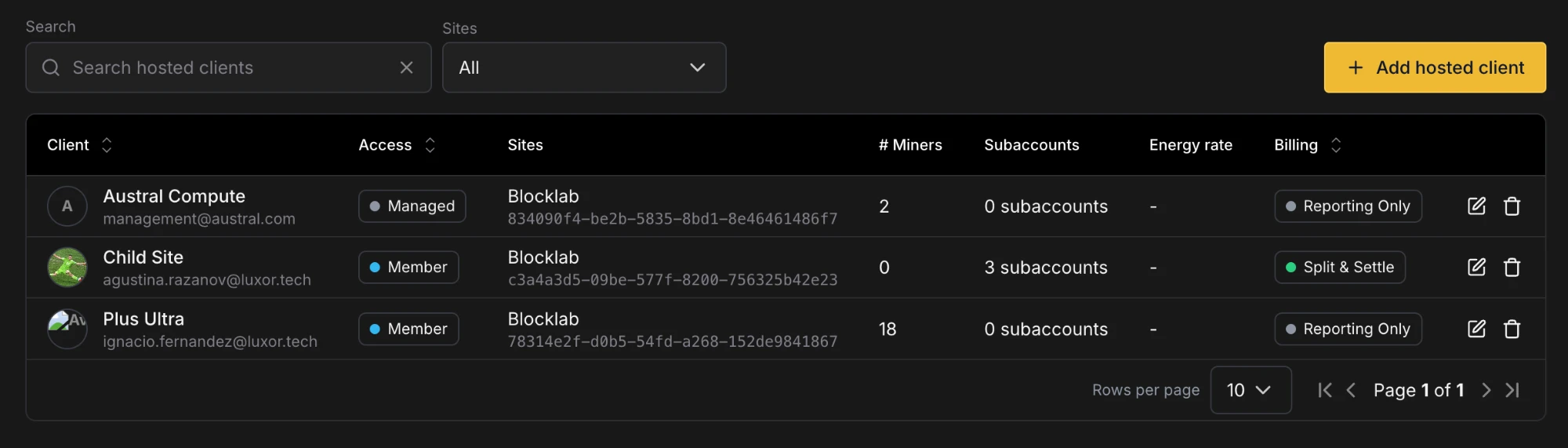
| Column | Description |
| --------------- | ----------------------------------------------------------------------------------------------------------------------- |
| **Client** | The client's name and email |
| **Access** | **Managed** (no login), **Member** (a workspace member with a login) or **Pending** (waiting for an approval to finish) |
| **Sites** | The sites where you host the client. A client at more than one site can be expanded to show one row per site |
| **# Miners** | How many miners are assigned to the client |
| **Subaccounts** | The subaccounts linked to the client, for clients whose site bill is split |
| **Energy rate** | The price per kWh set for the client at each site, for clients you track only |
| **Billing** | **Track only** or **Split the site bill** (see [Billing options](#3-billing-options)) |
| **Actions** | Edit or delete the client. Both are disabled while the client is Pending |
The table can be sorted by Client, Access and Billing.
## Adding a Client [#adding-a-client]
Click **Add hosted client** and fill in the dialog from top to bottom.
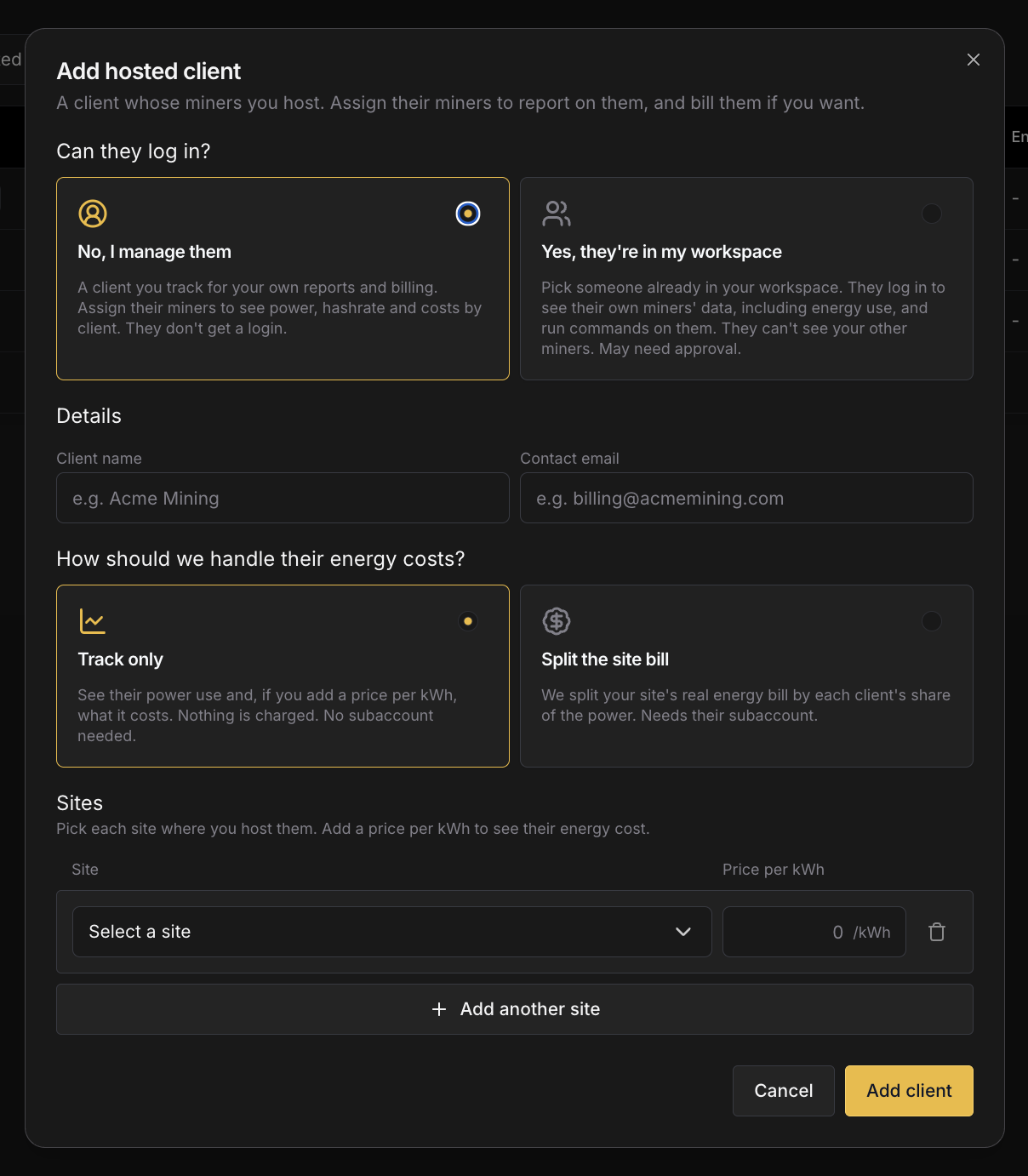 ### 1. Can they log in? [#1-can-they-log-in]
| Option | What it means |
| -------------------------------- | ------------------------------------------------------------------------------------------------------------------------------------------------------------------------------------------------------------------------------------------ |
| **No, I manage them** | A client you keep for your own reports and billing. They don't get a login. This is the most common choice: create one for each customer whose miners you host, then assign their miners to it. |
| **Yes, they're in my workspace** | Pick someone who is already a member of your workspace. They can sign in, see their own miners' data, including energy use, and run commands on those miners. See [What a client with a login can do](#what-a-client-with-a-login-can-do). |
You can't change this choice after the client is created. To switch, delete the client and add it again.
### 2. Details [#2-details]
* **No, I manage them**: enter a **Client name** and a **Contact email**. Both are required.
* **Yes, they're in my workspace**: pick the **Workspace member**, and give the client a **Client name**.
### 3. Billing options [#3-billing-options]
Choose how the client's energy costs are handled.
| Option | What it means |
| ----------------------- | -------------------------------------------------------------------------------------------------------------------------------------------------------------------------------------------------------- |
| **Track only** | Commander tracks the client's power use. You can add a price per kWh at each site to see what that energy costs. Nothing is charged, and no subaccount is needed. |
| **Split the site bill** | The site's real energy bill is split across its clients, based on each client's share of the power. Each site needs the client's usual and maximum power draw, and the subaccounts their miners mine to. |
A client's bill can only be split at a site that is set up in Luxor Energy. Luxor finishes the billing setup for each
client whose site bill is split, so contact your account manager when you add one. Once a site has clients sharing its
bill, every energy bill for that site is split across them.
### 4. Sites [#4-sites]
Add one row for each site where you host the client. Each site can only be added once per client, and every client needs at least one site.
| Billing option | Fields per site |
| ----------------------- | ------------------------------------------------------------------------------------------------------------------------------------------------------------------------------------------------ |
| **Track only** | **Site** and an optional **Price per kWh** |
| **Split the site bill** | **Site**, **Subaccounts**, **Usual load** (the client's typical power draw, in kW) and **Max load** (their maximum, in kW). Both loads are required, and Max load can't be lower than Usual load |
A subaccount can belong to only one client.
Click **Add client** to save.
## Editing and Deleting a Client [#editing-and-deleting-a-client]
Click the edit icon on a client's row to change their name, contact email (managed clients only), billing option and sites. The access choice can't be changed.
* Switching a client from **Split the site bill** to **Track only** clears their loads and subaccounts at every site.
* Switching from **Track only** to **Split the site bill** requires a usual and maximum load for every site.
Click the delete icon to remove a client. The client loses access to their machines, and this can't be undone.
## Approvals [#approvals]
Adding, editing the sites of, or deleting a client with a login changes what a workspace member can access, so it follows your workspace's [approval settings](/platform/workspaces). When approvals are on, the change is sent for approval and the client shows as **Pending** until it is approved. A client can't be edited or deleted while Pending.
Clients without a login never need approval, and neither do changes to a client's name, billing option or price per kWh.
You can also make a workspace member a hosted client from their permissions in your workspace settings, by giving them the **Hosted Client** role on a Commander site. They then appear on the Clients page automatically.
## Assigning Miners to a Client [#assigning-miners-to-a-client]
Assign miners from the [Miners](/platform/commander/features/miners) page:
1. Select the miners.
2. Open **Bulk Actions → Administrative** and choose **Assign to Hosted Client**.
3. Pick the client, or **Unassigned** to clear the client from the selected miners.
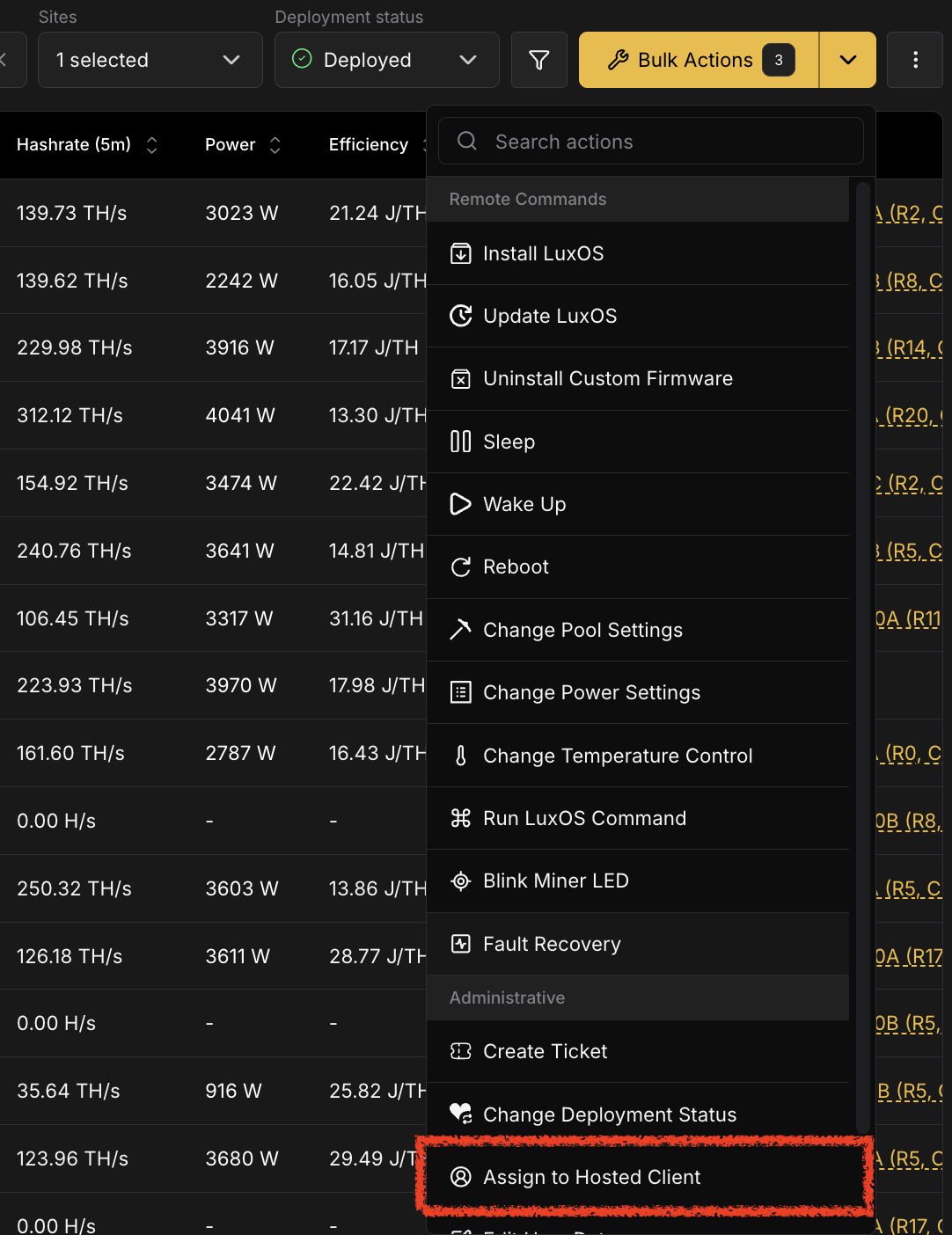 A miner can only be assigned to a client that is hosted at the miner's site. Miners at other sites, and miners with no [user-managed record](/platform/commander/features/miners/user-managed-details), are skipped, and Commander tells you how many before you confirm.
This is the only way to change a miner's client. A miner's Client ID is read-only everywhere else, including its [User-Managed Details](/platform/commander/features/miners/miner-details#user-managed-details) tab.
## What a Client with a Login Can Do [#what-a-client-with-a-login-can-do]
A client with a login sees a reduced version of Commander:
* **Pages**: Dashboard, Miners and the Remote Commands history. Every other Commander page is hidden from them.
* **Miners**: only the miners assigned to them, at the sites where they are hosted. They can't see the rest of your fleet.
* **Commands**: they can run remote commands on their own miners, such as pool, firmware and other miner commands. They can't change agents, automation, the sitemap, user-managed details or tickets.
Billing information stays with you, the host. Clients don't see energy rates or bills.
## Client Data Across Commander [#client-data-across-commander]
Once miners are assigned, the client shows up throughout Commander:
| Where | What you get |
| ------------------------------------------------------------------ | -------------------------------------------------------------------------------------------------------- |
| [Miners](/platform/commander/features/miners) | A **Client** column, and **Client** as a field in the advanced filter |
| [Miner Details](/platform/commander/features/miners/miner-details) | The miner's **Client ID**, read-only, on its User-Managed Details tab |
| [Dashboard](/platform/commander/features/dashboard) | **Client** as a chart breakdown, to split a chart by client |
| [Reports](/platform/commander/features/reports) | **Client** as a breakdown in the CSV export, for example to export each client's energy in MWh per month |
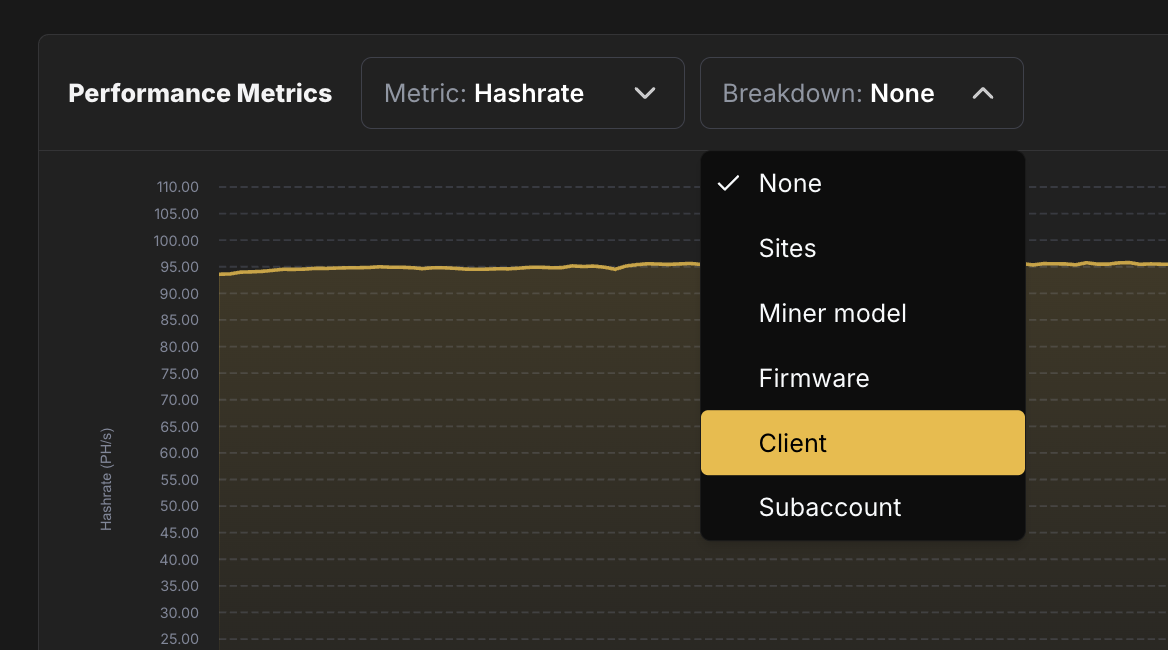
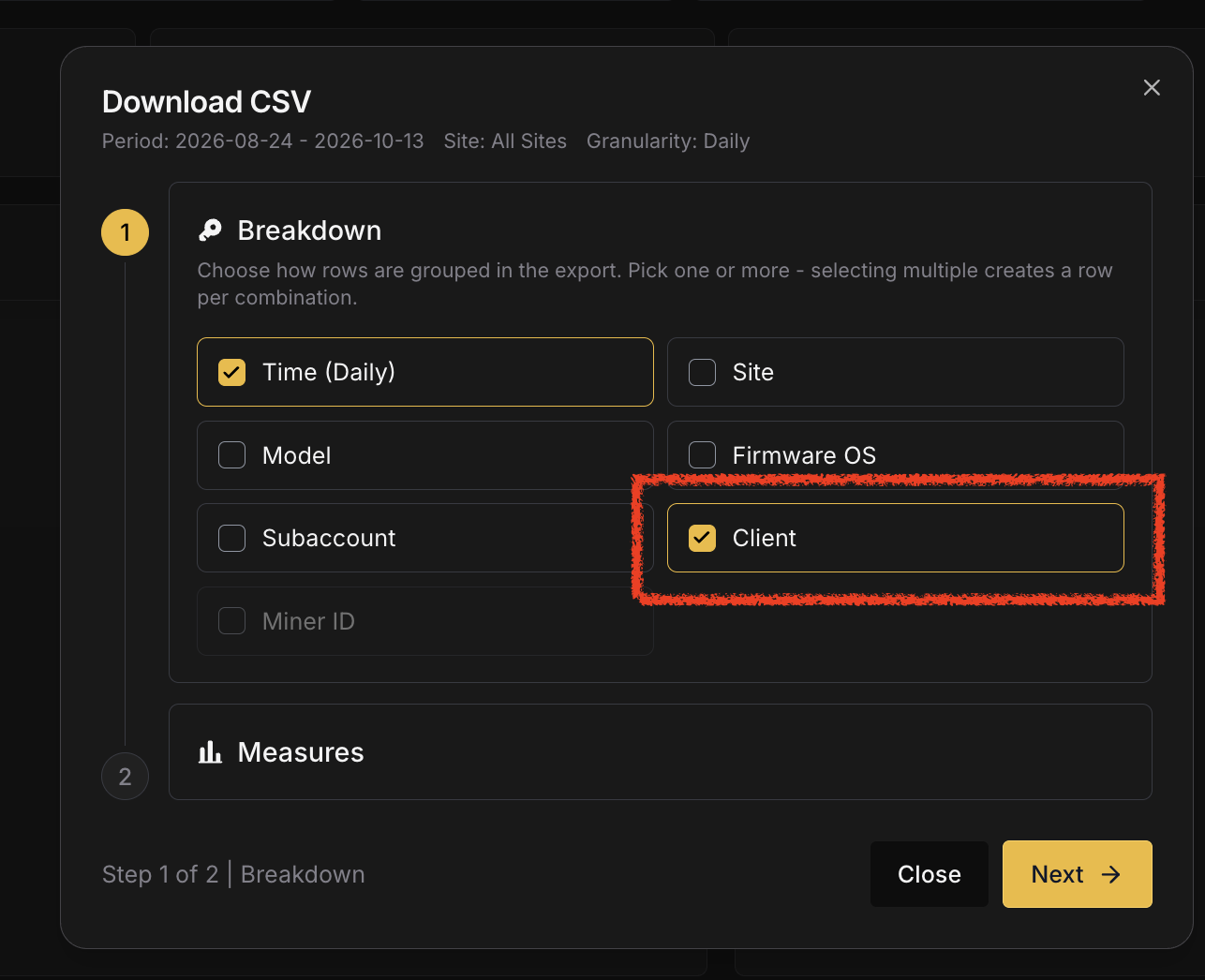 # Dashboard (https://docs.luxor.tech/platform/commander/features/dashboard)
## Overview [#overview]
The Dashboard is the first thing you see when you open Commander. It answers the questions operators ask most often - how much of my fleet is hashing, how much power am I drawing, and is anything broken - without requiring you to click into individual miners. Use it as a triage screen: scan the KPIs for anomalies, check the health and error distributions to size up any issues, and review recent actions to confirm that automated or manual responses are executing as expected.

## Fleet KPIs [#fleet-kpis]
At the top of the Dashboard, a set of key performance indicator (KPI) cards display aggregate metrics for your fleet. These update in near real-time based on the latest telemetry from your Agents.
| Metric | Description | Availability |
| ------------------------- | -------------------------------------------------------------------------------------------- | ------------ |
| **Hashrate** | Total observed hashrate across all hashing miners, measured in PH/s or TH/s | All miners |
| **Power Consumption** | Total power draw across all miners, measured in MW or kW | All miners |
| **Efficiency** | Fleet-wide energy efficiency, measured in J/TH (Joules per Terahash) | All miners |
| **Hashing Miners** | Count of miners currently in a hashing state | All miners |
| **Max Temperature** | Highest temperature reading reported by any miner in the fleet | All miners |
| **Nominal Hashrate** | Expected hashrate based on the configured mining profiles and power targets | LuxOS only |
| **% Hashrate Uptime** | Ratio of actual hashrate over nameplate hashrate | LuxOS only |
| **% Adj Hashrate Uptime** | Ratio of actual hashrate over nominal hashrate | LuxOS only |
| **% Power Capacity** | Current power usage as a percentage of total available power capacity for the Sites selected | All miners |
| **Avg Chip Health** | Average chip health score across all LuxOS miners | LuxOS only |
These KPI cards provide immediate insights into your operation's performance. For period averages and trends over weeks and months, use [Reports](/platform/commander/features/reports).
## Performance Time Series Charts [#performance-time-series-charts]
Below the KPI cards, an interactive time-series chart allows you to visualize fleet performance over time. You can switch between the following metrics using the tab selector:
* **Hashrate** - Total mining output across your fleet
* **Power Consumption** - Aggregate power draw
* **Temperature** - Fleet-wide temperature trends
* **Efficiency** - Energy efficiency over time
* **Hashing Miners** - Count of actively hashing devices
Use the **Breakdown** menu next to the metric selector to split the chart by Sites, Miner model, Firmware, Client or Subaccount. The Client breakdown shows one series per [Hosted Client](/platform/commander/features/clients).
The time-series view enables you to correlate operational changes with performance outcomes and identify patterns in your fleet's behavior.
## Distribution Charts [#distribution-charts]
Three distribution charts provide miner-level breakdowns of your fleet's operational state. Clicking any slice from any distribution redirects you to the Miners page, filtered for miners belonging to the selected category.
### Error Status [#error-status]
The Error Status bar chart provides a breakdown of miner error state across three categories:
* **Healthy** (green) - Miners with no unresolved events of type Error
* **Failing** (red) - Miners reporting hardware errors or degraded performance
* **N/A** (grey) - Miners where error data is not available. Common causes include: the miner is offline or unreachable, the Agent hasn't completed its first scan of the device, or the miner's firmware does not report health telemetry in a format Commander can interpret.
This is a percentage-based, miner-level distribution chart. All slices add up to 100%, giving you an immediate view of how many miners are operating without issues versus those requiring attention.
### Hashing Status [#hashing-status]
The Hashing Status bar chart categorizes miners by their current operational state:
* **Hashing** (green) - Actively mining
* **Idle** (yellow) - Powered on but not hashing
* **Offline** (red) - Offline miners
* **N/A** (grey) - Undetermined status. This typically means the Agent is offline or the miner is not reachable on the network.
This is a percentage-based, miner-level distribution chart. All slices add up to 100%. Use this view to quickly assess how much of your fleet is actively contributing to hashrate.
### Error Status [#error-status-1]
The Error Status panel displays a summary of unresolved errors across the fleet. This is an error-level distribution chart, showing the types and frequency of issues affecting your operation. Use this to prioritize incident response by understanding which error categories are most prevalent.
## Actions Log [#actions-log]
At the bottom of the Dashboard, the Actions Log table displays the most recent remote commands executed on your fleet. The Actions Log shows:
* Command type and name
* Number of targeted miners
* Execution timestamp
* Overall success/failure status
Clicking an individual action redirects you to the Action Details page, where you can find results of the remote commands executed on a per-miner basis. For a full audit trail with advanced filtering and search capabilities, see the [Bulk Actions & Actions Log](/platform/commander/automation/bulk-actions) page.
## Using the Dashboard Effectively [#using-the-dashboard-effectively]
The Dashboard layout is designed for quick decision-making. Start by scanning the KPI cards for any concerning values, check the Error Status and Hashing Status distributions to identify underperforming cohorts, and review the Actions Log to understand recent operational activity. For deeper investigation, use the distribution charts' filtering to drill into specific miner groups, navigate to the [Miners](/platform/commander/features/miners) page for tabular analysis, or open [Reports](/platform/commander/features/reports) to see how today compares with the past weeks and months.
# Parts (https://docs.luxor.tech/platform/commander/features/parts)
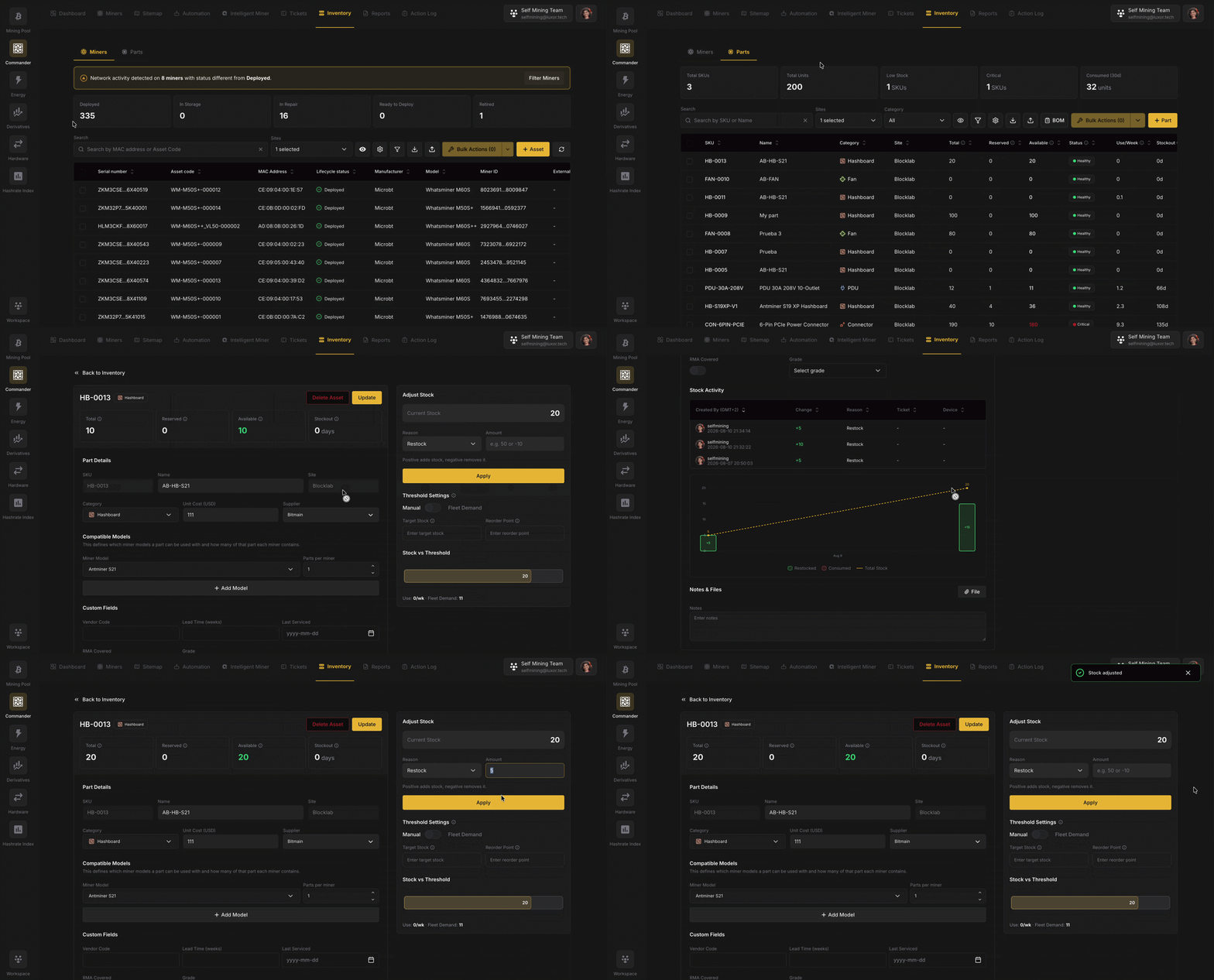
## Overview [#overview]
Spare parts are the single biggest operational risk most operators don't track well. A hashboard fails at 2am; the on-call tech walks to the shelf and finds the bin empty because yesterday's repair wasn't written down. The machine sits idle for weeks waiting on a replacement. **Parts** connects three things that are usually disconnected: what parts exist (the catalog), what the fleet needs (fleet demand), and what repairs consume (ticket-linked consumption).
Parts has its own page in Commander, separate from the [Miners](/platform/commander/features/miners) page. Miners tracks your machines, each with its own [user-managed details](/platform/commander/features/miners/user-managed-details); Parts (this page) is the catalog of spare components used to repair them.
## Miners vs. Parts [#miners-vs-parts]
| | [Miners](/platform/commander/features/miners) | Parts |
| ----------------- | --------------------------------------------- | ------------------------------------------------------------------------------ |
| **What it is** | Unique, serialized machines. | Fungible spare components (one S21 hashboard is interchangeable with another). |
| **Identified by** | Asset code / serial. | An auto-generated **SKU** (e.g. `HB-0001`). |
| **Tracked as** | Individual units with a deployment status. | A *type* of part with a **quantity**. |
| **Scope** | The whole workspace. | **One site**: each part's stock belongs to a single site. |
## The parts catalog [#the-parts-catalog]
Each row in the **Parts** table is one part **at one site**, identified by a **SKU that Commander generates and never changes**. A part has:
| Field | Notes |
| ----------------------------------- | ----------------------------------------------------------------------------------------------------------------------------------------- |
| **SKU** | Auto-generated and immutable (e.g. `FAN-0003`). |
| **Name** | e.g. *"Antminer S21 Hashboard"*. |
| **Category** | One of the categories below, each with a colored icon for at-a-glance scanning. |
| **Site** | The single site this stock lives at. Set on creation; not editable afterward. |
| **Unit cost** | Optional. |
| **Supplier** | Optional. |
| **Compatible models** | The miner models this part goes into, and how many per miner; this drives fleet demand (see [Bill of Materials](#bill-of-materials-bom)). |
| **Total / Reserved / Available** | Stock counts (see [Stock: total, reserved, available](#stock-total-reserved-available)). |
| **Threshold method & stock status** | How low-stock is calculated and the resulting health (see [Thresholds & stock status](#thresholds--stock-status)). |
| **Custom fields** | Any extra properties your workspace defines (see [Settings](#settings)). |
**Categories:** Hashboard · Fan · PSU · Control board · Cable · PDU · Connector · Other.
> **Parts are per-site.** When you add a part for several sites at once, Commander creates one part **per site**, each with its own SKU and its own independent stock. A ticket can only reserve parts from its own site.
Add a part with **Add Part**; import many at once via [CSV import](#csv-import).
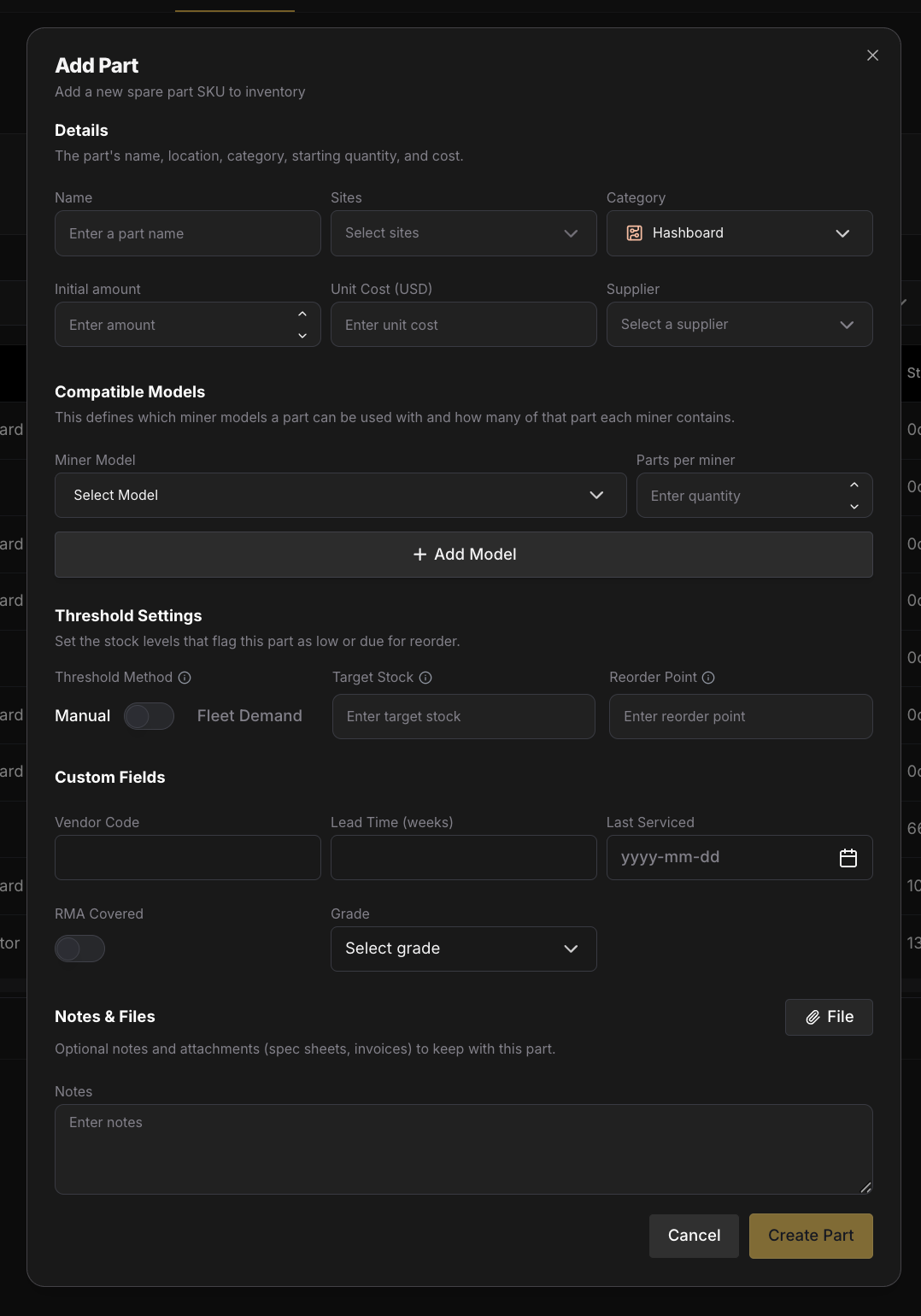 ## Stock: total, reserved, available [#stock-total-reserved-available]
Three numbers describe every part's stock:
* **Total**: how many units are physically at the site.
* **Reserved**: units spoken for by open tickets but still on the shelf.
* **Available**: `Total − Reserved`. This is what gates new reservations.
Stock quantities are **read-only in the table**. You change the **Total** count in the [part detail page](#part-detail-page) via **Adjust Stock**.
## Reserved vs. consumed [#reserved-vs-consumed]
This is the link between Parts and **[Tickets](/platform/commander/features/tickets)**:
* **Reserved**: a technician links a part to an open ticket. **Available** drops; **Total** is unchanged. The unit is claimed so no one else plans to use it.
* **Consumed**: the ticket closes (a *Completed* lane). Reserved parts are deducted from **Total**, and a **Ticket consumption** entry (stamped with the ticket's code) is written to the part's stock history.
* **Released**: the ticket is canceled (or the reservation is removed). The reservation is returned to **Available**; **Total** is untouched.
This two-step flow (reserve → consume) exists to **prevent double-allocation**: two technicians can't both plan on the last hashboard. See **[Tickets → Parts on a ticket](/platform/commander/features/tickets#parts-on-a-ticket)** for the ticket side.
## Adjusting stock [#adjusting-stock]
On the part detail page, **Adjust Stock** applies a delta (`+`/`−`) with a **reason** that feeds the part's stock history:
**Restock · Correction · Damaged · Other**
> Ticket-driven consumption is **not** a manual reason; it's recorded automatically when a ticket closes, and shows in the history as **Ticket consumption** with a link to the ticket.
## Thresholds & stock status [#thresholds--stock-status]
Every part can define a **Target** (the stock level you want to maintain) and a **Reorder point** (the level that triggers a low-stock alert). A toggle in the part detail modal picks how these are set:
* **Manual**: absolute quantities. Set the target (e.g. 100 units) and reorder point (e.g. 20 units) directly. Best for parts that don't map to per-miner counts: cables, PDUs, tools.
* **Fleet demand**: thresholds as a **percentage of fleet demand** (see below). Best for parts that scale with your fleet: hashboards, fans, PSUs.
* **Not set**: no thresholds; the part isn't tracked for low-stock.
From the thresholds, Commander derives each part's **stock status**:
**Healthy · Low · Critical**
When a part crosses its reorder point (including when a ticket close consumes it), a **low-stock alert** fires.
## Fleet demand [#fleet-demand]
The idea: Commander already knows how many miners you run and how many of each part they contain, so it can compute exactly how many of a part your fleet *could* need, and set thresholds off that number.
For each part:
`Fleet demand = Σ (parts per miner × deployed miners of that model)`
Example: a hashboard used by two models:
| Model | Parts per miner | Deployed miners | Subtotal |
| ---------------------- | --------------- | --------------- | -------- |
| Antminer S21 | 3 | 180 | 540 |
| Antminer S21+ | 3 | 120 | 360 |
| **Total fleet demand** | | | **900** |
That 900 isn't how many you keep on the shelf; it's the *denominator* for your threshold percentages:
| Threshold | Meaning | Example (900 fleet demand) |
| ---------------------- | ------------------------------------------ | -------------------------- |
| **Total Target (X%)** | Ideal stock level; restock up to this. | 10% = 90 |
| **Reorder point (Y%)** | Triggers a low-stock alert; time to order. | 5% = 45 |
The gap between target and reorder is your **supplier lead-time buffer**: if replacements take three weeks to arrive and you burn \~8 hashboards a week, you want enough runway between "time to order" and "restocked."
## Bill of Materials (BOM) [#bill-of-materials-bom]
Fleet demand is only right if Commander knows what's inside each miner. That's the **BOM**: a cross-reference of models (rows) against part SKUs (columns), where each cell is how many of that part a miner of that model contains, with a fleet-demand total per part at the bottom.
The BOM is a **read-only** view; its data comes from the **Compatible models** you set on each part (e.g. *"Antminer S21: 3 hashboards per miner"*). Open it with the **BOM** button in the Parts controls bar.
## Parts table, KPIs & filtering [#parts-table-kpis--filtering]
The Parts view opens on a KPI row: **Total SKUs**, **Total units**, **Low stock (SKUs)**, **Critical (SKUs)**, and **Consumed (30d, units)**.
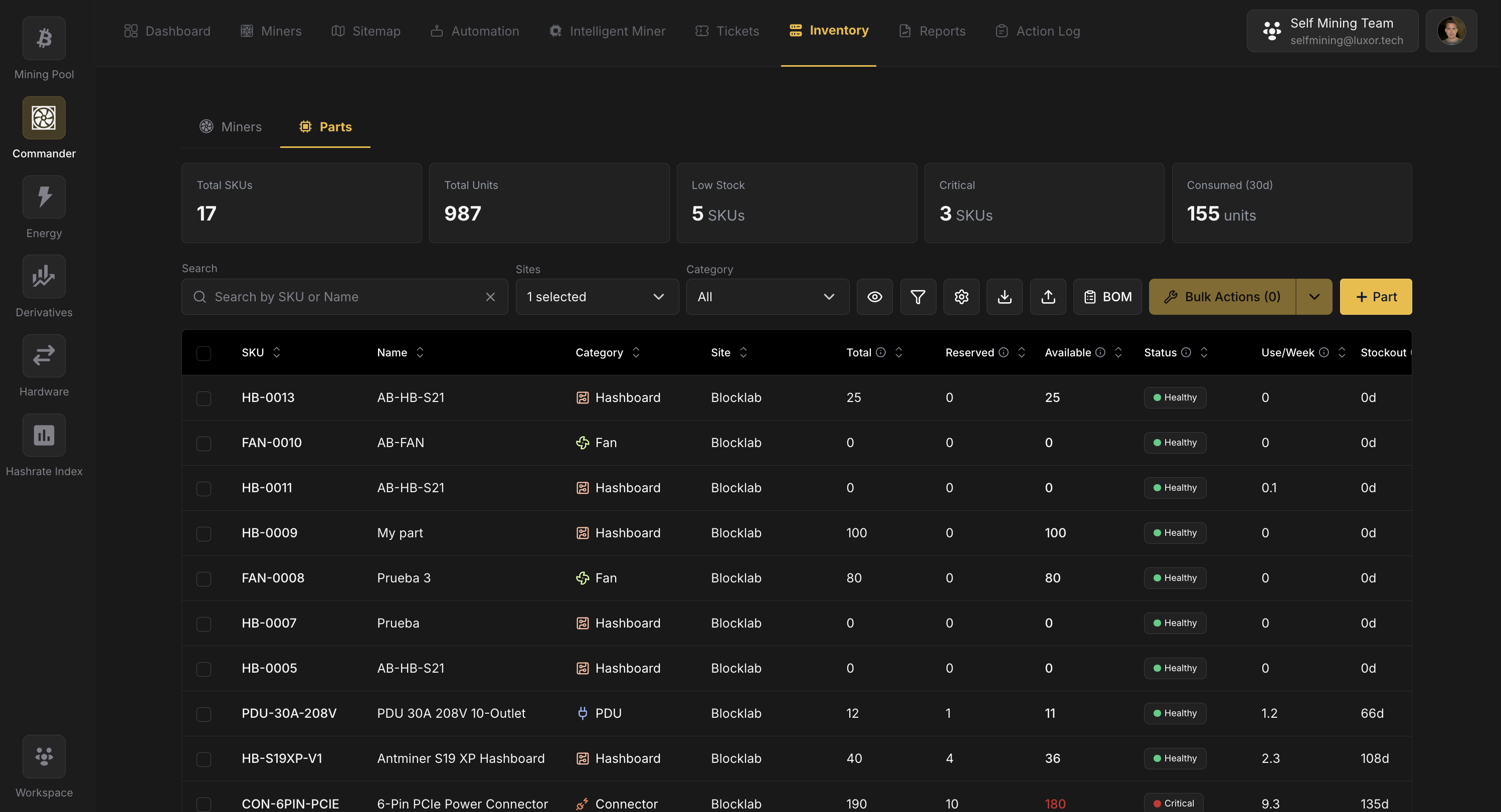
Filtering follows Commander's two-level pattern:
* **Category dropdown** in the controls bar for quick narrowing by part type.
* **Funnel icon** opens the filter dialog: **Category**, **Stock status** (Healthy / Low / Critical), **Supplier**, **Threshold method** (Fleet demand / Manual / Not set), and a **timeframe**.
## Parts bulk actions [#parts-bulk-actions]
Select rows to enable **Bulk Actions**, then apply the same value across all selected parts (**Category**, **Supplier**, **Threshold method**, **Total Target %**, or **Reorder point %**), changing multiple properties in one pass. A separate **Adjust Stock** bulk action applies a signed quantity change with a reason (Restock / Correction / Damaged / Other) to every selected part, respecting per-site permissions and negative-stock guards. **Delete** releases any active reservations before removing the parts.
## Part detail page [#part-detail-page]
Click a part to open its detail page:
* **Part details**: edit name, category, unit cost, supplier, and compatible models. **SKU** and **Site** are read-only.
* **Stock KPIs**: **Total**, **Reserved**, **Available**, and **Stockout (days)** (a runway estimate from recent consumption).
* **Adjust Stock**: apply a delta with a reason (Restock / Correction / Damaged / Other).
* **Stock vs. threshold**: a meter showing current stock against target and reorder point.
* **Threshold settings**: switch between Manual and Fleet demand and set the values.
* **Stock activity**: a history table plus a per-day chart. Ticket consumption entries link back to the ticket that consumed the part.
* **Notes & files**: attach notes and documents to the part.
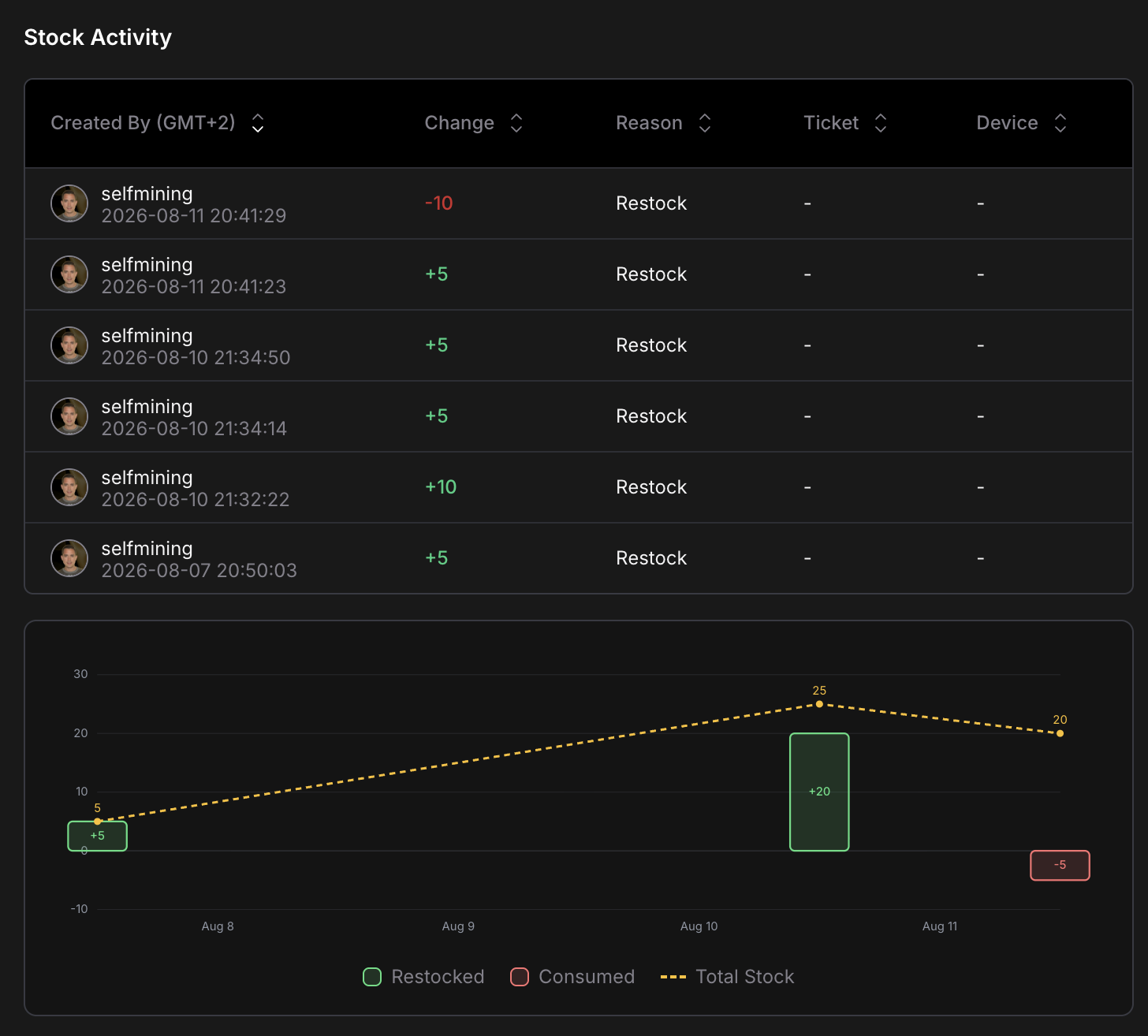 ## CSV import [#csv-import]
Import or update many parts at once with a CSV. Existing parts are matched by SKU; a row with a blank SKU and a site creates a new part.
## Settings [#settings]
Open the **⚙ Settings** dialog from the Parts toolbar to manage parts **Custom Fields**: extra properties (text, number, date, select, and more) that then appear on the part, in the Parts table, and in the filter dialog. Parts custom fields are separate from the [custom fields on miners](/platform/commander/features/miners/user-managed-details#custom-fields).
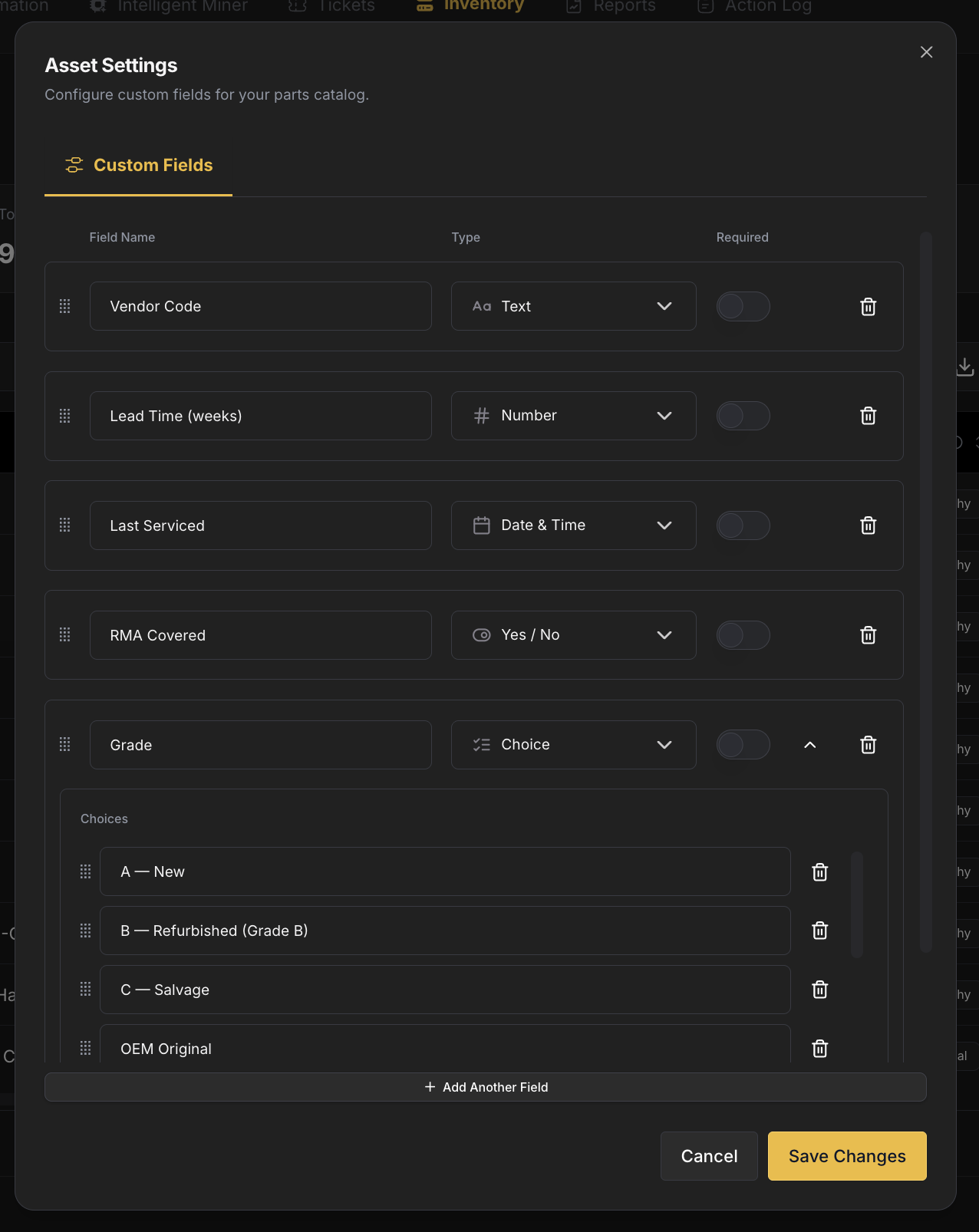 ## Related [#related]
* **[Miners](/platform/commander/features/miners)**: the machines that parts are compatible with and are used to repair.
* **[Tickets](/platform/commander/features/tickets)**: repair tickets reserve and consume parts.
# Reports (https://docs.luxor.tech/platform/commander/features/reports)
## Overview [#overview]
The [Dashboard](/platform/commander/features/dashboard) tells you what your fleet is doing right now. **Reports** tells you what it did over the last week, the last quarter or the last year. Pick one or more sites, a timeframe and a granularity, and Commander turns its telemetry history into period KPIs, six trend charts, a bucket-by-bucket breakdown table and a CSV export you can slice by site, model, firmware, pool subaccount, client or individual miner.
Use it to answer the questions a live view cannot:
* **Is the fleet growing or declining?** See hashrate, power and online miner counts month over month, with the numbers behind every chart one click away.
* **Did the firmware or profile change actually help?** Compare efficiency before and after a rollout, and break the export down by firmware to compare cohorts side by side.
* **How much energy did each site, or each hosting tenant, consume?** Export energy in MWh per site or per client, one row per month, computed on the same basis as your Commander invoice.
* **How many miners were really hashing last month?** Get a single, consistent average that holds whether you look hourly, daily, weekly or monthly, with downtime counted as downtime.
* **Which machines are quietly underperforming?** Export per-miner hashrate, power and temperature over the period to find the ones that are online but consistently weak, or running hot before they fail.
* **Is automation keeping up with the fleet?** See new and unresolved errors, tickets opened and closed, and how many actions came from people, automation rules or Intelligent Miner, over the same timeline.
Reports live under **Commander → History → Reports**.
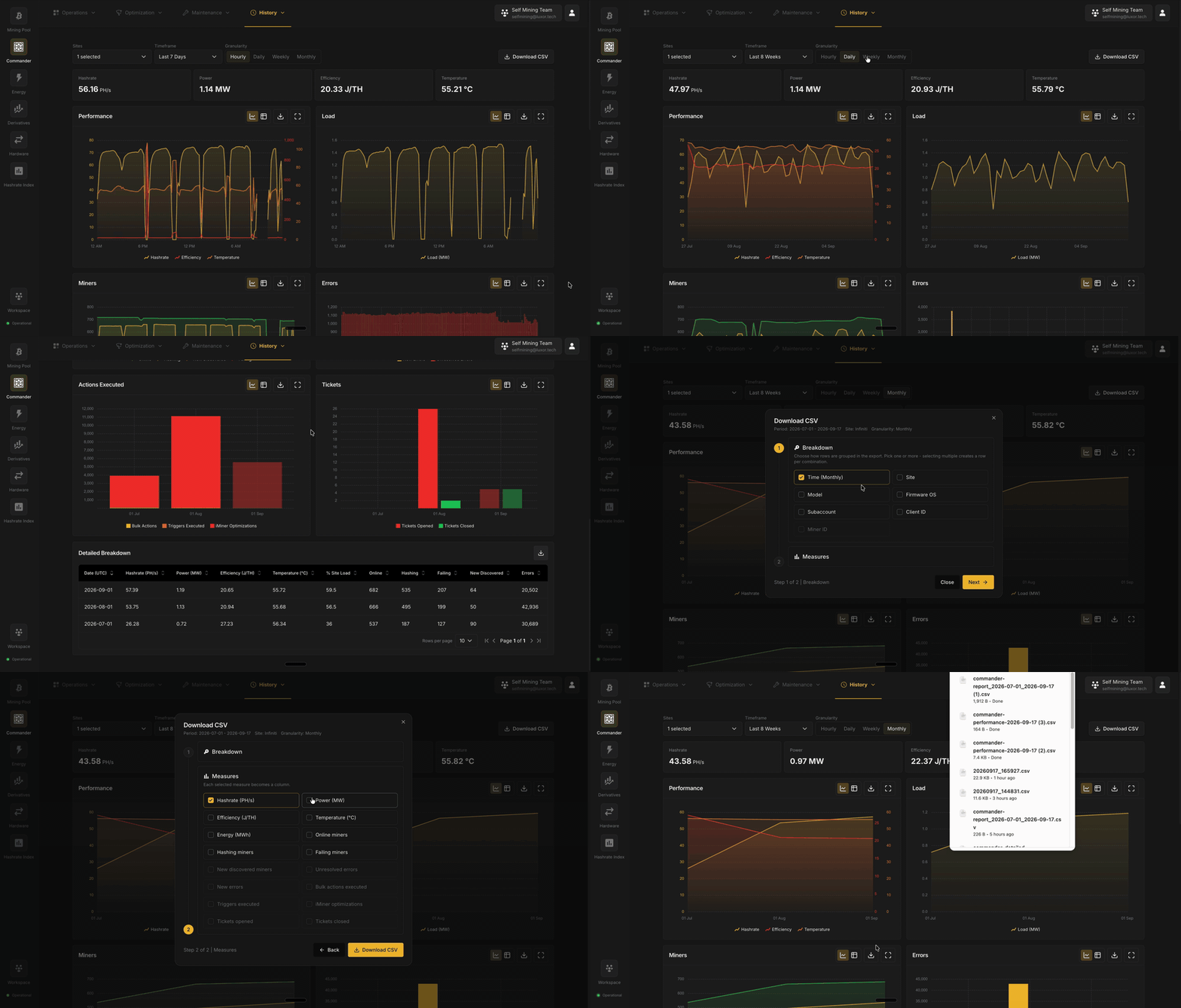
The four KPI cards at the top of the page are available on every plan. The charts, the Detailed Breakdown table and
the Download CSV builder require [Commander Pro](/platform/commander/pricing). On Commander Lite they are shown
blurred with an **Activate Pro** button.
## Controls [#controls]
Every number on the page follows the three controls in the toolbar.
 | Control | Options | Notes |
| --------------- | ------------------------------------------------------------------------- | ------------------------------------------------------------------------------------------------------------------------------------------------------------------------------------------------------------------------------------------- |
| **Sites** | One or more of the workspace's sites | Multi-site selections are aggregated (hashrate and power summed, miner counts summed, efficiency and temperature weighted). |
| **Timeframe** | Last 7 Days, Last 30 Days, Last 8 Weeks (default), Last 12 Months, Custom | Every preset ends at the start of the current UTC day, so the in-progress day is never included. Last 12 Months is not available at Hourly granularity. |
| **Granularity** | Hourly, Daily (default), Weekly, Monthly | The size of each chart point and table row. Changing granularity resets the timeframe to its natural window: Last 7 Days for Hourly, Last 8 Weeks for the rest. Weekly buckets start on Monday and monthly buckets on the 1st, both in UTC. |
## Period KPIs [#period-kpis]
Four cards summarize the whole selected period. They are averages over the period, not the latest reading.
| KPI | Unit | What it means |
| --------------- | ------------ | -------------------------------------------------------------------------------------------------------------------------------------------------------------------------------------------------------------------------------------------------------------------------------------- |
| **Hashrate** | PH/s or TH/s | Average hashrate over the period. Gaps in telemetry count as downtime (zero), so an outage lowers the average rather than being skipped. |
| **Power** | MW | Average power draw, including an estimated nameplate draw for miners that were hashing but not reporting a power reading. This is the same figure Commander uses for billing, and it can read higher than the Dashboard's Power Consumption card, which only counts measured readings. |
| **Efficiency** | J/TH | Average energy per terahash over the period. |
| **Temperature** | °C | Average reported temperature across the fleet. |
## Charts [#charts]
Six widgets plot the selected period at the selected granularity. Each widget can be switched between a **chart** and a **table** view, expanded to **fullscreen**, and downloaded as its own **CSV** from the icons in its header.
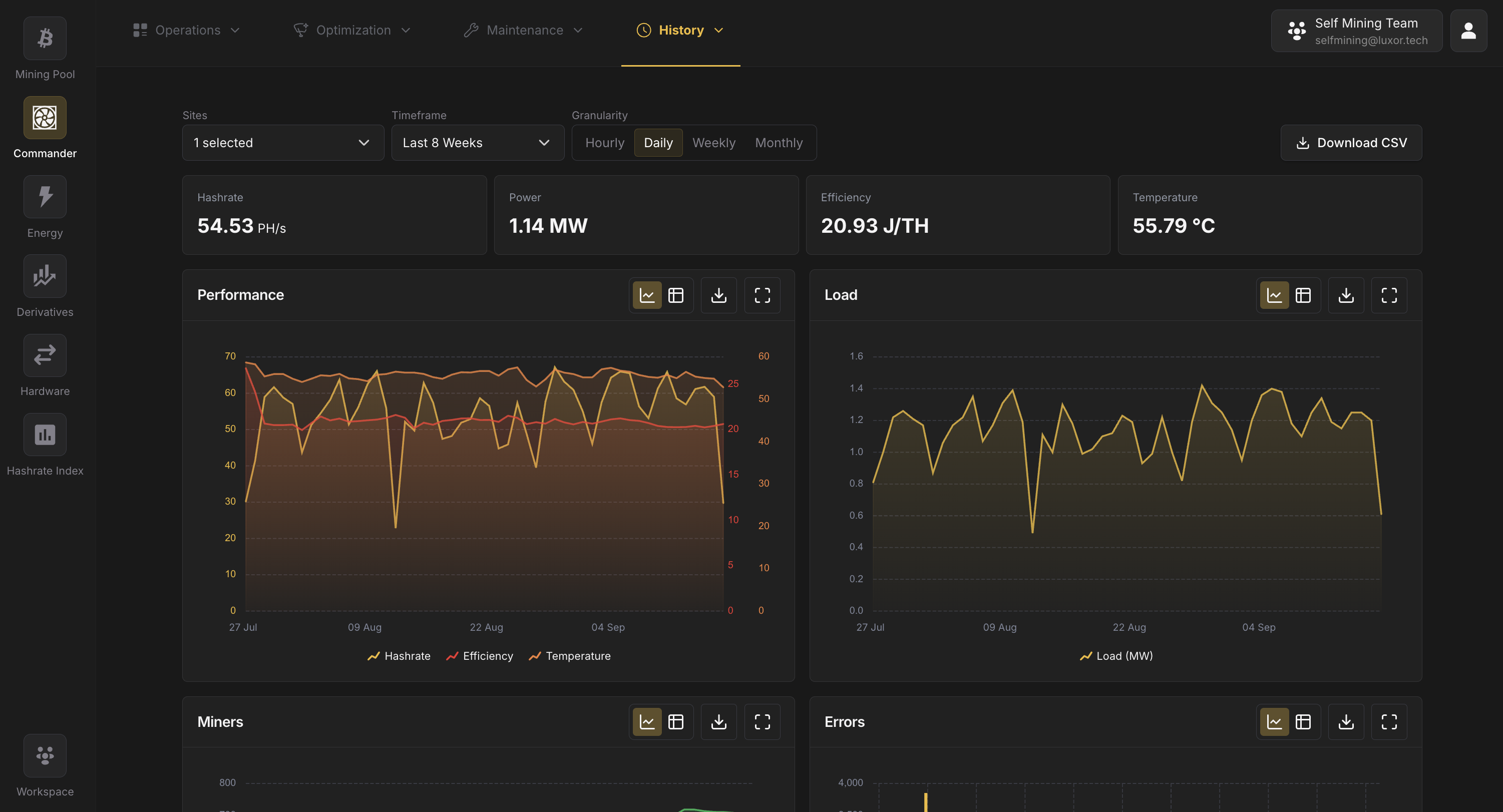
| Widget | Series | Notes |
| -------------------- | ---------------------------------------------------------------- | ---------------------------------------------------------------------------------------------------------------------------------------------------------------------------------------------------------------------------------------------------------------------------------------------------------- |
| **Performance** | Hashrate (PH/s), Efficiency (J/TH), Temperature (°C) | Hashrate on the left axis; efficiency and temperature on the right. |
| **Load** | Load (MW) | Average power draw per bucket, same basis as the Power KPI. |
| **Miners** | Online, Hashing, New Discovered, Failing | Counts are the **mean number of concurrent miners** in each bucket, so they do not change when you switch granularity. All four series share one scale so their relative sizes stay honest. |
| **Errors** | New Errors, Unresolved Errors | *New* counts errors that opened during the bucket; *Unresolved* counts errors still open at the end of it. Retired miners are excluded. Bars are grouped rather than stacked because an unresolved error is usually also a new one. |
| **Actions Executed** | Bulk Actions, Triggers Executed, Intelligent Miner Optimizations | How many execution plans ran in each bucket, classified by who started them: a person, an [Automation Rule](/platform/commander/automation/automation), or [Intelligent Miner](/platform/commander/intelligent-miner). Loads separately from the other widgets, so the rest of the page never waits on it. |
| **Tickets** | Tickets Opened, Tickets Closed | From the [Tickets](/platform/commander/features/tickets) feature. Both manual and system-created tickets count. |
If some execution plans could not be counted for the period (very large fleets over long ranges), the Actions Executed totals are a lower bound and the page says so.
## Download CSV [#download-csv]
The **Download CSV** button in the toolbar opens a two-step builder that exports the current site, timeframe and granularity selection in whatever shape your analysis needs.
### Step 1: Breakdown [#step-1-breakdown]
Choose how rows are grouped. Pick one or more; selecting several creates one row per combination (for example Time × Site × Model). Choose **Client** to get one row per [Hosted Client](/platform/commander/features/clients), for example to export each client's energy use.
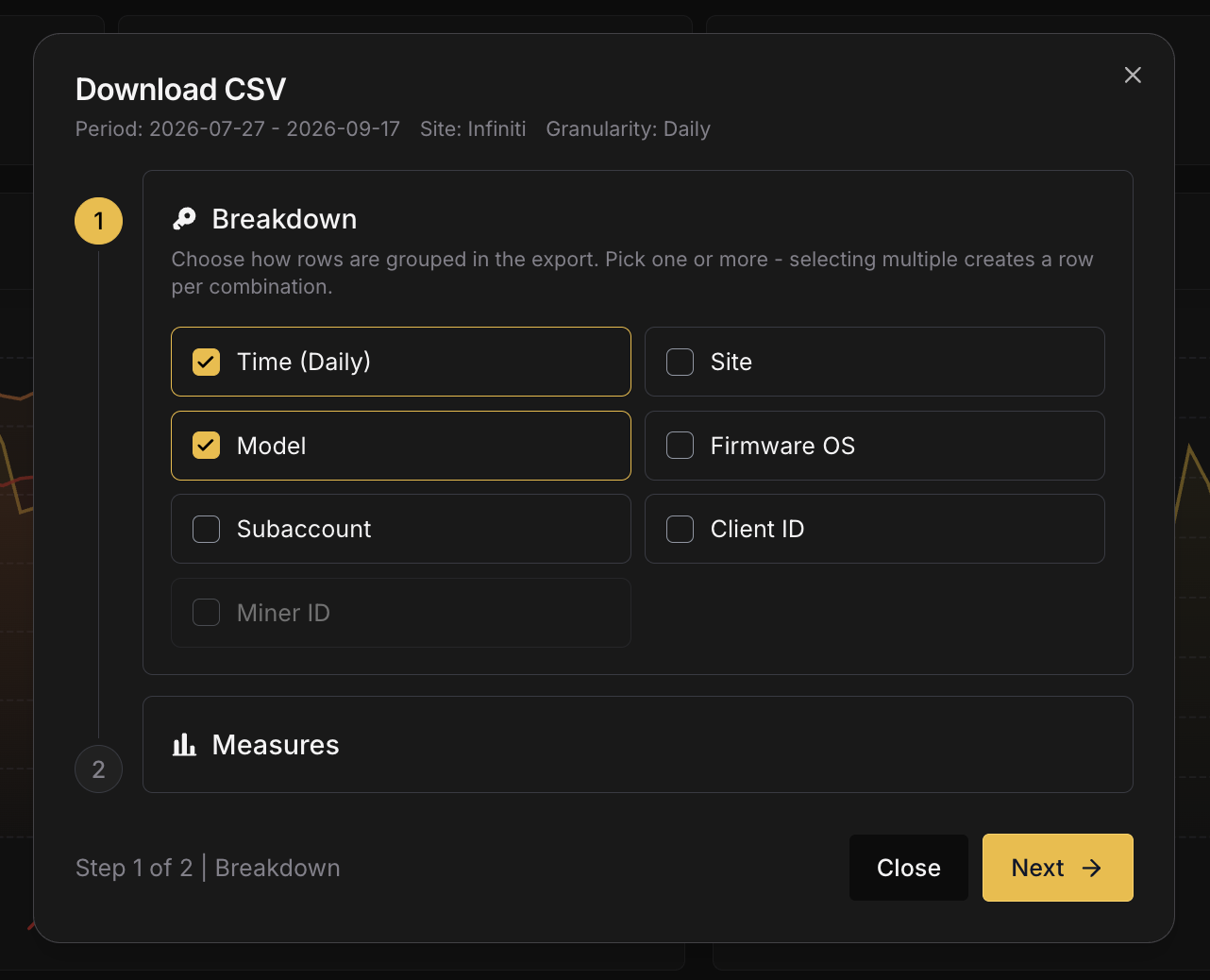 ### Step 2: Measures [#step-2-measures]
Each selected measure becomes a column. The builder greys out any measure the chosen breakdowns cannot answer and explains why in a tooltip.
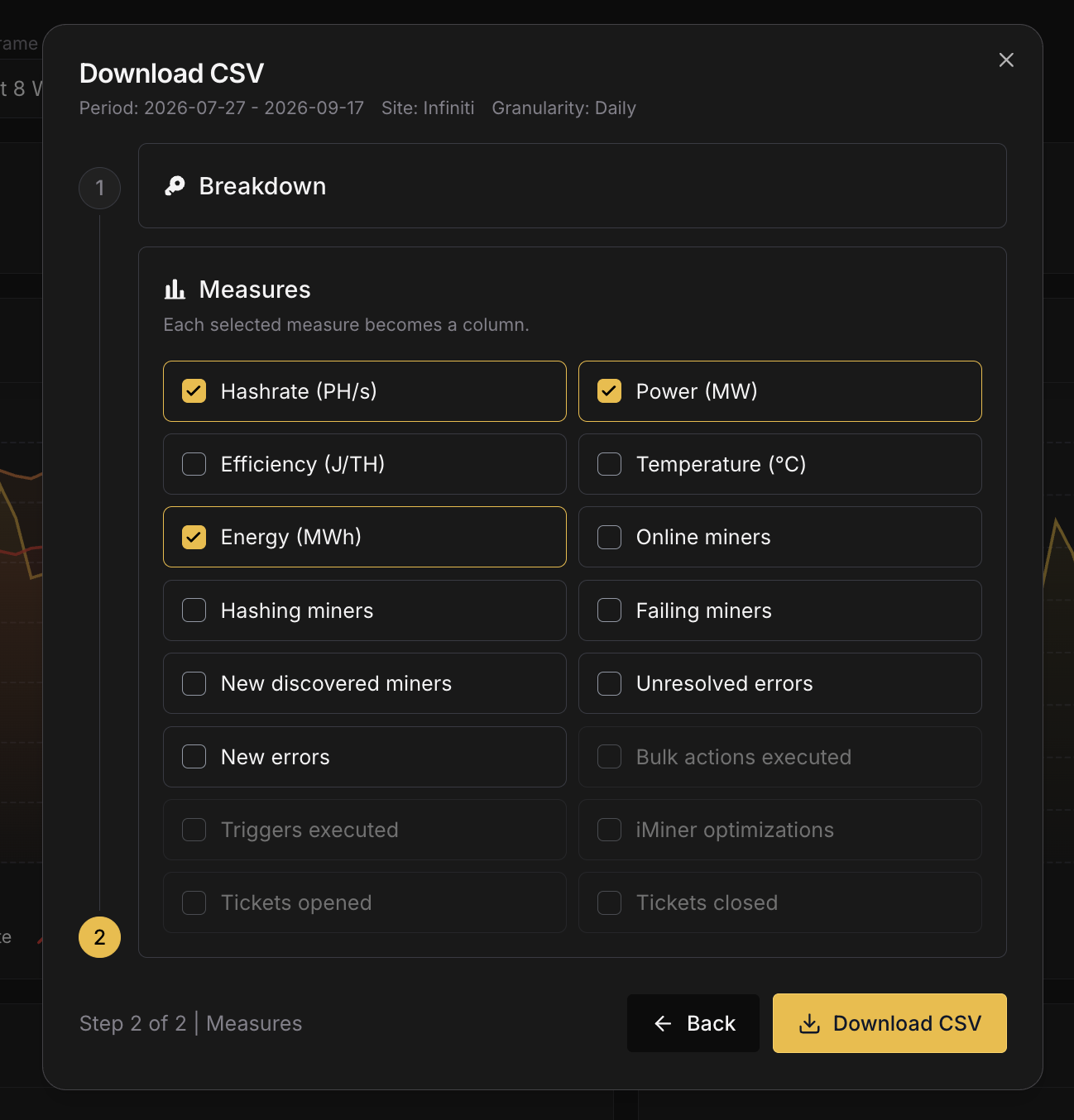 Exports are capped at 100,000 rows. If a selection would exceed that, shorten the period, coarsen the granularity or drop a breakdown. The file is named `commander-report__.csv` with UTC dates, and every timestamp inside it is UTC.
## How the numbers are computed [#how-the-numbers-are-computed]
A few conventions keep Reports consistent with Commander's other surfaces and with your bill:
* **Complete UTC days only.** Nothing from the current day is included, at any granularity, so a figure you read today will not change tomorrow.
* **Rates divide by wall-clock time.** Hashrate, power and efficiency are averaged over the full length of each bucket, not over the samples that happened to arrive. A miner that was offline for half a day contributes half a day of zeros.
* **Power matches billing.** Miners that are hashing but not reporting a power reading are counted at their nameplate draw, exactly as they are on your Commander Pro invoice. The Dashboard shows measured power only, so Reports can read higher.
* **Miner counts are averages.** Online, Hashing and Failing are the mean number of miners in that state across the bucket, which is why the numbers hold steady when you switch between Hourly, Daily, Weekly and Monthly.
* **Errors come from the event log.** New and Unresolved errors are read from the miner event history and deduplicated per event, so the chart, the breakdown table and the CSV agree.
# Hashrate Routing (https://docs.luxor.tech/platform/commander/features/routing)
Hashrate Routing is available exclusively on the Commander Pro plan. See [Pricing](/platform/commander/pricing) for
details.
## Overview [#overview]
Without a proxy, every miner on your site opens its own stratum connection to the mining pool. A site with 2,000 miners keeps 2,000 connections open over the internet, each one receiving its own job notifications and submitting its own shares.
Hashrate Routing puts a **proxy** (the Luxor Relay) on your Commander Agent, inside your site network. Miners point to the proxy instead of the pool, and the proxy keeps a small, fixed set of upstream connections to the pools on their behalf. To the pool, the whole site looks like one large miner.
**Without a proxy:** one pool connection per miner.
```
Miner 1 ──────────────┐
Miner 2 ──────────────┤
Miner 3 ──────────────┼──▶ Pool
... │
Miner N ──────────────┘
```
**With Hashrate Routing:** a few pool connections for the whole site.
```
Miner 1 ──┐
Miner 2 ──┤ ┌── 80% ──▶ Pool A
Miner 3 ──┼──▶ Proxy ─────────┤
... │ (on Agent) └── 20% ──▶ Pool B
Miner N ──┘
```
Hashrate Routing is accessible from the **Routing** tab in the Commander navigation.
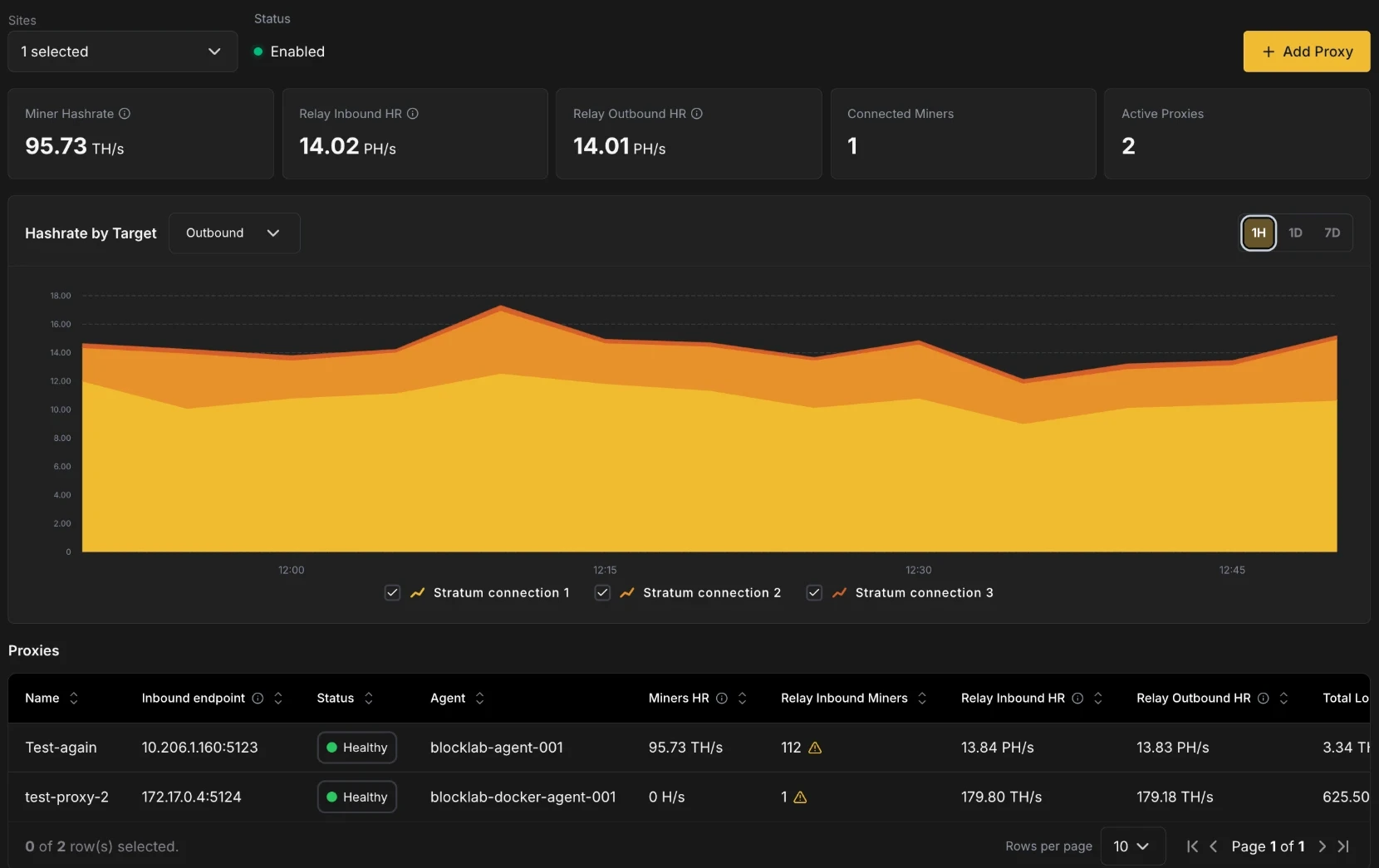
## Benefits [#benefits]
### Lower upstream bandwidth [#lower-upstream-bandwidth]
Every pool connection carries a steady stream of job notifications, difficulty updates and share submissions. With one connection per miner, that traffic grows with your fleet and all of it crosses your site's internet uplink.
With a proxy, the traffic between miners and the proxy stays on your local network. Only the proxy's upstream sessions (3 per stratum connection) reach the pool, and only shares that meet the pool's difficulty are forwarded. Upstream traffic depends on the number of stratum connections you configure, not on the number of miners. This matters most at sites with limited, metered or satellite/cellular connectivity.
### Better share efficiency [#better-share-efficiency]
A share the pool rejects is hashrate you paid for and didn't get credit for. Many rejects come from latency and job churn: a miner submits work for a job the pool has already replaced, or a long round trip makes an otherwise valid share arrive late.
The proxy sits next to your miners, so they get new jobs and share responses over the local network instead of the internet. It also:
* **Validates each share locally** before anything is sent upstream. Stale or malformed shares are answered right away and are not forwarded to the pool.
* **Sets each miner's difficulty individually**, targeting about one share every 10 seconds per miner, so every machine keeps a steady share cadence instead of inheriting a pool difficulty sized for the whole site.
* **Forwards only shares that meet the pool's difficulty**, over long-lived connections that are already authenticated.
You can track the result on the dashboard: **Total Loss** shows exactly how much submitted hashrate the pools did not accept.
### Hashrate splitting with automatic failover [#hashrate-splitting-with-automatic-failover]
A single proxy can divide your site's miners across several **stratum connections**, for example 80% to one subaccount and 20% to another, or 50/50 between two pools. Each stratum connection has a primary pool and up to five ordered backups. If the primary goes down, the proxy moves that connection's miners to the next backup without you reconfiguring a single machine, and moves them back once the primary has recovered.
Changing the split later is a single edit in Commander. You don't need to repoint any miners.
## Requirements [#requirements]
* **Commander Pro** plan.
* A **Commander Agent running on Linux**, version 1.32.0 or later. The proxy runs as a service alongside the Agent and is installed with it. Windows and macOS Agents are not supported; the Add Proxy dialog shows *"Not available on this agent"* if you select one.
* Miners that can reach the Agent's host IP on the proxy port, and that speak **Stratum V1** (`stratum+tcp://`).
* The **Edit Agents** permission on the site to create, edit or restart proxies.
Each Agent runs one proxy. To run several proxies at the same site, use several Agents.
## Setting up a proxy [#setting-up-a-proxy]
Setting up Hashrate Routing has two steps: create the proxy, then point your miners to it.
### 1. Create the proxy [#1-create-the-proxy]
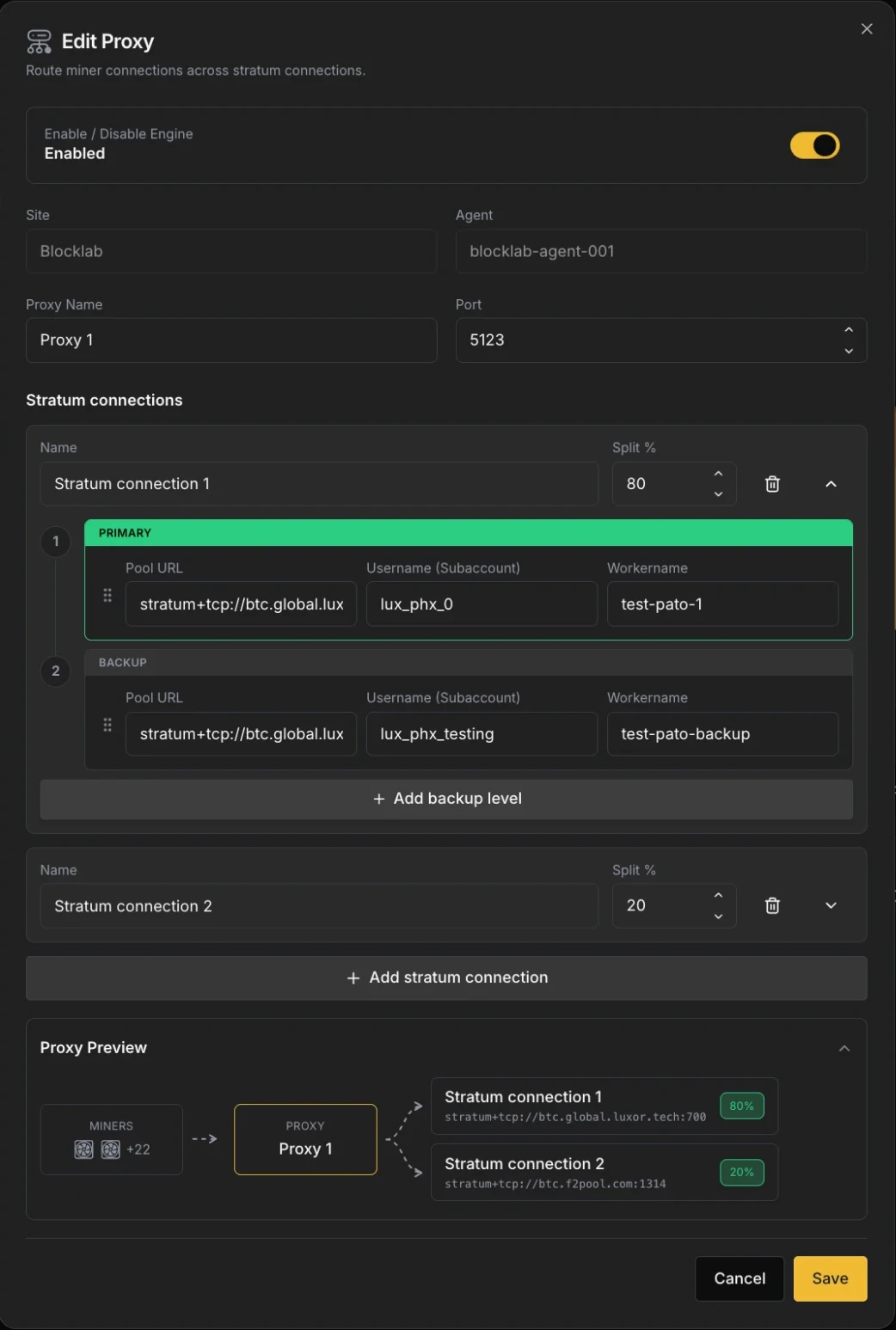 On the **Routing** page, select a site and click **+ Add Proxy**. Then configure:
* **Enable / Disable Engine**: turns the proxy on or off. New proxies are enabled by default.
* **Site** and **Agent**: the Agent that will host the proxy. Only sites selected on the page are listed. These can't be changed after the proxy is created.
* **Proxy Name**: a label for the proxy, e.g. `phoenix-site-a`.
* **Port**: the port miners will connect to on the Agent's host (1–65535, default `3333`). Make sure it is not already in use on that host and that your firewall allows miner traffic to it.
#### Stratum connections [#stratum-connections]
A stratum connection is one destination for part of your hashrate. Every proxy needs at least one. For each stratum connection, set:
* **Name**: a unique label, shown in the dashboard chart and table (e.g. `Luxor main`, `Hosting client B`).
* **Split %**: the share of the proxy's miners routed to this connection. The splits of all connections must add up to **100%**; the dialog shows how much is left to allocate (or over-allocated) and **Save** stays disabled until the total is exactly 100.
Each stratum connection holds an ordered list of pool levels. The first is the **Primary**; the rest are **Backups**, used in order. For each level, set:
| Field | Description |
| ------------------------- | --------------------------------------------------------------------------------------------------- |
| **Pool URL** | `stratum+tcp://`, `stratum+ssl://` or `stratum+tls://`, with an explicit host and port. |
| **Username (Subaccount)** | The pool account (subaccount) that receives the hashrate. |
| **Workername** | The worker name the pool will show for this connection's aggregated hashrate (e.g. `site-a-proxy`). |
Click **+ Add backup level** to add a backup (up to 5 backups, 6 levels in total), and use the drag handle to reorder levels. Dragging a level to the top makes it the new Primary. Click **+ Add stratum connection** to add another destination.
The **Proxy Preview** at the bottom of the dialog shows the resulting route: your miners, the proxy, and each stratum connection with its primary pool URL and split.
Click **Save**. The proxy starts on the Agent and reports **Starting** until its first status report arrives, then **Healthy** once it has an authenticated session with a pool.
### 2. Point your miners to the proxy [#2-point-your-miners-to-the-proxy]
Once the proxy is running, its **Inbound endpoint** (`IP:port`) appears in the Proxies table. Miners must use this address as their pool.
The easiest way is the **Change Pool Settings** [bulk action](/platform/commander/automation/bulk-actions):
1. On the **Miners** page, select the miners you want to route. All of them must be managed by the same Agent as the proxy, and only one site can be selected.
2. Choose **Change Pool Settings**. Your proxies appear in the **Pool URL** dropdown, marked with a routing icon and labelled `Proxy name (stratum+tcp://IP:port)`.
3. Select the proxy. Commander fills in the rest automatically: the username is locked to the subaccount of the proxy's largest connection, and the worker name to the miner's IP address. The proxy decides where each miner's hashrate actually goes, so these values only identify the miner to the proxy.
4. Apply the action.
If the selection includes miners from a different Agent, Commander blocks the action, since those miners can't reach the proxy.
You can also configure miners manually (through their firmware UI or another tool) with Pool URL `stratum+tcp://`. The proxy accepts any username and worker name from the miner.
The pool sees **one worker per pool level**, using the Username and Workername configured on the proxy. Individual
miners no longer appear as separate workers in your pool dashboard. Use Commander's
[Miners](/platform/commander/features/miners) page to monitor per-machine performance.
## How routing works [#how-routing-works]
### Hashrate splitting [#hashrate-splitting]
The split is applied by **miner count**, not by measured hashrate. When a miner connects, the proxy assigns it to the stratum connection that is furthest below its target percentage. With an 80/20 split and 100 miners, about 80 miners hash on the first connection and 20 on the second.
Every 30 minutes the proxy checks the distribution and rebalances if a connection has drifted from its target by more than 5% (or 2 miners, whichever is larger), moving miners between connections. If your fleet mixes very different models, the hashrate split can differ from the miner split.
A connection with a split of **0%** stays connected to its pool but receives no miners. This is useful to keep a destination warm before shifting hashrate to it.
### Failover and recovery [#failover-and-recovery]
Each stratum connection fails over independently. The proxy switches a connection to its next backup level when the current pool:
* drops the connection or rejects the login, or
* stops sending new jobs for 120 seconds.
Miners are moved to the backup without being disconnected wherever possible, so they keep hashing through the switch.
While on a backup, the proxy checks the primary every 30 seconds. It switches back once the primary has been healthy for **5 minutes**, which prevents flapping between pools.
If every level of a stratum connection is down, its miners are temporarily moved to another stratum connection (and credited to that connection's subaccount) until their own connection recovers. If the proxy can't place a miner anywhere within 60 seconds, it disconnects the miner so the miner's own firmware failover takes over.
## Navigating the Routing page [#navigating-the-routing-page]
### Site selector and Status [#site-selector-and-status]
Use the **Sites** selector to view one or several sites at once. **Status** shows **Enabled** when at least one proxy in the selection is healthy or degraded.
### KPIs [#kpis]
| KPI | Description |
| --------------------- | ------------------------------------------------------------------------------------------------------------------------------ |
| **Miner Hashrate** | Hashrate reported by the miners' own firmware, summed across Commander-managed miners only. |
| **Relay Inbound HR** | Hashrate arriving at the proxies from connected miners, derived from all submitted shares (accepted, rejected and unanswered). |
| **Relay Outbound HR** | Hashrate the proxies successfully forwarded to pools, estimated from accepted shares. |
| **Connected Miners** | Miners connected to the proxies in the last 5 minutes. |
| **Active Proxies** | Number of enabled proxies. |
**Relay Inbound HR** and **Relay Outbound HR** are calculated from share data, so they include any device connected to the proxy, even if Commander doesn't manage it. **Miner Hashrate** comes from Commander-managed miners only, which is why the numbers can differ.
### Hashrate by Target [#hashrate-by-target]
A stacked chart with one series per stratum connection, so you can confirm your split is behaving as expected. Use the dropdown to switch between **Outbound** (accepted by pools, default) and **Inbound** (submitted by miners), and the **1H / 1D / 7D** buttons to change the time range. Click a legend item to hide or show a connection. When several sites are selected, series are labelled `Site · Connection`.
### Proxies table [#proxies-table]
| Column | Description |
| ------------------------ | ------------------------------------------------------------------------------------------------------------------------------------------------------------- |
| **Name** | Proxy name. |
| **Site** | Shown when more than one site is selected. |
| **Inbound endpoint** | The `IP:port` miners point their stratum connection to in order to route through this proxy. |
| **Status** | Proxy health (see below). |
| **Agent** | The Agent hosting the proxy. |
| **Miners HR** | Firmware-reported hashrate of Commander-managed miners connected to this proxy. |
| **Relay Inbound Miners** | Miners connected to the proxy. A warning icon means some of them are outside the Agent's configured network, so Commander can't match them to a known device. |
| **Relay Inbound HR** | Hashrate submitted to the proxy by miners. |
| **Relay Outbound HR** | Hashrate accepted by the pools. |
| **Total Loss** | Hashrate submitted to the proxy but not accepted by the pools (rejected and unanswered shares). Equals inbound minus outbound. |
| **Routing Connection** | The split percentage of each stratum connection. |
| **Stratum URL** | Primary pool URL of the first stratum connection. |
#### Proxy status [#proxy-status]
| Status | Meaning |
| ------------- | -------------------------------------------------------------------------------------------------- |
| **Healthy** | The proxy is reporting and has an authenticated session with a pool. |
| **Degraded** | The proxy is reporting but has no authenticated pool session. Check the pool URLs and credentials. |
| **Starting** | The proxy was enabled less than 5 minutes ago and hasn't reported yet. |
| **Unhealthy** | The proxy hasn't reported for more than 5 minutes after being enabled. |
| **Unknown** | The Agent hosting the proxy is offline. |
| **Disabled** | The proxy engine is turned off. |
### Proxy actions [#proxy-actions]
Each row has two actions:
* **Edit Proxy**: open the proxy configuration. Changes to stratum connections, splits and pool levels are applied without restarting the proxy.
* **Restart proxy**: restart the proxy process on the Agent. Miners routed through the proxy lose their connection while it restarts and reconnect on their own once it's back. Restart requires the Agent to be online and the proxy to be enabled.
To stop a proxy, edit it and turn off **Enable / Disable Engine**. Remember to point the affected miners back to a pool first, otherwise they will fall back to their own backup pools.
## Troubleshooting [#troubleshooting]
| Symptom | What to check |
| --------------------------------------------- | ----------------------------------------------------------------------------------------------------------------------------------------------------------------------------------------- |
| Proxy stays **Degraded** | The proxy can't authenticate with any pool level. Verify the Pool URL (scheme, host and port), Username and Workername, and that the Agent host has outbound internet access to the pool. |
| Proxy is **Unknown** | The Agent is offline. See [Troubleshooting](/platform/commander/troubleshooting). |
| **Connected Miners** is 0 | Miners aren't reaching the proxy. Confirm their Pool URL is `stratum+tcp://` and that no firewall blocks the port on the Agent host. |
| Warning icon next to **Relay Inbound Miners** | Some connected miners are outside the Agent's configured network ranges. Add their range to the Agent's network configuration so Commander can identify them. |
| High **Total Loss** | Check pool health and the Agent host's internet connection. Persistent rejects from a single pool may indicate wrong credentials or an overloaded pool endpoint. |
| Hashrate split differs from the Split % | The split is by miner count. Fleets mixing old and new models will show a different hashrate ratio. |
| Can't save the proxy | Splits must total 100%, every pool level needs a URL, Username and Workername, and the Agent must run on Linux. |
# Sitemap (https://docs.luxor.tech/platform/commander/features/sitemap)
## Overview [#overview]
Tables and charts are useful for fleet-wide analysis, but some problems are spatial - a row of miners overheating because of an airflow issue, a rack drawing more power than expected, or a section of the facility with disproportionate error rates. The Sitemap lets you see your facility the way it's physically laid out, with heatmap overlays for temperature, hashrate, and power consumption, so you can spot patterns that would be invisible in tabular data.
The Sitemap is accessible from the **Sitemap** tab in the Commander navigation.
## Understanding the Sitemap [#understanding-the-sitemap]
The Sitemap is how you tell Commander where every miner lives in your facility. It mirrors your physical layout — buildings, containers, rows, racks — so you can monitor and manage your fleet spatially, not just as a flat list of IP addresses.
The key idea is simple: **everything is a grid, and grids go inside other grids.**
### The Site grid [#the-site-grid]
Your site is the top-level grid. You define how many columns and rows it has, and then place items into those cells. Items come in two types:
* **Groups** — organize things together (like a building, container, or room)
* **Racks** — hold your actual miners
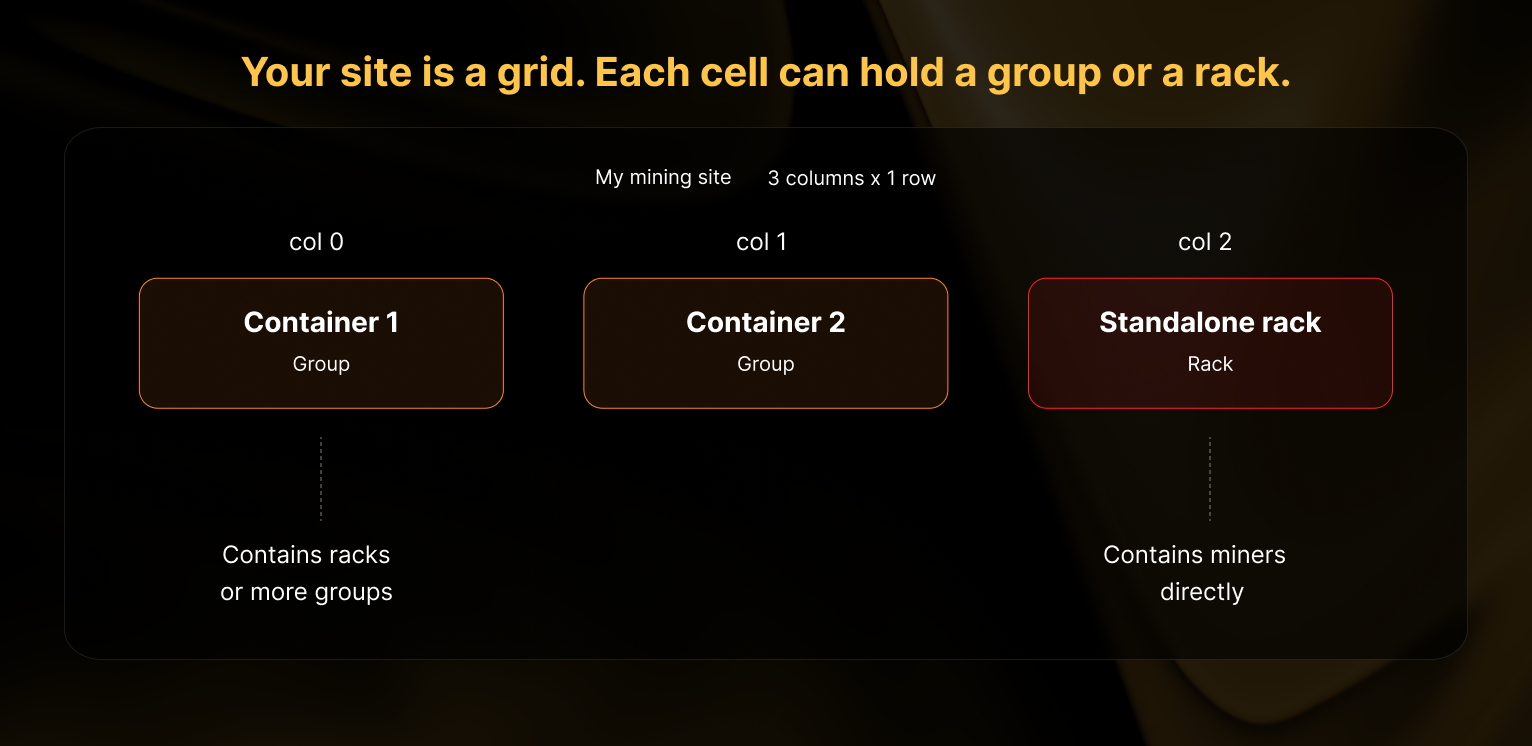
Think of the site grid as a blank table. You choose its size (e.g. 3 columns by 1 row), and then drop groups or racks into whichever cells you want. You don't have to fill every cell.
### Groups are grids too [#groups-are-grids-too]
When you create a group, it gets its own grid inside it. You define the number of columns and rows for that group, and then place racks (or more groups) into its cells.
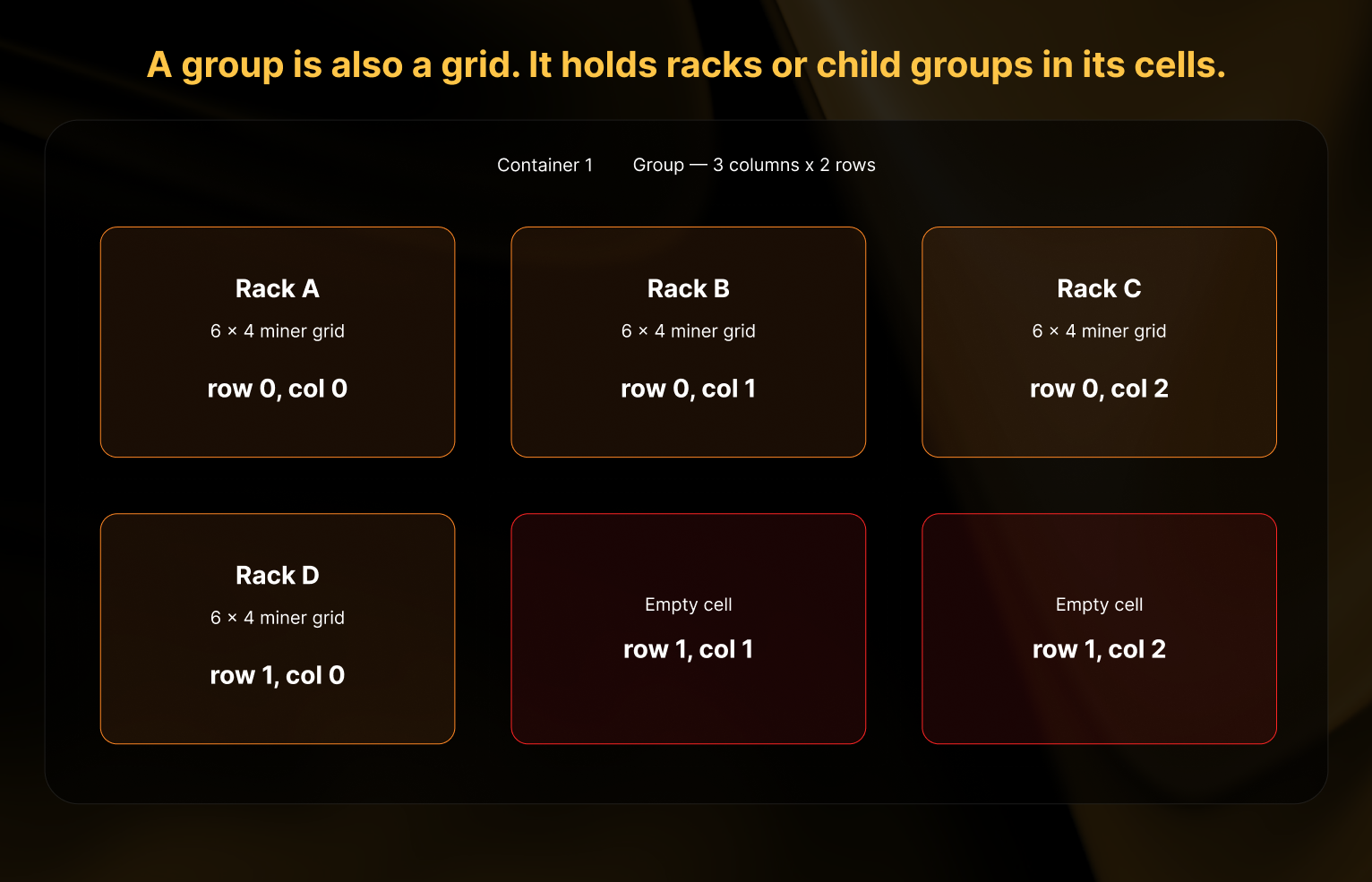
In the example above, "Container 1" is a group with a 3×2 grid. Four of its six cells contain racks, and two cells are left empty. Empty cells are perfectly fine — your grid size just needs to be large enough to hold everything you want to place inside.
### Racks are where the miners live [#racks-are-where-the-miners-live]
A rack is the final type of grid. Instead of holding other groups or racks, each cell in a rack holds one miner.
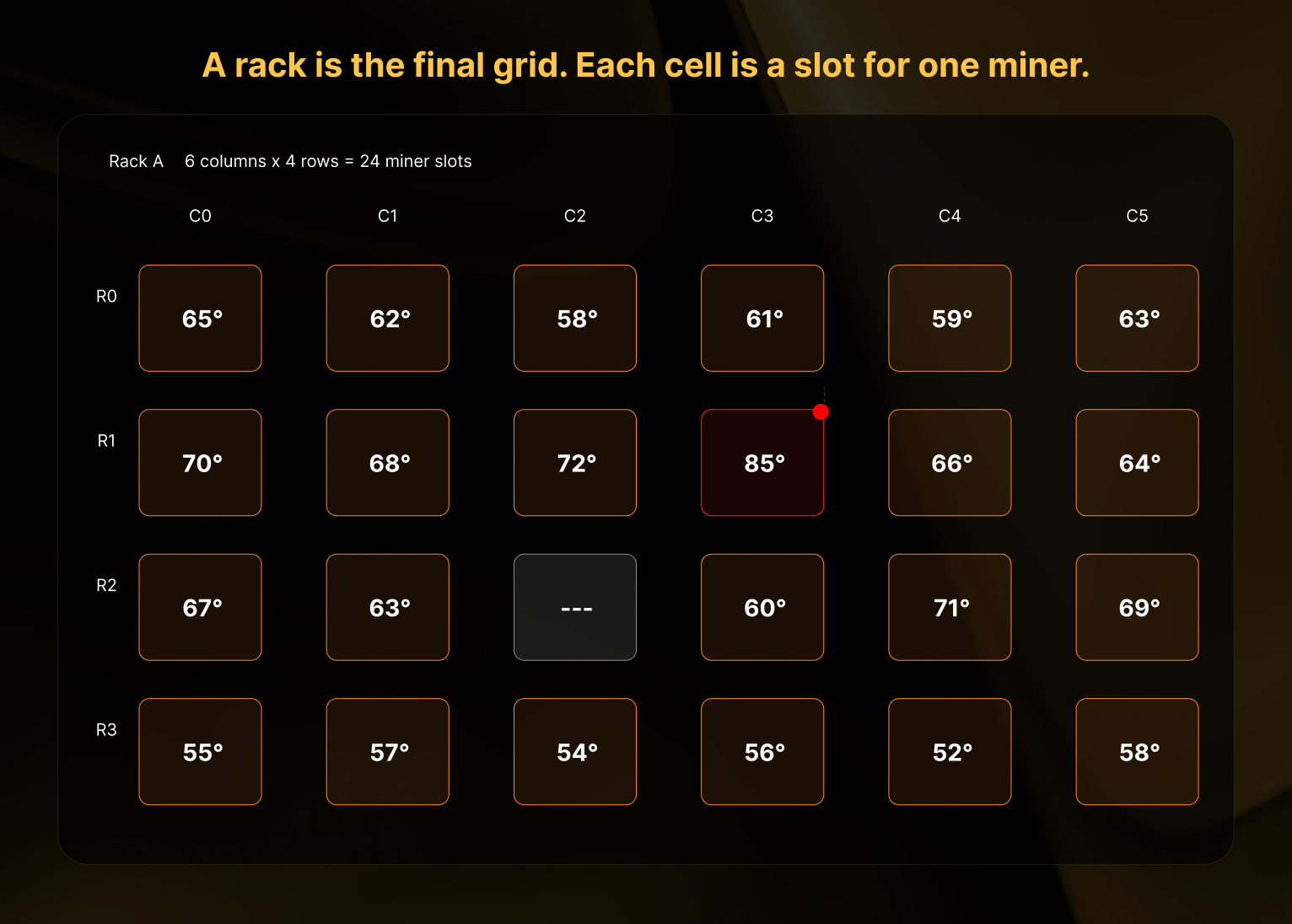
You define a rack's size based on its physical layout. For example, if a rack has 6 shelves with 4 miners per shelf, you'd set it to 4 columns by 6 rows (24 miner slots total). Commander color-codes each cell as a heatmap so you can visually spot issues — a hot miner (shown in orange) stands out immediately, and empty slots are shown with a dashed border.
### Putting it all together [#putting-it-all-together]
Here's how the three types of grids nest together in a real facility:
```
Site grid (top level)
├── Building 1 (level 1 group — its own grid)
│ ├── Row A (level 2 group — its own grid)
│ │ ├── Rack A1 (miner grid: 4 cols × 3 rows)
│ │ └── Rack A2 (miner grid: 4 cols × 3 rows)
│ └── Row B (level 2 group — its own grid)
│ ├── Rack B1 (miner grid: 4 cols × 3 rows)
│ └── Rack B2 (miner grid: 4 cols × 3 rows)
└── Building 2 (level 1 group — its own grid)
└── Rack C1 (miner grid: 6 cols × 4 rows)
```
Notice how Building 2 has racks placed directly inside it (no level 2 groups needed), while Building 1 uses level 2 groups to add an extra layer of organization. Both patterns work in the same site.
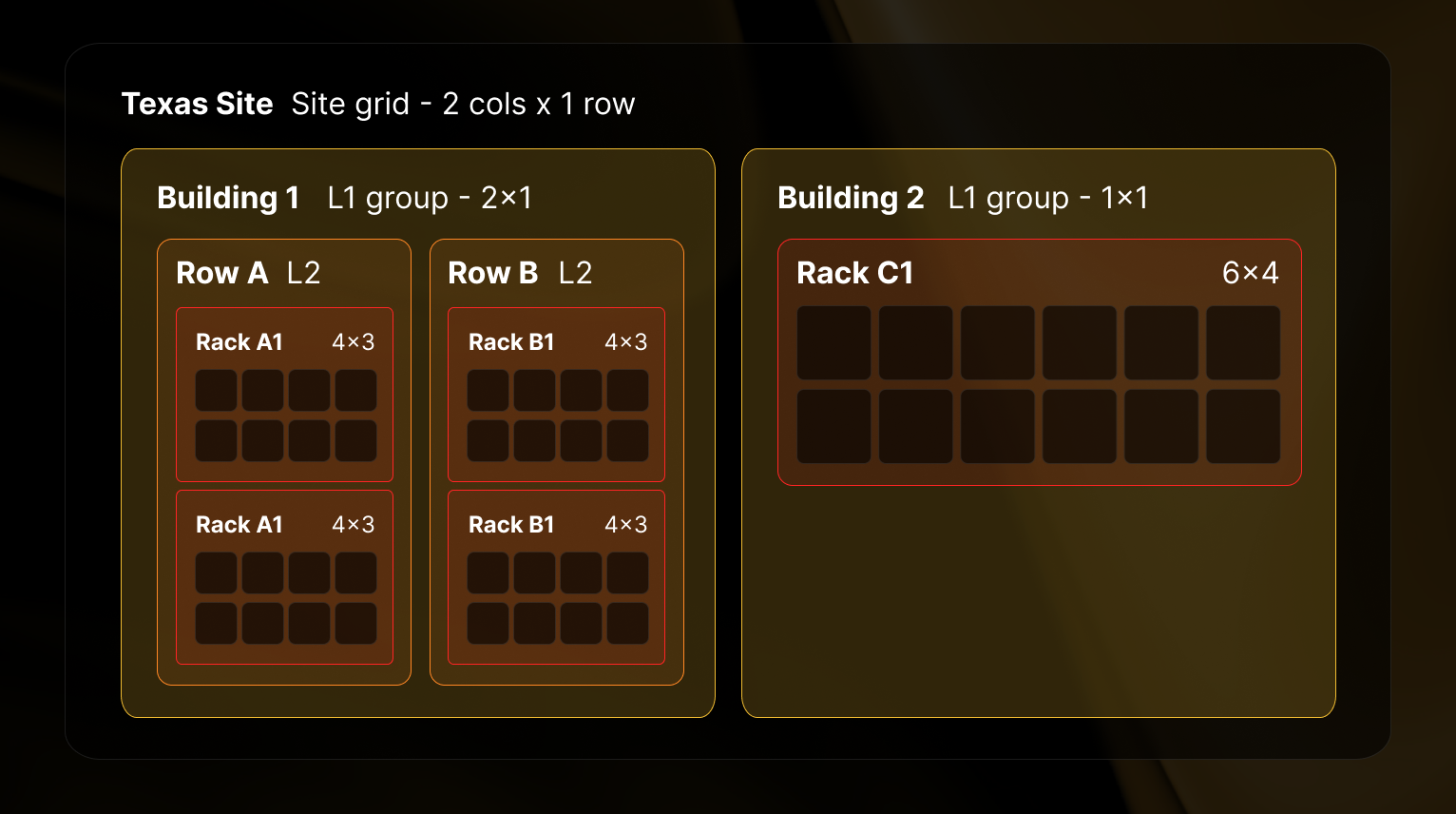
Groups can hold other groups, but only up to **two levels deep**. Here's what's allowed and what's not:
**Two valid patterns:**
1. **Site → Level 1 group → Level 2 group → Racks** — Use this when you need an extra layer of organization. For example: Site → Building → Room → Racks.
2. **Site → Level 1 group → Racks** — Use this when one layer of grouping is enough. For example: Site → Container → Racks.
You can even mix both patterns in the same site. Some groups might have level 2 sub-groups, while others hold racks directly.
**What's not allowed:** Three levels of groups (e.g. Building → Floor → Room → Racks). If you need this, combine two levels into one — for example, name your level 2 group "Floor 2 - Room A" instead.
## Navigating the Sitemap page [#navigating-the-sitemap-page]
### Site-Level KPIs [#site-level-kpis]

At the top of the Sitemap page, aggregate KPI cards display performance metrics for the selected Site:
* **Mapped Miners** (Site miners with a Sitemap location associated / Total miners in the Site)
* **Site Utilization** (online miners / mapped miners — the share of your mapped fleet currently reporting in, whether hashing or idle, versus offline)
* **Hashrate** (TH/s)
* **Power Consumption** (MW)
* **Efficiency** (J/TH)
* **Hashing Miners** (count)
* **Avg Temperature** (°C)
All KPIs above are aggregated only for miners from the Site selected which also have been mapped to a position inside
the Sitemap. Miners reporting to the Site but not yet placed are still counted in the Mapped Miners denominator, but
are excluded from the performance aggregates. When a group or rack filter is active, the KPIs recompute against the
filtered selection.
### Performance Map [#performance-map]
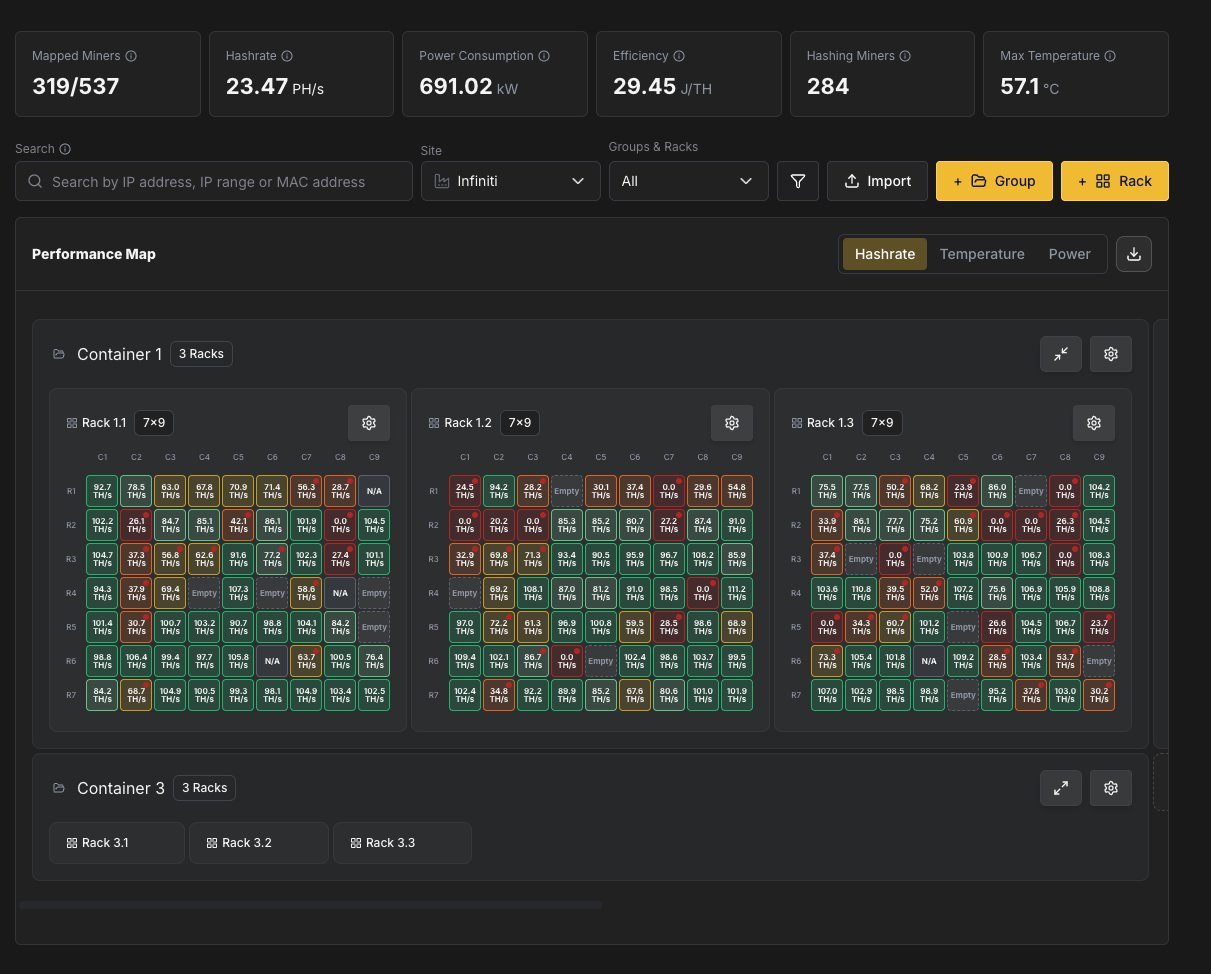
The main area of the Sitemap displays your Groups and Racks with a grid view showing each miner slot. You can switch between three heatmap overlays using the tabs above the grid:
| Overlay | Description |
| --------------------- | ------------------------------------------------------------------------------------------------- |
| **Temperature** | Color-codes each miner slot based on the miner's avg board temperatures. |
| **Hashrate** | Color-codes slots based on the miner's current hashrate relative to its expected nameplate output |
| **Power Consumption** | Color-codes slots based on power draw relative to its expected nameplate consumption |
Each overlay uses a five-level color scale — **critical** (red), **warning** (orange), **caution** (yellow), **nominal** (green), and **excellent** (blue) — applied as a halo behind each miner cell, so an out-of-range miner stands out immediately.
Empty slots are displayed as "Empty" in grey, indicating positions where no miner is assigned.
To keep large sites fast to load, every rack renders **collapsed** by default. Click a rack header to expand its position matrix, or use the **Expand All / Collapse All** toggle in the toolbar to open every loaded rack at once (a spinner shows while position data streams in). Your expand and collapse state is remembered between visits. A **Fullscreen** toggle in the toolbar expands the map to the full browser viewport, hiding the surrounding UI to maximize the number of visible racks; press **Esc** to exit.
#### Inspecting a Miner [#inspecting-a-miner]
Hover the mouse over any occupied slot in the grid to open a popover with the miner's details, organized into three areas:
* **Position header** — a colored status circle (reflecting the active heatmap metric, or hashing status), a status icon (hashing, idle, offline, in-repair, disabled, or N/A), and the `R{row} C{column}` position label. An **In Repair** lifecycle badge appears when applicable.
* **Details** — MAC Address, IP Address, health status (Healthy, Warning, or Critical), hashing status (Hashing, Idle, Offline, or N/A), hashrate (in algorithm-aware units), power draw in Watts, and temperature in °C.
* **Quick actions**:
* **View Details** — navigate to the full [Miner Details](/platform/commander/features/miners/miner-details) page.
* **Configure** — open the miner configuration dialog.
* **Remove** — unassign the miner from the position.
* **Disable Position** — mark the slot as unavailable (see [Disabling a Position](#disabling-a-position)).
#### Attention Badges [#attention-badges]
Rack and group headers display a red **attention badge** with a warning icon and a count when one or more miners inside need a look. A miner contributes to the count when it falls into the critical (red) band of the active heatmap — abnormally high temperature, abnormally low hashrate, or anomalous power draw — or when it is hashing but reporting a failing health status. Group headers roll up the counts of all racks (including nested groups) beneath them, so you can spot trouble without expanding every rack. The badge disappears once the count returns to zero.
### Managing Groups [#managing-groups]
#### Adding a Group [#adding-a-group]
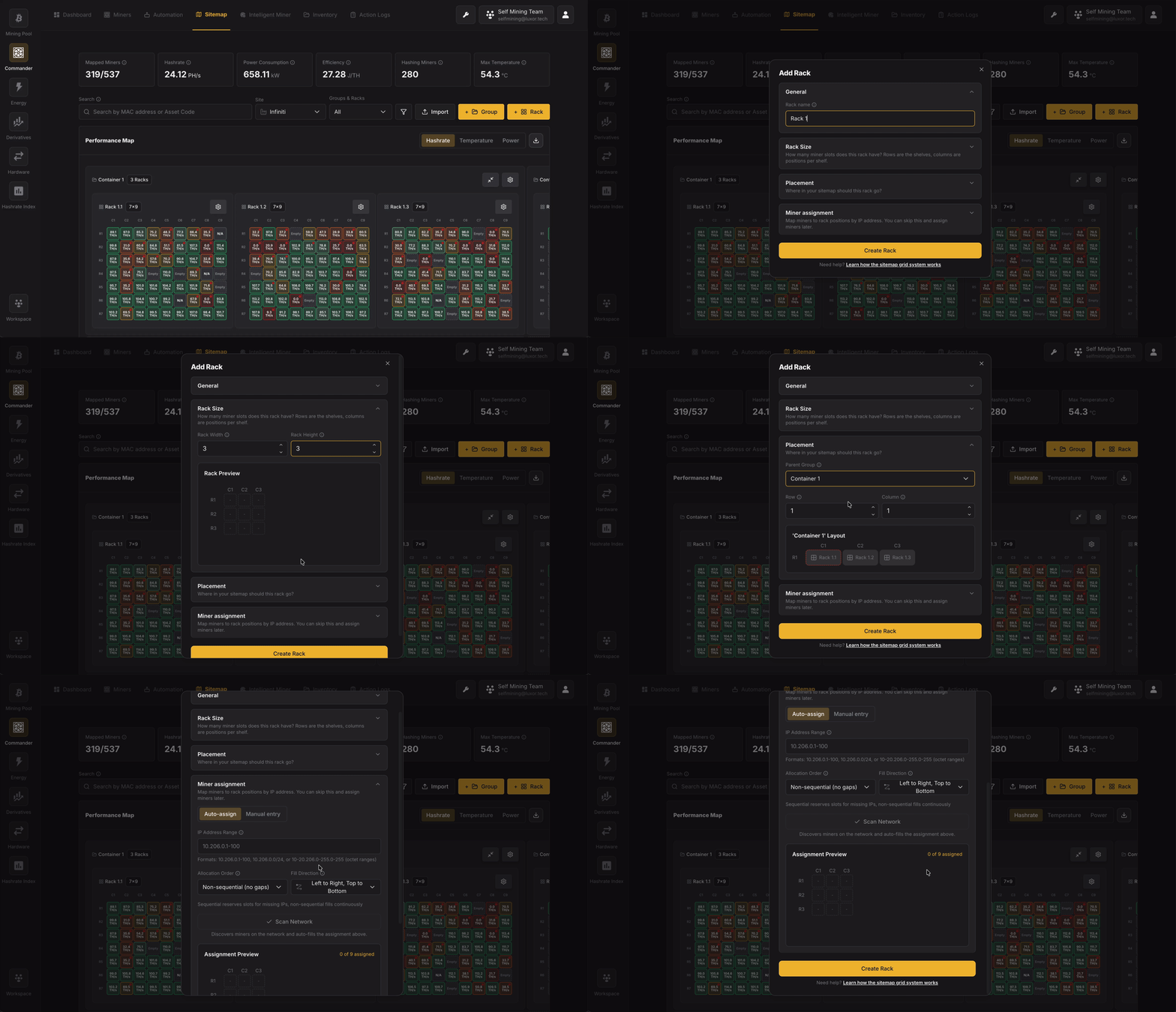
Click **+ Group** to create a new group.
The Add Group dialog allows you to configure:
* **Identity**: Name the group. This is the label you will see on the sitemap for this container (building, row, panel, etc.).
* **Group Size**: Define the **internal grid** of this group: how many **columns** (width) and **rows** (height) of **slots** exist for placing **child groups** or **racks** inside this group. A small **group preview** grid updates as you change width and height so you can see the shape of the empty grid (rows × columns).
* **Placement**: Choose **where this group sits** in its **parent**: either the **site** top-level grid or **inside another group**. Also set the **row** and **column** index of the **single cell** this group occupies in that parent grid.
### Managing Racks [#managing-racks]
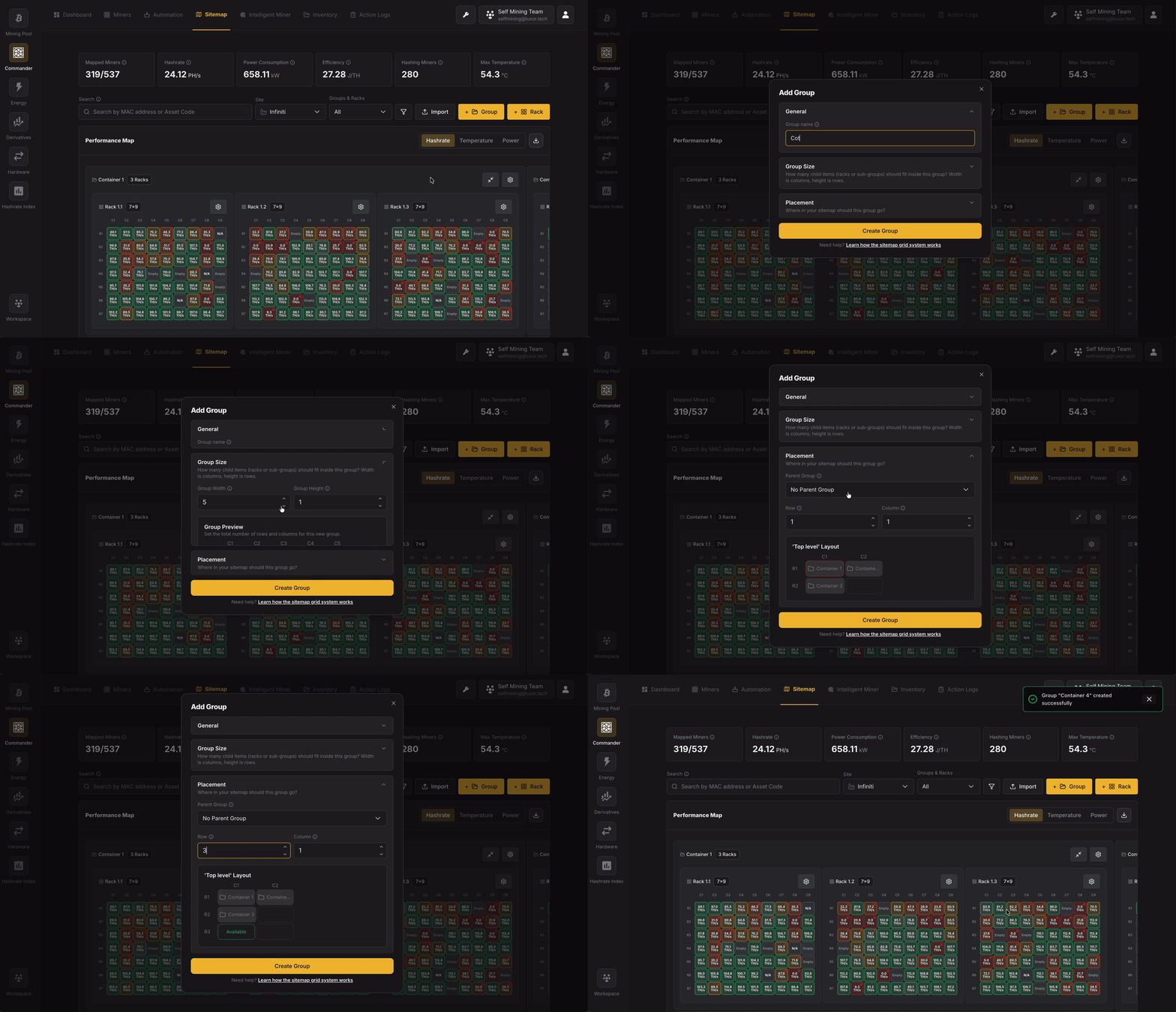
#### Adding a Rack [#adding-a-rack]
Click **+ Rack** to create a new rack.
The Add Rack dialog allows you to configure:
* **Identity**: Name the rack (e.g. matches your site naming: panel + rack id).
* **Rack Size**: Define the **miner slot grid** for this rack: how many **columns** (rack **width**) and **rows** (rack **height**) of **miner positions** the rack has. This is **not** the position of the rack in the facility; it is the size of the rack’s **own** grid of miners.
* **Placement**: Choose **where the new rack sits** in the **parent** grid (site or group): parent, row, and column.
* **Miner Assignment**: Optionally map **IPs** (and discovery) to **slots** before or after saving. You can skip this and assign later; the section explains that.
* When creating a rack, you need to associate miners with slots. Commander supports two assignment modes:
* **Auto-assign**: Provide an IP address range (e.g., `10.206.0.1-100`) and Commander will automatically assign miners to rack slots based on their IP addresses.
* **Allocation Order**: Controls how miners are placed into slots when some IPs in the range don't have a miner. **Non-sequential (no gaps)** compacts miners into consecutive slots with no empty spaces - if your range is `.1-.20` and only `.1`, `.3`, and `.5` have miners, they'll appear in slots 1, 2, 3. **Sequential** preserves positional consistency by leaving gaps for missing IPs - the same three miners would appear at positions 1, 3, and 5, with slots 2 and 4 empty. Use Sequential if slot position should match the last octet of the IP address.
* **Fill Direction**: Choose between "Left to Right, Top to Bottom" or other fill patterns to match your physical wiring layout.
* **Manual entry**: Manually assign specific IP addresses to individual rack slots.
* After configuring the rack layout and IP assignments, click **Scan** to discover miners at the specified IPs and populate the rack grid.
#### Disabling a Position [#disabling-a-position]
Individual rack slots can be **disabled** to mark them as unavailable without deleting any miner assignment — useful when a slot is physically damaged, under maintenance, or simply should not accept a miner.
* **To disable:** hover an empty or occupied cell and choose **Disable Position**. You can attach an optional note (up to 500 characters) explaining why.
* **Appearance:** disabled cells show a grey "ban" icon and are excluded from miner-assignment interactions. Hovering shows *"This position is disabled"* along with your note.
* **To re-enable:** click the disabled cell and choose **Enable Position**, or **Edit Note** to update the reason.
## Importing via CSV [#importing-via-csv]
If you have a large facility or are migrating from another fleet management tool, setting up your sitemap through the UI one rack at a time can be slow. Commander supports CSV import to let you define your entire sitemap structure and miner assignments in bulk.
There are two CSV files, each handling a different part of the setup:
| CSV file | What it does |
| ---------------- | ----------------------------------------------------------------------------------------------- |
| **Layout CSV** | Defines the sitemap structure — groups, racks, their sizes, and where they sit in the hierarchy |
| **Location CSV** | Maps individual miners to specific positions inside racks |
You can use them independently. For example, you might import a layout CSV to build the structure, then assign miners through the UI later. Or if your structure already exists, you can import just a location CSV to populate racks with miners.
Both templates are available for download from the **Sitemap** page by clicking **Import**. The **Download CSV** action exports both the Layout and Location CSVs for the current site in a single click, which is handy for backing up or editing an existing layout offline; very large exports are truncated with a warning toast.
### Layout CSV [#layout-csv]
The layout CSV defines every group and rack in your sitemap. Each row is either a group or a rack.
**Columns:**
| Column | Required | Description |
| ------------------- | ----------- | ----------------------------------------------------------------------- |
| `type` | Yes | Either `group` or `rack`. |
| `name` | Yes | A unique name for this item (e.g., `Container 1`, `Rack 3A`). |
| `rack_width` | Racks only | Number of columns in the rack's miner grid (positions per shelf). |
| `rack_height` | Racks only | Number of rows in the rack's miner grid (shelves). |
| `group_width` | Groups only | Number of columns in the group's child grid. Defaults to 1 if omitted. |
| `group_height` | Groups only | Number of rows in the group's child grid. Defaults to 1 if omitted. |
| `parent_group_name` | No | The parent group this item belongs to. Leave empty for top-level items. |
| `row` | Yes | Row position within the parent's grid (0-based). |
| `column` | Yes | Column position within the parent's grid (0-based). |
> **0-based indexing:** The first row is `0`, the first column is `0`. A rack at row 2, column 3 means the third row down and fourth column across.
**Example — two containers with racks inside:**
```csv
type,name,rack_width,rack_height,group_width,group_height,parent_group_name,row,column
group,Container 1,,,3,1,,0,0
group,Container 2,,,2,1,,0,1
rack,Rack 1A,4,6,,,Container 1,0,0
rack,Rack 1B,4,6,,,Container 1,0,1
rack,Rack 1C,4,6,,,Container 1,0,2
rack,Rack 2A,4,6,,,Container 2,0,0
rack,Rack 2B,4,6,,,Container 2,0,1
```
This creates:
```
MySite
├── Container 1 (group, 3 columns wide)
│ ├── Rack 1A (4×6 = 24 miner slots) at col 0
│ ├── Rack 1B (4×6 = 24 miner slots) at col 1
│ └── Rack 1C (4×6 = 24 miner slots) at col 2
└── Container 2 (group, 2 columns wide)
├── Rack 2A (4×6 = 24 miner slots) at col 0
└── Rack 2B (4×6 = 24 miner slots) at col 1
```
**Order of rows matters:** Groups must appear before the racks or child groups that reference them as `parent_group_name`. If `Rack 1A` references `Container 1`, then the `Container 1` row must come first in the file.
* Putting two items at the same row and column in the same parent — each cell can only hold one item.
* Setting `rack_width` / `rack_height` on a group, or `group_width` / `group_height` on a rack — these fields apply to their respective types only.
* Trying to nest three levels of groups — Commander supports a maximum of two.
### Location CSV [#location-csv]
The location CSV maps miners to specific positions inside racks. Each row places one miner in one slot.
**Columns:**
| Column | Required | Description |
| ----------- | ------------------------------------------ | --------------------------------------------------------------------------------------------------------------------------------------------------------------------------------------------------- |
| `miner_ip` | At least one of `miner_ip` or `mac` | The miner's IP address. |
| `mac` | At least one of `miner_ip` or `mac` | The miner's MAC address. |
| `agent_id` | When the miner is identified by `miner_ip` | The Agent that manages the IP. Required when a row specifies a miner by IP address so Commander knows which Agent owns that IP — important when the same IP range is served by more than one Agent. |
| `row` | Yes | Row position within the rack (0-based). |
| `column` | Yes | Column position within the rack (0-based). |
| `rack_name` | Yes | The name of the rack this miner belongs to. Must match a rack name from your sitemap. |
**Example — assigning miners to a 4-column, 6-row rack:**
```csv
miner_ip,mac,agent_id,row,column,rack_name
192.168.1.1,,agent-1,0,0,Rack 1A
192.168.1.2,,agent-1,0,1,Rack 1A
192.168.1.3,,agent-1,0,2,Rack 1A
192.168.1.4,,agent-1,0,3,Rack 1A
192.168.1.5,,agent-1,1,0,Rack 1A
192.168.1.6,,agent-1,1,1,Rack 1A
```
This places six miners in Rack 1A: four across the first shelf (row 0, columns 0–3) and two on the second shelf (row 1, columns 0–1).
* You can provide IP address, MAC address, or both. At least one is required so Commander can identify the miner. When you identify a miner by IP address, include the `agent_id` of the Agent that manages that IP — rows matched by MAC address don't need it.
* The `rack_name` must exactly match a rack that already exists in your sitemap (either created via UI or imported via the layout CSV).
* You don't have to fill every slot — empty positions will show as "Empty" in the sitemap grid.
* If a miner is already assigned to a position, importing a new location CSV will overwrite the previous assignment.
# Tickets (https://docs.luxor.tech/platform/commander/features/tickets)
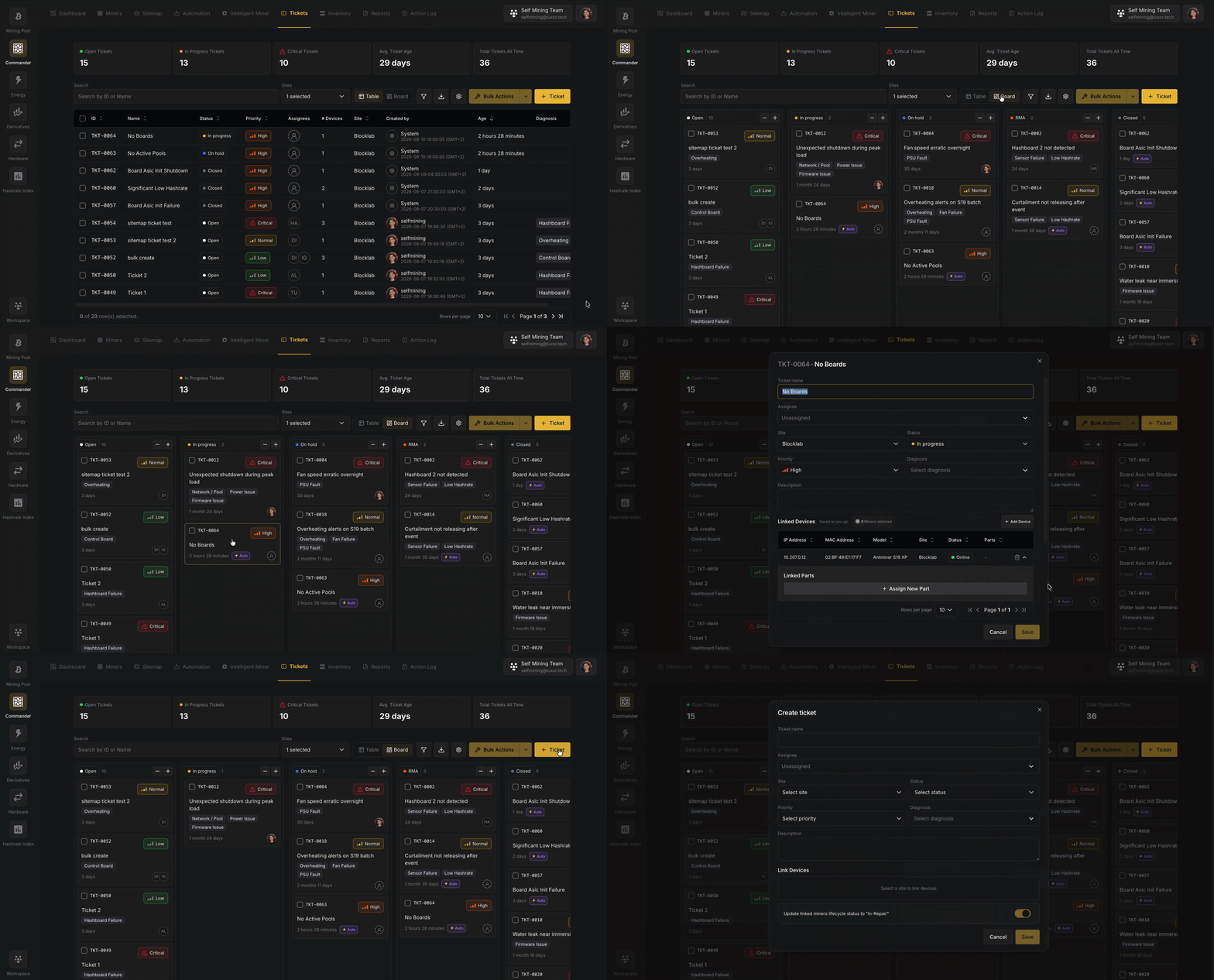
## Overview [#overview]
Commander detects problems: alerts fire, hashrate drops, the agent reports a hardware fault. **Tickets** is where you manage what happens *after*, the structured record of the repair itself.
A **ticket** represents a single repair task. It ties together the site where the work is happening, the miners affected, the person doing the work, the spare **[Parts](/platform/commander/features/parts)** consumed, and a complete activity history. Tickets can be opened by a person or created automatically by Commander when the agent reports a persistent hardware error, so the same system that finds the problem also tracks the fix.
Tickets live under **Commander → Tickets** and offer two views of the same data: a **Board** (Kanban) and a **Table**.
## Key Concepts [#key-concepts]
### What a ticket carries [#what-a-ticket-carries]
| Field | Description |
| ------------------ | ------------------------------------------------------------------------------------------------------------------------------------------ |
| **Code** | A short, human-readable identifier assigned automatically per workspace (e.g. `TKT-0042`). Use it to reference the ticket in conversation. |
| **Title** | A human description of the issue (e.g. *"Rack C2-R3 hashboard failure"*). |
| **Description** | Optional free-text detail. Auto-created tickets fill this in with the error and a troubleshooting guide. |
| **Site** | The one site where the affected machines are located. Every ticket belongs to exactly one site. |
| **Priority** | Critical, High, Normal, or Low. |
| **Status** | The lane the ticket sits in (see [Statuses & lanes](#statuses--lanes)). |
| **Assignees** | One or more people responsible for the work. Assignees are **always real people**, never the system. |
| **Created by** | Who opened the ticket: a person, or **System** for auto-created tickets. |
| **Linked devices** | The specific miners this repair covers (see [Linked devices](#linked-devices)). |
| **Parts** | Spare parts reserved and consumed for the repair (see [Parts on a ticket](#parts-on-a-ticket)). |
| **Custom fields** | Any extra properties your workspace has defined (e.g. Diagnosis, Root cause, Labor hours). |
> **Created by vs. Assignee.** These answer different questions. *Created by* records where the ticket came from (a person, or **System** for automated tickets). *Assignee* is who's holding the screwdriver, always a real person. A system-created ticket has no assignee until someone picks it up.
### Priority [#priority]
Four levels, shown with distinctive icons so you can scan a column of tickets and spot the urgent ones by shape alone:
**Critical · High · Normal · Low**
### Statuses & lanes [#statuses--lanes]
A ticket's status is the **lane** it sits in on the board. Lanes are **configurable per workspace**: you can rename them, reorder them, add your own, disable ones you don't use, and choose the default lane new tickets land in.
Every workspace starts with a sensible default set:
| Lane | Behavior | What it means |
| --------------- | ----------- | --------------------------------------------------------------------------------------------------- |
| **Open** | Unstarted | The issue is known but nobody has started working on it yet. *(Default lane for new tickets.)* |
| **In progress** | In progress | A technician is actively diagnosing or repairing. |
| **On hold** | In progress | Paused, usually waiting for a spare part to arrive. |
| **RMA** | In progress | The hardware has physically been sent to the manufacturer for warranty repair. |
| **Closed** | Completed | Fixed and verified. Any reserved parts are consumed from stock. |
Behind each lane is one of four **behaviors** that Commander uses to drive automation and part side-effects, regardless of what you name the lane:
| Behavior | Meaning | Effect on parts |
| --------------- | ------------------------------------------------------------------------------------ | -------------------------------------------------------- |
| **Unstarted** | Work hasn't begun. | None. |
| **In progress** | Work is underway (the In progress, On hold, and RMA lanes, or any custom lane here). | None. |
| **Completed** | The repair is done. | Reserved parts are **consumed** (stock is decremented). |
| **Canceled** | The ticket was voided without a repair. | Reserved parts are **released** back to available stock. |
> **Why RMA is its own lane.** "5 machines at Bitmain for warranty repair" is a different situation from "5 machines waiting on a fan we ordered." RMA and On hold are both *in-progress* behaviors, but keeping them separate tells you at a glance where the delay actually is.
Manage lanes from **Ticket Settings → Lanes** (see [Ticket settings](#ticket-settings)).
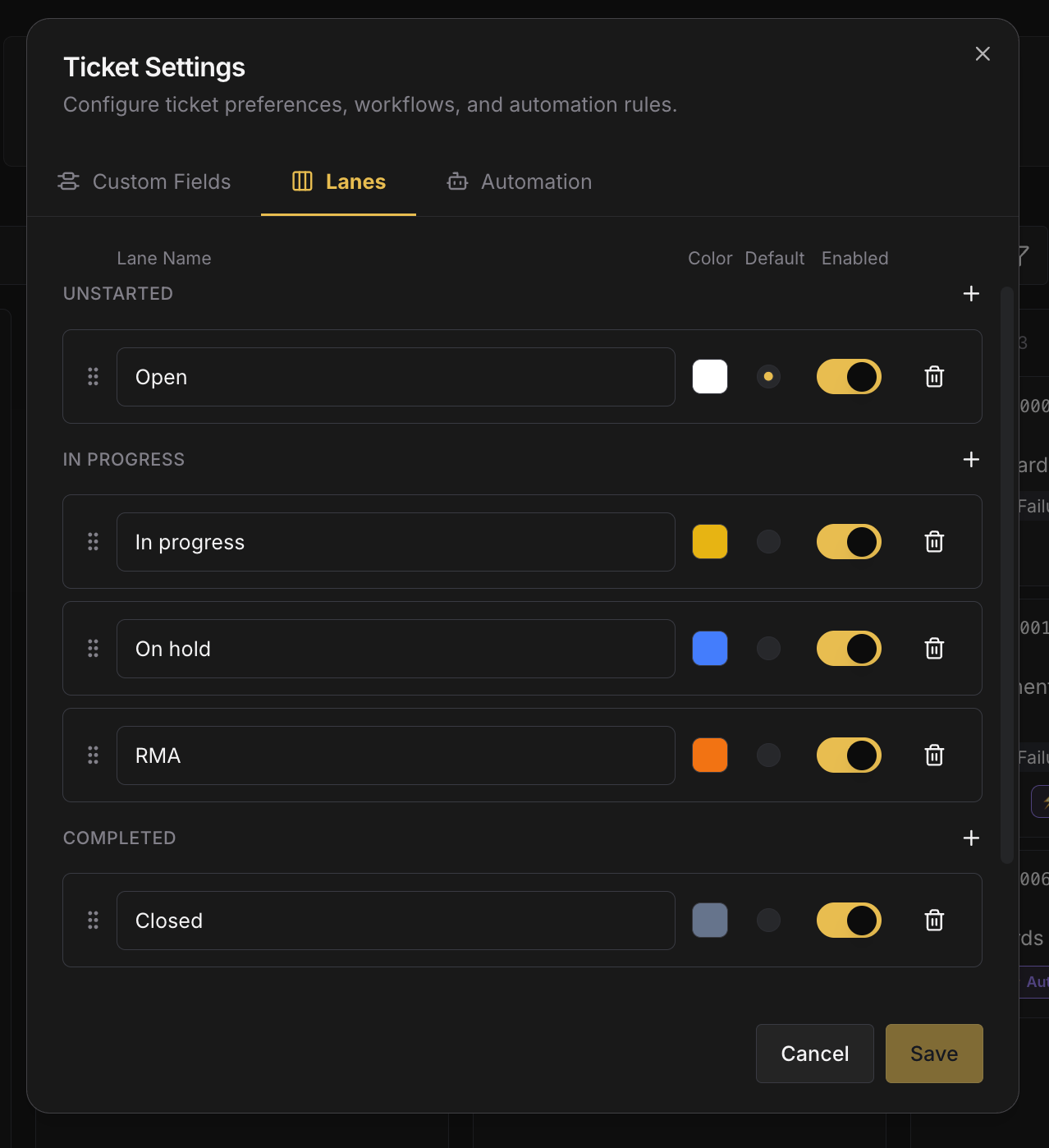 ## The Board and the Table [#the-board-and-the-table]
Tickets are shown two ways; switch between them from the Tickets page.
* **Board (Kanban).** Columns are your lanes; each card shows priority, assignee avatars, age, and device count. Managers get a spatial overview (how many repairs are waiting, active, on hold, or at RMA) and can triage without opening each one. Drag a card **between lanes** to change its status, or **within a lane** to reorder by urgency.
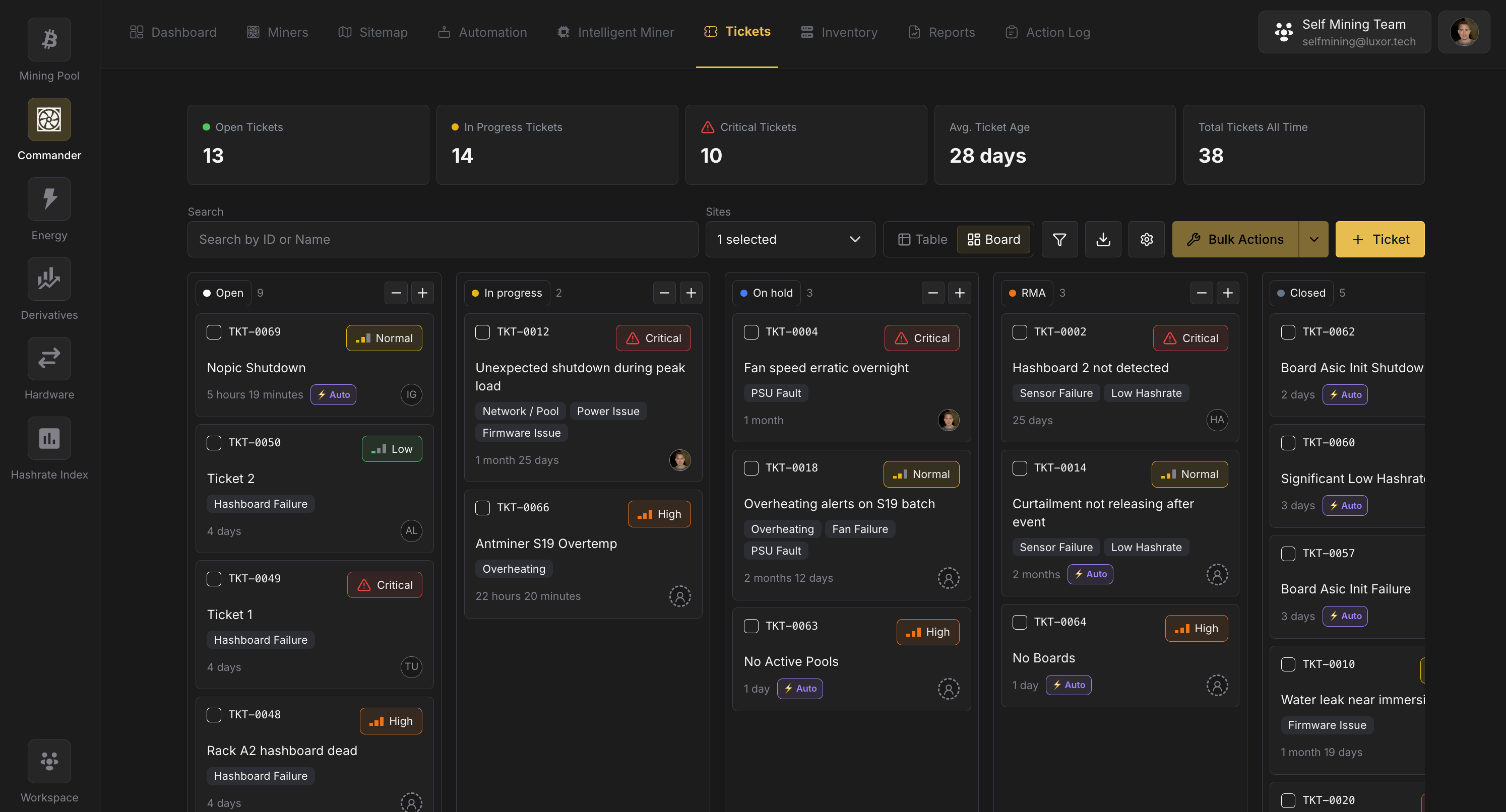
* **Table.** A dense, sortable list of the same tickets with columns for code, title, status, priority, site, assignees, created by, and your custom fields. Best for filtering, bulk edits, and export.
At the top of the page, a KPI row summarizes the current view: **Open Tickets**, **In Progress Tickets**, **Critical Tickets**, **Avg. Ticket Age**, and **Total Tickets All Time**.
## Creating tickets [#creating-tickets]
Tickets come from two kinds of sources: **people** and **Commander itself**.
### Manually [#manually]
* **From the Tickets page.** Click **Create** and fill in the ticket: title, site, priority, status, description, assignees, and any custom fields. You can then link the affected miners as [devices](#linked-devices).
* **From the Miners page.** Select one or more miners and use **Bulk Actions → Administrative → Create Ticket**. The new ticket is pre-scoped to the miners' site and links them as devices automatically. All selected miners must be on the same site, up to 50 per ticket.
* **From the Sitemap.** Open a miner's popover on the map and create a ticket directly, with site and device pre-filled.
### Automatically (system tickets) [#automatically-system-tickets]
Commander watches for **unresolved hardware errors** reported by the LuxOS agent: ASIC enumeration failures, thermal shutdowns, PSU faults, fan failures, and similar. When such an error persists, Commander opens a ticket for you:
* **Created by** shows **System**, and the ticket carries an **⚡ Auto** badge.
* The **description** includes the error and a troubleshooting guide specific to that error type, so a junior technician can start work without asking a senior colleague what to check.
* Affected miners that Commander already has a record for are **linked as devices** automatically. Others are added on a later check while the ticket is open.
> System tickets are **deduplicated**: the same ongoing error won't spawn duplicate tickets. See [Auto-close & recurrence](#auto-close--recurrence) for what happens when the error clears or comes back.
## Linked devices [#linked-devices]
A ticket can link the specific miners the repair covers. Each **linked device** is a miner from the [Miners](/platform/commander/features/miners) page and shows its IP, MAC, model, site, and live online status. Add devices by searching for IP or MAC address; system tickets link them for you.
Linked devices are also where parts get attached: expand a device to reserve the parts needed for *that* machine (see below).
 ## Parts on a ticket [#parts-on-a-ticket]
This is the integration between Tickets and **[Parts](/platform/commander/features/parts)**.
* **Reserve.** While a ticket is open, a technician links the spare parts the repair needs. Linking **reserves** the part: it's spoken for but still physically on the shelf. The part's **Available** count drops so nobody else plans to use the same unit. You can reserve parts against a specific linked device (with a quantity stepper) or against the ticket as a whole.
* **Consume.** When the ticket is **Closed** (a *Completed* lane), reserved parts are **consumed**: the part's **Total** stock is decremented and a consumption entry (stamped with this ticket's code) is written to each part's stock history.
* **Release.** If the ticket is moved to a *Canceled* lane, reservations are **released** back to available stock, with no impact on the part's **Total** quantity.
Only parts from the **ticket's own site** can be reserved: a part's stock belongs to one site, and a ticket only draws from where its machines are.
> A part can only be reserved from a site that has enough **Available** stock to cover the quantity. This prevents two technicians from both planning to use the last hashboard.
See **[Parts → Reserved vs. consumed](/platform/commander/features/parts#reserved-vs-consumed)** for the stock side of this flow.
## Closing a ticket [#closing-a-ticket]
Moving a ticket to a **Completed** lane (e.g. **Closed**) is the one status change with side-effects:
1. **Parts are consumed.** Every reserved part is deducted from the part's **Total** stock, and a consumption entry linked to the ticket is recorded.
2. **Low-stock alerts may fire.** If consuming a part drops it below its reorder point, a low-stock alert is raised.
3. **Reopening never reverses consumption.** Consumed parts were physically installed; reopening a closed ticket won't add them back to stock.
A ticket that nobody ever touched (an automated ticket that opened and later auto-closed because the error cleared) closes with **zero stock impact**, because no parts were ever reserved.
## Auto-close & recurrence [#auto-close--recurrence]
Not every system ticket needs a human. A fan stalls briefly, a thermal throttle clears when ambient temperature drops. Commander cleans these up automatically.
A **daily batch job** reviews **untouched system tickets** (ones where no human has changed the status, reserved parts, or added a comment) and asks a single question for each: *has this error kept clearing?* If the underlying error hasn't been reported again within the configured **review interval** (24 hours by default), the ticket is **auto-closed** and a note is added to its activity feed explaining why.
* **A human touch makes a ticket permanent.** The moment someone changes the status, reserves a part, or comments, the ticket is human-owned and will **never** be auto-closed; the tech might be mid-repair, or the miner might be powered down for service.
* **Recurrence opens a fresh ticket.** If the same error fires again after a ticket auto-closed, Commander opens a **new** ticket rather than silently reviving the old one, so each occurrence has its own clean record.
Configure whether auto-close runs, and the **review interval**, in [Automation settings](#automation-settings).
## Filtering & search [#filtering--search]
The Tickets page uses Commander's standard two-level filtering, the same pattern as the [Action Log](/platform/commander/automation/bulk-actions).
* **Sites dropdown** sits in the controls bar for the most common filter: narrowing by physical location.
* **Funnel icon** opens the filter dialog for everything else: **Status**, **Priority**, **Assignee**, **Created by** (person / System), **custom fields** (e.g. Diagnosis), and a **date range**.
* **Search** matches ticket code and title.
## Bulk actions [#bulk-actions]
Select multiple tickets with the row checkboxes to enable **Bulk Actions**. The modal applies the same value across all selected tickets for any editable property (**Status**, **Priority**, **Assignee**, **Site**, or custom fields), and you can change more than one property in a single pass with **+ Property**. A separate **Delete** action shows a destructive confirmation and warns that any reserved parts will be released.
## Comments & activity [#comments--activity]
Each ticket has a combined **activity + comments** feed:
* **Comments** support threaded replies, so a back-and-forth about one detail stays together.
* **Activity** records every change automatically (creation, assignment, status and priority changes, field edits, and every part reservation, consumption, and release), each with old → new values and who made the change.
Adding a comment counts as human interaction, which exempts a system ticket from auto-close.
## Custom fields [#custom-fields]
Add your own properties to tickets from **Ticket Settings → Custom Fields**: for example **Diagnosis** (root-cause category), **Repair type**, or **Labor hours**. Fields can be text, single-select (with your own options), and more, and appear on the ticket, in the table, and in the filter dialog. Use a single-select **Diagnosis** field to standardize failure categories and report on what's breaking most.
 ## Ticket settings [#ticket-settings]
Open **⚙ Settings** on the Tickets page. Configuration is grouped into tabs:
| Tab | What it configures |
| ----------------- | ----------------------------------------------------------------------------------------------------------------------------------------------------------------------------------------------------------------------------------------------------------- |
| **Custom Fields** | Add and manage custom ticket properties (Diagnosis, Root cause, Labor hours, …). |
| **Lanes** | Which statuses appear on the board: rename, reorder, enable/disable, set the default lane, and add custom lanes (each mapped to an Unstarted / In progress / Completed / Canceled behavior). |
| **Automation** | Turn **auto-create from unresolved errors** on or off; set the default **priority** and default **assignee** for automated tickets; pick which agent **events** are eligible to raise tickets; and control **auto-close** (on/off and the review interval). |
### Automation settings [#automation-settings]
Under the **Automation** tab:
* **Auto-create**: toggle whether unresolved miner errors open tickets, pick the **eligible events**, and set the automated tickets' **priority** and **default assignee**.
* **Auto-close**: toggle whether untouched system tickets close themselves when the error stops recurring, and set the **review interval** (24 hours by default).
 ## Permissions [#permissions]
Tickets follow Commander's role-based access and the workspace **Sites filter**: users see and act on tickets only for the sites they have access to. See [Getting Started → Permissions & Sites](/platform/commander/getting-started).
## Related [#related]
* **[Parts](/platform/commander/features/parts)**: the spare-parts catalog that tickets reserve and consume from.
* **[Miners](/platform/commander/features/miners)**: the machines that tickets link as devices.
* **[Automation](/platform/commander/automation/bulk-actions)**: the filtering and bulk-action patterns Tickets reuses.
# Forwards and Futures Contracts (https://docs.luxor.tech/platform/derivatives/background-information/forwards-and-futures-contracts)
A **forward contract** is made directly between two counterparties and typically can have two different outcomes: physical delivery or cash settlement.
In a **physically deliverable forward contract,** one party agrees to buy a commodity on a future date, at a fixed price. The other party agrees to deliver that commodity or asset at the fixed price and date.
In a **non-deliverable, cash settled forward contract,** the difference between the fixed price in the contract and the settlement value of the underlying commodity is paid in cash from one party to the other.
Unlike forward contracts, which are traded over-the-counter (OTC) directly between two counterparties, **futures contracts** are standardized and traded on regulated exchanges.
Forwards and futures contracts are used extensively in traditional finance for commodities delivered at discrete times in the future, like corn, and continuously delivered commodities, like electricity, over defined intervals. Popular use cases for these contracts include, but are not limited to:
* Energy and agriculture
* Currencies
* Equities
* Interest rates
# Balances and Payments (https://docs.luxor.tech/platform/derivatives/getting-started/balances-and-payments)
**Your balance and payment information can be monitored on the Balances and Payments page.** In the top-left corner, you can choose between Bitcoin or USD balances and payments.
Your Effective Margin Balance reflects the net value of gains and losses on executed contracts and transactions with Luxor for the purposes of fulfilling the margin requirement.
The Initial Buffer Requirement refers to the level at which your effective margin balance must be to initiate a contract. The Maintenance Requirement refers to the effective margin balance that must be maintained.
If a user’s Effective Margin Balance is greater than their Maintenance Requirement, they may withdraw the Available difference. If it falls below the requirement, the user must post additional margin to cover the Payable difference and maintain their positions.
If a miner receives upfront payment for their hashrate, the Upfront Repayment Balance reflects the notional value of outstanding hashrate repayments.

# Contracts (https://docs.luxor.tech/platform/derivatives/getting-started/contracts)
**Your executed contracts to buy or sell hashrate are listed on the Contracts page.** The list can be filtered or sorted by contract status, side, denomination, type, start and end date, unit hashprice, and daily hashrate.
Click a row in the list to see details for a specific contract.


# Onboarding with Luxor Derivatives (https://docs.luxor.tech/platform/derivatives/getting-started/onboarding-with-luxor-derivatives)
To begin onboarding, please reach out directly to the [**Luxor Derivatives team**](https://luxor.tech/contact).
The following information **is required** to complete Luxor’s onboarding documentation:
* **Signee Information**
* First Name
* Last Name
* Email
* Corporate Title
* **Company Information**
* Company Name
* Country of Incorporation
* Company Structure
* Full Address
* Phone Number
The following information **may be required** to access financing or trade non-deliverable forwards on margin.
* Bitcoin mining site information including:
* Site names, site locations, site activities (i.e., self-mining, hosting, cloud computing), installed capacity (PH & MW), ASIC fleet specifications, power costs and expansion plans.
* Insurance documents for each site.
* Power procurement documents for each site (i.e., power purchase agreements, proof of generation capacity, or hosting contracts).
* Proof of legal jurisdiction.
* Mining pool performance data.
* Most recent financials including balance sheet, income statement, cash flow statement (if using accrual accounting) and a list of all future financial obligations and contracts.
* Legal entity identifier (LEI).
# Order Book (https://docs.luxor.tech/platform/derivatives/getting-started/order-book)
Bitcoin miners and financial institutions can use the Luxor Derivatives Order Book to **monitor forward market hashprice** and **place orders to buy or sell hashrate** for a specific period of time in the future.
The Order Book shows **current bids and offers for Luxor’s standardized hashrate forward contracts** for both standard future-payment and upfront-payment structures. Standard pricing is available for both deliverable and non-deliverable forwards, while upfront pricing is available only for Luxor deliverable forwards.
Users can view contracts by UTC month or by day duration. Monthly contracts represent the value of one petahash of Bitcoin hashrate (USD or BTC per PH/s/Day) delivered over a specific UTC month. The current month’s contract begins on the next UTC day and expires at the end of the month.
The day duration view instead shows bids and offers for standardized 30-, 60-, 90-, 120-, 150-, and 180-day contracts. All duration contracts begin on the next UTC day and expire at the end of their respective contract durations. Users can switch between the monthly and duration-based Order Books using the filter at the top of the Order Book.
**Luxor also offers fully bespoke contract durations from one day to eighteen months. Please reach out to the Luxor team for more information.**

In green and on the left of each contract are the bids. The bids are orders to buy a certain quantity of hashrate (PH/s) at specific hashprices.
In red and on the right of each contract are the offers. The offers are orders to sell a certain quantity of hashrate (PH/s) at specific hashprices.
Users can view both USD- and BTC-denominated contracts by selecting their preference from the currency dropdown at the top of the Order Book.
## Creating New Hashrate Orders [#creating-new-hashrate-orders]
**This functionality is only available to customers that have completed onboarding with the Luxor Derivatives team.**

Users can enter new orders by selecting the "+ Order" button in the bottom right corner of the Order Book. This button takes you to a form for submitting new bids and offers.
Users can also batch upload multiple bids and offers via csv, across all contract types.

New orders are considered as "Good-til-Cancel" by default. If it is disabled, orders will be canceled at the end of the UTC day.
Lastly, users have the ability to cancel one, or all, of their open orders at any time, using the Orders table below the Order Book.
## Matching and Executing Orders [#matching-and-executing-orders]
When orders are matched – meaning buyers and sellers agree to a price and quantity – the Luxor Derivatives team is notified and will contact the appropriate counterparties to confirm the trades.
We do not match trades on the platform. The order book is a representation of the price level at which parties are willing to buy and sell Hashrate Forwards.
Luxor is the counterparty to both the buyer and seller of the trades.
## Trade Notifications [#trade-notifications]
When trades are confirmed and executed, we will notify interested parties on our Telegram group channel. This is a one-way channel where the team provides market statistics, useful information and updates, and trade execution details.
## Disclosure [#disclosure]
The Luxor Derivatives Order Book is not an execution system or platform. The Luxor Derivatives Order Book is only used to show the state of current bids and offers. In accordance with Section 5h(a)(1) of the CEA, market participants do not have the ability to transact with multiple market participants on this or any other Luxor platform. All communications are recorded and maintained in accordance with CFTC rules 1.31 and 1.35.
# Position Overview (https://docs.luxor.tech/platform/derivatives/getting-started/position-overview)
**Across all contracts, your current overall hashrate portfolio can be monitored on the Position Overview page.** The Position Overview page shows your hashrate and hashprice positions, gains and losses, margin requirements and delivery quotas over time for Bitcoin or USD-denominated contracts.
In the top-left corner, you can choose between Bitcoin- or USD-denominated contracts and adjust the timeframe displayed in the charts.


# Luxor’s Bitcoin Hashrate Futures on Bitnomial Exchange (https://docs.luxor.tech/platform/derivatives/luxor-contract-and-market-details/luxors-bitcoin-hashrate-futures-on-bitnomial-exchange)
**Product Name:** Luxor Hashrate Futures
**Product Description:** The Luxor Hashprice Futures contract is a USD-denominated Bitcoin hashrate contract. The underlying asset is the Bitcoin denominated Luxor Hashprice Index. Prices are then converted from Bitcoin denomination to USD denomination using the BTNL implied futures curve for conversion from BTC to USD.
**Product Code:** HUP
**Contract Size:** 1 Petahash of Bitcoin Hashrate
**Price Quotation:** US Dollars per PH/s/Day
**Min Price Fluctuation:** 0.25 per Petahash (0.25 per contract). Example: \$75.25
**Tick Value:** 0.25 = \$7.50 Tick Value
**Trading Termination:** 9:30 CPT of the trading day two trading days prior to the last Friday of the expiry month.
**Listing:** 6 serial months. Add monthly contracts following the termination of trading in the front month contract.
**Settlement Methodology:** Hashrate is a continuously delivered commodity, similar to electricity. As such, the settlement process takes this into account by using a floating price, whereby the settlement is an average of all price prints that occur on the index, for the duration of the contract.
**Settlement Process:** Cash settled at expiration. Final settlement, following termination of trading for a contract month, will be based on the Floating Price. The final settlement price will be the Floating Price calculated for each contract month. Settlement is in USD, converted at settlement from BTC to USD, according to BTNL contract settlement.
## How to Start Trading Luxor Hashrate Futures [#how-to-start-trading-luxor-hashrate-futures]
**1. Open a Trading Account**
* Onboarding can be facilitated by Luxor
* Get started onboarding with Luxor
**2. Fund Your Trading Account**
* Funding requirements can be as small as \$25,000 but will be dependent on the size that a firm or individual wants to trade
* You can fund your account with ACH or wire
**3. Sign-in to Your Execution platform**
* Log on to CQG Desktop
* Luxor can facilitate the connection between Bitnomial and your execution platform
Luxor and Bitnomial can work with a number of clearing firms, please alert us if you are already onboarded to another broker and we will facilitate a connection.
# Luxor’s Deliverable Bitcoin Hashrate Forward (https://docs.luxor.tech/platform/derivatives/luxor-contract-and-market-details/luxors-deliverable-bitcoin-hashrate-forward)
Luxor’s Deliverable Hashrate Forward provides opportunities to both buyer and sellers.
**Sellers:** Bitcoin miners can use Luxor's Deliverable Hashrate Forward to achieve their financing goals, leveraging assets they already own to get a low cost of capital in BTC or USD.
**Buyers:** Bitcoin holders can use Luxor's Deliverable Hashrate Forward to earn yield from Bitcoin miners and have the option of a fixed or variable return.
## Agreement Details [#agreement-details]
**Underlying Asset:** Luxor’s Bitcoin Hashprice Index
**Sides:** Buy or sell
**Unit Hashprice:** As agreed by counterparties (i.e., BTC per PH/s/Day)
**Min. Price Increment:** 0.00000001 BTC per PH/s/Day
**Daily Contract Size:** 1 PH/s/Day
**Contract Tenors:** Monthly, up to 18 months out; custom contract durations available
**Notional Value:** Unit Hashprice x Daily Contract Size x days
**Payment Type:** Upfront payment\*
**Settlement Type:** Deliverable to Luxor Bitcoin Mining Pool
**Daily Settlement Rate:** Avg. of Luxor’s Bitcoin Hashprice Index (15s intervals over every UTC day) over contract duration
**Buyer Daily Settlement Amount:** Settlement Rate x Daily Contract Size
**Seller Daily Settlement Amount:** -1 x Settlement Rate x Daily Contract Size
**Initial Margin Requirement:** 18% hashprice margin and potential delivery margin for the seller, full upfront payment for the buyer
**Accepted Currencies:** USD, USDC, or BTC for upfront payment; BTC for delivery and margin
\*Sellers must complete Luxor’s credit profiling procedures to receive upfront payment.
# Luxor’s Non-Deliverable Bitcoin Hashrate Forward (https://docs.luxor.tech/platform/derivatives/luxor-contract-and-market-details/luxors-nondeliverable-bitcoin-hashrate-forward)
Luxor’s Non-Deliverable Hashrate Forward (NDF) is our flagship product, built around our own Hashprice Index, which tracks the expected daily return on 1 petahash of hashrate, in Bitcoin or USD terms.
This instrument serves two primary functions:
1. It allows Bitcoin miners to lock in their future hashprice, from one petahash to multiple exahash and durations from one to eighteen months.
2. It gives traders the ability to get synthetic exposure (long or short) to the variables that influence hashprice: bitcoin price, network difficulty, and transaction fees.
## Agreement Details [#agreement-details]
**Underlying Asset:** Luxor’s Bitcoin Hashprice Index
**Sides:** Buy or sell
**Unit Hashprice:** As agreed by counterparties (i.e., USD or BTC per PH/s/Day)
**Min. Price Increment:** \$0.01 or 0.00000001 BTC per PH/s/Day
**Daily Contract Size:** 1 PH/s/Day
**Contract Tenors:** Monthly, up to 18 months out; custom contract durations available
**Notional Value:** Unit Hashprice x Daily Contract Size x days
**Payment Type:** Standard future payment
**Settlement Type:** Non-deliverable, cash-settled
**Daily Settlement Rate:** Avg. of Luxor’s Bitcoin Hashprice Index (15s intervals over every UTC day) over contract duration
**Buyer Daily Settlement Amount:** \[Settlement Rate - Unit Hashprice ] x Daily Contract Size
**Seller Daily Settlement Amount:** \[Unit Hashprice - Settlement Rate ] x Daily Contract Size
**Initial Margin Requirement:** 18% for BTC or 35% USD Contracts
**Accepted Currencies:** USD, USDC, or BTC
# Margin Requirements, Policies and Procedures (https://docs.luxor.tech/platform/derivatives/luxor-contract-and-market-details/margin-requirements-policies-and-procedures)
## 1.0 Overview [#10-overview]
This document sets out the margin requirements, policies and procedures for Luxor’s Bitcoin Hashrate Forwards. The purpose of these requirements, policies and procedures is to protect Luxor and its hashrate forward counterparties from the financial risks associated with trading derivative products and to comply with applicable laws, rules and regulations.
## 2.0 Scope [#20-scope]
The requirements, policies and procedures in this document apply to the following Luxor Bitcoin Hashrate Forward products:
* USD-Denominated Non-Deliverable Bitcoin Hashrate Forward
* BTC-Denominated Non-Deliverable Bitcoin Hashrate Forward
* USD-Denominated Deliverable Bitcoin Hashrate Forward
* BTC-Denominated Deliverable Bitcoin Hashrate Forward
## 3.0 Mark-to-Market [#30-mark-to-market]
### 3.1 Current Procedures [#31-current-procedures]
Luxor’s USD-denominated and BTC-denominated Bitcoin Hashrate Forwards settle daily to Luxor’s USD and BTC Hashprice Index respectively.
**Realized gain (loss) calculations** are based on:
* Daily contract expiration
* When a daily position expires, it is settled to Luxor’s USD or BTC Bitcoin Hashprice Index.
* Offset future daily positions
* When a future position is offset (i.e., the counterparty has both a long and short position on the same day), the difference between the weighted average unit hashprice of units sold and units bought is multiplied by the number of offset contracts, and realized as a gain or loss.
**Unrealized gain (loss) calculations** are based on:
* Non-offset future daily positions
* When a future position is not offset, the weighted average unit hashprice of the non-offset position is marked-to-market using the most recent daily settlement rate of Luxor’s USD or BTC-denominated Bitcoin Hashprice Index. If the daily settlement is expected to occur after a Bitcoin block subsidy halving, the position is marked-to-market with a hashprice calculated using the most recent daily settlement rate of Luxor's USD or BTC-denominated Bitcoin Hashprice Index, taking into account the difficulty, transaction fee, Bitcoin price, and a future forecast of the block subsidy instead of the previous day's value.
**Realized margin balances** are calculated as: margin deposits + realized gain (loss) - margin withdrawals + upfront notional payment credit - upfront notional repayment owed.
**Unrealized margin balances** are calculated as: margin deposits + realized gain (loss) + unrealized gain (loss) - margin withdrawals + upfront notional payment credit - upfront notional repayment owed.
Upfront notional payment credit and upfront notional repayment owed refer to the notional value of outstanding and expired deliverable forward sales with upfront payment.
### 3.2 Potential Future Procedures [#32-potential-future-procedures]
In the future, a forward pricing model could be introduced to Luxor’s Bitcoin Hashrate Forward mark-to-market procedures.
## 4.0 Eligible Margin [#40-eligible-margin]
U.S. dollar bank wire, USDC and Bitcoin are the only assets Luxor will accept as margin for Bitcoin Hashrate Forward products. The margin must be denominated in the same currency as the contract. Eligible collateral for each Luxor Bitcoin Hashrate Forward product are outlined in the table below:
| Forward Products | Eligible Collateral |
| ----------------------------------- | ------------------- |
| USD Non-Deliverable and Deliverable | USD and USDC |
| BTC Non-Deliverable and Deliverable | BTC |
## 5.0 Variation Margin [#50-variation-margin]
### 5.1 Purpose [#51-purpose]
The purpose of Luxor’s variation margin procedures is to protect Luxor from the current financial exposure that has already been incurred by counterparties, primarily from changes in the mark-to-market value of contracts after initial trade execution.
### 5.2 Standard Procedures [#52-standard-procedures]
For Luxor’s Bitcoin Hashrate Forwards, variation margin will be collected when the minimum of a counterparty’s realized and unrealized margin balance falls below the maintenance margin requirement (as defined in the schedule below). The full amount necessary to fully cover the mark-to-market exposure, as defined by the maintenance margin schedule, will be collected from counterparties. If the margin previously collected fully collateralizes the mark-to-market exposure of the counterparty, as defined by the maintenance margin schedule, then no variation margin will be exchanged.
### 5.3 Custom Procedures for Qualified Deliverable Forward Sellers [#53-custom-procedures-for-qualified-deliverable-forward-sellers]
For qualified sellers of Luxor’s Deliverable Bitcoin Hashrate Forwards, variation margin will be collected when the minimum of a counterparty’s realized margin balance falls below the maintenance margin requirement (as defined in the schedule below). To qualify, sellers must complete Luxor’s credit profiling requirements and procedures.
## 6.0 Initial and Maintenance Margin Requirements [#60-initial-and-maintenance-margin-requirements]
### 6.1 Purpose [#61-purpose]
The purpose of Luxor’s initial and maintenance margin requirements is to protect from the potential future exposure that could arise from changes in the mark-to-market value of the contract during the time it takes to close out and replace the position in the event that one or more counterparties default.
### 6.2 Procedures to Inform Initial Margin Requirements [#62-procedures-to-inform-initial-margin-requirements]
Luxor’s initial margin requirements are informed by:
1. A Quantitative Margin Model, and
* Potential future exposure should reflect an extreme but plausible estimate of an **increase in the value of the instrument** that is consistent with a one-tailed 99 percent confidence based on historical data. Time horizon should be 10 days plus the number of days in between variation margin exchanges.
* Historical data should include a period of financial stress.
* Historical data should not exceed 5 years.
* Historical data should be equally weighted.
2. Supplemental Credit Profiling Procedures
* Only applies to qualified sellers using Luxor’s BTC-Denominated Deliverable Bitcoin Hashrate Forwards, after conducting credit profiling procedures.
### 6.3 Procedures to Determine Initial Margin Requirements [#63-procedures-to-determine-initial-margin-requirements]
* Luxor shall reevaluate initial margin requirements annually.
* The last evaluation was conducted on November 14, 2025.
* In the absence of supplemental credit profiling, Luxor will determine initial margin requirements using a quantitative margin model as outlined under section 6.2.
* If Luxor conducts supplemental credit profiling on a specific counterparty, that counterparty’s initial margin requirement may be determined by the discretion of the Luxor Derivatives Team. Supplemental credit profiling procedures must be completed before applying non-standard margin rates to any counterparty.
* Luxor collects the following, at a minimum, for supplemental credit profiling:
* Bitcoin mining site information including:
* Insurance documents for each site.
* Power procurement documents for each site (i.e., power purchase agreements, proof of generation capacity, or hosting contracts).
* Proof of legal jurisdiction.
* Mining pool performance data.
* Most recent financials including balance sheet, income statement, cash flow statement (if using accrual accounting) and a list of all future financial obligations and contracts.
* Luxor relationship, business and financial risk questionnaires.
* Supporting documentation for performance bond or guarantor.
* Buyers of Luxor’s Deliverable Bitcoin Hashrate Forwards are not subject to the initial margin schedule, but will instead make full upfront payment for their purchased hashrate.
### 6.4 Standard Procedures to Determine Maintenance Margin Requirements [#64-standard-procedures-to-determine-maintenance-margin-requirements]
* Luxor’s maintenance margin schedule is determined by applying a 20% discount to the initial margin schedule.
### 6.5 Standard Initial And Maintenance Margin Schedule Requirements [#65-standard-initial-and-maintenance-margin-schedule-requirements]
The following schedules are applied to the notional value of a counterparty’s non-offset future daily positions.
| Margin Requirement | **USD-Denominated** | **BTC-Denominated** |
| ------------------------------ | ------------------- | ------------------- |
| Initial Margin Requirement | 35.0% | 17.5% |
| Maintenance Margin Requirement | 28.0% | 14.0% |
# Upfront Payment Requirements and Procedures (https://docs.luxor.tech/platform/derivatives/luxor-contract-and-market-details/upfront-payment-requrements-and-procedures)
**Luxor will collect, at a minimum, the following information from the potential upfront seller to conduct credit profiling procedures:**
* Bitcoin mining site information including:
* Site names, site locations, site activities (i.e., self-mining, hosting, cloud computing), installed capacity (PH & MW), ASIC fleet specifications, power costs and expansion plans.
* Insurance documents for each site.
* Power procurement documents for each site (i.e., power purchase agreements, proof of generation capacity, or hosting contracts).
* Proof of legal jurisdiction.
* Mining pool performance data.
* Most recent financials including balance sheet, income statement, cash flow statement (if using accrual accounting) and a list of all future financial obligations and contracts.
**Luxor will only proceed with upfront payment after completing credit profiling procedures.**
# Get Current Hashprice (https://docs.luxor.tech/hashrateindex/api/hashprice/get-hashprice-current)
**GET** `/hashprice/current`
> **/hashprice/current** has rate limitation:
>
> Initially, the API allows for a burst of **20 requests**, and afterward, it gradually restores **1 request every 15 seconds until reaching the maximum allowable limit of 20**.
> This limitation is imposed to manage and control the rate at which requests can be made to the API, preventing potential misuse or excessive use of resources.
## Current Hashprice
This endpoint provides the latest hashprice, offering real-time data on the cost of computational power required for blockchain transactions and mining operations. The hashprice is updated frequently to reflect current market conditions.
## Parameters
| Name | In | Type | Required | Description |
|------|-----|------|----------|-------------|
| hashunit | query | "PHS" \| "THS" | Yes | Currency |
## Response 200
OK
Content-Type: `application/json`
- **$schema** (string, uri) — A URL to the JSON Schema for this object.
- **data** (object) (required)
- **priceBTC** (number, double) (required)
- **priceUSD** (number, double) (required)
- **timestamp** (string, date-time) (required)
## Response 404
Not Found
Content-Type: `application/problem+json`
- **$schema** (string, uri) — A URL to the JSON Schema for this object.
- **detail** (string) — A human-readable explanation specific to this occurrence of the problem.
- **errors** (array) — Optional list of individual error details
Items:
- **location** (string) — Where the error occurred, e.g. 'body.items[3].tags' or 'path.thing-id'
- **message** (string) — Error message text
- **value** () — The value at the given location
- **instance** (string, uri) — A URI reference that identifies the specific occurrence of the problem.
- **status** (integer, int64) — HTTP status code
- **title** (string) — A short, human-readable summary of the problem type. This value should not change between occurrences of the error.
- **type** (string, uri) — A URI reference to human-readable documentation for the error.
## Response 422
Unprocessable Entity
Content-Type: `application/problem+json`
- **$schema** (string, uri) — A URL to the JSON Schema for this object.
- **detail** (string) — A human-readable explanation specific to this occurrence of the problem.
- **errors** (array) — Optional list of individual error details
Items:
- **location** (string) — Where the error occurred, e.g. 'body.items[3].tags' or 'path.thing-id'
- **message** (string) — Error message text
- **value** () — The value at the given location
- **instance** (string, uri) — A URI reference that identifies the specific occurrence of the problem.
- **status** (integer, int64) — HTTP status code
- **title** (string) — A short, human-readable summary of the problem type. This value should not change between occurrences of the error.
- **type** (string, uri) — A URI reference to human-readable documentation for the error.
## Response 500
Internal Server Error
Content-Type: `application/problem+json`
- **$schema** (string, uri) — A URL to the JSON Schema for this object.
- **detail** (string) — A human-readable explanation specific to this occurrence of the problem.
- **errors** (array) — Optional list of individual error details
Items:
- **location** (string) — Where the error occurred, e.g. 'body.items[3].tags' or 'path.thing-id'
- **message** (string) — Error message text
- **value** () — The value at the given location
- **instance** (string, uri) — A URI reference that identifies the specific occurrence of the problem.
- **status** (integer, int64) — HTTP status code
- **title** (string) — A short, human-readable summary of the problem type. This value should not change between occurrences of the error.
- **type** (string, uri) — A URI reference to human-readable documentation for the error.
# Get Hashprice Volatility (https://docs.luxor.tech/hashrateindex/api/hashprice/get-hashprice-volatility)
**GET** `/hashprice/volatility`
> **/hashprice/volatility** has rate limitation:
>
> Initially, the API allows for a burst of **20 requests**, and afterward, it gradually restores **1 request every 15 seconds until reaching the maximum allowable limit of 20**.
> This limitation is imposed to manage and control the rate at which requests can be made to the API, preventing potential misuse or excessive use of resources.
## Hashprice Volatility
This endpoint provides a timestamped record of fluctuating hashprices, detailing the varying costs of computational power used in blockchain transactions and mining operations over time.
## Response 200
OK
Content-Type: `application/json`
- **$schema** (string, uri) — A URL to the JSON Schema for this object.
- **data** (array) (required)
Items:
- **timestamp** (string, date-time) (required) — timestamp
- **volatility** (number,null, double) (required) — 30 day hashprice rolling volatility
## Response 404
Not Found
Content-Type: `application/problem+json`
- **$schema** (string, uri) — A URL to the JSON Schema for this object.
- **detail** (string) — A human-readable explanation specific to this occurrence of the problem.
- **errors** (array) — Optional list of individual error details
Items:
- **location** (string) — Where the error occurred, e.g. 'body.items[3].tags' or 'path.thing-id'
- **message** (string) — Error message text
- **value** () — The value at the given location
- **instance** (string, uri) — A URI reference that identifies the specific occurrence of the problem.
- **status** (integer, int64) — HTTP status code
- **title** (string) — A short, human-readable summary of the problem type. This value should not change between occurrences of the error.
- **type** (string, uri) — A URI reference to human-readable documentation for the error.
## Response 422
Unprocessable Entity
Content-Type: `application/problem+json`
- **$schema** (string, uri) — A URL to the JSON Schema for this object.
- **detail** (string) — A human-readable explanation specific to this occurrence of the problem.
- **errors** (array) — Optional list of individual error details
Items:
- **location** (string) — Where the error occurred, e.g. 'body.items[3].tags' or 'path.thing-id'
- **message** (string) — Error message text
- **value** () — The value at the given location
- **instance** (string, uri) — A URI reference that identifies the specific occurrence of the problem.
- **status** (integer, int64) — HTTP status code
- **title** (string) — A short, human-readable summary of the problem type. This value should not change between occurrences of the error.
- **type** (string, uri) — A URI reference to human-readable documentation for the error.
## Response 500
Internal Server Error
Content-Type: `application/problem+json`
- **$schema** (string, uri) — A URL to the JSON Schema for this object.
- **detail** (string) — A human-readable explanation specific to this occurrence of the problem.
- **errors** (array) — Optional list of individual error details
Items:
- **location** (string) — Where the error occurred, e.g. 'body.items[3].tags' or 'path.thing-id'
- **message** (string) — Error message text
- **value** () — The value at the given location
- **instance** (string, uri) — A URI reference that identifies the specific occurrence of the problem.
- **status** (integer, int64) — HTTP status code
- **title** (string) — A short, human-readable summary of the problem type. This value should not change between occurrences of the error.
- **type** (string, uri) — A URI reference to human-readable documentation for the error.
# Get Hashprice (https://docs.luxor.tech/hashrateindex/api/hashprice/get-hashprice)
**GET** `/hashprice`
> **/hashprice** has rate limitation:
>
> Initially, the API allows for a burst of **20 requests**, and afterward, it gradually restores **1 request every 15 seconds until reaching the maximum allowable limit of 20**.
> This limitation is imposed to manage and control the rate at which requests can be made to the API, preventing potential misuse or excessive use of resources.
## Hash Price Retrieval
This endpoint provides the current **price per hash unit** for mining Bitcoin, allowing users to understand the real-time profitability and cost-effectiveness of mining operations. The response includes the price in the specified currency and per the specified hash unit, adjusted for the defined time span and aggregation bucket.
##### Valid Span-Bucket Combinations with Default Bucket
| Span | Bucket (Default) |
|:------|:---------------------|
| 1D | 15s (Diamond Tier), (**5m**), 15m |
| 7D | (**1H**) |
| 1M | (**1H**), 2H |
| 3M | (**1H**), 6H |
| 1Y | (**6H**) |
| 5Y | (**6H**), 1D |
| ALL | (**7D**) |
(**X**) -> default bucket for the span
## Parameters
| Name | In | Type | Required | Description |
|------|-----|------|----------|-------------|
| span | query | "1D" \| "7D" \| "1M" \| "3M" \| "1Y" \| "5Y" \| "ALL" | No | Time span |
| bucket | query | "15s" \| "5m" \| "15m" \| "1H" \| "2H" \| "6H" \| "1D" \| "7D" | No | |
| currency | query | "USD" \| "BTC" | Yes | Currency |
| hashunit | query | "PHS" \| "THS" | Yes | Currency |
## Response 200
OK
Content-Type: `application/json`
- **$schema** (string, uri) — A URL to the JSON Schema for this object.
- **data** (array) (required)
Items:
- **price** (number, double) (required)
- **timestamp** (string, date-time) (required)
## Response 404
Not Found
Content-Type: `application/problem+json`
- **$schema** (string, uri) — A URL to the JSON Schema for this object.
- **detail** (string) — A human-readable explanation specific to this occurrence of the problem.
- **errors** (array) — Optional list of individual error details
Items:
- **location** (string) — Where the error occurred, e.g. 'body.items[3].tags' or 'path.thing-id'
- **message** (string) — Error message text
- **value** () — The value at the given location
- **instance** (string, uri) — A URI reference that identifies the specific occurrence of the problem.
- **status** (integer, int64) — HTTP status code
- **title** (string) — A short, human-readable summary of the problem type. This value should not change between occurrences of the error.
- **type** (string, uri) — A URI reference to human-readable documentation for the error.
## Response 422
Unprocessable Entity
Content-Type: `application/problem+json`
- **$schema** (string, uri) — A URL to the JSON Schema for this object.
- **detail** (string) — A human-readable explanation specific to this occurrence of the problem.
- **errors** (array) — Optional list of individual error details
Items:
- **location** (string) — Where the error occurred, e.g. 'body.items[3].tags' or 'path.thing-id'
- **message** (string) — Error message text
- **value** () — The value at the given location
- **instance** (string, uri) — A URI reference that identifies the specific occurrence of the problem.
- **status** (integer, int64) — HTTP status code
- **title** (string) — A short, human-readable summary of the problem type. This value should not change between occurrences of the error.
- **type** (string, uri) — A URI reference to human-readable documentation for the error.
## Response 500
Internal Server Error
Content-Type: `application/problem+json`
- **$schema** (string, uri) — A URL to the JSON Schema for this object.
- **detail** (string) — A human-readable explanation specific to this occurrence of the problem.
- **errors** (array) — Optional list of individual error details
Items:
- **location** (string) — Where the error occurred, e.g. 'body.items[3].tags' or 'path.thing-id'
- **message** (string) — Error message text
- **value** () — The value at the given location
- **instance** (string, uri) — A URI reference that identifies the specific occurrence of the problem.
- **status** (integer, int64) — HTTP status code
- **title** (string) — A short, human-readable summary of the problem type. This value should not change between occurrences of the error.
- **type** (string, uri) — A URI reference to human-readable documentation for the error.
# S19 JPro+ Xilinx (https://docs.luxor.tech/firmware/kb/sdrecovery/JPro-Plus/jproplus7007)
### Requirements [#requirements]
1. Physical access to the miner.
2. 8GB Micro SD card.
3. The Xilinx flashing image.
### Image Download [#image-download]
[Download S19 JPro+ Xilinx Image](https://storage.googleapis.com/luxor-firmware-images/sdimages/s19jpro%2B_xilinx.zip)
### Image Contents [#image-contents]
**s19jpro+\_xilinx.zip**
This is the file you will need to extract and or copy the contents of to your Micro SD card. Use this file if you want to downgrade your Bitmain version to an older version. This is the file needed to allow Commander to install LuxOS if your original version is later than March 2024.
### Steps to flash to an older Bitmain version. [#steps-to-flash-to-an-older-bitmain-version]
1. Download the stock recovery image.
2. Format your 8GB Micro SD card (other sizes may work) to Fat32.
3. Extract and or copy the contents of the download onto your Micro SD card.
* The contents of the image will consist of various files and folders. Ensure all files and folders are copied to the Micro SD card.
4. Remove the power cords from the miner. Allow it to fully stop, fans included.
5. Plug the Micro SD card into the Micro SD card slot on the control board.
6. Plug the power cables back into the miner.
7. The SD card will flash the NAND device on the control board. **Once complete, the control board’s external LED will turn green.** This flashing process takes less than one minute.
8. Remove the power cords from the miner. Allow it to fully stop, fans included.
9. Remove Micro SD card from the control board.
10. Plug in the miner power cables.
11. Wait for the miner to come back online by refreshing the web interface for the miner IP.
12. Once the miner is back online, no pools will be configured. Configure pools if desired.
13. Scan the IP address or range of IP addresses with Commander.
14. Install [LuxOS with Commander](/firmware/getting-started#deploy-luxos).
To confirm LuxOS installed successfully, open the miner IP address in your browser. You should see the most recent
release of LuxOS listed in the bottom left hand corner of the browser.
15. If pools were not configured, once LuxOS is installed, configure the required pools.
16. Happy Hashing.
# S19 JPro+ AMlogic (https://docs.luxor.tech/firmware/kb/sdrecovery/JPro-Plus/jproplusaml)
### Requirements [#requirements]
1. Physical access to the miner.
2. 8GB Micro SD card.
3. The AMlogic flashcard image.
4. OTG (On The Go) cable, male Micro USB to female USB.
5. USB to Micro SD card converter.
### Image Download [#image-download]
[Download S19 JPro+ AMlogic Image](https://storage.googleapis.com/luxor-firmware-images/sdimages/s19jpro%2B_amlogic.zip)
### Image Contents [#image-contents]
**s19jpro+\_amlogic.zip**
This is the folder you will need to extract and or copy the contents of to your Micro SD card. Use these files if you want to downgrade your Bitmain version to an older version. These files are needed to allow Commander to install LuxOS if your original version is later than March 2024.
### Steps to flash to an older Bitmain version. [#steps-to-flash-to-an-older-bitmain-version]
1. Download the stock recovery image.
2. Format your 8GB Micro SD card (other sizes may work) to Fat32.
3. Extract and or copy the contents of the download onto your Micro SD card.
* The contents of the image will consist of various files and folders. Ensure all files and folders are copied to the Micro SD card.
4. Remove the power cords from the miner. Allow it to fully stop, fans included.
5. Put the Micro SD card into your USB to Micro SD card converter.
6. Plug the male end of the USB to Micro SD converter into the female USB end of the OTG cable.
7. Plug the male Micro USB end of the OTG cable into the Micro USB port on the miner.
8. Plug the power cables back into the miner.
9. The SD card will flash the NAND device on the control board. **Once complete, the control board’s external LED will turn green.** This flashing process takes less than one minute.
10. Remove the power cords from the miner. Allow it to fully stop, fans included.
11. Remove the OTG cable from the miner.
12. Plug in the miner power cables.
13. Wait for the miner to come back online by refreshing the web interface for the miner IP.
14. Once the miner is back online, no pools will be configured. Configure pools if desired.
15. Scan the IP address or range of IP addresses with Commander.
16. Install [LuxOS with Commander](/firmware/getting-started#deploy-luxos).
To confirm LuxOS installed successfully, open the miner IP address in your browser. You should see the most recent
release of LuxOS listed in the bottom left hand corner of the browser.
17. If pools were not configured, once LuxOS is installed, configure the required pools.
18. Happy Hashing.
# S19 JXP AMlogic (https://docs.luxor.tech/firmware/kb/sdrecovery/JXP/jxpaml)
### Requirements [#requirements]
1. Physical access to the miner.
2. 8GB Micro SD card.
3. The AMlogic flashcard image.
4. OTG (On The Go) cable, male Micro USB to female USB.
5. USB to Micro SD card converter.
### Image Download [#image-download]
[Download S19 JXP AMlogic Image](https://storage.googleapis.com/luxor-firmware-images/sdimages/SD-Firmware-S19j-XP-AML.zip)
### Image Contents [#image-contents]
**SD-Firmware-S19j-XP-AML.zip**
This is the folder you will need to extract and or copy the contents of to your Micro SD card. Use these files if you want to downgrade your Bitmain version to an older version. These files are needed to allow Commander to install LuxOS if your original version is later than March 2024.
### Steps to flash to an older Bitmain version. [#steps-to-flash-to-an-older-bitmain-version]
1. Download the stock recovery image.
2. Format your 8GB Micro SD card (other sizes may work) to Fat32.
3. Extract and or copy the contents of the download onto your Micro SD card.
* The contents of the image will consist of various files and folders. Ensure all files and folders are copied to the Micro SD card.
4. Remove the power cords from the miner. Allow it to fully stop, fans included.
5. Put the Micro SD card into your USB to Micro SD card converter.
6. Plug the male end of the USB to Micro SD converter into the female USB end of the OTG cable.
7. Plug the male Micro USB end of the OTG cable into the Micro USB port on the miner.
8. Plug the power cables back into the miner.
9. The SD card will flash the NAND device on the control board. **Once complete, the control board’s external LED will turn green.** This flashing process takes less than one minute.
10. Remove the power cords from the miner. Allow it to fully stop, fans included.
11. Remove the OTG cable from the miner.
12. Plug in the miner power cables.
13. Wait for the miner to come back online by refreshing the web interface for the miner IP.
14. Once the miner is back online, no pools will be configured. Configure pools if desired.
15. Scan the IP address or range of IP addresses with Commander.
16. Install [LuxOS with Commander](/firmware/getting-started#deploy-luxos).
To confirm LuxOS installed successfully, open the miner IP address in your browser. You should see the most recent
release of LuxOS listed in the bottom left hand corner of the browser.
17. If pools were not configured, once LuxOS is installed, configure the required pools.
18. Happy Hashing.
# S19 JXP CVITEK (https://docs.luxor.tech/firmware/kb/sdrecovery/JXP/jxpcvitek)
Requirements
1. Physical access to the miner.
2. 8GB Micro SD card.
3. The CVITEK flashing image.
### Image Download [#image-download]
[Download S19 JXP CVITEK Image](https://storage.googleapis.com/luxor-firmware-images/sdimages/S19j-XP-sd2nand-cvctrl-202311171546.zip)
### Image Contents [#image-contents]
**S19j-XP-sd2nand-cvctrl-202311171546.zip**
This is the file you will need to extract and or copy the contents of to your Micro SD card. Use this file if you want to downgrade your Bitmain version to an older version. This is the file needed to allow Commander to install LuxOS if your original version is later than March 2024.
### Steps to flash to an older Bitmain version. [#steps-to-flash-to-an-older-bitmain-version]
1. Download the stock recovery image.
2. Format your 8GB Micro SD card (other sizes may work) to Fat32.
3. Extract and or copy the contents of the download onto your Micro SD card.
* The contents of the image will consist of various files and folders. Ensure all files and folders are copied to the Micro SD card.
4. Remove the power cords from the miner. Allow it to fully stop, fans included.
5. Plug the Micro SD card into the Micro SD card slot on the control board.
6. Plug the power cables back into the miner.
7. The SD card will flash the NAND device on the control board. **Once complete, the control board’s external LED will turn green.** This flashing process takes less than one minute.
8. Remove the power cords from the miner. Allow it to fully stop, fans included.
9. Remove Micro SD card from the control board.
10. Plug in the miner power cables.
11. Wait for the miner to come back online by refreshing the web interface for the miner IP.
12. Once the miner is back online, no pools will be configured. Configure pools if desired.
13. Scan the IP address or range of IP addresses with Commander.
14. Install [LuxOS with Commander](/firmware/getting-started#deploy-luxos).
To confirm LuxOS installed successfully, open the miner IP address in your browser. You should see the most recent
release of LuxOS listed in the bottom left hand corner of the browser.
15. If pools were not configured, once LuxOS is installed, configure the required pools.
16. Happy Hashing.
# S19 KPro AMlogic (https://docs.luxor.tech/firmware/kb/sdrecovery/Kpro/kproaml)
### Requirements [#requirements]
1. Physical access to the miner.
2. 8GB Micro SD card.
3. The amlogic image.
4. OTG (On The Go) cable, male Micro USB to female USB.
5. USB to Micro SD card converter.
### Image Download [#image-download]
[Download S19 Kpro AMlogic Image](https://storage.googleapis.com/luxor-firmware-images/sdimages/AML-19k-Pro-202311151447-sd-card.zip)
### Image Contents [#image-contents]
**AML-19k-Pro-202311151447-sd-card.zip**
This is the folder you will need to extract and or copy the contents of to your Micro SD card. Use these files if you want to downgrade your Bitmain version to an older version. These files are needed to allow Commander to install LuxOS if your original version is later than March 2024.
### Steps to flash to an older Bitmain version. [#steps-to-flash-to-an-older-bitmain-version]
1. Download the stock recovery image.
2. Format your 8GB Micro SD card (other sizes may work) to Fat32.
3. Extract and or copy the contents of the download onto your Micro SD card.
* The contents of the image will consist of various files and folders. Ensure all files and folders are copied to the Micro SD card.
4. Remove the power cords from the miner. Allow it to fully stop, fans included.
5. Put the Micro SD card into your USB to Micro SD card converter.
6. Plug the male end of the USB to Micro SD converter into the female USB end of the OTG cable.
7. Plug the male Micro USB end of the OTG cable into the Micro USB port on the miner.
8. Plug the power cables back into the miner.
9. The SD card will flash the NAND device on the control board. **Once complete, the control board’s external LED will turn green.** This flashing process takes less than one minute.
10. Remove the power cords from the miner. Allow it to fully stop, fans included.
11. Remove the OTG cable from the miner.
12. Plug in the miner power cables.
13. Wait for the miner to come back online by refreshing the web interface for the miner IP.
14. Once the miner is back online, no pools will be configured. Configure pools if desired.
15. Scan the IP address or range of IP addresses with Commander.
16. Install [LuxOS with Commander](/firmware/getting-started#deploy-luxos).
To confirm LuxOS installed successfully, open the miner IP address in your browser. You should see the most recent
release of LuxOS listed in the bottom left hand corner of the browser.
17. If pools were not configured, once LuxOS is installed, configure the required pools.
18. Happy Hashing.
# S19 Kpro CVITEK (https://docs.luxor.tech/firmware/kb/sdrecovery/Kpro/kprocvitek)
Requirements
1. Physical access to the miner.
2. 8GB Micro SD card.
3. The CVITEK flashing image.
### Image Download [#image-download]
[Download S19 kpro CVITEK Image](https://storage.googleapis.com/luxor-firmware-images/sdimages/s19k-pro-release-sd2nand-cvctrl-202311151447.zip)
### Image Contents [#image-contents]
**s19k-pro-release-sd2nand-cvctrl-202311151447.zip**
This is the file you will need to extract and or copy the contents of to your Micro SD card. Use this file if you want to downgrade your Bitmain version to an older version. This is the file needed to allow Commander to install LuxOS if your original version is later than March 2024.
### Steps to flash to an older Bitmain version. [#steps-to-flash-to-an-older-bitmain-version]
1. Download the stock recovery image.
2. Format your 8GB Micro SD card (other sizes may work) to Fat32.
3. Extract and or copy the contents of the download onto your Micro SD card.
* The contents of the image will consist of various files and folders. Ensure all files and folders are copied to the Micro SD card.
4. Remove the power cords from the miner. Allow it to fully stop, fans included.
5. Plug the Micro SD card into the Micro SD card slot on the control board.
6. Plug the power cables back into the miner.
7. The SD card will flash the NAND device on the control board. **Once complete, the control board’s external LED will turn green.** This flashing process takes less than one minute.
8. Remove the power cords from the miner. Allow it to fully stop, fans included.
9. Remove Micro SD card from the control board.
10. Plug in the miner power cables.
11. Wait for the miner to come back online by refreshing the web interface for the miner IP.
12. Once the miner is back online, no pools will be configured. Configure pools if desired.
13. Scan the IP address or range of IP addresses with Commander.
14. Install [LuxOS with Commander](/firmware/getting-started#deploy-luxos).
To confirm LuxOS installed successfully, open the miner IP address in your browser. You should see the most recent
release of LuxOS listed in the bottom left hand corner of the browser.
15. If pools were not configured, once LuxOS is installed, configure the required pools.
16. Happy Hashing.
# S19 Vanilla AMlogic (https://docs.luxor.tech/firmware/kb/sdrecovery/S19-Vanilla/vanilla-aml)
### Requirements [#requirements]
1. Physical access to the miner.
2. 8GB Micro SD card.
3. The AMlogic flashcard image.
4. OTG (On The Go) cable, male Micro USB to female USB.
5. USB to Micro SD card converter.
### Image Download [#image-download]
[Download S19 Vanilla AMlogic Image](https://storage.googleapis.com/luxor-firmware-images/sdimages/s19vanilla_aml_upgrade_sdcard.zip)
### Image Contents [#image-contents]
**s19vanilla\_aml\_upgrade\_sdcard.zip**
This is the folder you will need to extract and or copy the contents of to your Micro SD card. Use these files if you want to downgrade your Bitmain version to an older version. These files are needed to allow Commander to install LuxOS if your original version is later than March 2024.
### Steps to flash to an older Bitmain version. [#steps-to-flash-to-an-older-bitmain-version]
1. Download the stock recovery image.
2. Format your 8GB Micro SD card (other sizes may work) to Fat32.
3. Extract and or copy the contents of the download onto your Micro SD card.
* The contents of the image will consist of various files and folders. Ensure all files and folders are copied to the Micro SD card.
4. Remove the power cords from the miner. Allow it to fully stop, fans included.
5. Put the Micro SD card into your USB to Micro SD card converter.
6. Plug the male end of the USB to Micro SD converter into the female USB end of the OTG cable.
7. Plug the male Micro USB end of the OTG cable into the Micro USB port on the miner.
8. Plug the power cables back into the miner.
9. The SD card will flash the NAND device on the control board. **Once complete, the control board’s external LED will turn green.** This flashing process takes less than one minute.
10. Remove the power cords from the miner. Allow it to fully stop, fans included.
11. Remove the OTG cable from the miner.
12. Plug in the miner power cables.
13. Wait for the miner to come back online by refreshing the web interface for the miner IP.
14. Once the miner is back online, no pools will be configured. Configure pools if desired.
15. Scan the IP address or range of IP addresses with Commander.
16. Install [LuxOS with Commander](/firmware/getting-started#deploy-luxos).
To confirm LuxOS installed successfully, open the miner IP address in your browser. You should see the most recent
release of LuxOS listed in the bottom left hand corner of the browser.
17. If pools were not configured, once LuxOS is installed, configure the required pools.
18. Happy Hashing.
# S19 Vanilla Xilinx (https://docs.luxor.tech/firmware/kb/sdrecovery/S19-Vanilla/vanilla-xilinx)
### Requirements [#requirements]
1. Physical access to the miner.
2. 8GB Micro SD card.
3. The Xilinx flashing image.
### Image Download [#image-download]
[Download S19 Vanilla Xilinx Image](https://storage.googleapis.com/luxor-firmware-images/sdimages/S19-vanilla-202006012026-release.zip)
### Image Contents [#image-contents]
**S19-vanilla-202006012026-release**
This is the file you will need to extract and or copy the contents of to your Micro SD card. Use this file if you want to downgrade your Bitmain version to an older version. This is the file needed to allow Commander to install LuxOS if your original version is later than March 2024.
### Steps to flash to an older Bitmain version. [#steps-to-flash-to-an-older-bitmain-version]
1. Download the stock recovery image.
2. Format your 8GB Micro SD card (other sizes may work) to Fat32.
3. Extract and or copy the contents of the download onto your Micro SD card.
* The contents of the image will consist of various files and folders. Ensure all files and folders are copied to the Micro SD card.
4. Remove the power cords from the miner. Allow it to fully stop, fans included.
5. Plug the Micro SD card into the Micro SD card slot on the control board.
6. Plug the power cables back into the miner.
7. The SD card will flash the NAND device on the control board. **Once complete, the control board’s external LED will turn green.** This flashing process takes less than one minute.
8. Remove the power cords from the miner. Allow it to fully stop, fans included.
9. Remove Micro SD card from the control board.
10. Plug in the miner power cables.
11. Wait for the miner to come back online by refreshing the web interface for the miner IP.
12. Once the miner is back online, no pools will be configured. Configure pools if desired.
13. Scan the IP address or range of IP addresses with Commander.
14. Install [LuxOS with Commander](/firmware/getting-started#deploy-luxos).
To confirm LuxOS installed successfully, open the miner IP address in your browser. You should see the most recent
release of LuxOS listed in the bottom left hand corner of the browser.
15. If pools were not configured, once LuxOS is installed, configure the required pools.
16. Happy Hashing.
# S21 AMlogic (https://docs.luxor.tech/firmware/kb/sdrecovery/S21/s21aml)
### Requirements [#requirements]
1. Physical access to the miner.
2. 8GB Micro SD card.
3. The amlogic image.
4. OTG (On The Go) cable, male Micro USB to female USB.
5. USB to Micro SD card converter.
### Image Download [#image-download]
[Download S21 AMlogic Image](https://storage.googleapis.com/luxor-firmware-images/sdimages/S21-aml-flashcard.zip)
### Image Contents [#image-contents]
**S21-aml-flashcard.zip**
This is the folder you will need to extract and or copy the contents of to your Micro SD card. Use these files if you want to downgrade your Bitmain version to an older version. These files are needed to allow Commander to install LuxOS if your original version is later than March 2024.
### Steps to flash to an older Bitmain version. [#steps-to-flash-to-an-older-bitmain-version]
1. Download the stock recovery image.
2. Format your 8GB Micro SD card (other sizes may work) to Fat32.
3. Extract and or copy the contents of the download onto your Micro SD card.
* The contents of the image will consist of various files and folders. Ensure all files and folders are copied to the Micro SD card.
4. Remove the power cords from the miner. Allow it to fully stop, fans included.
5. Put the Micro SD card into your USB to Micro SD card converter.
6. Plug the male end of the USB to Micro SD converter into the female USB end of the OTG cable.
7. Plug the male Micro USB end of the OTG cable into the Micro USB port on the miner.
8. Plug the power cables back into the miner.
9. The SD card will flash the NAND device on the control board. **Once complete, the control board’s external LED will turn green.** This flashing process takes less than one minute.
10. Remove the power cords from the miner. Allow it to fully stop, fans included.
11. Remove the OTG cable from the miner.
12. Plug in the miner power cables.
13. Wait for the miner to come back online by refreshing the web interface for the miner IP.
14. Once the miner is back online, no pools will be configured. Configure pools if desired.
15. Scan the IP address or range of IP addresses with Commander.
16. Install [LuxOS with Commander](/firmware/getting-started#deploy-luxos).
To confirm LuxOS installed successfully, open the miner IP address in your browser. You should see the most recent
release of LuxOS listed in the bottom left hand corner of the browser.
17. If pools were not configured, once LuxOS is installed, configure the required pools.
18. Happy Hashing.
# S21 Pro AMlogic (https://docs.luxor.tech/firmware/kb/sdrecovery/S21Pro/s21proaml)
### Requirements [#requirements]
1. Physical access to the miner.
2. 8GB Micro SD card.
3. The amlogic image.
4. OTG (On The Go) cable, male Micro USB to female USB.
5. USB to Micro SD card converter.
### Image Download [#image-download]
[Download S21 Pro AMlogic Image](https://storage.googleapis.com/luxor-firmware-images/sdimages/S21Pro_AML.zip)
### Image Contents [#image-contents]
**S21Pro\_AML.zip**
This is the folder you will need to extract and or copy the contents of to your Micro SD card. Use these files if you want to downgrade your Bitmain version to an older version. These files are needed to allow Commander to install LuxOS if your original version is later than March 2024.
### Steps to flash to an older Bitmain version. [#steps-to-flash-to-an-older-bitmain-version]
1. Download the stock recovery image.
2. Format your 8GB Micro SD card (other sizes may work) to Fat32.
3. Extract and or copy the contents of the download onto your Micro SD card.
* The contents of the image will consist of various files and folders. Ensure all files and folders are copied to the Micro SD card.
4. Remove the power cords from the miner. Allow it to fully stop, fans included.
5. Put the Micro SD card into your USB to Micro SD card converter.
6. Plug the male end of the USB to Micro SD converter into the female USB end of the OTG cable.
7. Plug the male Micro USB end of the OTG cable into the Micro USB port on the miner.
8. Plug the power cables back into the miner.
9. The SD card will flash the NAND device on the control board. **Once complete, the control board’s external LED will turn green.** This flashing process takes less than one minute.
10. Remove the power cords from the miner. Allow it to fully stop, fans included.
11. Remove the OTG cable from the miner.
12. Plug in the miner power cables.
13. Wait for the miner to come back online by refreshing the web interface for the miner IP.
14. Once the miner is back online, no pools will be configured. Configure pools if desired.
15. Scan the IP address or range of IP addresses with Commander.
16. Install [LuxOS with Commander](/firmware/getting-started#deploy-luxos).
To confirm LuxOS installed successfully, open the miner IP address in your browser. You should see the most recent
release of LuxOS listed in the bottom left hand corner of the browser.
17. If pools were not configured, once LuxOS is installed, configure the required pools.
18. Happy Hashing.
# T21 Xilinx (https://docs.luxor.tech/firmware/kb/sdrecovery/T21/t217007)
Requirements
1. Physical access to the miner.
2. 8GB Micro SD card.
3. The Xilinx flashing image.
### Image Download [#image-download]
[Download T21 Xilinx Image](https://storage.googleapis.com/luxor-firmware-images/sdimages/t21-flash-card-7007.zip)
### Image Contents [#image-contents]
**t21-flash-card-7007.zip**
This is the file you will need to extract and or copy the contents of to your Micro SD card. Use this file if you want to downgrade your Bitmain version to an older version. This is the file needed to allow Commander to install LuxOS if your original version is later than March 2024.
### Steps to flash to an older Bitmain version. [#steps-to-flash-to-an-older-bitmain-version]
1. Download the stock recovery image.
2. Format your 8GB Micro SD card (other sizes may work) to Fat32.
3. Extract and or copy the contents of the download onto your Micro SD card.
* The contents of the image will consist of various files and folders. Ensure all files and folders are copied to the Micro SD card.
4. Remove the power cords from the miner. Allow it to fully stop, fans included.
5. Plug the Micro SD card into the Micro SD card slot on the control board.
6. Plug the power cables back into the miner.
7. The SD card will flash the NAND device on the control board. **Once complete, the control board’s external LED will turn green.** This flashing process takes less than one minute.
8. Remove the power cords from the miner. Allow it to fully stop, fans included.
9. Remove Micro SD card from the control board.
10. Plug in the miner power cables.
11. Wait for the miner to come back online by refreshing the web interface for the miner IP.
12. Once the miner is back online, no pools will be configured. Configure pools if desired.
13. Scan the IP address or range of IP addresses with Commander.
14. Install [LuxOS with Commander](/firmware/getting-started#deploy-luxos).
To confirm LuxOS installed successfully, open the miner IP address in your browser. You should see the most recent
release of LuxOS listed in the bottom left hand corner of the browser.
15. If pools were not configured, once LuxOS is installed, configure the required pools.
16. Happy Hashing.
# T21 AMlogic (https://docs.luxor.tech/firmware/kb/sdrecovery/T21/t21aml)
### Requirements [#requirements]
1. Physical access to the miner.
2. 8GB Micro SD card.
3. The amlogic image.
4. OTG (On The Go) cable, male Micro USB to female USB.
5. USB to Micro SD card converter.
### Image Download [#image-download]
[Download T21 AMlogic Image](https://storage.googleapis.com/luxor-firmware-images/sdimages/T21-aml-flashcard.zip)
### Image Contents [#image-contents]
**T21-aml-flashcard.zip**
This is the folder you will need to extract and or copy the contents of to your Micro SD card. Use these files if you want to downgrade your Bitmain version to an older version. These files are needed to allow Commander to install LuxOS if your original version is later than March 2024.
### Steps to flash to an older Bitmain version. [#steps-to-flash-to-an-older-bitmain-version]
1. Download the stock recovery image.
2. Format your 8GB Micro SD card (other sizes may work) to Fat32.
3. Extract and or copy the contents of the download onto your Micro SD card.
* The contents of the image will consist of various files and folders. Ensure all files and folders are copied to the Micro SD card.
4. Remove the power cords from the miner. Allow it to fully stop, fans included.
5. Put the Micro SD card into your USB to Micro SD card converter.
6. Plug the male end of the USB to Micro SD converter into the female USB end of the OTG cable.
7. Plug the male Micro USB end of the OTG cable into the Micro USB port on the miner.
8. Plug the power cables back into the miner.
9. The SD card will flash the NAND device on the control board. **Once complete, the control board’s external LED will turn green.** This flashing process takes less than one minute.
10. Remove the power cords from the miner. Allow it to fully stop, fans included.
11. Remove the OTG cable from the miner.
12. Plug in the miner power cables.
13. Wait for the miner to come back online by refreshing the web interface for the miner IP.
14. Once the miner is back online, no pools will be configured. Configure pools if desired.
15. Scan the IP address or range of IP addresses with Commander.
16. Install [LuxOS with Commander](/firmware/getting-started#deploy-luxos).
To confirm LuxOS installed successfully, open the miner IP address in your browser. You should see the most recent
release of LuxOS listed in the bottom left hand corner of the browser.
17. If pools were not configured, once LuxOS is installed, configure the required pools.
18. Happy Hashing.
# T21 CVITEK (https://docs.luxor.tech/firmware/kb/sdrecovery/T21/t21cvitek)
Requirements
1. Physical access to the miner.
2. 8GB Micro SD card.
3. The CVITEK flashing image.
### Image Download [#image-download]
[Download T21 CVITEK Image](https://storage.googleapis.com/luxor-firmware-images/sdimages/t21-sd2nand-cvctrl-20240226064858.zip)
### Image Contents [#image-contents]
**t21-sd2nand-cvctrl-20240226064858.zip**
This is the file you will need to extract and or copy the contents of to your Micro SD card. Use this file if you want to downgrade your Bitmain version to an older version. This is the file needed to allow Commander to install LuxOS if your original version is later than March 2024.
### Steps to flash to an older Bitmain version. [#steps-to-flash-to-an-older-bitmain-version]
1. Download the stock recovery image.
2. Format your 8GB Micro SD card (other sizes may work) to Fat32.
3. Extract and or copy the contents of the download onto your Micro SD card.
* The contents of the image will consist of various files and folders. Ensure all files and folders are copied to the Micro SD card.
4. Remove the power cords from the miner. Allow it to fully stop, fans included.
5. Plug the Micro SD card into the Micro SD card slot on the control board.
6. Plug the power cables back into the miner.
7. The SD card will flash the NAND device on the control board. **Once complete, the control board’s external LED will turn green.** This flashing process takes less than one minute.
8. Remove the power cords from the miner. Allow it to fully stop, fans included.
9. Remove Micro SD card from the control board.
10. Plug in the miner power cables.
11. Wait for the miner to come back online by refreshing the web interface for the miner IP.
12. Once the miner is back online, no pools will be configured. Configure pools if desired.
13. Scan the IP address or range of IP addresses with Commander.
14. Install [LuxOS with Commander](/firmware/getting-started#deploy-luxos).
To confirm LuxOS installed successfully, open the miner IP address in your browser. You should see the most recent
release of LuxOS listed in the bottom left hand corner of the browser.
15. If pools were not configured, once LuxOS is installed, configure the required pools.
16. Happy Hashing.
# S19 XP Xilinx (https://docs.luxor.tech/firmware/kb/sdrecovery/XP/xp7007)
### Requirements [#requirements]
1. Physical access to the miner.
2. 8GB Micro SD card.
3. The Xilinx flashing image.
### Image Download [#image-download]
[Download S19 Jpro Xilinx Image](https://storage.googleapis.com/luxor-firmware-images/sdimages/s19xp-flash-card-7007.zip)
### Image Contents [#image-contents]
**s19xp-flash-card-7007.zip**
This is the file you will need to extract and or copy the contents of to your Micro SD card. Use this file if you want to downgrade your Bitmain version to an older version. This is the file needed to allow Commander to install LuxOS if your original version is later than March 2024.
### Steps to flash to an older Bitmain version. [#steps-to-flash-to-an-older-bitmain-version]
1. Download the stock recovery image.
2. Format your 8GB Micro SD card (other sizes may work) to Fat32.
3. Extract and or copy the contents of the download onto your Micro SD card.
* The contents of the image will consist of various files and folders. Ensure all files and folders are copied to the Micro SD card.
4. Remove the power cords from the miner. Allow it to fully stop, fans included.
5. Plug the Micro SD card into the Micro SD card slot on the control board.
6. Plug the power cables back into the miner.
7. The SD card will flash the NAND device on the control board. **Once complete, the control board’s external LED will turn green.** This flashing process takes less than one minute.
8. Remove the power cords from the miner. Allow it to fully stop, fans included.
9. Remove Micro SD card from the control board.
10. Plug in the miner power cables.
11. Wait for the miner to come back online by refreshing the web interface for the miner IP.
12. Once the miner is back online, no pools will be configured. Configure pools if desired.
13. Scan the IP address or range of IP addresses with Commander.
14. Install [LuxOS with Commander](/firmware/getting-started#deploy-luxos).
To confirm LuxOS installed successfully, open the miner IP address in your browser. You should see the most recent
release of LuxOS listed in the bottom left hand corner of the browser.
15. If pools were not configured, once LuxOS is installed, configure the required pools.
16. Happy Hashing.
# S19 XP AMlogic (https://docs.luxor.tech/firmware/kb/sdrecovery/XP/xpaml)
### Requirements [#requirements]
1. Physical access to the miner.
2. 8GB Micro SD card.
3. The AMlogic flashcard image.
4. OTG (On The Go) cable, male Micro USB to female USB.
5. USB to Micro SD card converter.
### Image Download [#image-download]
[Download S19 XP AMlogic Image](https://storage.googleapis.com/luxor-firmware-images/sdimages/s19xp-flash-card-aml.zip)
### Image Contents [#image-contents]
**s19xp-flash-card-aml.zip**
This is the folder you will need to extract and or copy the contents of to your Micro SD card. Use these files if you want to downgrade your Bitmain version to an older version. These files are needed to allow Commander to install LuxOS if your original version is later than March 2024.
### Steps to flash to an older Bitmain version. [#steps-to-flash-to-an-older-bitmain-version]
1. Download the stock recovery image.
2. Format your 8GB Micro SD card (other sizes may work) to Fat32.
3. Extract and or copy the contents of the download onto your Micro SD card.
* The contents of the image will consist of various files and folders. Ensure all files and folders are copied to the Micro SD card.
4. Remove the power cords from the miner. Allow it to fully stop, fans included.
5. Put the Micro SD card into your USB to Micro SD card converter.
6. Plug the male end of the USB to Micro SD converter into the female USB end of the OTG cable.
7. Plug the male Micro USB end of the OTG cable into the Micro USB port on the miner.
8. Plug the power cables back into the miner.
9. The SD card will flash the NAND device on the control board. **Once complete, the control board’s external LED will turn green.** This flashing process takes less than one minute.
10. Remove the power cords from the miner. Allow it to fully stop, fans included.
11. Remove the OTG cable from the miner.
12. Plug in the miner power cables.
13. Wait for the miner to come back online by refreshing the web interface for the miner IP.
14. Once the miner is back online, no pools will be configured. Configure pools if desired.
15. Scan the IP address or range of IP addresses with Commander.
16. Install [LuxOS with Commander](/firmware/getting-started#deploy-luxos).
To confirm LuxOS installed successfully, open the miner IP address in your browser. You should see the most recent
release of LuxOS listed in the bottom left hand corner of the browser.
17. If pools were not configured, once LuxOS is installed, configure the required pools.
18. Happy Hashing.
# S19 XP CVITEK (https://docs.luxor.tech/firmware/kb/sdrecovery/XP/xpcvitek)
Requirements
1. Physical access to the miner.
2. 8GB Micro SD card.
3. The CVITEK flashing image.
### Image Download [#image-download]
[Download S19 XP CVITEK Image](https://storage.googleapis.com/luxor-firmware-images/sdimages/s19xp-sd2nand-cvctrl-202210311901.zip)
### Image Contents [#image-contents]
**s19xp-sd2nand-cvctrl-202210311901.zip**
This is the file you will need to extract and or copy the contents of to your Micro SD card. Use this file if you want to downgrade your Bitmain version to an older version. This is the file needed to allow Commander to install LuxOS if your original version is later than March 2024.
### Steps to flash to an older Bitmain version. [#steps-to-flash-to-an-older-bitmain-version]
1. Download the stock recovery image.
2. Format your 8GB Micro SD card (other sizes may work) to Fat32.
3. Extract and or copy the contents of the download onto your Micro SD card.
* The contents of the image will consist of various files and folders. Ensure all files and folders are copied to the Micro SD card.
4. Remove the power cords from the miner. Allow it to fully stop, fans included.
5. Plug the Micro SD card into the Micro SD card slot on the control board.
6. Plug the power cables back into the miner.
7. The SD card will flash the NAND device on the control board. **Once complete, the control board’s external LED will turn green.** This flashing process takes less than one minute.
8. Remove the power cords from the miner. Allow it to fully stop, fans included.
9. Remove Micro SD card from the control board.
10. Plug in the miner power cables.
11. Wait for the miner to come back online by refreshing the web interface for the miner IP.
12. Once the miner is back online, no pools will be configured. Configure pools if desired.
13. Scan the IP address or range of IP addresses with Commander.
14. Install [LuxOS with Commander](/firmware/getting-started#deploy-luxos).
To confirm LuxOS installed successfully, open the miner IP address in your browser. You should see the most recent
release of LuxOS listed in the bottom left hand corner of the browser.
15. If pools were not configured, once LuxOS is installed, configure the required pools.
16. Happy Hashing.
# S19 Jpro Xilinx (https://docs.luxor.tech/firmware/kb/sdrecovery/JPro/jpro7007)
Requirements
1. Physical access to the miner.
2. 8GB Micro SD card.
3. The Xilinx flashing image.
### Image Download [#image-download]
[Download S19 Jpro Xilinx Image](https://storage.googleapis.com/luxor-firmware-images/sdimages/Antminer-S19j-Pro-Release-sd2nand-zynq7007-20210515.zip)
### Image Contents [#image-contents]
**Antminer-S19j-Pro-Release-sd2nand-zynq7007-20210515.zip**
This is the file you will need to extract and or copy the contents of to your Micro SD card. Use this file if you want to downgrade your Bitmain version to an older version. This is the file needed to allow Commander to install LuxOS if your original version is later than March 2024.
### Steps to flash to an older Bitmain version. [#steps-to-flash-to-an-older-bitmain-version]
1. Download the stock recovery image.
2. Format your 8GB Micro SD card (other sizes may work) to Fat32.
3. Extract and or copy the contents of the download onto your Micro SD card.
* The contents of the image will consist of various files and folders. Ensure all files and folders are copied to the Micro SD card.
4. Remove the power cords from the miner. Allow it to fully stop, fans included.
5. Plug the Micro SD card into the Micro SD card slot on the control board.
6. Plug the power cables back into the miner.
7. The SD card will flash the NAND device on the control board. **Once complete, the control board’s external LED will turn green.** This flashing process takes less than one minute.
8. Remove the power cords from the miner. Allow it to fully stop, fans included.
9. Remove Micro SD card from the control board.
10. Plug in the miner power cables.
11. Wait for the miner to come back online by refreshing the web interface for the miner IP.
12. Once the miner is back online, no pools will be configured. Configure pools if desired.
13. Scan the IP address or range of IP addresses with Commander.
14. Install [LuxOS with Commander](/firmware/getting-started#deploy-luxos).
To confirm LuxOS installed successfully, open the miner IP address in your browser. You should see the most recent
release of LuxOS listed in the bottom left hand corner of the browser.
15. If pools were not configured, once LuxOS is installed, configure the required pools.
16. Happy Hashing.
# S19 JPro AMlogic (https://docs.luxor.tech/firmware/kb/sdrecovery/JPro/jproaml)
### Requirements [#requirements]
1. Physical access to the miner.
2. 8GB Micro SD card.
3. The amlogic image.
4. OTG (On The Go) cable, male Micro USB to female USB.
5. USB to Micro SD card converter.
### Image Download [#image-download]
[Download S19 Jpro AMlogic Image](https://storage.googleapis.com/luxor-firmware-images/sdimages/jproaml.zip)
### Image Contents [#image-contents]
**jproaml.zip**
This is the folder you will need to extract and or copy the contents of to your Micro SD card. Use these files if you want to downgrade your Bitmain version to an older version. These files are needed to allow Commander to install LuxOS if your original version is later than March 2024.
### Steps to flash to an older Bitmain version. [#steps-to-flash-to-an-older-bitmain-version]
1. Download the stock recovery image.
2. Format your 8GB Micro SD card (other sizes may work) to Fat32.
3. Extract and or copy the contents of the download onto your Micro SD card.
* The contents of the image will consist of various files and folders. Ensure all files and folders are copied to the Micro SD card.
4. Remove the power cords from the miner. Allow it to fully stop, fans included.
5. Put the Micro SD card into your USB to Micro SD card converter.
6. Plug the male end of the USB to Micro SD converter into the female USB end of the OTG cable.
7. Plug the male Micro USB end of the OTG cable into the Micro USB port on the miner.
8. Plug the power cables back into the miner.
9. The SD card will flash the NAND device on the control board. **Once complete, the control board’s external LED will turn green.** This flashing process takes less than one minute.
10. Remove the power cords from the miner. Allow it to fully stop, fans included.
11. Remove the OTG cable from the miner.
12. Plug in the miner power cables.
13. Wait for the miner to come back online by refreshing the web interface for the miner IP.
14. Once the miner is back online, no pools will be configured. Configure pools if desired.
15. Scan the IP address or range of IP addresses with Commander.
16. Install [LuxOS with Commander](/firmware/getting-started#deploy-luxos).
To confirm LuxOS installed successfully, open the miner IP address in your browser. You should see the most recent
release of LuxOS listed in the bottom left hand corner of the browser.
17. If pools were not configured, once LuxOS is installed, configure the required pools.
18. Happy Hashing.
# S19 JPro BeagleBone (https://docs.luxor.tech/firmware/kb/sdrecovery/JPro/jprobbb)
### Requirements [#requirements]
1. Physical access to the miner.
2. 8GB Micro SD card.
3. The BeagleBone flashing image.
### Image Download [#image-download]
[Download S19 Jpro Beagle Bone Image](https://storage.googleapis.com/luxor-firmware-images/sdimages/S19j-Pro-Release-sd2nand-BBCtrl-20210622.zip)
### Image Contents [#image-contents]
**S19j-Pro-Release-sd2nand-BBCtrl-20210622.zip**
This is the file you will need to extract and or copy the contents of to your Micro SD card. Use this file if you want to downgrade your Bitmain version to an older version. This is the file needed to allow Commander to install LuxOS if your original version is later than March 2024.
### Steps to flash to an older Bitmain version. [#steps-to-flash-to-an-older-bitmain-version]
1. Download the stock recovery image.
2. Format your 8GB Micro SD card (other sizes may work) to Fat32.
3. Extract and or copy the contents of the download onto your Micros SD card.
* The contents of the image will consist of various files and folders. Ensure all files and folders are copied to the Micro SD card.
4. Remove the power cords from the miner. Allow it to fully stop, fans included.
5. Remove the control board shroud.
6. Plug the Micro SD card into the Micro SD card slot on the control board.
7. Replace the control board shroud.
8. Plug the power cables back into the miner.
9. The SD card will flash the NAND device on the control board. **Once complete, the control board’s external LED will turn green.** This flashing process takes less than one minute.
10. Remove the power cords from the miner. Allow it to fully stop, fans included.
11. Remove Micro SD card from the control board.
12. Replace the control board shroud. Ensure you have the SD card removed and in your possession.
13. Plug in the miner power cables.
14. Wait for the miner to come back online by refreshing the web interface for the miner IP.
15. Once the miner is back online, no pools will be configured. Configure pools if desired.
16. Scan the IP address or range of IP addresses with Commander.
17. Install [LuxOS with Commander](/firmware/getting-started#deploy-luxos).
To confirm LuxOS installed successfully, open the miner IP address in your browser. You should see the most recent
release of LuxOS listed in the bottom left hand corner of the browser.
18. If pools were not configured, once LuxOS is installed, configure the required pools.
19. Happy Hashing.
# Create action (https://docs.luxor.tech/platform/api/commander/actions/create-commander-action)
**POST** `/v2/commander/actions`
Creates a bulk miner action (execution plan) such as reboot, sleep, wake up, or configuration changes. 'Change Temperature Control' requires at least one params.temp_control field, temperatures are in degrees Celsius, and fields a miner model doesn't support are ignored. Thresholds sent together are checked server-side and rejected with 400 if out of order: chip target, hot and dangerous must ascend, and water-inlet hot and startup must not exceed water-inlet dangerous. Its fields dispatch as three groups — the ATM group (enabled, startup_minutes, post_ramp_minutes, minimum_profile, maximum_profile, temperature_buffer, chip_temperature_buffer, water_inlet_temperature_buffer), the power group (minimum_power) and the threshold group (everything else) — and a request spanning more than one produces one Action Log entry per group, of which the response returns one; find the siblings with GET /v2/commander/actions. Every 'Change Temperature Control' request requires the same subscription entitlement as 'Change ATM Settings' (403 otherwise). Both 'Change ATM Settings' and 'Change Temperature Control' can appear as a response action_type, because the two share a downstream step type: an ATM request may read back as 'Change Temperature Control'. Remote commands: 'Install Firmware' (alias 'Install LuxOS'), 'Update Firmware' (alias 'Update LuxOS'), 'Uninstall Custom Firmware' and 'Retrieve Firmware Logs' take no params; 'Retrieve Firmware Logs' targets exactly one LuxOS or Antminer miner. 'Power Configuration' (alias 'Change Mining Profile') requires params.power_settings, one entry per firmware in the selection (offline miners included): luxos takes power_target (500-8000 W) and optional power_limit and minimum_power (minimum_power <= power_target <= power_limit); antminer and whatsminer take profile_step (-1, 0 or 1); fluxos takes power_target or profile_step, not both. 'Run LuxOS Command' requires params.luxos_command with a command and its parameters, as the web form offers them (* = required; values are strings; board_id, fan speeds, min_fans and delay_secs are integers): autotunerset (enabled* true|false); disableboard and enableboard (board_id* >= 0); fanset (speed -1-100, min_speed, max_speed and power_off_speed 0-100, min_fans >= 0); hashboardoptsset (overtemp_auto_recovery true|false, no_pic_protection_mode shutdown_all_boards|shutdown_failing_board); immersionswitch (immersion_mode* on|off); ledset (led* red|green, mode* on|off|blink|auto); netset (dhcp true|false, hostname, ipaddress, netmask, gateway, dnsservers); reboot (board_id* >= 0, delay_secs >= 0); resetminer (none); tempctrlset (target_temp, hot_temp, dangerous_temp). Other parameters are rejected. disableboard, enableboard, immersionswitch, ledset and reboot send the values positionally in that order, the rest as key=value. 'Blink Miner LED' requires params.led_mode: BLINK to start, AUTO to stop. For Install Firmware, Update Firmware, Uninstall Custom Firmware, Power Configuration, Run LuxOS Command and Blink Miner LED, if any online miner in miner_ids cannot run the command on its firmware, the request is rejected with 400 and nothing is sent; offline miners are allowed. A 503 means compatibility could not be checked and nothing was sent; the request can be retried. Firmware commands, Run LuxOS Command and Power Configuration need the matching subscription entitlement (403 otherwise).
## Request Body
Content-Type: `application/json`
- **action_type** ("Reboot" | "Sleep" | "Wake Up" | "Change Pool Settings" | "Change ATM Settings" | "Change Temperature Control" | "Install Firmware" | "Update Firmware" | "Uninstall Custom Firmware" | "Power Configuration" | "Run LuxOS Command" | "Retrieve Firmware Logs" | "Blink Miner LED" | "Install LuxOS" | "Update LuxOS" | "Change Mining Profile") (required) — Type of action to perform. 'Install LuxOS', 'Update LuxOS' and 'Change Mining Profile' are aliases of 'Install Firmware', 'Update Firmware' and 'Power Configuration'; the response reports the canonical name.
- **site_id** (string, uuid) (required)
- **miner_ids** (array) (required)
Items: string
- **batch_size** (integer)
- **time_between_batches_sec** (integer)
- **params** (object)
- **pools** (array)
Items:
- **priority** (integer) (required)
- **username** (string) (required)
- **worker** (string) (required)
- **url** (string) (required)
- **atm** (object)
- **enabled** (boolean)
- **startup_minutes** (integer)
- **post_ramp_minutes** (integer)
- **temp_window** (integer) — Chip temperature window: degrees below ChipHot before ATM steps the profile. Named after the `atm_temp_window` field, not LuxOS `temp_window` — the ATM-level window is `temp_buffer`.
- **min_profile** (string)
- **max_profile** (string)
- **prevent_oc** (boolean)
- **temp_buffer** (integer) — ATM temperature window: degrees below Hot before ATM steps the profile. This is LuxOS `temp_window`, despite the field name — see `temp_window` above.
- **temp_control** (object)
- **enabled** (boolean)
- **startup_minutes** (integer)
- **post_ramp_minutes** (integer)
- **minimum_profile** (integer)
- **maximum_profile** (integer)
- **minimum_power** (integer) — Watt floor ATM must not scale below. Send 0 to remove an existing floor; any other value must be a whole number of watts between 500 and 8000.
- **temperature_buffer** (number)
- **chip_hot_temperature** (number)
- **chip_temperature_buffer** (number)
- **chip_target_temperature** (number)
- **chip_dangerous_temperature** (number)
- **water_inlet_hot_temperature** (number)
- **water_inlet_temperature_buffer** (number)
- **water_inlet_startup_temperature** (number)
- **water_inlet_dangerous_temperature** (number)
- **power_settings** (array) — Required for 'Power Configuration'. Exactly one entry per firmware in the selection, offline miners included; a firmware may not repeat.
Items: object
- **luxos_command** (object) — Required for 'Run LuxOS Command'.
- **command** ("autotunerset" | "disableboard" | "enableboard" | "fanset" | "hashboardoptsset" | "immersionswitch" | "ledset" | "netset" | "reboot" | "resetminer" | "tempctrlset") (required)
- **parameters** (object) — Named parameters, e.g. { "led": "red", "mode": "blink" }. Only the command's own parameters are accepted, with the same values the web form allows.
- **led_mode** ("BLINK" | "AUTO") — Required for 'Blink Miner LED'. BLINK starts blinking; AUTO stops it and hands the LED back to the firmware's health indication.
## Response 201
Content-Type: `application/json`
- **id** (string) (required) — Action ID
- **action_type** ("Reboot" | "Sleep" | "Wake Up" | "Change Pool Settings" | "Change ATM Settings" | "Change Temperature Control" | "Intelligent Miner" | "Power Configuration" | "Install Firmware" | "Update Firmware" | "Uninstall Custom Firmware" | "Run LuxOS Command" | "Retrieve Firmware Logs" | "Blink Miner LED" | "Unknown") (required) — Type of action performed
- **status** ("PENDING" | "IN_PROGRESS" | "COMPLETED" | "FAILED" | "CANCELED") (required)
- **site_id** (string, uuid) (required)
- **created_at** (string) (required)
- **initiated_by** (string) (required)
- **total_miners** (integer) (required)
- **url** (string) (required)
## Response 400
Content-Type: `application/json`
- **statusCode** (number) (required) — HTTP status code
- **code** (string) (required) — Internal error code
- **error** (string) (required) — Error title
- **message** (string) (required) — Error details
## Response 403
Content-Type: `application/json`
- **statusCode** (number) (required) — HTTP status code
- **code** (string) (required) — Internal error code
- **error** (string) (required) — Error title
- **message** (string) (required) — Error details
## Response 404
Content-Type: `application/json`
- **statusCode** (number) (required) — HTTP status code
- **code** (string) (required) — Internal error code
- **error** (string) (required) — Error title
- **message** (string) (required) — Error details
## Response 503
Content-Type: `application/json`
- **statusCode** (number) (required) — HTTP status code
- **code** (string) (required) — Internal error code
- **error** (string) (required) — Error title
- **message** (string) (required) — Error details
# Get action details (https://docs.luxor.tech/platform/api/commander/actions/get-commander-action-details)
**GET** `/v2/commander/actions/{action_id}`
Returns detailed information for a specific commander action including progress and per-miner status.
## Parameters
| Name | In | Type | Required | Description |
|------|-----|------|----------|-------------|
| action_id | path | string | Yes | Action ID |
## Response 200
Content-Type: `application/json`
- **id** (string) (required) — Action ID
- **action_type** ("Reboot" | "Sleep" | "Wake Up" | "Change Pool Settings" | "Change ATM Settings" | "Change Temperature Control" | "Intelligent Miner" | "Power Configuration" | "Install Firmware" | "Update Firmware" | "Uninstall Custom Firmware" | "Run LuxOS Command" | "Retrieve Firmware Logs" | "Blink Miner LED" | "Unknown") (required) — Type of action performed
- **status** ("PENDING" | "IN_PROGRESS" | "COMPLETED" | "FAILED" | "CANCELED") (required)
- **site_id** (string, uuid) (required)
- **created_at** (string) (required)
- **initiated_by** (string) (required)
- **total_miners** (integer) (required)
- **url** (string) (required)
- **description** (string) (required)
- **progress** (number) (required) — Progress percentage 0-100
- **success_miners** (integer) (required)
- **error_miners** (integer) (required)
- **miners_summary** (array) (required)
Items:
- **miner_id** (string) (required)
- **status** ("PENDING" | "IN_PROGRESS" | "COMPLETED" | "FAILED" | "CANCELED") (required)
- **miner_ip** (string) (required)
- **execution_log_summary** (string) (required)
- **failure_code** (string) (required)
## Response 400
Content-Type: `application/json`
- **statusCode** (number) (required) — HTTP status code
- **code** (string) (required) — Internal error code
- **error** (string) (required) — Error title
- **message** (string) (required) — Error details
## Response 403
Content-Type: `application/json`
- **statusCode** (number) (required) — HTTP status code
- **code** (string) (required) — Internal error code
- **error** (string) (required) — Error title
- **message** (string) (required) — Error details
## Response 404
Content-Type: `application/json`
- **statusCode** (number) (required) — HTTP status code
- **code** (string) (required) — Internal error code
- **error** (string) (required) — Error title
- **message** (string) (required) — Error details
# Get actions (https://docs.luxor.tech/platform/api/commander/actions/get-commander-actions)
**GET** `/v2/commander/actions`
Returns a paginated list of commander actions with filtering by site, status and date range.
## Parameters
| Name | In | Type | Required | Description |
|------|-----|------|----------|-------------|
| site_id | query | string | No | |
| status | query | "PENDING" \| "IN_PROGRESS" \| "COMPLETED" \| "FAILED" \| "CANCELED" | No | |
| sort_by | query | "created_at" | No | |
| sort_order | query | "asc" \| "desc" | No | |
| page_number | query | integer | No | |
| page_size | query | integer | No | |
| start_date | query | string | Yes | |
| end_date | query | string | Yes | |
## Response 200
Content-Type: `application/json`
- **actions** (array) (required)
Items:
- **id** (string) (required) — Action ID
- **action_type** ("Reboot" | "Sleep" | "Wake Up" | "Change Pool Settings" | "Change ATM Settings" | "Change Temperature Control" | "Intelligent Miner" | "Power Configuration" | "Install Firmware" | "Update Firmware" | "Uninstall Custom Firmware" | "Run LuxOS Command" | "Retrieve Firmware Logs" | "Blink Miner LED" | "Unknown") (required) — Type of action performed
- **status** ("PENDING" | "IN_PROGRESS" | "COMPLETED" | "FAILED" | "CANCELED") (required)
- **site_id** (string, uuid) (required)
- **created_at** (string) (required)
- **initiated_by** (string) (required)
- **total_miners** (integer) (required)
- **url** (string) (required)
- **pagination** (object) (required)
- **page_number** (integer) (required)
- **page_size** (integer) (required)
- **item_count** (integer) (required)
- **previous_page_url** (string) (required)
- **next_page_url** (string) (required)
## Response 400
Content-Type: `application/json`
- **statusCode** (number) (required) — HTTP status code
- **code** (string) (required) — Internal error code
- **error** (string) (required) — Error title
- **message** (string) (required) — Error details
## Response 403
Content-Type: `application/json`
- **statusCode** (number) (required) — HTTP status code
- **code** (string) (required) — Internal error code
- **error** (string) (required) — Error title
- **message** (string) (required) — Error details
# Create agent (https://docs.luxor.tech/platform/api/commander/agents/create-commander-agent)
**POST** `/v2/commander/agents`
Provisions a new Commander agent. The caller provides the agent secret.
## Request Body
Content-Type: `application/json`
- **name** (string) (required)
- **site_id** (string, uuid) (required)
- **plan** ("lite" | "pro") (required)
- **secret** (string) (required)
- **scan_ranges** (array)
Items:
- **type** ("ip_range" | "cidr") (required)
- **value** (string) (required)
- **firmware_credentials** (array)
Items:
- **firmware** ("MicroBT" | "Bitmain" | "Avalon" | "Bitdeer") (required)
- **username** (string) (required)
- **password** (string) (required)
## Response 201
Content-Type: `application/json`
- **id** (string) (required)
- **url** (string) (required)
## Response 400
Content-Type: `application/json`
- **statusCode** (number) (required) — HTTP status code
- **code** (string) (required) — Internal error code
- **error** (string) (required) — Error title
- **message** (string) (required) — Error details
## Response 403
Content-Type: `application/json`
- **statusCode** (number) (required) — HTTP status code
- **code** (string) (required) — Internal error code
- **error** (string) (required) — Error title
- **message** (string) (required) — Error details
## Response 404
Content-Type: `application/json`
- **statusCode** (number) (required) — HTTP status code
- **code** (string) (required) — Internal error code
- **error** (string) (required) — Error title
- **message** (string) (required) — Error details
# Delete agent (https://docs.luxor.tech/platform/api/commander/agents/delete-commander-agent)
**DELETE** `/v2/commander/agents/{agent_id}`
Deletes a Commander agent. Miners associated to the deleted agent transition to offline.
## Parameters
| Name | In | Type | Required | Description |
|------|-----|------|----------|-------------|
| agent_id | path | string | Yes | Agent UUID |
## Response 204
No Content
## Response 400
Content-Type: `application/json`
- **statusCode** (number) (required) — HTTP status code
- **code** (string) (required) — Internal error code
- **error** (string) (required) — Error title
- **message** (string) (required) — Error details
## Response 403
Content-Type: `application/json`
- **statusCode** (number) (required) — HTTP status code
- **code** (string) (required) — Internal error code
- **error** (string) (required) — Error title
- **message** (string) (required) — Error details
## Response 404
Content-Type: `application/json`
- **statusCode** (number) (required) — HTTP status code
- **code** (string) (required) — Internal error code
- **error** (string) (required) — Error title
- **message** (string) (required) — Error details
# Get agents (https://docs.luxor.tech/platform/api/commander/agents/get-commander-agents)
**GET** `/v2/commander/agents`
Returns a paginated list of Commander agents with optional filtering by site and status.
## Parameters
| Name | In | Type | Required | Description |
|------|-----|------|----------|-------------|
| site_id | query | string | No | |
| status | query | "enabled" \| "disabled" | No | |
| sort_by | query | "name" \| "created_at" \| "last_seen_at" | No | |
| sort_order | query | "asc" \| "desc" | No | |
| page_number | query | integer | No | |
| page_size | query | integer | No | |
## Response 200
Content-Type: `application/json`
- **agents** (array) (required)
Items:
- **id** (string, uuid) (required)
- **name** (string) (required)
- **site_id** (string, uuid) (required)
- **status** ("enabled" | "disabled") (required)
- **version** (string) (required)
- **plan** ("lite" | "pro") — Agent plan tier (not yet available)
- **scan_ranges** (array) (required)
Items:
- **type** ("ip_range" | "cidr") (required)
- **value** (string) (required)
- **firmware_credentials** (array) (required)
Items:
- **firmware** ("Bitmain" | "MicroBT" | "Avalon" | "Bitdeer" | "Unknown") (required)
- **username** (string) (required)
- **password_set** (boolean) (required)
- **miners_count** (integer) — Number of miners managed by this agent (not yet available)
- **last_seen_at** (string) (required)
- **created_at** (string) (required)
- **url** (string) (required)
- **pagination** (object) (required)
- **page_number** (integer) (required)
- **page_size** (integer) (required)
- **item_count** (integer) (required)
- **previous_page_url** (string) (required)
- **next_page_url** (string) (required)
## Response 400
Content-Type: `application/json`
- **statusCode** (number) (required) — HTTP status code
- **code** (string) (required) — Internal error code
- **error** (string) (required) — Error title
- **message** (string) (required) — Error details
## Response 403
Content-Type: `application/json`
- **statusCode** (number) (required) — HTTP status code
- **code** (string) (required) — Internal error code
- **error** (string) (required) — Error title
- **message** (string) (required) — Error details
# Update agent (https://docs.luxor.tech/platform/api/commander/agents/update-commander-agent)
**PATCH** `/v2/commander/agents/{agent_id}`
Updates an existing Commander agent. Editable fields: name, status, scan_ranges, firmware_credentials.
## Parameters
| Name | In | Type | Required | Description |
|------|-----|------|----------|-------------|
| agent_id | path | string | Yes | Agent UUID |
## Request Body
Content-Type: `application/json`
- **name** (string)
- **status** ("enabled" | "disabled")
- **scan_ranges** (array)
Items:
- **type** ("ip_range" | "cidr") (required)
- **value** (string) (required)
- **firmware_credentials** (array)
Items:
- **firmware** ("MicroBT" | "Bitmain" | "Avalon" | "Bitdeer") (required)
- **username** (string) (required)
- **password** (string) (required)
## Response 204
No Content
## Response 400
Content-Type: `application/json`
- **statusCode** (number) (required) — HTTP status code
- **code** (string) (required) — Internal error code
- **error** (string) (required) — Error title
- **message** (string) (required) — Error details
## Response 403
Content-Type: `application/json`
- **statusCode** (number) (required) — HTTP status code
- **code** (string) (required) — Internal error code
- **error** (string) (required) — Error title
- **message** (string) (required) — Error details
## Response 404
Content-Type: `application/json`
- **statusCode** (number) (required) — HTTP status code
- **code** (string) (required) — Internal error code
- **error** (string) (required) — Error title
- **message** (string) (required) — Error details
# Create automation rule (https://docs.luxor.tech/platform/api/commander/automation-rules/create-commander-automation-rule)
**POST** `/v2/commander/automation/rules`
Creates a new automation rule. Set rule_type to 'trigger' for condition-based rules or 'schedule' for time-based rules. Each action's params object is action-specific JSON; for 'Change Temperature Control' it accepts the ATM bucket (enabled, startupMinutes, postRampMinutes, minimumProfile, maximumProfile, temperatureBuffer) plus the watt floor minimumPower (0 to remove an existing floor, otherwise a whole number of watts from 500 to 8000; the snake_case spelling minimum_power is rejected here), plus chip and water-inlet thresholds (e.g. chipHotTemperature, chipTargetTemperature, chipDangerousTemperature, waterInletHotTemperature, waterInletStartupTemperature, waterInletDangerousTemperature). For 'Change Mining Profile' it accepts settings: a non-empty array of per-firmware entries, each keyed by firmware. luxos takes powerTarget (whole watts from 500 to 8000) and optionally the AutoTuner band powerLimit and powerMin in the same range, ordered powerMin <= powerTarget <= powerLimit; powerMin accepts 0 to remove an existing floor. The band is LuxOS-only and requires a recent LuxOS build — older firmware rejects the whole power-target command. antminer and whatsminer take profileStep only; avalon is rejected, as Avalon firmware does not support power changes; fluxos takes exactly one of powerTarget or profileStep. Unknown keys are rejected per entry, including snake_case spellings such as power_limit and power_min.
## Request Body
Content-Type: `application/json`
- **name** (string) (required)
- **rule_type** ("trigger" | "schedule") (required)
- **site_ids** (array) (required)
Items: string, uuid
- **status** ("enabled" | "disabled")
- **filter** (object) (required)
- **combinator** ("AND" | "OR")
- **groups** (array)
Items:
- **combinator** ("AND" | "OR") (required)
- **conditions** (array) (required)
Items:
- **field** ("site_id" | "miner_id" | "agent_id" | "ip_address" | "mac_address" | "firmware" | "model" | "os_version" | "client_id" | "hashing_status" | "healthy_status" | "pool_status" | "atm_enabled" | "autotuner_enabled" | "error_code" | "hashrate_5s" | "hashrate_5m" | "hashrate_30m" | "nameplate_hashrate" | "nominal_hashrate" | "hashrate_uptime" | "adj_hashrate_uptime" | "max_temperature" | "avg_chip_health" | "max_fan_rpm" | "power_consumption" | "active_hashboards" | "pool_username" | "pool_workername" | "atm_min_profile" | "atm_max_profile" | "last_seen_at" | "luxos_support" | "location_ids" | "position_row" | "position_column") (required)
- **operator** ("eq" | "ne" | "gt" | "lt" | "gte" | "lte" | "in_array" | "not_in_array" | "in_comma_separated_list" | "contains" | "not_contains" | "in_range") (required)
- **value** () (required)
- **apply_to_all** (boolean)
- **condition** (object)
- **type** ("metric") (required)
- **metric** ("site_id" | "miner_id" | "agent_id" | "ip_address" | "mac_address" | "firmware" | "model" | "os_version" | "client_id" | "hashing_status" | "healthy_status" | "pool_status" | "atm_enabled" | "autotuner_enabled" | "error_code" | "hashrate_5s" | "hashrate_5m" | "hashrate_30m" | "nameplate_hashrate" | "nominal_hashrate" | "hashrate_uptime" | "adj_hashrate_uptime" | "max_temperature" | "avg_chip_health" | "max_fan_rpm" | "power_consumption" | "active_hashboards" | "pool_username" | "pool_workername" | "atm_min_profile" | "atm_max_profile" | "last_seen_at" | "luxos_support" | "location_ids" | "position_row" | "position_column")
- **operator** (">" | ">=" | "<" | "<=" | "==" | "!=")
- **value** ()
- **schedule** (object)
- **cron** (string) (required) — Cron expression: minute hour day_of_month month day_of_week. Month must be '*'. When both day_of_month and day_of_week are specified, day_of_week wins and day_of_month is ignored.
- **timezone** (string) — IANA timezone. The cron is normalized to UTC on write and echoed back as 'UTC' on read. DST is honored at the time of the API call; to avoid drift around a DST transition in the requested zone, re-save the rule after the transition. Daily schedules are accurate; weekly/monthly schedules whose hour rolls across midnight in UTC will not have day-of-week / day-of-month shifted in v1.
- **frequency** ("every_5_min" | "every_15_min" | "every_hour")
- **actions** (array) (required)
Items:
- **action_type** ("Reboot" | "Sleep" | "Wake Up" | "Change Pool Settings" | "Change ATM Settings" | "Change Temperature Control" | "Change Mining Profile" | "Send Notification" | "Install LuxOS" | "Update LuxOS" | "Run LuxOS Command") (required)
- **params** (object)
- **stop_condition** (object) — Optional stop condition. PATCH semantics: omit the field to leave both sub-fields unchanged; send `null` for the whole object to clear both; send `null` for a single sub-field to clear just that one; send a number to set it. period_minutes maps 1:1 to the underlying cooldownMinutes (no lossy conversion).
- **max_executions** (integer)
- **period_minutes** (integer)
## Response 201
Content-Type: `application/json`
- **id** (string) (required)
- **url** (string) (required)
## Response 400
Content-Type: `application/json`
- **statusCode** (number) (required) — HTTP status code
- **code** (string) (required) — Internal error code
- **error** (string) (required) — Error title
- **message** (string) (required) — Error details
## Response 403
Content-Type: `application/json`
- **statusCode** (number) (required) — HTTP status code
- **code** (string) (required) — Internal error code
- **error** (string) (required) — Error title
- **message** (string) (required) — Error details
# Delete automation rule (https://docs.luxor.tech/platform/api/commander/automation-rules/delete-commander-automation-rule)
**DELETE** `/v2/commander/automation/rules/{rule_id}`
Deletes an automation rule. Returns 204 No Content on success.
## Parameters
| Name | In | Type | Required | Description |
|------|-----|------|----------|-------------|
| rule_id | path | string | Yes | Rule ID |
## Response 204
No Content
## Response 400
Content-Type: `application/json`
- **statusCode** (number) (required) — HTTP status code
- **code** (string) (required) — Internal error code
- **error** (string) (required) — Error title
- **message** (string) (required) — Error details
## Response 403
Content-Type: `application/json`
- **statusCode** (number) (required) — HTTP status code
- **code** (string) (required) — Internal error code
- **error** (string) (required) — Error title
- **message** (string) (required) — Error details
## Response 404
Content-Type: `application/json`
- **statusCode** (number) (required) — HTTP status code
- **code** (string) (required) — Internal error code
- **error** (string) (required) — Error title
- **message** (string) (required) — Error details
# Get automation rule details (https://docs.luxor.tech/platform/api/commander/automation-rules/get-commander-automation-rule-details)
**GET** `/v2/commander/automation/rules/{rule_id}`
Returns the full definition of an automation rule including filter, condition, schedule, and action configuration.
## Parameters
| Name | In | Type | Required | Description |
|------|-----|------|----------|-------------|
| rule_id | path | string | Yes | Rule ID |
## Response 200
Content-Type: `application/json`
- **id** (string) (required)
- **name** (string) (required)
- **rule_type** ("trigger" | "schedule") (required)
- **status** ("enabled" | "disabled") (required)
- **site_ids** (array) (required)
Items: string, uuid
- **frequency** ("every_5_min" | "every_15_min" | "every_hour") (required)
- **filter** (object) (required) — The rule's miner filter. A filter saved with clauses outside this API's fields is returned with `apply_to_all: false` and no groups, and PATCH refuses to replace it; omit `filter` to keep the stored one.
- **apply_to_all** (boolean) (required)
- **combinator** ("AND" | "OR") (required)
- **groups** (array) (required)
Items:
- **combinator** ("AND" | "OR") (required)
- **conditions** (array) (required)
Items:
- **field** ("site_id" | "miner_id" | "agent_id" | "ip_address" | "mac_address" | "firmware" | "model" | "os_version" | "client_id" | "hashing_status" | "healthy_status" | "pool_status" | "atm_enabled" | "autotuner_enabled" | "error_code" | "hashrate_5s" | "hashrate_5m" | "hashrate_30m" | "nameplate_hashrate" | "nominal_hashrate" | "hashrate_uptime" | "adj_hashrate_uptime" | "max_temperature" | "avg_chip_health" | "max_fan_rpm" | "power_consumption" | "active_hashboards" | "pool_username" | "pool_workername" | "atm_min_profile" | "atm_max_profile" | "last_seen_at" | "luxos_support" | "location_ids" | "position_row" | "position_column") (required)
- **operator** ("eq" | "ne" | "gt" | "lt" | "gte" | "lte" | "in_array" | "not_in_array" | "in_comma_separated_list" | "contains" | "not_contains" | "in_range") (required)
- **value** () (required)
- **condition** (object) (required)
- **type** ("metric") (required)
- **metric** ("site_id" | "miner_id" | "agent_id" | "ip_address" | "mac_address" | "firmware" | "model" | "os_version" | "client_id" | "hashing_status" | "healthy_status" | "pool_status" | "atm_enabled" | "autotuner_enabled" | "error_code" | "hashrate_5s" | "hashrate_5m" | "hashrate_30m" | "nameplate_hashrate" | "nominal_hashrate" | "hashrate_uptime" | "adj_hashrate_uptime" | "max_temperature" | "avg_chip_health" | "max_fan_rpm" | "power_consumption" | "active_hashboards" | "pool_username" | "pool_workername" | "atm_min_profile" | "atm_max_profile" | "last_seen_at" | "luxos_support" | "location_ids" | "position_row" | "position_column")
- **operator** (">" | ">=" | "<" | "<=" | "==" | "!=")
- **value** ()
- **schedule** (object) (required)
- **cron** (string) (required)
- **timezone** (string) (required)
- **actions** (array) (required)
Items:
- **action_type** ("Reboot" | "Sleep" | "Wake Up" | "Change Pool Settings" | "Change ATM Settings" | "Change Temperature Control" | "Change Mining Profile" | "Send Notification" | "Install LuxOS" | "Update LuxOS" | "Run LuxOS Command") (required)
- **params** (object) (required)
- **stop_condition** (object) (required)
- **max_executions** (integer)
- **period_minutes** (integer)
- **last_triggered_at** (string) (required)
- **times_triggered** (integer) (required)
- **created_at** (string) (required)
- **url** (string) (required)
## Response 400
Content-Type: `application/json`
- **statusCode** (number) (required) — HTTP status code
- **code** (string) (required) — Internal error code
- **error** (string) (required) — Error title
- **message** (string) (required) — Error details
## Response 403
Content-Type: `application/json`
- **statusCode** (number) (required) — HTTP status code
- **code** (string) (required) — Internal error code
- **error** (string) (required) — Error title
- **message** (string) (required) — Error details
## Response 404
Content-Type: `application/json`
- **statusCode** (number) (required) — HTTP status code
- **code** (string) (required) — Internal error code
- **error** (string) (required) — Error title
- **message** (string) (required) — Error details
# Get automation rules (https://docs.luxor.tech/platform/api/commander/automation-rules/get-commander-automation-rules)
**GET** `/v2/commander/automation/rules`
Returns a paginated list of automation rules (triggers and schedules) with optional filtering by site, rule type, and status.
## Parameters
| Name | In | Type | Required | Description |
|------|-----|------|----------|-------------|
| site_id | query | string | No | |
| rule_type | query | "trigger" \| "schedule" | No | Filter by rule type. Applied server-side; pagination reflects the filtered total. |
| status | query | "enabled" \| "disabled" | No | Filter by status. Applied server-side; pagination reflects the filtered total. |
| sort_by | query | "name" \| "created_at" \| "last_triggered_at" \| "times_triggered" | No | |
| sort_order | query | "asc" \| "desc" | No | |
| page_number | query | integer | No | |
| page_size | query | integer | No | |
## Response 200
Content-Type: `application/json`
- **rules** (array) (required)
Items:
- **id** (string) (required)
- **name** (string) (required)
- **rule_type** ("trigger" | "schedule") (required)
- **status** ("enabled" | "disabled") (required)
- **site_ids** (array) (required)
Items: string, uuid
- **frequency** ("every_5_min" | "every_15_min" | "every_hour") (required)
- **filter** (object) (required) — The rule's miner filter. A filter saved with clauses outside this API's fields is returned with `apply_to_all: false` and no groups, and PATCH refuses to replace it; omit `filter` to keep the stored one.
- **apply_to_all** (boolean) (required)
- **combinator** ("AND" | "OR") (required)
- **groups** (array) (required)
Items:
- **combinator** ("AND" | "OR") (required)
- **conditions** (array) (required)
Items:
- **field** ("site_id" | "miner_id" | "agent_id" | "ip_address" | "mac_address" | "firmware" | "model" | "os_version" | "client_id" | "hashing_status" | "healthy_status" | "pool_status" | "atm_enabled" | "autotuner_enabled" | "error_code" | "hashrate_5s" | "hashrate_5m" | "hashrate_30m" | "nameplate_hashrate" | "nominal_hashrate" | "hashrate_uptime" | "adj_hashrate_uptime" | "max_temperature" | "avg_chip_health" | "max_fan_rpm" | "power_consumption" | "active_hashboards" | "pool_username" | "pool_workername" | "atm_min_profile" | "atm_max_profile" | "last_seen_at" | "luxos_support" | "location_ids" | "position_row" | "position_column") (required)
- **operator** ("eq" | "ne" | "gt" | "lt" | "gte" | "lte" | "in_array" | "not_in_array" | "in_comma_separated_list" | "contains" | "not_contains" | "in_range") (required)
- **value** () (required)
- **condition** (object) (required)
- **type** ("metric") (required)
- **metric** ("site_id" | "miner_id" | "agent_id" | "ip_address" | "mac_address" | "firmware" | "model" | "os_version" | "client_id" | "hashing_status" | "healthy_status" | "pool_status" | "atm_enabled" | "autotuner_enabled" | "error_code" | "hashrate_5s" | "hashrate_5m" | "hashrate_30m" | "nameplate_hashrate" | "nominal_hashrate" | "hashrate_uptime" | "adj_hashrate_uptime" | "max_temperature" | "avg_chip_health" | "max_fan_rpm" | "power_consumption" | "active_hashboards" | "pool_username" | "pool_workername" | "atm_min_profile" | "atm_max_profile" | "last_seen_at" | "luxos_support" | "location_ids" | "position_row" | "position_column")
- **operator** (">" | ">=" | "<" | "<=" | "==" | "!=")
- **value** ()
- **schedule** (object) (required)
- **cron** (string) (required)
- **timezone** (string) (required)
- **actions** (array) (required)
Items:
- **action_type** ("Reboot" | "Sleep" | "Wake Up" | "Change Pool Settings" | "Change ATM Settings" | "Change Temperature Control" | "Change Mining Profile" | "Send Notification" | "Install LuxOS" | "Update LuxOS" | "Run LuxOS Command") (required)
- **params** (object) (required)
- **stop_condition** (object) (required)
- **max_executions** (integer)
- **period_minutes** (integer)
- **last_triggered_at** (string) (required)
- **times_triggered** (integer) (required)
- **created_at** (string) (required)
- **url** (string) (required)
- **pagination** (object) (required)
- **page_number** (integer) (required)
- **page_size** (integer) (required)
- **item_count** (integer) (required)
- **previous_page_url** (string) (required)
- **next_page_url** (string) (required)
## Response 400
Content-Type: `application/json`
- **statusCode** (number) (required) — HTTP status code
- **code** (string) (required) — Internal error code
- **error** (string) (required) — Error title
- **message** (string) (required) — Error details
## Response 403
Content-Type: `application/json`
- **statusCode** (number) (required) — HTTP status code
- **code** (string) (required) — Internal error code
- **error** (string) (required) — Error title
- **message** (string) (required) — Error details
# Update automation rule (https://docs.luxor.tech/platform/api/commander/automation-rules/update-commander-automation-rule)
**PATCH** `/v2/commander/automation/rules/{rule_id}`
Updates an existing automation rule. Accepts any subset of creation fields, and validates action params on the same terms as create. Common use: flip status between enabled/disabled.
## Parameters
| Name | In | Type | Required | Description |
|------|-----|------|----------|-------------|
| rule_id | path | string | Yes | Rule ID |
## Request Body
Content-Type: `application/json`
- **name** (string)
- **status** ("enabled" | "disabled")
- **site_ids** (array)
Items: string, uuid
- **filter** (object)
- **combinator** ("AND" | "OR")
- **groups** (array)
Items:
- **combinator** ("AND" | "OR") (required)
- **conditions** (array) (required)
Items:
- **field** ("site_id" | "miner_id" | "agent_id" | "ip_address" | "mac_address" | "firmware" | "model" | "os_version" | "client_id" | "hashing_status" | "healthy_status" | "pool_status" | "atm_enabled" | "autotuner_enabled" | "error_code" | "hashrate_5s" | "hashrate_5m" | "hashrate_30m" | "nameplate_hashrate" | "nominal_hashrate" | "hashrate_uptime" | "adj_hashrate_uptime" | "max_temperature" | "avg_chip_health" | "max_fan_rpm" | "power_consumption" | "active_hashboards" | "pool_username" | "pool_workername" | "atm_min_profile" | "atm_max_profile" | "last_seen_at" | "luxos_support" | "location_ids" | "position_row" | "position_column") (required)
- **operator** ("eq" | "ne" | "gt" | "lt" | "gte" | "lte" | "in_array" | "not_in_array" | "in_comma_separated_list" | "contains" | "not_contains" | "in_range") (required)
- **value** () (required)
- **apply_to_all** (boolean)
- **condition** (object)
- **type** ("metric") (required)
- **metric** ("site_id" | "miner_id" | "agent_id" | "ip_address" | "mac_address" | "firmware" | "model" | "os_version" | "client_id" | "hashing_status" | "healthy_status" | "pool_status" | "atm_enabled" | "autotuner_enabled" | "error_code" | "hashrate_5s" | "hashrate_5m" | "hashrate_30m" | "nameplate_hashrate" | "nominal_hashrate" | "hashrate_uptime" | "adj_hashrate_uptime" | "max_temperature" | "avg_chip_health" | "max_fan_rpm" | "power_consumption" | "active_hashboards" | "pool_username" | "pool_workername" | "atm_min_profile" | "atm_max_profile" | "last_seen_at" | "luxos_support" | "location_ids" | "position_row" | "position_column")
- **operator** (">" | ">=" | "<" | "<=" | "==" | "!=")
- **value** ()
- **schedule** (object)
- **cron** (string) (required) — Cron expression: minute hour day_of_month month day_of_week. Month must be '*'. When both day_of_month and day_of_week are specified, day_of_week wins and day_of_month is ignored.
- **timezone** (string) — IANA timezone. The cron is normalized to UTC on write and echoed back as 'UTC' on read. DST is honored at the time of the API call; to avoid drift around a DST transition in the requested zone, re-save the rule after the transition. Daily schedules are accurate; weekly/monthly schedules whose hour rolls across midnight in UTC will not have day-of-week / day-of-month shifted in v1.
- **frequency** ("every_5_min" | "every_15_min" | "every_hour")
- **actions** (array)
Items:
- **action_type** ("Reboot" | "Sleep" | "Wake Up" | "Change Pool Settings" | "Change ATM Settings" | "Change Temperature Control" | "Change Mining Profile" | "Send Notification" | "Install LuxOS" | "Update LuxOS" | "Run LuxOS Command") (required)
- **params** (object)
- **stop_condition** (object) — Optional stop condition. PATCH semantics: omit the field to leave both sub-fields unchanged; send `null` for the whole object to clear both; send `null` for a single sub-field to clear just that one; send a number to set it. period_minutes maps 1:1 to the underlying cooldownMinutes (no lossy conversion).
- **max_executions** (integer)
- **period_minutes** (integer)
## Response 204
No Content
## Response 400
Content-Type: `application/json`
- **statusCode** (number) (required) — HTTP status code
- **code** (string) (required) — Internal error code
- **error** (string) (required) — Error title
- **message** (string) (required) — Error details
## Response 403
Content-Type: `application/json`
- **statusCode** (number) (required) — HTTP status code
- **code** (string) (required) — Internal error code
- **error** (string) (required) — Error title
- **message** (string) (required) — Error details
## Response 404
Content-Type: `application/json`
- **statusCode** (number) (required) — HTTP status code
- **code** (string) (required) — Internal error code
- **error** (string) (required) — Error title
- **message** (string) (required) — Error details
# Bulk create inventory assets (https://docs.luxor.tech/platform/api/commander/inventory/bulk-create-inventory-assets)
**POST** `/v2/commander/inventory/assets/bulk`
Creates multiple inventory assets in one atomic request.
## Request Body
Content-Type: `application/json`
- **assets** (array) (required)
Items:
- **mac_address** (string) (required)
- **site_id** (string, uuid) (required)
- **lifecycle_status** ("deployed" | "ready_to_deploy" | "in_repair" | "in_storage" | "retired")
- **serial_number** (string)
- **manufacturer** (string)
- **model** (string)
- **external_id** (string)
- **acquisition_date** (string) — ISO date.
- **acquisition_cost** (string) — Decimal as string.
- **supplier** (string)
- **warranty_expiry** (string) — ISO date.
- **client_id** (string, uuid)
- **custom_fields** (object) — Custom field values keyed by definition key.
## Response 201
Content-Type: `application/json`
- **assets** (array) (required)
Items:
- **id** (string, uuid) (required)
- **url** (string) (required)
## Response 400
Content-Type: `application/json`
- **statusCode** (number) (required) — HTTP status code
- **code** (string) (required) — Internal error code
- **error** (string) (required) — Error title
- **message** (string) (required) — Error details
## Response 403
Content-Type: `application/json`
- **statusCode** (number) (required) — HTTP status code
- **code** (string) (required) — Internal error code
- **error** (string) (required) — Error title
- **message** (string) (required) — Error details
# Bulk delete inventory assets (https://docs.luxor.tech/platform/api/commander/inventory/bulk-delete-inventory-assets)
**POST** `/v2/commander/inventory/assets/bulk/delete`
Soft-deletes many assets, selected by explicit `asset_ids` or a `filter`.
## Request Body
Content-Type: `application/json`
- **asset_ids** (array)
Items: string, uuid
- **filter** (object)
- **combinator** ("AND" | "OR")
- **groups** (array)
Items:
- **combinator** ("AND" | "OR") (required)
- **conditions** (array) (required)
Items:
- **field** ("lifecycle_status" | "manufacturer" | "model" | "site_id" | "client_id" | "supplier" | "asset_code" | "serial_number" | "mac_address" | "external_id" | "acquisition_date" | "warranty_expiry") (required)
- **operator** ("eq" | "ne" | "gt" | "lt" | "gte" | "lte" | "in_array" | "not_in_array" | "in_comma_separated_list" | "contains" | "not_contains") (required)
- **value** () (required)
## Response 200
Content-Type: `application/json`
- **deleted_count** (integer) (required)
- **total_count** (integer) (required)
## Response 400
Content-Type: `application/json`
- **statusCode** (number) (required) — HTTP status code
- **code** (string) (required) — Internal error code
- **error** (string) (required) — Error title
- **message** (string) (required) — Error details
## Response 403
Content-Type: `application/json`
- **statusCode** (number) (required) — HTTP status code
- **code** (string) (required) — Internal error code
- **error** (string) (required) — Error title
- **message** (string) (required) — Error details
# Bulk restore inventory assets (https://docs.luxor.tech/platform/api/commander/inventory/bulk-restore-inventory-assets)
**POST** `/v2/commander/inventory/assets/restore`
Restores (un-archives) one or more soft-deleted assets.
## Request Body
Content-Type: `application/json`
- **asset_ids** (array) (required)
Items: string, uuid
## Response 200
Content-Type: `application/json`
- **restored_count** (integer) (required)
- **total_count** (integer) (required)
## Response 400
Content-Type: `application/json`
- **statusCode** (number) (required) — HTTP status code
- **code** (string) (required) — Internal error code
- **error** (string) (required) — Error title
- **message** (string) (required) — Error details
## Response 403
Content-Type: `application/json`
- **statusCode** (number) (required) — HTTP status code
- **code** (string) (required) — Internal error code
- **error** (string) (required) — Error title
- **message** (string) (required) — Error details
# Bulk update inventory assets (https://docs.luxor.tech/platform/api/commander/inventory/bulk-update-inventory-assets)
**PATCH** `/v2/commander/inventory/assets/bulk`
Applies updates to many assets at once: the same `changes` to all selected assets, or different `per_asset` values. Targets are chosen by explicit `asset_ids` or by a `filter`.
## Request Body
Content-Type: `application/json`
- **asset_ids** (array)
Items: string, uuid
- **filter** (object)
- **combinator** ("AND" | "OR")
- **groups** (array)
Items:
- **combinator** ("AND" | "OR") (required)
- **conditions** (array) (required)
Items:
- **field** ("lifecycle_status" | "manufacturer" | "model" | "site_id" | "client_id" | "supplier" | "asset_code" | "serial_number" | "mac_address" | "external_id" | "acquisition_date" | "warranty_expiry") (required)
- **operator** ("eq" | "ne" | "gt" | "lt" | "gte" | "lte" | "in_array" | "not_in_array" | "in_comma_separated_list" | "contains" | "not_contains") (required)
- **value** () (required)
- **changes** (object)
- **manufacturer** (string)
- **model** (string)
- **site_id** (string, uuid)
- **lifecycle_status** ("deployed" | "ready_to_deploy" | "in_repair" | "in_storage" | "retired")
- **supplier** (string)
- **warranty_expiry** (string)
- **acquisition_date** (string)
- **acquisition_cost** (string)
- **client_id** (string, uuid)
- **retirement_reason** (string)
- **custom_fields** (object) — Custom field values keyed by definition key.
- **per_asset** (array)
Items:
- **asset_id** (string, uuid) (required)
- **changes** (object) (required)
- **mac_address** (string)
- **serial_number** (string)
- **manufacturer** (string)
- **model** (string)
- **site_id** (string, uuid)
- **external_id** (string)
- **lifecycle_status** ("deployed" | "ready_to_deploy" | "in_repair" | "in_storage" | "retired")
- **acquisition_date** (string)
- **acquisition_cost** (string)
- **supplier** (string)
- **warranty_expiry** (string)
- **client_id** (string, uuid)
- **retirement_reason** (string)
- **custom_fields** (object) — Custom field values keyed by definition key.
## Response 200
Content-Type: `application/json`
- **updated_count** (integer) (required) — Number of assets the update was applied to.
- **total_count** (integer) (required) — Number of assets targeted: the count matched by `filter`, or the number of `asset_ids` submitted. `updated_count` may be lower if some targeted assets no longer exist or are not writable.
## Response 400
Content-Type: `application/json`
- **statusCode** (number) (required) — HTTP status code
- **code** (string) (required) — Internal error code
- **error** (string) (required) — Error title
- **message** (string) (required) — Error details
## Response 403
Content-Type: `application/json`
- **statusCode** (number) (required) — HTTP status code
- **code** (string) (required) — Internal error code
- **error** (string) (required) — Error title
- **message** (string) (required) — Error details
# Create inventory asset (https://docs.luxor.tech/platform/api/commander/inventory/create-inventory-asset)
**POST** `/v2/commander/inventory/assets`
Creates a single inventory asset. Custom field values are validated against the workspace custom-field definitions.
## Request Body
Content-Type: `application/json`
- **mac_address** (string) (required)
- **site_id** (string, uuid) (required)
- **lifecycle_status** ("deployed" | "ready_to_deploy" | "in_repair" | "in_storage" | "retired")
- **serial_number** (string)
- **manufacturer** (string)
- **model** (string)
- **external_id** (string)
- **acquisition_date** (string) — ISO date.
- **acquisition_cost** (string) — Decimal as string.
- **supplier** (string)
- **warranty_expiry** (string) — ISO date.
- **client_id** (string, uuid)
- **custom_fields** (object) — Custom field values keyed by definition key.
## Response 201
Content-Type: `application/json`
- **id** (string, uuid) (required)
- **url** (string) (required)
## Response 400
Content-Type: `application/json`
- **statusCode** (number) (required) — HTTP status code
- **code** (string) (required) — Internal error code
- **error** (string) (required) — Error title
- **message** (string) (required) — Error details
## Response 403
Content-Type: `application/json`
- **statusCode** (number) (required) — HTTP status code
- **code** (string) (required) — Internal error code
- **error** (string) (required) — Error title
- **message** (string) (required) — Error details
# Delete inventory asset (https://docs.luxor.tech/platform/api/commander/inventory/delete-inventory-asset)
**DELETE** `/v2/commander/inventory/assets/{asset_id}`
Soft-deletes (archives) a single inventory asset. Archived assets can be restored. Returns 204.
## Parameters
| Name | In | Type | Required | Description |
|------|-----|------|----------|-------------|
| asset_id | path | string | Yes | Asset id (uuid) or asset_code. |
## Response 204
No Content
## Response 400
Content-Type: `application/json`
- **statusCode** (number) (required) — HTTP status code
- **code** (string) (required) — Internal error code
- **error** (string) (required) — Error title
- **message** (string) (required) — Error details
## Response 403
Content-Type: `application/json`
- **statusCode** (number) (required) — HTTP status code
- **code** (string) (required) — Internal error code
- **error** (string) (required) — Error title
- **message** (string) (required) — Error details
## Response 404
Content-Type: `application/json`
- **statusCode** (number) (required) — HTTP status code
- **code** (string) (required) — Internal error code
- **error** (string) (required) — Error title
- **message** (string) (required) — Error details
# Get inventory asset (https://docs.luxor.tech/platform/api/commander/inventory/get-inventory-asset)
**GET** `/v2/commander/inventory/assets/{asset_id}`
Returns a single inventory asset. Accepts either the asset `id` (uuid) or its `asset_code`.
## Parameters
| Name | In | Type | Required | Description |
|------|-----|------|----------|-------------|
| asset_id | path | string | Yes | Asset id (uuid) or asset_code. |
## Response 200
Content-Type: `application/json`
- **id** (string, uuid) (required)
- **asset_code** (string) (required)
- **mac_address** (string) (required)
- **serial_number** (string) (required)
- **manufacturer** (string) (required)
- **model** (string) (required)
- **external_id** (string) (required)
- **site_id** (string, uuid) (required)
- **site_name** (string) (required)
- **lifecycle_status** ("deployed" | "ready_to_deploy" | "in_repair" | "in_storage" | "retired" | "consolidated") (required)
- **current_miner_id** (string) (required)
- **client_id** (string) (required)
- **location** (object) (required) — Physical location, derived from the sitemap (read-only).
- **group_name** (string) (required)
- **rack_name** (string) (required)
- **row** (integer) (required)
- **column** (integer) (required)
- **acquisition_date** (string) (required)
- **acquisition_cost** (string) (required)
- **supplier** (string) (required)
- **warranty_expiry** (string) (required)
- **custom_fields** (object) (required)
- **has_activity_conflict** (boolean) (required)
- **created_at** (string) (required)
- **updated_at** (string) (required)
- **retirement_reason** (string) (required) — Reason the asset was retired; null for non-retired assets.
- **url** (string) (required)
## Response 400
Content-Type: `application/json`
- **statusCode** (number) (required) — HTTP status code
- **code** (string) (required) — Internal error code
- **error** (string) (required) — Error title
- **message** (string) (required) — Error details
## Response 403
Content-Type: `application/json`
- **statusCode** (number) (required) — HTTP status code
- **code** (string) (required) — Internal error code
- **error** (string) (required) — Error title
- **message** (string) (required) — Error details
## Response 404
Content-Type: `application/json`
- **statusCode** (number) (required) — HTTP status code
- **code** (string) (required) — Internal error code
- **error** (string) (required) — Error title
- **message** (string) (required) — Error details
# Get inventory assets (https://docs.luxor.tech/platform/api/commander/inventory/get-inventory-assets)
**GET** `/v2/commander/inventory/assets`
Returns a paginated list of inventory assets with filtering, search, and sorting. Set `archived=true` to return soft-deleted assets (the "Deleted miners" tab). For nested AND/OR logic, pass the `filter` query parameter as URL-encoded JSON; when supplied, it supersedes the flat filter params.
## Parameters
| Name | In | Type | Required | Description |
|------|-----|------|----------|-------------|
| site_id | query | string | No | |
| lifecycle_status | query | "deployed" \| "ready_to_deploy" \| "in_repair" \| "in_storage" \| "retired" | No | |
| client_id | query | string | No | |
| search | query | string | No | |
| filter | query | object | No | URL-encoded JSON advanced filter, shape `{ combinator: 'AND'\|'OR', groups: [{ combinator, conditions: [{ field, operator, value }] }] }`. Filterable fields: lifecycle_status, manufacturer, model, site_id, client_id, supplier, asset_code, serial_number, mac_address, external_id, acquisition_date, warranty_expiry. Operators must suit the field: ordering only on numeric fields; the LIKE family (contains, not_contains) only on text and uuid fields; date fields take eq or ne only; and a field with a fixed set of values takes eq, ne, in_array, not_in_array or in_comma_separated_list. A malformed uuid, IP address, IP range or date is rejected rather than silently matching nothing. Supersedes the flat filter params (site_id, lifecycle_status, client_id) when supplied. |
| archived | query | boolean | No | When true, returns soft-deleted assets only. Default false. |
| sort_by | query | "asset_code" \| "lifecycle_status" \| "manufacturer" \| "model" \| "acquisition_date" \| "created_at" \| "updated_at" | No | |
| sort_order | query | "asc" \| "desc" | No | |
| page_number | query | integer | No | |
| page_size | query | integer | No | |
## Response 200
Content-Type: `application/json`
- **assets** (array) (required)
Items:
- **id** (string, uuid) (required)
- **asset_code** (string) (required)
- **mac_address** (string) (required)
- **serial_number** (string) (required)
- **manufacturer** (string) (required)
- **model** (string) (required)
- **external_id** (string) (required)
- **site_id** (string, uuid) (required)
- **site_name** (string) (required)
- **lifecycle_status** ("deployed" | "ready_to_deploy" | "in_repair" | "in_storage" | "retired" | "consolidated") (required)
- **current_miner_id** (string) (required)
- **client_id** (string) (required)
- **location** (object) (required) — Physical location, derived from the sitemap (read-only).
- **group_name** (string) (required)
- **rack_name** (string) (required)
- **row** (integer) (required)
- **column** (integer) (required)
- **acquisition_date** (string) (required)
- **acquisition_cost** (string) (required)
- **supplier** (string) (required)
- **warranty_expiry** (string) (required)
- **custom_fields** (object) (required)
- **has_activity_conflict** (boolean) (required)
- **created_at** (string) (required)
- **updated_at** (string) (required)
- **retirement_reason** (string) (required) — Reason the asset was retired; null for non-retired assets.
- **url** (string) (required)
- **pagination** (object) (required)
- **page_number** (integer) (required)
- **page_size** (integer) (required)
- **item_count** (integer) (required)
- **previous_page_url** (string) (required)
- **next_page_url** (string) (required)
## Response 400
Content-Type: `application/json`
- **statusCode** (number) (required) — HTTP status code
- **code** (string) (required) — Internal error code
- **error** (string) (required) — Error title
- **message** (string) (required) — Error details
## Response 403
Content-Type: `application/json`
- **statusCode** (number) (required) — HTTP status code
- **code** (string) (required) — Internal error code
- **error** (string) (required) — Error title
- **message** (string) (required) — Error details
# Update inventory asset (https://docs.luxor.tech/platform/api/commander/inventory/update-inventory-asset)
**PATCH** `/v2/commander/inventory/assets/{asset_id}`
Updates an inventory asset. All fields optional; only supplied fields change. `custom_fields` is merged (only supplied keys are updated; send an empty string to clear a key).
## Parameters
| Name | In | Type | Required | Description |
|------|-----|------|----------|-------------|
| asset_id | path | string | Yes | Asset id (uuid) or asset_code. |
## Request Body
Content-Type: `application/json`
- **mac_address** (string)
- **serial_number** (string)
- **manufacturer** (string)
- **model** (string)
- **site_id** (string, uuid)
- **external_id** (string)
- **lifecycle_status** ("deployed" | "ready_to_deploy" | "in_repair" | "in_storage" | "retired")
- **acquisition_date** (string)
- **acquisition_cost** (string)
- **supplier** (string)
- **warranty_expiry** (string)
- **client_id** (string, uuid)
- **retirement_reason** (string)
- **custom_fields** (object) — Custom field values keyed by definition key.
## Response 200
Content-Type: `application/json`
- **id** (string, uuid) (required)
- **asset_code** (string) (required)
- **mac_address** (string) (required)
- **serial_number** (string) (required)
- **manufacturer** (string) (required)
- **model** (string) (required)
- **external_id** (string) (required)
- **site_id** (string, uuid) (required)
- **site_name** (string) (required)
- **lifecycle_status** ("deployed" | "ready_to_deploy" | "in_repair" | "in_storage" | "retired" | "consolidated") (required)
- **current_miner_id** (string) (required)
- **client_id** (string) (required)
- **location** (object) (required) — Physical location, derived from the sitemap (read-only).
- **group_name** (string) (required)
- **rack_name** (string) (required)
- **row** (integer) (required)
- **column** (integer) (required)
- **acquisition_date** (string) (required)
- **acquisition_cost** (string) (required)
- **supplier** (string) (required)
- **warranty_expiry** (string) (required)
- **custom_fields** (object) (required)
- **has_activity_conflict** (boolean) (required)
- **created_at** (string) (required)
- **updated_at** (string) (required)
- **retirement_reason** (string) (required) — Reason the asset was retired; null for non-retired assets.
- **url** (string) (required)
## Response 400
Content-Type: `application/json`
- **statusCode** (number) (required) — HTTP status code
- **code** (string) (required) — Internal error code
- **error** (string) (required) — Error title
- **message** (string) (required) — Error details
## Response 403
Content-Type: `application/json`
- **statusCode** (number) (required) — HTTP status code
- **code** (string) (required) — Internal error code
- **error** (string) (required) — Error title
- **message** (string) (required) — Error details
## Response 404
Content-Type: `application/json`
- **statusCode** (number) (required) — HTTP status code
- **code** (string) (required) — Internal error code
- **error** (string) (required) — Error title
- **message** (string) (required) — Error details
# Adjust part stock (https://docs.luxor.tech/platform/api/commander/parts/adjust-part-stock)
**POST** `/v2/commander/parts/{part_id}/stock/adjust`
Applies a signed stock delta to a part with a reason (restock, correction, damaged, other). The site is taken from the part — a part belongs to exactly one site — so `site_id` is deprecated: it is still accepted for older integrations, but ignored. Returns the updated part.
## Parameters
| Name | In | Type | Required | Description |
|------|-----|------|----------|-------------|
| part_id | path | string | Yes | Part id (uuid). |
## Request Body
Content-Type: `application/json`
- **site_id** (string, uuid) — Deprecated and ignored. The site is derived from the part.
- **delta** (integer) (required) — Signed change to on-hand quantity (may be negative).
- **reason** ("restock" | "correction" | "damaged" | "other") (required)
- **note** (string)
## Response 200
Content-Type: `application/json`
- **id** (string, uuid) (required)
- **sku** (string) (required) — Server-generated, unique per workspace.
- **name** (string) (required)
- **category** ("hashboard" | "fan" | "psu" | "control_board" | "cable" | "pdu" | "connector" | "other") (required)
- **site_id** (string, uuid) (required) — The site this part's stock belongs to. A part covers exactly one site and can't be moved.
- **on_hand** (integer) (required) — Units on hand at this part's site.
- **reserved** (integer) (required) — Units reserved against open tickets.
- **available** (integer) (required) — on_hand - reserved (derived).
- **supplier** (string) (required)
- **unit_cost** (string) (required) — Decimal as string.
- **threshold_method** ("none" | "manual" | "fleet_demand") (required)
- **target_qty** (integer) (required) — MANUAL threshold target.
- **reorder_qty** (integer) (required) — MANUAL threshold reorder point.
- **target_pct** (number) (required) — FLEET_DEMAND target (V2).
- **reorder_pct** (number) (required) — FLEET_DEMAND reorder (V2).
- **stock_status** ("healthy" | "low" | "critical") (required) — Derived stock health.
- **fleet_demand** (integer) (required) — V2; 0 until BOM exists.
- **use_per_week** (number) (required) — Weekly burn rate from recorded consumption.
- **stockout_days** (integer) (required) — Estimated days until stockout; null when nothing is being consumed.
- **custom_fields** (object) (required)
- **archived_at** (string) (required) — Set when the part is deleted (archived).
- **created_at** (string) (required)
- **updated_at** (string) (required)
- **url** (string) (required)
## Response 400
Content-Type: `application/json`
- **statusCode** (number) (required) — HTTP status code
- **code** (string) (required) — Internal error code
- **error** (string) (required) — Error title
- **message** (string) (required) — Error details
## Response 403
Content-Type: `application/json`
- **statusCode** (number) (required) — HTTP status code
- **code** (string) (required) — Internal error code
- **error** (string) (required) — Error title
- **message** (string) (required) — Error details
## Response 404
Content-Type: `application/json`
- **statusCode** (number) (required) — HTTP status code
- **code** (string) (required) — Internal error code
- **error** (string) (required) — Error title
- **message** (string) (required) — Error details
# Bulk delete parts (https://docs.luxor.tech/platform/api/commander/parts/bulk-delete-parts)
**POST** `/v2/commander/parts/bulk/delete`
Soft-deletes (archives) many catalog parts by id.
## Request Body
Content-Type: `application/json`
- **ids** (array) (required)
Items: string, uuid
## Response 200
Content-Type: `application/json`
- **deleted_count** (integer) (required) — Number of parts archived.
## Response 400
Content-Type: `application/json`
- **statusCode** (number) (required) — HTTP status code
- **code** (string) (required) — Internal error code
- **error** (string) (required) — Error title
- **message** (string) (required) — Error details
## Response 403
Content-Type: `application/json`
- **statusCode** (number) (required) — HTTP status code
- **code** (string) (required) — Internal error code
- **error** (string) (required) — Error title
- **message** (string) (required) — Error details
# Bulk update parts (https://docs.luxor.tech/platform/api/commander/parts/bulk-update-parts)
**PATCH** `/v2/commander/parts/bulk`
Applies the same `category`, `supplier`, and/or `threshold` change to many parts by id.
## Request Body
Content-Type: `application/json`
- **ids** (array) (required)
Items: string, uuid
- **category** ("hashboard" | "fan" | "psu" | "control_board" | "cable" | "pdu" | "connector" | "other")
- **supplier** (string)
- **threshold** (object)
- **method** ("none" | "manual") (required)
- **target_qty** (integer) — Target stock level (MANUAL).
- **reorder_qty** (integer) — Reorder point (MANUAL).
## Response 200
Content-Type: `application/json`
- **updated_count** (integer) (required) — Number of parts updated.
## Response 400
Content-Type: `application/json`
- **statusCode** (number) (required) — HTTP status code
- **code** (string) (required) — Internal error code
- **error** (string) (required) — Error title
- **message** (string) (required) — Error details
## Response 403
Content-Type: `application/json`
- **statusCode** (number) (required) — HTTP status code
- **code** (string) (required) — Internal error code
- **error** (string) (required) — Error title
- **message** (string) (required) — Error details
# Create part attachment upload URL (https://docs.luxor.tech/platform/api/commander/parts/create-part-attachment-upload-url)
**POST** `/v2/commander/parts/{part_id}/attachments/upload-url`
Reserves an attachment record and returns a presigned URL. Upload the file bytes with an HTTP PUT to `upload_url`.
## Parameters
| Name | In | Type | Required | Description |
|------|-----|------|----------|-------------|
| part_id | path | string | Yes | Part id (uuid). |
## Request Body
Content-Type: `application/json`
- **filename** (string) (required)
- **content_type** (string) (required)
- **size_bytes** (integer) (required) — File size in bytes (max 2147483647).
## Response 201
Content-Type: `application/json`
- **upload_url** (string) (required) — Presigned URL to PUT the file bytes to. The client uploads directly to storage.
- **attachment** (object) (required)
- **id** (string, uuid) (required)
- **part_id** (string, uuid) (required)
- **filename** (string) (required)
- **content_type** (string) (required)
- **size_bytes** (integer) (required)
- **download_url** (string) (required) — Presigned GCS download URL (short-lived).
- **uploaded_by** (string) (required) — User id that uploaded the file.
- **created_at** (string) (required)
## Response 400
Content-Type: `application/json`
- **statusCode** (number) (required) — HTTP status code
- **code** (string) (required) — Internal error code
- **error** (string) (required) — Error title
- **message** (string) (required) — Error details
## Response 403
Content-Type: `application/json`
- **statusCode** (number) (required) — HTTP status code
- **code** (string) (required) — Internal error code
- **error** (string) (required) — Error title
- **message** (string) (required) — Error details
## Response 404
Content-Type: `application/json`
- **statusCode** (number) (required) — HTTP status code
- **code** (string) (required) — Internal error code
- **error** (string) (required) — Error title
- **message** (string) (required) — Error details
# Create part note (https://docs.luxor.tech/platform/api/commander/parts/create-part-note)
**POST** `/v2/commander/parts/{part_id}/notes`
Adds a note to a part.
## Parameters
| Name | In | Type | Required | Description |
|------|-----|------|----------|-------------|
| part_id | path | string | Yes | Part id (uuid). |
## Request Body
Content-Type: `application/json`
- **content** (string) (required)
## Response 201
Content-Type: `application/json`
- **id** (string, uuid) (required)
- **part_id** (string, uuid) (required)
- **content** (string) (required)
- **created_by** (string) (required) — User id that created the note.
- **created_at** (string) (required)
- **updated_at** (string) (required)
## Response 400
Content-Type: `application/json`
- **statusCode** (number) (required) — HTTP status code
- **code** (string) (required) — Internal error code
- **error** (string) (required) — Error title
- **message** (string) (required) — Error details
## Response 403
Content-Type: `application/json`
- **statusCode** (number) (required) — HTTP status code
- **code** (string) (required) — Internal error code
- **error** (string) (required) — Error title
- **message** (string) (required) — Error details
## Response 404
Content-Type: `application/json`
- **statusCode** (number) (required) — HTTP status code
- **code** (string) (required) — Internal error code
- **error** (string) (required) — Error title
- **message** (string) (required) — Error details
# Create part (https://docs.luxor.tech/platform/api/commander/parts/create-part)
**POST** `/v2/commander/parts`
Creates one part per site in `site_ids` — a part belongs to exactly one site, so stocking a part at three sites creates three parts. Each is assigned a server-generated SKU (e.g. HB-0001); SKUs cannot be supplied. Returns every created part. Parts are always created with an on-hand quantity of 0: there is no opening-quantity field, so seed stock with a follow-up `POST /v2/commander/parts/{part_id}/stock/adjust` for each created part.
## Request Body
Content-Type: `application/json`
- **site_ids** (array) (required) — One part is created per site. Duplicates are collapsed.
Items: string, uuid
- **name** (string) (required)
- **category** ("hashboard" | "fan" | "psu" | "control_board" | "cable" | "pdu" | "connector" | "other") (required)
- **supplier** (string)
- **unit_cost** (string) — Decimal as string.
- **threshold** (object)
- **method** ("none" | "manual") (required)
- **target_qty** (integer) — Target stock level (MANUAL).
- **reorder_qty** (integer) — Reorder point (MANUAL).
- **custom_fields** (object) — Custom field values keyed by name (free-form).
## Response 201
Content-Type: `application/json`
- **parts** (array) (required)
Items:
- **id** (string, uuid) (required)
- **sku** (string) (required) — Server-generated.
- **site_id** (string, uuid) (required)
- **url** (string) (required)
## Response 400
Content-Type: `application/json`
- **statusCode** (number) (required) — HTTP status code
- **code** (string) (required) — Internal error code
- **error** (string) (required) — Error title
- **message** (string) (required) — Error details
## Response 403
Content-Type: `application/json`
- **statusCode** (number) (required) — HTTP status code
- **code** (string) (required) — Internal error code
- **error** (string) (required) — Error title
- **message** (string) (required) — Error details
# Delete part attachment (https://docs.luxor.tech/platform/api/commander/parts/delete-part-attachment)
**DELETE** `/v2/commander/parts/{part_id}/attachments/{attachment_id}`
Deletes a file attachment from a part. Returns 204.
## Parameters
| Name | In | Type | Required | Description |
|------|-----|------|----------|-------------|
| part_id | path | string | Yes | |
| attachment_id | path | string | Yes | |
## Response 204
No Content
## Response 400
Content-Type: `application/json`
- **statusCode** (number) (required) — HTTP status code
- **code** (string) (required) — Internal error code
- **error** (string) (required) — Error title
- **message** (string) (required) — Error details
## Response 403
Content-Type: `application/json`
- **statusCode** (number) (required) — HTTP status code
- **code** (string) (required) — Internal error code
- **error** (string) (required) — Error title
- **message** (string) (required) — Error details
## Response 404
Content-Type: `application/json`
- **statusCode** (number) (required) — HTTP status code
- **code** (string) (required) — Internal error code
- **error** (string) (required) — Error title
- **message** (string) (required) — Error details
# Delete part note (https://docs.luxor.tech/platform/api/commander/parts/delete-part-note)
**DELETE** `/v2/commander/parts/{part_id}/notes/{note_id}`
Deletes a note from a part. Returns 204.
## Parameters
| Name | In | Type | Required | Description |
|------|-----|------|----------|-------------|
| part_id | path | string | Yes | |
| note_id | path | string | Yes | |
## Response 204
No Content
## Response 400
Content-Type: `application/json`
- **statusCode** (number) (required) — HTTP status code
- **code** (string) (required) — Internal error code
- **error** (string) (required) — Error title
- **message** (string) (required) — Error details
## Response 403
Content-Type: `application/json`
- **statusCode** (number) (required) — HTTP status code
- **code** (string) (required) — Internal error code
- **error** (string) (required) — Error title
- **message** (string) (required) — Error details
## Response 404
Content-Type: `application/json`
- **statusCode** (number) (required) — HTTP status code
- **code** (string) (required) — Internal error code
- **error** (string) (required) — Error title
- **message** (string) (required) — Error details
# Delete part (https://docs.luxor.tech/platform/api/commander/parts/delete-part)
**DELETE** `/v2/commander/parts/{part_id}`
Soft-deletes (archives) a single catalog part. Returns 204.
## Parameters
| Name | In | Type | Required | Description |
|------|-----|------|----------|-------------|
| part_id | path | string | Yes | Part id (uuid). |
## Response 204
No Content
## Response 400
Content-Type: `application/json`
- **statusCode** (number) (required) — HTTP status code
- **code** (string) (required) — Internal error code
- **error** (string) (required) — Error title
- **message** (string) (required) — Error details
## Response 403
Content-Type: `application/json`
- **statusCode** (number) (required) — HTTP status code
- **code** (string) (required) — Internal error code
- **error** (string) (required) — Error title
- **message** (string) (required) — Error details
## Response 404
Content-Type: `application/json`
- **statusCode** (number) (required) — HTTP status code
- **code** (string) (required) — Internal error code
- **error** (string) (required) — Error title
- **message** (string) (required) — Error details
# Get part attachments (https://docs.luxor.tech/platform/api/commander/parts/get-part-attachments)
**GET** `/v2/commander/parts/{part_id}/attachments`
Returns all file attachments for a part with short-lived download URLs.
## Parameters
| Name | In | Type | Required | Description |
|------|-----|------|----------|-------------|
| part_id | path | string | Yes | Part id (uuid). |
## Response 200
Content-Type: `application/json`
- **attachments** (array) (required)
Items:
- **id** (string, uuid) (required)
- **part_id** (string, uuid) (required)
- **filename** (string) (required)
- **content_type** (string) (required)
- **size_bytes** (integer) (required)
- **download_url** (string) (required) — Presigned GCS download URL (short-lived).
- **uploaded_by** (string) (required) — User id that uploaded the file.
- **created_at** (string) (required)
## Response 400
Content-Type: `application/json`
- **statusCode** (number) (required) — HTTP status code
- **code** (string) (required) — Internal error code
- **error** (string) (required) — Error title
- **message** (string) (required) — Error details
## Response 403
Content-Type: `application/json`
- **statusCode** (number) (required) — HTTP status code
- **code** (string) (required) — Internal error code
- **error** (string) (required) — Error title
- **message** (string) (required) — Error details
## Response 404
Content-Type: `application/json`
- **statusCode** (number) (required) — HTTP status code
- **code** (string) (required) — Internal error code
- **error** (string) (required) — Error title
- **message** (string) (required) — Error details
# Get part notes (https://docs.luxor.tech/platform/api/commander/parts/get-part-notes)
**GET** `/v2/commander/parts/{part_id}/notes`
Returns all notes attached to a part.
## Parameters
| Name | In | Type | Required | Description |
|------|-----|------|----------|-------------|
| part_id | path | string | Yes | Part id (uuid). |
## Response 200
Content-Type: `application/json`
- **notes** (array) (required)
Items:
- **id** (string, uuid) (required)
- **part_id** (string, uuid) (required)
- **content** (string) (required)
- **created_by** (string) (required) — User id that created the note.
- **created_at** (string) (required)
- **updated_at** (string) (required)
## Response 400
Content-Type: `application/json`
- **statusCode** (number) (required) — HTTP status code
- **code** (string) (required) — Internal error code
- **error** (string) (required) — Error title
- **message** (string) (required) — Error details
## Response 403
Content-Type: `application/json`
- **statusCode** (number) (required) — HTTP status code
- **code** (string) (required) — Internal error code
- **error** (string) (required) — Error title
- **message** (string) (required) — Error details
## Response 404
Content-Type: `application/json`
- **statusCode** (number) (required) — HTTP status code
- **code** (string) (required) — Internal error code
- **error** (string) (required) — Error title
- **message** (string) (required) — Error details
# Get part stock movements (https://docs.luxor.tech/platform/api/commander/parts/get-part-stock-movements)
**GET** `/v2/commander/parts/{part_id}/stock/movements`
Returns a paginated history of stock movements for a part. Every movement is at the part's own site.
## Parameters
| Name | In | Type | Required | Description |
|------|-----|------|----------|-------------|
| page_number | query | integer | No | |
| page_size | query | integer | No | |
| part_id | path | string | Yes | Part id (uuid). |
## Response 200
Content-Type: `application/json`
- **movements** (array) (required)
Items:
- **id** (string, uuid) (required)
- **part_id** (string, uuid) (required)
- **site_id** (string, uuid) (required)
- **delta** (integer) (required) — Signed change in on-hand quantity.
- **reason** ("restock" | "ticket_consumption" | "correction" | "damaged" | "other") (required)
- **ticket_id** (string) (required) — Set only for ticket_consumption movements.
- **note** (string) (required)
- **changed_by** (string) (required) — User id that recorded the movement.
- **created_at** (string) (required)
- **pagination** (object) (required)
- **page_number** (integer) (required)
- **page_size** (integer) (required)
- **item_count** (integer) (required)
- **previous_page_url** (string) (required)
- **next_page_url** (string) (required)
## Response 400
Content-Type: `application/json`
- **statusCode** (number) (required) — HTTP status code
- **code** (string) (required) — Internal error code
- **error** (string) (required) — Error title
- **message** (string) (required) — Error details
## Response 403
Content-Type: `application/json`
- **statusCode** (number) (required) — HTTP status code
- **code** (string) (required) — Internal error code
- **error** (string) (required) — Error title
- **message** (string) (required) — Error details
## Response 404
Content-Type: `application/json`
- **statusCode** (number) (required) — HTTP status code
- **code** (string) (required) — Internal error code
- **error** (string) (required) — Error title
- **message** (string) (required) — Error details
# Get part stock series (https://docs.luxor.tech/platform/api/commander/parts/get-part-stock-series)
**GET** `/v2/commander/parts/{part_id}/stock/series`
Returns a monthly restocked/consumed/total-stock time series for a part, at the part's own site.
## Parameters
| Name | In | Type | Required | Description |
|------|-----|------|----------|-------------|
| part_id | path | string | Yes | Part id (uuid). |
## Response 200
Content-Type: `application/json`
- **points** (array) (required)
Items:
- **month** (string) (required) — YYYY-MM.
- **restocked** (integer) (required)
- **consumed** (integer) (required)
- **total_stock** (integer) (required) — On-hand at month end.
## Response 400
Content-Type: `application/json`
- **statusCode** (number) (required) — HTTP status code
- **code** (string) (required) — Internal error code
- **error** (string) (required) — Error title
- **message** (string) (required) — Error details
## Response 403
Content-Type: `application/json`
- **statusCode** (number) (required) — HTTP status code
- **code** (string) (required) — Internal error code
- **error** (string) (required) — Error title
- **message** (string) (required) — Error details
## Response 404
Content-Type: `application/json`
- **statusCode** (number) (required) — HTTP status code
- **code** (string) (required) — Internal error code
- **error** (string) (required) — Error title
- **message** (string) (required) — Error details
# Get part (https://docs.luxor.tech/platform/api/commander/parts/get-part)
**GET** `/v2/commander/parts/{part_id}`
Returns a single part including its site, that site's stock, and derived stock health.
## Parameters
| Name | In | Type | Required | Description |
|------|-----|------|----------|-------------|
| part_id | path | string | Yes | Part id (uuid). |
## Response 200
Content-Type: `application/json`
- **id** (string, uuid) (required)
- **sku** (string) (required) — Server-generated, unique per workspace.
- **name** (string) (required)
- **category** ("hashboard" | "fan" | "psu" | "control_board" | "cable" | "pdu" | "connector" | "other") (required)
- **site_id** (string, uuid) (required) — The site this part's stock belongs to. A part covers exactly one site and can't be moved.
- **on_hand** (integer) (required) — Units on hand at this part's site.
- **reserved** (integer) (required) — Units reserved against open tickets.
- **available** (integer) (required) — on_hand - reserved (derived).
- **supplier** (string) (required)
- **unit_cost** (string) (required) — Decimal as string.
- **threshold_method** ("none" | "manual" | "fleet_demand") (required)
- **target_qty** (integer) (required) — MANUAL threshold target.
- **reorder_qty** (integer) (required) — MANUAL threshold reorder point.
- **target_pct** (number) (required) — FLEET_DEMAND target (V2).
- **reorder_pct** (number) (required) — FLEET_DEMAND reorder (V2).
- **stock_status** ("healthy" | "low" | "critical") (required) — Derived stock health.
- **fleet_demand** (integer) (required) — V2; 0 until BOM exists.
- **use_per_week** (number) (required) — Weekly burn rate from recorded consumption.
- **stockout_days** (integer) (required) — Estimated days until stockout; null when nothing is being consumed.
- **custom_fields** (object) (required)
- **archived_at** (string) (required) — Set when the part is deleted (archived).
- **created_at** (string) (required)
- **updated_at** (string) (required)
- **url** (string) (required)
## Response 400
Content-Type: `application/json`
- **statusCode** (number) (required) — HTTP status code
- **code** (string) (required) — Internal error code
- **error** (string) (required) — Error title
- **message** (string) (required) — Error details
## Response 403
Content-Type: `application/json`
- **statusCode** (number) (required) — HTTP status code
- **code** (string) (required) — Internal error code
- **error** (string) (required) — Error title
- **message** (string) (required) — Error details
## Response 404
Content-Type: `application/json`
- **statusCode** (number) (required) — HTTP status code
- **code** (string) (required) — Internal error code
- **error** (string) (required) — Error title
- **message** (string) (required) — Error details
# Get parts (https://docs.luxor.tech/platform/api/commander/parts/get-parts)
**GET** `/v2/commander/parts`
Returns a paginated list of parts with search and sorting. Each part belongs to exactly one site and carries that site's stock, so a part stocked at several sites appears as one entry per site. Narrow to one site with `site_id`. For nested AND/OR logic, pass the `filter` query parameter as URL-encoded JSON; when supplied, it supersedes the flat filter params (category, supplier).
## Parameters
| Name | In | Type | Required | Description |
|------|-----|------|----------|-------------|
| site_id | query | string | No | Return only parts belonging to this site. A part covers exactly one site. |
| category | query | "hashboard" \| "fan" \| "psu" \| "control_board" \| "cable" \| "pdu" \| "connector" \| "other" | No | |
| supplier | query | string | No | |
| search | query | string | No | Matches SKU, name, or supplier. |
| filter | query | object | No | URL-encoded JSON advanced filter, shape `{ combinator: 'AND'\|'OR', groups: [{ combinator, conditions: [{ field, operator, value }] }] }`. Filterable fields: sku, name, category, supplier, unit_cost, threshold_method, created_at, updated_at. Operators must suit the field: ordering only on numeric fields; the LIKE family (contains, not_contains) only on text and uuid fields; date fields take eq or ne only; and a field with a fixed set of values takes eq, ne, in_array, not_in_array or in_comma_separated_list. A malformed uuid, IP address, IP range or date is rejected rather than silently matching nothing. Supersedes the flat filter params (category, supplier) when supplied. |
| sort_by | query | "sku" \| "name" \| "category" \| "supplier" \| "unit_cost" \| "created_at" \| "updated_at" | No | |
| sort_order | query | "asc" \| "desc" | No | |
| page_number | query | integer | No | |
| page_size | query | integer | No | |
## Response 200
Content-Type: `application/json`
- **parts** (array) (required)
Items:
- **id** (string, uuid) (required)
- **sku** (string) (required) — Server-generated, unique per workspace.
- **name** (string) (required)
- **category** ("hashboard" | "fan" | "psu" | "control_board" | "cable" | "pdu" | "connector" | "other") (required)
- **site_id** (string, uuid) (required) — The site this part's stock belongs to. A part covers exactly one site and can't be moved.
- **on_hand** (integer) (required) — Units on hand at this part's site.
- **reserved** (integer) (required) — Units reserved against open tickets.
- **available** (integer) (required) — on_hand - reserved (derived).
- **supplier** (string) (required)
- **unit_cost** (string) (required) — Decimal as string.
- **threshold_method** ("none" | "manual" | "fleet_demand") (required)
- **target_qty** (integer) (required) — MANUAL threshold target.
- **reorder_qty** (integer) (required) — MANUAL threshold reorder point.
- **target_pct** (number) (required) — FLEET_DEMAND target (V2).
- **reorder_pct** (number) (required) — FLEET_DEMAND reorder (V2).
- **stock_status** ("healthy" | "low" | "critical") (required) — Derived stock health.
- **fleet_demand** (integer) (required) — V2; 0 until BOM exists.
- **use_per_week** (number) (required) — Weekly burn rate from recorded consumption.
- **stockout_days** (integer) (required) — Estimated days until stockout; null when nothing is being consumed.
- **custom_fields** (object) (required)
- **archived_at** (string) (required) — Set when the part is deleted (archived).
- **created_at** (string) (required)
- **updated_at** (string) (required)
- **url** (string) (required)
- **pagination** (object) (required)
- **page_number** (integer) (required)
- **page_size** (integer) (required)
- **item_count** (integer) (required)
- **previous_page_url** (string) (required)
- **next_page_url** (string) (required)
## Response 400
Content-Type: `application/json`
- **statusCode** (number) (required) — HTTP status code
- **code** (string) (required) — Internal error code
- **error** (string) (required) — Error title
- **message** (string) (required) — Error details
## Response 403
Content-Type: `application/json`
- **statusCode** (number) (required) — HTTP status code
- **code** (string) (required) — Internal error code
- **error** (string) (required) — Error title
- **message** (string) (required) — Error details
# Import parts (https://docs.luxor.tech/platform/api/commander/parts/import-parts)
**POST** `/v2/commander/parts/import`
Upserts parts. A row with a `sku` updates that part; a row without one creates a new part at `site_name` and is assigned a generated SKU. An unknown `sku` is a row error, since SKUs are server-owned. Per-row errors are returned. Per-row errors cover row *data*; a row carrying an unrecognised *column* is a schema error and rejects the whole import with a 400 naming the row and key, so no rows are applied. Strip extra columns (e.g. `on_hand`, `stock_status`) before re-importing an exported file.
## Request Body
Content-Type: `application/json`
- **rows** (array) (required) — Rows to upsert. A row with a `sku` updates that part; a row without one creates a new part at `site_name` and is assigned a generated SKU.
Items:
- **sku** (string)
- **site_name** (string) — Required when creating. Cannot move an existing part.
- **name** (string) (required)
- **category** ("hashboard" | "fan" | "psu" | "control_board" | "cable" | "pdu" | "connector" | "other") (required)
- **supplier** (string)
- **unit_cost** (string)
- **threshold** (object)
- **method** ("none" | "manual") (required)
- **target_qty** (integer) — Target stock level (MANUAL).
- **reorder_qty** (integer) — Reorder point (MANUAL).
- **custom_fields** (object) — Custom field values keyed by name (free-form).
## Response 200
Content-Type: `application/json`
- **created_count** (integer) (required)
- **updated_count** (integer) (required)
- **errors** (array) (required) — Per-row validation errors; rows not listed here were applied.
Items:
- **row_index** (integer) (required) — 0-based index into the submitted rows.
- **message** (string) (required)
## Response 400
Content-Type: `application/json`
- **statusCode** (number) (required) — HTTP status code
- **code** (string) (required) — Internal error code
- **error** (string) (required) — Error title
- **message** (string) (required) — Error details
## Response 403
Content-Type: `application/json`
- **statusCode** (number) (required) — HTTP status code
- **code** (string) (required) — Internal error code
- **error** (string) (required) — Error title
- **message** (string) (required) — Error details
# Update part note (https://docs.luxor.tech/platform/api/commander/parts/update-part-note)
**PATCH** `/v2/commander/parts/{part_id}/notes/{note_id}`
Updates the content of an existing note on a part.
## Parameters
| Name | In | Type | Required | Description |
|------|-----|------|----------|-------------|
| part_id | path | string | Yes | |
| note_id | path | string | Yes | |
## Request Body
Content-Type: `application/json`
- **content** (string) (required)
## Response 200
Content-Type: `application/json`
- **id** (string, uuid) (required)
- **part_id** (string, uuid) (required)
- **content** (string) (required)
- **created_by** (string) (required) — User id that created the note.
- **created_at** (string) (required)
- **updated_at** (string) (required)
## Response 400
Content-Type: `application/json`
- **statusCode** (number) (required) — HTTP status code
- **code** (string) (required) — Internal error code
- **error** (string) (required) — Error title
- **message** (string) (required) — Error details
## Response 403
Content-Type: `application/json`
- **statusCode** (number) (required) — HTTP status code
- **code** (string) (required) — Internal error code
- **error** (string) (required) — Error title
- **message** (string) (required) — Error details
## Response 404
Content-Type: `application/json`
- **statusCode** (number) (required) — HTTP status code
- **code** (string) (required) — Internal error code
- **error** (string) (required) — Error title
- **message** (string) (required) — Error details
# Update part (https://docs.luxor.tech/platform/api/commander/parts/update-part)
**PATCH** `/v2/commander/parts/{part_id}`
Updates a part. All fields optional; only supplied fields change. SKU and site are immutable. `custom_fields` is merged. Send only the fields you are changing: unknown keys are rejected with a 400, so a whole part read back from `GET /v2/commander/parts/{part_id}` cannot be posted back verbatim (it carries server-owned fields such as `id`, `sku`, `on_hand` and `created_at`).
## Parameters
| Name | In | Type | Required | Description |
|------|-----|------|----------|-------------|
| part_id | path | string | Yes | Part id (uuid). |
## Request Body
Content-Type: `application/json`
- **name** (string)
- **category** ("hashboard" | "fan" | "psu" | "control_board" | "cable" | "pdu" | "connector" | "other")
- **supplier** (string) — Empty string clears the supplier.
- **unit_cost** (string) — Empty string clears the cost.
- **threshold** (object)
- **method** ("none" | "manual") (required)
- **target_qty** (integer) — Target stock level (MANUAL).
- **reorder_qty** (integer) — Reorder point (MANUAL).
- **custom_fields** (object) — Custom field values keyed by name (free-form).
## Response 200
Content-Type: `application/json`
- **id** (string, uuid) (required)
- **sku** (string) (required) — Server-generated, unique per workspace.
- **name** (string) (required)
- **category** ("hashboard" | "fan" | "psu" | "control_board" | "cable" | "pdu" | "connector" | "other") (required)
- **site_id** (string, uuid) (required) — The site this part's stock belongs to. A part covers exactly one site and can't be moved.
- **on_hand** (integer) (required) — Units on hand at this part's site.
- **reserved** (integer) (required) — Units reserved against open tickets.
- **available** (integer) (required) — on_hand - reserved (derived).
- **supplier** (string) (required)
- **unit_cost** (string) (required) — Decimal as string.
- **threshold_method** ("none" | "manual" | "fleet_demand") (required)
- **target_qty** (integer) (required) — MANUAL threshold target.
- **reorder_qty** (integer) (required) — MANUAL threshold reorder point.
- **target_pct** (number) (required) — FLEET_DEMAND target (V2).
- **reorder_pct** (number) (required) — FLEET_DEMAND reorder (V2).
- **stock_status** ("healthy" | "low" | "critical") (required) — Derived stock health.
- **fleet_demand** (integer) (required) — V2; 0 until BOM exists.
- **use_per_week** (number) (required) — Weekly burn rate from recorded consumption.
- **stockout_days** (integer) (required) — Estimated days until stockout; null when nothing is being consumed.
- **custom_fields** (object) (required)
- **archived_at** (string) (required) — Set when the part is deleted (archived).
- **created_at** (string) (required)
- **updated_at** (string) (required)
- **url** (string) (required)
## Response 400
Content-Type: `application/json`
- **statusCode** (number) (required) — HTTP status code
- **code** (string) (required) — Internal error code
- **error** (string) (required) — Error title
- **message** (string) (required) — Error details
## Response 403
Content-Type: `application/json`
- **statusCode** (number) (required) — HTTP status code
- **code** (string) (required) — Internal error code
- **error** (string) (required) — Error title
- **message** (string) (required) — Error details
## Response 404
Content-Type: `application/json`
- **statusCode** (number) (required) — HTTP status code
- **code** (string) (required) — Internal error code
- **error** (string) (required) — Error title
- **message** (string) (required) — Error details
# Get reports (https://docs.luxor.tech/platform/api/commander/reporting/get-commander-reports)
**GET** `/v2/commander/reports`
Returns historical Commander reporting data as rows: the same figures as the Reports page and its CSV download.
With `group_by=time` (the default) it returns a timeseries, one row per `tick_size` bucket; other `group_by` values return one row per combination of the requested breakdowns. A missing value is `null`, never `0`. Requires a Commander Pro subscription (403 otherwise).
**Measures and compatible `group_by` values**
| Measure | Unit | Allowed `group_by` |
| --- | --- | --- |
| `hashrate` | H/s (Sol/s for `equihash`) | `time`, `site`, `model`, `firmware`, `subaccount`, `client_id`, `miner_id` |
| `power_consumption` | W | `time`, `site`, `model`, `firmware`, `subaccount`, `client_id`, `miner_id` |
| `efficiency` | J/TH | `time`, `site`, `model`, `firmware`, `subaccount`, `client_id`, `miner_id` |
| `temperature` | °C | `time`, `site`, `model`, `firmware`, `subaccount`, `client_id`, `miner_id` |
| `energy_consumption` | kWh | `time`, `site`, `model`, `firmware`, `subaccount`, `client_id`, `miner_id` |
| `site_load` | 0–1 ratio | `time`, `site` |
| `online_miners` | mean concurrent count | `time`, `site`, `model`, `firmware`, `subaccount`, `client_id` |
| `hashing_miners` | mean concurrent count | `time`, `site`, `model`, `firmware`, `subaccount`, `client_id` |
| `failing_miners` | mean concurrent count | `time`, `site`, `model`, `firmware`, `subaccount`, `client_id` |
| `new_miners` | count | `time`, `site`, `model`, `firmware`, `client_id` |
| `new_errors` | count | `time`, `site`, `model`, `firmware`, `client_id` |
| `unresolved_errors` | count | `time`, `site`, `model`, `firmware`, `client_id` |
| `bulk_actions` | count | `time`, `site` |
| `triggers_executed` | count | `time`, `site` |
| `iminer_optimizations` | count | `time`, `site` |
| `tickets_opened` | count | `time`, `site` |
| `tickets_closed` | count | `time`, `site` |
**Rules**
- `miner_id` can only be combined with `time` and/or `site`, and requires a period of 31 days or less.
- `efficiency` is `sha256` only.
- `tick_size` is required when `group_by` includes `time`.
- At most 5000 time buckets per request: `1h` covers about 208 days, `1d` covers about 13.7 years.
- `start_date` must be before today (UTC), and `end_date` is clamped to the start of today: reports only cover complete days.
- At most 100,000 rows in total. Narrow the period, the breakdowns or `site_ids` if you hit this.
A request that breaks any rule, or names an unknown parameter or value, is rejected with 400 listing the violations found. A malformed or missing parameter is reported first, before the rules that combine parameters are checked.
**Examples**
Daily fleet timeseries:
`GET /v2/commander/reports?start_date=2026-09-01&end_date=2026-09-28&measures=hashrate,power_consumption,hashing_miners&group_by=time&tick_size=1d`
Energy by site by month:
`GET /v2/commander/reports?start_date=2026-01-01&end_date=2026-06-30&measures=energy_consumption&group_by=time,site&tick_size=1M`
Per-miner hashrate over a week:
`GET /v2/commander/reports?site_ids=618ee7c5-bf5d-45b8-b845-b423cf5123d0&start_date=2026-09-21&end_date=2026-09-27&measures=hashrate,temperature&group_by=miner_id`
Action counts by site:
`GET /v2/commander/reports?start_date=2026-09-01&end_date=2026-09-28&measures=bulk_actions,triggers_executed,iminer_optimizations&group_by=site`
## Parameters
| Name | In | Type | Required | Description |
|------|-----|------|----------|-------------|
| site_ids | query | string | No | Comma-separated site UUIDs. Omit to report on every site in the workspace. |
| start_date | query | string | Yes | First day of the period (YYYY-MM-DD, UTC, inclusive). Must be before today: reports only cover complete days. |
| end_date | query | string | Yes | Last day of the period (YYYY-MM-DD, UTC, inclusive). Clamped to the start of today (UTC): the current, partial day is never returned. |
| measures | query | string | Yes | Comma-separated measures, at least one. `hashrate`: Mean hashrate in H/s (Sol/s for `equihash`); `power_consumption`: Mean power consumption in watts; `efficiency`: Mean efficiency in J/TH, `sha256` only; `temperature`: Mean temperature in °C; `energy_consumption`: Energy consumed in kWh; `site_load`: Mean power consumption as a ratio of the site's configured max load (0–1); `online_miners`: Mean number of concurrently online miners; `hashing_miners`: Mean number of concurrently hashing miners; `failing_miners`: Mean number of concurrently failing miners; `new_miners`: Number of newly discovered miners; `new_errors`: Number of new errors; `unresolved_errors`: Number of unresolved errors; `bulk_actions`: Number of bulk actions executed; `triggers_executed`: Number of automation rule executions; `iminer_optimizations`: Number of Intelligent Miner optimizations; `tickets_opened`: Number of tickets opened; `tickets_closed`: Number of tickets closed. See the endpoint description for which group_by values each measure allows. |
| group_by | query | string | No | Comma-separated breakdowns. `time`: One row per `tick_size` bucket (`date_time`); `site`: Per site (`site_id`); `model`: Per miner model (`model`); `firmware`: Per firmware (`firmware`); `subaccount`: Per pool subaccount (`subaccount`); `client_id`: Per client ID (`client_id`); `miner_id`: Per miner (`miner_id`). `miner_id` only combines with `time` and `site`, and needs a period of 31 days or less. |
| tick_size | query | "1h" \| "1d" \| "1w" \| "1M" | No | Bucket size of the `time` breakdown; required when group_by includes `time`, ignored otherwise. At most 5000 buckets per request. |
| algorithm | query | "sha256" \| "equihash" | No | Hashing algorithm whose hashrate, efficiency, miner counts, errors, actions and tickets the report reads; `sha256` covers every miner that is not Equihash. Power, energy, temperature and site load are whole-fleet regardless. |
| page_number | query | integer | No | Page to return, starting at 1. |
| page_size | query | integer | No | Rows per page. Defaults to 1000, at most 5000. |
## Response 200
Content-Type: `application/json`
- **start_date** (string) (required) — Requested start date
- **end_date** (string) (required) — Requested end date
- **tick_size** ("1h" | "1d" | "1w" | "1M") (required) — Requested tick size; `null` without a `time` breakdown
- **algorithm** ("sha256" | "equihash") (required) — Requested algorithm
- **group_by** (array) (required) — Requested breakdowns
Items: string
- **measures** (array) (required) — Requested measures
Items: string
- **actions_truncated** (boolean) (required) — True when the action counts (`bulk_actions`, `triggers_executed`, `iminer_optimizations`) hit an internal page cap and are a lower bound.
- **rows** (array) (required)
Items:
- **date_time** (string, date-time) — Bucket start (UTC); present with group_by `time`.
- **site_id** (string) — Present with group_by `site`.
- **miner_id** (string) — Present with group_by `miner_id`.
- **model** (string) — Present with group_by `model`.
- **firmware** (string) — Present with group_by `firmware`.
- **subaccount** (string) — Present with group_by `subaccount`.
- **client_id** (string) — Present with group_by `client_id`.
- **hashrate** (number) — Mean hashrate in H/s (Sol/s for `equihash`). Present when requested in `measures`; `null` means no data.
- **power_consumption** (number) — Mean power consumption in watts. Present when requested in `measures`; `null` means no data.
- **efficiency** (number) — Mean efficiency in J/TH, `sha256` only. Present when requested in `measures`; `null` means no data.
- **temperature** (number) — Mean temperature in °C. Present when requested in `measures`; `null` means no data.
- **energy_consumption** (number) — Energy consumed in kWh. Present when requested in `measures`; `null` means no data.
- **site_load** (number) — Mean power consumption as a ratio of the site's configured max load (0–1). Present when requested in `measures`; `null` means no data.
- **online_miners** (number) — Mean number of concurrently online miners. Present when requested in `measures`; `null` means no data.
- **hashing_miners** (number) — Mean number of concurrently hashing miners. Present when requested in `measures`; `null` means no data.
- **failing_miners** (number) — Mean number of concurrently failing miners. Present when requested in `measures`; `null` means no data.
- **new_miners** (number) — Number of newly discovered miners. Present when requested in `measures`; `null` means no data.
- **new_errors** (number) — Number of new errors. Present when requested in `measures`; `null` means no data.
- **unresolved_errors** (number) — Number of unresolved errors. Present when requested in `measures`; `null` means no data.
- **bulk_actions** (number) — Number of bulk actions executed. Present when requested in `measures`; `null` means no data.
- **triggers_executed** (number) — Number of automation rule executions. Present when requested in `measures`; `null` means no data.
- **iminer_optimizations** (number) — Number of Intelligent Miner optimizations. Present when requested in `measures`; `null` means no data.
- **tickets_opened** (number) — Number of tickets opened. Present when requested in `measures`; `null` means no data.
- **tickets_closed** (number) — Number of tickets closed. Present when requested in `measures`; `null` means no data.
- **pagination** (object) (required)
- **page_number** (integer) (required)
- **page_size** (integer) (required)
- **item_count** (integer) (required)
- **previous_page_url** (string) (required)
- **next_page_url** (string) (required)
## Response 400
Content-Type: `application/json`
- **statusCode** (number) (required) — HTTP status code
- **code** (string) (required) — Internal error code
- **error** (string) (required) — Error title
- **message** (string) (required) — Error details
## Response 403
Content-Type: `application/json`
- **statusCode** (number) (required) — HTTP status code
- **code** (string) (required) — Internal error code
- **error** (string) (required) — Error title
- **message** (string) (required) — Error details
## Response 503
Content-Type: `application/json`
- **statusCode** (number) (required) — HTTP status code
- **code** (string) (required) — Internal error code
- **error** (string) (required) — Error title
- **message** (string) (required) — Error details
# Get miner details (batch) (https://docs.luxor.tech/platform/api/commander/reporting/get-miner-details-batch)
**POST** `/v2/commander/miners/details`
Returns detailed information for up to 500 miners scoped to a single site in a single request. Designed for polling workflows that would otherwise exceed rate limits with one-at-a-time GETs. Access is gated by two checks: the caller must have commander-read on `site_id`, and on every site that the requested `miner_ids` belong to — any miner ID owned by a site the caller can't read causes the whole request to return 403. Unknown miner IDs (that don't exist anywhere) are silently omitted from the response. Lift metrics may report 0 for miners that have been offline for more than an hour.
## Request Body
Content-Type: `application/json`
- **site_id** (string, uuid) (required) — Site UUID. All miner_ids must belong to this site.
- **miner_ids** (array) (required) — List of miner IDs to fetch (max 500). Duplicates are removed.
Items: string
## Response 200
Content-Type: `application/json`
- **miners** (array) (required) — Detailed records for the requested miners. Cross-site miner IDs trigger a 403 before the response is built; only truly-unknown miner IDs are silently omitted, so this array may be shorter than the request.
Items:
- **id** (string) (required) — Miner UUID
- **ip_address** (string) (required)
- **mac_address** (string) (required)
- **model** (string) (required) — Miner model
- **firmware** (object) (required)
- **name** (string) (required)
- **version** (string) (required)
- **hashing_status** (string) (required)
- **healthy_status** (string) (required)
- **site_id** (string) (required)
- **agent_id** (string) (required)
- **hashrate** (string) (required) — Hashrate in H/s as string (uint64-safe)
- **power** (number) (required) — Power consumption in watts
- **max_temperature** (number) (required) — Highest board temperature in celsius
- **fan_speed** (array) (required) — RPM per fan
Items: number
- **pool** (object) (required)
- **url** (string) (required)
- **username** (string) (required)
- **worker** (string) (required)
- **last_seen_at** (string) (required)
- **url** (string) (required)
- **hashboards** (array) (required) — Hashboards
Items:
- **index** (number) (required)
- **board_hashrate** (string) (required) — Board hashrate in H/s as string
- **board_voltage** (number) (required)
- **board_frequency** (number) (required)
- **board_temperature** (number) (required)
- **chips_total** (number) (required)
- **chips_active** (number) (required)
- **pool_configs** (array) (required) — Pool configurations
Items:
- **priority** (number) (required)
- **username** (string) (required)
- **worker** (string) (required)
- **url** (string) (required)
- **status** (boolean) (required)
- **group** ("Group 1" | "Group 2" | "Group 3") (required)
- **atm** (object) (required) — ATM configuration
- **enabled** (boolean) (required)
- **startup_minutes** (number) (required)
- **post_ramp_minutes** (number) (required)
- **temp_window** (number) (required)
- **temp_buffer** (number) (required)
- **min_profile** (string) (required)
- **max_profile** (string) (required)
- **prevent_oc** (boolean) (required)
## Response 400
Content-Type: `application/json`
- **statusCode** (number) (required) — HTTP status code
- **code** (string) (required) — Internal error code
- **error** (string) (required) — Error title
- **message** (string) (required) — Error details
## Response 403
Content-Type: `application/json`
- **statusCode** (number) (required) — HTTP status code
- **code** (string) (required) — Internal error code
- **error** (string) (required) — Error title
- **message** (string) (required) — Error details
# Get miner details (https://docs.luxor.tech/platform/api/commander/reporting/get-miner-details)
**GET** `/v2/commander/miners/{miner_id}`
Returns detailed information for a specific miner including hashboard-level and fan-level breakdowns.
## Parameters
| Name | In | Type | Required | Description |
|------|-----|------|----------|-------------|
| miner_id | path | string | Yes | |
## Response 200
Content-Type: `application/json`
- **id** (string) (required) — Miner UUID
- **ip_address** (string) (required)
- **mac_address** (string) (required)
- **model** (string) (required) — Miner model
- **firmware** (object) (required)
- **name** (string) (required)
- **version** (string) (required)
- **hashing_status** (string) (required)
- **healthy_status** (string) (required)
- **site_id** (string) (required)
- **agent_id** (string) (required)
- **hashrate** (string) (required) — Hashrate in H/s as string (uint64-safe)
- **power** (number) (required) — Power consumption in watts
- **max_temperature** (number) (required) — Highest board temperature in celsius
- **fan_speed** (array) (required) — RPM per fan
Items: number
- **pool** (object) (required)
- **url** (string) (required)
- **username** (string) (required)
- **worker** (string) (required)
- **last_seen_at** (string) (required)
- **url** (string) (required)
- **hashboards** (array) (required) — Hashboards
Items:
- **index** (number) (required)
- **board_hashrate** (string) (required) — Board hashrate in H/s as string
- **board_voltage** (number) (required)
- **board_frequency** (number) (required)
- **board_temperature** (number) (required)
- **chips_total** (number) (required)
- **chips_active** (number) (required)
- **pool_configs** (array) (required) — Pool configurations
Items:
- **priority** (number) (required)
- **username** (string) (required)
- **worker** (string) (required)
- **url** (string) (required)
- **status** (boolean) (required)
- **group** ("Group 1" | "Group 2" | "Group 3") (required)
- **atm** (object) (required) — ATM configuration
- **enabled** (boolean) (required)
- **startup_minutes** (number) (required)
- **post_ramp_minutes** (number) (required)
- **temp_window** (number) (required)
- **temp_buffer** (number) (required)
- **min_profile** (string) (required)
- **max_profile** (string) (required)
- **prevent_oc** (boolean) (required)
## Response 400
Content-Type: `application/json`
- **statusCode** (number) (required) — HTTP status code
- **code** (string) (required) — Internal error code
- **error** (string) (required) — Error title
- **message** (string) (required) — Error details
## Response 403
Content-Type: `application/json`
- **statusCode** (number) (required) — HTTP status code
- **code** (string) (required) — Internal error code
- **error** (string) (required) — Error title
- **message** (string) (required) — Error details
## Response 404
Content-Type: `application/json`
- **statusCode** (number) (required) — HTTP status code
- **code** (string) (required) — Internal error code
- **error** (string) (required) — Error title
- **message** (string) (required) — Error details
# Get miners (https://docs.luxor.tech/platform/api/commander/reporting/get-miners)
**GET** `/v2/commander/miners`
Returns a paginated list of miners with optional filtering by site, agent, status, model, and firmware. For nested AND/OR logic across a larger field set, pass the `filter` query parameter as URL-encoded JSON; when supplied, it supersedes the flat filter params.
## Parameters
| Name | In | Type | Required | Description |
|------|-----|------|----------|-------------|
| site_id | query | string | No | |
| agent_id | query | string | No | |
| hashing_status | query | "hashing" \| "idle" \| "offline" \| "N/A" | No | |
| healthy_status | query | "healthy" \| "failing" \| "N/A" | No | |
| model | query | string | No | |
| firmware | query | "LuxOS" \| "Bitmain" \| "MicroBT" \| "Avalon" \| "Bitdeer" \| "FluxOS" \| "MaraFW" | No | |
| filter | query | object | No | URL-encoded JSON advanced filter, shape `{ combinator: 'AND'\|'OR', groups: [{ combinator, conditions: [{ field, operator, value }] }] }`. Filterable fields: site_id, miner_id, agent_id, ip_address, mac_address, firmware, model, os_version, client_id, hashing_status, healthy_status, pool_status, atm_enabled, autotuner_enabled, error_code, hashrate_5s, hashrate_5m, hashrate_30m, nameplate_hashrate, nominal_hashrate, hashrate_uptime, adj_hashrate_uptime, max_temperature, avg_chip_health, max_fan_rpm, power_consumption, active_hashboards, pool_username, pool_workername, atm_min_profile, atm_max_profile, last_seen_at, luxos_support, location_ids, position_row, position_column. Operators must suit the field: ordering only on numeric fields; the LIKE family (contains, not_contains) only on text and uuid fields; date fields take eq or ne only; and a field with a fixed set of values takes eq, ne, in_array, not_in_array or in_comma_separated_list. A malformed uuid, IP address, IP range or date is rejected rather than silently matching nothing. `apply_to_all: true` targets every miner and makes the tree advisory. |
| sort_by | query | "hashrate" \| "max_temperature" \| "power" \| "model" \| "firmware" \| "ip_address" \| "last_seen_at" | No | |
| sort_order | query | "asc" \| "desc" | No | |
| page_number | query | integer | No | |
| page_size | query | integer | No | |
## Response 200
Content-Type: `application/json`
- **miners** (array) (required)
Items:
- **id** (string) (required) — Miner UUID
- **ip_address** (string) (required)
- **mac_address** (string) (required)
- **model** (string) (required) — Miner model
- **firmware** (object) (required)
- **name** (string) (required)
- **version** (string) (required)
- **hashing_status** (string) (required)
- **healthy_status** (string) (required)
- **site_id** (string) (required)
- **agent_id** (string) (required)
- **hashrate** (string) (required) — Hashrate in H/s as string (uint64-safe)
- **power** (number) (required) — Power consumption in watts
- **max_temperature** (number) (required) — Highest board temperature in celsius
- **fan_speed** (array) (required) — RPM per fan
Items: number
- **pool** (object) (required)
- **url** (string) (required)
- **username** (string) (required)
- **worker** (string) (required)
- **last_seen_at** (string) (required)
- **url** (string) (required)
- **pagination** (object) (required)
- **page_number** (integer) (required)
- **page_size** (integer) (required)
- **item_count** (integer) (required)
- **previous_page_url** (string) (required)
- **next_page_url** (string) (required)
## Response 400
Content-Type: `application/json`
- **statusCode** (number) (required) — HTTP status code
- **code** (string) (required) — Internal error code
- **error** (string) (required) — Error title
- **message** (string) (required) — Error details
## Response 403
Content-Type: `application/json`
- **statusCode** (number) (required) — HTTP status code
- **code** (string) (required) — Internal error code
- **error** (string) (required) — Error title
- **message** (string) (required) — Error details
# Get performance history (https://docs.luxor.tech/platform/api/commander/reporting/get-performance-history)
**GET** `/v2/commander/performance/history`
Returns time-series performance data for a specified metric and date range.
## Parameters
| Name | In | Type | Required | Description |
|------|-----|------|----------|-------------|
| site_ids | query | string | No | Comma-separated site UUIDs |
| miner_ids | query | string | No | Comma-separated miner IDs |
| metric | query | "hashrate" \| "power_consumption" \| "temperature" \| "efficiency" \| "hashing_miners" | Yes | Performance metric to query |
| start_date | query | string | Yes | Start date (YYYY-MM-DD) |
| end_date | query | string | Yes | End date (YYYY-MM-DD) |
| page_number | query | integer | No | |
| page_size | query | integer | No | |
## Response 200
Content-Type: `application/json`
- **timeseries** (array) (required)
Items:
- **timestamp** (string, date-time) (required) — ISO 8601 timestamp
- **value** (number) (required) — Metric value
- **pagination** (object) (required)
- **page_number** (integer) (required)
- **page_size** (integer) (required)
- **item_count** (integer) (required)
- **previous_page_url** (string) (required)
- **next_page_url** (string) (required)
## Response 400
Content-Type: `application/json`
- **statusCode** (number) (required) — HTTP status code
- **code** (string) (required) — Internal error code
- **error** (string) (required) — Error title
- **message** (string) (required) — Error details
## Response 403
Content-Type: `application/json`
- **statusCode** (number) (required) — HTTP status code
- **code** (string) (required) — Internal error code
- **error** (string) (required) — Error title
- **message** (string) (required) — Error details
# Get performance summary (https://docs.luxor.tech/platform/api/commander/reporting/get-performance-summary)
**GET** `/v2/commander/performance/summary`
Returns aggregated performance KPIs including hashrate, power consumption, efficiency, and hashing miners count.
## Parameters
| Name | In | Type | Required | Description |
|------|-----|------|----------|-------------|
| site_ids | query | string | No | Comma-separated site UUIDs |
## Response 200
Content-Type: `application/json`
- **hashrate** (number) (required) — Hashrate in H/s
- **power_consumption** (number) (required) — Power consumption in W
- **efficiency** (number) (required) — Efficiency in J/TH
- **hashing_miners** (integer) (required) — Number of actively hashing miners
- **max_temperature** (number) (required) — Maximum temperature in °C
## Response 400
Content-Type: `application/json`
- **statusCode** (number) (required) — HTTP status code
- **code** (string) (required) — Internal error code
- **error** (string) (required) — Error title
- **message** (string) (required) — Error details
## Response 403
Content-Type: `application/json`
- **statusCode** (number) (required) — HTTP status code
- **code** (string) (required) — Internal error code
- **error** (string) (required) — Error title
- **message** (string) (required) — Error details
# Create ticket comment (https://docs.luxor.tech/platform/api/commander/tickets/create-ticket-comment)
**POST** `/v2/commander/tickets/{ticket_id}/comments`
Adds a comment (or a reply, with `parent_id`) and returns the ticket's comments. API-key comments are attributed to System and cannot be edited or deleted through the API. They do not count as human activity, so a ticket auto-created from a miner alert can still auto-close when the alert clears.
## Parameters
| Name | In | Type | Required | Description |
|------|-----|------|----------|-------------|
| ticket_id | path | string | Yes | Ticket id (uuid). |
## Request Body
Content-Type: `application/json`
- **body** (string) (required)
- **parent_id** (string, uuid) — Reply to this comment on the same ticket.
## Response 201
Content-Type: `application/json`
- **comments** (array) (required)
Items:
- **id** (string, uuid) (required)
- **body** (string) (required)
- **author** (object) (required) — `system` for comments posted with an API key.
- **id** (string) (required) — User id for a user; empty for system-attributed entries (including api-key writes).
- **type** ("user" | "api_key" | "iminer" | "schedule" | "trigger" | "system") (required)
- **name** (string) (required)
- **parent_id** (string, uuid) (required)
- **created_at** (string) (required)
- **updated_at** (string) (required)
## Response 400
Content-Type: `application/json`
- **statusCode** (number) (required) — HTTP status code
- **code** (string) (required) — Internal error code
- **error** (string) (required) — Error title
- **message** (string) (required) — Error details
## Response 403
Content-Type: `application/json`
- **statusCode** (number) (required) — HTTP status code
- **code** (string) (required) — Internal error code
- **error** (string) (required) — Error title
- **message** (string) (required) — Error details
## Response 404
Content-Type: `application/json`
- **statusCode** (number) (required) — HTTP status code
- **code** (string) (required) — Internal error code
- **error** (string) (required) — Error title
- **message** (string) (required) — Error details
# Create ticket (https://docs.luxor.tech/platform/api/commander/tickets/create-ticket)
**POST** `/v2/commander/tickets`
Creates a ticket at `site_id` and returns it. `miner_ids` links devices in the same call; miners with no inventory record at that site are skipped and counted in `skipped_devices`. Tickets created with an API key are attributed to System in the activity log, and linked devices keep their lifecycle status (they are not moved to In repair). An unknown `status_id` returns 404. The created ticket is read back before it is returned, so the key needs read access to tickets at that site as well.
## Request Body
Content-Type: `application/json`
- **title** (string) (required)
- **description** (string)
- **priority** ("low" | "normal" | "high" | "critical") (required)
- **status_id** (string, uuid) — Defaults to the workspace's default status.
- **site_id** (string, uuid) (required)
- **assignee_ids** (array) — User ids of workspace members. Replaces the current assignees; `[]` clears them.
Items: string, uuid
- **custom_fields** (object) — Custom field values keyed by field key. Validated against the workspace's ticket custom field definitions.
- **miner_ids** (array) — Miner ids (as returned by `GET /v2/commander/miners`). Miners with no inventory record at the ticket's site are skipped and counted in `skipped_devices`.
Items: string
## Response 201
Content-Type: `application/json`
- **ticket** (object) (required)
- **id** (string, uuid) (required)
- **code** (string) (required) — Human-readable, unique per workspace.
- **title** (string) (required)
- **description** (string) (required)
- **priority** ("low" | "normal" | "high" | "critical") (required)
- **status** (object) (required)
- **id** (string, uuid) (required)
- **name** (string) (required)
- **position** (integer) (required) — Board column order.
- **color** ("blue" | "green" | "yellow" | "orange" | "red" | "purple" | "gray" | "pink" | "brown" | "black" | "white" | "teal") (required)
- **is_enabled** (boolean) (required)
- **is_default** (boolean) (required) — New tickets land here when no `status_id` is given.
- **system_status** ("unstarted" | "in_progress" | "completed" | "canceled") (required) — The lifecycle stage this status represents. `completed` and `canceled` close the ticket.
- **stock_action** ("none" | "consume" | "release") (required) — What entering this status does to reserved parts: consume them, release them, or nothing.
- **assignees** (array) (required)
Items:
- **id** (string) (required) — User id for a user; empty for system-attributed entries (including api-key writes).
- **type** ("user" | "api_key" | "iminer" | "schedule" | "trigger" | "system") (required)
- **name** (string) (required)
- **site_id** (string, uuid) (required)
- **site_name** (string) (required)
- **created_by** (object) (required)
- **id** (string) (required) — User id for a user; empty for system-attributed entries (including api-key writes).
- **type** ("user" | "api_key" | "iminer" | "schedule" | "trigger" | "system") (required)
- **name** (string) (required)
- **created_at** (string) (required)
- **custom_fields** (object) (required)
- **source_error_code** (string) (required) — The miner error code that auto-created this ticket, if any.
- **device_count** (integer) (required) — Linked devices; list them with `/devices`.
- **reserved_part_count** (integer) (required) — Units currently held in reservation.
- **url** (string) (required)
- **skipped_devices** (integer) (required) — Requested `miner_ids` that could not be linked (no inventory record at the ticket's site).
## Response 400
Content-Type: `application/json`
- **statusCode** (number) (required) — HTTP status code
- **code** (string) (required) — Internal error code
- **error** (string) (required) — Error title
- **message** (string) (required) — Error details
## Response 403
Content-Type: `application/json`
- **statusCode** (number) (required) — HTTP status code
- **code** (string) (required) — Internal error code
- **error** (string) (required) — Error title
- **message** (string) (required) — Error details
## Response 404
Content-Type: `application/json`
- **statusCode** (number) (required) — HTTP status code
- **code** (string) (required) — Internal error code
- **error** (string) (required) — Error title
- **message** (string) (required) — Error details
# Delete ticket (https://docs.luxor.tech/platform/api/commander/tickets/delete-ticket)
**DELETE** `/v2/commander/tickets/{ticket_id}`
Deletes a ticket. Its reserved parts are released and its devices returned to service; `devices_not_returned` counts devices whose return failed (an hourly sweep retries them).
## Parameters
| Name | In | Type | Required | Description |
|------|-----|------|----------|-------------|
| ticket_id | path | string | Yes | Ticket id (uuid). |
## Response 200
Content-Type: `application/json`
- **part_stock_changed** (boolean) (required) — True when the delete released reserved parts.
- **devices_not_returned** (integer) (required) — Devices left in repair because returning them to service failed. Zero means no confirmed failure; an hourly sweep recovers the rest.
## Response 400
Content-Type: `application/json`
- **statusCode** (number) (required) — HTTP status code
- **code** (string) (required) — Internal error code
- **error** (string) (required) — Error title
- **message** (string) (required) — Error details
## Response 403
Content-Type: `application/json`
- **statusCode** (number) (required) — HTTP status code
- **code** (string) (required) — Internal error code
- **error** (string) (required) — Error title
- **message** (string) (required) — Error details
## Response 404
Content-Type: `application/json`
- **statusCode** (number) (required) — HTTP status code
- **code** (string) (required) — Internal error code
- **error** (string) (required) — Error title
- **message** (string) (required) — Error details
# Get ticket activity (https://docs.luxor.tech/platform/api/commander/tickets/get-ticket-activity)
**GET** `/v2/commander/tickets/{ticket_id}/activity`
Returns the ticket's activity log, oldest first. Not paginated. `from`/`to` carry the previous and new value of an update; `part` and `device` are set for part and device actions.
## Parameters
| Name | In | Type | Required | Description |
|------|-----|------|----------|-------------|
| ticket_id | path | string | Yes | Ticket id (uuid). |
## Response 200
Content-Type: `application/json`
- **activity** (array) (required)
Items:
- **id** (string, uuid) (required)
- **action** ("create" | "assign" | "unassign" | "update_title" | "update_description" | "update_status" | "update_priority" | "update_field" | "update_site" | "part_reserved" | "part_consumed" | "part_released" | "device_linked" | "device_unlinked") (required)
- **performed_by** (object) (required)
- **id** (string) (required) — User id for a user; empty for system-attributed entries (including api-key writes).
- **type** ("user" | "api_key" | "iminer" | "schedule" | "trigger" | "system") (required)
- **name** (string) (required)
- **performed_at** (string) (required)
- **from** (string) (required) — Previous value for update_* actions: the title, description, status name, priority or field value.
- **to** (string) (required)
- **field_key** (string) (required) — Custom field key for `update_field`.
- **assignees** (array) (required) — Who was assigned or unassigned.
Items:
- **id** (string) (required) — User id for a user; empty for system-attributed entries (including api-key writes).
- **type** ("user" | "api_key" | "iminer" | "schedule" | "trigger" | "system") (required)
- **name** (string) (required)
- **part** (object) (required) — For part_* actions.
- **id** (string) (required)
- **name** (string) (required)
- **qty** (integer) (required)
- **device** (object) (required) — For device_* actions.
- **asset_id** (string) (required)
- **asset_code** (string) (required)
## Response 400
Content-Type: `application/json`
- **statusCode** (number) (required) — HTTP status code
- **code** (string) (required) — Internal error code
- **error** (string) (required) — Error title
- **message** (string) (required) — Error details
## Response 403
Content-Type: `application/json`
- **statusCode** (number) (required) — HTTP status code
- **code** (string) (required) — Internal error code
- **error** (string) (required) — Error title
- **message** (string) (required) — Error details
## Response 404
Content-Type: `application/json`
- **statusCode** (number) (required) — HTTP status code
- **code** (string) (required) — Internal error code
- **error** (string) (required) — Error title
- **message** (string) (required) — Error details
# Get ticket comments (https://docs.luxor.tech/platform/api/commander/tickets/get-ticket-comments)
**GET** `/v2/commander/tickets/{ticket_id}/comments`
Returns every comment on a ticket, oldest first. Not paginated. Comments posted with an API key have a `system` author.
## Parameters
| Name | In | Type | Required | Description |
|------|-----|------|----------|-------------|
| ticket_id | path | string | Yes | Ticket id (uuid). |
## Response 200
Content-Type: `application/json`
- **comments** (array) (required)
Items:
- **id** (string, uuid) (required)
- **body** (string) (required)
- **author** (object) (required) — `system` for comments posted with an API key.
- **id** (string) (required) — User id for a user; empty for system-attributed entries (including api-key writes).
- **type** ("user" | "api_key" | "iminer" | "schedule" | "trigger" | "system") (required)
- **name** (string) (required)
- **parent_id** (string, uuid) (required)
- **created_at** (string) (required)
- **updated_at** (string) (required)
## Response 400
Content-Type: `application/json`
- **statusCode** (number) (required) — HTTP status code
- **code** (string) (required) — Internal error code
- **error** (string) (required) — Error title
- **message** (string) (required) — Error details
## Response 403
Content-Type: `application/json`
- **statusCode** (number) (required) — HTTP status code
- **code** (string) (required) — Internal error code
- **error** (string) (required) — Error title
- **message** (string) (required) — Error details
## Response 404
Content-Type: `application/json`
- **statusCode** (number) (required) — HTTP status code
- **code** (string) (required) — Internal error code
- **error** (string) (required) — Error title
- **message** (string) (required) — Error details
# Get ticket devices (https://docs.luxor.tech/platform/api/commander/tickets/get-ticket-devices)
**GET** `/v2/commander/tickets/{ticket_id}/devices`
Returns the devices linked to a ticket, one page at a time, each with the parts reserved or consumed for it. Parts reserved against the ticket as a whole are listed separately in `unassigned_parts`, on the first page only. `ip_address` and `is_online` are live and are null when telemetry is unavailable.
## Parameters
| Name | In | Type | Required | Description |
|------|-----|------|----------|-------------|
| page_number | query | integer | No | |
| page_size | query | integer | No | |
| ticket_id | path | string | Yes | Ticket id (uuid). |
## Response 200
Content-Type: `application/json`
- **devices** (array) (required)
Items:
- **asset_id** (string, uuid) (required)
- **asset_code** (string) (required)
- **miner_id** (string) (required) — The miner currently linked to this asset.
- **mac_address** (string) (required)
- **model** (string) (required)
- **site_id** (string, uuid) (required)
- **site_name** (string) (required)
- **lifecycle_status** ("deployed" | "ready_to_deploy" | "in_repair" | "in_storage" | "retired" | "consolidated") (required)
- **linked_at** (string) (required)
- **ip_address** (string) (required) — Live; null when telemetry is unavailable.
- **is_online** (boolean) (required) — Live; null when telemetry is unavailable (not offline).
- **parts** (array) (required) — Reserved and consumed parts for this device.
Items:
- **id** (string, uuid) (required)
- **part_id** (string, uuid) (required)
- **name** (string) (required)
- **sku** (string) (required)
- **category** ("hashboard" | "fan" | "psu" | "control_board" | "cable" | "pdu" | "connector" | "other") (required)
- **site_id** (string, uuid) (required)
- **qty** (integer) (required)
- **state** ("reserved" | "consumed" | "released") (required) — `reserved` holds stock; `consumed` and `released` are history.
- **created_at** (string) (required)
- **unassigned_parts** (array) (required) — Parts reserved against the ticket as a whole rather than a device (legacy reservations). Returned on the first page only; empty on later pages. They are released or consumed when the ticket is closed or deleted; `parts/release` cannot target them.
Items:
- **id** (string, uuid) (required)
- **part_id** (string, uuid) (required)
- **name** (string) (required)
- **sku** (string) (required)
- **category** ("hashboard" | "fan" | "psu" | "control_board" | "cable" | "pdu" | "connector" | "other") (required)
- **site_id** (string, uuid) (required)
- **qty** (integer) (required)
- **state** ("reserved" | "consumed" | "released") (required) — `reserved` holds stock; `consumed` and `released` are history.
- **created_at** (string) (required)
- **pagination** (object) (required)
- **page_number** (integer) (required)
- **page_size** (integer) (required)
- **item_count** (integer) (required)
- **previous_page_url** (string) (required)
- **next_page_url** (string) (required)
## Response 400
Content-Type: `application/json`
- **statusCode** (number) (required) — HTTP status code
- **code** (string) (required) — Internal error code
- **error** (string) (required) — Error title
- **message** (string) (required) — Error details
## Response 403
Content-Type: `application/json`
- **statusCode** (number) (required) — HTTP status code
- **code** (string) (required) — Internal error code
- **error** (string) (required) — Error title
- **message** (string) (required) — Error details
## Response 404
Content-Type: `application/json`
- **statusCode** (number) (required) — HTTP status code
- **code** (string) (required) — Internal error code
- **error** (string) (required) — Error title
- **message** (string) (required) — Error details
# Get ticket KPIs (https://docs.luxor.tech/platform/api/commander/tickets/get-ticket-kpis)
**GET** `/v2/commander/tickets/kpis`
Returns ticket counts and timing KPIs across the sites the API key can read tickets on.
## Response 200
Content-Type: `application/json`
- **total** (integer) (required)
- **open** (integer) (required) — Tickets in an unstarted status.
- **in_progress** (integer) (required)
- **critical** (integer) (required) — Open critical tickets.
- **avg_age_seconds** (number) (required) — Mean age of open tickets.
- **median_time_to_close_seconds** (number) (required) — Over tickets completed in the last 30 days; 0 when there are none.
- **p90_time_to_close_seconds** (number) (required)
## Response 400
Content-Type: `application/json`
- **statusCode** (number) (required) — HTTP status code
- **code** (string) (required) — Internal error code
- **error** (string) (required) — Error title
- **message** (string) (required) — Error details
## Response 403
Content-Type: `application/json`
- **statusCode** (number) (required) — HTTP status code
- **code** (string) (required) — Internal error code
- **error** (string) (required) — Error title
- **message** (string) (required) — Error details
# Get ticket statuses (https://docs.luxor.tech/platform/api/commander/tickets/get-ticket-statuses)
**GET** `/v2/commander/tickets/statuses`
Returns the workspace's ticket statuses (board columns) in order. Use a status `id` as `status_id` when creating, updating or filtering tickets. `system_status` tells you which ones close a ticket, and `stock_action` what entering one does to reserved parts.
## Response 200
Content-Type: `application/json`
- **statuses** (array) (required)
Items:
- **id** (string, uuid) (required)
- **name** (string) (required)
- **position** (integer) (required) — Board column order.
- **color** ("blue" | "green" | "yellow" | "orange" | "red" | "purple" | "gray" | "pink" | "brown" | "black" | "white" | "teal") (required)
- **is_enabled** (boolean) (required)
- **is_default** (boolean) (required) — New tickets land here when no `status_id` is given.
- **system_status** ("unstarted" | "in_progress" | "completed" | "canceled") (required) — The lifecycle stage this status represents. `completed` and `canceled` close the ticket.
- **stock_action** ("none" | "consume" | "release") (required) — What entering this status does to reserved parts: consume them, release them, or nothing.
## Response 400
Content-Type: `application/json`
- **statusCode** (number) (required) — HTTP status code
- **code** (string) (required) — Internal error code
- **error** (string) (required) — Error title
- **message** (string) (required) — Error details
## Response 403
Content-Type: `application/json`
- **statusCode** (number) (required) — HTTP status code
- **code** (string) (required) — Internal error code
- **error** (string) (required) — Error title
- **message** (string) (required) — Error details
# Get ticket (https://docs.luxor.tech/platform/api/commander/tickets/get-ticket)
**GET** `/v2/commander/tickets/{ticket_id}`
Returns one ticket. Linked devices and their parts are listed separately by `GET /v2/commander/tickets/{ticket_id}/devices`.
## Parameters
| Name | In | Type | Required | Description |
|------|-----|------|----------|-------------|
| ticket_id | path | string | Yes | Ticket id (uuid). |
## Response 200
Content-Type: `application/json`
- **id** (string, uuid) (required)
- **code** (string) (required) — Human-readable, unique per workspace.
- **title** (string) (required)
- **description** (string) (required)
- **priority** ("low" | "normal" | "high" | "critical") (required)
- **status** (object) (required)
- **id** (string, uuid) (required)
- **name** (string) (required)
- **position** (integer) (required) — Board column order.
- **color** ("blue" | "green" | "yellow" | "orange" | "red" | "purple" | "gray" | "pink" | "brown" | "black" | "white" | "teal") (required)
- **is_enabled** (boolean) (required)
- **is_default** (boolean) (required) — New tickets land here when no `status_id` is given.
- **system_status** ("unstarted" | "in_progress" | "completed" | "canceled") (required) — The lifecycle stage this status represents. `completed` and `canceled` close the ticket.
- **stock_action** ("none" | "consume" | "release") (required) — What entering this status does to reserved parts: consume them, release them, or nothing.
- **assignees** (array) (required)
Items:
- **id** (string) (required) — User id for a user; empty for system-attributed entries (including api-key writes).
- **type** ("user" | "api_key" | "iminer" | "schedule" | "trigger" | "system") (required)
- **name** (string) (required)
- **site_id** (string, uuid) (required)
- **site_name** (string) (required)
- **created_by** (object) (required)
- **id** (string) (required) — User id for a user; empty for system-attributed entries (including api-key writes).
- **type** ("user" | "api_key" | "iminer" | "schedule" | "trigger" | "system") (required)
- **name** (string) (required)
- **created_at** (string) (required)
- **custom_fields** (object) (required)
- **source_error_code** (string) (required) — The miner error code that auto-created this ticket, if any.
- **device_count** (integer) (required) — Linked devices; list them with `/devices`.
- **reserved_part_count** (integer) (required) — Units currently held in reservation.
- **url** (string) (required)
## Response 400
Content-Type: `application/json`
- **statusCode** (number) (required) — HTTP status code
- **code** (string) (required) — Internal error code
- **error** (string) (required) — Error title
- **message** (string) (required) — Error details
## Response 403
Content-Type: `application/json`
- **statusCode** (number) (required) — HTTP status code
- **code** (string) (required) — Internal error code
- **error** (string) (required) — Error title
- **message** (string) (required) — Error details
## Response 404
Content-Type: `application/json`
- **statusCode** (number) (required) — HTTP status code
- **code** (string) (required) — Internal error code
- **error** (string) (required) — Error title
- **message** (string) (required) — Error details
# Get tickets (https://docs.luxor.tech/platform/api/commander/tickets/get-tickets)
**GET** `/v2/commander/tickets`
Returns a paginated list of tickets. Without `site_id` it covers every site the API key can read tickets on; filter further by `status_id`, `priority`, `assignee_id` or `search` (title substring or ticket code).
## Parameters
| Name | In | Type | Required | Description |
|------|-----|------|----------|-------------|
| site_id | query | string | No | Return only tickets at this site. Omit to list every site the API key can read tickets on. |
| status_id | query | string | No | A status id from `GET /v2/commander/tickets/statuses`. |
| priority | query | "low" \| "normal" \| "high" \| "critical" | No | |
| assignee_id | query | string | No | Return only tickets assigned to this user. |
| search | query | string | No | Matches the title (substring) or the ticket code (e.g. `TKT-0042` or `42`). |
| sort_by | query | "code" \| "title" \| "priority" \| "status" \| "site" \| "created_at" | No | |
| sort_order | query | "asc" \| "desc" | No | |
| page_number | query | integer | No | |
| page_size | query | integer | No | |
## Response 200
Content-Type: `application/json`
- **tickets** (array) (required)
Items:
- **id** (string, uuid) (required)
- **code** (string) (required) — Human-readable, unique per workspace.
- **title** (string) (required)
- **description** (string) (required)
- **priority** ("low" | "normal" | "high" | "critical") (required)
- **status** (object) (required)
- **id** (string, uuid) (required)
- **name** (string) (required)
- **position** (integer) (required) — Board column order.
- **color** ("blue" | "green" | "yellow" | "orange" | "red" | "purple" | "gray" | "pink" | "brown" | "black" | "white" | "teal") (required)
- **is_enabled** (boolean) (required)
- **is_default** (boolean) (required) — New tickets land here when no `status_id` is given.
- **system_status** ("unstarted" | "in_progress" | "completed" | "canceled") (required) — The lifecycle stage this status represents. `completed` and `canceled` close the ticket.
- **stock_action** ("none" | "consume" | "release") (required) — What entering this status does to reserved parts: consume them, release them, or nothing.
- **assignees** (array) (required)
Items:
- **id** (string) (required) — User id for a user; empty for system-attributed entries (including api-key writes).
- **type** ("user" | "api_key" | "iminer" | "schedule" | "trigger" | "system") (required)
- **name** (string) (required)
- **site_id** (string, uuid) (required)
- **site_name** (string) (required)
- **created_by** (object) (required)
- **id** (string) (required) — User id for a user; empty for system-attributed entries (including api-key writes).
- **type** ("user" | "api_key" | "iminer" | "schedule" | "trigger" | "system") (required)
- **name** (string) (required)
- **created_at** (string) (required)
- **custom_fields** (object) (required)
- **source_error_code** (string) (required) — The miner error code that auto-created this ticket, if any.
- **device_count** (integer) (required) — Linked devices; list them with `/devices`.
- **reserved_part_count** (integer) (required) — Units currently held in reservation.
- **url** (string) (required)
- **pagination** (object) (required)
- **page_number** (integer) (required)
- **page_size** (integer) (required)
- **item_count** (integer) (required)
- **previous_page_url** (string) (required)
- **next_page_url** (string) (required)
## Response 400
Content-Type: `application/json`
- **statusCode** (number) (required) — HTTP status code
- **code** (string) (required) — Internal error code
- **error** (string) (required) — Error title
- **message** (string) (required) — Error details
## Response 403
Content-Type: `application/json`
- **statusCode** (number) (required) — HTTP status code
- **code** (string) (required) — Internal error code
- **error** (string) (required) — Error title
- **message** (string) (required) — Error details
# Link ticket devices (https://docs.luxor.tech/platform/api/commander/tickets/link-ticket-devices)
**POST** `/v2/commander/tickets/{ticket_id}/devices`
Links miners to the ticket. Miners with no inventory record at the ticket's site are skipped and counted in `skipped_devices`. The ticket must not be closed.
## Parameters
| Name | In | Type | Required | Description |
|------|-----|------|----------|-------------|
| ticket_id | path | string | Yes | Ticket id (uuid). |
## Request Body
Content-Type: `application/json`
- **miner_ids** (array) (required) — Miner ids (as returned by `GET /v2/commander/miners`). Miners with no inventory record at the ticket's site are skipped and counted in `skipped_devices`.
Items: string
## Response 200
Content-Type: `application/json`
- **device_count** (integer) (required) — Devices on the ticket after linking.
- **skipped_devices** (integer) (required) — Requested miners with no inventory record at the ticket's site.
## Response 400
Content-Type: `application/json`
- **statusCode** (number) (required) — HTTP status code
- **code** (string) (required) — Internal error code
- **error** (string) (required) — Error title
- **message** (string) (required) — Error details
## Response 403
Content-Type: `application/json`
- **statusCode** (number) (required) — HTTP status code
- **code** (string) (required) — Internal error code
- **error** (string) (required) — Error title
- **message** (string) (required) — Error details
## Response 404
Content-Type: `application/json`
- **statusCode** (number) (required) — HTTP status code
- **code** (string) (required) — Internal error code
- **error** (string) (required) — Error title
- **message** (string) (required) — Error details
# Release ticket part (https://docs.luxor.tech/platform/api/commander/tickets/release-ticket-part)
**POST** `/v2/commander/tickets/{ticket_id}/parts/release`
Releases a part reservation for one linked device, returning the units to available stock. Returns 204.
## Parameters
| Name | In | Type | Required | Description |
|------|-----|------|----------|-------------|
| ticket_id | path | string | Yes | Ticket id (uuid). |
## Request Body
Content-Type: `application/json`
- **part_id** (string, uuid) (required)
- **asset_id** (string, uuid) (required)
## Response 204
No Content
## Response 400
Content-Type: `application/json`
- **statusCode** (number) (required) — HTTP status code
- **code** (string) (required) — Internal error code
- **error** (string) (required) — Error title
- **message** (string) (required) — Error details
## Response 403
Content-Type: `application/json`
- **statusCode** (number) (required) — HTTP status code
- **code** (string) (required) — Internal error code
- **error** (string) (required) — Error title
- **message** (string) (required) — Error details
## Response 404
Content-Type: `application/json`
- **statusCode** (number) (required) — HTTP status code
- **code** (string) (required) — Internal error code
- **error** (string) (required) — Error title
- **message** (string) (required) — Error details
# Reserve ticket part (https://docs.luxor.tech/platform/api/commander/tickets/reserve-ticket-part)
**POST** `/v2/commander/tickets/{ticket_id}/parts/reserve`
Reserves `qty` units of a part for one linked device and returns the reservation. Calling it again for the same part and device sets the quantity rather than adding to it. The part must be at the ticket's site and the ticket must not be closed (400).
## Parameters
| Name | In | Type | Required | Description |
|------|-----|------|----------|-------------|
| ticket_id | path | string | Yes | Ticket id (uuid). |
## Request Body
Content-Type: `application/json`
- **part_id** (string, uuid) (required) — A part at the ticket's site.
- **asset_id** (string, uuid) (required) — A device already linked to the ticket; parts are reserved per device.
- **qty** (integer) (required) — Units to hold. Sets the reservation's quantity if one exists.
## Response 200
Content-Type: `application/json`
- **id** (string, uuid) (required)
- **part_id** (string, uuid) (required)
- **name** (string) (required)
- **sku** (string) (required)
- **category** ("hashboard" | "fan" | "psu" | "control_board" | "cable" | "pdu" | "connector" | "other") (required)
- **site_id** (string, uuid) (required)
- **qty** (integer) (required)
- **state** ("reserved" | "consumed" | "released") (required) — `reserved` holds stock; `consumed` and `released` are history.
- **created_at** (string) (required)
## Response 400
Content-Type: `application/json`
- **statusCode** (number) (required) — HTTP status code
- **code** (string) (required) — Internal error code
- **error** (string) (required) — Error title
- **message** (string) (required) — Error details
## Response 403
Content-Type: `application/json`
- **statusCode** (number) (required) — HTTP status code
- **code** (string) (required) — Internal error code
- **error** (string) (required) — Error title
- **message** (string) (required) — Error details
## Response 404
Content-Type: `application/json`
- **statusCode** (number) (required) — HTTP status code
- **code** (string) (required) — Internal error code
- **error** (string) (required) — Error title
- **message** (string) (required) — Error details
# Unlink ticket devices (https://docs.luxor.tech/platform/api/commander/tickets/unlink-ticket-devices)
**POST** `/v2/commander/tickets/{ticket_id}/devices/unlink`
Removes devices from the ticket by asset id and releases any parts still reserved for them. Ids that are not linked are ignored.
## Parameters
| Name | In | Type | Required | Description |
|------|-----|------|----------|-------------|
| ticket_id | path | string | Yes | Ticket id (uuid). |
## Request Body
Content-Type: `application/json`
- **asset_ids** (array) (required) — Inventory asset ids of linked devices. Ids not linked to the ticket are ignored.
Items: string, uuid
## Response 200
Content-Type: `application/json`
- **unlinked** (integer) (required) — Devices removed; ids that were not linked are ignored.
- **devices_not_returned** (integer) (required) — Unlinked devices left in repair because returning them to service failed.
## Response 400
Content-Type: `application/json`
- **statusCode** (number) (required) — HTTP status code
- **code** (string) (required) — Internal error code
- **error** (string) (required) — Error title
- **message** (string) (required) — Error details
## Response 403
Content-Type: `application/json`
- **statusCode** (number) (required) — HTTP status code
- **code** (string) (required) — Internal error code
- **error** (string) (required) — Error title
- **message** (string) (required) — Error details
## Response 404
Content-Type: `application/json`
- **statusCode** (number) (required) — HTTP status code
- **code** (string) (required) — Internal error code
- **error** (string) (required) — Error title
- **message** (string) (required) — Error details
# Update ticket (https://docs.luxor.tech/platform/api/commander/tickets/update-ticket)
**PATCH** `/v2/commander/tickets/{ticket_id}`
Updates the fields you send and returns the ticket. Unknown keys are rejected with a 400. `assignee_ids` replaces the assignees (`[]` clears them); `description: null` clears the description. Moving into a status whose `stock_action` is `consume` or `release` consumes or releases the ticket's reserved parts, reported by `part_stock_changed`. The site of an existing ticket cannot be changed.
## Parameters
| Name | In | Type | Required | Description |
|------|-----|------|----------|-------------|
| ticket_id | path | string | Yes | Ticket id (uuid). |
## Request Body
Content-Type: `application/json`
- **title** (string)
- **description** (string) — `null` or `""` clears the description.
- **priority** ("low" | "normal" | "high" | "critical")
- **status_id** (string, uuid) — Entering a status applies that status's `stock_action` to the ticket's reserved parts.
- **assignee_ids** (array) — User ids of workspace members. Replaces the current assignees; `[]` clears them.
Items: string, uuid
- **custom_fields** (object) — Custom field values keyed by field key. Validated against the workspace's ticket custom field definitions.
## Response 200
Content-Type: `application/json`
- **ticket** (object) (required)
- **id** (string, uuid) (required)
- **code** (string) (required) — Human-readable, unique per workspace.
- **title** (string) (required)
- **description** (string) (required)
- **priority** ("low" | "normal" | "high" | "critical") (required)
- **status** (object) (required)
- **id** (string, uuid) (required)
- **name** (string) (required)
- **position** (integer) (required) — Board column order.
- **color** ("blue" | "green" | "yellow" | "orange" | "red" | "purple" | "gray" | "pink" | "brown" | "black" | "white" | "teal") (required)
- **is_enabled** (boolean) (required)
- **is_default** (boolean) (required) — New tickets land here when no `status_id` is given.
- **system_status** ("unstarted" | "in_progress" | "completed" | "canceled") (required) — The lifecycle stage this status represents. `completed` and `canceled` close the ticket.
- **stock_action** ("none" | "consume" | "release") (required) — What entering this status does to reserved parts: consume them, release them, or nothing.
- **assignees** (array) (required)
Items:
- **id** (string) (required) — User id for a user; empty for system-attributed entries (including api-key writes).
- **type** ("user" | "api_key" | "iminer" | "schedule" | "trigger" | "system") (required)
- **name** (string) (required)
- **site_id** (string, uuid) (required)
- **site_name** (string) (required)
- **created_by** (object) (required)
- **id** (string) (required) — User id for a user; empty for system-attributed entries (including api-key writes).
- **type** ("user" | "api_key" | "iminer" | "schedule" | "trigger" | "system") (required)
- **name** (string) (required)
- **created_at** (string) (required)
- **custom_fields** (object) (required)
- **source_error_code** (string) (required) — The miner error code that auto-created this ticket, if any.
- **device_count** (integer) (required) — Linked devices; list them with `/devices`.
- **reserved_part_count** (integer) (required) — Units currently held in reservation.
- **url** (string) (required)
- **part_stock_changed** (boolean) (required) — True when the status change consumed or released reserved parts.
## Response 400
Content-Type: `application/json`
- **statusCode** (number) (required) — HTTP status code
- **code** (string) (required) — Internal error code
- **error** (string) (required) — Error title
- **message** (string) (required) — Error details
## Response 403
Content-Type: `application/json`
- **statusCode** (number) (required) — HTTP status code
- **code** (string) (required) — Internal error code
- **error** (string) (required) — Error title
- **message** (string) (required) — Error details
## Response 404
Content-Type: `application/json`
- **statusCode** (number) (required) — HTTP status code
- **code** (string) (required) — Internal error code
- **error** (string) (required) — Error title
- **message** (string) (required) — Error details
# Get AS award (https://docs.luxor.tech/platform/api/energy/ancillary_services/get_as_award)
**GET** `/api/v1/energy/as-awards/{as_award_id}`
Retrieves detailed information about a specific AS award by its ID.
## Parameters
| Name | In | Type | Required | Description |
|------|-----|------|----------|-------------|
| as_award_id | path | string | Yes | The UUID of the AS award to retrieve |
## Response 200
Successful Response
Content-Type: `application/json`
- **id** (string, uuid) (required)
- **site_id** (string, uuid) (required)
- **opr_date** (string, date) (required)
- **hour_ending** ()
- **as_type** (string) (required)
- **quantity_kw** (string) (required)
- **start_time** (string, date-time) (required)
- **end_time** ()
- **as_iso_name** (string) (required)
- **clearing_price** ()
- **comments** ()
- **created_at** (string, date-time) (required)
## Response 422
Validation Error
Content-Type: `application/json`
- **detail** (array)
Items:
- **loc** (array) (required)
Items:
- **msg** (string) (required)
- **type** (string) (required)
# Get AS call (https://docs.luxor.tech/platform/api/energy/ancillary_services/get_as_call)
**GET** `/api/v1/energy/as-calls/{as_call_id}`
Retrieves detailed information about a specific AS call by its ID.
## Parameters
| Name | In | Type | Required | Description |
|------|-----|------|----------|-------------|
| as_call_id | path | string | Yes | The UUID of the AS call to retrieve |
## Response 200
Successful Response
Content-Type: `application/json`
- **id** (string, uuid) (required)
- **site_id** (string, uuid) (required)
- **opr_date** (string, date) (required)
- **hour_ending** ()
- **as_type** (string) (required)
- **quantity_kw** (string) (required)
- **start_time** (string, date-time) (required)
- **end_time** ()
- **as_iso_name** (string) (required)
- **comments** ()
- **created_at** (string, date-time) (required)
## Response 422
Validation Error
Content-Type: `application/json`
- **detail** (array)
Items:
- **loc** (array) (required)
Items:
- **msg** (string) (required)
- **type** (string) (required)
# Get AS (Ancillary Service) types and descriptions (https://docs.luxor.tech/platform/api/energy/ancillary_services/get_as_types)
**GET** `/api/v1/energy/as-types/{site_id}`
Retrieves available AS types for the ISO that the specified site belongs to.
## Parameters
| Name | In | Type | Required | Description |
|------|-----|------|----------|-------------|
| site_id | path | string | Yes | The UUID of the site |
## Response 200
Successful Response
Content-Type: `application/json`
- **as_types** (array) (required)
Items:
- **iso_name** (string) (required)
- **type** (string) (required)
- **description** ()
- **response_seconds** ()
## Response 422
Validation Error
Content-Type: `application/json`
- **detail** (array)
Items:
- **loc** (array) (required)
Items:
- **msg** (string) (required)
- **type** (string) (required)
# List AS awards (https://docs.luxor.tech/platform/api/energy/ancillary_services/list_site_as_awards)
**GET** `/api/v1/energy/as-awards`
Retrieves a paginated list of AS awards for a specific site.
## Parameters
| Name | In | Type | Required | Description |
|------|-----|------|----------|-------------|
| site_id | query | string | Yes | |
| page_number | query | integer | No | Page number for pagination |
| page_size | query | integer | No | Number of items per page |
## Response 200
Successful Response
Content-Type: `application/json`
- **as_awards** (array) (required)
Items:
- **id** (string, uuid) (required)
- **site_id** (string, uuid) (required)
- **opr_date** (string, date) (required)
- **hour_ending** ()
- **as_type** (string) (required)
- **quantity_kw** (string) (required)
- **start_time** (string, date-time) (required)
- **end_time** ()
- **as_iso_name** (string) (required)
- **clearing_price** ()
- **comments** ()
- **created_at** (string, date-time) (required)
- **pagination** (object) (required)
- **page_number** (integer) (required)
- **page_size** (integer) (required)
- **item_count** (integer) (required)
- **previous_page_url** ()
- **next_page_url** ()
## Response 422
Validation Error
Content-Type: `application/json`
- **detail** (array)
Items:
- **loc** (array) (required)
Items:
- **msg** (string) (required)
- **type** (string) (required)
# List AS calls (https://docs.luxor.tech/platform/api/energy/ancillary_services/list_site_as_calls)
**GET** `/api/v1/energy/as-calls`
Retrieves a paginated list of AS calls for a specific site.
## Parameters
| Name | In | Type | Required | Description |
|------|-----|------|----------|-------------|
| site_id | query | string | Yes | |
| page_number | query | integer | No | Page number for pagination |
| page_size | query | integer | No | Number of items per page |
## Response 200
Successful Response
Content-Type: `application/json`
- **as_calls** (array) (required)
Items:
- **id** (string, uuid) (required)
- **site_id** (string, uuid) (required)
- **opr_date** (string, date) (required)
- **hour_ending** ()
- **as_type** (string) (required)
- **quantity_kw** (string) (required)
- **start_time** (string, date-time) (required)
- **end_time** ()
- **as_iso_name** (string) (required)
- **comments** ()
- **created_at** (string, date-time) (required)
- **pagination** (object) (required)
- **page_number** (integer) (required)
- **page_size** (integer) (required)
- **item_count** (integer) (required)
- **previous_page_url** ()
- **next_page_url** ()
## Response 422
Validation Error
Content-Type: `application/json`
- **detail** (array)
Items:
- **loc** (array) (required)
Items:
- **msg** (string) (required)
- **type** (string) (required)
# Create contract (https://docs.luxor.tech/platform/api/energy/contracts/create_contract)
**POST** `/api/v1/energy/contracts`
Creates a new contract for a site. We accept the following contract types: PPA, Day Ahead, Option, T. D Adder, and REP Adder.
## Request Body
Content-Type: `application/json`
- **contract** (object) (required)
- **site_id** (string, uuid) (required) — UUID of the site this contract is associated with
- **origin_iso_name** (string) (required) — Name of the ISO where this contract originates (e.g., 'ERCOT')
- **origin_settlement_point_name** (string) (required) — Name of the settlement point where the contract is settled (e.g., 'LZ_HOUSTON')
- **type** ("PPA" | "DA" | "OPTION" | "T_D_ADDER" | "REP_ADDER") (required) — Contract types for energy agreements.
- PPA: Power Purchase Agreement - Long-term contract to purchase electricity
- DA: Day-Ahead - Day-ahead market contracts for next-day energy delivery
- OPTION: Financial option contracts (call or put) for energy
- T_D_ADDER: Transmission & Distribution cost adder to base energy price
- REP_ADDER: Retail Electric Provider adder for retail markup
Note: PPA, DA, and OPTION types require a quantity_kw value.
- **subtype** ("FIXED" | "VARIABLE" | "INDEXED" | "BLOCK" | "CALL" | "PUT") (required) — Contract pricing and structure subtypes.
- FIXED: Fixed price for the entire contract period
- VARIABLE: Variable price that changes based on market conditions
- INDEXED: Price indexed to a specific market indicator or formula
- BLOCK: Block-structured contracts with set quantities for specific time blocks
- CALL: Call option giving the right to purchase at the strike price
- PUT: Put option giving the right to sell at the strike price
- **quantity_kw** () — Contract quantity in kilowatts. Required for PPA, DA, and OPTION types. Optional for adder types.
- **price** (string) (required) — Contract price in dollars per MWh
- **strike_quantity_kw** () — Strike quantity in kilowatts for option contracts. Threshold above which strike price applies.
- **strike_price** () — Strike price in dollars per MWh for option contracts. Price that applies above the strike quantity.
- **start_time** (string, date-time) (required) — Contract start date and time in ISO 8601 format with timezone (e.g., '2025-01-01T00:00:00Z')
- **end_time** (string, date-time) (required) — Contract end date and time in ISO 8601 format with timezone (e.g., '2025-12-31T23:59:59Z')
- **eligible_hours** () — List of hours (0-23) when the contract is eligible to apply. Useful for peak-hour contracts. Example: [7,8,9,10,11,12,13,14,15,16,17,18] for peak hours.
- **counterparty** () — Name of the contract counterparty or provider (e.g., 'Luxor Energy')
- **comments** () — Additional notes or comments about the contract
## Response 201
Successful Response
Content-Type: `application/json`
- **site_id** (string, uuid) (required) — UUID of the site this contract is associated with
- **origin_iso_name** (string) (required) — Name of the ISO where this contract originates (e.g., 'ERCOT')
- **origin_settlement_point_name** (string) (required) — Name of the settlement point where the contract is settled (e.g., 'LZ_HOUSTON')
- **type** ("PPA" | "DA" | "OPTION" | "T_D_ADDER" | "REP_ADDER") (required) — Contract types for energy agreements.
- PPA: Power Purchase Agreement - Long-term contract to purchase electricity
- DA: Day-Ahead - Day-ahead market contracts for next-day energy delivery
- OPTION: Financial option contracts (call or put) for energy
- T_D_ADDER: Transmission & Distribution cost adder to base energy price
- REP_ADDER: Retail Electric Provider adder for retail markup
Note: PPA, DA, and OPTION types require a quantity_kw value.
- **subtype** ("FIXED" | "VARIABLE" | "INDEXED" | "BLOCK" | "CALL" | "PUT") (required) — Contract pricing and structure subtypes.
- FIXED: Fixed price for the entire contract period
- VARIABLE: Variable price that changes based on market conditions
- INDEXED: Price indexed to a specific market indicator or formula
- BLOCK: Block-structured contracts with set quantities for specific time blocks
- CALL: Call option giving the right to purchase at the strike price
- PUT: Put option giving the right to sell at the strike price
- **quantity_kw** () — Contract quantity in kilowatts. Required for PPA, DA, and OPTION types. Optional for adder types.
- **price** (string) (required) — Contract price in dollars per MWh
- **strike_quantity_kw** () — Strike quantity in kilowatts for option contracts. Threshold above which strike price applies.
- **strike_price** () — Strike price in dollars per MWh for option contracts. Price that applies above the strike quantity.
- **start_time** (string, date-time) (required) — Contract start date and time in ISO 8601 format with timezone (e.g., '2025-01-01T00:00:00Z')
- **end_time** (string, date-time) (required) — Contract end date and time in ISO 8601 format with timezone (e.g., '2025-12-31T23:59:59Z')
- **eligible_hours** () — List of hours (0-23) when the contract is eligible to apply. Useful for peak-hour contracts. Example: [7,8,9,10,11,12,13,14,15,16,17,18] for peak hours.
- **counterparty** () — Name of the contract counterparty or provider (e.g., 'Luxor Energy')
- **comments** () — Additional notes or comments about the contract
- **id** (string, uuid) (required)
- **created_at** (string, date-time) (required)
- **updated_at** (string, date-time) (required)
- **url** ()
## Response 422
Validation Error
Content-Type: `application/json`
- **detail** (array)
Items:
- **loc** (array) (required)
Items:
- **msg** (string) (required)
- **type** (string) (required)
# Delete contract (https://docs.luxor.tech/platform/api/energy/contracts/delete_contract)
**DELETE** `/api/v1/energy/contracts/{contract_id}`
Deletes an existing contract. A contract cannot be deleted if it would leave a site without a T. D Adder or a REP Adder.
## Parameters
| Name | In | Type | Required | Description |
|------|-----|------|----------|-------------|
| contract_id | path | string | Yes | The UUID of the contract to delete |
## Response 204
Contract deleted successfully
## Response 400
Bad request or constraint violation
Content-Type: `application/json`
- **statusCode** (integer) (required)
- **code** (string) (required)
- **error** (string) (required)
- **message** (string) (required)
## Response 404
Contract not found
Content-Type: `application/json`
- **statusCode** (integer) (required)
- **code** (string) (required)
- **error** (string) (required)
- **message** (string) (required)
## Response 422
Validation Error
Content-Type: `application/json`
- **detail** (array)
Items:
- **loc** (array) (required)
Items:
- **msg** (string) (required)
- **type** (string) (required)
# List contracts (https://docs.luxor.tech/platform/api/energy/contracts/list_contracts)
**GET** `/api/v1/energy/contracts`
Retrieves a list of contracts for a specific site with pagination support.
## Parameters
| Name | In | Type | Required | Description |
|------|-----|------|----------|-------------|
| site_id | query | array | Yes | Site IDs to filter contracts for |
| page_number | query | integer | No | Page number for pagination |
| page_size | query | integer | No | Number of items per page |
## Response 200
Successful Response
Content-Type: `application/json`
- **contracts** (array) (required)
Items:
- **site_id** (string, uuid) (required) — UUID of the site this contract is associated with
- **origin_iso_name** (string) (required) — Name of the ISO where this contract originates (e.g., 'ERCOT')
- **origin_settlement_point_name** (string) (required) — Name of the settlement point where the contract is settled (e.g., 'LZ_HOUSTON')
- **type** ("PPA" | "DA" | "OPTION" | "T_D_ADDER" | "REP_ADDER") (required) — Contract types for energy agreements.
- PPA: Power Purchase Agreement - Long-term contract to purchase electricity
- DA: Day-Ahead - Day-ahead market contracts for next-day energy delivery
- OPTION: Financial option contracts (call or put) for energy
- T_D_ADDER: Transmission & Distribution cost adder to base energy price
- REP_ADDER: Retail Electric Provider adder for retail markup
Note: PPA, DA, and OPTION types require a quantity_kw value.
- **subtype** ("FIXED" | "VARIABLE" | "INDEXED" | "BLOCK" | "CALL" | "PUT") (required) — Contract pricing and structure subtypes.
- FIXED: Fixed price for the entire contract period
- VARIABLE: Variable price that changes based on market conditions
- INDEXED: Price indexed to a specific market indicator or formula
- BLOCK: Block-structured contracts with set quantities for specific time blocks
- CALL: Call option giving the right to purchase at the strike price
- PUT: Put option giving the right to sell at the strike price
- **quantity_kw** () — Contract quantity in kilowatts. Required for PPA, DA, and OPTION types. Optional for adder types.
- **price** (string) (required) — Contract price in dollars per MWh
- **strike_quantity_kw** () — Strike quantity in kilowatts for option contracts. Threshold above which strike price applies.
- **strike_price** () — Strike price in dollars per MWh for option contracts. Price that applies above the strike quantity.
- **start_time** (string, date-time) (required) — Contract start date and time in ISO 8601 format with timezone (e.g., '2025-01-01T00:00:00Z')
- **end_time** (string, date-time) (required) — Contract end date and time in ISO 8601 format with timezone (e.g., '2025-12-31T23:59:59Z')
- **eligible_hours** () — List of hours (0-23) when the contract is eligible to apply. Useful for peak-hour contracts. Example: [7,8,9,10,11,12,13,14,15,16,17,18] for peak hours.
- **counterparty** () — Name of the contract counterparty or provider (e.g., 'Luxor Energy')
- **comments** () — Additional notes or comments about the contract
- **id** (string, uuid) (required)
- **created_at** (string, date-time) (required)
- **updated_at** (string, date-time) (required)
- **pagination** (object) (required)
- **page_number** (integer) (required)
- **page_size** (integer) (required)
- **item_count** (integer) (required)
- **previous_page_url** ()
- **next_page_url** ()
## Response 422
Validation Error
Content-Type: `application/json`
- **detail** (array)
Items:
- **loc** (array) (required)
Items:
- **msg** (string) (required)
- **type** (string) (required)
# Update contract (https://docs.luxor.tech/platform/api/energy/contracts/update_contract)
**PATCH** `/api/v1/energy/contracts/{contract_id}`
Updates an existing contract. Cannot update a contract if it would violate active contract requirements for a site.
## Parameters
| Name | In | Type | Required | Description |
|------|-----|------|----------|-------------|
| contract_id | path | string | Yes | The UUID of the contract to update |
## Request Body
Content-Type: `application/json`
- **site_id** ()
- **origin_iso_name** ()
- **origin_settlement_point_name** ()
- **type** ()
- **subtype** ()
- **quantity_kw** ()
- **price** ()
- **strike_quantity_kw** ()
- **strike_price** ()
- **start_time** ()
- **end_time** ()
- **eligible_hours** ()
- **counterparty** ()
- **comments** ()
## Response 201
Successful Response
Content-Type: `application/json`
- **site_id** (string, uuid) (required) — UUID of the site this contract is associated with
- **origin_iso_name** (string) (required) — Name of the ISO where this contract originates (e.g., 'ERCOT')
- **origin_settlement_point_name** (string) (required) — Name of the settlement point where the contract is settled (e.g., 'LZ_HOUSTON')
- **type** ("PPA" | "DA" | "OPTION" | "T_D_ADDER" | "REP_ADDER") (required) — Contract types for energy agreements.
- PPA: Power Purchase Agreement - Long-term contract to purchase electricity
- DA: Day-Ahead - Day-ahead market contracts for next-day energy delivery
- OPTION: Financial option contracts (call or put) for energy
- T_D_ADDER: Transmission & Distribution cost adder to base energy price
- REP_ADDER: Retail Electric Provider adder for retail markup
Note: PPA, DA, and OPTION types require a quantity_kw value.
- **subtype** ("FIXED" | "VARIABLE" | "INDEXED" | "BLOCK" | "CALL" | "PUT") (required) — Contract pricing and structure subtypes.
- FIXED: Fixed price for the entire contract period
- VARIABLE: Variable price that changes based on market conditions
- INDEXED: Price indexed to a specific market indicator or formula
- BLOCK: Block-structured contracts with set quantities for specific time blocks
- CALL: Call option giving the right to purchase at the strike price
- PUT: Put option giving the right to sell at the strike price
- **quantity_kw** () — Contract quantity in kilowatts. Required for PPA, DA, and OPTION types. Optional for adder types.
- **price** (string) (required) — Contract price in dollars per MWh
- **strike_quantity_kw** () — Strike quantity in kilowatts for option contracts. Threshold above which strike price applies.
- **strike_price** () — Strike price in dollars per MWh for option contracts. Price that applies above the strike quantity.
- **start_time** (string, date-time) (required) — Contract start date and time in ISO 8601 format with timezone (e.g., '2025-01-01T00:00:00Z')
- **end_time** (string, date-time) (required) — Contract end date and time in ISO 8601 format with timezone (e.g., '2025-12-31T23:59:59Z')
- **eligible_hours** () — List of hours (0-23) when the contract is eligible to apply. Useful for peak-hour contracts. Example: [7,8,9,10,11,12,13,14,15,16,17,18] for peak hours.
- **counterparty** () — Name of the contract counterparty or provider (e.g., 'Luxor Energy')
- **comments** () — Additional notes or comments about the contract
- **id** (string, uuid) (required)
- **created_at** (string, date-time) (required)
- **updated_at** (string, date-time) (required)
- **url** ()
## Response 422
Validation Error
Content-Type: `application/json`
- **detail** (array)
Items:
- **loc** (array) (required)
Items:
- **msg** (string) (required)
- **type** (string) (required)
# List site conditions (https://docs.luxor.tech/platform/api/energy/site_conditions/list_site_conditions)
**GET** `/api/v1/energy/site-conditions`
Retrieves a list of site conditions including min and max load, hashrate, and spot energy price for a specific site within a date range with pagination support.
## Parameters
| Name | In | Type | Required | Description |
|------|-----|------|----------|-------------|
| site_id | query | string | Yes | |
| start_date | query | string | Yes | Start timestamp in ISO format |
| end_date | query | string | Yes | End timestamp in ISO format |
| page_number | query | integer | No | Page number for pagination |
| page_size | query | integer | No | Number of items per page |
## Response 200
Successful Response
Content-Type: `application/json`
- **site_conditions** (array) (required)
Items:
- **id** () — Optional UUID for the site condition record
- **site_id** (string, uuid) (required) — UUID of the site for which this condition applies
- **min_load_kw** (string) (required) — Minimum operational load in kilowatts for this condition
- **max_load_kw** () — Maximum operational load in kilowatts for this condition
- **load_kw** () — Current actual load in kilowatts at the time of this condition
- **hashprice** (string) (required) — Bitcoin mining profitability metric in dollars per terahash per day, used for optimization decisions
- **energy_price_spot** (string) (required) — Spot energy price in dollars per MWh at the time of this condition
- **timestamp** () — Timestamp when this site condition was recorded in ISO 8601 format with timezone
- **created_at** (string, date-time) (required)
- **pagination** (object) (required)
- **page_number** (integer) (required)
- **page_size** (integer) (required)
- **item_count** (integer) (required)
- **previous_page_url** ()
- **next_page_url** ()
## Response 422
Validation Error
Content-Type: `application/json`
- **detail** (array)
Items:
- **loc** (array) (required)
Items:
- **msg** (string) (required)
- **type** (string) (required)
# Get energy reports (https://docs.luxor.tech/platform/api/energy/sites/get_energy_data)
**GET** `/api/v1/energy/sites/{site_id}/energy-reports`
Returns time-ordered telemetry for the last 60 minutes for a site. To retrieve the latest values use page_size = 1 & page_number = 1.
## Parameters
| Name | In | Type | Required | Description |
|------|-----|------|----------|-------------|
| site_id | path | string | Yes | The UUID of the site to get energy reports for |
| page_number | query | integer | No | Page number for pagination |
| page_size | query | integer | No | Number of items per page |
## Response 200
Successful Response
Content-Type: `application/json`
- **reports** (array) (required)
Items:
- **timestamp** (string, date-time) (required)
- **load_kw** (string) (required)
- **load_type** ()
- **site_id** (string, uuid) (required)
- **pagination** ()
## Response 422
Validation Error
Content-Type: `application/json`
- **detail** (array)
Items:
- **loc** (array) (required)
Items:
- **msg** (string) (required)
- **type** (string) (required)
# List settlement points (https://docs.luxor.tech/platform/api/energy/sites/list_settlement_points)
**GET** `/api/v1/energy/settlement-points`
Retrieves a list of all available settlement points.
## Parameters
| Name | In | Type | Required | Description |
|------|-----|------|----------|-------------|
| iso | query | string | No | Filter by ISO name |
| page_number | query | integer | No | Page number for pagination |
| page_size | query | integer | No | Number of items per page |
## Response 200
Successful Response
Content-Type: `application/json`
- **settlement_points** (array) (required)
Items:
- **name** (string) (required) — Unique identifier for the settlement point (e.g., 'LZ_HOUSTON', 'HB_NORTH')
- **display_name** (string) (required) — Human-readable name for the settlement point (e.g., 'Houston Load Zone')
- **iso_name** (string) (required) — Name of the ISO that operates this settlement point (e.g., 'ERCOT', 'CAISO')
- **description** () — Detailed description of the settlement point, including its location or characteristics
- **comments** () — Additional notes or comments about the settlement point
- **id** (string, uuid) (required)
- **created_at** (string, date-time) (required)
- **updated_at** (string, date-time) (required)
- **pagination** (object) (required)
- **page_number** (integer) (required)
- **page_size** (integer) (required)
- **item_count** (integer) (required)
- **previous_page_url** ()
- **next_page_url** ()
## Response 422
Validation Error
Content-Type: `application/json`
- **detail** (array)
Items:
- **loc** (array) (required)
Items:
- **msg** (string) (required)
- **type** (string) (required)
# Report energy data (https://docs.luxor.tech/platform/api/energy/sites/report_site_energy)
**POST** `/api/v1/energy/sites/{site_id}/report-energy`
Report energy for an existing site in batches. Reference the getting started documentation here for more information on how you should report load.
## Parameters
| Name | In | Type | Required | Description |
|------|-----|------|----------|-------------|
| site_id | path | string | Yes | The UUID of the site to report energy for |
## Request Body
Content-Type: `application/json`
- **reports** (array) (required)
Items:
- **load_kw** (string) (required) — Actual or estimated load in kilowatts at the reported time
- **timestamp** (string, date-time) (required) — Timestamp when the load was measured in ISO 8601 format with timezone. Must include timezone information.
- **load_type** (string) (required) — Type of load reading. Valid values are: 'actual' (for measured values), 'estimate' (for projected values), 'SCADA', 'SMT', 'EGAUGE', 'MADDASH'.
- **meter_id** () — The UUID of the meter that recorded this reading (optional)
## Response 201
Successful Response
Content-Type: `application/json`
- **results** (array) (required)
Items: object
- **summary** (object) (required)
- **url** ()
## Response 422
Validation Error
Content-Type: `application/json`
- **detail** (array)
Items:
- **loc** (array) (required)
Items:
- **msg** (string) (required)
- **type** (string) (required)
# Get active workers (https://docs.luxor.tech/platform/api/mining-pool/reporting/get-active-workers)
**GET** `/v2/pool/active-workers/{currency_type}`
Returns a list of all active workers associated to a Workspace.
## Parameters
| Name | In | Type | Required | Description |
|------|-----|------|----------|-------------|
| subaccount_names | query | string | No | |
| site_id | query | string | No | |
| start_date | query | string | Yes | |
| end_date | query | string | Yes | |
| tick_size | query | "5m" \| "1h" \| "1d" | Yes | The tick size defines granularity for active workers; only 5m, 1h, and 1d are supported. 5m returns up to last complete week, 1h up to last complete month, and 1d supports the entire history. |
| page_number | query | integer | No | |
| page_size | query | integer | No | |
| currency_type | path | "BTC" \| "LTC_DOGE" \| "SC" \| "ZEC" \| "LTC" \| "DOGE" | Yes | Which currency to query, e.g. BTC or DOGE. |
## Response 200
Content-Type: `application/json`
- **currency_type** ("BTC" | "LTC_DOGE" | "SC" | "ZEC" | "LTC" | "DOGE") (required) — Which currency to query, e.g. BTC or DOGE.
- **start_date** (string, date) (required)
- **end_date** (string, date) (required)
- **tick_size** ("5m" | "1h" | "1d" | "1w" | "1M") (required) — The tick size defines granularity; 5m returns up to last complete week, 1h up to last complete month, and 1d/1w/1M support the entire history.
- **subaccounts** (array) (required)
Items:
- **id** (integer) (required)
- **name** (string) (required) — A subaccount name for which to retrieve summary information.
- **site** (object)
- **id** (string, uuid) (required)
- **name** (string) (required)
- **url** (string) (required)
- **created_at** (string, date-time)
- **url** (string)
- **active_workers** (array) (required)
Items:
- **date_time** (string, date-time) (required)
- **active_workers** (number) (required)
- **pagination** (object) (required)
- **page_number** (integer) (required)
- **page_size** (integer) (required)
- **item_count** (integer) (required)
- **previous_page_url** (string) (required)
- **next_page_url** (string) (required)
## Response 400
Content-Type: `application/json`
- **statusCode** (number) (required) — HTTP status code
- **code** (string) (required) — Internal error code
- **error** (string) (required) — Error title
- **message** (string) (required) — Error details
# Get developer fee (https://docs.luxor.tech/platform/api/mining-pool/reporting/get-dev-fee)
**GET** `/v2/pool/dev-fee`
Returns a list of all developer fee associated to a Workspace.
## Parameters
| Name | In | Type | Required | Description |
|------|-----|------|----------|-------------|
| subaccount_names | query | string | No | |
| site_id | query | string | No | |
| start_date | query | string | Yes | |
| end_date | query | string | Yes | |
| page_number | query | integer | No | |
| page_size | query | integer | No | |
## Response 200
Content-Type: `application/json`
- **start_date** (string, date) (required)
- **end_date** (string, date) (required)
- **devfee_data** (array) (required)
Items:
- **datetime** (string, date-time) (required)
- **devfee_hashrate** (string) (required)
- **devfee_revenue** (number) (required)
- **subaccount** (string) (required) — A subaccount name for which to retrieve summary information.
- **pagination** (object) (required)
- **page_number** (integer) (required)
- **page_size** (integer) (required)
- **item_count** (integer) (required)
- **previous_page_url** (string) (required)
- **next_page_url** (string) (required)
## Response 400
Content-Type: `application/json`
- **statusCode** (number) (required) — HTTP status code
- **code** (string) (required) — Internal error code
- **error** (string) (required) — Error title
- **message** (string) (required) — Error details
# Get hashrate history (https://docs.luxor.tech/platform/api/mining-pool/reporting/get-hashrate-history)
**GET** `/v2/pool/hashrate-efficiency/{currency_type}`
Returns a list of all hashrate history associated to a Workspace.
## Parameters
| Name | In | Type | Required | Description |
|------|-----|------|----------|-------------|
| subaccount_names | query | string | No | |
| site_id | query | string | No | |
| start_date | query | string | Yes | |
| end_date | query | string | Yes | |
| tick_size | query | "5m" \| "1h" \| "1d" \| "1w" \| "1M" | Yes | The tick size defines granularity; 5m returns up to last complete week, 1h up to last complete month, and 1d/1w/1M support the entire history. |
| page_number | query | integer | No | |
| page_size | query | integer | No | |
| currency_type | path | "BTC" \| "LTC_DOGE" \| "SC" \| "ZEC" | Yes | Which currency to query, e.g. BTC or DOGE. |
## Response 200
Content-Type: `application/json`
- **currency_type** ("BTC" | "LTC_DOGE" | "SC" | "ZEC" | "LTC" | "DOGE") (required) — Which currency to query, e.g. BTC or DOGE.
- **start_date** (string, date) (required)
- **end_date** (string, date) (required)
- **tick_size** ("5m" | "1h" | "1d" | "1w" | "1M") (required) — The tick size defines granularity; 5m returns up to last complete week, 1h up to last complete month, and 1d/1w/1M support the entire history.
- **subaccounts** (array) (required)
Items:
- **id** (integer) (required)
- **name** (string) (required) — A subaccount name for which to retrieve summary information.
- **site** (object)
- **id** (string, uuid) (required)
- **name** (string) (required)
- **url** (string) (required)
- **created_at** (string, date-time)
- **url** (string)
- **hashrate_efficiency** (array) (required)
Items:
- **date_time** (string, date-time) (required)
- **hashrate** (string) (required)
- **efficiency** (number) (required)
- **pagination** (object) (required)
- **page_number** (integer) (required)
- **page_size** (integer) (required)
- **item_count** (integer) (required)
- **previous_page_url** (string) (required)
- **next_page_url** (string) (required)
## Response 400
Content-Type: `application/json`
- **statusCode** (number) (required) — HTTP status code
- **code** (string) (required) — Internal error code
- **error** (string) (required) — Error title
- **message** (string) (required) — Error details
# Get pool hashrate (https://docs.luxor.tech/platform/api/mining-pool/reporting/get-pool-hashrate)
**GET** `/v2/pool/pool-hashrate/{currency_type}`
Returns total hashrate of Luxor Pool for some time intervals. Deprecated: use get-pool-stats instead
## Parameters
| Name | In | Type | Required | Description |
|------|-----|------|----------|-------------|
| currency_type | path | "BTC" \| "SC" \| "ZEC" \| "LTC" \| "DOGE" | Yes | Which currency to query, e.g. BTC or DOGE. |
## Response 200
Content-Type: `application/json`
- **currency_type** ("BTC" | "LTC_DOGE" | "SC" | "ZEC" | "LTC" | "DOGE") (required) — Which currency to query, e.g. BTC or DOGE.
- **hashrate_5m** (string) (required)
- **hashrate_1h** (string) (required)
- **hashrate_24h** (string) (required)
## Response 400
Content-Type: `application/json`
- **statusCode** (number) (required) — HTTP status code
- **code** (string) (required) — Internal error code
- **error** (string) (required) — Error title
- **message** (string) (required) — Error details
# Get pool stats (https://docs.luxor.tech/platform/api/mining-pool/reporting/get-pool-stats)
**GET** `/v2/pool/pool-stats/{currency_type}`
Returns key statistics for Luxor Pool over specified time intervals
## Parameters
| Name | In | Type | Required | Description |
|------|-----|------|----------|-------------|
| currency_type | path | "BTC" \| "SC" \| "ZEC" \| "LTC" \| "DOGE" | Yes | Which currency to query, e.g. BTC or DOGE. |
## Response 200
Content-Type: `application/json`
- **currency_type** ("BTC" | "LTC_DOGE" | "SC" | "ZEC" | "LTC" | "DOGE") (required) — Which currency to query, e.g. BTC or DOGE.
- **hashrate_5m** (string) (required)
- **hashrate_1h** (string) (required)
- **hashrate_24h** (string) (required)
- **active_workers_5m** (string) (required)
- **hashprice** (string) (required)
- **minimum_payment_threshold** (string) (required)
## Response 400
Content-Type: `application/json`
- **statusCode** (number) (required) — HTTP status code
- **code** (string) (required) — Internal error code
- **error** (string) (required) — Error title
- **message** (string) (required) — Error details
# Get revenue (https://docs.luxor.tech/platform/api/mining-pool/reporting/get-revenue)
**GET** `/v2/pool/revenue/{currency_type}`
Returns a revenue time series for a specified list of subaccounts or for a site. The latest available data is appended daily at 05:00 AM UTC. `revenue` is rounded to the nearest satoshi (8 decimal places). Summing the daily figures across a date range will not always equal a separately rounded total for that range. Each figure can sit up to half a satoshi from its unrounded value, so the residual grows with the number of days summed rather than being bounded at one satoshi. This is arithmetic, not a discrepancy. A field reads 0 when no data exists for that date, which is not distinguishable from a genuine zero.
## Parameters
| Name | In | Type | Required | Description |
|------|-----|------|----------|-------------|
| subaccount_names | query | string | No | |
| site_id | query | string | No | |
| start_date | query | string | Yes | |
| end_date | query | string | Yes | |
| currency_type | path | "BTC" \| "LTC_DOGE" \| "SC" \| "ZEC" \| "LTC" \| "DOGE" | Yes | Which currency to query, e.g. BTC or DOGE. |
## Response 200
Content-Type: `application/json`
- **currency_type** ("BTC" | "LTC_DOGE" | "SC" | "ZEC" | "LTC" | "DOGE") (required) — Which currency to query, e.g. BTC or DOGE.
- **start_date** (string, date) (required)
- **end_date** (string, date) (required)
- **subaccounts** (array) (required)
Items:
- **id** (integer) (required)
- **name** (string) (required) — A subaccount name for which to retrieve summary information.
- **site** (object)
- **id** (string, uuid) (required)
- **name** (string) (required)
- **url** (string) (required)
- **created_at** (string, date-time)
- **url** (string)
- **revenue** (array) (required)
Items:
- **date_time** (string, date-time) (required)
- **revenue** (object) (required)
- **currency_type** ("BTC" | "LTC_DOGE" | "SC" | "ZEC" | "LTC" | "DOGE") (required) — Which currency to query, e.g. BTC or DOGE.
- **revenue_type** ("MINING" | "REFERRAL" | "LUXOS_REBATE") (required)
- **revenue** (number) (required) — Revenue amount. Rounded to the nearest satoshi (8 decimal places). Summing the daily figures across a date range will not always equal a separately rounded total for that range. Each figure can sit up to half a satoshi from its unrounded value, so the residual grows with the number of days summed rather than being bounded at one satoshi. This is arithmetic, not a discrepancy.
## Response 400
Content-Type: `application/json`
- **statusCode** (number) (required) — HTTP status code
- **code** (string) (required) — Internal error code
- **error** (string) (required) — Error title
- **message** (string) (required) — Error details
# Get summary (https://docs.luxor.tech/platform/api/mining-pool/reporting/get-summary)
**GET** `/v2/pool/summary/{currency_type}`
Returns a list of all summary associated to a Workspace.
## Parameters
| Name | In | Type | Required | Description |
|------|-----|------|----------|-------------|
| subaccount_names | query | string | No | |
| site_id | query | string | No | |
| currency_type | path | "BTC" \| "LTC_DOGE" \| "SC" \| "ZEC" | Yes | Which currency to query, e.g. BTC or DOGE. |
## Response 200
Content-Type: `application/json`
- **currency_type** ("BTC" | "LTC_DOGE" | "SC" | "ZEC" | "LTC" | "DOGE") (required) — Which currency to query, e.g. BTC or DOGE.
- **subaccounts** (array) (required)
Items:
- **id** (integer) (required)
- **name** (string) (required) — A subaccount name for which to retrieve summary information.
- **site** (object)
- **id** (string, uuid) (required)
- **name** (string) (required)
- **url** (string) (required)
- **created_at** (string, date-time)
- **url** (string)
- **hashrate_5m** (string) (required)
- **hashrate_1h** (string) (required)
- **hashrate_24h** (string) (required)
- **hashrate_stale_1h** (string) (required)
- **hashrate_stale_24h** (string) (required)
- **efficiency_5m** (number) (required)
- **uptime_24h** (number) (required)
- **active_miners** (number) (required)
- **revenue_24h** (array) (required)
Items:
- **currency_type** ("BTC" | "LTC_DOGE" | "SC" | "ZEC" | "LTC" | "DOGE") (required) — Which currency to query, e.g. BTC or DOGE.
- **revenue_type** ("MINING" | "REFERRAL" | "LUXOS_REBATE") (required)
- **revenue** (number) (required) — Revenue amount. Rounded to the nearest satoshi (8 decimal places). Summing the daily figures across a date range will not always equal a separately rounded total for that range. Each figure can sit up to half a satoshi from its unrounded value, so the residual grows with the number of days summed rather than being bounded at one satoshi. This is arithmetic, not a discrepancy.
- **revenue_all_time** (array) (required)
Items:
- **currency_type** ("BTC" | "LTC_DOGE" | "SC" | "ZEC" | "LTC" | "DOGE") (required) — Which currency to query, e.g. BTC or DOGE.
- **revenue_type** ("MINING" | "REFERRAL" | "LUXOS_REBATE") (required)
- **revenue** (number) (required) — Revenue amount. Rounded to the nearest satoshi (8 decimal places). Summing the daily figures across a date range will not always equal a separately rounded total for that range. Each figure can sit up to half a satoshi from its unrounded value, so the residual grows with the number of days summed rather than being bounded at one satoshi. This is arithmetic, not a discrepancy.
- **hashprice** (array) (required)
Items:
- **currency_type** ("BTC" | "LTC_DOGE" | "SC" | "ZEC" | "LTC" | "DOGE") (required) — Which currency to query, e.g. BTC or DOGE.
- **value** (number) (required)
- **balance** (array) (required)
Items:
- **currency_type** ("BTC" | "LTC_DOGE" | "SC" | "ZEC" | "LTC" | "DOGE") (required) — Which currency to query, e.g. BTC or DOGE.
- **revenue** (number) (required)
## Response 400
Content-Type: `application/json`
- **statusCode** (number) (required) — HTTP status code
- **code** (string) (required) — Internal error code
- **error** (string) (required) — Error title
- **message** (string) (required) — Error details
# Get uptime (https://docs.luxor.tech/platform/api/mining-pool/reporting/get-uptime)
**GET** `/v2/pool/uptime/{currency_type}`
Returns a list of all uptime associated to a Workspace.
## Parameters
| Name | In | Type | Required | Description |
|------|-----|------|----------|-------------|
| subaccount_names | query | string | No | |
| site_id | query | string | No | |
| start_date | query | string | Yes | |
| end_date | query | string | Yes | |
| tick_size | query | "1d" \| "1w" \| "1M" | Yes | The tick size defines granularity; only 1d, 1w, and 1M are supported for uptime. |
| page_number | query | integer | No | |
| page_size | query | integer | No | |
| currency_type | path | "BTC" \| "LTC_DOGE" \| "SC" \| "ZEC" \| "LTC" \| "DOGE" | Yes | Which currency to query, e.g. BTC or DOGE. |
## Response 200
Content-Type: `application/json`
- **currency_type** ("BTC" | "LTC_DOGE" | "SC" | "ZEC" | "LTC" | "DOGE") (required) — Which currency to query, e.g. BTC or DOGE.
- **start_date** (string, date) (required)
- **end_date** (string, date) (required)
- **tick_size** ("5m" | "1h" | "1d" | "1w" | "1M") (required) — The tick size defines granularity; 5m returns up to last complete week, 1h up to last complete month, and 1d/1w/1M support the entire history.
- **subaccounts** (array) (required)
Items:
- **id** (integer) (required)
- **name** (string) (required) — A subaccount name for which to retrieve summary information.
- **site** (object)
- **id** (string, uuid) (required)
- **name** (string) (required)
- **url** (string) (required)
- **created_at** (string, date-time)
- **url** (string)
- **uptime** (array) (required)
Items:
- **date_time** (string, date-time) (required)
- **uptime** (number) (required)
- **pagination** (object) (required)
- **page_number** (integer) (required)
- **page_size** (integer) (required)
- **item_count** (integer) (required)
- **previous_page_url** (string) (required)
- **next_page_url** (string) (required)
## Response 400
Content-Type: `application/json`
- **statusCode** (number) (required) — HTTP status code
- **code** (string) (required) — Internal error code
- **error** (string) (required) — Error title
- **message** (string) (required) — Error details
# Get workers hashrate history (https://docs.luxor.tech/platform/api/mining-pool/reporting/get-workers-hashrate-history)
**GET** `/v2/pool/workers-hashrate-efficiency/{currency_type}/{subaccount_name}`
Returns hashrate, efficiency and estimated revenue time series data for a set of workers and a currency type, given a specified time period. Revenue is provided only for BTC currency, it is an estimate and should not be considered a source of truth for financial settlement.
## Parameters
| Name | In | Type | Required | Description |
|------|-----|------|----------|-------------|
| worker_names | query | string | No | The names of the workers to filter by. |
| tick_size | query | "1d" \| "1h" | Yes | The tick size defines granularity; only 1d and 1h are supported for workers hashrate efficiency. |
| start_date | query | string | Yes | |
| end_date | query | string | Yes | |
| page_number | query | integer | No | |
| page_size | query | integer | No | |
| currency_type | path | "BTC" \| "LTC_DOGE" \| "SC" \| "ZEC" | Yes | Which currency to query, e.g. BTC or DOGE. |
| subaccount_name | path | string | Yes | A subaccount name for which to retrieve summary information. |
## Response 200
Content-Type: `application/json`
- **currency_type** ("BTC" | "LTC_DOGE" | "SC" | "ZEC" | "LTC" | "DOGE") (required) — Which currency to query, e.g. BTC or DOGE.
- **start_date** (string, date) (required)
- **end_date** (string, date) (required)
- **tick_size** ("5m" | "1h" | "1d" | "1w" | "1M") (required) — The tick size defines granularity; 5m returns up to last complete week, 1h up to last complete month, and 1d/1w/1M support the entire history.
- **hashrate_efficiency_revenue** (object) (required) — Keyed by worker name, e.g. worker_1.
- **pagination** (object) (required)
- **page_number** (integer) (required)
- **page_size** (integer) (required)
- **item_count** (integer) (required)
- **previous_page_url** (string) (required)
- **next_page_url** (string) (required)
## Response 400
Content-Type: `application/json`
- **statusCode** (number) (required) — HTTP status code
- **code** (string) (required) — Internal error code
- **error** (string) (required) — Error title
- **message** (string) (required) — Error details
# Get workers (https://docs.luxor.tech/platform/api/mining-pool/reporting/get-workers)
**GET** `/v2/pool/workers/{currency_type}`
Returns a list of all workers associated to a Workspace.
## Parameters
| Name | In | Type | Required | Description |
|------|-----|------|----------|-------------|
| subaccount_names | query | string | No | |
| site_id | query | string | No | |
| status | query | "UNSPECIFIED" \| "ACTIVE" \| "INACTIVE" | No | The status of the worker to filter by. |
| page_number | query | integer | No | |
| page_size | query | integer | No | |
| currency_type | path | "BTC" \| "LTC_DOGE" \| "SC" \| "ZEC" | Yes | Which currency to query, e.g. BTC or DOGE. |
## Response 200
Content-Type: `application/json`
- **currency_type** ("BTC" | "LTC_DOGE" | "SC" | "ZEC" | "LTC" | "DOGE") (required) — Which currency to query, e.g. BTC or DOGE.
- **subaccounts** (array) (required)
Items:
- **id** (integer) (required)
- **name** (string) (required) — A subaccount name for which to retrieve summary information.
- **site** (object)
- **id** (string, uuid) (required)
- **name** (string) (required)
- **url** (string) (required)
- **created_at** (string, date-time)
- **url** (string)
- **total_inactive** (number) (required)
- **total_active** (number) (required)
- **workers** (array) (required)
Items:
- **currency_type** ("BTC" | "LTC_DOGE" | "SC" | "ZEC" | "LTC" | "DOGE") (required) — Which currency to query, e.g. BTC or DOGE.
- **id** (string) (required)
- **subaccount_name** (string) (required) — A subaccount name for which to retrieve summary information.
- **name** (string) (required)
- **firmware** (string) (required)
- **hashrate** (number) (required)
- **efficiency** (number) (required)
- **stale_shares** (number) (required)
- **rejected_shares** (number) (required)
- **last_share_time** (string, date-time) (required)
- **status** ("UNSPECIFIED" | "ACTIVE" | "INACTIVE") — The status of the worker to filter by.
- **pagination** (object) (required)
- **page_number** (integer) (required)
- **page_size** (integer) (required)
- **item_count** (integer) (required)
- **previous_page_url** (string) (required)
- **next_page_url** (string) (required)
## Response 400
Content-Type: `application/json`
- **statusCode** (number) (required) — HTTP status code
- **code** (string) (required) — Internal error code
- **error** (string) (required) — Error title
- **message** (string) (required) — Error details
# Create payment settings (https://docs.luxor.tech/platform/api/mining-pool/payments/create-payment-settings)
**POST** `/v2/pool/payment-settings/{currency_type}/{subaccount_name}`
Creates the payment settings for a specific subaccount and currency type.
## Parameters
| Name | In | Type | Required | Description |
|------|-----|------|----------|-------------|
| currency_type | path | "BTC" \| "LTC_DOGE" \| "SC" \| "ZEC" | Yes | Which currency to query, e.g. BTC or DOGE. |
| subaccount_name | path | string | Yes | A subaccount name for which to retrieve summary information. |
## Request Body
Content-Type: `application/json`
- **payment_frequency** ("UNSPECIFIED" | "DAILY" | "WEEKLY" | "MONTHLY") (required) — Payment Frequency
- **day_of_week** ("UNSPECIFIED" | "MONDAY" | "TUESDAY" | "WEDNESDAY" | "THURSDAY" | "FRIDAY" | "SATURDAY" | "SUNDAY") — Pay day
- **addresses** (array) (required)
Items:
- **address_id** (integer)
- **address_name** (string) (required)
- **external_address** (string) (required)
- **revenue_allocation** (number) (required) — Percentage allocation for this address. Values must use increments of 0.0001 (max 4 decimal places).
## Response 202
Content-Type: `application/json`
- **id** (string, uuid) (required)
- **action_name** ("UPDATE_MEMBER_ROLE" | "INVITE_MEMBER" | "DISABLE_ADMIN_APPROVAL_FLOW" | "UPDATE_WORKSPACE" | "UPDATE_WORKSPACE_PRODUCT" | "REMOVE_STANDARD_MEMBER" | "REMOVE_ADMIN_MEMBER" | "UPDATE_PAYMENT_SETTINGS" | "ADD_PAYMENT_SETTINGS" | "ADD_MEMBER_TO_WORKSPACE_PRODUCT" | "CREATE_API_KEY" | "CREATE_WATCHER_LINK" | "ADD_REFERRAL_CODE" | "DELETE_REFERRAL_CODE" | "DELETE_PRODUCT_GROUP" | "CREATE_SUBACCOUNT" | "REMOVE_SUBACCOUNT_FROM_GROUP" | "ADD_EXISTING_SUBACCOUNT_TO_GROUP" | "MOVE_SUBACCOUNT_TO_GROUP" | "ADD_SUBACCOUNT_ON_MULTIPLE_PRODUCTS" | "REMOVE_SUBACCOUNT_ON_MULTIPLE_PRODUCTS" | "LEAVE_WORKSPACE" | "DERIVATIVES_CREATE_ORDERS" | "DERIVATIVES_UPDATE_ORDER" | "DERIVATIVES_DELETE_ORDERS" | "DERIVATIVES_CANCEL_ORDERS" | "ENABLE_ADMIN_APPROVAL_FLOW" | "CREATE_SITE" | "UPDATE_SITE" | "DELETE_SITE" | "V2_INVITE_MEMBER" | "V2_UPDATE_MEMBER" | "V2_DELETE_SUBACCOUNT" | "V2_UPDATE_SUBACCOUNT_SITE" | "V2_RENAME_WORKSPACE" | "V2_DELETE_WORKSPACE" | "V2_CHANGE_2FA" | "V2_UPDATE_POOL_SITE" | "V2_UPDATE_COMMANDER_SITE" | "V2_UPDATE_ENERGY_SITE" | "V2_CHANGE_WORKSPACE_VISIBILITY" | "V2_CREATE_COMMANDER_AGENT" | "V2_UPDATE_COMMANDER_AGENT" | "V2_DELETE_COMMANDER_AGENT" | "V2_RESTART_COMMANDER_AGENT" | "V2_PAUSE_COMMANDER_AGENT" | "V2_START_COMMANDER_AGENT" | "V2_CREATE_COMMANDER_TRIGGER" | "V2_UPDATE_COMMANDER_TRIGGER" | "V2_DELETE_COMMANDER_TRIGGER" | "V2_IMPORT_SITEMAP_LAYOUT_CSV" | "V2_CREATE_SITEMAP_RACK" | "V2_UPDATE_SITEMAP_RACK" | "V2_DELETE_SITEMAP_RACK" | "V2_CREATE_SITEMAP_GROUP" | "V2_UPDATE_SITEMAP_GROUP" | "V2_DELETE_SITEMAP_GROUP" | "V2_IMPORT_SITEMAP_POSITION_MAPPING_CSV" | "V2_COMMANDER_PLAN_ACTIVATED" | "V2_COMMANDER_PLAN_UPGRADED" | "V2_COMMANDER_PLAN_DOWNGRADED" | "V2_COMMANDER_PLAN_BILLING_ACTIVATED" | "V2_COMMANDER_FOUR_CP_SUBSCRIBED" | "V2_COMMANDER_FOUR_CP_CANCELED" | "V2_COMMANDER_FOUR_CP_SITE_CHANGED" | "V2_RESTART_COMMANDER_RELAY" | "V2_COMMANDER_RELAY_POOL_FAILOVER" | "V2_CHANGE_CUSTOMER_LENS_COMMANDER_WRITE" | "V2_LINK_CONTAINER_TO_GROUP" | "V2_UNLINK_CONTAINER_FROM_GROUP") (required) — Type of action created
- **status** ("PENDING" | "PROCESSING" | "AWAITING_APPROVAL" | "AWAITING_INVITATION_ACCEPTANCE" | "COMPLETED" | "EXPIRED" | "FAILED" | "CANCELLED") (required) — Status of the action created
- **initiated_at** (string, date-time) (required)
- **initiated_by** (object) (required)
- **id** (string, uuid) (required)
- **display_name** (string) (required)
- **type** ("API_KEY" | "USER") (required)
- **requires_approval** (boolean) (required)
- **canceled_by** (object) (required)
- **id** (string, uuid) (required)
- **display_name** (string) (required)
- **type** ("API_KEY" | "USER") (required)
- **approved_at** (string, date-time) (required)
- **rejected_at** (string, date-time) (required)
- **approved_by** (array) (required)
Items:
- **id** (string, uuid) (required)
- **display_name** (string) (required)
- **type** ("API_KEY" | "USER") (required)
- **rejected_by** (array) (required)
Items:
- **id** (string, uuid) (required)
- **display_name** (string) (required)
- **type** ("API_KEY" | "USER") (required)
- **url** (string) (required) — Action URL path where the action can be viewed, approved or rejected
- **metadata** (object) (required)
- **target** (object)
- **id** (string, uuid) (required)
- **email** (string, email) (required)
- **first_name** (string) (required)
- **last_name** (string) (required)
- **is_api_key** (boolean) (required)
- **api_key_name** (string) (required)
- **avatar_url** (string, uri) (required)
- **old_role** (string)
- **new_role** (string)
- **email** (string, email)
- **workspace** (object)
- **id** (string, uuid) (required)
- **name** (string) (required)
- **product** (object)
- **id** (string, uuid) (required)
- **type** (string) (required)
- **name** (string) (required)
- **old_name** (string)
- **new_name** (string)
- **payment_settings** (object)
- **progressive_username** (string) (required)
- **currency** (string) (required)
- **frequency** (string) (required)
- **day** (string) (required)
- **payment_addresses** (array) (required)
Items:
- **name** (string) (required)
- **address** (string) (required)
- **split** (string) (required)
- **action** (string) (required)
- **watcher_link_name** (string)
- **api_key_name** (string)
- **subaccount** (object)
- **progressive_user_id** (number) (required)
- **account_name** (string) (required)
- **subaccounts** (array)
Items:
- **progressive_user_id** (number) (required)
- **account_name** (string) (required)
- **api_key_accesses** (array)
Items:
- **workspace_product_id** (string, uuid) (required)
- **workspace_product_name** (string) (required)
- **role** (string) (required)
- **scope** (string) (required)
- **referral_code** (object)
- **code** (string) (required)
- **currency_profile** (string) (required)
- **is_api_key** (boolean)
- **products_assigned** (array)
Items:
- **id** (string, uuid) (required)
- **type** (string) (required)
- **name** (string) (required)
- **products_unassigned** (array)
Items:
- **id** (string, uuid) (required)
- **type** (string) (required)
- **name** (string) (required)
- **invite_member_multiple_products** (object)
- **email** (string, email) (required)
- **permissions** (array) (required)
Items:
- **product_id** (string, uuid) (required)
- **product_name** (string) (required)
- **role** (string) (required)
- **derivatives_orders** (object)
- **cancel_existing_orders** (boolean) (required)
- **items** (array) (required)
Items:
- **order_number** (number) (required)
- **contract** (string) (required)
- **side** (string) (required)
- **status** (string) (required)
- **unit** (string) (required)
- **hashprice** (string) (required)
- **size** (number) (required)
- **is_gtc** (boolean) (required)
- **old_order** (object)
- **order_number** (number) (required)
- **contract** (string) (required)
- **side** (string) (required)
- **status** (string) (required)
- **unit** (string) (required)
- **hashprice** (string) (required)
- **size** (number) (required)
- **is_gtc** (boolean) (required)
- **new_order** (object)
- **order_number** (number) (required)
- **contract** (string) (required)
- **side** (string) (required)
- **status** (string) (required)
- **unit** (string) (required)
- **hashprice** (string) (required)
- **size** (number) (required)
- **is_gtc** (boolean) (required)
- **site** (object)
- **id** (string, uuid) (required)
- **name** (string) (required)
- **operating_min** (string) (required)
- **operating_max** (string) (required)
- **power_market** (string) (required)
- **settlement_point** (string) (required)
- **settlement_point_name** (string) (required)
- **entities_modified** (array)
Items:
- **scope** (string) (required)
- **workspace_id** (string, uuid) (required)
- **product_id** (string, uuid) (required)
- **site_id** (string, uuid) (required)
- **subaccount_id** (number) (required)
- **memberships_can_approve** (array)
Items:
- **scope** (string) (required)
- **workspace_id** (string, uuid) (required)
- **product_id** (string, uuid) (required)
- **site_id** (string, uuid) (required)
- **subaccount_id** (number) (required)
- **new_member** (array)
Items:
- **id** () (required)
- **role** (string) (required)
- **scope** (string) (required)
- **workspace_id** (string, uuid) (required)
- **product_id** (string, uuid) (required)
- **site_id** (string, uuid) (required)
- **subaccount_id** (number) (required)
- **is_delete** (boolean) (required)
- **update_role** (object)
- **old_memberships** (array) (required)
Items:
- **id** () (required)
- **role** (string) (required)
- **scope** (string) (required)
- **workspace_id** (string, uuid) (required)
- **product_id** (string, uuid) (required)
- **site_id** (string, uuid) (required)
- **subaccount_id** (number) (required)
- **is_delete** (boolean) (required)
- **new_memberships** (array) (required)
Items:
- **id** () (required)
- **role** (string) (required)
- **scope** (string) (required)
- **workspace_id** (string, uuid) (required)
- **product_id** (string, uuid) (required)
- **site_id** (string, uuid) (required)
- **subaccount_id** (number) (required)
- **is_delete** (boolean) (required)
- **old_entity** (object)
- **id** (string, uuid) (required)
- **name** (string) (required)
- **new_entity** (object)
- **id** (string, uuid) (required)
- **name** (string) (required)
- **change_2fa** (object)
- **enable** (boolean) (required)
- **change_workspace_visibility** (object)
- **enable** (boolean) (required)
## Response 400
Content-Type: `application/json`
- **statusCode** (number) (required) — HTTP status code
- **code** (string) (required) — Internal error code
- **error** (string) (required) — Error title
- **message** (string) (required) — Error details
# Get payment settings (https://docs.luxor.tech/platform/api/mining-pool/payments/get-payment-settings)
**GET** `/v2/pool/payment-settings/{currency_type}`
Retrieves a subaccount in a subaccounts group, together with the Mining Pool discount rates associated for each of the currencies mined using that subaccount.
## Parameters
| Name | In | Type | Required | Description |
|------|-----|------|----------|-------------|
| subaccount_names | query | string | No | |
| site_id | query | string | No | |
| page_number | query | integer | No | |
| page_size | query | integer | No | |
| currency_type | path | "BTC" \| "LTC_DOGE" \| "SC" \| "ZEC" | Yes | Which currency to query, e.g. BTC or DOGE. |
## Response 200
Content-Type: `application/json`
- **payment_settings** (array) (required)
Items:
- **currency_type** ("BTC" | "LTC_DOGE" | "SC" | "ZEC" | "LTC" | "DOGE") (required) — Which currency to query, e.g. BTC or DOGE.
- **subaccount** (object) (required)
- **id** (integer) (required)
- **name** (string) (required) — A subaccount name for which to retrieve summary information.
- **site** (object)
- **id** (string, uuid) (required)
- **name** (string) (required)
- **url** (string) (required)
- **created_at** (string, date-time)
- **url** (string)
- **balance** (number) (required)
- **status** ("UNSPECIFIED" | "LOCKED" | "THRESHOLD_NOT_REACHED" | "THRESHOLD_REACHED" | "PENDING_APPROVAL" | "PROCESSING" | "FROZEN" | "WALLET_NOT_CREATED") (required) — Payment Status
- **wallet_id** (number) (required)
- **payment_frequency** ("UNSPECIFIED" | "DAILY" | "WEEKLY" | "MONTHLY") (required) — Payment Frequency
- **day_of_week** ("UNSPECIFIED" | "MONDAY" | "TUESDAY" | "WEDNESDAY" | "THURSDAY" | "FRIDAY" | "SATURDAY" | "SUNDAY") (required) — Pay day
- **addresses** (array) (required)
Items:
- **address_id** (integer) (required)
- **address_name** (string) (required)
- **external_address** (string) (required)
- **revenue_allocation** (number) (required) — Percentage allocation for this address. Values must use increments of 0.0001 (max 4 decimal places).
- **next_payout_at** (string, date-time) (required)
- **frozen_until** (string, date-time) (required)
- **pool_discount_rate** (number)
- **pagination** (object) (required)
- **page_number** (integer) (required)
- **page_size** (integer) (required)
- **item_count** (integer) (required)
- **previous_page_url** (string) (required)
- **next_page_url** (string) (required)
## Response 400
Content-Type: `application/json`
- **statusCode** (number) (required) — HTTP status code
- **code** (string) (required) — Internal error code
- **error** (string) (required) — Error title
- **message** (string) (required) — Error details
# Get subaccount payment settings (https://docs.luxor.tech/platform/api/mining-pool/payments/get-subaccount-payment-settings)
**GET** `/v2/pool/payment-settings/{currency_type}/{subaccount_name}`
Returns the payment settings for a specific subaccount and currency type.
## Parameters
| Name | In | Type | Required | Description |
|------|-----|------|----------|-------------|
| currency_type | path | "BTC" \| "LTC_DOGE" \| "SC" \| "ZEC" | Yes | Which currency to query, e.g. BTC or DOGE. |
| subaccount_name | path | string | Yes | A subaccount name for which to retrieve summary information. |
## Response 200
Content-Type: `application/json`
- **currency_type** ("BTC" | "LTC_DOGE" | "SC" | "ZEC" | "LTC" | "DOGE") (required) — Which currency to query, e.g. BTC or DOGE.
- **subaccount** (object) (required)
- **id** (integer) (required)
- **name** (string) (required) — A subaccount name for which to retrieve summary information.
- **site** (object)
- **id** (string, uuid) (required)
- **name** (string) (required)
- **url** (string) (required)
- **created_at** (string, date-time)
- **url** (string)
- **balance** (number) (required)
- **status** ("UNSPECIFIED" | "LOCKED" | "THRESHOLD_NOT_REACHED" | "THRESHOLD_REACHED" | "PENDING_APPROVAL" | "PROCESSING" | "FROZEN" | "WALLET_NOT_CREATED") (required) — Payment Status
- **wallet_id** (number) (required)
- **payment_frequency** ("UNSPECIFIED" | "DAILY" | "WEEKLY" | "MONTHLY") (required) — Payment Frequency
- **day_of_week** ("UNSPECIFIED" | "MONDAY" | "TUESDAY" | "WEDNESDAY" | "THURSDAY" | "FRIDAY" | "SATURDAY" | "SUNDAY") (required) — Pay day
- **addresses** (array) (required)
Items:
- **address_id** (integer) (required)
- **address_name** (string) (required)
- **external_address** (string) (required)
- **revenue_allocation** (number) (required) — Percentage allocation for this address. Values must use increments of 0.0001 (max 4 decimal places).
- **next_payout_at** (string, date-time) (required)
- **frozen_until** (string, date-time) (required)
- **pool_discount_rate** (number)
## Response 400
Content-Type: `application/json`
- **statusCode** (number) (required) — HTTP status code
- **code** (string) (required) — Internal error code
- **error** (string) (required) — Error title
- **message** (string) (required) — Error details
# Get transactions (https://docs.luxor.tech/platform/api/mining-pool/payments/get-transactions)
**GET** `/v2/pool/transactions/{currency_type}`
Returns a list of transactions for a specified list of subaccounts or for a site. The latest available data is appended daily at 05:00 AM UTC.
## Parameters
| Name | In | Type | Required | Description |
|------|-----|------|----------|-------------|
| subaccount_names | query | string | No | |
| site_id | query | string | No | |
| start_date | query | string | Yes | |
| end_date | query | string | Yes | |
| transaction_type | query | "debit" \| "credit" | No | The transaction concept to filter by. |
| page_number | query | integer | No | |
| page_size | query | integer | No | |
| currency_type | path | "BTC" \| "LTC_DOGE" \| "SC" \| "ZEC" | Yes | Which currency to query, e.g. BTC or DOGE. |
## Response 200
Content-Type: `application/json`
- **transactions** (array) (required)
Items:
- **currency_type** ("BTC" | "LTC_DOGE" | "SC" | "ZEC" | "LTC" | "DOGE") (required) — Which currency to query, e.g. BTC or DOGE.
- **date_time** (string, date-time) (required)
- **address_name** (string) (required)
- **subaccount_name** (string) (required) — A subaccount name for which to retrieve summary information.
- **transaction_category** (string) (required)
- **currency_amount** (number) (required) — Transaction amount. Rounded to the nearest satoshi (8 decimal places). Summing the daily figures across a date range will not always equal a separately rounded total for that range. Each figure can sit up to half a satoshi from its unrounded value, so the residual grows with the number of days summed rather than being bounded at one satoshi. This is arithmetic, not a discrepancy.
- **usd_equivalent** (number) (required)
- **transaction_id** (string) (required)
- **transaction_type** ("debit" | "credit") (required) — The transaction concept to filter by.
- **pagination** (object) (required)
- **page_number** (integer) (required)
- **page_size** (integer) (required)
- **item_count** (integer) (required)
- **previous_page_url** (string) (required)
- **next_page_url** (string) (required)
## Response 400
Content-Type: `application/json`
- **statusCode** (number) (required) — HTTP status code
- **code** (string) (required) — Internal error code
- **error** (string) (required) — Error title
- **message** (string) (required) — Error details
# Update payment settings (https://docs.luxor.tech/platform/api/mining-pool/payments/update-payment-settings)
**PUT** `/v2/pool/payment-settings/{currency_type}/{subaccount_name}`
Sets the payment settings for a specific subaccount and currency type.
## Parameters
| Name | In | Type | Required | Description |
|------|-----|------|----------|-------------|
| currency_type | path | "BTC" \| "LTC_DOGE" \| "SC" \| "ZEC" | Yes | Which currency to query, e.g. BTC or DOGE. |
| subaccount_name | path | string | Yes | A subaccount name for which to retrieve summary information. |
## Request Body
Content-Type: `application/json`
- **wallet_id** (integer) (required)
- **payment_frequency** ("UNSPECIFIED" | "DAILY" | "WEEKLY" | "MONTHLY") (required) — Payment Frequency
- **day_of_week** ("UNSPECIFIED" | "MONDAY" | "TUESDAY" | "WEDNESDAY" | "THURSDAY" | "FRIDAY" | "SATURDAY" | "SUNDAY") — Pay day
- **addresses** (array) (required)
Items:
- **address_id** (integer)
- **address_name** (string) (required)
- **external_address** (string) (required)
- **revenue_allocation** (number) (required) — Percentage allocation for this address. Values must use increments of 0.0001 (max 4 decimal places).
## Response 202
Content-Type: `application/json`
- **id** (string, uuid) (required)
- **action_name** ("UPDATE_MEMBER_ROLE" | "INVITE_MEMBER" | "DISABLE_ADMIN_APPROVAL_FLOW" | "UPDATE_WORKSPACE" | "UPDATE_WORKSPACE_PRODUCT" | "REMOVE_STANDARD_MEMBER" | "REMOVE_ADMIN_MEMBER" | "UPDATE_PAYMENT_SETTINGS" | "ADD_PAYMENT_SETTINGS" | "ADD_MEMBER_TO_WORKSPACE_PRODUCT" | "CREATE_API_KEY" | "CREATE_WATCHER_LINK" | "ADD_REFERRAL_CODE" | "DELETE_REFERRAL_CODE" | "DELETE_PRODUCT_GROUP" | "CREATE_SUBACCOUNT" | "REMOVE_SUBACCOUNT_FROM_GROUP" | "ADD_EXISTING_SUBACCOUNT_TO_GROUP" | "MOVE_SUBACCOUNT_TO_GROUP" | "ADD_SUBACCOUNT_ON_MULTIPLE_PRODUCTS" | "REMOVE_SUBACCOUNT_ON_MULTIPLE_PRODUCTS" | "LEAVE_WORKSPACE" | "DERIVATIVES_CREATE_ORDERS" | "DERIVATIVES_UPDATE_ORDER" | "DERIVATIVES_DELETE_ORDERS" | "DERIVATIVES_CANCEL_ORDERS" | "ENABLE_ADMIN_APPROVAL_FLOW" | "CREATE_SITE" | "UPDATE_SITE" | "DELETE_SITE" | "V2_INVITE_MEMBER" | "V2_UPDATE_MEMBER" | "V2_DELETE_SUBACCOUNT" | "V2_UPDATE_SUBACCOUNT_SITE" | "V2_RENAME_WORKSPACE" | "V2_DELETE_WORKSPACE" | "V2_CHANGE_2FA" | "V2_UPDATE_POOL_SITE" | "V2_UPDATE_COMMANDER_SITE" | "V2_UPDATE_ENERGY_SITE" | "V2_CHANGE_WORKSPACE_VISIBILITY" | "V2_CREATE_COMMANDER_AGENT" | "V2_UPDATE_COMMANDER_AGENT" | "V2_DELETE_COMMANDER_AGENT" | "V2_RESTART_COMMANDER_AGENT" | "V2_PAUSE_COMMANDER_AGENT" | "V2_START_COMMANDER_AGENT" | "V2_CREATE_COMMANDER_TRIGGER" | "V2_UPDATE_COMMANDER_TRIGGER" | "V2_DELETE_COMMANDER_TRIGGER" | "V2_IMPORT_SITEMAP_LAYOUT_CSV" | "V2_CREATE_SITEMAP_RACK" | "V2_UPDATE_SITEMAP_RACK" | "V2_DELETE_SITEMAP_RACK" | "V2_CREATE_SITEMAP_GROUP" | "V2_UPDATE_SITEMAP_GROUP" | "V2_DELETE_SITEMAP_GROUP" | "V2_IMPORT_SITEMAP_POSITION_MAPPING_CSV" | "V2_COMMANDER_PLAN_ACTIVATED" | "V2_COMMANDER_PLAN_UPGRADED" | "V2_COMMANDER_PLAN_DOWNGRADED" | "V2_COMMANDER_PLAN_BILLING_ACTIVATED" | "V2_COMMANDER_FOUR_CP_SUBSCRIBED" | "V2_COMMANDER_FOUR_CP_CANCELED" | "V2_COMMANDER_FOUR_CP_SITE_CHANGED" | "V2_RESTART_COMMANDER_RELAY" | "V2_COMMANDER_RELAY_POOL_FAILOVER" | "V2_CHANGE_CUSTOMER_LENS_COMMANDER_WRITE" | "V2_LINK_CONTAINER_TO_GROUP" | "V2_UNLINK_CONTAINER_FROM_GROUP") (required) — Type of action created
- **status** ("PENDING" | "PROCESSING" | "AWAITING_APPROVAL" | "AWAITING_INVITATION_ACCEPTANCE" | "COMPLETED" | "EXPIRED" | "FAILED" | "CANCELLED") (required) — Status of the action created
- **initiated_at** (string, date-time) (required)
- **initiated_by** (object) (required)
- **id** (string, uuid) (required)
- **display_name** (string) (required)
- **type** ("API_KEY" | "USER") (required)
- **requires_approval** (boolean) (required)
- **canceled_by** (object) (required)
- **id** (string, uuid) (required)
- **display_name** (string) (required)
- **type** ("API_KEY" | "USER") (required)
- **approved_at** (string, date-time) (required)
- **rejected_at** (string, date-time) (required)
- **approved_by** (array) (required)
Items:
- **id** (string, uuid) (required)
- **display_name** (string) (required)
- **type** ("API_KEY" | "USER") (required)
- **rejected_by** (array) (required)
Items:
- **id** (string, uuid) (required)
- **display_name** (string) (required)
- **type** ("API_KEY" | "USER") (required)
- **url** (string) (required) — Action URL path where the action can be viewed, approved or rejected
- **metadata** (object) (required)
- **target** (object)
- **id** (string, uuid) (required)
- **email** (string, email) (required)
- **first_name** (string) (required)
- **last_name** (string) (required)
- **is_api_key** (boolean) (required)
- **api_key_name** (string) (required)
- **avatar_url** (string, uri) (required)
- **old_role** (string)
- **new_role** (string)
- **email** (string, email)
- **workspace** (object)
- **id** (string, uuid) (required)
- **name** (string) (required)
- **product** (object)
- **id** (string, uuid) (required)
- **type** (string) (required)
- **name** (string) (required)
- **old_name** (string)
- **new_name** (string)
- **payment_settings** (object)
- **progressive_username** (string) (required)
- **currency** (string) (required)
- **frequency** (string) (required)
- **day** (string) (required)
- **payment_addresses** (array) (required)
Items:
- **name** (string) (required)
- **address** (string) (required)
- **split** (string) (required)
- **action** (string) (required)
- **watcher_link_name** (string)
- **api_key_name** (string)
- **subaccount** (object)
- **progressive_user_id** (number) (required)
- **account_name** (string) (required)
- **subaccounts** (array)
Items:
- **progressive_user_id** (number) (required)
- **account_name** (string) (required)
- **api_key_accesses** (array)
Items:
- **workspace_product_id** (string, uuid) (required)
- **workspace_product_name** (string) (required)
- **role** (string) (required)
- **scope** (string) (required)
- **referral_code** (object)
- **code** (string) (required)
- **currency_profile** (string) (required)
- **is_api_key** (boolean)
- **products_assigned** (array)
Items:
- **id** (string, uuid) (required)
- **type** (string) (required)
- **name** (string) (required)
- **products_unassigned** (array)
Items:
- **id** (string, uuid) (required)
- **type** (string) (required)
- **name** (string) (required)
- **invite_member_multiple_products** (object)
- **email** (string, email) (required)
- **permissions** (array) (required)
Items:
- **product_id** (string, uuid) (required)
- **product_name** (string) (required)
- **role** (string) (required)
- **derivatives_orders** (object)
- **cancel_existing_orders** (boolean) (required)
- **items** (array) (required)
Items:
- **order_number** (number) (required)
- **contract** (string) (required)
- **side** (string) (required)
- **status** (string) (required)
- **unit** (string) (required)
- **hashprice** (string) (required)
- **size** (number) (required)
- **is_gtc** (boolean) (required)
- **old_order** (object)
- **order_number** (number) (required)
- **contract** (string) (required)
- **side** (string) (required)
- **status** (string) (required)
- **unit** (string) (required)
- **hashprice** (string) (required)
- **size** (number) (required)
- **is_gtc** (boolean) (required)
- **new_order** (object)
- **order_number** (number) (required)
- **contract** (string) (required)
- **side** (string) (required)
- **status** (string) (required)
- **unit** (string) (required)
- **hashprice** (string) (required)
- **size** (number) (required)
- **is_gtc** (boolean) (required)
- **site** (object)
- **id** (string, uuid) (required)
- **name** (string) (required)
- **operating_min** (string) (required)
- **operating_max** (string) (required)
- **power_market** (string) (required)
- **settlement_point** (string) (required)
- **settlement_point_name** (string) (required)
- **entities_modified** (array)
Items:
- **scope** (string) (required)
- **workspace_id** (string, uuid) (required)
- **product_id** (string, uuid) (required)
- **site_id** (string, uuid) (required)
- **subaccount_id** (number) (required)
- **memberships_can_approve** (array)
Items:
- **scope** (string) (required)
- **workspace_id** (string, uuid) (required)
- **product_id** (string, uuid) (required)
- **site_id** (string, uuid) (required)
- **subaccount_id** (number) (required)
- **new_member** (array)
Items:
- **id** () (required)
- **role** (string) (required)
- **scope** (string) (required)
- **workspace_id** (string, uuid) (required)
- **product_id** (string, uuid) (required)
- **site_id** (string, uuid) (required)
- **subaccount_id** (number) (required)
- **is_delete** (boolean) (required)
- **update_role** (object)
- **old_memberships** (array) (required)
Items:
- **id** () (required)
- **role** (string) (required)
- **scope** (string) (required)
- **workspace_id** (string, uuid) (required)
- **product_id** (string, uuid) (required)
- **site_id** (string, uuid) (required)
- **subaccount_id** (number) (required)
- **is_delete** (boolean) (required)
- **new_memberships** (array) (required)
Items:
- **id** () (required)
- **role** (string) (required)
- **scope** (string) (required)
- **workspace_id** (string, uuid) (required)
- **product_id** (string, uuid) (required)
- **site_id** (string, uuid) (required)
- **subaccount_id** (number) (required)
- **is_delete** (boolean) (required)
- **old_entity** (object)
- **id** (string, uuid) (required)
- **name** (string) (required)
- **new_entity** (object)
- **id** (string, uuid) (required)
- **name** (string) (required)
- **change_2fa** (object)
- **enable** (boolean) (required)
- **change_workspace_visibility** (object)
- **enable** (boolean) (required)
## Response 400
Content-Type: `application/json`
- **statusCode** (number) (required) — HTTP status code
- **code** (string) (required) — Internal error code
- **error** (string) (required) — Error title
- **message** (string) (required) — Error details
# Create subaccount (https://docs.luxor.tech/platform/api/mining-pool/subaccounts/create-subaccount)
**POST** `/v2/pool/subaccounts`
Creates a new subaccount associated to a Workspace.
## Request Body
Content-Type: `application/json`
- **name** (string) (required) — A subaccount name for which to retrieve summary information.
- **site_id** (string, uuid)
## Response 200
Content-Type: `application/json`
- **id** (integer) (required)
- **name** (string) (required) — A subaccount name for which to retrieve summary information.
- **site** (object)
- **id** (string, uuid) (required)
- **name** (string) (required)
- **url** (string) (required)
- **created_at** (string, date-time)
- **url** (string)
## Response 400
Content-Type: `application/json`
- **statusCode** (number) (required) — HTTP status code
- **code** (string) (required) — Internal error code
- **error** (string) (required) — Error title
- **message** (string) (required) — Error details
# Delete subaccount (https://docs.luxor.tech/platform/api/mining-pool/subaccounts/delete-subaccount)
**DELETE** `/v2/pool/subaccounts/{subaccount_name}`
Deletes a specific subaccount associated to a Workspace.
## Parameters
| Name | In | Type | Required | Description |
|------|-----|------|----------|-------------|
| subaccount_name | path | string | Yes | A subaccount name for which to retrieve summary information. |
## Response 200
Content-Type: `application/json`
- **id** (string, uuid) (required)
- **action_name** ("UPDATE_MEMBER_ROLE" | "INVITE_MEMBER" | "DISABLE_ADMIN_APPROVAL_FLOW" | "UPDATE_WORKSPACE" | "UPDATE_WORKSPACE_PRODUCT" | "REMOVE_STANDARD_MEMBER" | "REMOVE_ADMIN_MEMBER" | "UPDATE_PAYMENT_SETTINGS" | "ADD_PAYMENT_SETTINGS" | "ADD_MEMBER_TO_WORKSPACE_PRODUCT" | "CREATE_API_KEY" | "CREATE_WATCHER_LINK" | "ADD_REFERRAL_CODE" | "DELETE_REFERRAL_CODE" | "DELETE_PRODUCT_GROUP" | "CREATE_SUBACCOUNT" | "REMOVE_SUBACCOUNT_FROM_GROUP" | "ADD_EXISTING_SUBACCOUNT_TO_GROUP" | "MOVE_SUBACCOUNT_TO_GROUP" | "ADD_SUBACCOUNT_ON_MULTIPLE_PRODUCTS" | "REMOVE_SUBACCOUNT_ON_MULTIPLE_PRODUCTS" | "LEAVE_WORKSPACE" | "DERIVATIVES_CREATE_ORDERS" | "DERIVATIVES_UPDATE_ORDER" | "DERIVATIVES_DELETE_ORDERS" | "DERIVATIVES_CANCEL_ORDERS" | "ENABLE_ADMIN_APPROVAL_FLOW" | "CREATE_SITE" | "UPDATE_SITE" | "DELETE_SITE" | "V2_INVITE_MEMBER" | "V2_UPDATE_MEMBER" | "V2_DELETE_SUBACCOUNT" | "V2_UPDATE_SUBACCOUNT_SITE" | "V2_RENAME_WORKSPACE" | "V2_DELETE_WORKSPACE" | "V2_CHANGE_2FA" | "V2_UPDATE_POOL_SITE" | "V2_UPDATE_COMMANDER_SITE" | "V2_UPDATE_ENERGY_SITE" | "V2_CHANGE_WORKSPACE_VISIBILITY" | "V2_CREATE_COMMANDER_AGENT" | "V2_UPDATE_COMMANDER_AGENT" | "V2_DELETE_COMMANDER_AGENT" | "V2_RESTART_COMMANDER_AGENT" | "V2_PAUSE_COMMANDER_AGENT" | "V2_START_COMMANDER_AGENT" | "V2_CREATE_COMMANDER_TRIGGER" | "V2_UPDATE_COMMANDER_TRIGGER" | "V2_DELETE_COMMANDER_TRIGGER" | "V2_IMPORT_SITEMAP_LAYOUT_CSV" | "V2_CREATE_SITEMAP_RACK" | "V2_UPDATE_SITEMAP_RACK" | "V2_DELETE_SITEMAP_RACK" | "V2_CREATE_SITEMAP_GROUP" | "V2_UPDATE_SITEMAP_GROUP" | "V2_DELETE_SITEMAP_GROUP" | "V2_IMPORT_SITEMAP_POSITION_MAPPING_CSV" | "V2_COMMANDER_PLAN_ACTIVATED" | "V2_COMMANDER_PLAN_UPGRADED" | "V2_COMMANDER_PLAN_DOWNGRADED" | "V2_COMMANDER_PLAN_BILLING_ACTIVATED" | "V2_COMMANDER_FOUR_CP_SUBSCRIBED" | "V2_COMMANDER_FOUR_CP_CANCELED" | "V2_COMMANDER_FOUR_CP_SITE_CHANGED" | "V2_RESTART_COMMANDER_RELAY" | "V2_COMMANDER_RELAY_POOL_FAILOVER" | "V2_CHANGE_CUSTOMER_LENS_COMMANDER_WRITE" | "V2_LINK_CONTAINER_TO_GROUP" | "V2_UNLINK_CONTAINER_FROM_GROUP") (required) — Type of action created
- **status** ("PENDING" | "PROCESSING" | "AWAITING_APPROVAL" | "AWAITING_INVITATION_ACCEPTANCE" | "COMPLETED" | "EXPIRED" | "FAILED" | "CANCELLED") (required) — Status of the action created
- **initiated_at** (string, date-time) (required)
- **initiated_by** (object) (required)
- **id** (string, uuid) (required)
- **display_name** (string) (required)
- **type** ("API_KEY" | "USER") (required)
- **requires_approval** (boolean) (required)
- **canceled_by** (object) (required)
- **id** (string, uuid) (required)
- **display_name** (string) (required)
- **type** ("API_KEY" | "USER") (required)
- **approved_at** (string, date-time) (required)
- **rejected_at** (string, date-time) (required)
- **approved_by** (array) (required)
Items:
- **id** (string, uuid) (required)
- **display_name** (string) (required)
- **type** ("API_KEY" | "USER") (required)
- **rejected_by** (array) (required)
Items:
- **id** (string, uuid) (required)
- **display_name** (string) (required)
- **type** ("API_KEY" | "USER") (required)
- **url** (string) (required) — Action URL path where the action can be viewed, approved or rejected
- **metadata** (object) (required)
- **target** (object)
- **id** (string, uuid) (required)
- **email** (string, email) (required)
- **first_name** (string) (required)
- **last_name** (string) (required)
- **is_api_key** (boolean) (required)
- **api_key_name** (string) (required)
- **avatar_url** (string, uri) (required)
- **old_role** (string)
- **new_role** (string)
- **email** (string, email)
- **workspace** (object)
- **id** (string, uuid) (required)
- **name** (string) (required)
- **product** (object)
- **id** (string, uuid) (required)
- **type** (string) (required)
- **name** (string) (required)
- **old_name** (string)
- **new_name** (string)
- **payment_settings** (object)
- **progressive_username** (string) (required)
- **currency** (string) (required)
- **frequency** (string) (required)
- **day** (string) (required)
- **payment_addresses** (array) (required)
Items:
- **name** (string) (required)
- **address** (string) (required)
- **split** (string) (required)
- **action** (string) (required)
- **watcher_link_name** (string)
- **api_key_name** (string)
- **subaccount** (object)
- **progressive_user_id** (number) (required)
- **account_name** (string) (required)
- **subaccounts** (array)
Items:
- **progressive_user_id** (number) (required)
- **account_name** (string) (required)
- **api_key_accesses** (array)
Items:
- **workspace_product_id** (string, uuid) (required)
- **workspace_product_name** (string) (required)
- **role** (string) (required)
- **scope** (string) (required)
- **referral_code** (object)
- **code** (string) (required)
- **currency_profile** (string) (required)
- **is_api_key** (boolean)
- **products_assigned** (array)
Items:
- **id** (string, uuid) (required)
- **type** (string) (required)
- **name** (string) (required)
- **products_unassigned** (array)
Items:
- **id** (string, uuid) (required)
- **type** (string) (required)
- **name** (string) (required)
- **invite_member_multiple_products** (object)
- **email** (string, email) (required)
- **permissions** (array) (required)
Items:
- **product_id** (string, uuid) (required)
- **product_name** (string) (required)
- **role** (string) (required)
- **derivatives_orders** (object)
- **cancel_existing_orders** (boolean) (required)
- **items** (array) (required)
Items:
- **order_number** (number) (required)
- **contract** (string) (required)
- **side** (string) (required)
- **status** (string) (required)
- **unit** (string) (required)
- **hashprice** (string) (required)
- **size** (number) (required)
- **is_gtc** (boolean) (required)
- **old_order** (object)
- **order_number** (number) (required)
- **contract** (string) (required)
- **side** (string) (required)
- **status** (string) (required)
- **unit** (string) (required)
- **hashprice** (string) (required)
- **size** (number) (required)
- **is_gtc** (boolean) (required)
- **new_order** (object)
- **order_number** (number) (required)
- **contract** (string) (required)
- **side** (string) (required)
- **status** (string) (required)
- **unit** (string) (required)
- **hashprice** (string) (required)
- **size** (number) (required)
- **is_gtc** (boolean) (required)
- **site** (object)
- **id** (string, uuid) (required)
- **name** (string) (required)
- **operating_min** (string) (required)
- **operating_max** (string) (required)
- **power_market** (string) (required)
- **settlement_point** (string) (required)
- **settlement_point_name** (string) (required)
- **entities_modified** (array)
Items:
- **scope** (string) (required)
- **workspace_id** (string, uuid) (required)
- **product_id** (string, uuid) (required)
- **site_id** (string, uuid) (required)
- **subaccount_id** (number) (required)
- **memberships_can_approve** (array)
Items:
- **scope** (string) (required)
- **workspace_id** (string, uuid) (required)
- **product_id** (string, uuid) (required)
- **site_id** (string, uuid) (required)
- **subaccount_id** (number) (required)
- **new_member** (array)
Items:
- **id** () (required)
- **role** (string) (required)
- **scope** (string) (required)
- **workspace_id** (string, uuid) (required)
- **product_id** (string, uuid) (required)
- **site_id** (string, uuid) (required)
- **subaccount_id** (number) (required)
- **is_delete** (boolean) (required)
- **update_role** (object)
- **old_memberships** (array) (required)
Items:
- **id** () (required)
- **role** (string) (required)
- **scope** (string) (required)
- **workspace_id** (string, uuid) (required)
- **product_id** (string, uuid) (required)
- **site_id** (string, uuid) (required)
- **subaccount_id** (number) (required)
- **is_delete** (boolean) (required)
- **new_memberships** (array) (required)
Items:
- **id** () (required)
- **role** (string) (required)
- **scope** (string) (required)
- **workspace_id** (string, uuid) (required)
- **product_id** (string, uuid) (required)
- **site_id** (string, uuid) (required)
- **subaccount_id** (number) (required)
- **is_delete** (boolean) (required)
- **old_entity** (object)
- **id** (string, uuid) (required)
- **name** (string) (required)
- **new_entity** (object)
- **id** (string, uuid) (required)
- **name** (string) (required)
- **change_2fa** (object)
- **enable** (boolean) (required)
- **change_workspace_visibility** (object)
- **enable** (boolean) (required)
## Response 400
Content-Type: `application/json`
- **statusCode** (number) (required) — HTTP status code
- **code** (string) (required) — Internal error code
- **error** (string) (required) — Error title
- **message** (string) (required) — Error details
# Get subaccount (https://docs.luxor.tech/platform/api/mining-pool/subaccounts/get-subaccount)
**GET** `/v2/pool/subaccounts/{subaccount_name}`
Returns a summary of a specific subaccount associated to a Workspace.
## Parameters
| Name | In | Type | Required | Description |
|------|-----|------|----------|-------------|
| subaccount_name | path | string | Yes | A subaccount name for which to retrieve summary information. |
## Response 200
Content-Type: `application/json`
- **id** (integer) (required)
- **name** (string) (required) — A subaccount name for which to retrieve summary information.
- **site** (object)
- **id** (string, uuid) (required)
- **name** (string) (required)
- **url** (string) (required)
- **created_at** (string, date-time)
- **url** (string)
## Response 400
Content-Type: `application/json`
- **statusCode** (number) (required) — HTTP status code
- **code** (string) (required) — Internal error code
- **error** (string) (required) — Error title
- **message** (string) (required) — Error details
# Get subaccounts (https://docs.luxor.tech/platform/api/mining-pool/subaccounts/get-subaccounts)
**GET** `/v2/pool/subaccounts`
Returns a list of all subaccounts associated to a Workspace.
## Parameters
| Name | In | Type | Required | Description |
|------|-----|------|----------|-------------|
| site_id | query | string | No | |
| page_number | query | integer | No | |
| page_size | query | integer | No | |
## Response 200
Content-Type: `application/json`
- **subaccounts** (array) (required)
Items:
- **id** (integer) (required)
- **name** (string) (required) — A subaccount name for which to retrieve summary information.
- **site** (object)
- **id** (string, uuid) (required)
- **name** (string) (required)
- **url** (string) (required)
- **created_at** (string, date-time)
- **url** (string)
- **pagination** (object) (required)
- **page_number** (integer) (required)
- **page_size** (integer) (required)
- **item_count** (integer) (required)
- **previous_page_url** (string) (required)
- **next_page_url** (string) (required)
## Response 400
Content-Type: `application/json`
- **statusCode** (number) (required) — HTTP status code
- **code** (string) (required) — Internal error code
- **error** (string) (required) — Error title
- **message** (string) (required) — Error details
# Update subaccount (https://docs.luxor.tech/platform/api/mining-pool/subaccounts/update-subaccount)
**PATCH** `/v2/pool/subaccounts/{subaccount_name}`
Updates a specific subaccount associated to a Workspace.
## Parameters
| Name | In | Type | Required | Description |
|------|-----|------|----------|-------------|
| subaccount_name | path | string | Yes | A subaccount name for which to retrieve summary information. |
## Request Body
Content-Type: `application/json`
- **site_id** (string, uuid) (required)
## Response 200
Content-Type: `application/json`
- **id** (string, uuid) (required)
- **action_name** ("UPDATE_MEMBER_ROLE" | "INVITE_MEMBER" | "DISABLE_ADMIN_APPROVAL_FLOW" | "UPDATE_WORKSPACE" | "UPDATE_WORKSPACE_PRODUCT" | "REMOVE_STANDARD_MEMBER" | "REMOVE_ADMIN_MEMBER" | "UPDATE_PAYMENT_SETTINGS" | "ADD_PAYMENT_SETTINGS" | "ADD_MEMBER_TO_WORKSPACE_PRODUCT" | "CREATE_API_KEY" | "CREATE_WATCHER_LINK" | "ADD_REFERRAL_CODE" | "DELETE_REFERRAL_CODE" | "DELETE_PRODUCT_GROUP" | "CREATE_SUBACCOUNT" | "REMOVE_SUBACCOUNT_FROM_GROUP" | "ADD_EXISTING_SUBACCOUNT_TO_GROUP" | "MOVE_SUBACCOUNT_TO_GROUP" | "ADD_SUBACCOUNT_ON_MULTIPLE_PRODUCTS" | "REMOVE_SUBACCOUNT_ON_MULTIPLE_PRODUCTS" | "LEAVE_WORKSPACE" | "DERIVATIVES_CREATE_ORDERS" | "DERIVATIVES_UPDATE_ORDER" | "DERIVATIVES_DELETE_ORDERS" | "DERIVATIVES_CANCEL_ORDERS" | "ENABLE_ADMIN_APPROVAL_FLOW" | "CREATE_SITE" | "UPDATE_SITE" | "DELETE_SITE" | "V2_INVITE_MEMBER" | "V2_UPDATE_MEMBER" | "V2_DELETE_SUBACCOUNT" | "V2_UPDATE_SUBACCOUNT_SITE" | "V2_RENAME_WORKSPACE" | "V2_DELETE_WORKSPACE" | "V2_CHANGE_2FA" | "V2_UPDATE_POOL_SITE" | "V2_UPDATE_COMMANDER_SITE" | "V2_UPDATE_ENERGY_SITE" | "V2_CHANGE_WORKSPACE_VISIBILITY" | "V2_CREATE_COMMANDER_AGENT" | "V2_UPDATE_COMMANDER_AGENT" | "V2_DELETE_COMMANDER_AGENT" | "V2_RESTART_COMMANDER_AGENT" | "V2_PAUSE_COMMANDER_AGENT" | "V2_START_COMMANDER_AGENT" | "V2_CREATE_COMMANDER_TRIGGER" | "V2_UPDATE_COMMANDER_TRIGGER" | "V2_DELETE_COMMANDER_TRIGGER" | "V2_IMPORT_SITEMAP_LAYOUT_CSV" | "V2_CREATE_SITEMAP_RACK" | "V2_UPDATE_SITEMAP_RACK" | "V2_DELETE_SITEMAP_RACK" | "V2_CREATE_SITEMAP_GROUP" | "V2_UPDATE_SITEMAP_GROUP" | "V2_DELETE_SITEMAP_GROUP" | "V2_IMPORT_SITEMAP_POSITION_MAPPING_CSV" | "V2_COMMANDER_PLAN_ACTIVATED" | "V2_COMMANDER_PLAN_UPGRADED" | "V2_COMMANDER_PLAN_DOWNGRADED" | "V2_COMMANDER_PLAN_BILLING_ACTIVATED" | "V2_COMMANDER_FOUR_CP_SUBSCRIBED" | "V2_COMMANDER_FOUR_CP_CANCELED" | "V2_COMMANDER_FOUR_CP_SITE_CHANGED" | "V2_RESTART_COMMANDER_RELAY" | "V2_COMMANDER_RELAY_POOL_FAILOVER" | "V2_CHANGE_CUSTOMER_LENS_COMMANDER_WRITE" | "V2_LINK_CONTAINER_TO_GROUP" | "V2_UNLINK_CONTAINER_FROM_GROUP") (required) — Type of action created
- **status** ("PENDING" | "PROCESSING" | "AWAITING_APPROVAL" | "AWAITING_INVITATION_ACCEPTANCE" | "COMPLETED" | "EXPIRED" | "FAILED" | "CANCELLED") (required) — Status of the action created
- **initiated_at** (string, date-time) (required)
- **initiated_by** (object) (required)
- **id** (string, uuid) (required)
- **display_name** (string) (required)
- **type** ("API_KEY" | "USER") (required)
- **requires_approval** (boolean) (required)
- **canceled_by** (object) (required)
- **id** (string, uuid) (required)
- **display_name** (string) (required)
- **type** ("API_KEY" | "USER") (required)
- **approved_at** (string, date-time) (required)
- **rejected_at** (string, date-time) (required)
- **approved_by** (array) (required)
Items:
- **id** (string, uuid) (required)
- **display_name** (string) (required)
- **type** ("API_KEY" | "USER") (required)
- **rejected_by** (array) (required)
Items:
- **id** (string, uuid) (required)
- **display_name** (string) (required)
- **type** ("API_KEY" | "USER") (required)
- **url** (string) (required) — Action URL path where the action can be viewed, approved or rejected
- **metadata** (object) (required)
- **target** (object)
- **id** (string, uuid) (required)
- **email** (string, email) (required)
- **first_name** (string) (required)
- **last_name** (string) (required)
- **is_api_key** (boolean) (required)
- **api_key_name** (string) (required)
- **avatar_url** (string, uri) (required)
- **old_role** (string)
- **new_role** (string)
- **email** (string, email)
- **workspace** (object)
- **id** (string, uuid) (required)
- **name** (string) (required)
- **product** (object)
- **id** (string, uuid) (required)
- **type** (string) (required)
- **name** (string) (required)
- **old_name** (string)
- **new_name** (string)
- **payment_settings** (object)
- **progressive_username** (string) (required)
- **currency** (string) (required)
- **frequency** (string) (required)
- **day** (string) (required)
- **payment_addresses** (array) (required)
Items:
- **name** (string) (required)
- **address** (string) (required)
- **split** (string) (required)
- **action** (string) (required)
- **watcher_link_name** (string)
- **api_key_name** (string)
- **subaccount** (object)
- **progressive_user_id** (number) (required)
- **account_name** (string) (required)
- **subaccounts** (array)
Items:
- **progressive_user_id** (number) (required)
- **account_name** (string) (required)
- **api_key_accesses** (array)
Items:
- **workspace_product_id** (string, uuid) (required)
- **workspace_product_name** (string) (required)
- **role** (string) (required)
- **scope** (string) (required)
- **referral_code** (object)
- **code** (string) (required)
- **currency_profile** (string) (required)
- **is_api_key** (boolean)
- **products_assigned** (array)
Items:
- **id** (string, uuid) (required)
- **type** (string) (required)
- **name** (string) (required)
- **products_unassigned** (array)
Items:
- **id** (string, uuid) (required)
- **type** (string) (required)
- **name** (string) (required)
- **invite_member_multiple_products** (object)
- **email** (string, email) (required)
- **permissions** (array) (required)
Items:
- **product_id** (string, uuid) (required)
- **product_name** (string) (required)
- **role** (string) (required)
- **derivatives_orders** (object)
- **cancel_existing_orders** (boolean) (required)
- **items** (array) (required)
Items:
- **order_number** (number) (required)
- **contract** (string) (required)
- **side** (string) (required)
- **status** (string) (required)
- **unit** (string) (required)
- **hashprice** (string) (required)
- **size** (number) (required)
- **is_gtc** (boolean) (required)
- **old_order** (object)
- **order_number** (number) (required)
- **contract** (string) (required)
- **side** (string) (required)
- **status** (string) (required)
- **unit** (string) (required)
- **hashprice** (string) (required)
- **size** (number) (required)
- **is_gtc** (boolean) (required)
- **new_order** (object)
- **order_number** (number) (required)
- **contract** (string) (required)
- **side** (string) (required)
- **status** (string) (required)
- **unit** (string) (required)
- **hashprice** (string) (required)
- **size** (number) (required)
- **is_gtc** (boolean) (required)
- **site** (object)
- **id** (string, uuid) (required)
- **name** (string) (required)
- **operating_min** (string) (required)
- **operating_max** (string) (required)
- **power_market** (string) (required)
- **settlement_point** (string) (required)
- **settlement_point_name** (string) (required)
- **entities_modified** (array)
Items:
- **scope** (string) (required)
- **workspace_id** (string, uuid) (required)
- **product_id** (string, uuid) (required)
- **site_id** (string, uuid) (required)
- **subaccount_id** (number) (required)
- **memberships_can_approve** (array)
Items:
- **scope** (string) (required)
- **workspace_id** (string, uuid) (required)
- **product_id** (string, uuid) (required)
- **site_id** (string, uuid) (required)
- **subaccount_id** (number) (required)
- **new_member** (array)
Items:
- **id** () (required)
- **role** (string) (required)
- **scope** (string) (required)
- **workspace_id** (string, uuid) (required)
- **product_id** (string, uuid) (required)
- **site_id** (string, uuid) (required)
- **subaccount_id** (number) (required)
- **is_delete** (boolean) (required)
- **update_role** (object)
- **old_memberships** (array) (required)
Items:
- **id** () (required)
- **role** (string) (required)
- **scope** (string) (required)
- **workspace_id** (string, uuid) (required)
- **product_id** (string, uuid) (required)
- **site_id** (string, uuid) (required)
- **subaccount_id** (number) (required)
- **is_delete** (boolean) (required)
- **new_memberships** (array) (required)
Items:
- **id** () (required)
- **role** (string) (required)
- **scope** (string) (required)
- **workspace_id** (string, uuid) (required)
- **product_id** (string, uuid) (required)
- **site_id** (string, uuid) (required)
- **subaccount_id** (number) (required)
- **is_delete** (boolean) (required)
- **old_entity** (object)
- **id** (string, uuid) (required)
- **name** (string) (required)
- **new_entity** (object)
- **id** (string, uuid) (required)
- **name** (string) (required)
- **change_2fa** (object)
- **enable** (boolean) (required)
- **change_workspace_visibility** (object)
- **enable** (boolean) (required)
## Response 400
Content-Type: `application/json`
- **statusCode** (number) (required) — HTTP status code
- **code** (string) (required) — Internal error code
- **error** (string) (required) — Error title
- **message** (string) (required) — Error details
# Miners (https://docs.luxor.tech/platform/commander/features/miners)
## Overview [#overview]
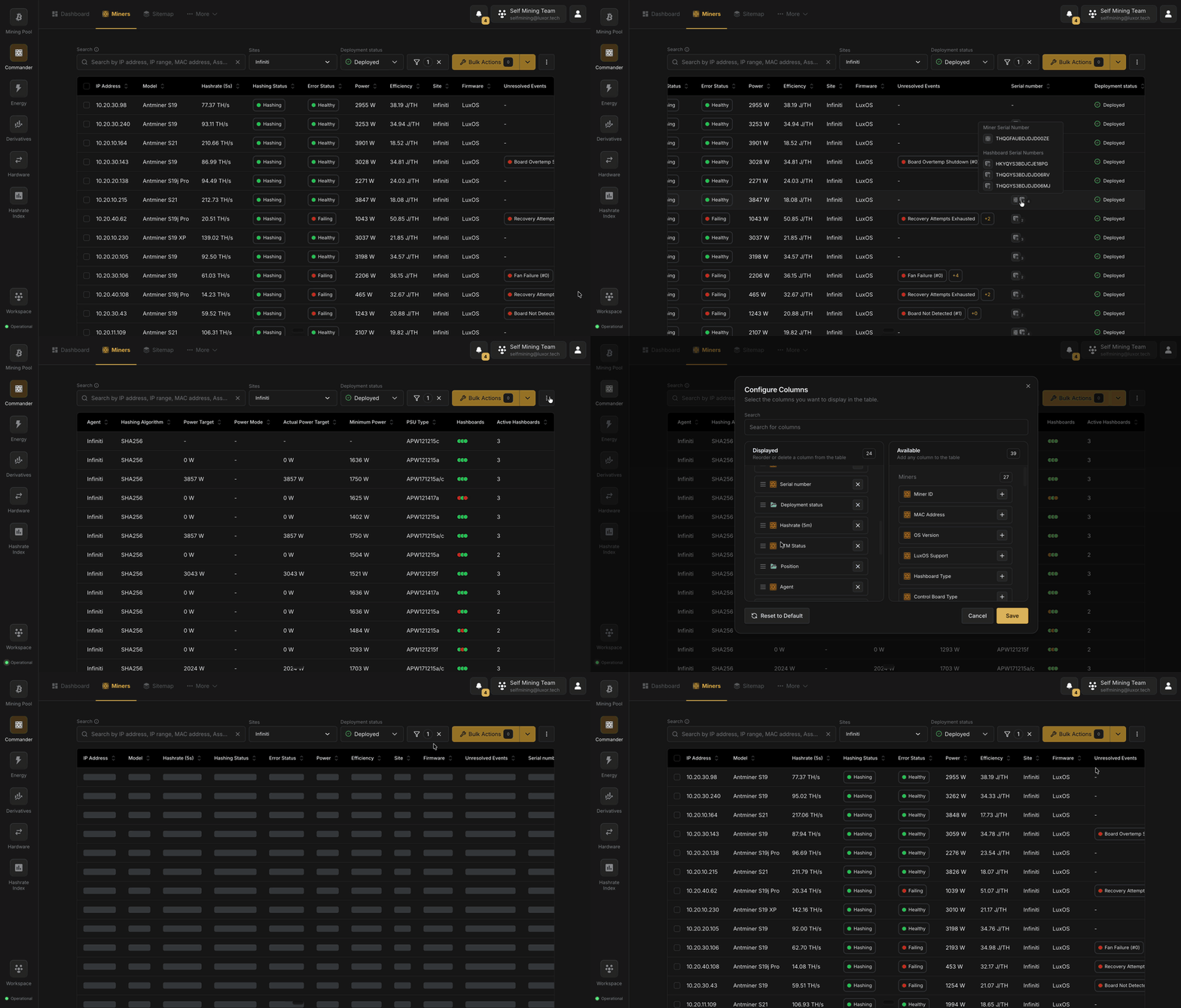
The Miners page is where you work with specific machines rather than fleet-level aggregates. It lists every miner you own, whether it is hashing at a site right now or sitting in storage, and it is where you find a machine, act on it, and open its details.
Each miner combines two kinds of data:
* **Live telemetry** reported by your Agents: hashrate, power, temperature, health, pool, firmware, and online state.
* **[User-managed details](/platform/commander/features/miners/user-managed-details)** that you maintain: purchase and warranty information, hosting client, custom fields, notes, and files.
Every miner also has a **deployment status** that tracks where it is in its physical life, from Ready to Deploy through Retired. See [Miner Lifecycle](/platform/commander/features/miners/miner-lifecycle).
The Miners section has four pages:
| Page | Covers |
| ------------------------------------------------------------------------------------ | ----------------------------------------------------------------------------------------- |
| **Miners** (this page) | The Miners table: searching, filtering, columns, the table menu, and alerts |
| **[Miner Details](/platform/commander/features/miners/miner-details)** | The page for a single miner: live data, user-managed details, and logs |
| **[Miner Lifecycle](/platform/commander/features/miners/miner-lifecycle)** | Deployment statuses, adding miners, retiring, deleting, restoring, and consolidating them |
| **[User-Managed Details](/platform/commander/features/miners/user-managed-details)** | The fields you keep about each miner, custom fields, and hosting clients |
## Toolbar [#toolbar]
The toolbar above the table contains:
* **Search**: find miners by IP address, MAC address, Asset code, model, and more.
* **Sites**: limit the page to one or more Sites.
* **Deployment status**: choose which miners to list (see [Deployment Status Views](#deployment-status-views)). Each option shows how many miners have that status.
* **Advanced Filters** (filter icon): narrow the list by model, firmware, error code, group and rack, [Hosted Client](/platform/commander/features/clients), and more, combining conditions with AND/OR. Save filters you use often with **Save Filter**.
* **Bulk Actions**: act on the selected miners. See [Bulk Actions](/platform/commander/automation/bulk-actions).
* **⋮ menu**: table options, described in [Table Menu](#table-menu).
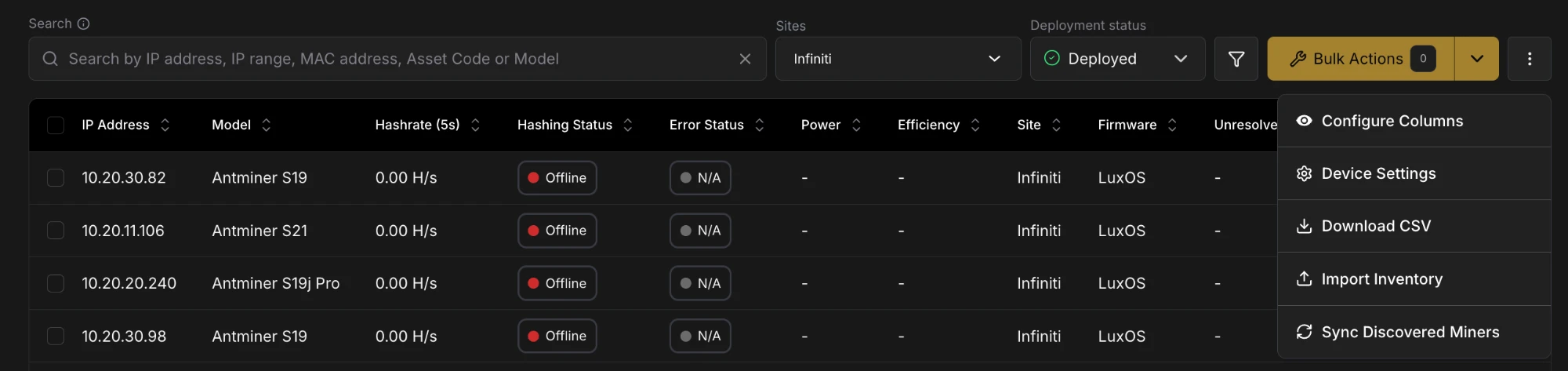
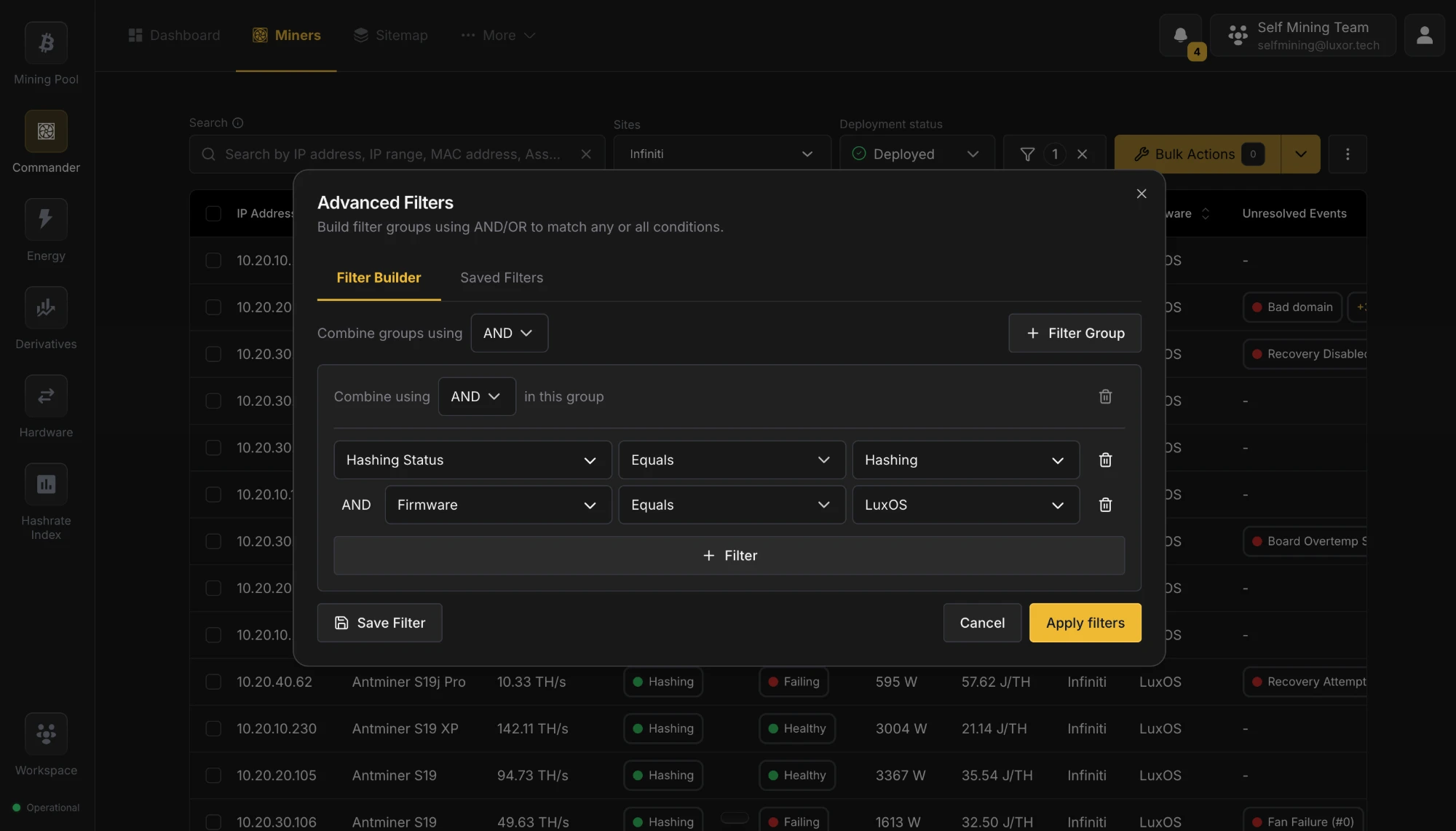 ## Deployment Status Views [#deployment-status-views]
The **Deployment status** dropdown switches the list between the miners in each [deployment status](/platform/commander/features/miners/miner-lifecycle#deployment-statuses). It defaults to **Deployed**.
* **Deployed** is your live fleet: every miner installed at a site, with its real-time telemetry. This is where you send commands to miners and export the list as CSV.
* **Ready to Deploy**, **In Repair**, **In Storage**, and **Retired** show the hardware you own that isn't running: machines waiting to be installed, out for repair, on the shelf, or retired. You can still edit or delete these miners, for example to move them back to Deployed with **Edit User Data**.
## Columns [#columns]
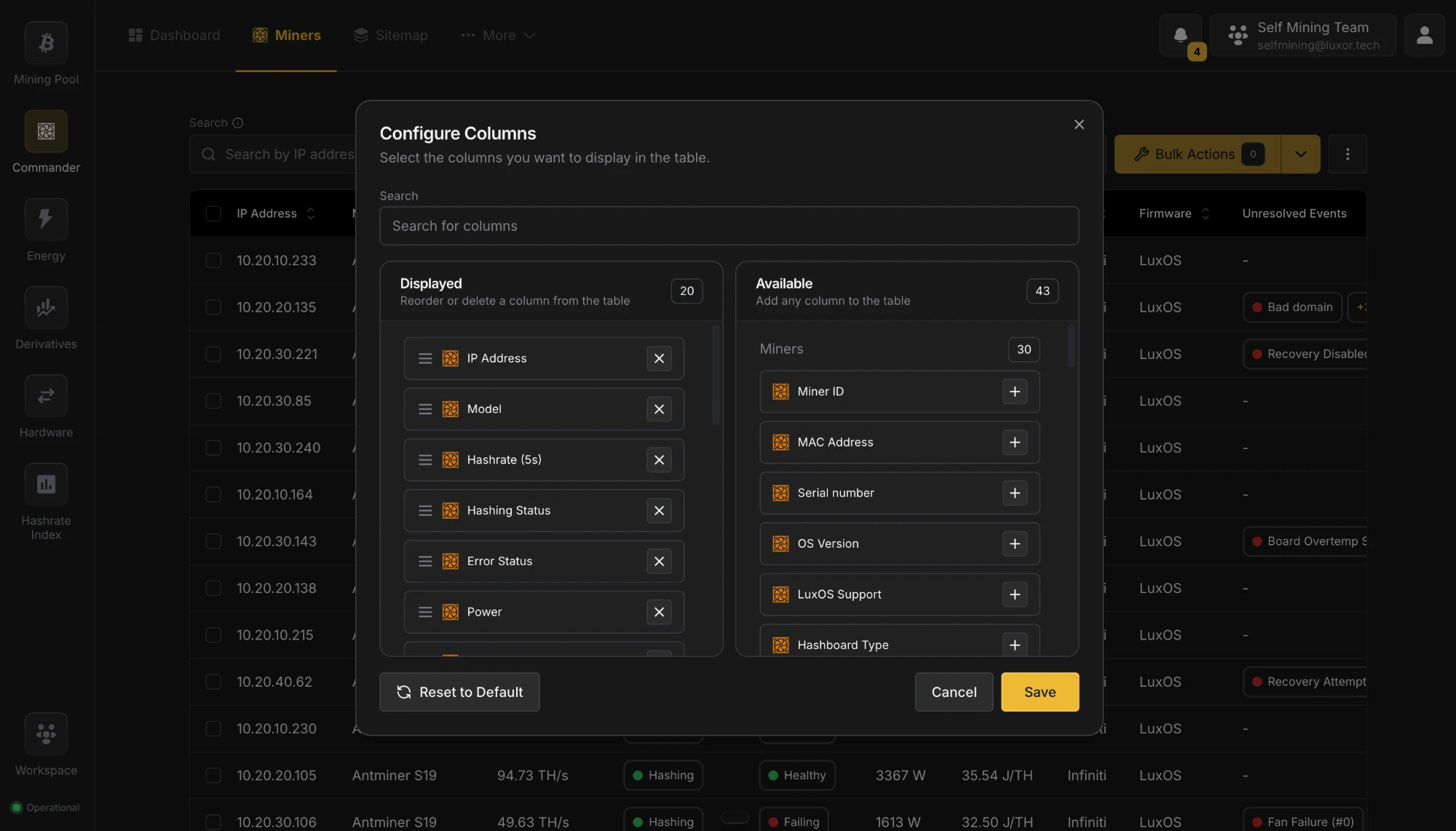 By default the table shows IP Address, Model, Error Status, Hashing Status, Pool Status, Hashrate (5s), Power, Efficiency, Unresolved Events, Firmware, Site, Position, Agent, and Max Temperature.
Use **⋮ → Configure Columns** to show, hide, and reorder columns on the Deployed view. Your choices are saved for you. Besides the defaults, you can add:
* **More telemetry and hardware columns**, such as MAC Address, Serial number, Hashing Algorithm, PSU Type, Hashboard Type, Stratum URL, and power settings.
* **[User-managed columns](/platform/commander/features/miners/user-managed-details#fields)**, such as Asset code, Client, Deployment status, Supplier, Acquisition date, and Warranty expiry.
* **[Custom Fields](/platform/commander/features/miners/user-managed-details#custom-fields)** your Workspace defines.
* **Economics columns**, where enabled: Uptime, Energy Used, Energy Cost, Est. Revenue, and Est. Profit over the last 24 hours.
Click a column header to sort by it, and add more columns to the sort to build views such as "sort by Error Status, then by Hashrate". The **Unresolved Events** column shows each miner's latest unresolved error, with a **+N** badge you can hover to see the rest.
Click a row to open its [Miner Details](/platform/commander/features/miners/miner-details) page.
## Selecting Miners [#selecting-miners]
Select miners with the checkboxes in the leftmost column. Hold **Shift** and click a second checkbox to select every row in between. The selected count appears on the **Bulk Actions** button.
## Table Menu [#table-menu]
The **⋮** button next to Bulk Actions opens the table menu:
| Item | What it does |
| -------------------------- | ------------------------------------------------------------------------------------------------------------------------------------------------------------------------------------------------------------------- |
| **Configure Columns** | Show, hide, and reorder table columns |
| **Device Settings** | Manage your [Custom Fields](/platform/commander/features/miners/user-managed-details#custom-fields) and restore [Deleted Miners](/platform/commander/features/miners/miner-lifecycle#deleting-and-restoring-miners) |
| **Download CSV** | Export the Deployed list, with your current search and filters, as a CSV file |
| **Import Inventory** | Add or update miners in bulk from a CSV file (see [Adding Miners](/platform/commander/features/miners/miner-lifecycle#adding-miners)) |
| **Sync Discovered Miners** | Add miners your Agents have just discovered right away, instead of waiting for Commander to pick them up automatically |
## Alerts [#alerts]
When something in your fleet needs a decision, an alert banner appears above the table. If several are active they share one banner: use the arrows to move between them, **View** to act on one, and **✕** to dismiss it.
| Alert | What it means | View opens |
| ------------------------------------ | -------------------------------------------------------------------------- | ----------------------------------------------------------------------- |
| **Network activity detected** | Miners marked In Repair, In Storage, or Retired are hashing on the network | A list of those miners, each with a **Set to Deployed** button |
| **Deleted miner(s) still reporting** | A miner you deleted is still reporting to an Agent | **Deleted Miners**, listing those miners so you can restore them |
| **Miners not recently scanned** | Deployed miners haven't been seen by an Agent in 30 days | The **Retire stale miners** dialog, where you pick which ones to retire |
| **New miners added** | Agents have discovered new miners | The Deployed view, with the newest miners first |
See [Miner Lifecycle](/platform/commander/features/miners/miner-lifecycle#automatic-status-changes) for how these situations arise.
[Hosted clients](/platform/commander/features/clients) who sign in to Commander see only the Deployed view of their
own miners. Deployment statuses, user-managed details, imports, and alerts are for the operator.
## Tips [#tips]
* Start from the Deployed view to find machines that need attention, then open Miner Details to see their history and act on them.
* Save the filters you use often, so you can isolate the same groups of miners in one click.
* Use the other Deployment status views to see hardware that is in repair, in storage, or waiting to be deployed.
* Cross-reference the Unresolved Events column with the [Logs](/platform/commander/features/miners/miner-details#logs) tab to understand an error's context.
# Miner Details (https://docs.luxor.tech/platform/commander/features/miners/miner-details)
## Overview [#overview]
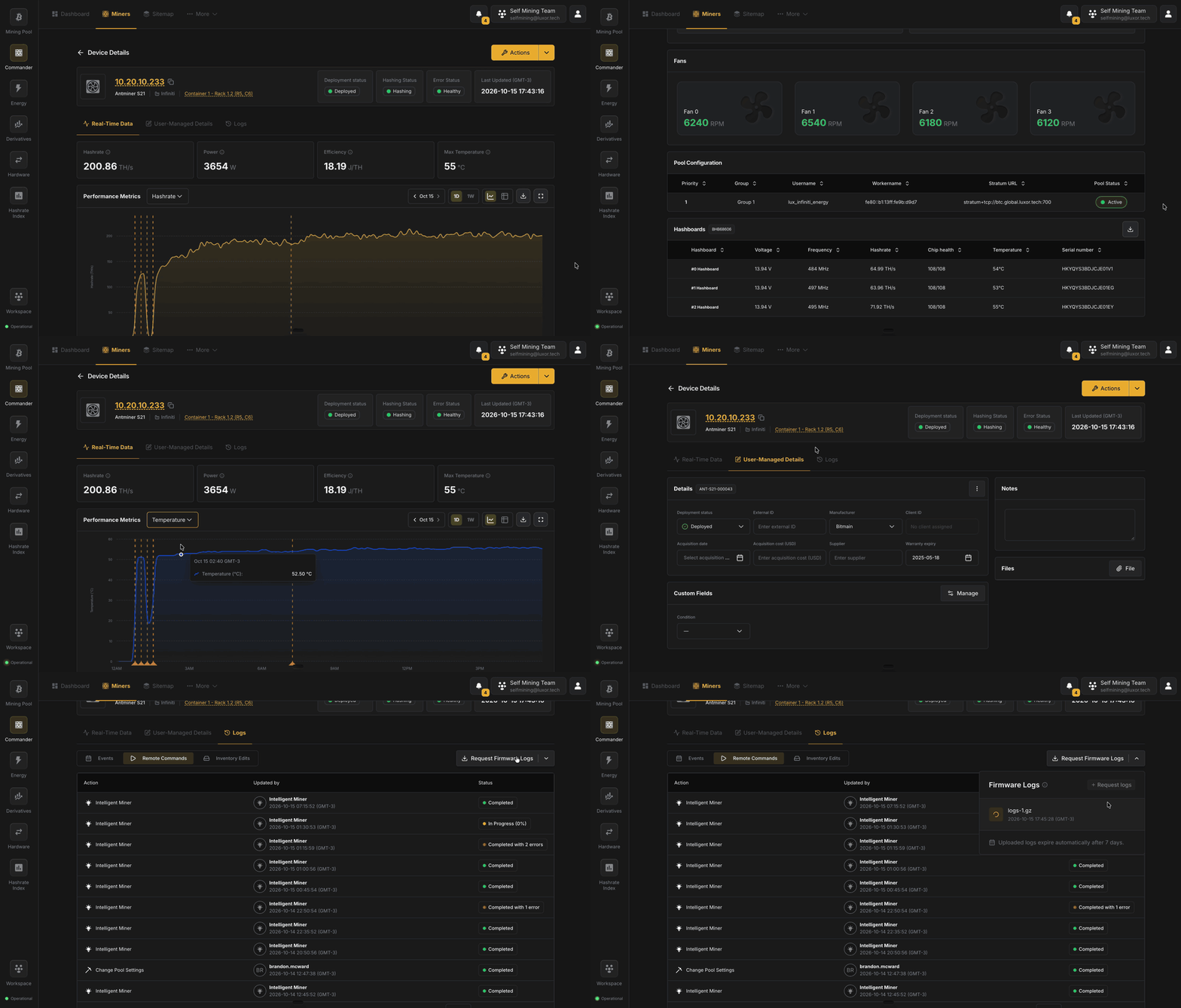
Clicking a miner in the [Miners](/platform/commander/features/miners) table opens its Miner Details page. The header stays visible while you switch between three tabs:
* **[Real-Time Data](#real-time-data)**: live performance and configuration.
* **[User-Managed Details](#user-managed-details)**: the information you keep about the machine.
* **[Logs](#logs)**: events, remote commands, and edits to its details.
A miner that no Agent has scanned yet (for example, one you imported from a CSV) has no telemetry, so its page shows only its user-managed details, with a banner saying it hasn't been scanned. Once an Agent finds it, the full page appears.
## Header [#header]
* **Identity**: the miner's IP address (a link to the miner's own web UI), model, Site, and its position in the [Sitemap](/platform/commander/features/sitemap).
* **Status tiles**:
* **Deployment status**: where the miner is in its physical life: Deployed, Ready to Deploy, In Repair, In Storage, or Retired. This way a miner out for repair reads as such next to its telemetry. See [Deployment Statuses](/platform/commander/features/miners/miner-lifecycle#deployment-statuses).
* **Hashing Status**: Hashing, Idle, or Offline.
* **Error Status**: Healthy or Failing.
* **Last Updated**: when the miner last reported.
* **Actions** (top right): run a remote command or an administrative action on just this miner. It offers the same options as [Bulk Actions](/platform/commander/automation/bulk-actions).
## Real-Time Data [#real-time-data]
The default tab shows the miner's live performance.
**KPI cards** show the current Hashrate, Power, Efficiency, and Max Temperature.
Below them, a **performance chart** shows Hashrate, Temperature, Power, or Efficiency over time. Pick the metric and the date range, switch between chart and table, download the data as CSV, or expand the chart to full screen. Markers on the chart show when the miner was put to sleep or woken up, when Intelligent Miner acted on it, and when errors happened.
**Device information** groups the miner's configuration into four cards:
| Card | Fields |
| ------------------ | --------------------------------------------------------------------------------------- |
| **Network** | IP Address, MAC Address, Agent, Agent Status |
| **Hardware** | Manufacturer, Model, Nameplate Hashrate, Algorithm, Control Board Type, Serial number |
| **Firmware** | Firmware, LuxOS Support, OS Version |
| **Power & Tuning** | Power target, plus Autotuner and ATM settings on LuxOS, or Power mode on other firmware |
The tab ends with the miner's **Fans**, **Pool Configuration**, and **Hashboards**, which shows each board's voltage, frequency, hashrate, chip health, temperature, and serial number, and can be downloaded as CSV.
## User-Managed Details [#user-managed-details]
This tab holds the information you keep about the machine that telemetry can't provide. See [User-Managed Details](/platform/commander/features/miners/user-managed-details) for what each field means.
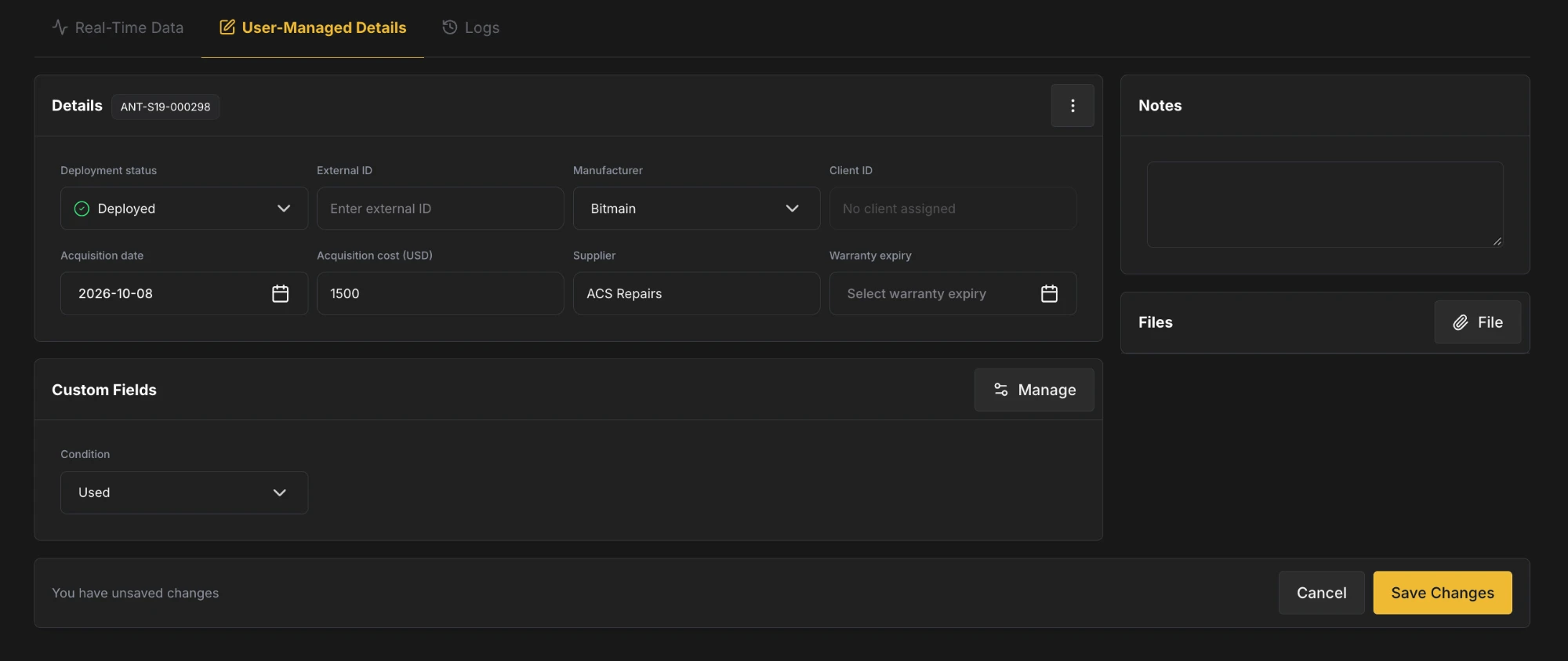
* **Details**: the miner's Asset code, Deployment status, External ID, Manufacturer, Client ID, Acquisition date, Acquisition cost (USD), Supplier, and Warranty expiry. Clients are assigned with the **Assign to Hosted Client** action, so Client ID can't be edited here.
* **Custom Fields**: your Workspace's [Custom Fields](/platform/commander/features/miners/user-managed-details#custom-fields). **Manage** lets you add or change fields.
* **Notes**: free-text notes about the machine.
* **Files**: click **File** to attach photos of damage, purchase receipts, warranty documents, and so on.
When you edit a field, a bar appears at the bottom of the page. Click **Save Changes** to keep your edits, or **Cancel** to discard them.
The **⋮** menu on the Details card acts on the miner as a whole:
* **Consolidate Records**: merge a duplicate of this miner into it (see [Consolidating Records](/platform/commander/features/miners/miner-lifecycle#consolidating-records)).
* **Retire**: mark the miner as permanently removed from your fleet (see [Retiring Miners](/platform/commander/features/miners/miner-lifecycle#retiring-miners)).
* **Delete**: remove the miner, with the option to retire it instead (see [Deleting and Restoring Miners](/platform/commander/features/miners/miner-lifecycle#deleting-and-restoring-miners)).
A banner warns you when the details here disagree with what the Agent sees: for example, a miner marked In Repair that is hashing, or a Model that doesn't match what the miner reports.
## Logs [#logs]
The Logs tab collects the miner's history in three views:
* **Events**: the events reported for this miner, with when they started and ended and whether they are resolved. Filter by event and status.
* **Remote Commands**: recent commands run on this miner, who or what ran them (a user, an automation rule, or Intelligent Miner), and their status. Click a command to open its [Action Details](/platform/commander/automation/bulk-actions#action-details) page.
* **Inventory Edits**: every change to the miner's user-managed details, including status changes, imports, and consolidations, with what changed and who changed it.
Events are discrete data points tracked for the miners. LuxOS provides the most comprehensive set of events across
three different categories (`Info`, `Warning`, and `Error`), which you can review in the [LuxOS Events &
Troubleshooting guide](/firmware/kb/eventstroubleshooting). For other firmware, Commander provides a limited set of
`Error` type events.
**Request Firmware Logs** at the top right of the tab asks a LuxOS or stock Bitmain miner for its firmware logs, which you can then download for 7 days.
# Miner Lifecycle (https://docs.luxor.tech/platform/commander/features/miners/miner-lifecycle)
## Overview [#overview]
Commander keeps every miner you own on file, not just the ones hashing right now. A miner stays on the Miners page when it goes offline, gets repaired, sits in storage, or is retired. This page covers how Commander recognizes each miner, the deployment statuses it moves through, and how miners are added, retired, deleted, restored, and consolidated.
The data you keep on each miner (purchase, warranty, client, custom fields, notes) is covered in [User-Managed Details](/platform/commander/features/miners/user-managed-details).
## Miner Identity [#miner-identity]
Commander keeps track of every miner with two identifiers, each with its own job:
| Identifier | What it's for | Example |
| --------------- | ----------------------------------------------------------------------------------------------------------------------------------------------------------- | ------------------- |
| **MAC address** | How Commander **recognizes** a miner on your network. When an Agent reports a miner, its MAC address tells Commander whether it's one it already knows | `02:48:31:4D:FF:70` |
| **Asset code** | The miner's **name** in Commander. It's assigned when Commander first finds the miner, never changes, and is what you see and search for on the Miners page | `ANT-S21-000301` |
Because Commander recognizes a miner by its MAC address, the miner keeps the same asset code, details, and history when its IP address changes or you move it to another Site.
### When a Miner Gets a New MAC Address [#when-a-miner-gets-a-new-mac-address]
Replacing a miner's control board gives it a new MAC address. Commander can't tell it's the same machine, so it adds it as a new miner with a new asset code, and the machine shows up twice. [Consolidate](#consolidating-records) the two to merge them back into one.
### Asset Code Format [#asset-code-format]
Asset codes follow the pattern `[MANUFACTURER]-[MODEL]-[NUMBER]`, numbered per model within your Workspace. For example:
* `ANT-S19XP-000001`: the first Antminer S19 XP Commander found
* `ANT-S19XP-000002`: the second Antminer S19 XP
* `ANT-S21-000001`: the first Antminer S21
## Deployment Statuses [#deployment-statuses]
Each miner has a deployment status that tracks where it is in its physical life. It is separate from what the Agent reports, such as Hashing Status and Error Status.
This is the usual life of a miner. The two kinds of arrows mean different things:
* **Solid arrows: Commander changes the status on its own.**
* **Dashed arrows: you change the status.**
You can also move a miner to any status at any time.
| Status | Meaning |
| ------------------- | --------------------------------------------------------------------------------------------------------- |
| **Deployed** | Installed at a site and running |
| **Ready to Deploy** | Added to Commander but not installed yet. It becomes Deployed as soon as an Agent finds it on the network |
| **In Repair** | Out for repair or in transit to be serviced |
| **In Storage** | Not installed anywhere, sitting in storage |
| **Retired** | Permanently removed from your fleet |
Only Deployed miners count toward the Dashboard and Reports. The **Deployment status** dropdown on the [Miners](/platform/commander/features/miners#deployment-status-views) page lists the miners in each status.
To change a miner's status, edit it on its [User-Managed Details](/platform/commander/features/miners/miner-details#user-managed-details) tab. To change several at once, select them on the Miners page and use **Bulk Actions → Administrative → Change Deployment Status** or **Edit User Data**.
### Automatic Status Changes [#automatic-status-changes]
Commander changes a status on its own in a few cases:
* A miner an Agent discovers for the first time is added as **Deployed**.
* A **Ready to Deploy** miner becomes **Deployed** once an Agent finds it.
* A Deployed miner that no Agent has seen for three months is **Retired**.
* Opening a repair [ticket](/platform/commander/features/tickets) can move its miners to **In Repair**, and closing it moves them back to **Deployed**.
Otherwise, Commander never changes a status behind your back. If a miner marked In Repair, In Storage, or Retired starts hashing, you get a **Network activity detected** alert on the Miners page instead, with a **Set to Deployed** button to fix it in one click.
## Adding Miners [#adding-miners]
### Automatically via Agent Scans [#automatically-via-agent-scans]
You don't need to do anything for most miners: when an Agent finds a new miner on your network, Commander adds it as Deployed, with its MAC address, manufacturer, model, and serial number. The **New miners added** alert on the Miners page lets you review what was found. To add newly discovered miners right away instead of waiting, use **⋮ → Sync Discovered Miners**.
### Via CSV Import [#via-csv-import]
To add miners your Agents haven't found yet (for example, machines in storage or in transit), or to update many miners at once, open **⋮ → Import Inventory** on the Miners page. The **Import Asset from CSV** dialog lists the columns it accepts, and **Download Template** gives you a ready-made file:
* **Key**: MAC Address, which identifies each miner.
* **Values**: Site (required), Serial Number, Model, Supplier, Acquisition Date, Deployment Status, Manufacturer, External ID, Acquisition Cost (USD), and Warranty Expiry. Dates use `YYYY-MM-DD`.
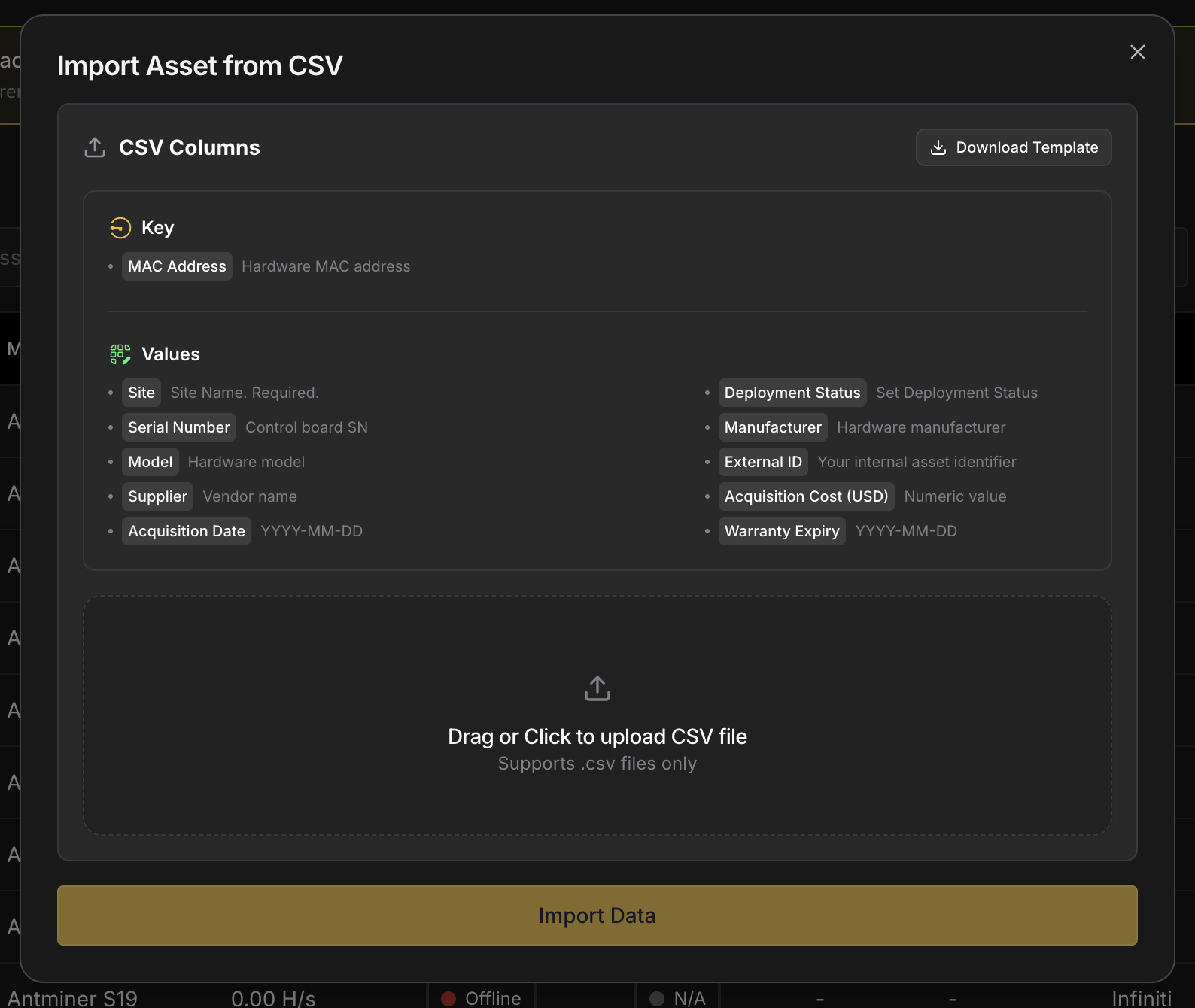 Drag the file in (or click to upload it), then click **Import Data**. Before anything is saved, Commander checks every row, points out any errors so you can fix the file, and tells you how many existing miners will be updated. A row with the MAC address of a miner you already have updates that miner; any other row adds a new one. Imports handle fleets of up to 100,000 miners.
## Retiring Miners [#retiring-miners]
**Retire** a miner when it leaves your fleet for good but you still want to keep track of it. Retired miners are left out of the Dashboard, Reports, and Sitemap, and listed under the **Retired** view on the Miners page.
* Retire one miner from the **⋮** menu on its [User-Managed Details](/platform/commander/features/miners/miner-details#user-managed-details) tab.
* Retire several with **Bulk Actions → Administrative → Change Deployment Status**.
* Retire miners that have gone quiet from the **Miners not recently scanned** alert, which lists Deployed miners no Agent has seen in 30 days.
To undo a retirement, change the miner's deployment status back.
## Deleting and Restoring Miners [#deleting-and-restoring-miners]
**Delete** a miner to remove it from the Miners page entirely. Commander won't add it back even if an Agent finds it again, so a delete sticks. If you're not sure, retire the miner instead: Commander offers that option when you delete a miner from its Miner Details page.
* Delete one miner from the **⋮** menu on its [User-Managed Details](/platform/commander/features/miners/miner-details#user-managed-details) tab.
* Delete several with **Bulk Actions → Administrative → Delete Miner**.
Deleted miners aren't gone for good. Open **⋮ → Device Settings → Deleted Miners** on the Miners page, select the miners you want back, and click **Restore**. If a deleted miner is still reporting to an Agent, the **Deleted miner(s) still reporting** alert takes you straight there.
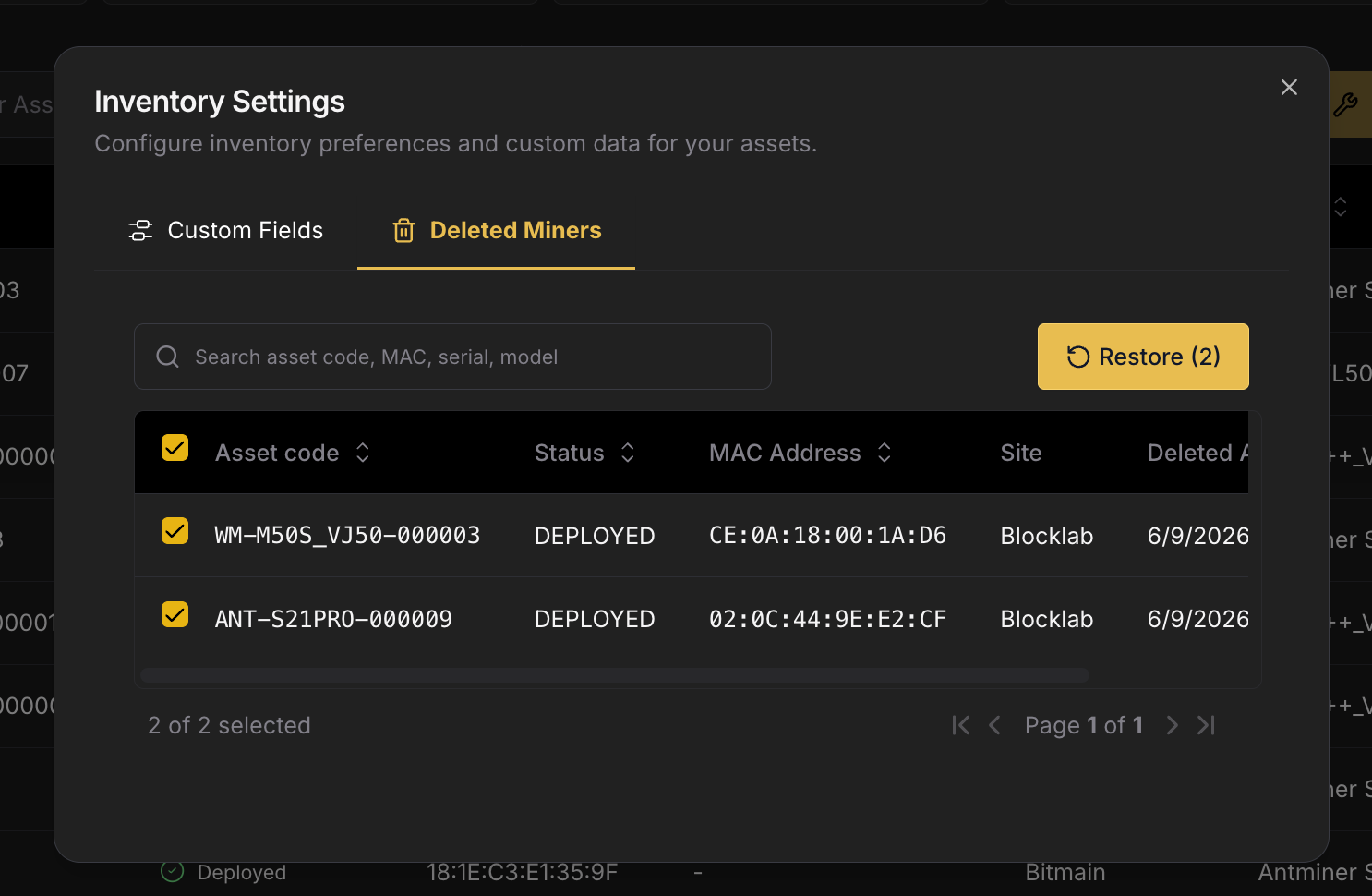 ## Consolidating Records [#consolidating-records]
When you replace a miner's control board, Commander sees a new MAC address and treats the machine as a new miner, so the same physical machine shows up twice. **Consolidation** merges the two back into one.
On the miner's [User-Managed Details](/platform/commander/features/miners/miner-details#user-managed-details) tab, open the **⋮** menu on the Details card and choose **Consolidate Records**. The dialog walks you through three steps:
1. **Select Duplicate**: find the other entry by asset code, MAC address, or serial number.
2. **Choose which Record to Keep**: where the two disagree, pick which value to keep for each field.
3. **Review**: confirm the result.
The duplicate disappears from the Miners page, and the history of both is kept on the miner you kept. Consolidation can't be undone.
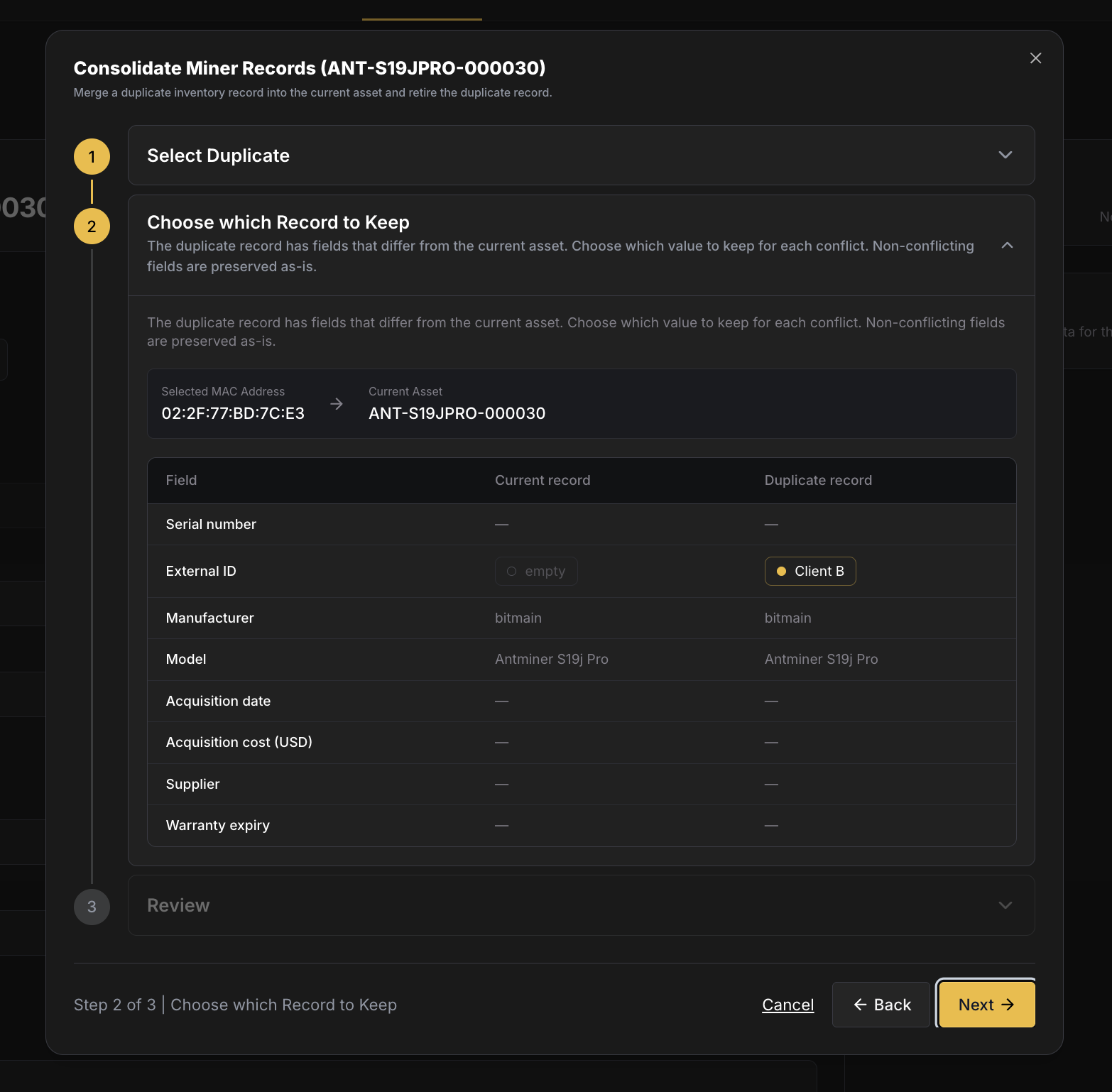 ## History [#history]
Every change to a miner's status and details is logged, including automatic ones, imports, deletions, restores, and consolidations. See one miner's history in **Logs → Inventory Edits** on its [Miner Details](/platform/commander/features/miners/miner-details#logs) page, or your whole Workspace's on the **Inventory Edits** page under **History**.
# User-Managed Details (https://docs.luxor.tech/platform/commander/features/miners/user-managed-details)
## Overview [#overview]
Telemetry can't tell you what you paid for a miner, who supplied it, when its warranty ends, or which hosting client owns it. **User-managed details** are the fields you keep for that, so you can drop the spreadsheet and have everything next to each miner's live data.
You can work with them in three places:
* The **User-Managed Details** tab on a miner's [Miner Details](/platform/commander/features/miners/miner-details#user-managed-details) page, to view and edit one miner.
* **Bulk Actions → Administrative** on the [Miners](/platform/commander/features/miners) page, to edit many at once.
* The Miners table, where you can show any of these fields as a column.
Deployment status, retiring, deleting, and consolidating are covered in [Miner Lifecycle](/platform/commander/features/miners/miner-lifecycle).
## Fields [#fields]
| Field | Description |
| -------------------------- | -------------------------------------------------------------------------------------------------------------------------------- |
| **Asset code** | The miner's permanent ID in Commander (see [Miner Identity](/platform/commander/features/miners/miner-lifecycle#miner-identity)) |
| **External ID** | Your own ID for the miner, for example from your ERP |
| **Manufacturer** | The hardware manufacturer (e.g., Bitmain, MicroBT). Filled in from Agent scans |
| **Model** | The hardware model. Filled in from Agent scans |
| **Serial number** | The manufacturer's serial number. Filled in from Agent scans |
| **Client ID** | The [Hosted Client](/platform/commander/features/clients) the miner belongs to |
| **Acquisition date** | When the miner was purchased |
| **Acquisition cost (USD)** | What you paid for the miner |
| **Supplier** | Who you bought the miner from |
| **Warranty expiry** | When the manufacturer warranty ends. Filled in automatically for many Bitmain, MicroBT, and Bitdeer miners |
| **First seen** | When Commander first found the miner |
| **Retired at** | When the miner was retired |
| **Custom Fields** | Any [Custom Fields](#custom-fields) your Workspace defines |
| **Notes** | Free-text notes, such as repair history |
| **Files** | Attachments such as photos of physical damage, purchase receipts, or warranty documents |
## Editing Details [#editing-details]
### One Miner [#one-miner]

Open the miner's [User-Managed Details](/platform/commander/features/miners/miner-details#user-managed-details) tab and edit the fields in place. When you change something, a bar appears at the bottom of the page: click **Save Changes** to keep your edits, or **Cancel** to discard them.
### Many Miners [#many-miners]
Select miners on the Miners page and use **Bulk Actions → Administrative → Edit User Data**. Choose one of three modes:
* **Same value for all**: set a field to the same value on every selected miner.
* **Different per asset**: pick the fields under **Property**, then fill in a value for each miner.
* **Import CSV**: upload a file with the values for each miner.
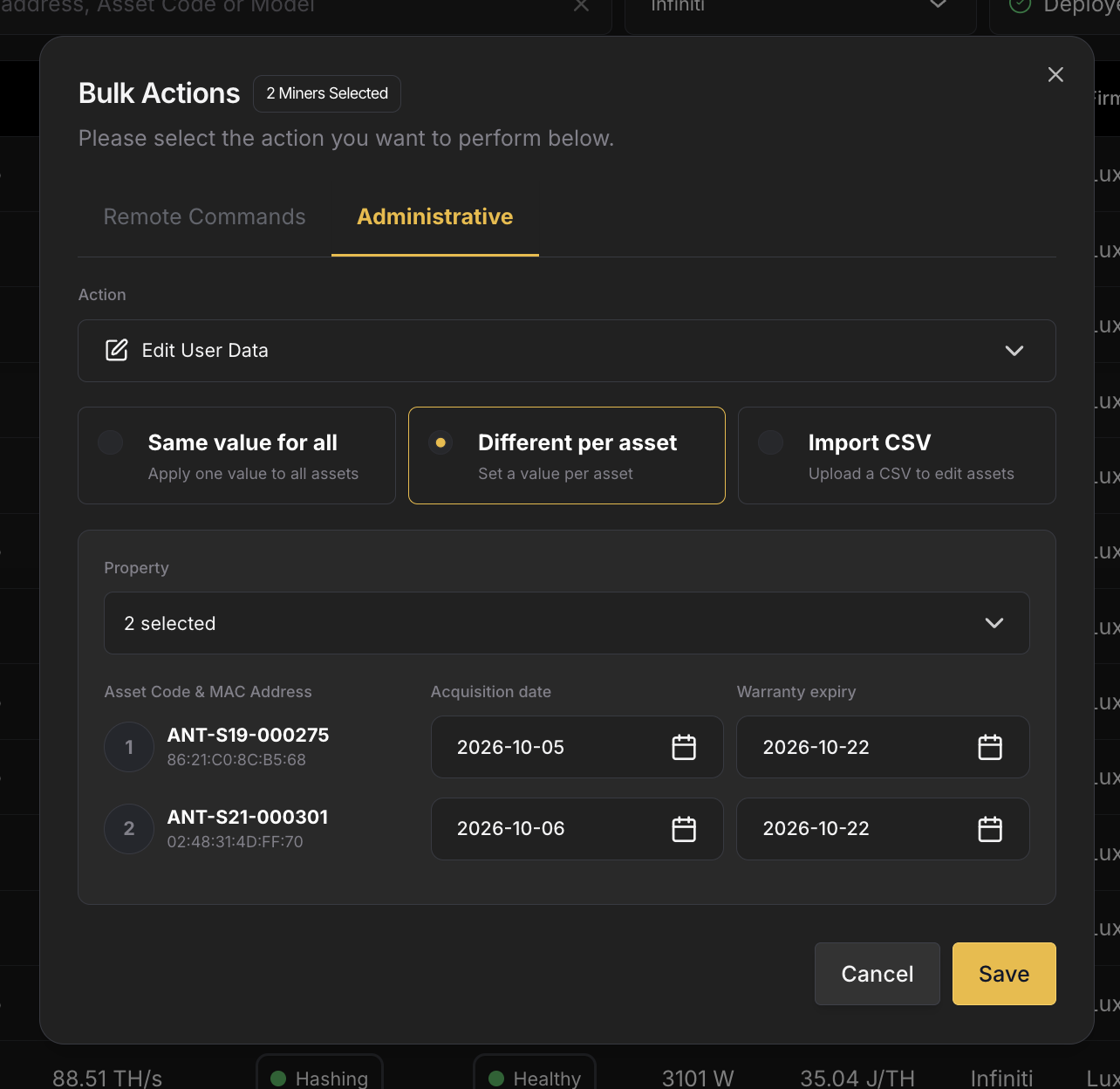 To add many miners or update their details from a spreadsheet, you can also use [Import Inventory](/platform/commander/features/miners/miner-lifecycle#via-csv-import).
Every edit is recorded in the miner's **Logs → Inventory Edits** view.
## Custom Fields [#custom-fields]
Beyond the standard fields, you can add your own **custom fields** to track whatever you need: purchase orders, rack owners, firmware tiers, RMA numbers, and so on.
### Defining Fields [#defining-fields]
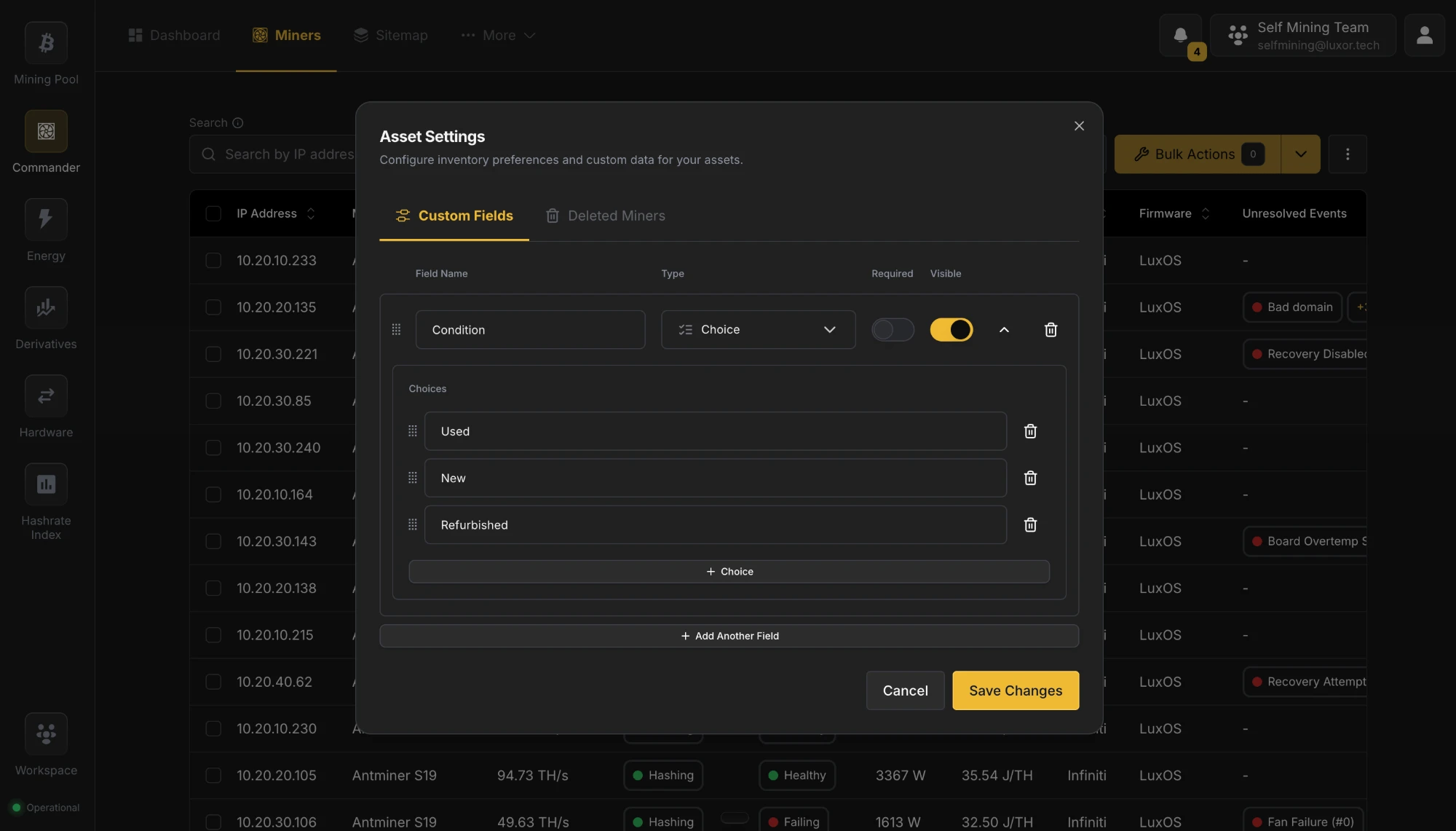 Open **⋮ → Device Settings → Custom Fields** on the Miners page (or **Manage** on a miner's Custom Fields card). Click **Add Another Field** and give it a **Field Name**, a **Type**, and whether it's **Required**. For a **Choice** field, list its options under **Choices**. Drag fields to reorder them, and switch off **Visible** to hide a field from tables without deleting it. The available types are:
| Type | Use |
| --------------- | -------------------------------- |
| **Text** | Free text |
| **Number** | A number |
| **Date & Time** | A date |
| **Yes / No** | A yes/no toggle |
| **Choice** | A dropdown of options you define |
### Using Custom Fields [#using-custom-fields]
Custom fields have their own card on the User-Managed Details tab, where you edit them like any other field. You can also show them as columns on the Miners page and set them for many miners at once with **Edit User Data**.
## Hosting Clients [#hosting-clients]
If you host miners for other companies, assign each miner to its [Hosted Client](/platform/commander/features/clients): select the miners on the Miners page and use **Bulk Actions → Administrative → Assign to Hosted Client**. The client then shows on the miner's User-Managed Details tab and in the **Client** column. See [Hosted Clients](/platform/commander/features/clients) for creating clients, billing, and client logins.
## Related [#related]
* **[Hosted Clients](/platform/commander/features/clients)**: the hosting customers miners can be assigned to.
* **[Miner Lifecycle](/platform/commander/features/miners/miner-lifecycle)**: deployment statuses, adding, retiring, deleting, and consolidating miners.
* **[Parts](/platform/commander/features/parts)**: the spare-parts catalog used during repairs.
* **[Tickets](/platform/commander/features/tickets)**: repair tickets link miners as the devices being repaired.